BASIC BLOGGING
an over view


DIGITAL NATIVES 01
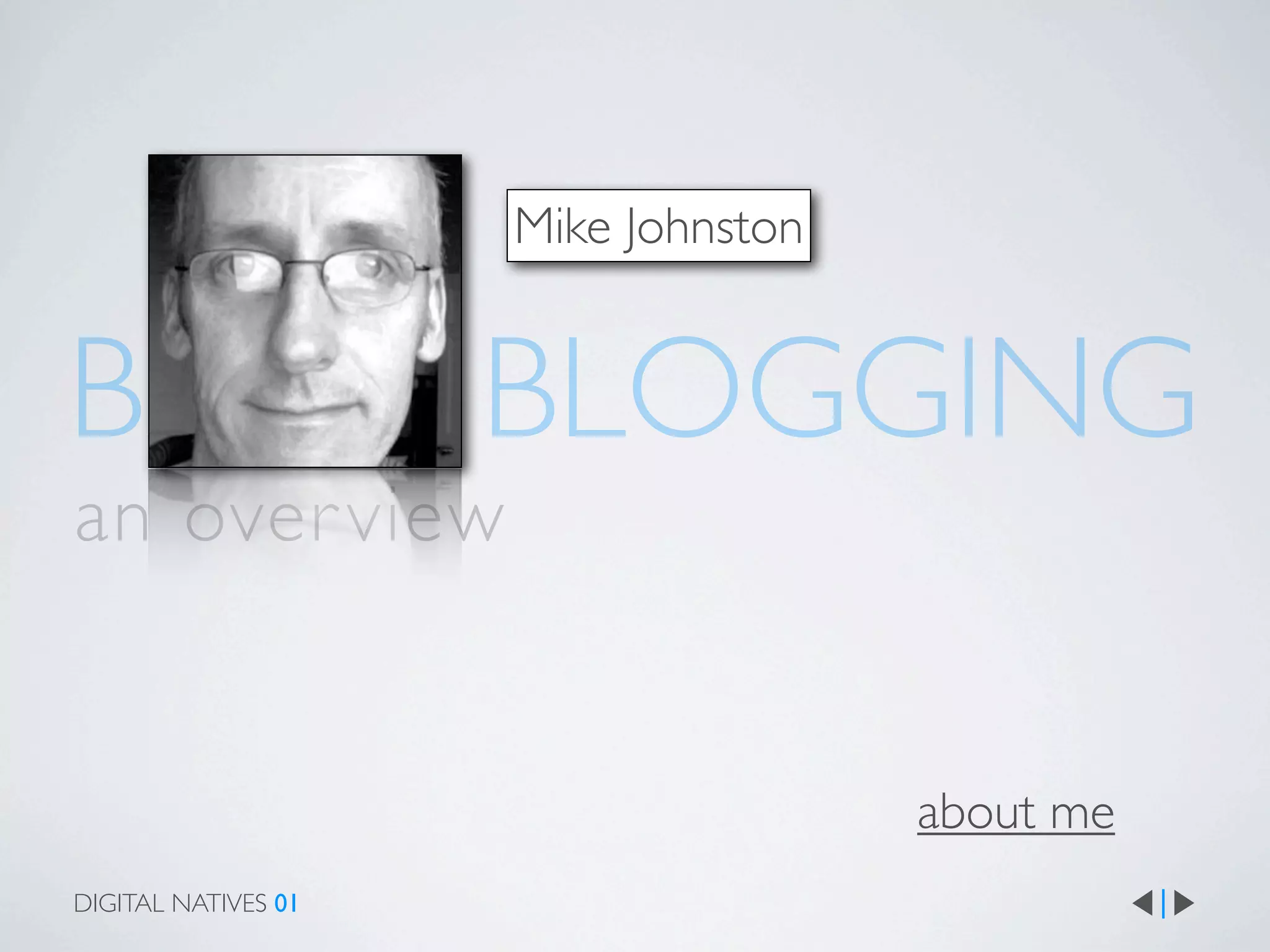
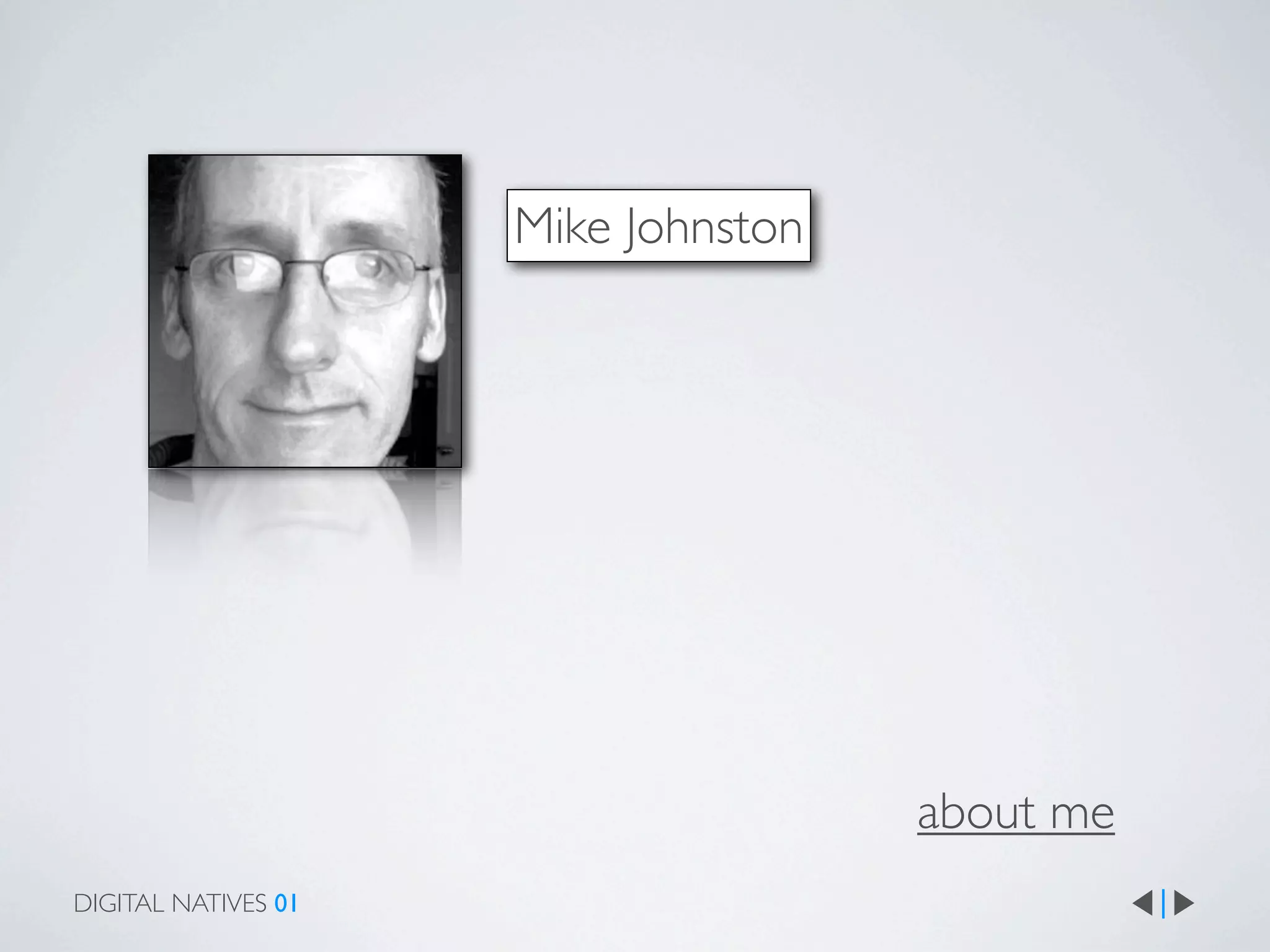
Mike Johnston


BASIC BLOGGING
an over view


                                     about me
DIGITAL NATIVES 01
CONTENTS
why blog?
structure of a blog
laying out a post
writing a post
examples of blog posts
tips
tricks
fur ther reading
glossary


DIGITAL NATIVES 01
WHO READS BLOGS?
why write one?


why read one?


how do you read them?
WHY BLOG?


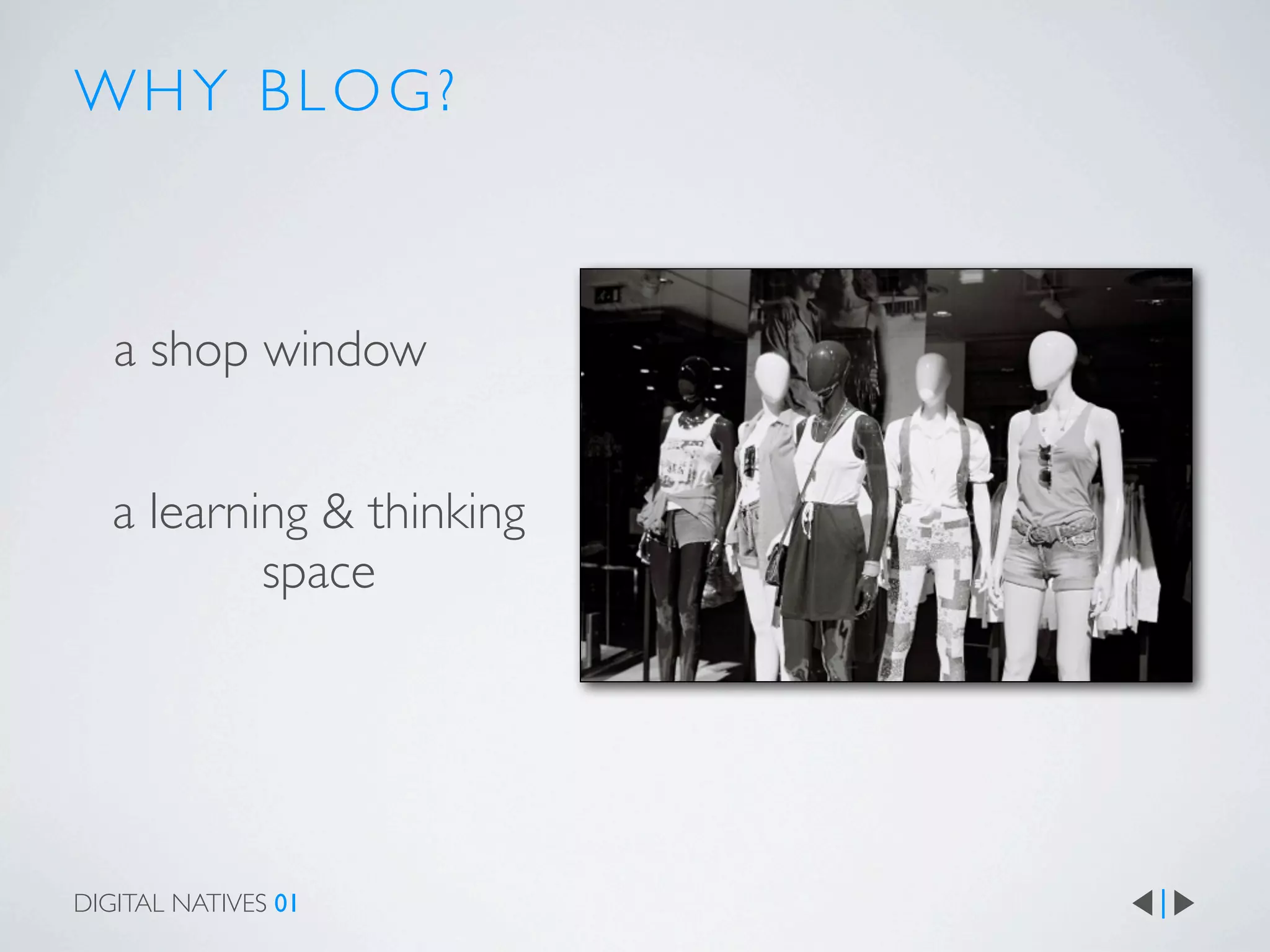
   a shop window


   a learning & thinking
           space


DIGITAL NATIVES 01
WHY BLOG?


   a shop window


   a learning & thinking
           space

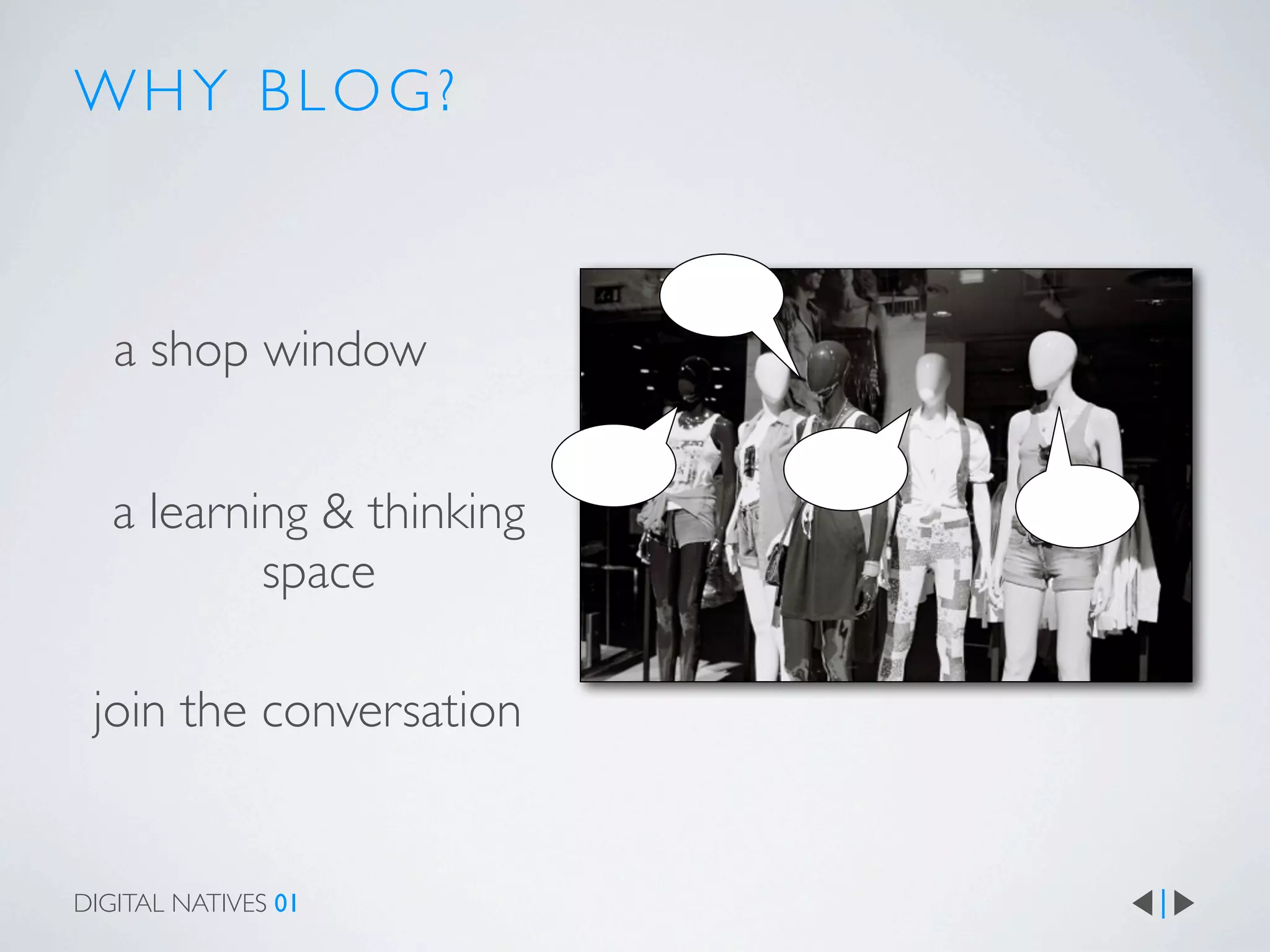
 join the conversation


DIGITAL NATIVES 01
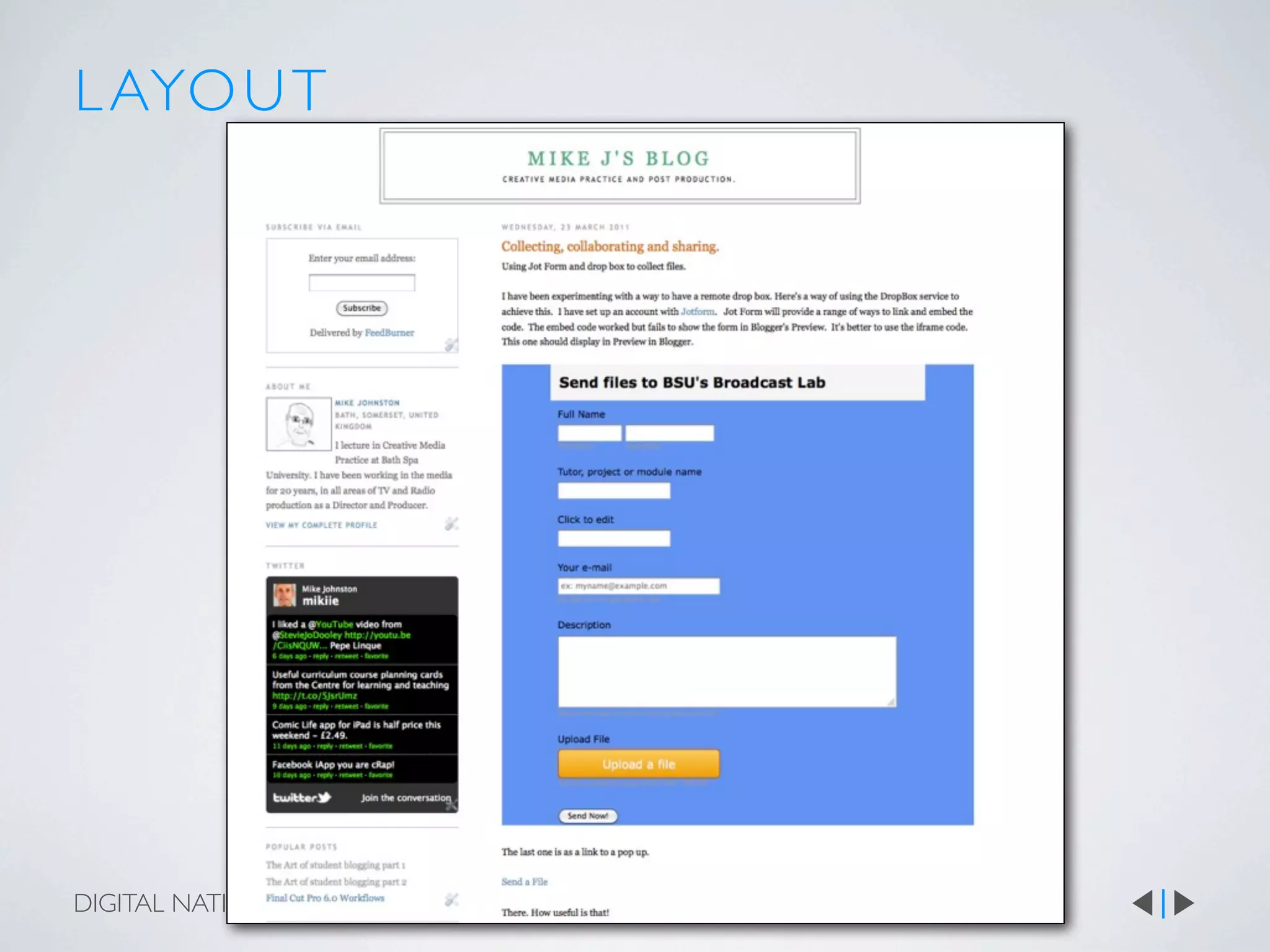
L AYO U T


DIGITAL NATIVES 01
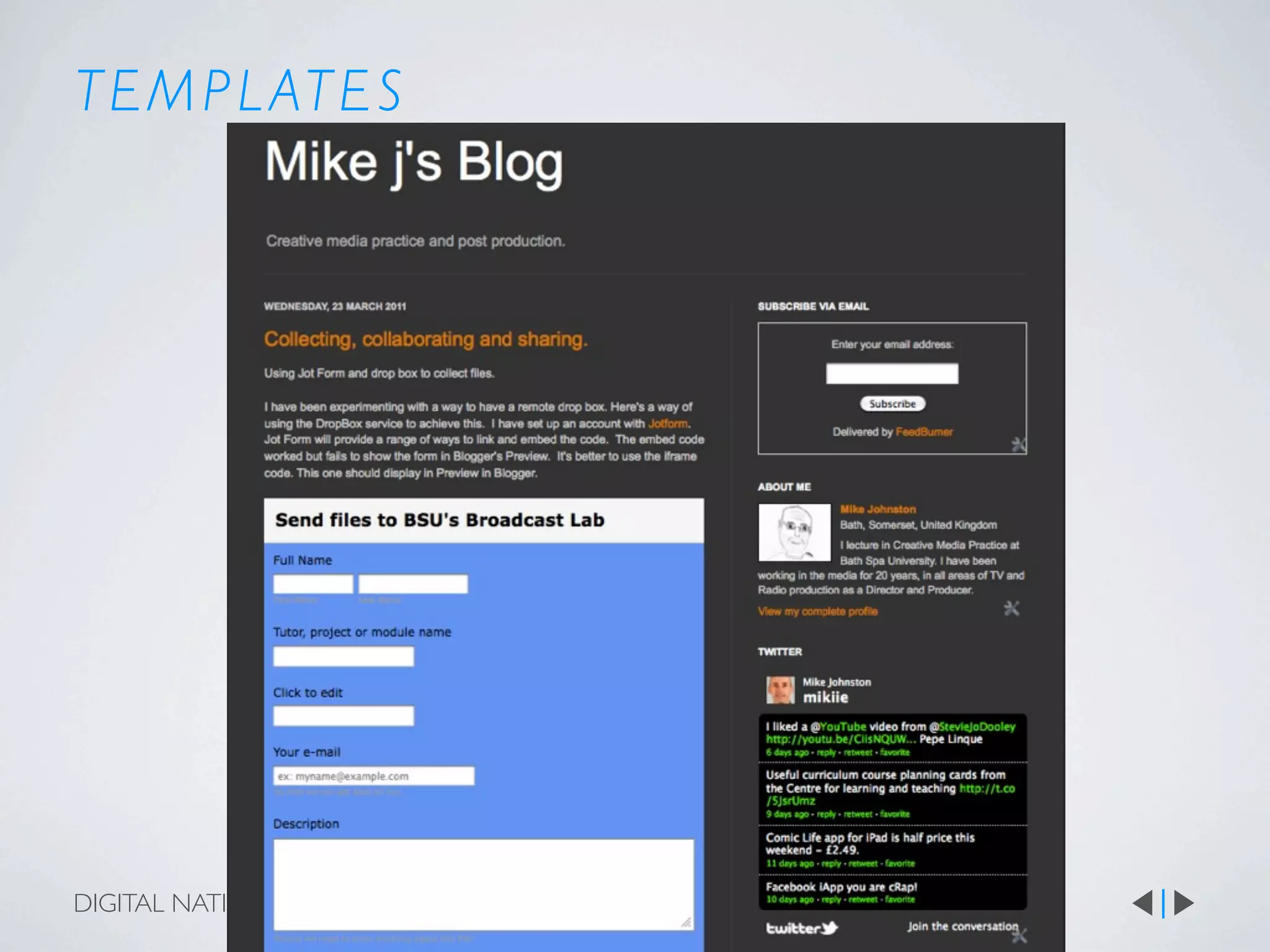
T E M P L AT E S


DIGITAL NATIVES 01
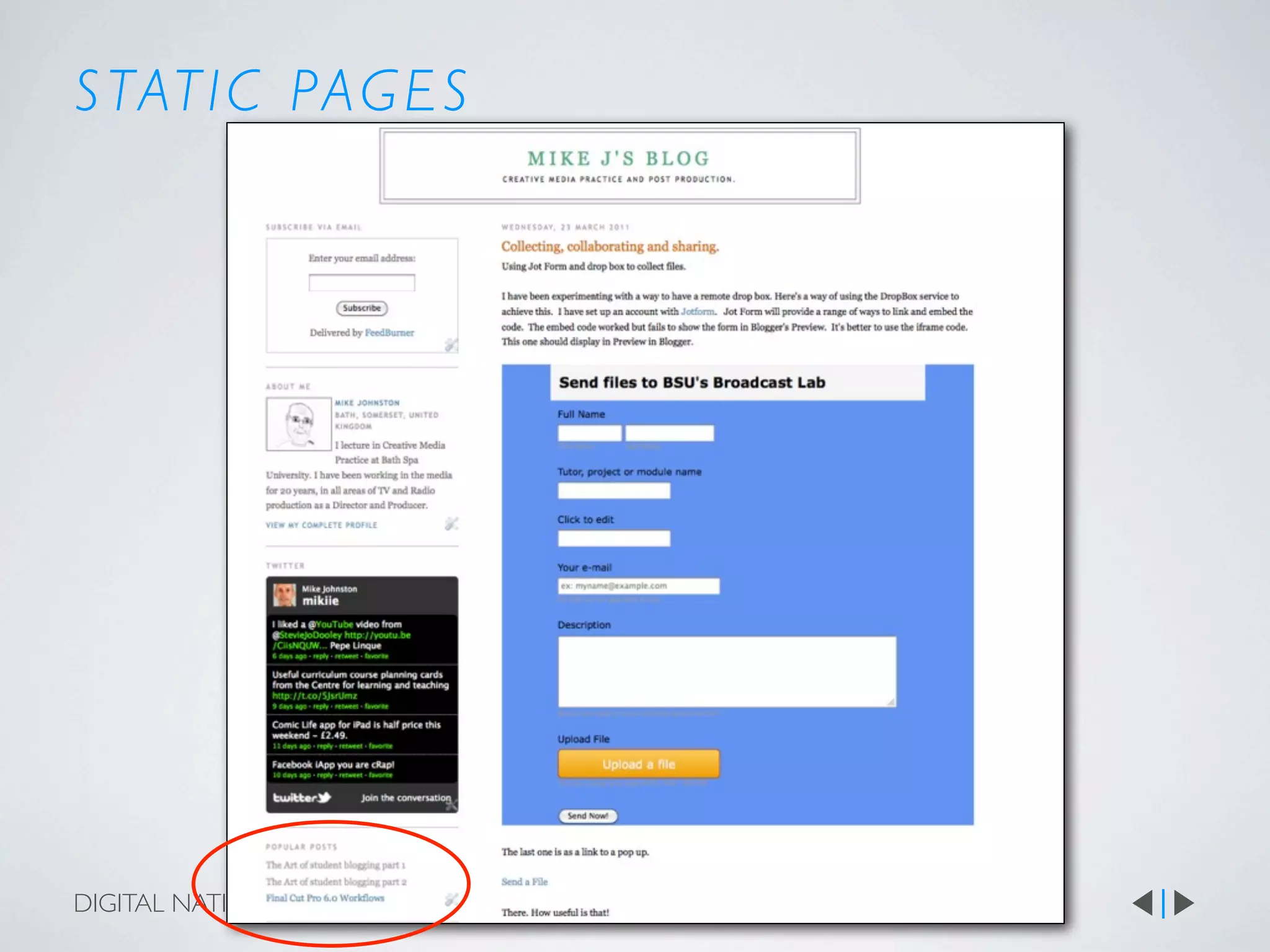
S TAT I C PAG E S


DIGITAL NATIVES 01
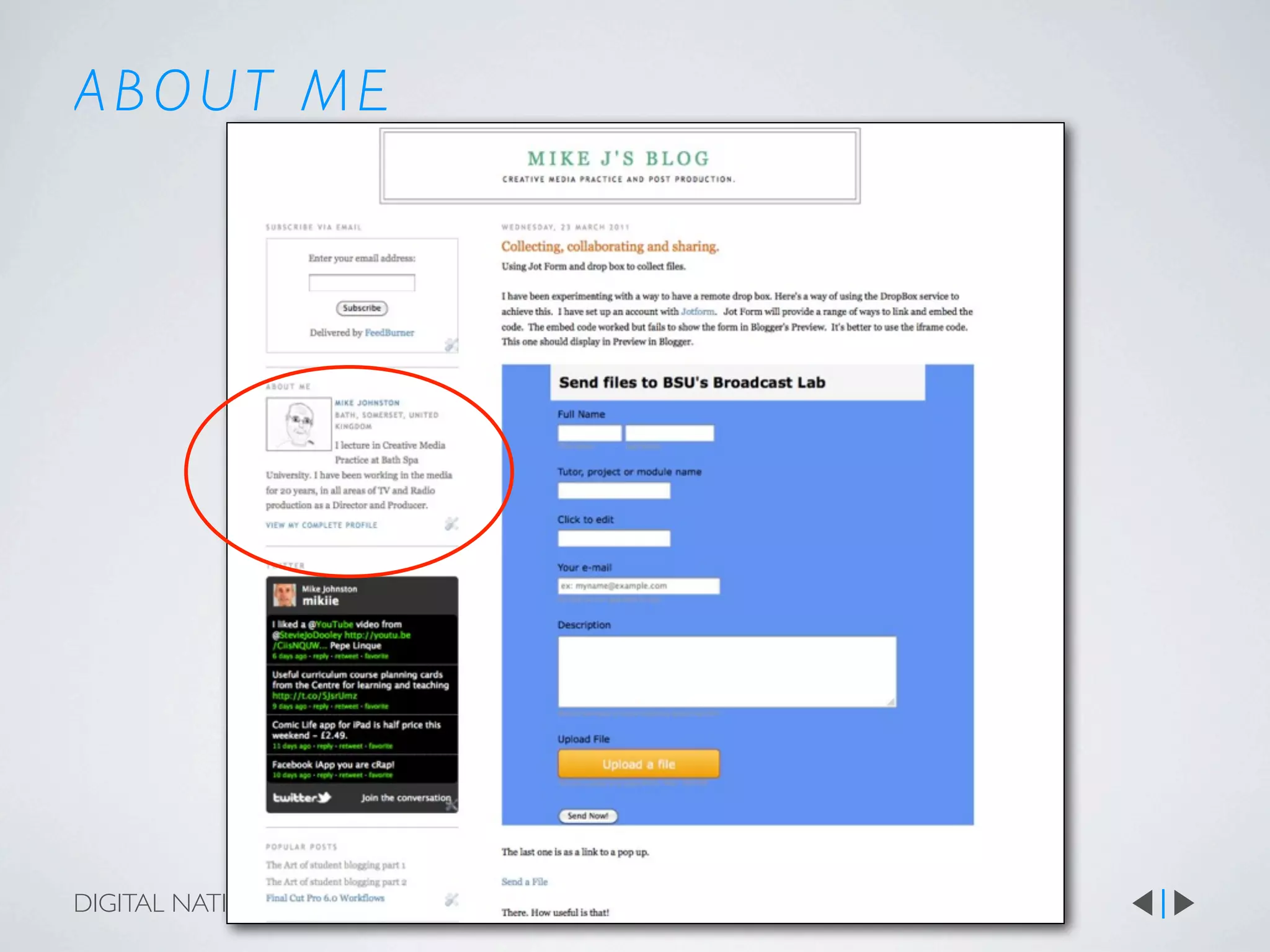
ABOUT ME


DIGITAL NATIVES 01
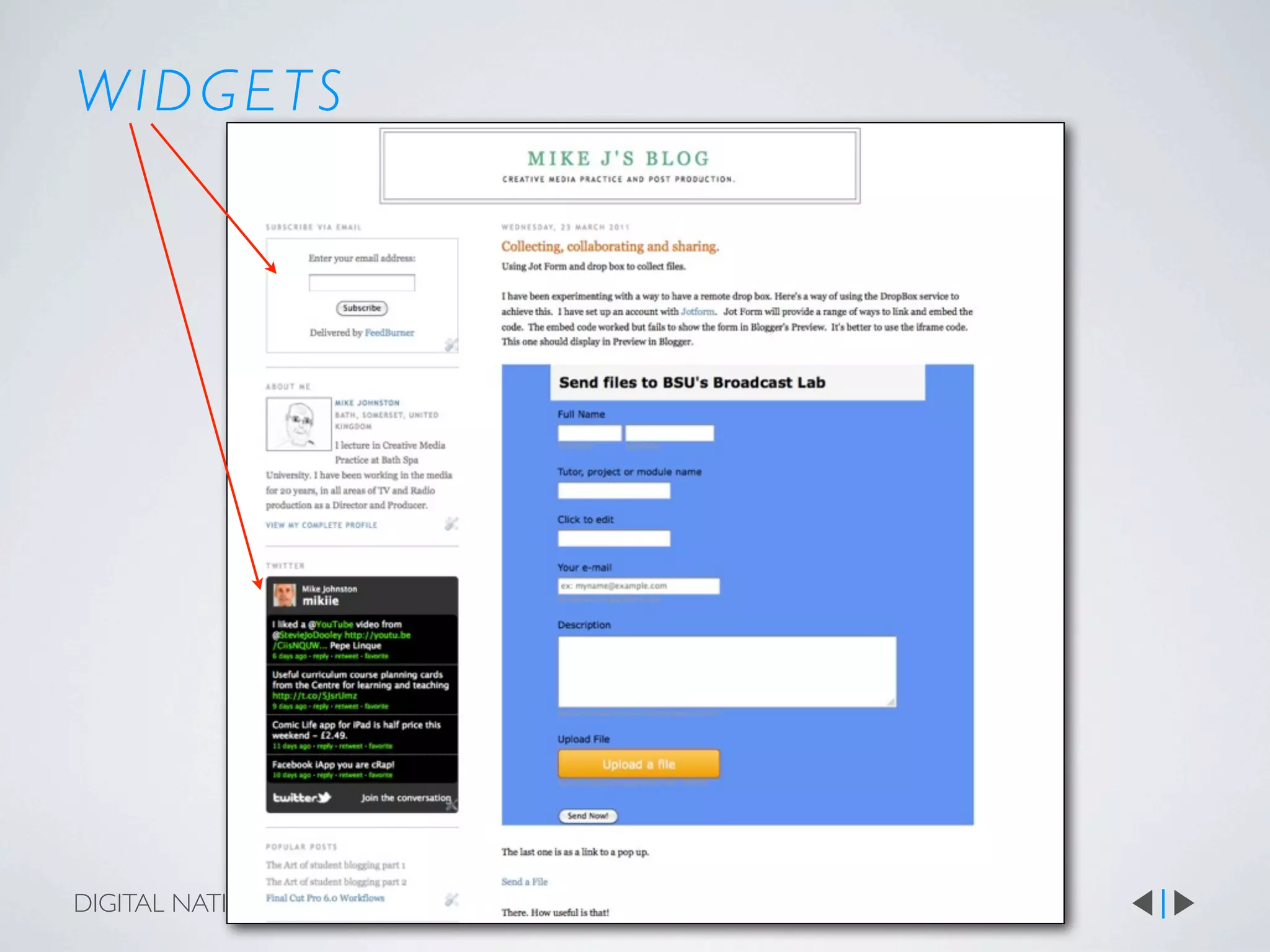
WIDGETS


DIGITAL NATIVES 01
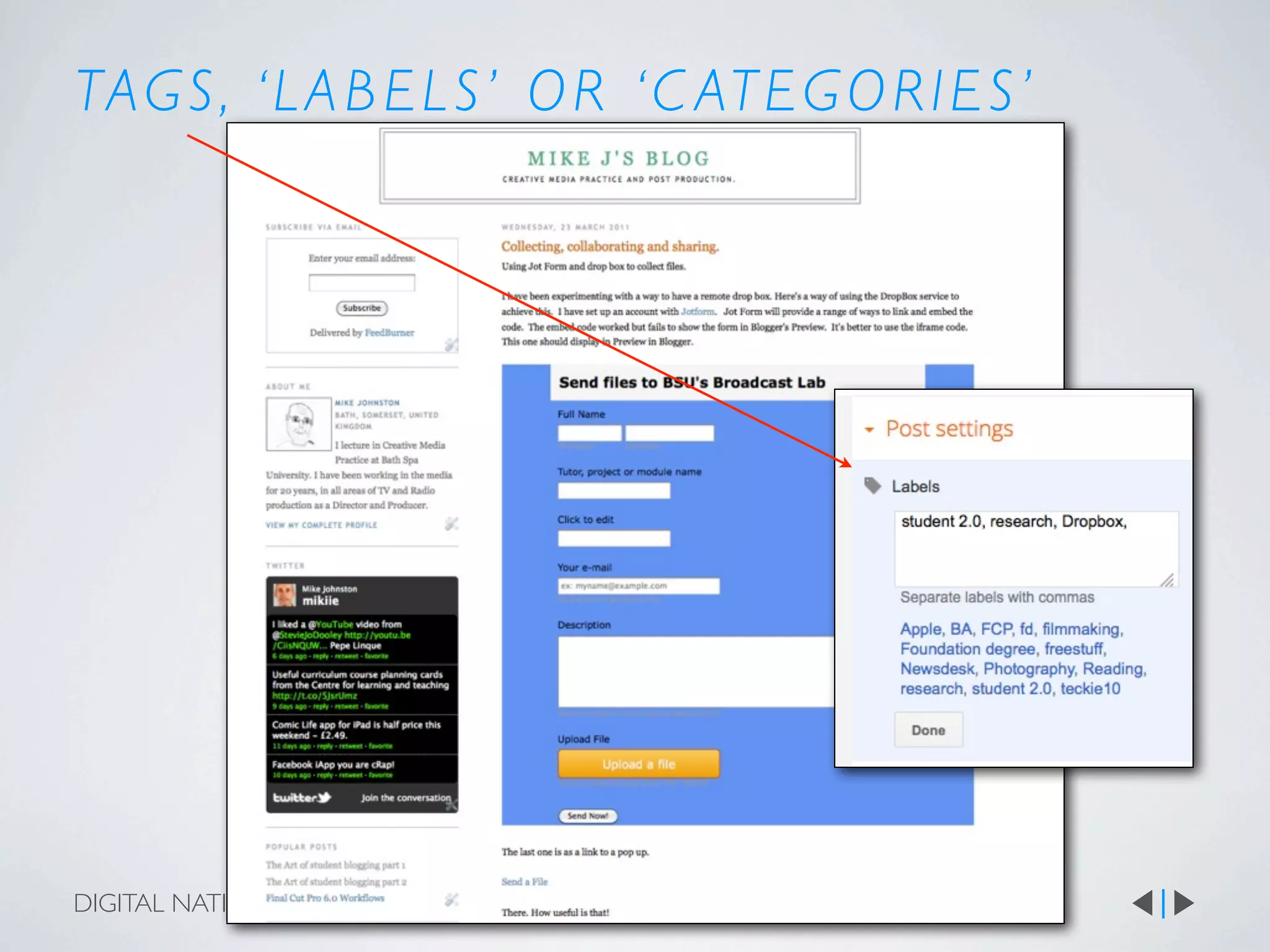
TAG S , ‘ L A B E L S ’ O R ‘ C AT E G O R I E S ’


DIGITAL NATIVES 01
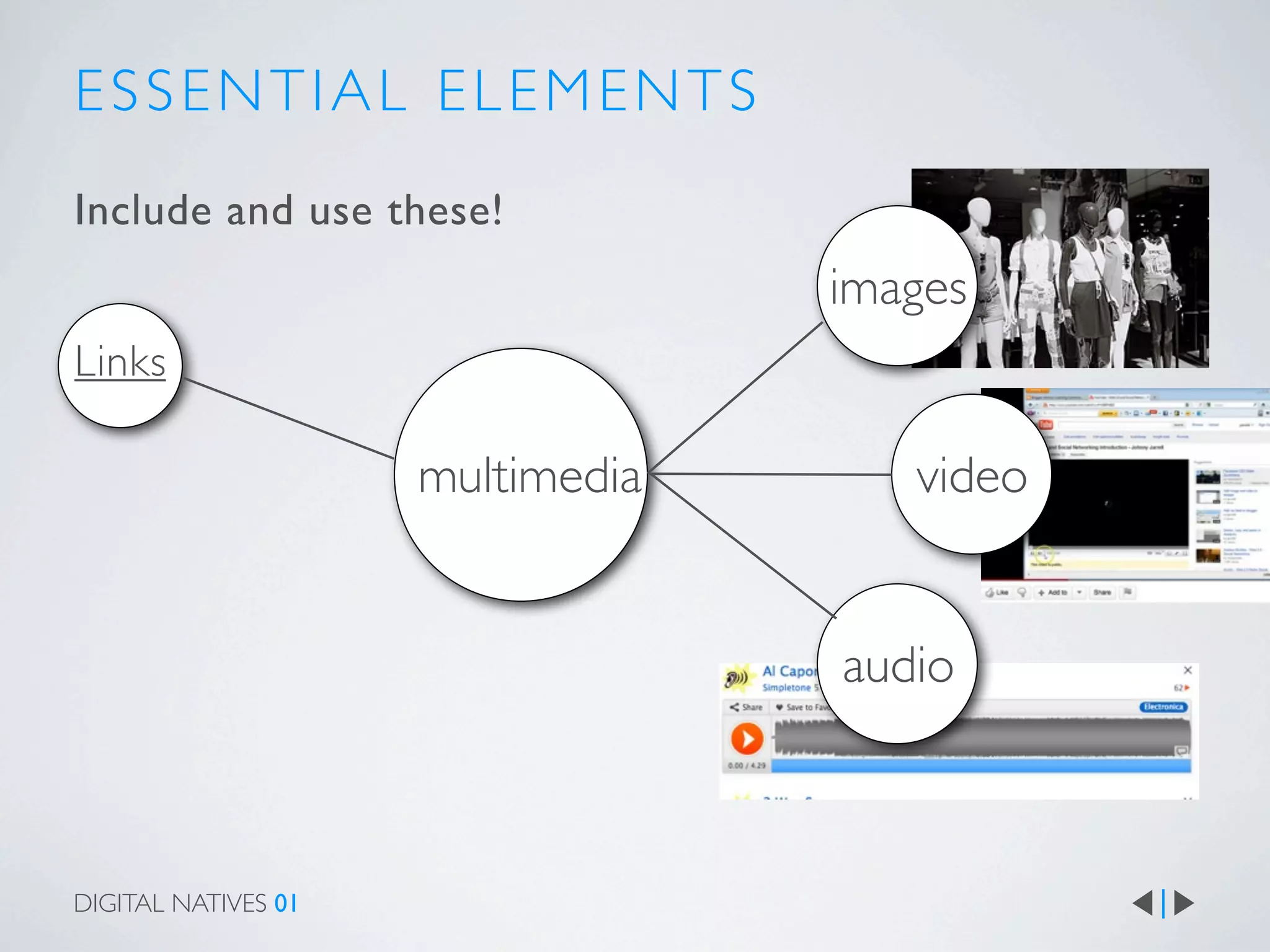
ESSENTIAL ELEMENTS
Include and use these!
                                  images
Links

                     multimedia      video


                                  audio


DIGITAL NATIVES 01
L I N K S - L I N K I N G TO
Types:

links that reference (refer back to) the source of info
links that explain something
links that add fur ther information
Links that suppor t a statement

On my blog I demonstrate that links are a way to
explain specialised words like metatagging. This keeps
the text short but still comprehensible.

Embedding videos from youtube is easy.
DIGITAL NATIVES 01
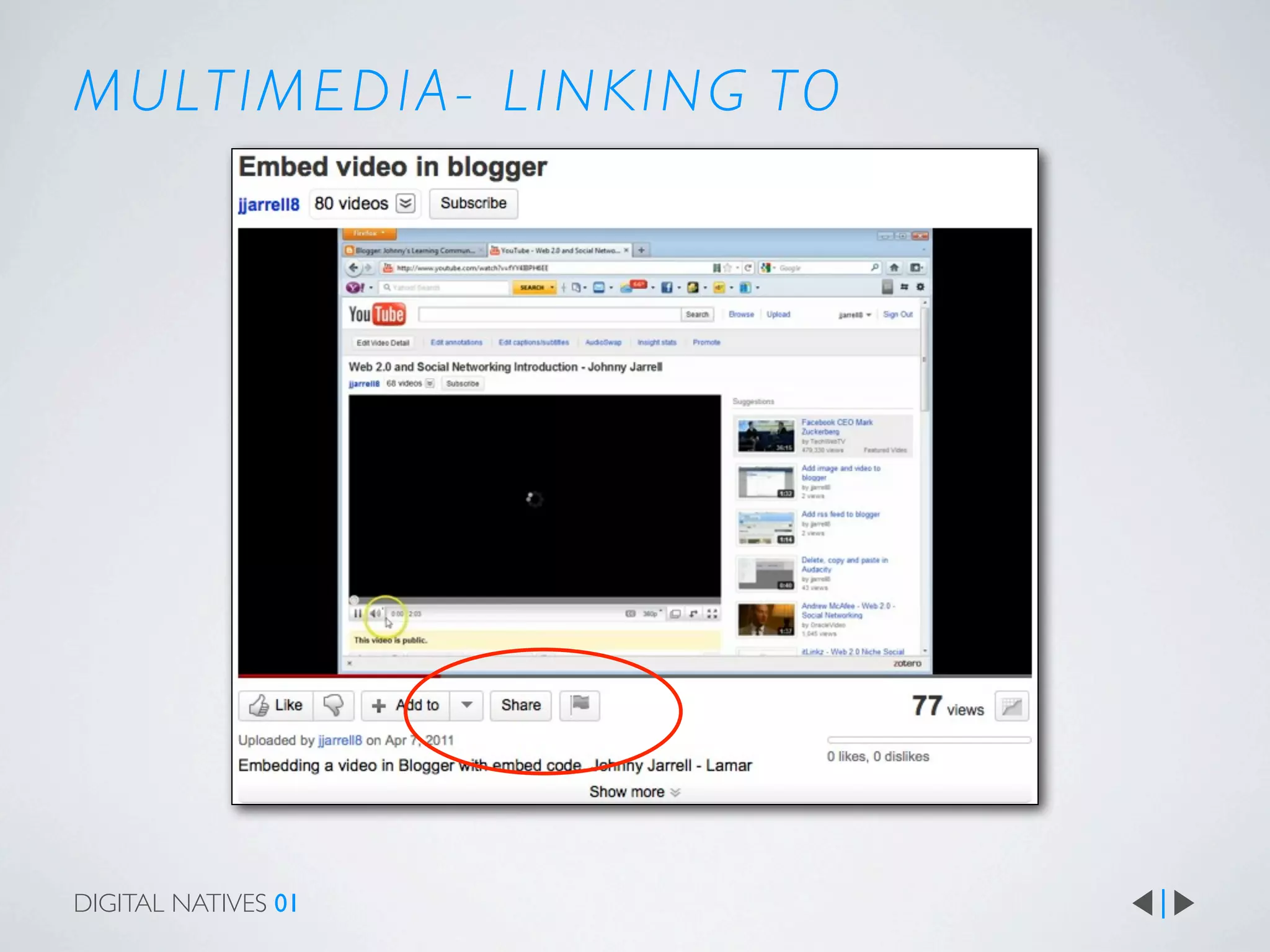
M U LT I M E D I A - L I N K I N G TO


DIGITAL NATIVES 01
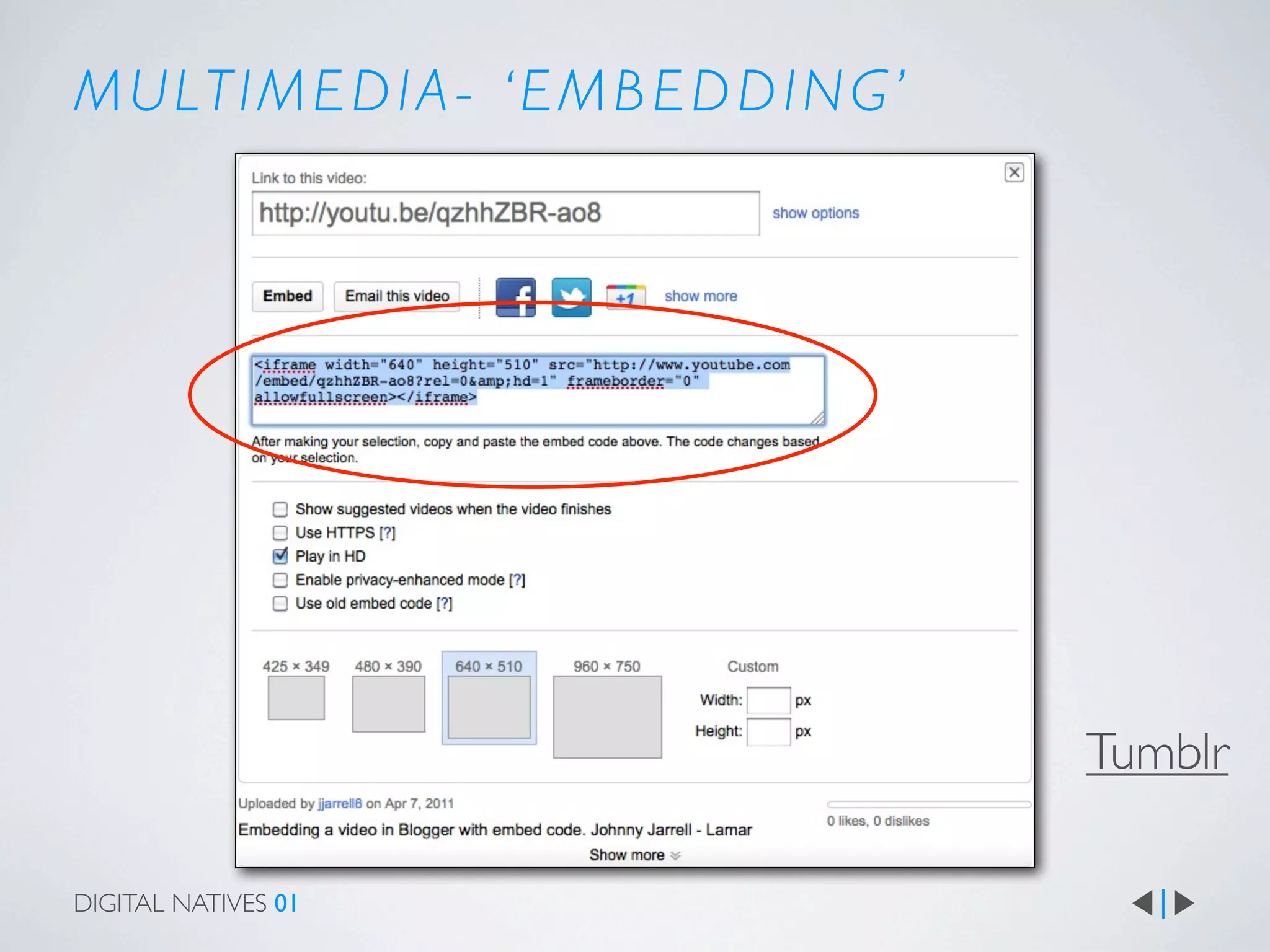
M U LT I M E D I A - ‘ E M B E D D I N G ’


                                             Tumblr

DIGITAL NATIVES 01
WRITING FOR THE WEB


                     People skim rather than read

                         Be succinct

                               Write in short sections


DIGITAL NATIVES 01
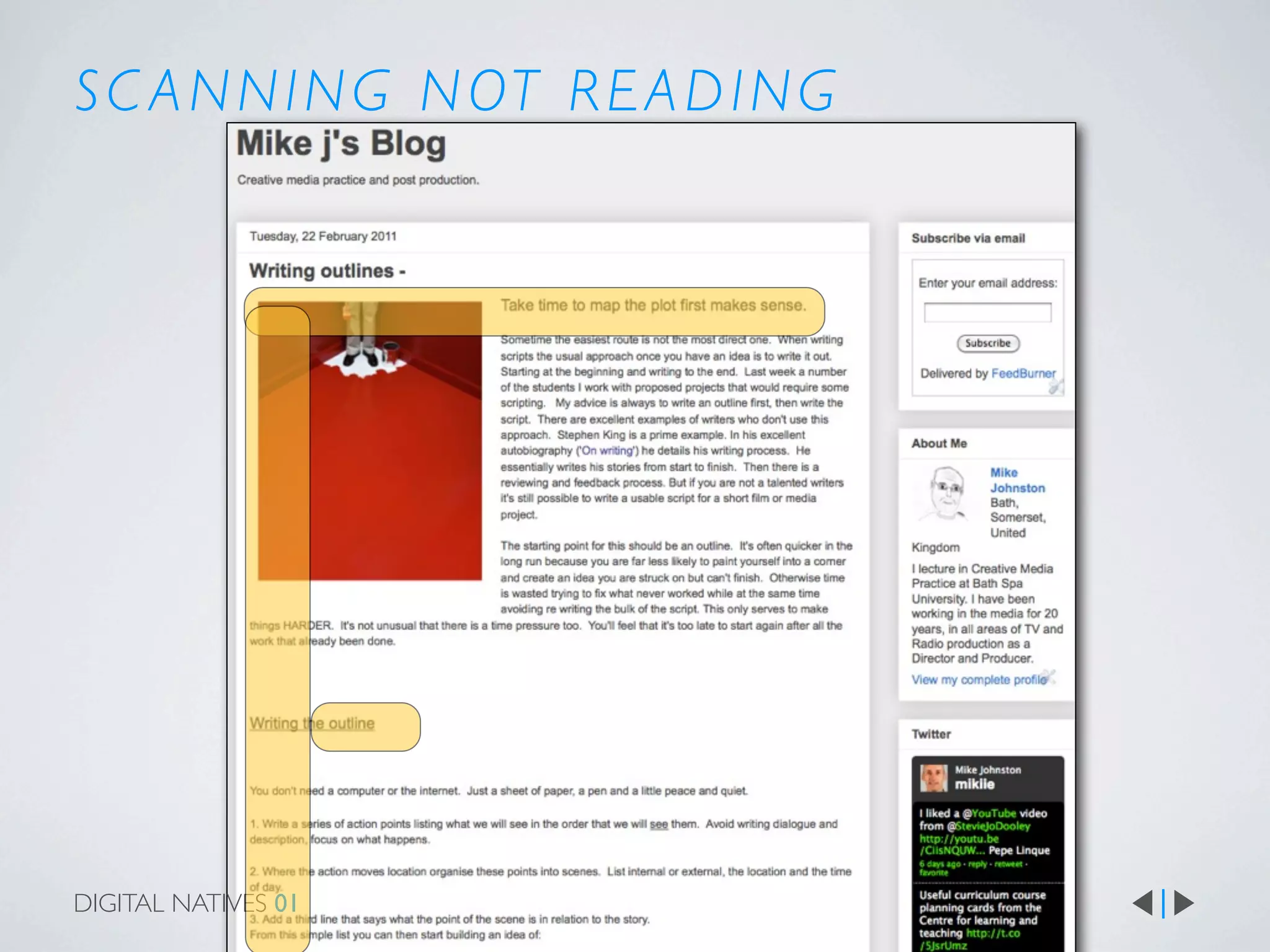
S C A N N I N G N OT R E A D I N G


DIGITAL NATIVES 01
WRITING STYLE
Remember:

You can express yourself informally rather than
‘academically’

Use paragraphing as you would in an essay

Use a British spellchecker

Don’t forget to capitalise


DIGITAL NATIVES 01
REFLECTION

If you are asked to ‘reflect’ or write ‘reflectively’ make sure you understand what that
means. Excellent reflection has these qualities:


Reflective language that describes, analyses and plans
subsequent actions as a result of reviewing processes
and events.


It then serves to help you to make connections between what you did, what happened,
what you learnt and how you will use that in the future


DIGITAL NATIVES 01
EXAMPLES
Professional blogs

Prolost
Phil Bloom
Adam Cur tis
Smashing Magazine


DIGITAL NATIVES 01
STUDENT POSTS
Examples:

Good post on locations
Good post on casting
Good post on script writing
Excellent post on Filming weekend


DIGITAL NATIVES 01
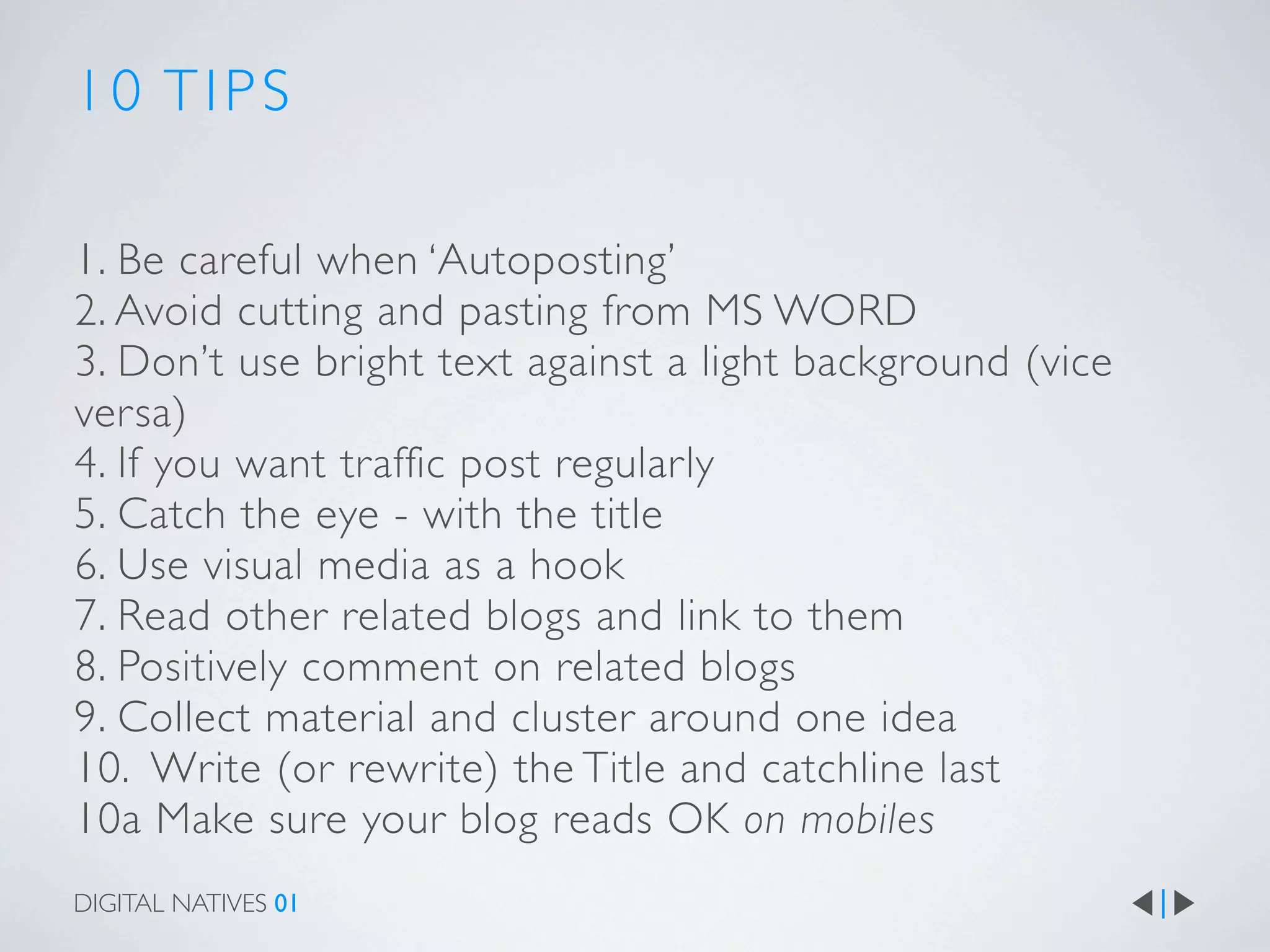
10 TIPS

1. Be careful when ‘Autoposting’
2. Avoid cutting and pasting from MS WORD
3. Don’t use bright text against a light background (vice
versa)
4. If you want traffic post regularly
5. Catch the eye - with the title
6. Use visual media as a hook
7. Read other related blogs and link to them
8. Positively comment on related blogs
9. Collect material and cluster around one idea
10. Write (or rewrite) the Title and catchline last
10a Make sure your blog reads OK on mobiles
DIGITAL NATIVES 01
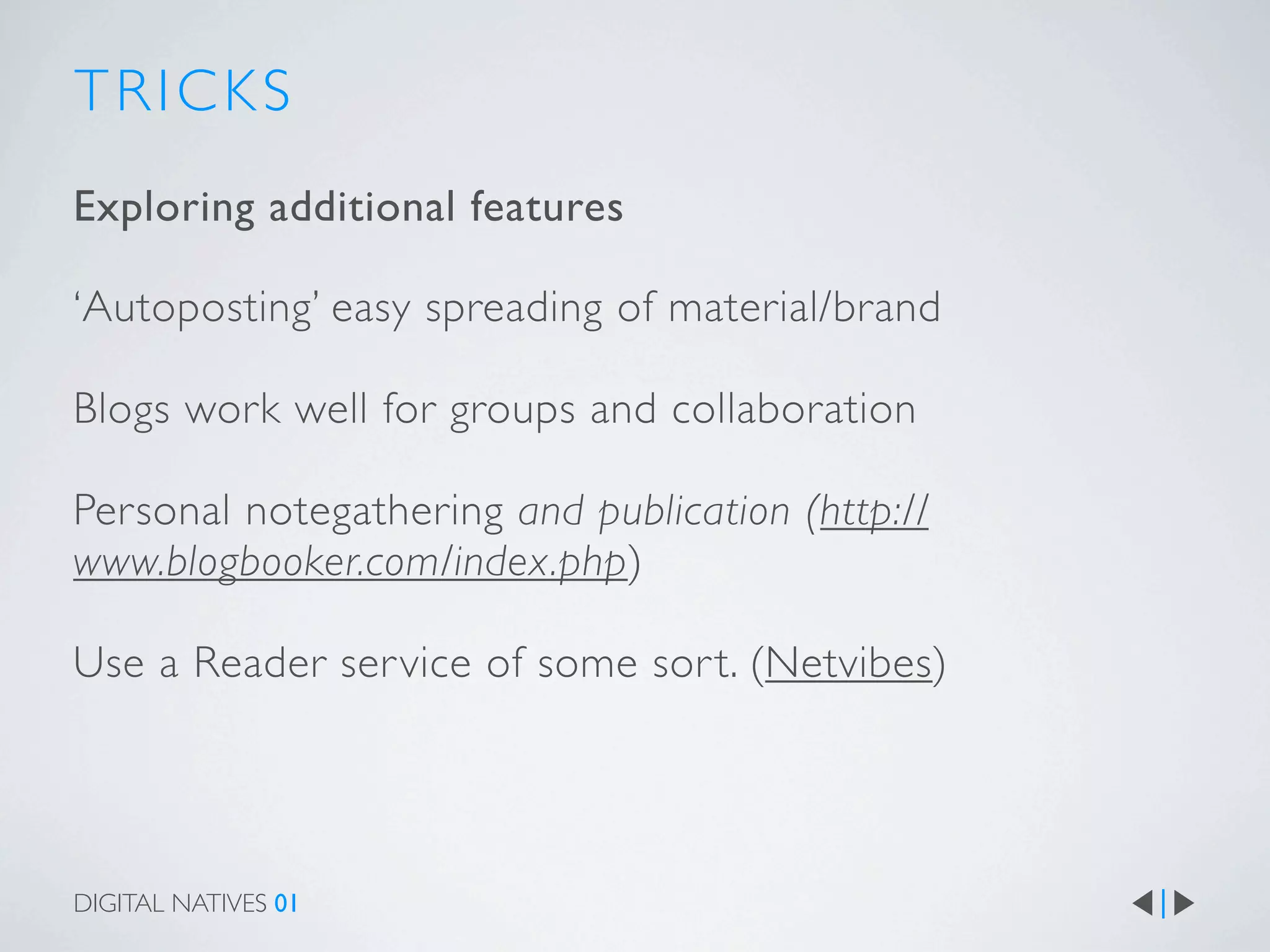
TRICKS
Exploring additional features

‘Autoposting’ easy spreading of material/brand

Blogs work well for groups and collaboration

Personal notegathering and publication (http://
www.blogbooker.com/index.php)

Use a Reader ser vice of some sor t. (Netvibes)


DIGITAL NATIVES 01
I USE...
They all offer slightly different services


                     Google’s blogger
                     WordPress - both versions
                     Posterous
                     Tumblr


DIGITAL NATIVES 01
F U RT H E R R E A D I N G


                     The Web!


DIGITAL NATIVES 01
G L O S S A RY
Autopost: publish to several sites/places at once
Blog: collection of posts
Embed: Display media on in a post that is hosted elsewhere on the Net
Post: Single entr y on a Blog
Reader : Collects or aggregates RSS feeds
RSS (feeds): Really Simple Syndication - pushes your blog to subscribers
Template: standardised layout of your blog
Web app: Web application - a website that can perform a function therefore acting
rather like an ‘application’
Widget: Small application that runs in the margin of your blog


DIGITAL NATIVES 01
Mike Johnston


                                     about me
DIGITAL NATIVES 01
Exercise:
  Join a blogging service of your choice

  Add the details to this collaborative page

  http://willyou.typewith.me/p/YtEkImVUae

  Write a post on your blog about something you care about.

  Illustrate it with;
  •Images
  •video(s)
  •use links to provide further information
  •Write a catchy title and catchline
  •Publish it
  Post a comment on 3 of your classmates blogs
DIGITAL NATIVES 01

Blogging basics

  • 1.
    BASIC BLOGGING an overview DIGITAL NATIVES 01
  • 2.
    Mike Johnston BASIC BLOGGING anover view about me DIGITAL NATIVES 01
  • 3.
    CONTENTS why blog? structure ofa blog laying out a post writing a post examples of blog posts tips tricks fur ther reading glossary DIGITAL NATIVES 01
  • 4.
    WHO READS BLOGS? whywrite one? why read one? how do you read them?
  • 5.
    WHY BLOG? a shop window a learning & thinking space DIGITAL NATIVES 01
  • 6.
    WHY BLOG? a shop window a learning & thinking space join the conversation DIGITAL NATIVES 01
  • 7.
    L AYO UT DIGITAL NATIVES 01
  • 8.
    T E MP L AT E S DIGITAL NATIVES 01
  • 9.
    S TAT IC PAG E S DIGITAL NATIVES 01
  • 10.
  • 11.
  • 12.
    TAG S ,‘ L A B E L S ’ O R ‘ C AT E G O R I E S ’ DIGITAL NATIVES 01
  • 13.
    ESSENTIAL ELEMENTS Include anduse these! images Links multimedia video audio DIGITAL NATIVES 01
  • 14.
    L I NK S - L I N K I N G TO Types: links that reference (refer back to) the source of info links that explain something links that add fur ther information Links that suppor t a statement On my blog I demonstrate that links are a way to explain specialised words like metatagging. This keeps the text short but still comprehensible. Embedding videos from youtube is easy. DIGITAL NATIVES 01
  • 15.
    M U LTI M E D I A - L I N K I N G TO DIGITAL NATIVES 01
  • 16.
    M U LTI M E D I A - ‘ E M B E D D I N G ’ Tumblr DIGITAL NATIVES 01
  • 17.
    WRITING FOR THEWEB People skim rather than read Be succinct Write in short sections DIGITAL NATIVES 01
  • 18.
    S C AN N I N G N OT R E A D I N G DIGITAL NATIVES 01
  • 19.
    WRITING STYLE Remember: You canexpress yourself informally rather than ‘academically’ Use paragraphing as you would in an essay Use a British spellchecker Don’t forget to capitalise DIGITAL NATIVES 01
  • 20.
    REFLECTION If you areasked to ‘reflect’ or write ‘reflectively’ make sure you understand what that means. Excellent reflection has these qualities: Reflective language that describes, analyses and plans subsequent actions as a result of reviewing processes and events. It then serves to help you to make connections between what you did, what happened, what you learnt and how you will use that in the future DIGITAL NATIVES 01
  • 21.
    EXAMPLES Professional blogs Prolost Phil Bloom AdamCur tis Smashing Magazine DIGITAL NATIVES 01
  • 22.
    STUDENT POSTS Examples: Good poston locations Good post on casting Good post on script writing Excellent post on Filming weekend DIGITAL NATIVES 01
  • 23.
    10 TIPS 1. Becareful when ‘Autoposting’ 2. Avoid cutting and pasting from MS WORD 3. Don’t use bright text against a light background (vice versa) 4. If you want traffic post regularly 5. Catch the eye - with the title 6. Use visual media as a hook 7. Read other related blogs and link to them 8. Positively comment on related blogs 9. Collect material and cluster around one idea 10. Write (or rewrite) the Title and catchline last 10a Make sure your blog reads OK on mobiles DIGITAL NATIVES 01
  • 24.
    TRICKS Exploring additional features ‘Autoposting’easy spreading of material/brand Blogs work well for groups and collaboration Personal notegathering and publication (http:// www.blogbooker.com/index.php) Use a Reader ser vice of some sor t. (Netvibes) DIGITAL NATIVES 01
  • 25.
    I USE... They alloffer slightly different services Google’s blogger WordPress - both versions Posterous Tumblr DIGITAL NATIVES 01
  • 26.
    F U RTH E R R E A D I N G The Web! DIGITAL NATIVES 01
  • 27.
    G L OS S A RY Autopost: publish to several sites/places at once Blog: collection of posts Embed: Display media on in a post that is hosted elsewhere on the Net Post: Single entr y on a Blog Reader : Collects or aggregates RSS feeds RSS (feeds): Really Simple Syndication - pushes your blog to subscribers Template: standardised layout of your blog Web app: Web application - a website that can perform a function therefore acting rather like an ‘application’ Widget: Small application that runs in the margin of your blog DIGITAL NATIVES 01
  • 28.
    Mike Johnston about me DIGITAL NATIVES 01
  • 29.
    Exercise: Joina blogging service of your choice Add the details to this collaborative page http://willyou.typewith.me/p/YtEkImVUae Write a post on your blog about something you care about. Illustrate it with; •Images •video(s) •use links to provide further information •Write a catchy title and catchline •Publish it Post a comment on 3 of your classmates blogs DIGITAL NATIVES 01

Editor's Notes

  • #2 \n
  • #3 That’s me! I have been blogging and teaching blogging for about 6 years now. \n
  • #4 \n
  • #5 \nwho reads blogs? (in the class) I read blogs because...\n\nwhy write one? It’s a place to share what you know, what you discover, what you think. I learn something every time I do it. Which, for me, is why I do it!\n\nwhy read a blog You can learn from others, you can take part in the discussion, it’s interesting!\n\nHow do you read them via Readers, from Twitter, from FB, iApps, Netvibes, PageFlakes etc.\n
  • #6 Its a shop window and a learning and thinking space.\n \nblogs instead of CVs - your ‘shop window’.\nblogs instead of essays - your thinking space’. Inclusion of media, easier contextualisation, ongoing so good for reviewing process. \n\n\n
  • #7 It places you ‘in the conversation’. \n\nBlogging skills are contemporary and transferable. \n\nIt places you ‘in the conversation’. This SOCIAL.\n\n
  • #8 The great thing about about Blogs is that they allow you to present your ideas and writing without worrying about the HTML code that underlies the blog - which means its really a website.\n\nHere are some ideas, from the web usability expert Jake Nielson, about positioning pictures and information - the F-shaped pattern.\nhttp://www.useit.com/alertbox/reading_pattern.html\n Summary:\n Eyetracking visualizations show that users often read Web pages in an F-shaped pattern: two horizontal stripes followed by a vertical stripe. \n\nF for fast. That's how users read your precious content. In a few seconds, their eyes move at amazing speeds across your website’s words in a pattern that's very different from what you learned in school. In a recent eyetracking study, 232 users were recorded looking at thousands of Web pages. They found that users' main reading behavior was fairly consistent across many different sites and tasks. This dominant reading pattern looks somewhat like an F and has the following three components:\n\n Users first read in a horizontal movement, usually across the upper part of the content area. This initial element forms the F's top bar.\n Next, users move down the page a bit and then read across in a second horizontal movement that typically covers a shorter area than the previous movement. This additional element forms the F's lower bar.\n Finally, users scan the content's left side in a vertical movement. Sometimes this is a fairly slow and systematic scan that appears as a solid stripe on an eyetracking heatmap. Other times users move faster, creating a spottier heatmap. This last element forms the F's stem. \n\nIMAGES\n\nImplications of the F Pattern\nThe F pattern's implications for Web design are clear and show the importance of following the guidelines for writing for the Web instead of repurposing print content:\nUsers won't read your text thoroughly in a word-by-word manner. Exhaustive reading is rare, especially when prospective customers are conducting their initial research to compile a shortlist of vendors. Yes, some people will read more, but most won't.\n The first two paragraphs must state the most important information. There's some hope that users will actually read this material, though they'll probably read more of the first paragraph than the second.\n Start subheads, paragraphs, and bullet points with information-carrying words that users will notice when scanning down the left side of your content in the final stem of their F-behavior. They'll read the third word on a line much less often than the first two words. \n\n\n
  • #9 By using templates or themes you can re style the look of your blog. With the advent of CSS the content was separated from the styling or form. That makes your content very customisable - ‘Web 2.0’\n
  • #10 You can create pages that don’t change - unlike your blog’s home page that shows the latest post above previous. Bloggers use these for ‘key’ pages of information such as a selection of popular posts, their CV etc.\n
  • #11 About me - Readers often want to know a little about you as the Author. Especially when they are assessing the value of your comments!\n
  • #12 Widgets add 3rd party, often external, functionality to your page. Don’t use too many - less is more!\n
  • #13 Labeling (or tagging). You have the option to tag/label your posts. This is basic metatagging. It makes your blog easier to navigate. It makes sense for you, your readers and its good media practice. Things need to be organised so that you can store, search and find things. The labels allow you to catagorise your posts. If you are interested in the ideas of organisation - and they are relevant to you and your studies, watch this presentation by David Weinberger (or read his book - its an easy read!)\n\nhttp://youtu.be/x3wOhXsjPYM\n\n\n
  • #14 Linking is the key to hypertext. It’s also the way we associate and connect ideas and information. Makes sense and creates meaning from data and information resulting in KNOWLEDGE and LEARNING.\n
  • #15 *Use of LINKS\n\nThere are 2 types of links. Those that explain a word, phrase or name you have used (‘inline links’). Or that link to the source of information you have used or referred to. These are similar to an academic reference in that they are placing your comments in context of an established source. Hyper text allows for a simpler presentation of quite complex thought/comment for a wide audience. \n\nEmbedding video is easy and very useful. Interestingly it’s not easy to embed video in Presentations!\n\n\n
  • #16 Use of multimedia (embedding)\n\nYou should use an image with each post.\n\nTry to embed some video too – especially if it’s a film making module\n\nGenerate your own video and stills. In order to *illustrate your blog, take images of locations, casting sessions, team working, the production weekends etc. Shoot some video. The quality is less important than the comment and reflection you are illustrating.\n\nYou can also grab images from the VDU screen as stills (CMD+SHIFT+4 on a Mac) PRINT SCREEN on a PC. You might experiment with the free screen recording application Jing (both platforms) http://www.techsmith.com/jing/ this allows you to capture video as well as static screen grabs. If you have a Mac the free ‘Skitch’ app is worth exploring. (http://skitch.com/)\n\n\n
  • #17 Youtube makes embedding easy as does Vimeo. Some videos have embedding disabled. So occasionally it wont work. If you embed a video make sure you say why.\n\nYou will need to copy the ‘embed’ code and then paste it into the page you want to use it. Often this means that you need to switch to HTML view. Find the location and paste the code. I call this the catfish technique! DEMO.\n
  • #18 (Writing for the Web)\n\nThe three main guidelines for writing for the Web are:\n\n1. Be succinct: write no more than 50% of the text you would have used in a hardcopy publication\nWrite for ‘scannability’: don't require users to read long continuous blocks of text\n\n2. Short Texts\nReading from computer screens is about 25% slower than reading from paper. As a result, people don't want to read a lot of text from computer screens: you should write 50% less text and not just 25% less since it's not only a matter of reading speed but also a matter of feeling good. \n\n3. Scannability\nSkimming instead of reading is a fact of the Web and has been confirmed by countless usability studies. Users scan text and pick out keywords, sentences, and paragraphs of interest while skipping over those parts of the text they care less about. Webwriters have to acknowledge this fact and write for scannability:\n\nStructure articles with two or even three levels of headlines (a general page heading plus subheads - and sub-sub-heads when appropriate). \n\nUse meaningful rather than "cute" headings (i.e., reading a heading should tell the user what the page or section is about)\n\nUse highlighting and emphasis to make important words catch the user's eye. Colored text can also be used for emphasis, and hypertext anchors stand out by virtue of being blue and underlined\n\nUse Hypertext Structure by making text short without sacrificing depth of content by splitting the information up into multiple nodes connected by hypertext links. Each page can be brief and yet the full hyperspace can contain much more information than would be feasible in a printed article. Long and detailed background information can be relegated to secondary pages; similarly, information of interest to a minority of readers can be made available through a link without penalizing those readers who don't want it.\n\n\n\n
  • #19 Implications of the F Pattern\nThe F pattern's implications for Web design are clear and show the importance of following the guidelines for writing for the Web instead of repurposing print content:\nUsers won't read your text thoroughly in a word-by-word manner. Exhaustive reading is rare, especially when prospective customers are conducting their initial research to compile a shortlist of vendors. Yes, some people will read more, but most won't.\n The first two paragraphs must state the most important information. There's some hope that users will actually read this material, though they'll probably read more of the first paragraph than the second.\n Start subheads, paragraphs, and bullet points with information-carrying words that users will notice when scanning down the left side of your content in the final stem of their F-behavior. They'll read the third word on a line much less often than the first two words. \n\n\n
  • #20 Writing style\n\n•Informal\n•Use paragraphing and formatting to break up your text\n•Use spellchecker and British spellings\n•Capitalise I \n\n\n
  • #21 \nWhile presentation is important in your blog but it’s the quality of reflection that will gain good marks. Excellent reflection is writing that has these qualities: Reflective language that describes, analyses and plans subsequent actions as a result of reviewing processes and events.\n\n
  • #22 Professional examples here.\n
  • #23 Examples:\n\nGood use of images no links http://wwwshortfilmmodule.blogspot.com/2010/12/filming-weekend.html \n\nGood use of mobile phone video no reflection http://heidihi99.blogspot.com/2010/11/pre-filming-films.html \n\nGood summing up no links http://bayleaa.blogspot.com/2010/11/frozen-film-making.html\n\nGood reflection on script choosing. http://edcollingswells.blogspot.com/2011/02/new-film-choosing-and-editing-script.html and casting http://edcollingswells.blogspot.com/2011/02/casting-rehearsals.html\n\nGood post on locations http://hopesfilmblog.blogspot.com/2011/02/location-location-location-location.html\n\nGood post on writing the script http://script-to-screen.blogspot.com/2011/01/inception-of-my-script-how-i-met-your.html \nExcellent write up of filming day and well illustrated. http://script-to-screen.blogspot.com/2011/03/filming-see-what-i-say-day-one.html\n\nGreat write up on developing your basic idea. http://sheridansfilmblog.blogspot.com/2010/12/my-screenplay-initial-idea.html\n\n
  • #24 \n\nBEWARE OF CUTTING AND PASTING FROM WORD. THE FORMATTING (YOU CAN’T SEE) WILL WREAK HAVOC ON YOUR POST.\n\nAVOID USING WHITE TEXT\n\nAVOID USING BLACK TEXT ON A BLACK BACKGROUND\n\n\n
  • #25 autoposting - auto tweet is a fave.\ngroup authoring - could be a wiki but blogs work too\npersonal stetchbook/research and publication via blog to pdf. \nReaders - Flipboard is great for iPads but you’ll need a Google Reader. Netvibes and Page Flakes too.\n\n
  • #26 Blogger - backed by Google\nWordPress - massive open source project. Loads of help and free customisation\nPosterous - this service has undergone recent change in order to differentiate it from Tumblr. It’s effectively edged closer to Google+. I have found it slow and unintuitive.\nTumblr. Currently very popular and I really like it too. The Tumblr community might be a big factor in chosing this service over the others.\n\n
  • #27 make this a link to a page so that its updatable.\n\nGary Vernerchuk’s Crush it. ref ‘Crush it’(http://www.evernote.com/shard/s1/sh/010f8624-a820-4b0f-81bb-918930bbf947/5947707c58e50f06c6357d1148e35b8a) \n\n
  • #28 \n
  • #29 \n
  • #30 \n