MongoDB for mobile app
backends
sf android meetup
08.31.2010
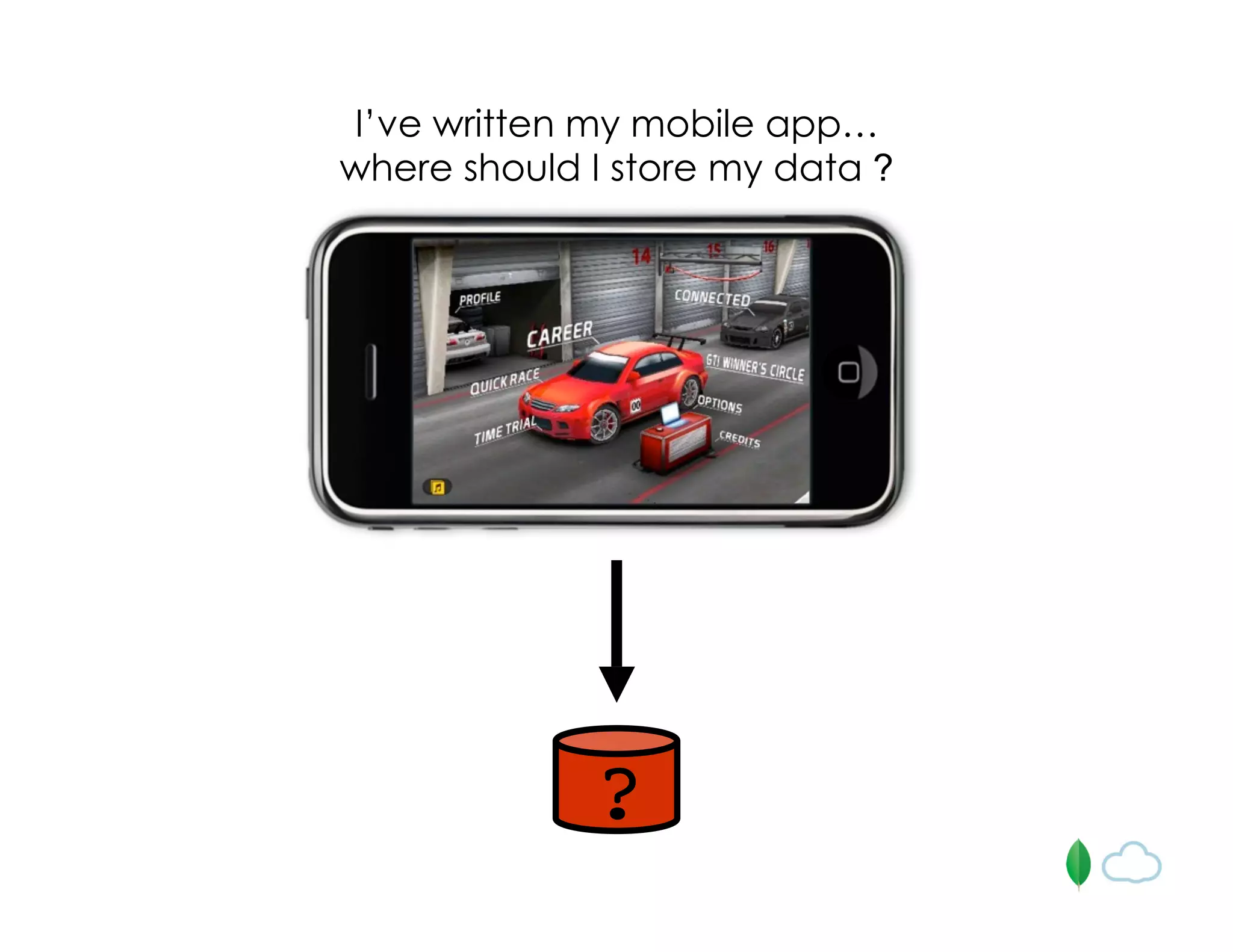
I’ve written my mobile app…
where should I store my data ?
?
Mobile apps do not exist
in a vacuum
• user profile data
• logging
• location-based data collection
• game data (stats, high scores)
• polls and surveys
• user feedback
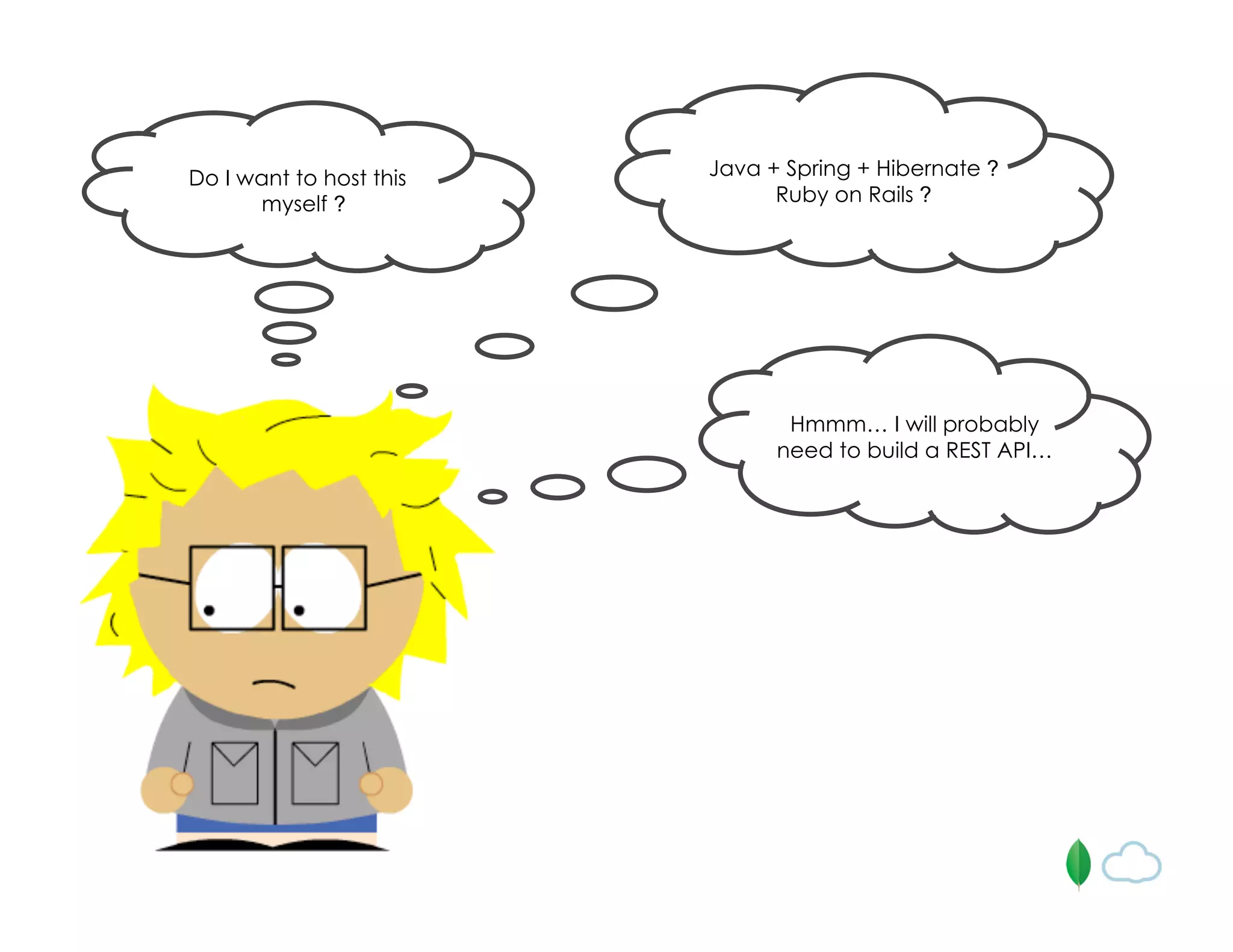
Do I want to host this
myself ?
Java + Spring + Hibernate ?
Ruby on Rails ?
Hmmm… I will probably
need to build a REST API…
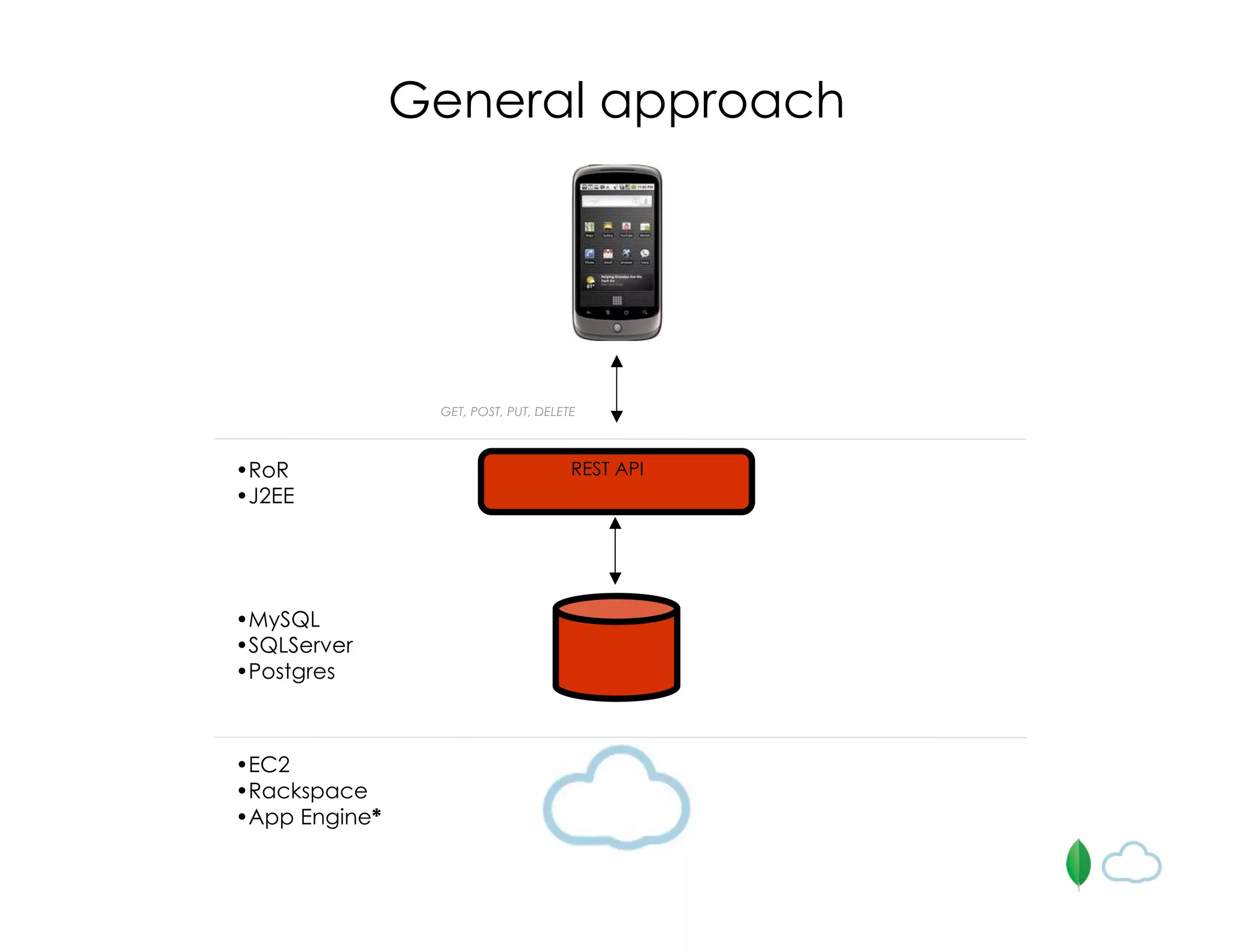
GET, POST, PUT, DELETE
•EC2
•Rackspace
•App Engine*
•MySQL
•SQLServer
•Postgres
•RoR
•J2EE
General approach
REST API
How can this be even simpler and
more awesome?
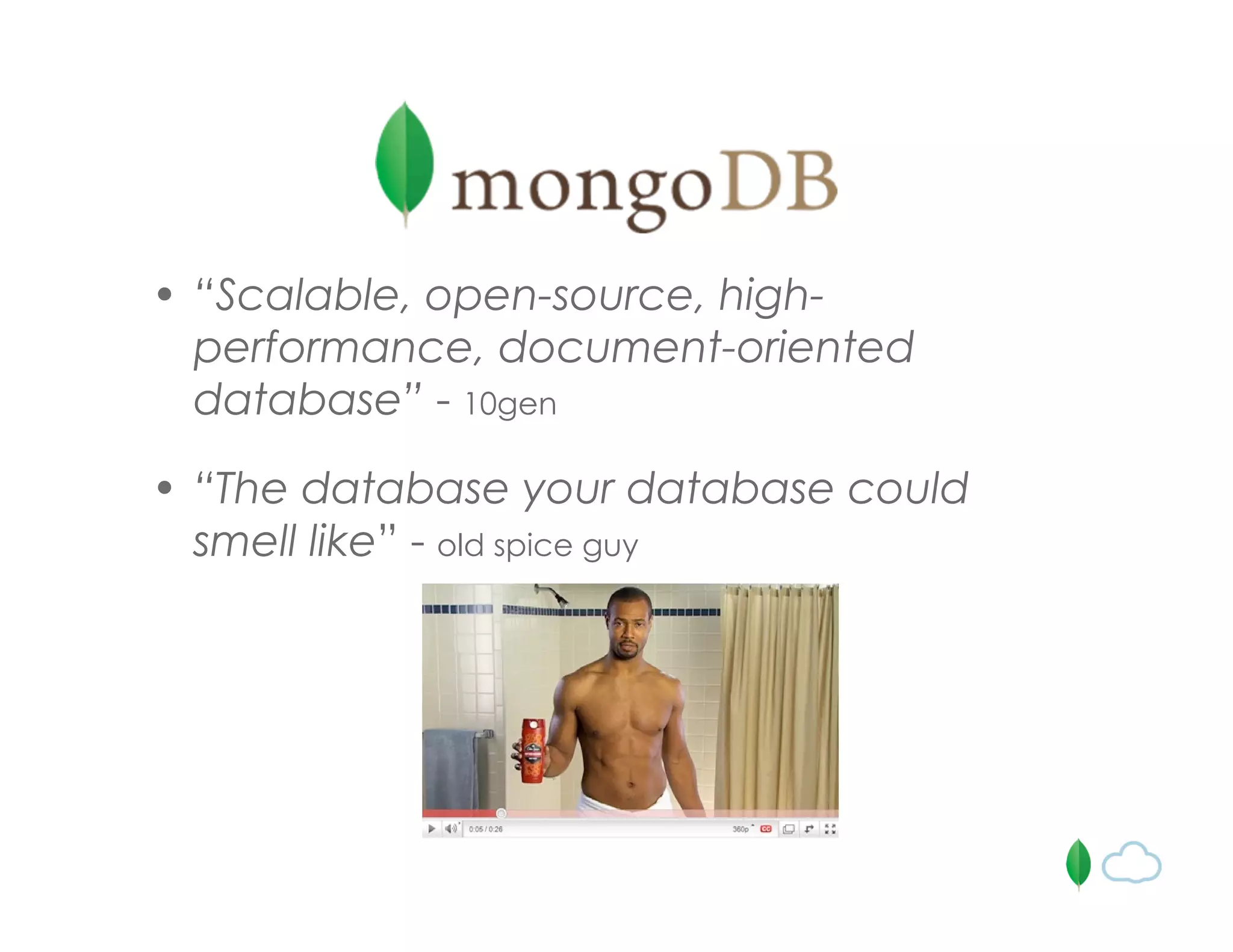
• “Scalable, open-source, high-
performance, document-oriented
database” - 10gen
• “The database your database could
smell like” - old spice guy
MongoDB is designed to address
two modern DB problems
1. object / relational “impedance mismatch”
2. horizontal scalability
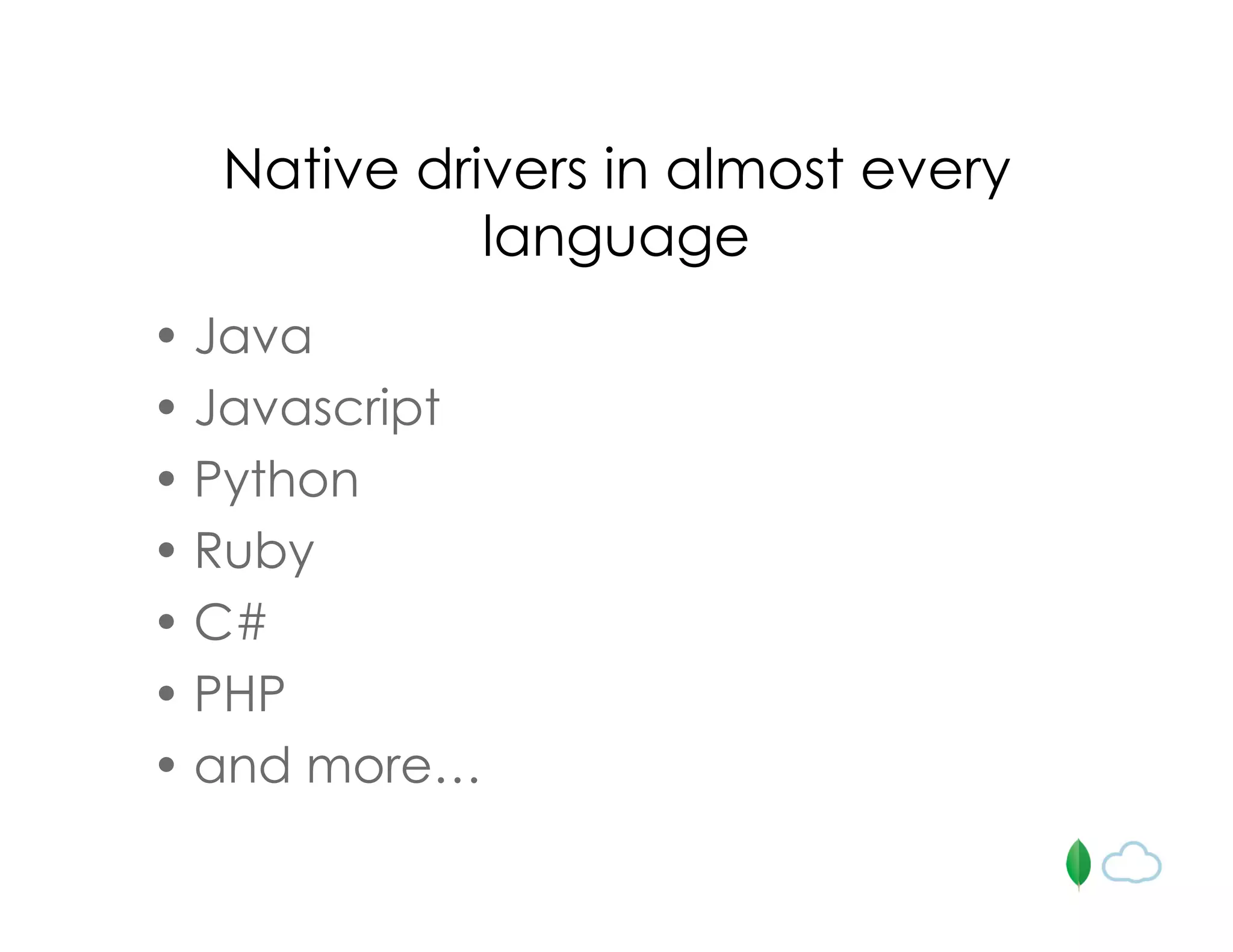
Native drivers in almost every
language
• Java
• Javascript
• Python
• Ruby
• C#
• PHP
• and more…
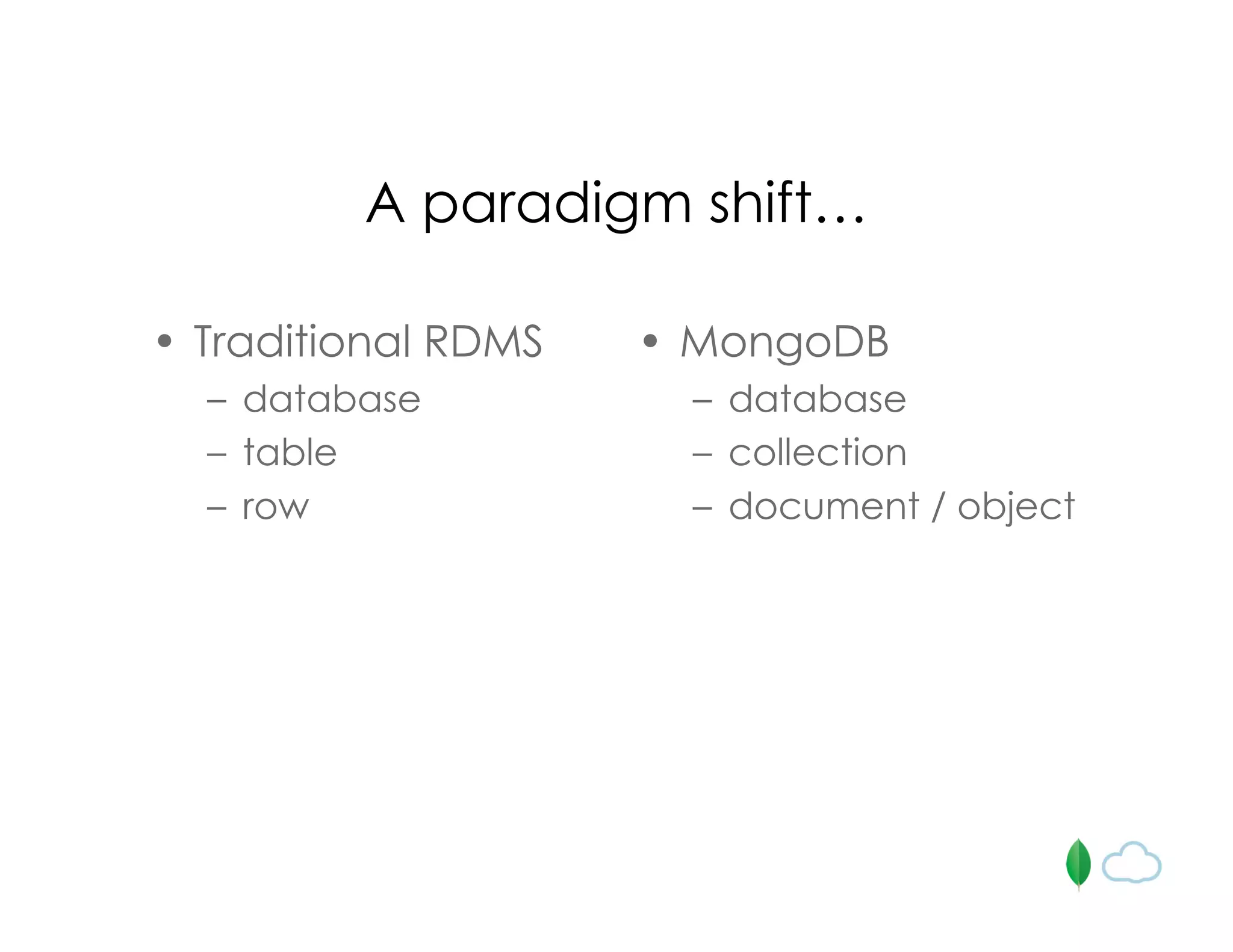
A paradigm shift…
• Traditional RDMS
– database
– table
– row
• MongoDB
– database
– collection
– document / object
Documents (a.k.a. Objects)
{
_id: 1234,
author: { name: “Bob Jones”, email: “b@b.com” },
post: “In these troubled times I like to …“,
date: { $date: “2010-07-12 13:23UTC” },
location: [ -121.2322, 42.1223222 ],
rating: 2.2,
comments: [
{ user: “jgs32@hotmail.com”,
upVotes: 22,
downVotes: 14,
text: “Great point! I agree” },
{ user: “holly.davidson@gmail.com”,
upVotes: 421,
downVotes: 22,
text: “You are a moron” }
]
}
{
_id: 1234,
author: { name: “Bob Jones”, email: “b@b.com” },
post: “In these troubled times I like to …“,
date: { $date: “2010-07-12 13:23UTC” },
location: [ -121.2322, 42.1223222 ],
rating: 2.2,
comments: [
{ user: “jgs32@hotmail.com”,
upVotes: 22,
downVotes: 14,
text: “Great point! I agree” },
{ user: “holly.davidson@gmail.com”,
upVotes: 421,
downVotes: 22,
text: “You are a moron” }
],
tags: [ “politics”, “Virginia” ]
}
Flexible “schemas”
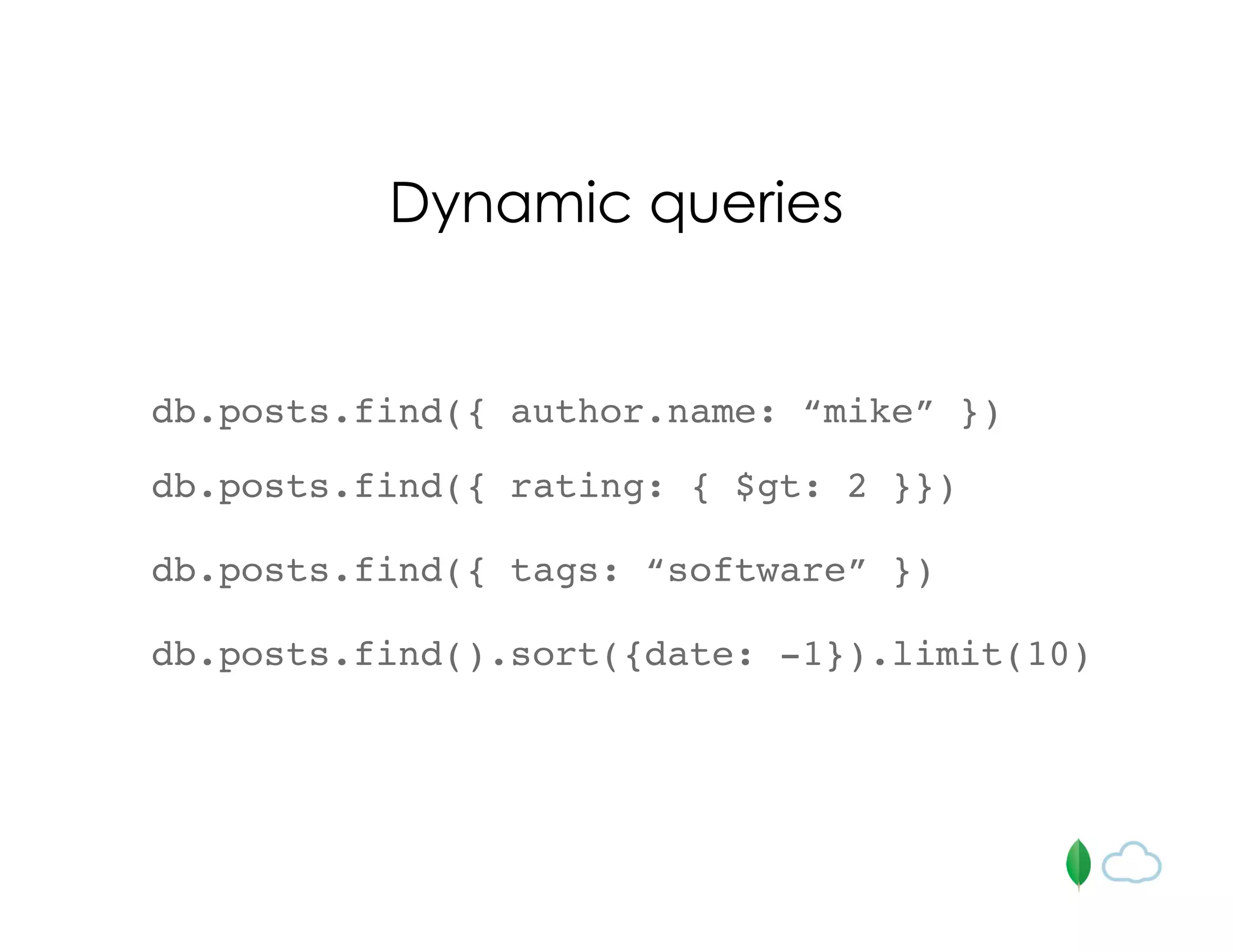
db.posts.find({ author.name: “mike” })
Dynamic queries
db.posts.find({ rating: { $gt: 2 }})
db.posts.find({ tags: “software” })
db.posts.find().sort({date: -1}).limit(10)
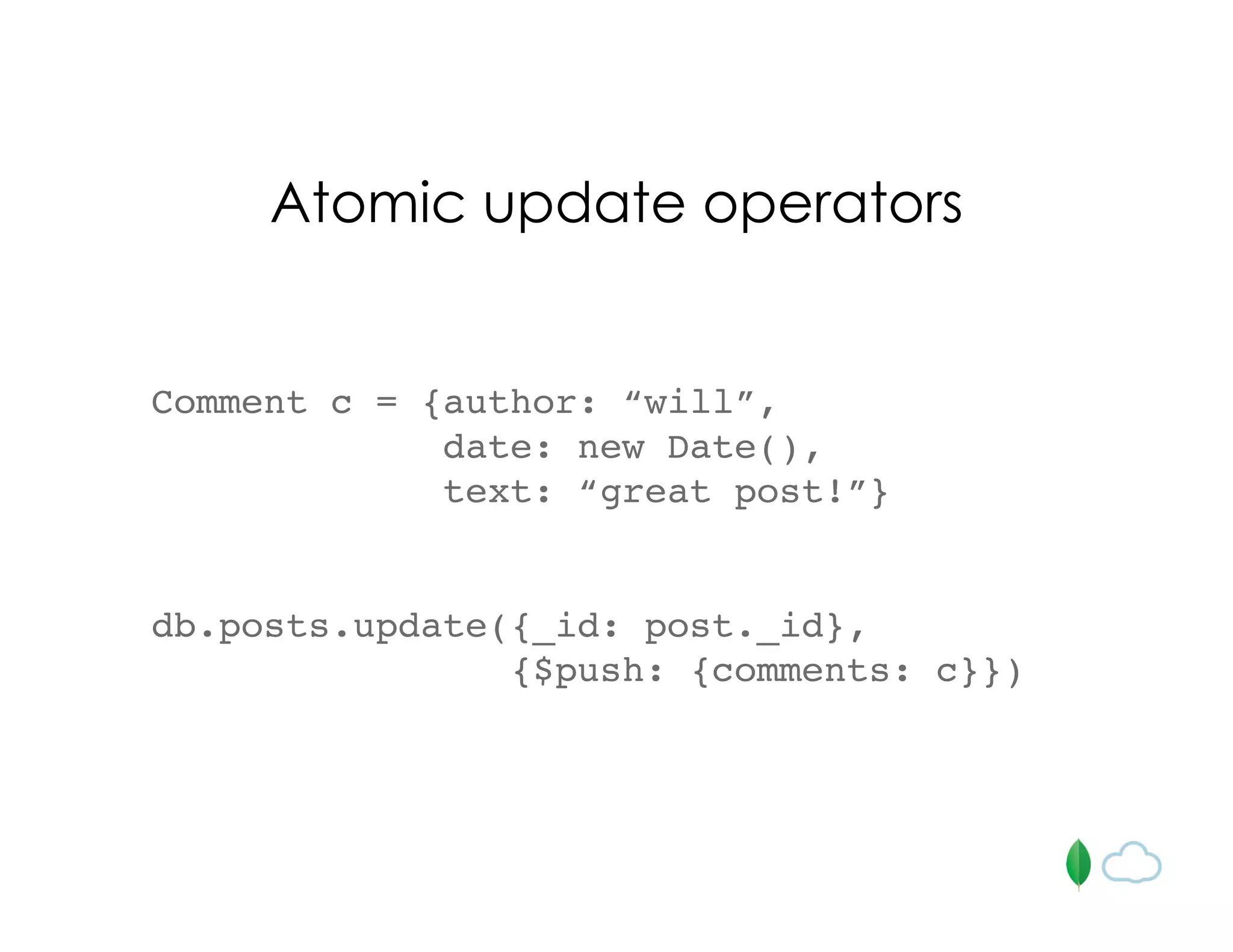
Comment c = {author: “will”,
date: new Date(),
text: “great post!”}
db.posts.update({_id: post._id},
{$push: {comments: c}})
Atomic update operators
Aggregation and Map/Reduce
Focus on scalability and
performance
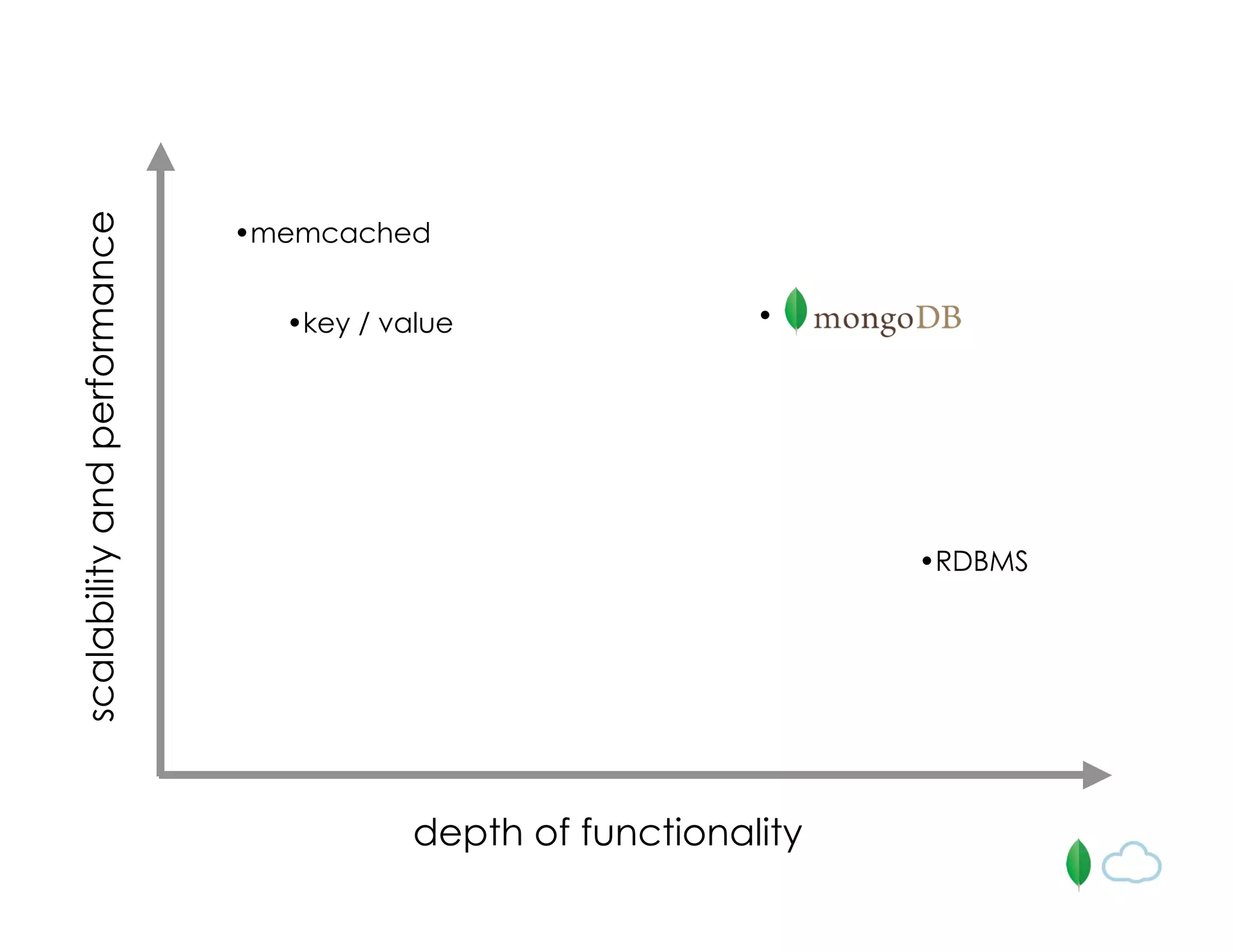
depth of functionality
scalabilityandperformance
•memcached
•key / value
•RDBMS
•
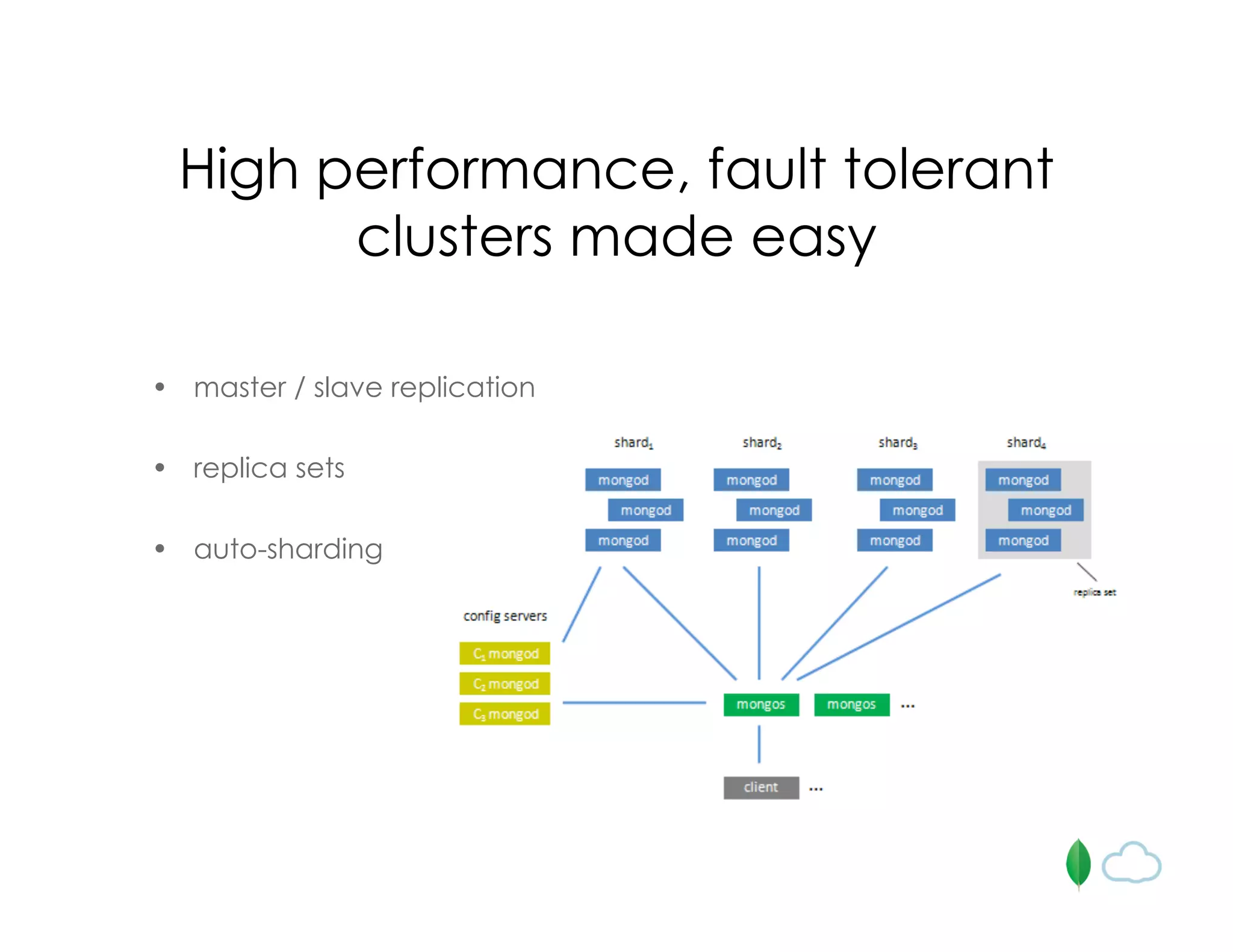
High performance, fault tolerant
clusters made easy
• master / slave replication
• replica sets
• auto-sharding
MongoDB is great for mobile
• everything is JSON!
– storage model is JSON
– queries are in JSON
– update operators are in JSON
• geospatial indexing built-in
• GridFS
Geospatial indexing
• index on geo coordinate pairs
• search by
– bounding box
– bounding circle (point, radius)
Geospatial indexing
db.places.ensureIndex( { loc: “2d” } )
db.places.find({ loc: { $near : [50, 50] } }).limit(10)
db.places.find({loc: {$within : {$box : [[40,40],[60,60]]}}})
db.places.find({loc: {$within : {$center : [[40,40],10]}}})
Geospatial indexing at
Foursquare
• ~1.3M registered users
• ~615k check-ins a day
• “Who’s here” service tracks last 3 hours for
every user; uses mongo exclusively
• all checkins, tips and venues written to
mongo; reads a mix of mongo / legacy
postgres
GridFS
• distributed filesystem inside MongoDB
• stores large files by splitting them into
smaller documents
• leverages existing sharding and
replication configuration
• stores metadata along with files
• works well behind a CDN
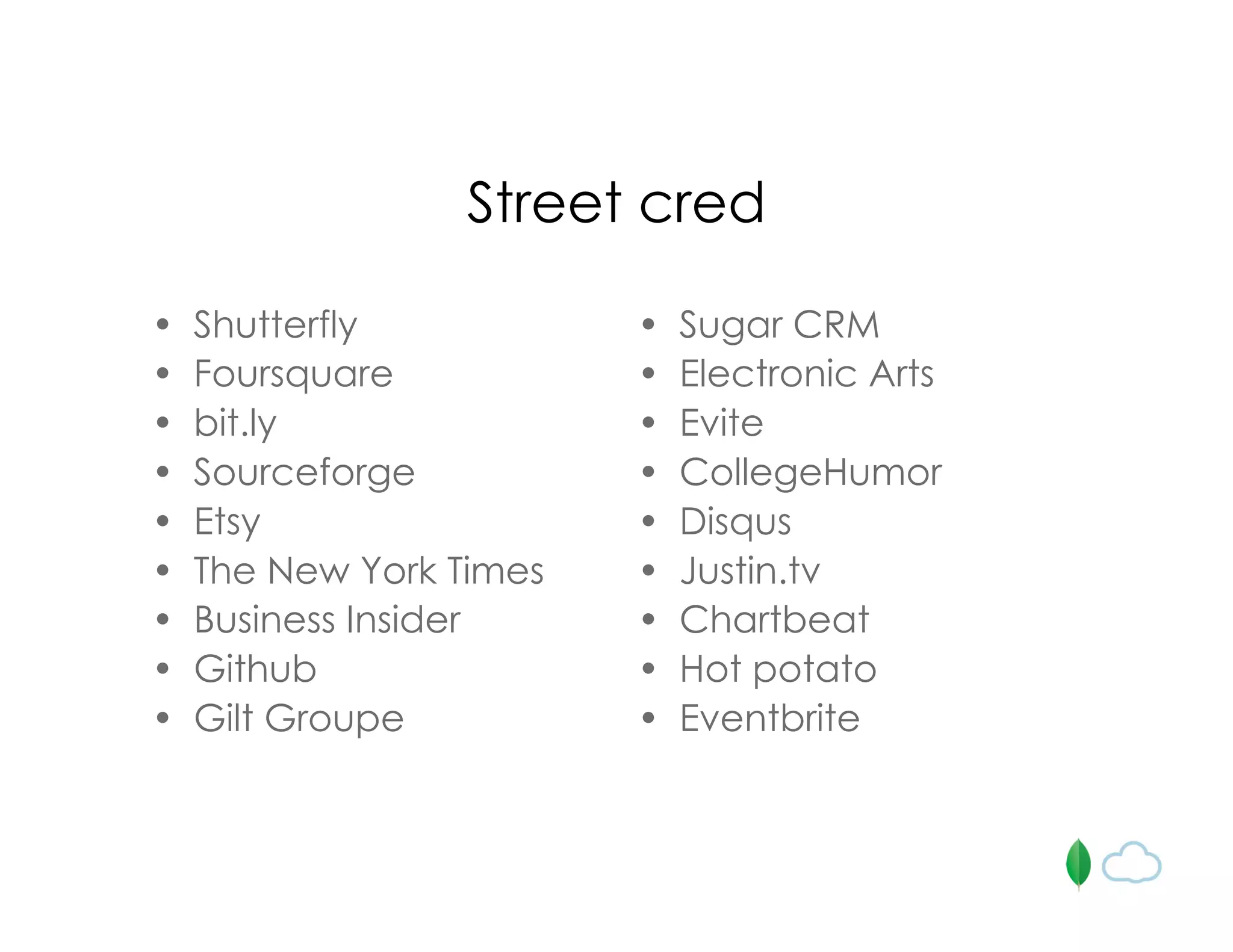
Street cred
• Shutterfly
• Foursquare
• bit.ly
• Sourceforge
• Etsy
• The New York Times
• Business Insider
• Github
• Gilt Groupe
• Sugar CRM
• Electronic Arts
• Evite
• CollegeHumor
• Disqus
• Justin.tv
• Chartbeat
• Hot potato
• Eventbrite
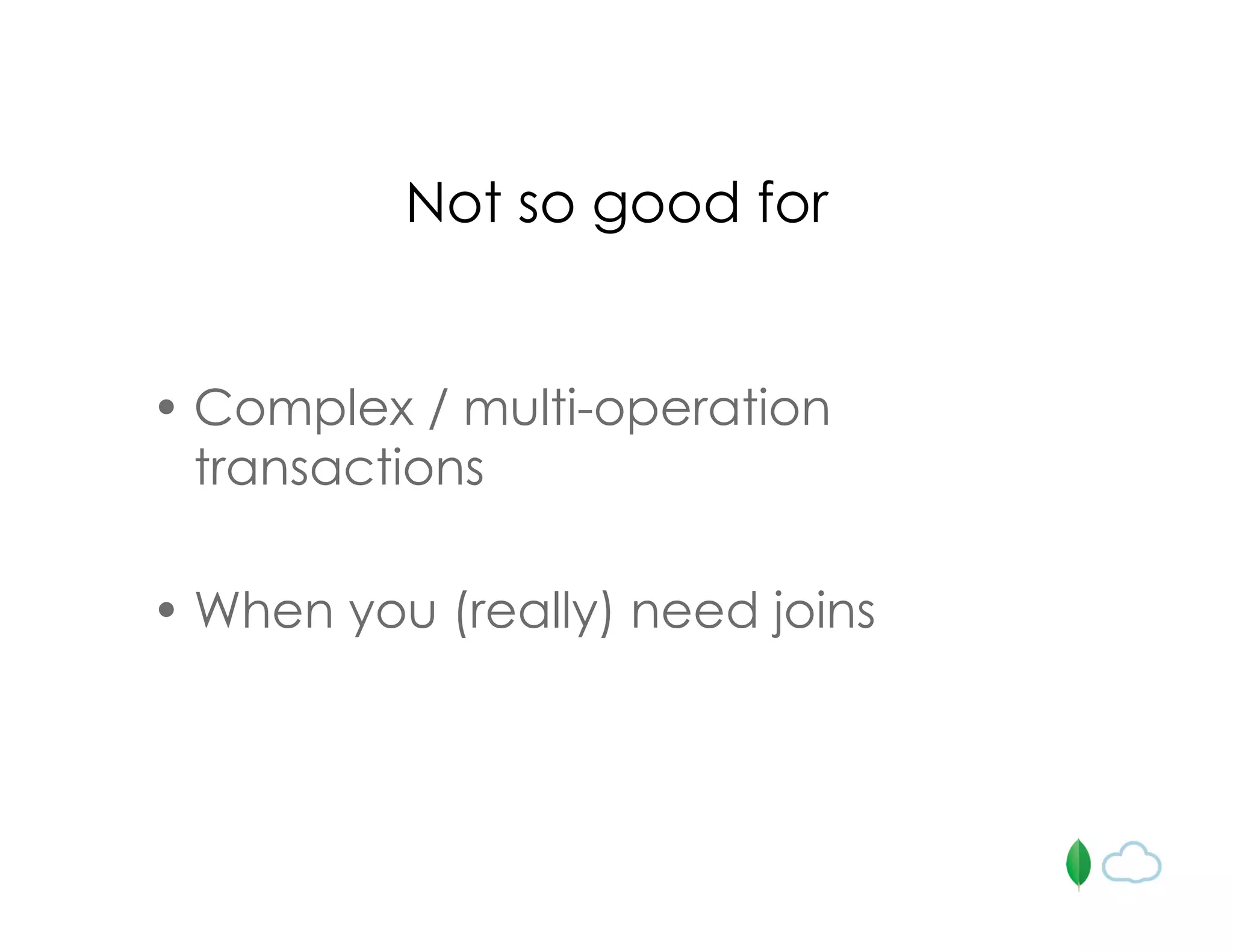
Not so good for
• Complex / multi-operation
transactions
• When you (really) need joins
How can this be even simpler and
more awesome?
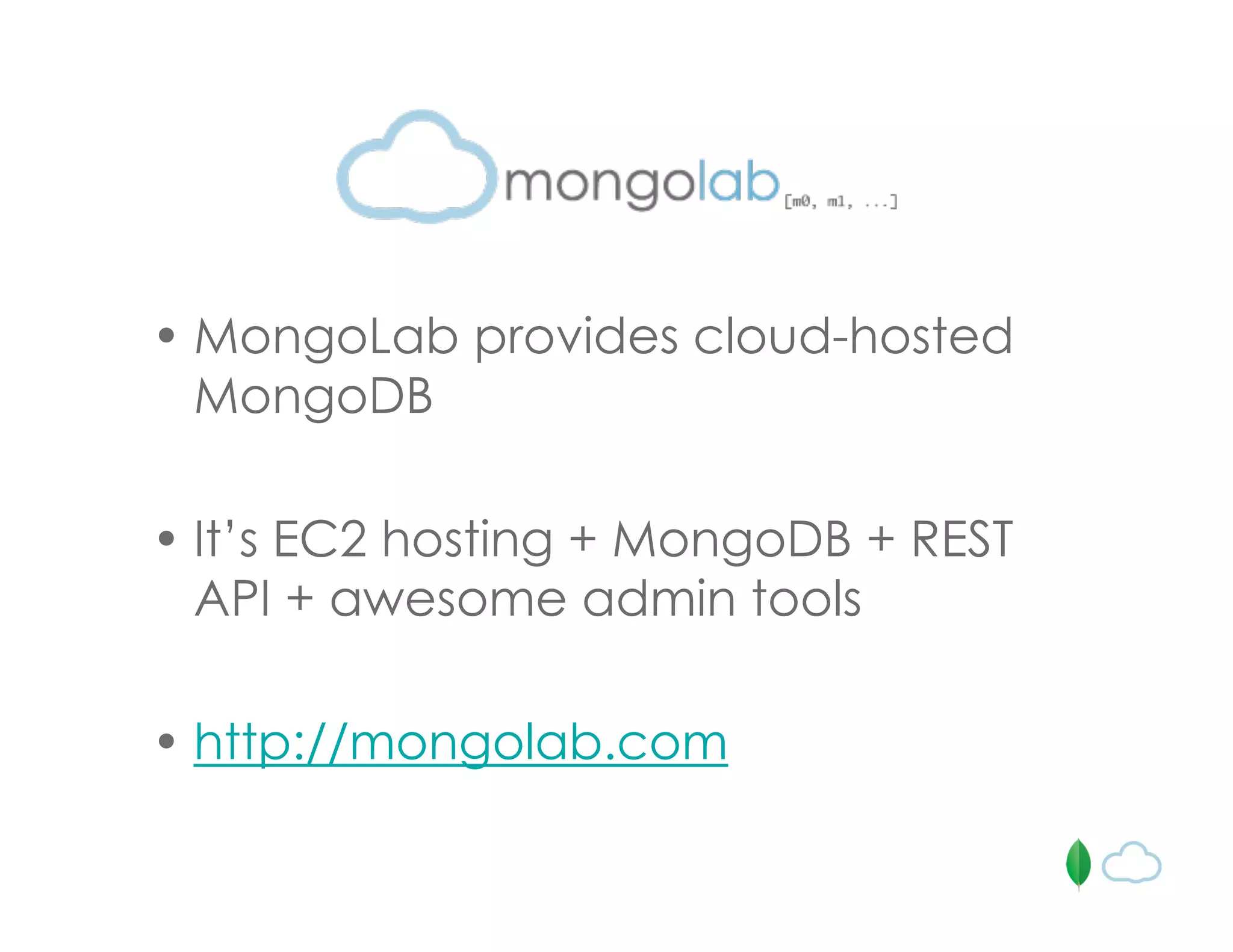
• MongoLab provides cloud-hosted
MongoDB
• It’s EC2 hosting + MongoDB + REST
API + awesome admin tools
• http://mongolab.com
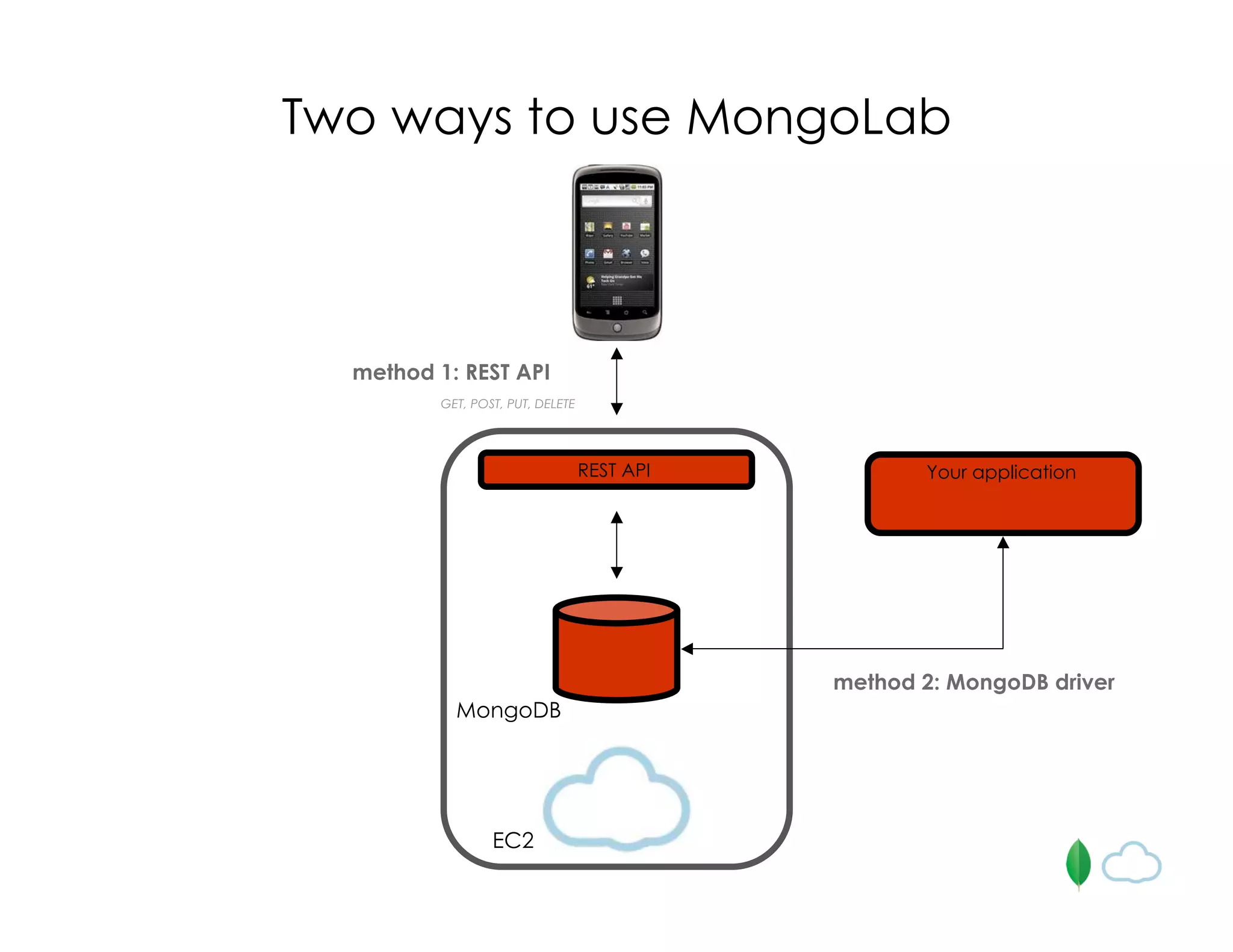
GET, POST, PUT, DELETE
EC2
MongoDB
Two ways to use MongoLab
REST API
method 1: REST API
method 2: MongoDB driver
Your application
/databases/<d>/collections
GET
/databases/<d>/collections/<c>
GET
POST
/databases/<d>/collections/<c>/<_id>
GET
PUT
DELETE
/databases/<d>/collections/<c>?[q=<query>]
[&f=<fields>]
[&s=<order>]
[&sk=<skip>]
[&l=<limit>]
GET
MongoLab API
Example app:
GeoPost
• add a GeoPost (email, date, message, location)
• list nearby GeoPosts
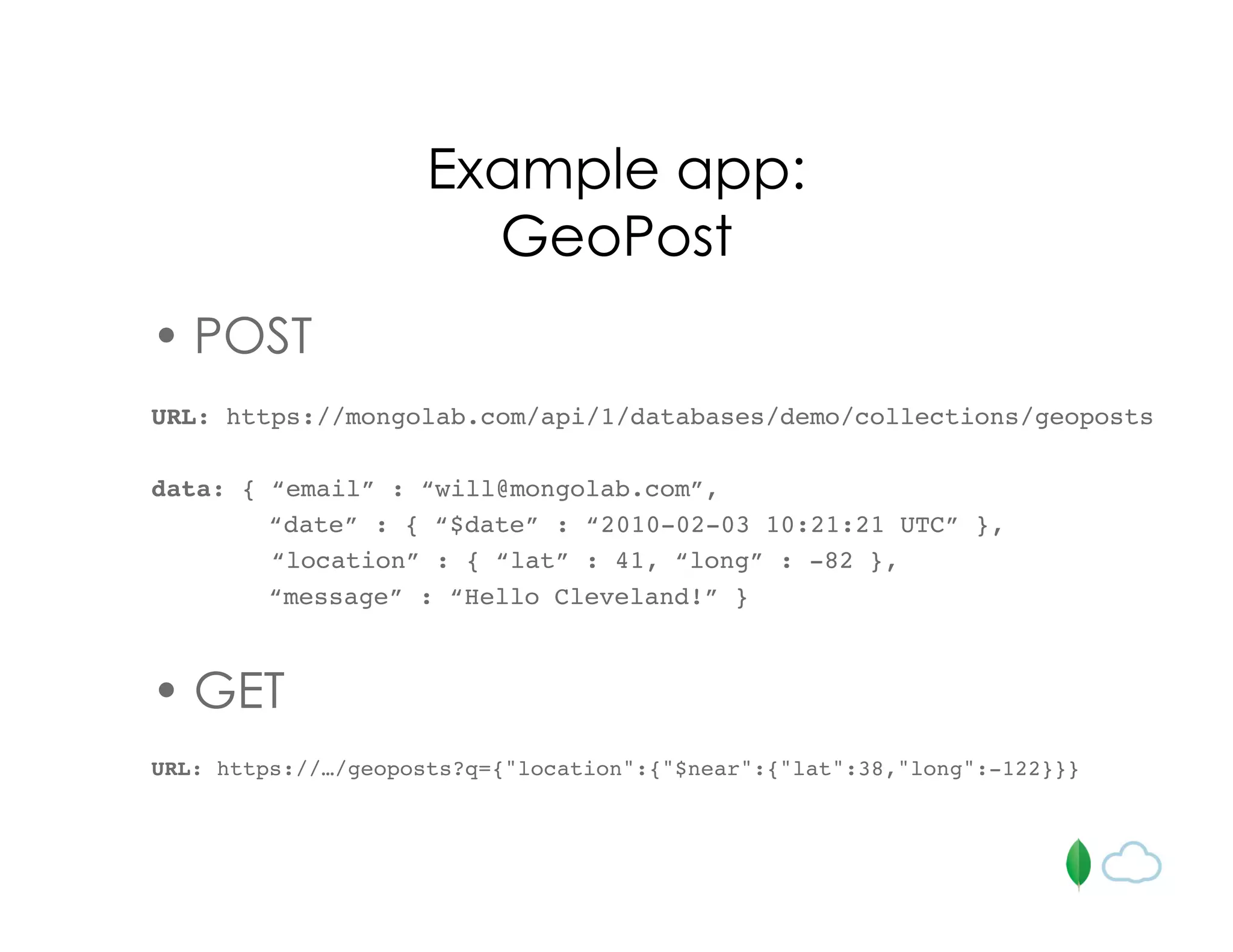
Example app:
GeoPost
• POST
URL: https://mongolab.com/api/1/databases/demo/collections/geoposts
data: { “email” : “will@mongolab.com”,
“date” : { “$date” : “2010-02-03 10:21:21 UTC” },
“location” : { “lat” : 41, “long” : -82 },
“message” : “Hello Cleveland!” }
• GET
URL: https://…/geoposts?q={"location":{"$near":{"lat":38,"long":-122}}}
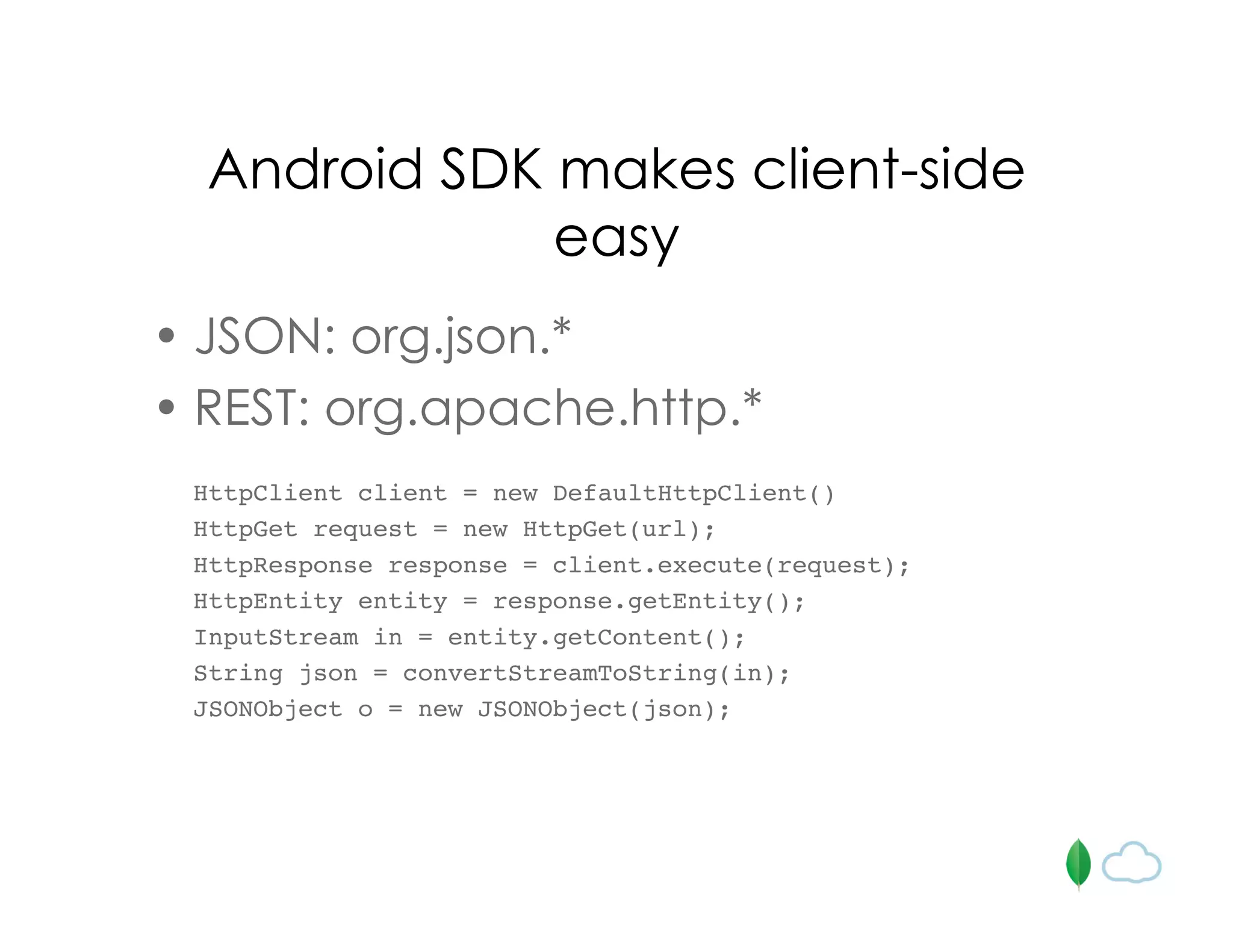
Android SDK makes client-side
easy
• JSON: org.json.*
• REST: org.apache.http.*
HttpClient client = new DefaultHttpClient()
HttpGet request = new HttpGet(url);
HttpResponse response = client.execute(request);
HttpEntity entity = response.getEntity();
InputStream in = entity.getContent();
String json = convertStreamToString(in);
JSONObject o = new JSONObject(json);
For more info…
• MongoDB / 10Gen
– http://mongodb.org
– http://10gen.com
• MongoLab
– http://mongolab.com
– will@mongolab.com

Learn Learn how to build your mobile back-end with MongoDB

  • 1.
    MongoDB for mobileapp backends sf android meetup 08.31.2010
  • 2.
    I’ve written mymobile app… where should I store my data ? ?
  • 3.
    Mobile apps donot exist in a vacuum • user profile data • logging • location-based data collection • game data (stats, high scores) • polls and surveys • user feedback
  • 4.
    Do I wantto host this myself ? Java + Spring + Hibernate ? Ruby on Rails ? Hmmm… I will probably need to build a REST API…
  • 5.
    GET, POST, PUT,DELETE •EC2 •Rackspace •App Engine* •MySQL •SQLServer •Postgres •RoR •J2EE General approach REST API
  • 6.
    How can thisbe even simpler and more awesome?
  • 7.
    • “Scalable, open-source,high- performance, document-oriented database” - 10gen • “The database your database could smell like” - old spice guy
  • 8.
    MongoDB is designedto address two modern DB problems 1. object / relational “impedance mismatch” 2. horizontal scalability
  • 9.
    Native drivers inalmost every language • Java • Javascript • Python • Ruby • C# • PHP • and more…
  • 10.
    A paradigm shift… •Traditional RDMS – database – table – row • MongoDB – database – collection – document / object
  • 11.
    Documents (a.k.a. Objects) { _id:1234, author: { name: “Bob Jones”, email: “b@b.com” }, post: “In these troubled times I like to …“, date: { $date: “2010-07-12 13:23UTC” }, location: [ -121.2322, 42.1223222 ], rating: 2.2, comments: [ { user: “jgs32@hotmail.com”, upVotes: 22, downVotes: 14, text: “Great point! I agree” }, { user: “holly.davidson@gmail.com”, upVotes: 421, downVotes: 22, text: “You are a moron” } ] }
  • 12.
    { _id: 1234, author: {name: “Bob Jones”, email: “b@b.com” }, post: “In these troubled times I like to …“, date: { $date: “2010-07-12 13:23UTC” }, location: [ -121.2322, 42.1223222 ], rating: 2.2, comments: [ { user: “jgs32@hotmail.com”, upVotes: 22, downVotes: 14, text: “Great point! I agree” }, { user: “holly.davidson@gmail.com”, upVotes: 421, downVotes: 22, text: “You are a moron” } ], tags: [ “politics”, “Virginia” ] } Flexible “schemas”
  • 13.
    db.posts.find({ author.name: “mike”}) Dynamic queries db.posts.find({ rating: { $gt: 2 }}) db.posts.find({ tags: “software” }) db.posts.find().sort({date: -1}).limit(10)
  • 14.
    Comment c ={author: “will”, date: new Date(), text: “great post!”} db.posts.update({_id: post._id}, {$push: {comments: c}}) Atomic update operators
  • 15.
  • 16.
    Focus on scalabilityand performance
  • 17.
  • 18.
    High performance, faulttolerant clusters made easy • master / slave replication • replica sets • auto-sharding
  • 19.
    MongoDB is greatfor mobile • everything is JSON! – storage model is JSON – queries are in JSON – update operators are in JSON • geospatial indexing built-in • GridFS
  • 20.
    Geospatial indexing • indexon geo coordinate pairs • search by – bounding box – bounding circle (point, radius)
  • 21.
    Geospatial indexing db.places.ensureIndex( {loc: “2d” } ) db.places.find({ loc: { $near : [50, 50] } }).limit(10) db.places.find({loc: {$within : {$box : [[40,40],[60,60]]}}}) db.places.find({loc: {$within : {$center : [[40,40],10]}}})
  • 22.
    Geospatial indexing at Foursquare •~1.3M registered users • ~615k check-ins a day • “Who’s here” service tracks last 3 hours for every user; uses mongo exclusively • all checkins, tips and venues written to mongo; reads a mix of mongo / legacy postgres
  • 23.
    GridFS • distributed filesysteminside MongoDB • stores large files by splitting them into smaller documents • leverages existing sharding and replication configuration • stores metadata along with files • works well behind a CDN
  • 24.
    Street cred • Shutterfly •Foursquare • bit.ly • Sourceforge • Etsy • The New York Times • Business Insider • Github • Gilt Groupe • Sugar CRM • Electronic Arts • Evite • CollegeHumor • Disqus • Justin.tv • Chartbeat • Hot potato • Eventbrite
  • 25.
    Not so goodfor • Complex / multi-operation transactions • When you (really) need joins
  • 26.
    How can thisbe even simpler and more awesome?
  • 27.
    • MongoLab providescloud-hosted MongoDB • It’s EC2 hosting + MongoDB + REST API + awesome admin tools • http://mongolab.com
  • 28.
    GET, POST, PUT,DELETE EC2 MongoDB Two ways to use MongoLab REST API method 1: REST API method 2: MongoDB driver Your application
  • 29.
  • 30.
    Example app: GeoPost • adda GeoPost (email, date, message, location) • list nearby GeoPosts
  • 31.
    Example app: GeoPost • POST URL:https://mongolab.com/api/1/databases/demo/collections/geoposts data: { “email” : “will@mongolab.com”, “date” : { “$date” : “2010-02-03 10:21:21 UTC” }, “location” : { “lat” : 41, “long” : -82 }, “message” : “Hello Cleveland!” } • GET URL: https://…/geoposts?q={"location":{"$near":{"lat":38,"long":-122}}}
  • 33.
    Android SDK makesclient-side easy • JSON: org.json.* • REST: org.apache.http.* HttpClient client = new DefaultHttpClient() HttpGet request = new HttpGet(url); HttpResponse response = client.execute(request); HttpEntity entity = response.getEntity(); InputStream in = entity.getContent(); String json = convertStreamToString(in); JSONObject o = new JSONObject(json);
  • 34.
    For more info… •MongoDB / 10Gen – http://mongodb.org – http://10gen.com • MongoLab – http://mongolab.com – will@mongolab.com