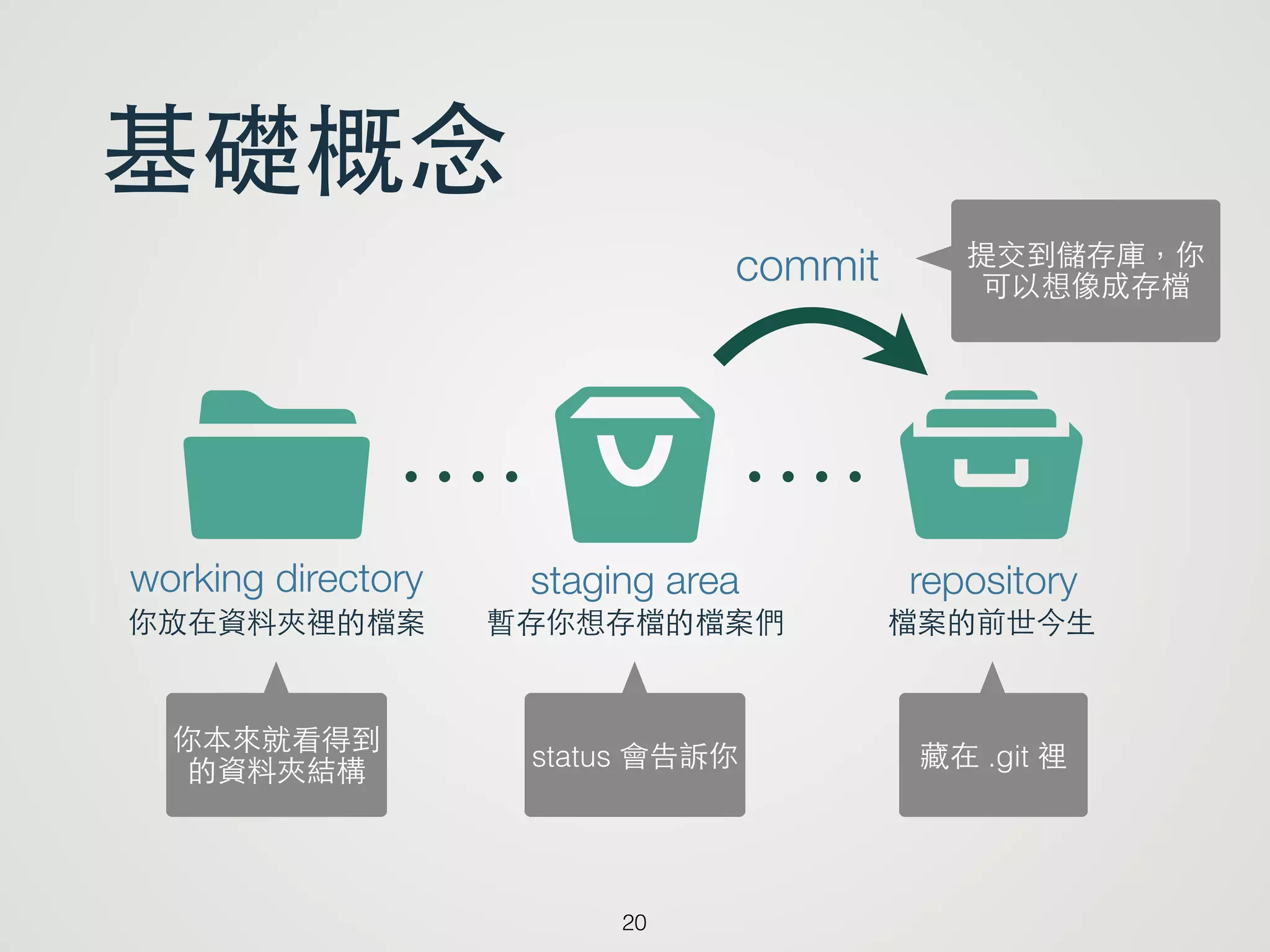
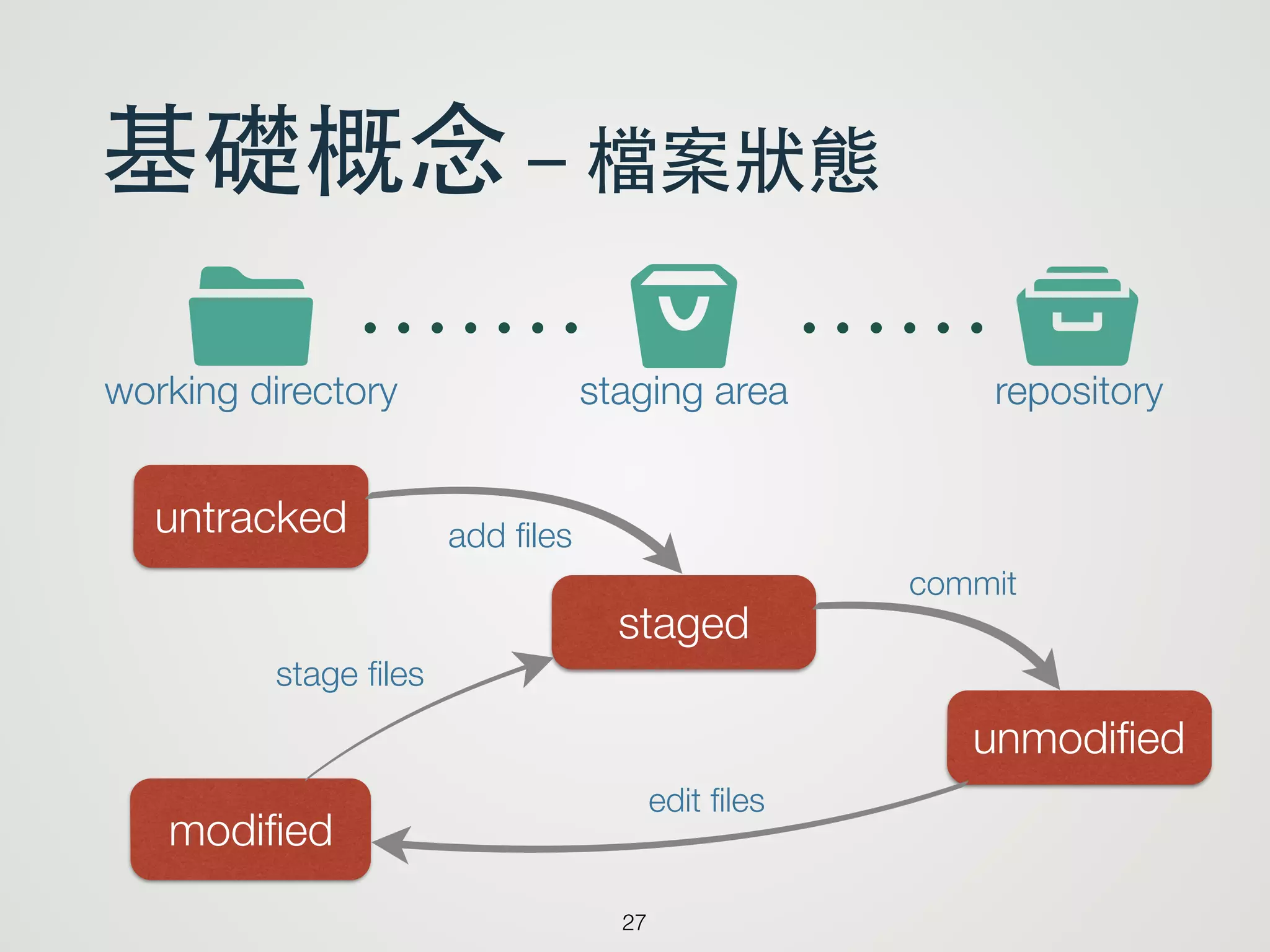
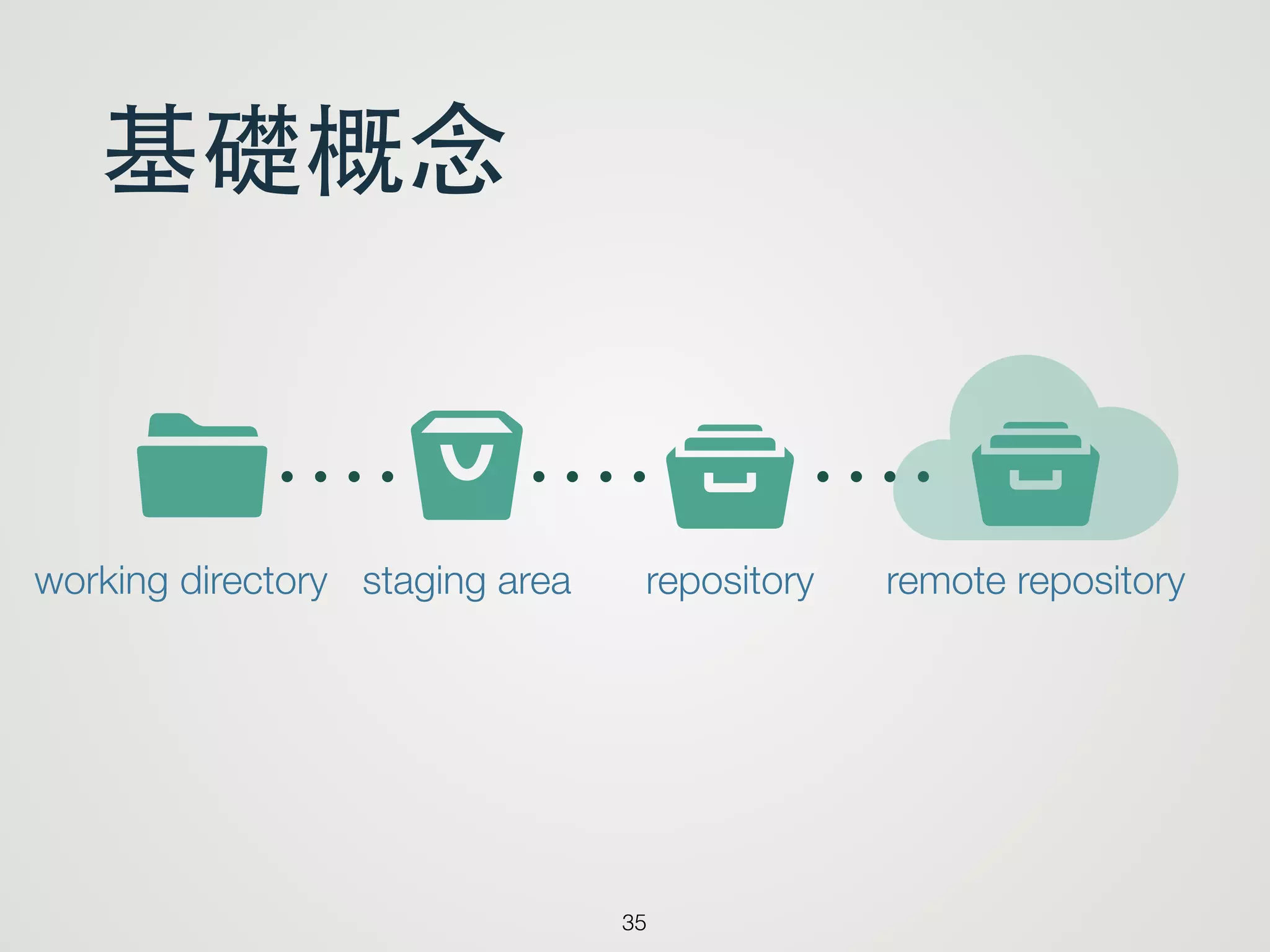
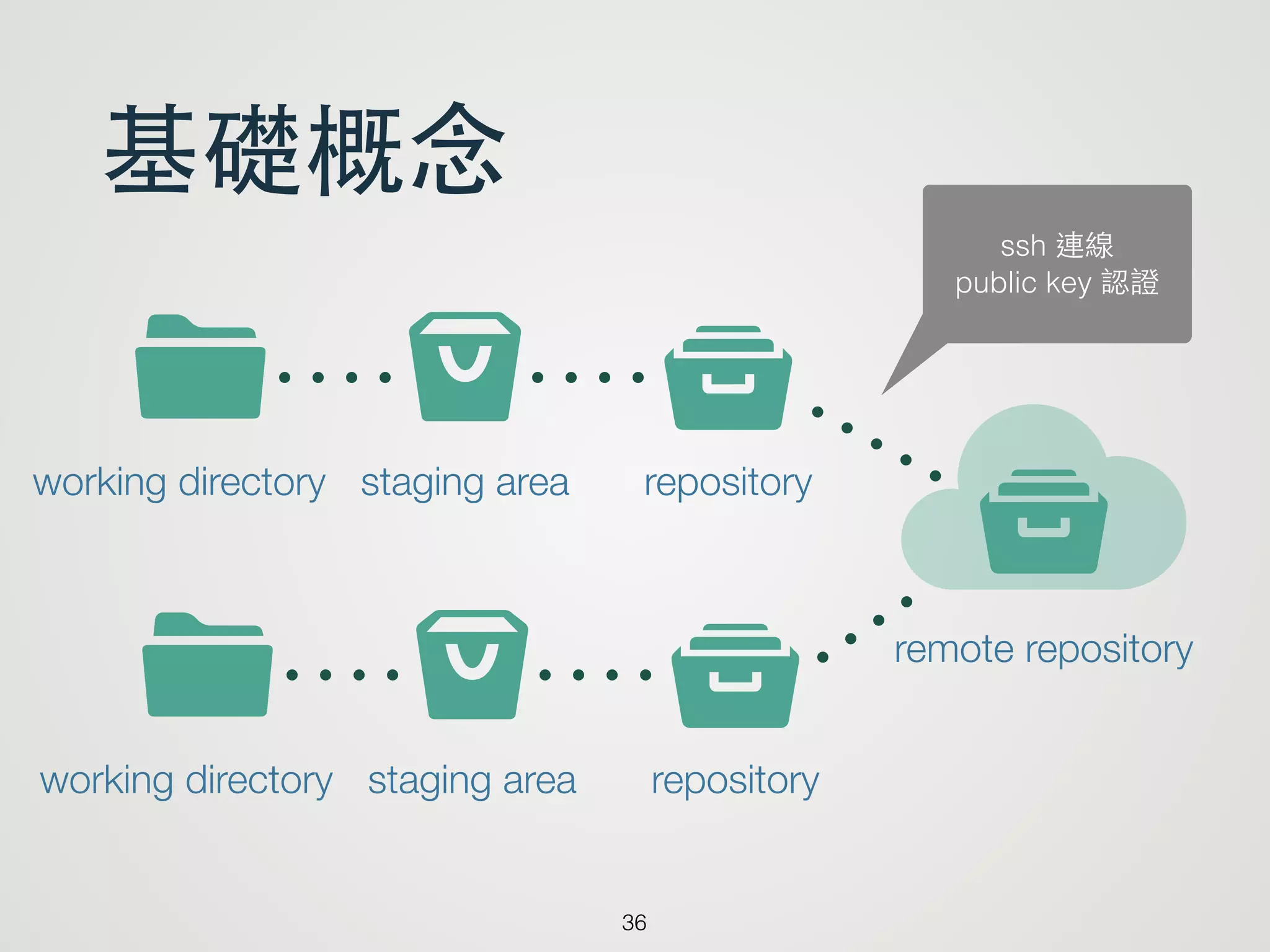
基礎概念
36
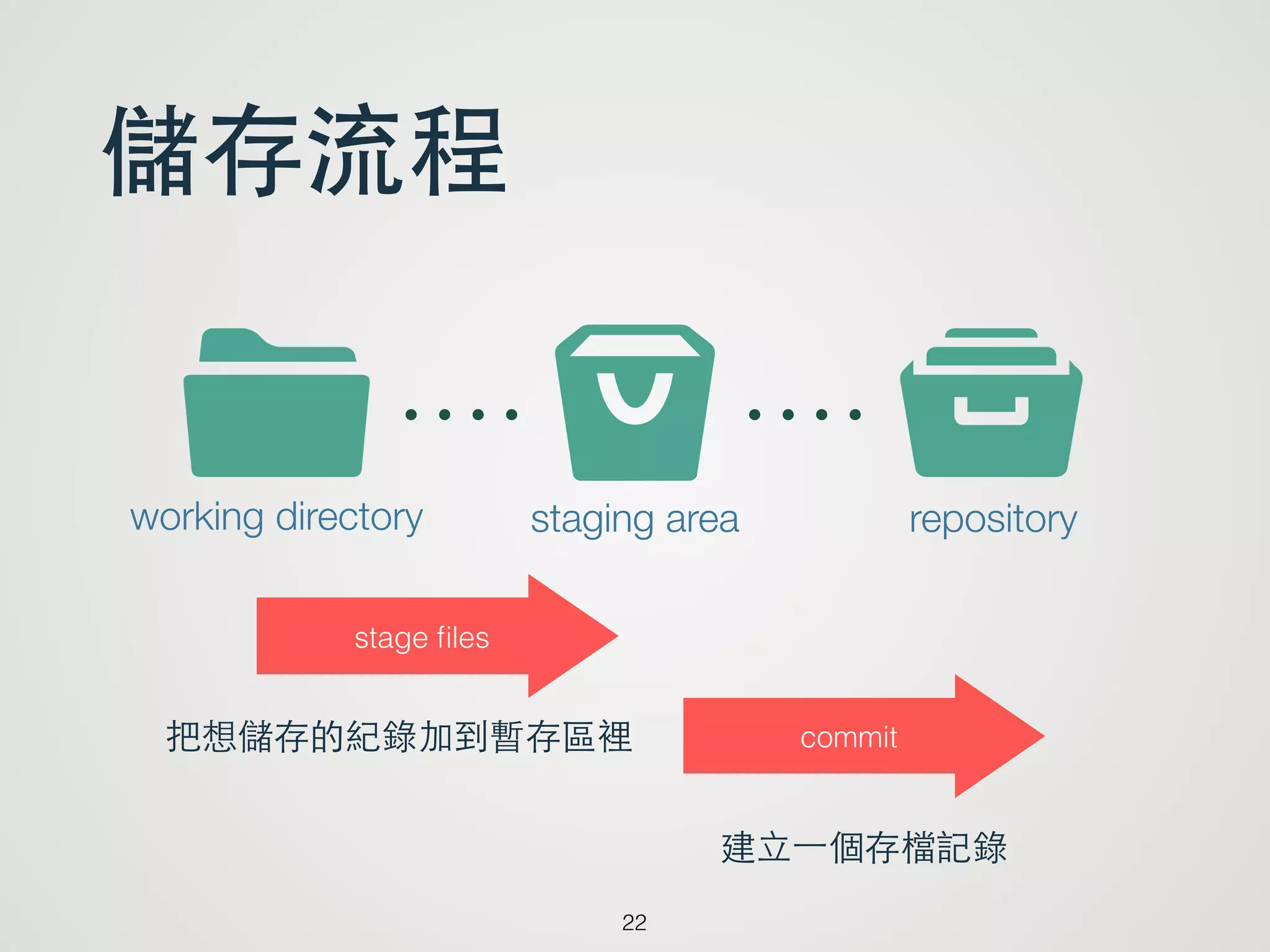
s tIworking directorystaging area repository
ytremote repository
s tIworking directory staging area repository
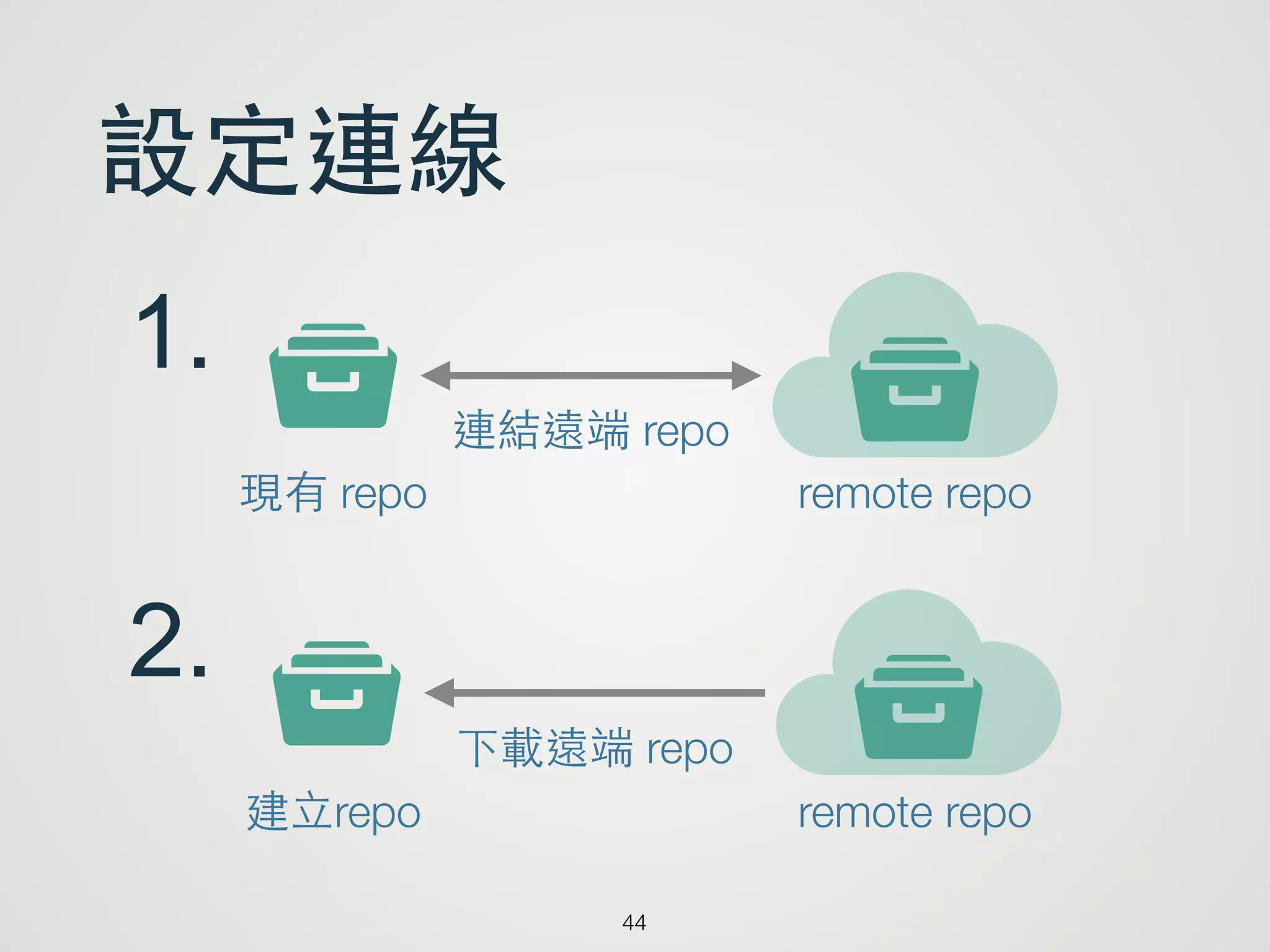
ssh 連線
public key 認證
37.
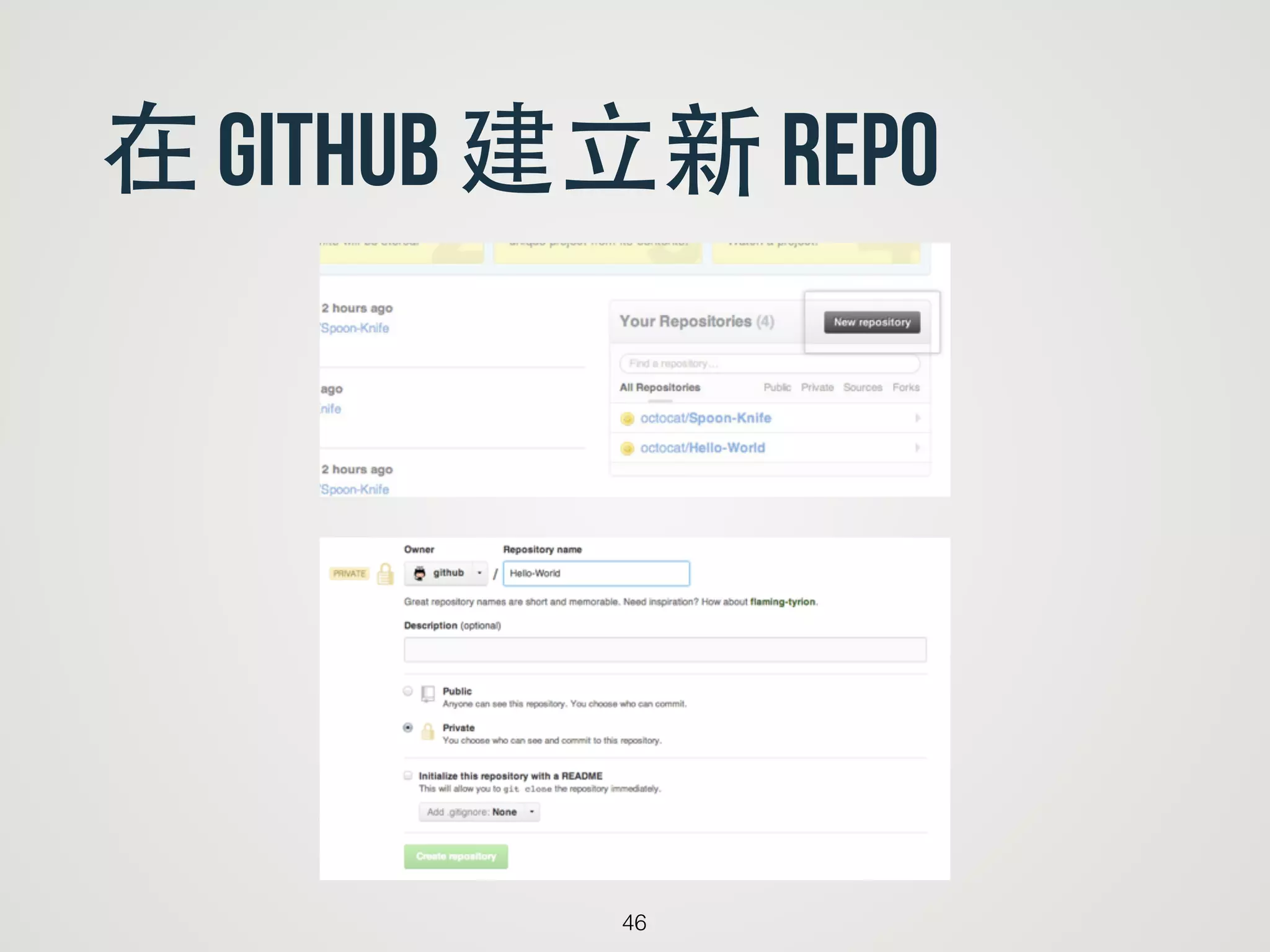
remote Repo service
•Cooperate with others, private used or open source
• Issue tracking, Wiki feature
• Over 5 people in a private repo will charge
• In this course, we use github and open source
set up sshkey with gitgub
39
Reference: https://help.github.com/articles/generating-ssh-keys
40.
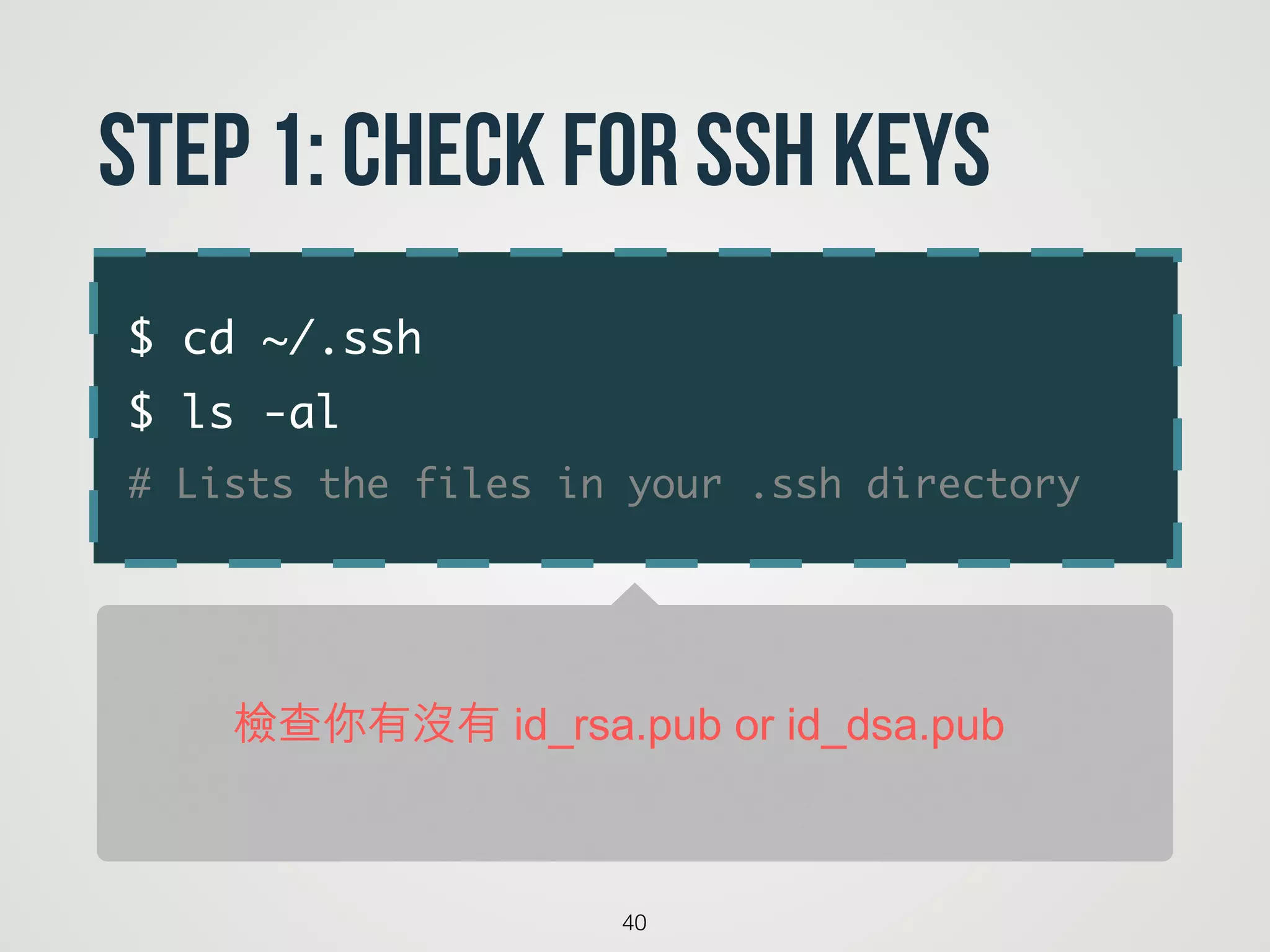
$ cd ~/.ssh
$ls -al
# Lists the files in your .ssh directory
40
Step 1: Check for SSH keys
檢查你有沒有 id_rsa.pub or id_dsa.pub
41.
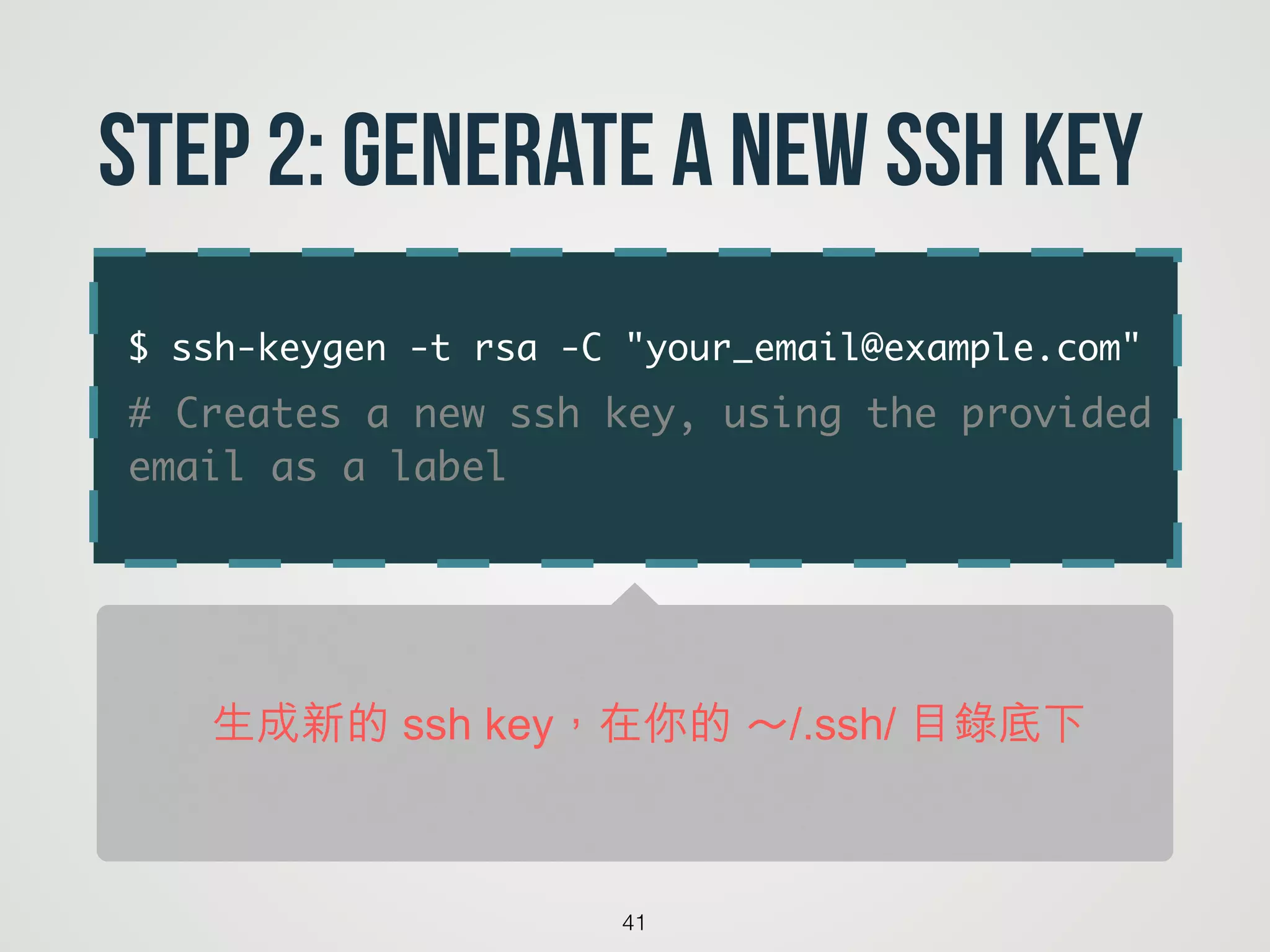
$ ssh-keygen -trsa -C "your_email@example.com"
# Creates a new ssh key, using the provided
email as a label
41
Step 2: Generate a new SSH key
生成新的 ssh key,在你的 ~/.ssh/ 目錄底下
42.
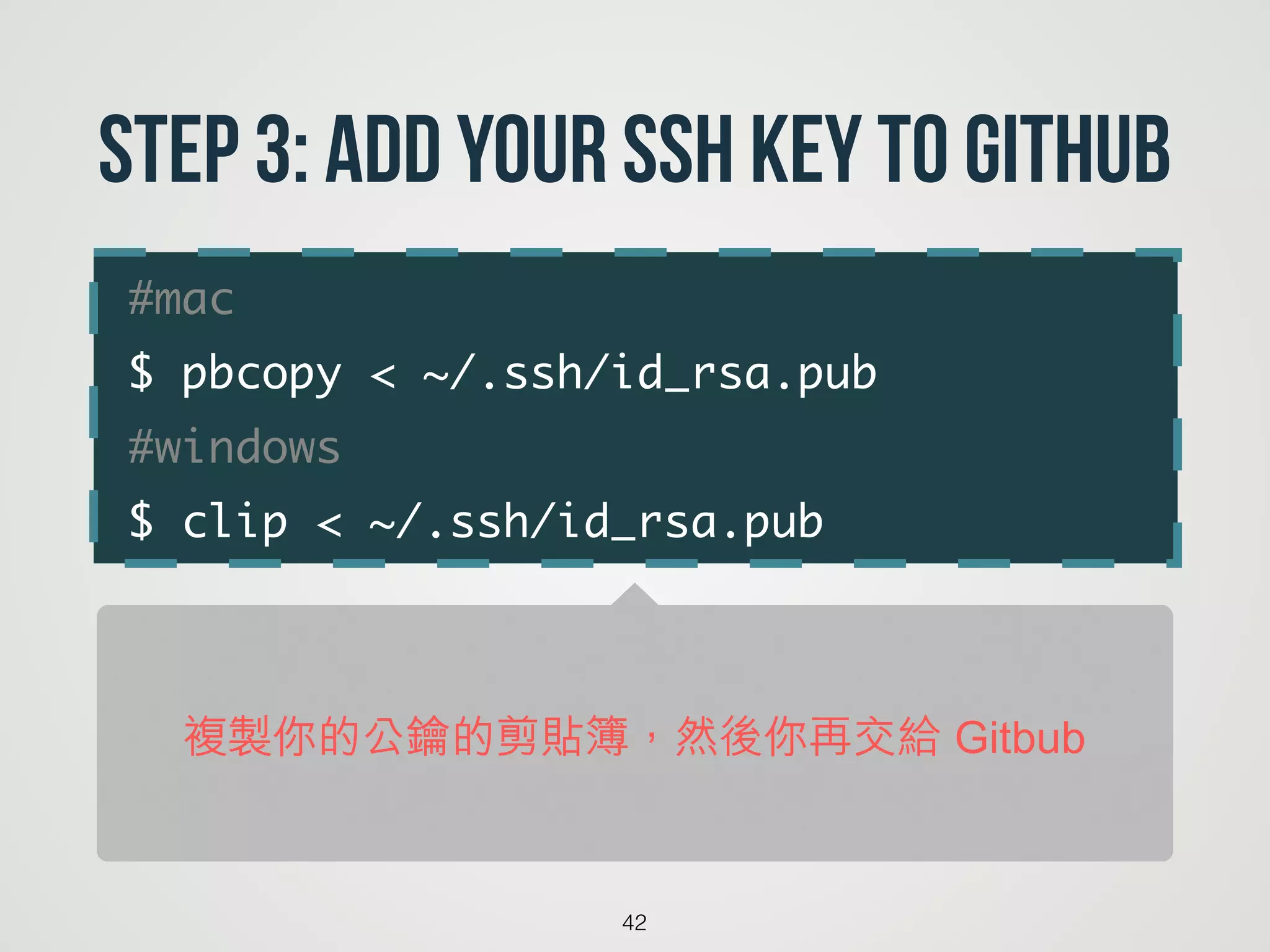
#mac
$ pbcopy <~/.ssh/id_rsa.pub
#windows
$ clip < ~/.ssh/id_rsa.pub
42
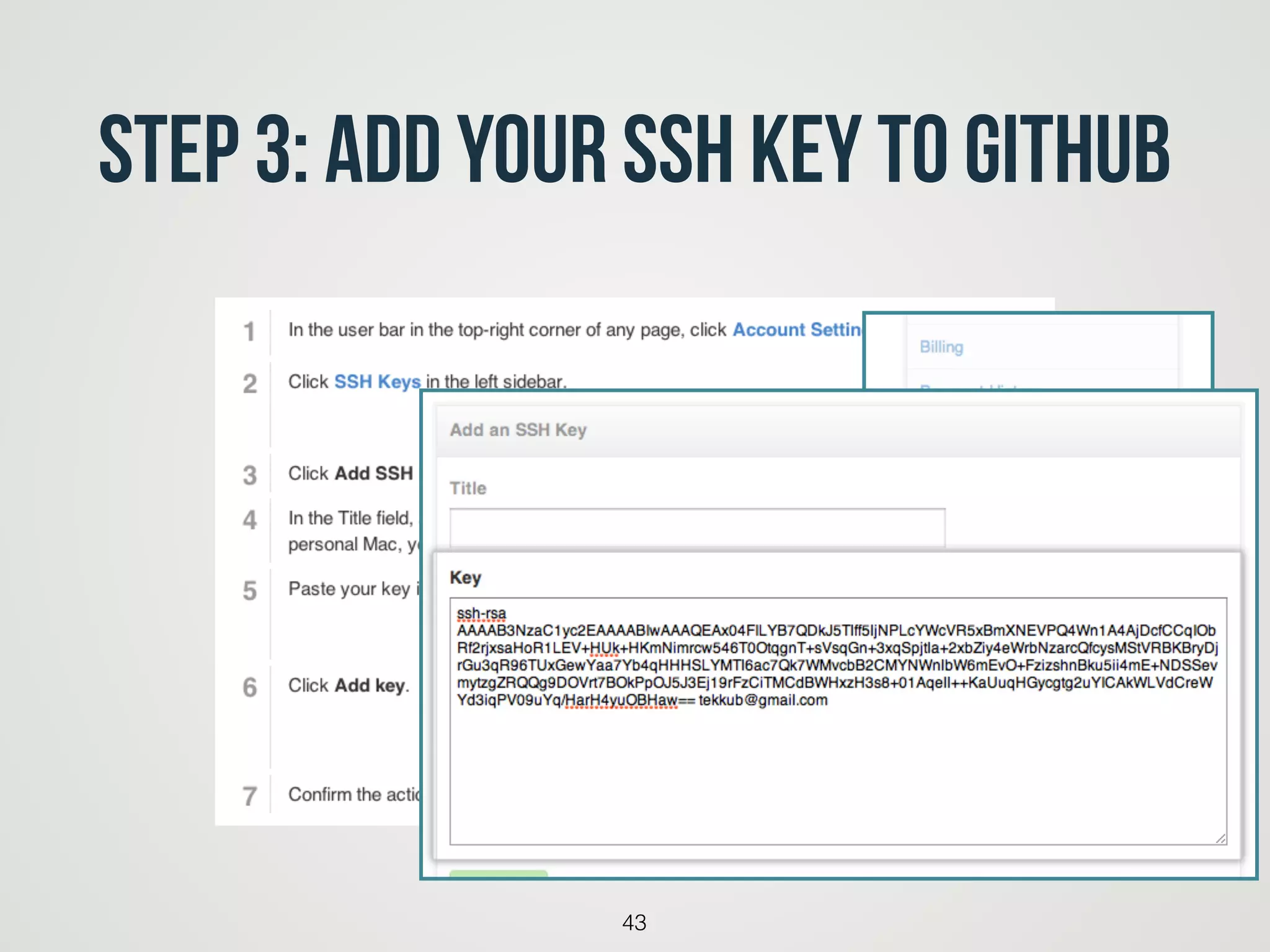
Step 3: Add your SSH key to GitHub
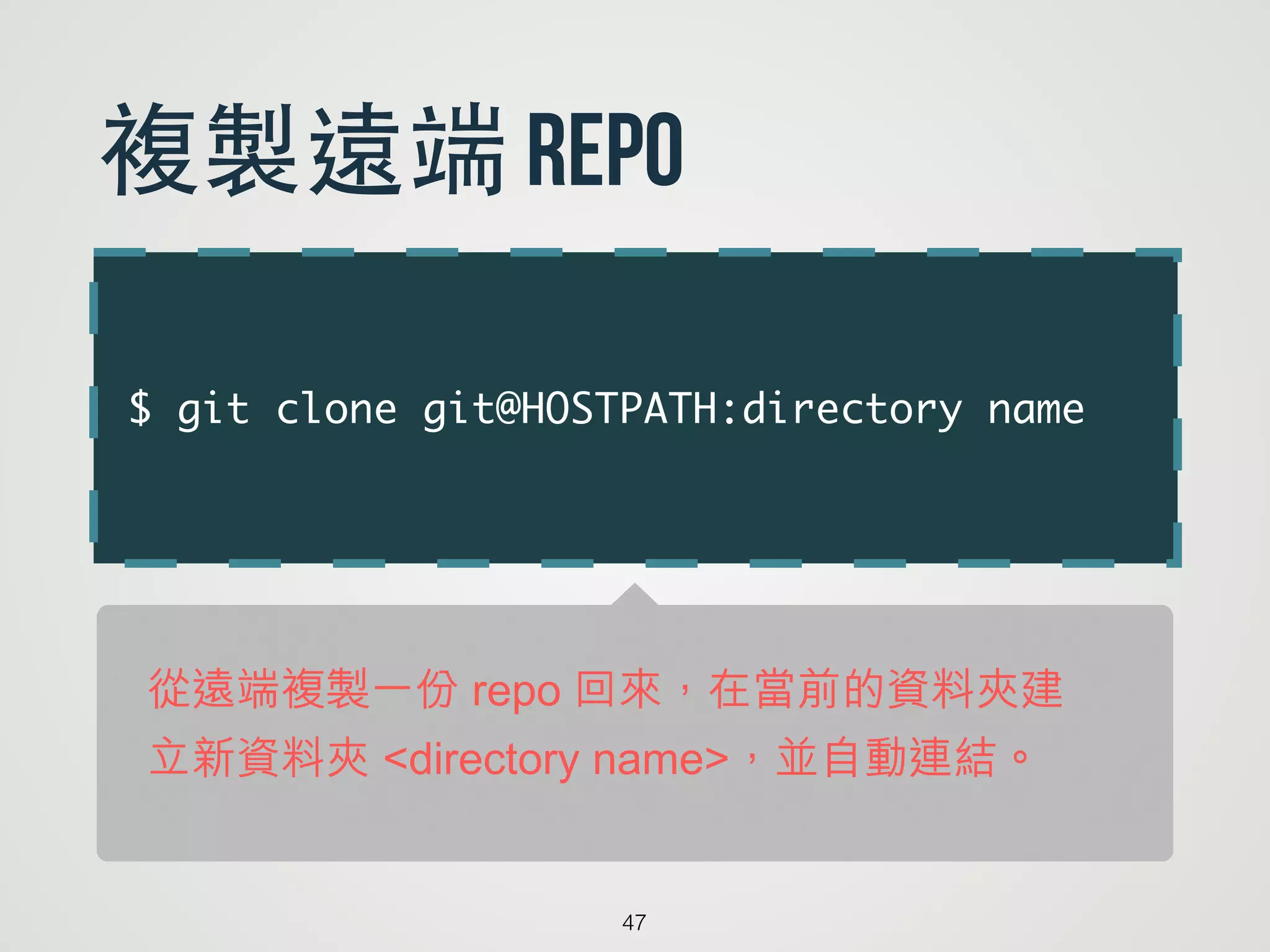
複製你的公鑰的剪貼簿,然後你再交給 Gitbub
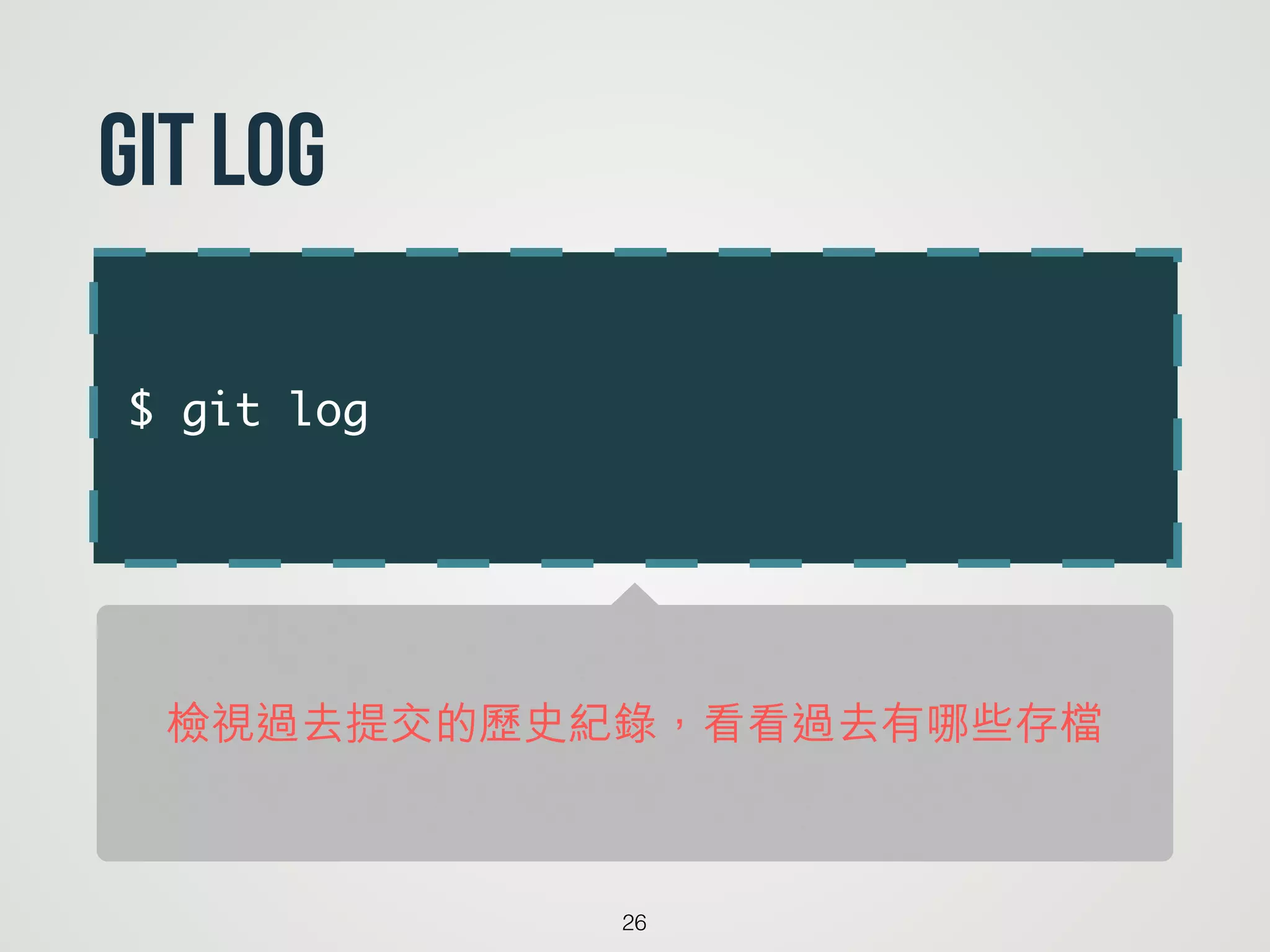
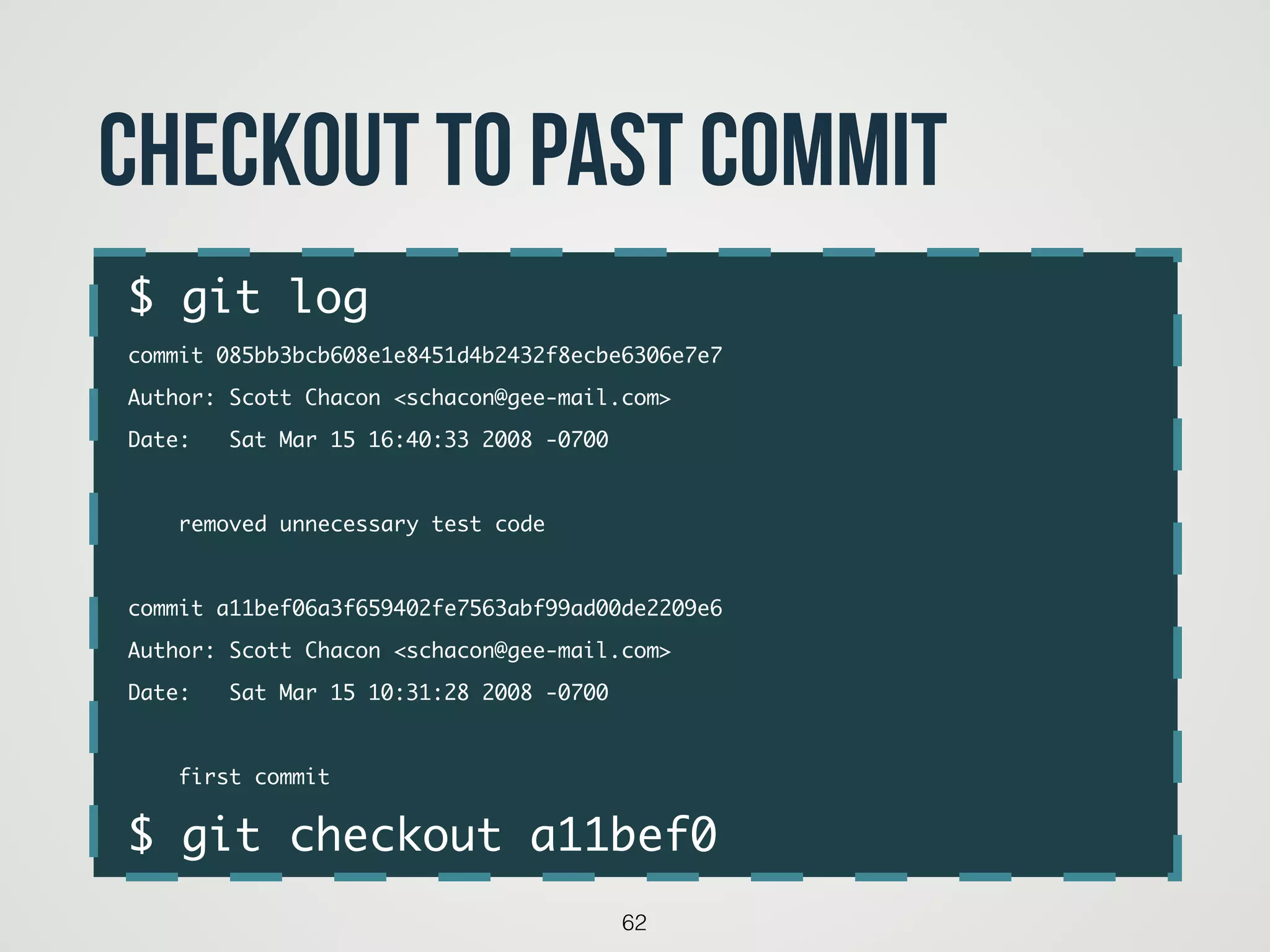
$ git log
commit085bb3bcb608e1e8451d4b2432f8ecbe6306e7e7
Author: Scott Chacon <schacon@gee-mail.com>
Date: Sat Mar 15 16:40:33 2008 -0700
!
removed unnecessary test code
!
commit a11bef06a3f659402fe7563abf99ad00de2209e6
Author: Scott Chacon <schacon@gee-mail.com>
Date: Sat Mar 15 10:31:28 2008 -0700
!
first commit
$ git checkout a11bef0
62
checkout to past commit
$ git status
Onbranch master
You have unmerged paths.
(fix conflicts and run "git commit")
!
Unmerged paths:
(use "git add <file>..." to mark resolution)
!
both modified: index.html
67
conflict
68.
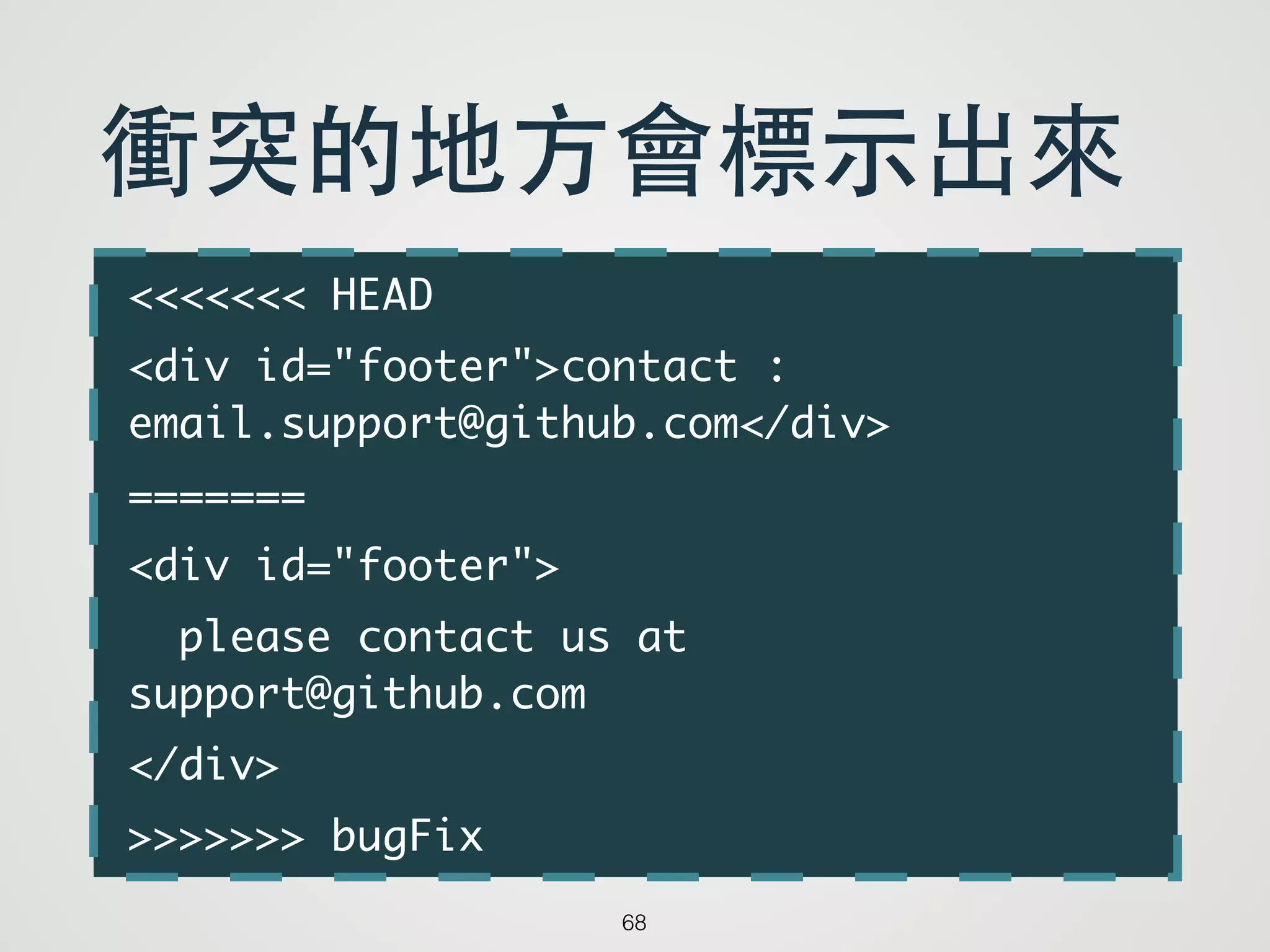
<<<<<<< HEAD
<div id="footer">contact:
email.support@github.com</div>
=======
<div id="footer">
please contact us at
support@github.com
</div>
>>>>>>> bugFix
68
衝突的地⽅方會標⽰示出來




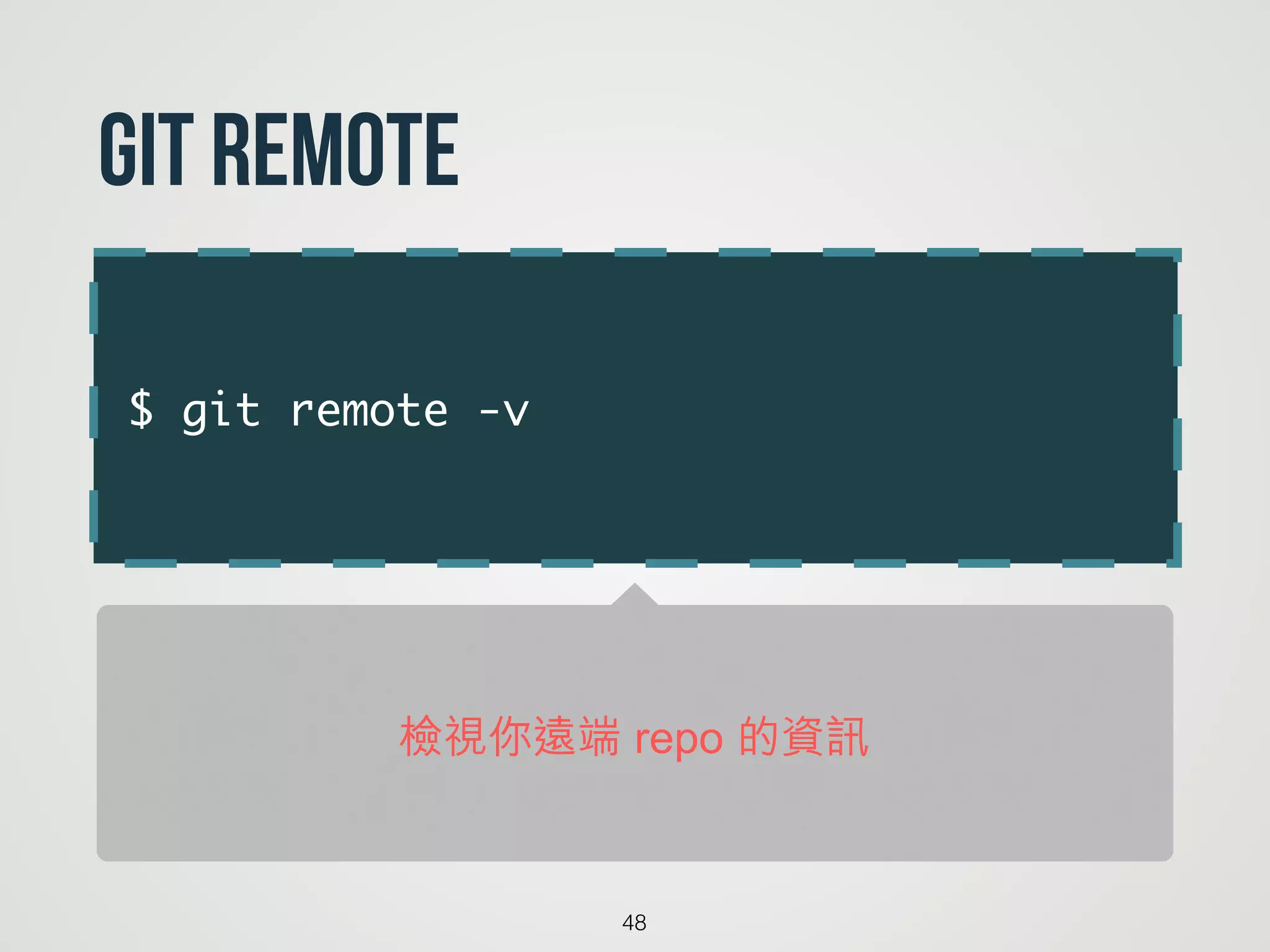
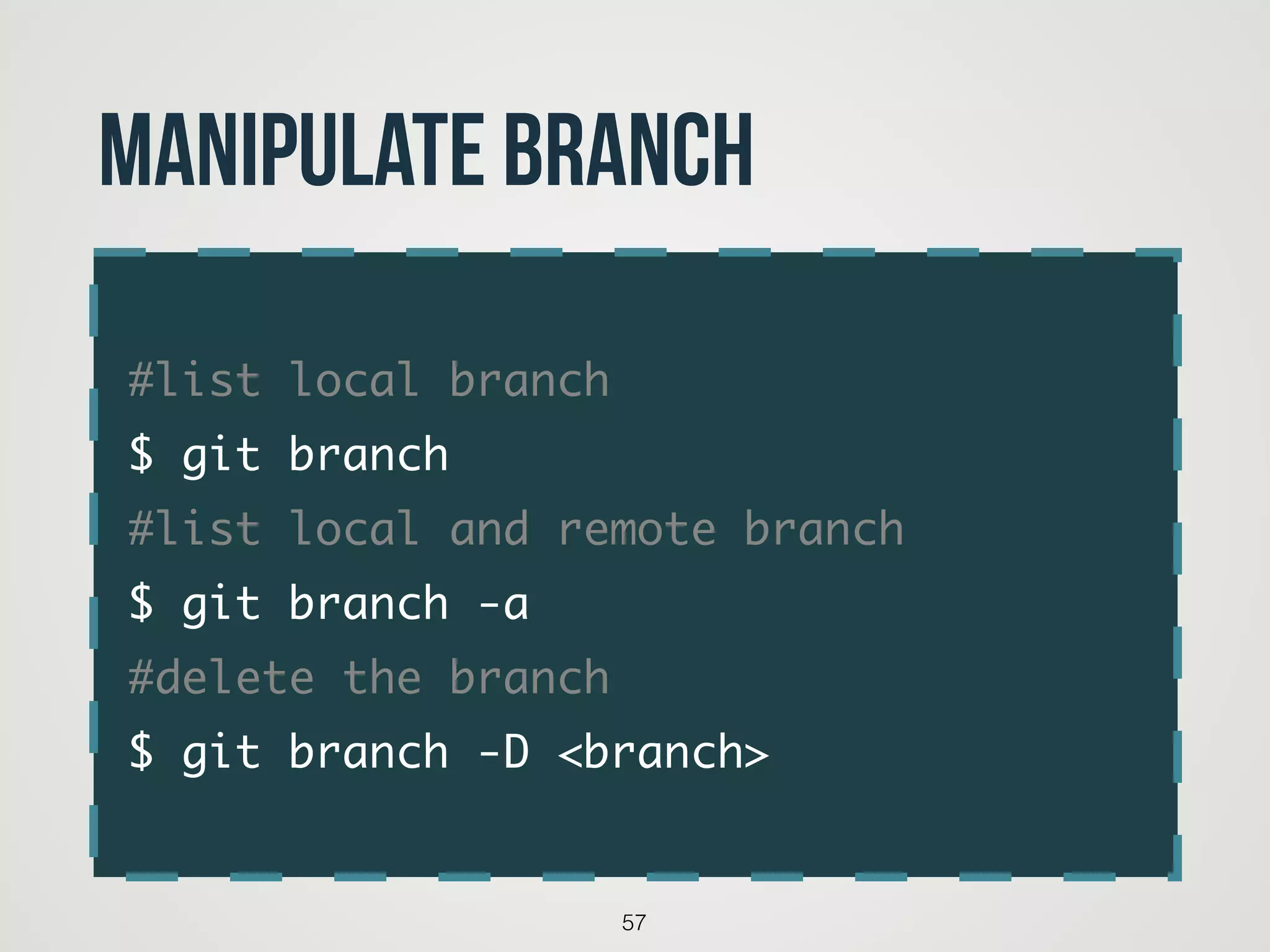
![$ git remote add [shortname] [url]
49
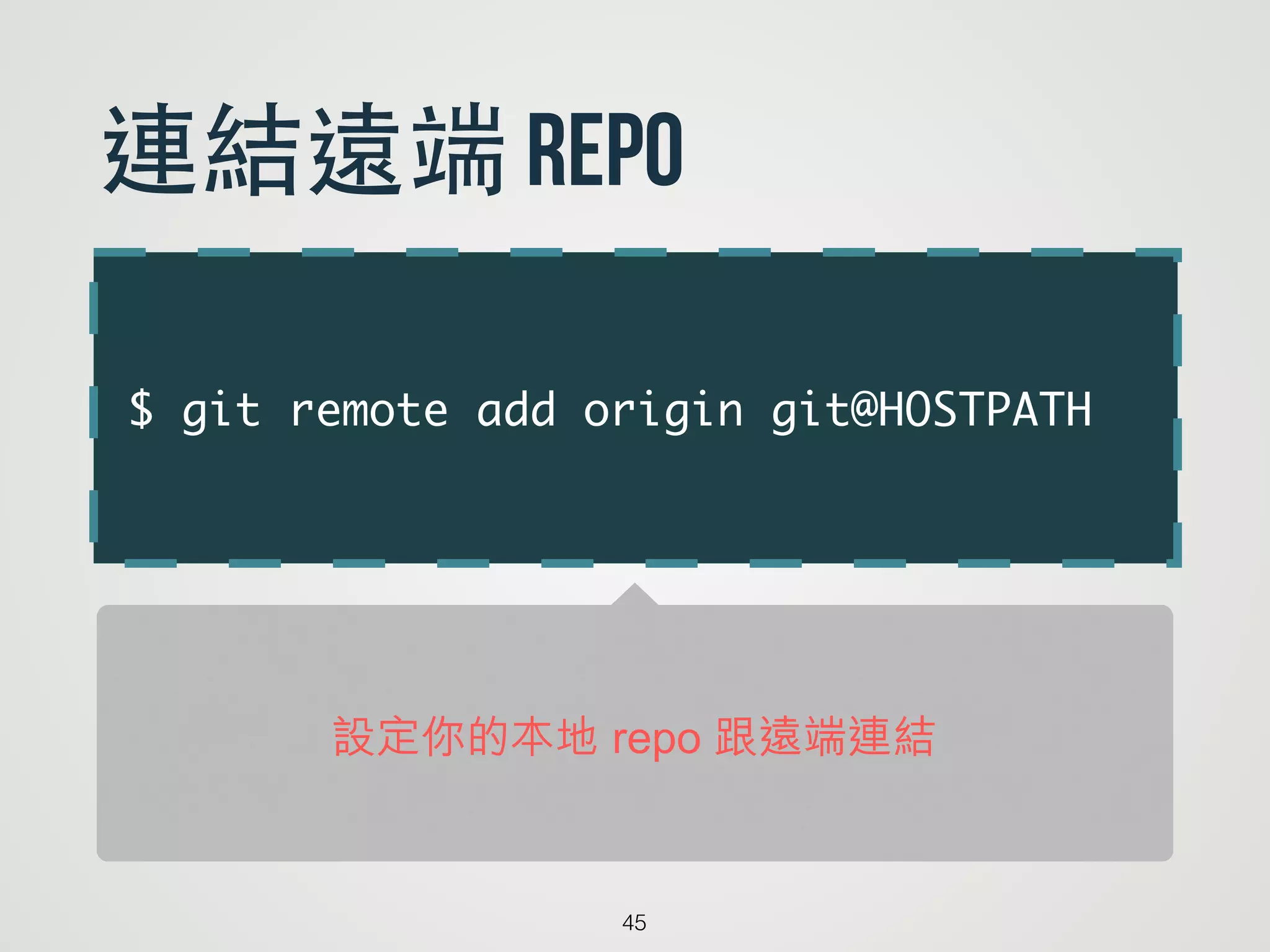
git remote add
origin 是我們遠端 repo 常取的慣例名字](https://image.slidesharecdn.com/gittutorial-140501015014-phpapp01/75/Git-49-2048.jpg)









![[JSDC 2021] Blockchain 101 for Frontend Engs](https://cdn.slidesharecdn.com/ss_thumbnails/jsdc2021-211102191314-thumbnail.jpg?width=640&height=640&fit=bounds)


![[HackCampus] 圖書館自習區體驗設計-行政及閱覽組回饋篇](https://cdn.slidesharecdn.com/ss_thumbnails/environment-150506091628-conversion-gate02-thumbnail.jpg?width=640&height=640&fit=bounds)
![[HackCampus] 圖書館自習區體驗設計-探索篇](https://cdn.slidesharecdn.com/ss_thumbnails/discover-150326092908-conversion-gate01-thumbnail.jpg?width=640&height=640&fit=bounds)


