
Designing future proof
 websites
 The dimensions of devices are no longer divisive


July 2011
The story so far
‣   In the beginning there was PRINT
‣   Then there was WEB, and it was good
‣   Now there is ?
Browser synergy
Within a few short months the experimentation of
CSS3 based media query powered layouts is
becoming a permanent addition to our process.

Considering the mobile interface first and then
building up from there.
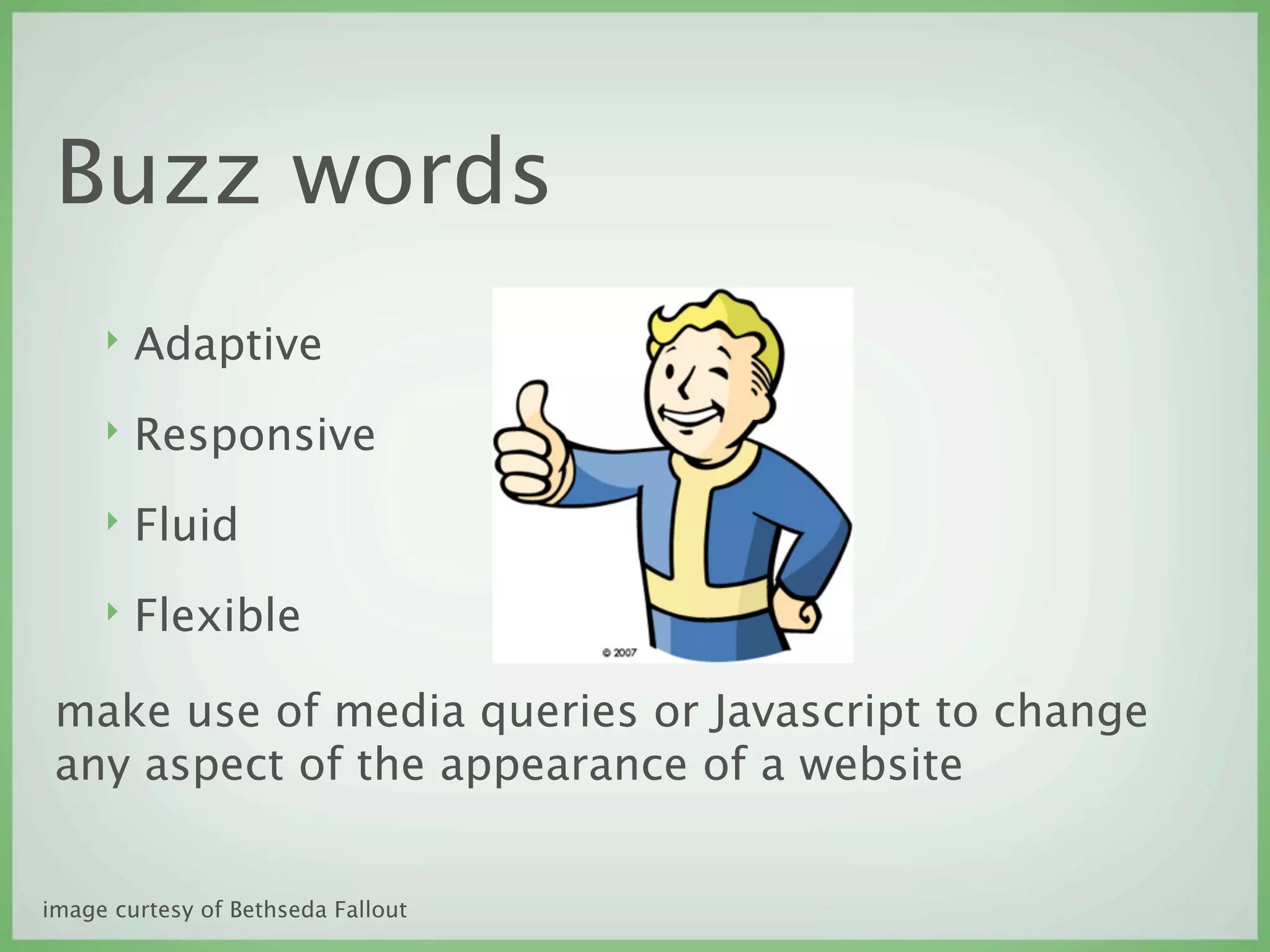
Buzz words
     ‣   Adaptive
     ‣   Responsive
     ‣   Fluid
     ‣   Flexible

 make use of media queries or Javascript to change
 any aspect of the appearance of a website


image curtesy of Bethseda Fallout
Fluid design, old news
Early web page design came in two flavors.
‣   Crampedfixedwidth

or
‣   Barely   viewable   fluid   width
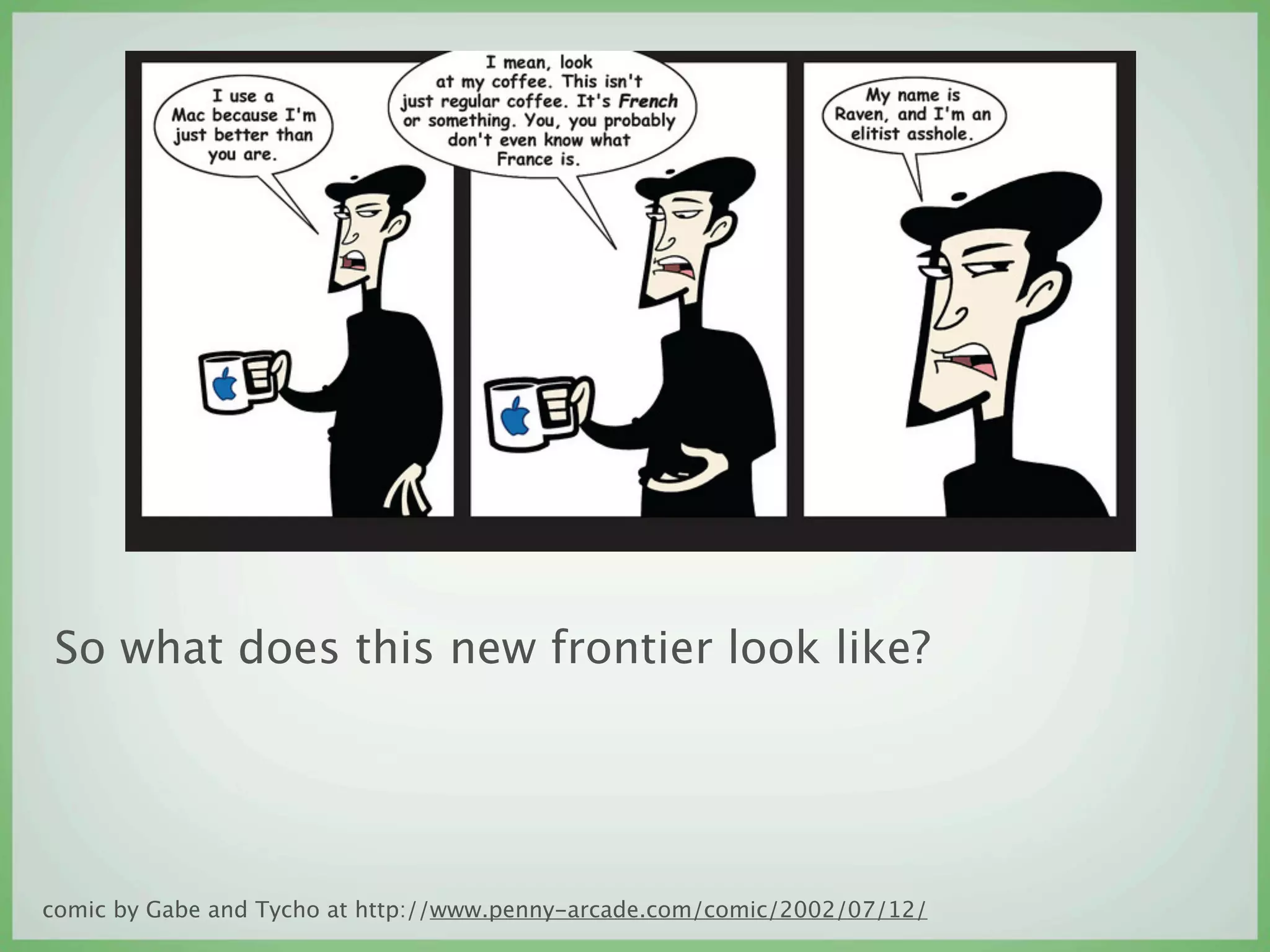
So what does this new frontier look like?


comic by Gabe and Tycho at http://www.penny-arcade.com/comic/2002/07/12/
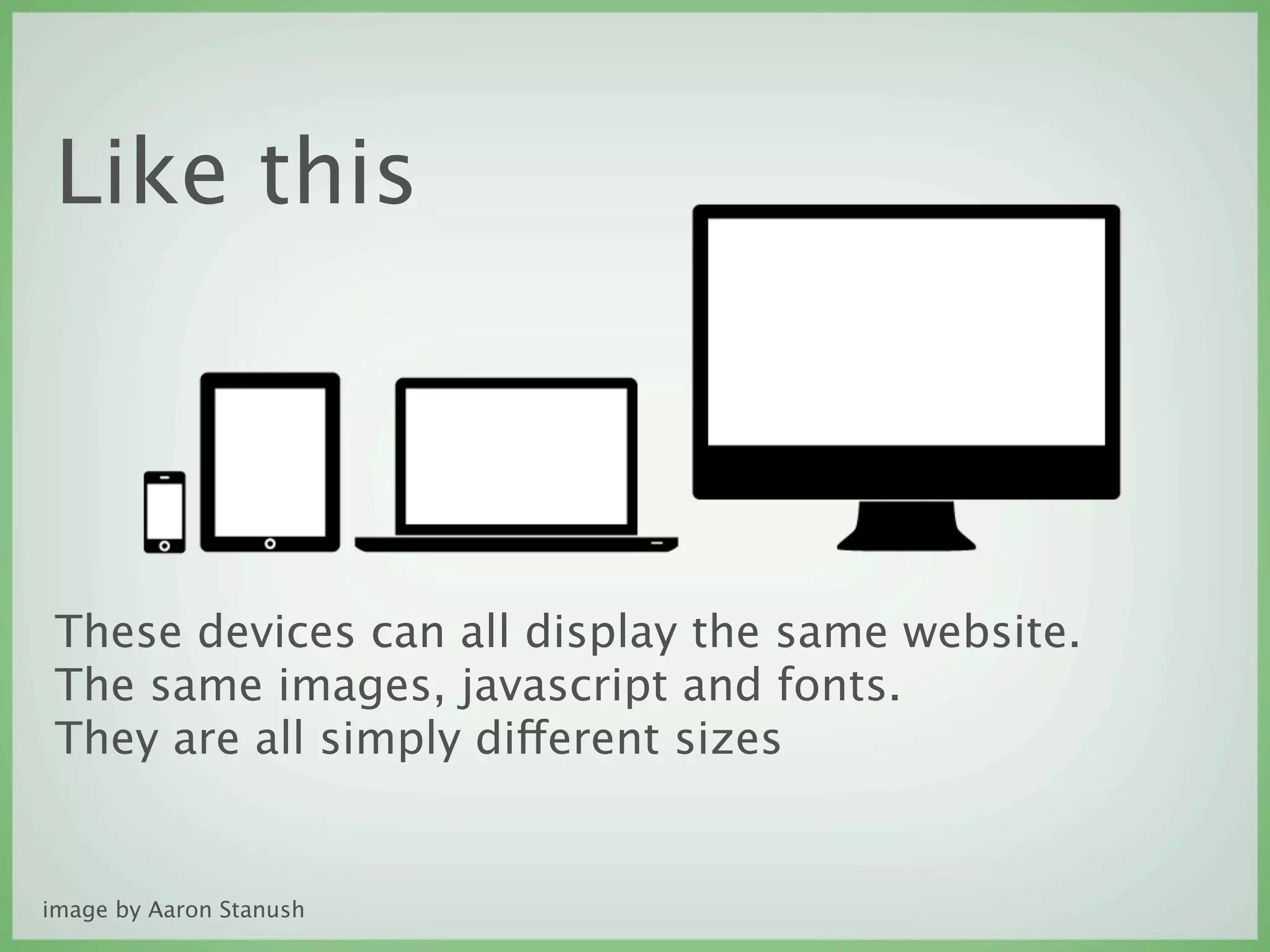
Like this


 These devices can all display the same website.
 The same images, javascript and fonts.
 They are all simply different sizes


image by Aaron Stanush
Not just size
Bandwidth and browser capability are obvious
factors, however, the development gap is starting to
close rapidly. (eg. the FF4 to FF5 release)
What are sizes?
 ‣ 320

 ‣ 480

 ‣ 768

 ‣ 1024

 ‣ 1280

http://www.uxbooth.com/blog/considerations-for-mobile-design-part-2-
dimensions/
Mobile first also means
 Keep it simple stupid :P

 The lowest common denominator web browser in a
 mobile device cannot use media queries.

 So that is your first query. Make it pretty with the
 absence of super CSS.


http://yiibu.com/articles/rethinking-the-mobile-web/page-3.html#slideshow
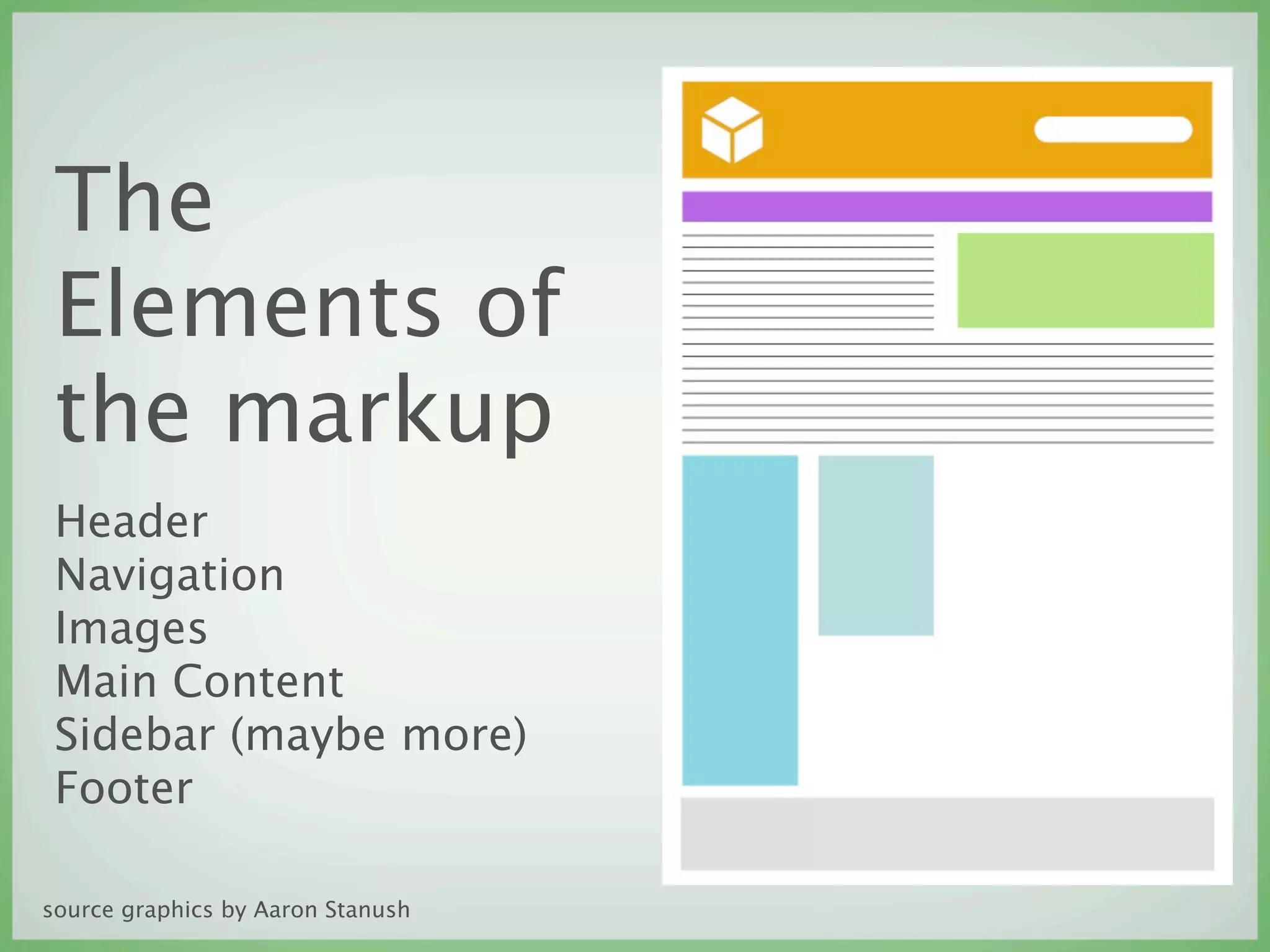
The
 Elements of
 the markup
 Header
 Navigation
 Images
 Main Content
 Sidebar (maybe more)
 Footer

source graphics by Aaron Stanush
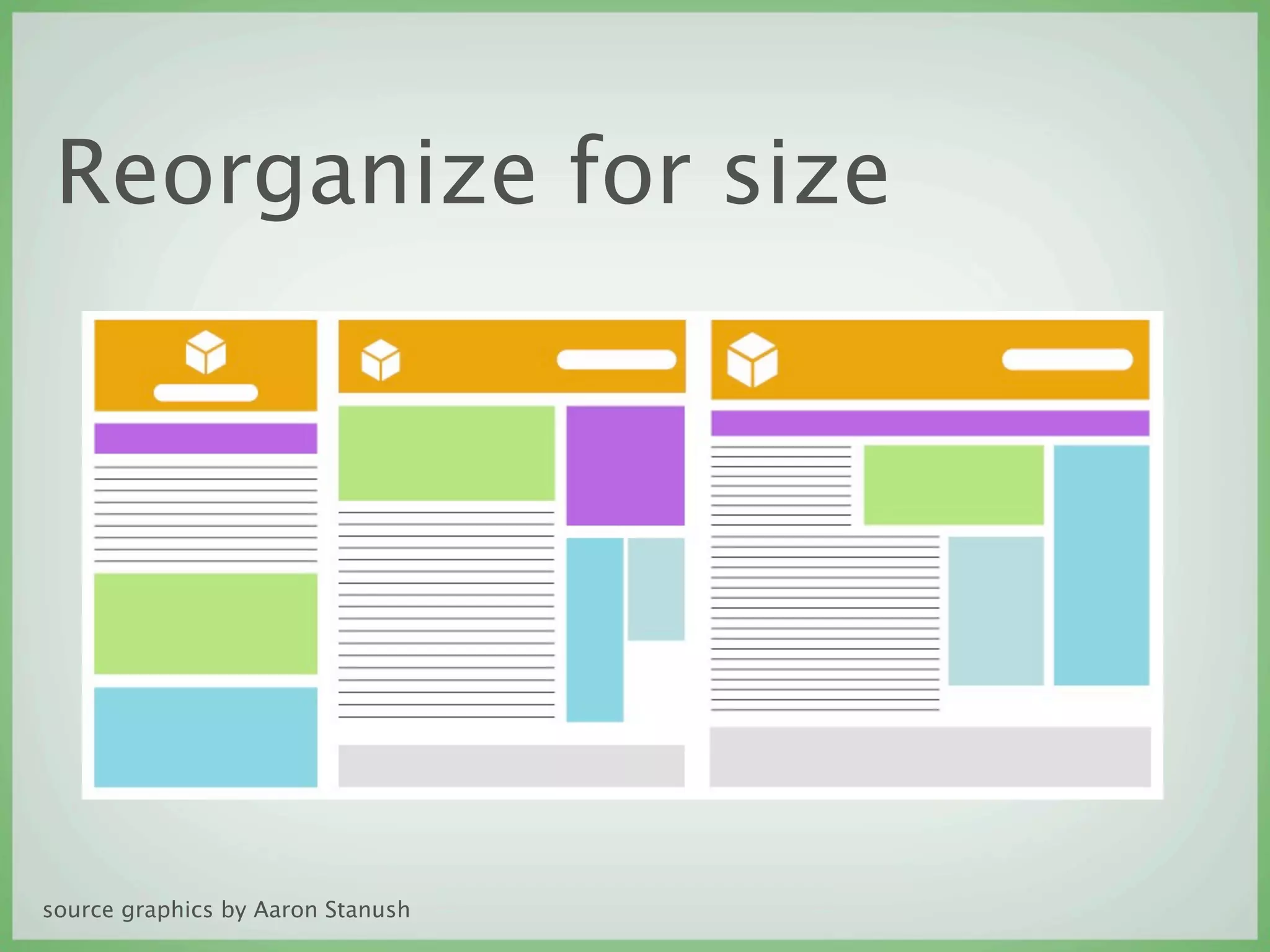
Reorganize for size


source graphics by Aaron Stanush
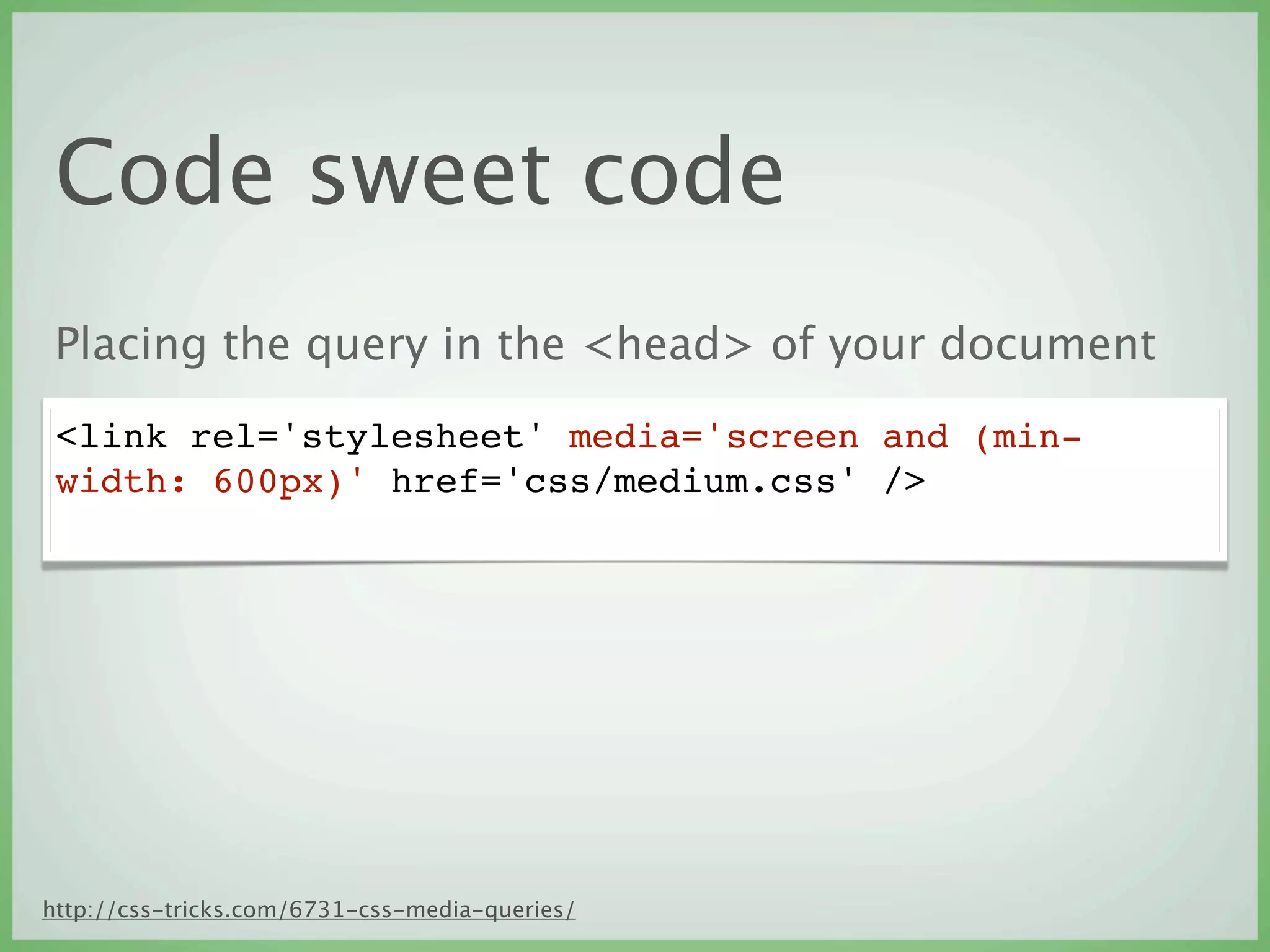
Code sweet code
 Placing the query in the <head> of your document
 <link rel='stylesheet' media='screen and (min-
 width: 600px)' href='css/medium.css' />


http://css-tricks.com/6731-css-media-queries/
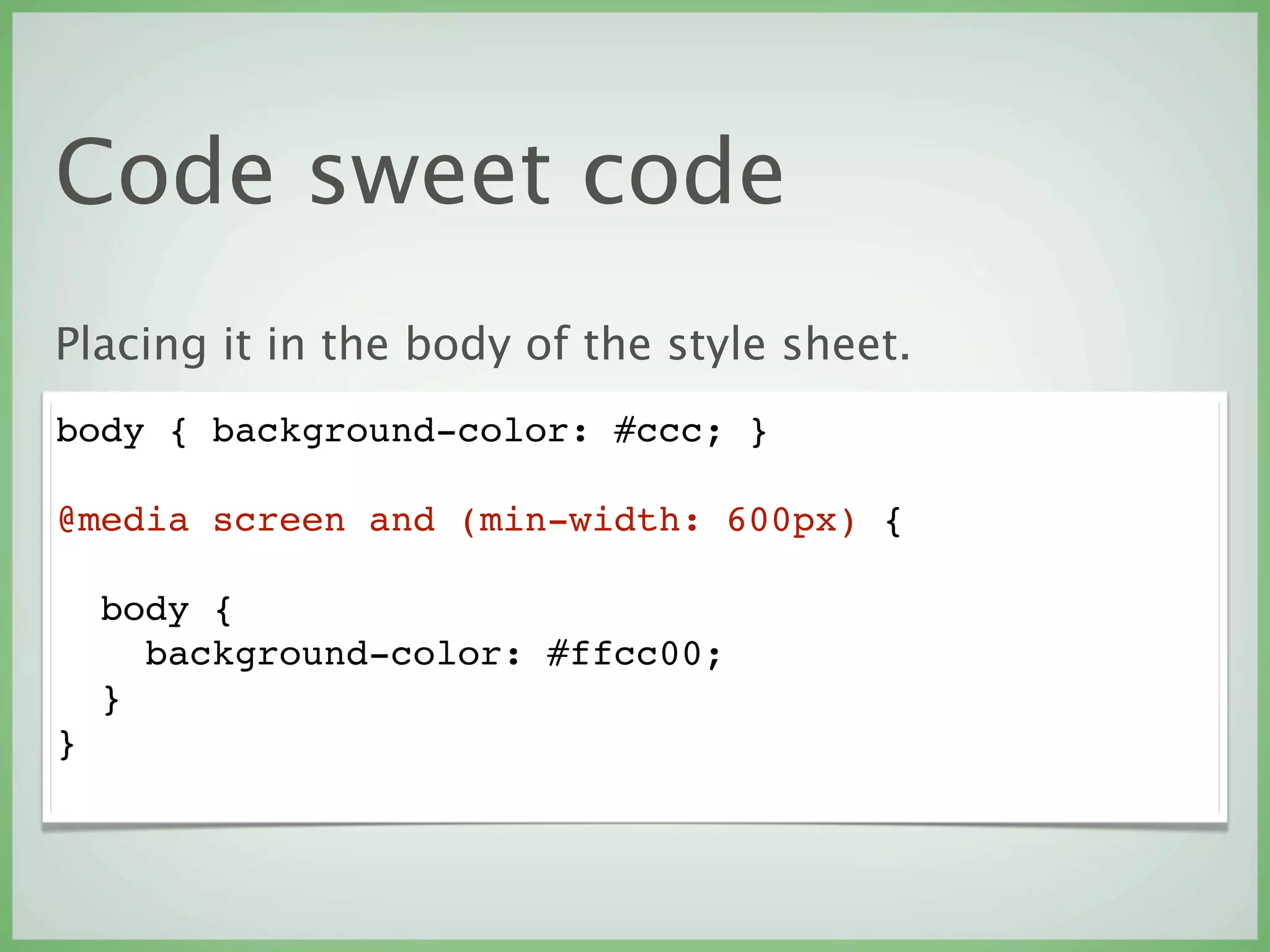
Code sweet code
Placing it in the body of the style sheet.
body { background-color: #ccc; }

@media screen and (min-width: 600px) {

    body {
      background-color: #ffcc00;
    }
}
Me gusta demo
Pitfalls
‣   Bandwidth limits (image sizes)
‣   Browser supported CSS
‣   RGBa support
‣   Going from static to fluid
Knowledge vomit
‣   The spec
    http://www.w3.org/TR/css3-mediaqueries/

‣   A list apart article
    http://www.alistapart.com/articles/responsive-web-design/

‣   Smashing Magazine
    http://coding.smashingmagazine.com/2010/07/19/how-to-use-css3-
    media-queries-to-create-a-mobile-version-of-your-website/

‣   Chris Coyer’s CSS Tricks
    http://css-tricks.com/6731-css-media-queries/
Knowledge vomit
‣   For reference gallery
    http://mediaqueri.es/

‣   Responsive Web Design - Ethan Marcotte (Book)

‣   Luke Wroblewski
    http://www.lukew.com/resources/articles/MobileFirst_LukeW.pdf

Designing future proof websites

  • 1.
    Designing future proof websites The dimensions of devices are no longer divisive July 2011
  • 2.
    The story sofar ‣ In the beginning there was PRINT ‣ Then there was WEB, and it was good ‣ Now there is ?
  • 3.
    Browser synergy Within afew short months the experimentation of CSS3 based media query powered layouts is becoming a permanent addition to our process. Considering the mobile interface first and then building up from there.
  • 4.
    Buzz words ‣ Adaptive ‣ Responsive ‣ Fluid ‣ Flexible make use of media queries or Javascript to change any aspect of the appearance of a website image curtesy of Bethseda Fallout
  • 5.
    Fluid design, oldnews Early web page design came in two flavors. ‣ Crampedfixedwidth or ‣ Barely viewable fluid width
  • 6.
    So what doesthis new frontier look like? comic by Gabe and Tycho at http://www.penny-arcade.com/comic/2002/07/12/
  • 7.
    Like this Thesedevices can all display the same website. The same images, javascript and fonts. They are all simply different sizes image by Aaron Stanush
  • 8.
    Not just size Bandwidthand browser capability are obvious factors, however, the development gap is starting to close rapidly. (eg. the FF4 to FF5 release)
  • 9.
    What are sizes? ‣ 320 ‣ 480 ‣ 768 ‣ 1024 ‣ 1280 http://www.uxbooth.com/blog/considerations-for-mobile-design-part-2- dimensions/
  • 10.
    Mobile first alsomeans Keep it simple stupid :P The lowest common denominator web browser in a mobile device cannot use media queries. So that is your first query. Make it pretty with the absence of super CSS. http://yiibu.com/articles/rethinking-the-mobile-web/page-3.html#slideshow
  • 11.
    The Elements of the markup Header Navigation Images Main Content Sidebar (maybe more) Footer source graphics by Aaron Stanush
  • 12.
    Reorganize for size sourcegraphics by Aaron Stanush
  • 13.
    Code sweet code Placing the query in the <head> of your document <link rel='stylesheet' media='screen and (min- width: 600px)' href='css/medium.css' /> http://css-tricks.com/6731-css-media-queries/
  • 14.
    Code sweet code Placingit in the body of the style sheet. body { background-color: #ccc; } @media screen and (min-width: 600px) { body { background-color: #ffcc00; } }
  • 15.
  • 16.
    Pitfalls ‣ Bandwidth limits (image sizes) ‣ Browser supported CSS ‣ RGBa support ‣ Going from static to fluid
  • 17.
    Knowledge vomit ‣ The spec http://www.w3.org/TR/css3-mediaqueries/ ‣ A list apart article http://www.alistapart.com/articles/responsive-web-design/ ‣ Smashing Magazine http://coding.smashingmagazine.com/2010/07/19/how-to-use-css3- media-queries-to-create-a-mobile-version-of-your-website/ ‣ Chris Coyer’s CSS Tricks http://css-tricks.com/6731-css-media-queries/
  • 18.
    Knowledge vomit ‣ For reference gallery http://mediaqueri.es/ ‣ Responsive Web Design - Ethan Marcotte (Book) ‣ Luke Wroblewski http://www.lukew.com/resources/articles/MobileFirst_LukeW.pdf