WNC EdNET
Instructional Technology Awareness ConferenceInstructional Technology Awareness Conference 
(iTAC2) (iTAC2) 


October 29, 2010October 29, 2010
B208  11:30 – 12:00 onlyB208  11:30 – 12:00 only
 
Eric ColeEric Cole
Instructional Technology Facilitator -Instructional Technology Facilitator -
McDowell County SchoolsMcDowell County Schools
eric.cole@mcdowell.k12.nc.useric.cole@mcdowell.k12.nc.us
  
  
http://tinyurl.com/coleEMJH
http://tinyurl.com/EMJHTech
http://outputfilter.blogspot.com/
http://twitter.com/ericcole
Skype: ericdcole
Plurk: ericcole
LinkedIn: ericdcole
• Communicate Effectively
• Become Better Readers
• Become 21st Century Learners
• Solve Problems
• Work Collaboratively
• Use Technology Tools
• Create
• Lifelong Learner
• Give Lower Level Students Audio Version Of Classroom
Materials
• Give Students Opportunities To Practice Speaking Correctly
• Gives students The Opportunity To Create And Interpret
The Text In Their Own Way (They Become The Director)
• Students Are Learning A Valuable 21st Century Skill
• Students Learning to Use Various Programs Together
• Collaboration between students
7th Grade LA Teacher
• Daniels Story
• Santa Knows
• Overboard
• Dr. Jeckyll & Mr. Hyde
• The Monsters are Due on Maple Street
Lit2Go (Florida's Educational Clearing House)
• Text For The Students To Record
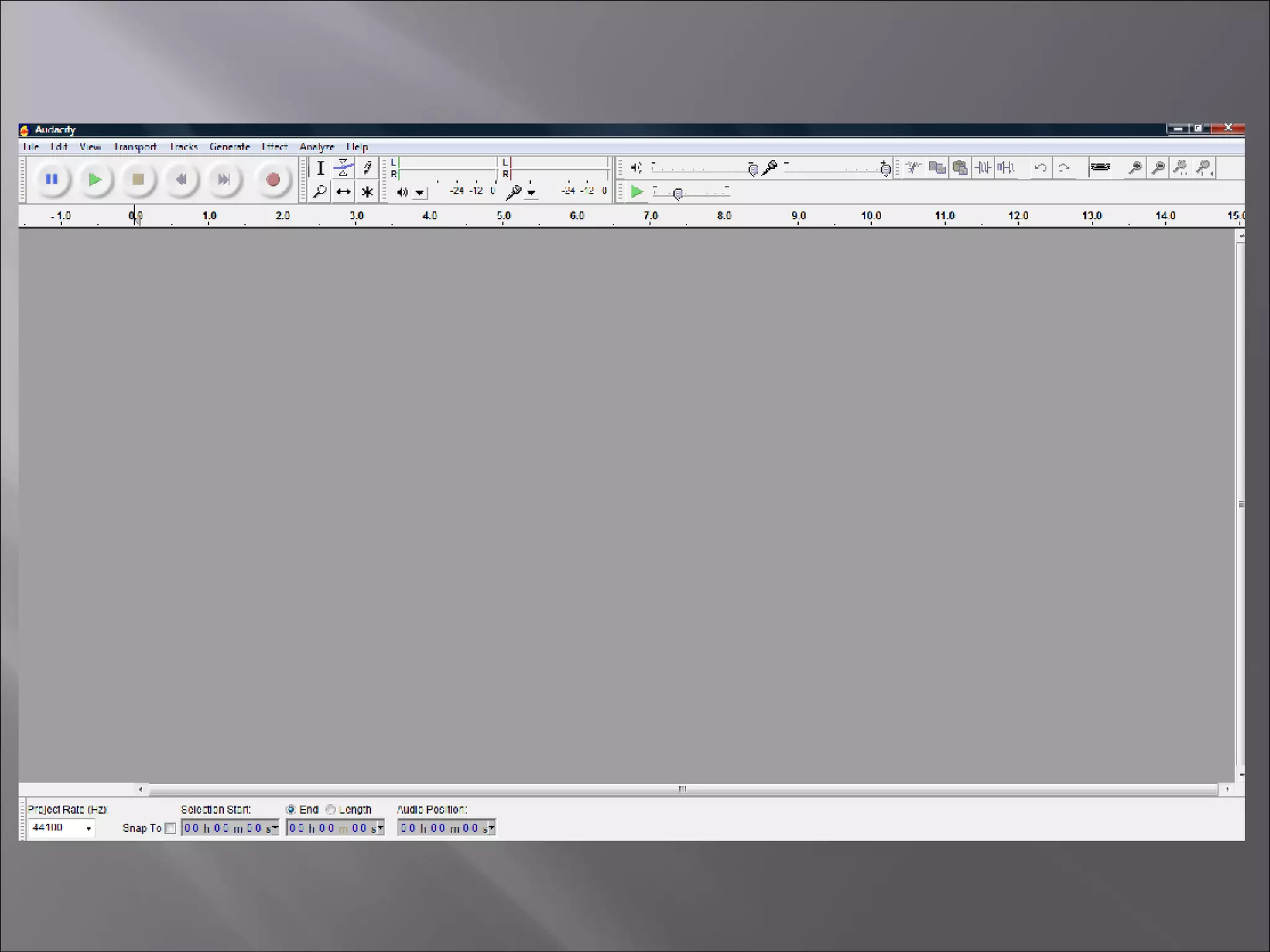
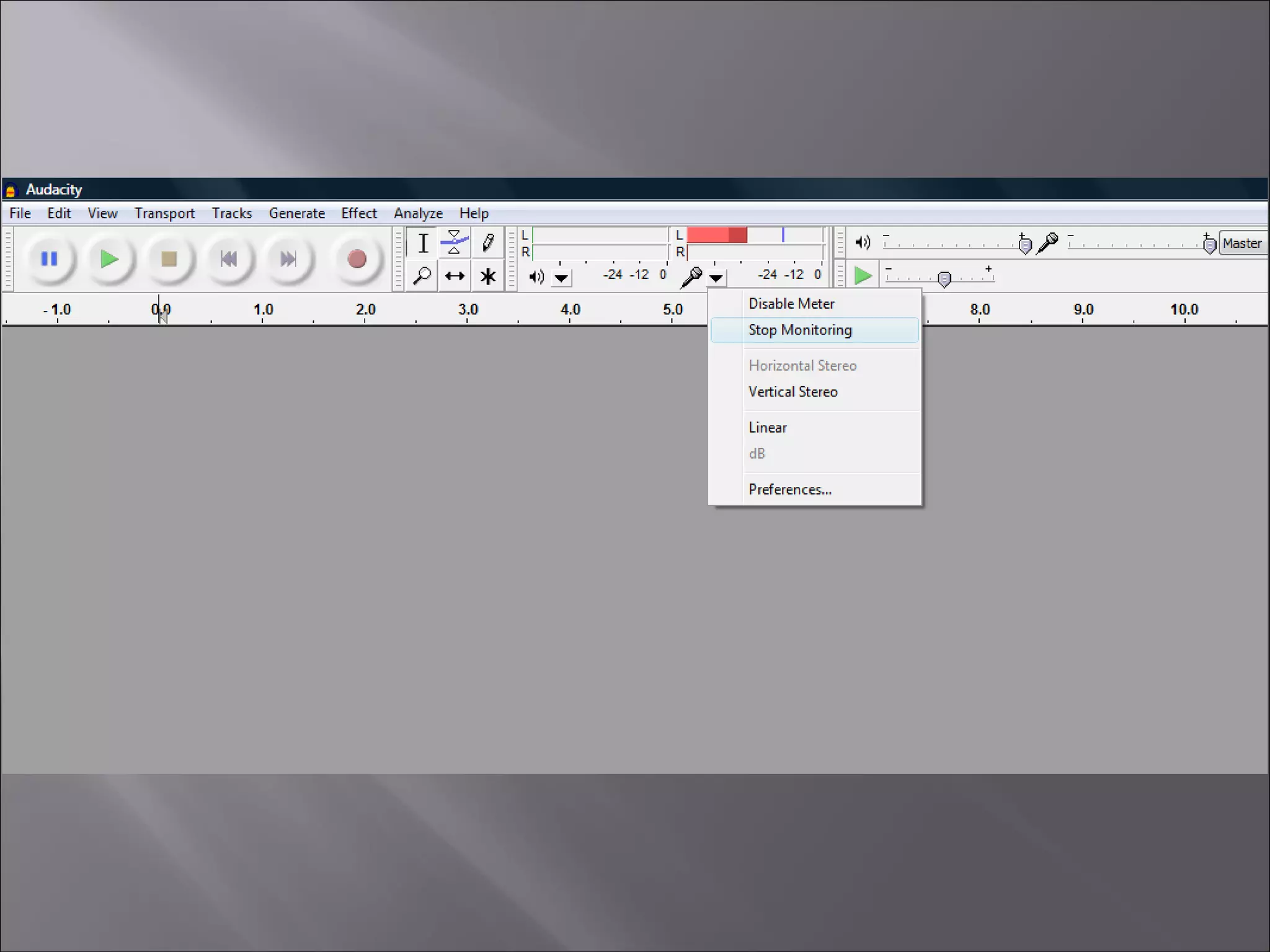
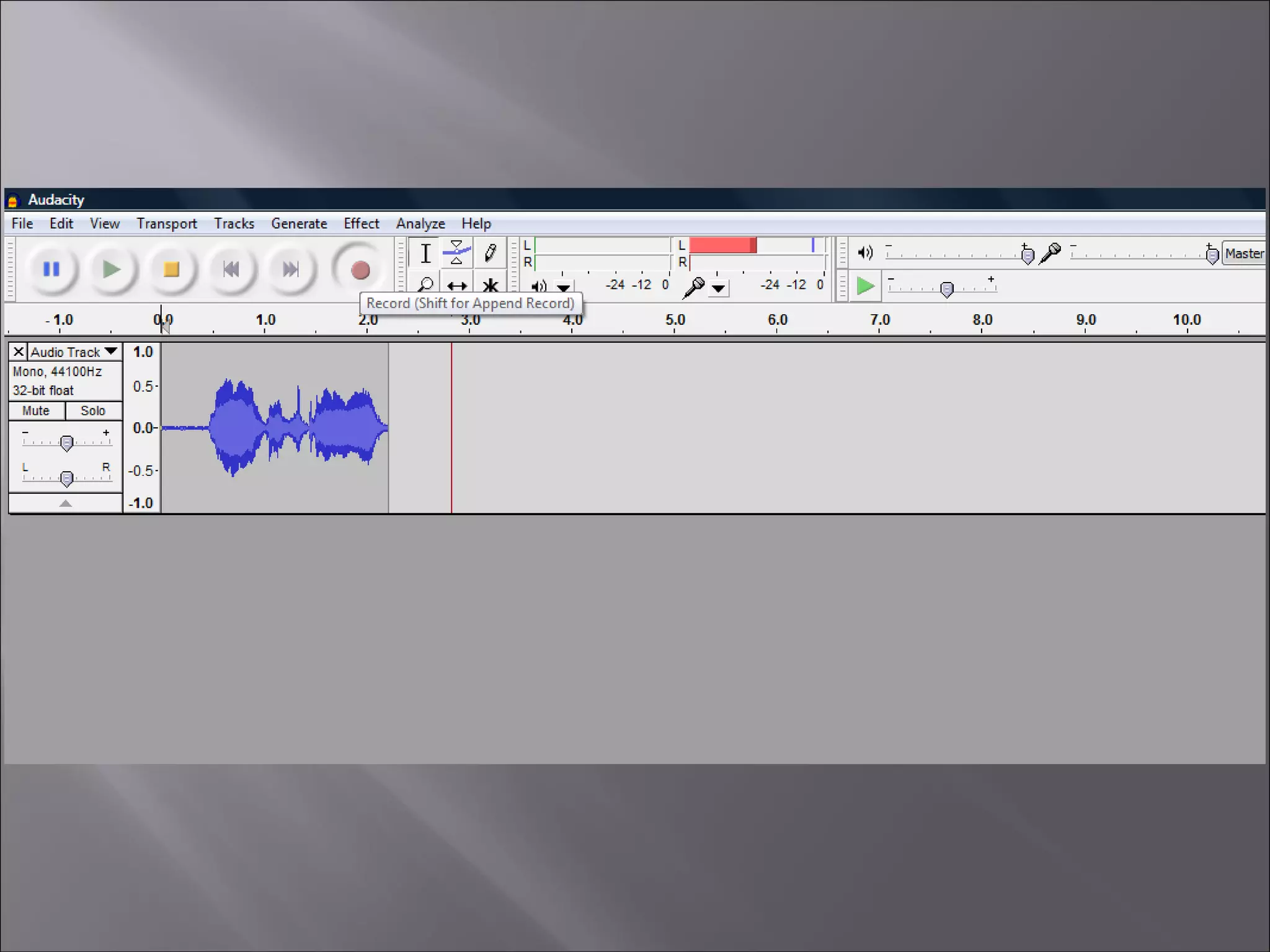
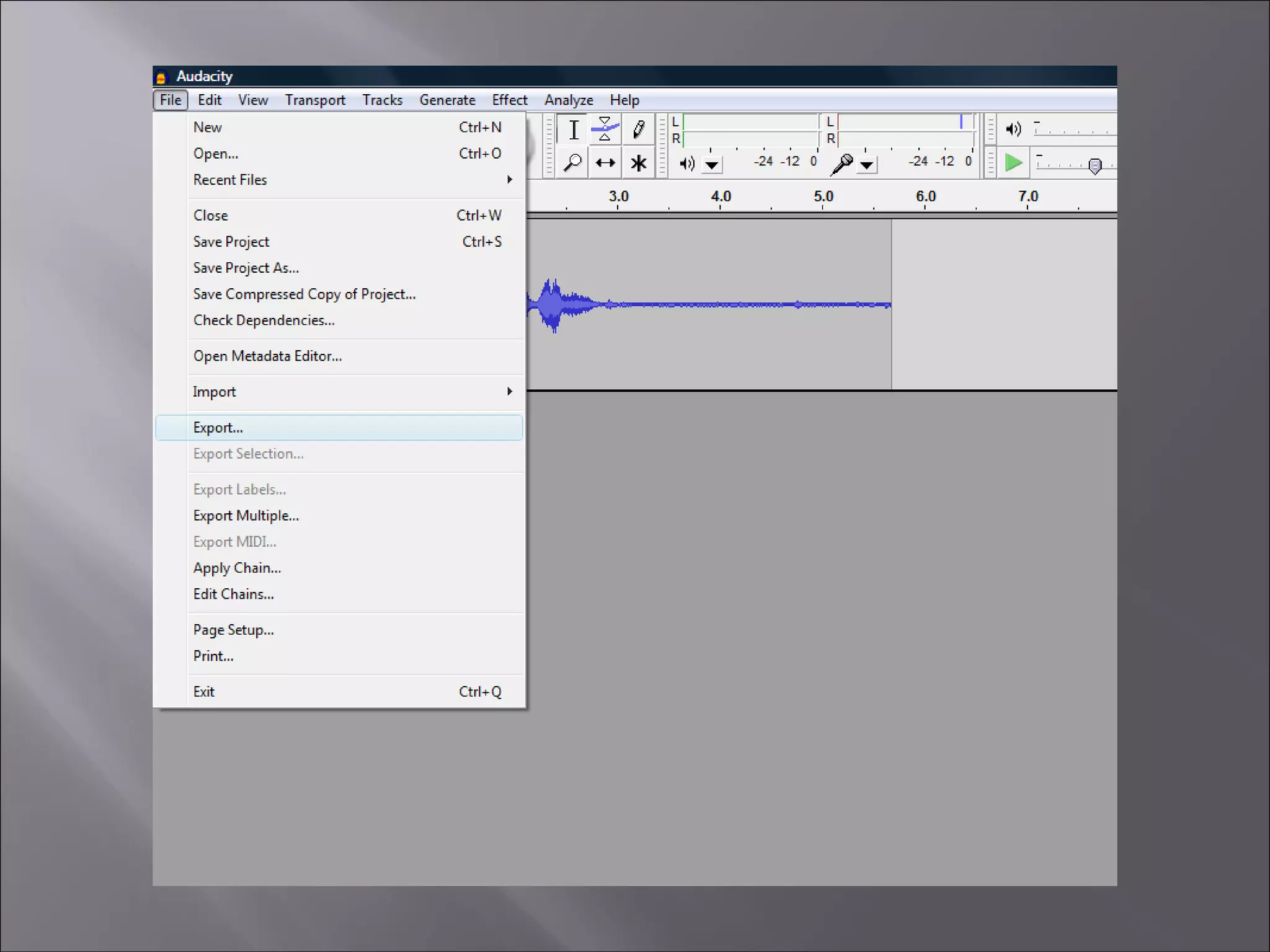
• Computer With Audio Editing Software
• Sound Effects
• Microphone
• Quiet Place To Record
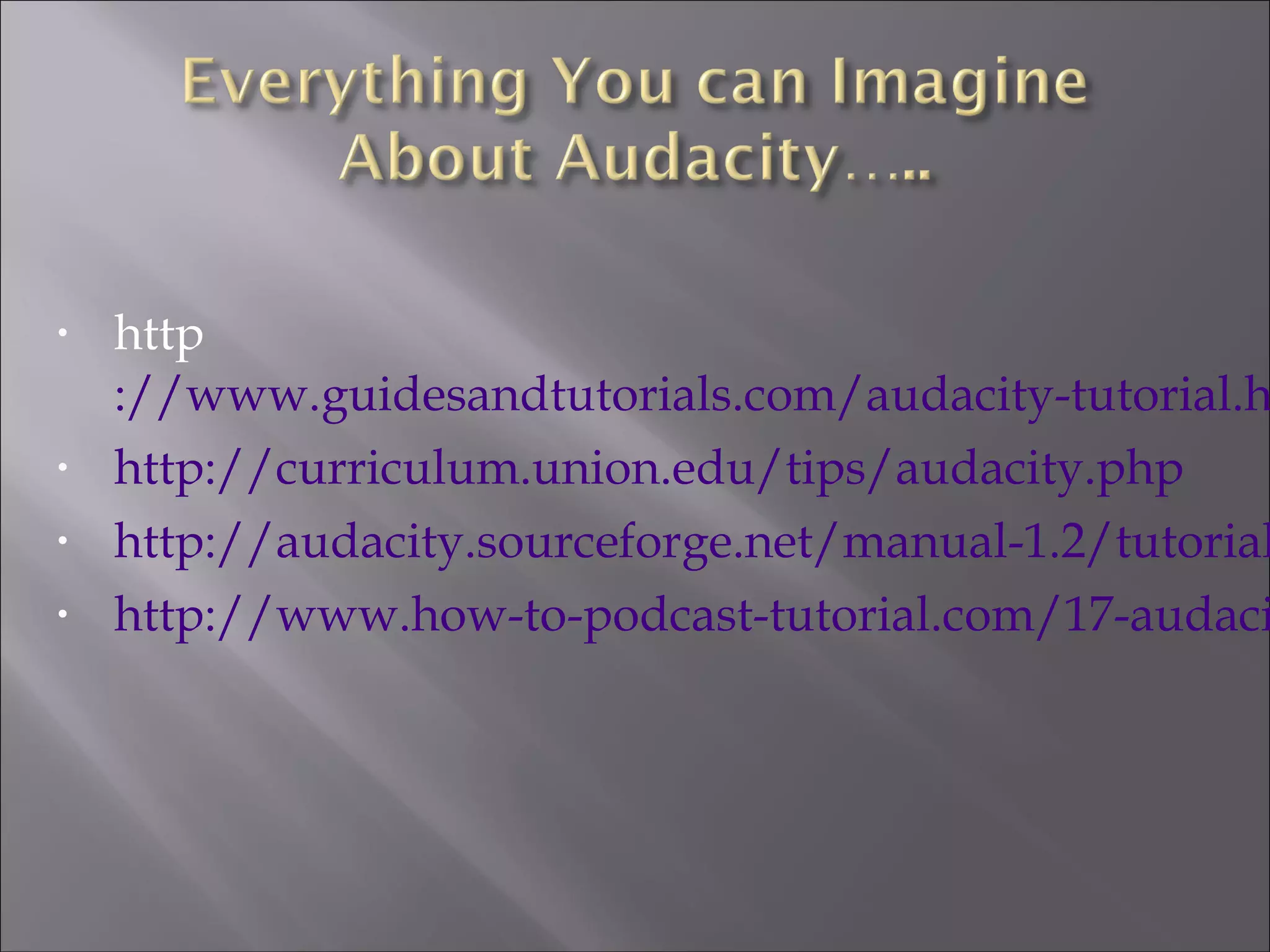
• http
://www.guidesandtutorials.com/audacity-tutorial.h
• http://curriculum.union.edu/tips/audacity.php
• http://audacity.sourceforge.net/manual-1.2/tutorial
• http://www.how-to-podcast-tutorial.com/17-audaci
• develop fluency through repeated exposure to text
• increase comprehension
• integrate reading, writing, speaking, listening in an
authentic context
• engage students
• increase reading motivation
• create confidence and improve the self-image of
students
• provide a real purpose for reading
• provide opportunities for cooperative learning
info from:
http://www.scholastic.com/librarians/programs/whatisrt.htm
• The Reading Lady
• Aaron Shepard
• Teaching Heart
• Timeless Teacher
• Stories To Grow By
• Pro Teacher (Long List html and PDF
format)
What Can I Do With The Audio?
• Burn a CD for the student to take home
• Upload to the students IPod, or Cell phone
• Upload to your classes website
• Put it on the Schools Server for all teachers
and students at your school
NCTIES March 4, 2010
Keith Ledford:
Skype: keithledford1
Twitter: keithledford
keith.ledford@mcdowell.k12.nc.us
Skype: ericdcole
Twitter: http://twitter.com/ericcole
eric.cole@mcdowell.k12.nc.us
Eric Cole:
Parts of today’s presentation were originally presented at:

Radio Plays iTAC2

  • 1.
      WNC EdNET Instructional TechnologyAwareness ConferenceInstructional Technology Awareness Conference  (iTAC2) (iTAC2)              October 29, 2010October 29, 2010 B208  11:30 – 12:00 onlyB208  11:30 – 12:00 only  
  • 2.
    Eric ColeEric Cole InstructionalTechnology Facilitator -Instructional Technology Facilitator - McDowell County SchoolsMcDowell County Schools eric.cole@mcdowell.k12.nc.useric.cole@mcdowell.k12.nc.us       http://tinyurl.com/coleEMJH http://tinyurl.com/EMJHTech http://outputfilter.blogspot.com/ http://twitter.com/ericcole Skype: ericdcole Plurk: ericcole LinkedIn: ericdcole
  • 3.
    • Communicate Effectively •Become Better Readers • Become 21st Century Learners • Solve Problems • Work Collaboratively • Use Technology Tools • Create • Lifelong Learner
  • 4.
    • Give LowerLevel Students Audio Version Of Classroom Materials • Give Students Opportunities To Practice Speaking Correctly • Gives students The Opportunity To Create And Interpret The Text In Their Own Way (They Become The Director) • Students Are Learning A Valuable 21st Century Skill • Students Learning to Use Various Programs Together • Collaboration between students
  • 5.
    7th Grade LATeacher • Daniels Story • Santa Knows • Overboard • Dr. Jeckyll & Mr. Hyde • The Monsters are Due on Maple Street Lit2Go (Florida's Educational Clearing House)
  • 6.
    • Text ForThe Students To Record • Computer With Audio Editing Software • Sound Effects • Microphone • Quiet Place To Record
  • 11.
    • http ://www.guidesandtutorials.com/audacity-tutorial.h • http://curriculum.union.edu/tips/audacity.php •http://audacity.sourceforge.net/manual-1.2/tutorial • http://www.how-to-podcast-tutorial.com/17-audaci
  • 12.
    • develop fluencythrough repeated exposure to text • increase comprehension • integrate reading, writing, speaking, listening in an authentic context • engage students • increase reading motivation • create confidence and improve the self-image of students • provide a real purpose for reading • provide opportunities for cooperative learning info from: http://www.scholastic.com/librarians/programs/whatisrt.htm
  • 13.
    • The ReadingLady • Aaron Shepard • Teaching Heart • Timeless Teacher • Stories To Grow By • Pro Teacher (Long List html and PDF format)
  • 14.
    What Can IDo With The Audio? • Burn a CD for the student to take home • Upload to the students IPod, or Cell phone • Upload to your classes website • Put it on the Schools Server for all teachers and students at your school
  • 15.
    NCTIES March 4,2010 Keith Ledford: Skype: keithledford1 Twitter: keithledford keith.ledford@mcdowell.k12.nc.us Skype: ericdcole Twitter: http://twitter.com/ericcole eric.cole@mcdowell.k12.nc.us Eric Cole: Parts of today’s presentation were originally presented at: