Fire Proximity Awareness
Larry Wiebe, Manitoba Hydro
Geospatial Data Services, GIS Data Specialist


                                                April 11, 2013
Background
Evolution of Fire Data


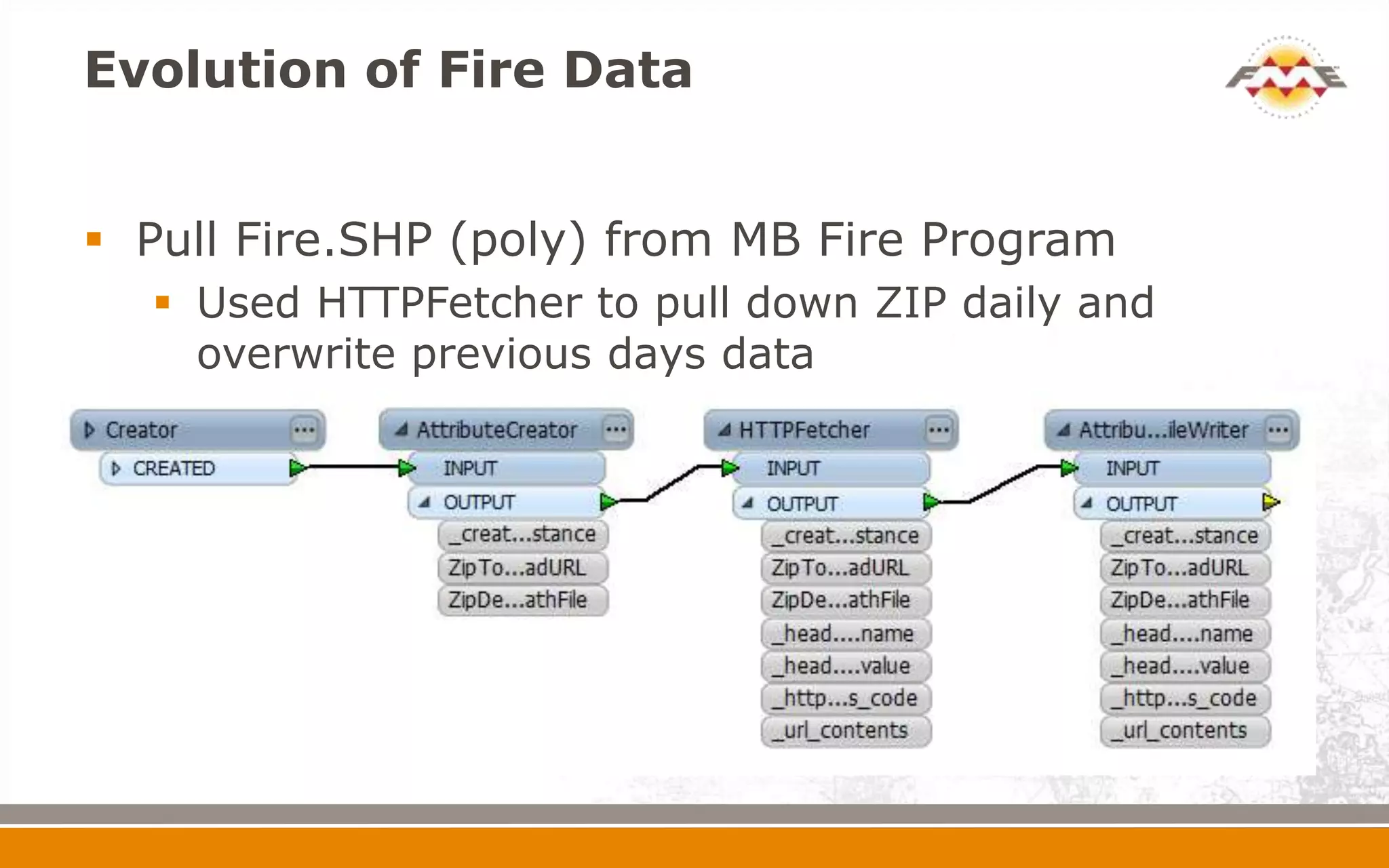
 Pull Fire.SHP (poly) from MB Fire Program
   Used HTTPFetcher to pull down ZIP daily and
    overwrite previous days data
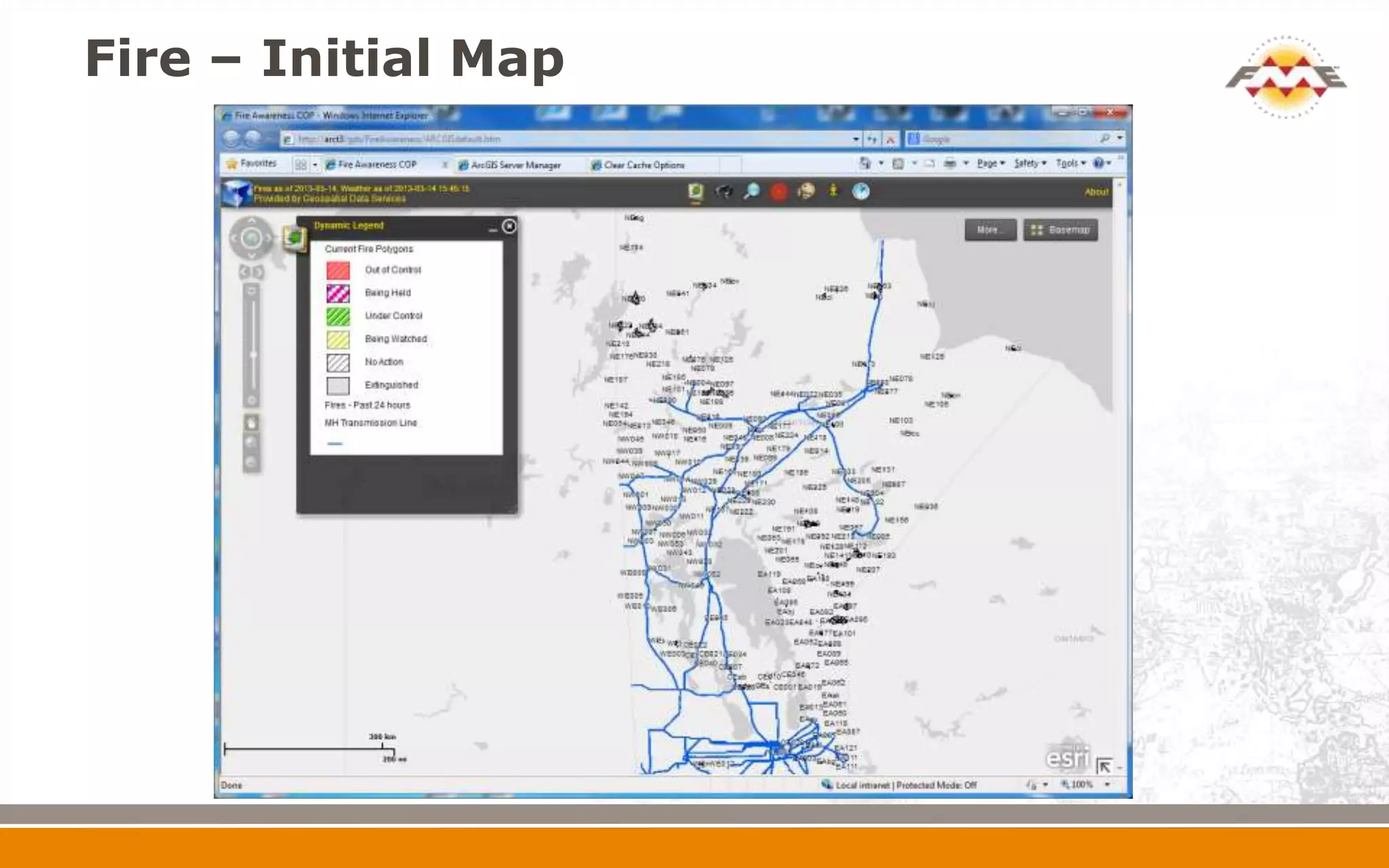
Fire – Initial Map
Evolution of Fire Data
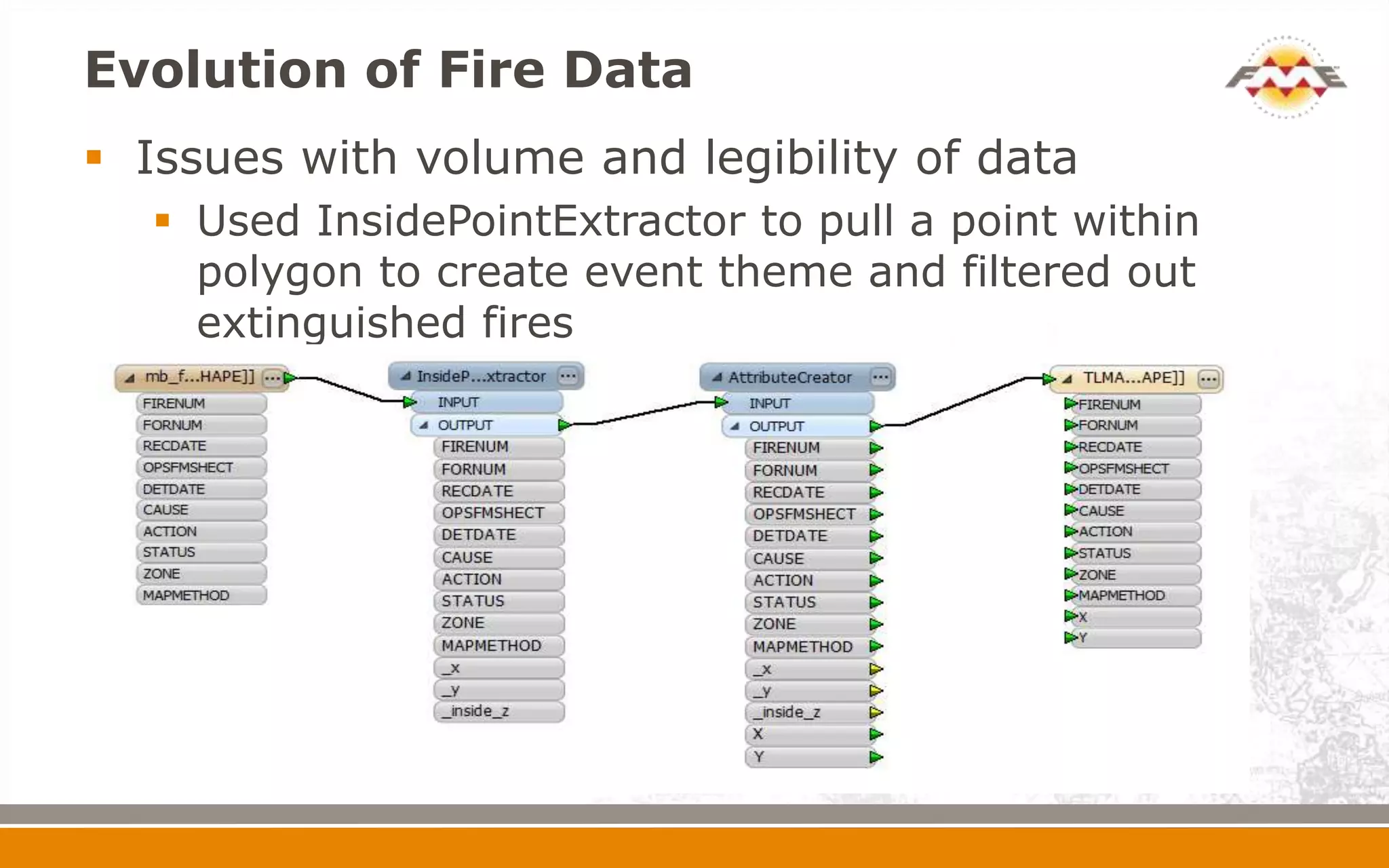
 Issues with volume and legibility of data
   Used InsidePointExtractor to pull a point within
    polygon to create event theme and filtered out
    extinguished fires
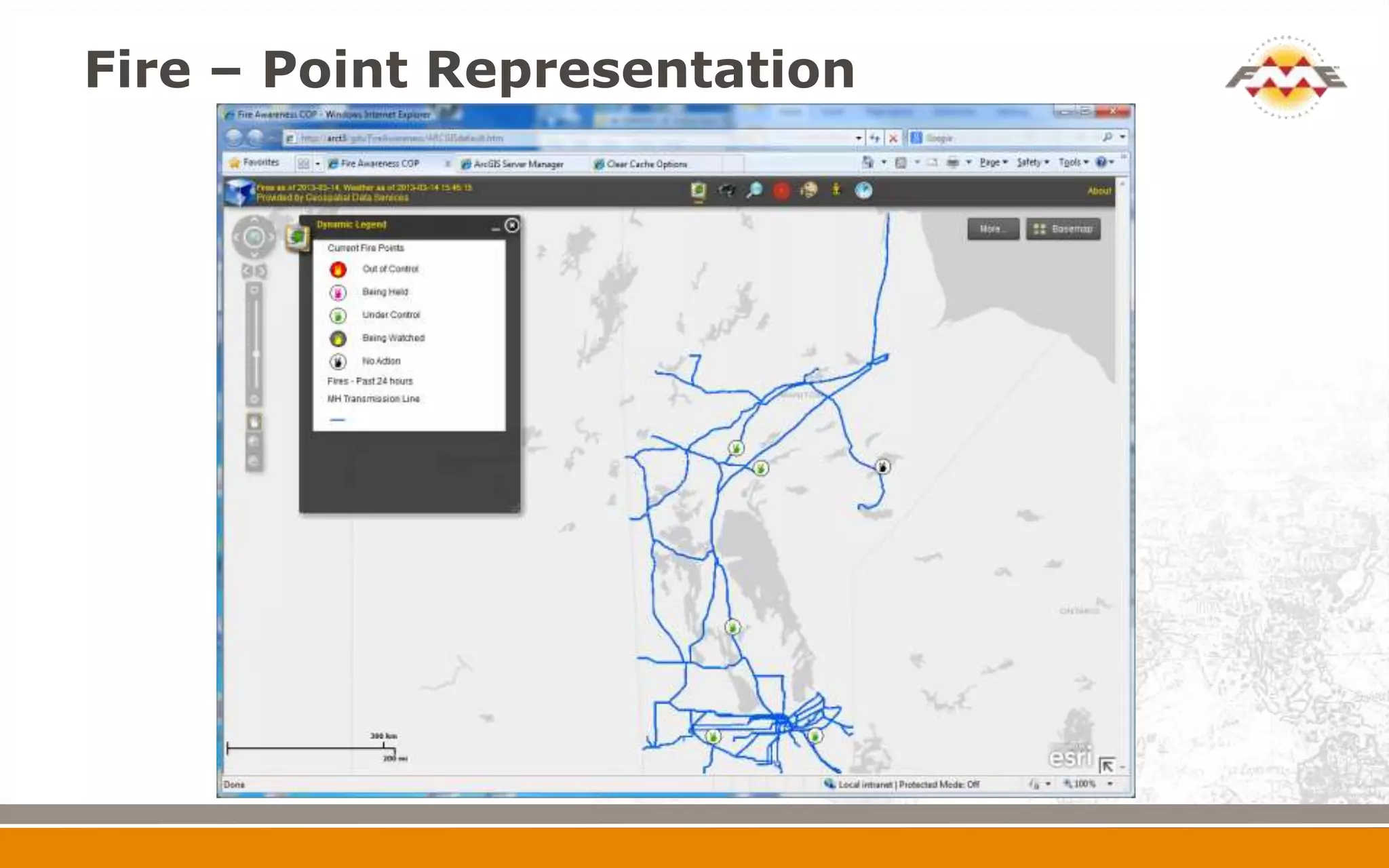
Fire – Point Representation
Evolution of Fire Data
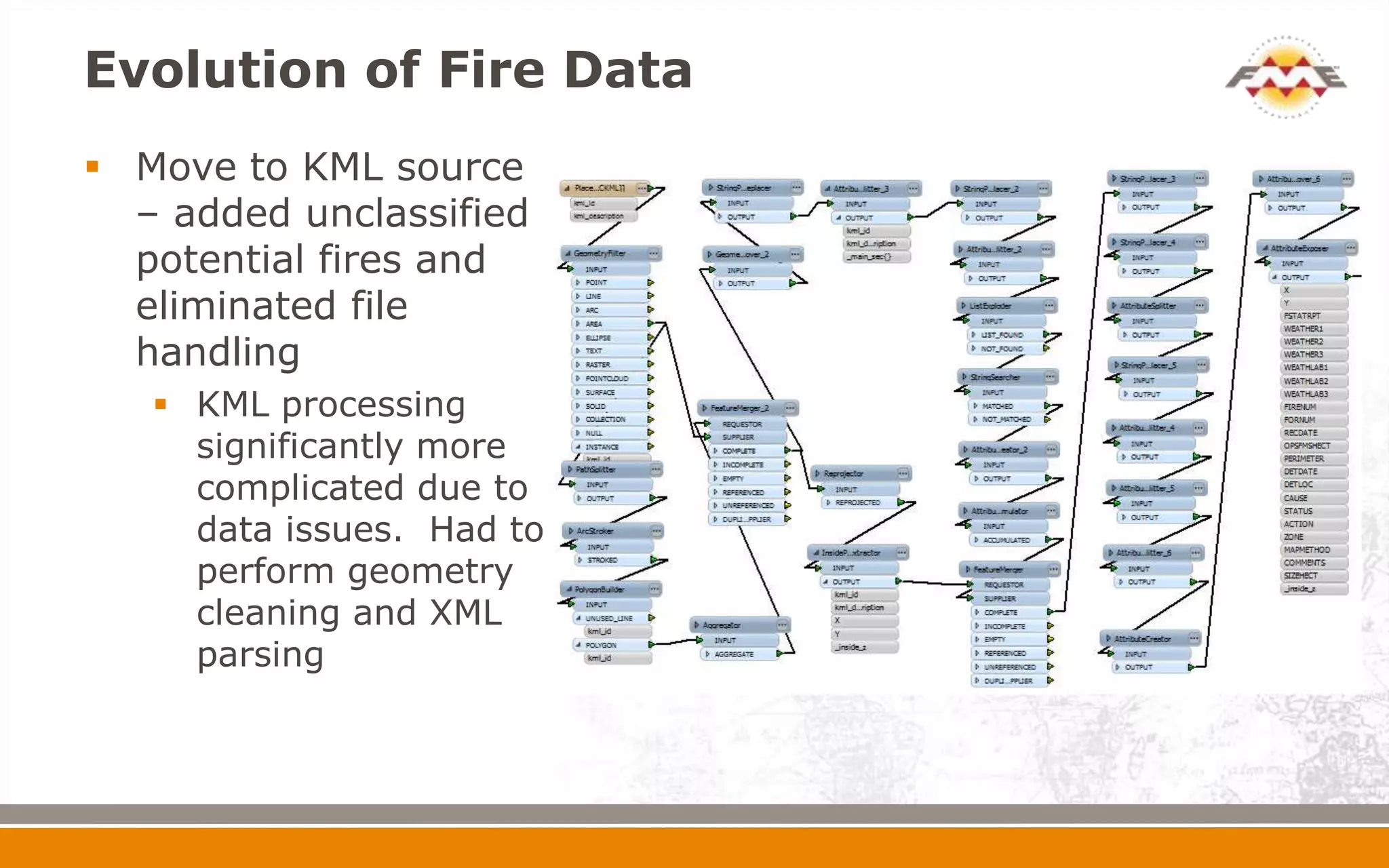
 Move to KML source
  – added unclassified
  potential fires and
  eliminated file
  handling
    KML processing
     significantly more
     complicated due to
     data issues. Had to
     perform geometry
     cleaning and XML
     parsing
Manitoba Hydro Infrastructure


 Defined a set of critical electric/gas infrastructure
         Transmission
         Sub-Transmission
         Stations
         Distribution
         Communications
         Construction Corridor
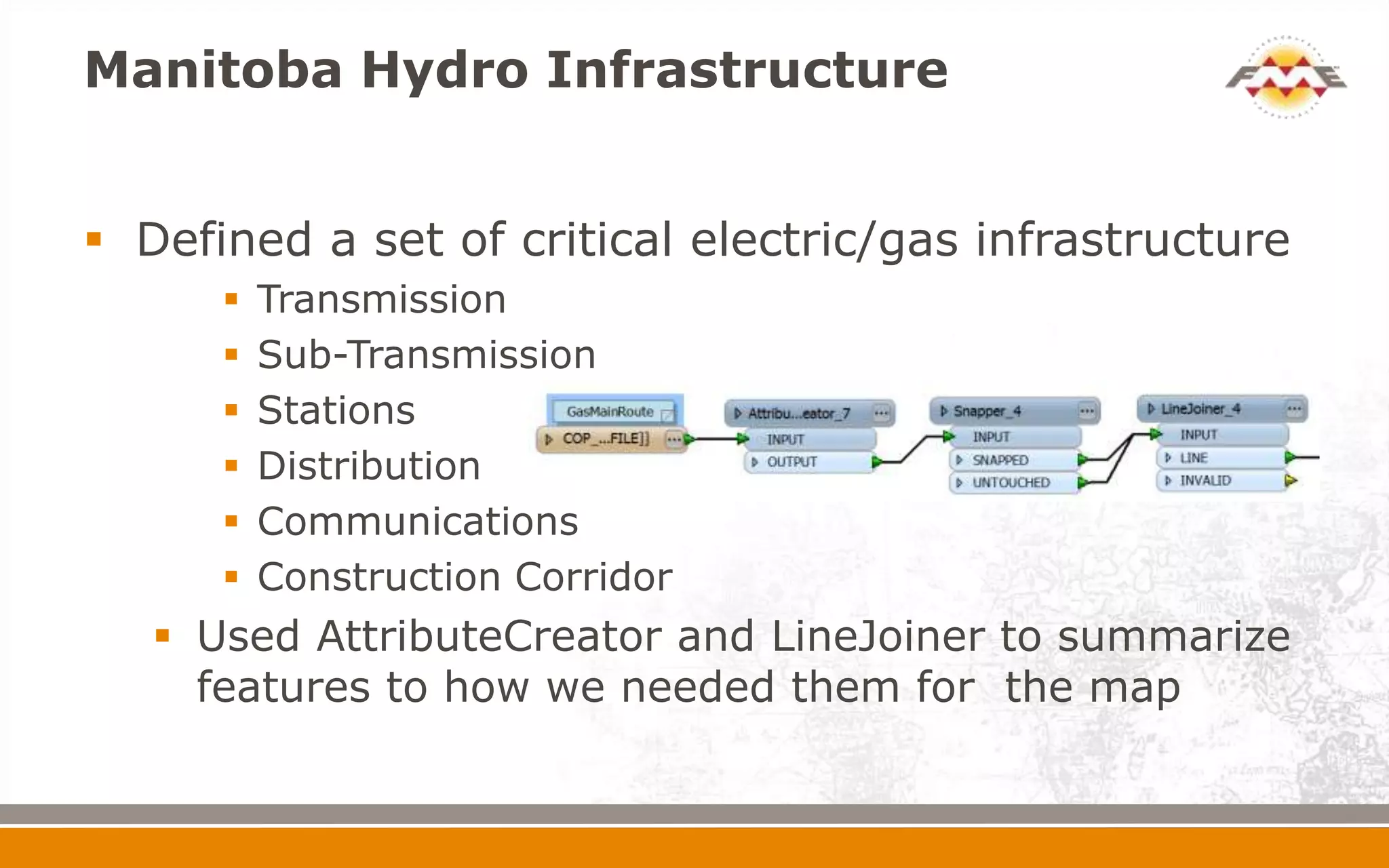
    Used AttributeCreator and LineJoiner to summarize
     features to how we needed them for the map
Evolution of Fire Data


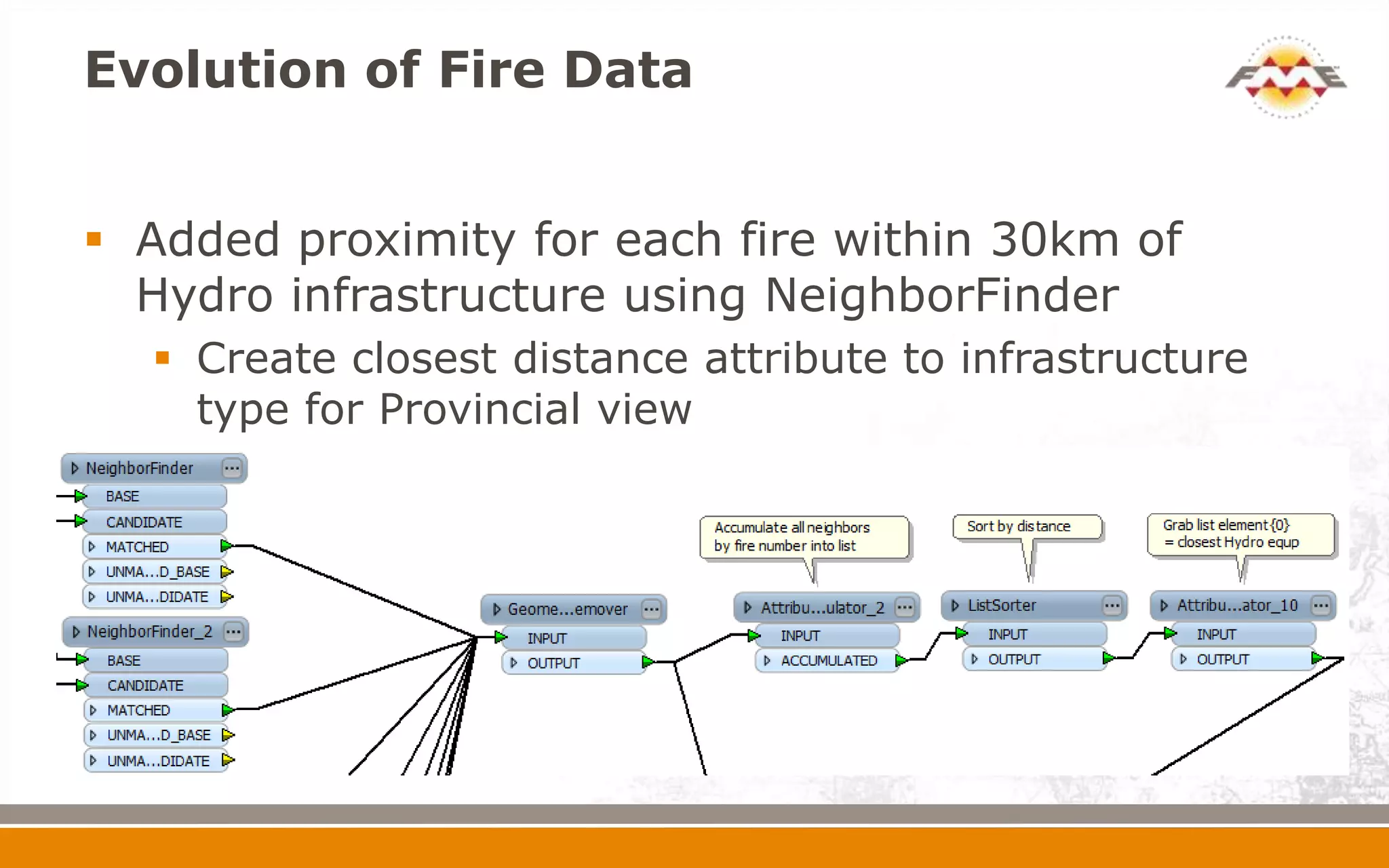
 Added proximity for each fire within 30km of
  Hydro infrastructure using NeighborFinder
   Create closest distance attribute to infrastructure
    type for Provincial view
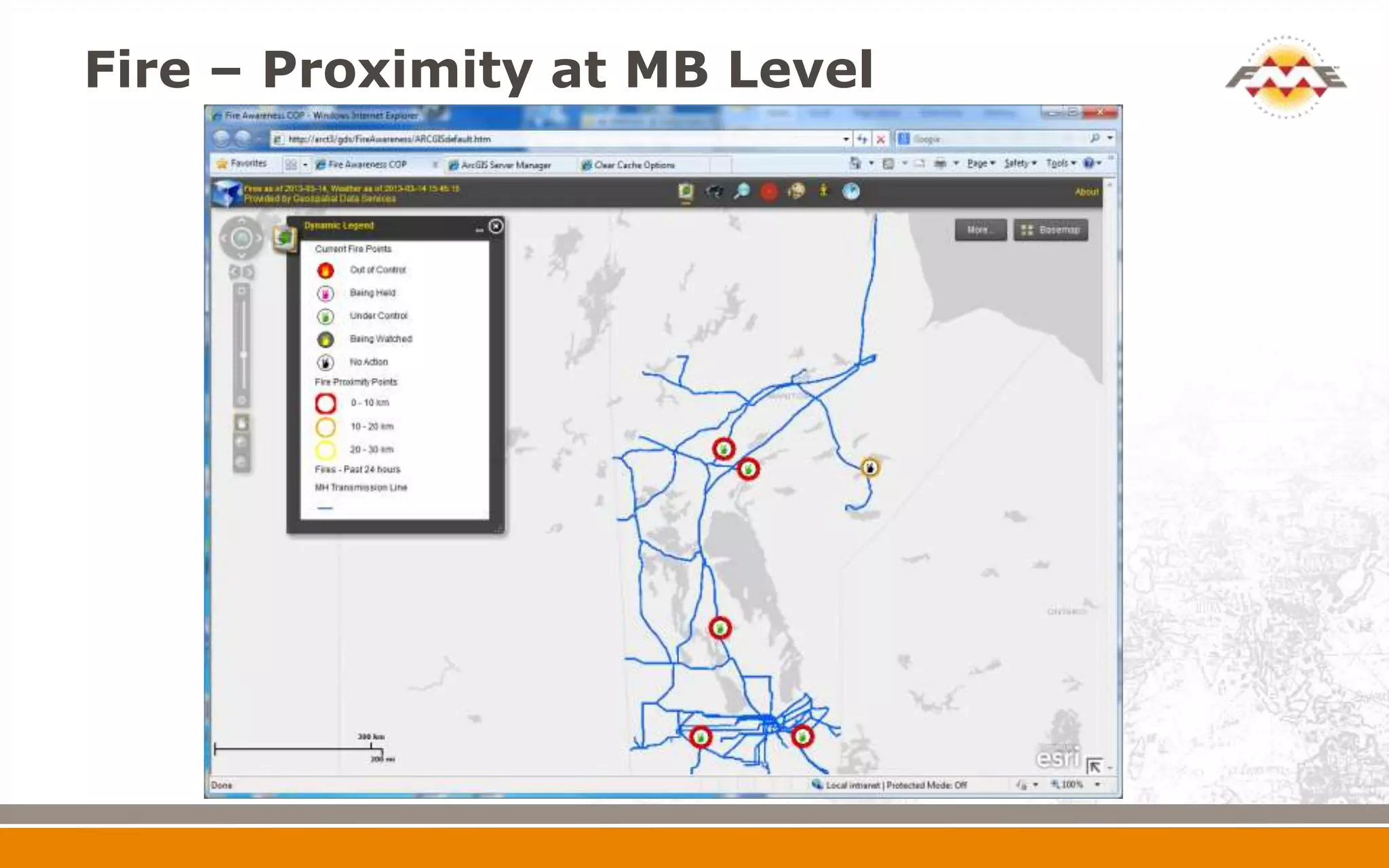
Fire – Proximity at MB Level
Evolution of Fire Data


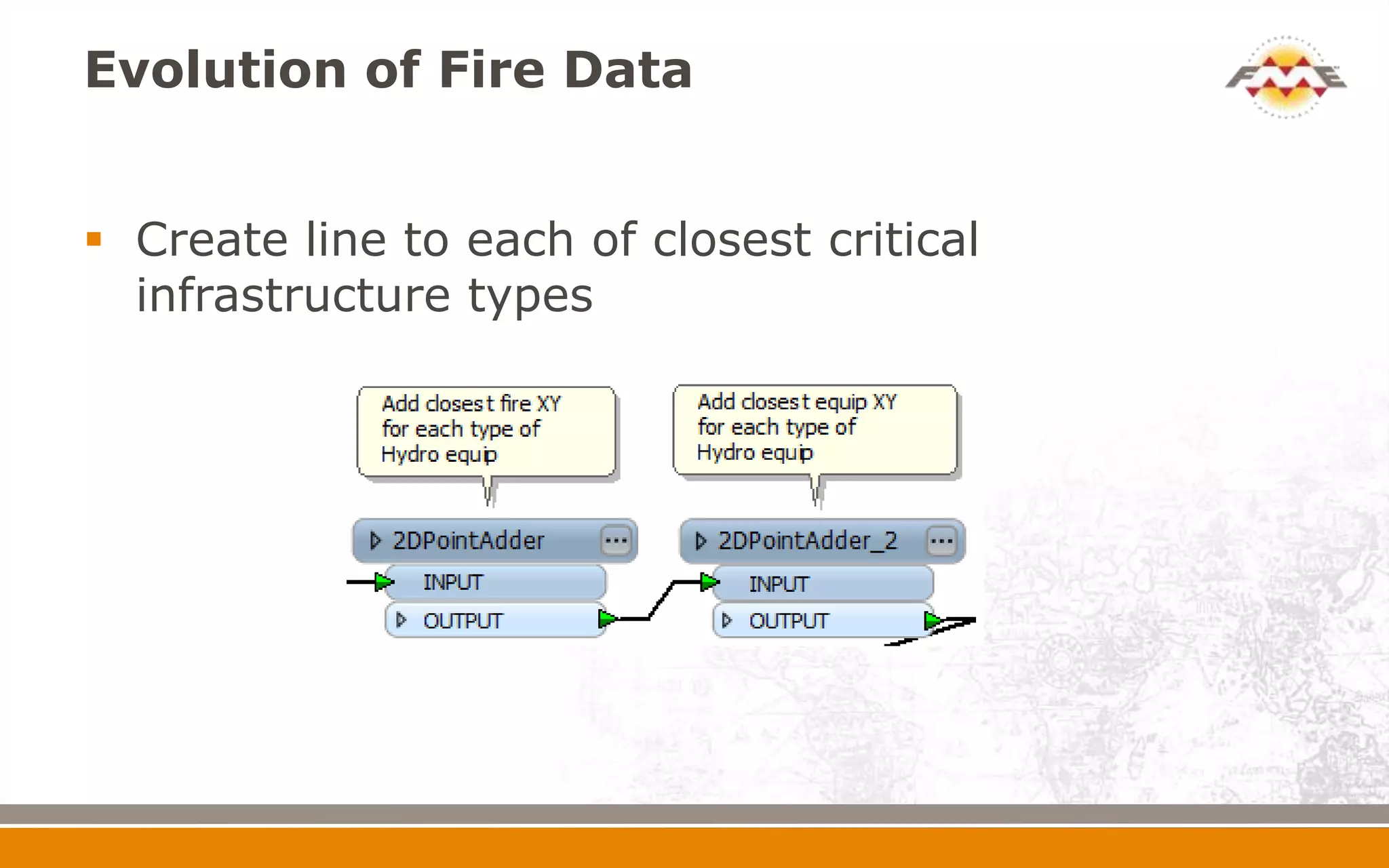
 Create line to each of closest critical
  infrastructure types
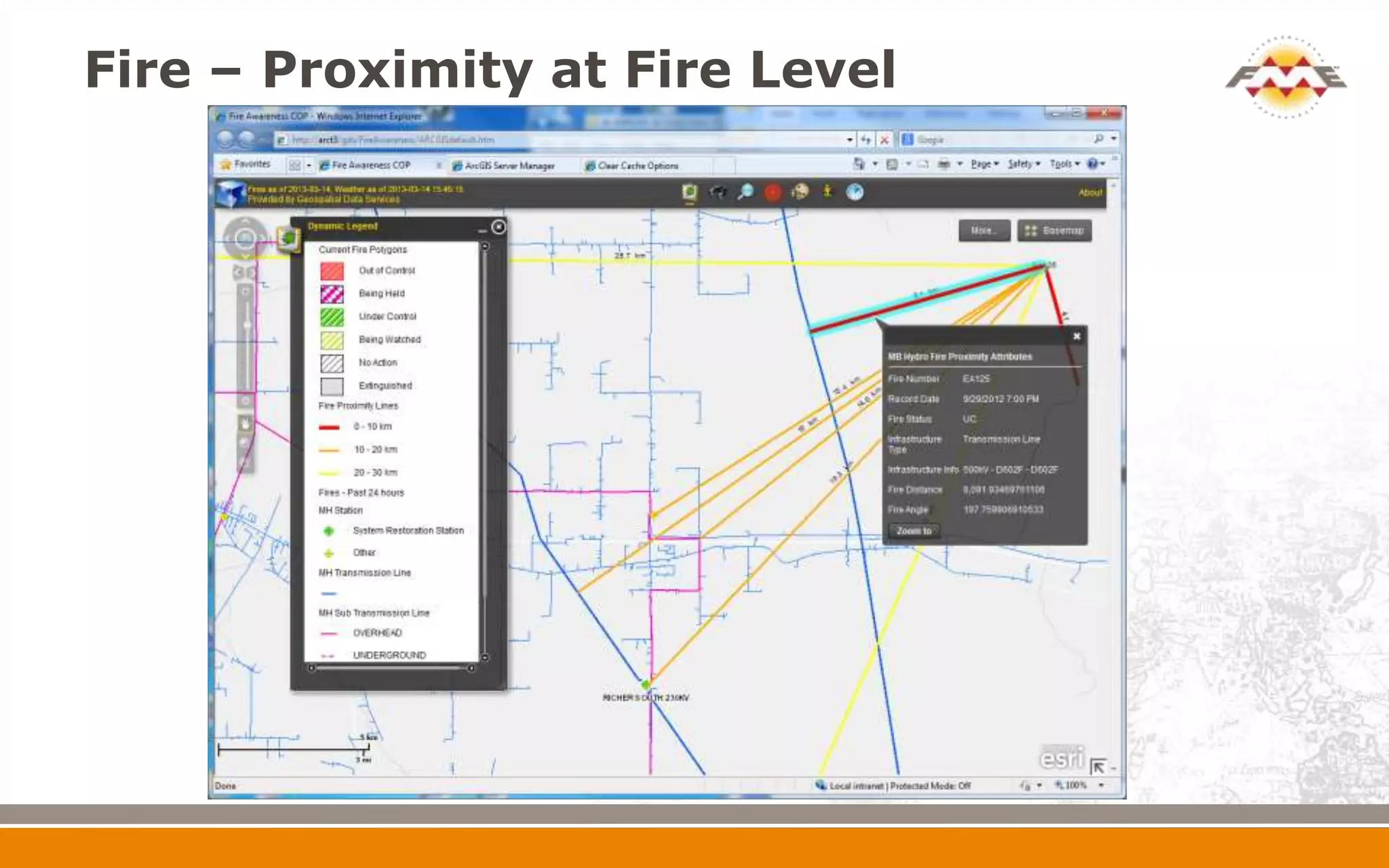
Fire – Proximity at Fire Level
Evolution of Fire Data


 Added storage of each fire change based on its
  review date, status or size changes
   Each time a Fire KML is read, it is compared with
    the latest data and new records are created if data
    has changed
   Will be used to track fire progression in 2013 fire
    season
Near Real Time Weather


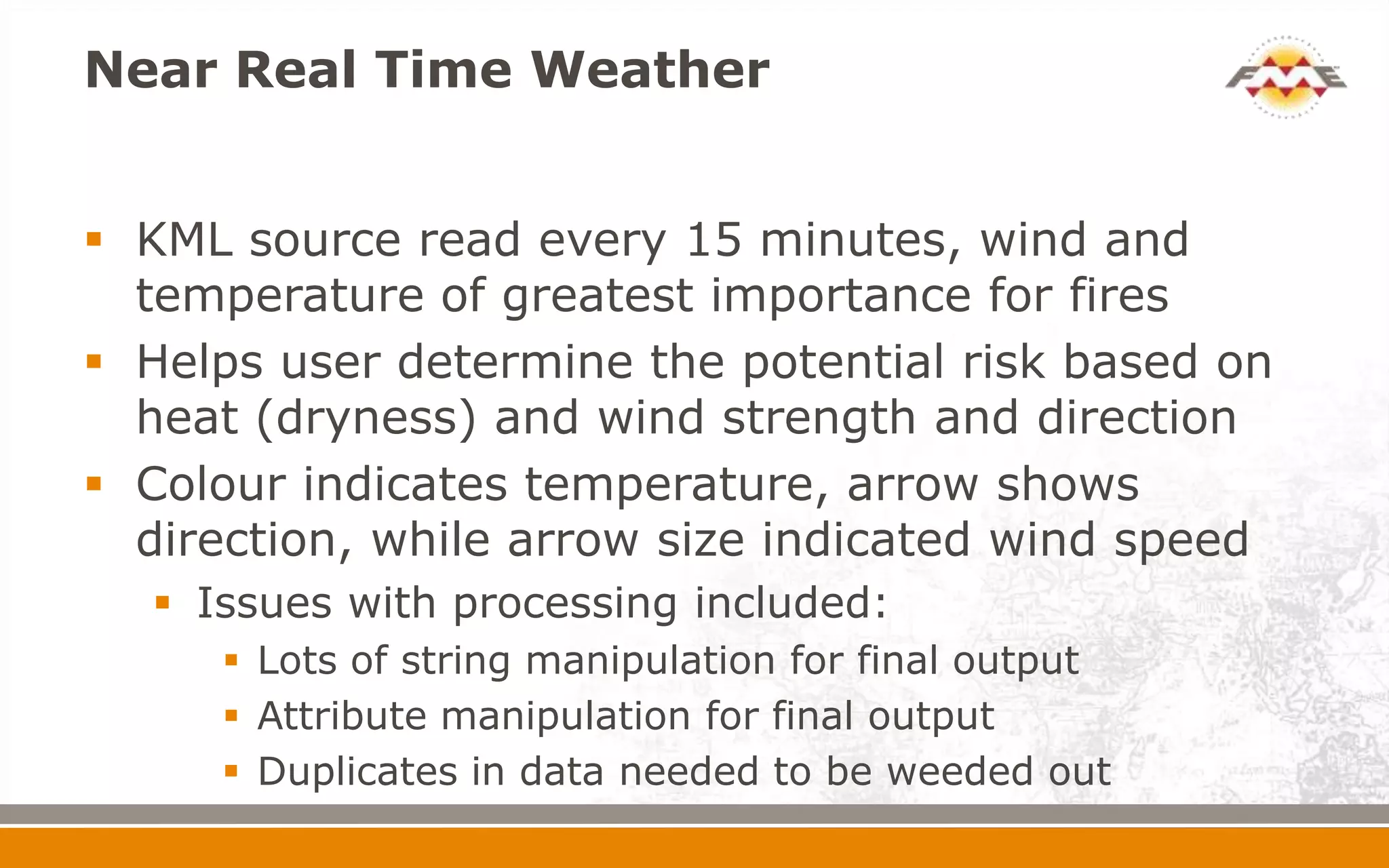
 KML source read every 15 minutes, wind and
  temperature of greatest importance for fires
 Helps user determine the potential risk based on
  heat (dryness) and wind strength and direction
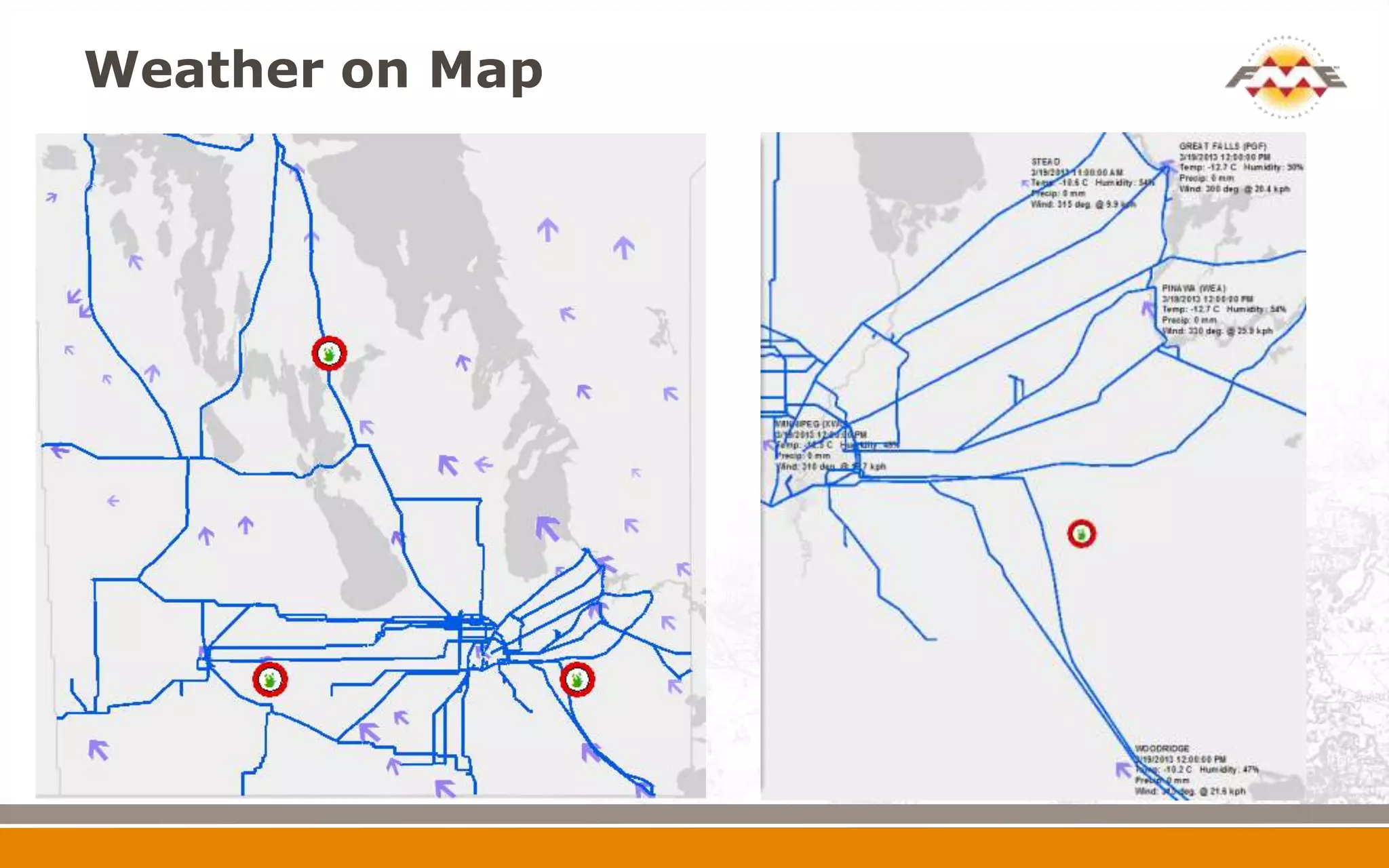
 Colour indicates temperature, arrow shows
  direction, while arrow size indicated wind speed
   Issues with processing included:
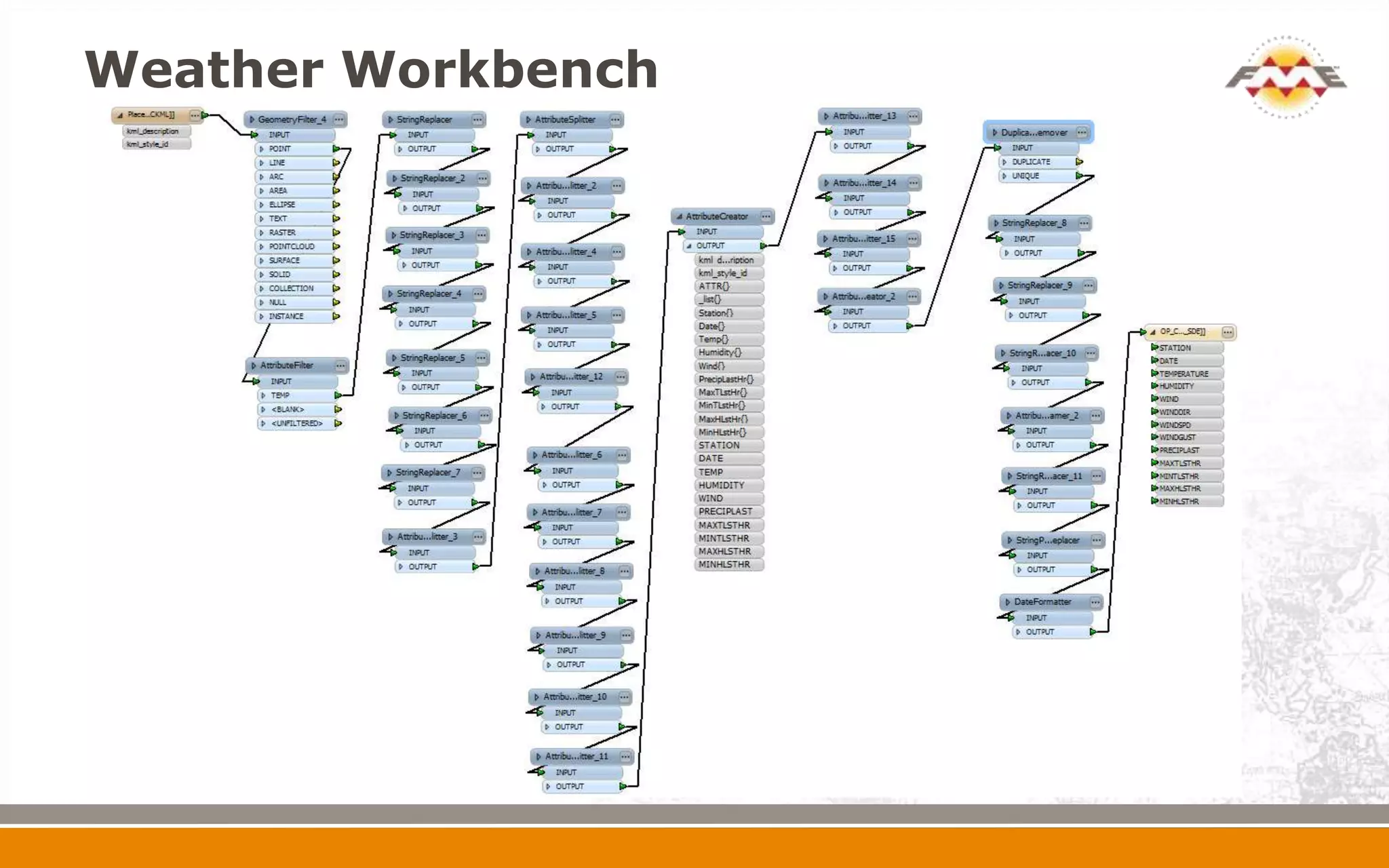
      Lots of string manipulation for final output
      Attribute manipulation for final output
      Duplicates in data needed to be weeded out
Weather Workbench
Weather on Map
Supporting Fire Data


 MODIS Hot Spots
   WMS Service merged into Portal
   Shows past 24 and 48 hour hot spots
 Environment Canada Weather Radar
   Shows current precipitation and severe weather
 Administrative Boundaries and Cadastral Fabric
  for Land Reference
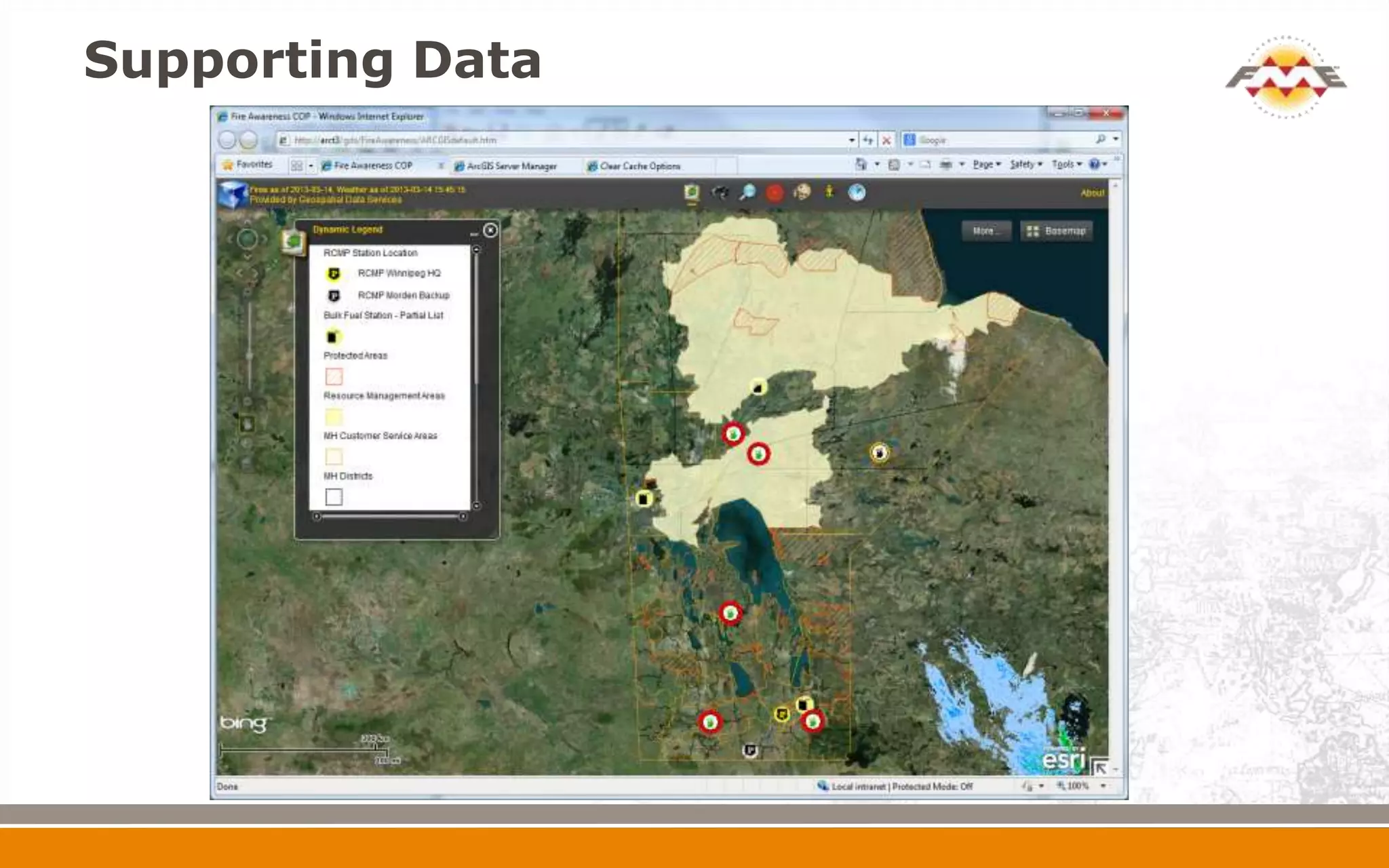
 RCMP and Bulk Fuel locations for Emergencies
 Several base maps including imagery
Supporting Data
Field Verification


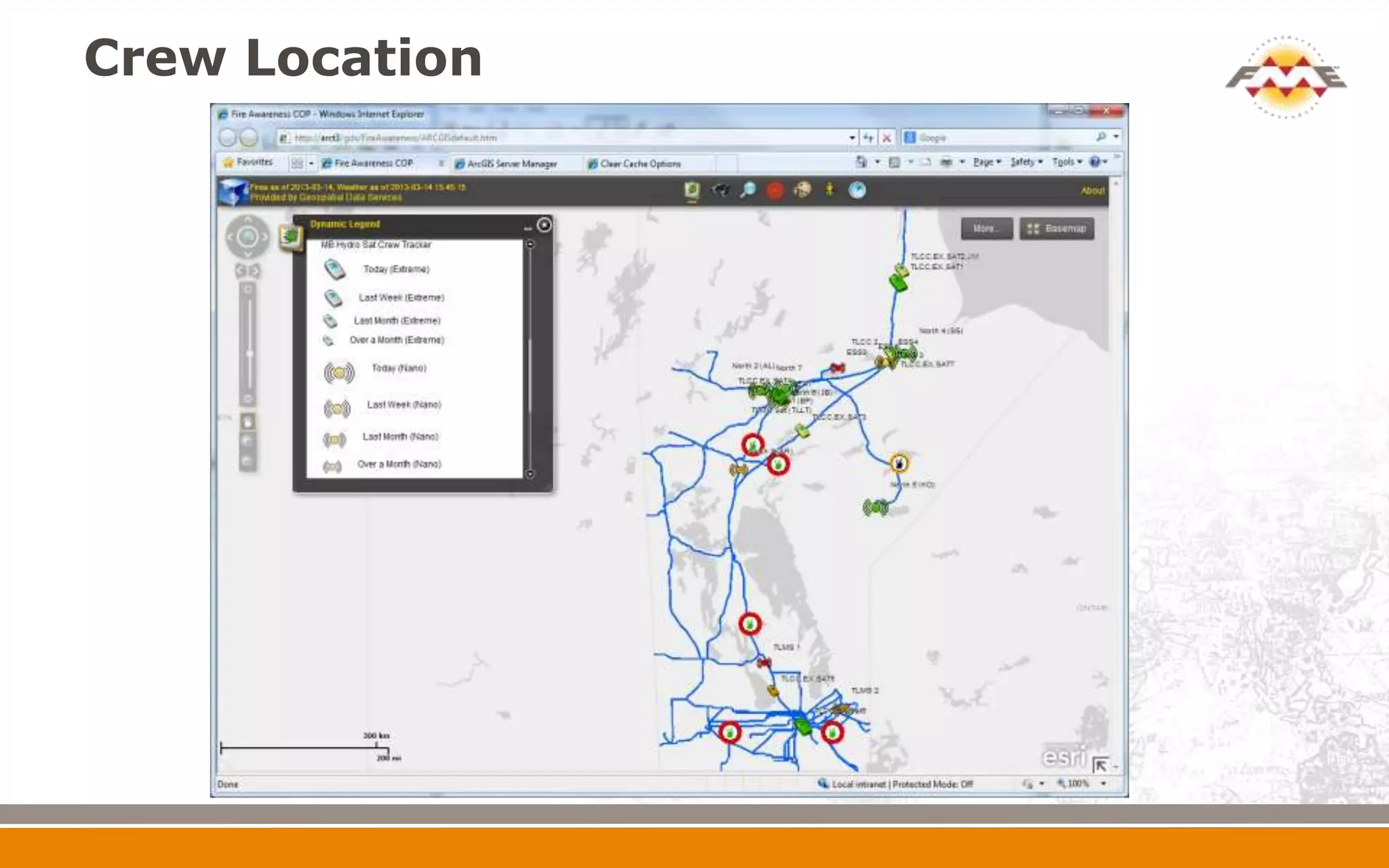
 MB Hydro has Satellite Tracking devices for Crew
  Safety
 Can route a Crew (helicopter) to a high risk fire
  where verification/status required
 Web service – refreshed every 5 minutes
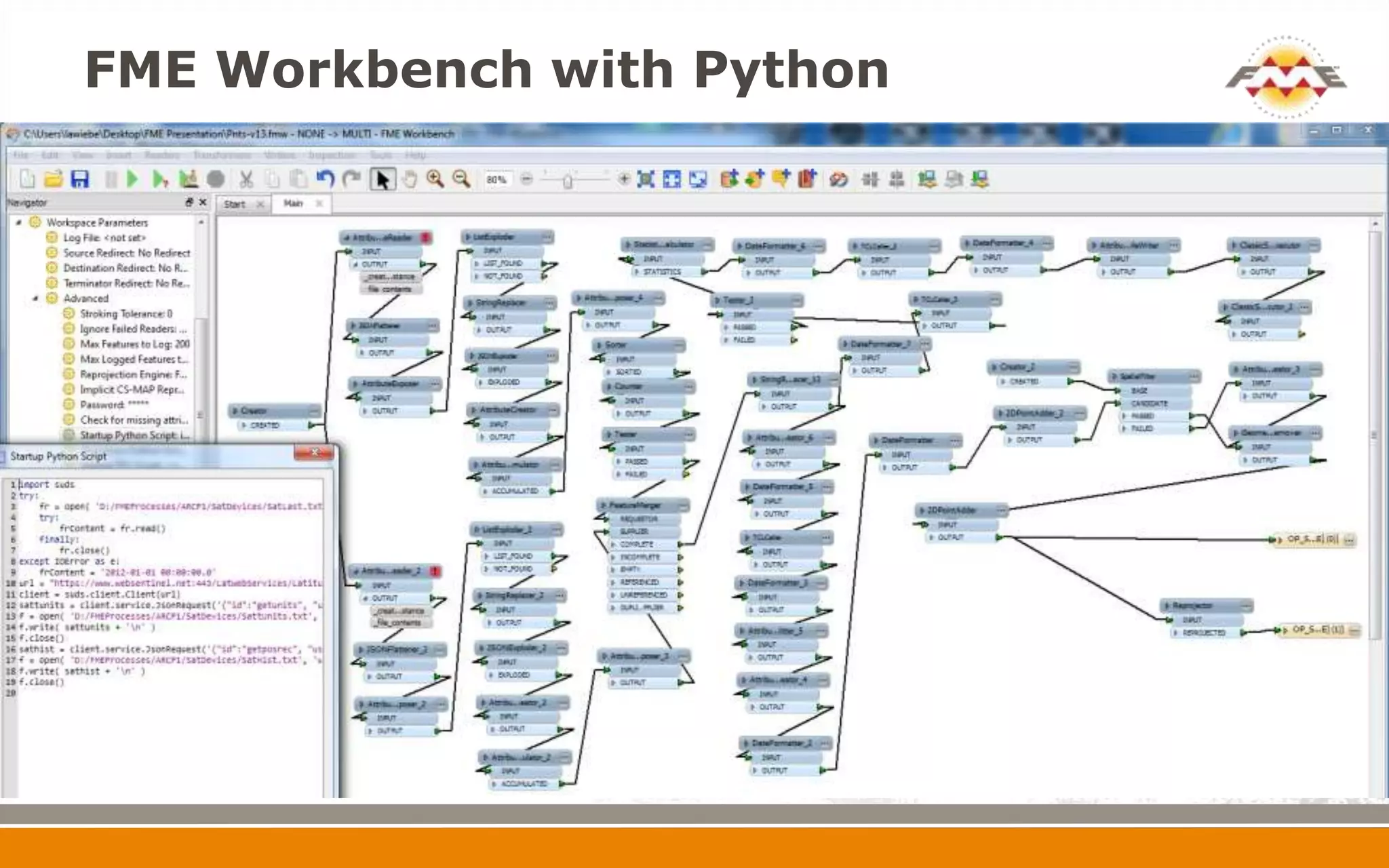
 Automated with Python startup script
 History of device movement stored
 Emergency Status can be flagged
 Automated – bad data handled
Crew Location – FME Key Tasks


 Queries Web Service every 5 minutes
   Write a time stamp to an attribute file when
    complete
   Merges 2 query results into one dataset
   Use Last written time stamp as start for new web
    service query
   Add new data only
   Lots of date manipulation
   Spatial filter takes bad positions and repositions in
    case of emergency situation
FME Workbench with Python
Crew Location
Crew History – FME Key Tasks


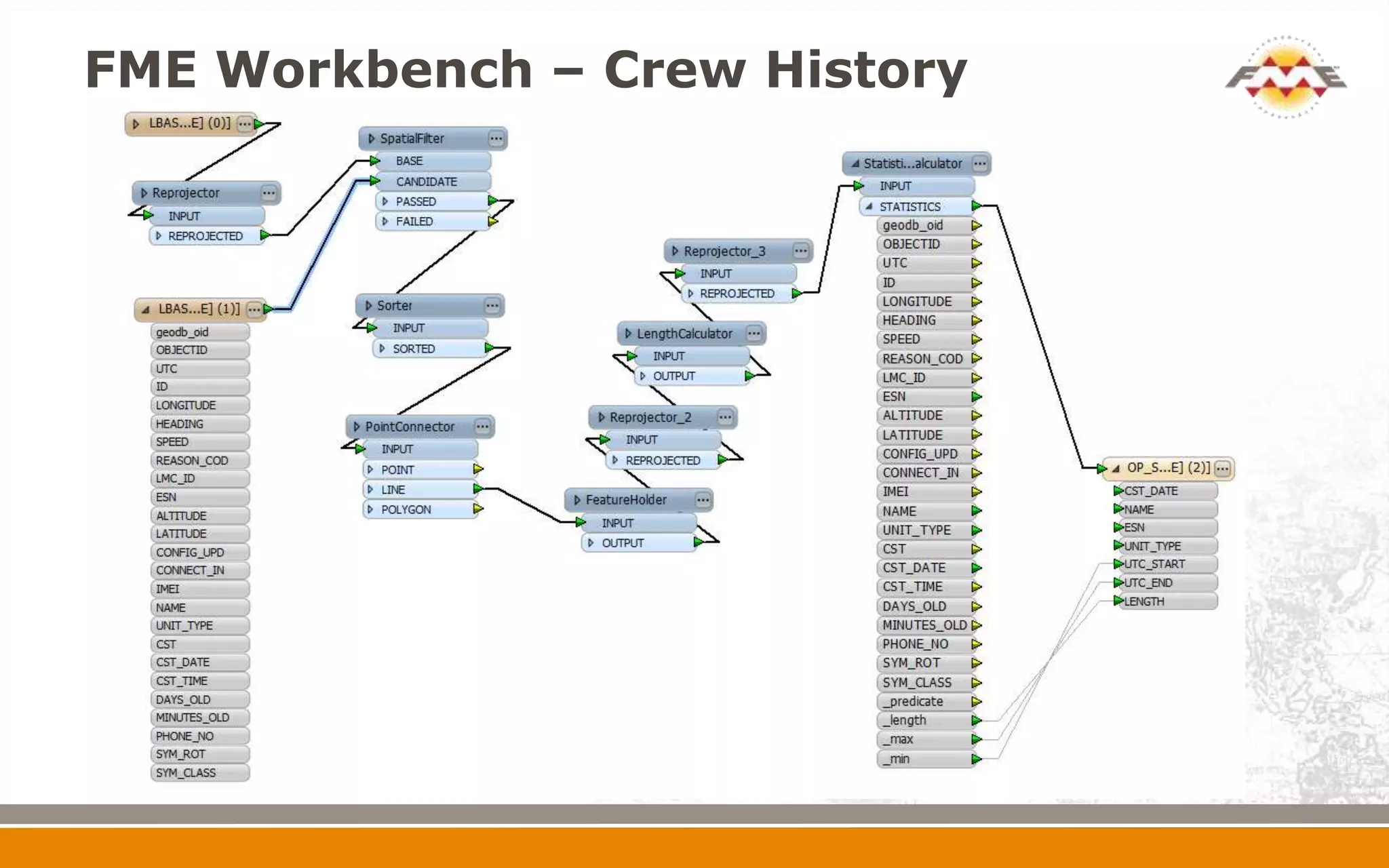
 Runs after Points gathered every 5 minutes
   SpatialFilter only uses data in Manitoba
   Assembles points into lines based on UTC
    date/time sequence using PointConnector
   LengthCalculator assigns Length attribute
   StatisticsCalculator assign UTC start and end times
FME Workbench – Crew History
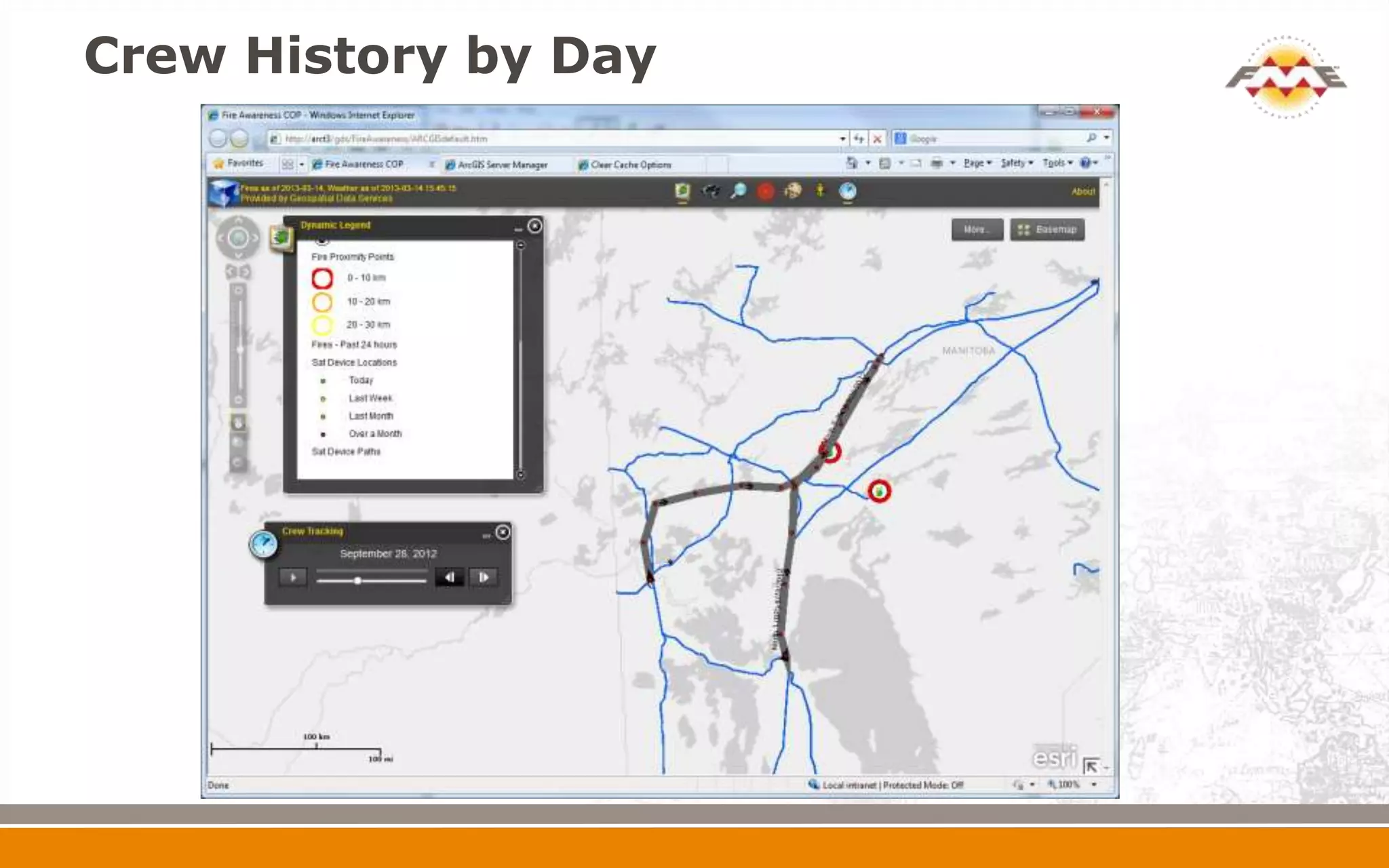
Crew History by Day
Futures


   Full History – so fire progression can be tracked
   FME Server – better automation and notification
   Plume Modeling
   Mobile
   Handle other Emergencies
     Flooding
     Severe Storms
     Lightning
Thank You!


 Questions?

 For more information:
   Larry Wiebe, lawiebe@hydro.mb.ca
   Geospatial Data Services
   Manitoba Hydro

Fire Proximity Awareness Monitoring with FME

  • 1.
    Fire Proximity Awareness LarryWiebe, Manitoba Hydro Geospatial Data Services, GIS Data Specialist April 11, 2013
  • 2.
  • 3.
    Evolution of FireData  Pull Fire.SHP (poly) from MB Fire Program  Used HTTPFetcher to pull down ZIP daily and overwrite previous days data
  • 4.
  • 5.
    Evolution of FireData  Issues with volume and legibility of data  Used InsidePointExtractor to pull a point within polygon to create event theme and filtered out extinguished fires
  • 6.
    Fire – PointRepresentation
  • 7.
    Evolution of FireData  Move to KML source – added unclassified potential fires and eliminated file handling  KML processing significantly more complicated due to data issues. Had to perform geometry cleaning and XML parsing
  • 8.
    Manitoba Hydro Infrastructure Defined a set of critical electric/gas infrastructure  Transmission  Sub-Transmission  Stations  Distribution  Communications  Construction Corridor  Used AttributeCreator and LineJoiner to summarize features to how we needed them for the map
  • 9.
    Evolution of FireData  Added proximity for each fire within 30km of Hydro infrastructure using NeighborFinder  Create closest distance attribute to infrastructure type for Provincial view
  • 10.
    Fire – Proximityat MB Level
  • 11.
    Evolution of FireData  Create line to each of closest critical infrastructure types
  • 12.
    Fire – Proximityat Fire Level
  • 13.
    Evolution of FireData  Added storage of each fire change based on its review date, status or size changes  Each time a Fire KML is read, it is compared with the latest data and new records are created if data has changed  Will be used to track fire progression in 2013 fire season
  • 14.
    Near Real TimeWeather  KML source read every 15 minutes, wind and temperature of greatest importance for fires  Helps user determine the potential risk based on heat (dryness) and wind strength and direction  Colour indicates temperature, arrow shows direction, while arrow size indicated wind speed  Issues with processing included:  Lots of string manipulation for final output  Attribute manipulation for final output  Duplicates in data needed to be weeded out
  • 15.
  • 16.
  • 17.
    Supporting Fire Data MODIS Hot Spots  WMS Service merged into Portal  Shows past 24 and 48 hour hot spots  Environment Canada Weather Radar  Shows current precipitation and severe weather  Administrative Boundaries and Cadastral Fabric for Land Reference  RCMP and Bulk Fuel locations for Emergencies  Several base maps including imagery
  • 18.
  • 19.
    Field Verification  MBHydro has Satellite Tracking devices for Crew Safety  Can route a Crew (helicopter) to a high risk fire where verification/status required  Web service – refreshed every 5 minutes  Automated with Python startup script  History of device movement stored  Emergency Status can be flagged  Automated – bad data handled
  • 20.
    Crew Location –FME Key Tasks  Queries Web Service every 5 minutes  Write a time stamp to an attribute file when complete  Merges 2 query results into one dataset  Use Last written time stamp as start for new web service query  Add new data only  Lots of date manipulation  Spatial filter takes bad positions and repositions in case of emergency situation
  • 21.
  • 22.
  • 23.
    Crew History –FME Key Tasks  Runs after Points gathered every 5 minutes  SpatialFilter only uses data in Manitoba  Assembles points into lines based on UTC date/time sequence using PointConnector  LengthCalculator assigns Length attribute  StatisticsCalculator assign UTC start and end times
  • 24.
    FME Workbench –Crew History
  • 25.
  • 26.
    Futures  Full History – so fire progression can be tracked  FME Server – better automation and notification  Plume Modeling  Mobile  Handle other Emergencies  Flooding  Severe Storms  Lightning
  • 27.
    Thank You!  Questions? For more information:  Larry Wiebe, lawiebe@hydro.mb.ca  Geospatial Data Services  Manitoba Hydro

Editor's Notes

  • #3 Initiated by Corporate Emergency Response CoordinatorRespond to potential issues affecting network reliability or safetyWanted data pulled together in one locationWanted to replace paper mapsCritical Data needs to be best available and kept up to date