
36ª Reunião Presencial – Lisboa - 03/02/2013 http://netponto.org


          O que é o HTML5 e porque é que me devo
                              preocupar com isso?
                                                    Pedro Rosa
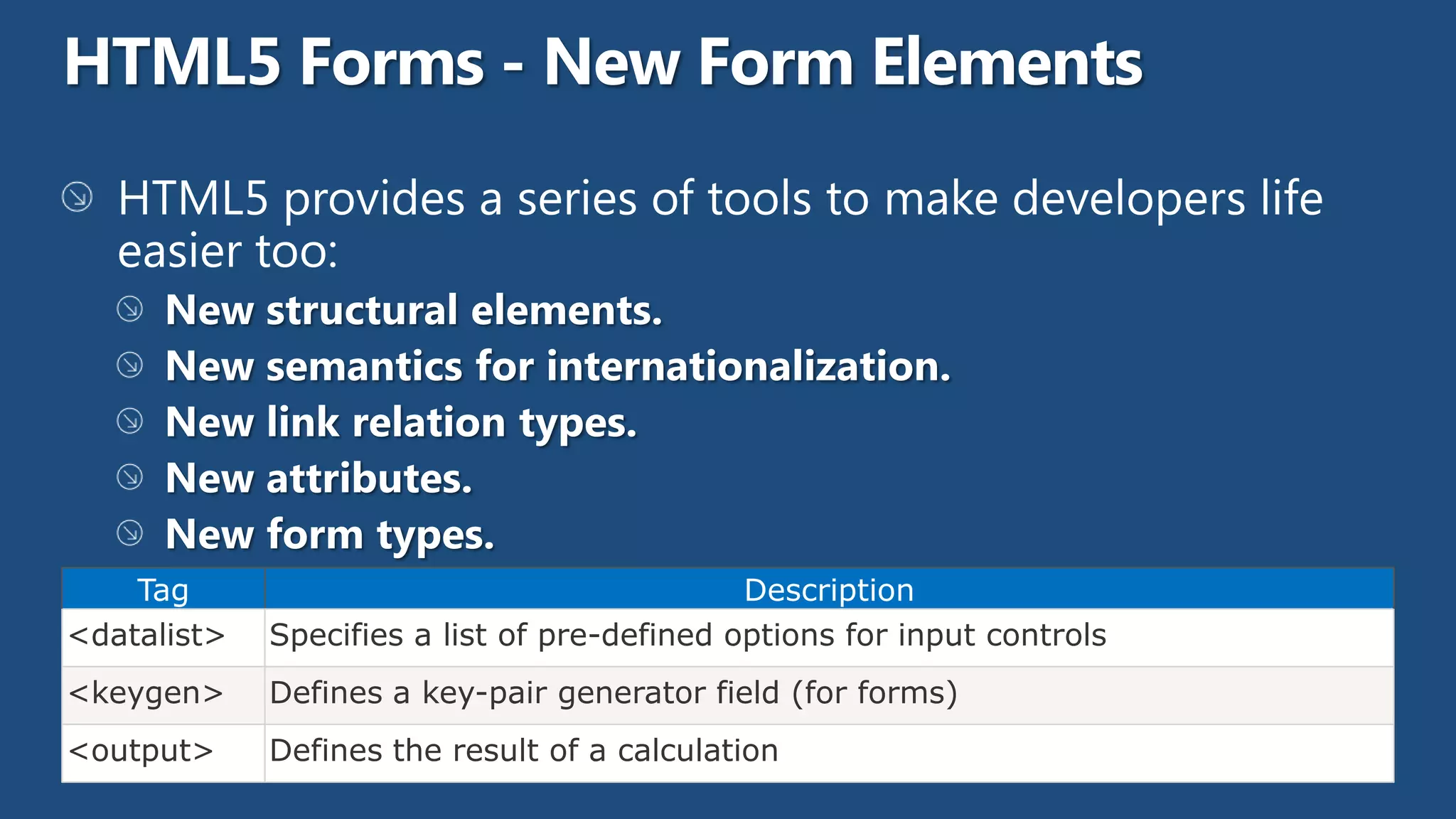
Tag                                       Description
<datalist>   Specifies a list of pre-defined options for input controls
<keygen>     Defines a key-pair generator field (for forms)
<output>     Defines the result of a calculation
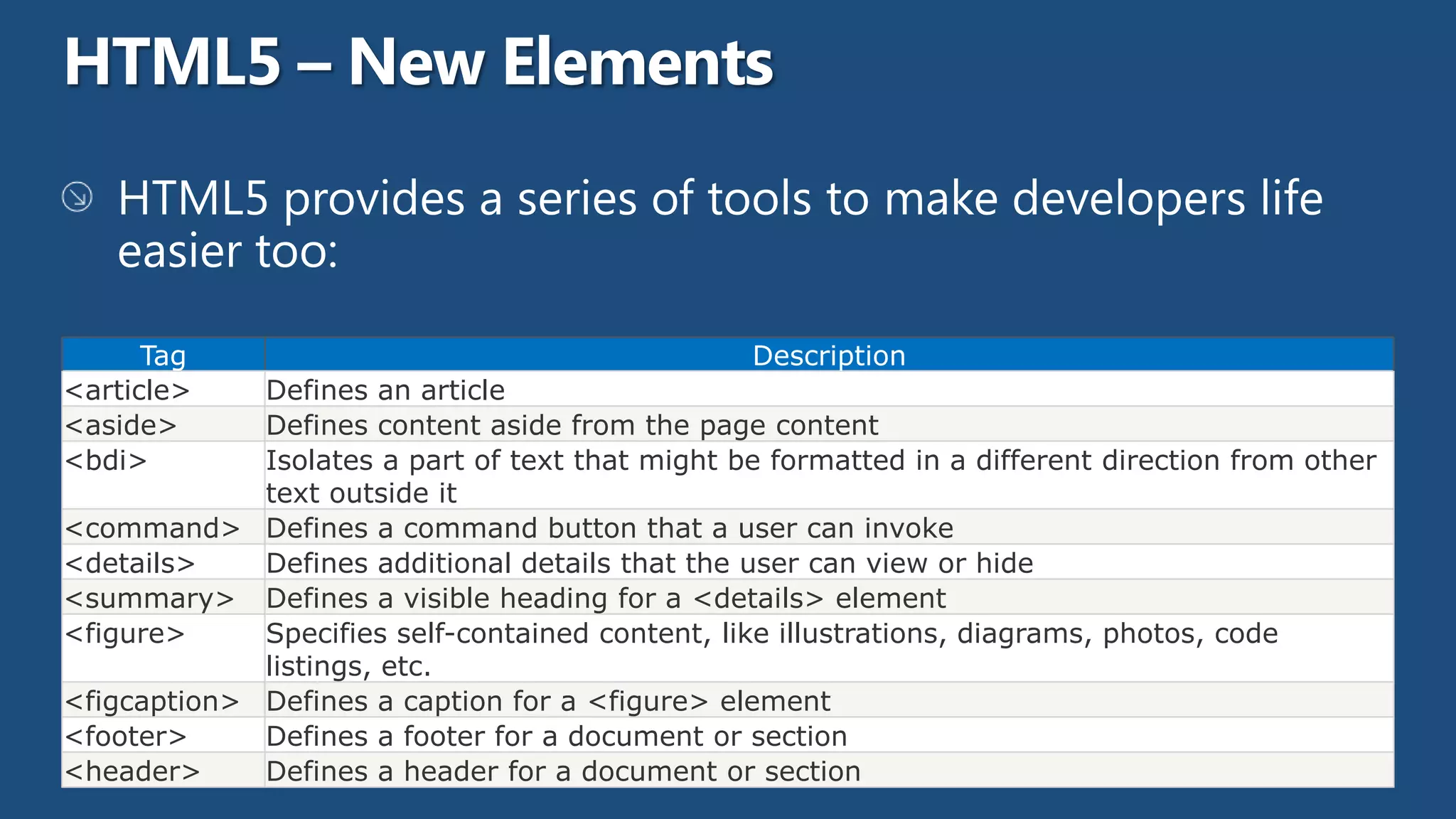
Tag                                         Description
<article>    Defines an article
<aside>      Defines content aside from the page content
<bdi>        Isolates a part of text that might be formatted in a different direction from other
             text outside it
<command> Defines a command button that a user can invoke
<details>    Defines additional details that the user can view or hide
<summary> Defines a visible heading for a <details> element
<figure>     Specifies self-contained content, like illustrations, diagrams, photos, code
             listings, etc.
<figcaption> Defines a caption for a <figure> element
<footer>     Defines a footer for a document or section
<header>     Defines a header for a document or section
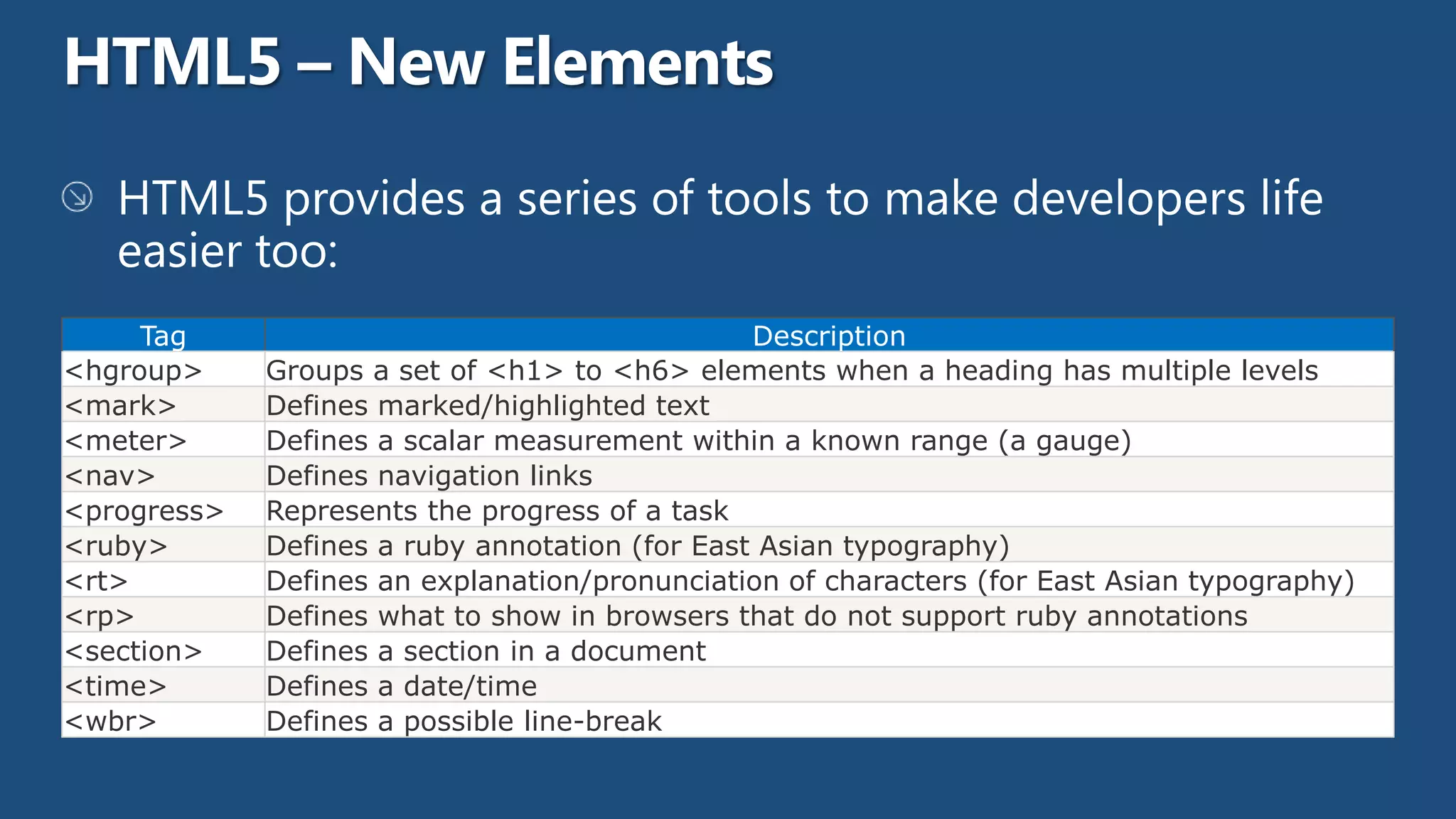
Tag                                        Description
<hgroup>     Groups a set of <h1> to <h6> elements when a heading has multiple levels
<mark>       Defines marked/highlighted text
<meter>      Defines a scalar measurement within a known range (a gauge)
<nav>        Defines navigation links
<progress>   Represents the progress of a task
<ruby>       Defines a ruby annotation (for East Asian typography)
<rt>         Defines an explanation/pronunciation of characters (for East Asian typography)
<rp>         Defines what to show in browsers that do not support ruby annotations
<section>    Defines a section in a document
<time>       Defines a date/time
<wbr>        Defines a possible line-break
New Atributes
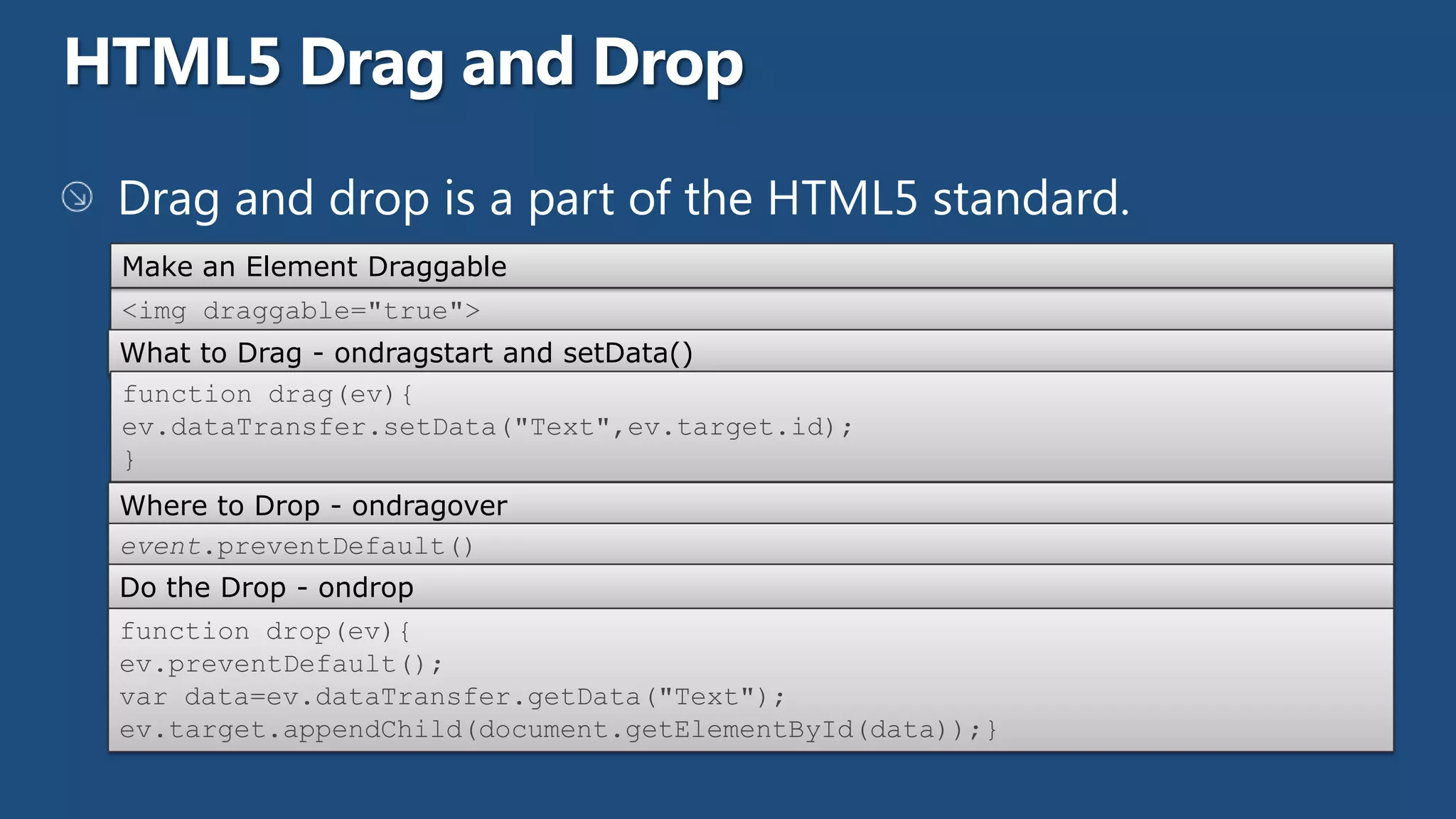
Make an Element Draggable
<img draggable="true">
What to Drag - ondragstart and setData()
function drag(ev){
ev.dataTransfer.setData("Text",ev.target.id);
}
Where to Drop - ondragover
event.preventDefault()
Do the Drop - ondrop
function drop(ev){
ev.preventDefault();
var data=ev.dataTransfer.getData("Text");
ev.target.appendChild(document.getElementById(data));}
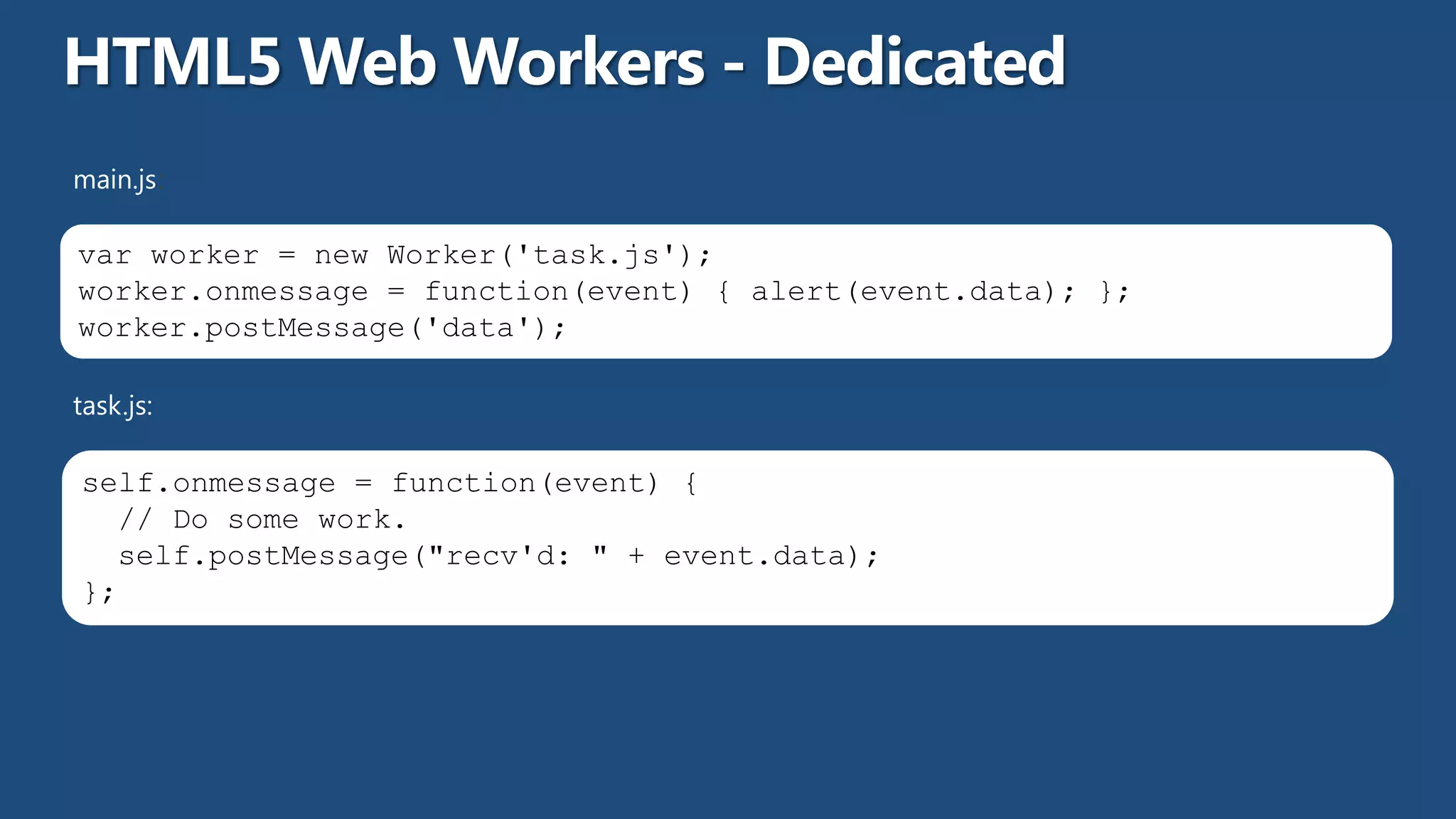
main.js:

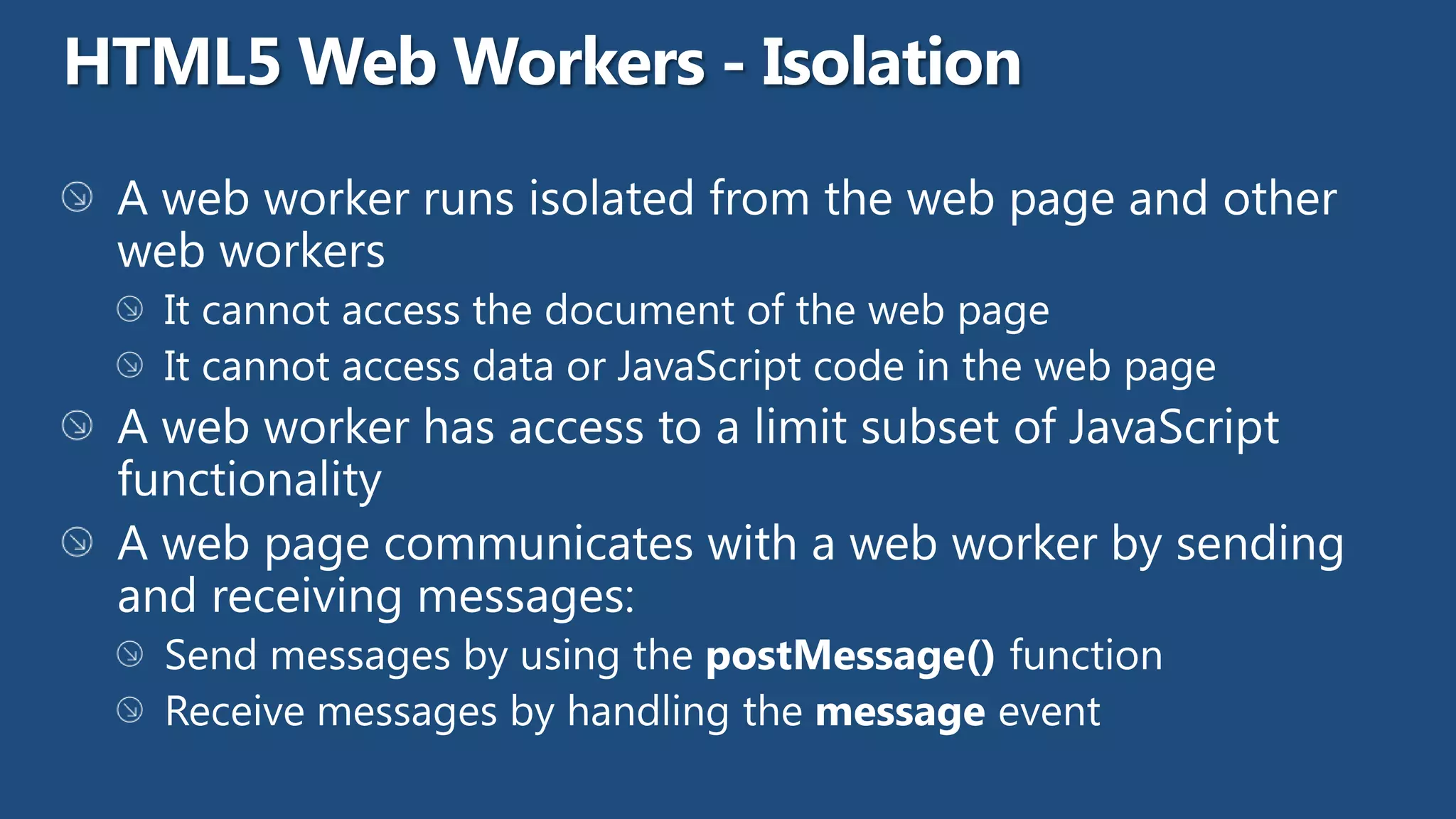
var worker = new Worker('task.js');
worker.onmessage = function(event) { alert(event.data); };
worker.postMessage('data');

task.js:

self.onmessage = function(event) {
  // Do some work.
  self.postMessage("recv'd: " + event.data);
};
pagescript.js:

 var worker = new SharedWorker("jsworker.js");

 worker.port.addEventListener("message", function(e) {alert(e.data);}, false);
 worker.port.start();

 // post a message to the shared web worker
 worker.port.postMessage("Alyssa");


jsworker.js:

 var connections = 0; // count active connections
 self.addEventListener("connect", function (e) {
       var port = e.ports[0];
       connections++;
       port.addEventListener("message", function (e) {port.postMessage("Hello " + e.data
 + " (port #" + connections +")");
         }, false);
         port.start();
 }, false);
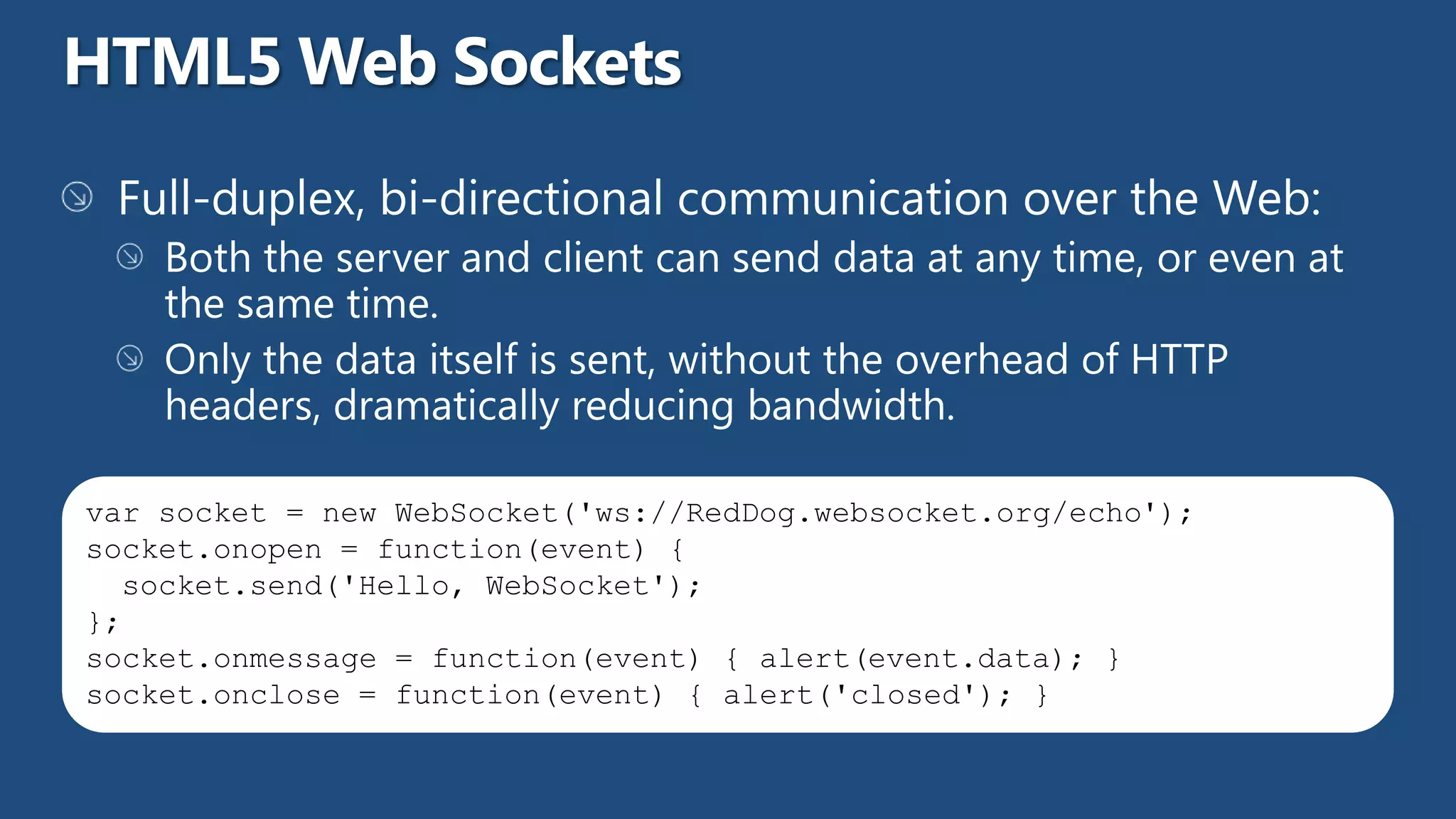
var socket = new WebSocket('ws://RedDog.websocket.org/echo');
socket.onopen = function(event) {
  socket.send('Hello, WebSocket');
};
socket.onmessage = function(event) { alert(event.data); }
socket.onclose = function(event) { alert('closed'); }
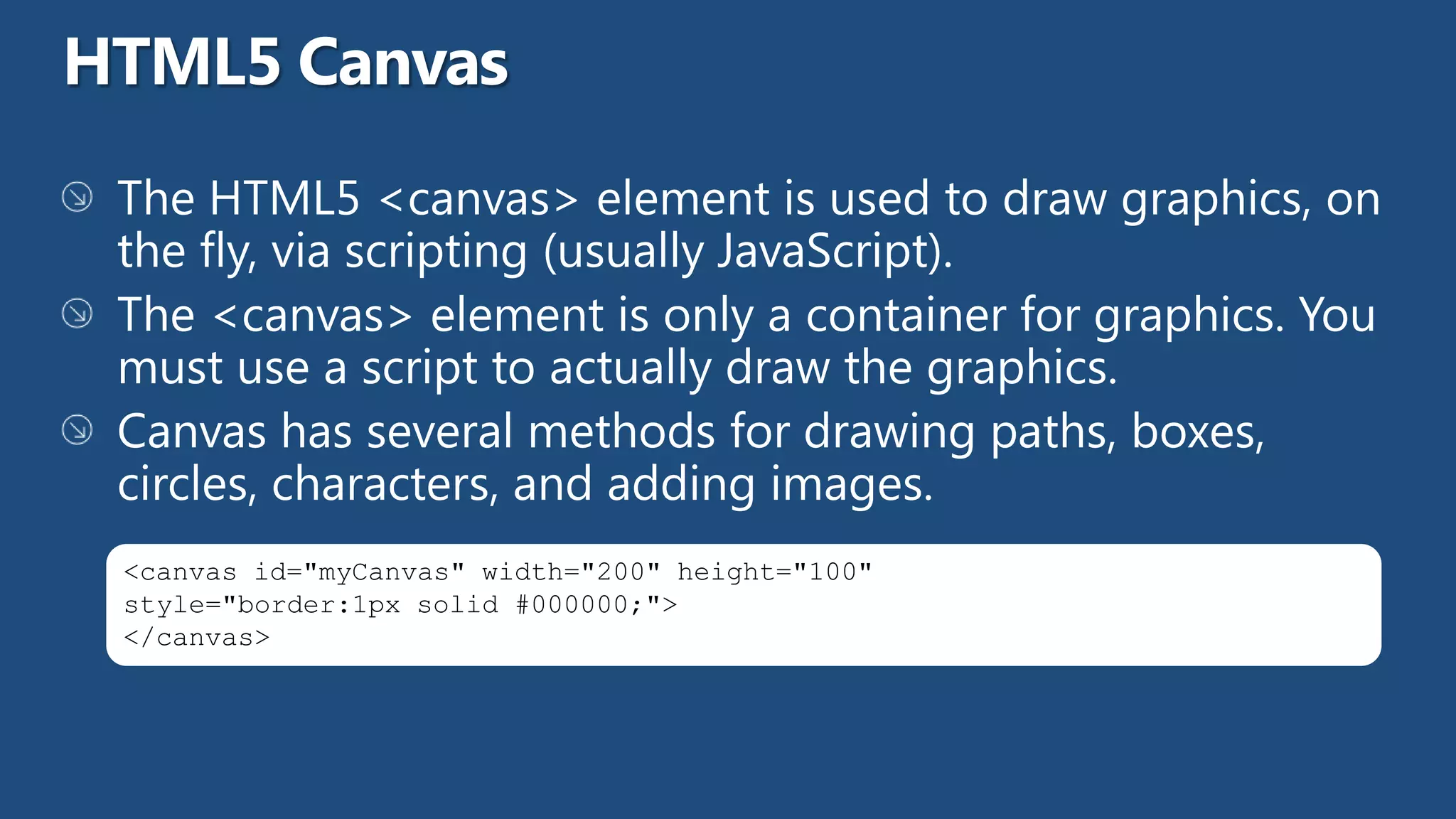
<canvas id="myCanvas" width="200" height="100"
style="border:1px solid #000000;">
</canvas>
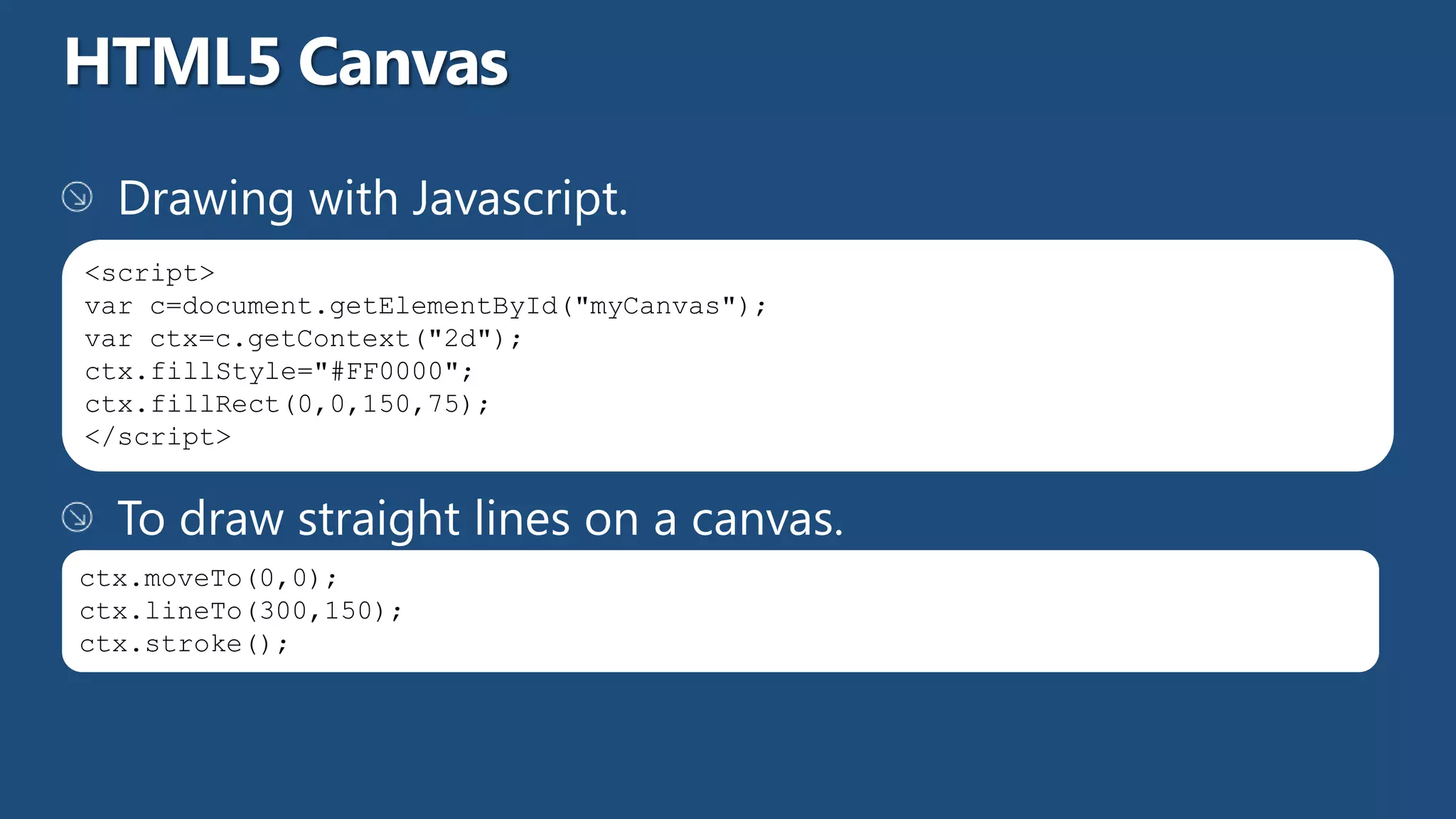
<script>
var c=document.getElementById("myCanvas");
var ctx=c.getContext("2d");
ctx.fillStyle="#FF0000";
ctx.fillRect(0,0,150,75);
</script>


ctx.moveTo(0,0);
ctx.lineTo(300,150);
ctx.stroke();
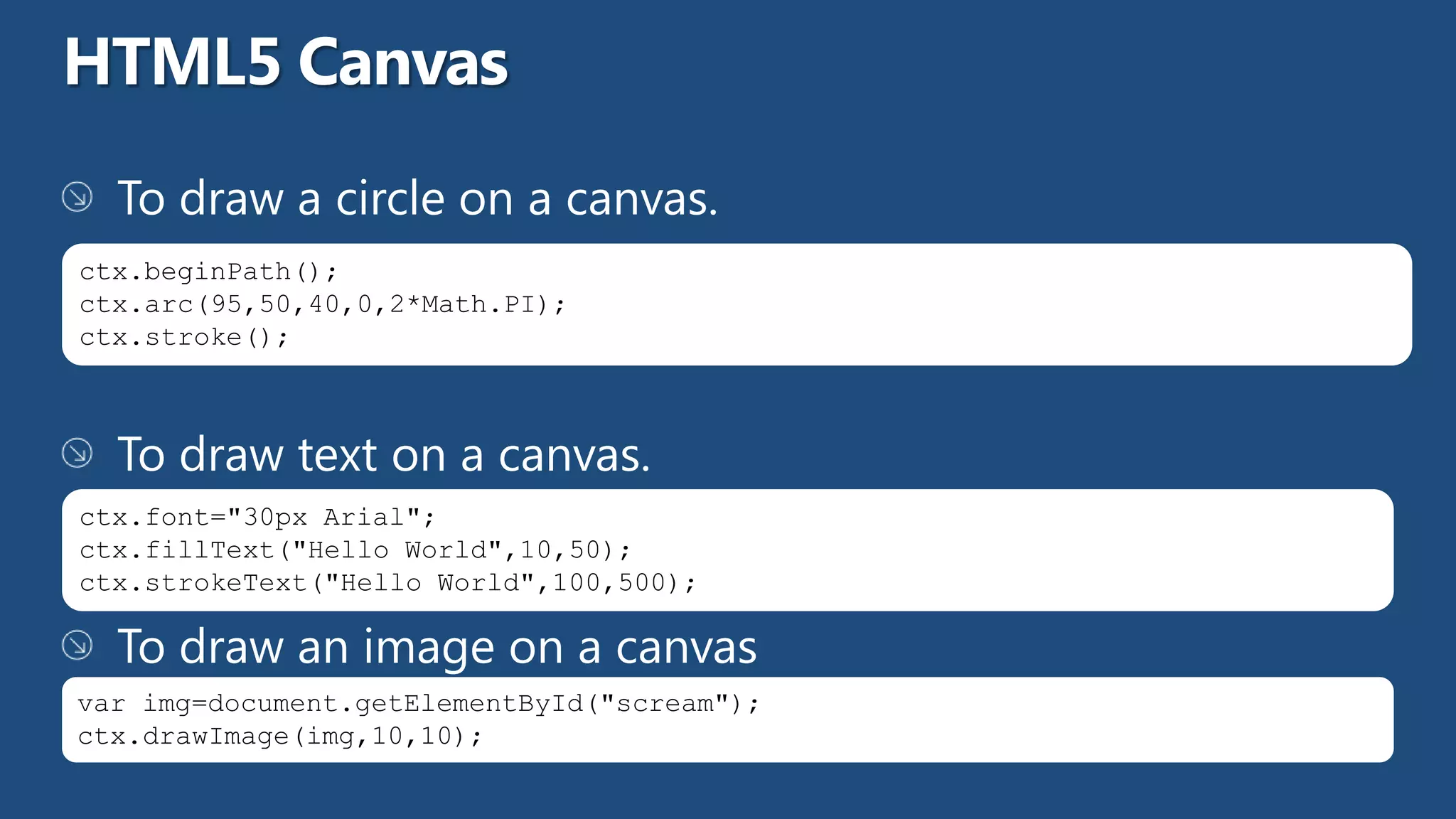
ctx.beginPath();
ctx.arc(95,50,40,0,2*Math.PI);
ctx.stroke();


ctx.font="30px Arial";
ctx.fillText("Hello World",10,50);
ctx.strokeText("Hello World",100,500);


var img=document.getElementById("scream");
ctx.drawImage(img,10,10);
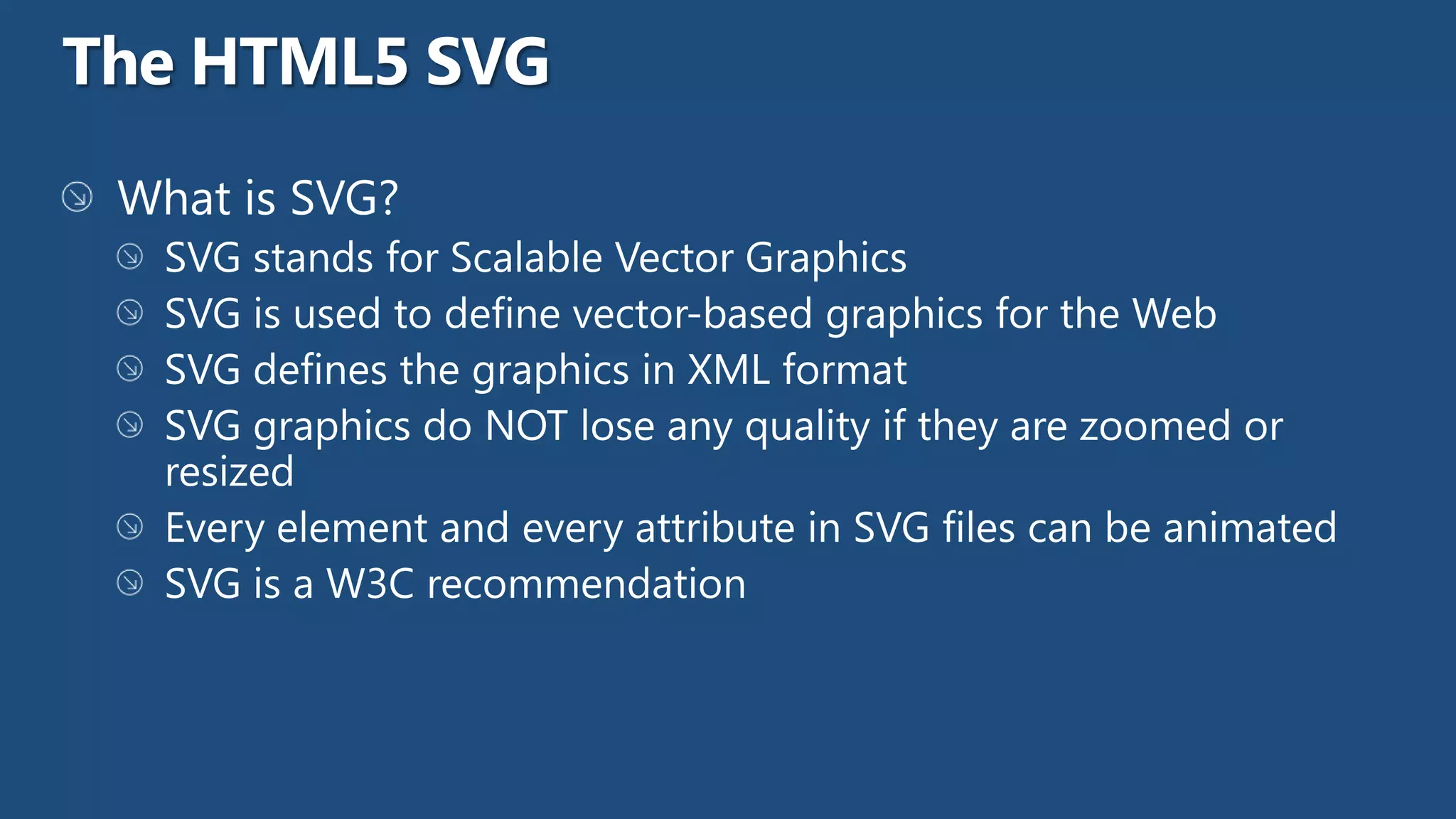
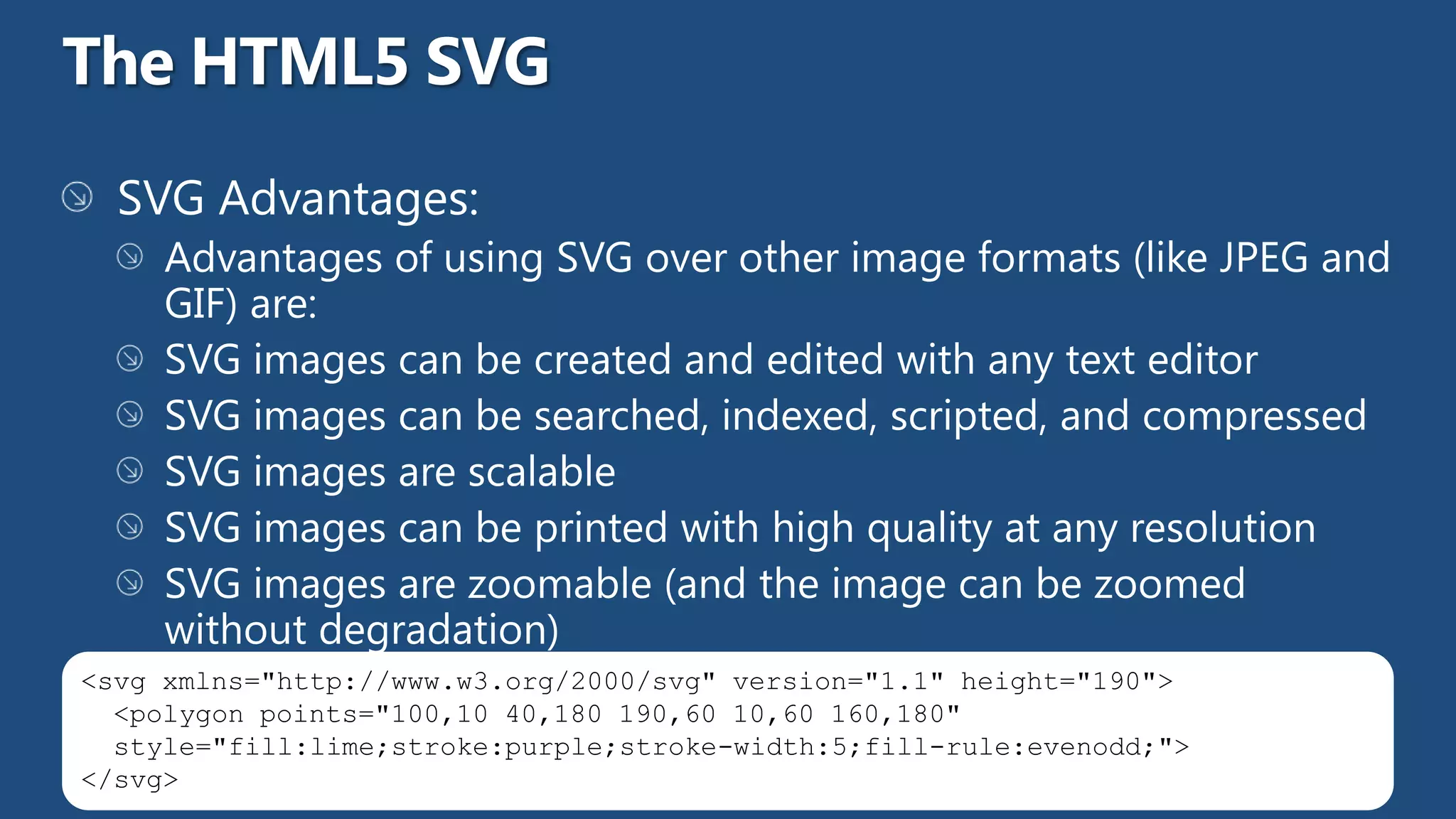
<svg xmlns="http://www.w3.org/2000/svg" version="1.1" height="190">
  <polygon points="100,10 40,180 190,60 10,60 160,180"
  style="fill:lime;stroke:purple;stroke-width:5;fill-rule:evenodd;">
</svg>
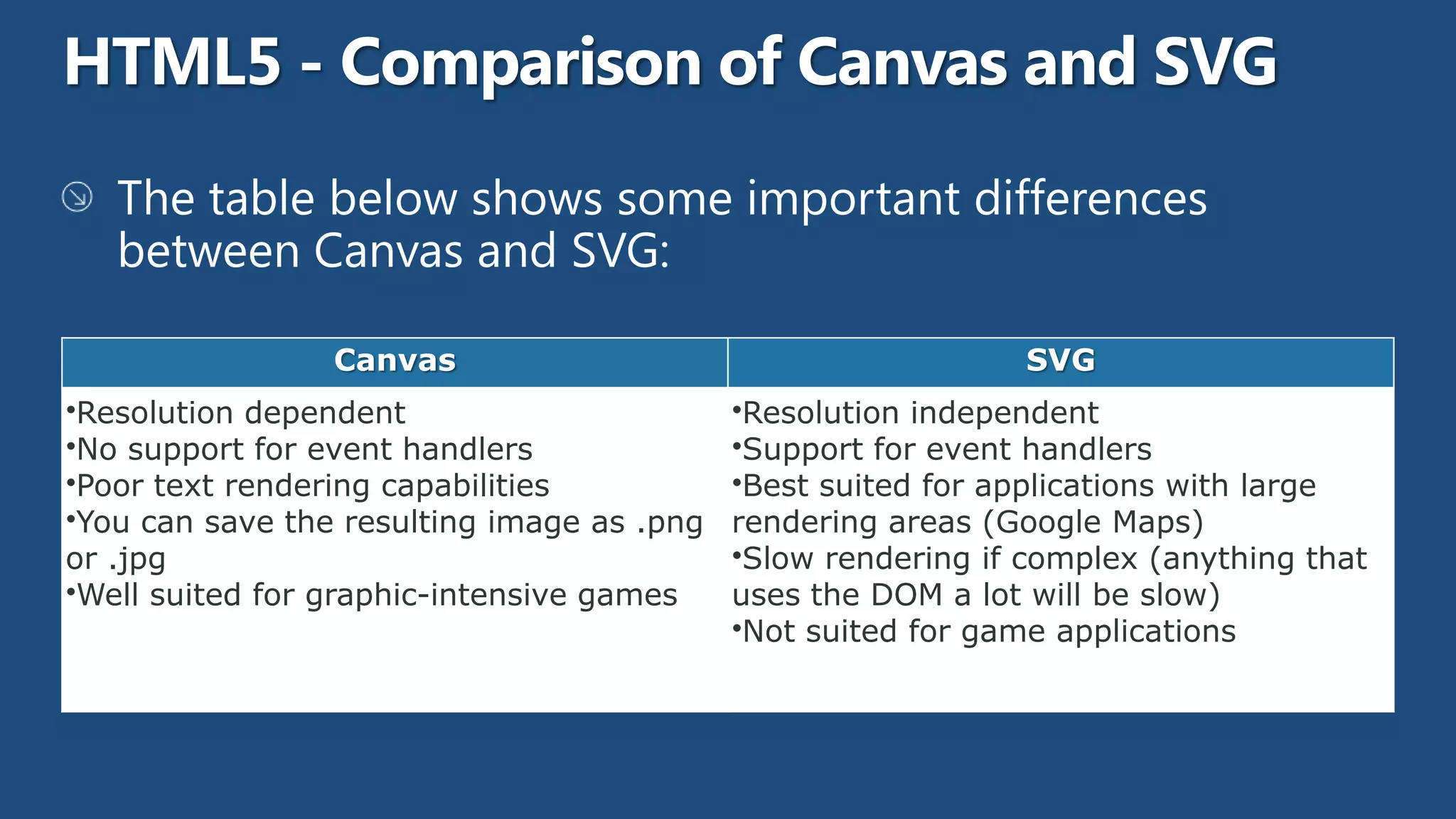
Canvas                                       SVG
•Resolution dependent                       •Resolution independent
•No support for event handlers              •Support for event handlers
•Poor text rendering capabilities           •Best suited for applications with large
•You can save the resulting image as .png   rendering areas (Google Maps)
or .jpg                                     •Slow rendering if complex (anything that
•Well suited for graphic-intensive games    uses the DOM a lot will be slow)
                                            •Not suited for game applications
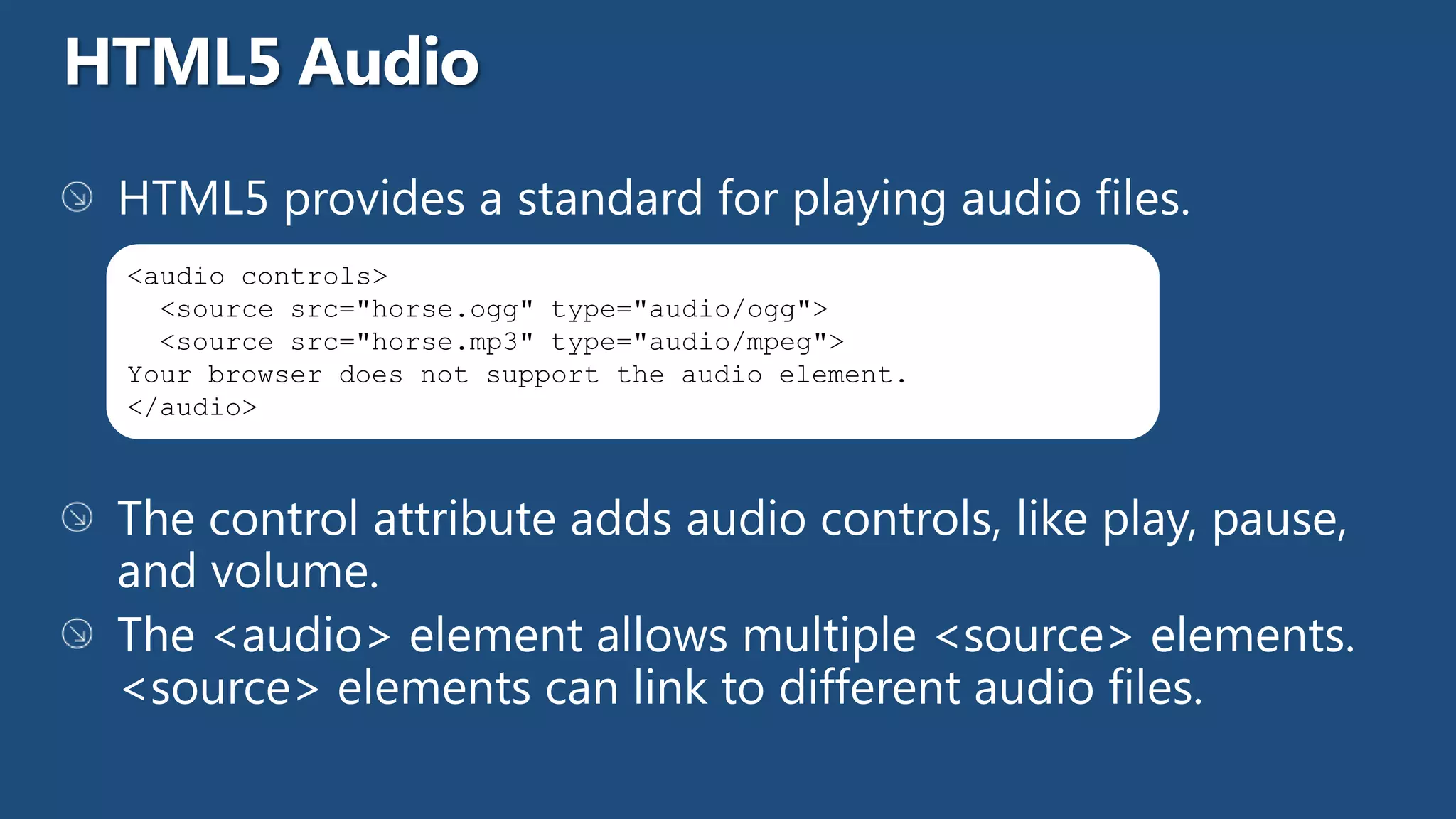
<audio controls>
  <source src="horse.ogg" type="audio/ogg">
  <source src="horse.mp3" type="audio/mpeg">
Your browser does not support the audio element.
</audio>
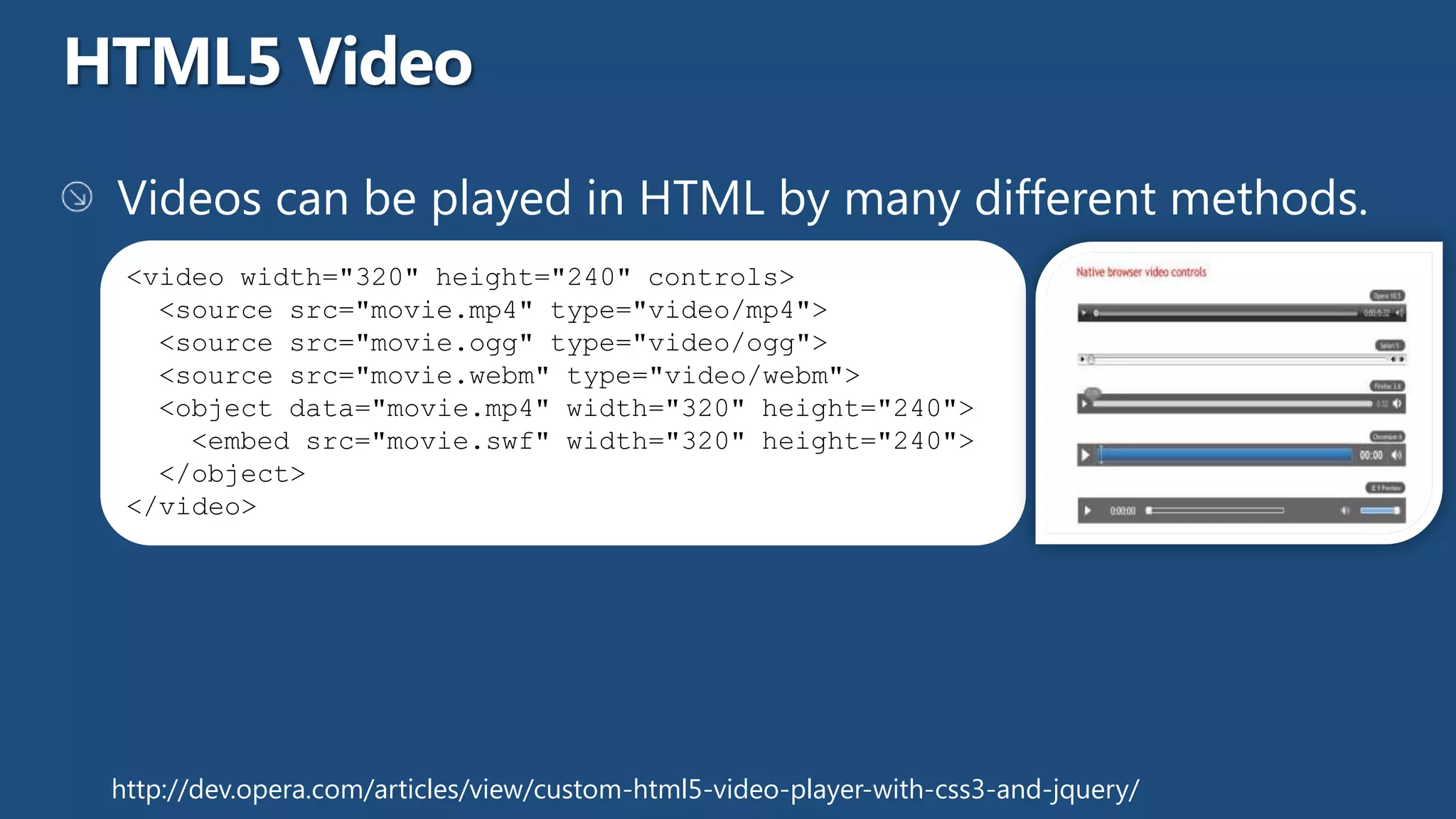
<video width="320" height="240" controls>
   <source src="movie.mp4" type="video/mp4">
   <source src="movie.ogg" type="video/ogg">
   <source src="movie.webm" type="video/webm">
   <object data="movie.mp4" width="320" height="240">
     <embed src="movie.swf" width="320" height="240">
   </object>
 </video>


http://dev.opera.com/articles/view/custom-html5-video-player-with-css3-and-jquery/
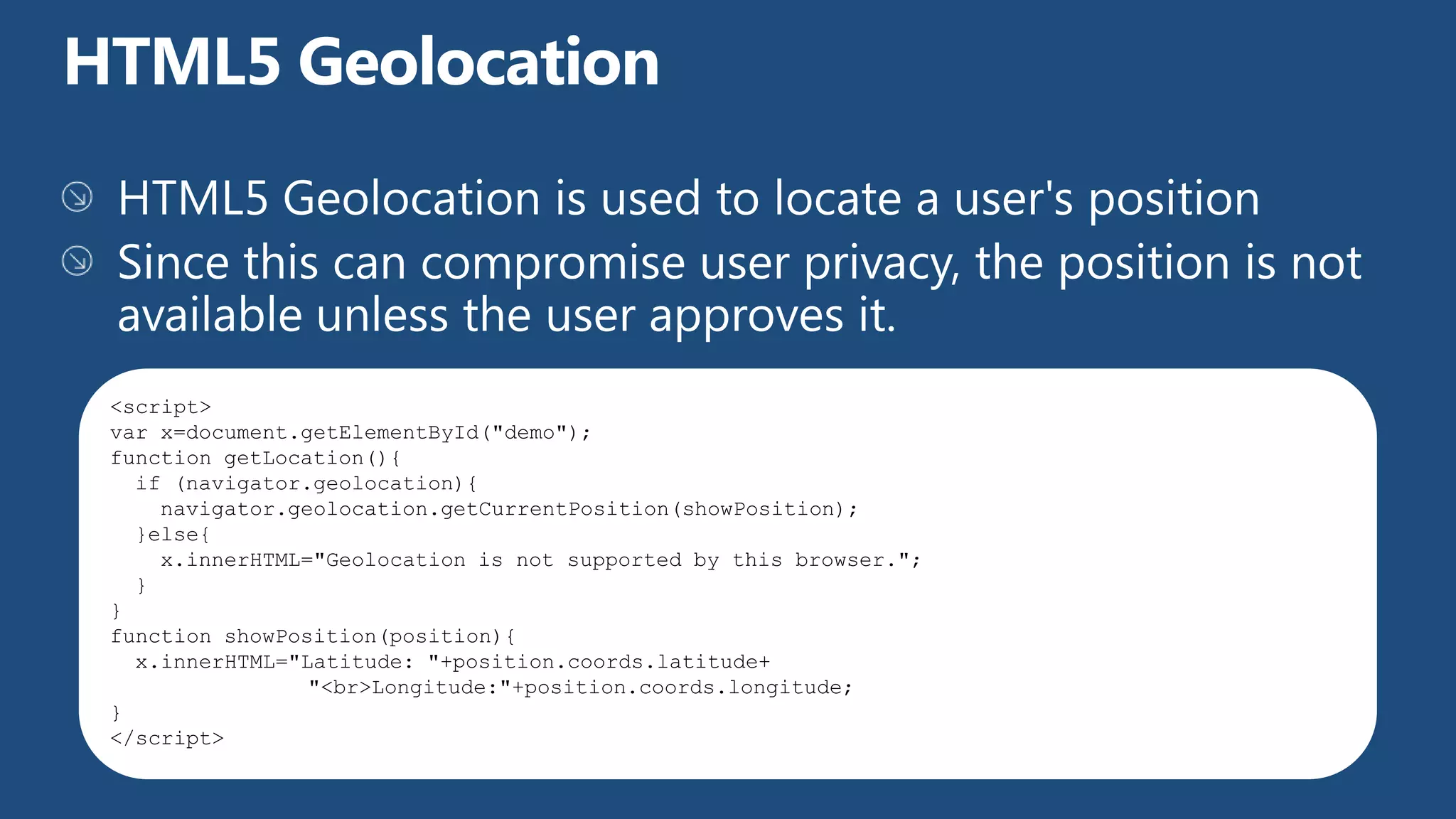
<script>
var x=document.getElementById("demo");
function getLocation(){
  if (navigator.geolocation){
    navigator.geolocation.getCurrentPosition(showPosition);
  }else{
    x.innerHTML="Geolocation is not supported by this browser.";
  }
}
function showPosition(position){
  x.innerHTML="Latitude: "+position.coords.latitude+
                "<br>Longitude:"+position.coords.longitude;
}
</script>
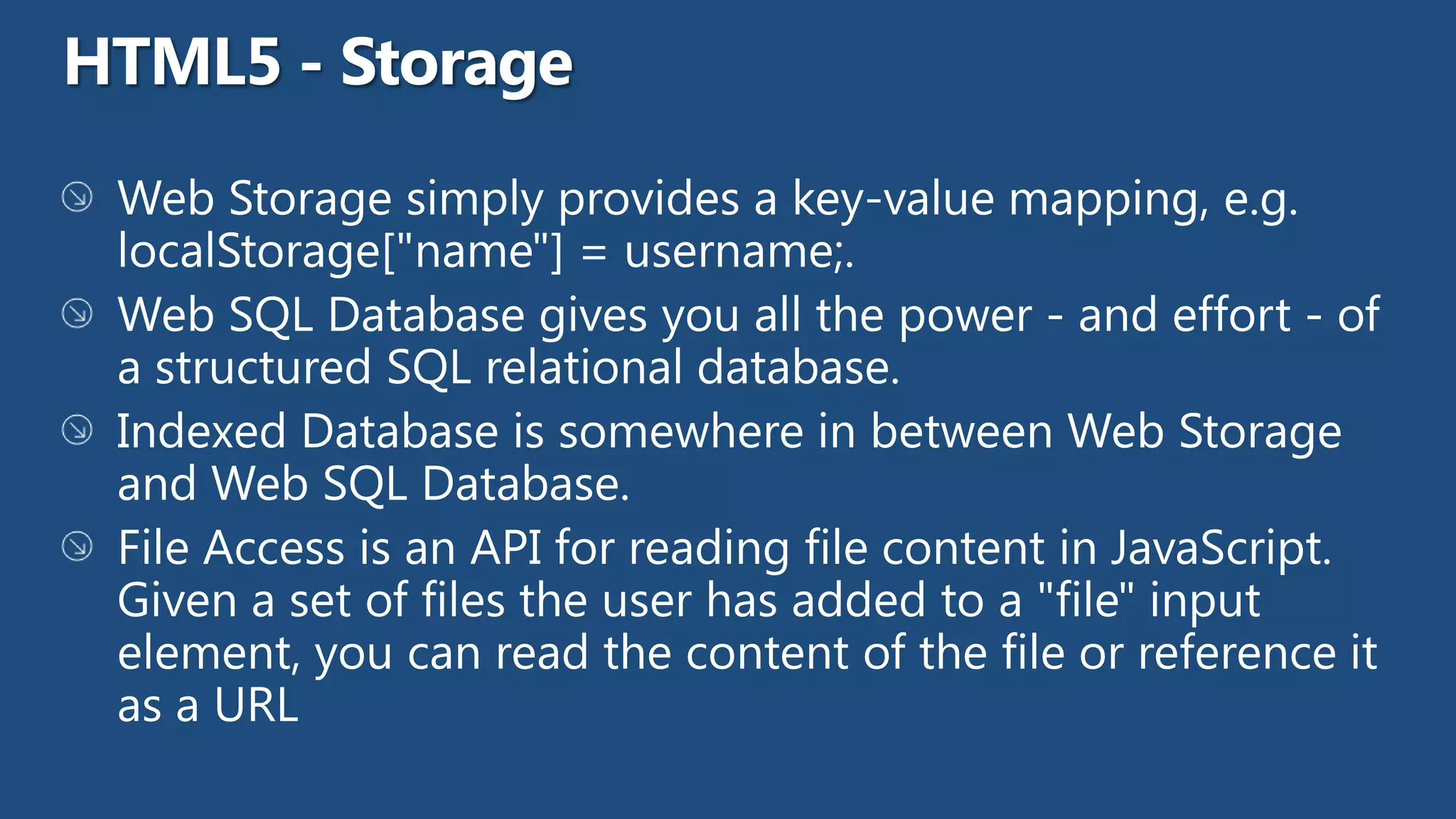
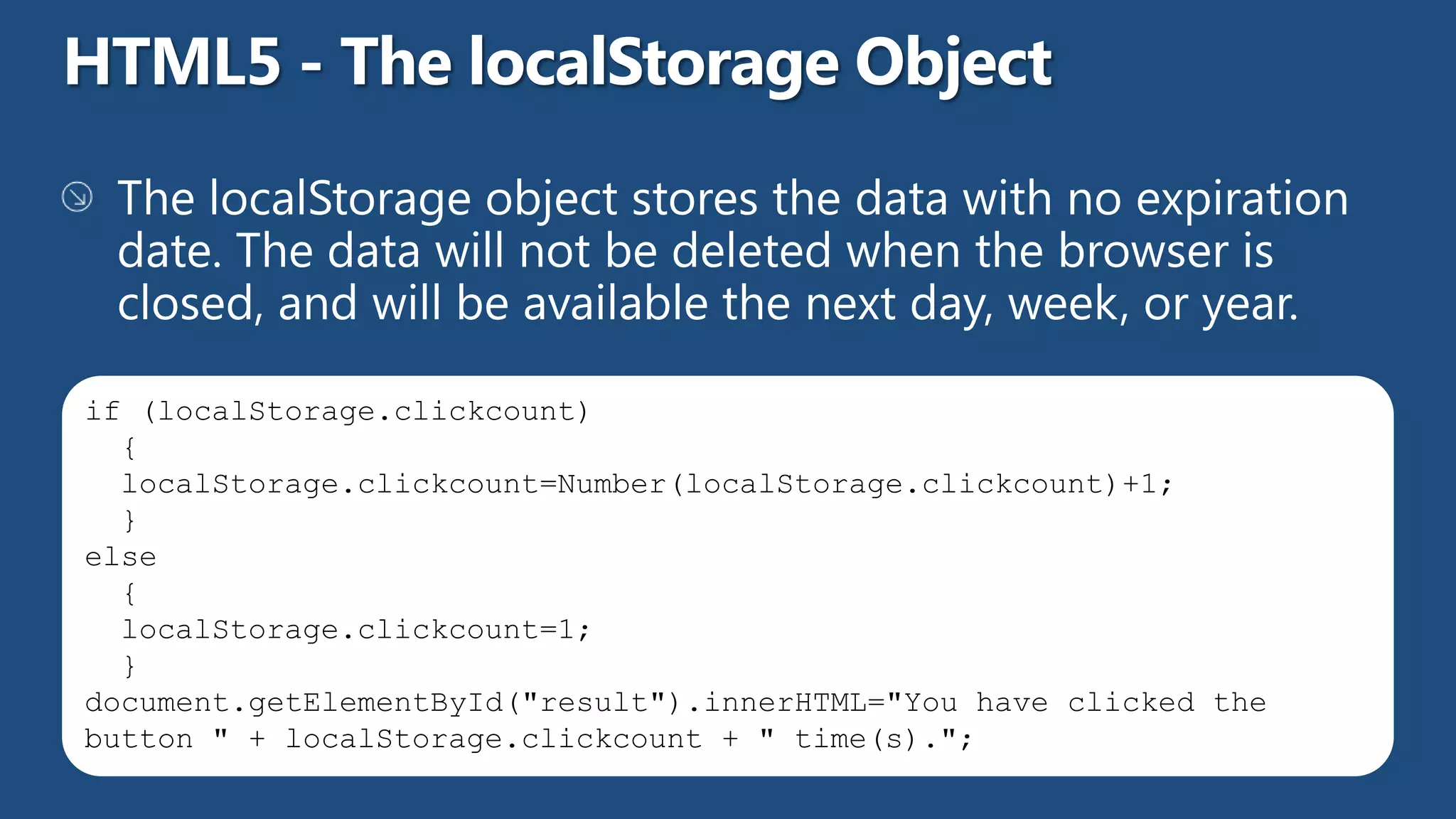
if (localStorage.clickcount)
  {
  localStorage.clickcount=Number(localStorage.clickcount)+1;
  }
else
  {
  localStorage.clickcount=1;
  }
document.getElementById("result").innerHTML="You have clicked the
button " + localStorage.clickcount + " time(s).";
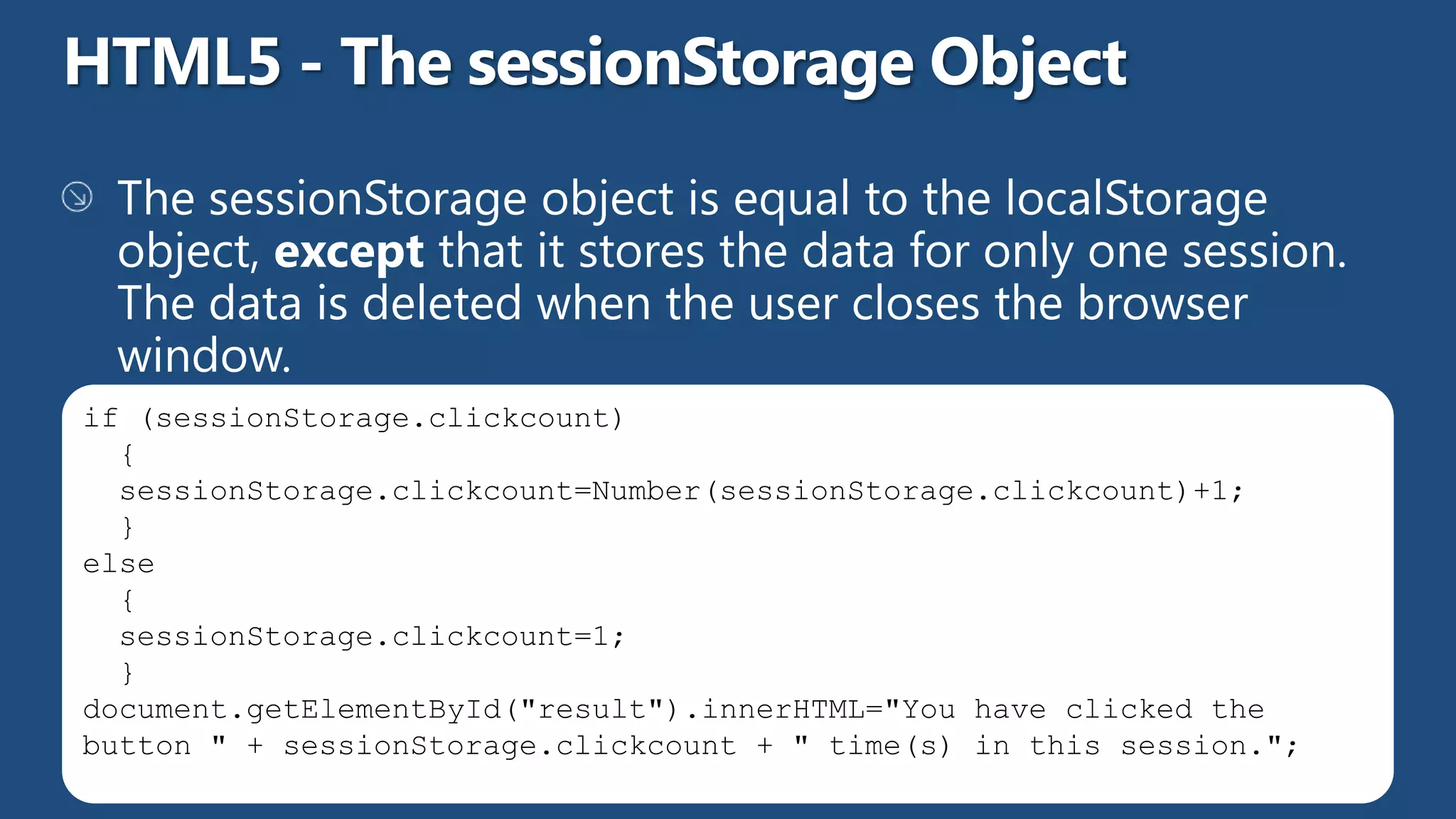
if (sessionStorage.clickcount)
  {
  sessionStorage.clickcount=Number(sessionStorage.clickcount)+1;
  }
else
  {
  sessionStorage.clickcount=1;
  }
document.getElementById("result").innerHTML="You have clicked the
button " + sessionStorage.clickcount + " time(s) in this session.";
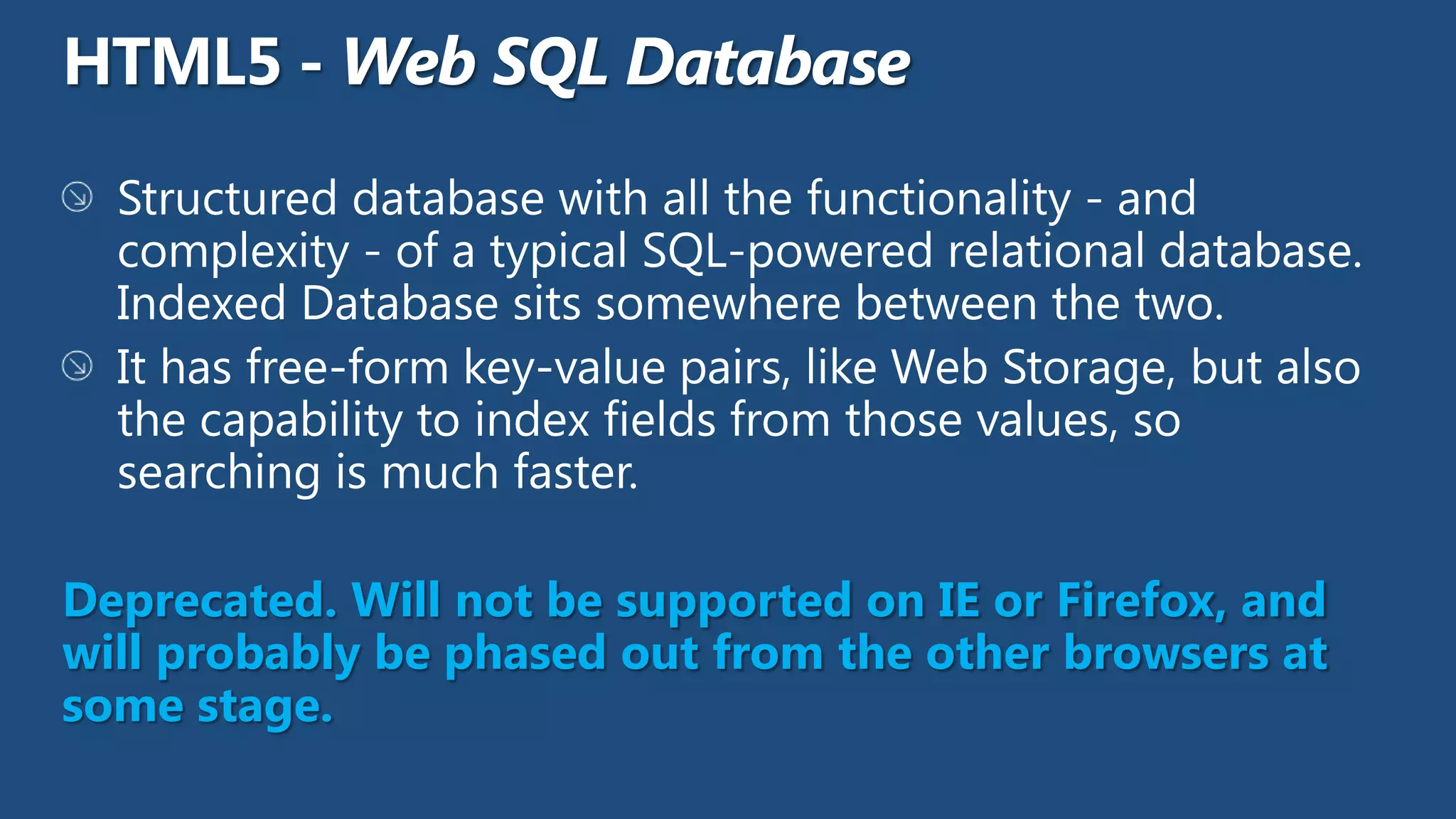
Deprecated. Will not be supported on IE or Firefox, and
will probably be phased out from the other browsers at
some stage.
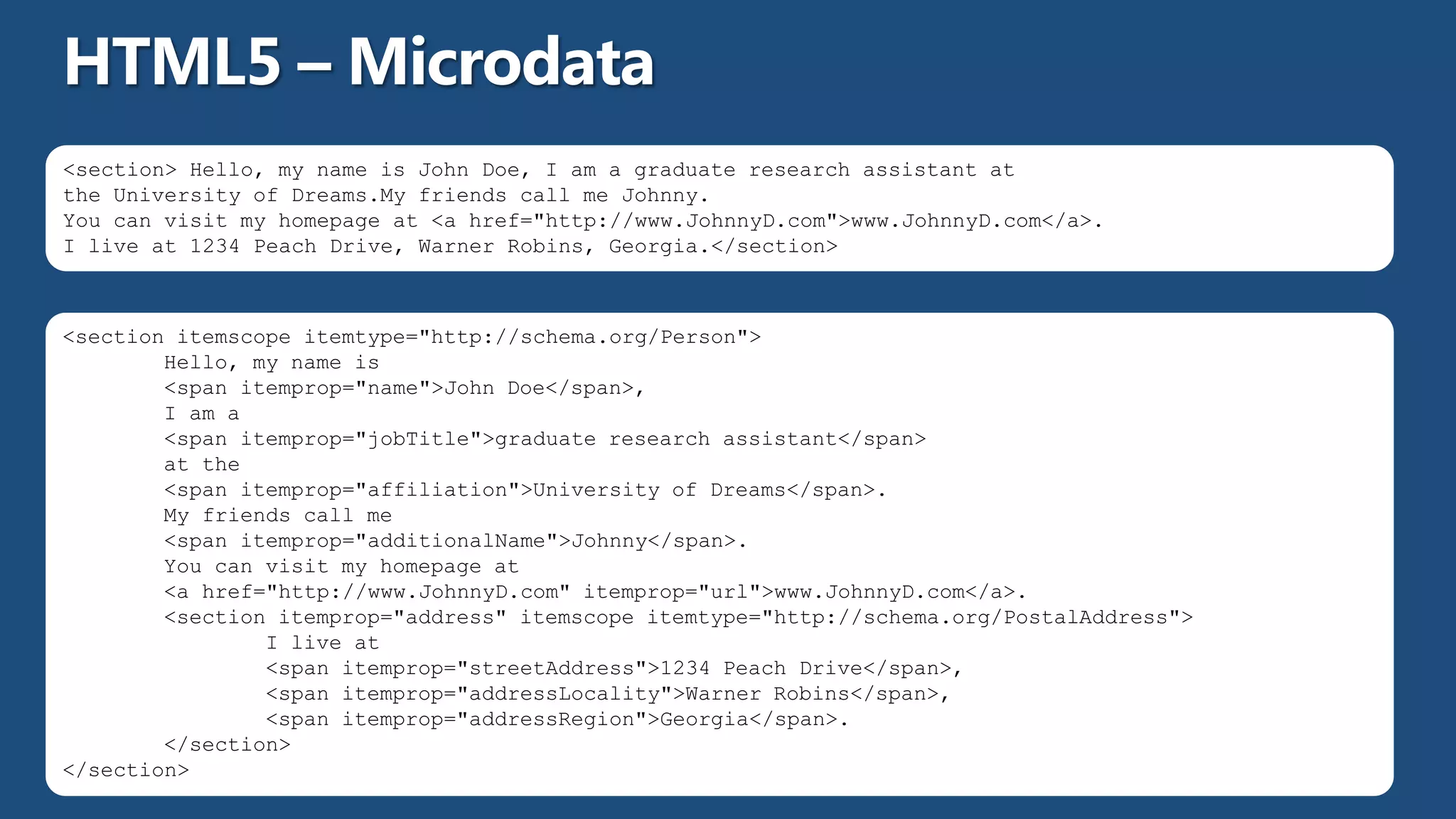
<section> Hello, my name is John Doe, I am a graduate research assistant at
the University of Dreams.My friends call me Johnny.
You can visit my homepage at <a href="http://www.JohnnyD.com">www.JohnnyD.com</a>.
I live at 1234 Peach Drive, Warner Robins, Georgia.</section>


<section itemscope itemtype="http://schema.org/Person">
        Hello, my name is
        <span itemprop="name">John Doe</span>,
        I am a
        <span itemprop="jobTitle">graduate research assistant</span>
        at the
        <span itemprop="affiliation">University of Dreams</span>.
        My friends call me
        <span itemprop="additionalName">Johnny</span>.
        You can visit my homepage at
        <a href="http://www.JohnnyD.com" itemprop="url">www.JohnnyD.com</a>.
        <section itemprop="address" itemscope itemtype="http://schema.org/PostalAddress">
                I live at
                <span itemprop="streetAddress">1234 Peach Drive</span>,
                <span itemprop="addressLocality">Warner Robins</span>,
                <span itemprop="addressRegion">Georgia</span>.
        </section>
</section>
HTML5 - Pedro Rosa
HTML5 - Pedro Rosa
HTML5 - Pedro Rosa
HTML5 - Pedro Rosa

HTML5 - Pedro Rosa

  • 1.
    36ª Reunião Presencial– Lisboa - 03/02/2013 http://netponto.org O que é o HTML5 e porque é que me devo preocupar com isso? Pedro Rosa
  • 11.
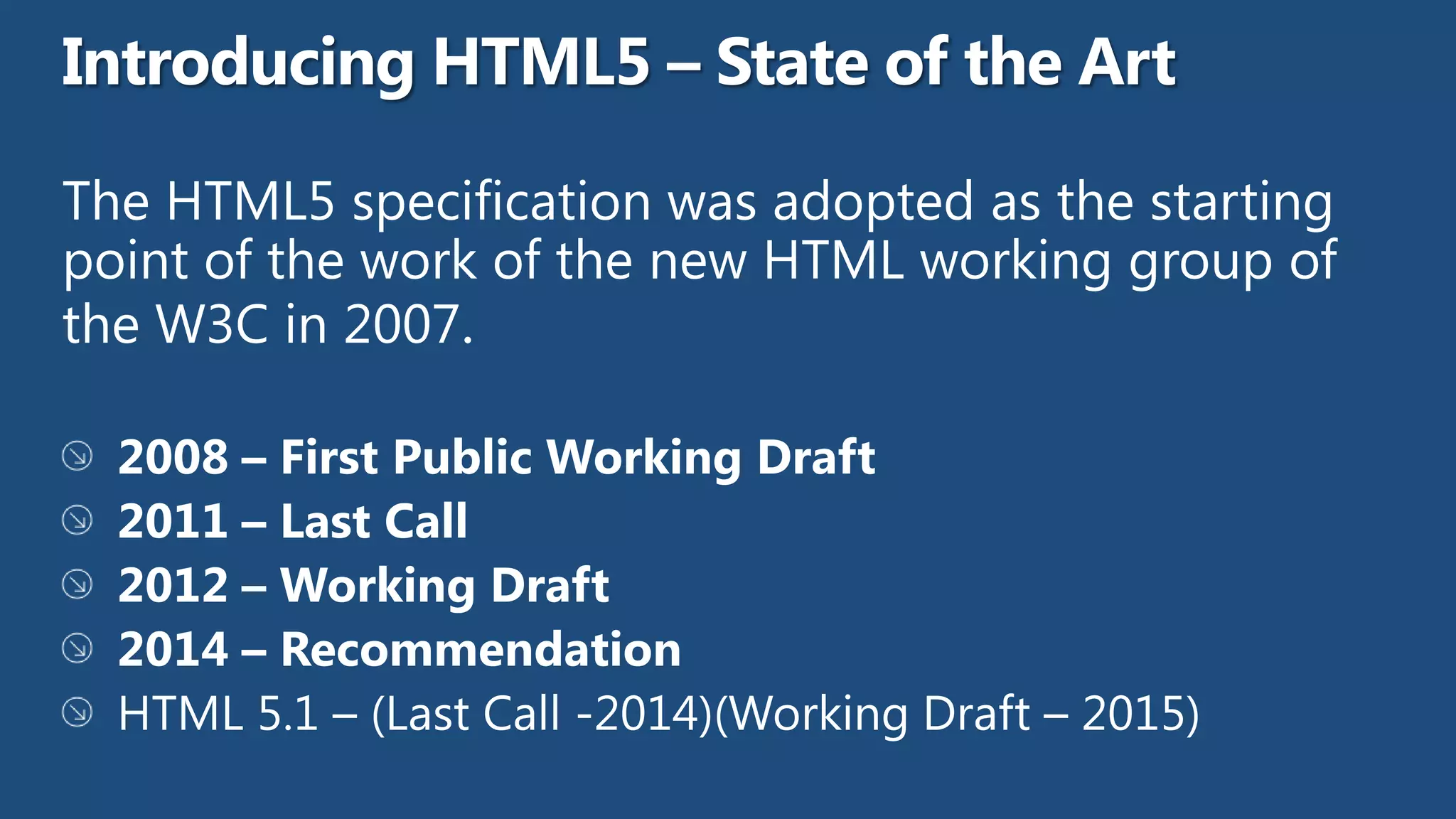
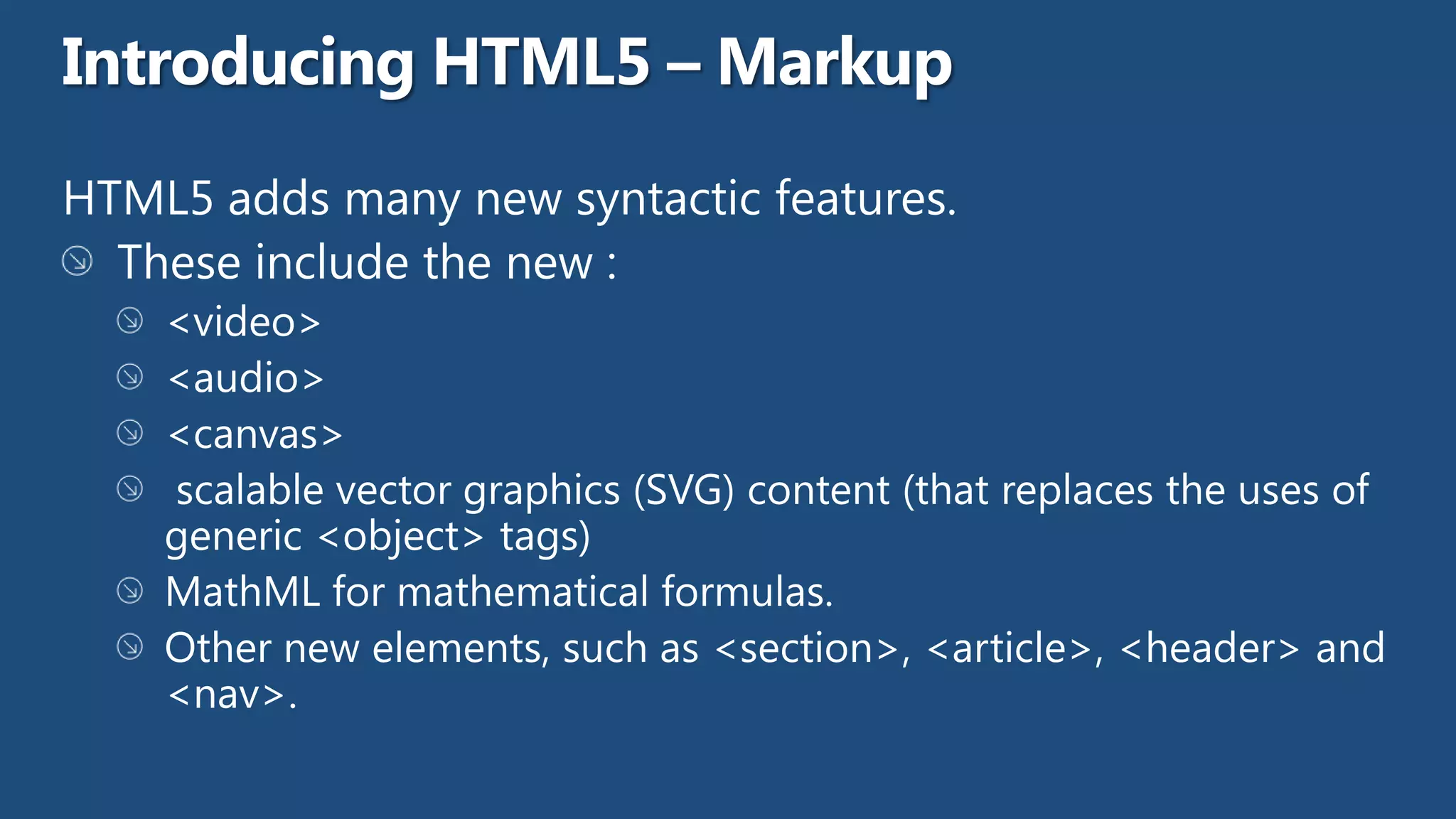
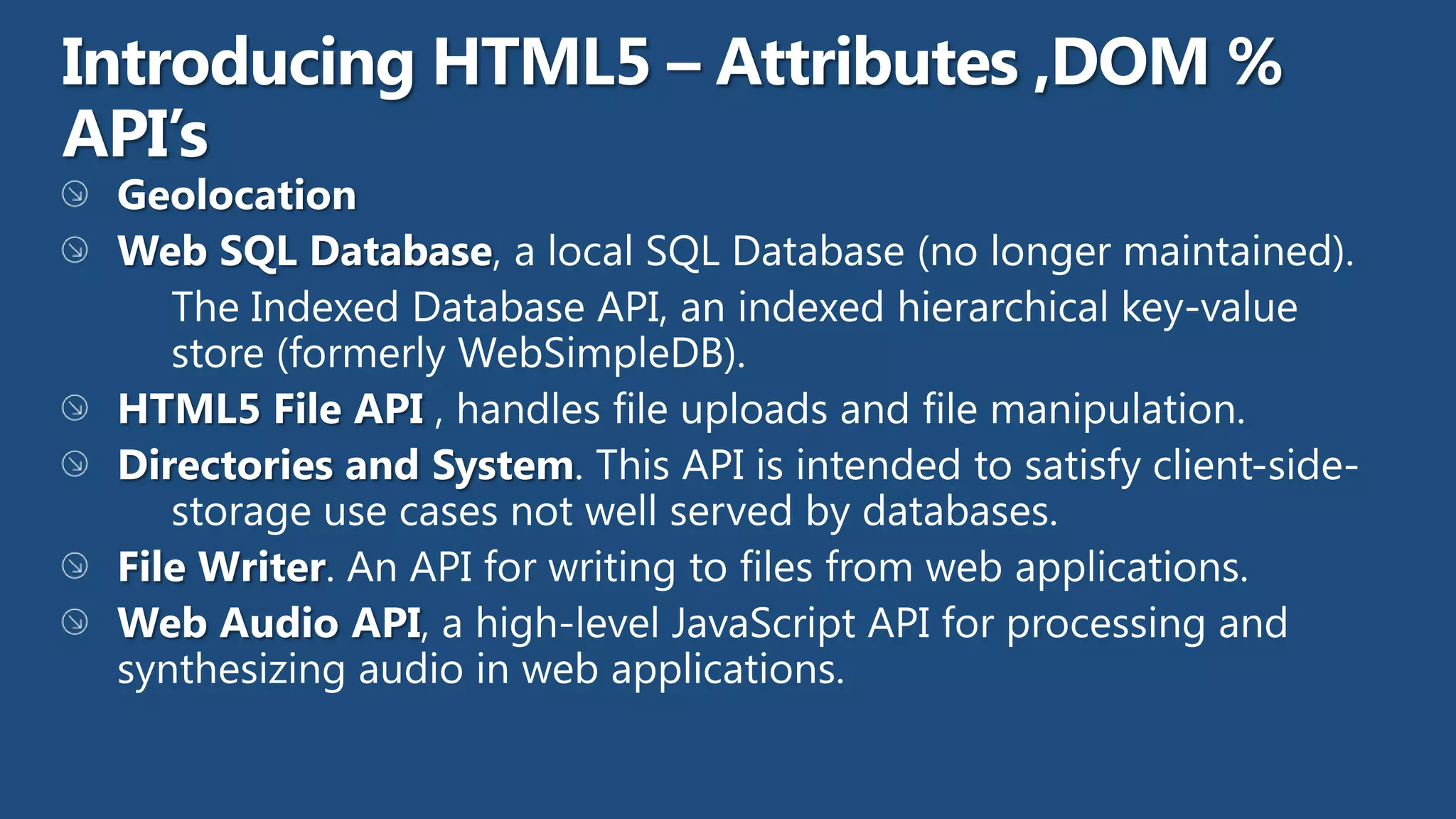
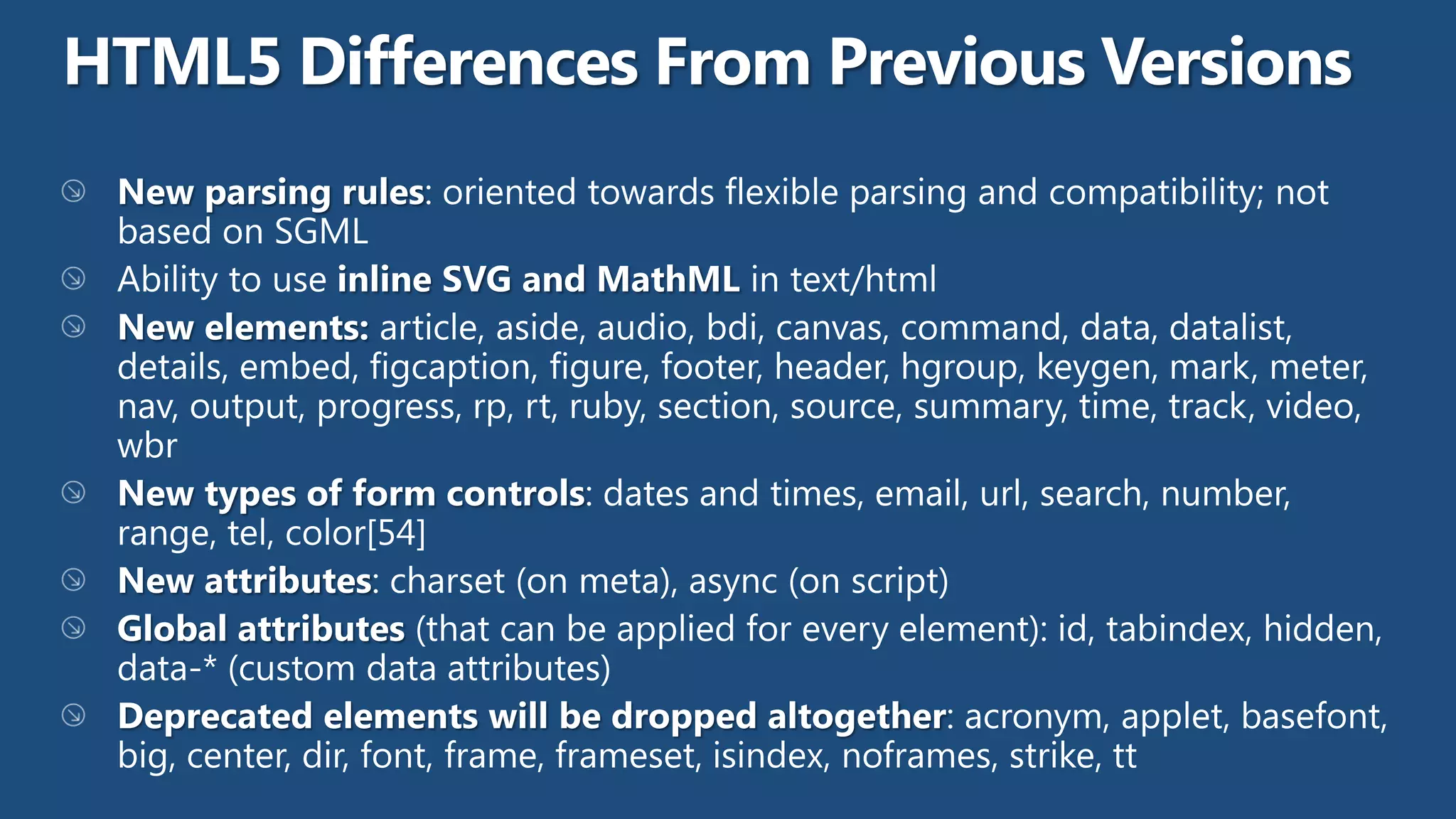
    Tag Description <datalist> Specifies a list of pre-defined options for input controls <keygen> Defines a key-pair generator field (for forms) <output> Defines the result of a calculation
  • 12.
    Tag Description <article> Defines an article <aside> Defines content aside from the page content <bdi> Isolates a part of text that might be formatted in a different direction from other text outside it <command> Defines a command button that a user can invoke <details> Defines additional details that the user can view or hide <summary> Defines a visible heading for a <details> element <figure> Specifies self-contained content, like illustrations, diagrams, photos, code listings, etc. <figcaption> Defines a caption for a <figure> element <footer> Defines a footer for a document or section <header> Defines a header for a document or section
  • 13.
    Tag Description <hgroup> Groups a set of <h1> to <h6> elements when a heading has multiple levels <mark> Defines marked/highlighted text <meter> Defines a scalar measurement within a known range (a gauge) <nav> Defines navigation links <progress> Represents the progress of a task <ruby> Defines a ruby annotation (for East Asian typography) <rt> Defines an explanation/pronunciation of characters (for East Asian typography) <rp> Defines what to show in browsers that do not support ruby annotations <section> Defines a section in a document <time> Defines a date/time <wbr> Defines a possible line-break
  • 16.
  • 19.
    Make an ElementDraggable <img draggable="true"> What to Drag - ondragstart and setData() function drag(ev){ ev.dataTransfer.setData("Text",ev.target.id); } Where to Drop - ondragover event.preventDefault() Do the Drop - ondrop function drop(ev){ ev.preventDefault(); var data=ev.dataTransfer.getData("Text"); ev.target.appendChild(document.getElementById(data));}
  • 24.
    main.js: var worker =new Worker('task.js'); worker.onmessage = function(event) { alert(event.data); }; worker.postMessage('data'); task.js: self.onmessage = function(event) { // Do some work. self.postMessage("recv'd: " + event.data); };
  • 25.
    pagescript.js: var worker= new SharedWorker("jsworker.js"); worker.port.addEventListener("message", function(e) {alert(e.data);}, false); worker.port.start(); // post a message to the shared web worker worker.port.postMessage("Alyssa"); jsworker.js: var connections = 0; // count active connections self.addEventListener("connect", function (e) { var port = e.ports[0]; connections++; port.addEventListener("message", function (e) {port.postMessage("Hello " + e.data + " (port #" + connections +")"); }, false); port.start(); }, false);
  • 27.
    var socket =new WebSocket('ws://RedDog.websocket.org/echo'); socket.onopen = function(event) { socket.send('Hello, WebSocket'); }; socket.onmessage = function(event) { alert(event.data); } socket.onclose = function(event) { alert('closed'); }
  • 30.
    <canvas id="myCanvas" width="200"height="100" style="border:1px solid #000000;"> </canvas>
  • 31.
  • 32.
  • 35.
    <svg xmlns="http://www.w3.org/2000/svg" version="1.1"height="190"> <polygon points="100,10 40,180 190,60 10,60 160,180" style="fill:lime;stroke:purple;stroke-width:5;fill-rule:evenodd;"> </svg>
  • 37.
    Canvas SVG •Resolution dependent •Resolution independent •No support for event handlers •Support for event handlers •Poor text rendering capabilities •Best suited for applications with large •You can save the resulting image as .png rendering areas (Google Maps) or .jpg •Slow rendering if complex (anything that •Well suited for graphic-intensive games uses the DOM a lot will be slow) •Not suited for game applications
  • 40.
    <audio controls> <source src="horse.ogg" type="audio/ogg"> <source src="horse.mp3" type="audio/mpeg"> Your browser does not support the audio element. </audio>
  • 41.
    <video width="320" height="240"controls> <source src="movie.mp4" type="video/mp4"> <source src="movie.ogg" type="video/ogg"> <source src="movie.webm" type="video/webm"> <object data="movie.mp4" width="320" height="240"> <embed src="movie.swf" width="320" height="240"> </object> </video> http://dev.opera.com/articles/view/custom-html5-video-player-with-css3-and-jquery/
  • 44.
    <script> var x=document.getElementById("demo"); function getLocation(){ if (navigator.geolocation){ navigator.geolocation.getCurrentPosition(showPosition); }else{ x.innerHTML="Geolocation is not supported by this browser."; } } function showPosition(position){ x.innerHTML="Latitude: "+position.coords.latitude+ "<br>Longitude:"+position.coords.longitude; } </script>
  • 50.
    if (localStorage.clickcount) { localStorage.clickcount=Number(localStorage.clickcount)+1; } else { localStorage.clickcount=1; } document.getElementById("result").innerHTML="You have clicked the button " + localStorage.clickcount + " time(s).";
  • 51.
    if (sessionStorage.clickcount) { sessionStorage.clickcount=Number(sessionStorage.clickcount)+1; } else { sessionStorage.clickcount=1; } document.getElementById("result").innerHTML="You have clicked the button " + sessionStorage.clickcount + " time(s) in this session.";
  • 55.
    Deprecated. Will notbe supported on IE or Firefox, and will probably be phased out from the other browsers at some stage.
  • 62.
    <section> Hello, myname is John Doe, I am a graduate research assistant at the University of Dreams.My friends call me Johnny. You can visit my homepage at <a href="http://www.JohnnyD.com">www.JohnnyD.com</a>. I live at 1234 Peach Drive, Warner Robins, Georgia.</section> <section itemscope itemtype="http://schema.org/Person"> Hello, my name is <span itemprop="name">John Doe</span>, I am a <span itemprop="jobTitle">graduate research assistant</span> at the <span itemprop="affiliation">University of Dreams</span>. My friends call me <span itemprop="additionalName">Johnny</span>. You can visit my homepage at <a href="http://www.JohnnyD.com" itemprop="url">www.JohnnyD.com</a>. <section itemprop="address" itemscope itemtype="http://schema.org/PostalAddress"> I live at <span itemprop="streetAddress">1234 Peach Drive</span>, <span itemprop="addressLocality">Warner Robins</span>, <span itemprop="addressRegion">Georgia</span>. </section> </section>