
JMXExpress 
Transporting Cassandra Metrics 
To Graphite
Cassandra Is Awesome 
● No Single Point of Failure 
● Fault Tolerant 
● Multi-DC Is A Picnic 
● Great Properties That Let Ops Teams to 
Sleep at 2 AM
Robustness Have Price 
● C* Isn’t A Fire and Forget System :( 
● Most Times You Don’t Notice Problems 
o Things can go up/down for a minutes 
o C* Simply Queues Request, and Services Still 
Running, but nobody notices
Be Proactive 
Do Daily/Weekly Checkups to detect and 
prevent Problems: 
● Capacity 
● Exceptions 
● Performance Bottlenecks 
● Data Modeling Issues
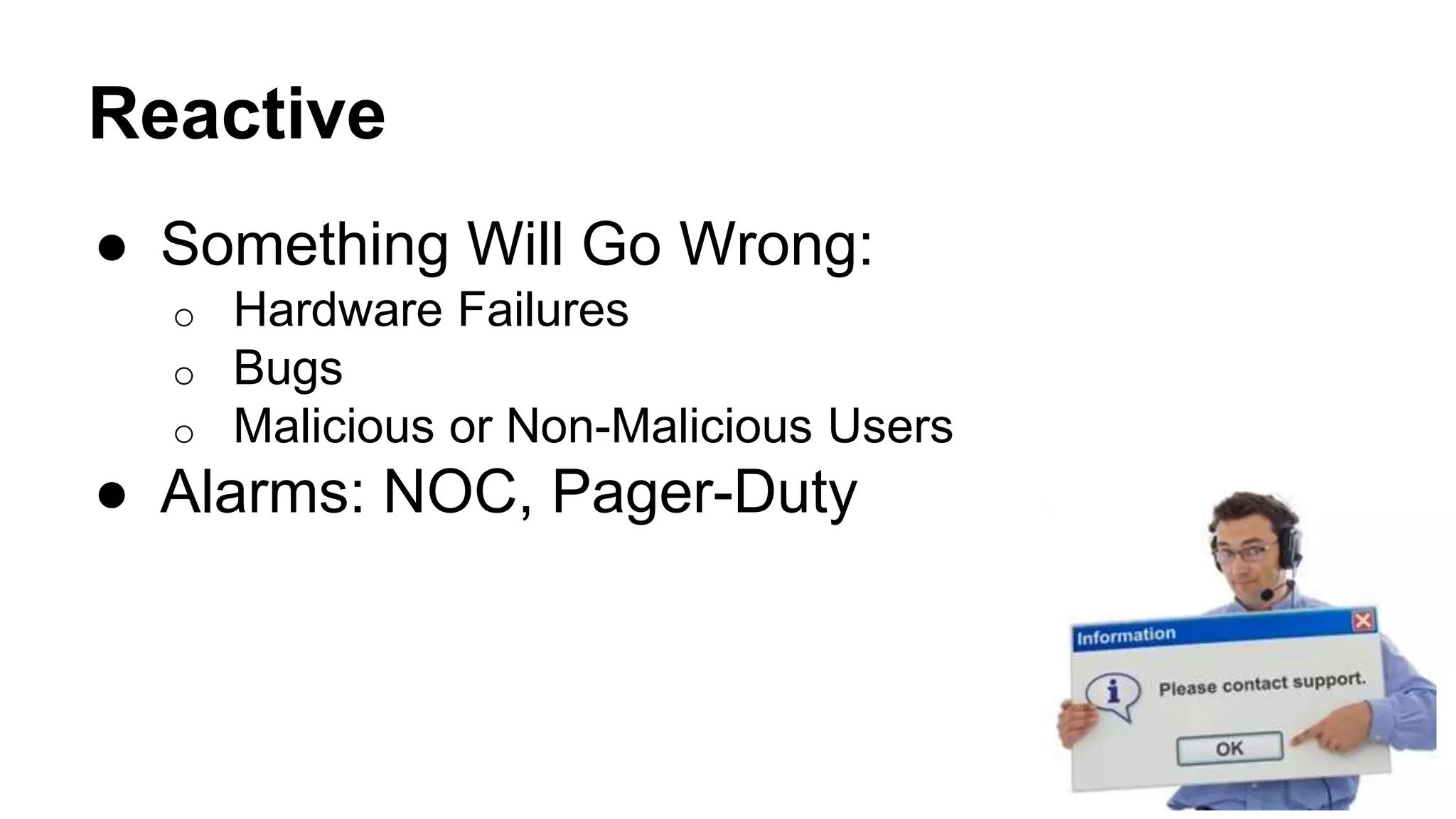
Reactive 
● Something Will Go Wrong: 
o Hardware Failures 
o Bugs 
o Malicious or Non-Malicious Users 
● Alarms: NOC, Pager-Duty
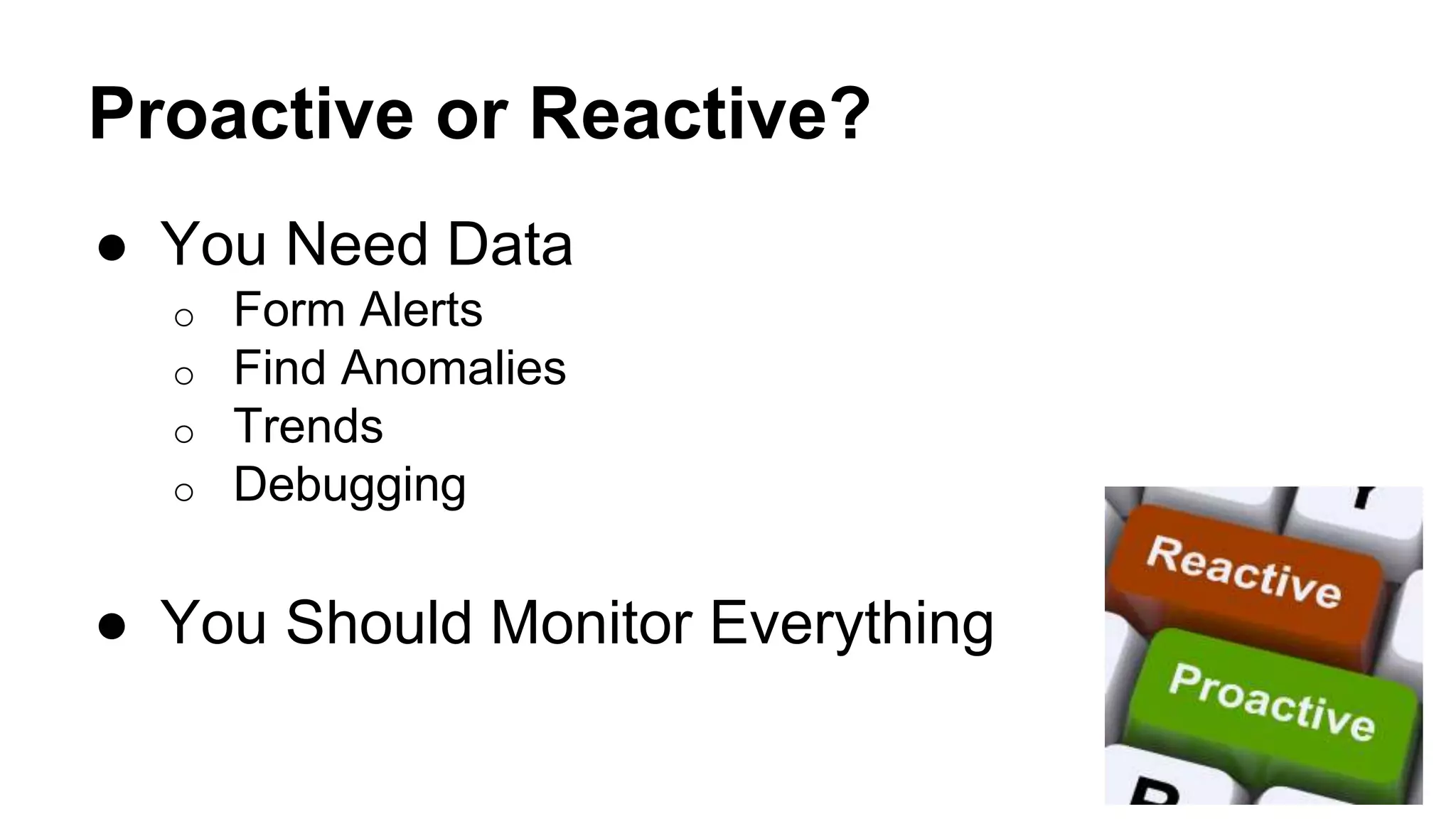
Proactive or Reactive? 
● You Need Data 
o Form Alerts 
o Find Anomalies 
o Trends 
o Debugging 
● You Should Monitor Everything
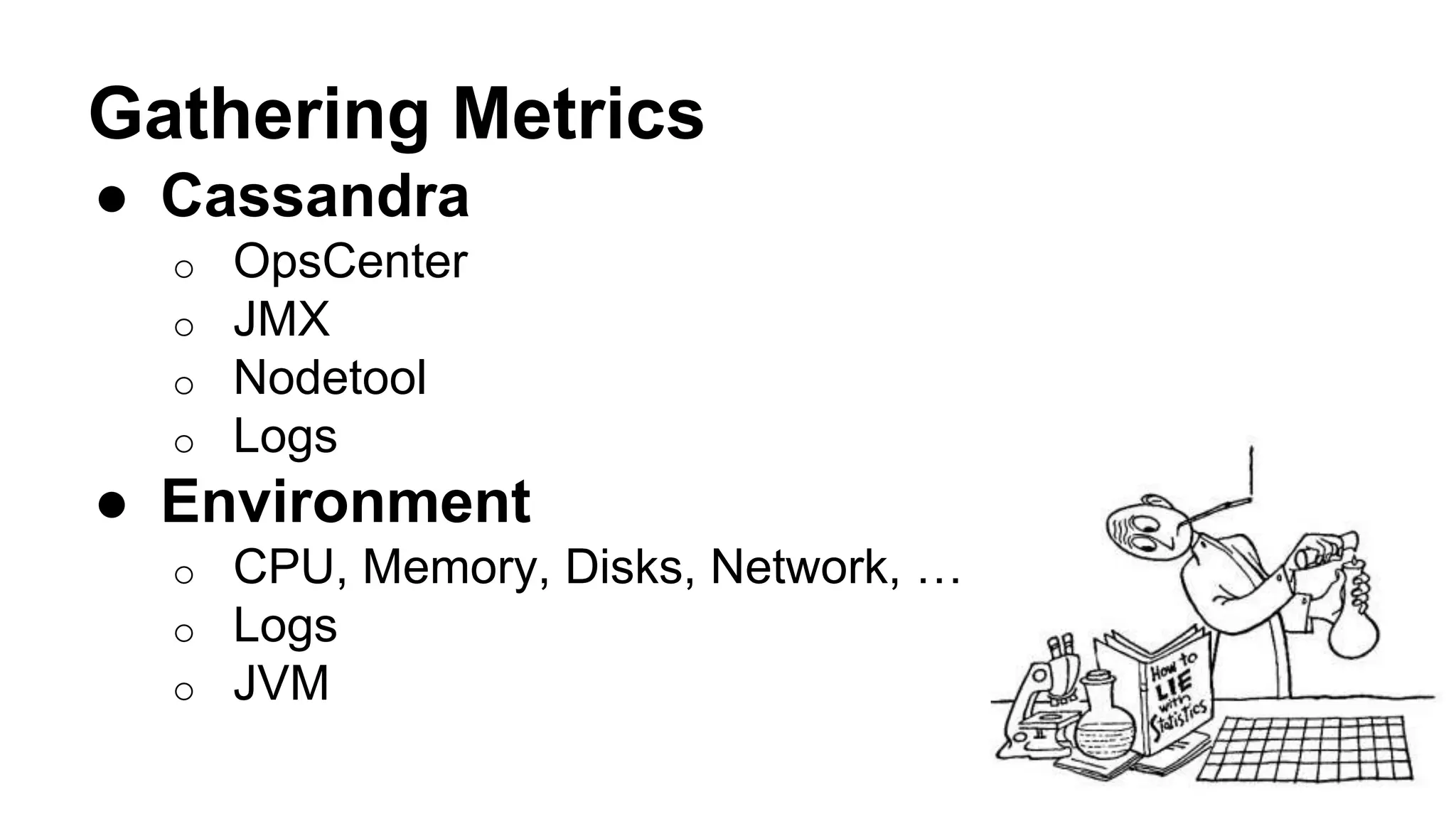
Gathering Metrics 
● Cassandra 
o OpsCenter 
o JMX 
o Nodetool 
o Logs 
● Environment 
o CPU, Memory, Disks, Network, … 
o Logs 
o JVM
Give Data Context 
You Should Give the 
Data Context … 
Otherwise it’s just pretty 
Graphs...
JMX 
● Java Management Extensions 
● Complex… 
● Resources are presented as Objects with 
Attributes 
● Used for Both Monitoring and For Actions
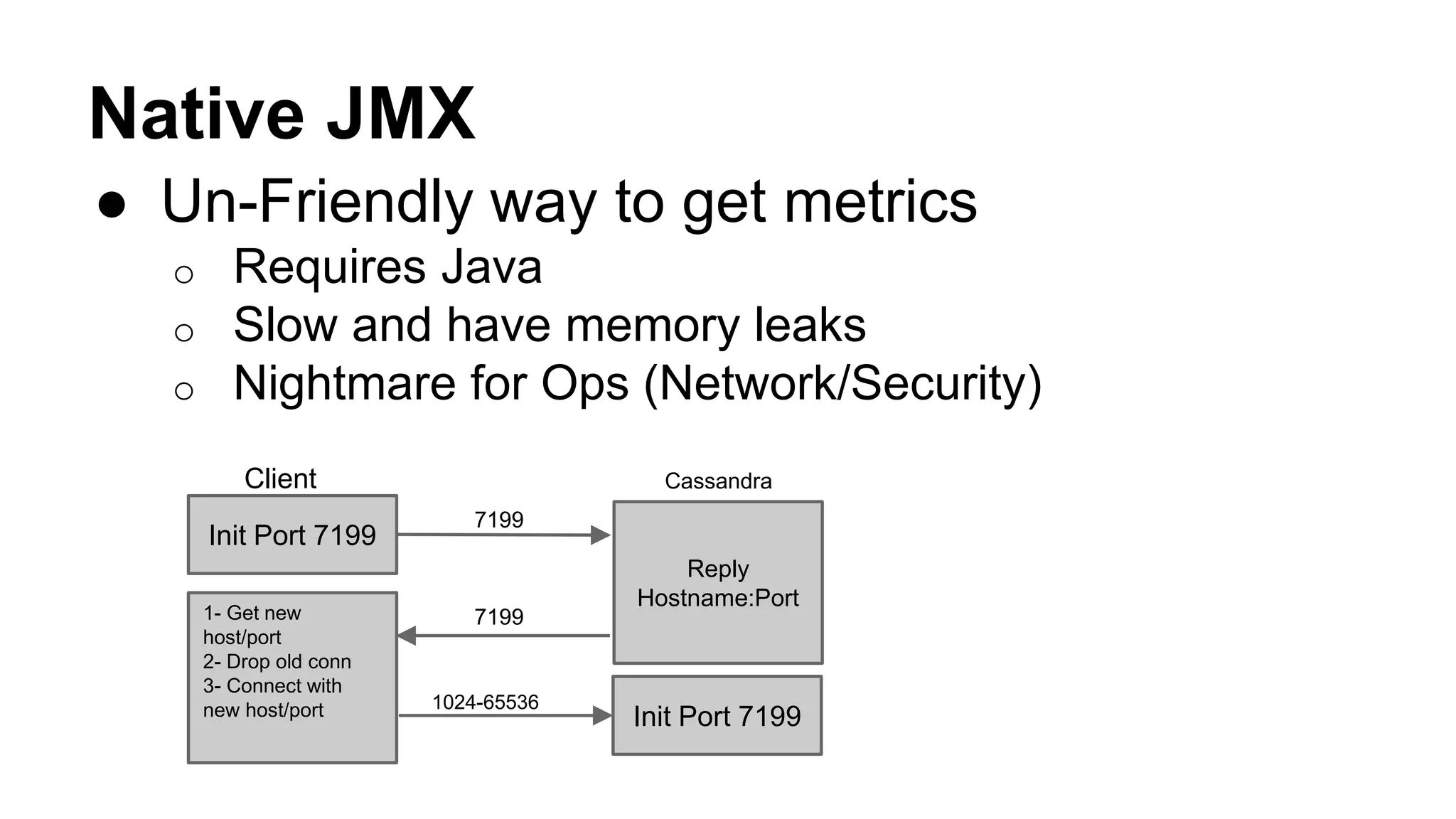
Native JMX 
● Un-Friendly way to get metrics 
o Requires Java 
o Slow and have memory leaks 
o Nightmare for Ops (Network/Security) 
Client Cassandra 
Init Port 7199 
Reply 
Hostname:Port 
7199 
1- Get new 
7199 
host/port 
2- Drop old conn 
3- Connect with 
new host/port 1024-65536 
Init Port 7199
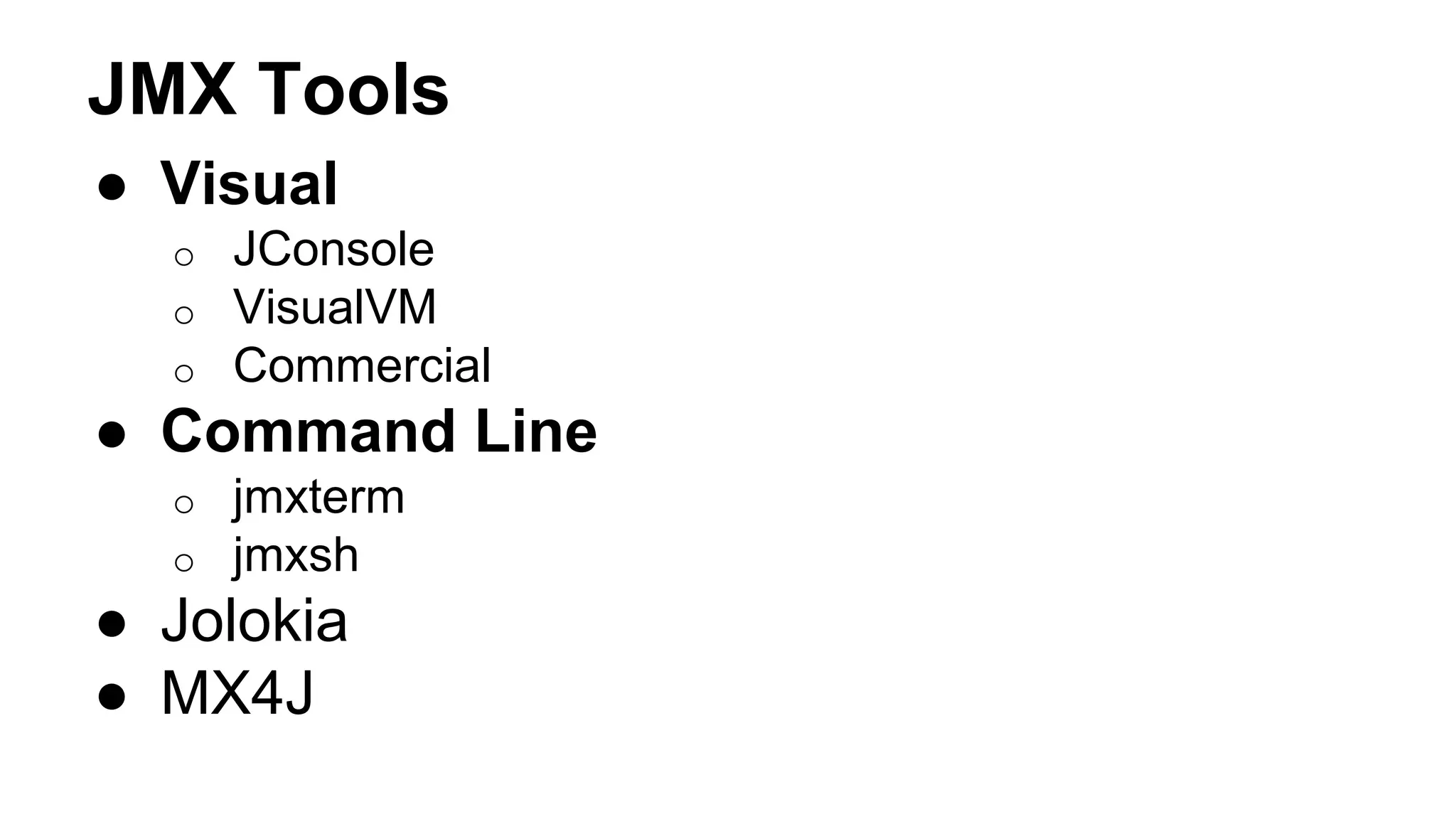
JMX Tools 
● Visual 
o JConsole 
o VisualVM 
o Commercial 
● Command Line 
o jmxterm 
o jmxsh 
● Jolokia 
● MX4J
JMX Syntax 
[domain]:[key1]=[value1],[key2]=[value2] … 
org.apache.cassandra.metrics:type=ColumnFamily,keyspace=outbrain,scope=user_events,name=TotalDiskSpaceUsed
JMX Domains 
org.apache.cassandra 
● db 
● internal 
● net 
● request 
org.apache.cassandra.metrics
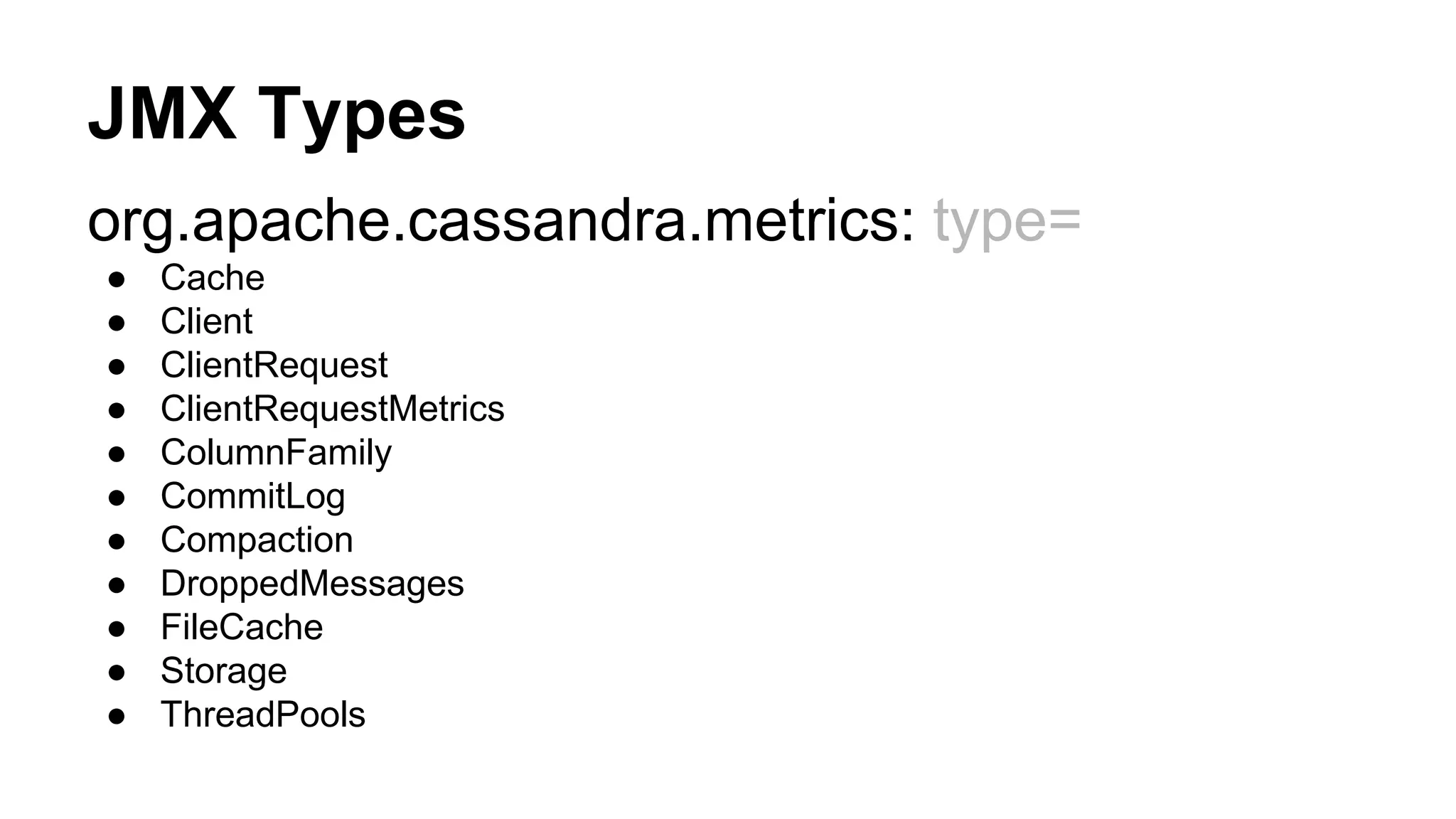
JMX Types 
org.apache.cassandra.metrics: type= 
● Cache 
● Client 
● ClientRequest 
● ClientRequestMetrics 
● ColumnFamily 
● CommitLog 
● Compaction 
● DroppedMessages 
● FileCache 
● Storage 
● ThreadPools
Coda-Hale Metrics 
● Toolkit called metrics from metrics 
o By Yammer Coda-Hale Library 
● Easy to Use 
● Easy to Read (If you speak Java) 
● Popular
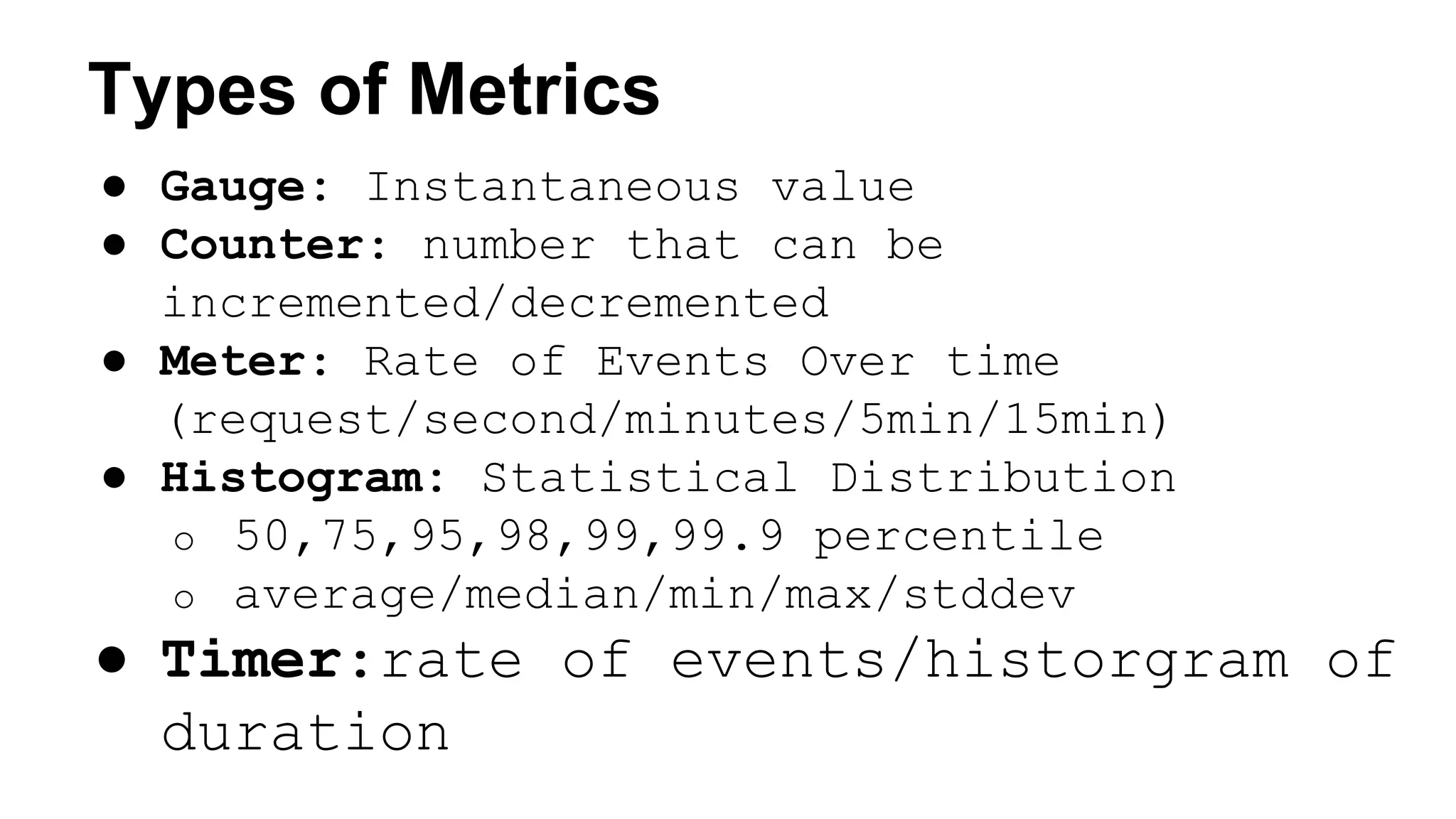
Types of Metrics 
● Gauge: Instantaneous value 
● Counter: number that can be 
incremented/decremented 
● Meter: Rate of Events Over time 
(request/second/minutes/5min/15min) 
● Histogram: Statistical Distribution 
o 50,75,95,98,99,99.9 percentile 
o average/median/min/max/stddev 
● Timer:rate of events/historgram of 
duration
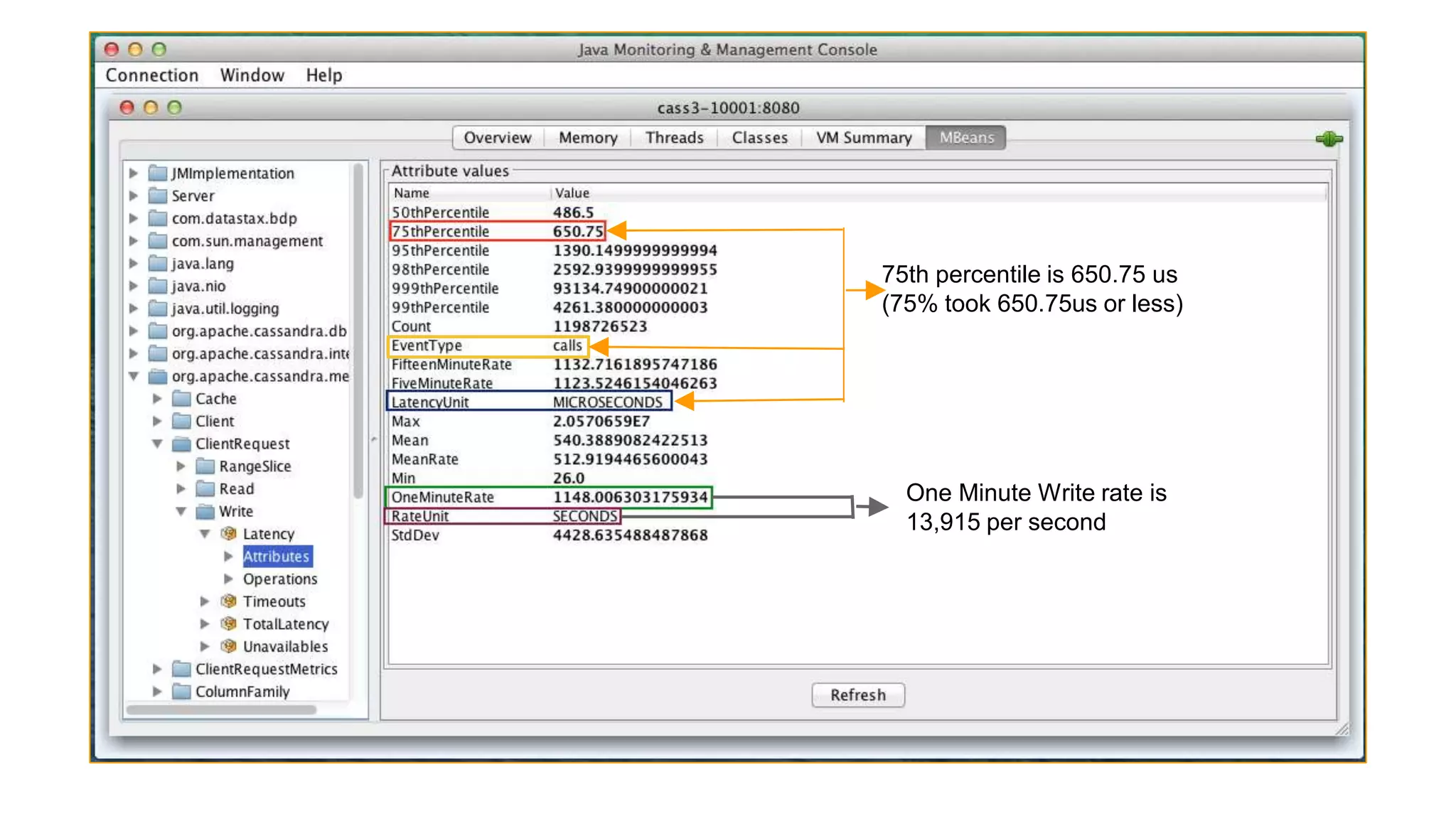
75th percentile is 650.75 us 
(75% took 650.75us or less) 
One Minute Write rate is 
13,915 per second
Native JMX 
● Its overwhelming at first 
● Hard to tell what they mean with the source 
● Moves around a lot between versions 
● Fortunately there is nodetool
Coda-Hale Reporting Interface 
Coda-Hale Metrics Library: 
● Default 
o JMX 
o Console 
o CSV 
o Slf4J 
● Addons 
o Ganglia / Graphite 
● Community 
o Cassandra / StatsD / NewRelic / Splunk / Cloudwatch 
o Kafka / Riemann / TempDB/ Munin / Riak / InfluxDB / Sematext 
o MongoDB / OpenTSDB/ Librato 
o … More
Reporting Interface Activation 
● Metrics library: 
o Included in Cassandra since 1.1 
o Pre 2.0 It required writing your Java agent reporter
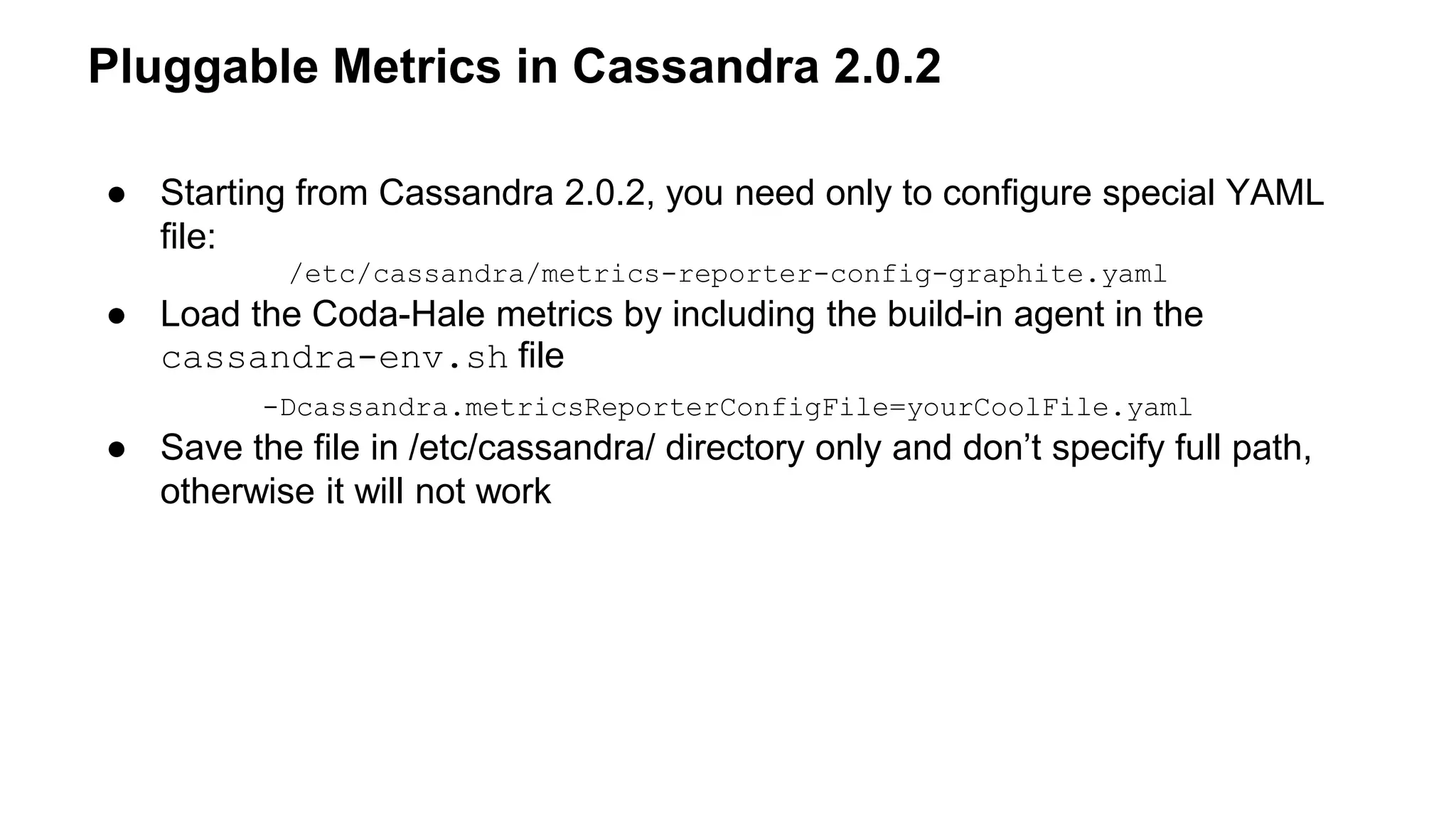
Pluggable Metrics in Cassandra 2.0.2 
● Starting from Cassandra 2.0.2, you need only to configure special YAML 
file: 
/etc/cassandra/metrics-reporter-config-graphite.yaml 
● Load the Coda-Hale metrics by including the build-in agent in the 
cassandra-env.sh file 
-Dcassandra.metricsReporterConfigFile=yourCoolFile.yaml 
● Save the file in /etc/cassandra/ directory only and don’t specify full path, 
otherwise it will not work
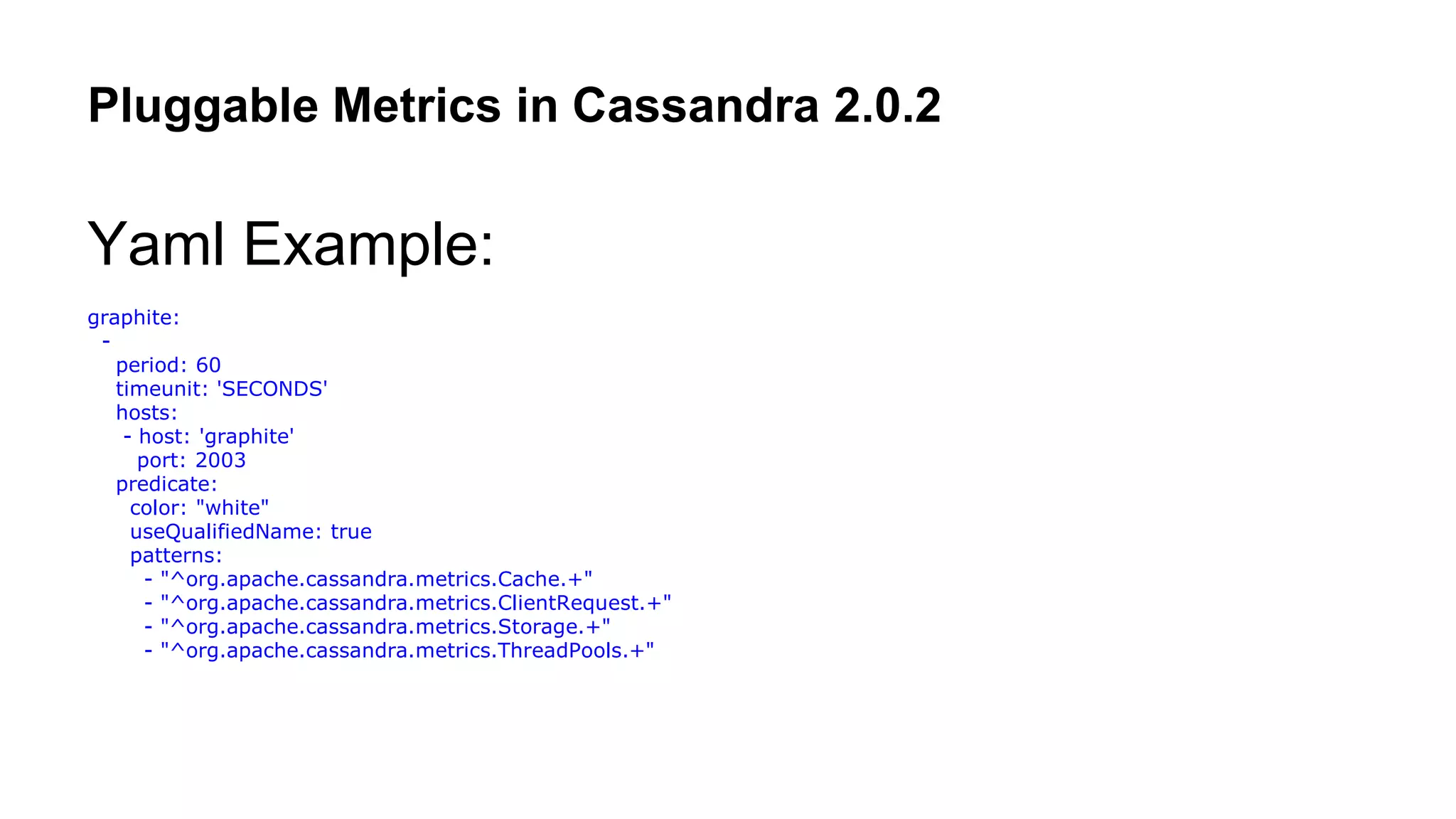
Pluggable Metrics in Cassandra 2.0.2 
Yaml Example: 
graphite: 
- 
period: 60 
timeunit: 'SECONDS' 
hosts: 
- host: 'graphite' 
port: 2003 
predicate: 
color: "white" 
useQualifiedName: true 
patterns: 
- "^org.apache.cassandra.metrics.Cache.+" 
- "^org.apache.cassandra.metrics.ClientRequest.+" 
- "^org.apache.cassandra.metrics.Storage.+" 
- "^org.apache.cassandra.metrics.ThreadPools.+"
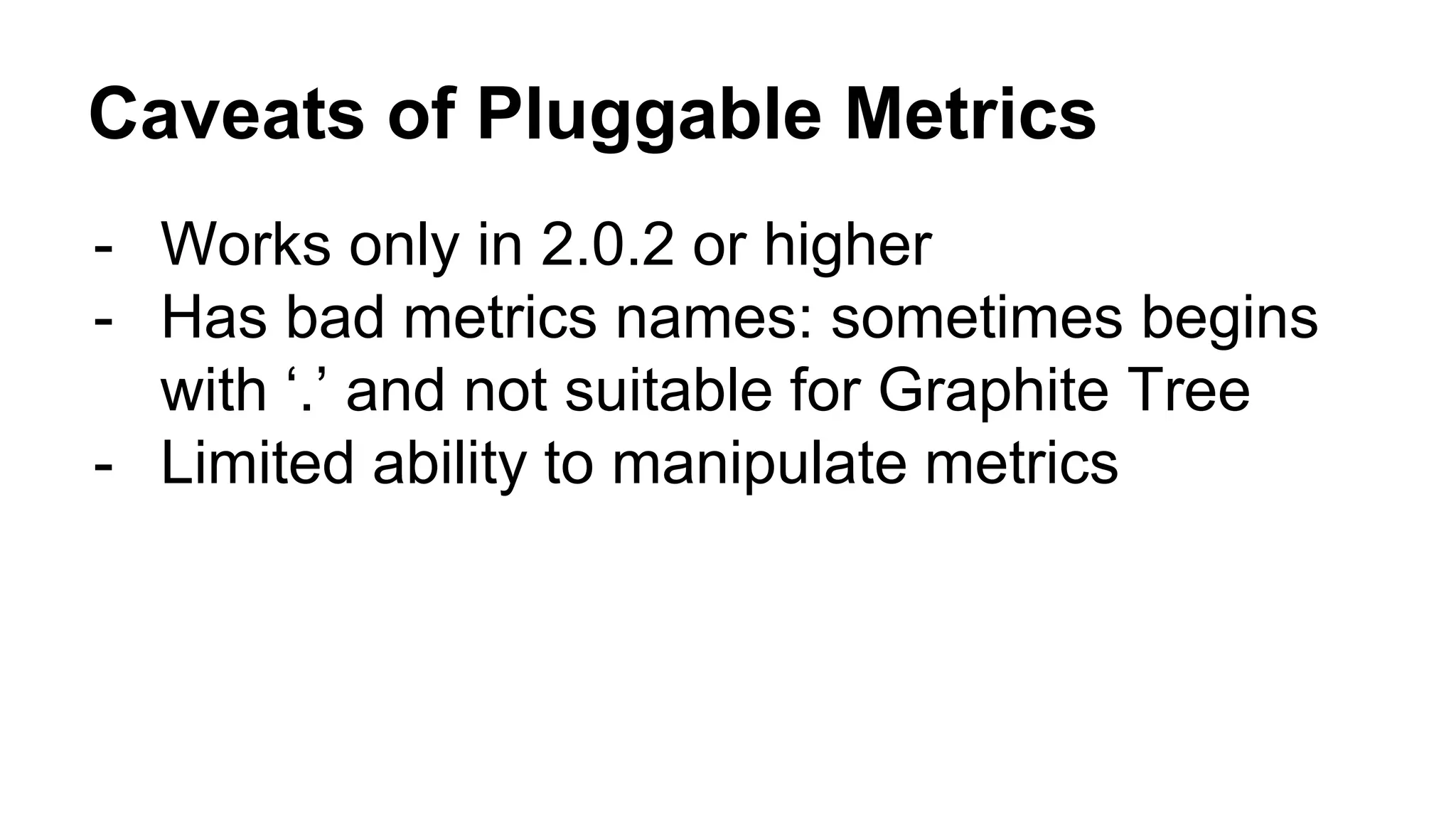
Caveats of Pluggable Metrics 
- Works only in 2.0.2 or higher 
- Has bad metrics names: sometimes begins 
with ‘.’ and not suitable for Graphite Tree 
- Limited ability to manipulate metrics
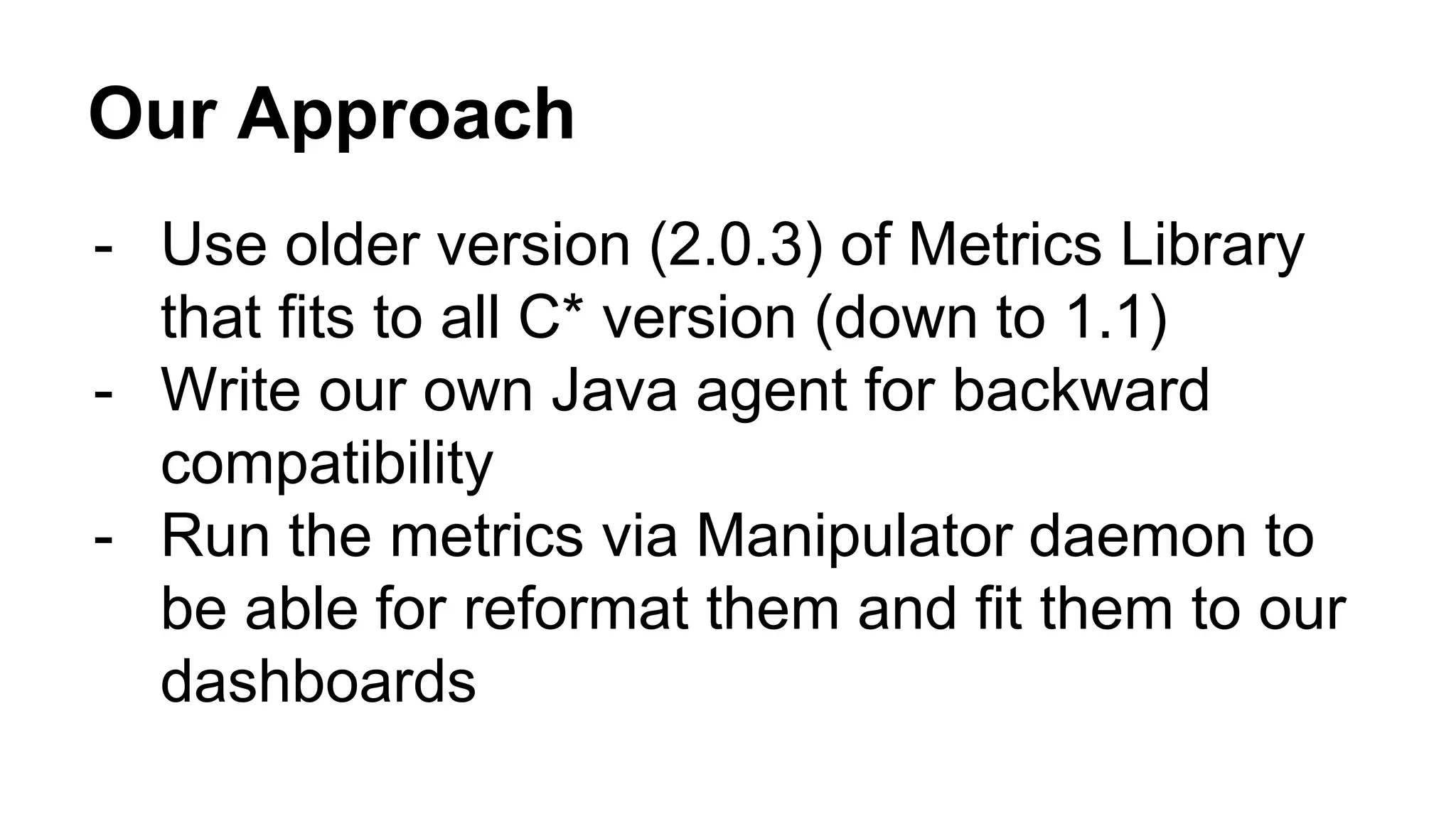
Our Approach 
- Use older version (2.0.3) of Metrics Library 
that fits to all C* version (down to 1.1) 
- Write our own Java agent for backward 
compatibility 
- Run the metrics via Manipulator daemon to 
be able for reformat them and fit them to our 
dashboards
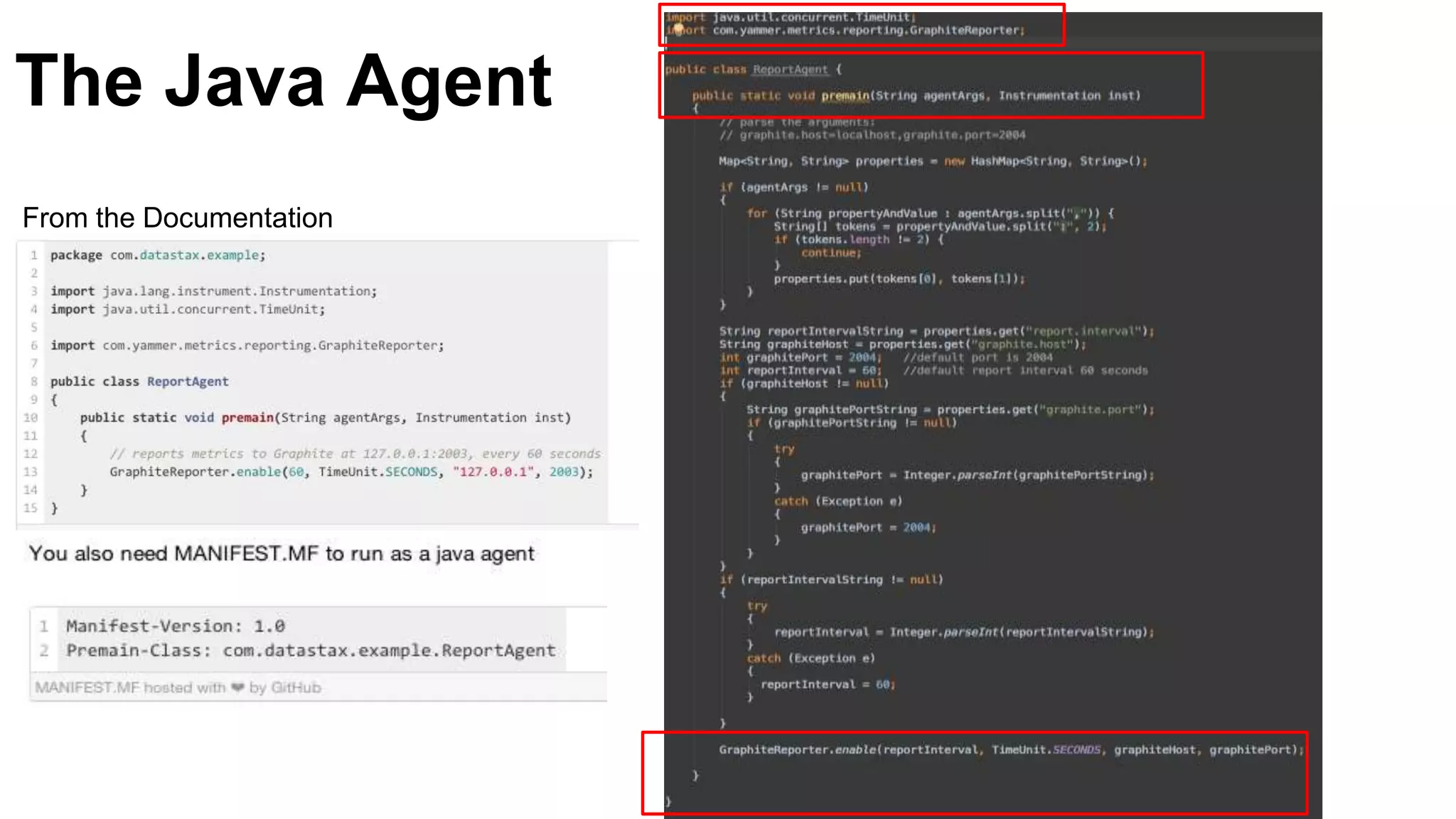
The Java Agent 
From the Documentation
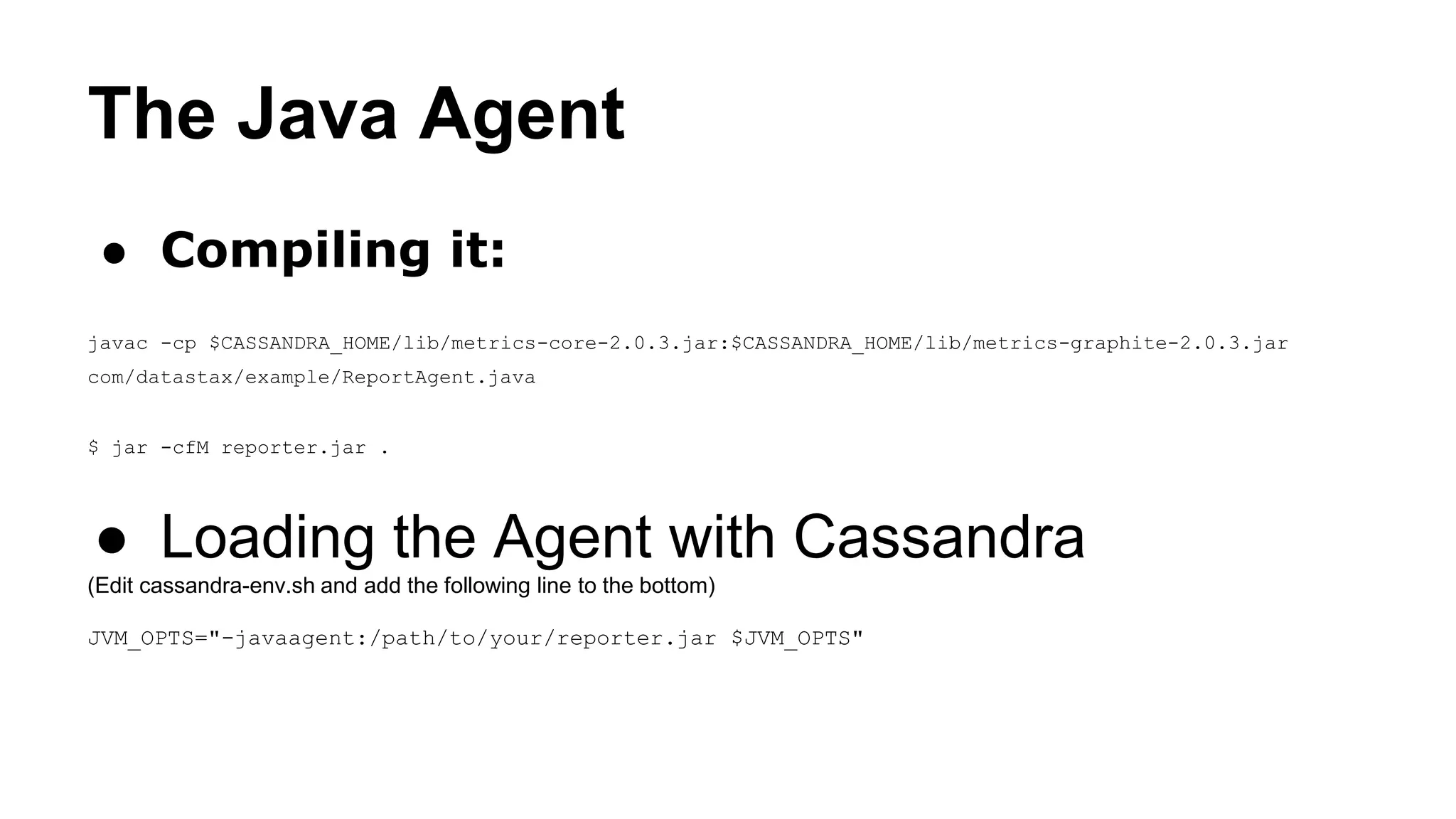
The Java Agent 
● Compiling it: 
javac -cp $CASSANDRA_HOME/lib/metrics-core-2.0.3.jar:$CASSANDRA_HOME/lib/metrics-graphite-2.0.3.jar 
com/datastax/example/ReportAgent.java 
$ jar -cfM reporter.jar . 
● Loading the Agent with Cassandra 
(Edit cassandra-env.sh and add the following line to the bottom) 
JVM_OPTS="-javaagent:/path/to/your/reporter.jar $JVM_OPTS"
Manipulating the Metrics 
● Metrics comes in org.apache.cassandra… 
syntax 
● They don’t fit into our Graphite Scheme 
● Some metrics begins with . (dot) 
● Need to be able to filter and manipulate 
metrics
Manipulating the Metrics 
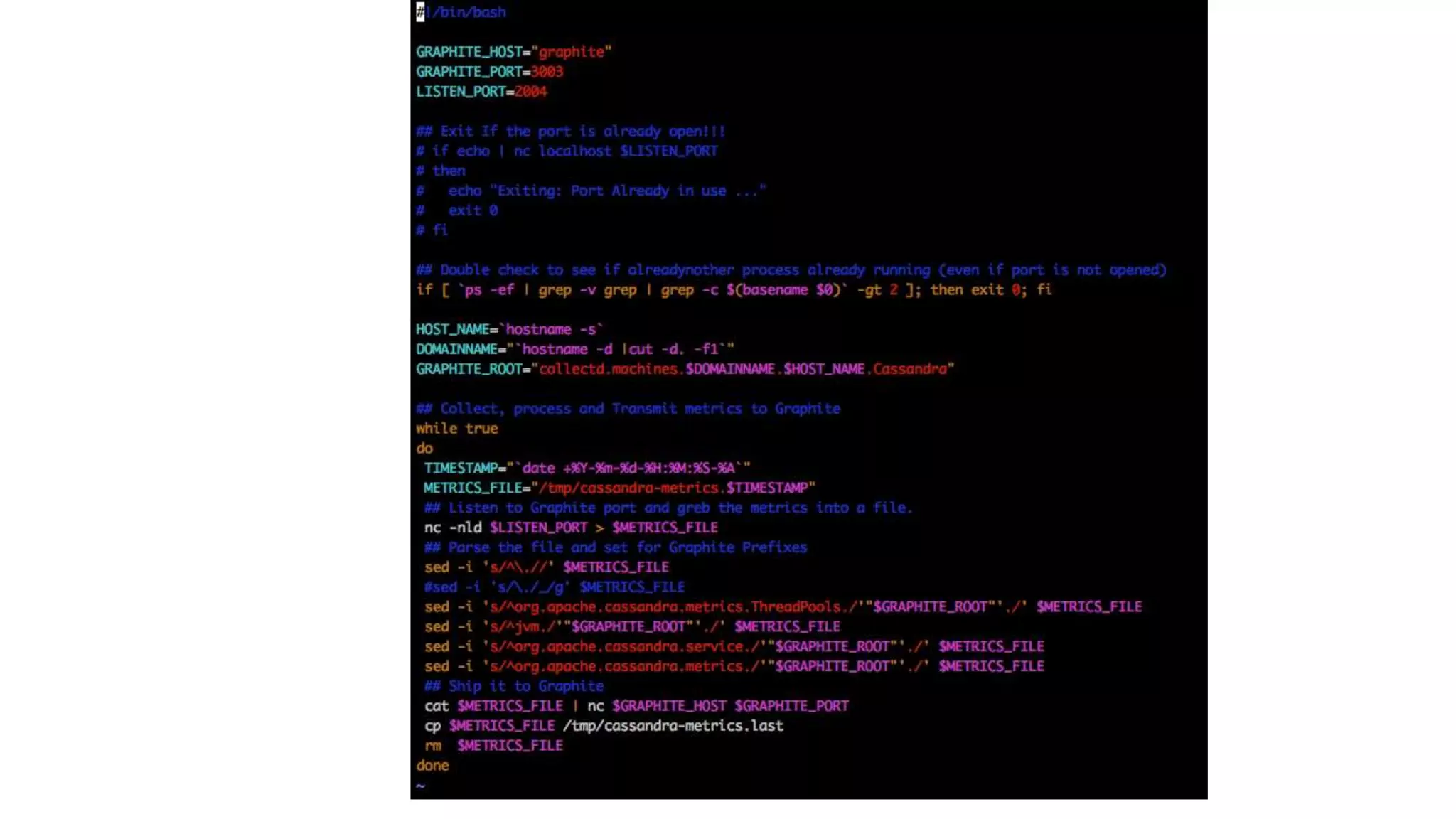
We have build a Simple Bash script that poses 
to a Graphite server and manipulates the 
metrics as we wish: 
● We change the prefix 
● We can filter metrics 
● Keep unified output 
● Solve some syntax issues like IP addresses 
read by Graphite as separate metric tree
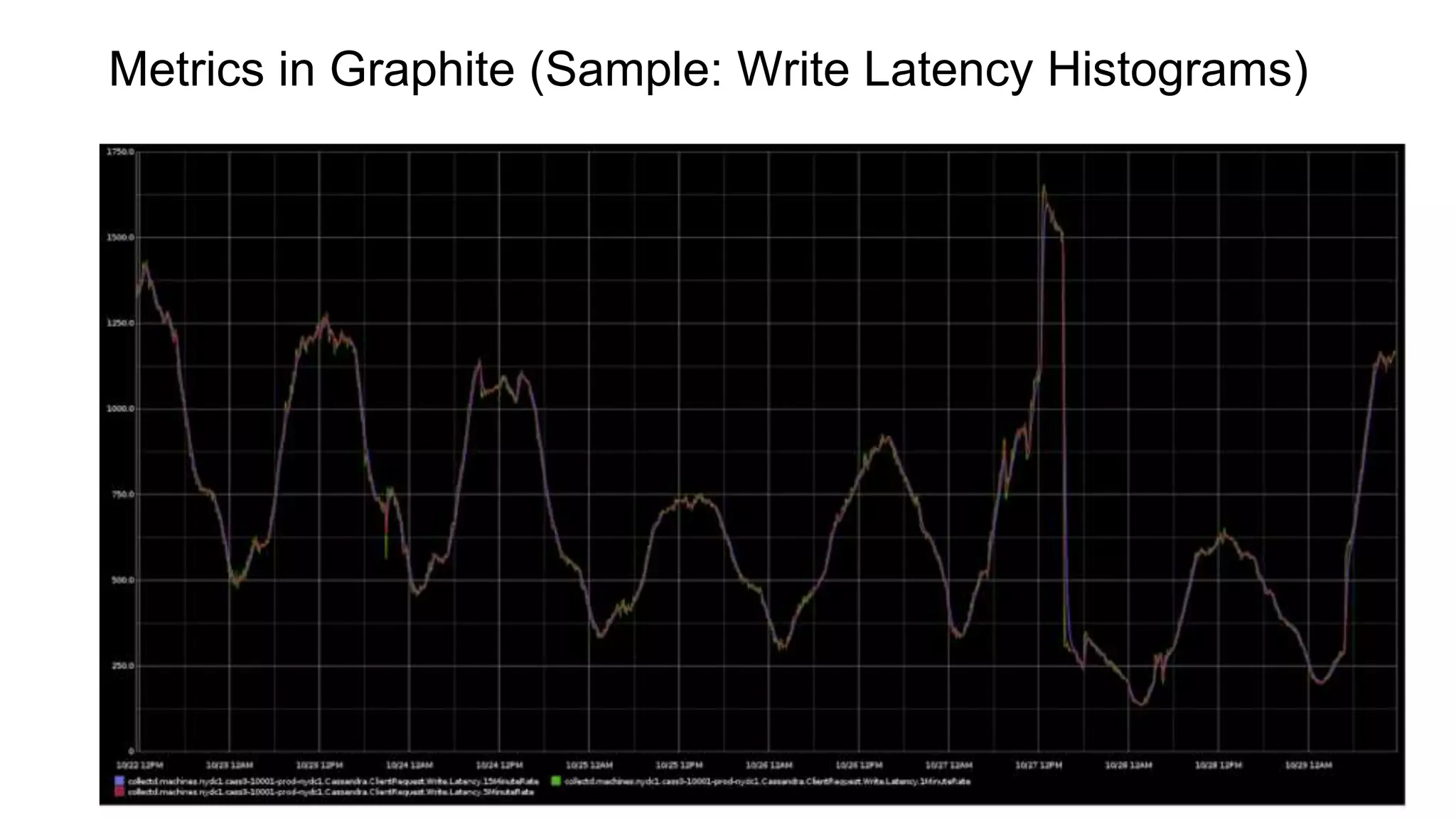
Metrics in Graphite (Sample: Write Latency Histograms)
Monitoring Cassandra with graphite using Yammer Coda-Hale Library

Monitoring Cassandra with graphite using Yammer Coda-Hale Library

  • 1.
  • 2.
    Cassandra Is Awesome ● No Single Point of Failure ● Fault Tolerant ● Multi-DC Is A Picnic ● Great Properties That Let Ops Teams to Sleep at 2 AM
  • 3.
    Robustness Have Price ● C* Isn’t A Fire and Forget System :( ● Most Times You Don’t Notice Problems o Things can go up/down for a minutes o C* Simply Queues Request, and Services Still Running, but nobody notices
  • 4.
    Be Proactive DoDaily/Weekly Checkups to detect and prevent Problems: ● Capacity ● Exceptions ● Performance Bottlenecks ● Data Modeling Issues
  • 5.
    Reactive ● SomethingWill Go Wrong: o Hardware Failures o Bugs o Malicious or Non-Malicious Users ● Alarms: NOC, Pager-Duty
  • 6.
    Proactive or Reactive? ● You Need Data o Form Alerts o Find Anomalies o Trends o Debugging ● You Should Monitor Everything
  • 7.
    Gathering Metrics ●Cassandra o OpsCenter o JMX o Nodetool o Logs ● Environment o CPU, Memory, Disks, Network, … o Logs o JVM
  • 8.
    Give Data Context You Should Give the Data Context … Otherwise it’s just pretty Graphs...
  • 9.
    JMX ● JavaManagement Extensions ● Complex… ● Resources are presented as Objects with Attributes ● Used for Both Monitoring and For Actions
  • 10.
    Native JMX ●Un-Friendly way to get metrics o Requires Java o Slow and have memory leaks o Nightmare for Ops (Network/Security) Client Cassandra Init Port 7199 Reply Hostname:Port 7199 1- Get new 7199 host/port 2- Drop old conn 3- Connect with new host/port 1024-65536 Init Port 7199
  • 11.
    JMX Tools ●Visual o JConsole o VisualVM o Commercial ● Command Line o jmxterm o jmxsh ● Jolokia ● MX4J
  • 12.
    JMX Syntax [domain]:[key1]=[value1],[key2]=[value2]… org.apache.cassandra.metrics:type=ColumnFamily,keyspace=outbrain,scope=user_events,name=TotalDiskSpaceUsed
  • 13.
    JMX Domains org.apache.cassandra ● db ● internal ● net ● request org.apache.cassandra.metrics
  • 14.
    JMX Types org.apache.cassandra.metrics:type= ● Cache ● Client ● ClientRequest ● ClientRequestMetrics ● ColumnFamily ● CommitLog ● Compaction ● DroppedMessages ● FileCache ● Storage ● ThreadPools
  • 15.
    Coda-Hale Metrics ●Toolkit called metrics from metrics o By Yammer Coda-Hale Library ● Easy to Use ● Easy to Read (If you speak Java) ● Popular
  • 16.
    Types of Metrics ● Gauge: Instantaneous value ● Counter: number that can be incremented/decremented ● Meter: Rate of Events Over time (request/second/minutes/5min/15min) ● Histogram: Statistical Distribution o 50,75,95,98,99,99.9 percentile o average/median/min/max/stddev ● Timer:rate of events/historgram of duration
  • 17.
    75th percentile is650.75 us (75% took 650.75us or less) One Minute Write rate is 13,915 per second
  • 18.
    Native JMX ●Its overwhelming at first ● Hard to tell what they mean with the source ● Moves around a lot between versions ● Fortunately there is nodetool
  • 19.
    Coda-Hale Reporting Interface Coda-Hale Metrics Library: ● Default o JMX o Console o CSV o Slf4J ● Addons o Ganglia / Graphite ● Community o Cassandra / StatsD / NewRelic / Splunk / Cloudwatch o Kafka / Riemann / TempDB/ Munin / Riak / InfluxDB / Sematext o MongoDB / OpenTSDB/ Librato o … More
  • 20.
    Reporting Interface Activation ● Metrics library: o Included in Cassandra since 1.1 o Pre 2.0 It required writing your Java agent reporter
  • 21.
    Pluggable Metrics inCassandra 2.0.2 ● Starting from Cassandra 2.0.2, you need only to configure special YAML file: /etc/cassandra/metrics-reporter-config-graphite.yaml ● Load the Coda-Hale metrics by including the build-in agent in the cassandra-env.sh file -Dcassandra.metricsReporterConfigFile=yourCoolFile.yaml ● Save the file in /etc/cassandra/ directory only and don’t specify full path, otherwise it will not work
  • 22.
    Pluggable Metrics inCassandra 2.0.2 Yaml Example: graphite: - period: 60 timeunit: 'SECONDS' hosts: - host: 'graphite' port: 2003 predicate: color: "white" useQualifiedName: true patterns: - "^org.apache.cassandra.metrics.Cache.+" - "^org.apache.cassandra.metrics.ClientRequest.+" - "^org.apache.cassandra.metrics.Storage.+" - "^org.apache.cassandra.metrics.ThreadPools.+"
  • 23.
    Caveats of PluggableMetrics - Works only in 2.0.2 or higher - Has bad metrics names: sometimes begins with ‘.’ and not suitable for Graphite Tree - Limited ability to manipulate metrics
  • 24.
    Our Approach -Use older version (2.0.3) of Metrics Library that fits to all C* version (down to 1.1) - Write our own Java agent for backward compatibility - Run the metrics via Manipulator daemon to be able for reformat them and fit them to our dashboards
  • 25.
    The Java Agent From the Documentation
  • 26.
    The Java Agent ● Compiling it: javac -cp $CASSANDRA_HOME/lib/metrics-core-2.0.3.jar:$CASSANDRA_HOME/lib/metrics-graphite-2.0.3.jar com/datastax/example/ReportAgent.java $ jar -cfM reporter.jar . ● Loading the Agent with Cassandra (Edit cassandra-env.sh and add the following line to the bottom) JVM_OPTS="-javaagent:/path/to/your/reporter.jar $JVM_OPTS"
  • 27.
    Manipulating the Metrics ● Metrics comes in org.apache.cassandra… syntax ● They don’t fit into our Graphite Scheme ● Some metrics begins with . (dot) ● Need to be able to filter and manipulate metrics
  • 28.
    Manipulating the Metrics We have build a Simple Bash script that poses to a Graphite server and manipulates the metrics as we wish: ● We change the prefix ● We can filter metrics ● Keep unified output ● Solve some syntax issues like IP addresses read by Graphite as separate metric tree
  • 30.
    Metrics in Graphite(Sample: Write Latency Histograms)