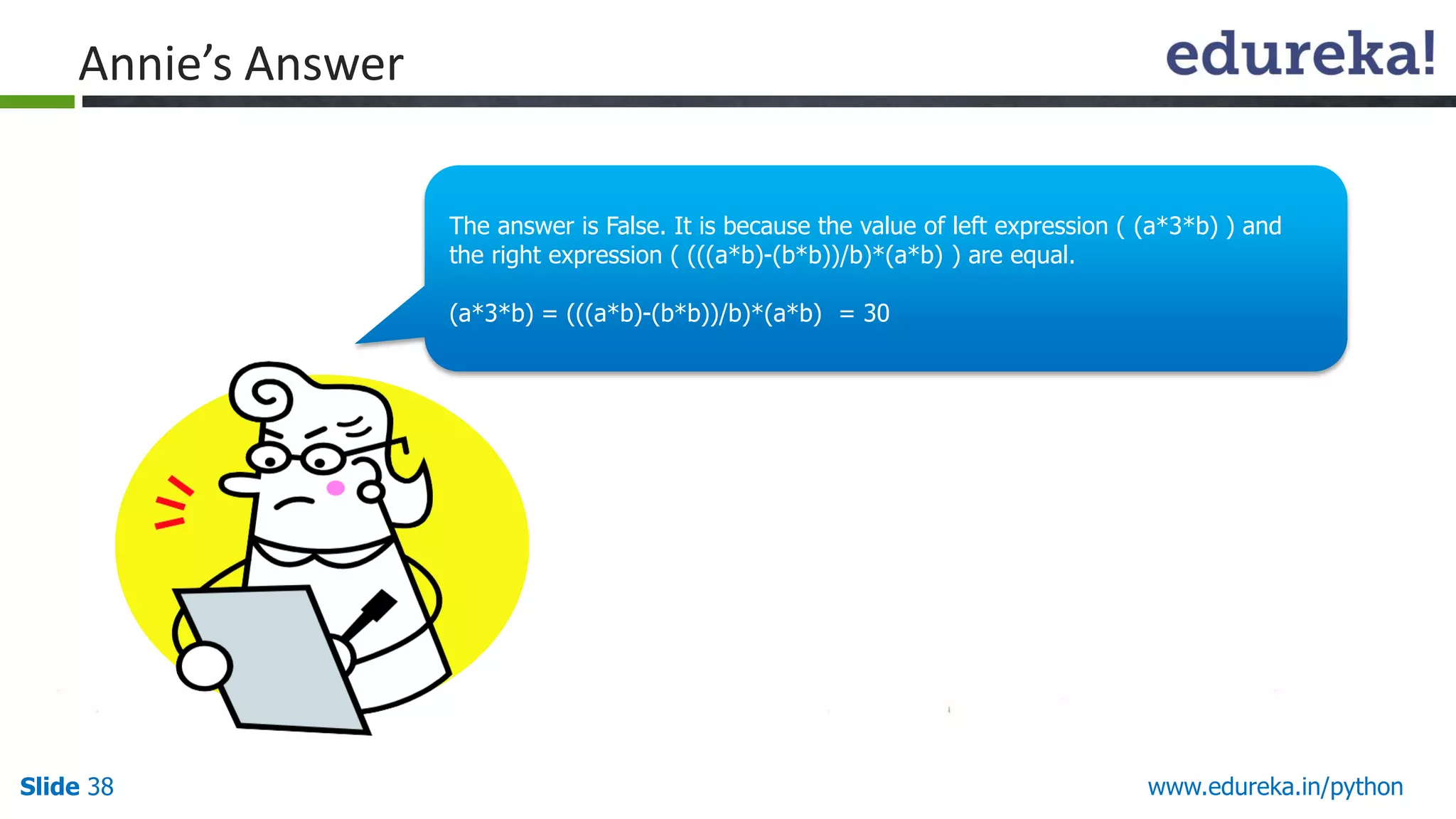
(a*3*b) = (5 * 3 * 2) = 30
(((a*b)-(b*b))/b)*(a*b) = (((5*2)-(2*2))/2)*(5*2) = ((10-4)/2)*(10) = 30
Since the values on both sides of the comparison operator < are equal, the expression (a*3*b) < (((a*b)-(b*b))/b)*(a*b) evaluates to False.
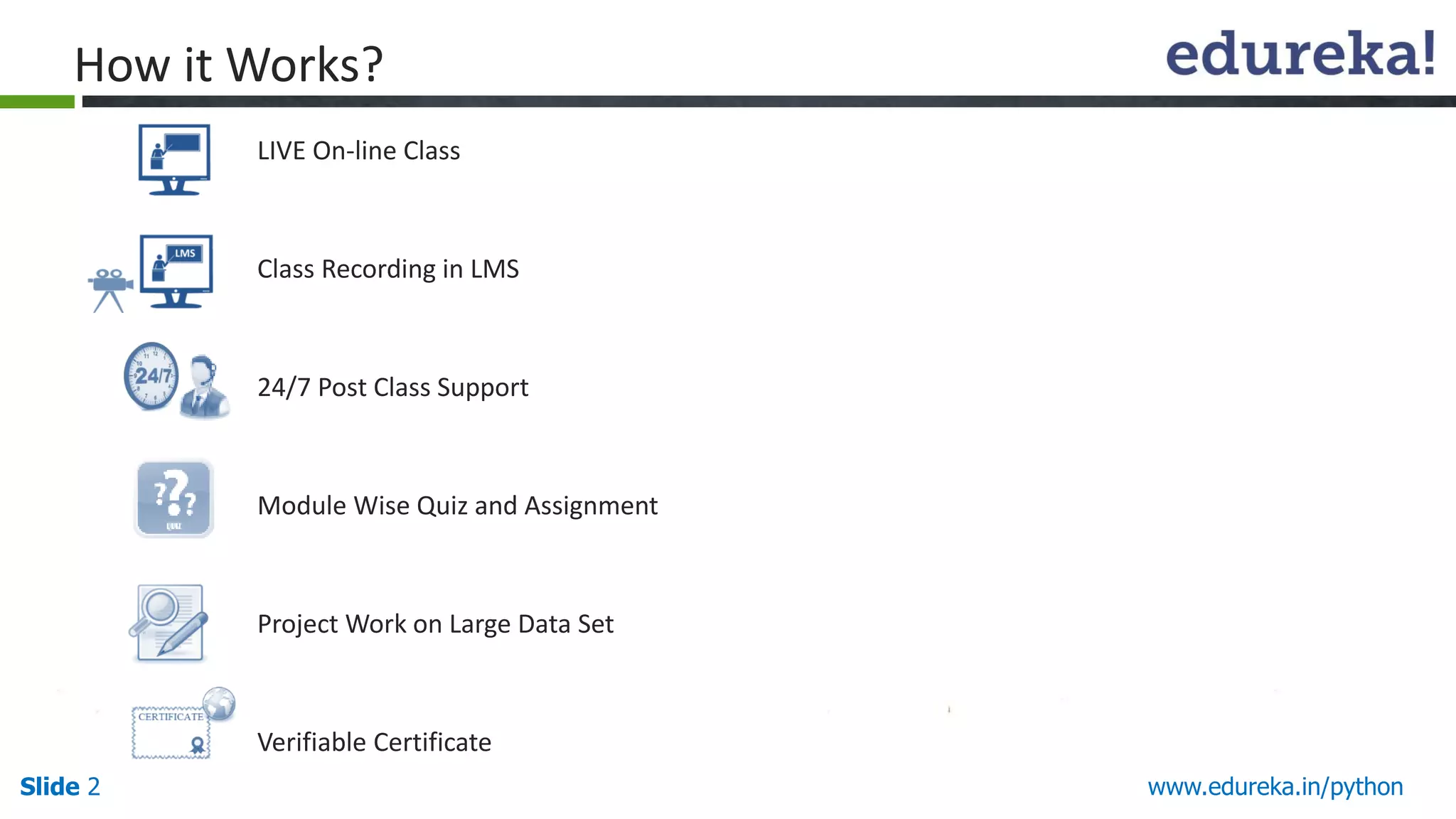
LIVE On-line Class
ClassRecording in LMS
24/7 Post Class Support
Module Wise Quiz and Assignment
Project Work on Large Data Set
Verifiable Certificate
Slide 2 www.edureka.in/python
How it Works?
3.
Slide 3Slide 3www.edureka.in/python
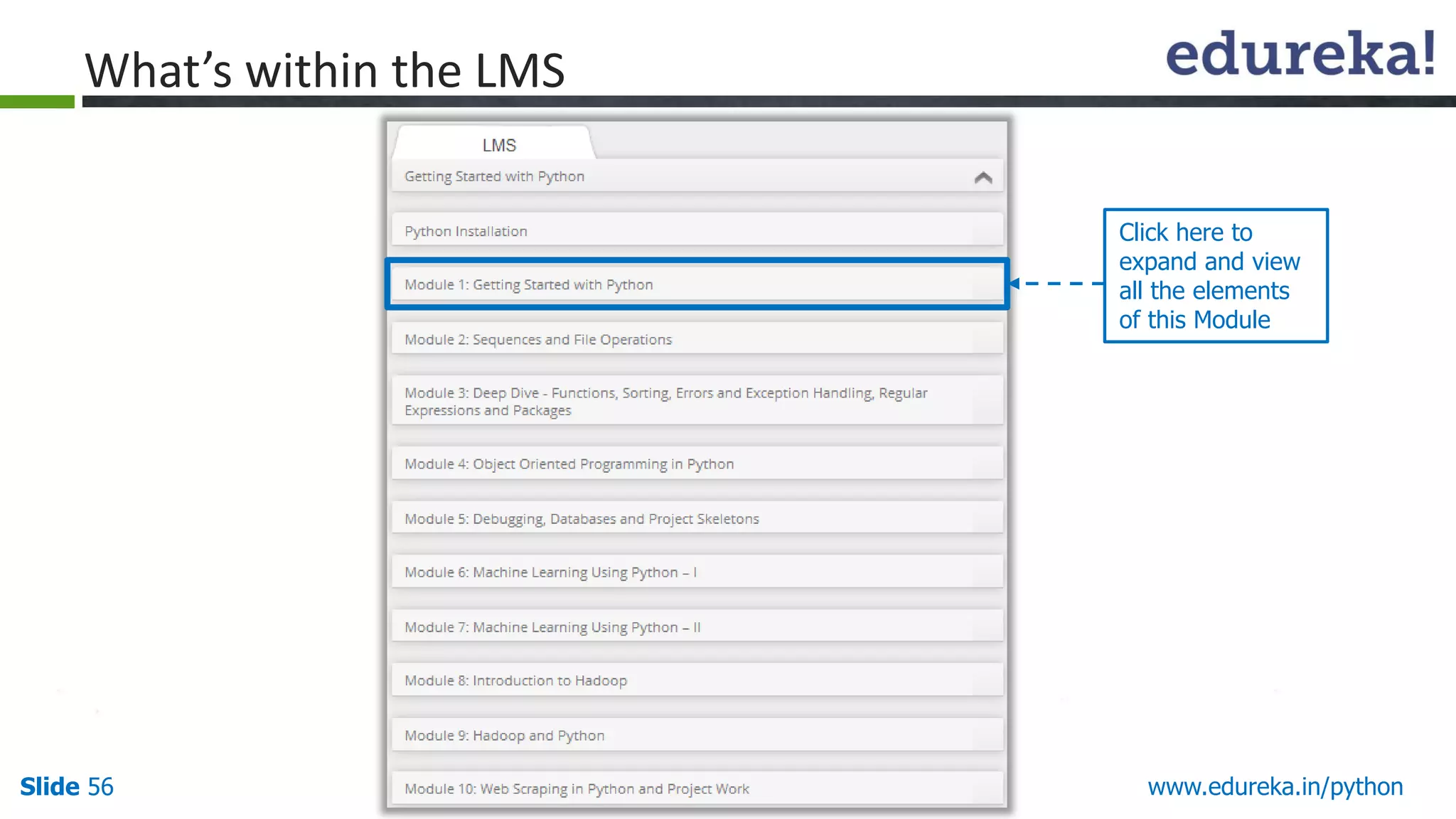
Course Topics
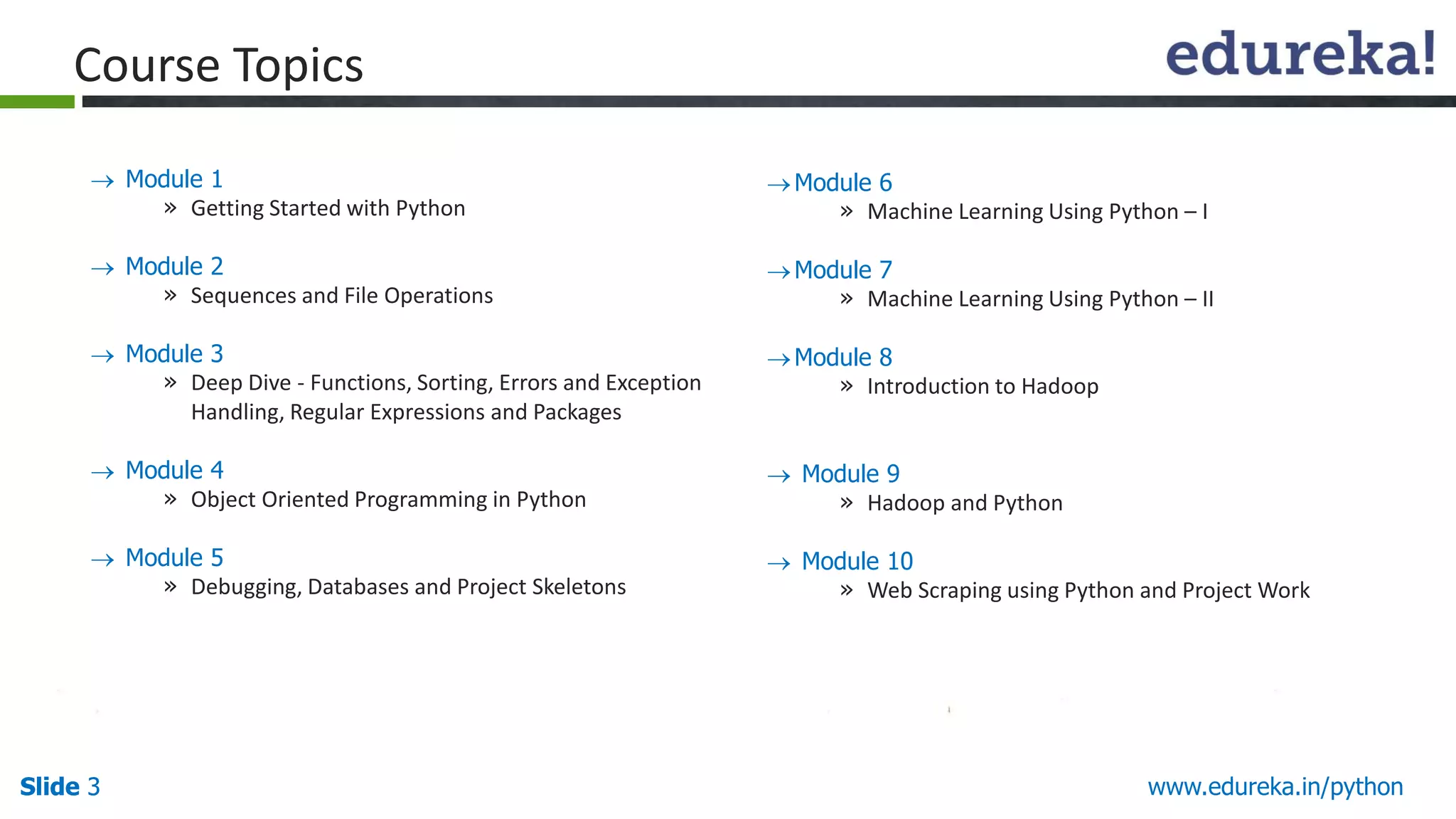
Module 1
» Getting Started with Python
Module 2
» Sequences and File Operations
Module 3
» Deep Dive - Functions, Sorting, Errors and Exception
Handling, Regular Expressions and Packages
Module 4
» Object Oriented Programming in Python
Module 5
» Debugging, Databases and Project Skeletons
Module 6
» Machine Learning Using Python – I
Module 7
» Machine Learning Using Python – II
Module 8
» Introduction to Hadoop
Module 9
» Hadoop and Python
Module 10
» Web Scraping using Python and Project Work
4.
Slide 4 www.edureka.in/python
Objectives
UnderstandPython- an Object-oriented Programming Language.
List the users of Python for Data Analytics.
Define Identifiers and indentation.
List Operations on Numbers and Operations on Strings.
Run a Python Script.
At the end of this module, you will be able to:
5.
Slide 5 www.edureka.in/python
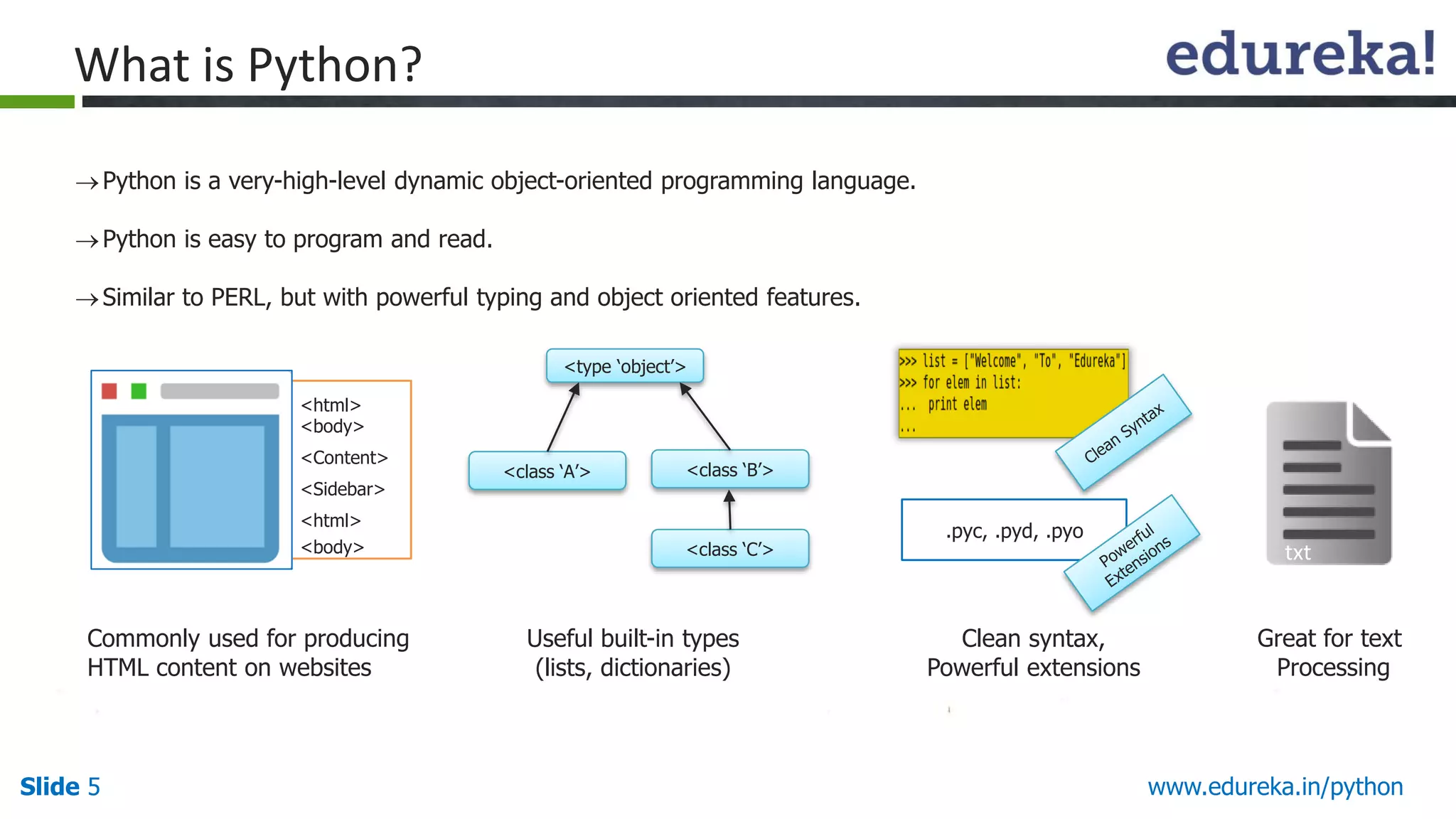
Pythonis a very-high-level dynamic object-oriented programming language.
Python is easy to program and read.
Similar to PERL, but with powerful typing and object oriented features.
What is Python?
Commonly used for producing
HTML content on websites
<type ‘object’>
<class ‘A’> <class ‘B’>
<class ‘C’>
Useful built-in types
(lists, dictionaries)
Clean syntax,
Powerful extensions
Great for text
Processing
txt
.pyc, .pyd, .pyo
<html>
<body>
<Content>
<Sidebar>
<html>
<body>
6.
Slide 6 www.edureka.in/python
WhyPython?
Software Quality
Developer Productivity
Program Portability
Support Libraries
Component Integration
Enjoyment
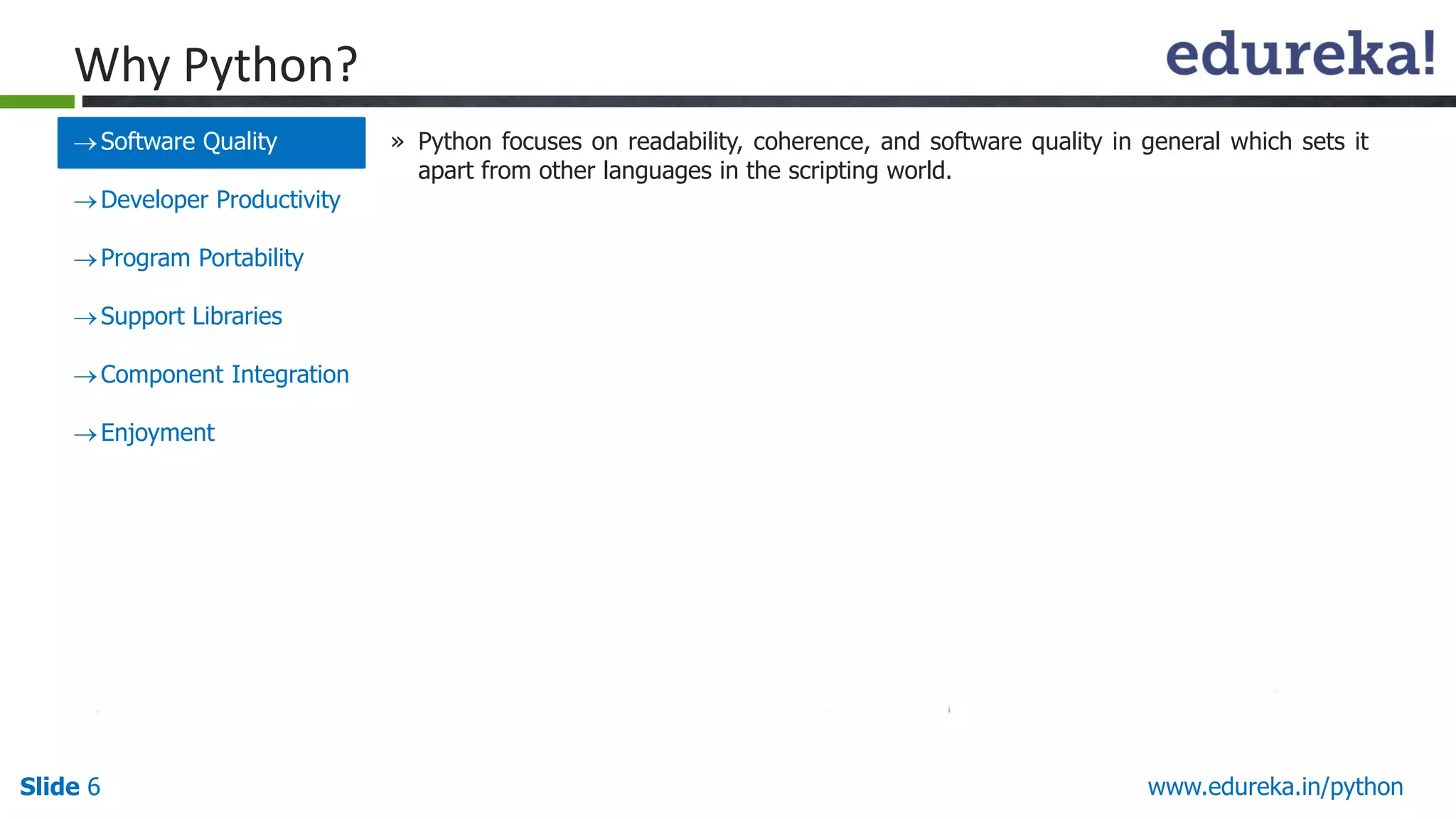
» Python focuses on readability, coherence, and software quality in general which sets it
apart from other languages in the scripting world.
7.
Slide 7 www.edureka.in/python
WhyPython?
Software Quality
Developer Productivity
Program Portability
Support Libraries
Component Integration
Enjoyment
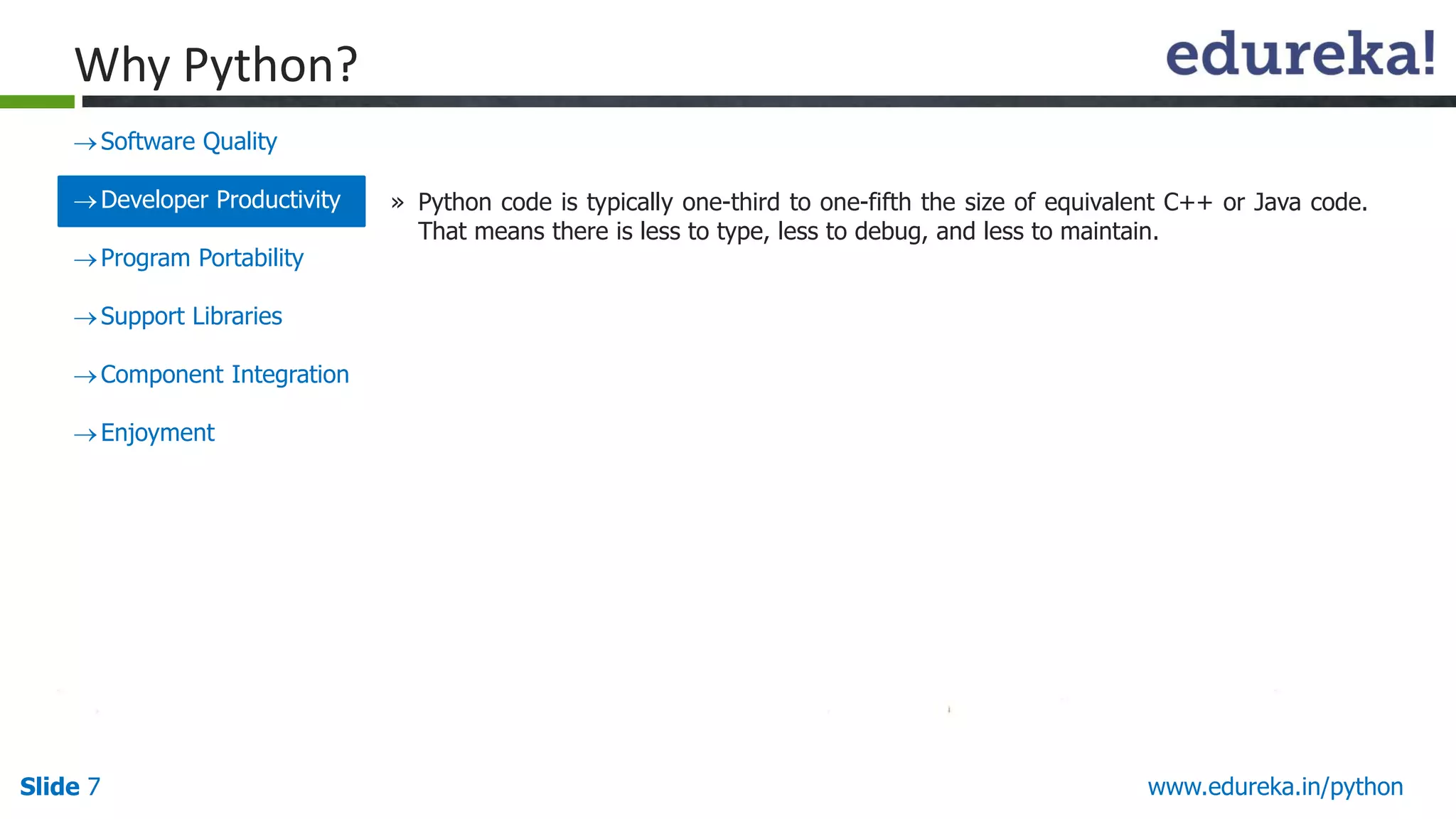
» Python code is typically one-third to one-fifth the size of equivalent C++ or Java code.
That means there is less to type, less to debug, and less to maintain.
8.
Slide 8 www.edureka.in/python
WhyPython?
Software Quality
Developer Productivity
Program Portability
Support Libraries
Component Integration
Enjoyment
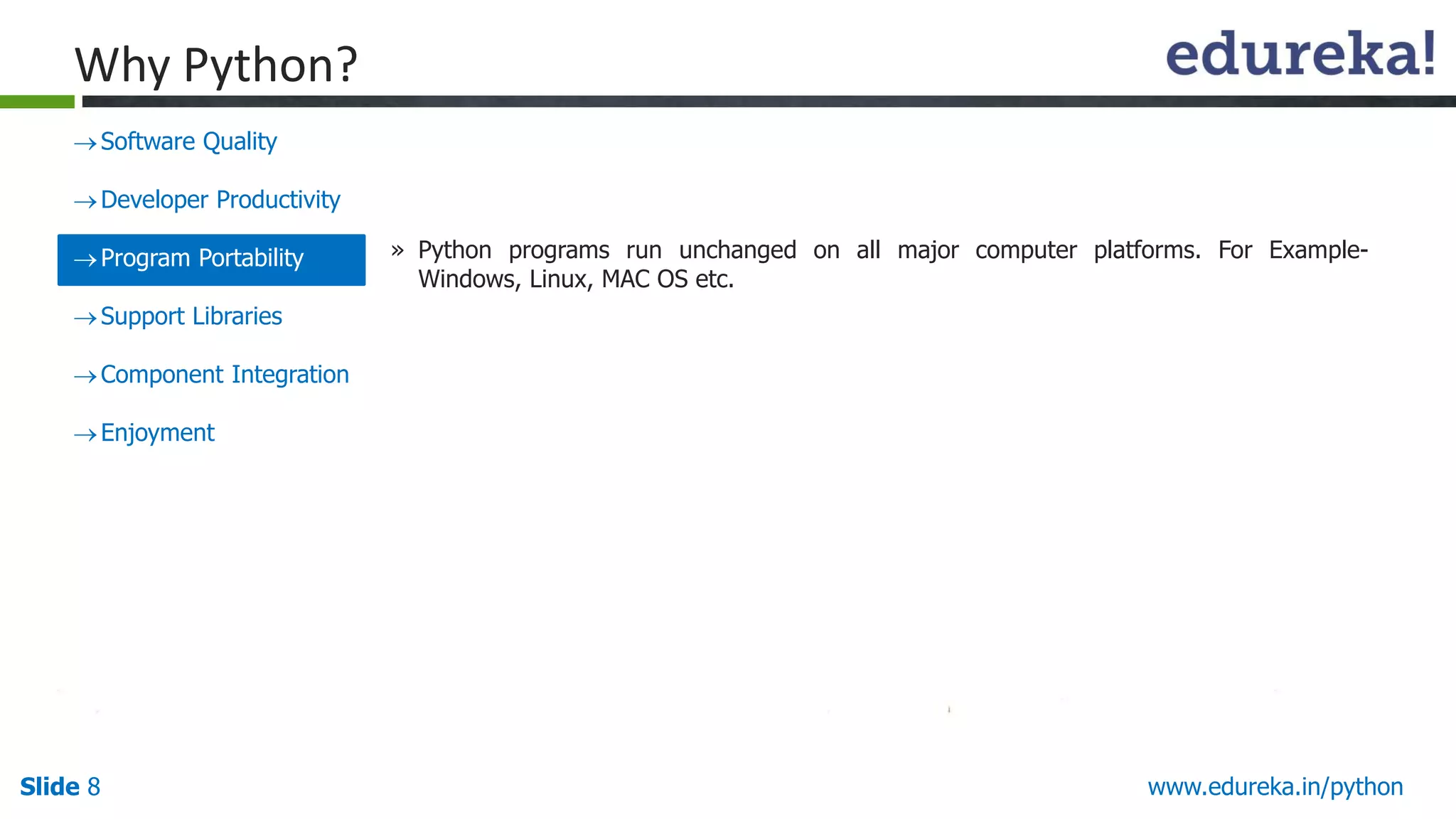
» Python programs run unchanged on all major computer platforms. For Example-
Windows, Linux, MAC OS etc.
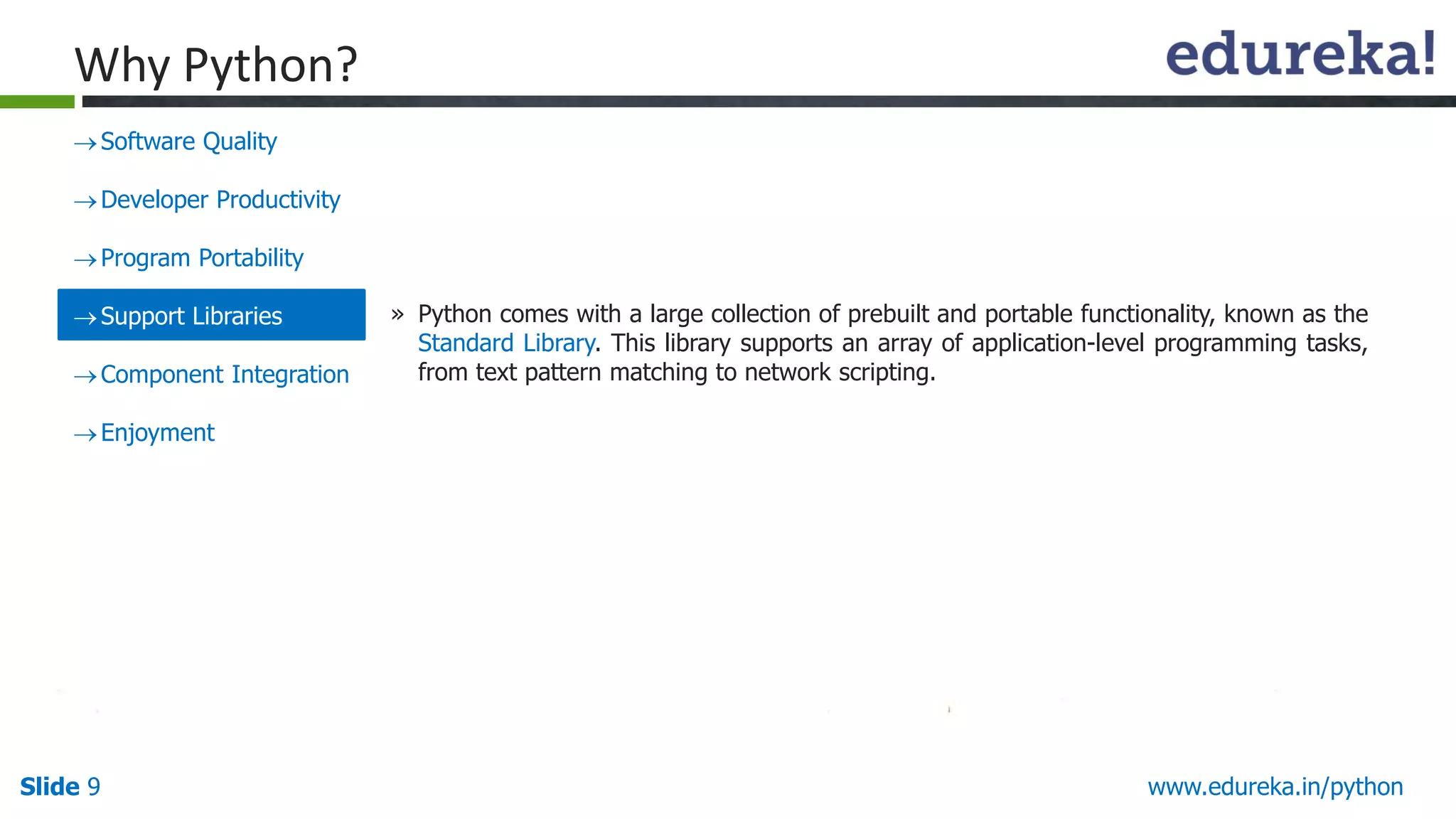
9.
Slide 9 www.edureka.in/python
WhyPython?
Software Quality
Developer Productivity
Program Portability
Support Libraries
Component Integration
Enjoyment
» Python comes with a large collection of prebuilt and portable functionality, known as the
Standard Library. This library supports an array of application-level programming tasks,
from text pattern matching to network scripting.
10.
Slide 10 www.edureka.in/python
WhyPython?
Software Quality
Developer Productivity
Program Portability
Support Libraries
Component Integration
Enjoyment
» Python scripts can easily communicate with other parts of an application, using a variety
of integration mechanisms.
11.
Slide 11 www.edureka.in/python
WhyPython?
Software Quality
Developer Productivity
Program Portability
Support Libraries
Component Integration
Enjoyment » Because of Python’s ease of use and built-in toolset, it makes the programming more
pleasurable.
12.
Slide 12 www.edureka.in/python
AboutPython
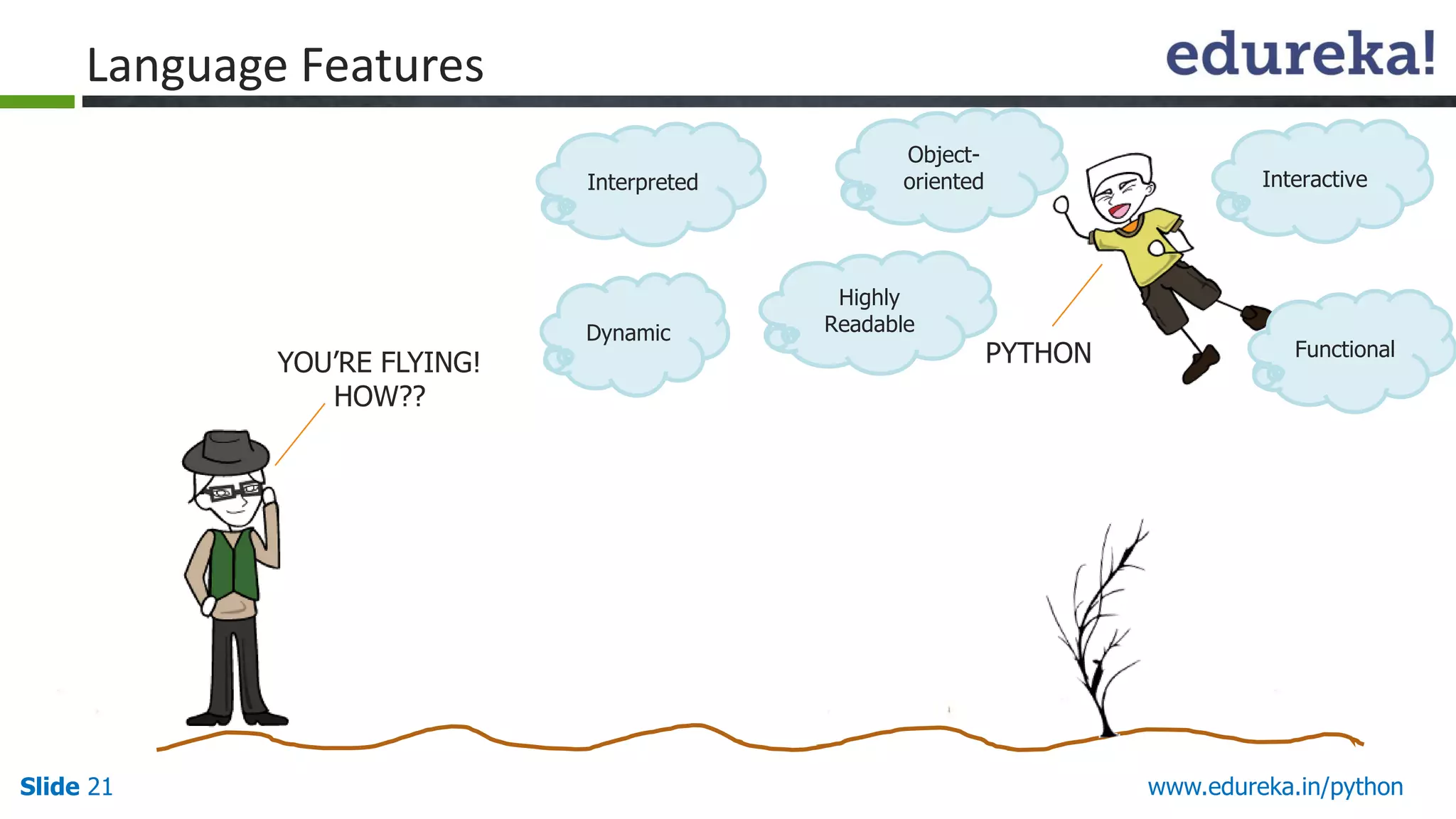
Invented in the Netherlands in early 90s by Guido van Rossum.
Named after “Monty Python”, a comedy group, as Python is fun to
use.
Open source and interpreted language.
Considered a scripting language, but is much more than that.
Scalable, object oriented and functional.
Used by Google, increasingly popular.
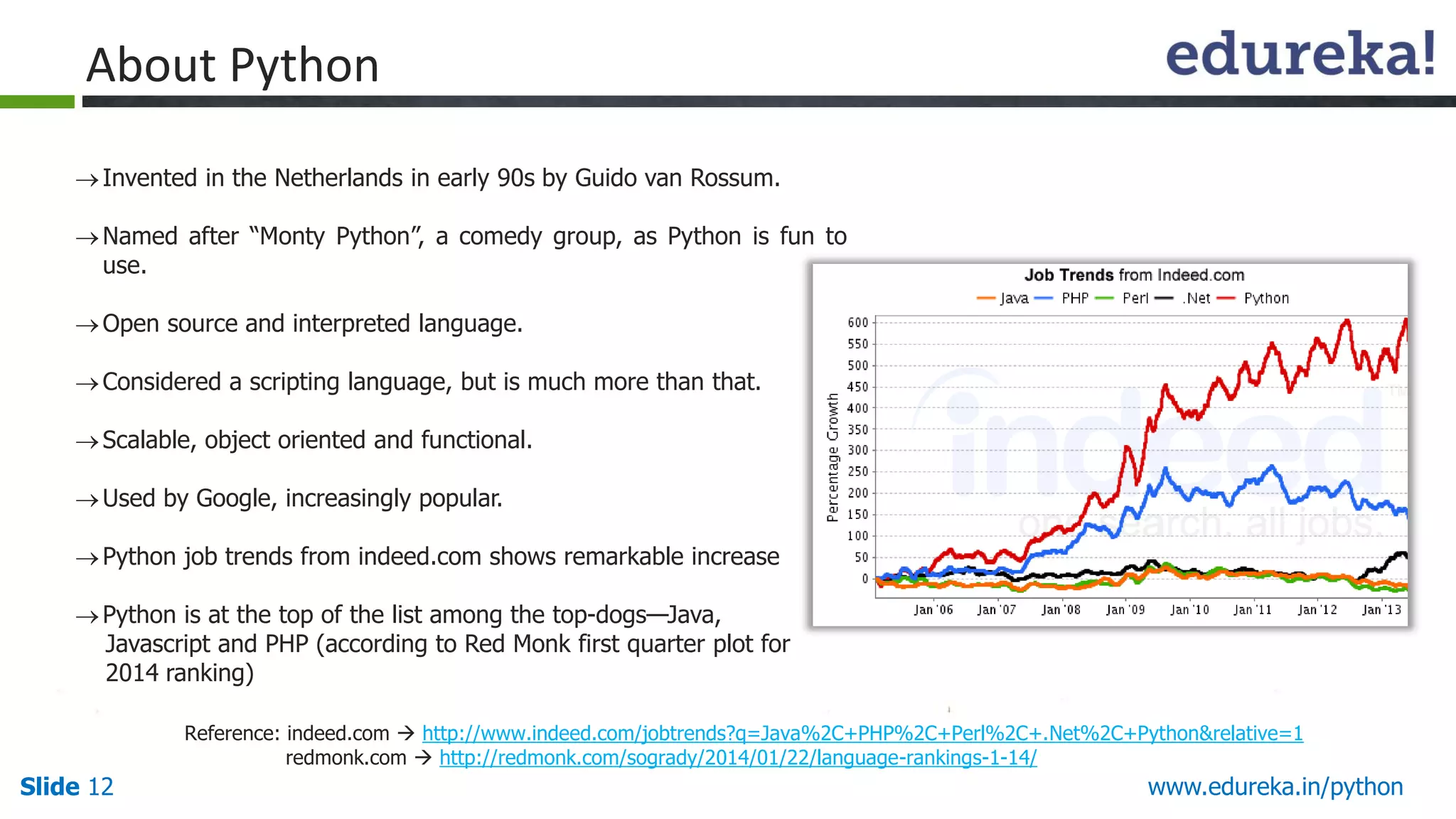
Python job trends from indeed.com shows remarkable increase
Python is at the top of the list among the top-dogs—Java,
Javascript and PHP (according to Red Monk first quarter plot for
2014 ranking)
Reference: indeed.com http://www.indeed.com/jobtrends?q=Java%2C+PHP%2C+Perl%2C+.Net%2C+Python&relative=1
redmonk.com http://redmonk.com/sogrady/2014/01/22/language-rankings-1-14/
13.
Slide 13 www.edureka.in/python
Usersof Python
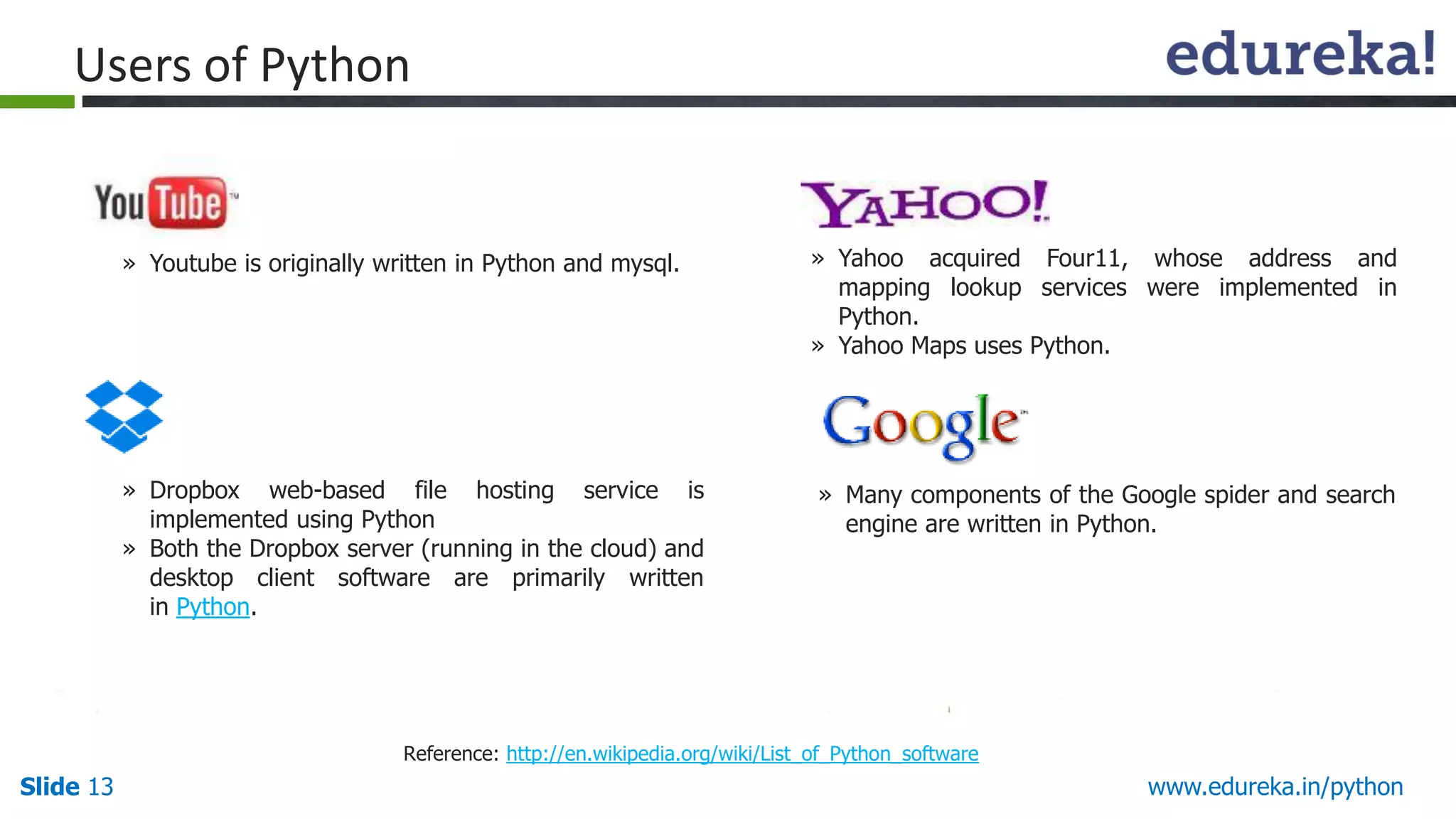
» Dropbox web-based file hosting service is
implemented using Python
» Both the Dropbox server (running in the cloud) and
desktop client software are primarily written
in Python.
» Yahoo acquired Four11, whose address and
mapping lookup services were implemented in
Python.
» Yahoo Maps uses Python.
» Many components of the Google spider and search
engine are written in Python.
» Youtube is originally written in Python and mysql.
Reference: http://en.wikipedia.org/wiki/List_of_Python_software
14.
Slide 14 www.edureka.in/python
Usersof Python
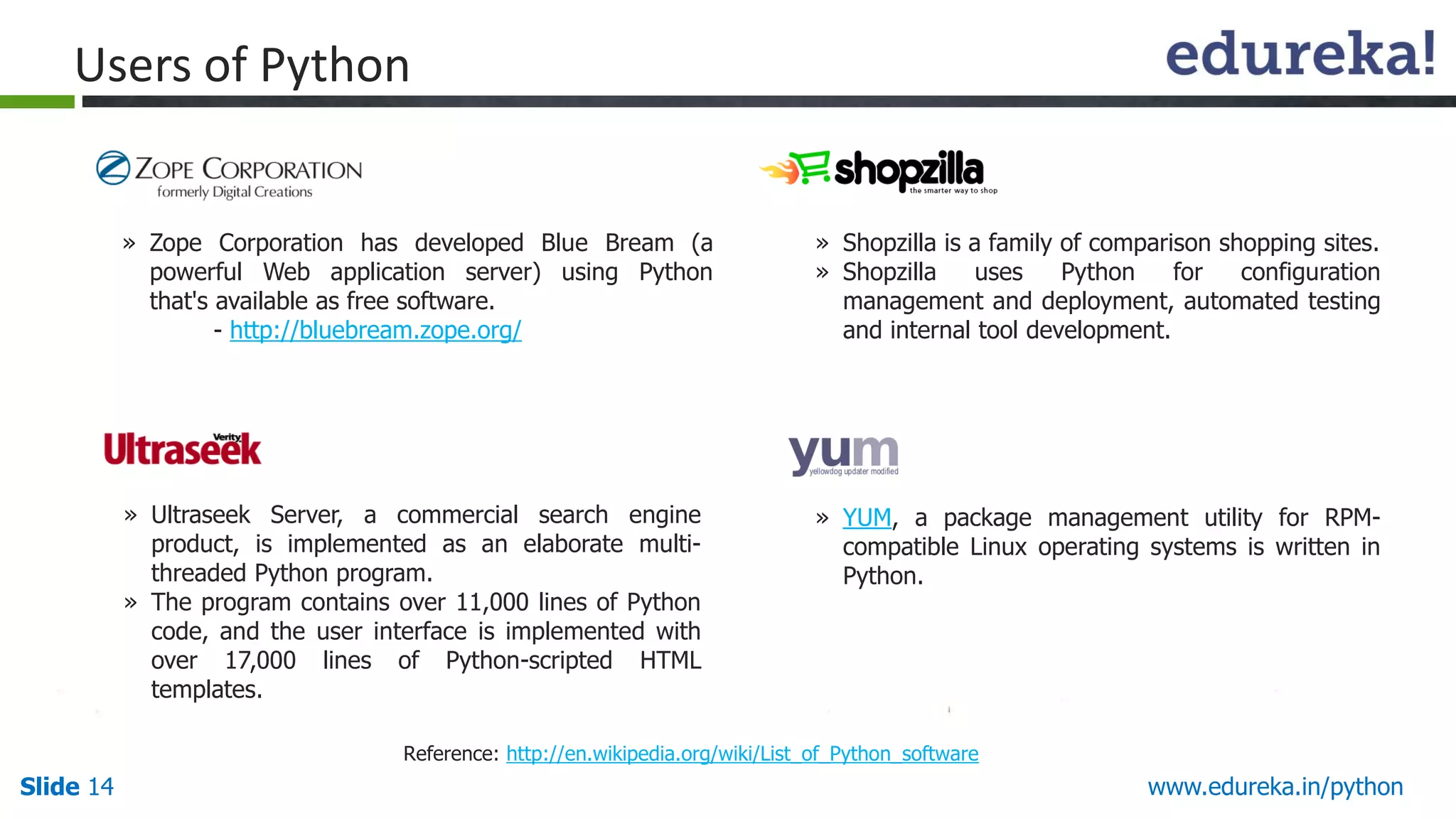
» Zope Corporation has developed Blue Bream (a
powerful Web application server) using Python
that's available as free software.
- http://bluebream.zope.org/
» Ultraseek Server, a commercial search engine
product, is implemented as an elaborate multi-
threaded Python program.
» The program contains over 11,000 lines of Python
code, and the user interface is implemented with
over 17,000 lines of Python-scripted HTML
templates.
» Shopzilla is a family of comparison shopping sites.
» Shopzilla uses Python for configuration
management and deployment, automated testing
and internal tool development.
» YUM, a package management utility for RPM-
compatible Linux operating systems is written in
Python.
Reference: http://en.wikipedia.org/wiki/List_of_Python_software
15.
Slide 15 www.edureka.in/python
TraditionalUses of Python
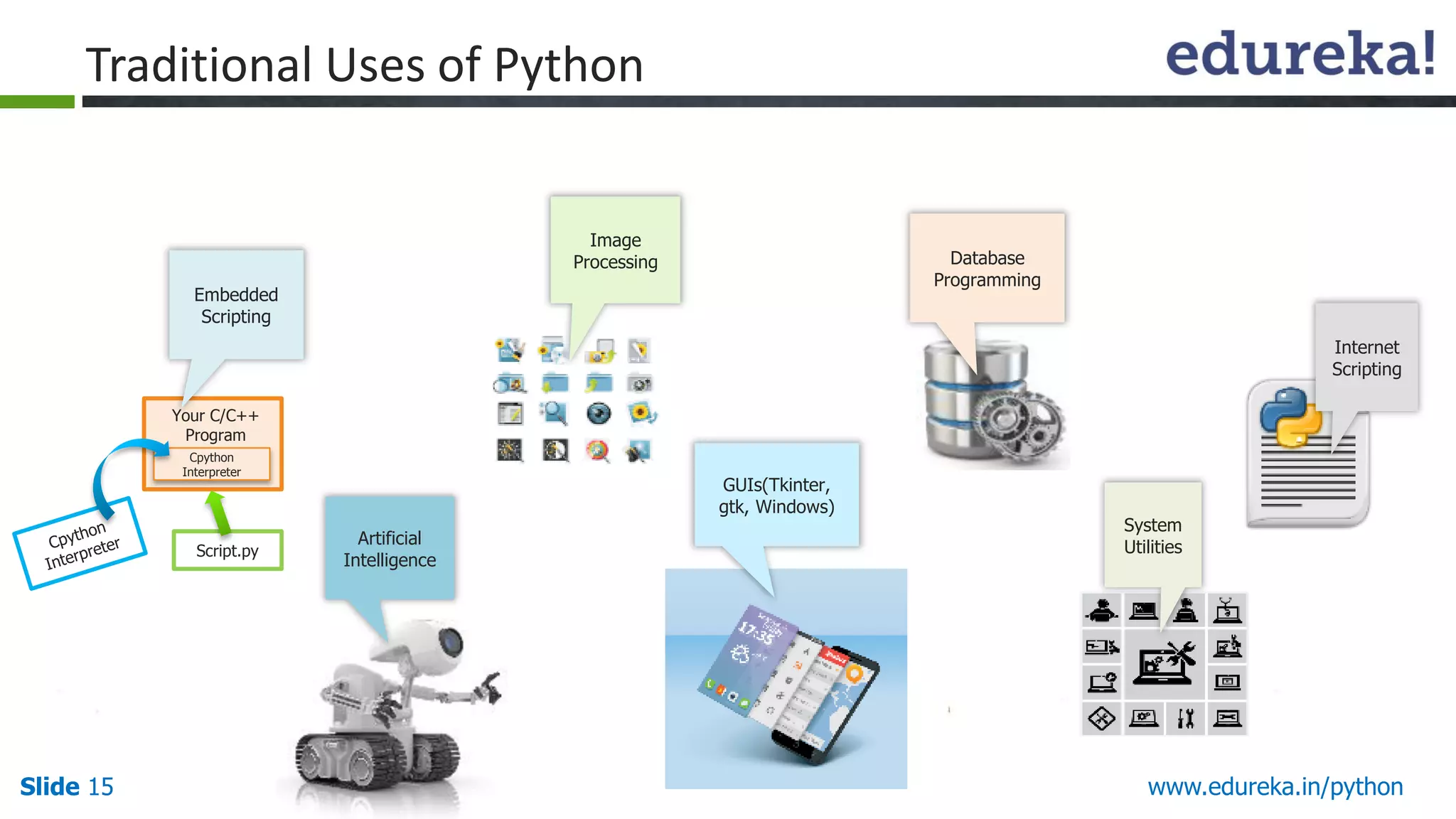
Internet
Scripting
Cpython
Interpreter
Script.py
Your C/C++
Program
Embedded
Scripting
Database
Programming
Image
Processing
System
Utilities
GUIs(Tkinter,
gtk, Windows)
Artificial
Intelligence
16.
Slide 16 www.edureka.in/python
Usesof Python in Data Analytics
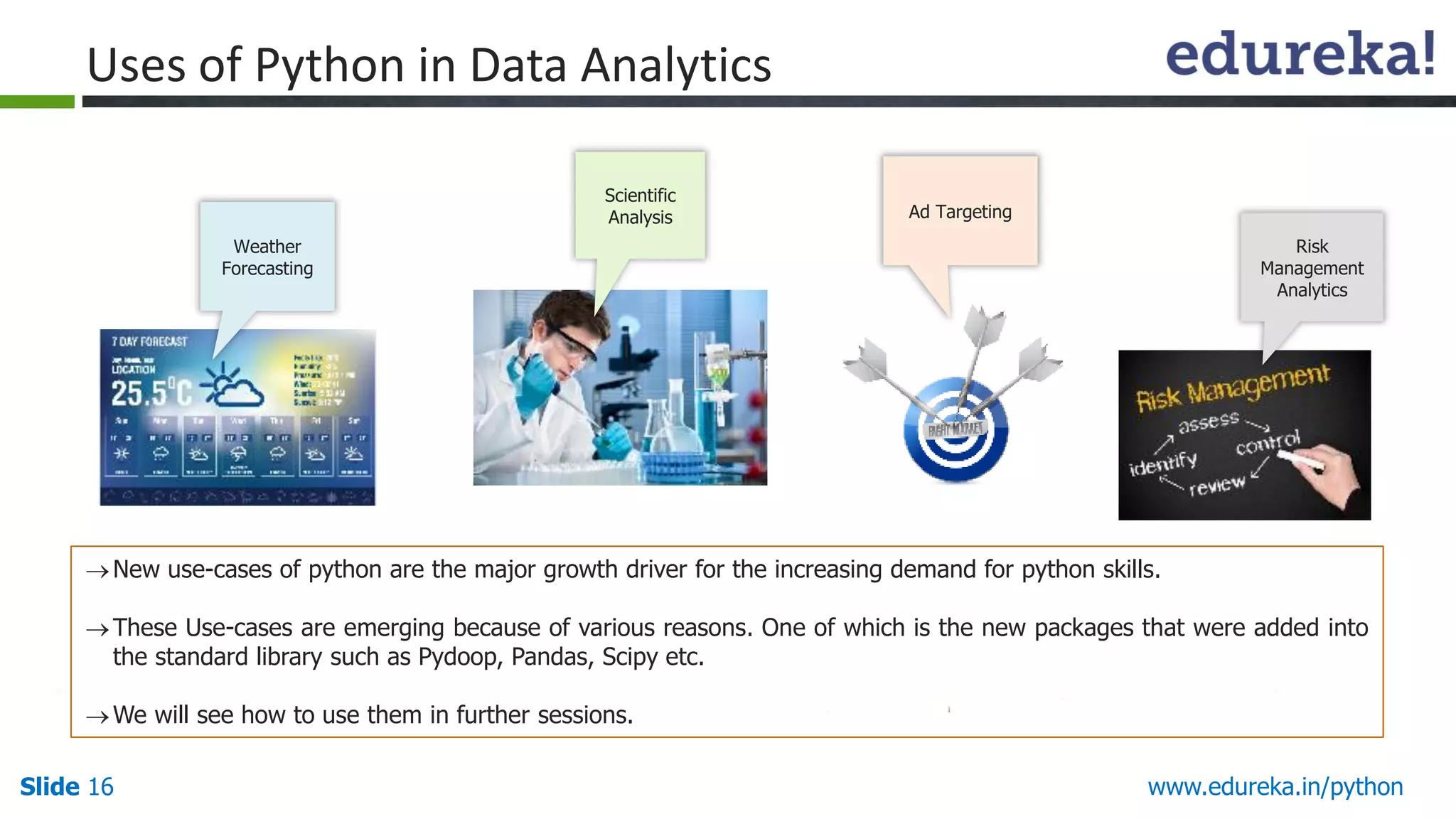
New use-cases of python are the major growth driver for the increasing demand for python skills.
These Use-cases are emerging because of various reasons. One of which is the new packages that were added into
the standard library such as Pydoop, Pandas, Scipy etc.
We will see how to use them in further sessions.
Risk
Management
Analytics
Weather
Forecasting
Ad Targeting
Scientific
Analysis
17.
Slide 17 www.edureka.in/python
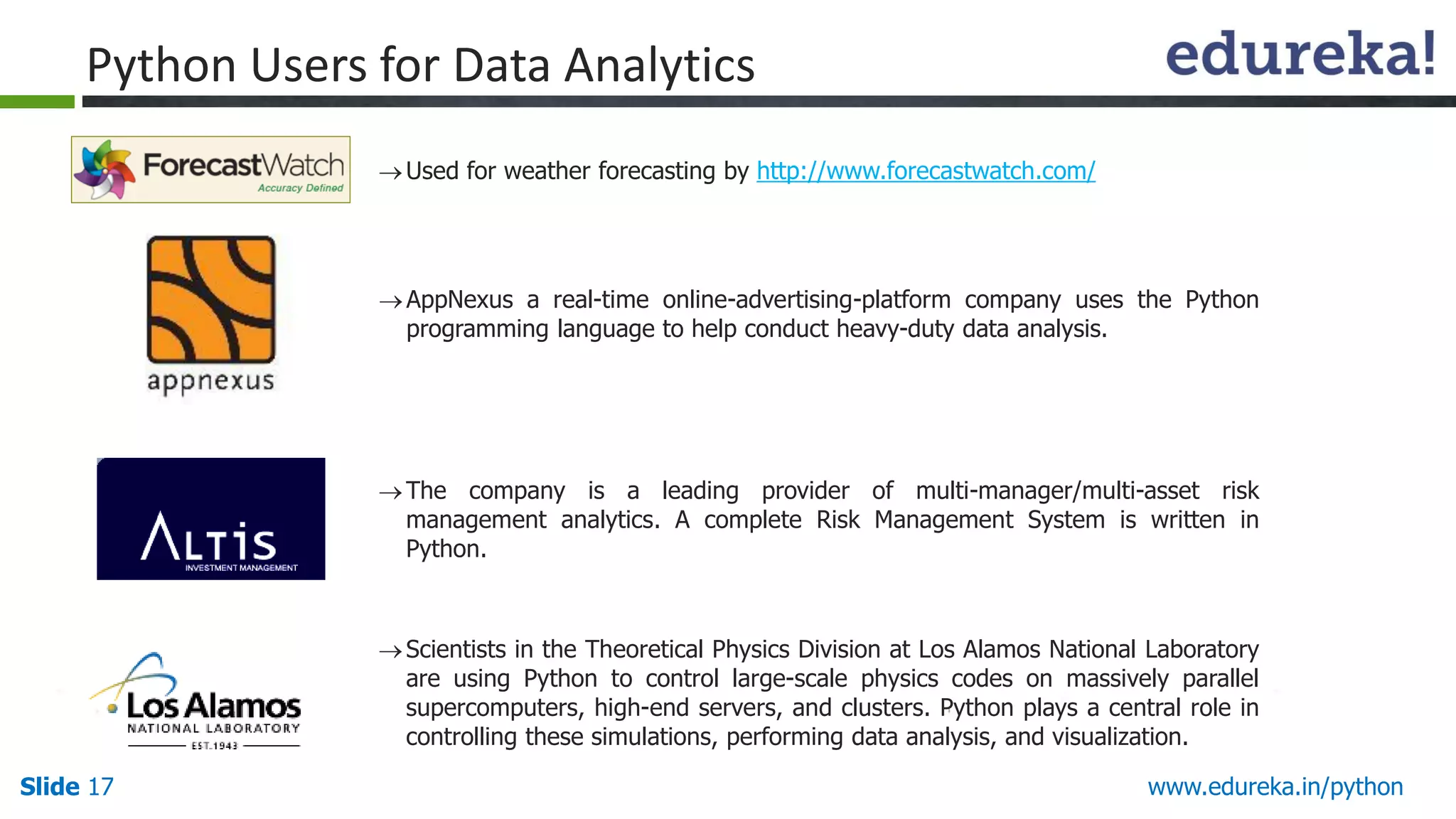
PythonUsers for Data Analytics
Used for weather forecasting by http://www.forecastwatch.com/
AppNexus a real-time online-advertising-platform company uses the Python
programming language to help conduct heavy-duty data analysis.
The company is a leading provider of multi-manager/multi-asset risk
management analytics. A complete Risk Management System is written in
Python.
Scientists in the Theoretical Physics Division at Los Alamos National Laboratory
are using Python to control large-scale physics codes on massively parallel
supercomputers, high-end servers, and clusters. Python plays a central role in
controlling these simulations, performing data analysis, and visualization.
18.
Slide 18 www.edureka.in/python
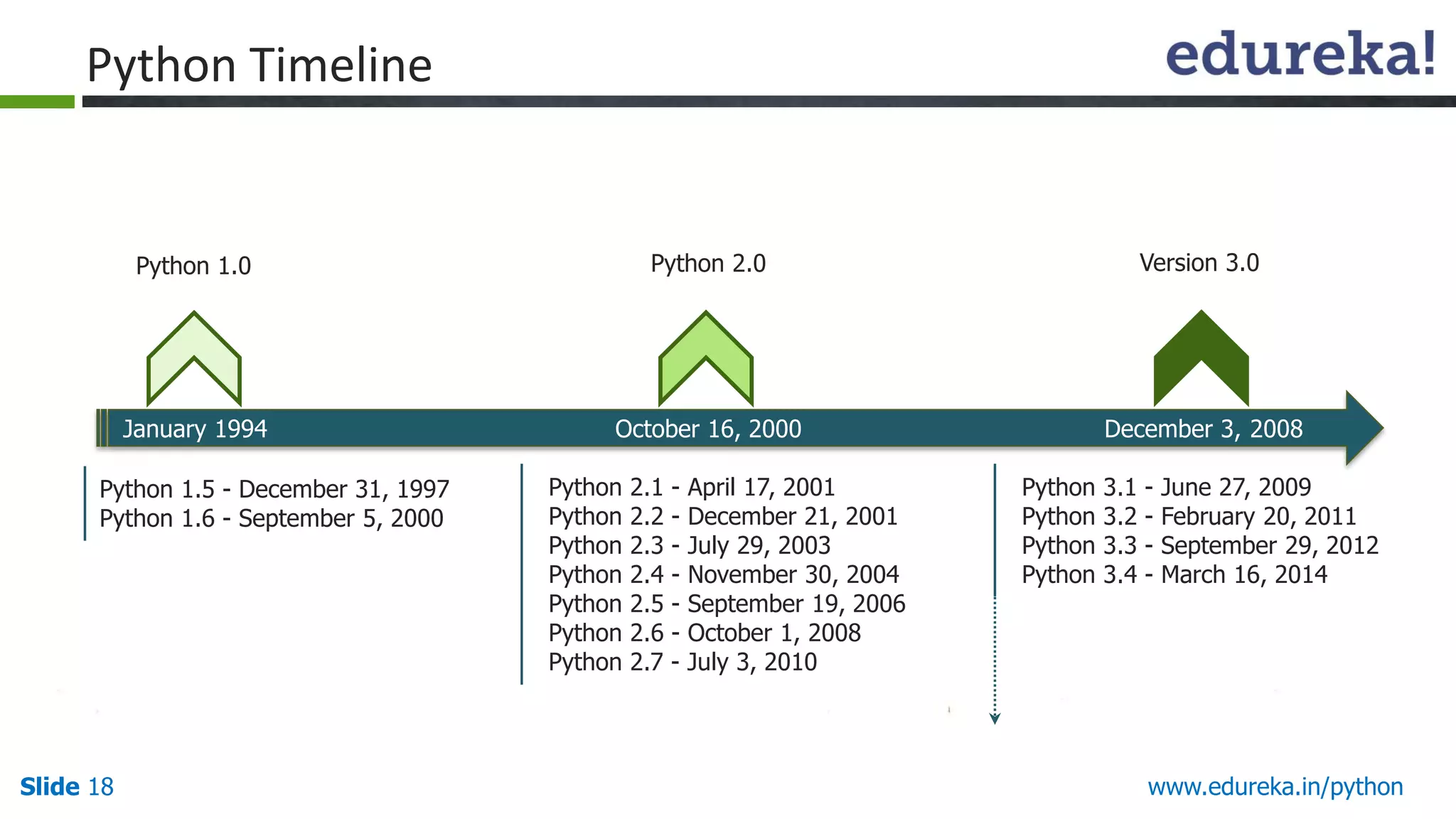
PythonTimeline
January 1994 October 16, 2000 December 3, 2008
Python 1.0 Python 2.0 Version 3.0
Python 1.5 - December 31, 1997
Python 1.6 - September 5, 2000
Python 2.1 - April 17, 2001
Python 2.2 - December 21, 2001
Python 2.3 - July 29, 2003
Python 2.4 - November 30, 2004
Python 2.5 - September 19, 2006
Python 2.6 - October 1, 2008
Python 2.7 - July 3, 2010
Python 3.1 - June 27, 2009
Python 3.2 - February 20, 2011
Python 3.3 - September 29, 2012
Python 3.4 - March 16, 2014
19.
Slide 19 www.edureka.in/python
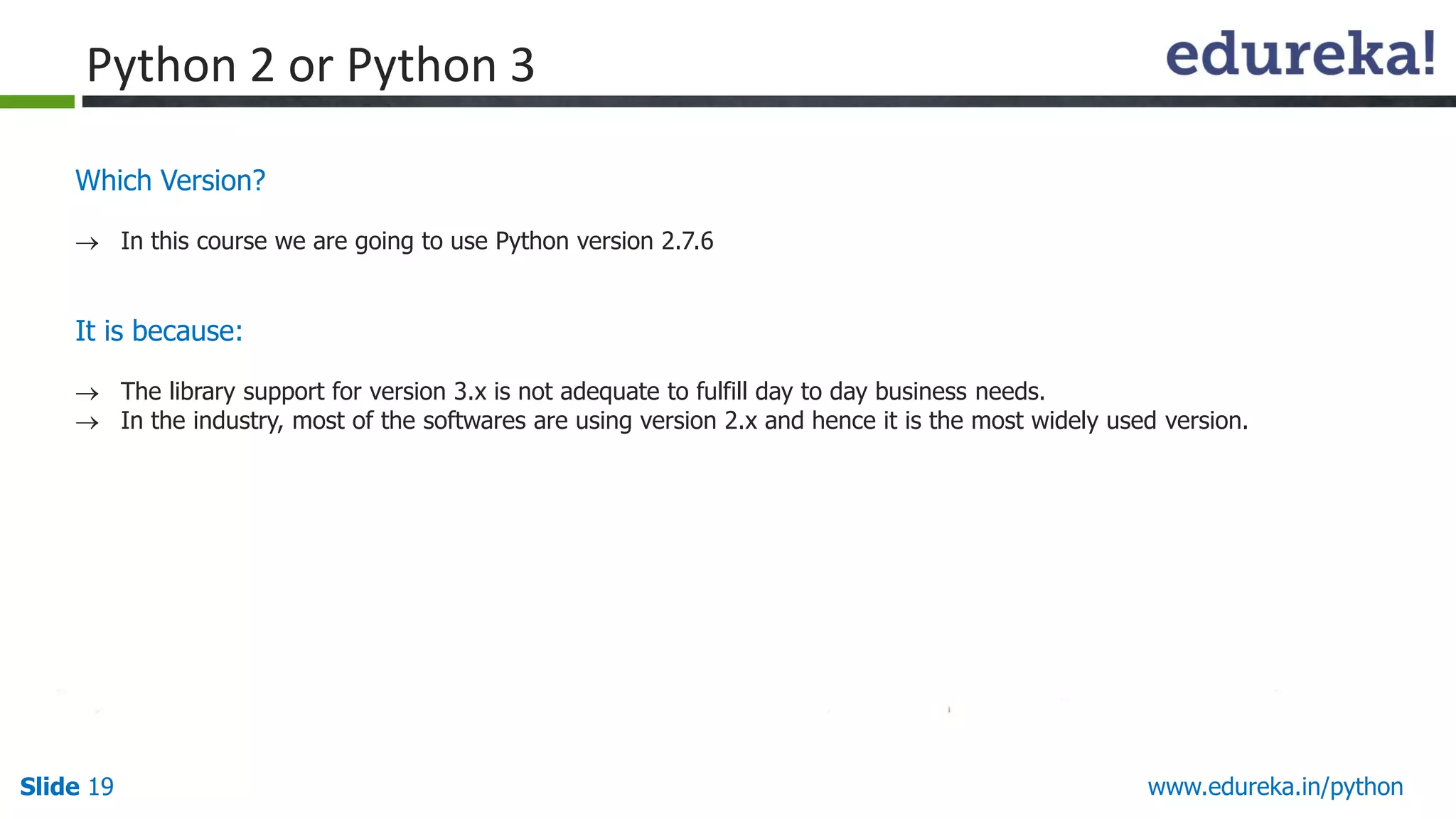
WhichVersion?
In this course we are going to use Python version 2.7.6
It is because:
The library support for version 3.x is not adequate to fulfill day to day business needs.
In the industry, most of the softwares are using version 2.x and hence it is the most widely used version.
Python 2 or Python 3
Slide 22 www.edureka.in/python
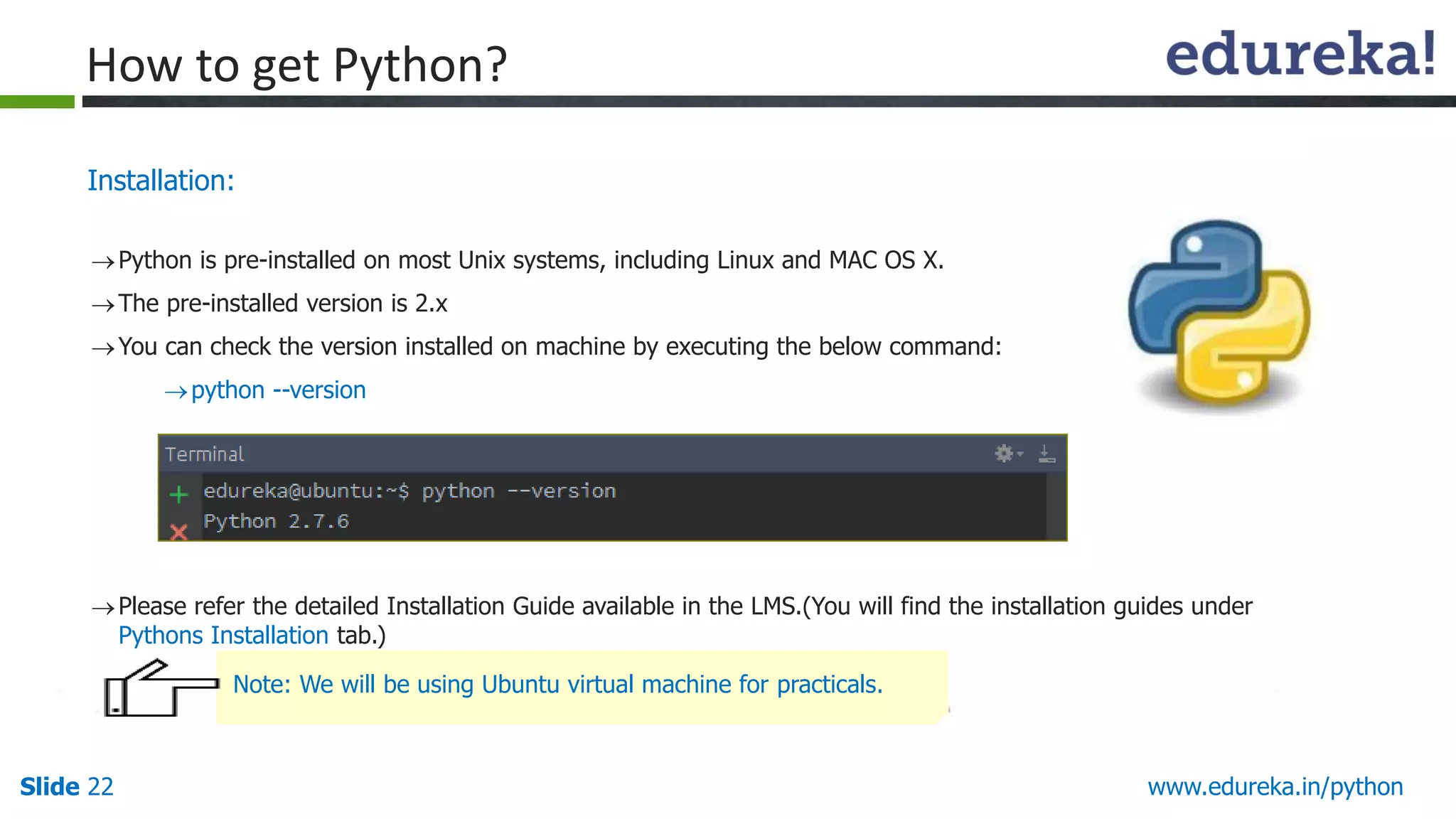
Installation:
Pythonis pre-installed on most Unix systems, including Linux and MAC OS X.
The pre-installed version is 2.x
You can check the version installed on machine by executing the below command:
python --version
Please refer the detailed Installation Guide available in the LMS.(You will find the installation guides under
Pythons Installation tab.)
How to get Python?
Note: We will be using Ubuntu virtual machine for practicals.
23.
Slide 23 www.edureka.in/python
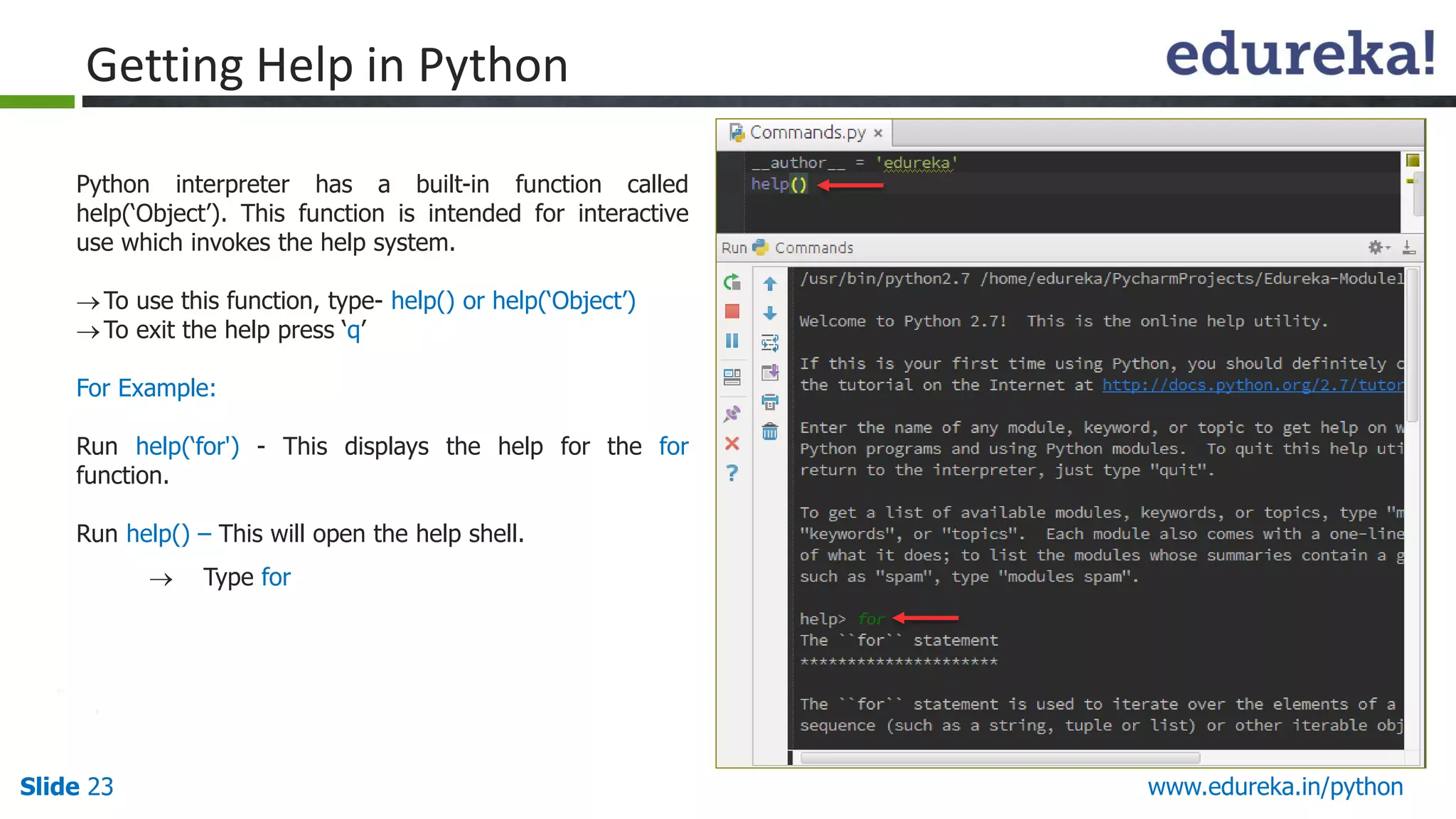
GettingHelp in Python
Python interpreter has a built-in function called
help(‘Object’). This function is intended for interactive
use which invokes the help system.
To use this function, type- help() or help(‘Object’)
To exit the help press ‘q’
For Example:
Run help(‘for') - This displays the help for the for
function.
Run help() – This will open the help shell.
Type for
“help” in Version 2.x & 3.x
24.
Slide 24 www.edureka.in/python
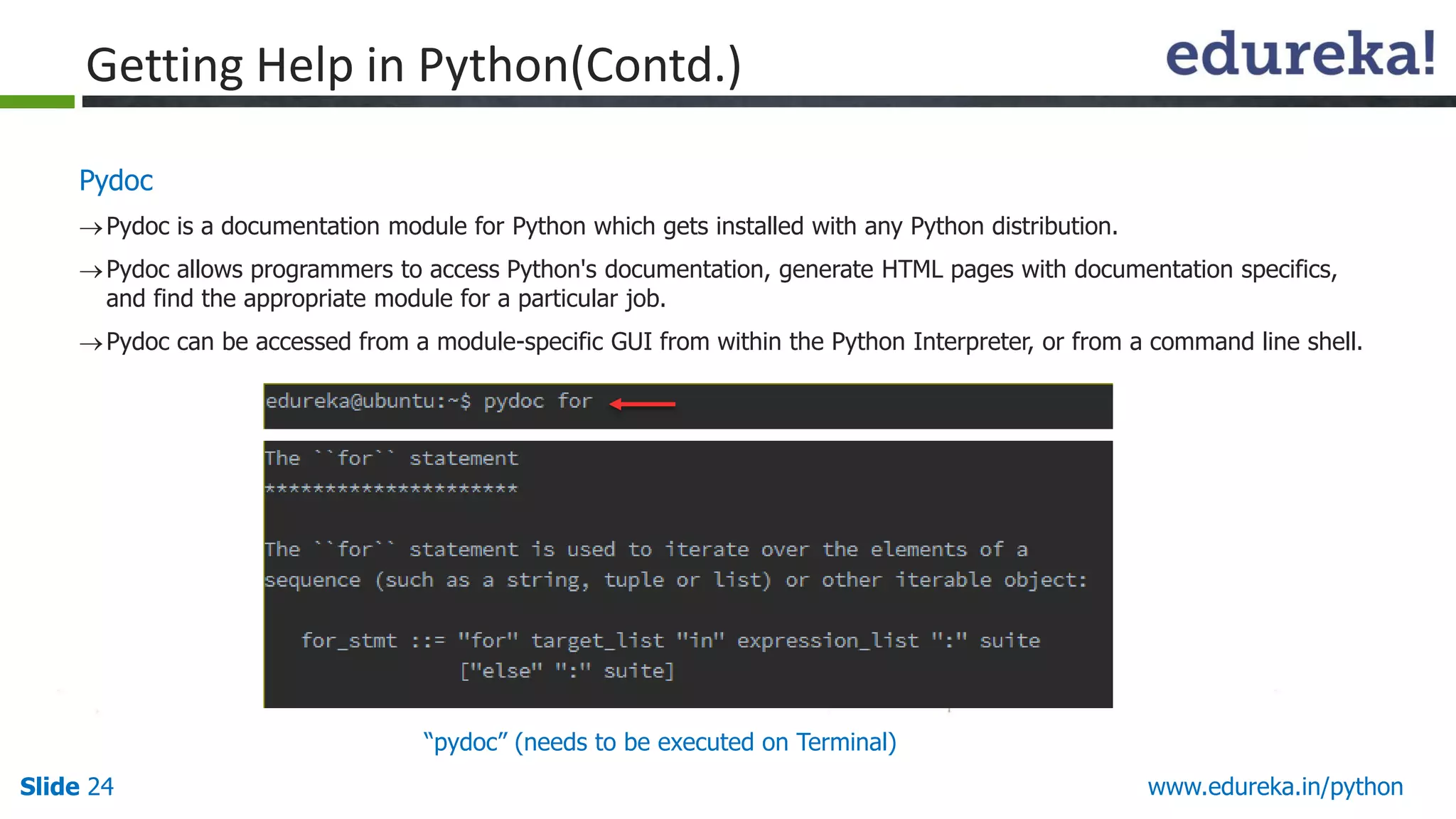
Pydoc
Pydocis a documentation module for Python which gets installed with any Python distribution.
Pydoc allows programmers to access Python's documentation, generate HTML pages with documentation specifics,
and find the appropriate module for a particular job.
Pydoc can be accessed from a module-specific GUI from within the Python Interpreter, or from a command line shell.
Getting Help in Python(Contd.)
“pydoc” (needs to be executed on Terminal)
25.
Slide 25 www.edureka.in/python
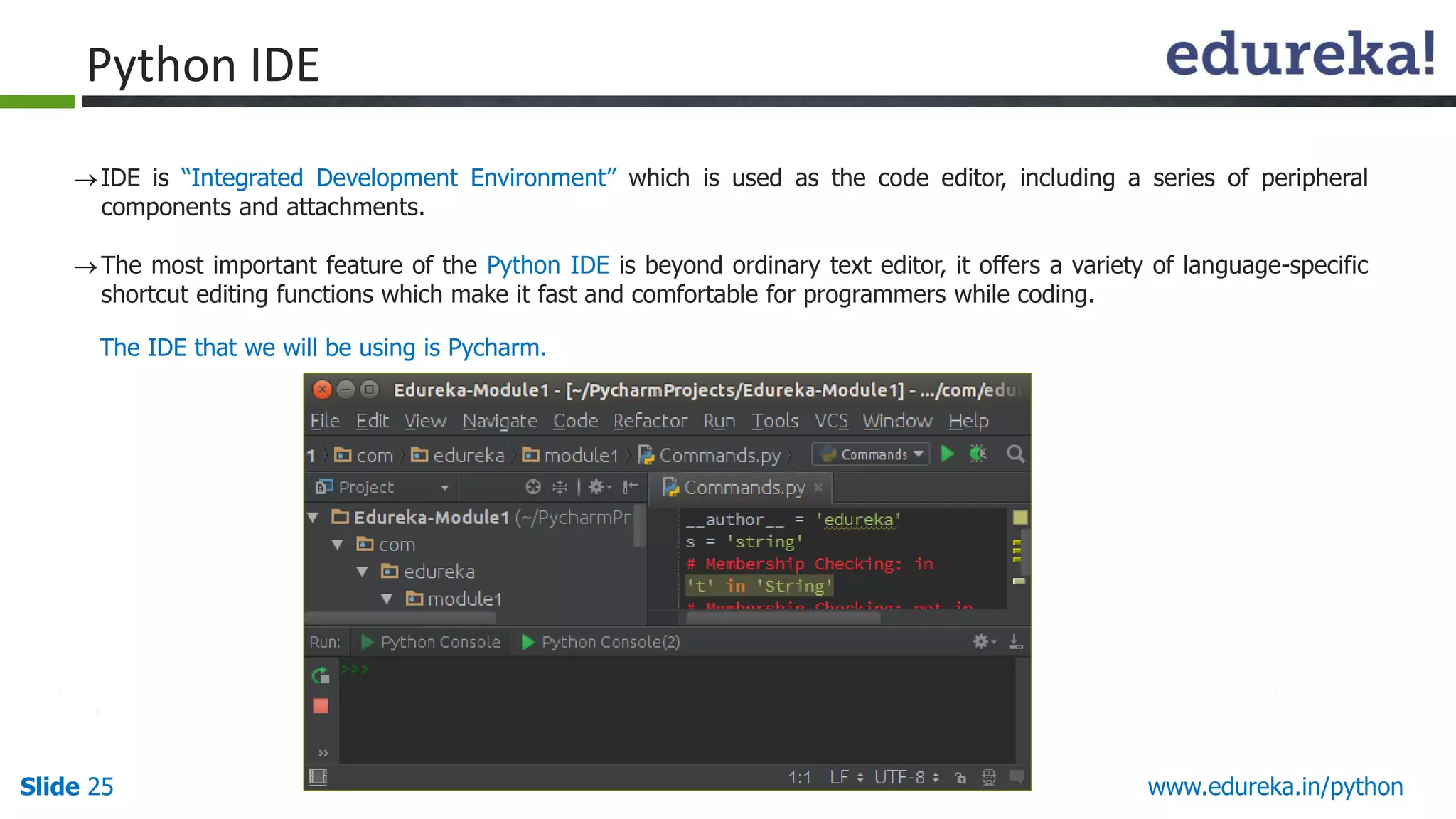
PythonIDE
IDE is “Integrated Development Environment” which is used as the code editor, including a series of peripheral
components and attachments.
The most important feature of the Python IDE is beyond ordinary text editor, it offers a variety of language-specific
shortcut editing functions which make it fast and comfortable for programmers while coding.
The IDE that we will be using is Pycharm.
26.
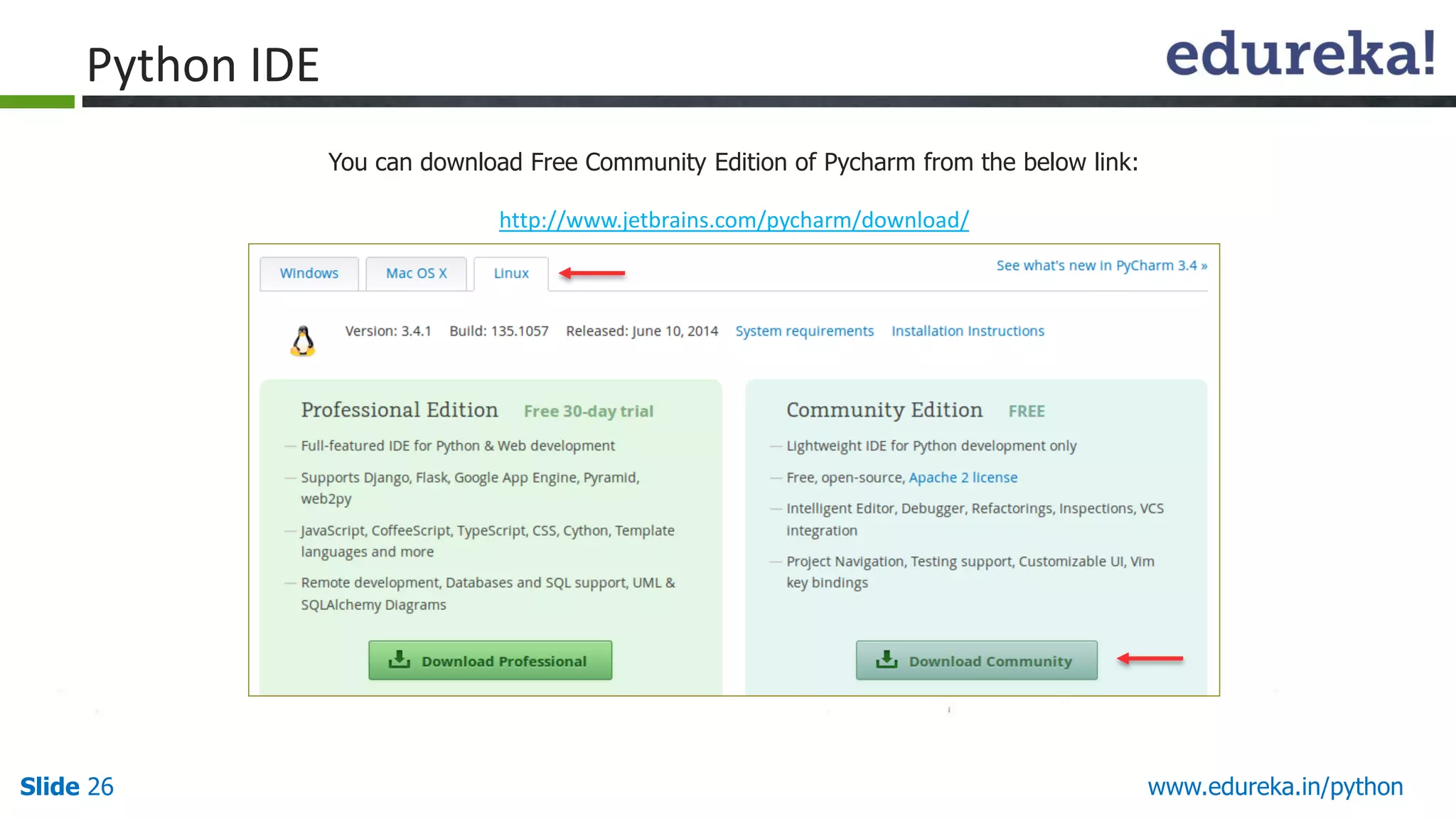
Slide 26 www.edureka.in/python
Youcan download Free Community Edition of Pycharm from the below link:
http://www.jetbrains.com/pycharm/download/
Python IDE
27.
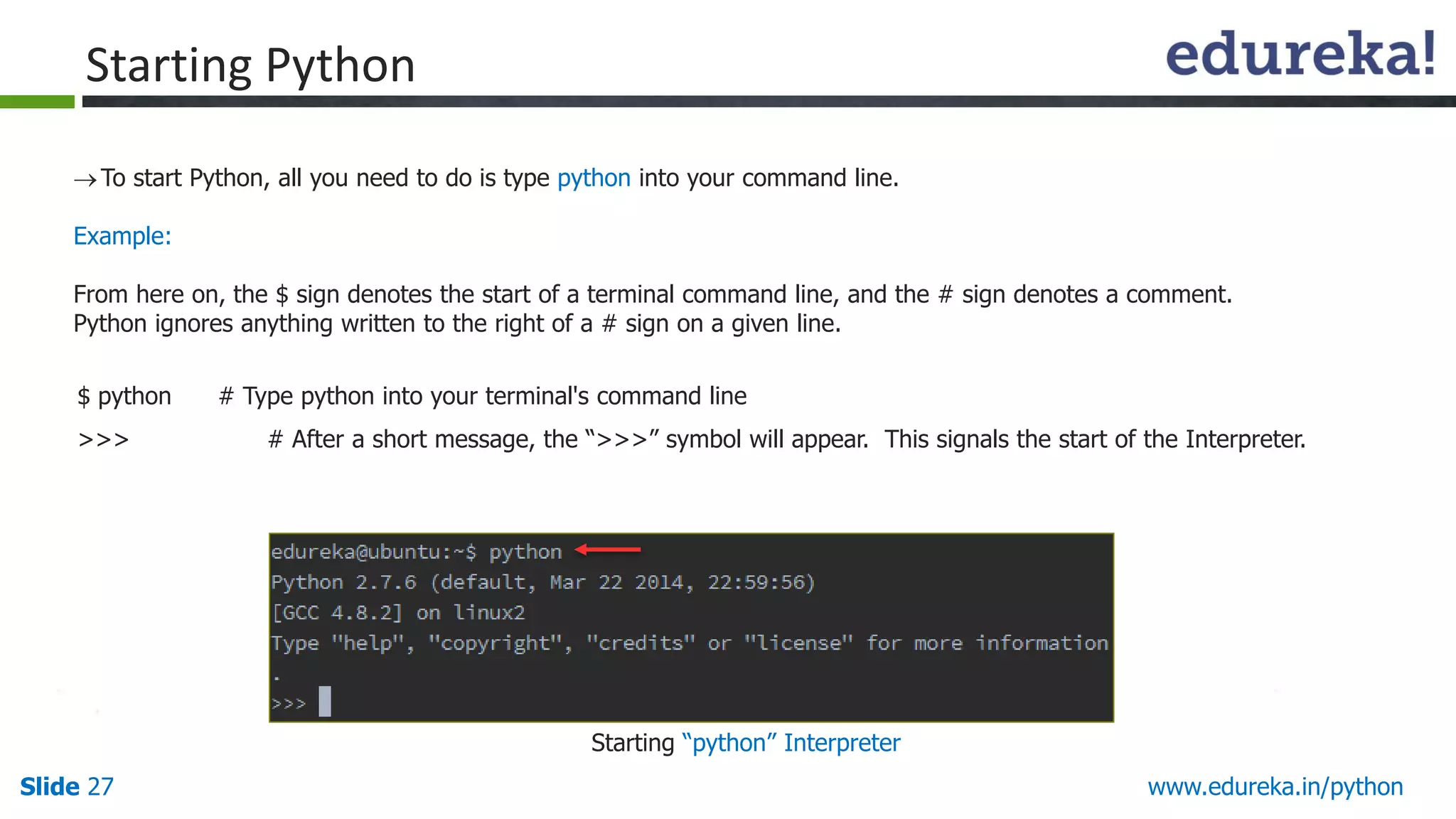
Slide 27 www.edureka.in/python
Tostart Python, all you need to do is type python into your command line.
Example:
From here on, the $ sign denotes the start of a terminal command line, and the # sign denotes a comment.
Python ignores anything written to the right of a # sign on a given line.
$ python # Type python into your terminal's command line
>>> # After a short message, the “>>>” symbol will appear. This signals the start of the Interpreter.
Starting Python
Starting “python” Interpreter
28.
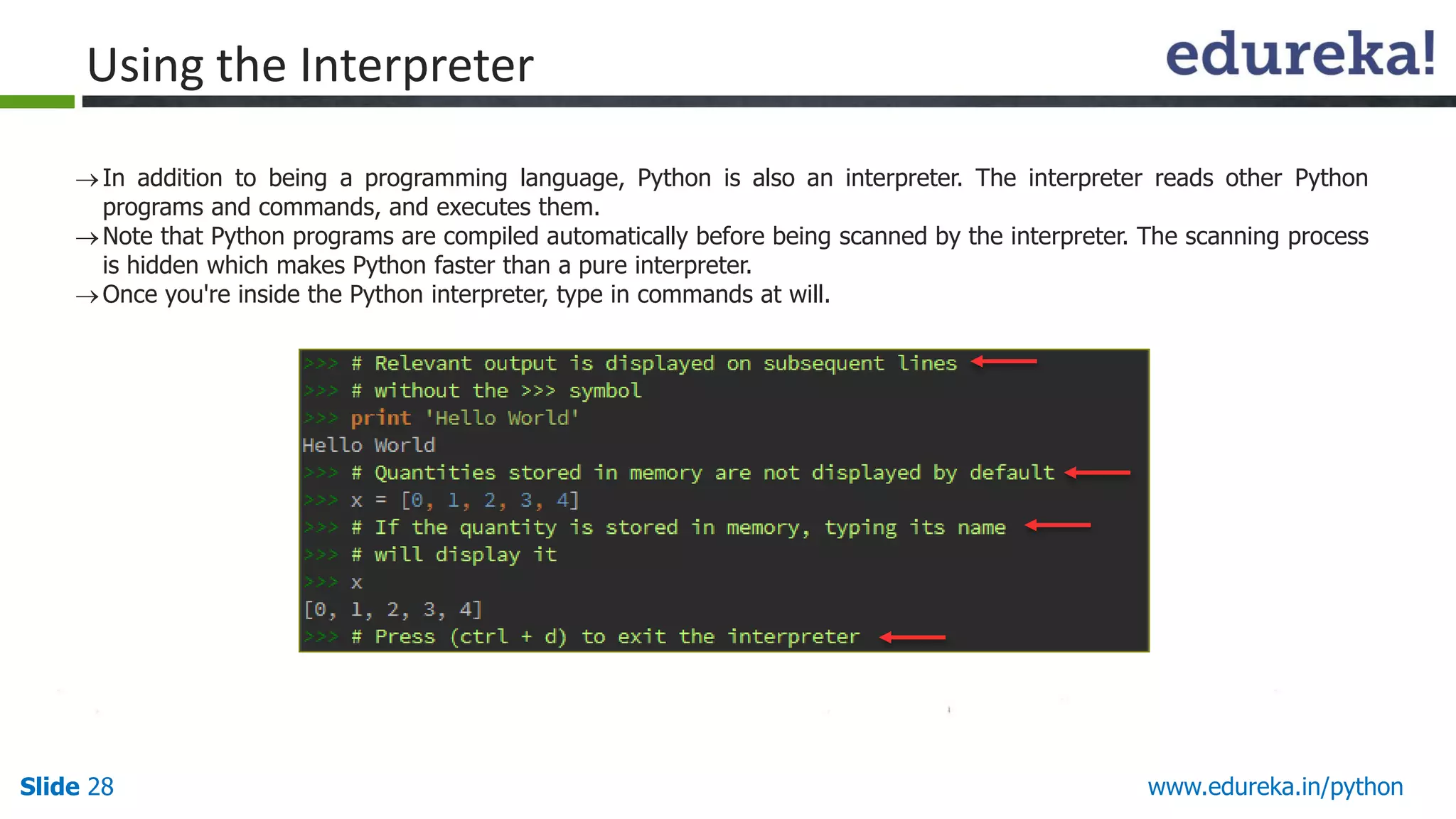
Slide 28 www.edureka.in/python
Inaddition to being a programming language, Python is also an interpreter. The interpreter reads other Python
programs and commands, and executes them.
Note that Python programs are compiled automatically before being scanned by the interpreter. The scanning process
is hidden which makes Python faster than a pure interpreter.
Once you're inside the Python interpreter, type in commands at will.
Using the Interpreter
29.
Slide 29 www.edureka.in/python
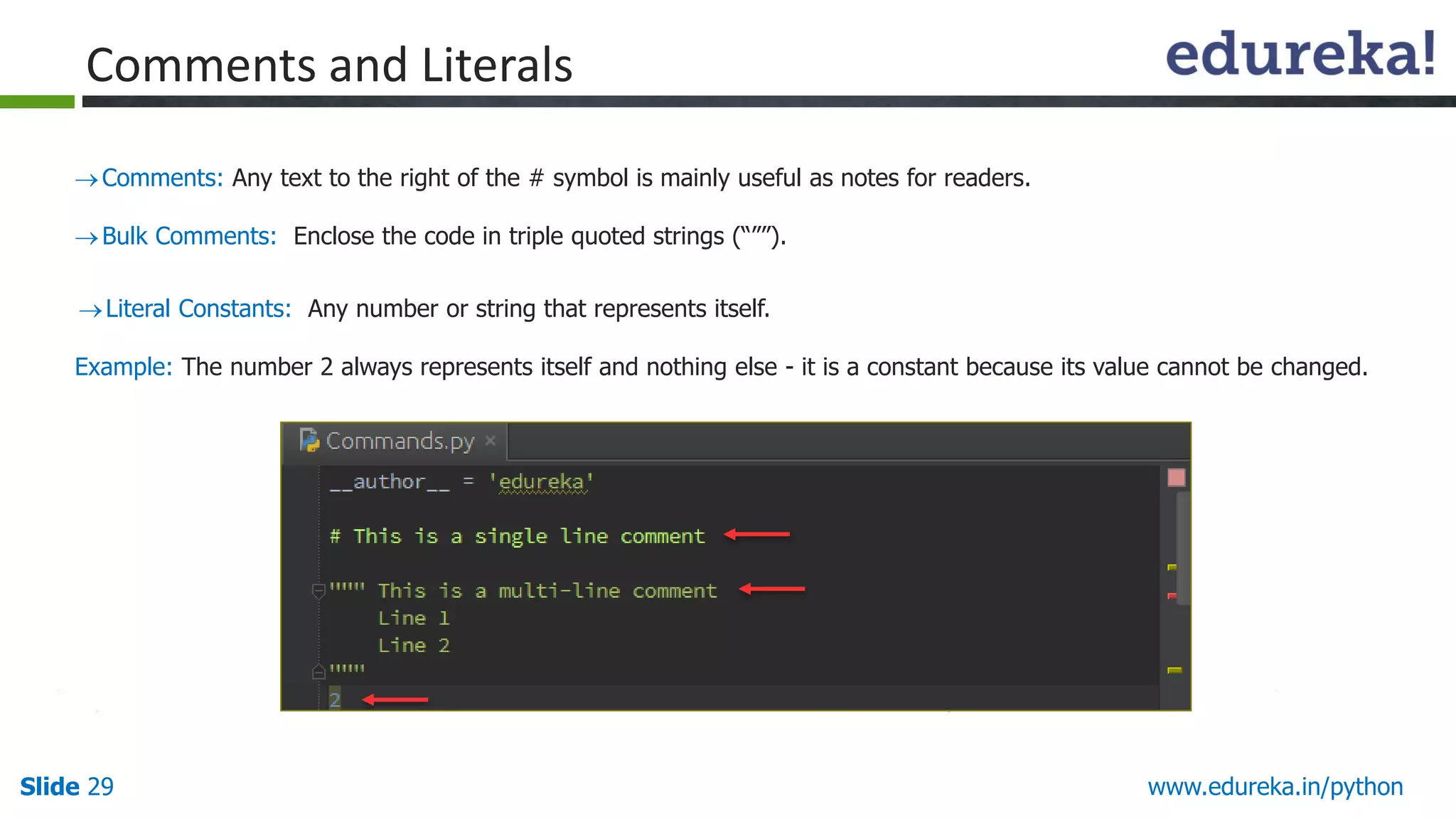
Comments:Any text to the right of the # symbol is mainly useful as notes for readers.
Bulk Comments: Enclose the code in triple quoted strings (“””).
Literal Constants: Any number or string that represents itself.
Example: The number 2 always represents itself and nothing else - it is a constant because its value cannot be changed.
Comments and Literals
30.
Slide 30 www.edureka.in/python
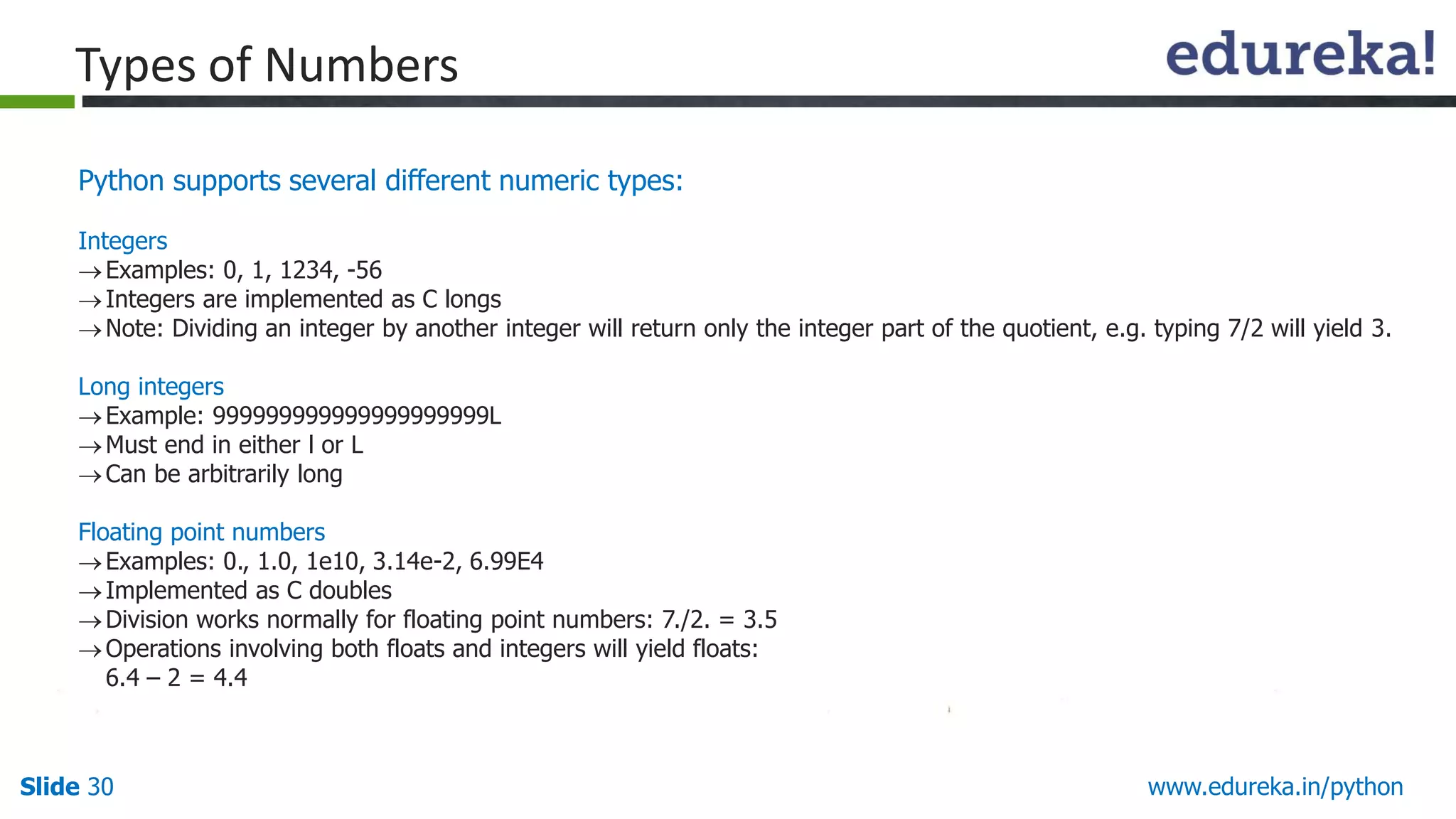
Pythonsupports several different numeric types:
Integers
Examples: 0, 1, 1234, -56
Integers are implemented as C longs
Note: Dividing an integer by another integer will return only the integer part of the quotient, e.g. typing 7/2 will yield 3.
Long integers
Example: 999999999999999999999L
Must end in either l or L
Can be arbitrarily long
Floating point numbers
Examples: 0., 1.0, 1e10, 3.14e-2, 6.99E4
Implemented as C doubles
Division works normally for floating point numbers: 7./2. = 3.5
Operations involving both floats and integers will yield floats:
6.4 – 2 = 4.4
Types of Numbers
31.
Slide 31 www.edureka.in/python
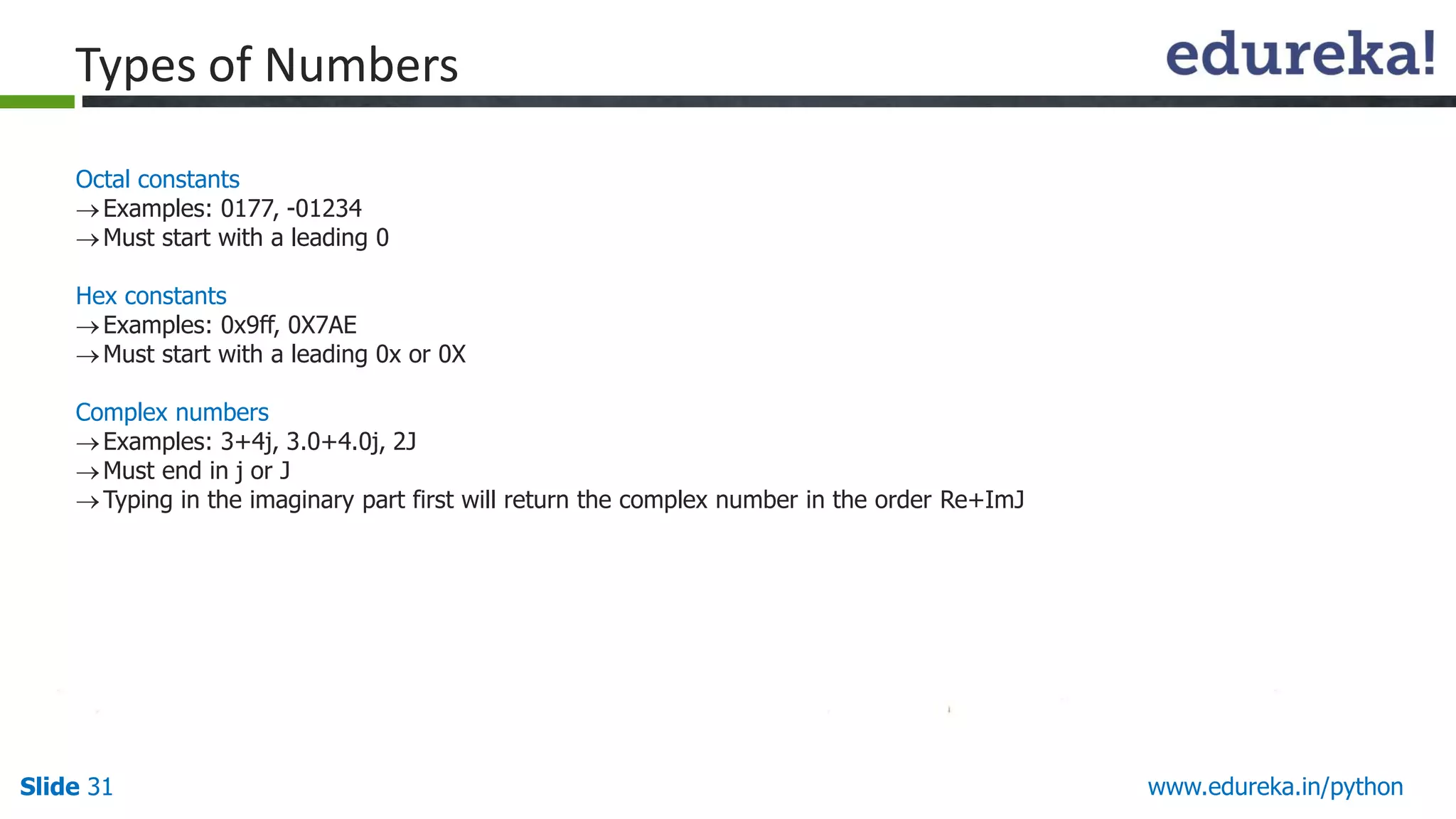
Octalconstants
Examples: 0177, -01234
Must start with a leading 0
Hex constants
Examples: 0x9ff, 0X7AE
Must start with a leading 0x or 0X
Complex numbers
Examples: 3+4j, 3.0+4.0j, 2J
Must end in j or J
Typing in the imaginary part first will return the complex number in the order Re+ImJ
Types of Numbers
32.
Slide 32 www.edureka.in/python
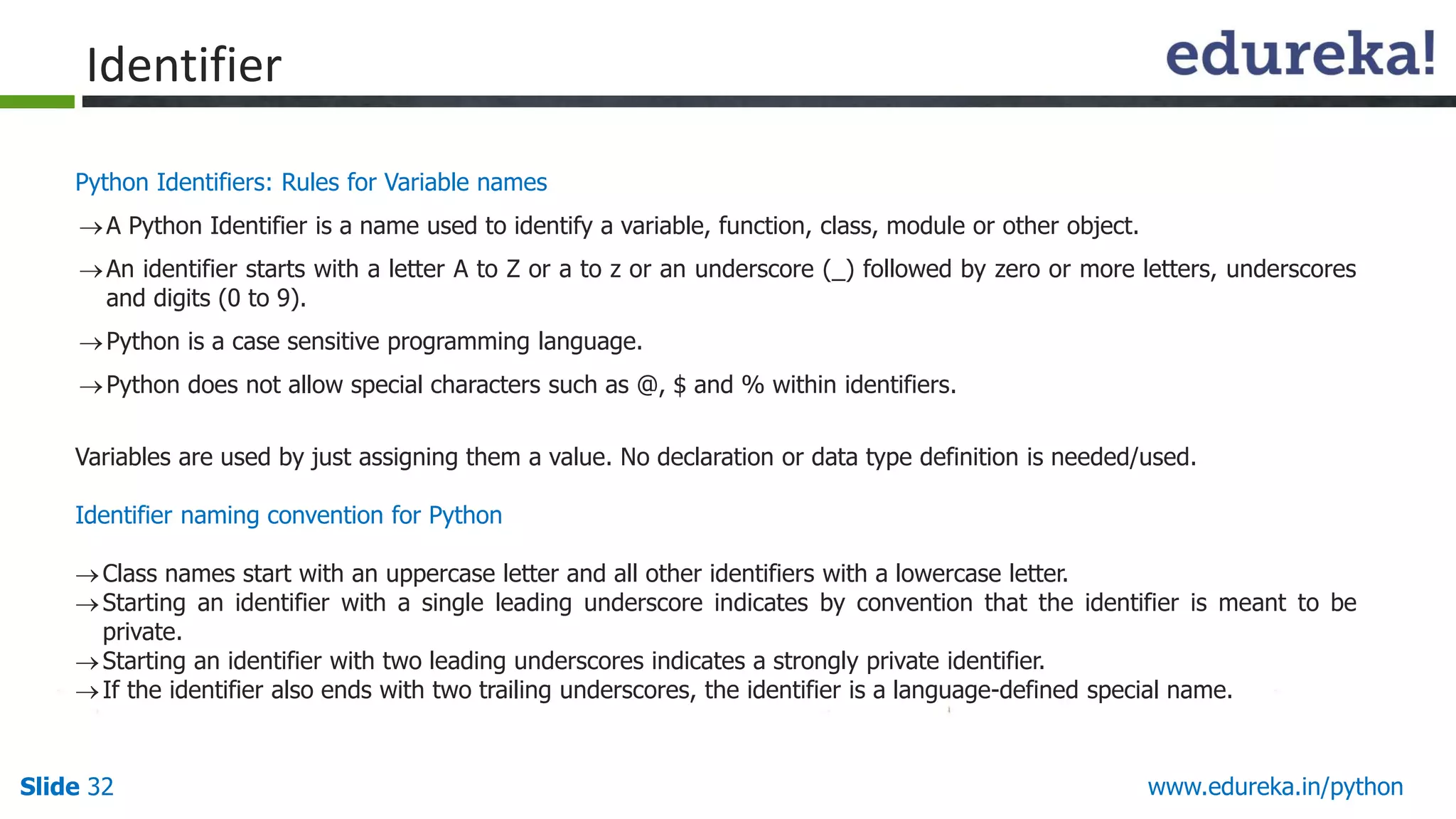
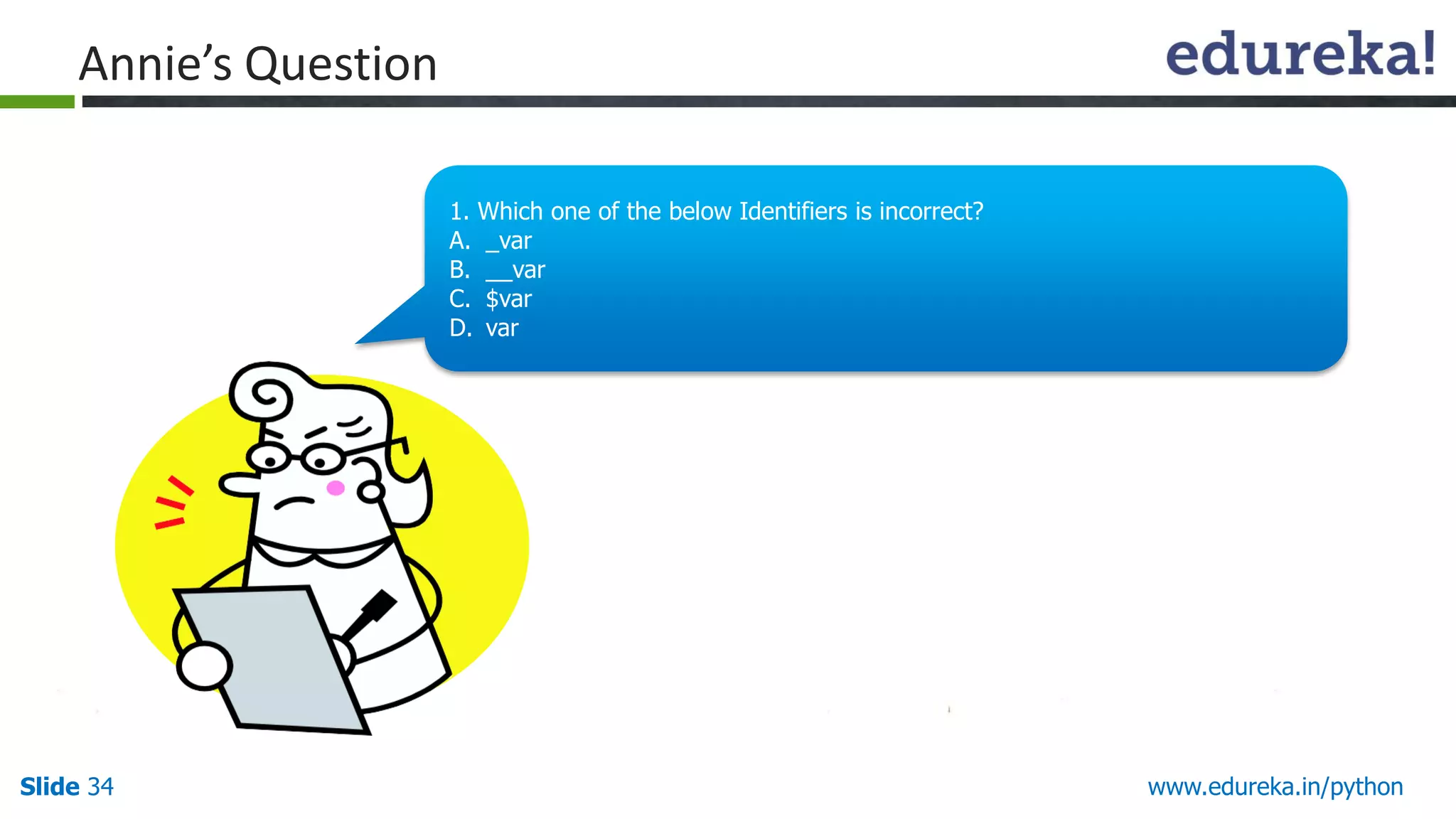
PythonIdentifiers: Rules for Variable names
A Python Identifier is a name used to identify a variable, function, class, module or other object.
An identifier starts with a letter A to Z or a to z or an underscore (_) followed by zero or more letters, underscores
and digits (0 to 9).
Python is a case sensitive programming language.
Python does not allow special characters such as @, $ and % within identifiers.
Variables are used by just assigning them a value. No declaration or data type definition is needed/used.
Identifier naming convention for Python
Class names start with an uppercase letter and all other identifiers with a lowercase letter.
Starting an identifier with a single leading underscore indicates by convention that the identifier is meant to be
private.
Starting an identifier with two leading underscores indicates a strongly private identifier.
If the identifier also ends with two trailing underscores, the identifier is a language-defined special name.
Identifier
33.
Slide 33 www.edureka.in/python
HelloThere!!
My name is Annie.
I love quizzes and
puzzles and I am here to
make you guys think and
answer my questions.
Annie’s Introduction
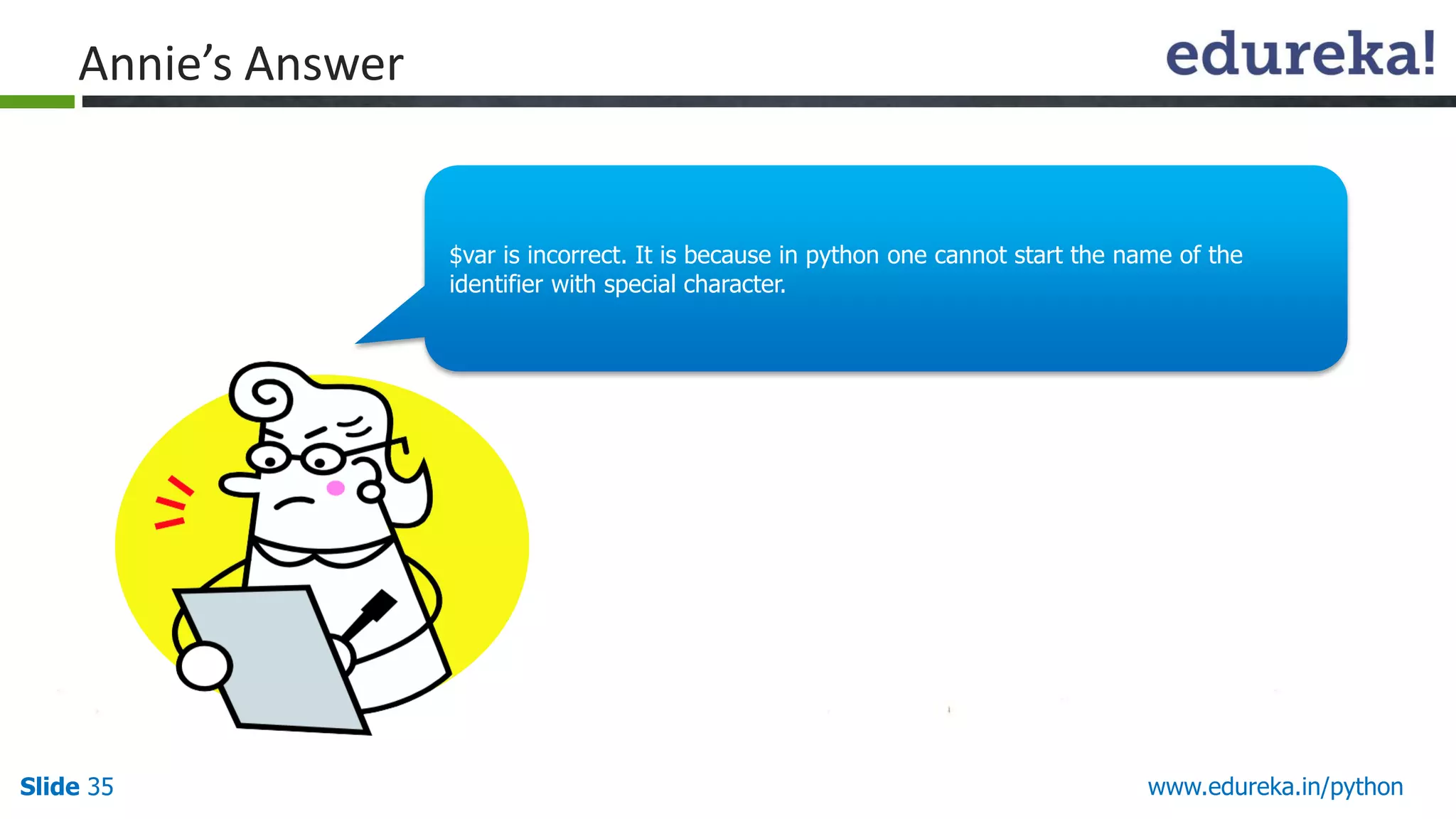
Slide 35 www.edureka.in/python
Annie’sAnswer
$var is incorrect. It is because in python one cannot start the name of the
identifier with special character.
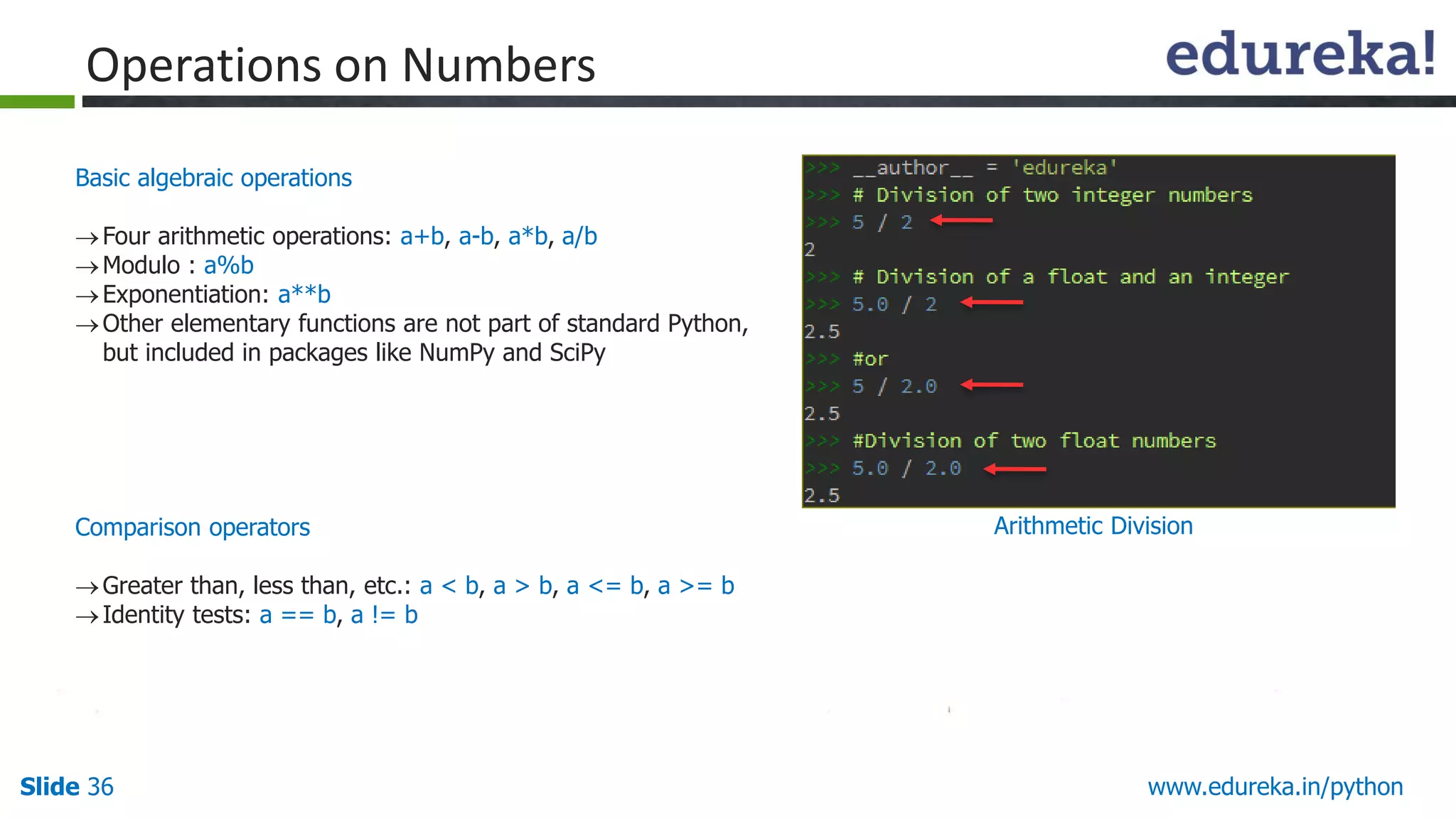
36.
Slide 36 www.edureka.in/python
Basicalgebraic operations
Four arithmetic operations: a+b, a-b, a*b, a/b
Modulo : a%b
Exponentiation: a**b
Other elementary functions are not part of standard Python,
but included in packages like NumPy and SciPy
Comparison operators
Greater than, less than, etc.: a < b, a > b, a <= b, a >= b
Identity tests: a == b, a != b
Operations on Numbers
Arithmetic Division
37.
Slide 37 www.edureka.in/python
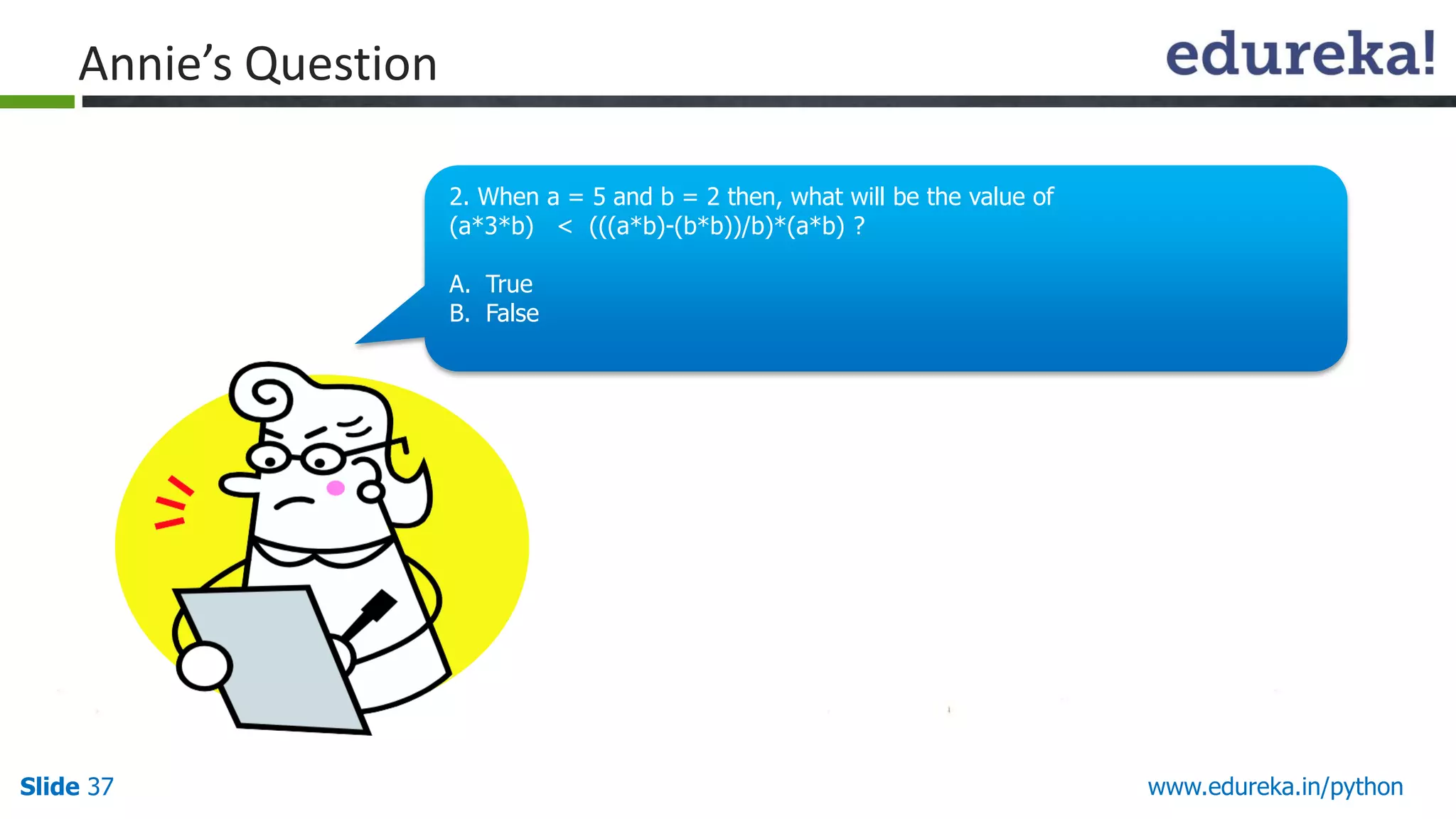
Annie’sQuestion
2. When a = 5 and b = 2 then, what will be the value of
(a*3*b) < (((a*b)-(b*b))/b)*(a*b) ?
A. True
B. False
38.
Slide 38 www.edureka.in/python
Annie’sAnswer
The answer is False. It is because the value of left expression ( (a*3*b) ) and
the right expression ( (((a*b)-(b*b))/b)*(a*b) ) are equal.
(a*3*b) = (((a*b)-(b*b))/b)*(a*b) = 30
39.
Slide 39 www.edureka.in/python
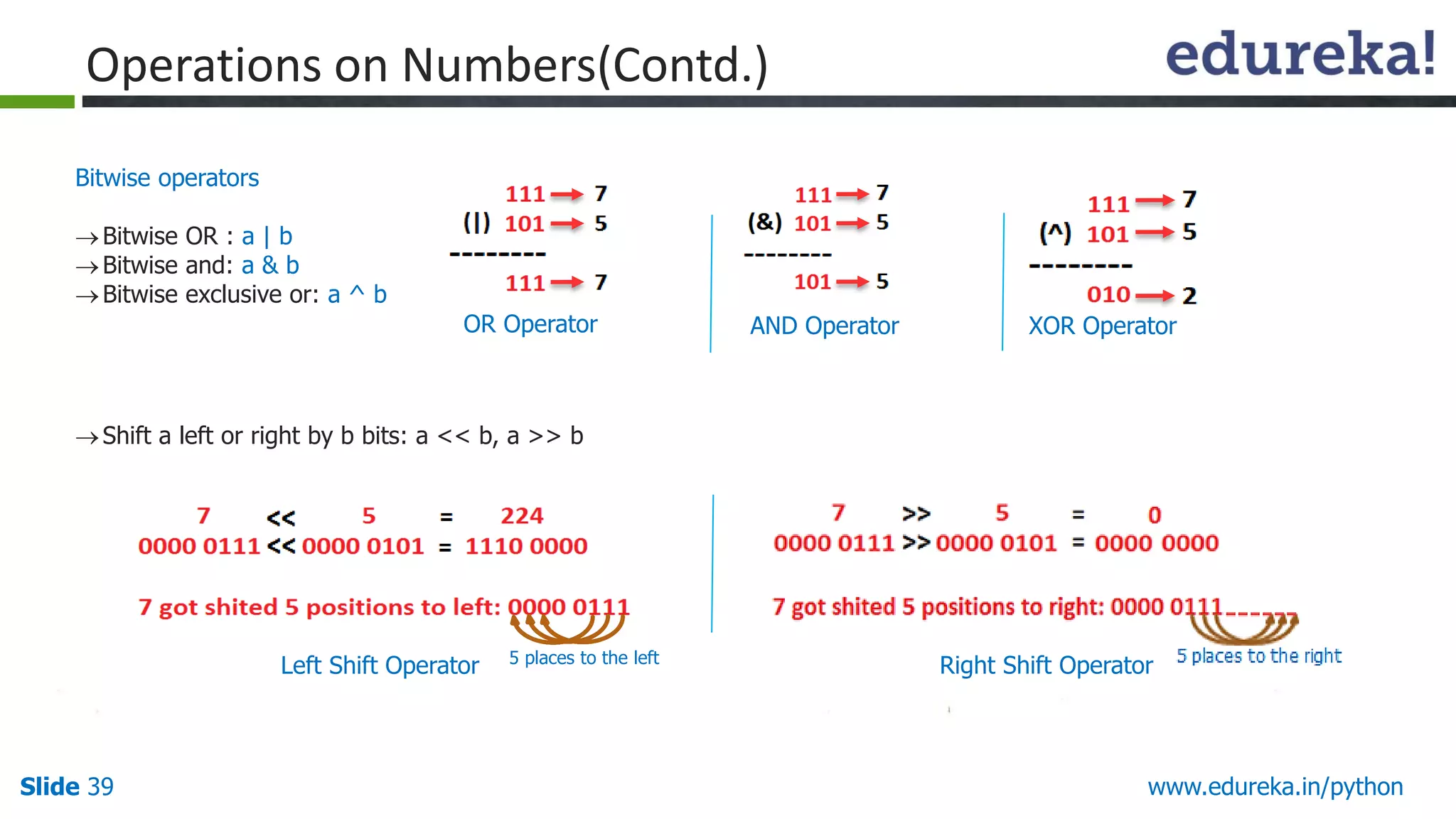
Bitwiseoperators
Bitwise OR : a | b
Bitwise and: a & b
Bitwise exclusive or: a ^ b
Operations on Numbers(Contd.)
OR Operator AND Operator XOR Operator
Shift a left or right by b bits: a << b, a >> b
Left Shift Operator 5 places to the left
Right Shift Operator
40.
Slide 40 www.edureka.in/python
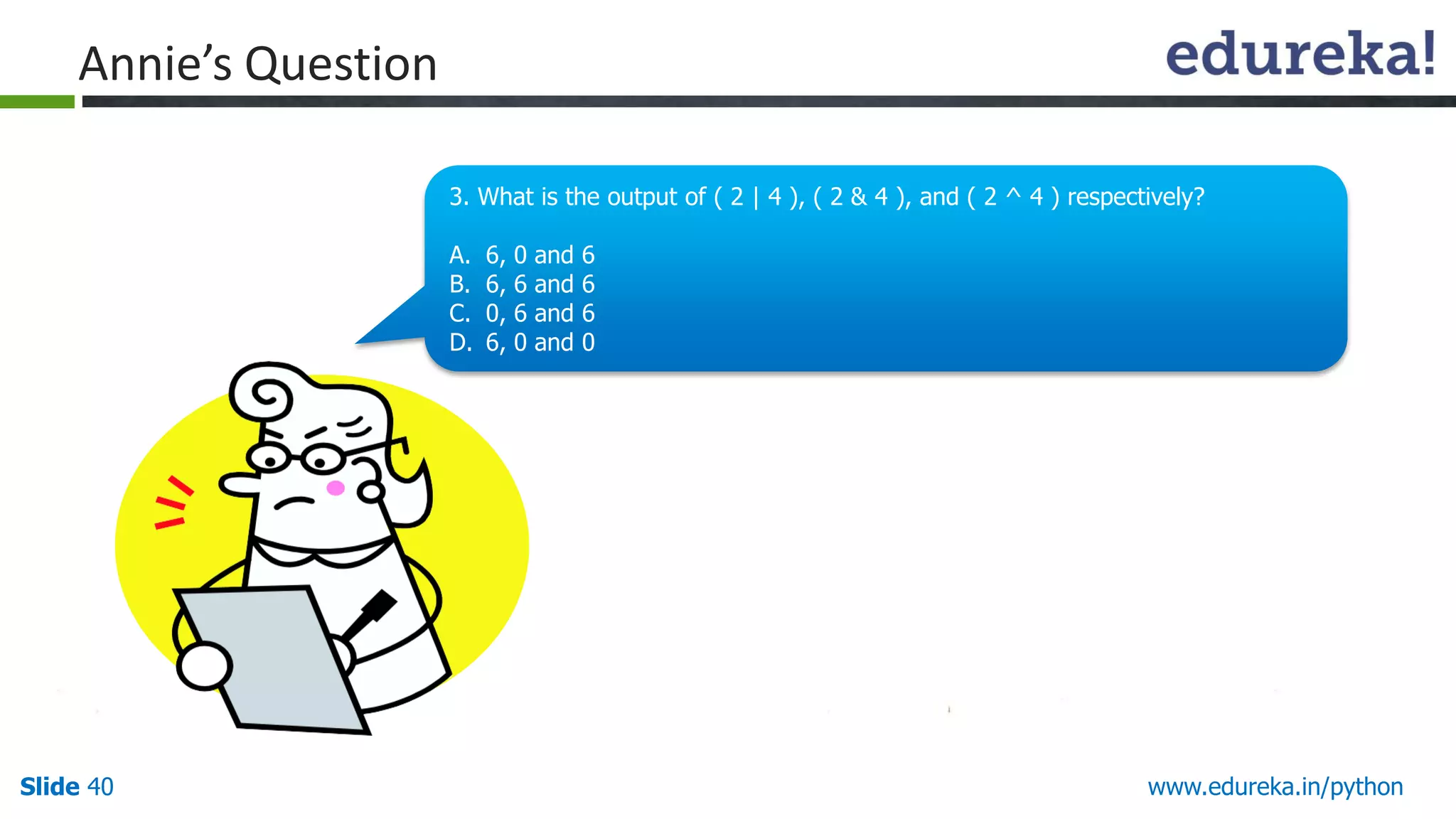
Annie’sQuestion
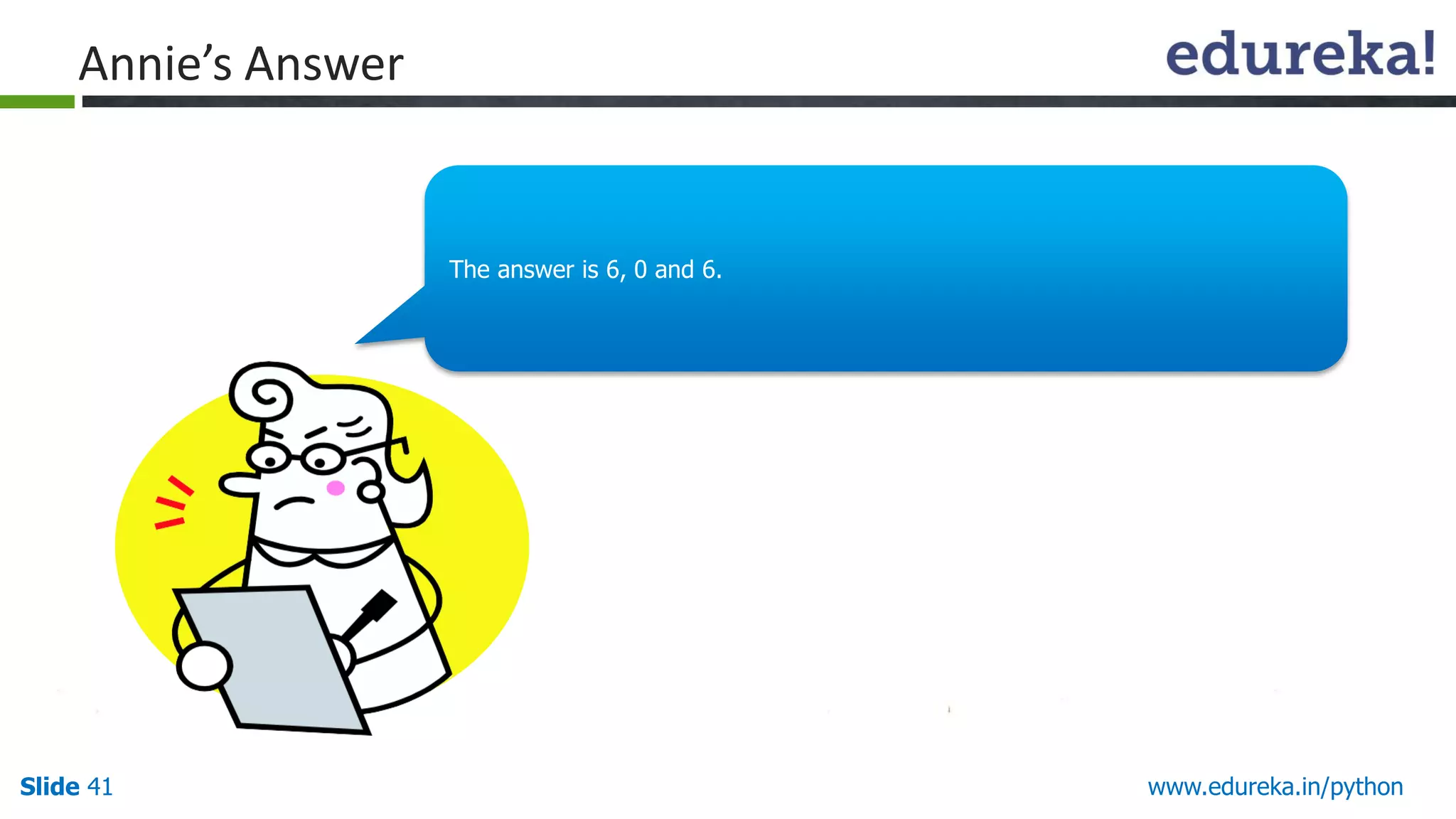
3. What is the output of ( 2 | 4 ), ( 2 & 4 ), and ( 2 ^ 4 ) respectively?
A. 6, 0 and 6
B. 6, 6 and 6
C. 0, 6 and 6
D. 6, 0 and 0
Slide 42 www.edureka.in/python
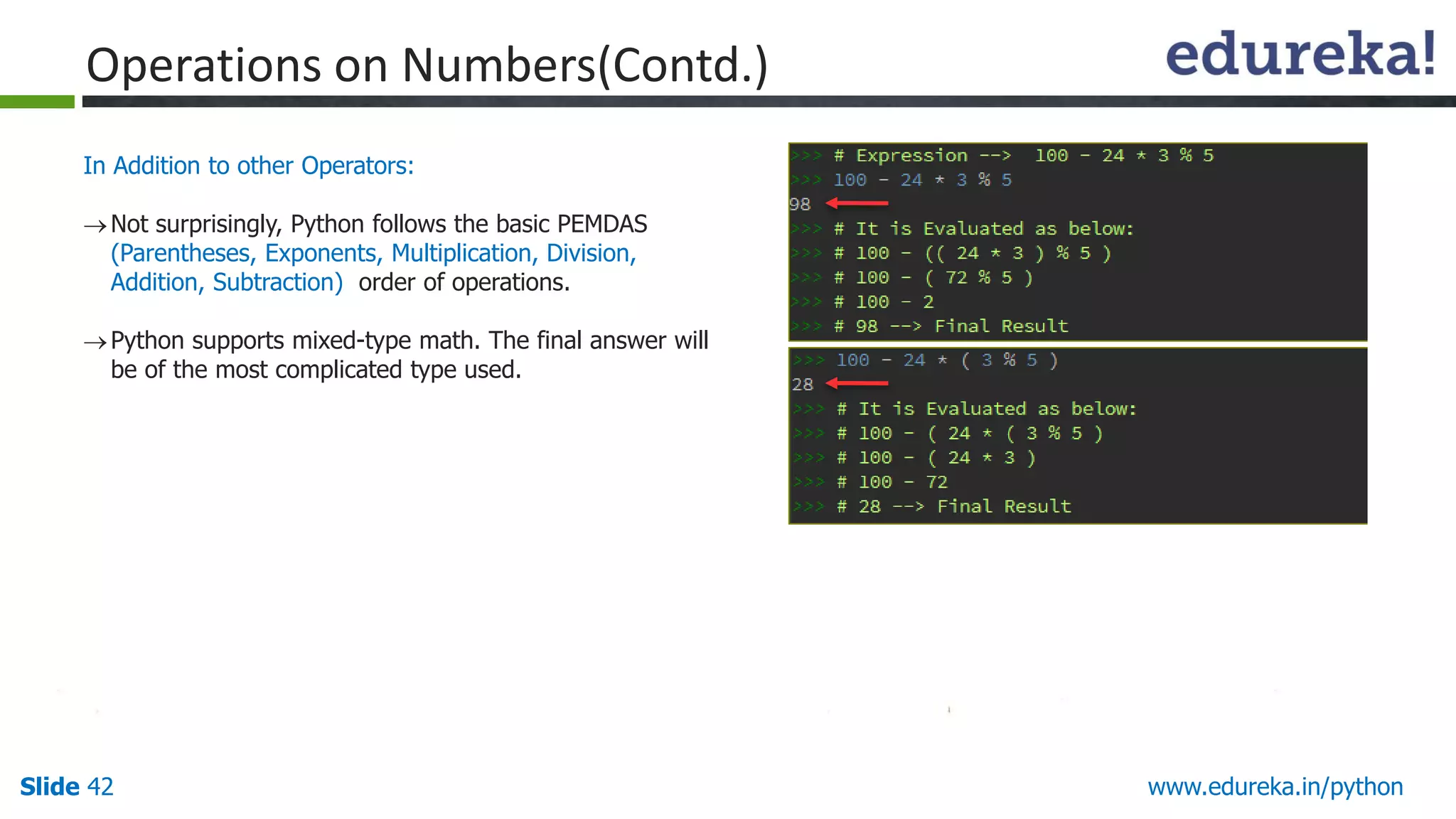
InAddition to other Operators:
Not surprisingly, Python follows the basic PEMDAS
(Parentheses, Exponents, Multiplication, Division,
Addition, Subtraction) order of operations.
Python supports mixed-type math. The final answer will
be of the most complicated type used.
Operations on Numbers(Contd.)
Slide 44 www.edureka.in/python
Annie’sAnswer
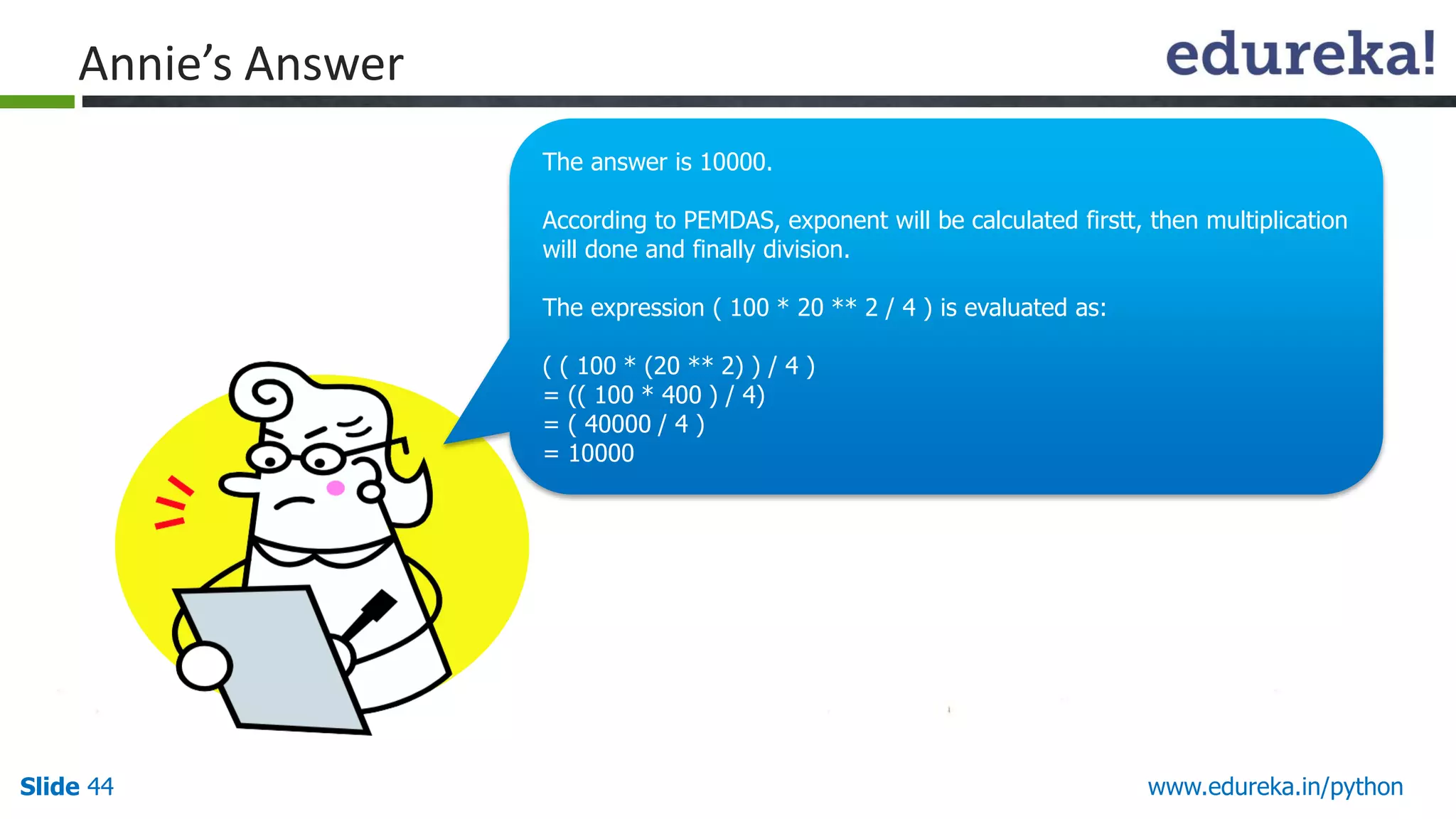
The answer is 10000.
According to PEMDAS, exponent will be calculated firstt, then multiplication
will done and finally division.
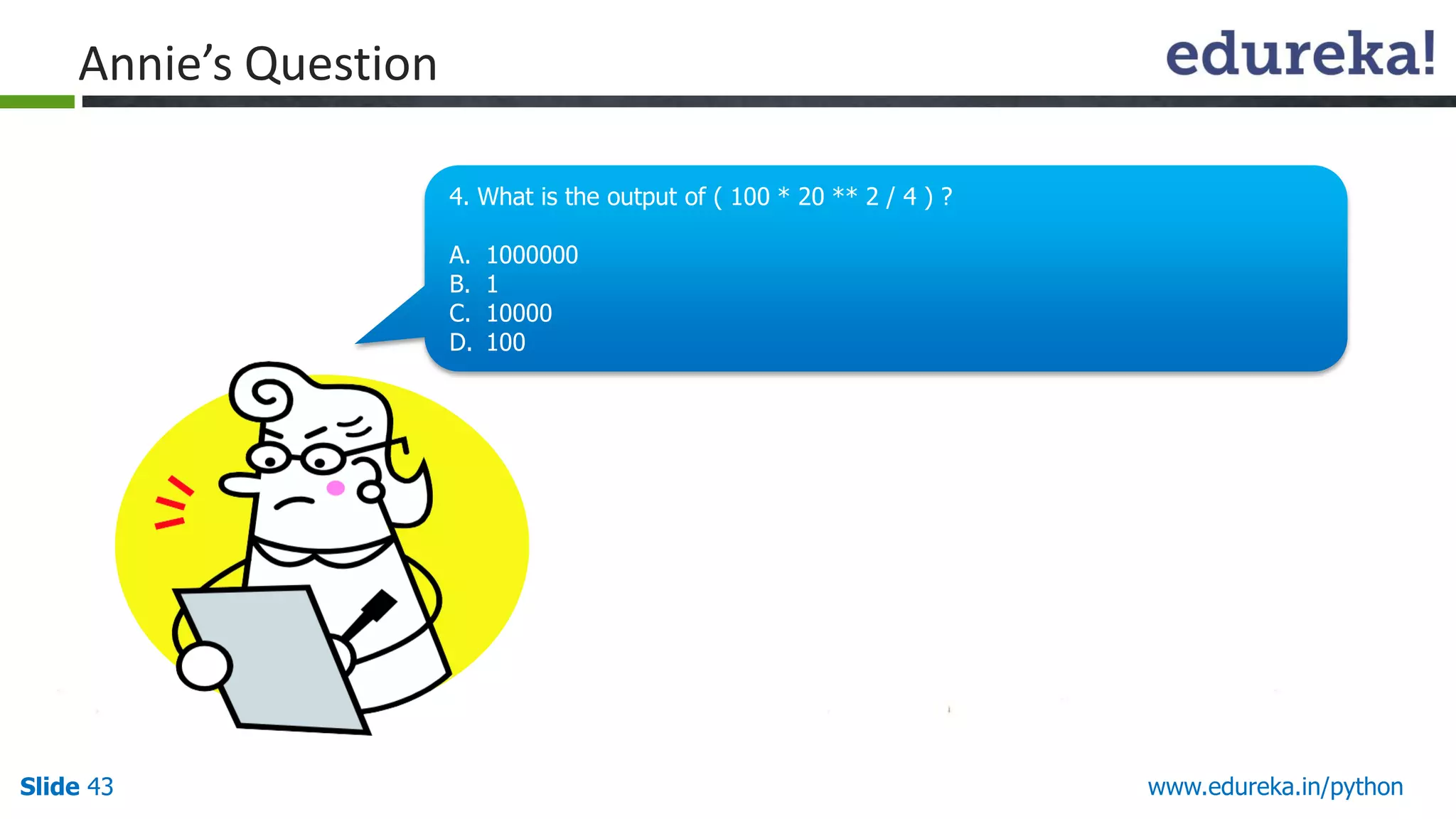
The expression ( 100 * 20 ** 2 / 4 ) is evaluated as:
( ( 100 * (20 ** 2) ) / 4 )
= (( 100 * 400 ) / 4)
= ( 40000 / 4 )
= 10000
45.
Slide 45 www.edureka.in/python
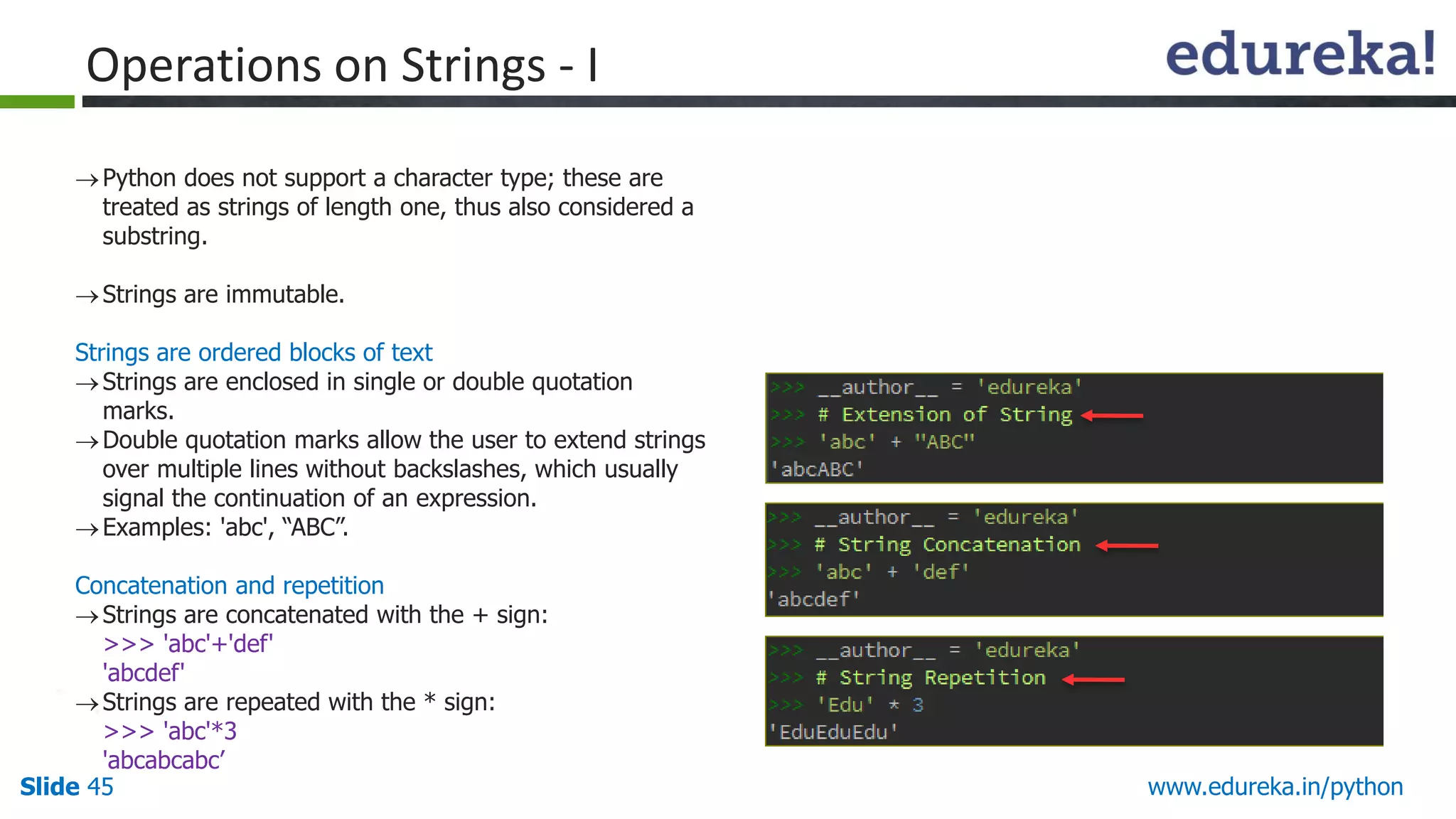
Pythondoes not support a character type; these are
treated as strings of length one, thus also considered a
substring.
Strings are immutable.
Strings are ordered blocks of text
Strings are enclosed in single or double quotation
marks.
Double quotation marks allow the user to extend strings
over multiple lines without backslashes, which usually
signal the continuation of an expression.
Examples: 'abc', “ABC”.
Concatenation and repetition
Strings are concatenated with the + sign:
>>> 'abc'+'def'
'abcdef'
Strings are repeated with the * sign:
>>> 'abc'*3
'abcabcabc’
Operations on Strings - I
46.
Slide 46 www.edureka.in/python
Indexingand Slicing Operation
Python starts indexing at 0.
A string s will have indexes running from 0 to len(s)-1 (where len(s) is the length of s) in integer quantities.
s[i] fetches the ith element in s.
Example :
Operations on Strings - II
47.
Slide 47 www.edureka.in/python
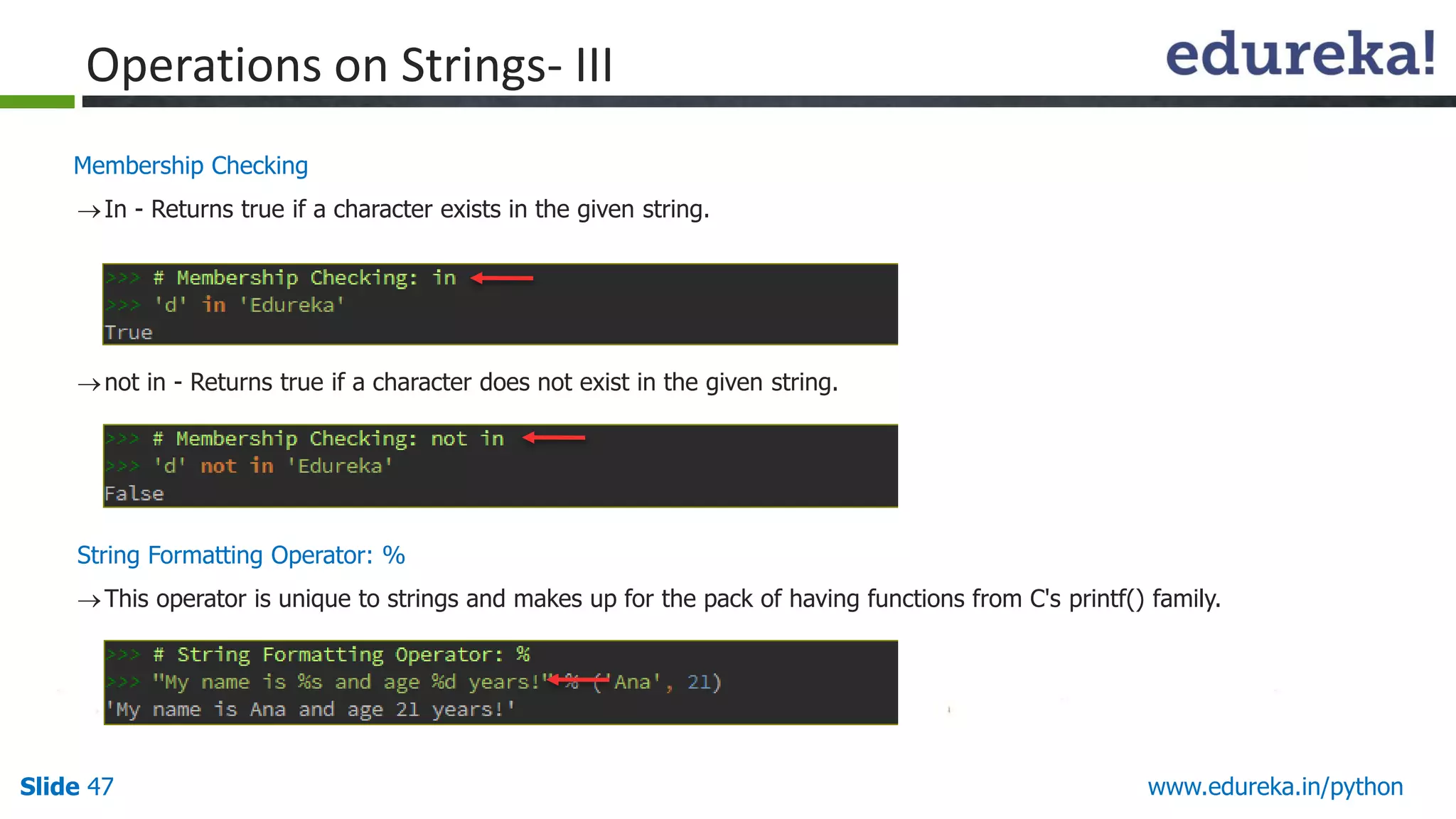
MembershipChecking
In - Returns true if a character exists in the given string.
not in - Returns true if a character does not exist in the given string.
String Formatting Operator: %
This operator is unique to strings and makes up for the pack of having functions from C's printf() family.
Operations on Strings- III
48.
Slide 48 www.edureka.in/python
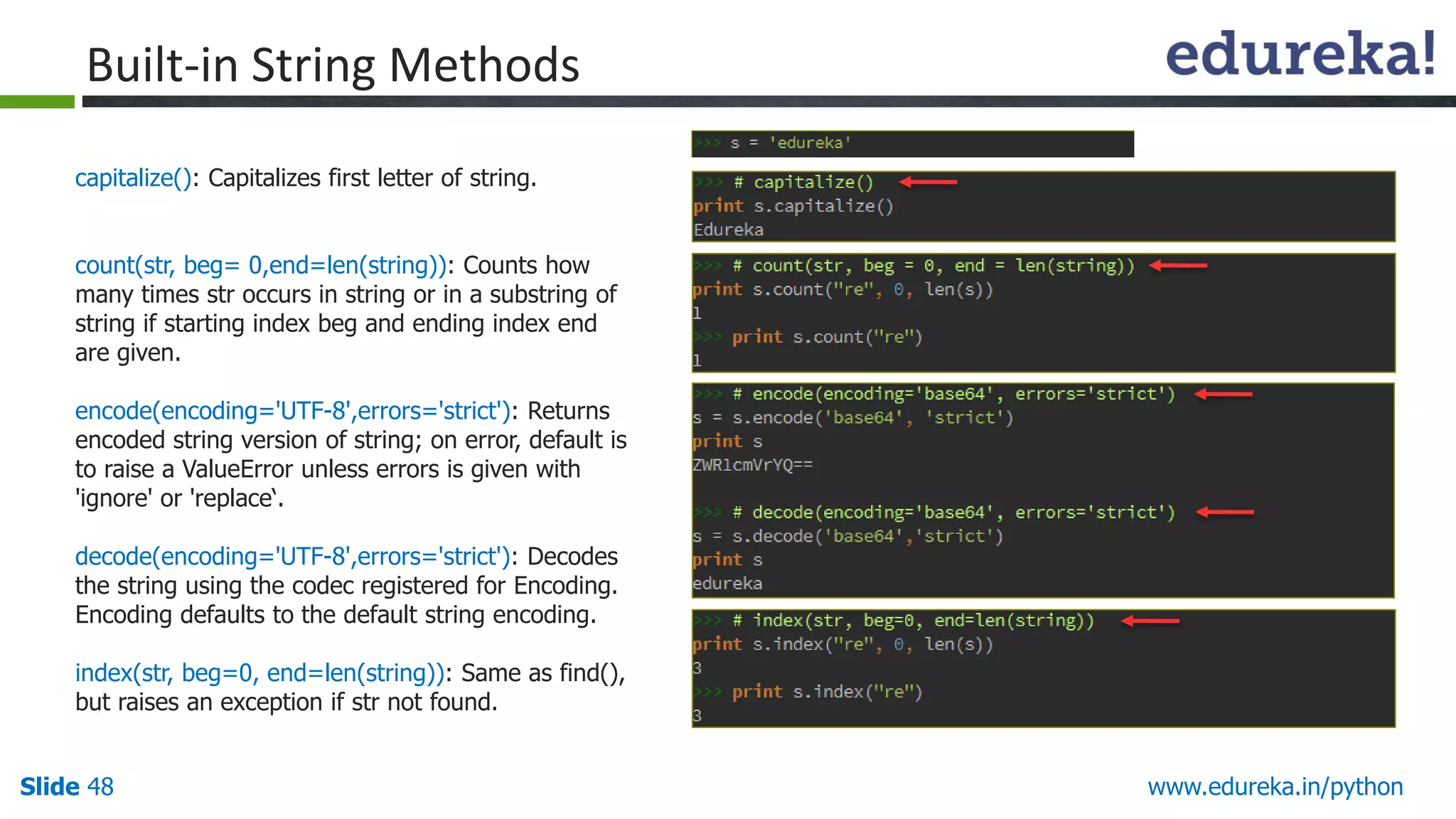
capitalize():Capitalizes first letter of string.
count(str, beg= 0,end=len(string)): Counts how
many times str occurs in string or in a substring of
string if starting index beg and ending index end
are given.
encode(encoding='UTF-8',errors='strict'): Returns
encoded string version of string; on error, default is
to raise a ValueError unless errors is given with
'ignore' or 'replace‘.
decode(encoding='UTF-8',errors='strict'): Decodes
the string using the codec registered for Encoding.
Encoding defaults to the default string encoding.
index(str, beg=0, end=len(string)): Same as find(),
but raises an exception if str not found.
Built-in String Methods
49.
Slide 49 www.edureka.in/python
max(str):Returns the max alphabetical character
from the string str.
min(str): Returns the min alphabetical character
from the string str.
replace(old, new [, max]): Replaces all occurrences
of old in string with new or at most max
occurrences if max given.
upper(): Converts lowercase letters in string to
uppercase.
More String Methods
50.
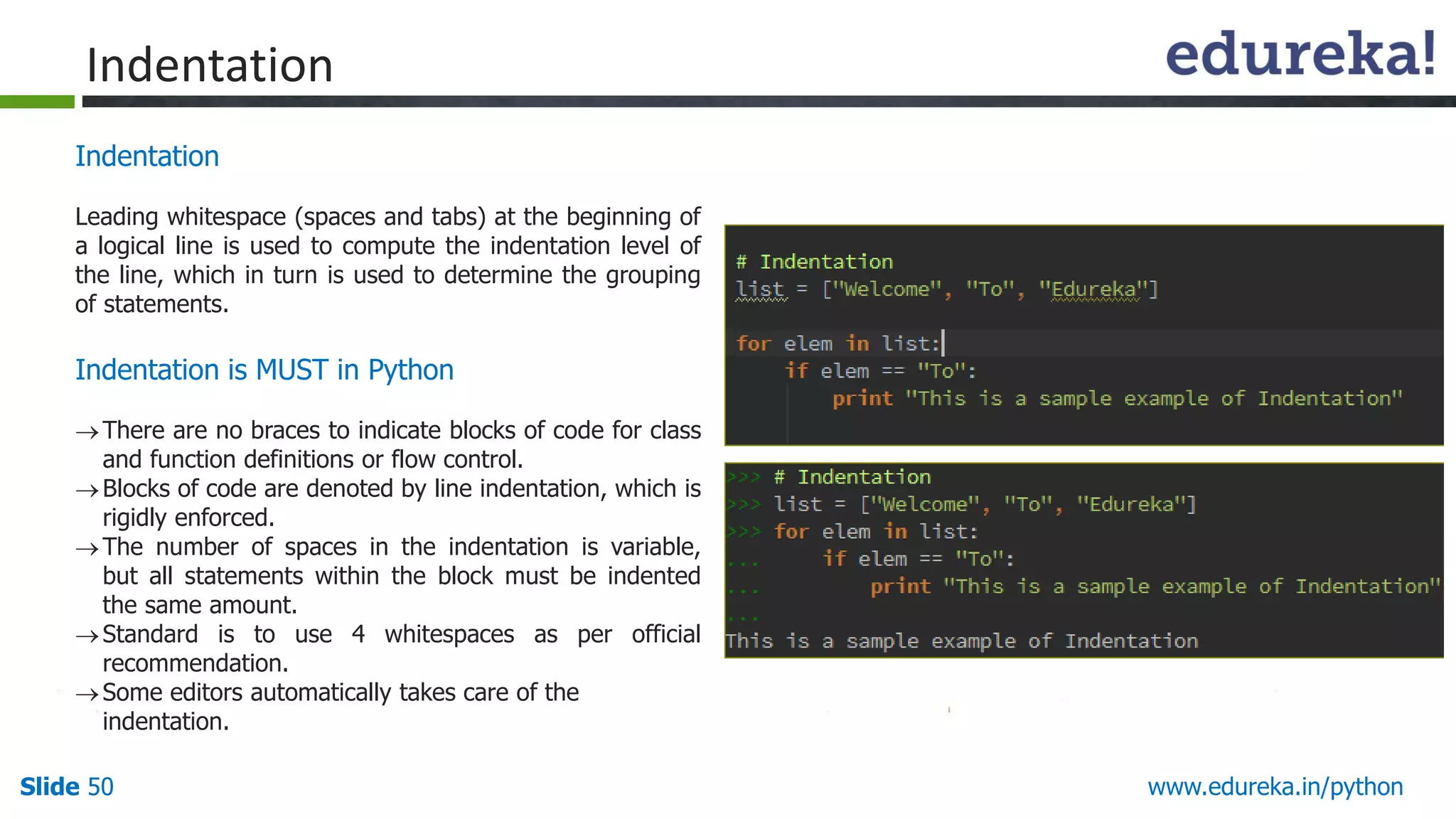
Slide 50 www.edureka.in/python
Indentation
Leadingwhitespace (spaces and tabs) at the beginning of
a logical line is used to compute the indentation level of
the line, which in turn is used to determine the grouping
of statements.
Indentation is MUST in Python
There are no braces to indicate blocks of code for class
and function definitions or flow control.
Blocks of code are denoted by line indentation, which is
rigidly enforced.
The number of spaces in the indentation is variable,
but all statements within the block must be indented
the same amount.
Standard is to use 4 whitespaces as per official
recommendation.
Some editors automatically takes care of the
indentation.
Indentation
51.
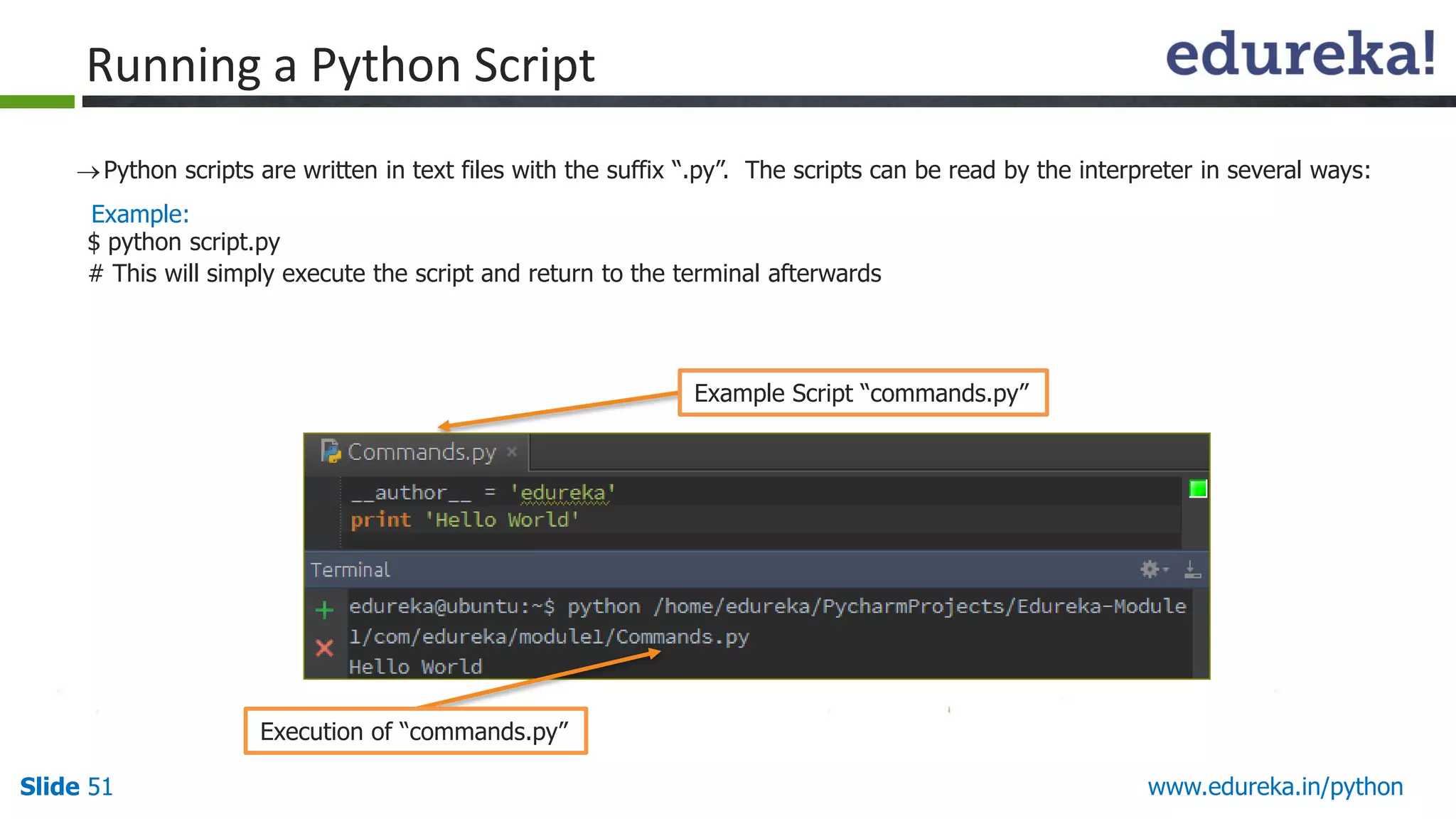
Slide 51 www.edureka.in/python
Pythonscripts are written in text files with the suffix “.py”. The scripts can be read by the interpreter in several ways:
Running a Python Script
Example:
$ python script.py
# This will simply execute the script and return to the terminal afterwards
Example Script “commands.py”
Execution of “commands.py”
52.
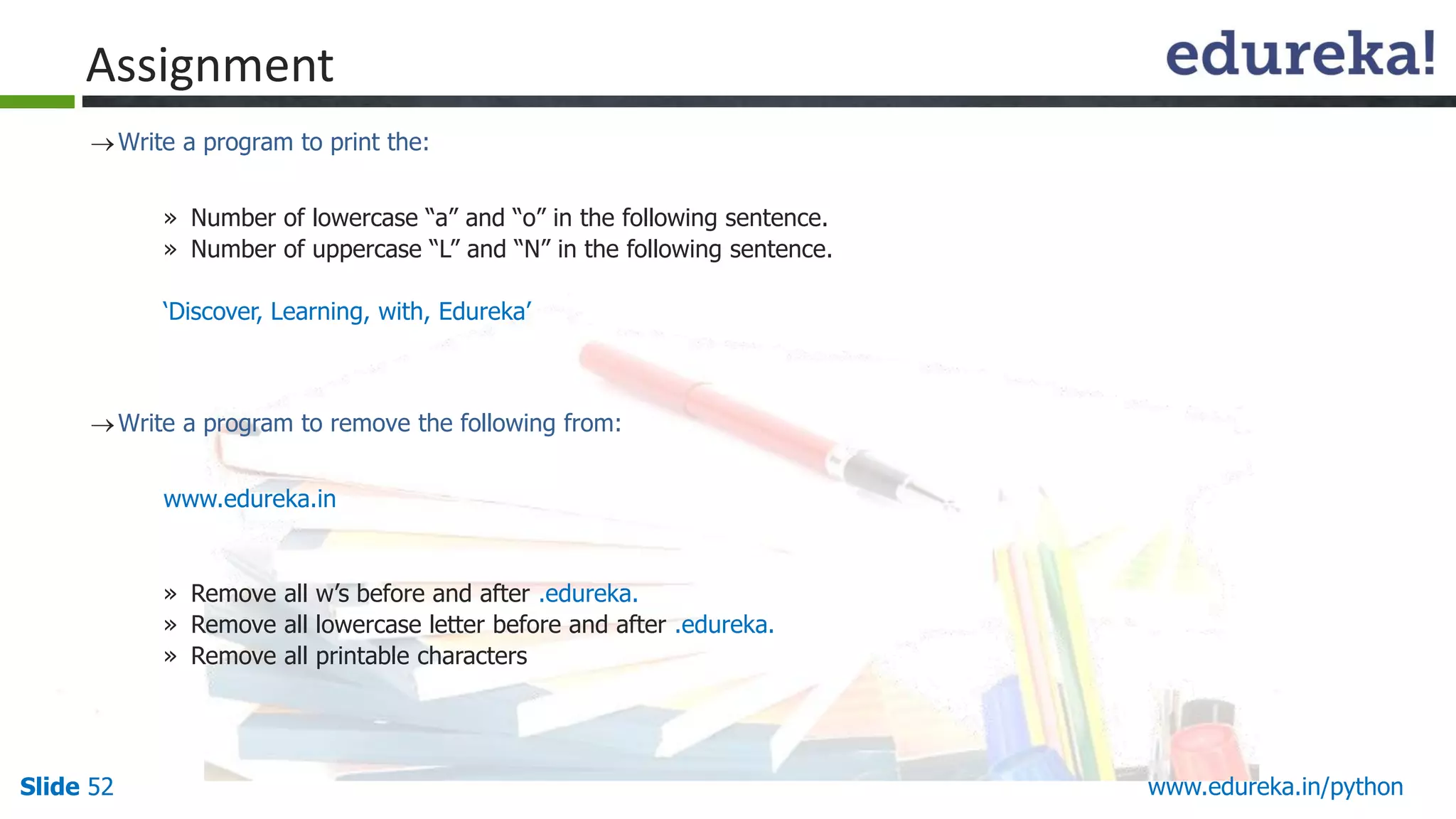
Slide 52 www.edureka.in/python
Assignment
Writea program to print the:
» Number of lowercase “a” and “o” in the following sentence.
» Number of uppercase “L” and “N” in the following sentence.
‘Discover, Learning, with, Edureka’
Write a program to remove the following from:
www.edureka.in
» Remove all w’s before and after .edureka.
» Remove all lowercase letter before and after .edureka.
» Remove all printable characters
53.
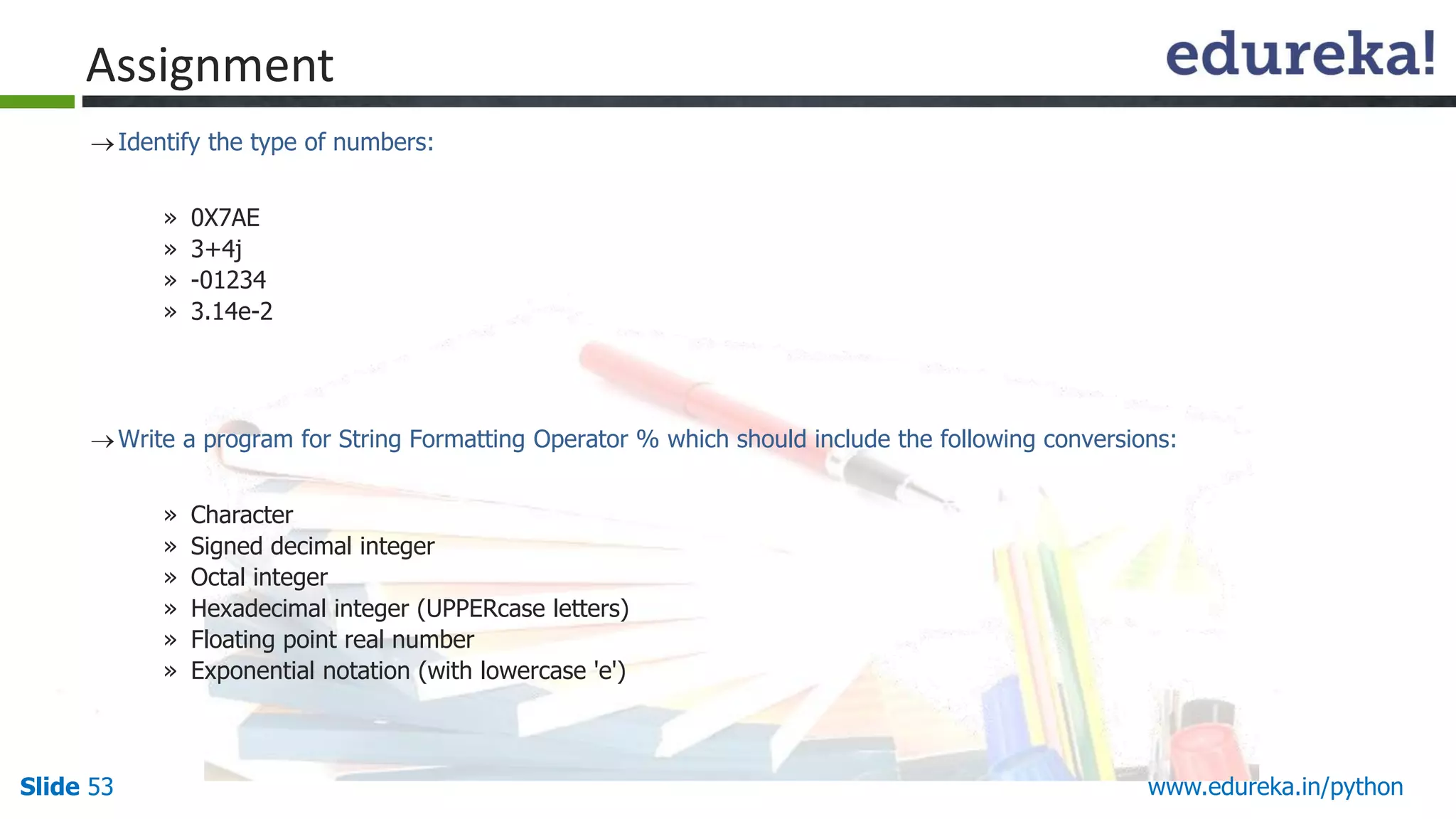
Slide 53 www.edureka.in/python
Assignment
Identifythe type of numbers:
» 0X7AE
» 3+4j
» -01234
» 3.14e-2
Write a program for String Formatting Operator % which should include the following conversions:
» Character
» Signed decimal integer
» Octal integer
» Hexadecimal integer (UPPERcase letters)
» Floating point real number
» Exponential notation (with lowercase 'e')
54.
Slide 54 www.edureka.in/python
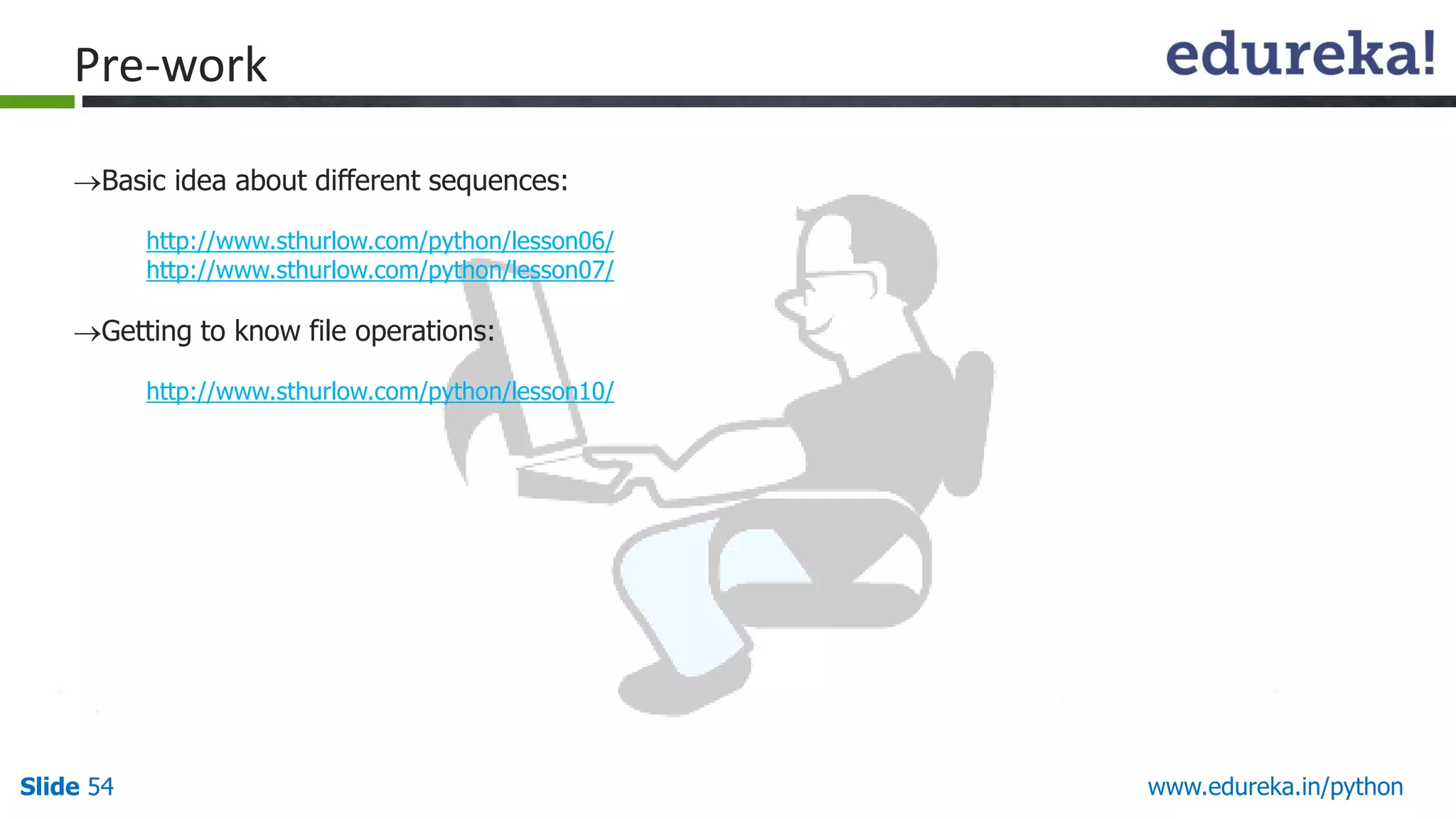
Pre-work
Basicidea about different sequences:
http://www.sthurlow.com/python/lesson06/
http://www.sthurlow.com/python/lesson07/
Getting to know file operations:
http://www.sthurlow.com/python/lesson10/
55.
Slide 55 www.edureka.in/python
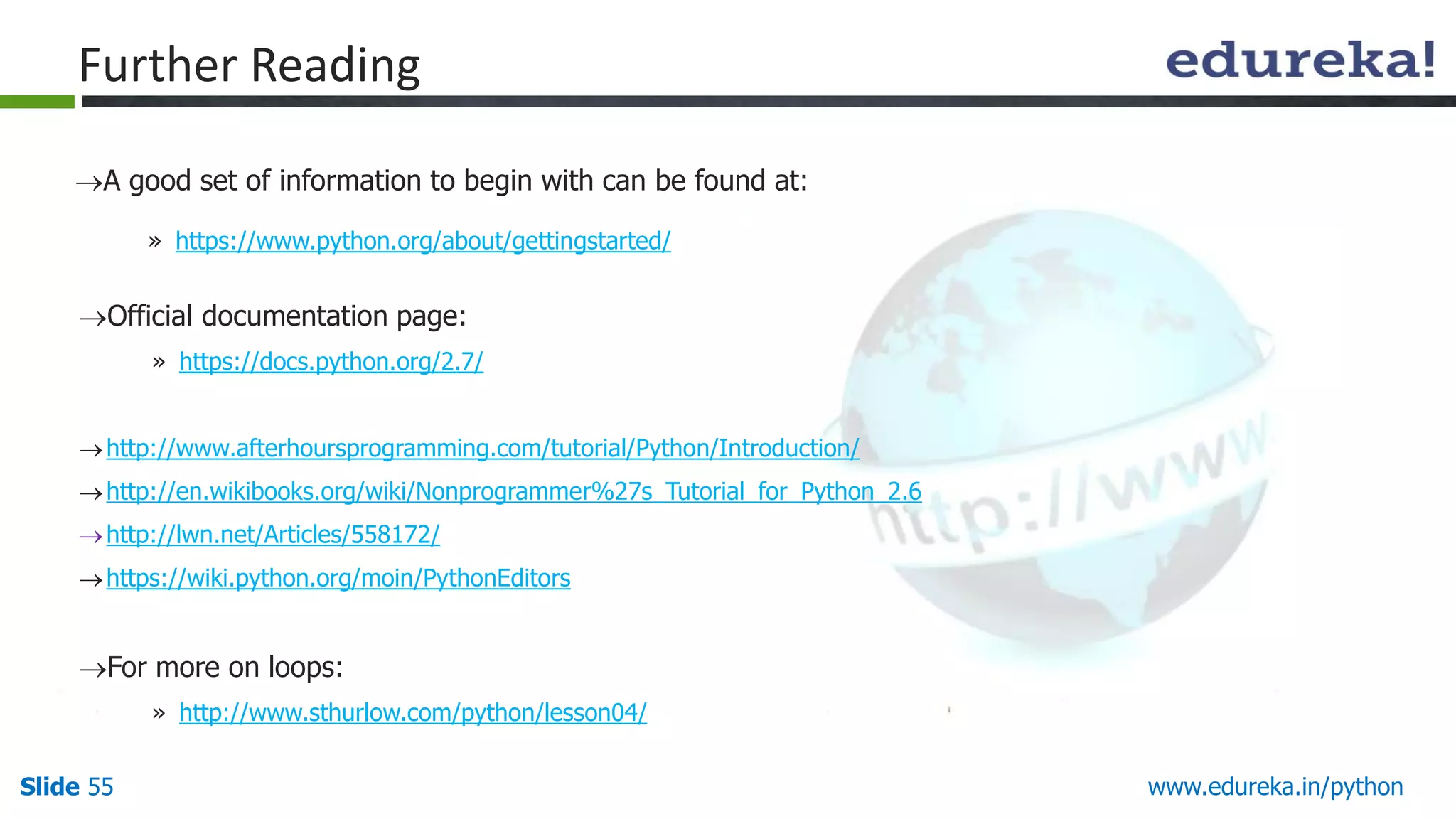
FurtherReading
A good set of information to begin with can be found at:
» https://www.python.org/about/gettingstarted/
Official documentation page:
» https://docs.python.org/2.7/
http://www.afterhoursprogramming.com/tutorial/Python/Introduction/
http://en.wikibooks.org/wiki/Nonprogrammer%27s_Tutorial_for_Python_2.6
http://lwn.net/Articles/558172/
https://wiki.python.org/moin/PythonEditors
For more on loops:
» http://www.sthurlow.com/python/lesson04/
![Slide 46 www.edureka.in/python
Indexing and Slicing Operation
Python starts indexing at 0.
A string s will have indexes running from 0 to len(s)-1 (where len(s) is the length of s) in integer quantities.
s[i] fetches the ith element in s.
Example :
Operations on Strings - II](https://image.slidesharecdn.com/pythonmodule1-itr-final-140708055758-phpapp02/75/Python-46-2048.jpg)
![Slide 49 www.edureka.in/python
max(str): Returns the max alphabetical character
from the string str.
min(str): Returns the min alphabetical character
from the string str.
replace(old, new [, max]): Replaces all occurrences
of old in string with new or at most max
occurrences if max given.
upper(): Converts lowercase letters in string to
uppercase.
More String Methods](https://image.slidesharecdn.com/pythonmodule1-itr-final-140708055758-phpapp02/75/Python-49-2048.jpg)