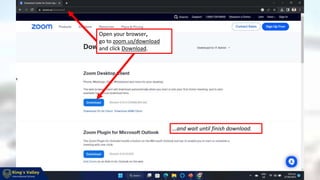
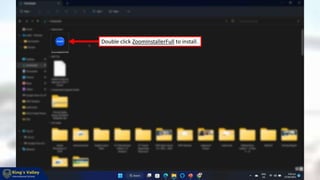
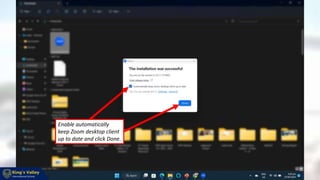
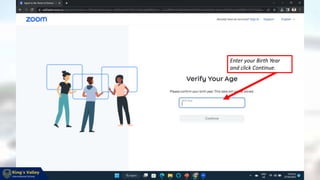
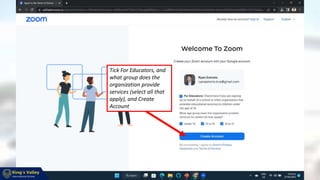
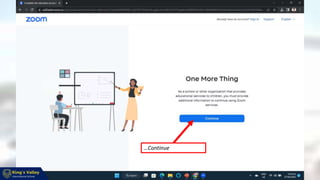
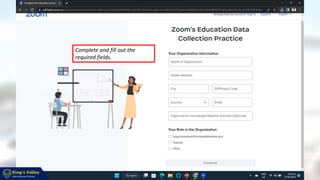
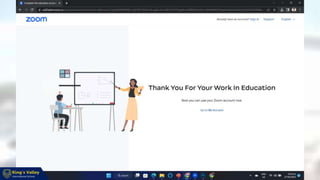
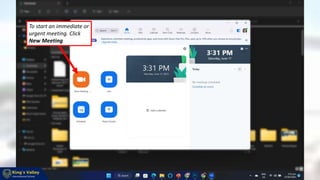
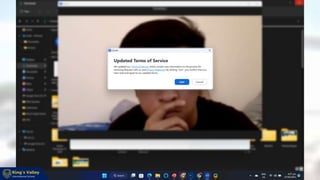
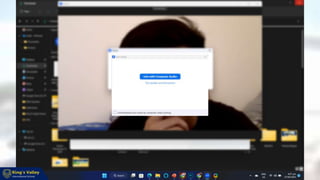
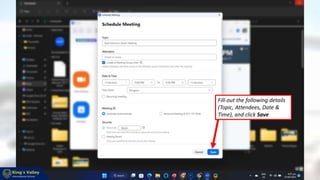
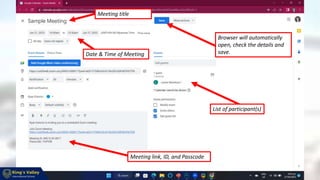
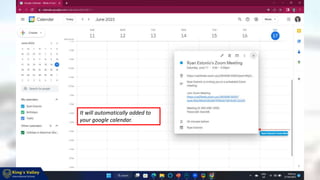
This document provides instructions for teachers at Mogok Teachers to download and install the Zoom application on their desktop computers and then create Zoom meetings. It explains how to download and install Zoom, sign in using a KVIS Google account in the format of YourName.kvis@gmail.com, and then either start an immediate meeting or schedule a future meeting by filling out details like the topic, attendees, and date/time. It also notes that scheduled meetings will be automatically added to the user's Google calendar.