Download to read offline

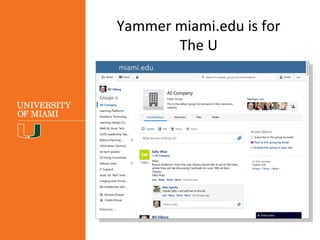
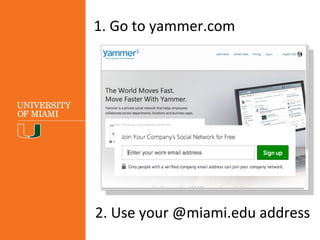
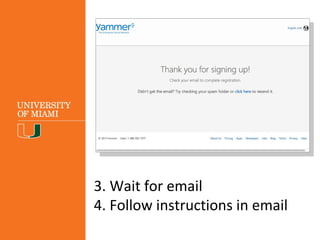
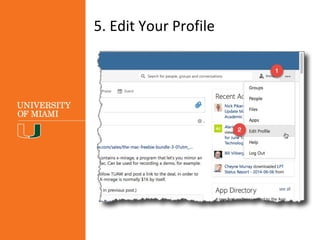
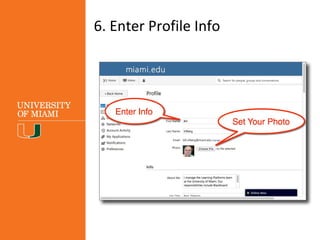
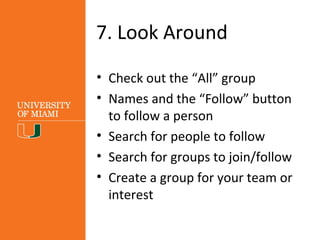

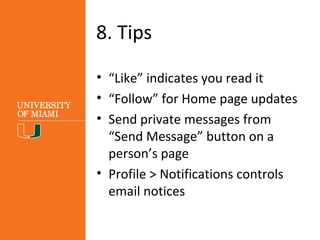

The document provides guidance on using Yammer at the University of Miami, emphasizing steps to create an account and engage with the platform. It highlights features such as following people, joining groups, and private messaging to facilitate collaboration. The document underlines that Yammer is a company-based communication tool designed to promote sharing and support among users, who are encouraged to participate actively.


