GenesisWP from 10,000 feet
Trisha Cornelius
@trishawebs
Overview
What’s a theme framework
Why use the Genesis Theme Framework
Some #GenesisWP sites
Overview of the Genesis Framework
Developing a Genesis child theme
Helpful Resources
Things to look out for
What’s a theme framework?
“A framework is a solidly coded theme that should serve as a base for other
projects.” - Justin Tadlock
The codex identifies three types of frameworks:
1. A “drop-in” code library that is used to facilitate the development of a
theme. (e.g. Hybrid Core)
2. A parent theme designed to be modified (e.g. Genesis)
3. Any WordPress theme that is used as the base for another theme.
What’s a theme framework? (continued)
Parent and child themes were introduced in version 2.7 of WordPress.
A child theme modifies the way a parent theme looks and / or functions
without changing the code in the parent theme’s files.
There are two models for framework development:
1. The template model
2. The hooks model
What’s a theme framework? (continued)
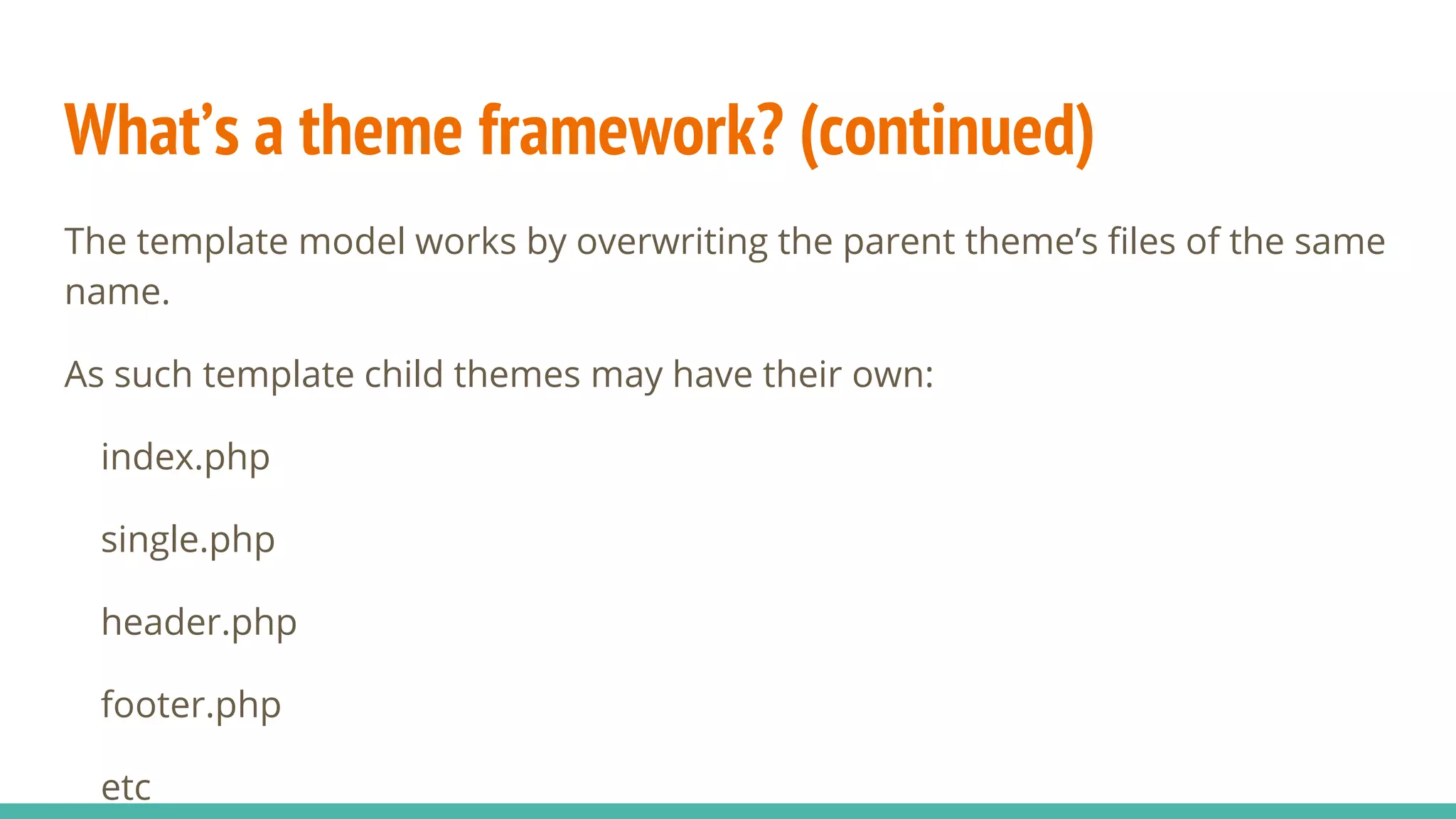
The template model works by overwriting the parent theme’s files of the same
name.
As such template child themes may have their own:
index.php
single.php
header.php
footer.php
etc
What’s a theme framework? (continued)
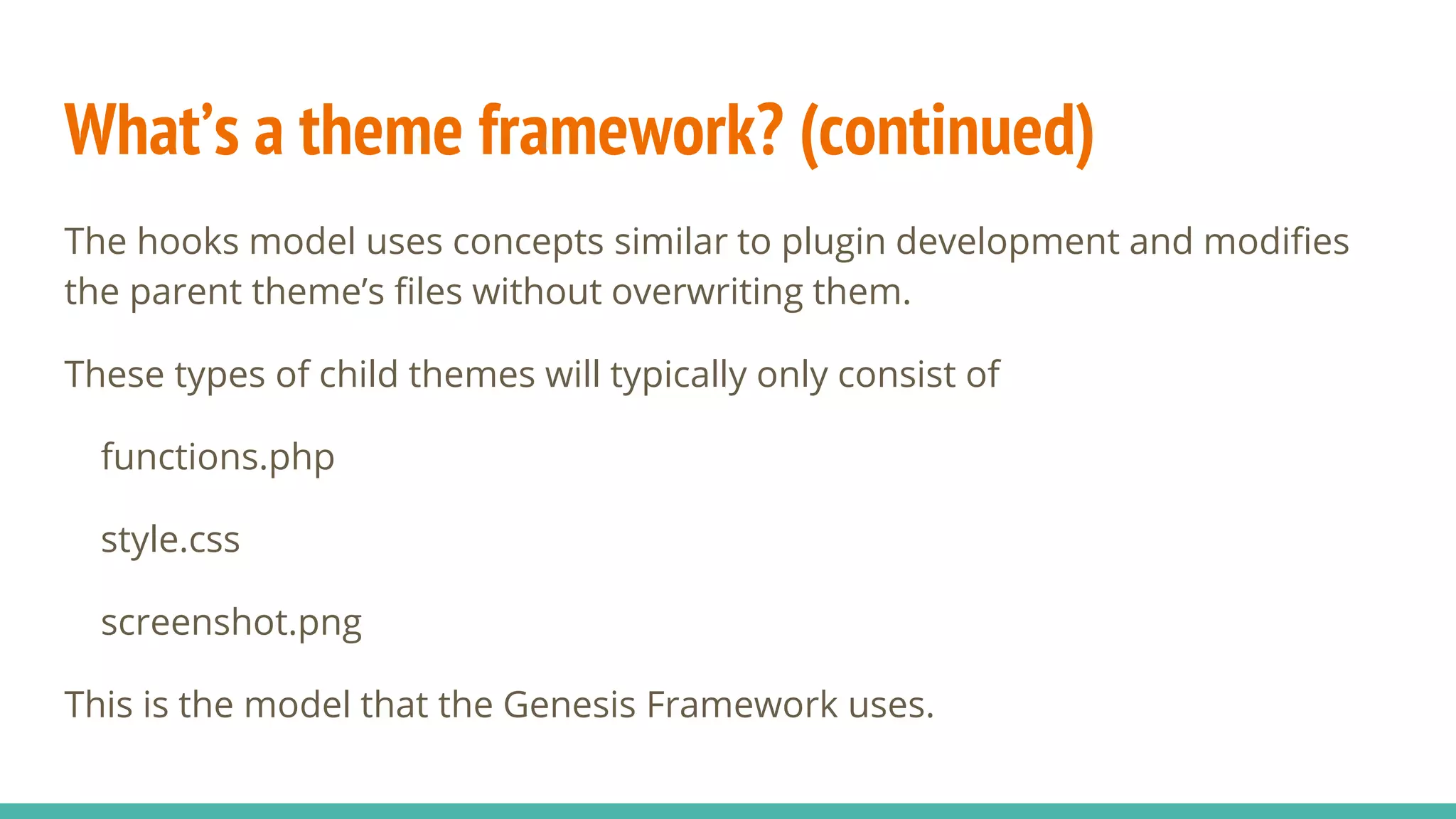
The hooks model uses concepts similar to plugin development and modifies
the parent theme’s files without overwriting them.
These types of child themes will typically only consist of
functions.php
style.css
screenshot.png
This is the model that the Genesis Framework uses.
What’s a theme framework? (continued)
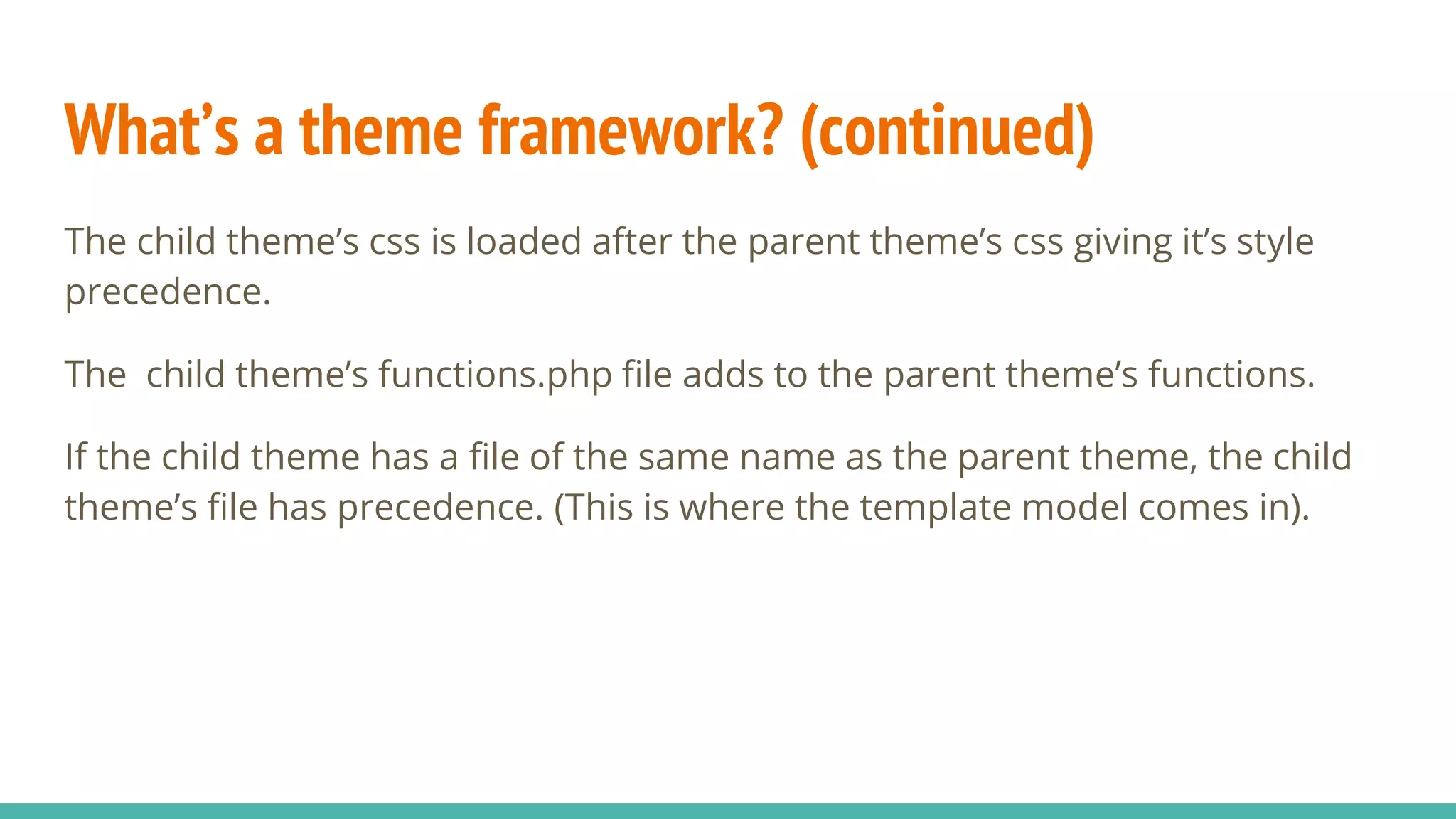
The child theme’s css is loaded after the parent theme’s css giving it’s style
precedence.
The child theme’s functions.php file adds to the parent theme’s functions.
If the child theme has a file of the same name as the parent theme, the child
theme’s file has precedence. (This is where the template model comes in).
Why use a child theme?
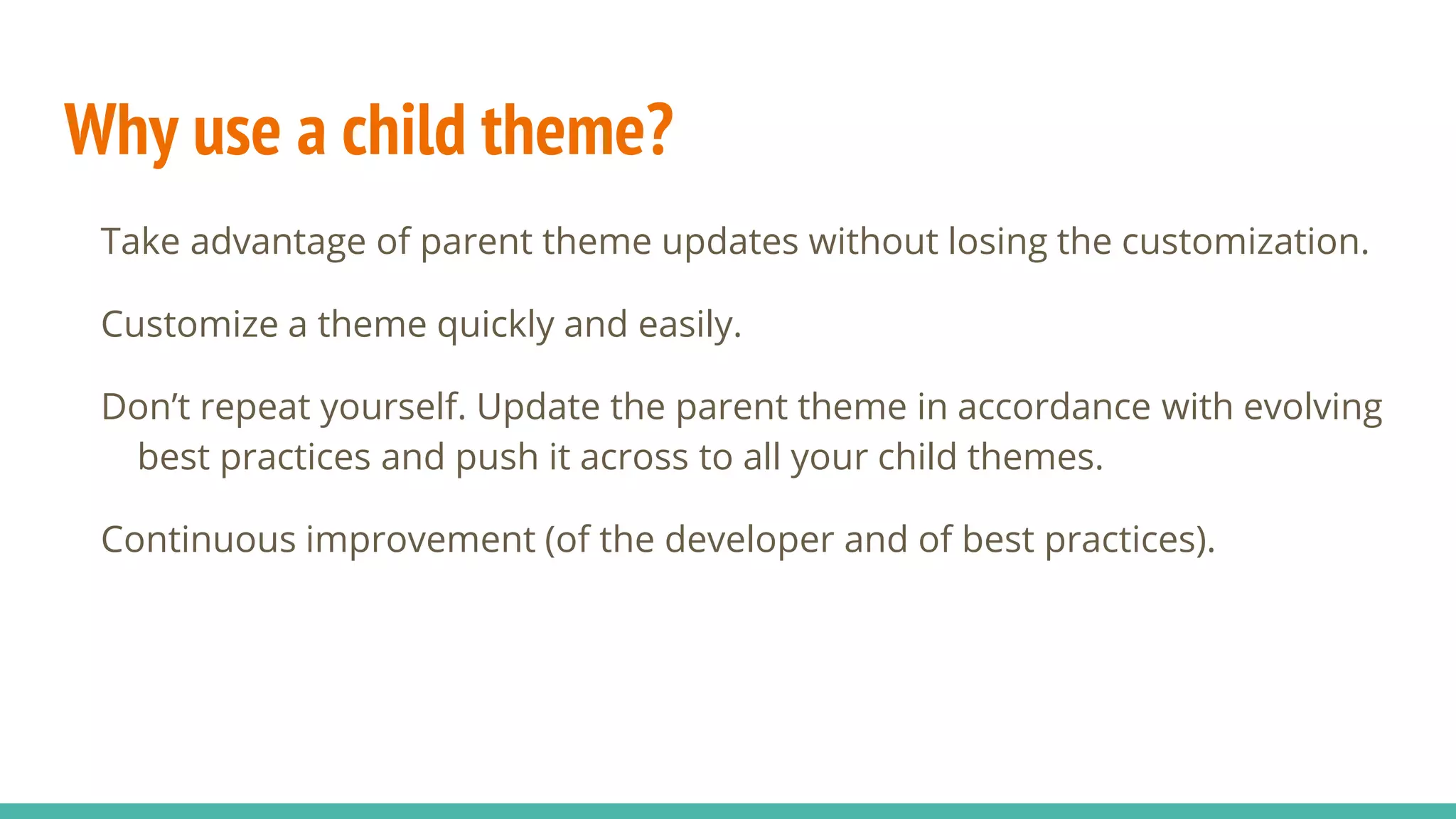
Take advantage of parent theme updates without losing the customization.
Customize a theme quickly and easily.
Don’t repeat yourself. Update the parent theme in accordance with evolving
best practices and push it across to all your child themes.
Continuous improvement (of the developer and of best practices).
What are the requirements of a theme framework?
Good documentation
Base code must be solid and in line with best practices
Good use of action and filter hooks that allow you to change the parent
theme’s functionality.
Good use of microformats
Flexible enough to make any layout through CSS alone
Why use the Genesis Framework?
World class developers.
It is beautifully coded.
It is intuitively organized.
It’s secure.
Pay once, use many.
It is reasonably priced. (59 USD)
Experts freely share their knowledge through tutorials, blog posts etc.
A quick overview of the Genesis Framework
The most important files in the Genesis framework are:
1. framework.php (genesis/lib/framework.php)
2. header.php (genesis/header.php)
3. footer.php (genesis/footer.php)
These files are complemented by the remainder of the framework which is
rather extensive consisting of 17 top-level files and 9 folders.
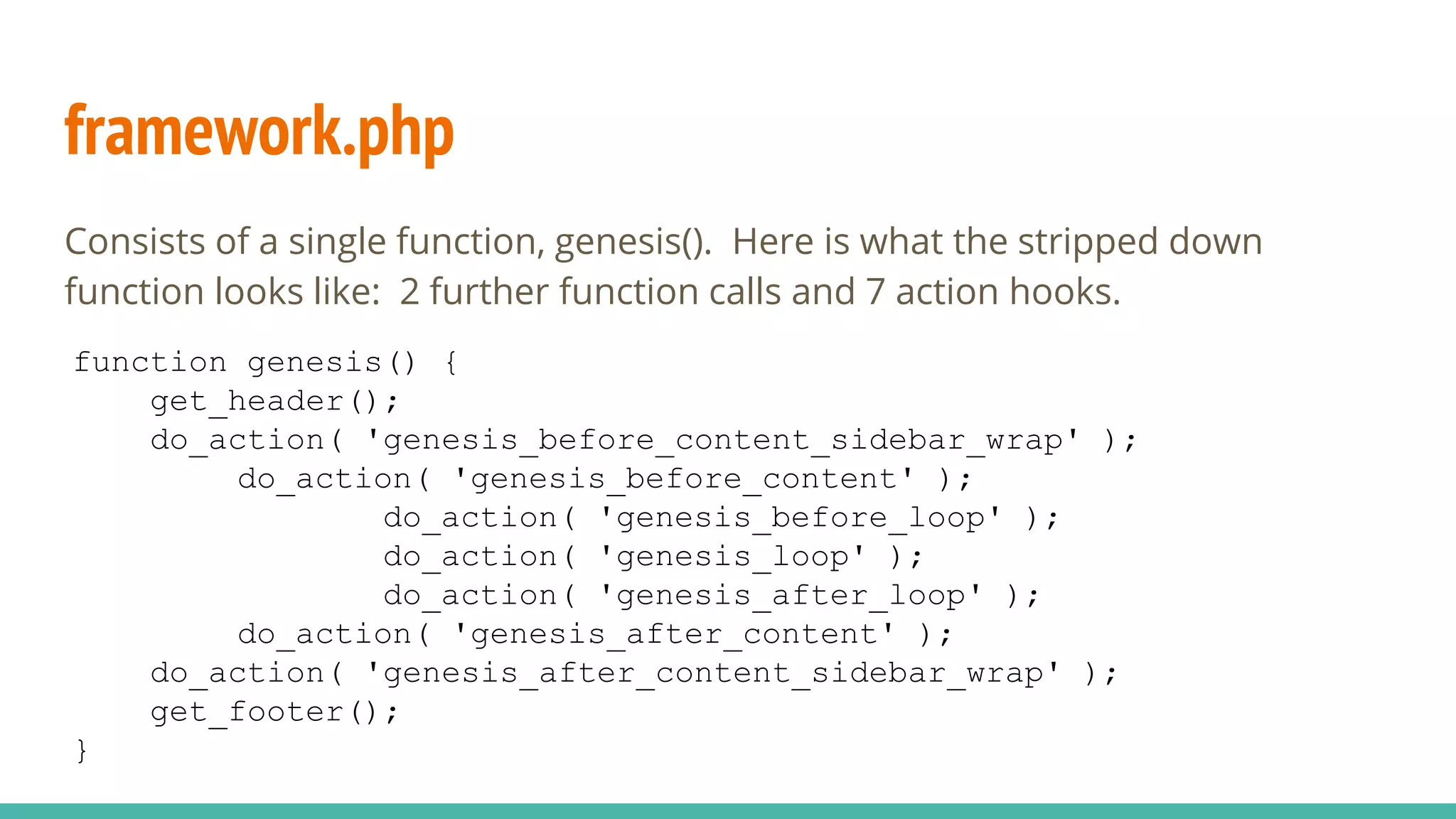
framework.php
Consists of a single function, genesis(). Here is what the stripped down
function looks like: 2 further function calls and 7 action hooks.
function genesis() {
get_header();
do_action( 'genesis_before_content_sidebar_wrap' );
do_action( 'genesis_before_content' );
do_action( 'genesis_before_loop' );
do_action( 'genesis_loop' );
do_action( 'genesis_after_loop' );
do_action( 'genesis_after_content' );
do_action( 'genesis_after_content_sidebar_wrap' );
get_footer();
}
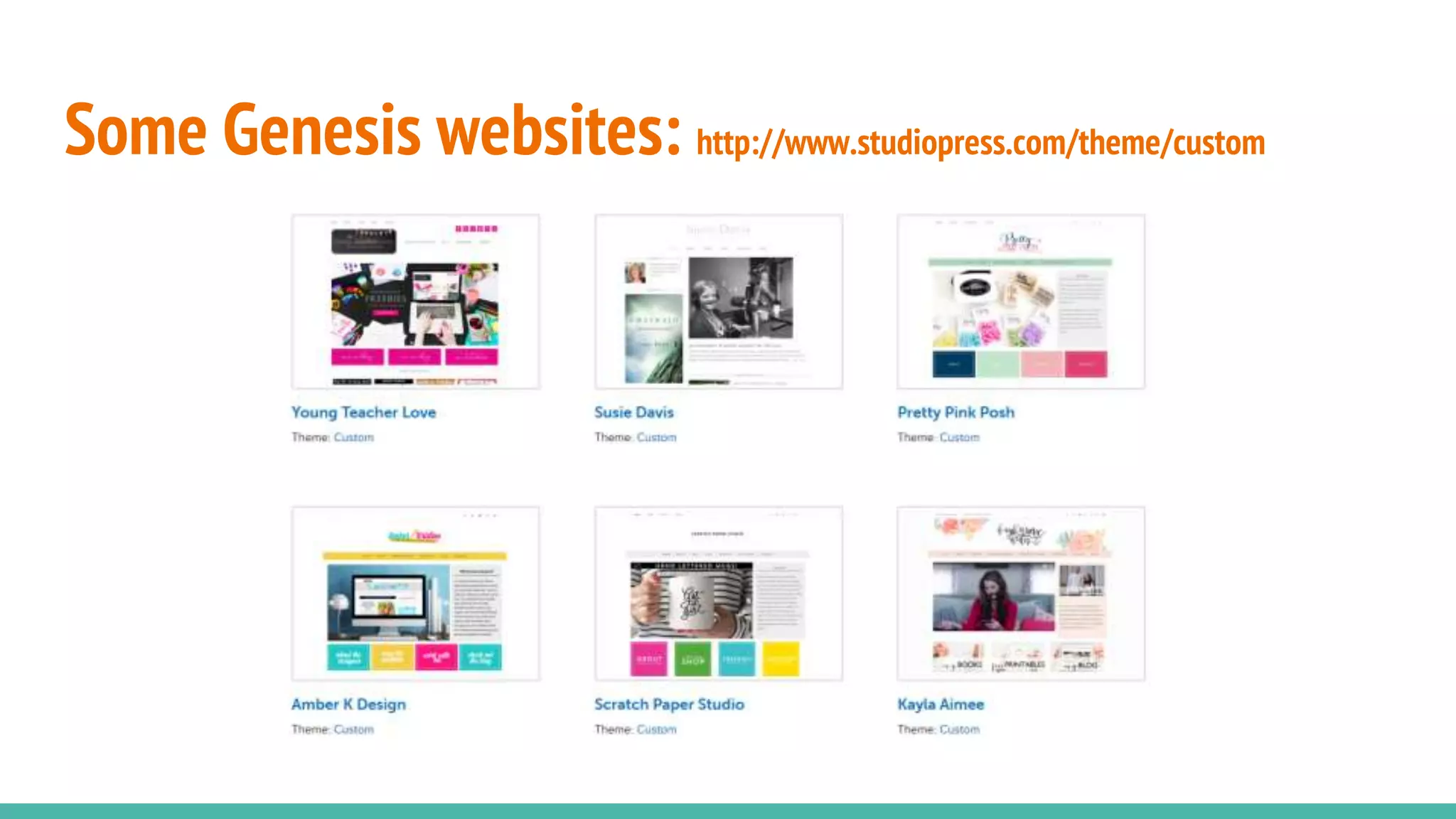
Some Genesis websites: http://www.studiopress.com/theme/custom
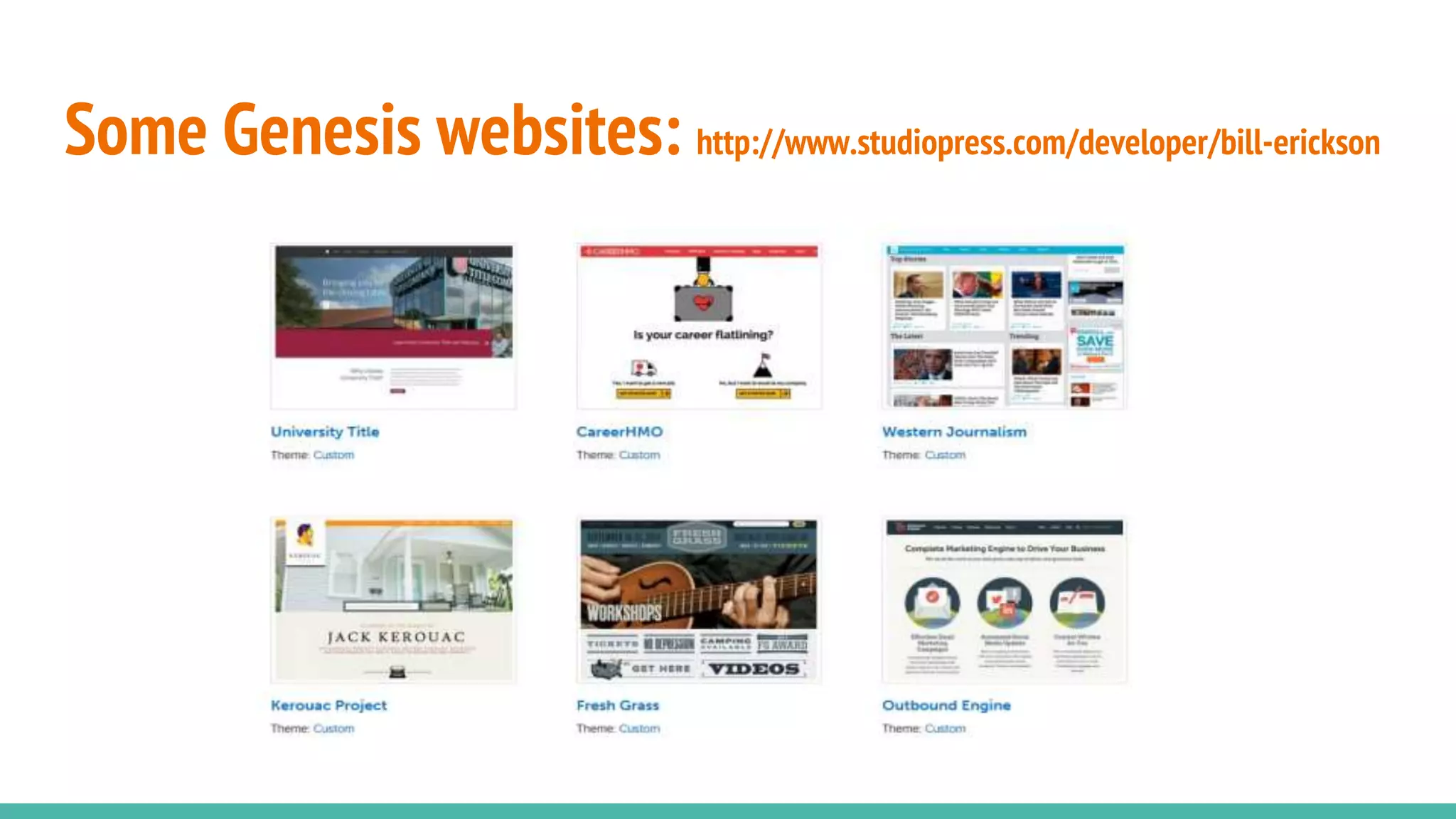
Some Genesis websites: http://www.studiopress.com/developer/bill-erickson
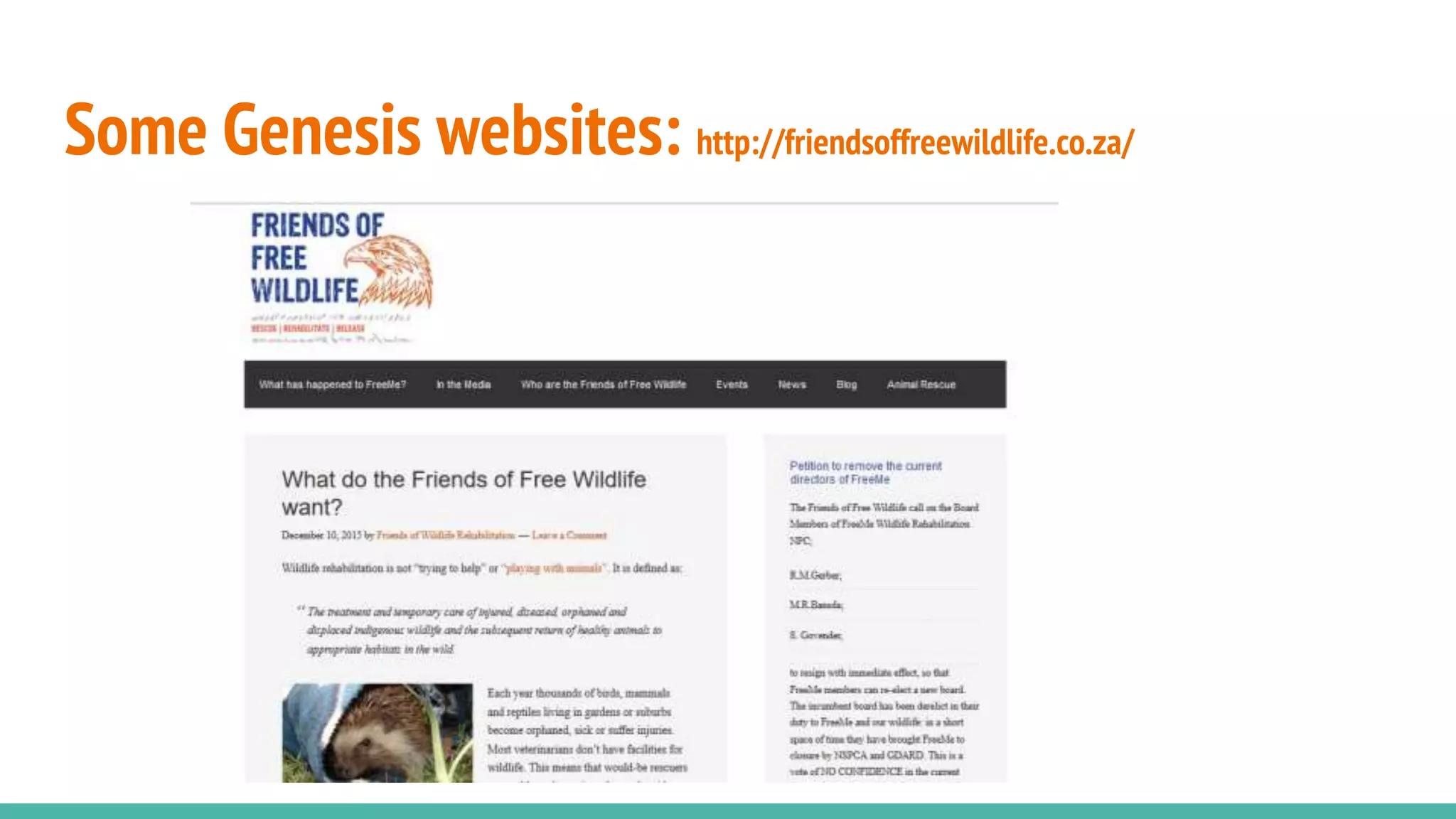
Some Genesis websites: http://friendsoffreewildlife.co.za/
Developing a Genesis Child Theme
Developing a Genesis child theme follows the same basic process as
developing any other child theme.
1. Create a new directory in wp-content/themes with your child theme name
2. Create functions.php
3. Create styles.css
4. Create screenshot.png (optional) with the dimensions of 880px x 660px
Developing a Genesis Child Theme (continued)
Genesis makes use of hooks together with actions and filters to allow you to
modify the template.
A hook is a predefined place in software where you can execute custom code.
The Genesis visual hook guide is a fantastic resource when you need to see
which hook you should be using.
http://genesistutorials.com/visual-hook-guide/
Developing a Genesis Child Theme (continued)
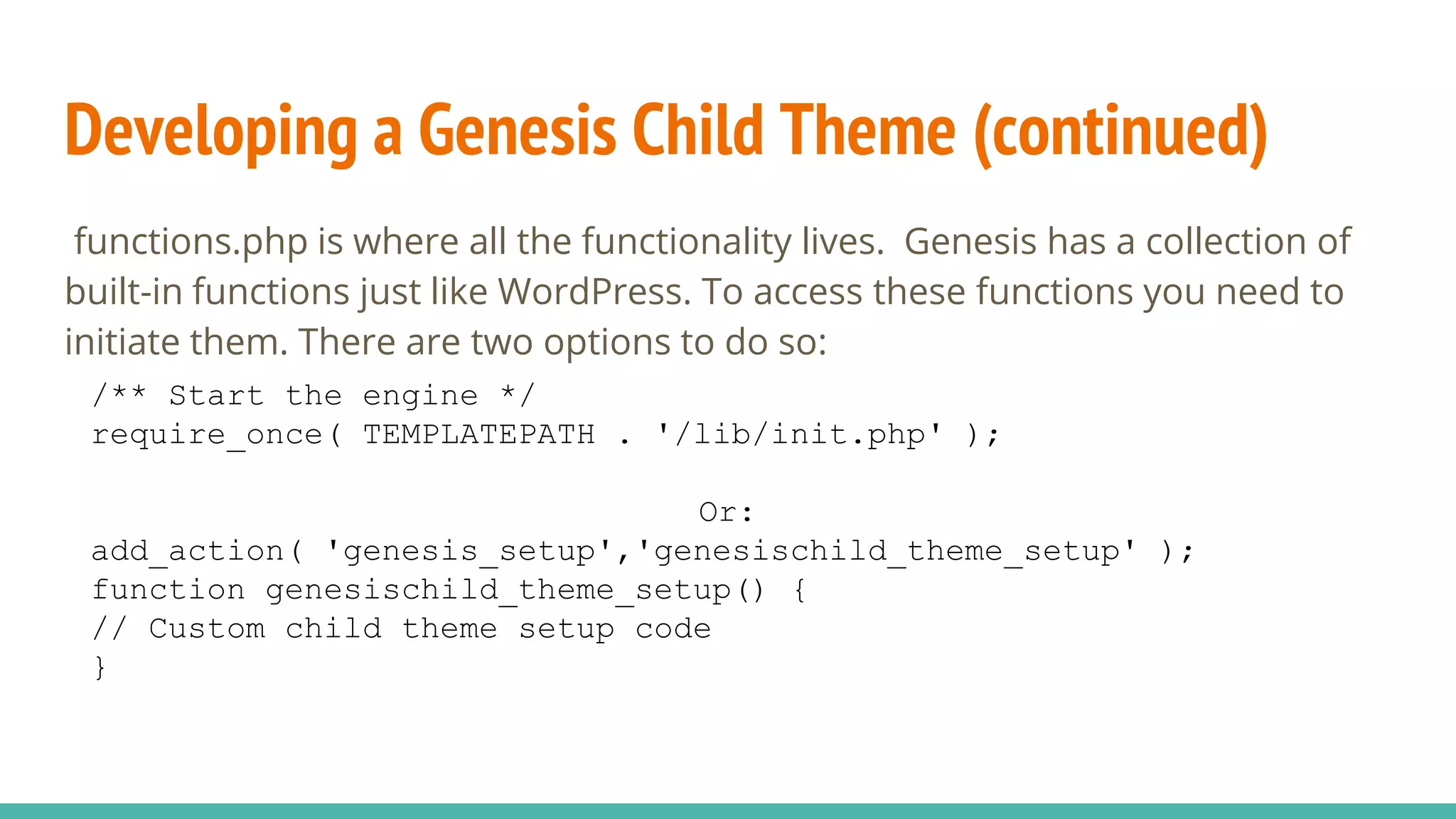
functions.php is where all the functionality lives. Genesis has a collection of
built-in functions just like WordPress. To access these functions you need to
initiate them. There are two options to do so:
/** Start the engine */
require_once( TEMPLATEPATH . '/lib/init.php' );
Or:
add_action( 'genesis_setup','genesischild_theme_setup' );
function genesischild_theme_setup() {
// Custom child theme setup code
}
Developing a Genesis Child Theme (continued)
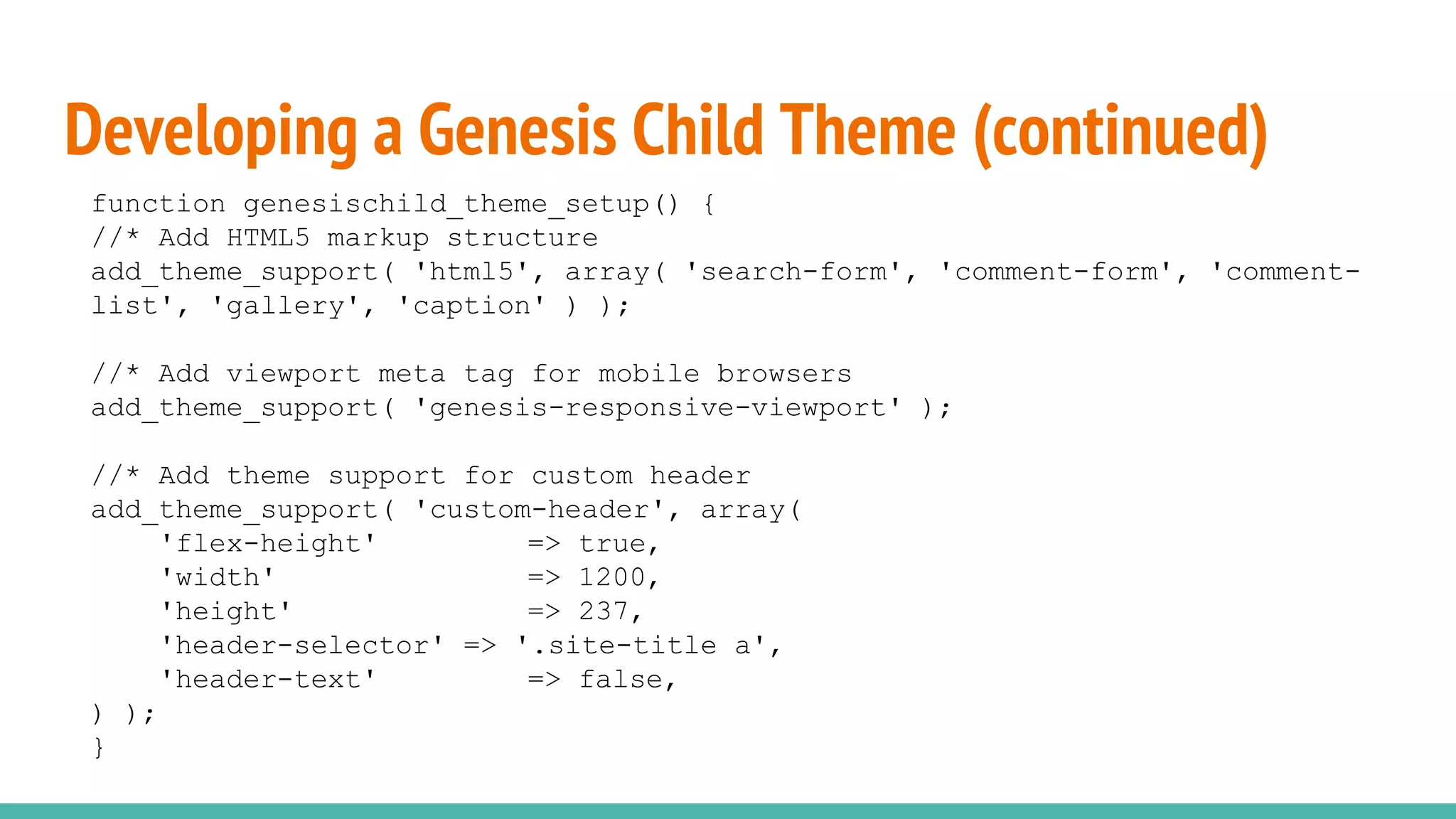
function genesischild_theme_setup() {
//* Add HTML5 markup structure
add_theme_support( 'html5', array( 'search-form', 'comment-form', 'comment-
list', 'gallery', 'caption' ) );
//* Add viewport meta tag for mobile browsers
add_theme_support( 'genesis-responsive-viewport' );
//* Add theme support for custom header
add_theme_support( 'custom-header', array(
'flex-height' => true,
'width' => 1200,
'height' => 237,
'header-selector' => '.site-title a',
'header-text' => false,
) );
}
Developing a Genesis Child Theme (continued)
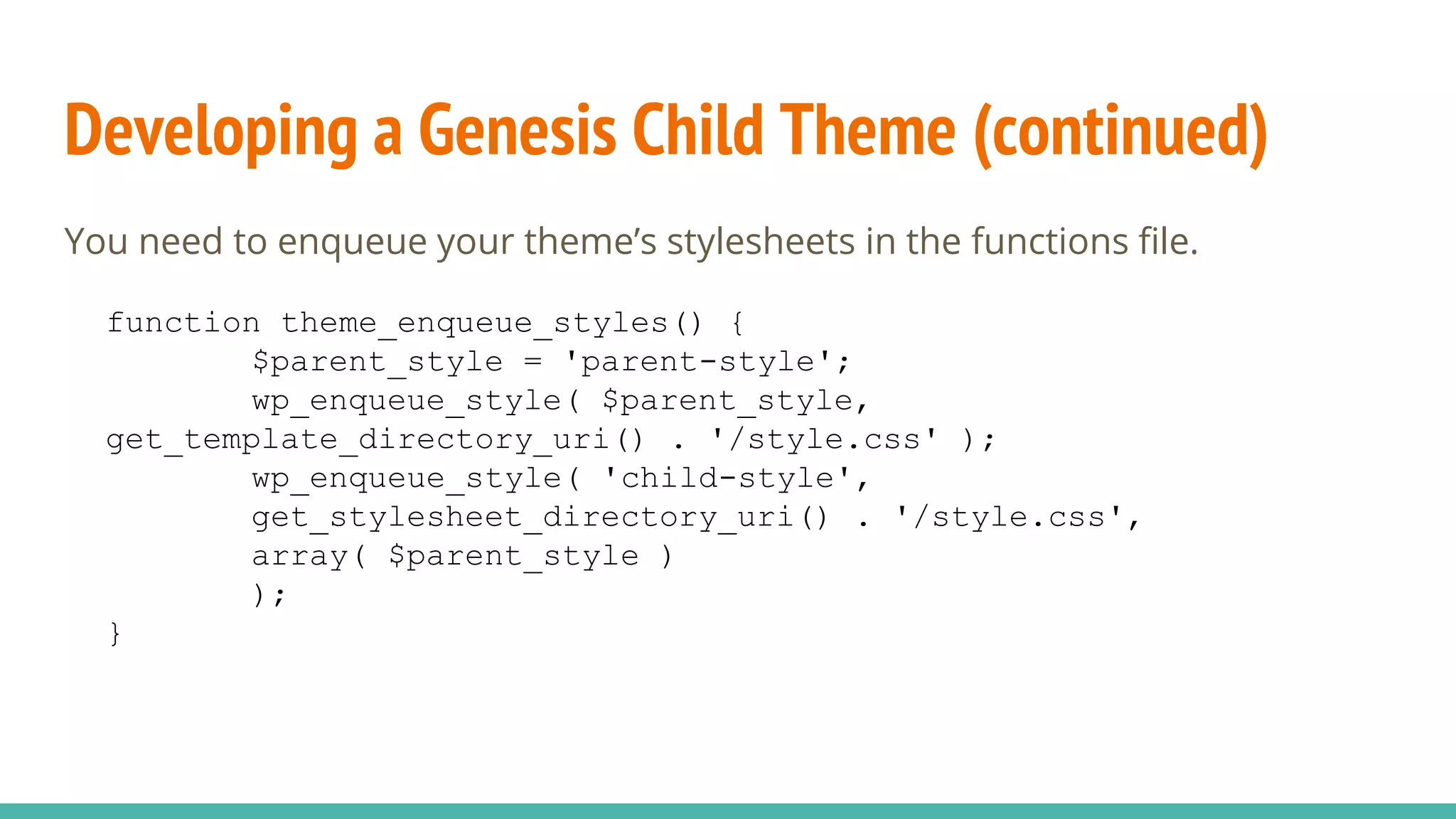
You need to enqueue your theme’s stylesheets in the functions file.
function theme_enqueue_styles() {
$parent_style = 'parent-style';
wp_enqueue_style( $parent_style,
get_template_directory_uri() . '/style.css' );
wp_enqueue_style( 'child-style',
get_stylesheet_directory_uri() . '/style.css',
array( $parent_style )
);
}
Developing a Genesis Child Theme (continued)
How much more or little you add to your functions file is then up to you based
on the project requirements.
There are a vast number of tutorials of things that you can add to your
functions files, ranging from hamburger style menus for mobile to adding a
little heart to your footer. Google is your friend.
Developing a Genesis Child Theme (continued)
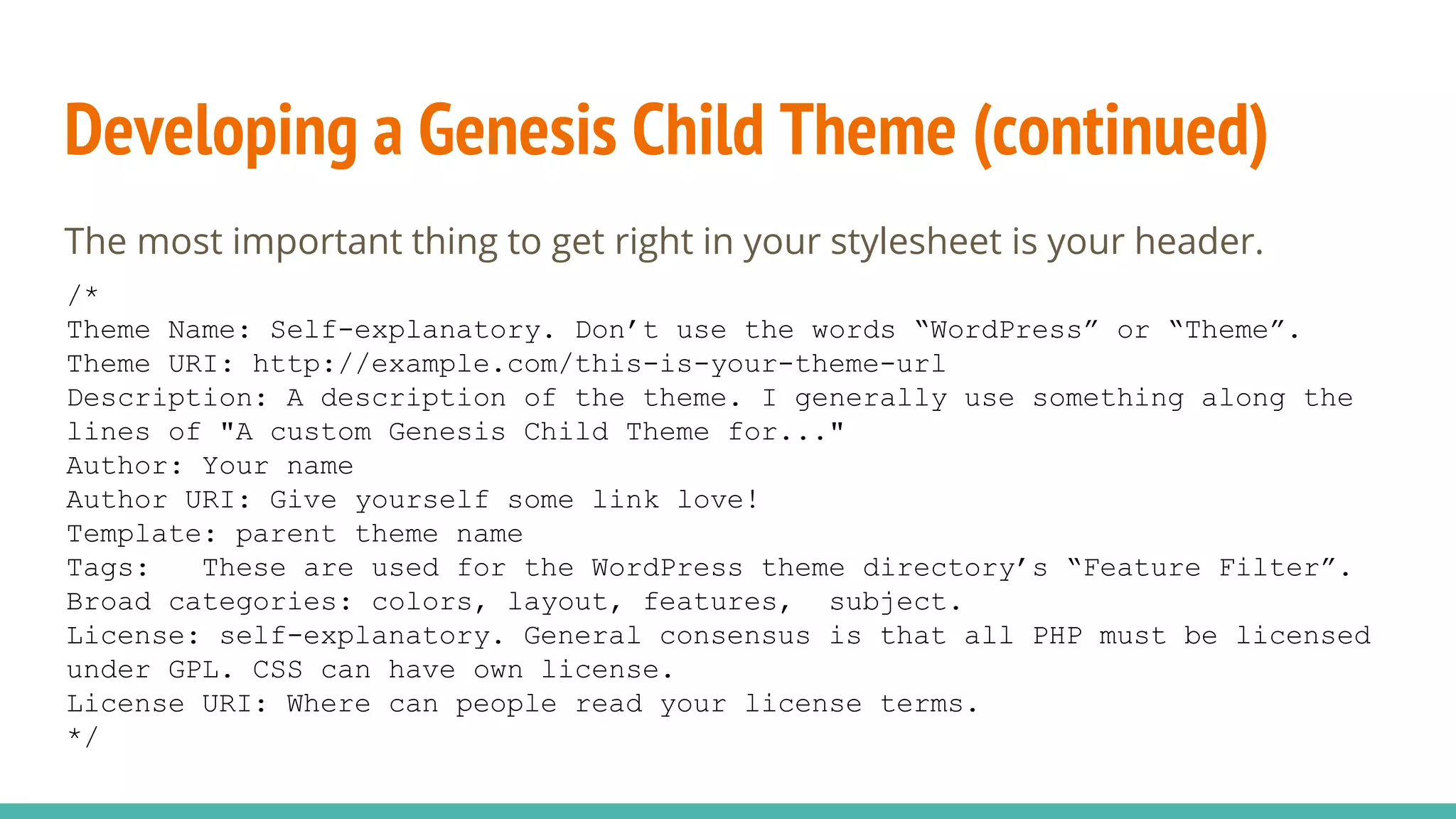
The most important thing to get right in your stylesheet is your header.
/*
Theme Name: Self-explanatory. Don’t use the words “WordPress” or “Theme”.
Theme URI: http://example.com/this-is-your-theme-url
Description: A description of the theme. I generally use something along the
lines of "A custom Genesis Child Theme for..."
Author: Your name
Author URI: Give yourself some link love!
Template: parent theme name
Tags: These are used for the WordPress theme directory’s “Feature Filter”.
Broad categories: colors, layout, features, subject.
License: self-explanatory. General consensus is that all PHP must be licensed
under GPL. CSS can have own license.
License URI: Where can people read your license terms.
*/
Helpful resources
Genesis markup guide:
Use this to customize your CSS etc and see where things are)
http://www.genesisframework.com/markup.php
Genesis visual hook guide
Use this guide to see which hooks that you want to be using to get your
code to execute in the right places. http://genesistutorials.com/visual-
hook-guide/
If you prefer the text version: http://my.studiopress.com/docs/hook-
reference/ (Paid access)
Twitter hashtag: #genesiswp
Helpful resources (continued)
The my.studiopress.com site. This is only available to people who have
bought the Genesis framework from studiopress.
Community tutorials:
Carrie Dils’s website:
http://www.carriedils.com/genesis-framework-studiopress/
Bill Erickson’s Genesis’s Quick Tips:
http://www.billerickson.net/genesis-quick-tips/
Nick The Geek’s website:
http://www.genesisframework.com/markup.php
Brian Gardner’s website:
http://briangardner.com/code/
Things to watch out for
1. Make sure that Genesis is installed as a theme before you attempt to
activate the child theme.
2. Make sure that you enqueue your stylesheets correctly using
functions.php
3. Make sure that you enable HTML5 markup in functions.php:
add_theme_support( 'html5', array( 'search-form', 'comment-form',
'comment-list', 'gallery', 'caption' ) );
4. Make sure that you have enabled the responsive viewport. If not your site
will look wonky on mobile phones and Google will not like you.
Playing with others:
Genesis fits in well with the WordPress architecture. As such, you will not
generally have conflicts with plugins. There are also some GenesisWP specific
plugins.
For people who don’t want to code:
Genesis Design Palette Pro (https://genesisdesignpro.com/) - the complete
ability to customize the appearance of a Genesis theme without needing to
write a single line of code. (Premium plugin - starts at $49 a year).
Genesis Grid: Display your posts in a grid.
(https://wordpress.org/plugins/genesis-grid-loop/)
Playing with others (continued)
For people starting to make the transition into coding their own themes
but are not yet comfortable with hooks and filters:
Genesis Simple Hooks (https://wordpress.org/plugins/genesis-simple-hooks/)
For best results use it together with
Genesis Visual Hooks:
https://wordpress.org/plugins/genesis-visual-hook-guide/
To prevent you from wanting to hunt down plugin authors with an axe:
Genesis Trump Style loads your style sheet after the plugin style sheets.
https://wordpress.org/plugins/genesis-style-trump/
Questions?
Your turn :)

WP Joburg Meetup 10: Genesis Framework by Trish Cornelius

  • 1.
    GenesisWP from 10,000feet Trisha Cornelius @trishawebs
  • 2.
    Overview What’s a themeframework Why use the Genesis Theme Framework Some #GenesisWP sites Overview of the Genesis Framework Developing a Genesis child theme Helpful Resources Things to look out for
  • 3.
    What’s a themeframework? “A framework is a solidly coded theme that should serve as a base for other projects.” - Justin Tadlock The codex identifies three types of frameworks: 1. A “drop-in” code library that is used to facilitate the development of a theme. (e.g. Hybrid Core) 2. A parent theme designed to be modified (e.g. Genesis) 3. Any WordPress theme that is used as the base for another theme.
  • 4.
    What’s a themeframework? (continued) Parent and child themes were introduced in version 2.7 of WordPress. A child theme modifies the way a parent theme looks and / or functions without changing the code in the parent theme’s files. There are two models for framework development: 1. The template model 2. The hooks model
  • 5.
    What’s a themeframework? (continued) The template model works by overwriting the parent theme’s files of the same name. As such template child themes may have their own: index.php single.php header.php footer.php etc
  • 6.
    What’s a themeframework? (continued) The hooks model uses concepts similar to plugin development and modifies the parent theme’s files without overwriting them. These types of child themes will typically only consist of functions.php style.css screenshot.png This is the model that the Genesis Framework uses.
  • 7.
    What’s a themeframework? (continued) The child theme’s css is loaded after the parent theme’s css giving it’s style precedence. The child theme’s functions.php file adds to the parent theme’s functions. If the child theme has a file of the same name as the parent theme, the child theme’s file has precedence. (This is where the template model comes in).
  • 8.
    Why use achild theme? Take advantage of parent theme updates without losing the customization. Customize a theme quickly and easily. Don’t repeat yourself. Update the parent theme in accordance with evolving best practices and push it across to all your child themes. Continuous improvement (of the developer and of best practices).
  • 9.
    What are therequirements of a theme framework? Good documentation Base code must be solid and in line with best practices Good use of action and filter hooks that allow you to change the parent theme’s functionality. Good use of microformats Flexible enough to make any layout through CSS alone
  • 10.
    Why use theGenesis Framework? World class developers. It is beautifully coded. It is intuitively organized. It’s secure. Pay once, use many. It is reasonably priced. (59 USD) Experts freely share their knowledge through tutorials, blog posts etc.
  • 11.
    A quick overviewof the Genesis Framework The most important files in the Genesis framework are: 1. framework.php (genesis/lib/framework.php) 2. header.php (genesis/header.php) 3. footer.php (genesis/footer.php) These files are complemented by the remainder of the framework which is rather extensive consisting of 17 top-level files and 9 folders.
  • 12.
    framework.php Consists of asingle function, genesis(). Here is what the stripped down function looks like: 2 further function calls and 7 action hooks. function genesis() { get_header(); do_action( 'genesis_before_content_sidebar_wrap' ); do_action( 'genesis_before_content' ); do_action( 'genesis_before_loop' ); do_action( 'genesis_loop' ); do_action( 'genesis_after_loop' ); do_action( 'genesis_after_content' ); do_action( 'genesis_after_content_sidebar_wrap' ); get_footer(); }
  • 13.
    Some Genesis websites:http://www.studiopress.com/theme/custom
  • 14.
    Some Genesis websites:http://www.studiopress.com/developer/bill-erickson
  • 15.
    Some Genesis websites:http://friendsoffreewildlife.co.za/
  • 16.
    Developing a GenesisChild Theme Developing a Genesis child theme follows the same basic process as developing any other child theme. 1. Create a new directory in wp-content/themes with your child theme name 2. Create functions.php 3. Create styles.css 4. Create screenshot.png (optional) with the dimensions of 880px x 660px
  • 17.
    Developing a GenesisChild Theme (continued) Genesis makes use of hooks together with actions and filters to allow you to modify the template. A hook is a predefined place in software where you can execute custom code. The Genesis visual hook guide is a fantastic resource when you need to see which hook you should be using. http://genesistutorials.com/visual-hook-guide/
  • 18.
    Developing a GenesisChild Theme (continued) functions.php is where all the functionality lives. Genesis has a collection of built-in functions just like WordPress. To access these functions you need to initiate them. There are two options to do so: /** Start the engine */ require_once( TEMPLATEPATH . '/lib/init.php' ); Or: add_action( 'genesis_setup','genesischild_theme_setup' ); function genesischild_theme_setup() { // Custom child theme setup code }
  • 19.
    Developing a GenesisChild Theme (continued) function genesischild_theme_setup() { //* Add HTML5 markup structure add_theme_support( 'html5', array( 'search-form', 'comment-form', 'comment- list', 'gallery', 'caption' ) ); //* Add viewport meta tag for mobile browsers add_theme_support( 'genesis-responsive-viewport' ); //* Add theme support for custom header add_theme_support( 'custom-header', array( 'flex-height' => true, 'width' => 1200, 'height' => 237, 'header-selector' => '.site-title a', 'header-text' => false, ) ); }
  • 20.
    Developing a GenesisChild Theme (continued) You need to enqueue your theme’s stylesheets in the functions file. function theme_enqueue_styles() { $parent_style = 'parent-style'; wp_enqueue_style( $parent_style, get_template_directory_uri() . '/style.css' ); wp_enqueue_style( 'child-style', get_stylesheet_directory_uri() . '/style.css', array( $parent_style ) ); }
  • 21.
    Developing a GenesisChild Theme (continued) How much more or little you add to your functions file is then up to you based on the project requirements. There are a vast number of tutorials of things that you can add to your functions files, ranging from hamburger style menus for mobile to adding a little heart to your footer. Google is your friend.
  • 22.
    Developing a GenesisChild Theme (continued) The most important thing to get right in your stylesheet is your header. /* Theme Name: Self-explanatory. Don’t use the words “WordPress” or “Theme”. Theme URI: http://example.com/this-is-your-theme-url Description: A description of the theme. I generally use something along the lines of "A custom Genesis Child Theme for..." Author: Your name Author URI: Give yourself some link love! Template: parent theme name Tags: These are used for the WordPress theme directory’s “Feature Filter”. Broad categories: colors, layout, features, subject. License: self-explanatory. General consensus is that all PHP must be licensed under GPL. CSS can have own license. License URI: Where can people read your license terms. */
  • 23.
    Helpful resources Genesis markupguide: Use this to customize your CSS etc and see where things are) http://www.genesisframework.com/markup.php Genesis visual hook guide Use this guide to see which hooks that you want to be using to get your code to execute in the right places. http://genesistutorials.com/visual- hook-guide/ If you prefer the text version: http://my.studiopress.com/docs/hook- reference/ (Paid access) Twitter hashtag: #genesiswp
  • 24.
    Helpful resources (continued) Themy.studiopress.com site. This is only available to people who have bought the Genesis framework from studiopress. Community tutorials: Carrie Dils’s website: http://www.carriedils.com/genesis-framework-studiopress/ Bill Erickson’s Genesis’s Quick Tips: http://www.billerickson.net/genesis-quick-tips/ Nick The Geek’s website: http://www.genesisframework.com/markup.php Brian Gardner’s website: http://briangardner.com/code/
  • 25.
    Things to watchout for 1. Make sure that Genesis is installed as a theme before you attempt to activate the child theme. 2. Make sure that you enqueue your stylesheets correctly using functions.php 3. Make sure that you enable HTML5 markup in functions.php: add_theme_support( 'html5', array( 'search-form', 'comment-form', 'comment-list', 'gallery', 'caption' ) ); 4. Make sure that you have enabled the responsive viewport. If not your site will look wonky on mobile phones and Google will not like you.
  • 26.
    Playing with others: Genesisfits in well with the WordPress architecture. As such, you will not generally have conflicts with plugins. There are also some GenesisWP specific plugins. For people who don’t want to code: Genesis Design Palette Pro (https://genesisdesignpro.com/) - the complete ability to customize the appearance of a Genesis theme without needing to write a single line of code. (Premium plugin - starts at $49 a year). Genesis Grid: Display your posts in a grid. (https://wordpress.org/plugins/genesis-grid-loop/)
  • 27.
    Playing with others(continued) For people starting to make the transition into coding their own themes but are not yet comfortable with hooks and filters: Genesis Simple Hooks (https://wordpress.org/plugins/genesis-simple-hooks/) For best results use it together with Genesis Visual Hooks: https://wordpress.org/plugins/genesis-visual-hook-guide/ To prevent you from wanting to hunt down plugin authors with an axe: Genesis Trump Style loads your style sheet after the plugin style sheets. https://wordpress.org/plugins/genesis-style-trump/
  • 28.