Workshop Designer Tools
Toni Camí / Jorge López
SASS
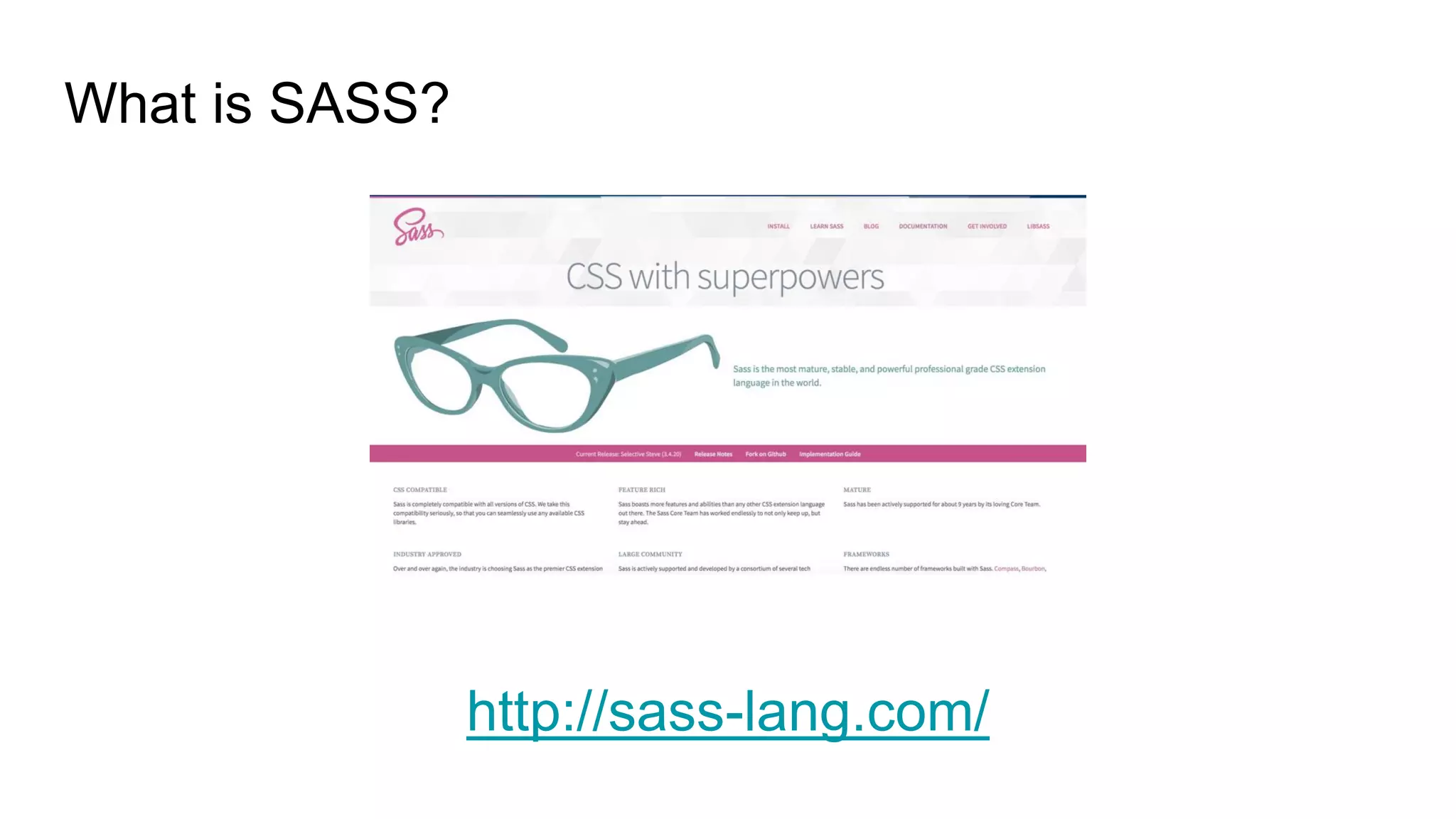
What is SASS?
http://sass-lang.com/
Why do I need SASS?
It´s easy to write CSS, and to maintain it
It prevents code duplication
Include Variables, Nesting, Mixins
Many useful Funcitons for manipulating values
Advanced features like control directives for libraries
Remember: It´s only CSS!
Superpowers
Variables
Mixins
Nesting
Functions
Operations
Setup
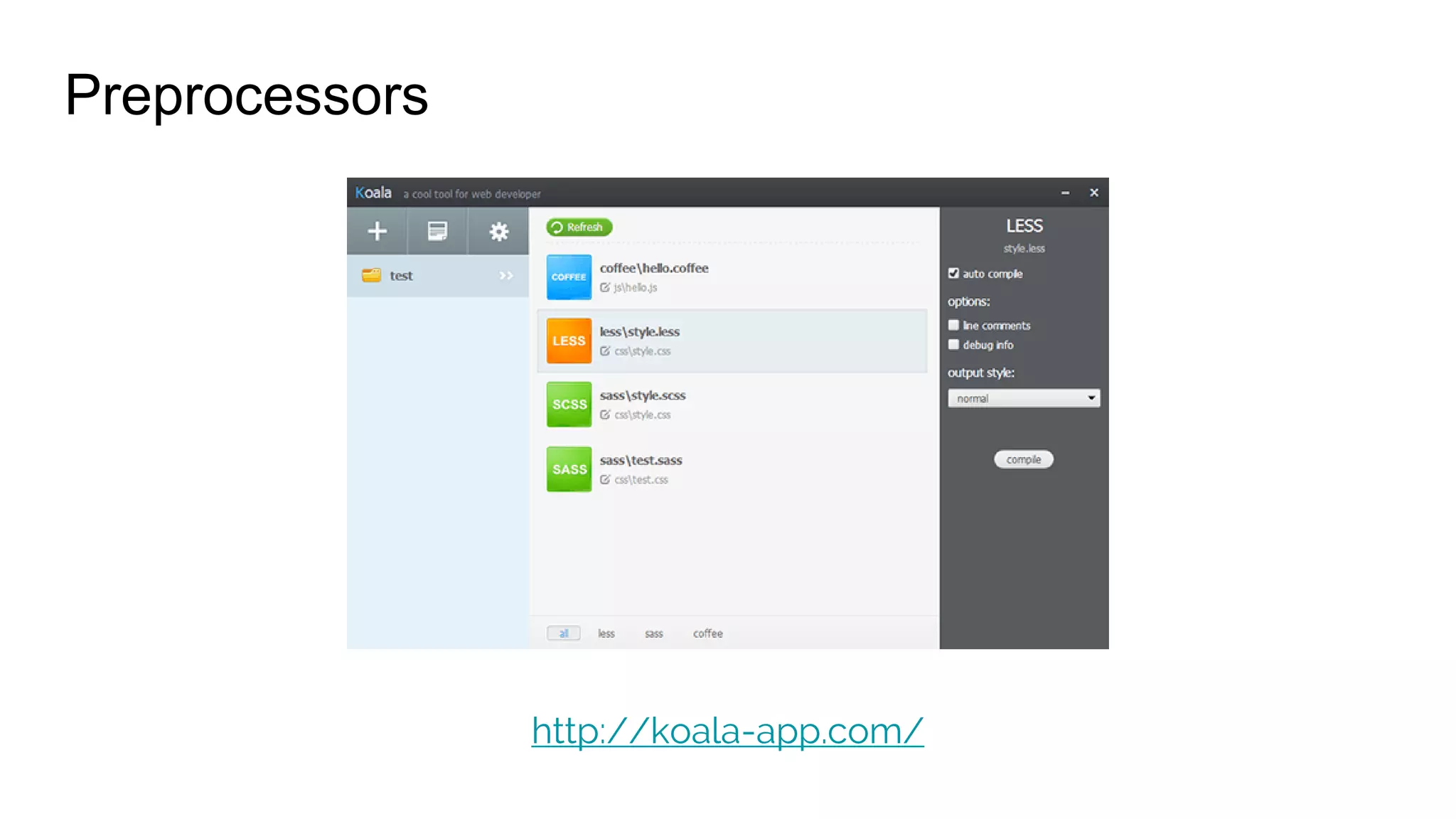
Preprocessors
http://koala-app.com/
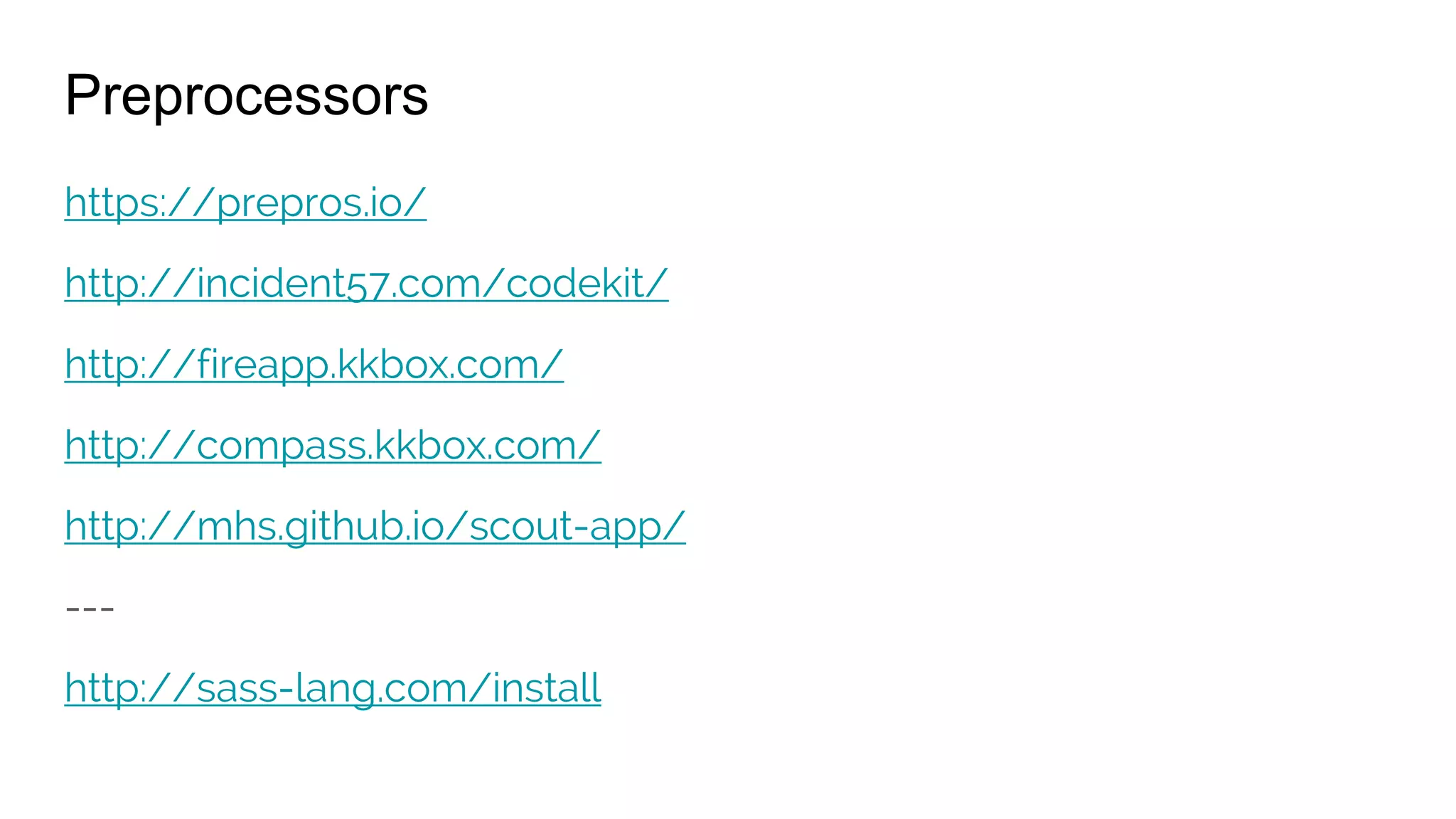
Preprocessors
https://prepros.io/
http://incident57.com/codekit/
http://fireapp.kkbox.com/
http://compass.kkbox.com/
http://mhs.github.io/scout-app/
---
http://sass-lang.com/install
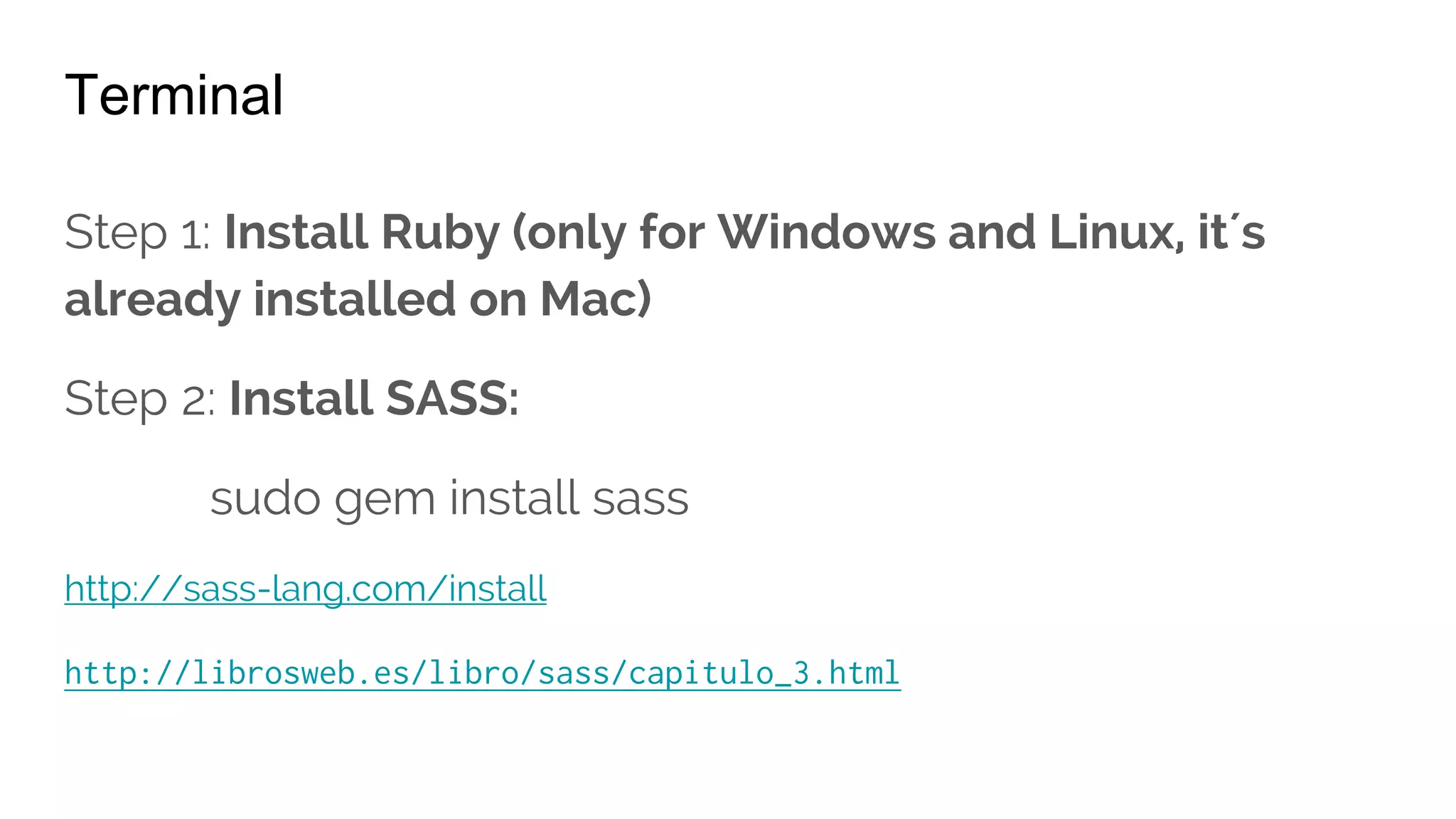
Terminal
Step 1: Install Ruby (only for Windows and Linux, it´s
already installed on Mac)
Step 2: Install SASS:
sudo gem install sass
http://sass-lang.com/install
http://librosweb.es/libro/sass/capitulo_3.html
Basics
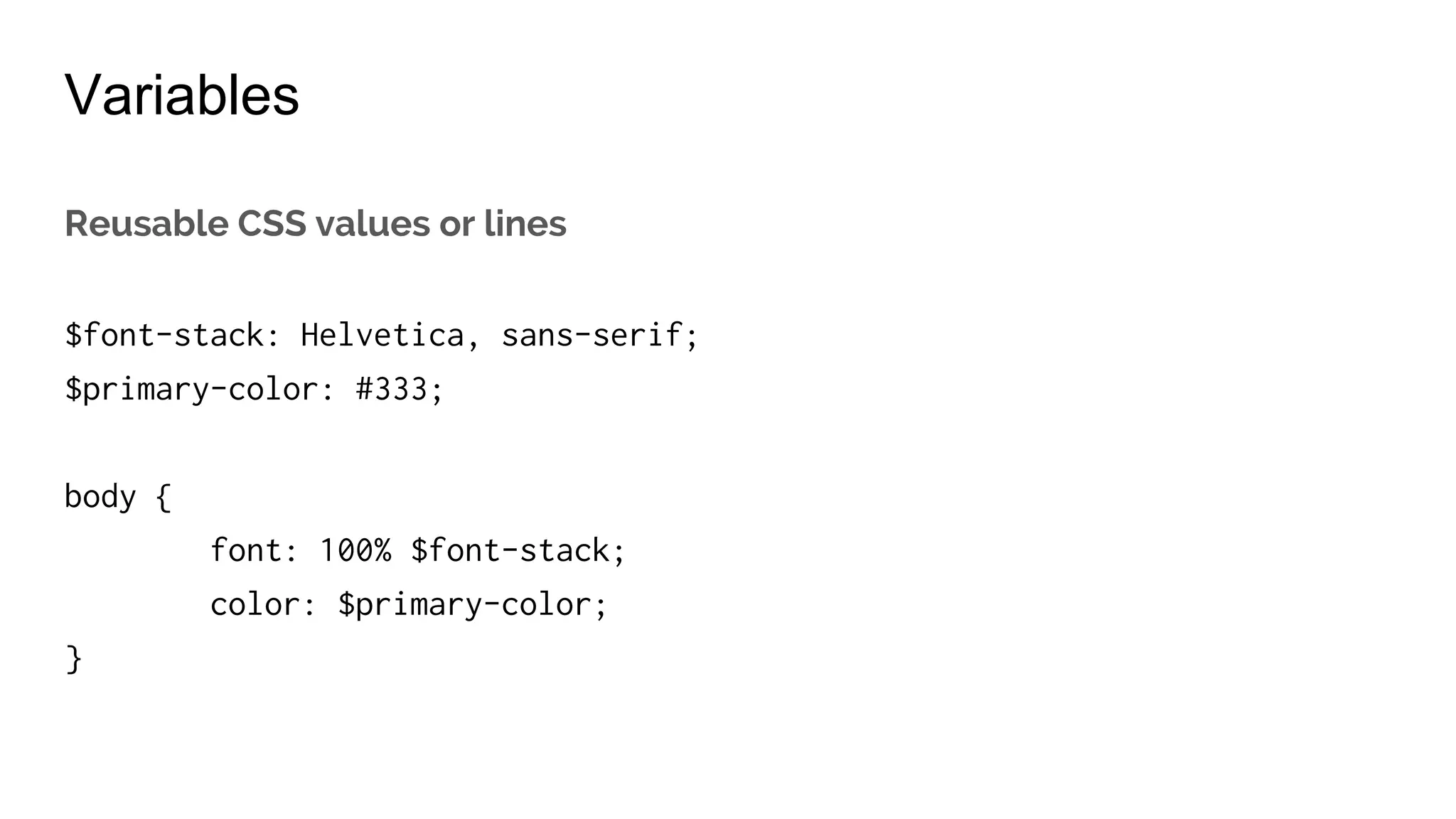
Variables
Reusable CSS values or lines
$font-stack: Arial, sans-serif;
$secundary-color: #111;
body {
font: 100% $font-stack;
color: $secundary-color;
}
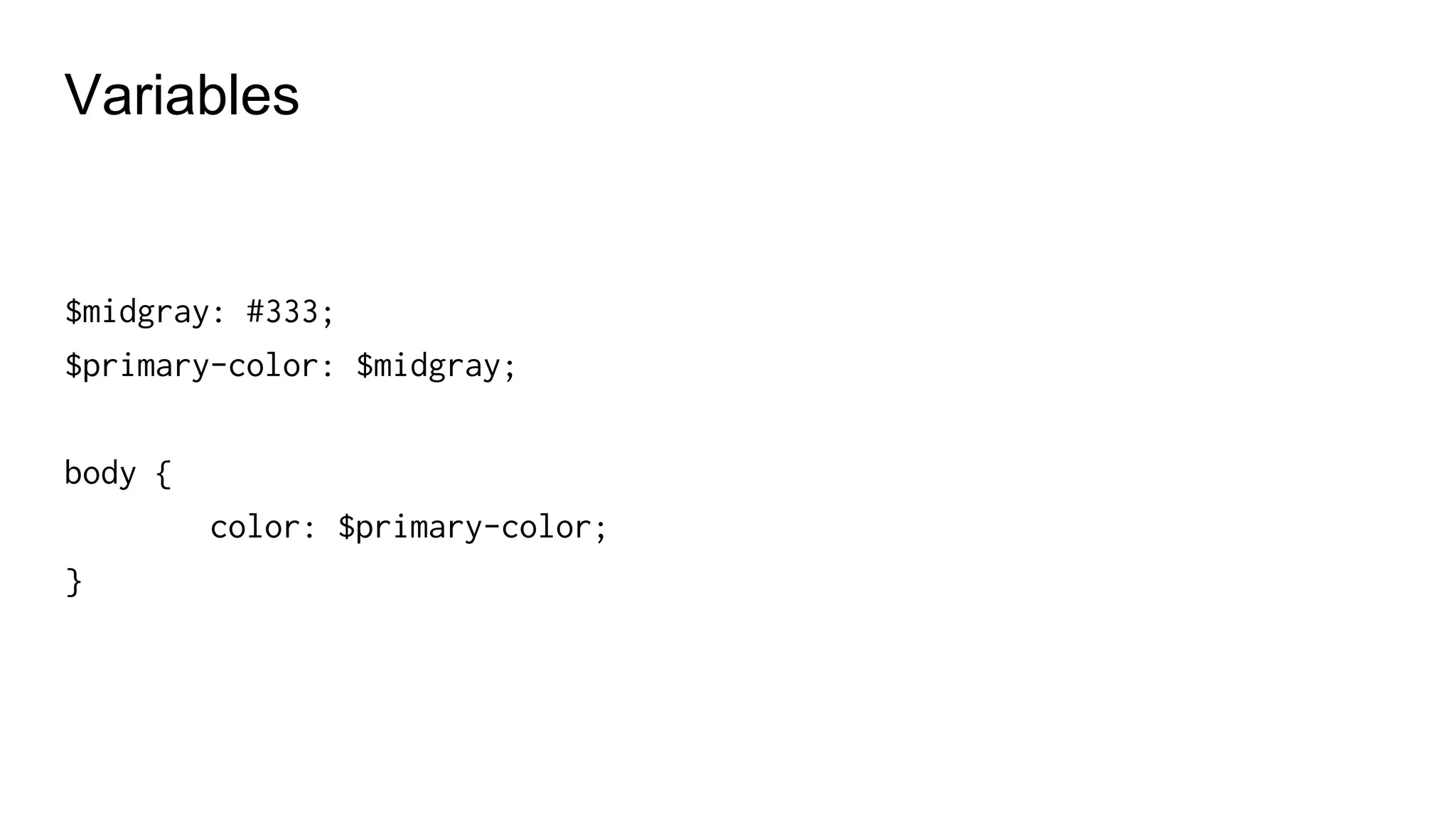
Variables
$midgray: #333;
$primary-color: $midgray;
body {
color: $primary-color;
}
Values in variables
Colours, typography settings
Widths, margins..
Z-index
Media queries breackpoints
Border-radius
Images, icons, textures…
Comments
// this comment won´t appear in the CSS output
/* But this comment will */
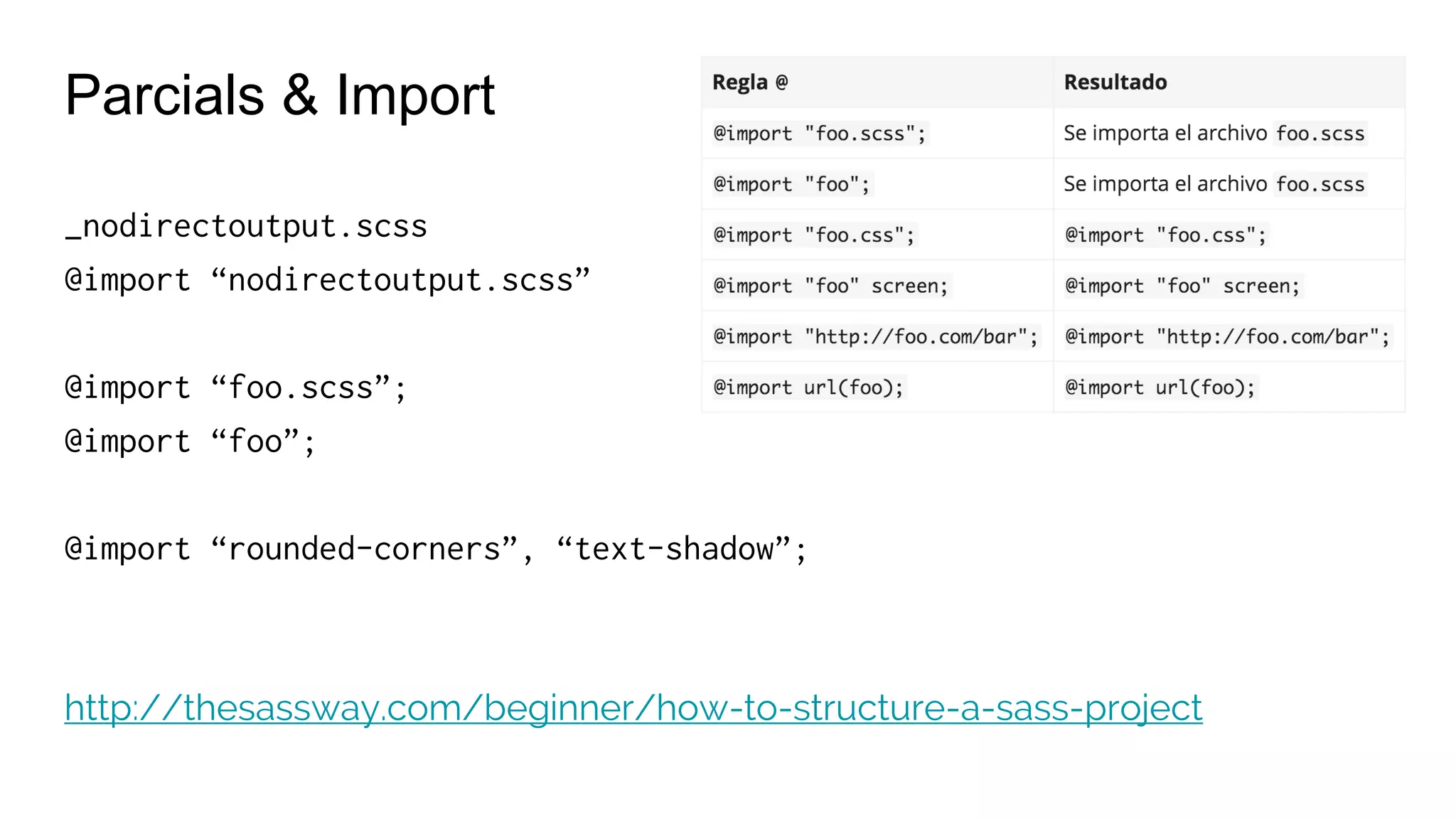
Parcials & Import
_nodirectoutput.scss
@import “nodirectoutput.scss”
@import “foo.scss”;
@import “foo”;
@import “rounded-corners”, “text-shadow”;
http://thesassway.com/beginner/how-to-structure-a-sass-project
Nested Rules
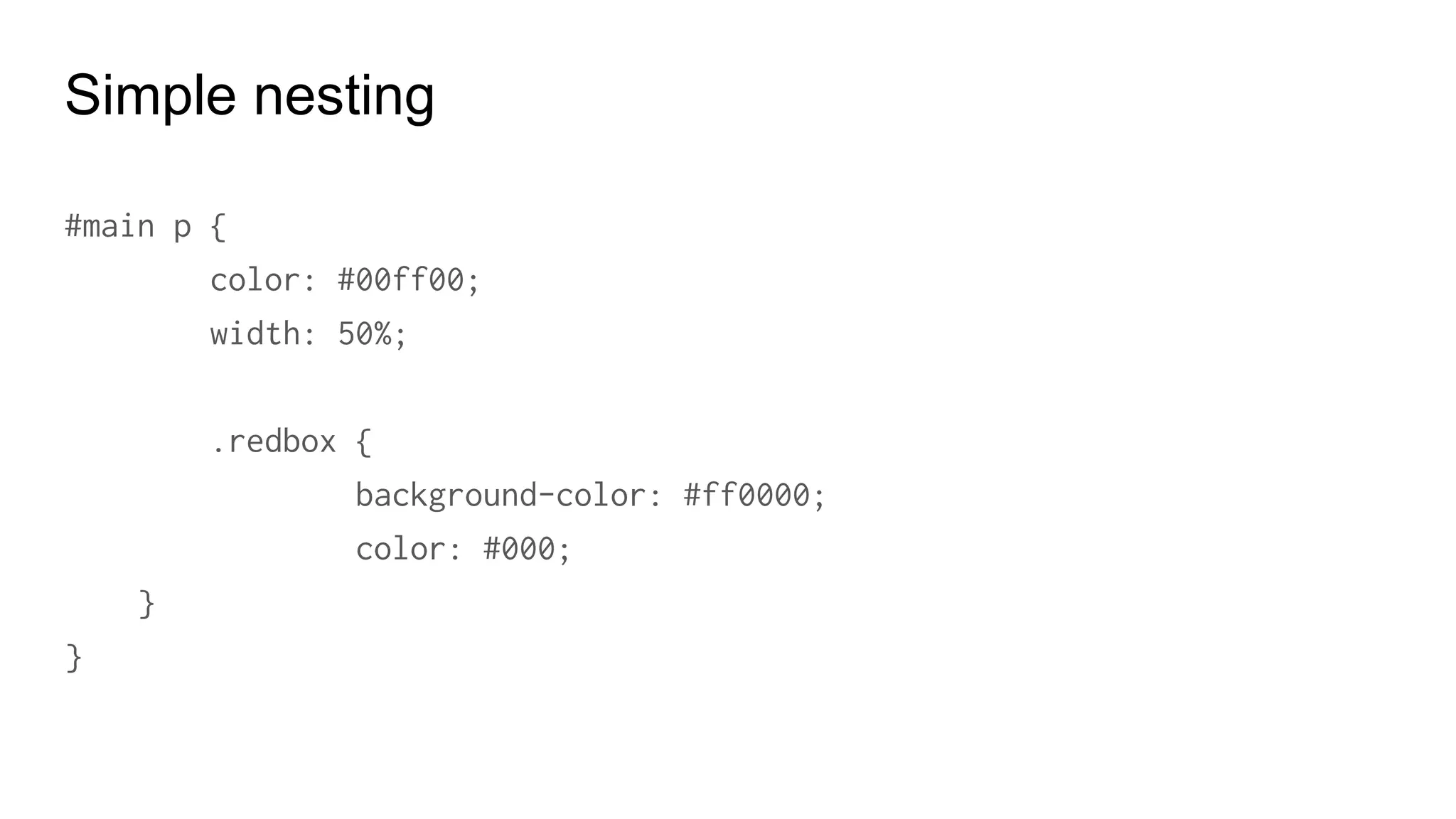
Simple nesting
#main p {
color: #00ff00;
width: 50%;
.redbox {
background-color: #ff0000;
color: #000;
}
}
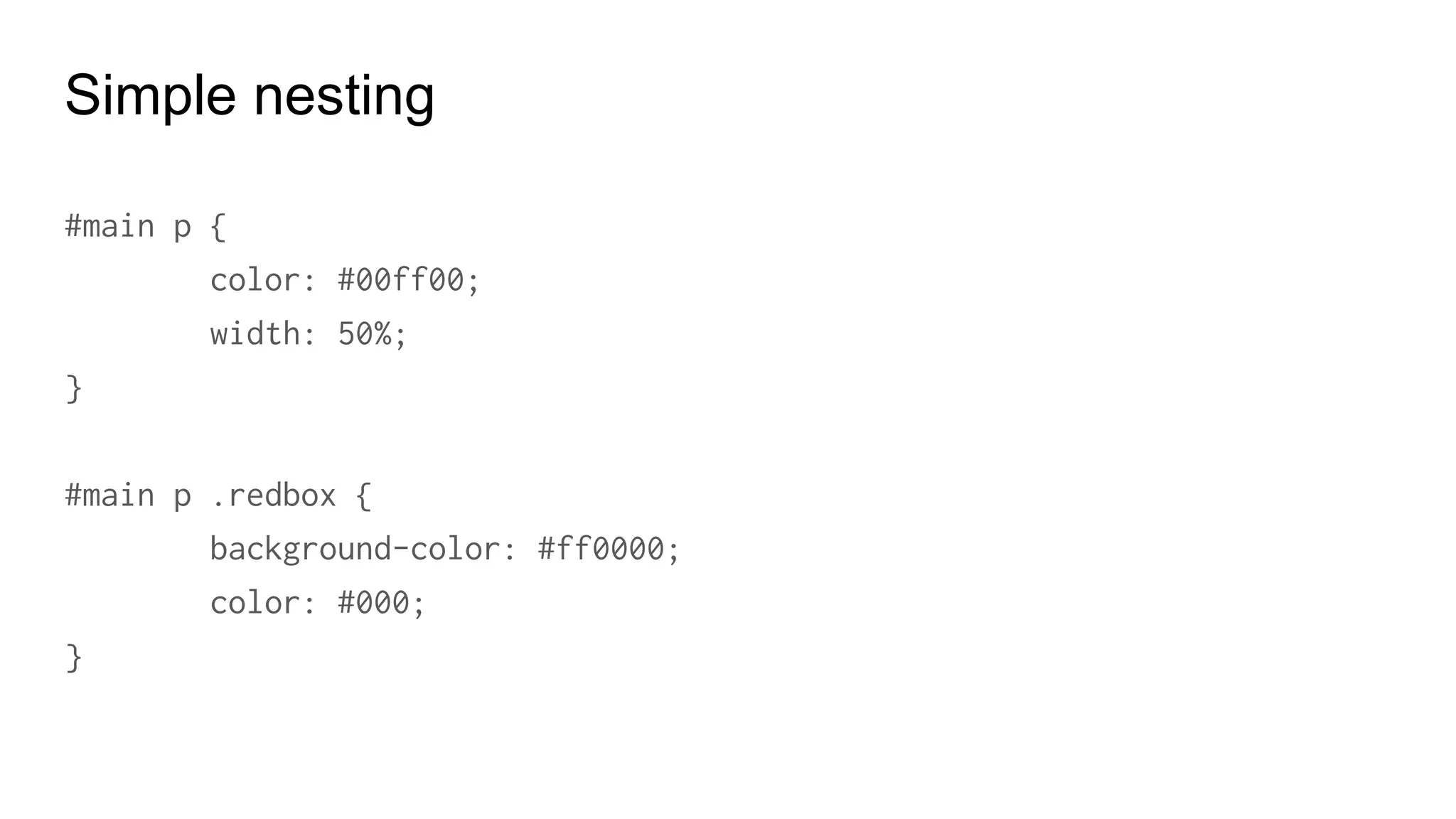
Simple nesting
#main p {
color: #00ff00;
width: 50%;
}
#main p .redbox {
background-color: #ff0000;
color: #000;
}
Nesting parents: &
a {
font-weight: bold;
text-decoration: none;
&:hover {
text-decoration: underline;
}
.navigation & { font-weight: normal; }
}
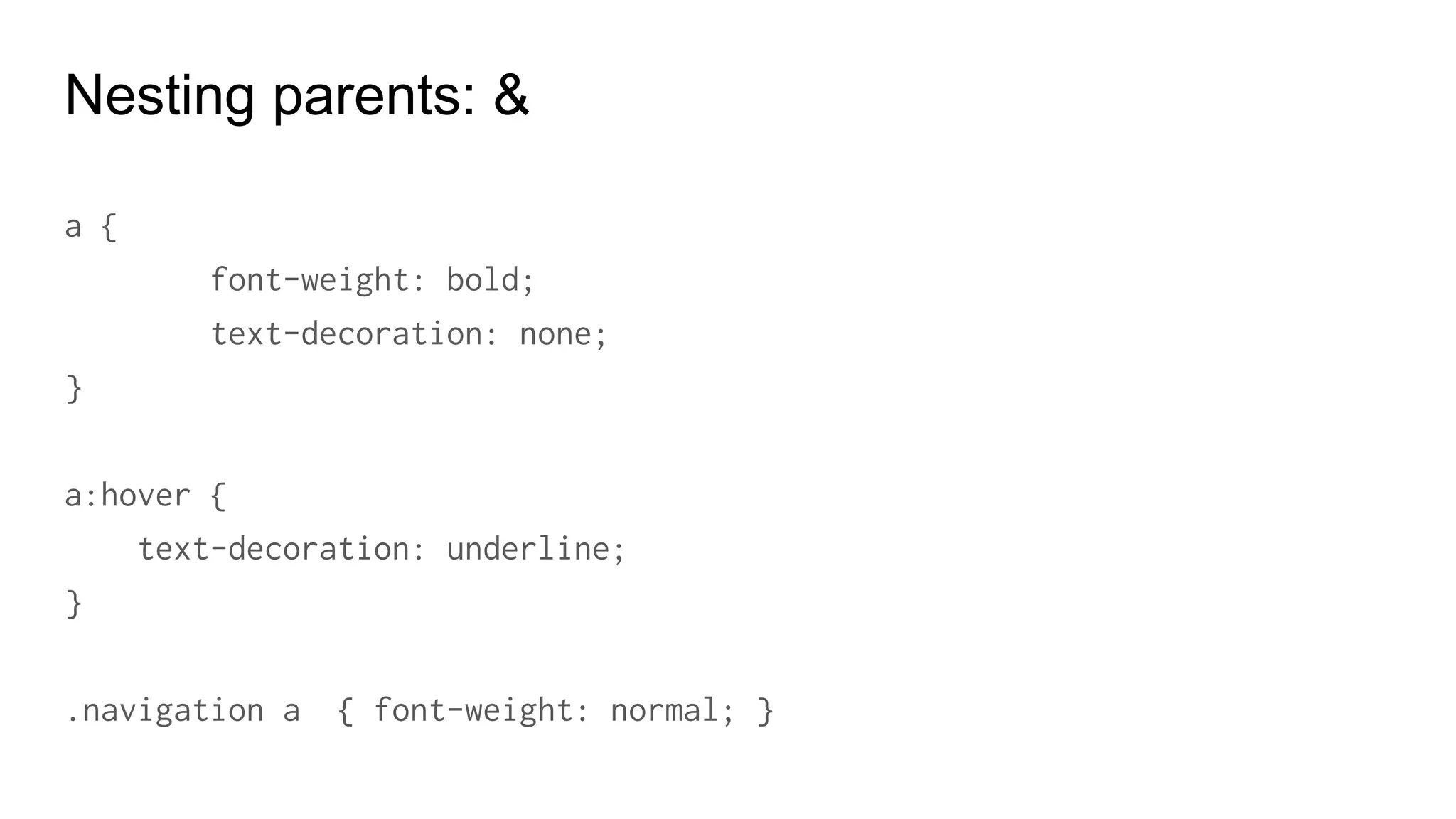
Nesting parents: &
a {
font-weight: bold;
text-decoration: none;
}
a:hover {
text-decoration: underline;
}
.navigation a { font-weight: normal; }
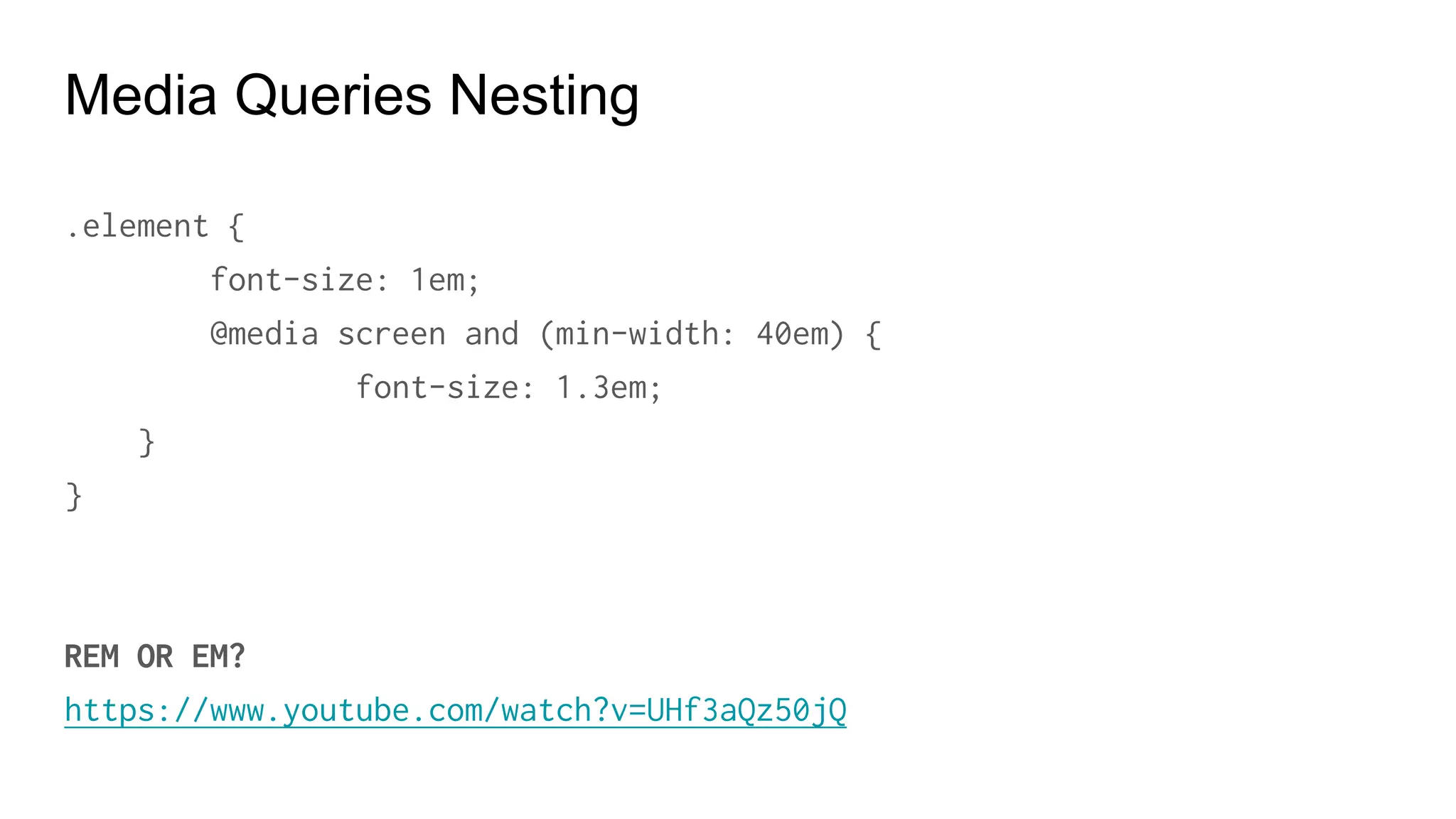
Media Queries Nesting
.element {
font-size: 1em;
@media screen and (min-width: 40em) {
font-size: 1.3em;
}
}
REM OR EM?
https://www.youtube.com/watch?v=UHf3aQz50jQ
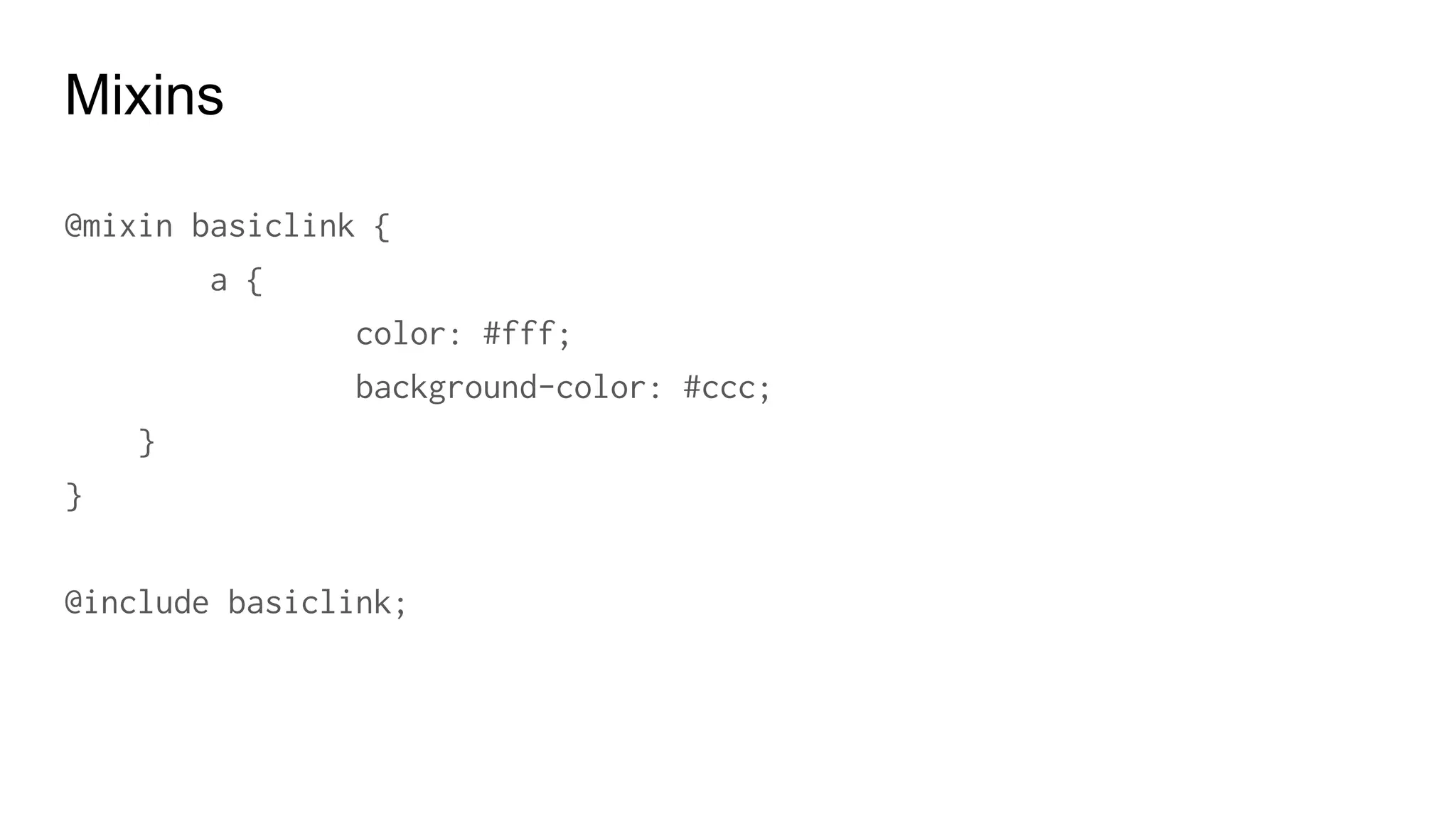
Mixins
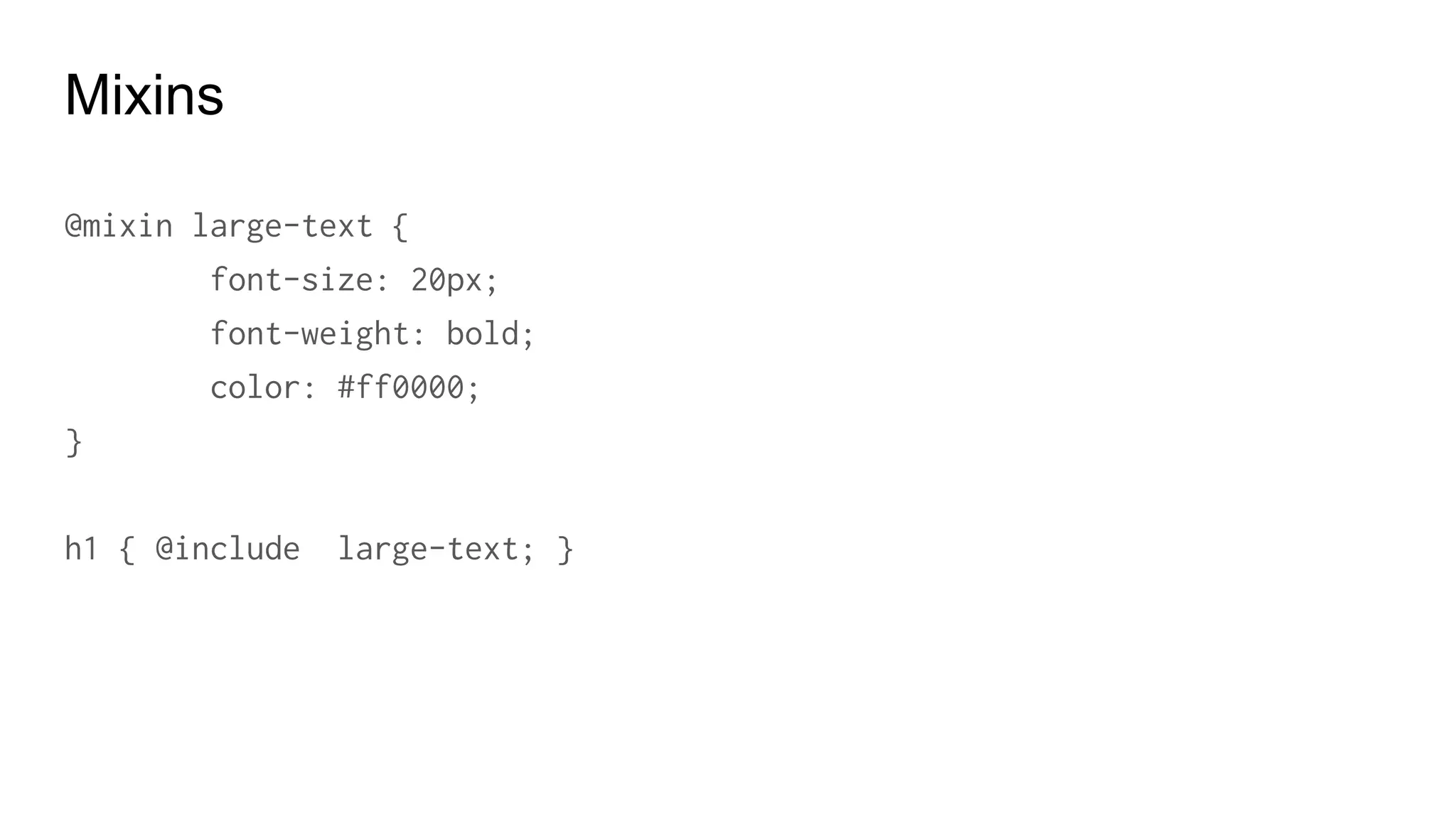
Mixins
@mixin large-text {
font: {
family: Arial;
size: 20px;
weight: bold;
}
color: #ff0000;
}
h1 { @include large-text; }
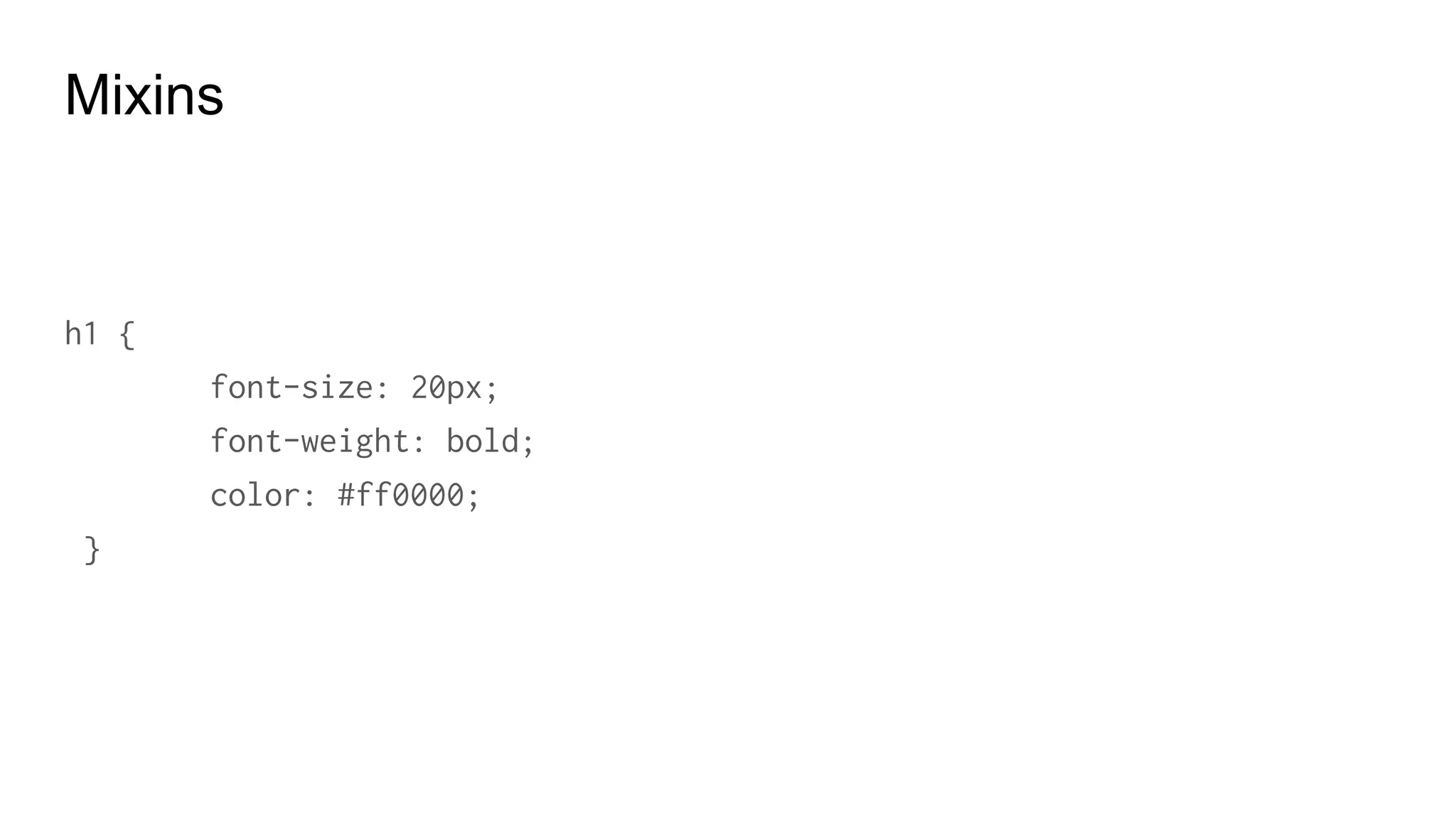
Mixins
h1 {
family: Arial;
font-size: 20px;
font-weight: bold;
color: #ff0000;
}
Mixins
Mixing + Include
.page-title {
@include large-text;
padding: 4px;
margin-top: 10px;
}
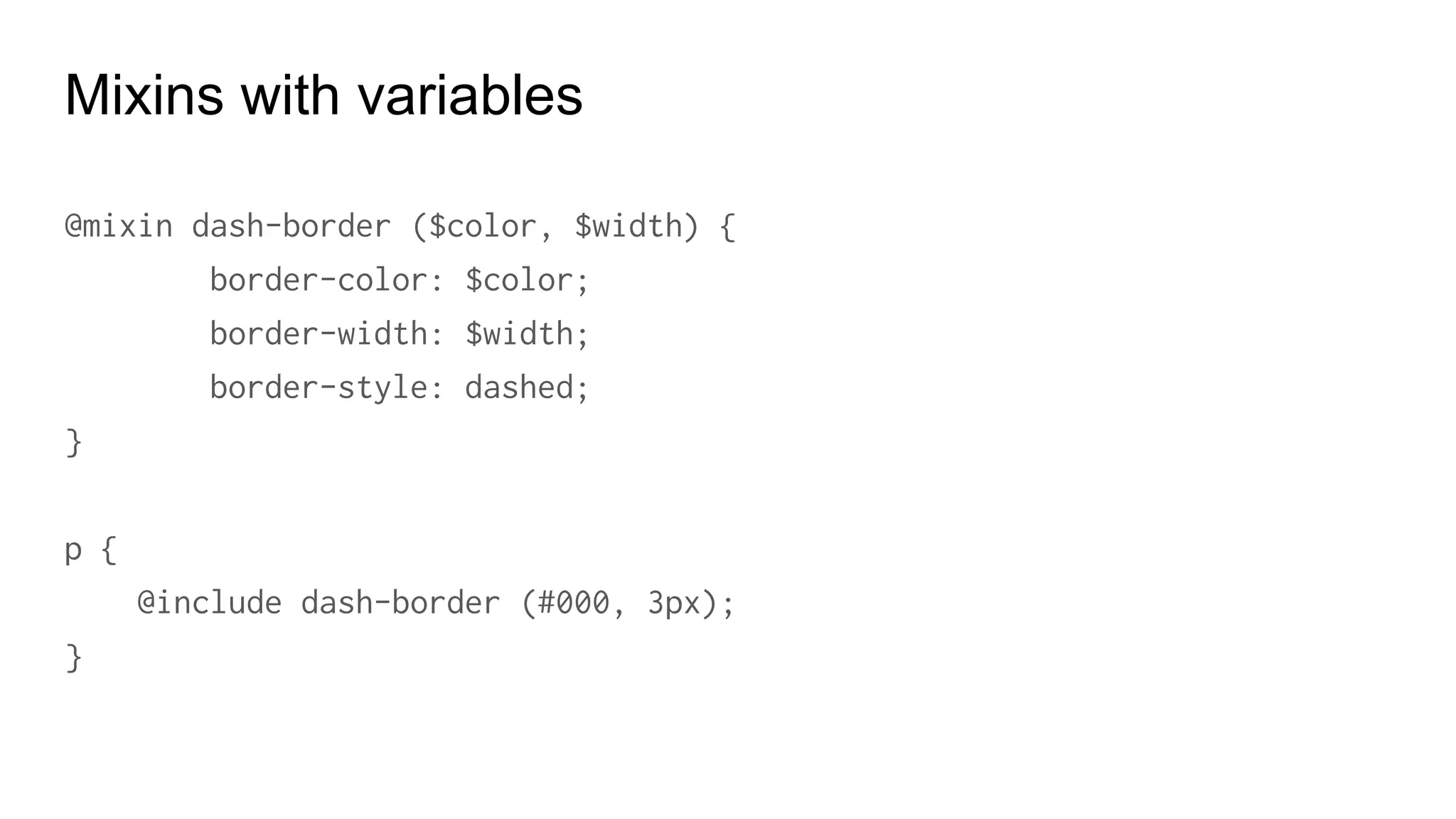
Mixins with variables
@mixin flow-border ($color, $width) {
border-color: $color;
border-width: $width;
border-style: dashed;
}
p {
@include flow-border (#000, 3px);
}
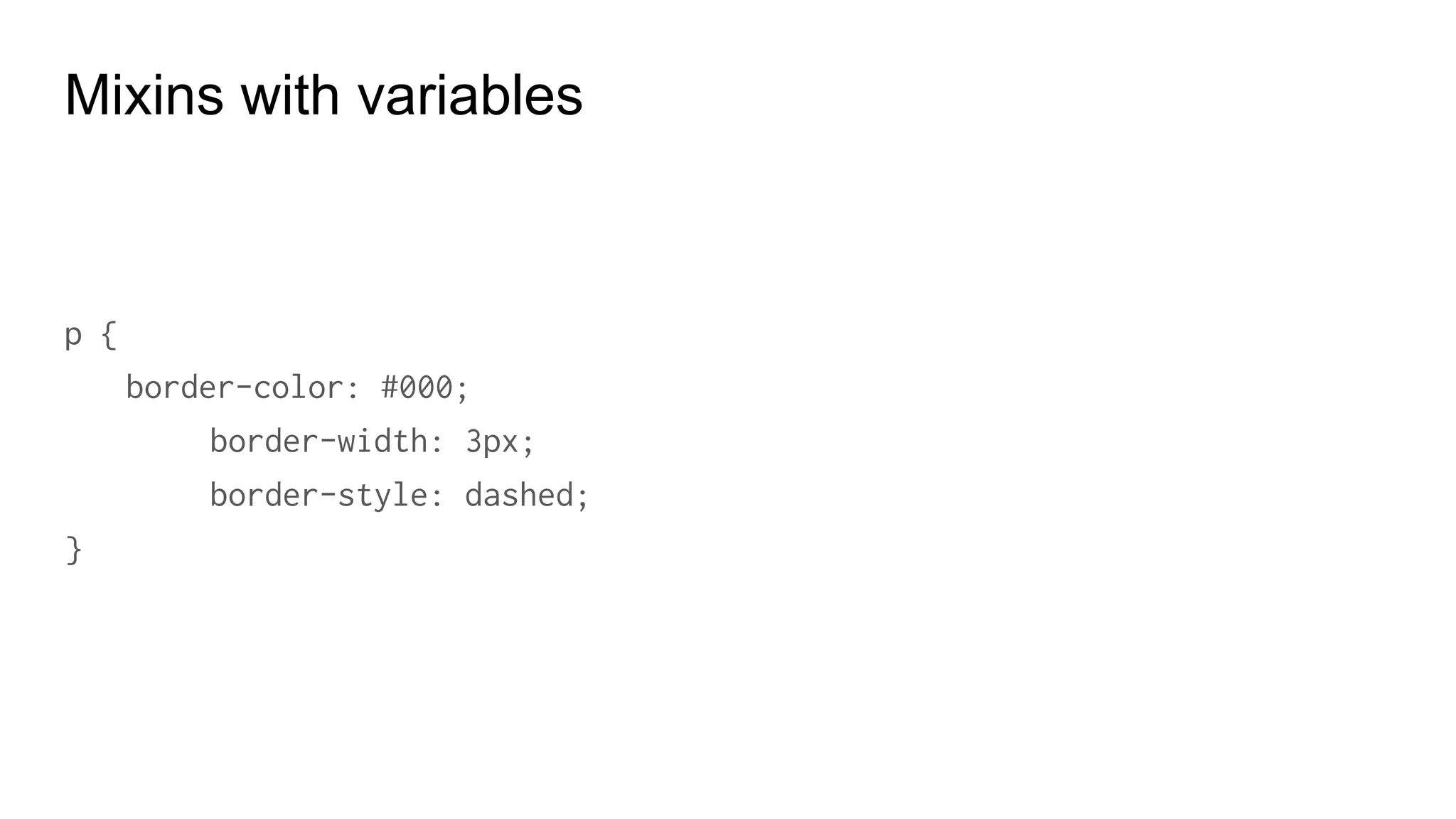
Mixins with variables
p {
border-color: #000;
border-width: 3px;
border-style: dashed;
}
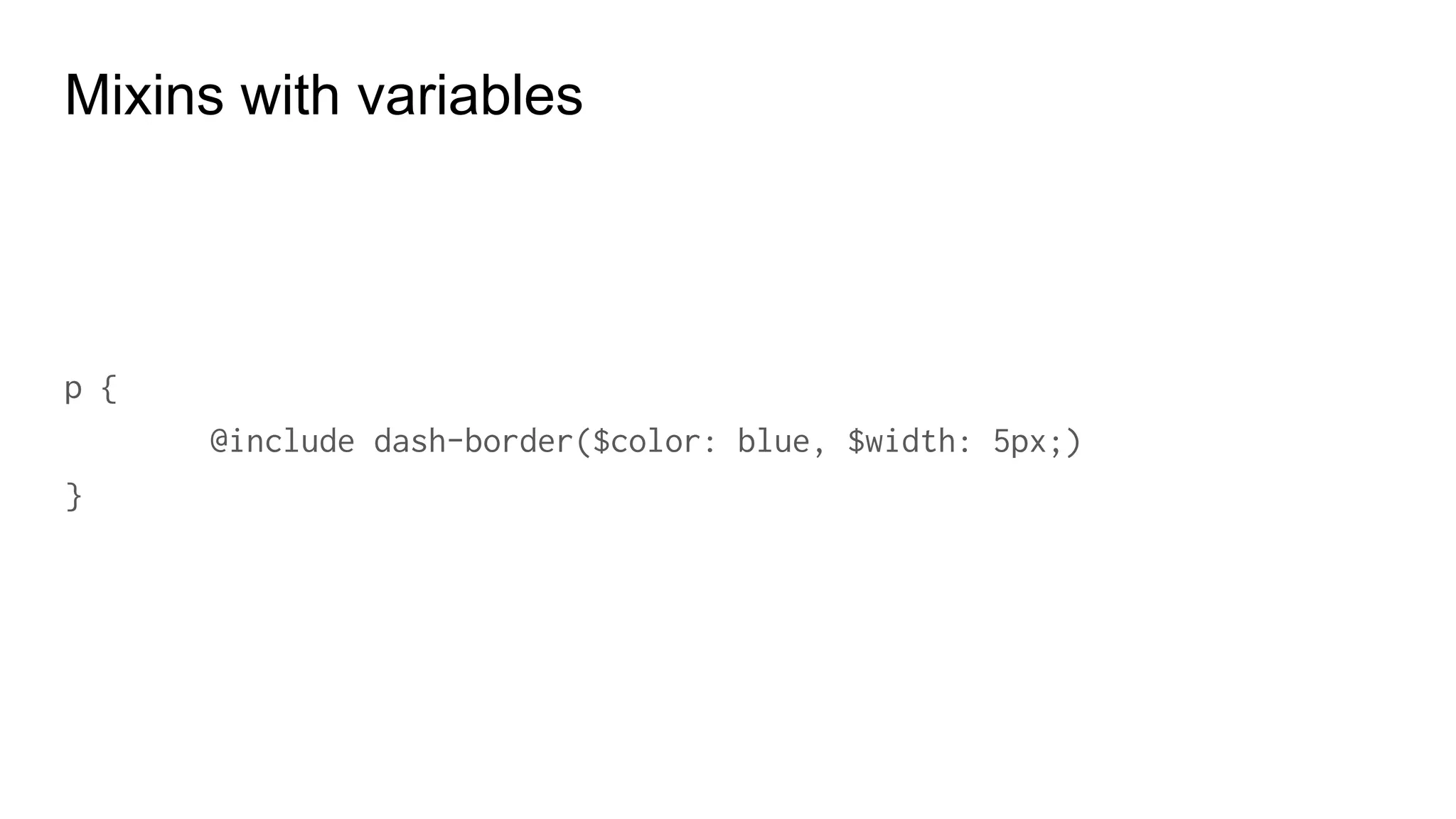
Mixins with variables
p {
@include flow-border($color: blue, $width: 5px;)
}
Mixins with variables
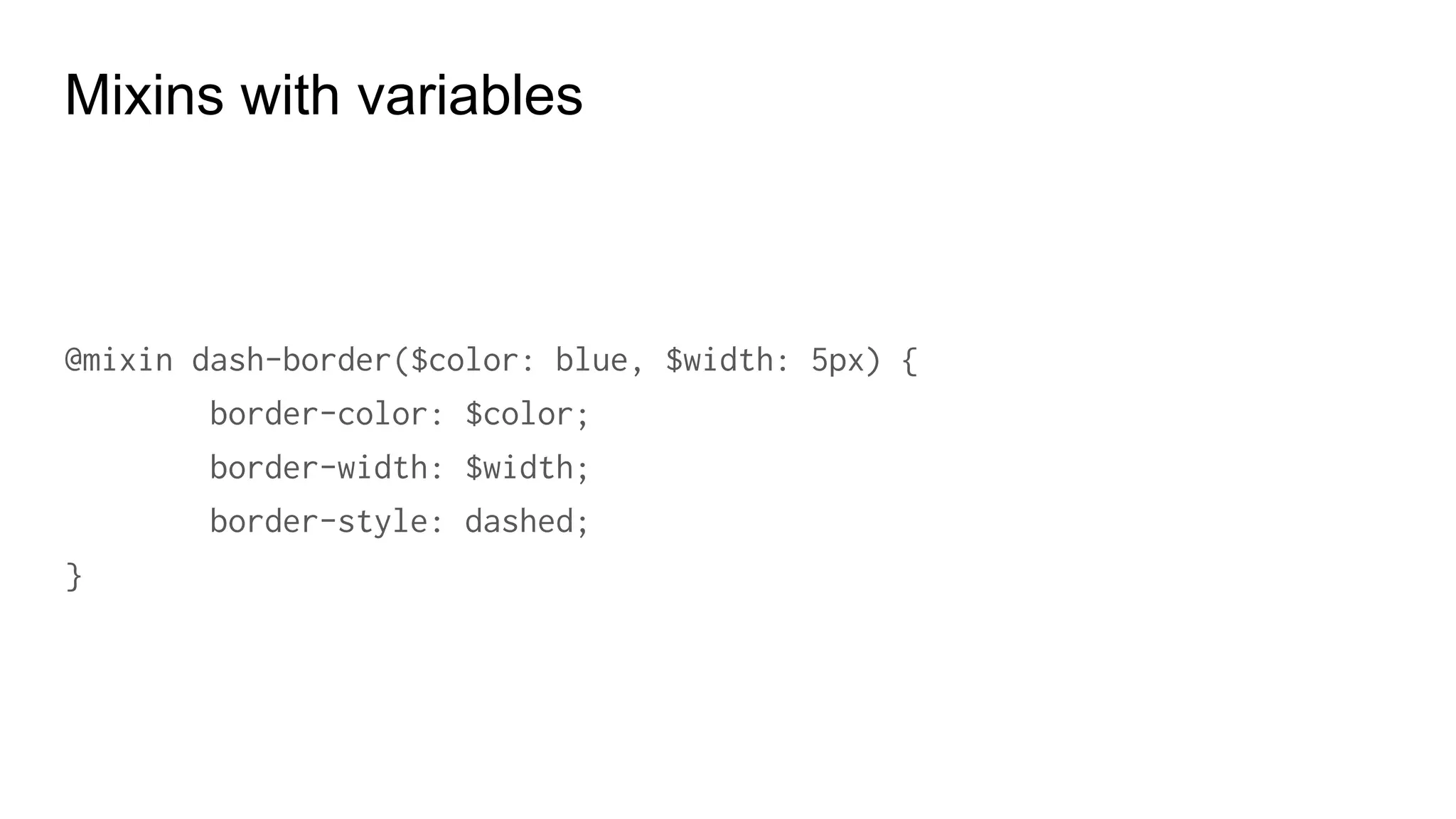
@mixin flow-border($color: blue, $width: 5px) {
border-color: $color;
border-width: $width;
border-style: dashed;
}
Mixins with variables
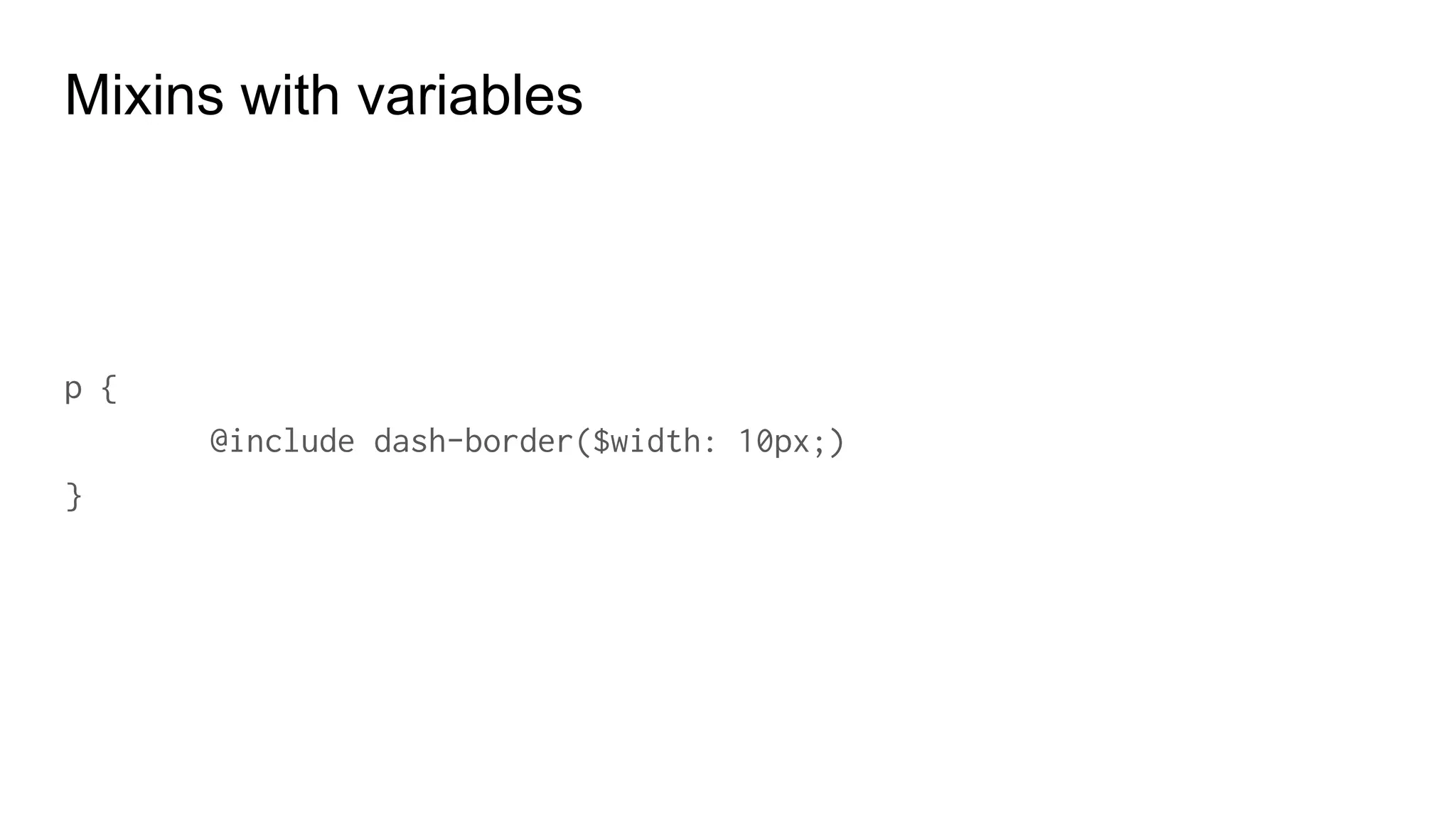
p {
@include flow-border($width: 10px;)
}
Mixins with variables
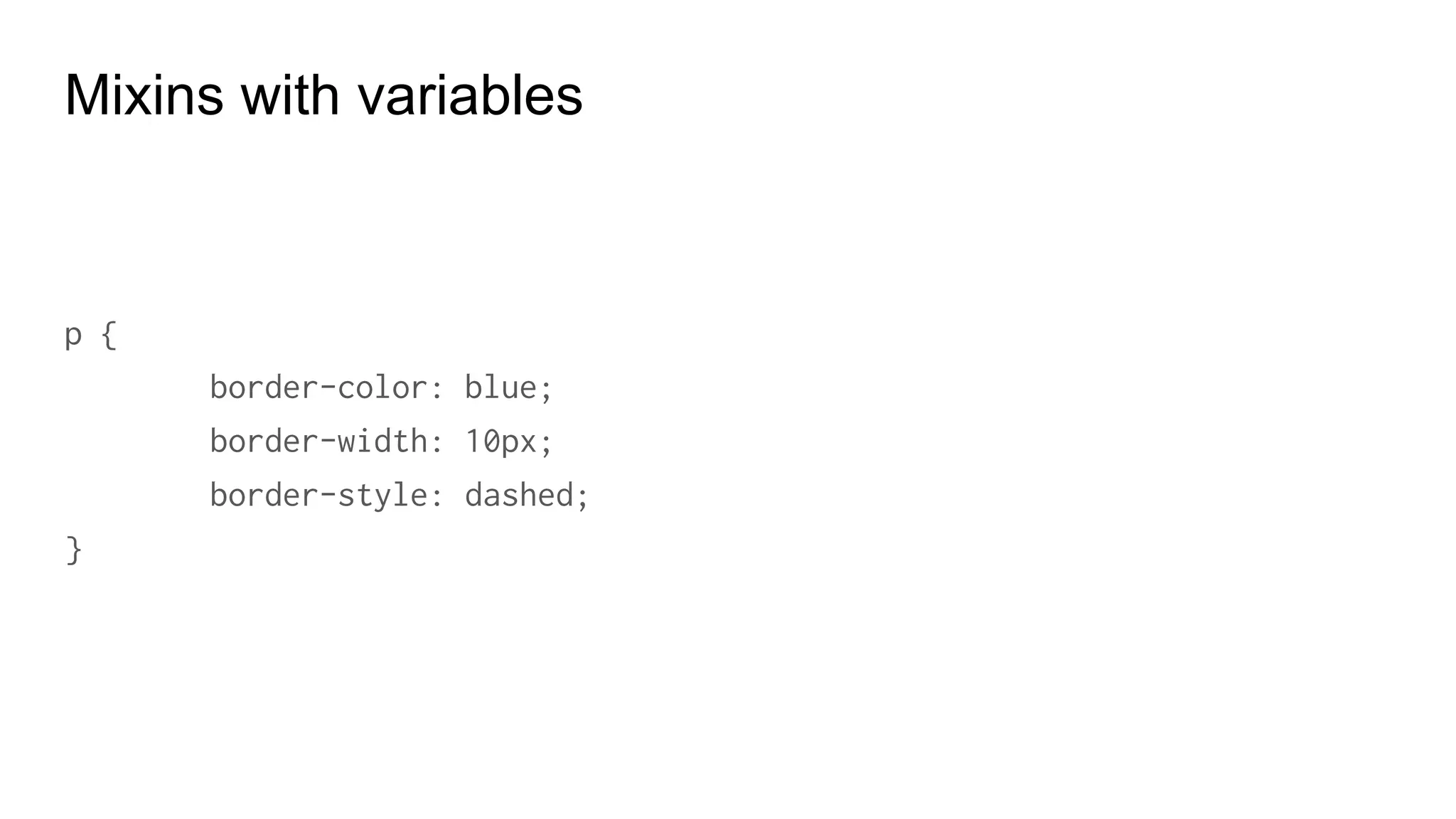
p {
border-color: blue;
border-width: 10px;
border-style: dashed;
}
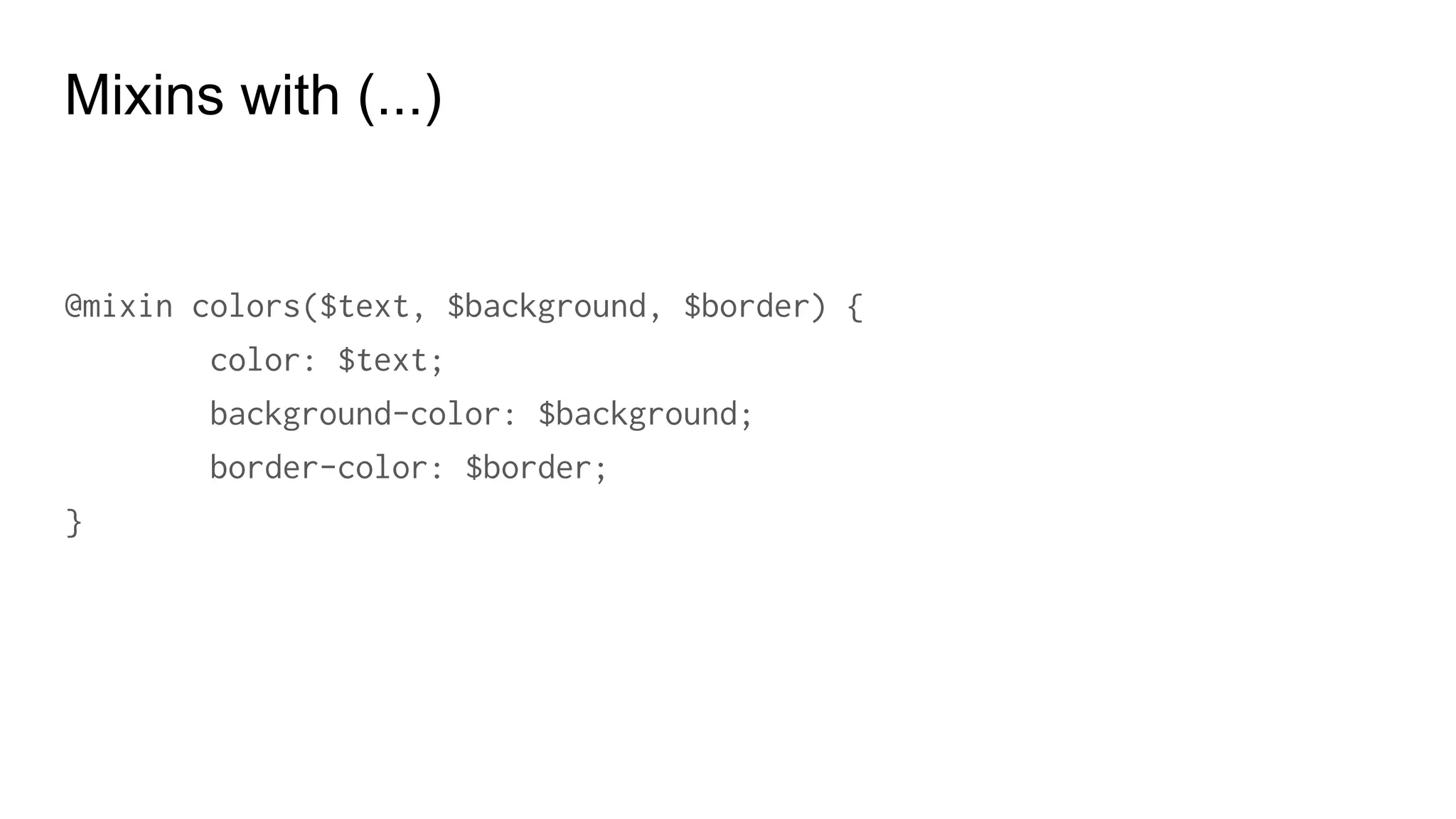
Mixins with (...)
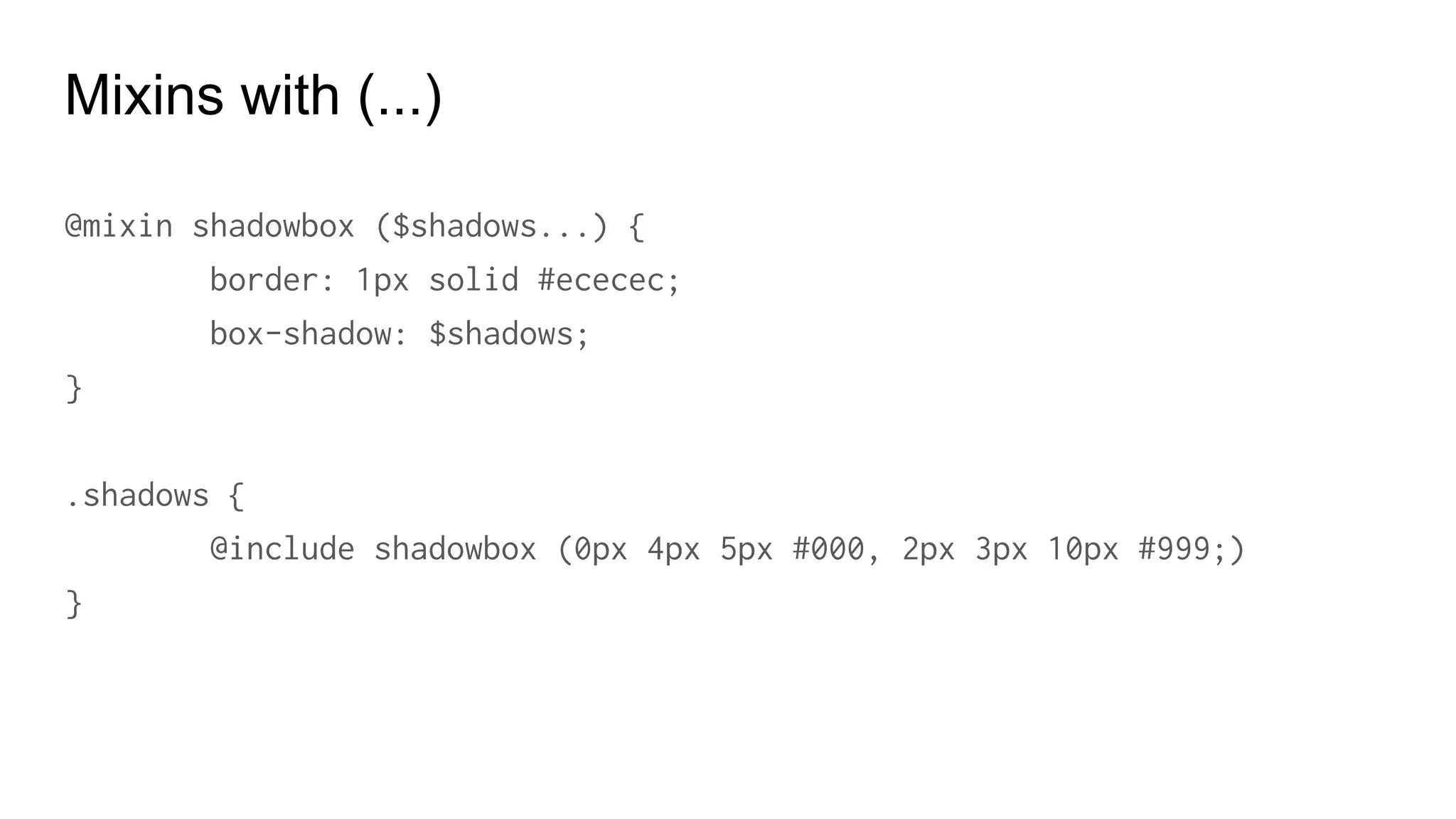
@mixin shadowbox ($shadows...) {
border: 1px solid #ececec;
box-shadow: $shadows;
}
.shadows {
@include shadowbox (0px 4px 5px #000, 2px 3px 10px #999;)
}
@mixin colors($text, $background, $border) {
color: $text;
background-color: $background;
border-color: $border;
}
Mixins with (...)
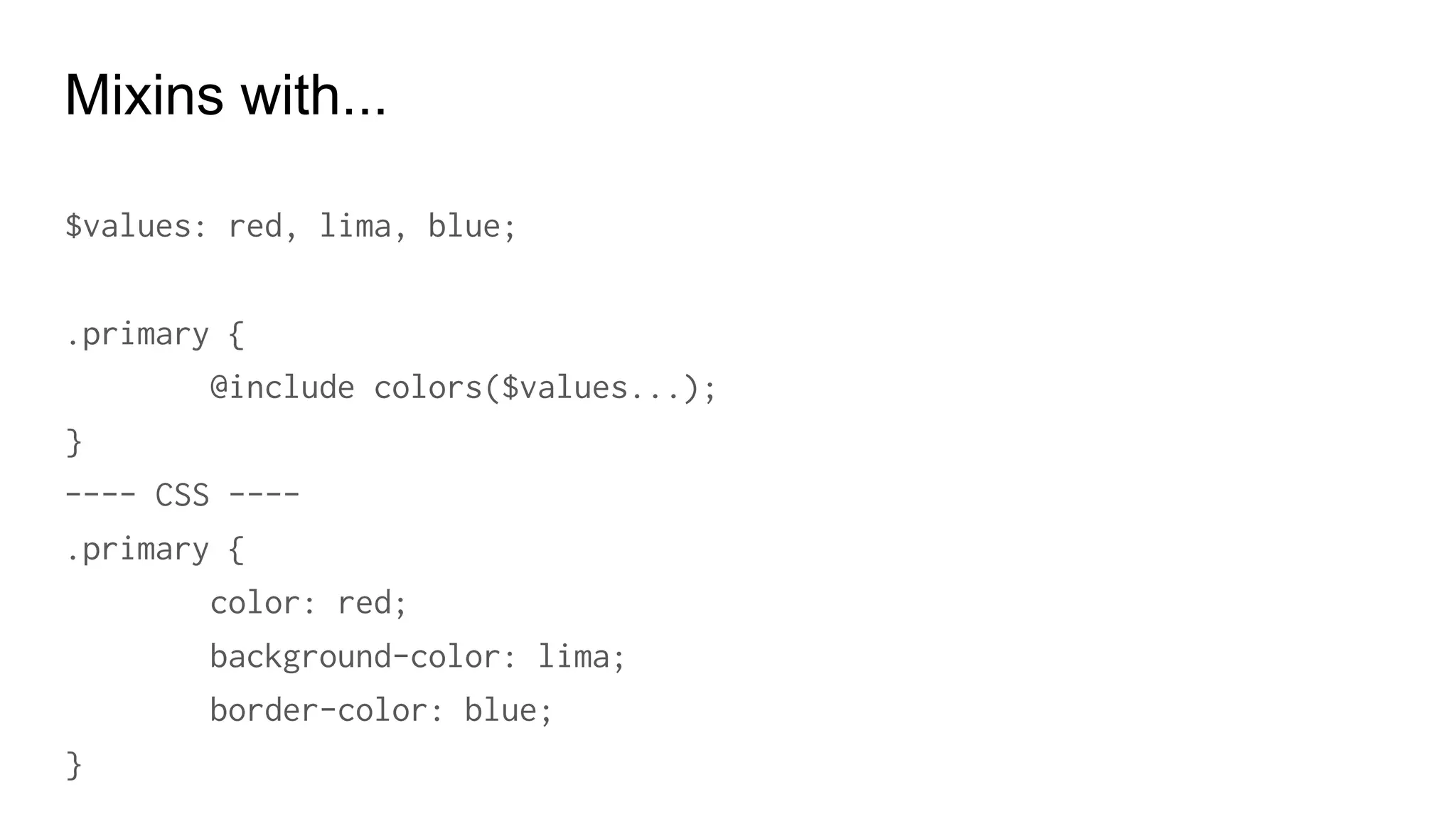
Mixins with...
$values: red, lima, blue;
.primary {
@include colors($values...);
}
---- CSS ----
.primary {
color: red;
background-color: lima;
border-color: blue;
}
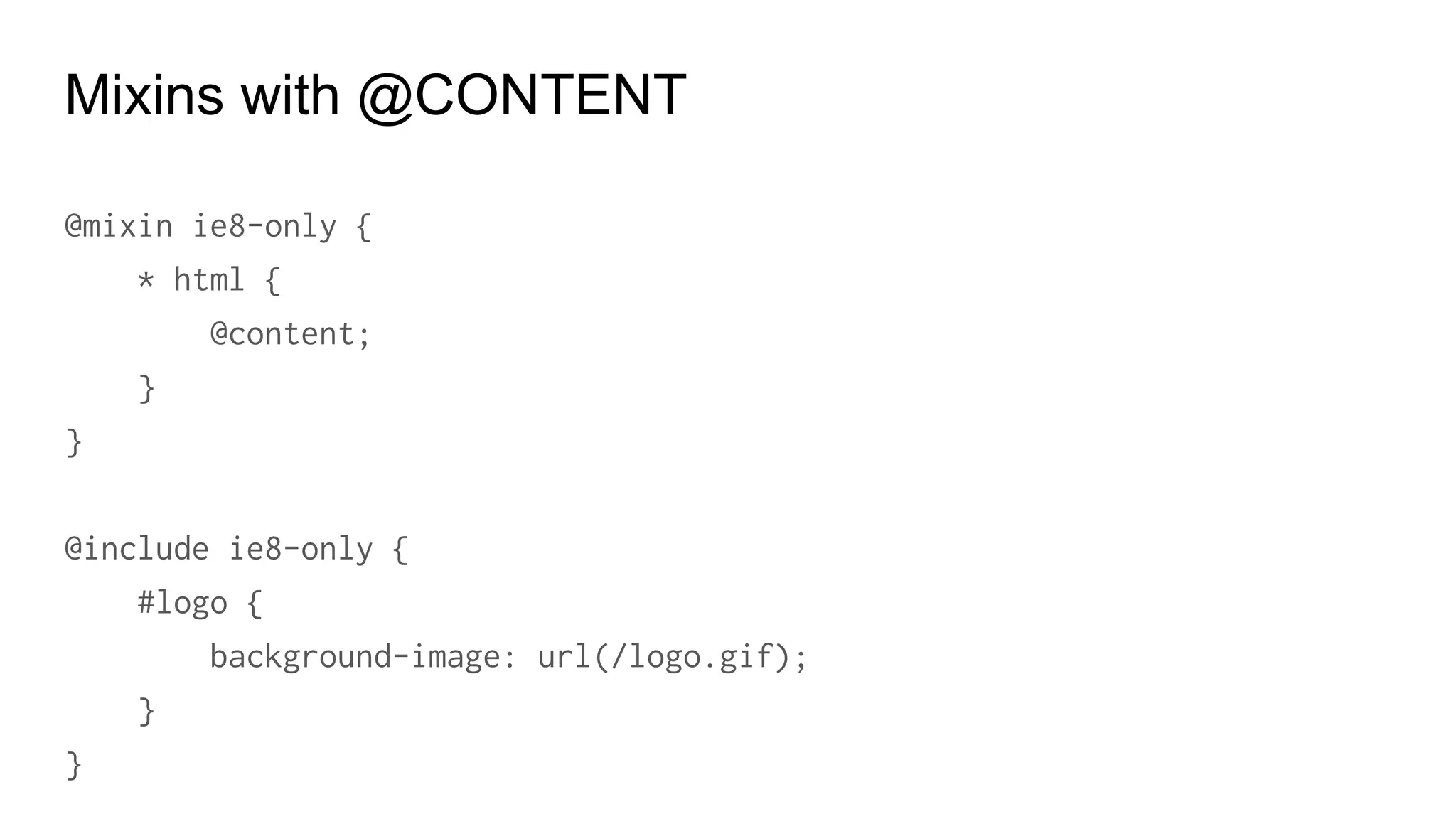
Mixins with @CONTENT
@mixin ie8-only {
* html {
@content;
}
}
@include ie8-only {
#logo {
background-image: url(/logo.gif);
}
}
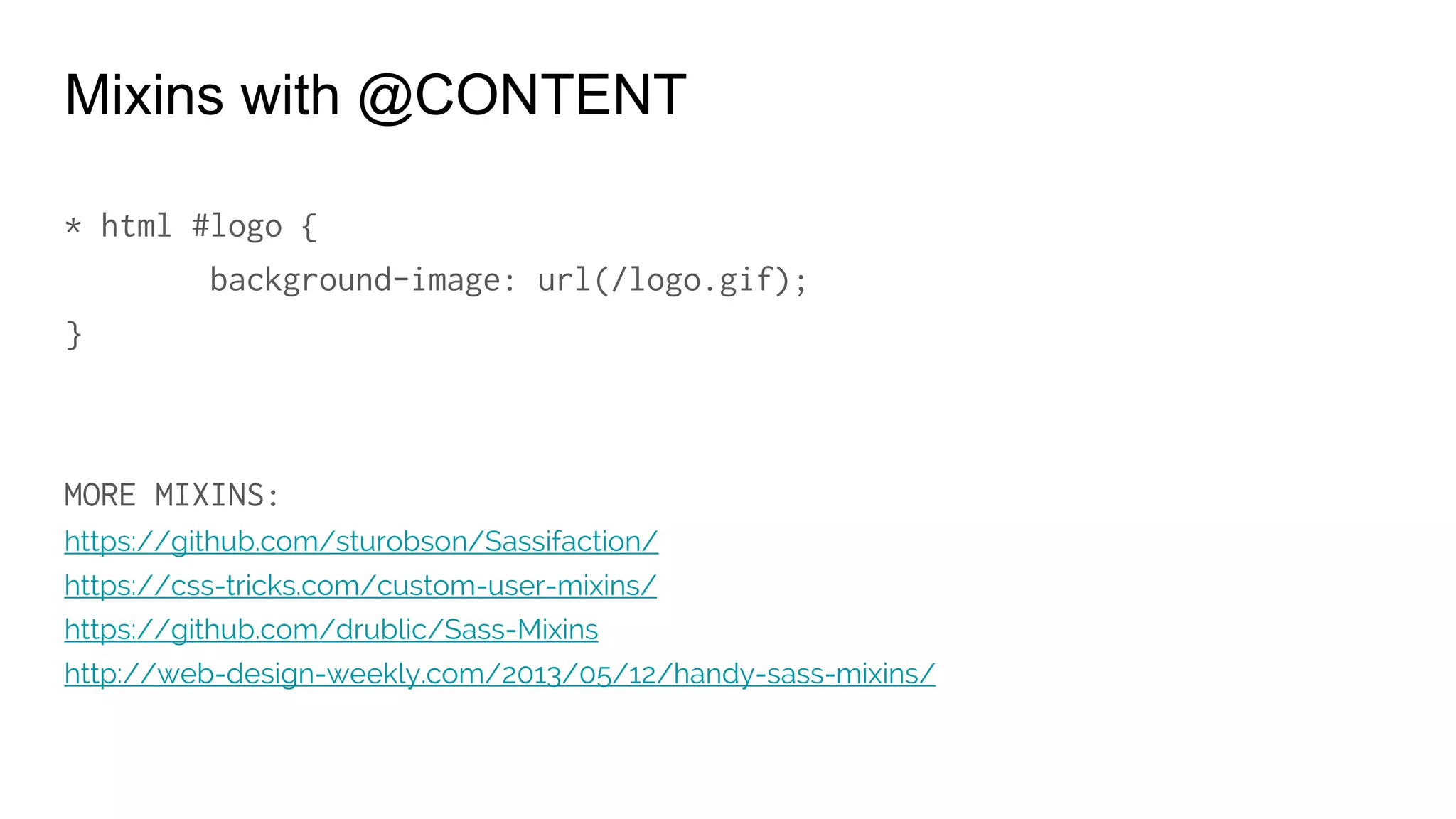
Mixins with @CONTENT
* html #logo {
background-image: url(/logo.gif);
}
MORE MIXINS:
https://github.com/sturobson/Sassifaction/
https://css-tricks.com/custom-user-mixins/
https://github.com/drublic/Sass-Mixins
http://web-design-weekly.com/2013/05/12/handy-sass-mixins/
@Extend
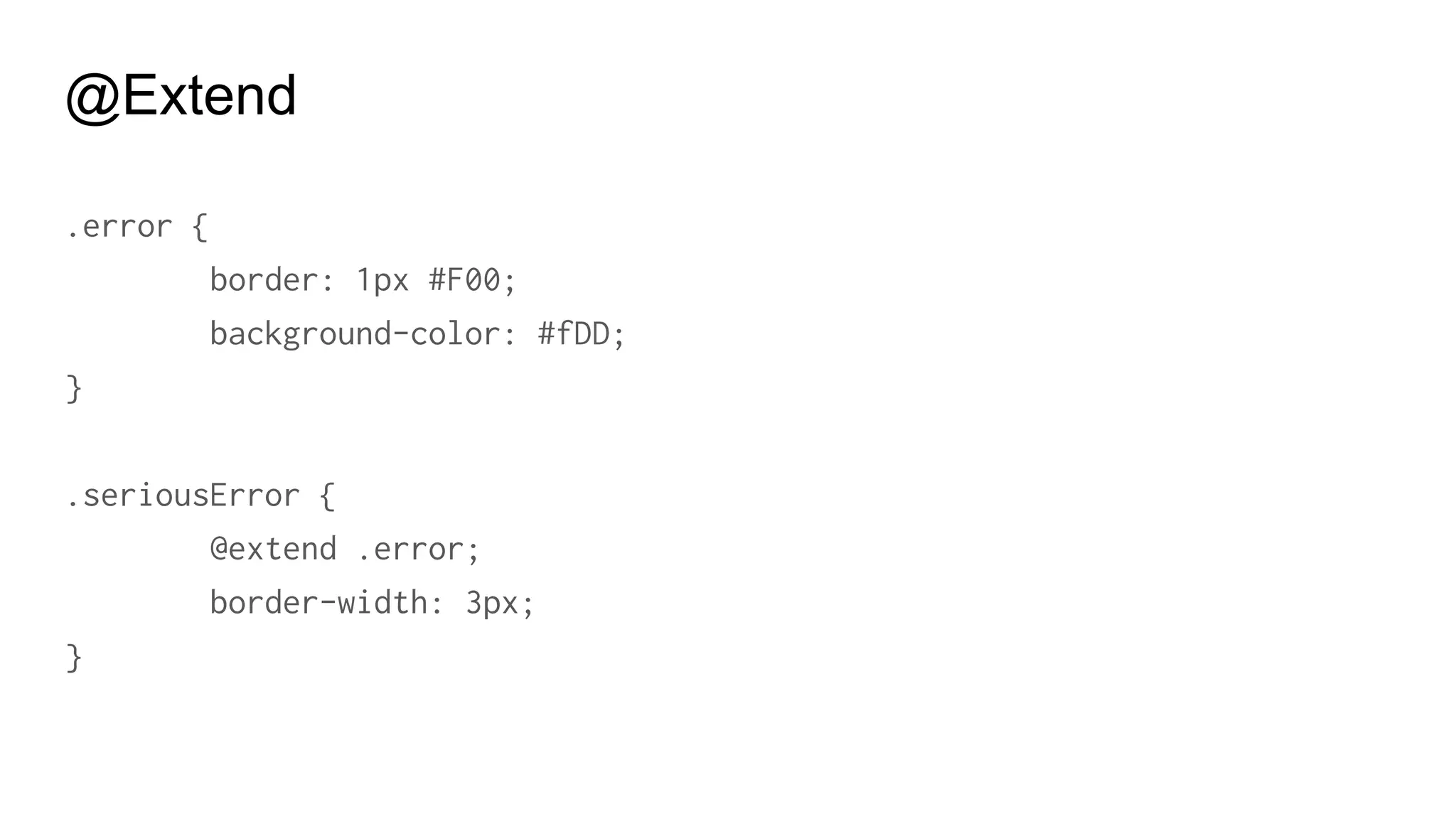
@Extend
.error {
border: 1px #F00;
background-color: #fDD;
}
.seriousError {
@extend .error;
border-width: 3px;
}
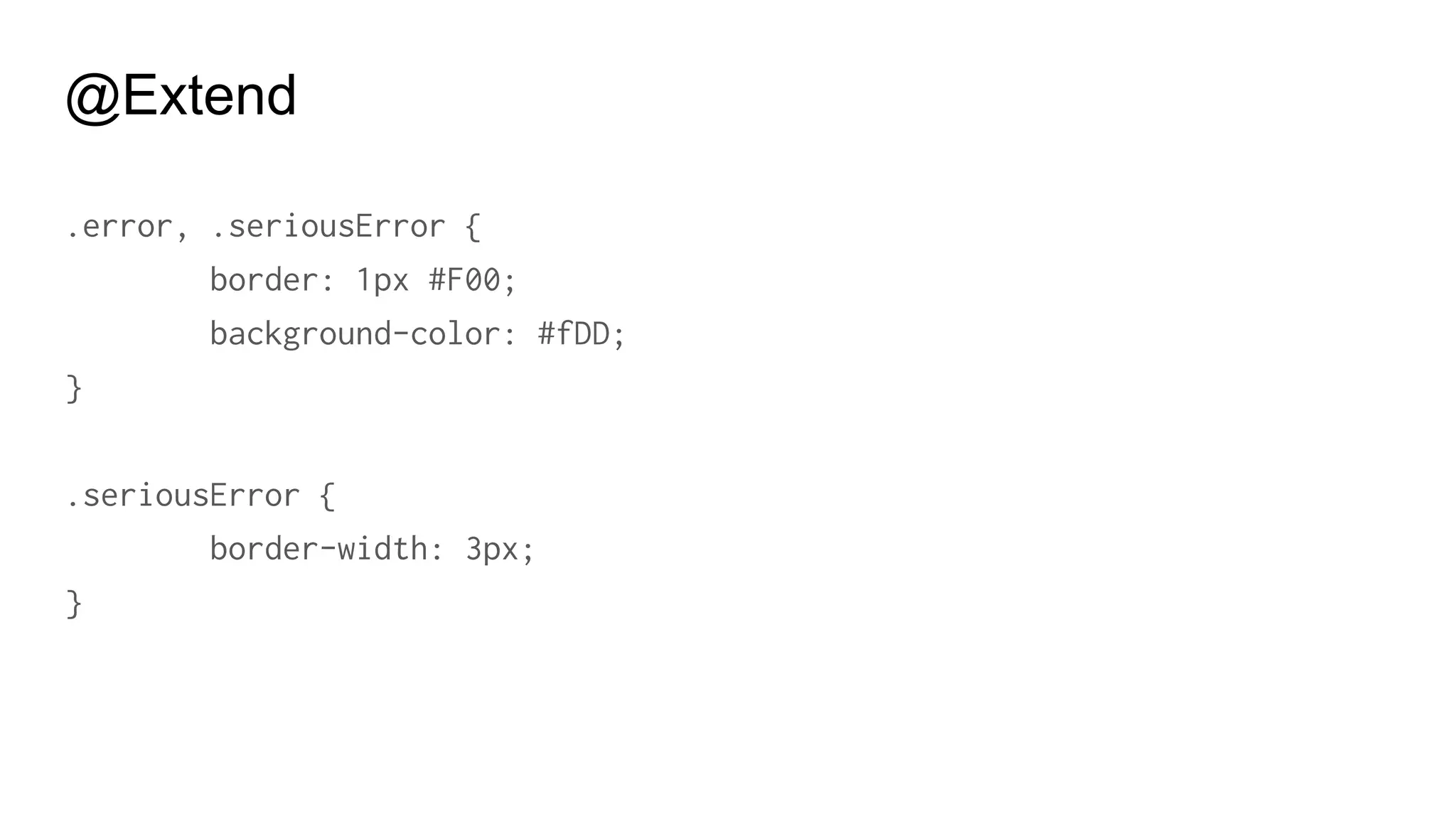
@Extend
.error, .seriousError {
border: 1px #F00;
background-color: #fDD;
}
.seriousError {
border-width: 3px;
}
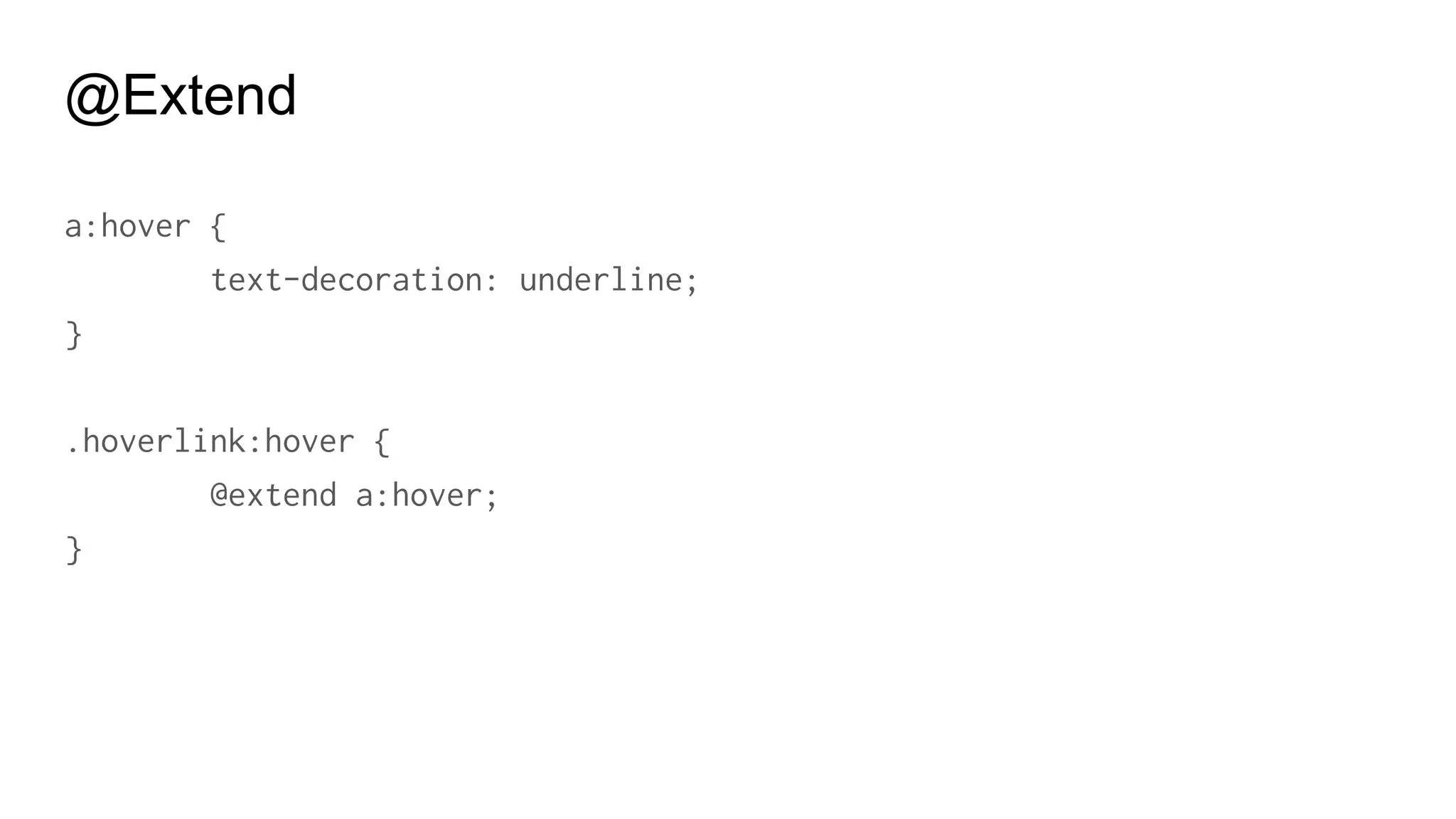
@Extend
a:hover {
text-decoration: underline;
}
.hoverlink:hover {
@extend a:hover;
}
@Extend
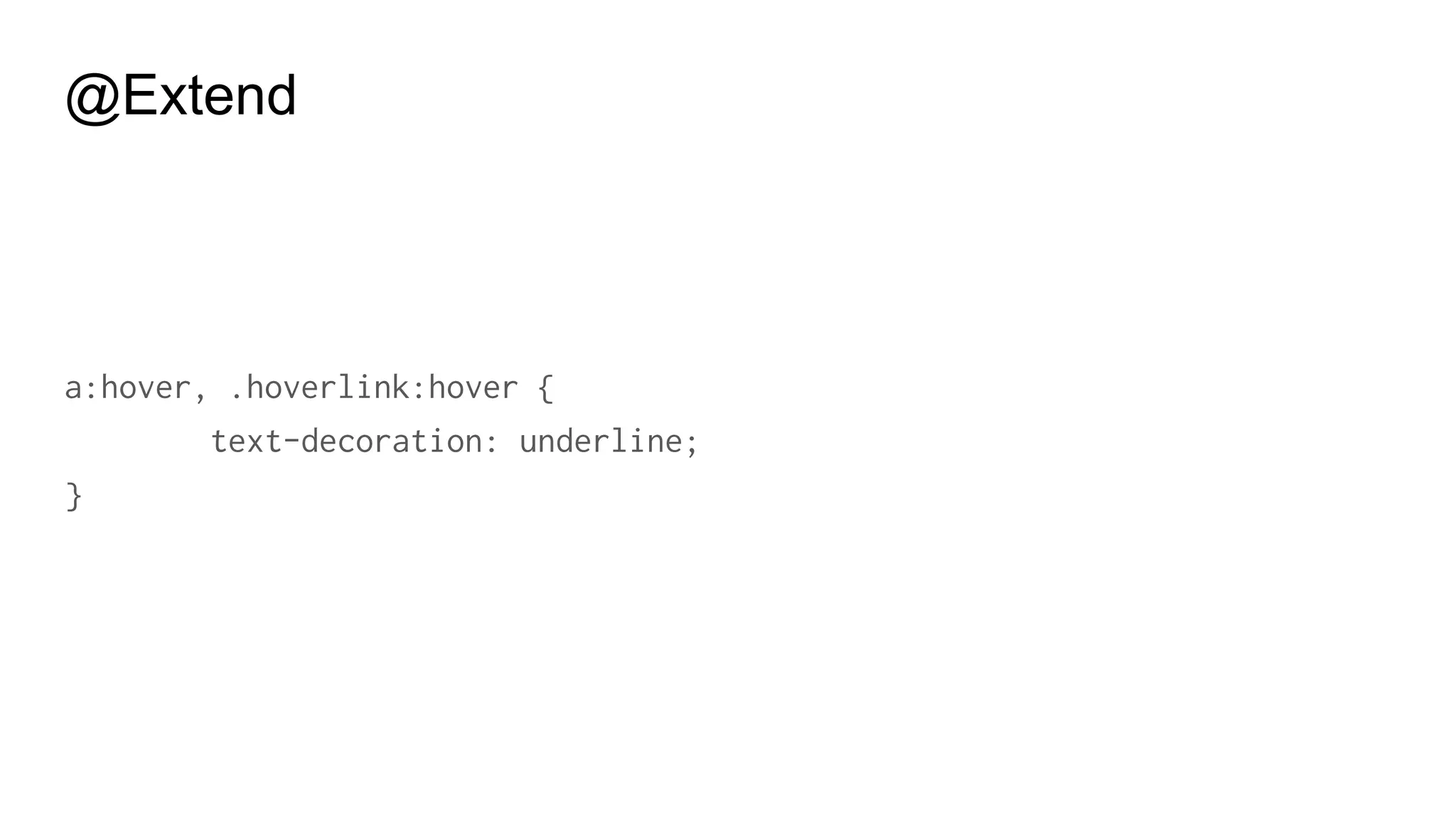
a:hover, .hoverlink:hover {
text-decoration: underline;
}
@Extend
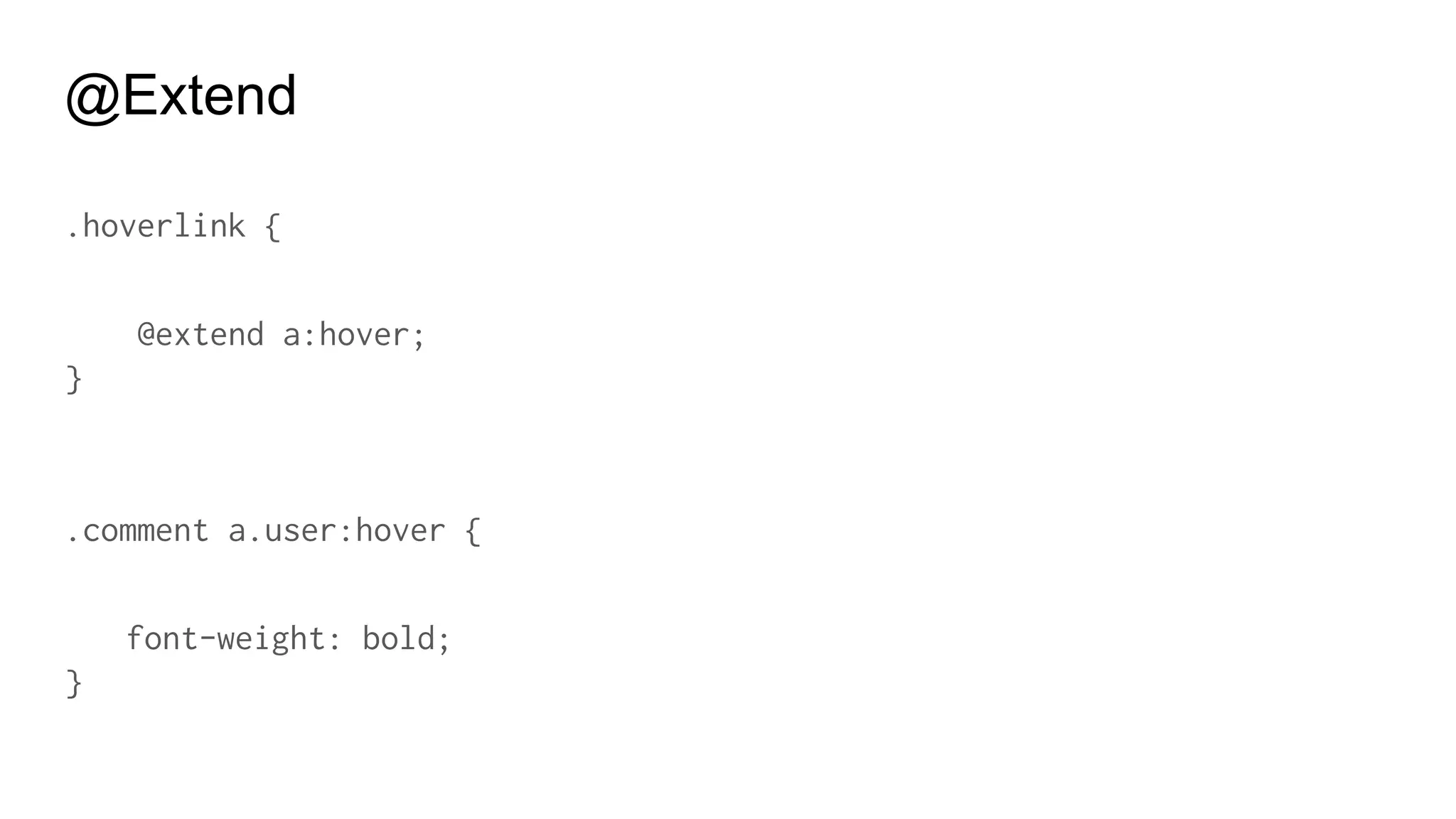
.hoverlink {
@extend a:hover;
}
.comment a.user:hover {
font-weight: bold;
}
@Extend
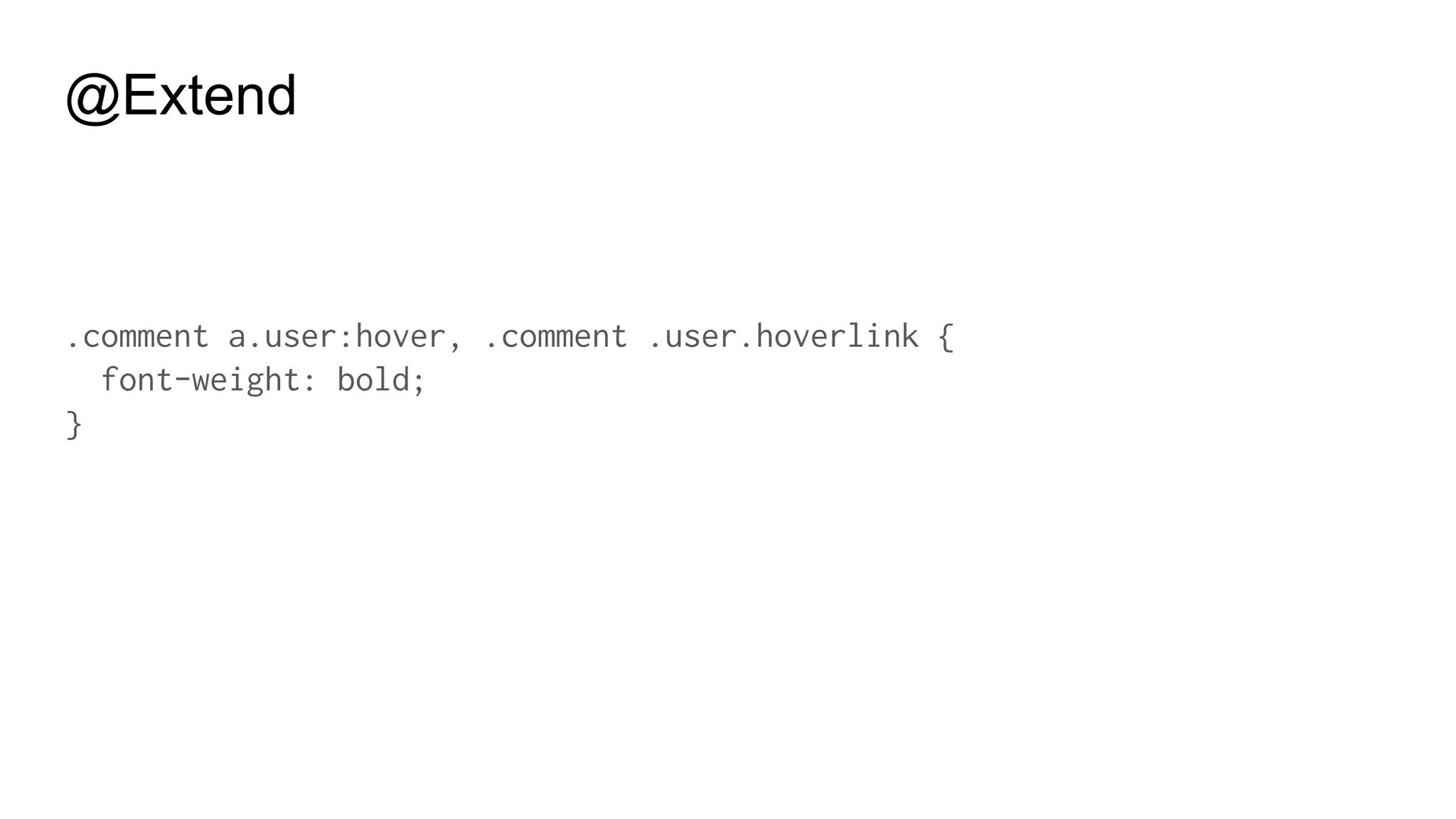
.comment a.user:hover, .comment .user.hoverlink {
font-weight: bold;
}
@Extend
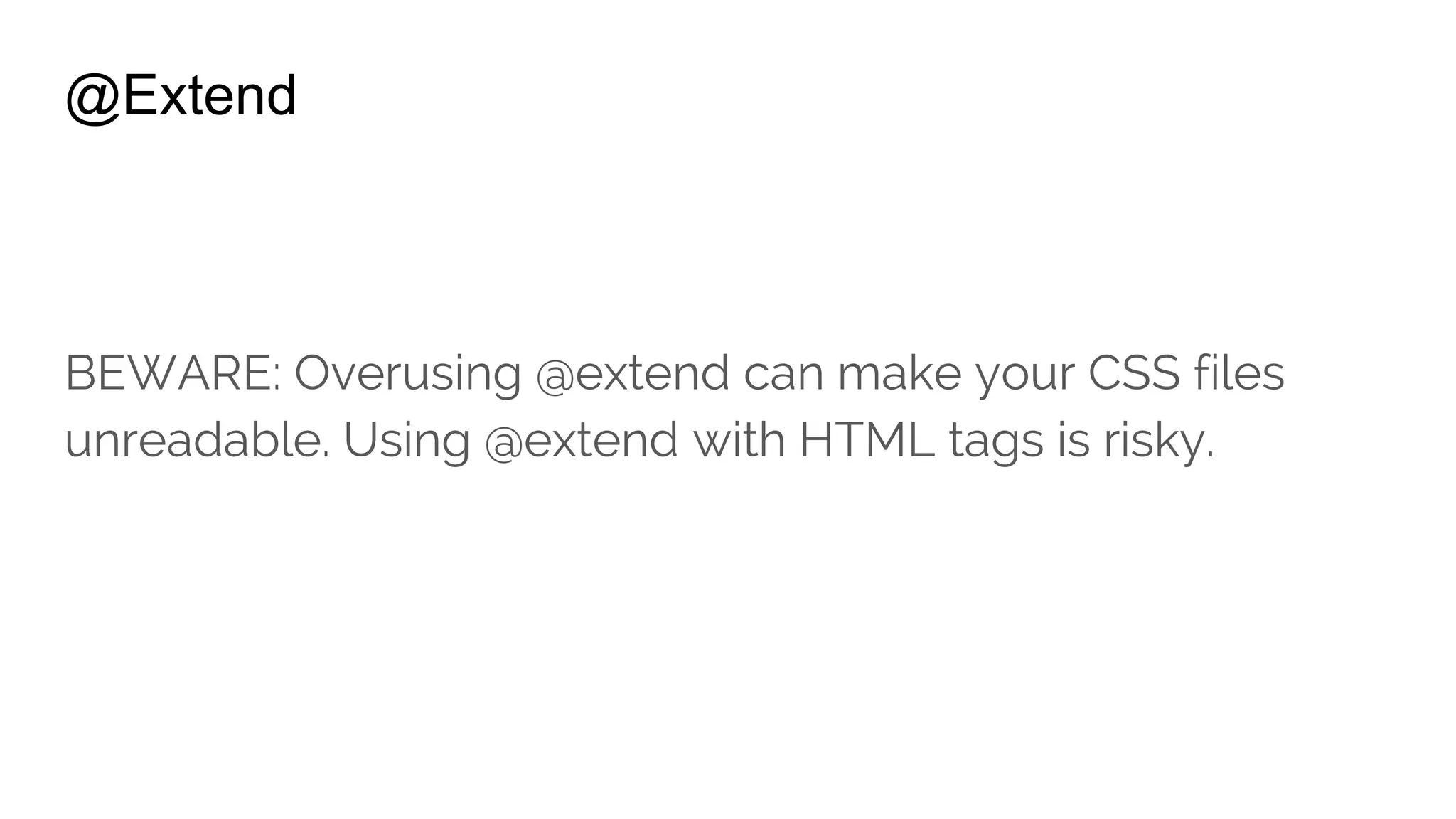
BEWARE: Overusing @extend can make your CSS files
unreadable. Using @extend with HTML tags is risky.
@Extend
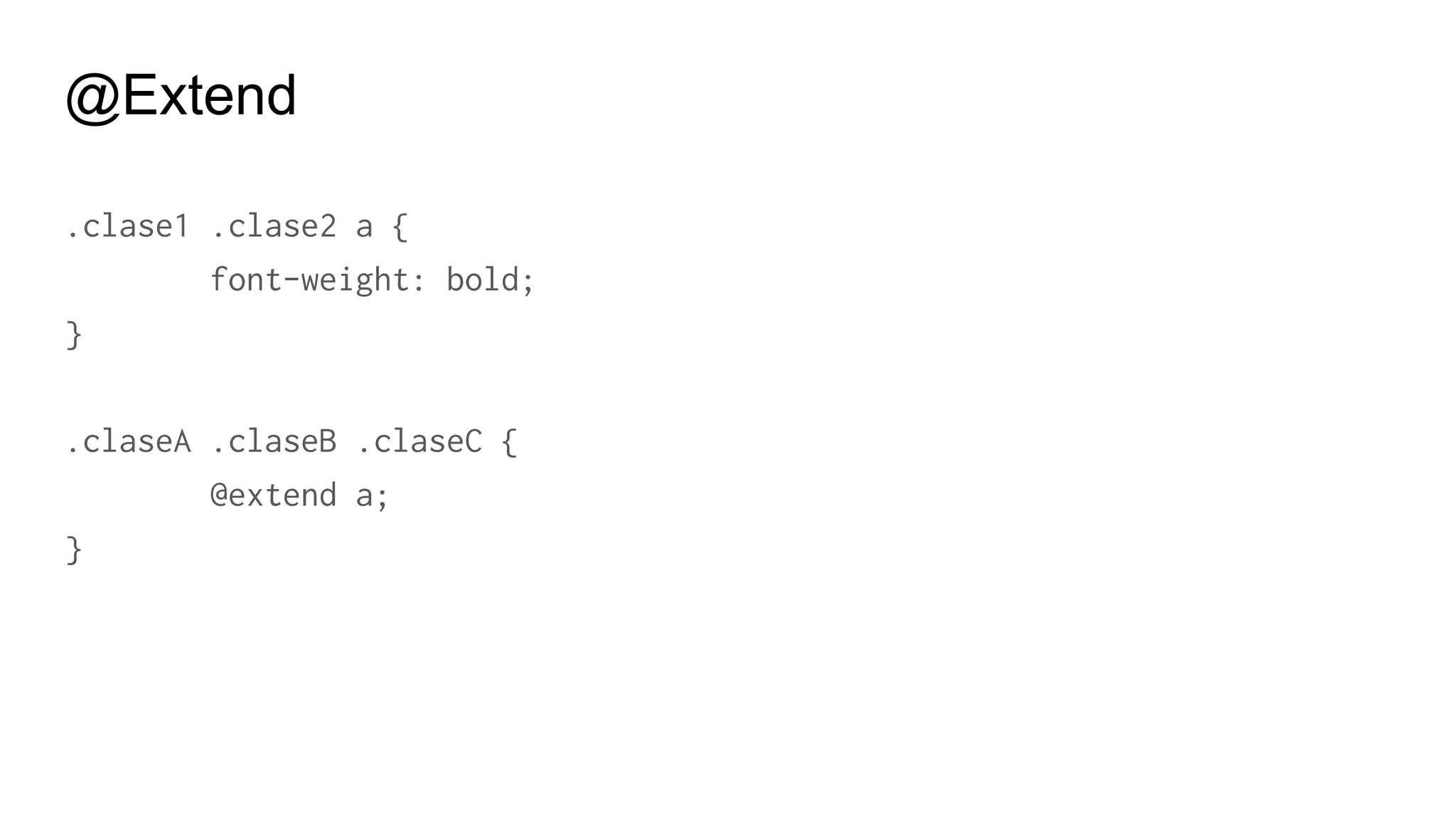
.clase1 .clase2 a {
font-weight: bold;
}
.claseA .claseB .claseC {
@extend a;
}
@Extend
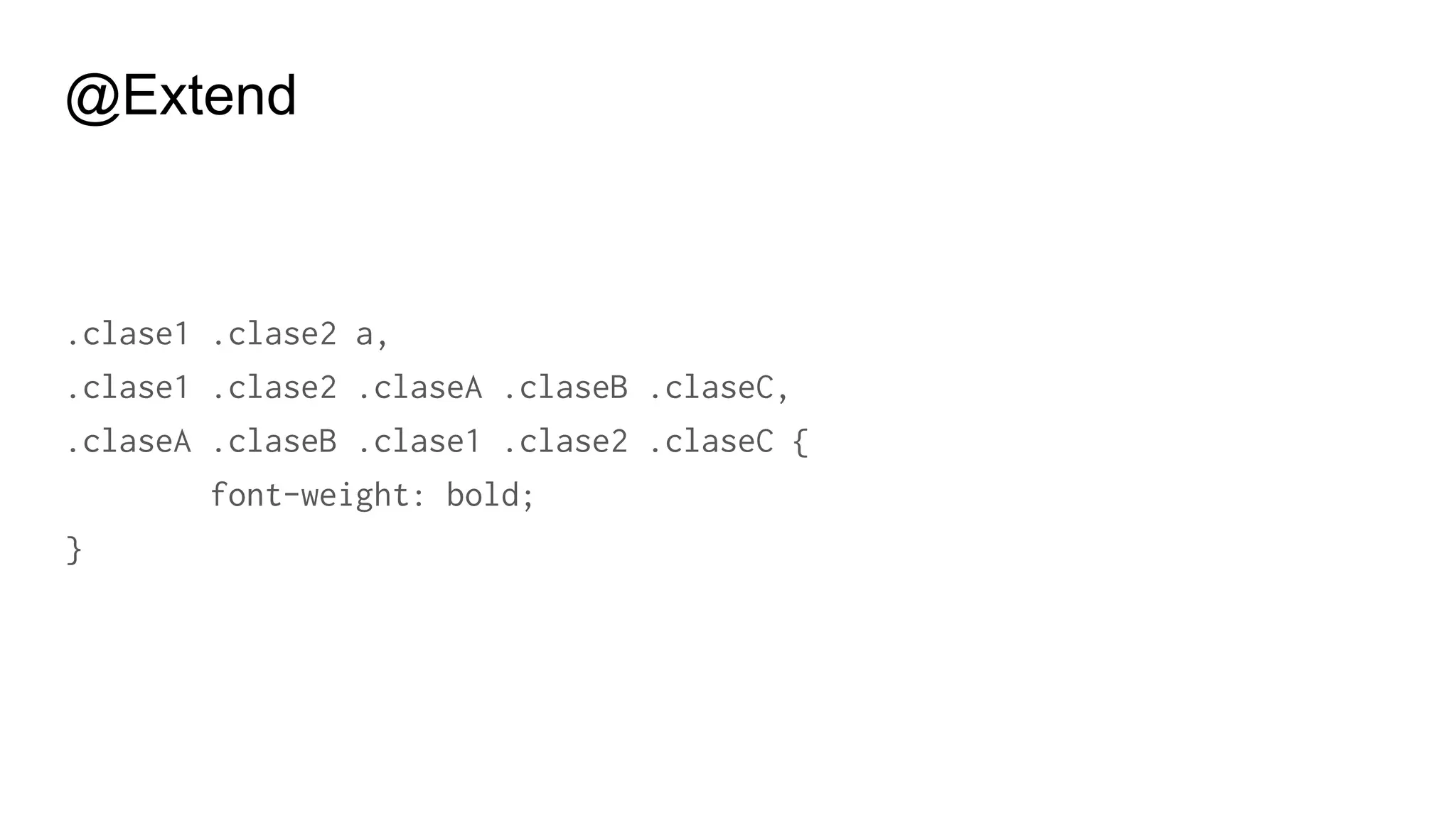
.clase1 .clase2 a,
.clase1 .clase2 .claseA .claseB .claseC,
.claseA .claseB .clase1 .clase2 .claseC {
font-weight: bold;
}
@Extend
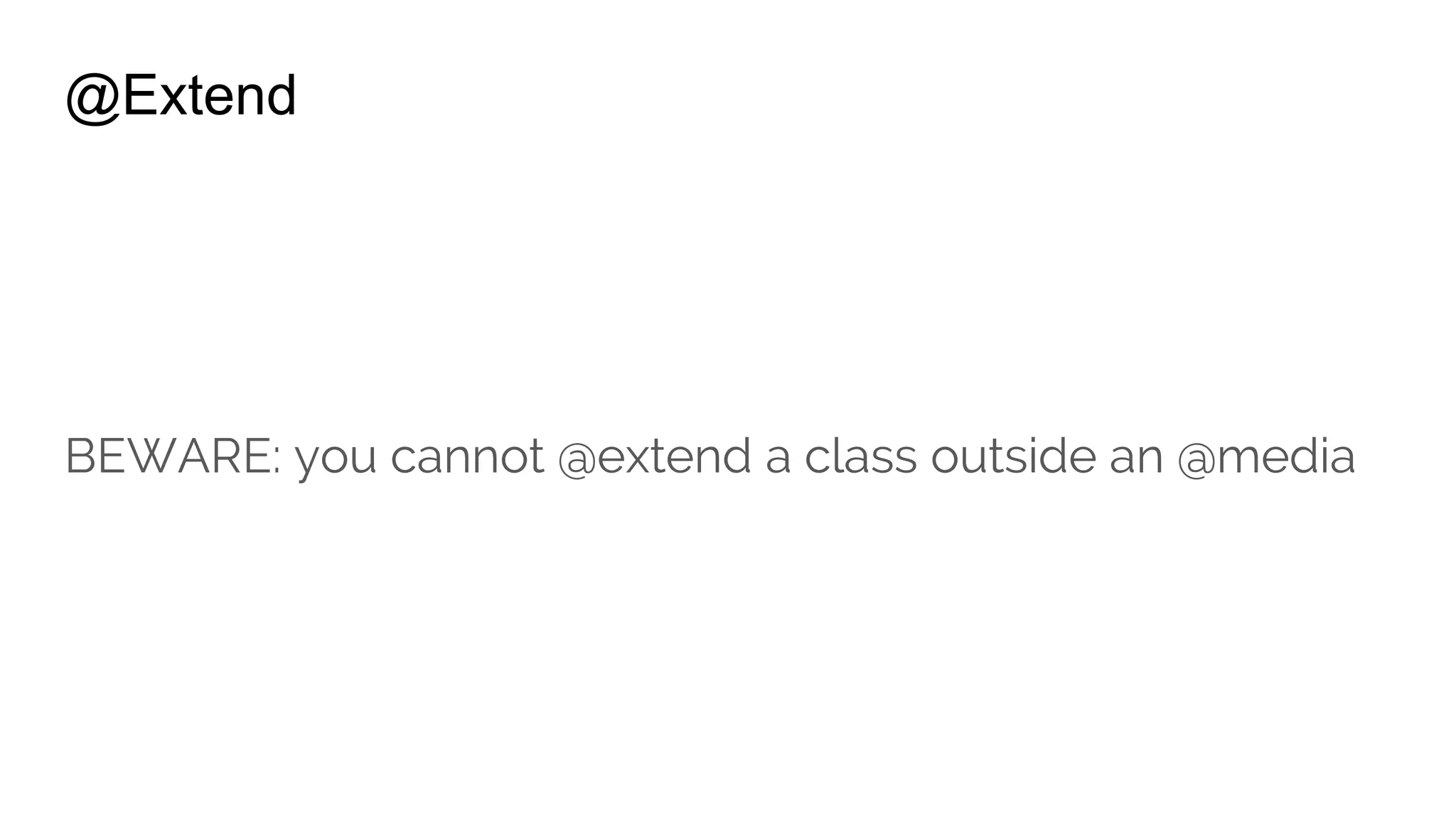
BEWARE: you cannot @extend a class outside an @media
@Extend
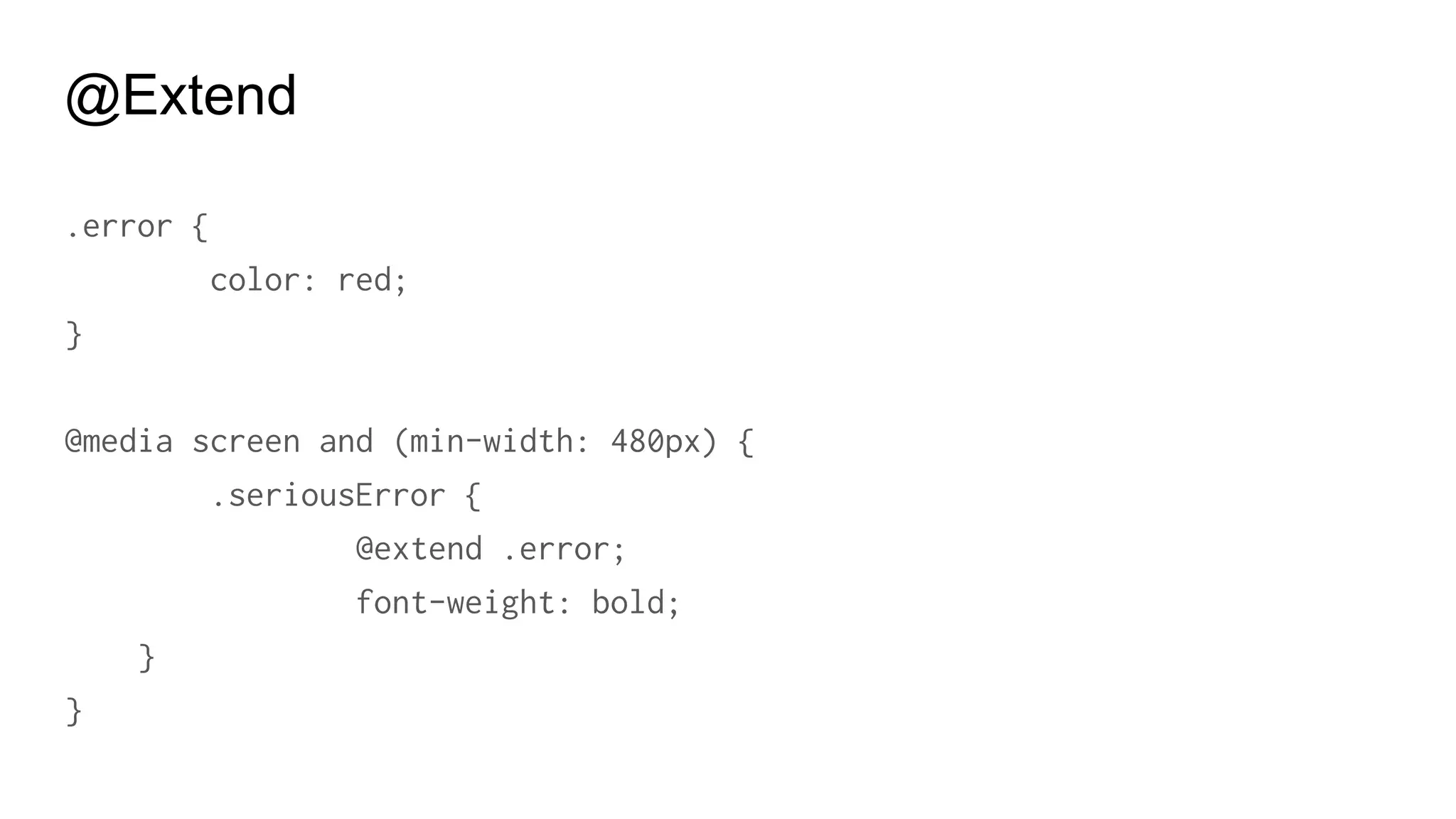
.error {
color: red;
}
@media screen and (min-width: 480px) {
.seriousError {
@extend .error;
font-weight: bold;
}
}
Placeholder Selectors
% Placeholder
#context a%extreme {
color: blue;
font-weight: bold;
}
.notice {
@extend %extreme;
}
% Placeholder
#context a.notice {
color: blue;
font-weight: bold;
}
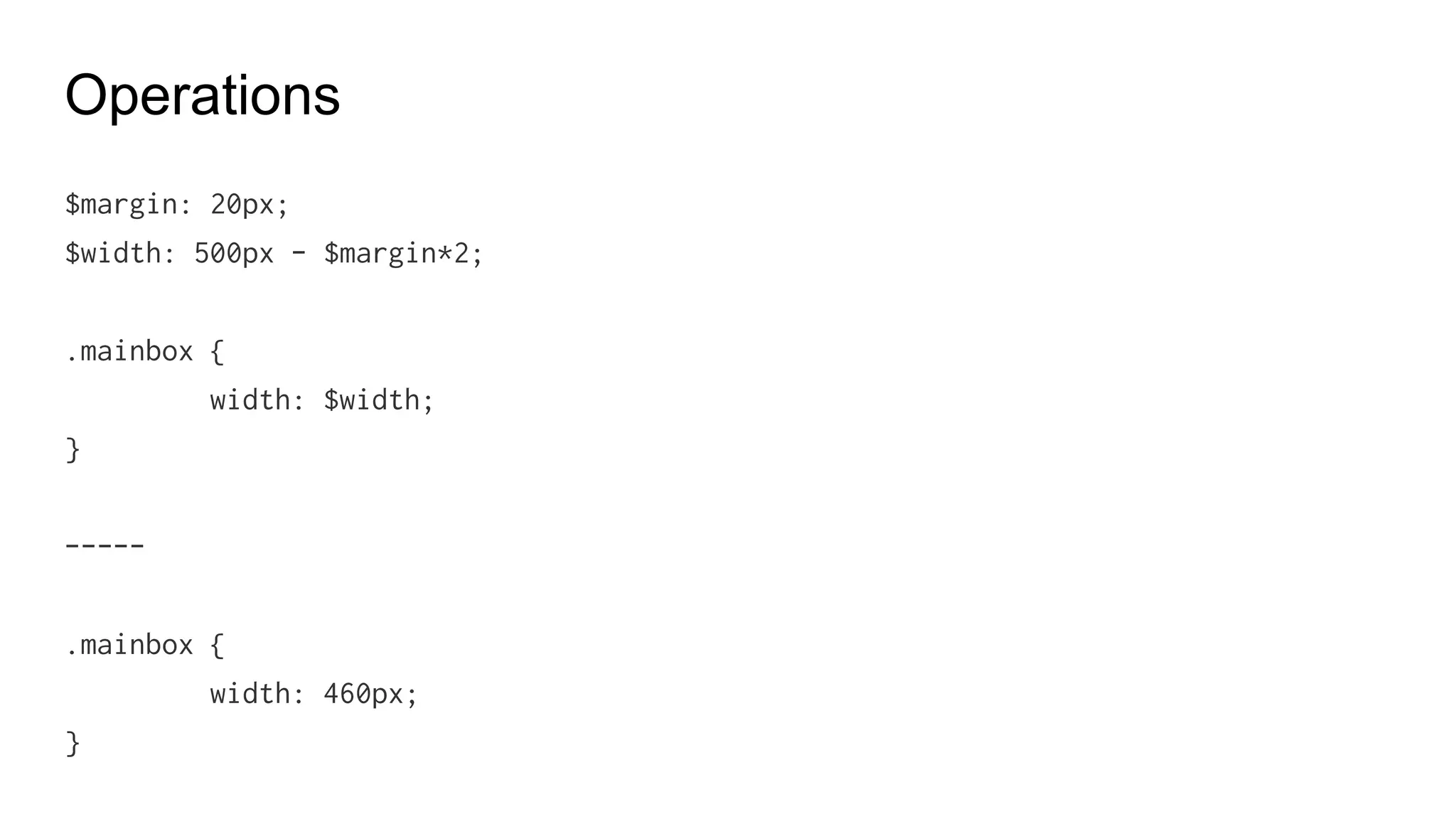
Operations
Addition, substraction, multiplication, division, equality.
+, -, *, /, <, >, <=, >=, ==, !=
Operations
$margin: 20px;
$width: 500px - $margin*2;
.mainbox {
width: $width;
}
-----
.mainbox {
width: 460px;
}
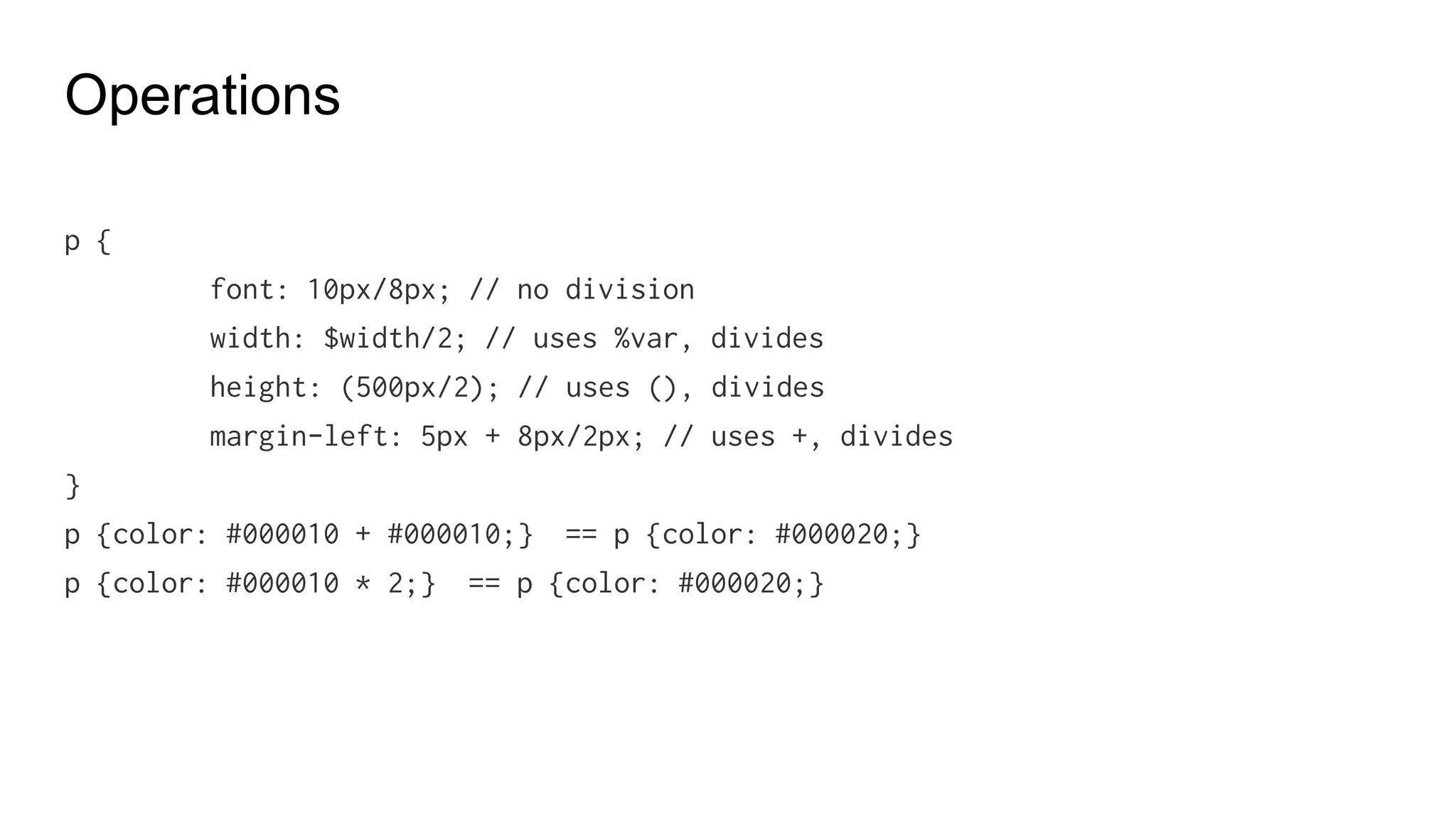
Operations
p {
font: 10px/8px; // no division
width: $width/2; // uses %var, divides
height: (500px/2); // uses (), divides
margin-left: 5px + 8px/2px; // uses +, divides
}
p {color: #000010 + #000010;} == p {color: #000020;}
p {color: #000010 * 2;} == p {color: #000020;}
Advanced
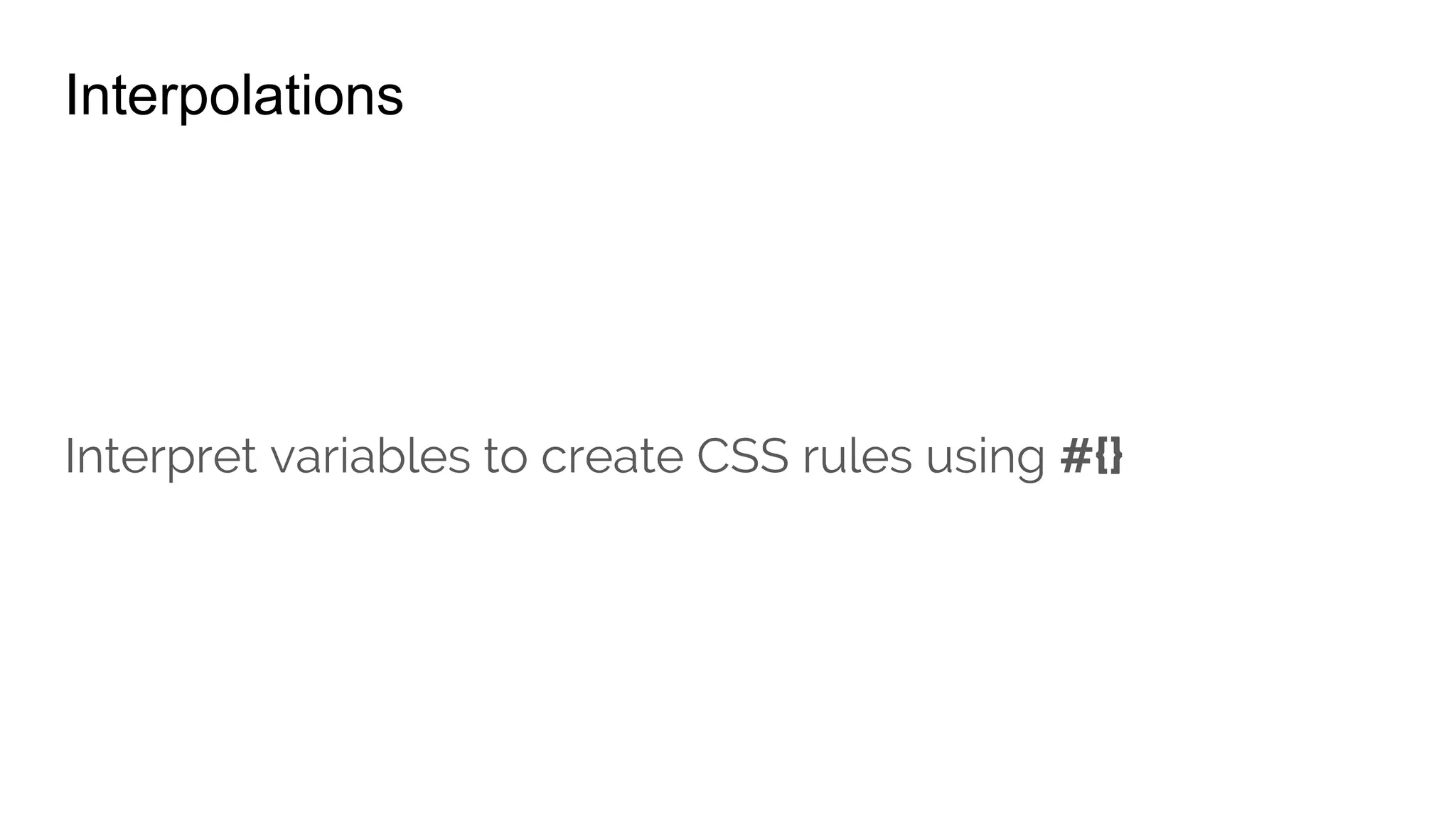
Interpolations
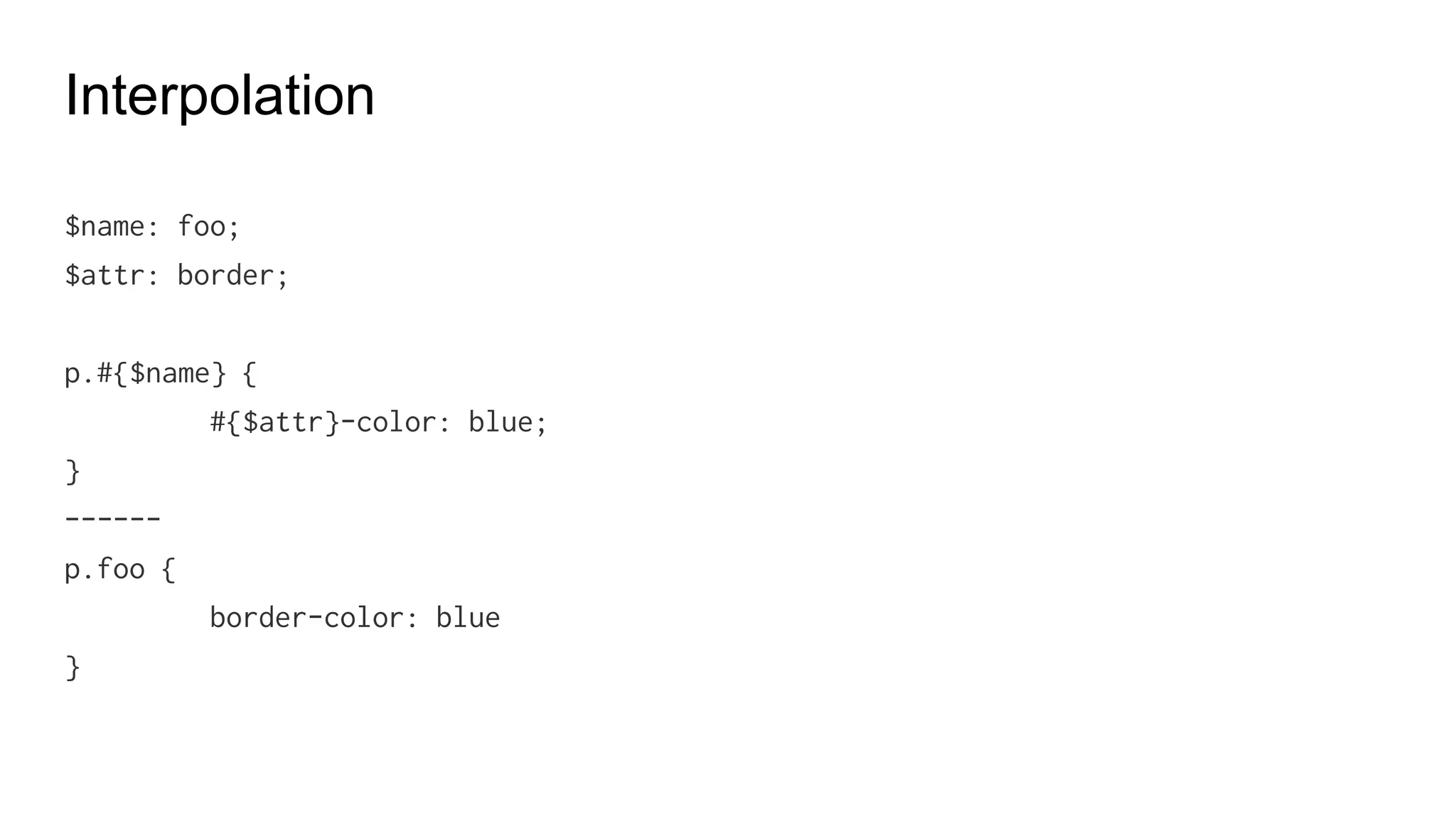
Interpolation
$name: flow;
$attr: border;
p.#{$name} {
#{$attr}-width: 2px;
}
------
p.flow {
border-width: 2px
}
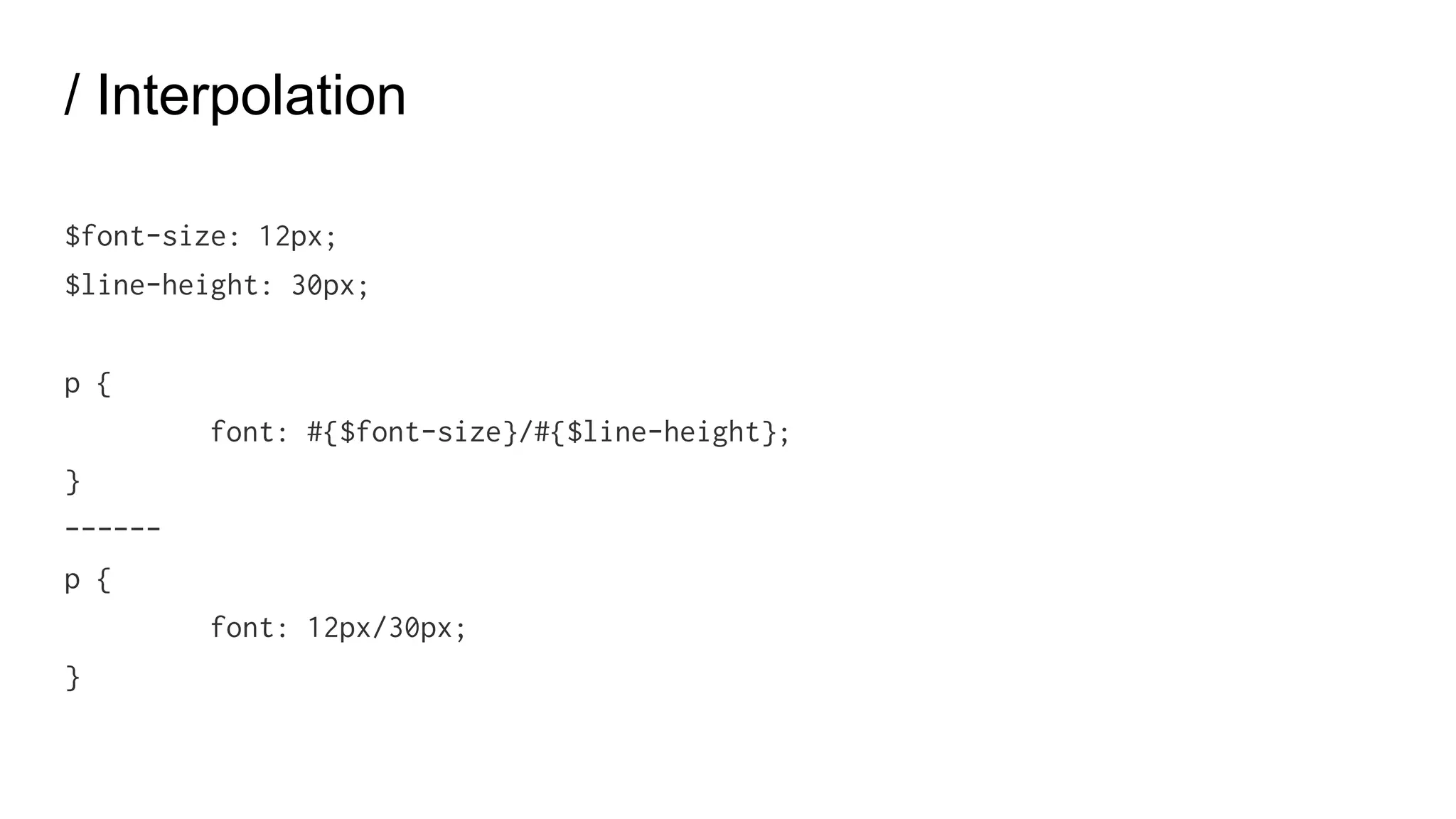
/ Interpolation
$font-size: 20px;
$line-height: 30px;
p {
font: #{$font-size}/#{$line-height};
}
------
p {
font: 20px/30px;
}
SassScript Functions
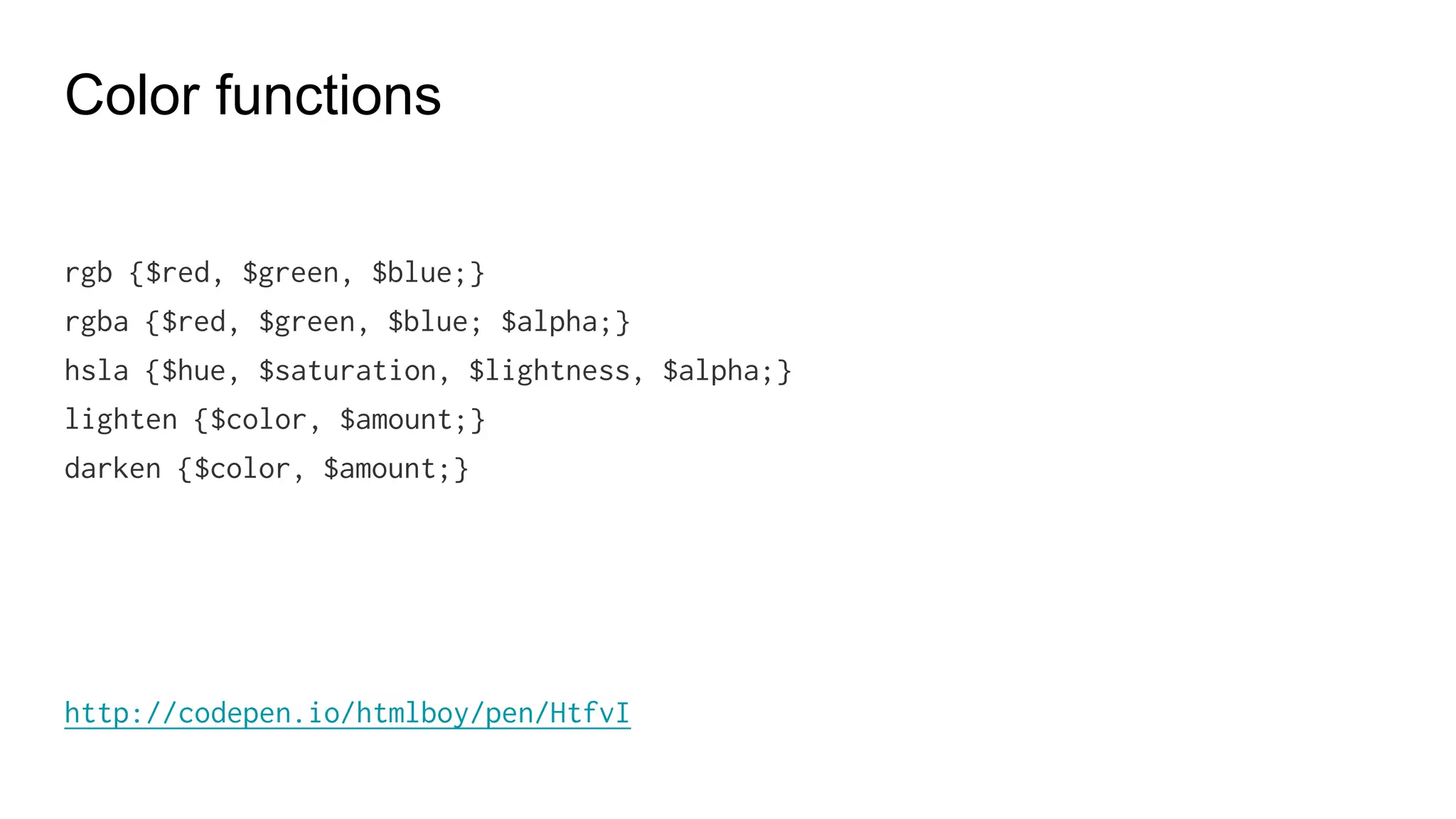
Color functions
rgb {$red, $green, $blue;}
rgba {$red, $green, $blue; $alpha;}
hsla {$hue, $saturation, $lightness, $alpha;}
lighten {$color, $amount;}
darken {$color, $amount;}
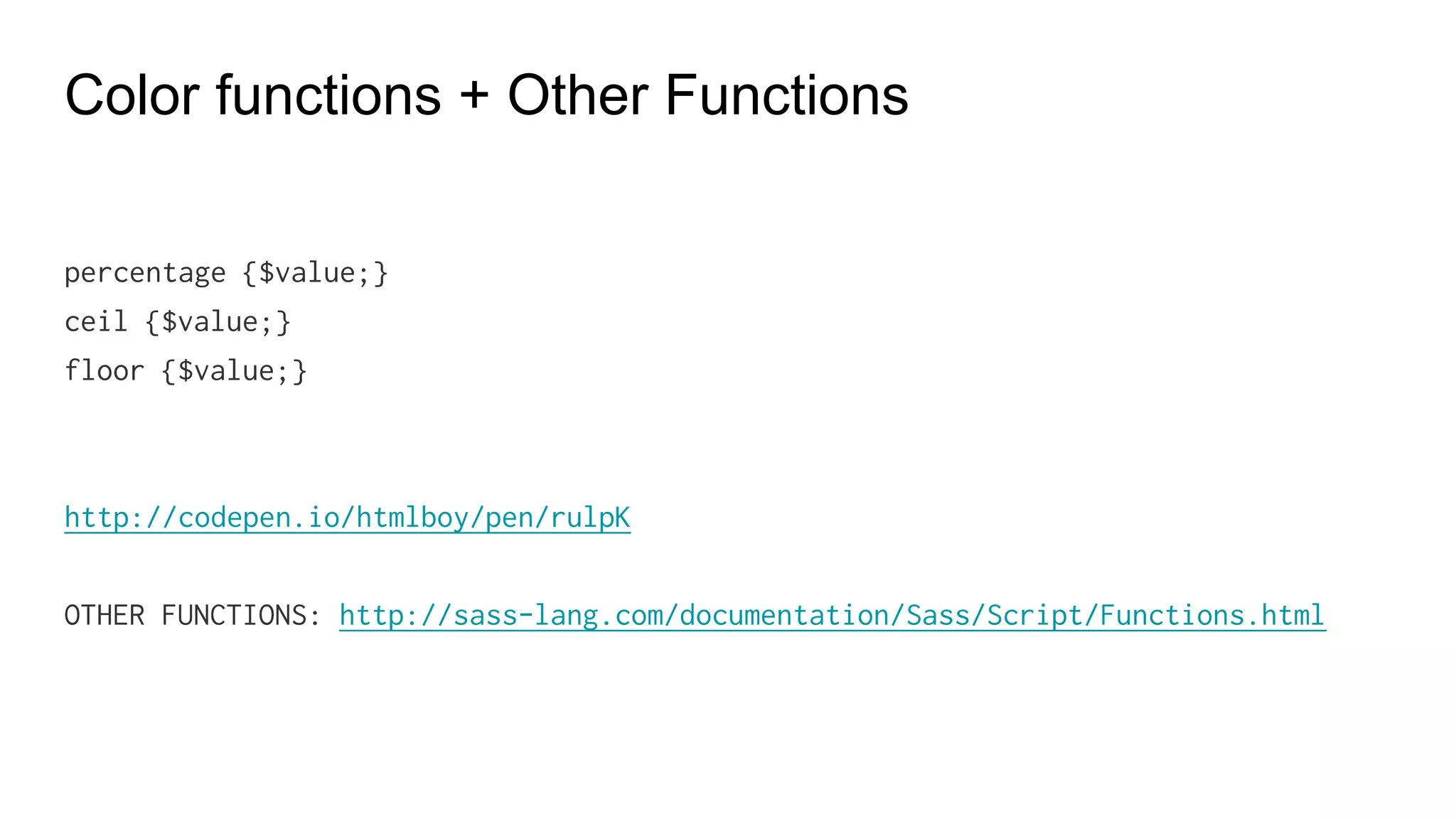
Color functions + Other Functions
percentage {$value;}
ceil {$value;}
floor {$value;}
OTHER FUNCTIONS: http://sass-lang.com/documentation/Sass/Script/Functions.html
Custom Functions
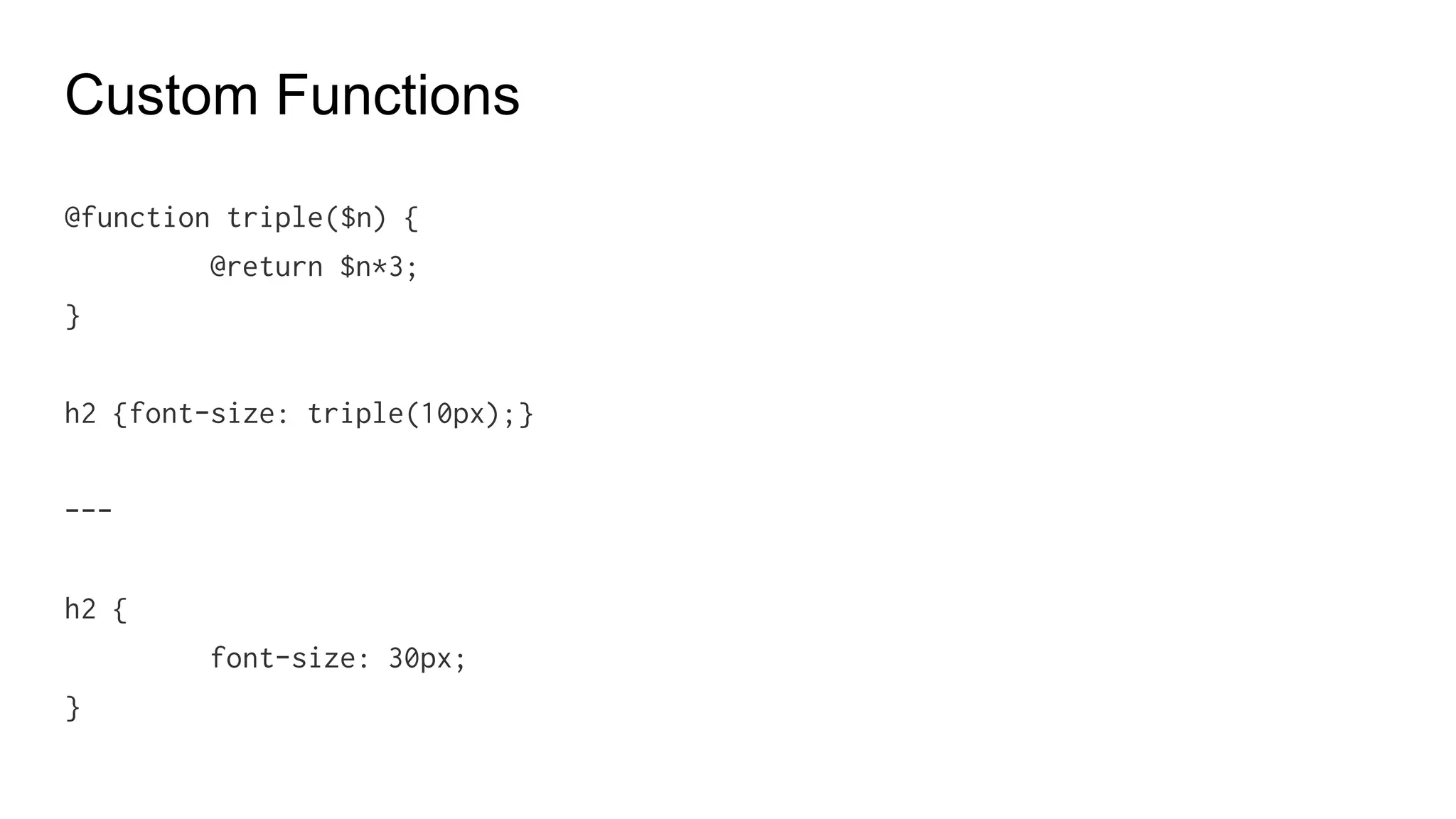
Custom Functions
@function double($n) {
@return $n*2;
}
h2 {font-size: double(10px);}
---
h2 {
font-size: 20px;
}
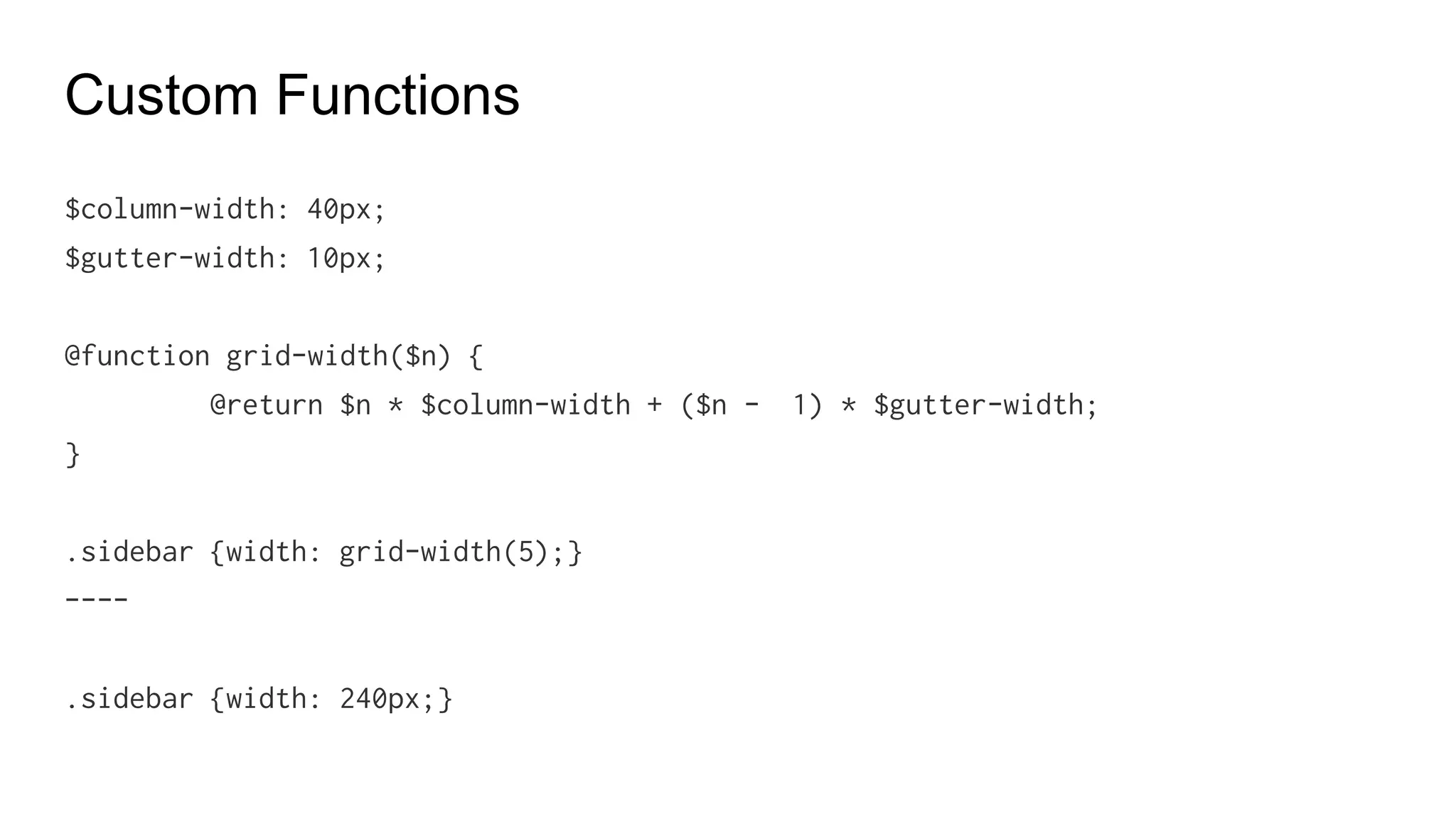
Custom Functions
$column-width: 20px;
$gutter-width: 5px;
@function grid-width($n) {
@return $n * $column-width + ($n - 1) * $gutter-width;
}
.sidebar {width: grid-width(5);}
----
.sidebar {width: 80px;}
Control Directives
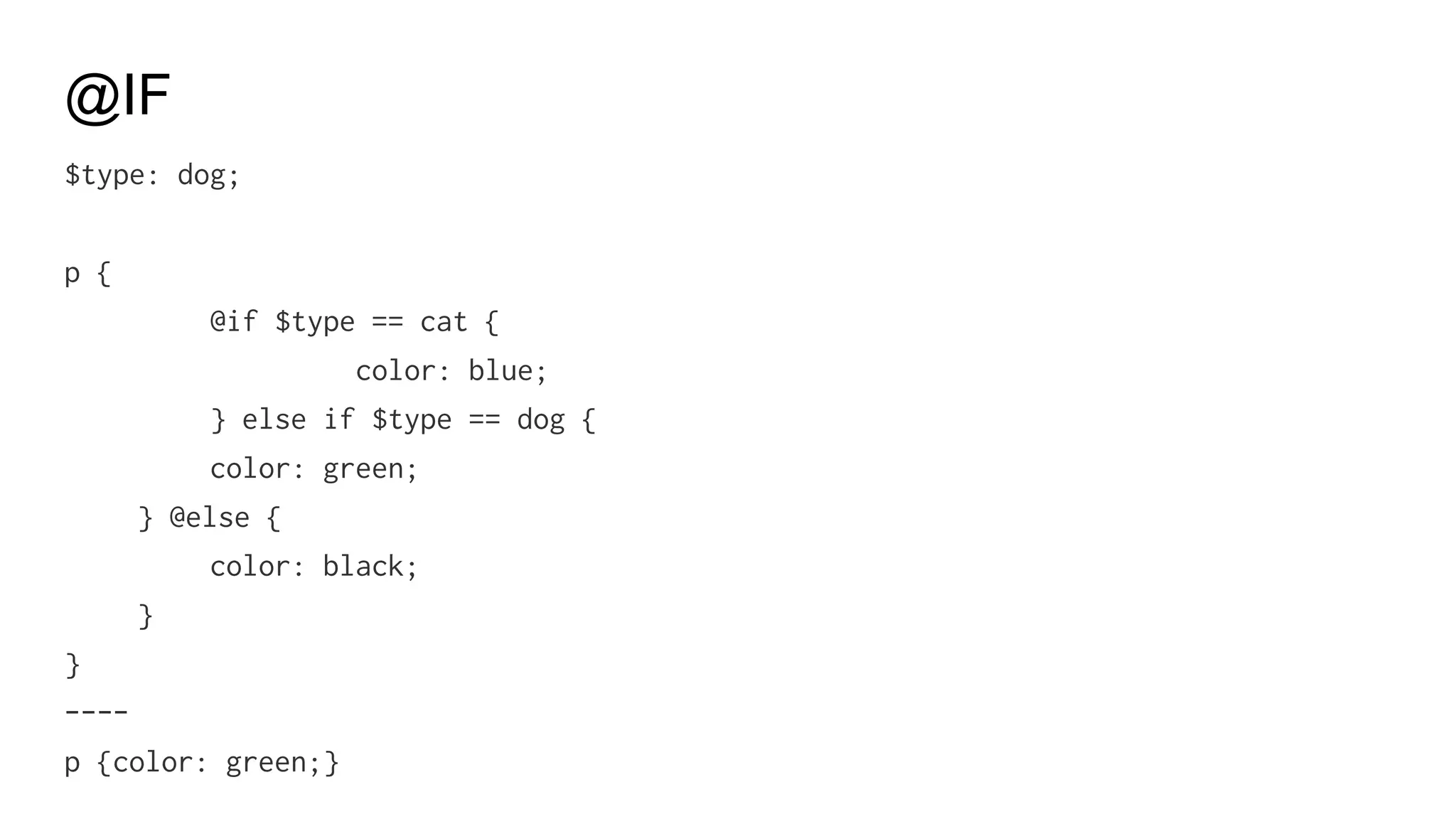
@IF
$type: dog;
p {
@if $type == cat {
color: blue;
} else if $type == dog {
color: green;
} @else {
color: black;
}
}
----
p {color: green;}
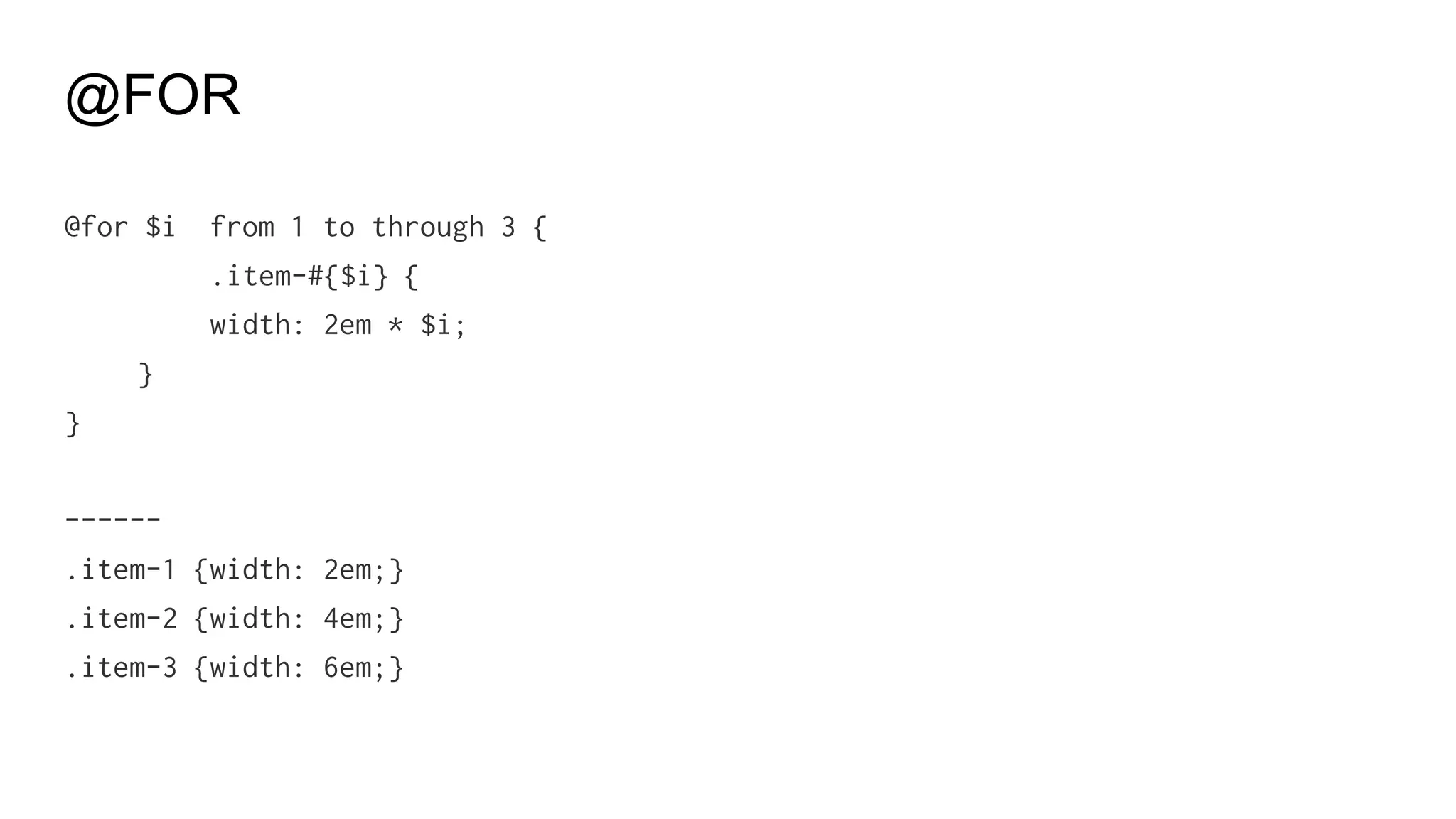
@FOR
@for $i from 1 to through 3 {
.item-#{$i} {
width: 2em * $i;
}
}
------
.item-1 {width: 2em;}
.item-2 {width: 4em;}
.item-3 {width: 6em;}
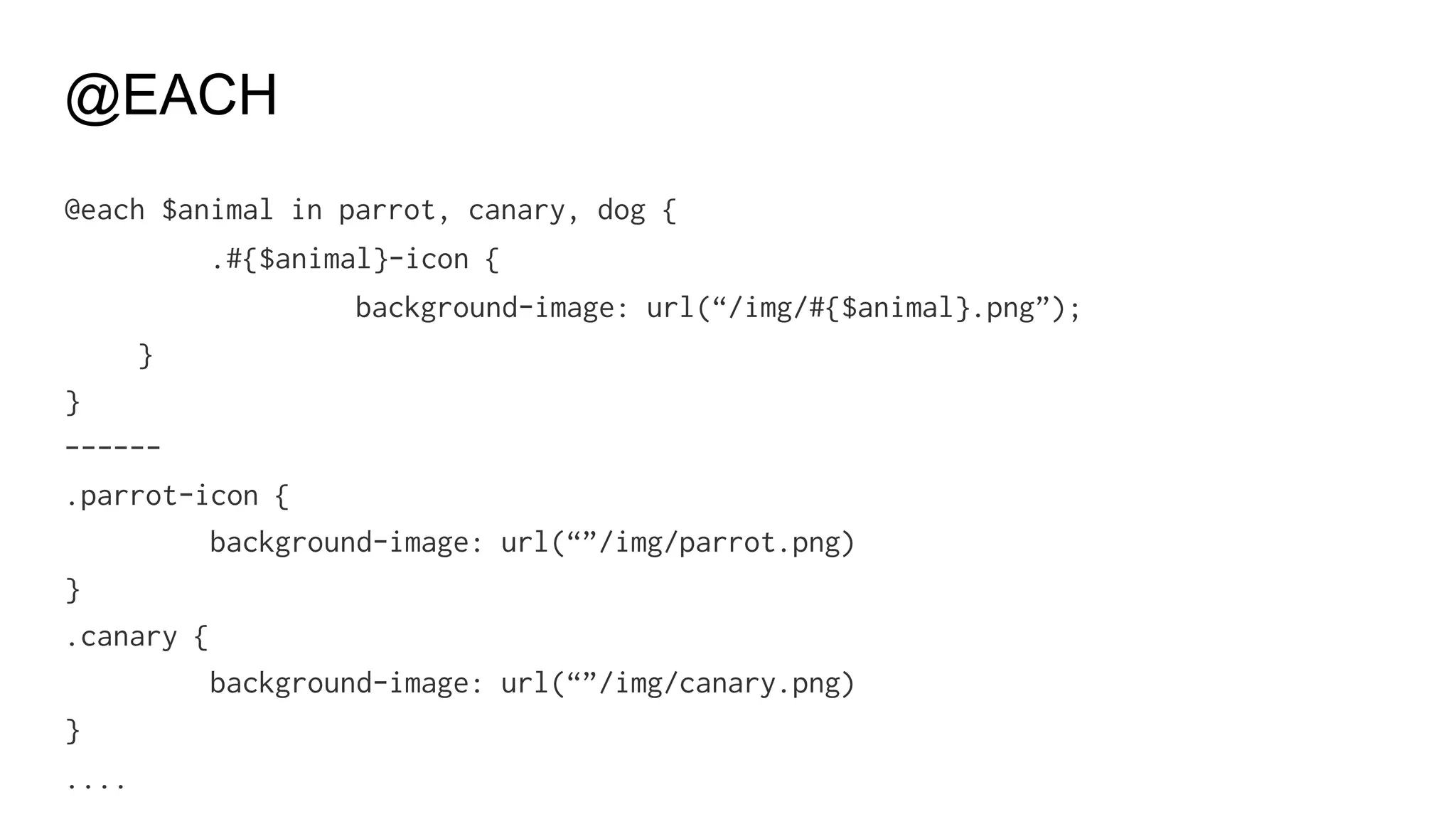
@EACH
@each $animal in parrot, canary, dog {
.#{$animal}-icon {
background-image: url(“/img/#{$animal}.png”);
}
}
------
.parrot-icon {
background-image: url(“”/img/parrot.png)
}
.canary {
background-image: url(“”/img/canary.png)
}
....
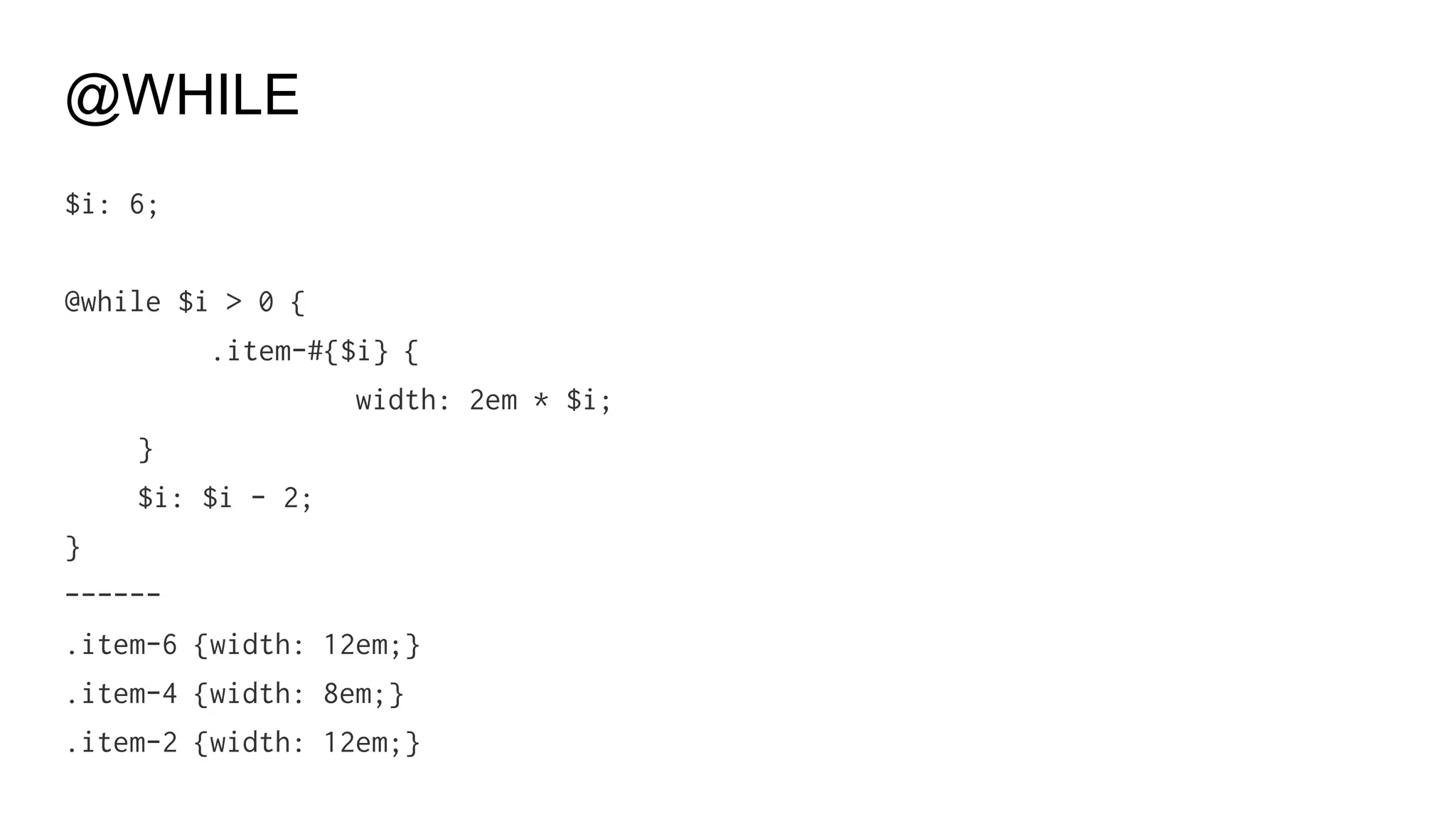
@WHILE
$i: 6;
@while $i > 0 {
.item-#{$i} {
width: 2em * $i;
}
$i: $i - 2;
}
------
.item-6 {width: 12em;}
.item-4 {width: 8em;}
.item-2 {width: 12em;}
Style Guide
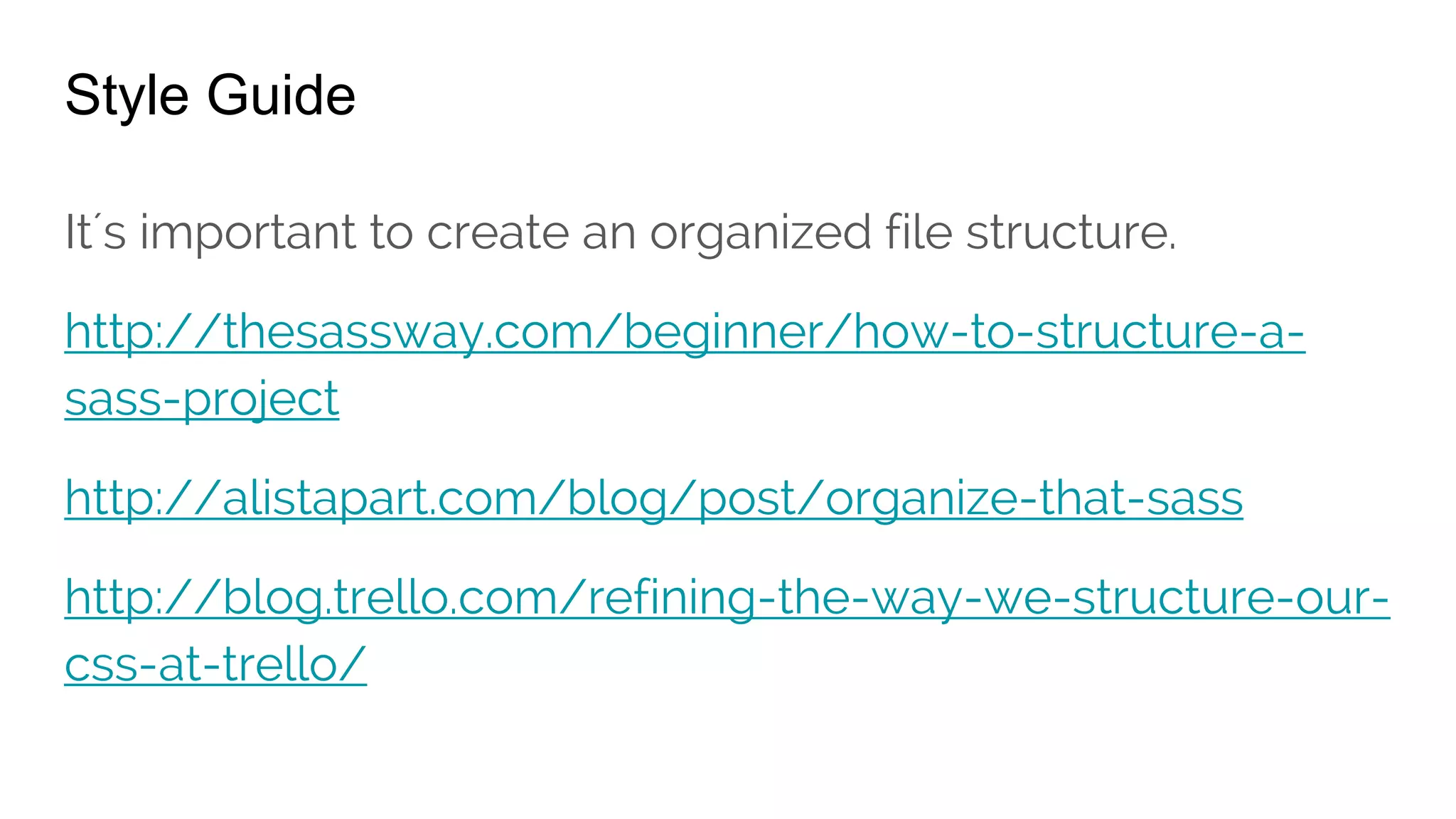
Style Guide
It´s important to create an organized file structure.
http://thesassway.com/beginner/how-to-structure-a-sass-
project
http://alistapart.com/blog/post/organize-that-sass
http://blog.trello.com/refining-the-way-we-structure-our-css-
at-trello/
COMPASS / BOURBON
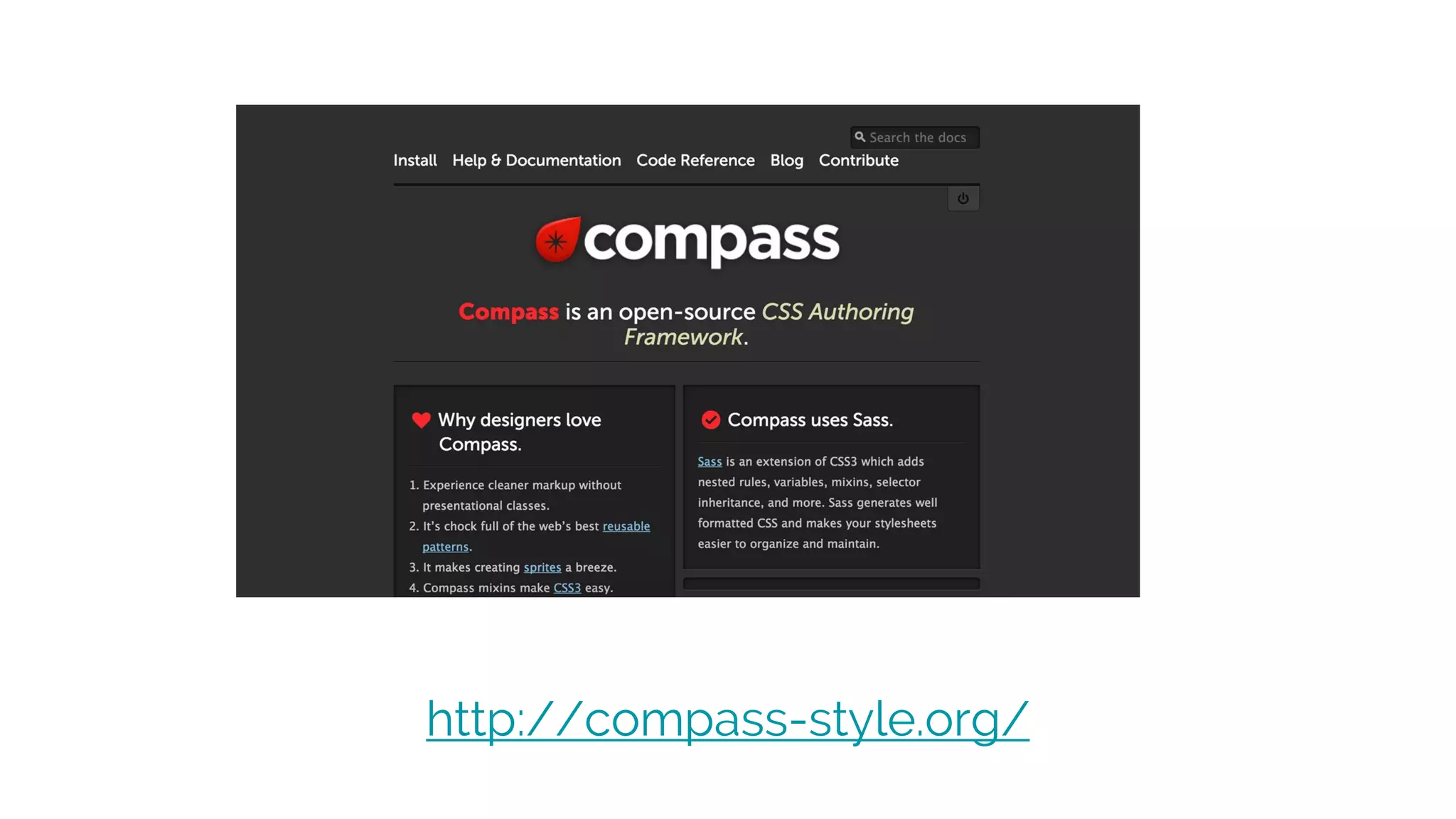
http://compass-style.org/
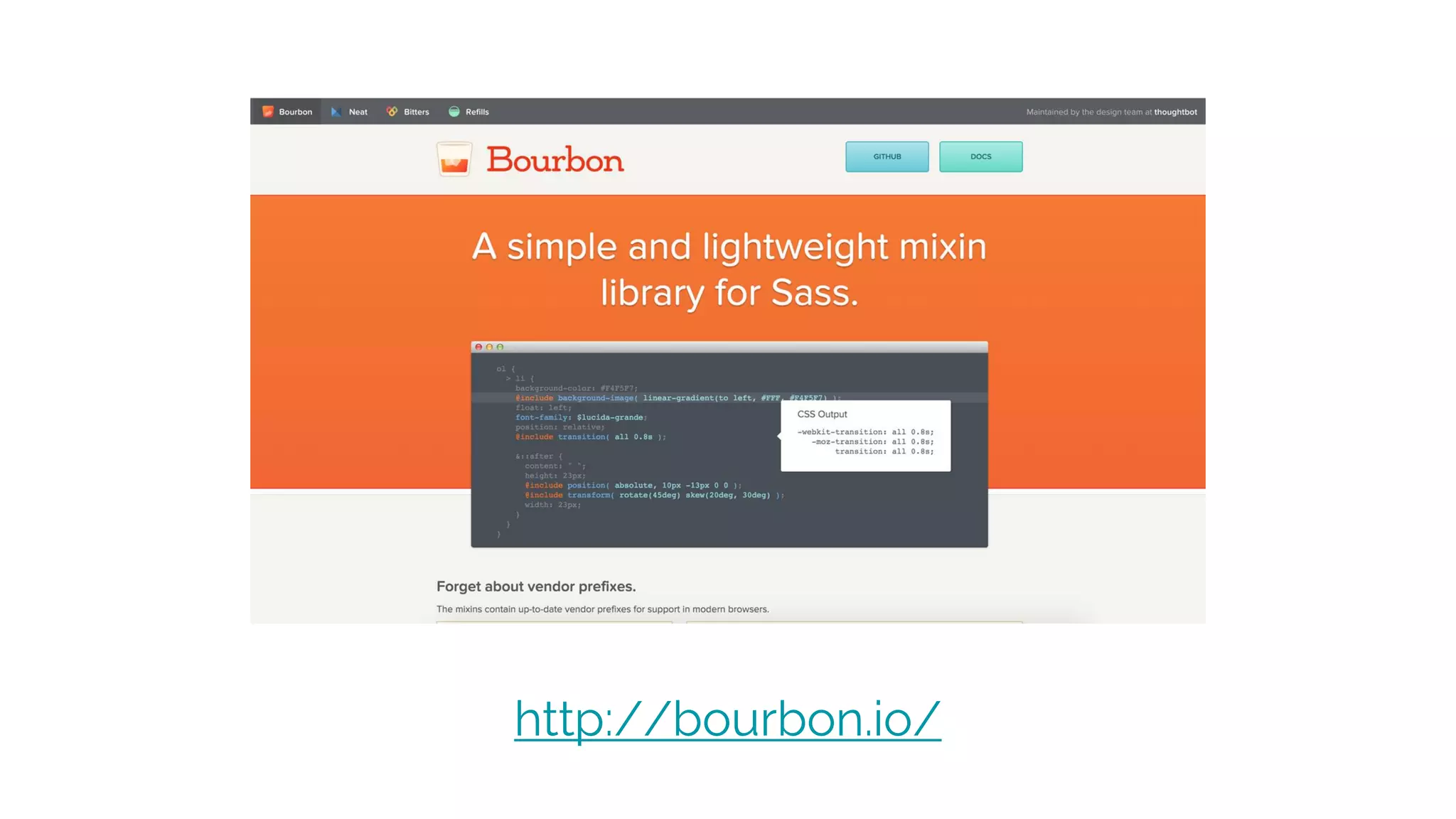
http://bourbon.io/
http://www.gumbyframework.com/
http://susy.oddbird.net/
---
http://ionicframework.com/docs/cli/sass.html
http://getbootstrap.com/getting-started/#download
Referencias SASS
codepen.io/htmlboy/
http://librosweb.es/libro/sass
https://twitter.com/htmlboy
http://sass-lang.com/documentation/file.SASS_REFERENCE.html
http://sass-guidelin.es/es
http://sass-lang.com/guide
http://css2sass.herokuapp.com/
http://abookapart.com/products/sass-for-web-designers
https://www.manning.com/books/sass-and-compass-in-action
http://thesassway.com/news
http://sassnews.com/
Css-tricks.com/sass-vs-less
http://alistapart.com/article/why-sass
http://gist.io/4436524
TWITTER BOOTSTRAP
INTRO
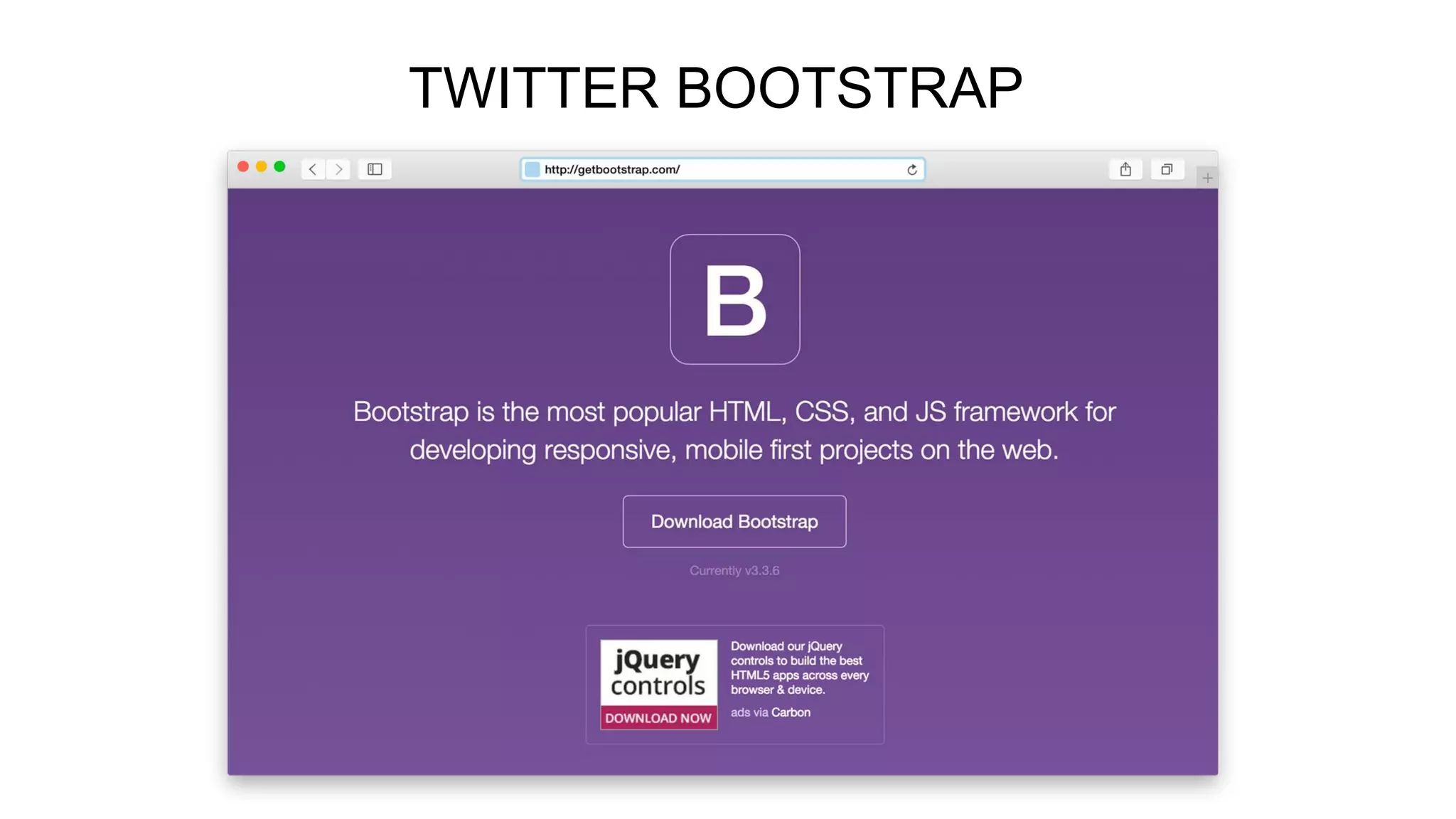
Bootstrap is the most popular HTML, CSS, and JS framework for developing
responsive, mobile first projects on the web.
HTML and CSS based design templates for typography, forms, buttons, navigation and other interface
components, as well as optional JavaScript extensions.
Bootstrap is completely free to download and use!
http://getbootstrap.com/
FEATURES
Bootstrap is compatible with the latest versions of the Google Chrome, Firefox, Internet Explorer, Opera,
and Safari browsers, although some of these browsers are not supported on all platforms
Since version 2.0 it also supports responsive web design. This means the layout of web pages adjusts
dynamically, taking into account the characteristics of the device used (desktop, tablet, mobile phone).
Starting with version 3.0, Bootstrap adopted a mobile first design philosophy, emphasizing responsive
design by default.
The version 4.0 alpha release added Sass and Flexbox support
Bootstrap is open source and available on GitHub Developers are encouraged to participate in the project
and make their own contributions to the platform.
DOWNLOAD
3 diferents ways to download Bootstrap
1-Bootstrap
Compiled and minified CSS, JavaScript, and fonts. No docs or original source files are included.
2-Source code
Source Less, JavaScript, and font files, along with our docs. Requires a Less compiler and some setup.
3-Sass
Bootstrap ported from Less to Sass for easy inclusion in Rails, Compass, or Sass-only projects.
http://getbootstrap.com/getting-started/#download
Other options like Install with Bower, Install with npm, Installing Grunt and some
templates of examples.
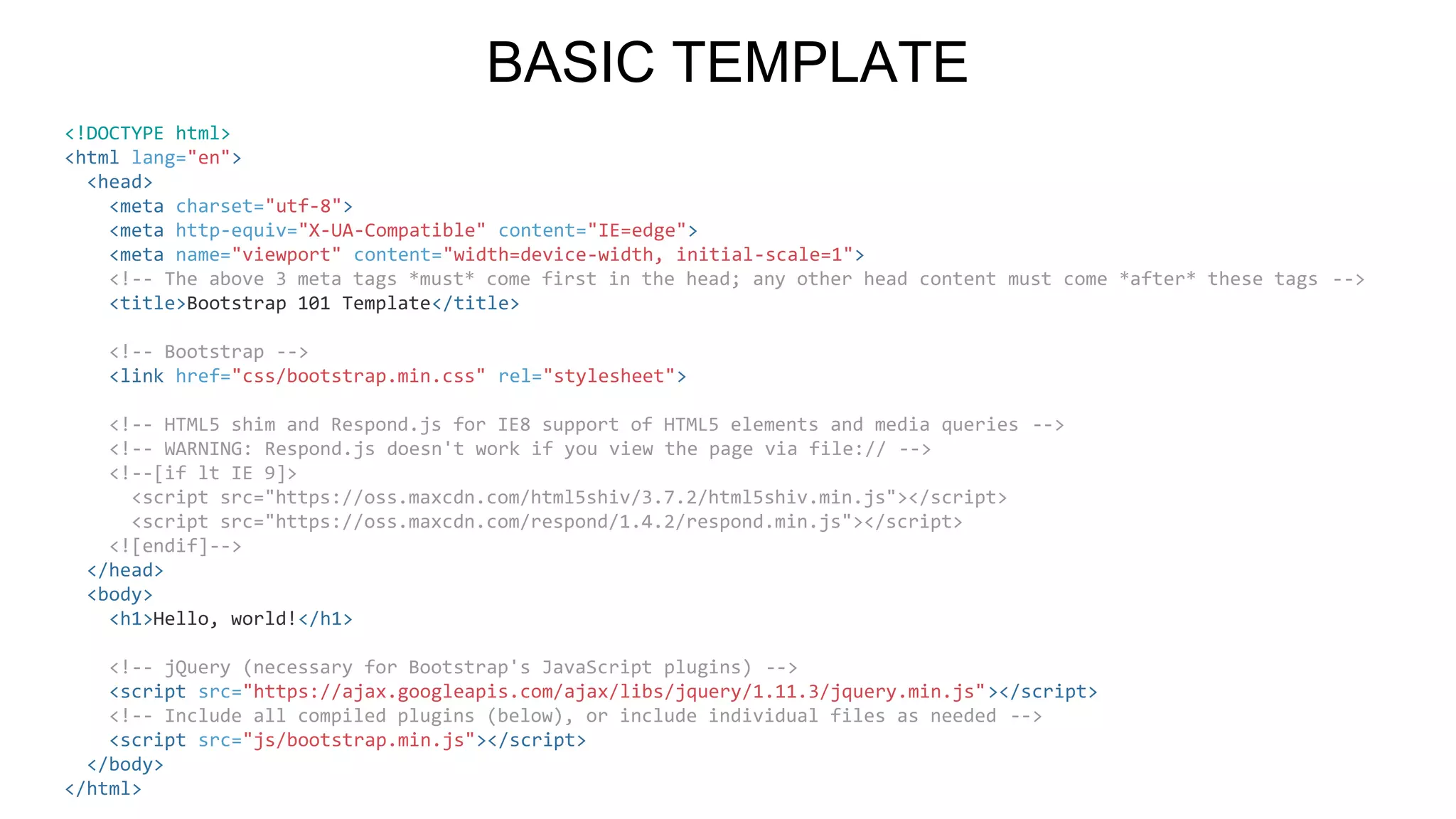
<!DOCTYPE html>
<html lang="en">
<head>
<meta charset="utf-8">
<meta http-equiv="X-UA-Compatible" content="IE=edge">
<meta name="viewport" content="width=device-width, initial-scale=1">
<!-- The above 3 meta tags *must* come first in the head; any other head content must come *after* these tags -->
<title>Bootstrap 101 Template</title>
<!-- Bootstrap -->
<link href="css/bootstrap.min.css" rel="stylesheet">
<!-- HTML5 shim and Respond.js for IE8 support of HTML5 elements and media queries -->
<!-- WARNING: Respond.js doesn't work if you view the page via file:// -->
<!--[if lt IE 9]>
<script src="https://oss.maxcdn.com/html5shiv/3.7.2/html5shiv.min.js"></script>
<script src="https://oss.maxcdn.com/respond/1.4.2/respond.min.js"></script>
<![endif]-->
</head>
<body>
<h1>Hello, world!</h1>
<!-- jQuery (necessary for Bootstrap's JavaScript plugins) -->
<script src="https://ajax.googleapis.com/ajax/libs/jquery/1.11.3/jquery.min.js"></script>
<!-- Include all compiled plugins (below), or include individual files as needed -->
<script src="js/bootstrap.min.js"></script>
</body>
</html>
BASIC TEMPLATE
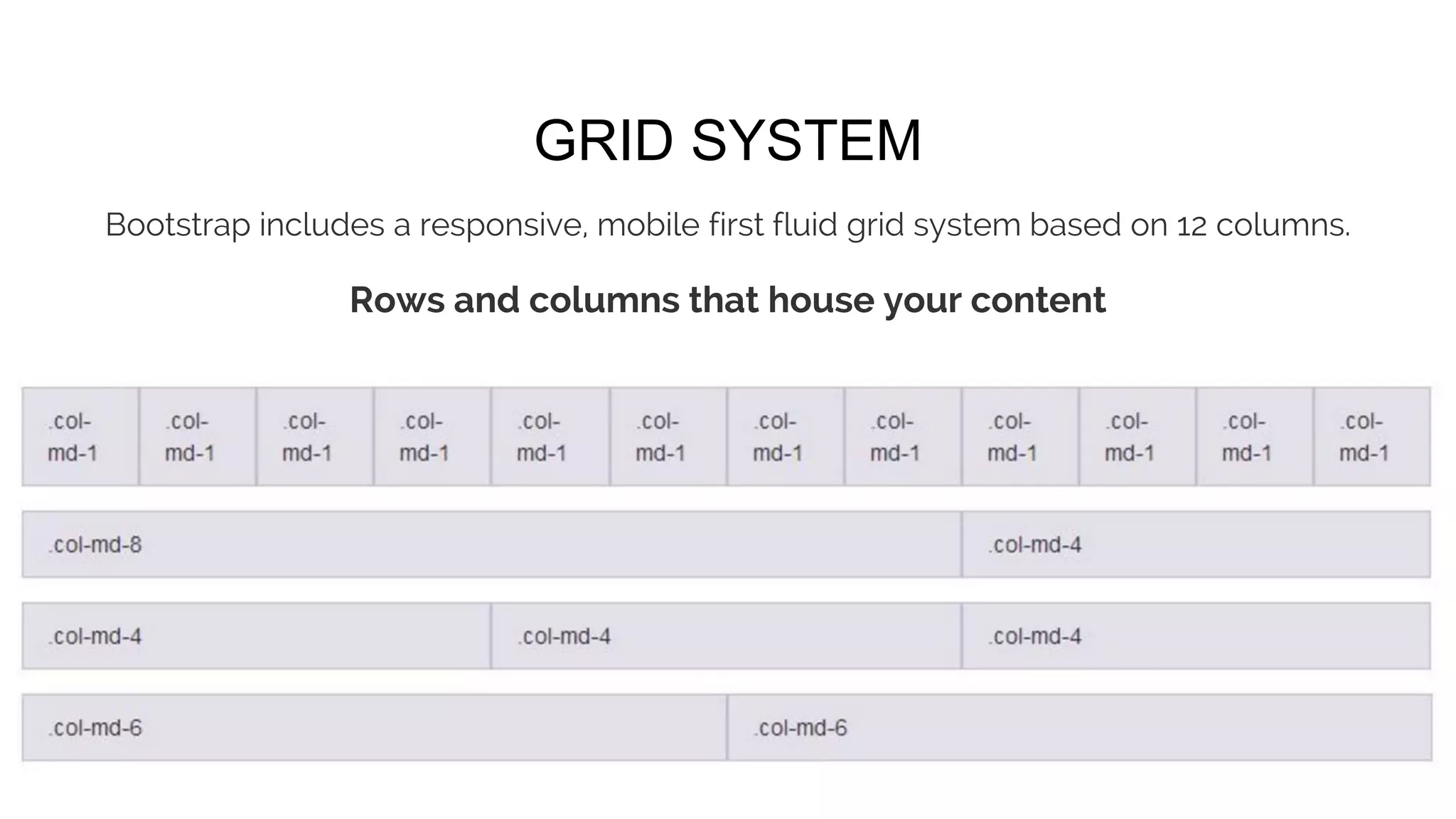
Bootstrap includes a responsive, mobile first fluid grid system based on 12 columns.
Rows and columns that house your content
GRID SYSTEM
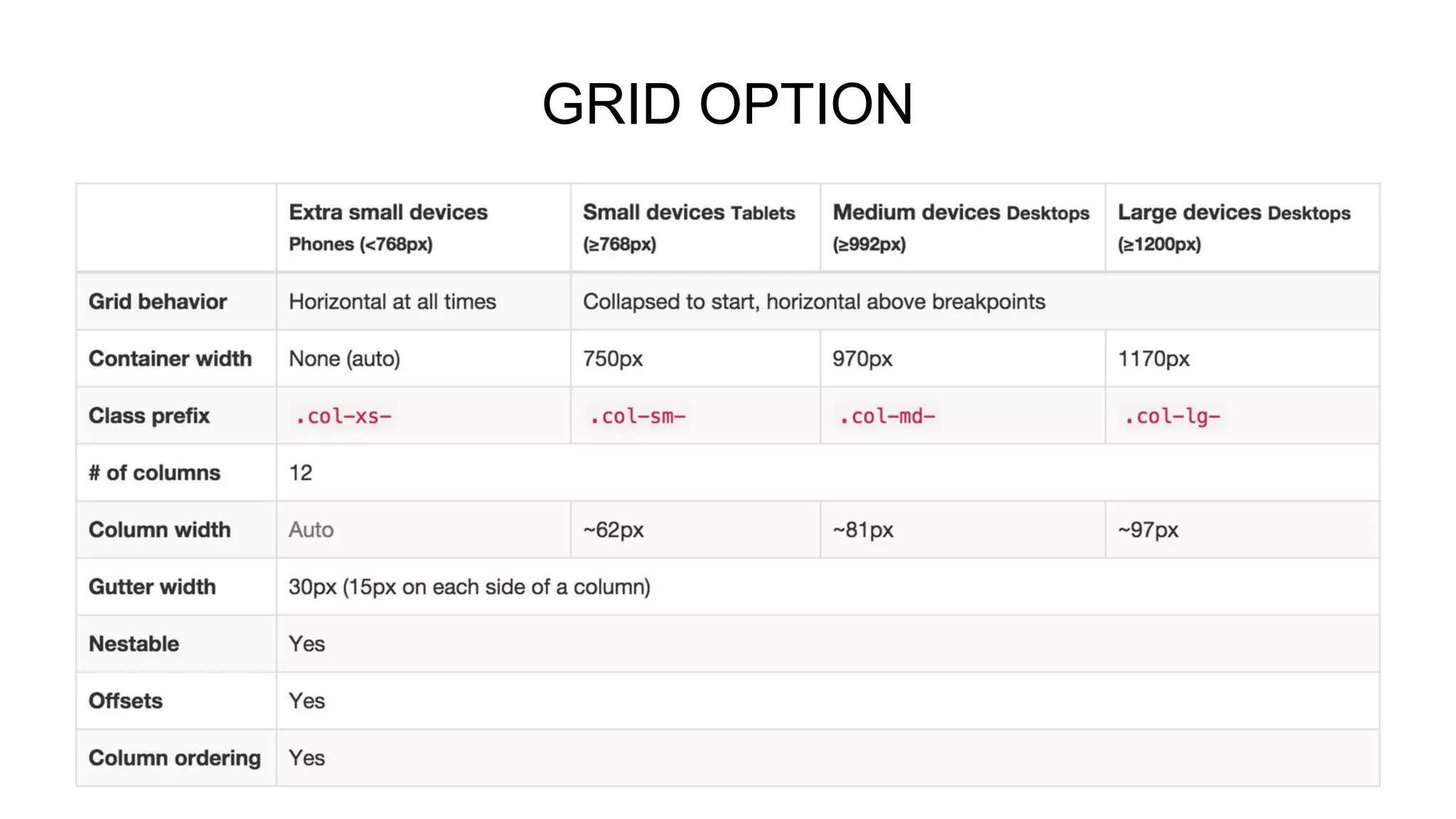
GRID OPTION
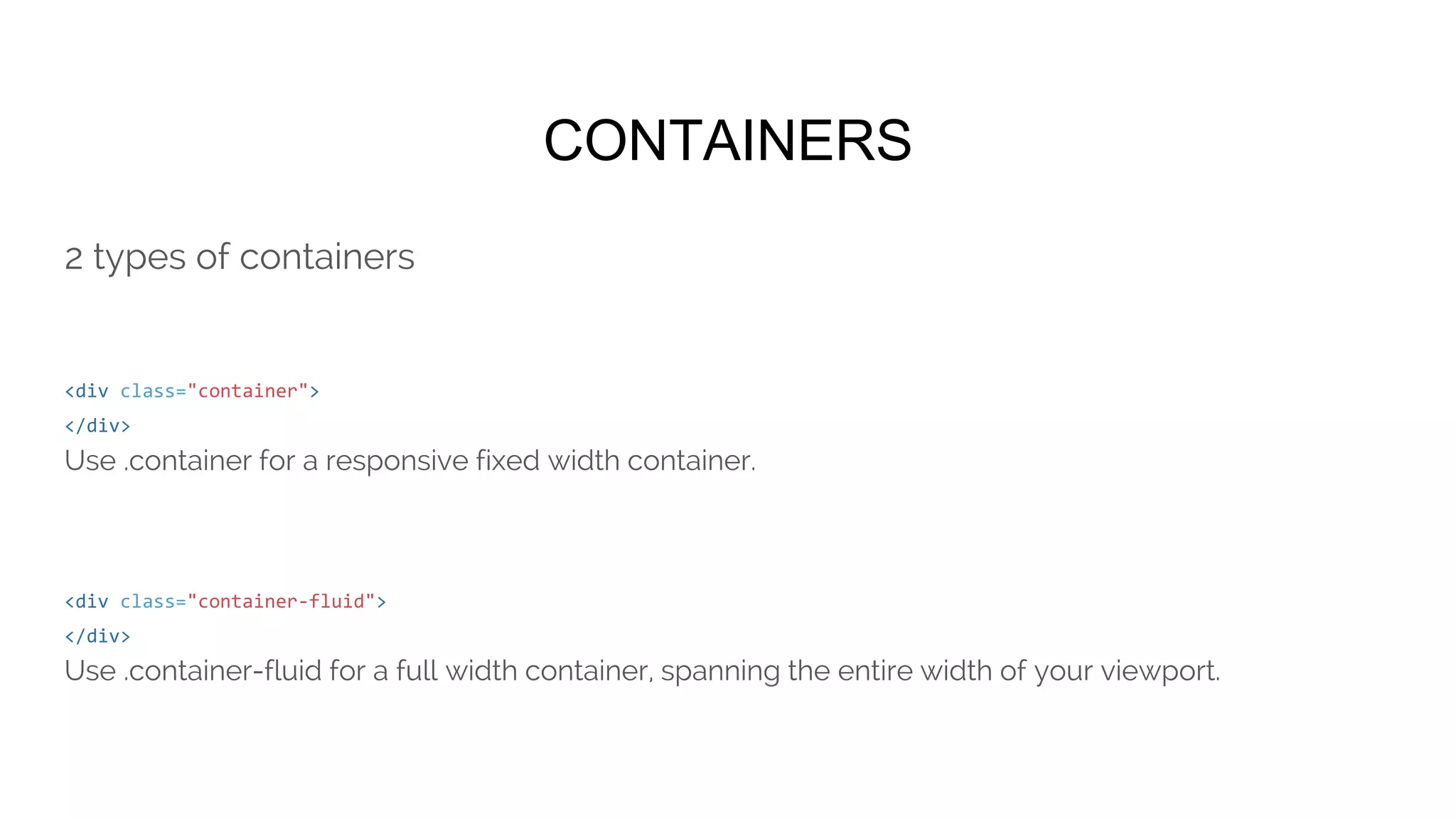
CONTAINERS
2 types of containers
<div class="container">
</div>
Use .container for a responsive fixed width container.
<div class="container-fluid">
</div>
Use .container-fluid for a full width container, spanning the entire width of your viewport.
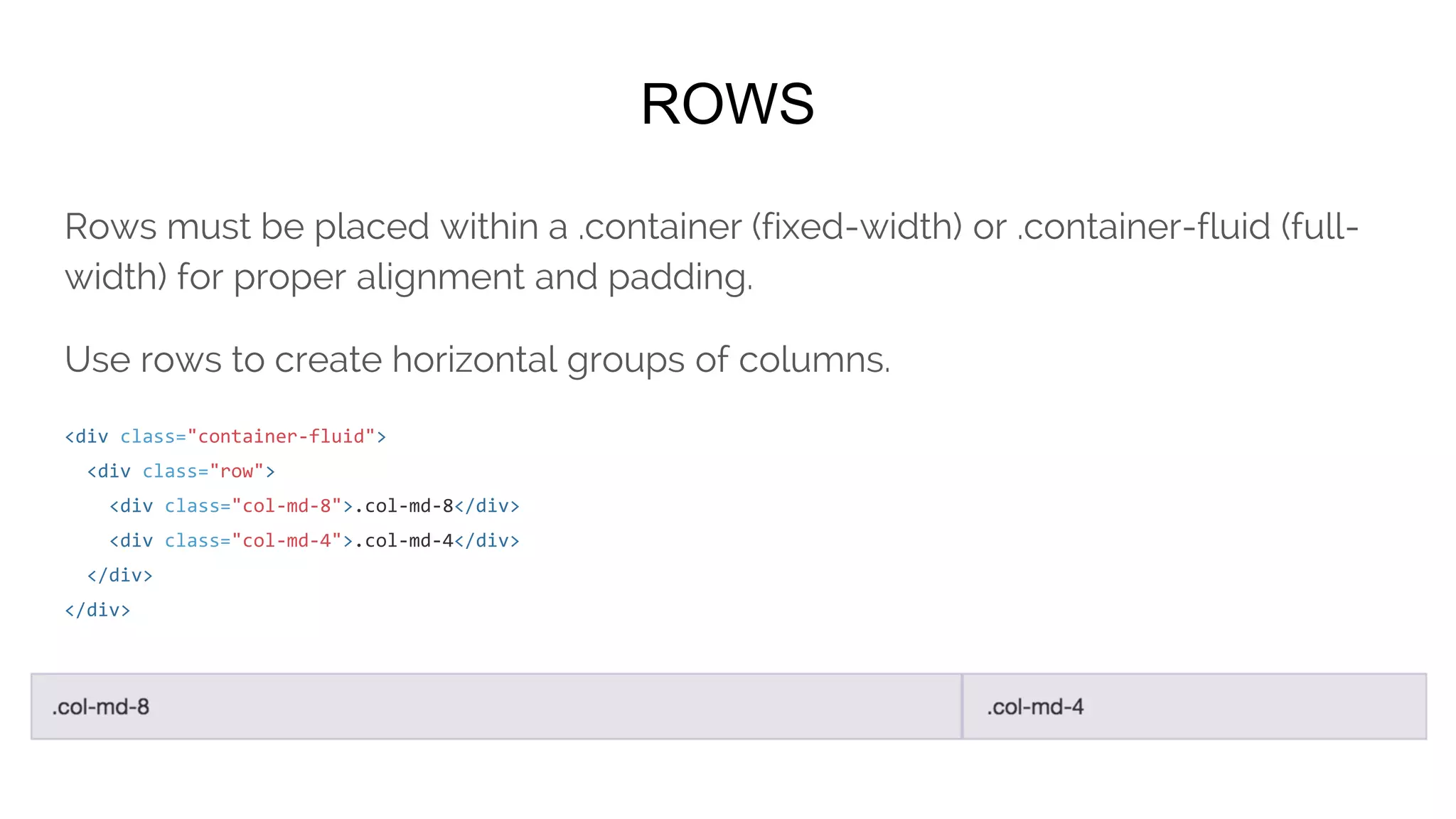
ROWS
Rows must be placed within a .container (fixed-width) or .container-fluid (full-
width) for proper alignment and padding.
Use rows to create horizontal groups of columns.
<div class="container-fluid">
<div class="row">
<div class="col-md-8">.col-md-8</div>
<div class="col-md-4">.col-md-4</div>
</div>
</div>
COLUMNS
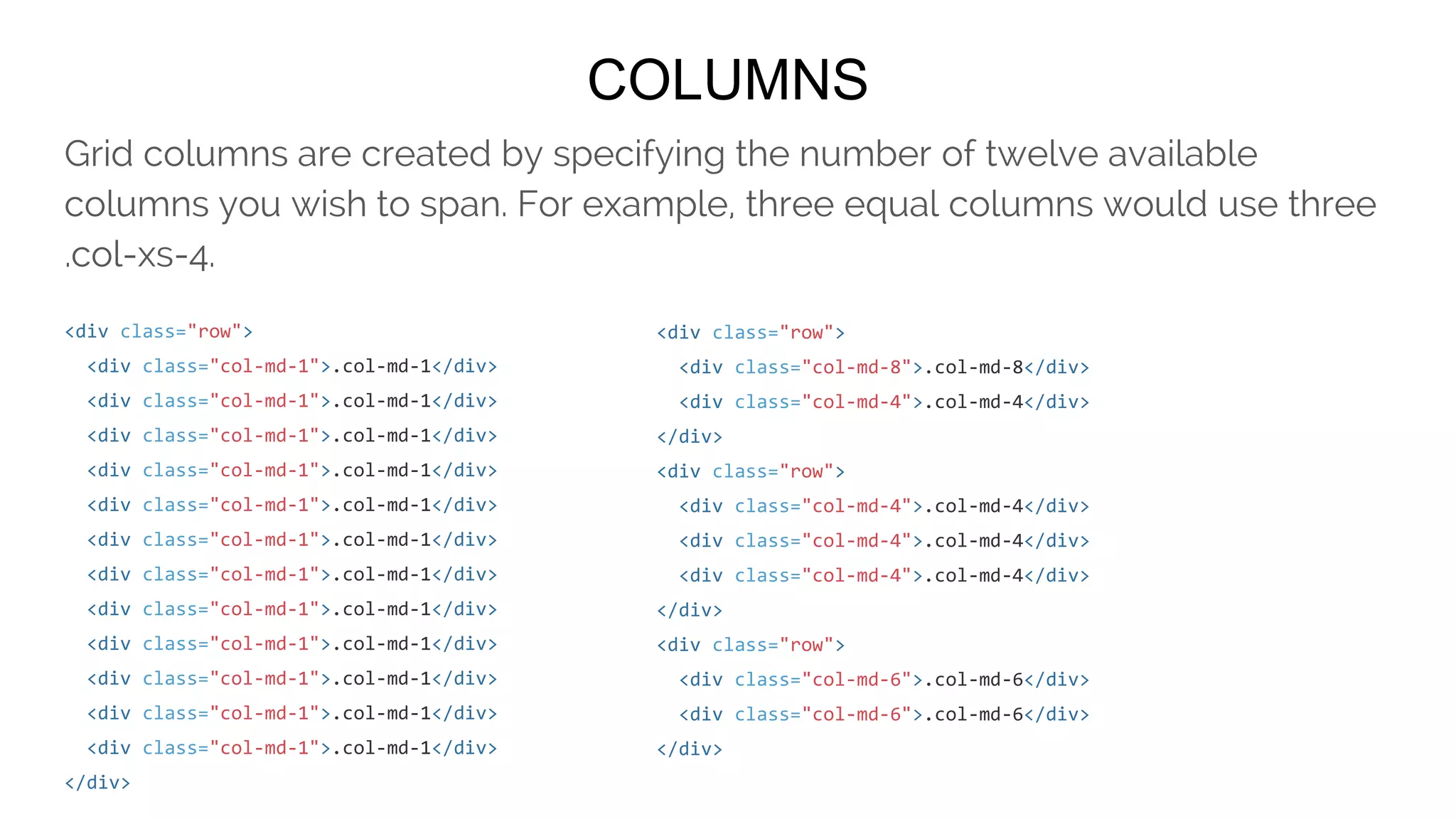
Grid columns are created by specifying the number of twelve available columns
you wish to span. For example, three equal columns would use three .col-xs-4.
<div class="row">
<div class="col-md-1">.col-md-1</div>
</div>
<div class="row">
<div class="col-md-8">.col-md-8</div>
<div class="col-md-4">.col-md-4</div>
</div>
<div class="row">
<div class="col-md-4">.col-md-4</div>
</div>
<div class="row">
<div class="col-md-6">.col-md-6</div>
</div>
MOBILE, TABLET, DESKTOP
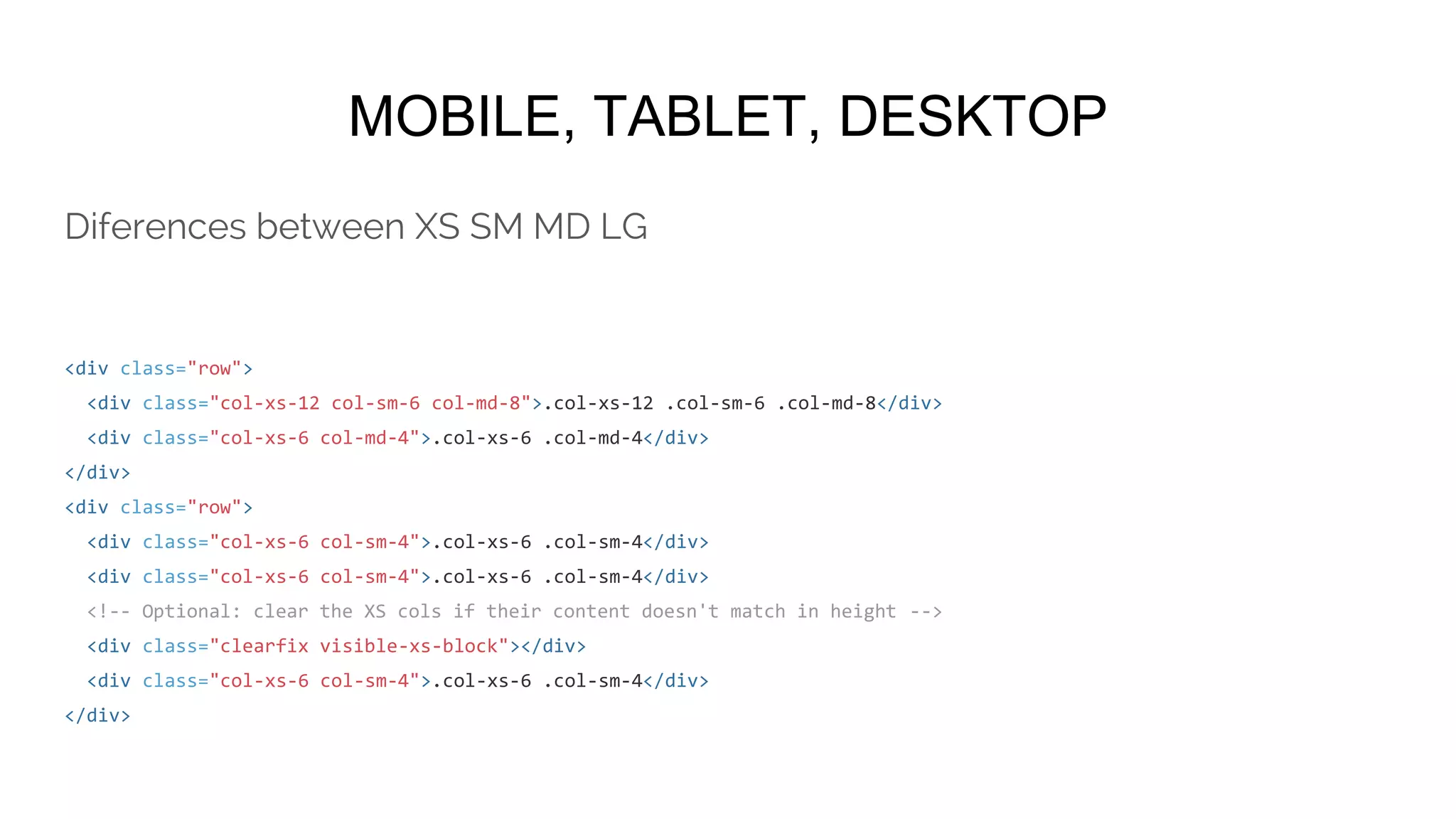
<div class="row">
<div class="col-xs-12 col-sm-6 col-md-8">.col-xs-12 .col-sm-6 .col-md-8</div>
<div class="col-xs-6 col-md-4">.col-xs-6 .col-md-4</div>
</div>
<div class="row">
<div class="col-xs-6 col-sm-4">.col-xs-6 .col-sm-4</div>
<!-- Optional: clear the XS cols if their content doesn't match in height -->
<div class="clearfix visible-xs-block"></div>
<div class="col-xs-6 col-sm-4">.col-xs-6 .col-sm-4</div>
</div>
Diferences between XS SM MD LG
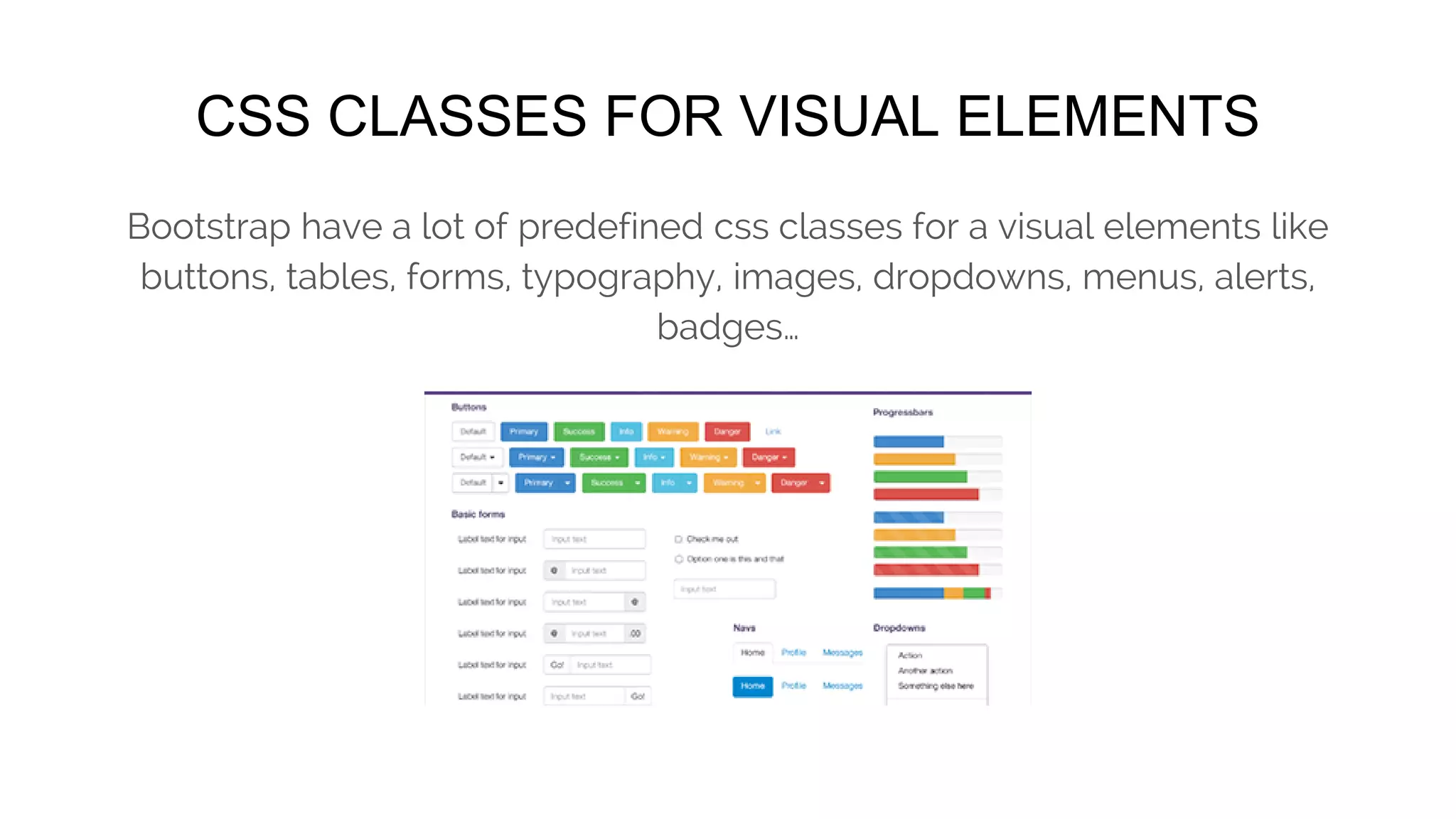
CSS CLASSES FOR VISUAL ELEMENTS
Bootstrap have a lot of predefined css classes for a visual elements like buttons,
tables, forms, typography, images, dropdowns, menus, alerts, badges…
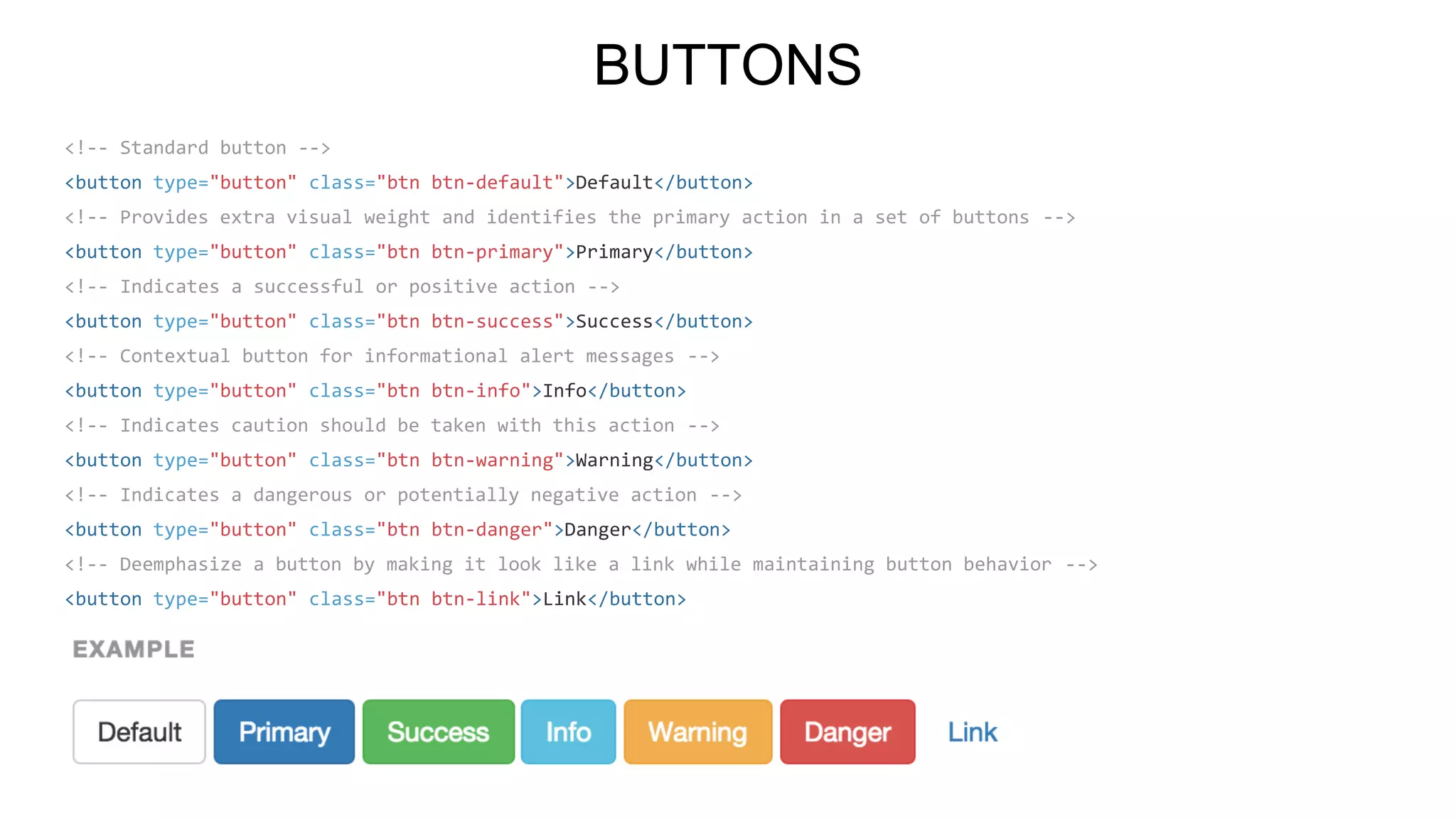
BUTTONS
<!-- Standard button -->
<button type="button" class="btn btn-default">Default</button>
<!-- Provides extra visual weight and identifies the primary action in a set of buttons -->
<button type="button" class="btn btn-primary">Primary</button>
<!-- Indicates a successful or positive action -->
<button type="button" class="btn btn-success">Success</button>
<!-- Contextual button for informational alert messages -->
<button type="button" class="btn btn-info">Info</button>
<!-- Indicates caution should be taken with this action -->
<button type="button" class="btn btn-warning">Warning</button>
<!-- Indicates a dangerous or potentially negative action -->
<button type="button" class="btn btn-danger">Danger</button>
<!-- Deemphasize a button by making it look like a link while maintaining button behavior -->
<button type="button" class="btn btn-link">Link</button>
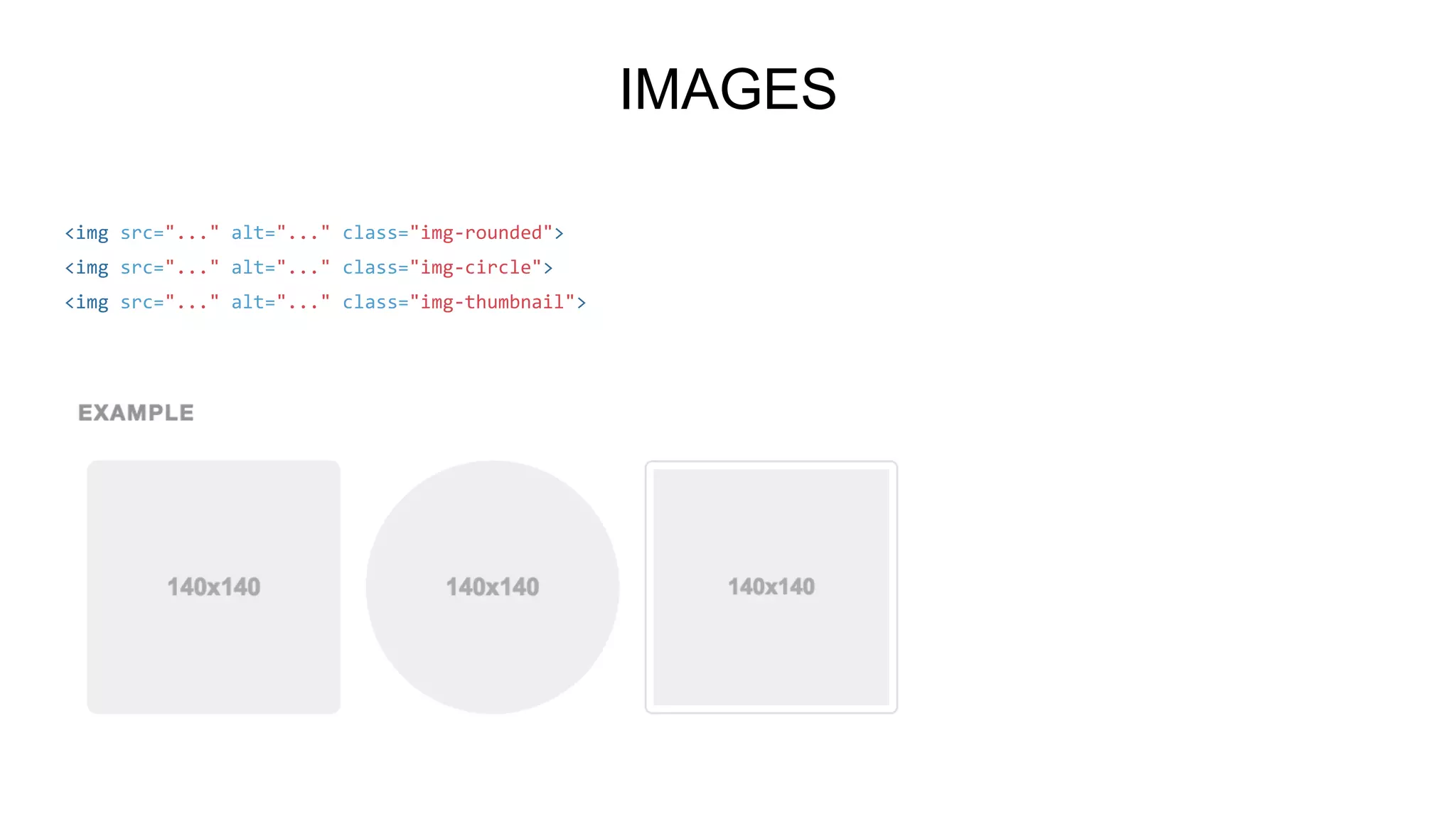
IMAGES
<img src="..." alt="..." class="img-rounded">
<img src="..." alt="..." class="img-circle">
<img src="..." alt="..." class="img-thumbnail">
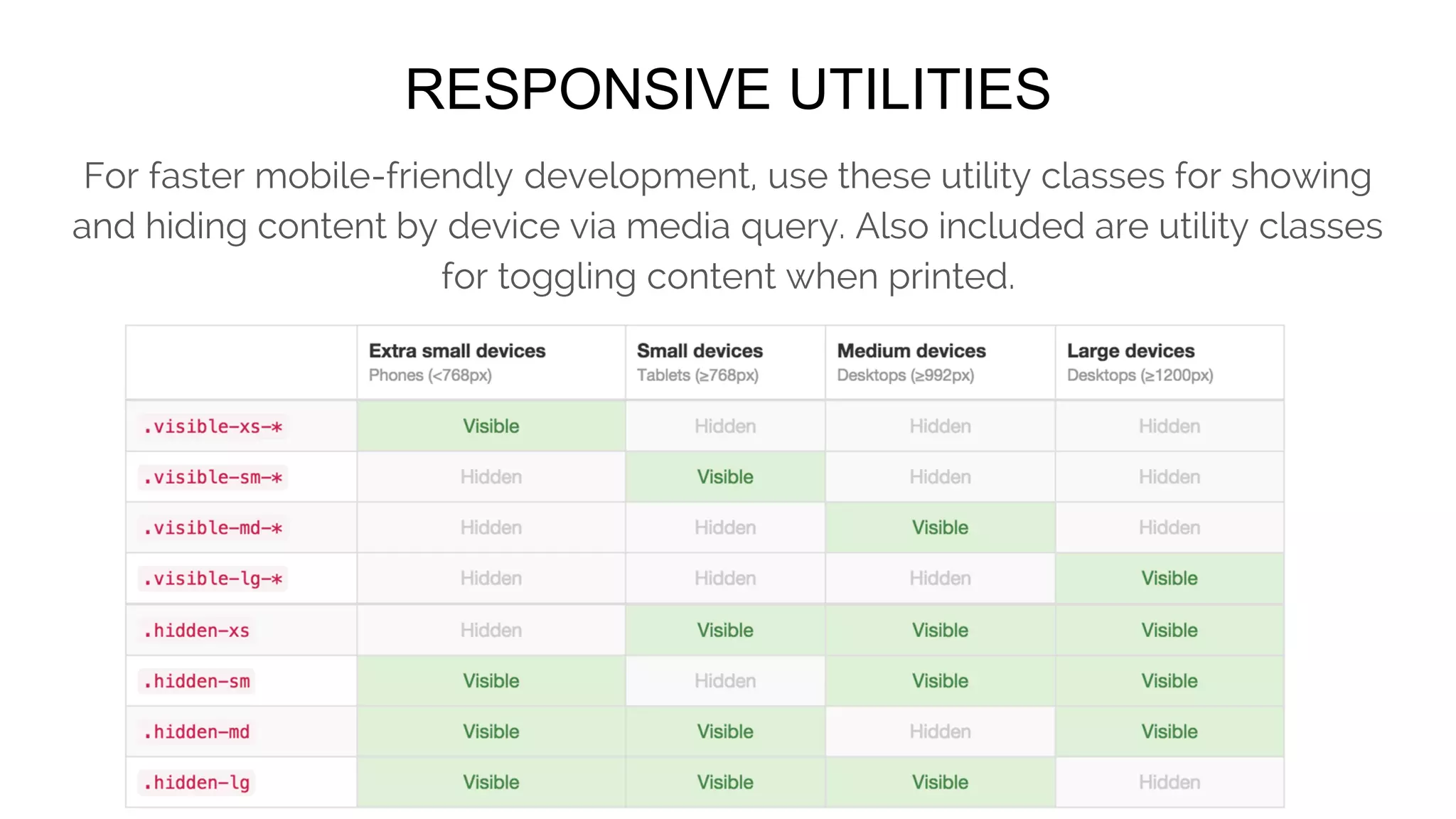
RESPONSIVE UTILITIES
For faster mobile-friendly development, use these utility classes for showing and
hiding content by device via media query. Also included are utility classes for
toggling content when printed.
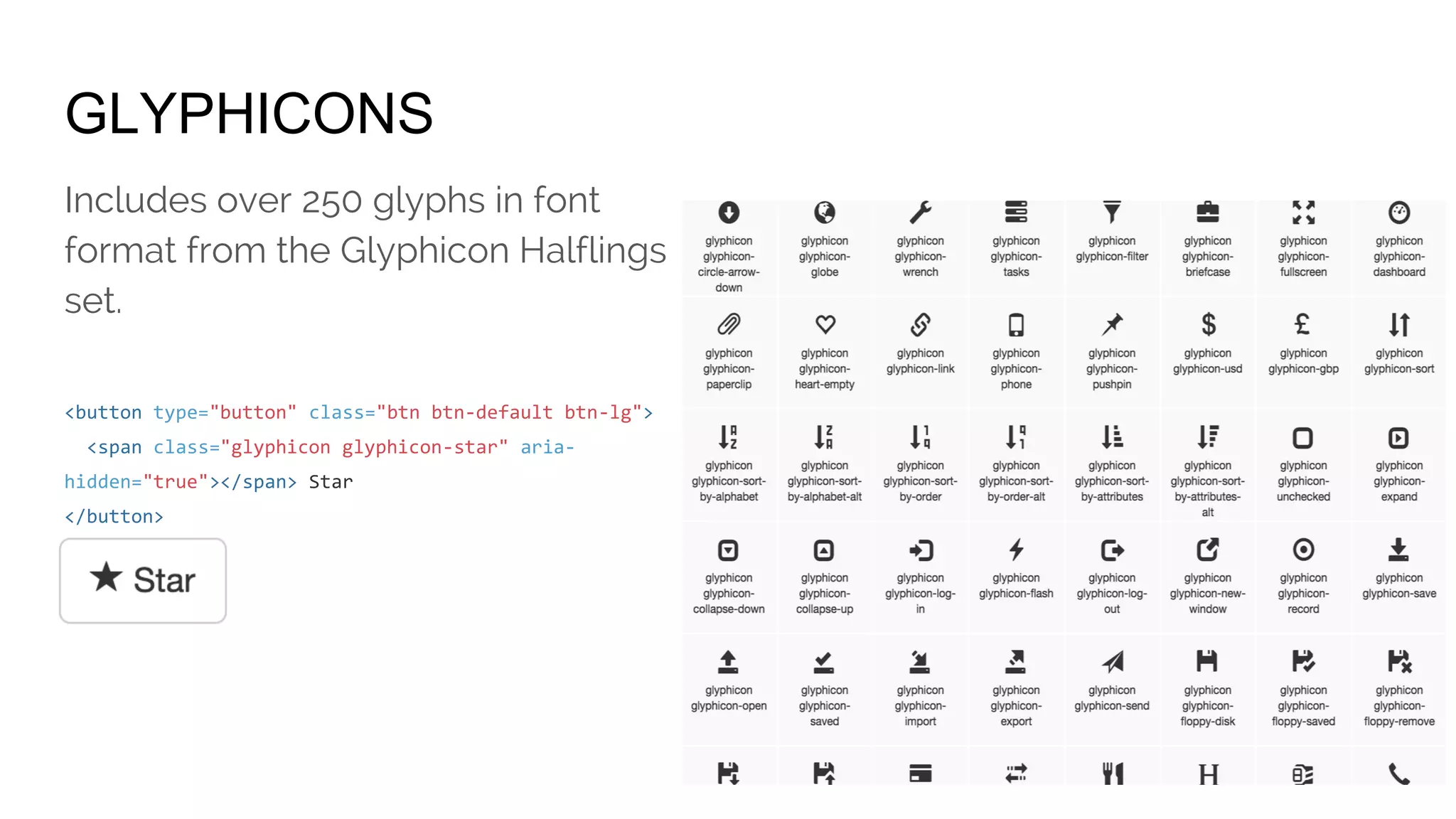
GLYPHICONS
Includes over 250 glyphs in font
format from the Glyphicon Halflings
set.
<button type="button" class="btn btn-default btn-lg">
<span class="glyphicon glyphicon-star" aria-
hidden="true"></span> Star
</button>
JAVASCRIPT
Bring Bootstrap's components to life with over a dozen custom jQuery plugins.
Easily include them all, or one by one.
Overview
Transitions
Modal
Dropdown
Scrollspy
Tab
Tooltip
Popover
Alert
Button
Collapse
Carousel
Affix
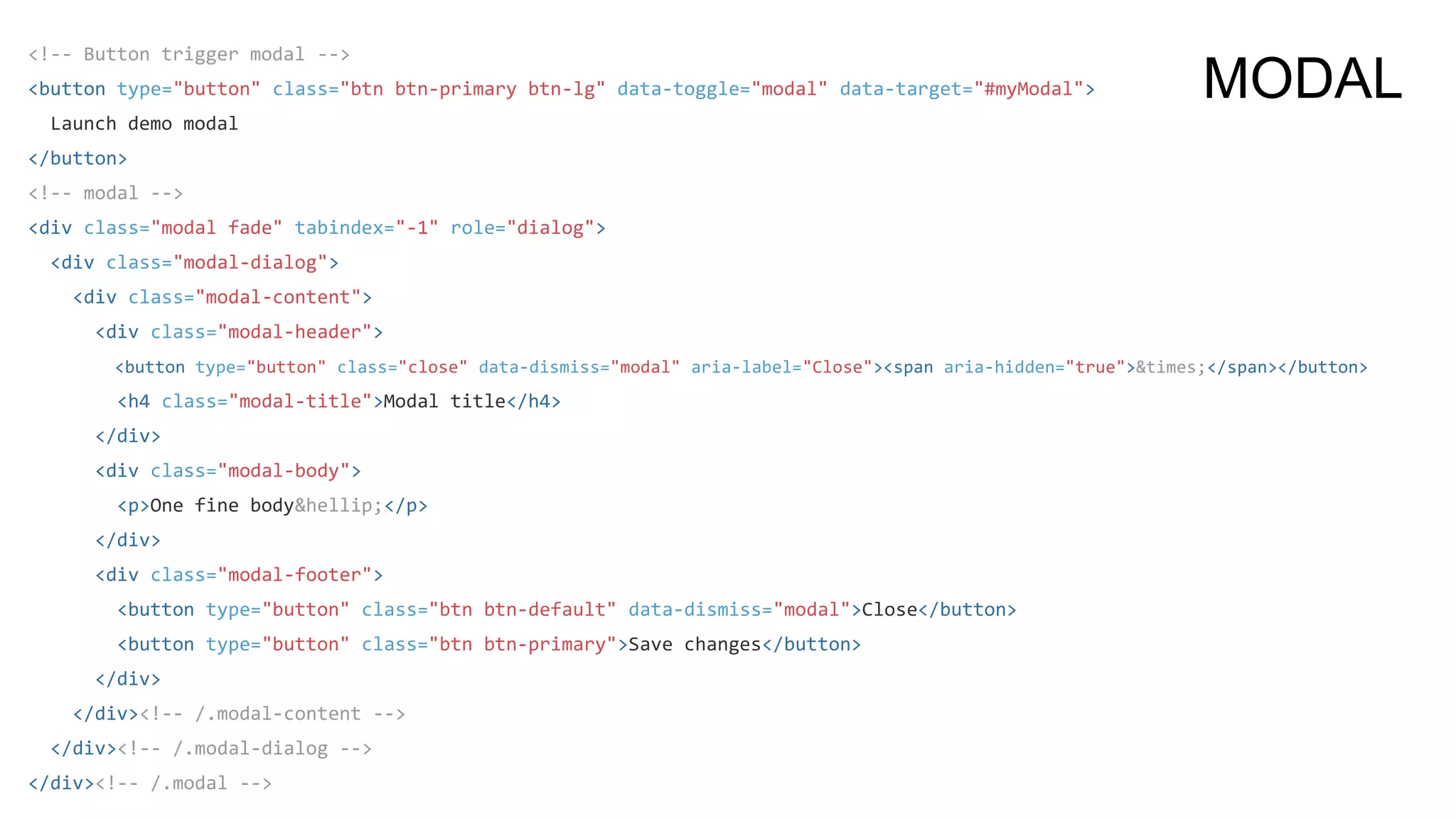
<!-- Button trigger modal -->
<button type="button" class="btn btn-primary btn-lg" data-toggle="modal" data-target="#myModal">
Launch demo modal
</button>
<!-- modal -->
<div class="modal fade" tabindex="-1" role="dialog">
<div class="modal-dialog">
<div class="modal-content">
<div class="modal-header">
<button type="button" class="close" data-dismiss="modal" aria-label="Close"><span aria-hidden="true">&times;</span></button>
<h4 class="modal-title">Modal title</h4>
</div>
<div class="modal-body">
<p>One fine body&hellip;</p>
</div>
<div class="modal-footer">
<button type="button" class="btn btn-default" data-dismiss="modal">Close</button>
<button type="button" class="btn btn-primary">Save changes</button>
</div>
</div><!-- /.modal-content -->
</div><!-- /.modal-dialog -->
</div><!-- /.modal -->
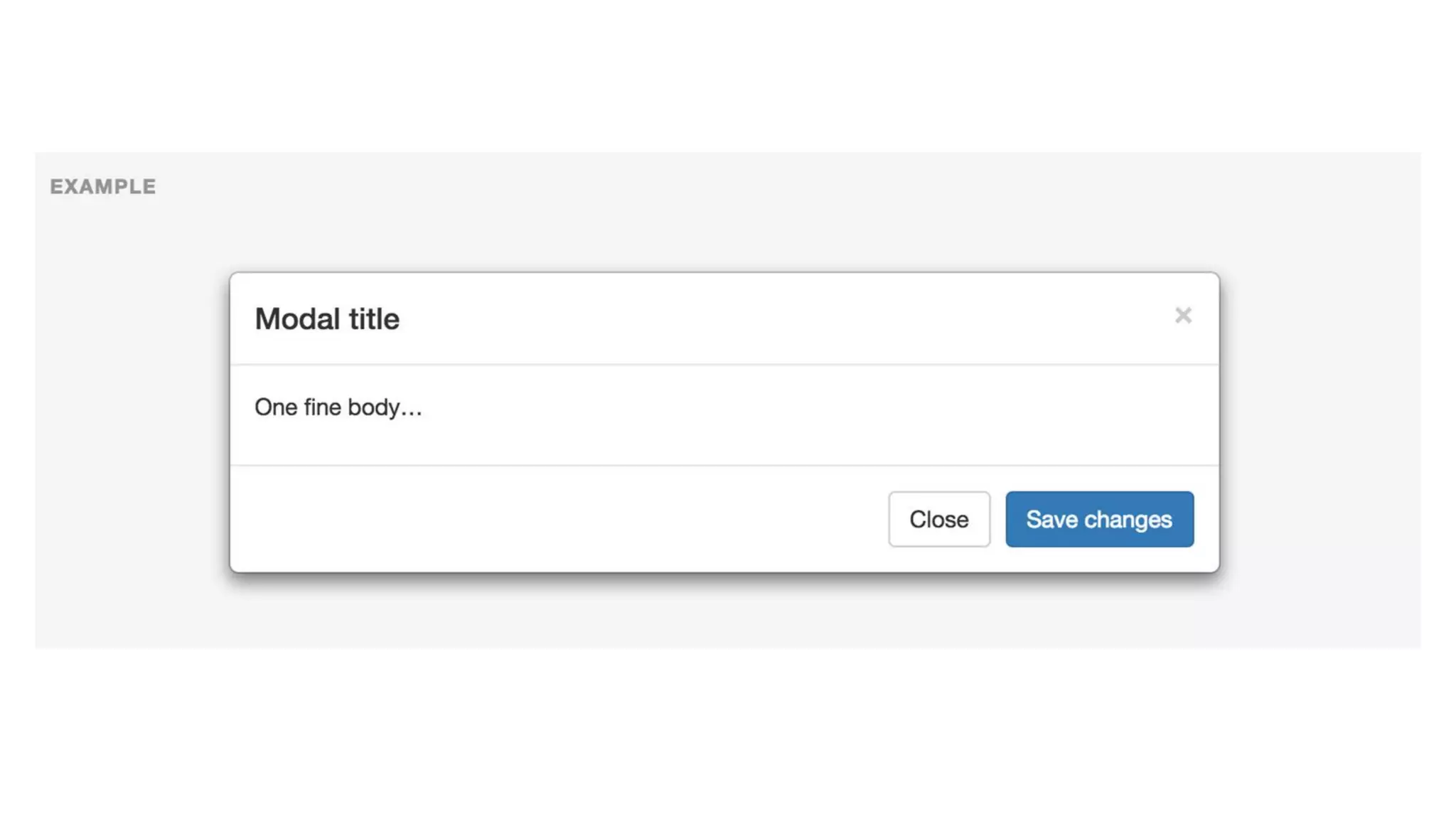
MODAL
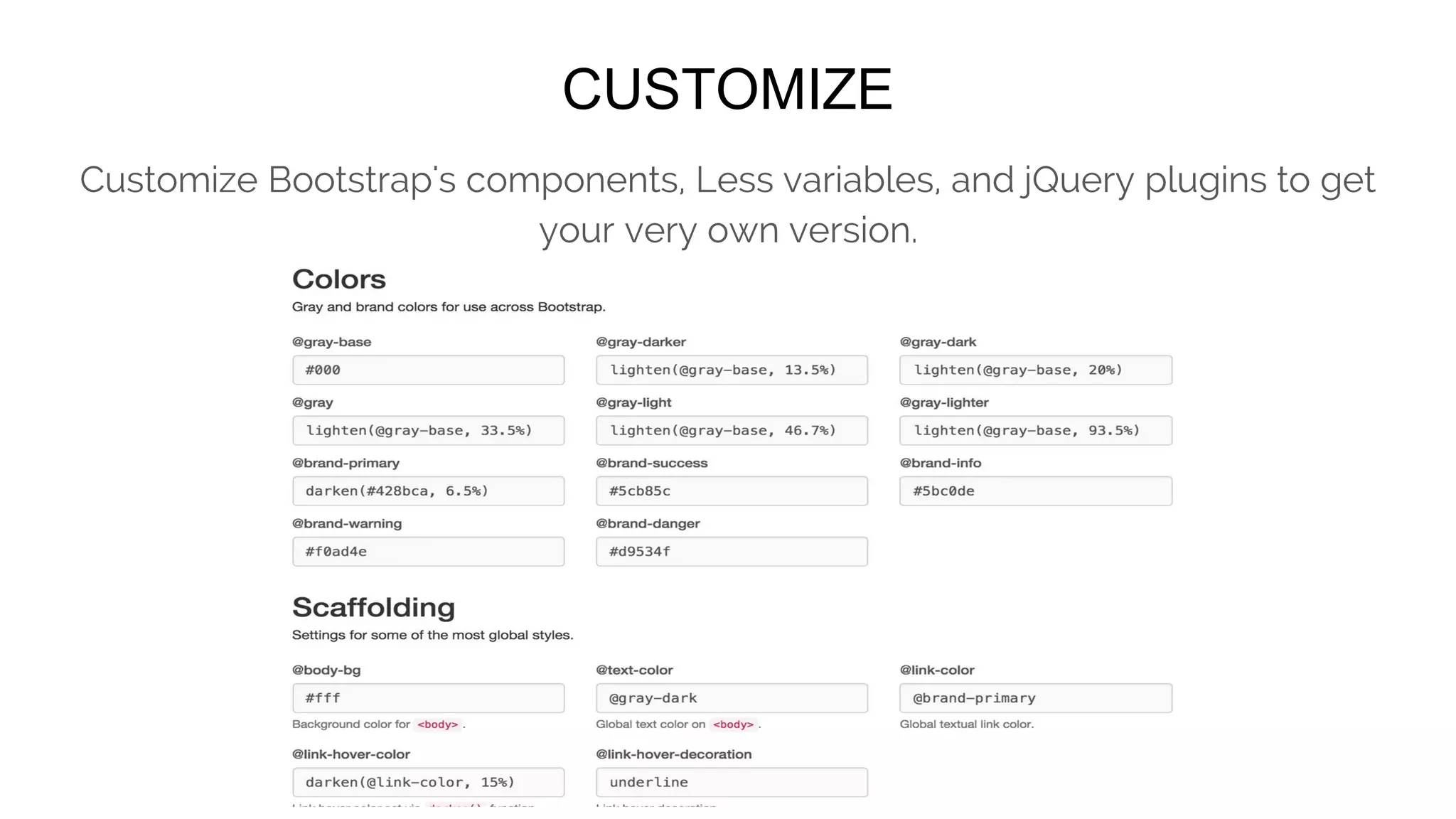
CUSTOMIZE
Customize Bootstrap's components, Less variables, and jQuery plugins to get
your very own version.
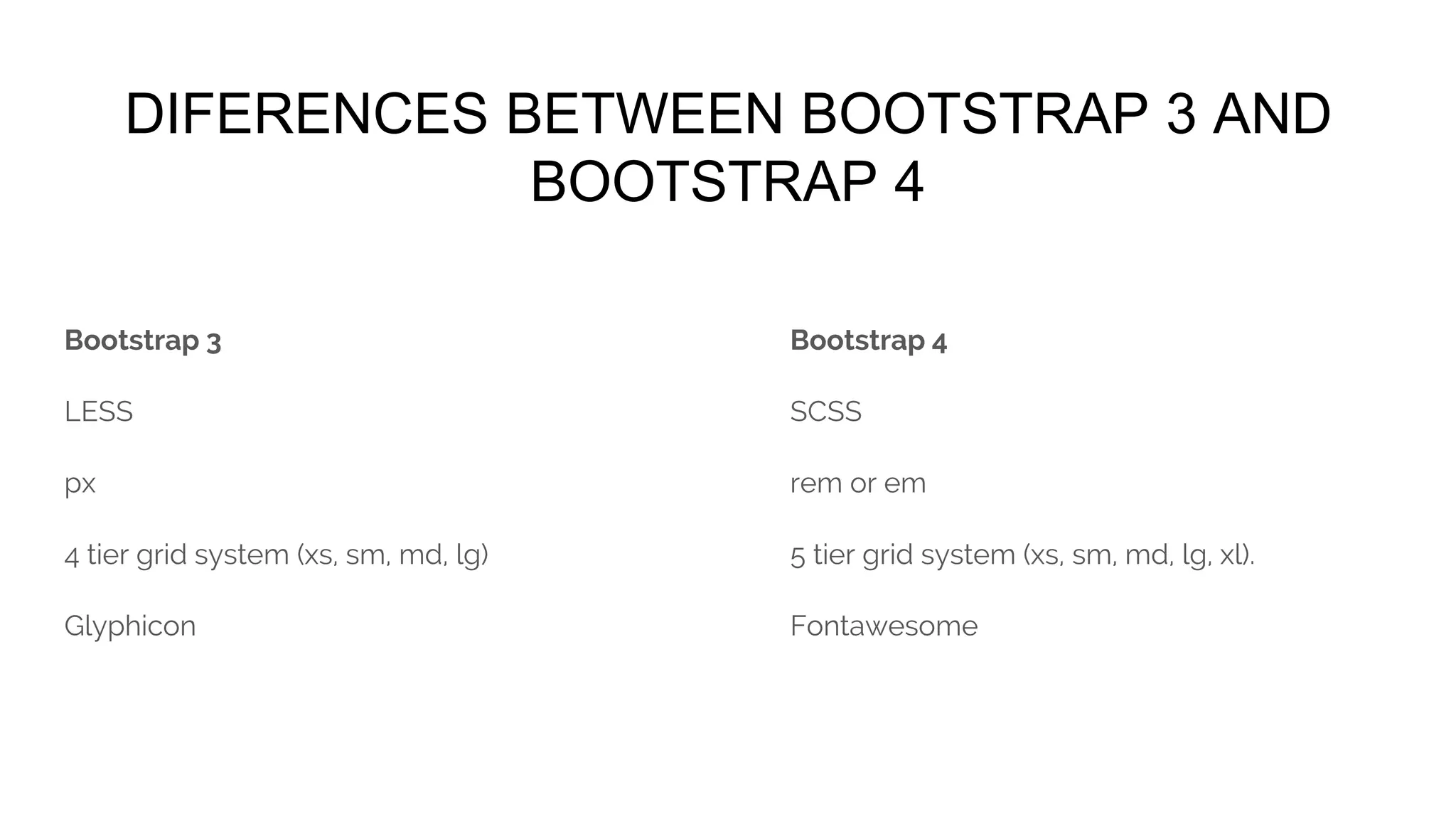
DIFERENCES BETWEEN BOOTSTRAP 3 AND
BOOTSTRAP 4
Bootstrap 3
LESS
px
4 tier grid system (xs, sm, md, lg)
Glyphicon
Bootstrap 4
SCSS
rem or em
5 tier grid system (xs, sm, md, lg, xl).
Fontawesome
http://www.quackit.com/bootstrap/bootstrap_4/differences_between_bootstrap_3_
and_bootstrap_4.cfm
http://getbootstrap.com/getting-started/#download
http://getbootstrap.com/customize/
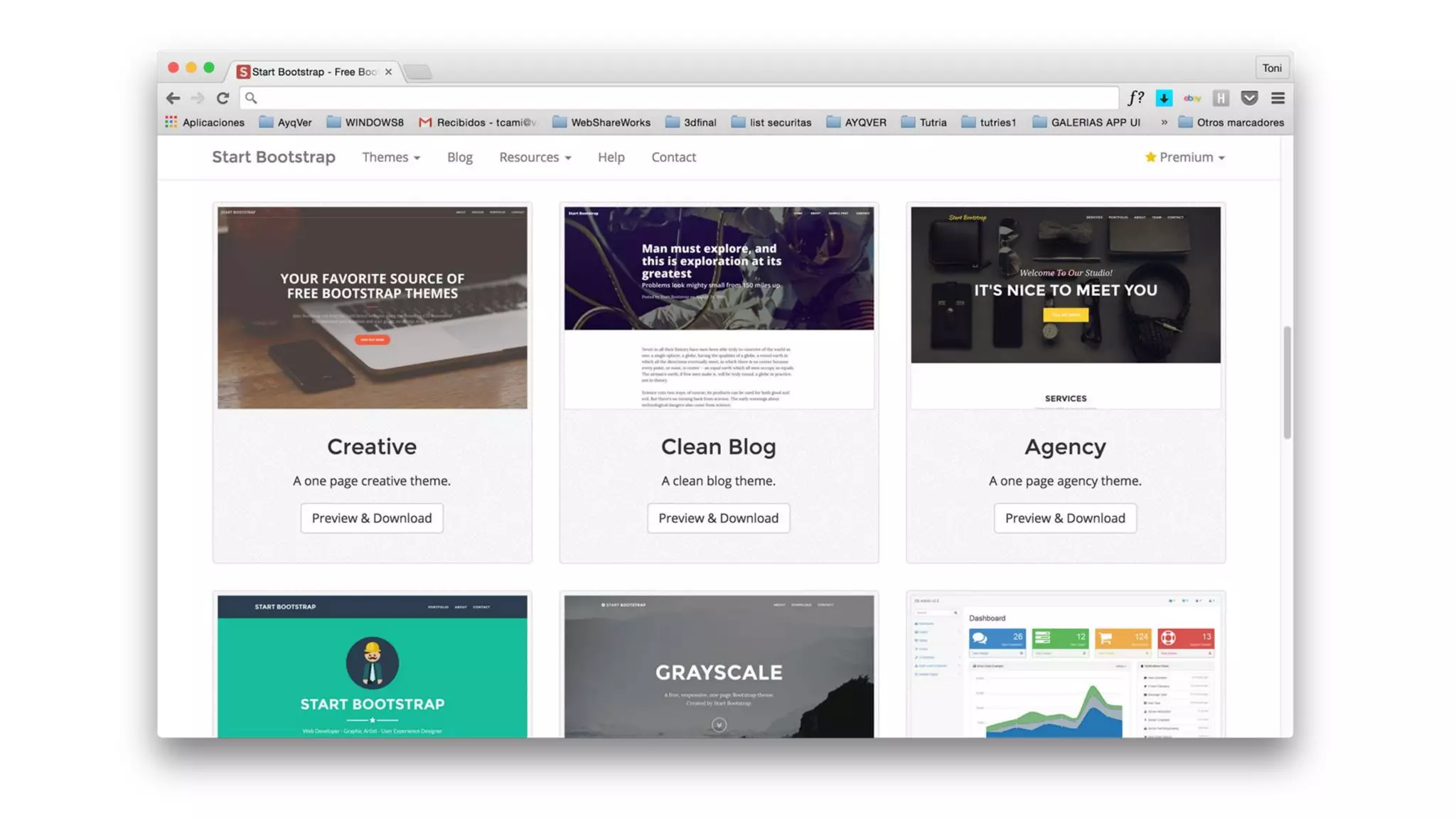
http://startbootstrap.com/
THANKS FOR YOUR ATTENTION!
Leave your questions on the comments section
Workshop 6: Designer tools

Workshop 6: Designer tools