Download to read offline

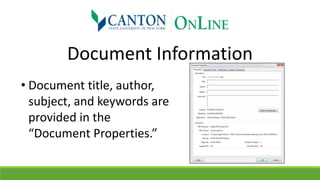
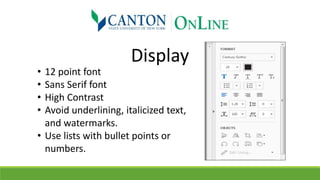
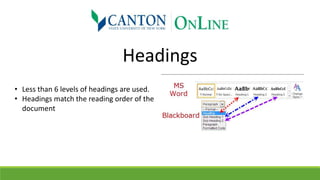
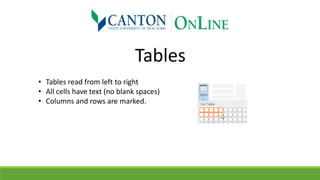
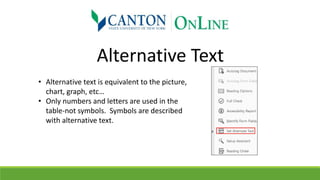
This document provides a checklist for making Word documents accessible, including ensuring document information like the title and author are included, using a sans serif font of at least 12 point with high contrast, only using up to 6 levels of headings that match the reading order, making tables readable from left to right with labeled columns and rows and no blank cells, including alternative text for images, charts and graphs, and labeling links with descriptive text like "Web Link" instead of just "Click here".


