Windows 2000 Keyboard Shortcuts
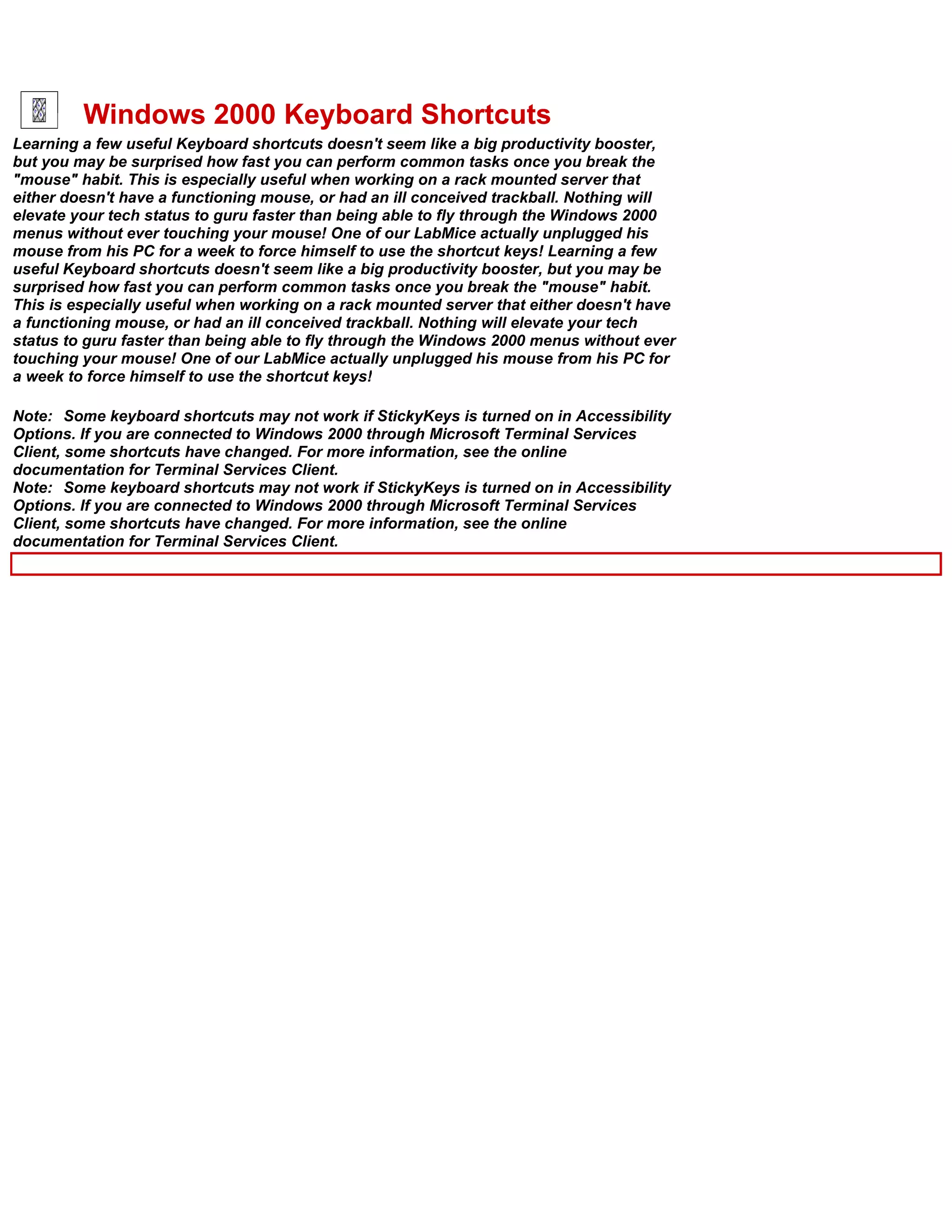
Learning a few useful Keyboard shortcuts doesn't seem like a big productivity booster,
but you may be surprised how fast you can perform common tasks once you break the
"mouse" habit. This is especially useful when working on a rack mounted server that
either doesn't have a functioning mouse, or had an ill conceived trackball. Nothing will
elevate your tech status to guru faster than being able to fly through the Windows 2000
menus without ever touching your mouse! One of our LabMice actually unplugged his
mouse from his PC for a week to force himself to use the shortcut keys! Learning a few
useful Keyboard shortcuts doesn't seem like a big productivity booster, but you may be
surprised how fast you can perform common tasks once you break the "mouse" habit.
This is especially useful when working on a rack mounted server that either doesn't have
a functioning mouse, or had an ill conceived trackball. Nothing will elevate your tech
status to guru faster than being able to fly through the Windows 2000 menus without ever
touching your mouse! One of our LabMice actually unplugged his mouse from his PC for
a week to force himself to use the shortcut keys!

Note: Some keyboard shortcuts may not work if StickyKeys is turned on in Accessibility
Options. If you are connected to Windows 2000 through Microsoft Terminal Services
Client, some shortcuts have changed. For more information, see the online
documentation for Terminal Services Client.
Note: Some keyboard shortcuts may not work if StickyKeys is turned on in Accessibility
Options. If you are connected to Windows 2000 through Microsoft Terminal Services
Client, some shortcuts have changed. For more information, see the online
documentation for Terminal Services Client.
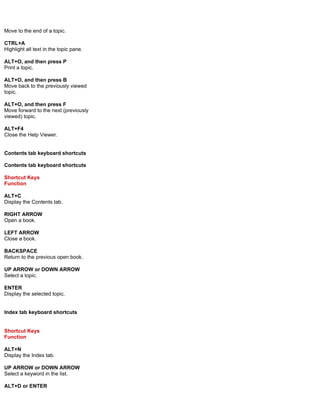
Move to the end of a topic.

CTRL+A
Highlight all text in the topic pane.

ALT+O, and then press P
Print a topic.

ALT+O, and then press B
Move back to the previously viewed
topic.

ALT+O, and then press F
Move forward to the next (previously
viewed) topic.

ALT+F4
Close the Help Viewer.


Contents tab keyboard shortcuts

Contents tab keyboard shortcuts

Shortcut Keys
Function

ALT+C
Display the Contents tab.

RIGHT ARROW
Open a book.

LEFT ARROW
Close a book.

BACKSPACE
Return to the previous open book.

UP ARROW or DOWN ARROW
Select a topic.

ENTER
Display the selected topic.


Index tab keyboard shortcuts


Shortcut Keys
Function

ALT+N
Display the Index tab.

UP ARROW or DOWN ARROW
Select a keyword in the list.

ALT+D or ENTER
from:

http://labmice.techtarget.com/articles/keyboard.htm

Windows 2000 Keyboard Shortcuts

  • 1.
    Windows 2000 KeyboardShortcuts Learning a few useful Keyboard shortcuts doesn't seem like a big productivity booster, but you may be surprised how fast you can perform common tasks once you break the "mouse" habit. This is especially useful when working on a rack mounted server that either doesn't have a functioning mouse, or had an ill conceived trackball. Nothing will elevate your tech status to guru faster than being able to fly through the Windows 2000 menus without ever touching your mouse! One of our LabMice actually unplugged his mouse from his PC for a week to force himself to use the shortcut keys! Learning a few useful Keyboard shortcuts doesn't seem like a big productivity booster, but you may be surprised how fast you can perform common tasks once you break the "mouse" habit. This is especially useful when working on a rack mounted server that either doesn't have a functioning mouse, or had an ill conceived trackball. Nothing will elevate your tech status to guru faster than being able to fly through the Windows 2000 menus without ever touching your mouse! One of our LabMice actually unplugged his mouse from his PC for a week to force himself to use the shortcut keys! Note: Some keyboard shortcuts may not work if StickyKeys is turned on in Accessibility Options. If you are connected to Windows 2000 through Microsoft Terminal Services Client, some shortcuts have changed. For more information, see the online documentation for Terminal Services Client. Note: Some keyboard shortcuts may not work if StickyKeys is turned on in Accessibility Options. If you are connected to Windows 2000 through Microsoft Terminal Services Client, some shortcuts have changed. For more information, see the online documentation for Terminal Services Client.
  • 2.
    Move to theend of a topic. CTRL+A Highlight all text in the topic pane. ALT+O, and then press P Print a topic. ALT+O, and then press B Move back to the previously viewed topic. ALT+O, and then press F Move forward to the next (previously viewed) topic. ALT+F4 Close the Help Viewer. Contents tab keyboard shortcuts Contents tab keyboard shortcuts Shortcut Keys Function ALT+C Display the Contents tab. RIGHT ARROW Open a book. LEFT ARROW Close a book. BACKSPACE Return to the previous open book. UP ARROW or DOWN ARROW Select a topic. ENTER Display the selected topic. Index tab keyboard shortcuts Shortcut Keys Function ALT+N Display the Index tab. UP ARROW or DOWN ARROW Select a keyword in the list. ALT+D or ENTER
  • 3.