Image not readable or empty
images/manufacturers/Wintop.png
WIN_ITEMP
Temperature / Dry Input
Sensor
Firmware Version : 0.39
Quick Start
S This is a Z-Wave Sensor. After removing the cover push the tamper switch for three seconds until
the red LED blinks. Inclusion and Exclusion is confirm when the tamper switch is released at this moment.
The same process sends out a NIF. Removing the cover wakes up the device.
Please refer to the chapters below for detailed information about all aspects of the products usage.
Product description
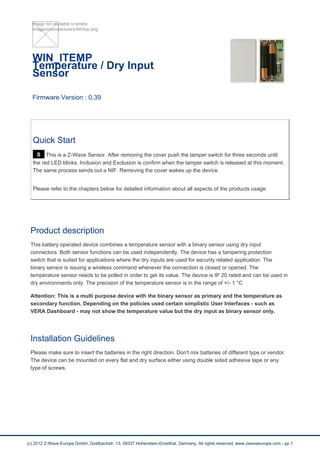
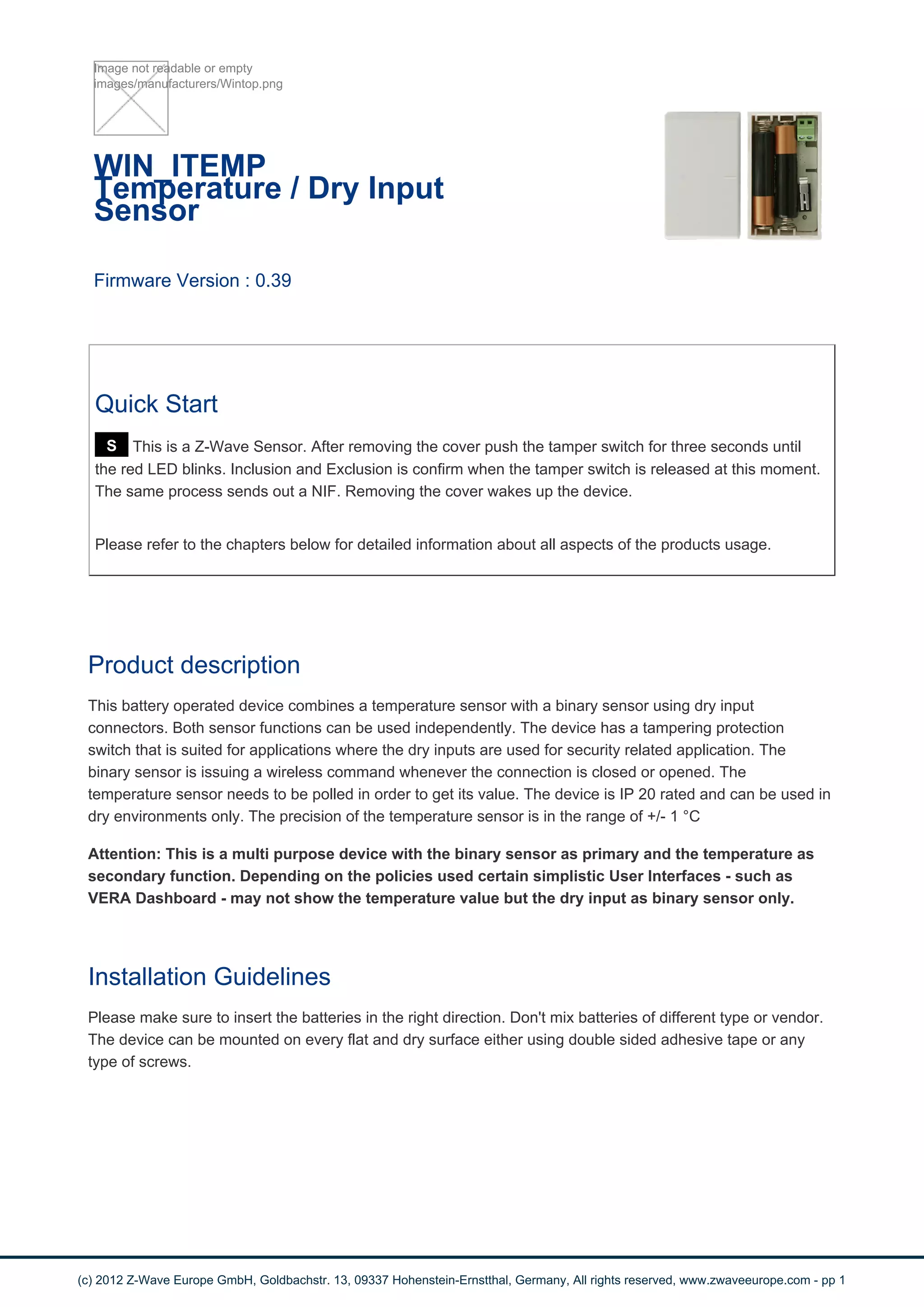
This battery operated device combines a temperature sensor with a binary sensor using dry input
connectors. Both sensor functions can be used independently. The device has a tampering protection
switch that is suited for applications where the dry inputs are used for security related application. The
binary sensor is issuing a wireless command whenever the connection is closed or opened. The
temperature sensor needs to be polled in order to get its value. The device is IP 20 rated and can be used in
dry environments only. The precision of the temperature sensor is in the range of +/- 1 °C
Attention: This is a multi purpose device with the binary sensor as primary and the temperature as
secondary function. Depending on the policies used certain simplistic User Interfaces - such as
VERA Dashboard - may not show the temperature value but the dry input as binary sensor only.
Installation Guidelines
Please make sure to insert the batteries in the right direction. Don't mix batteries of different type or vendor.
The device can be mounted on every flat and dry surface either using double sided adhesive tape or any
type of screws.
(c) 2012 Z-Wave Europe GmbH, Goldbachstr. 13, 09337 Hohenstein-Ernstthal, Germany, All rights reserved, www.zwaveeurope.com - pp 1
Behavior within the Z-Wave network
I On factory default the device does not belong to any Z-Wave network. The device needs to join an
existing wireless network to communicate with the devices of this network. This process is called Inclusion.
Devices can also leave a network. This process is called Exclusion. Both processes are initiated by the
primary controller of the Z-Wave network. This controller will be turned into exclusion respective inclusion
mode. Please refer to your primary controllers manual on how to turn your controller into inclusion or
exclusion mode. Only if the primary controller is in inclusion or exclusion mode, this device can join or leave
the network. Leaving the network - i.e. being excluded - sets the device back to factory default.
If the device already belongs to a network, follow the exclusion process before including it in your network.
Otherwise inclusion of this device will fail. If the controller being included was a primary controller, it has to
be reset first.
After removing the cover push the tamper switch for three seconds until the red LED blinks. Inclusion and
Exclusion is confirm when the tamper switch is released at this moment.
Operating the device
The device can be mounted in every location of a room for measuring the temperature. For optimal values it
is recommended to mount the sensor at a wall in a hight of 1,50 m above the ground and not directly to a
heater.
the binary sensor can be used as a door or window sensor. Therefore you can use a simple two-wire cable.
Wakeup Intervals - how to communicate with the device?
W This device is battery operated and turned into deep sleep state most of the time to save battery
life time. Communication with the device is limited. In order to communicate with the device, a static
controller C is needed in the network. This controller will maintain a mailbox for the battery operated devices
and store commands that can not be received during deep sleep state. Without such a controller,
communication may become impossible and/or the battery life time is significantly decreased.
This device will wakeup regularly and announce the wakeup state by sending out a so called Wakeup
Notification. The controller can then empty the mailbox. Therefore, the device needs to be configured with
the desired wakeup interval and the node ID of the controller. If the device was included by a static
controller this controller will usually perform all necessary configurations. The wakeup interval is a tradeoff
between maximal battery life time and the desired responses of the device.
Removing the cover wakes up the device.
It is possible to set the node ID to 255 to send wakeup notifications as broadcast. In this mode device takes more time to
go to sleep and drains battery faster, but can notify all it's direct neighbors about a wakeup.
(c) 2012 Z-Wave Europe GmbH, Goldbachstr. 13, 09337 Hohenstein-Ernstthal, Germany, All rights reserved, www.zwaveeurope.com - pp 2
Node Information Frame
NI The Node Information Frame is the business card of a Z-Wave device. It contains information
about the device type and the technical capabilities. The inclusion and exclusion of the device is confirmed
by sending out a Node Information Frame. Beside this it may be needed for certain network operations to
send out a Node Information Frame.
After removing the cover push the tamper switch for three seconds until the red LED blinks. Releasing the
tamper switch issues a Node Information Frame.
Associations
A Z-Wave devices control other Z-Wave devices. The relationship between one device controlling
another device is called association. In order to control a different device, the controlling device needs to
maintain a list of devices that will receive controlling commands. These lists are called association groups
and they are always related to certain events (e.g. button pressed, sensor triggers, ...). In case the event
happens all devices stored in the respective association group will receive a common wireless command.
Association Groups:
1 Dry Binary Input close/open (max. nodes in group: 5)
2 Alarm triggered by Tamper Switch (max. nodes in group: 5)
Configuration Parameters
Z-Wave products are supposed to work out of the box after inclusion, however certain configuration can
adapt the function better to user needs or unlock further enhanced features.
IMPORTANT: Controllers may only allow to configure signed values. In order to set values in the range 128
… 255 the value sent in the application shall be the desired value minus 256. For example: to set a
parameter to 200? it may be needed to set a value of 200 minus 256 = minus 56. In case of two byte value
the same logic applies: Values greater than 32768 may needed to be given as negative values too.
Reset (Parameter Number 1, Parameter Size 1) Resets the device
Value Description
0 normal operation (Default)
1 reset
(c) 2012 Z-Wave Europe GmbH, Goldbachstr. 13, 09337 Hohenstein-Ernstthal, Germany, All rights reserved, www.zwaveeurope.com - pp 3
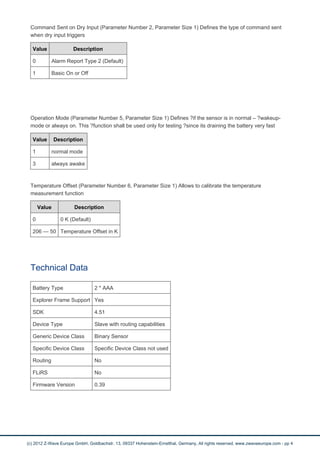
Command Sent on Dry Input (Parameter Number 2, Parameter Size 1) Defines the type of command sent
when dry input triggers
Value Description
0 Alarm Report Type 2 (Default)
1 Basic On or Off
Operation Mode (Parameter Number 5, Parameter Size 1) Defines ?if the sensor is in normal – ?wakeup-
mode or always on. This ?function shall be used only for testing ?since its draining the battery very fast
Value Description
1 normal mode
3 always awake
Temperature Offset (Parameter Number 6, Parameter Size 1) Allows to calibrate the temperature
measurement function
Value Description
0 0 K (Default)
206 — 50 Temperature Offset in K
Technical Data
Battery Type 2 * AAA
Explorer Frame Support Yes
SDK 4.51
Device Type Slave with routing capabilities
Generic Device Class Binary Sensor
Specific Device Class Specific Device Class not used
Routing No
FLiRS No
Firmware Version 0.39
(c) 2012 Z-Wave Europe GmbH, Goldbachstr. 13, 09337 Hohenstein-Ernstthal, Germany, All rights reserved, www.zwaveeurope.com - pp 4

Win itemp

  • 1.
    Image not readableor empty images/manufacturers/Wintop.png WIN_ITEMP Temperature / Dry Input Sensor Firmware Version : 0.39 Quick Start S This is a Z-Wave Sensor. After removing the cover push the tamper switch for three seconds until the red LED blinks. Inclusion and Exclusion is confirm when the tamper switch is released at this moment. The same process sends out a NIF. Removing the cover wakes up the device. Please refer to the chapters below for detailed information about all aspects of the products usage. Product description This battery operated device combines a temperature sensor with a binary sensor using dry input connectors. Both sensor functions can be used independently. The device has a tampering protection switch that is suited for applications where the dry inputs are used for security related application. The binary sensor is issuing a wireless command whenever the connection is closed or opened. The temperature sensor needs to be polled in order to get its value. The device is IP 20 rated and can be used in dry environments only. The precision of the temperature sensor is in the range of +/- 1 °C Attention: This is a multi purpose device with the binary sensor as primary and the temperature as secondary function. Depending on the policies used certain simplistic User Interfaces - such as VERA Dashboard - may not show the temperature value but the dry input as binary sensor only. Installation Guidelines Please make sure to insert the batteries in the right direction. Don't mix batteries of different type or vendor. The device can be mounted on every flat and dry surface either using double sided adhesive tape or any type of screws. (c) 2012 Z-Wave Europe GmbH, Goldbachstr. 13, 09337 Hohenstein-Ernstthal, Germany, All rights reserved, www.zwaveeurope.com - pp 1
  • 2.
    Behavior within theZ-Wave network I On factory default the device does not belong to any Z-Wave network. The device needs to join an existing wireless network to communicate with the devices of this network. This process is called Inclusion. Devices can also leave a network. This process is called Exclusion. Both processes are initiated by the primary controller of the Z-Wave network. This controller will be turned into exclusion respective inclusion mode. Please refer to your primary controllers manual on how to turn your controller into inclusion or exclusion mode. Only if the primary controller is in inclusion or exclusion mode, this device can join or leave the network. Leaving the network - i.e. being excluded - sets the device back to factory default. If the device already belongs to a network, follow the exclusion process before including it in your network. Otherwise inclusion of this device will fail. If the controller being included was a primary controller, it has to be reset first. After removing the cover push the tamper switch for three seconds until the red LED blinks. Inclusion and Exclusion is confirm when the tamper switch is released at this moment. Operating the device The device can be mounted in every location of a room for measuring the temperature. For optimal values it is recommended to mount the sensor at a wall in a hight of 1,50 m above the ground and not directly to a heater. the binary sensor can be used as a door or window sensor. Therefore you can use a simple two-wire cable. Wakeup Intervals - how to communicate with the device? W This device is battery operated and turned into deep sleep state most of the time to save battery life time. Communication with the device is limited. In order to communicate with the device, a static controller C is needed in the network. This controller will maintain a mailbox for the battery operated devices and store commands that can not be received during deep sleep state. Without such a controller, communication may become impossible and/or the battery life time is significantly decreased. This device will wakeup regularly and announce the wakeup state by sending out a so called Wakeup Notification. The controller can then empty the mailbox. Therefore, the device needs to be configured with the desired wakeup interval and the node ID of the controller. If the device was included by a static controller this controller will usually perform all necessary configurations. The wakeup interval is a tradeoff between maximal battery life time and the desired responses of the device. Removing the cover wakes up the device. It is possible to set the node ID to 255 to send wakeup notifications as broadcast. In this mode device takes more time to go to sleep and drains battery faster, but can notify all it's direct neighbors about a wakeup. (c) 2012 Z-Wave Europe GmbH, Goldbachstr. 13, 09337 Hohenstein-Ernstthal, Germany, All rights reserved, www.zwaveeurope.com - pp 2
  • 3.
    Node Information Frame NIThe Node Information Frame is the business card of a Z-Wave device. It contains information about the device type and the technical capabilities. The inclusion and exclusion of the device is confirmed by sending out a Node Information Frame. Beside this it may be needed for certain network operations to send out a Node Information Frame. After removing the cover push the tamper switch for three seconds until the red LED blinks. Releasing the tamper switch issues a Node Information Frame. Associations A Z-Wave devices control other Z-Wave devices. The relationship between one device controlling another device is called association. In order to control a different device, the controlling device needs to maintain a list of devices that will receive controlling commands. These lists are called association groups and they are always related to certain events (e.g. button pressed, sensor triggers, ...). In case the event happens all devices stored in the respective association group will receive a common wireless command. Association Groups: 1 Dry Binary Input close/open (max. nodes in group: 5) 2 Alarm triggered by Tamper Switch (max. nodes in group: 5) Configuration Parameters Z-Wave products are supposed to work out of the box after inclusion, however certain configuration can adapt the function better to user needs or unlock further enhanced features. IMPORTANT: Controllers may only allow to configure signed values. In order to set values in the range 128 … 255 the value sent in the application shall be the desired value minus 256. For example: to set a parameter to 200? it may be needed to set a value of 200 minus 256 = minus 56. In case of two byte value the same logic applies: Values greater than 32768 may needed to be given as negative values too. Reset (Parameter Number 1, Parameter Size 1) Resets the device Value Description 0 normal operation (Default) 1 reset (c) 2012 Z-Wave Europe GmbH, Goldbachstr. 13, 09337 Hohenstein-Ernstthal, Germany, All rights reserved, www.zwaveeurope.com - pp 3
  • 4.
    Command Sent onDry Input (Parameter Number 2, Parameter Size 1) Defines the type of command sent when dry input triggers Value Description 0 Alarm Report Type 2 (Default) 1 Basic On or Off Operation Mode (Parameter Number 5, Parameter Size 1) Defines ?if the sensor is in normal – ?wakeup- mode or always on. This ?function shall be used only for testing ?since its draining the battery very fast Value Description 1 normal mode 3 always awake Temperature Offset (Parameter Number 6, Parameter Size 1) Allows to calibrate the temperature measurement function Value Description 0 0 K (Default) 206 — 50 Temperature Offset in K Technical Data Battery Type 2 * AAA Explorer Frame Support Yes SDK 4.51 Device Type Slave with routing capabilities Generic Device Class Binary Sensor Specific Device Class Specific Device Class not used Routing No FLiRS No Firmware Version 0.39 (c) 2012 Z-Wave Europe GmbH, Goldbachstr. 13, 09337 Hohenstein-Ernstthal, Germany, All rights reserved, www.zwaveeurope.com - pp 4