SQLITE
Object Relational Mapping for SQLite in Java
Quick Introduction
By:
Morteza Zakeri
Fall 2016
Why using OO Programing?
Why using ORM?
Advantages and Disadvantages?
SQLite ORM
Installation
Connection
Create V.S. Relational Creation
Read V.S. Relational Read
Update V.S. Relational Creation
Delete V.S. Relational Creation
2
Agenda
Why using OO programing?
 Because OOP insists that you think about what you expose to the outside
world, it lets you change the implementation of an object without affecting
any other code. (Encapsulation)
 Because it allows you to have many different functions, all with the same
name, all doing the same job, but on different data. (Polymorphism)
 Because it lets you write generic code: which will work with a range of data,
so you don't have to write basic stuff over, and over again. (Generics)
 Because it lets you write a set of functions, then expand them in different
direction without changing or copying them in any way. (Inheritance)
3
Why using ORM?
ORM...
Performs Object-Relational Mapping. The idea is that Objects come first, and the
fact that they're persisted in relational databases happens to be what they do.
Often, such mappers might as well persist objects into non-relational data stores,
such as MongoDB.
SQL...
Does the inverse. It is designed to take full advantage of the relational data
model and has nothing to do with object-oriented design. You may, of course,
still map relational data (result sets, tuples, records, etc.) onto objects if you
wish.
4
Advantages
 1.Speeds-up Development
 2. Reduces Development Time
 3. Reduces Development Costs
 4.Code Reuse
 5.Application Design
 6.Application Maintainability
5
Disadvantages
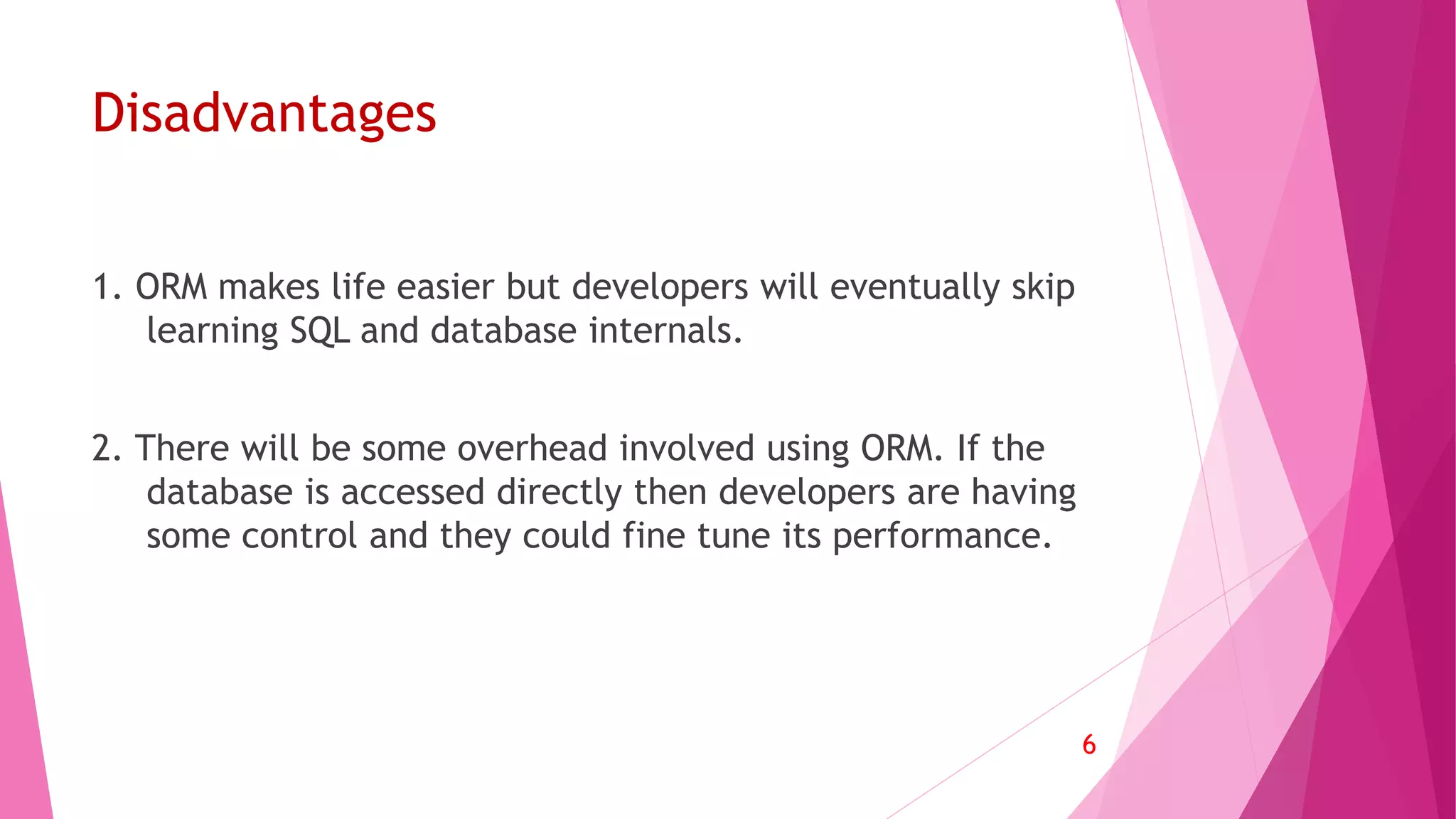
1. ORM makes life easier but developers will eventually skip
learning SQL and database internals.
2. There will be some overhead involved using ORM. If the
database is accessed directly then developers are having
some control and they could fine tune its performance.
6
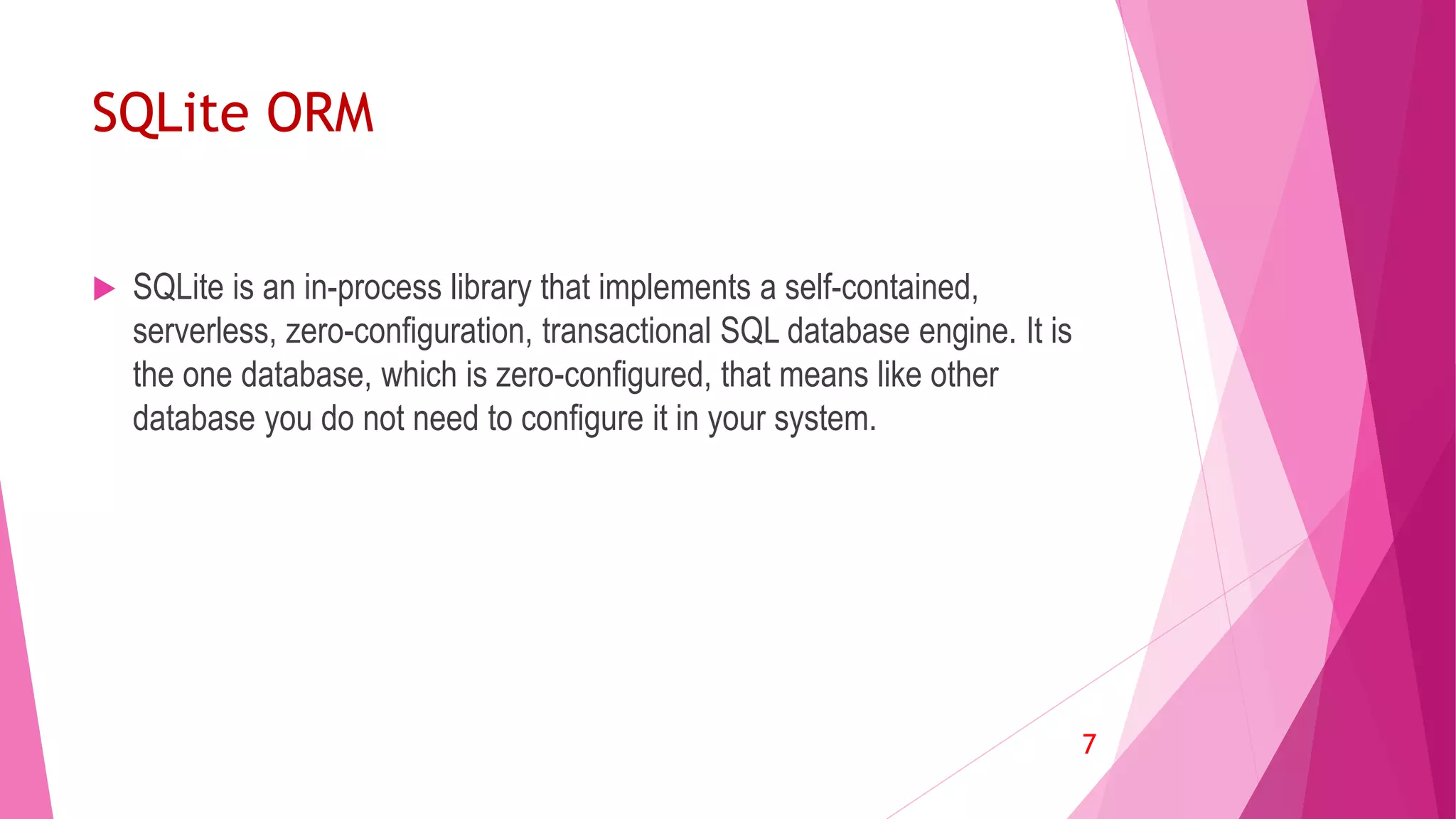
SQLite ORM
 SQLite is an in-process library that implements a self-contained,
serverless, zero-configuration, transactional SQL database engine. It is
the one database, which is zero-configured, that means like other
database you do not need to configure it in your system.
7
Installation
 Download core and java jars file from:
http://repo1.maven.org/maven2/com/j256/ormlite/
Copy jars into libs folder
 Right click on each jar file and choose “add as library”
 Usage in source code
8
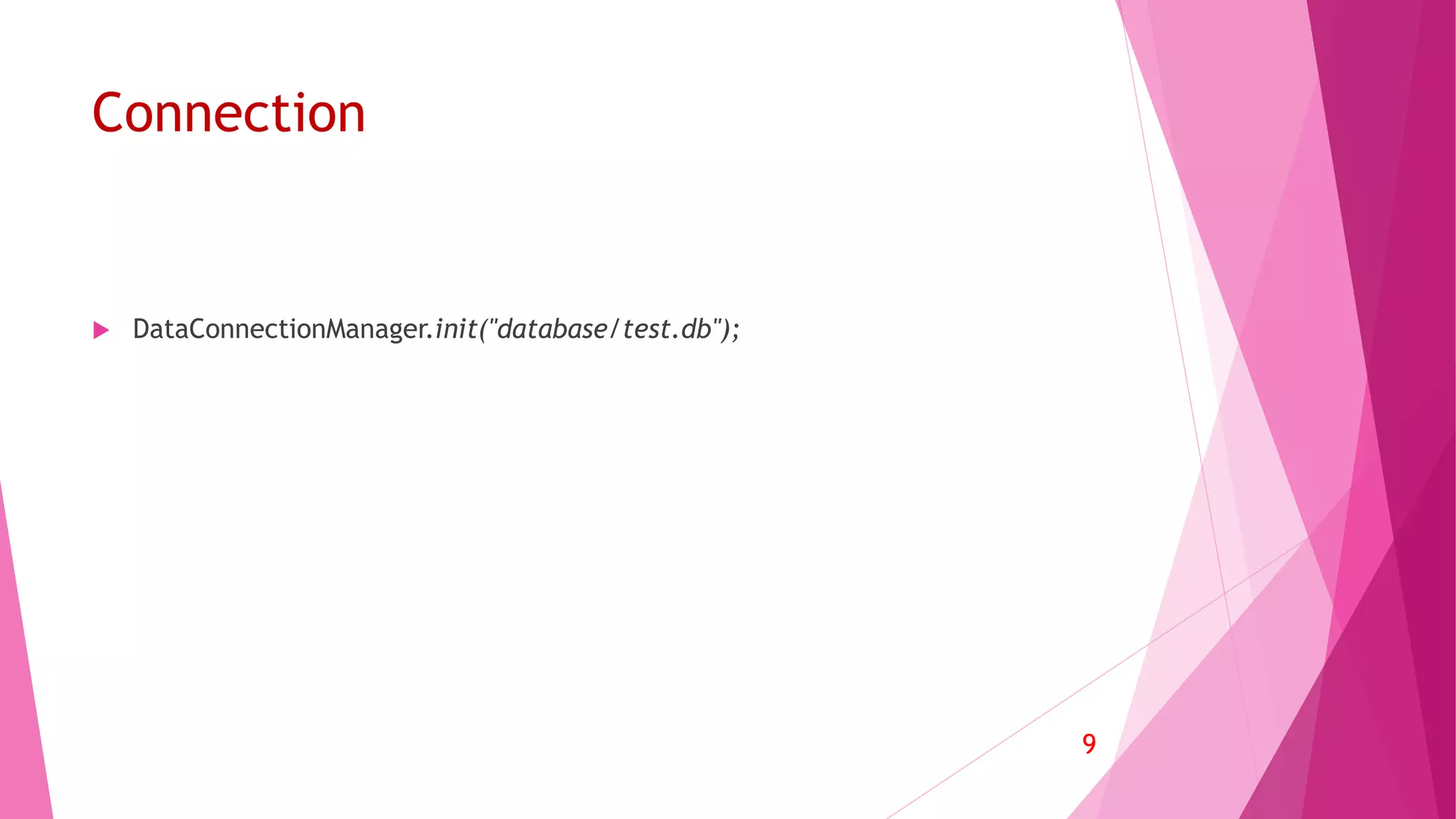
Connection
 DataConnectionManager.init("database/test.db");
9
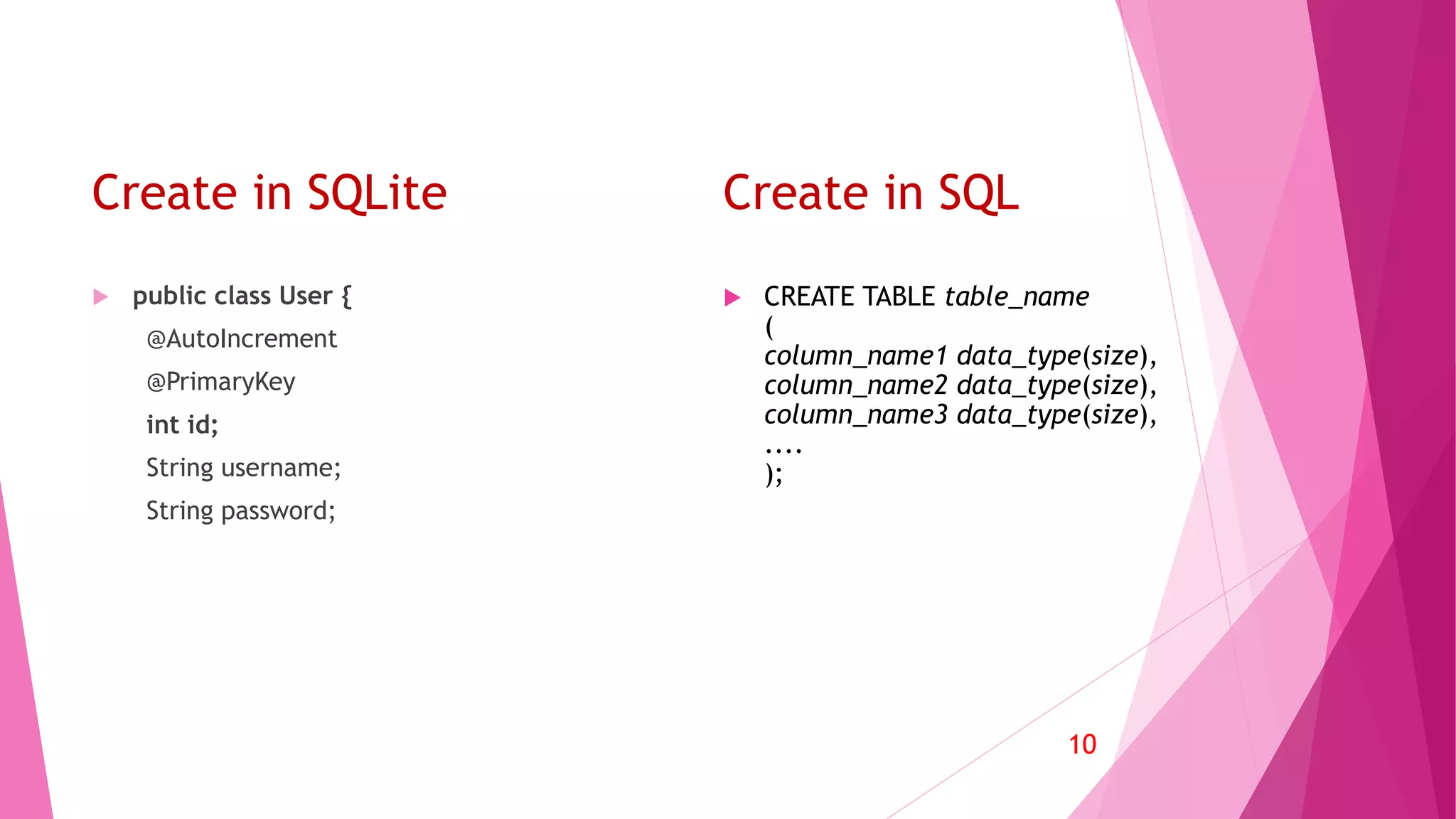
Create in SQLite
 CREATE TABLE table_name
(
column_name1 data_type(size),
column_name2 data_type(size),
column_name3 data_type(size),
....
);
10
Create in SQL
 public class User {
@AutoIncrement
@PrimaryKey
int id;
String username;
String password;
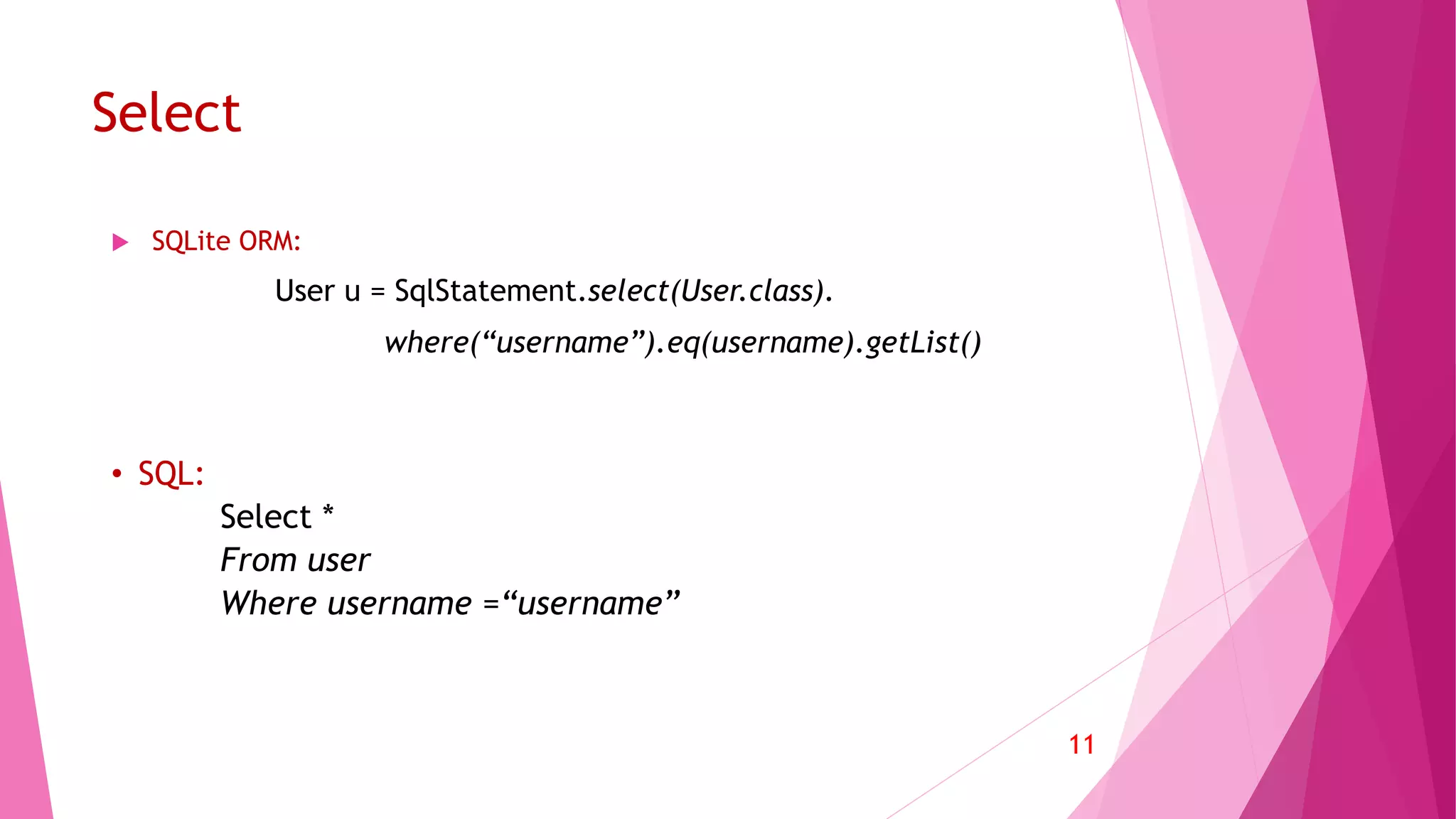
Select
 SQLite ORM:
User u = SqlStatement.select(User.class).
where(“username”).eq(username).getList()
11
• SQL:
Select *
From user
Where username =“username”
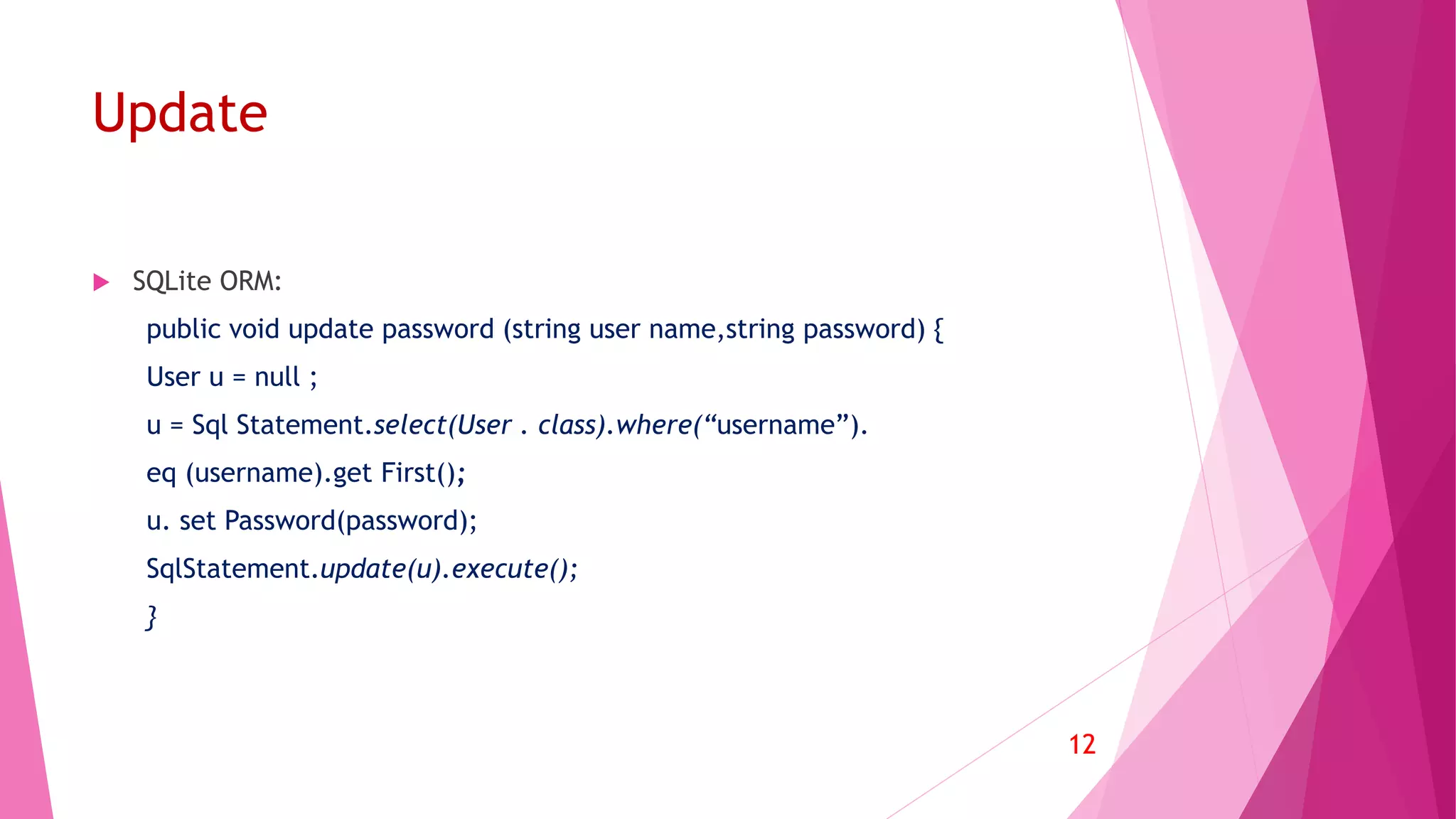
Update
 SQLite ORM:
public void update password (string user name,string password) {
User u = null ;
u = Sql Statement.select(User . class).where(“username”).
eq (username).get First();
u. set Password(password);
SqlStatement.update(u).execute();
}
12
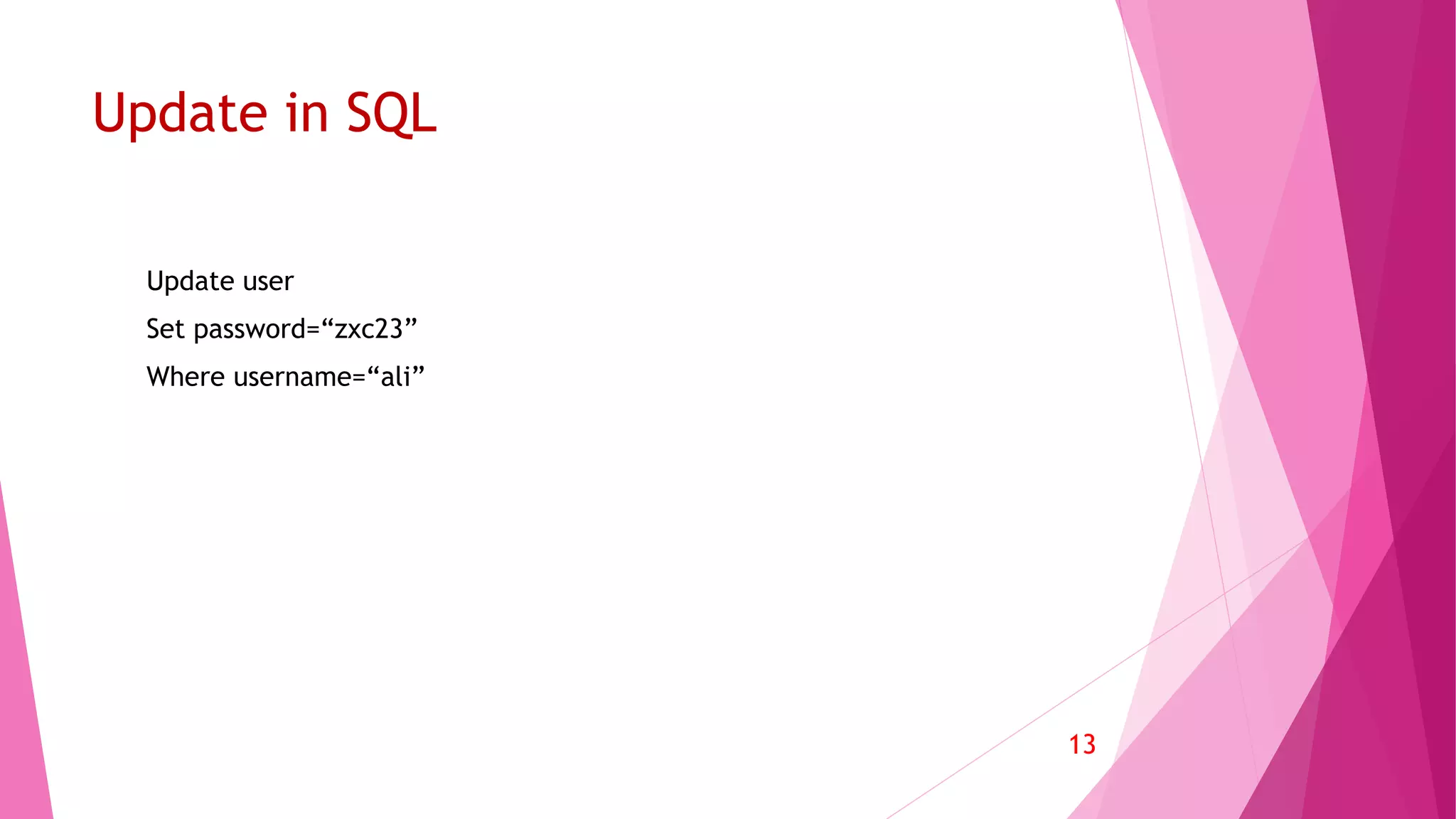
Update in SQL
Update user
Set password=“zxc23”
Where username=“ali”
13
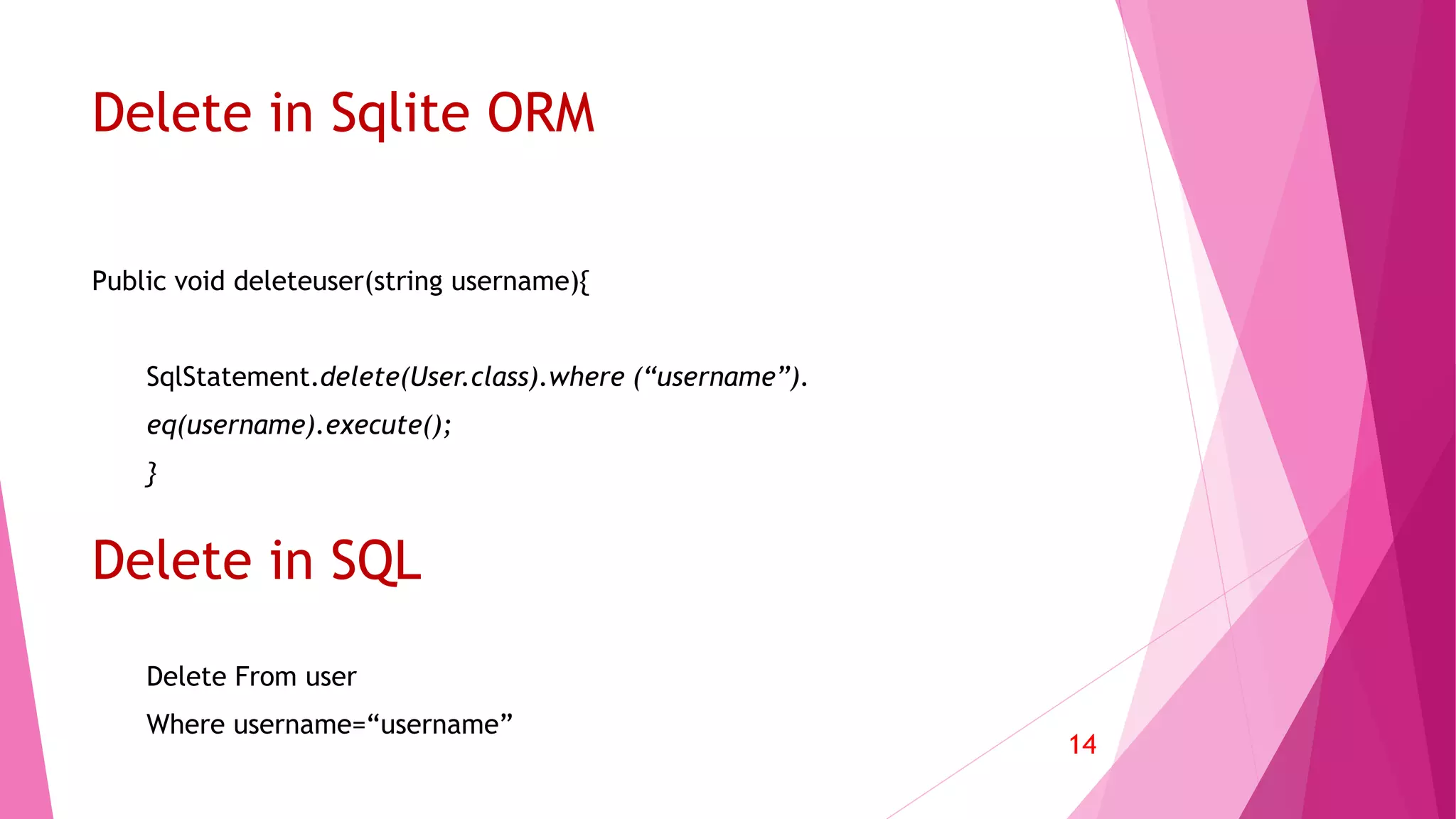
Delete in Sqlite ORM
Public void deleteuser(string username){
SqlStatement.delete(User.class).where (“username”).
eq(username).execute();
}
14
Delete From user
Where username=“username”
Delete in SQL
Thank you for your attention

SQLite and object-relational mapping in Java

  • 1.
    SQLITE Object Relational Mappingfor SQLite in Java Quick Introduction By: Morteza Zakeri Fall 2016
  • 2.
    Why using OOPrograming? Why using ORM? Advantages and Disadvantages? SQLite ORM Installation Connection Create V.S. Relational Creation Read V.S. Relational Read Update V.S. Relational Creation Delete V.S. Relational Creation 2 Agenda
  • 3.
    Why using OOprograming?  Because OOP insists that you think about what you expose to the outside world, it lets you change the implementation of an object without affecting any other code. (Encapsulation)  Because it allows you to have many different functions, all with the same name, all doing the same job, but on different data. (Polymorphism)  Because it lets you write generic code: which will work with a range of data, so you don't have to write basic stuff over, and over again. (Generics)  Because it lets you write a set of functions, then expand them in different direction without changing or copying them in any way. (Inheritance) 3
  • 4.
    Why using ORM? ORM... PerformsObject-Relational Mapping. The idea is that Objects come first, and the fact that they're persisted in relational databases happens to be what they do. Often, such mappers might as well persist objects into non-relational data stores, such as MongoDB. SQL... Does the inverse. It is designed to take full advantage of the relational data model and has nothing to do with object-oriented design. You may, of course, still map relational data (result sets, tuples, records, etc.) onto objects if you wish. 4
  • 5.
    Advantages  1.Speeds-up Development 2. Reduces Development Time  3. Reduces Development Costs  4.Code Reuse  5.Application Design  6.Application Maintainability 5
  • 6.
    Disadvantages 1. ORM makeslife easier but developers will eventually skip learning SQL and database internals. 2. There will be some overhead involved using ORM. If the database is accessed directly then developers are having some control and they could fine tune its performance. 6
  • 7.
    SQLite ORM  SQLiteis an in-process library that implements a self-contained, serverless, zero-configuration, transactional SQL database engine. It is the one database, which is zero-configured, that means like other database you do not need to configure it in your system. 7
  • 8.
    Installation  Download coreand java jars file from: http://repo1.maven.org/maven2/com/j256/ormlite/ Copy jars into libs folder  Right click on each jar file and choose “add as library”  Usage in source code 8
  • 9.
  • 10.
    Create in SQLite CREATE TABLE table_name ( column_name1 data_type(size), column_name2 data_type(size), column_name3 data_type(size), .... ); 10 Create in SQL  public class User { @AutoIncrement @PrimaryKey int id; String username; String password;
  • 11.
    Select  SQLite ORM: Useru = SqlStatement.select(User.class). where(“username”).eq(username).getList() 11 • SQL: Select * From user Where username =“username”
  • 12.
    Update  SQLite ORM: publicvoid update password (string user name,string password) { User u = null ; u = Sql Statement.select(User . class).where(“username”). eq (username).get First(); u. set Password(password); SqlStatement.update(u).execute(); } 12
  • 13.
    Update in SQL Updateuser Set password=“zxc23” Where username=“ali” 13
  • 14.
    Delete in SqliteORM Public void deleteuser(string username){ SqlStatement.delete(User.class).where (“username”). eq(username).execute(); } 14 Delete From user Where username=“username” Delete in SQL
  • 15.
    Thank you foryour attention