MSP Tech Days
Latin America 2019
Brazil – Peru – Nicaragua – Mexico
What’s new in
Visual Studio 2019?
Luis Beltrán June 25th, 2019
https://www.facebook.com/MUSCUTN/
Special Thanks to
Luis Beltrán
About me
@darkicebeam luis@luisbeltran.mx
luisbeltran.mx
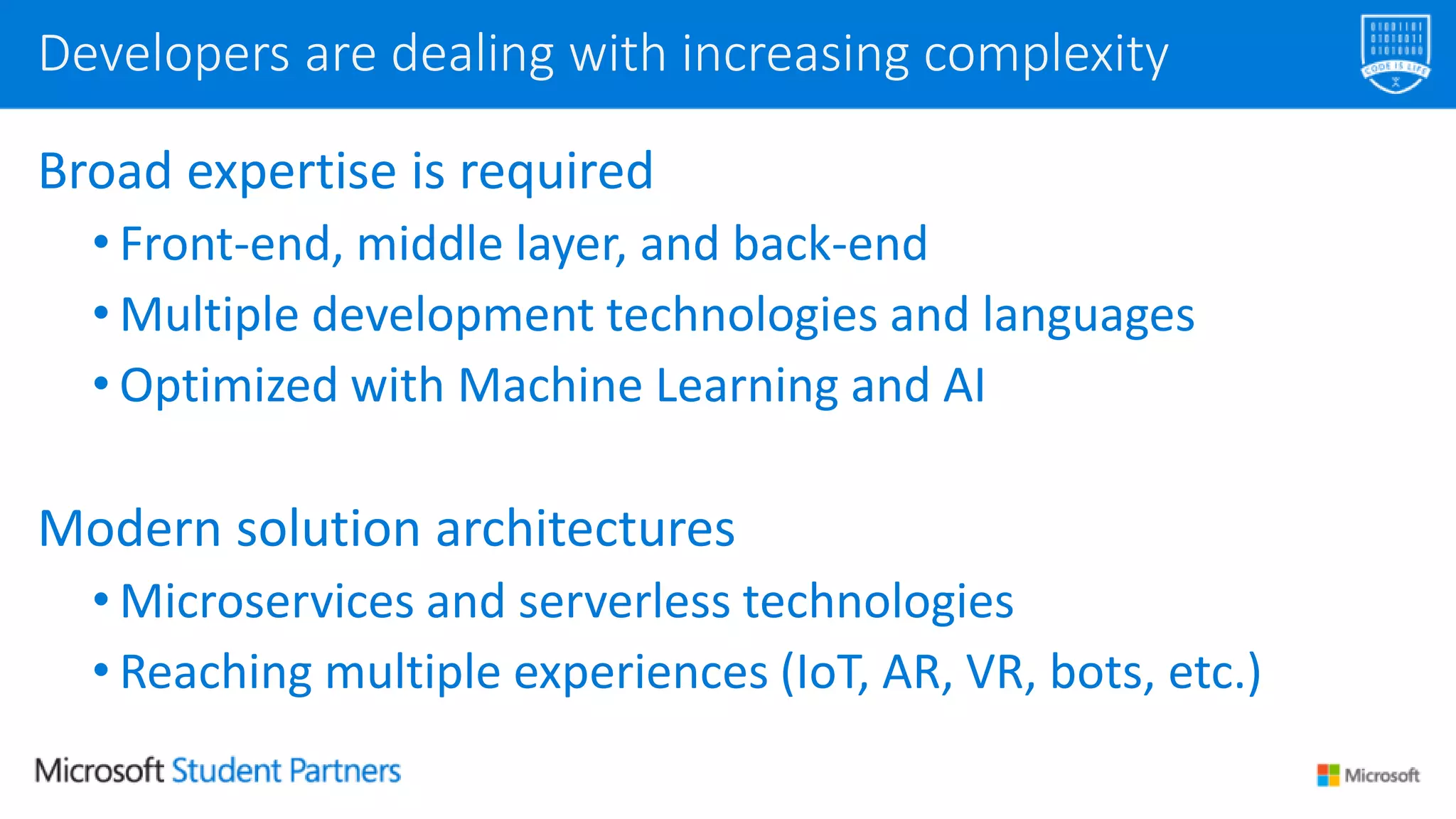
Broad expertise is required
• Front-end, middle layer, and back-end
• Multiple development technologies and languages
• Optimized with Machine Learning and AI
Modern solution architectures
• Microservices and serverless technologies
• Reaching multiple experiences (IoT, AR, VR, bots, etc.)
Developers are dealing with increasing complexity
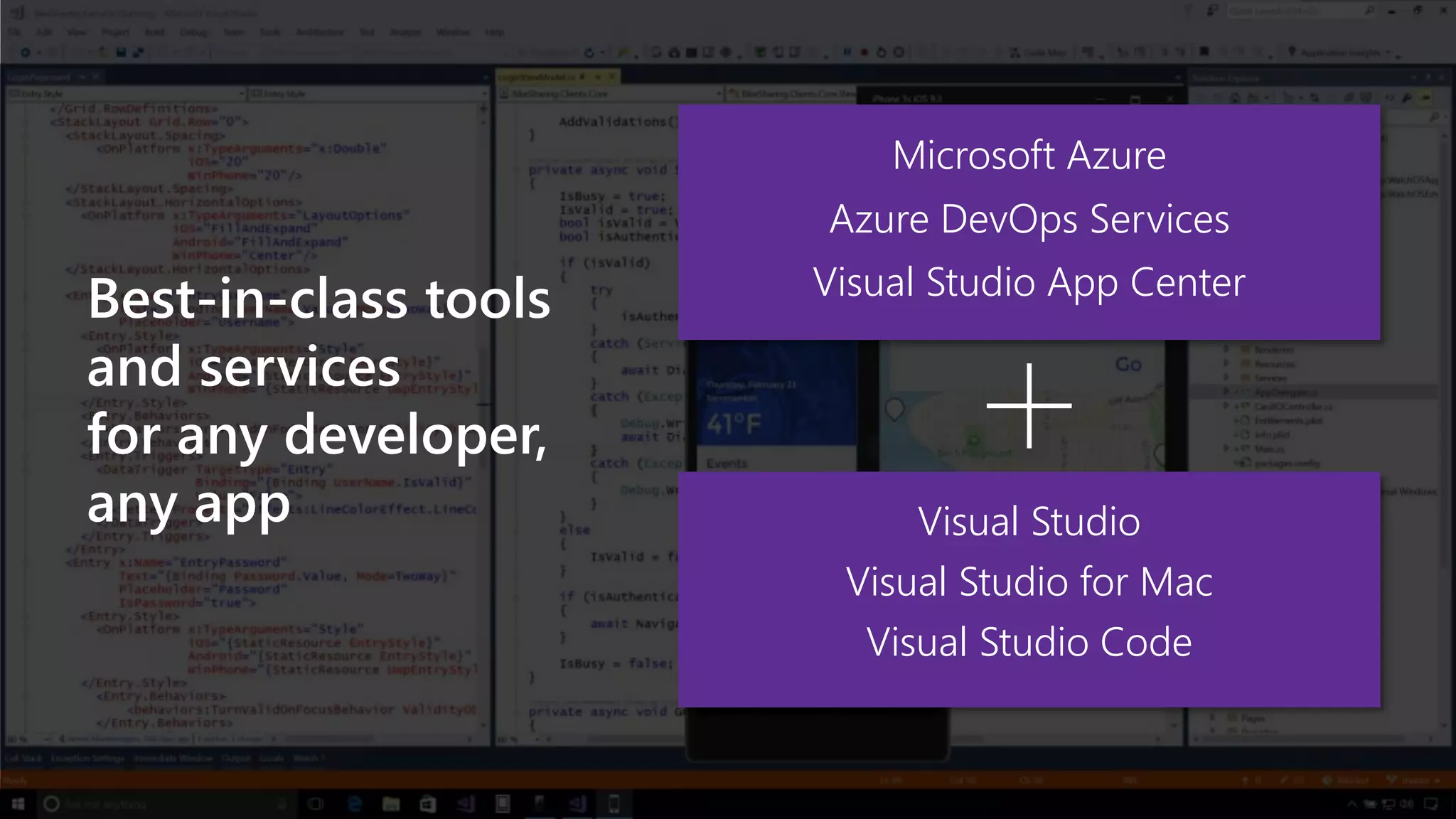
Visual Studio
Visual Studio for Mac
Visual Studio Code
Azure DevOps Services
Microsoft Azure
Visual Studio App Center
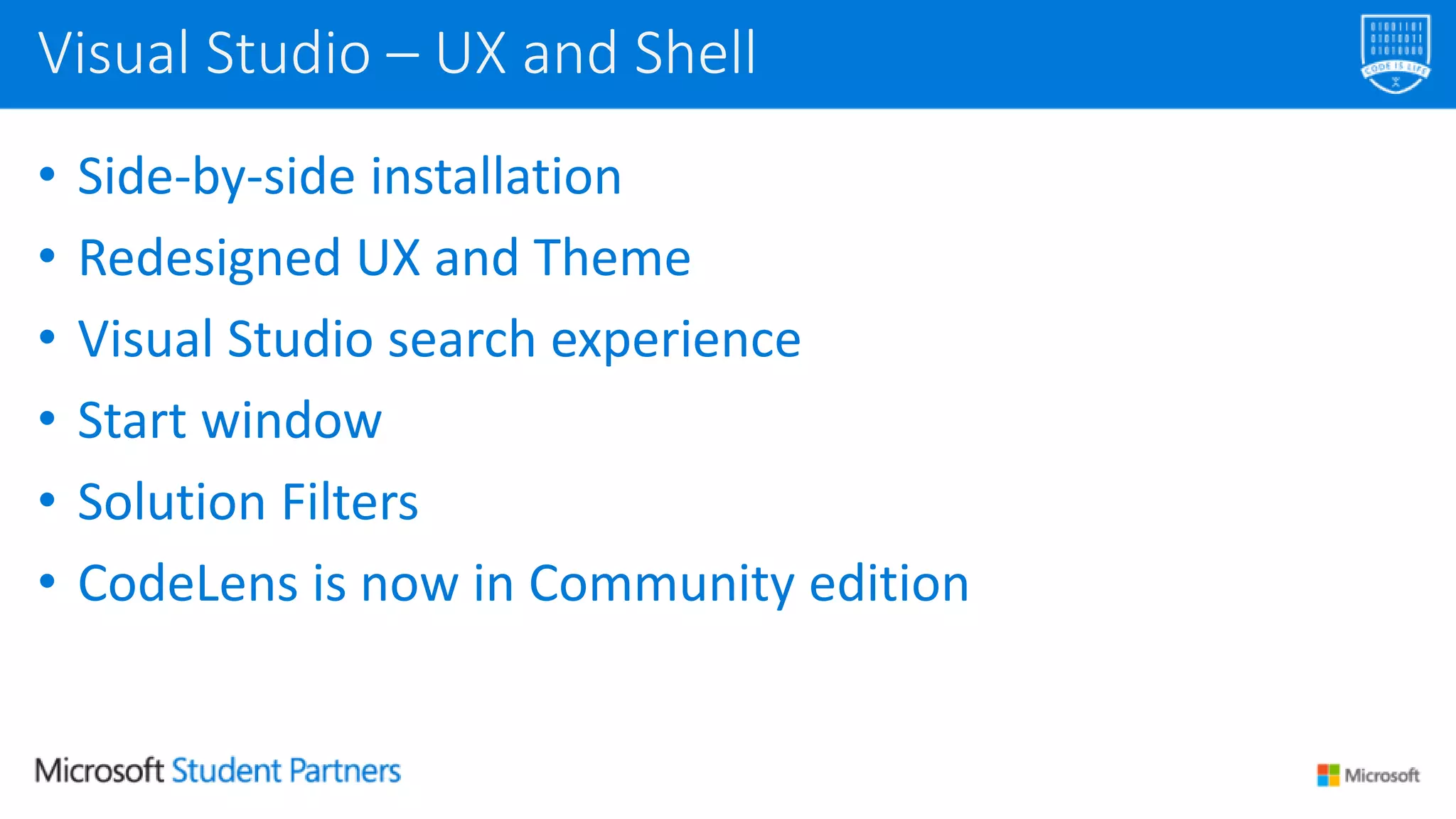
• Side-by-side installation
• Redesigned UX and Theme
• Visual Studio search experience
• Start window
• Solution Filters
• CodeLens is now in Community edition
Visual Studio – UX and Shell
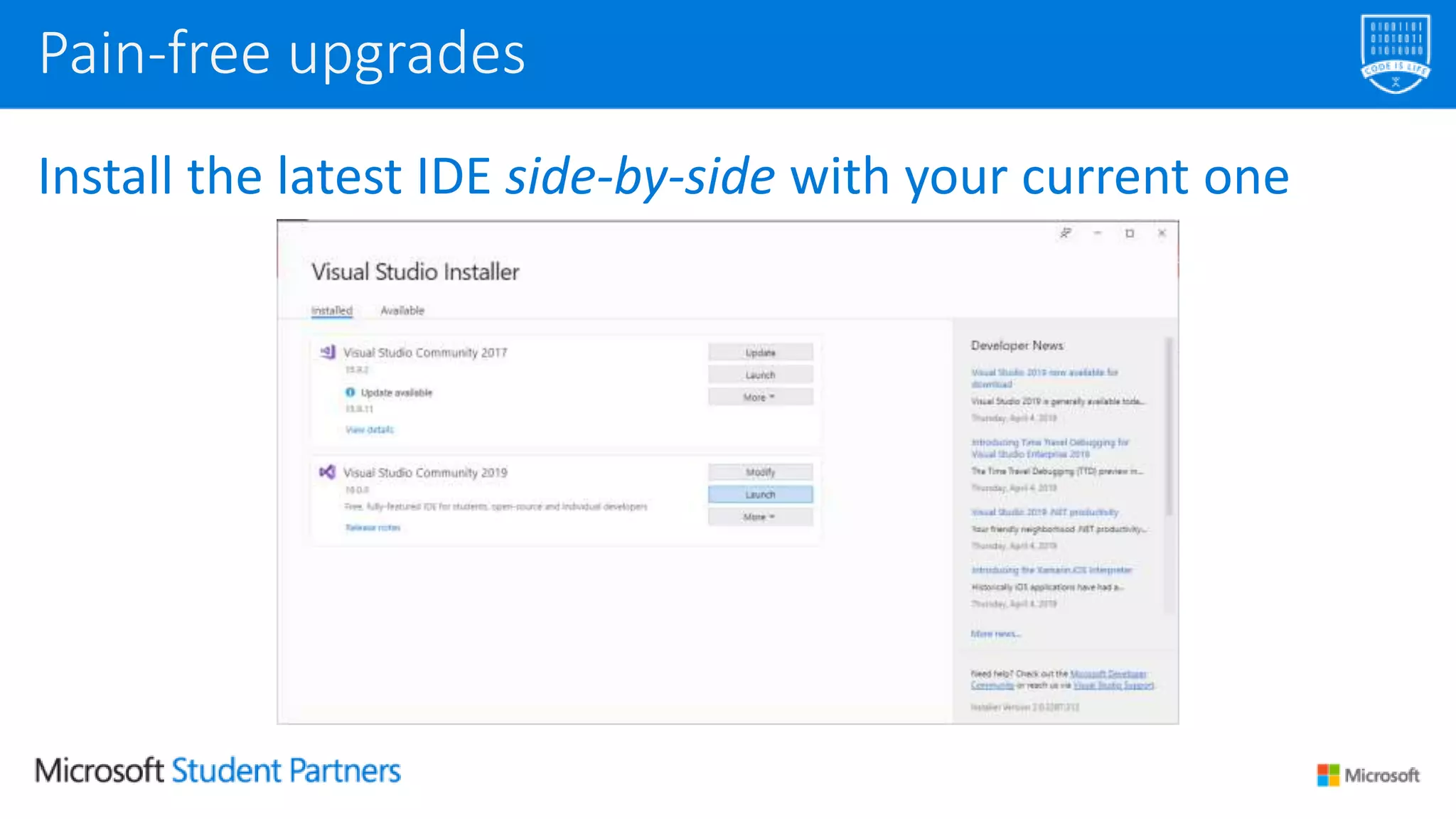
Install the latest IDE side-by-side with your current one
Pain-free upgrades
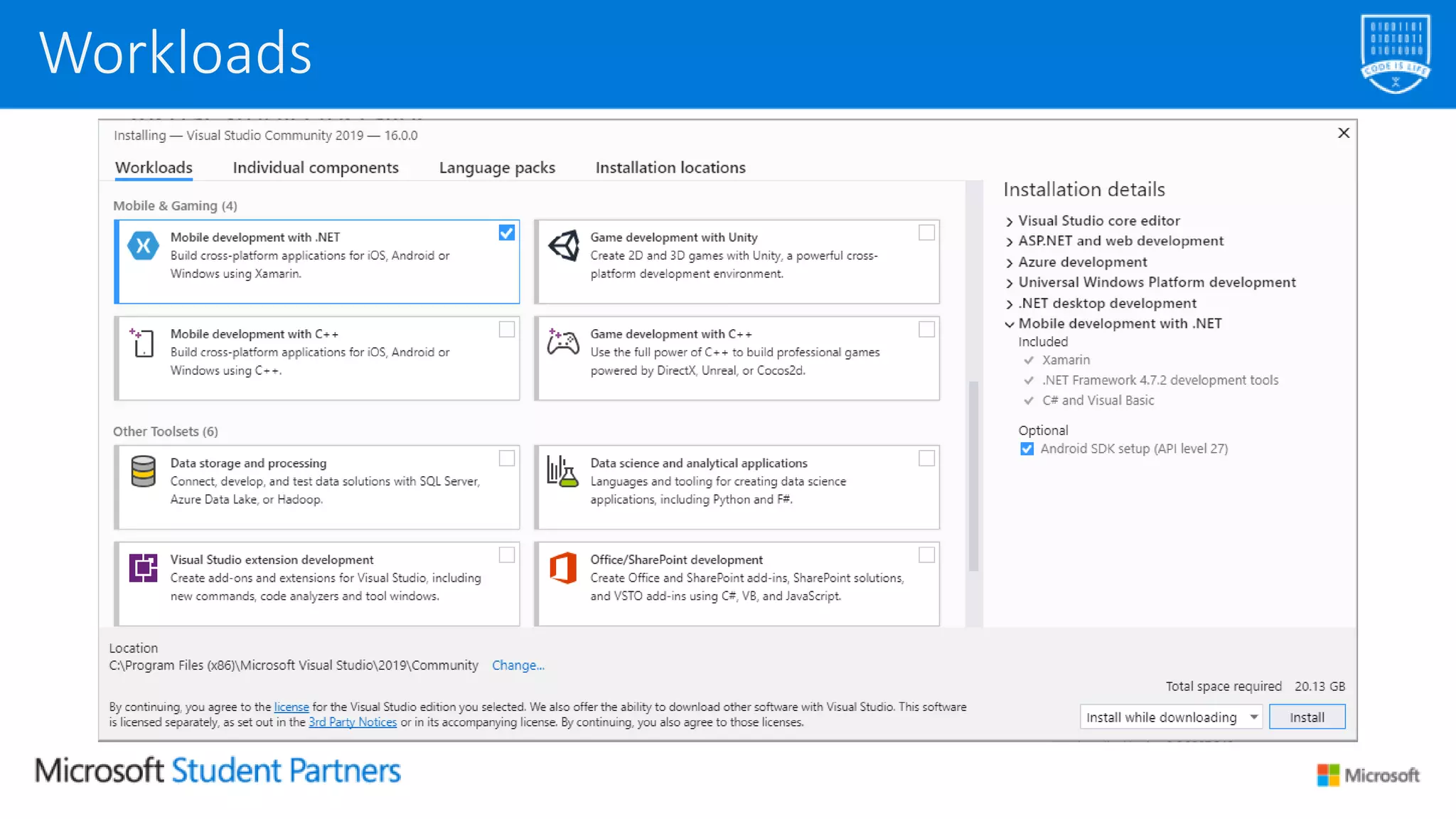
Workloads
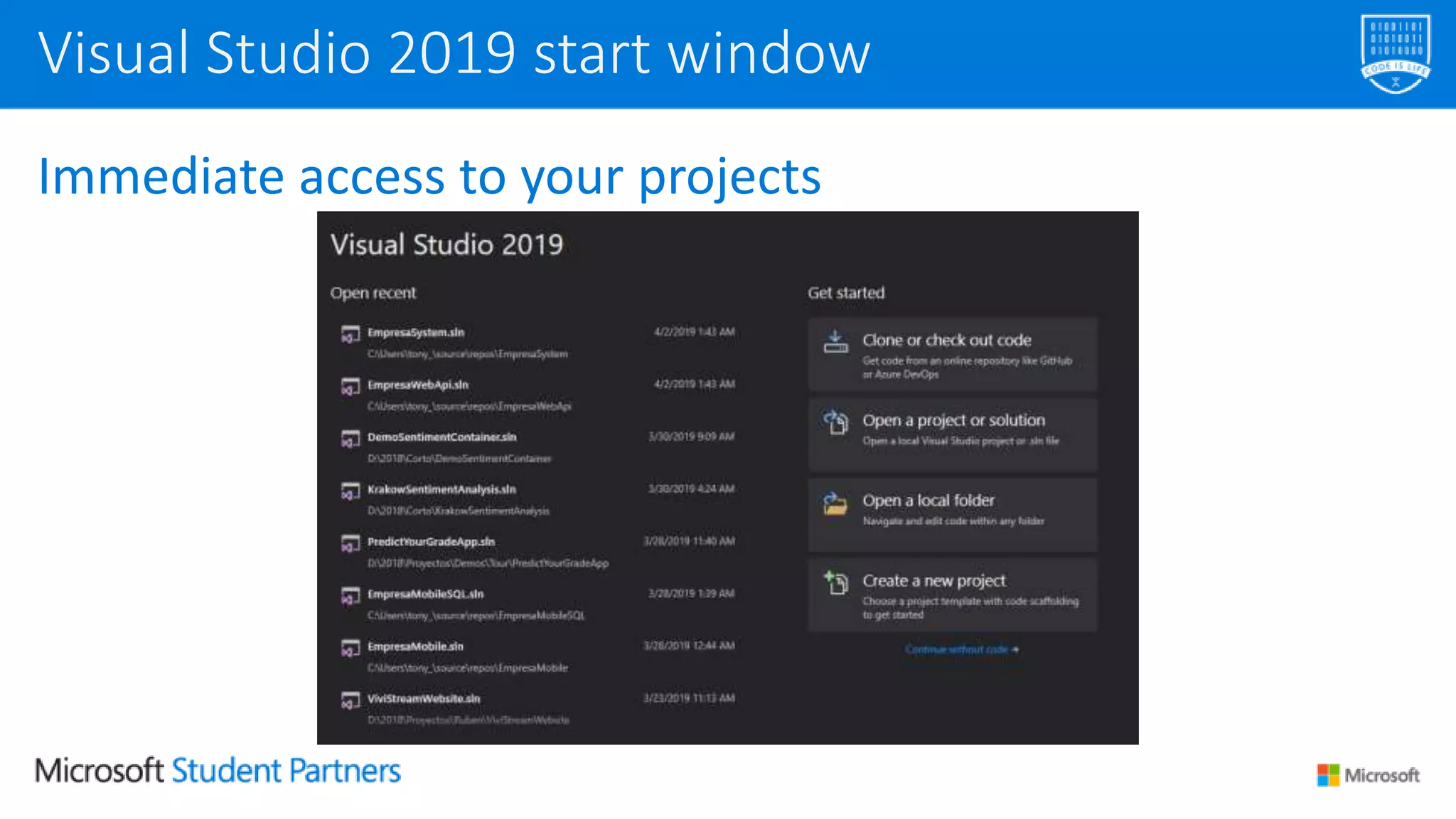
Immediate access to your projects
Visual Studio 2019 start window
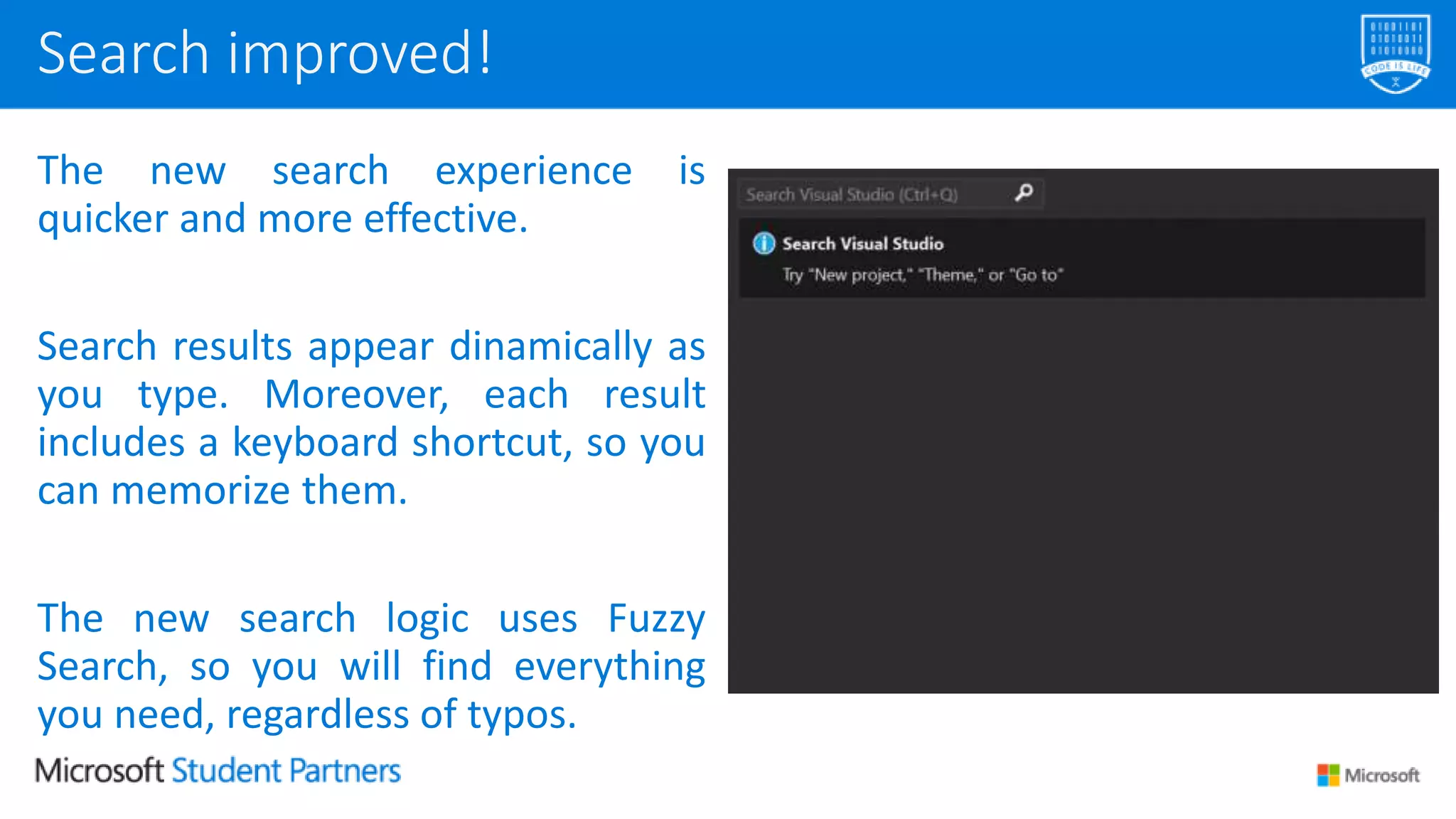
The new search experience is
quicker and more effective.
Search results appear dinamically as
you type. Moreover, each result
includes a keyboard shortcut, so you
can memorize them.
The new search logic uses Fuzzy
Search, so you will find everything
you need, regardless of typos.
Search improved!
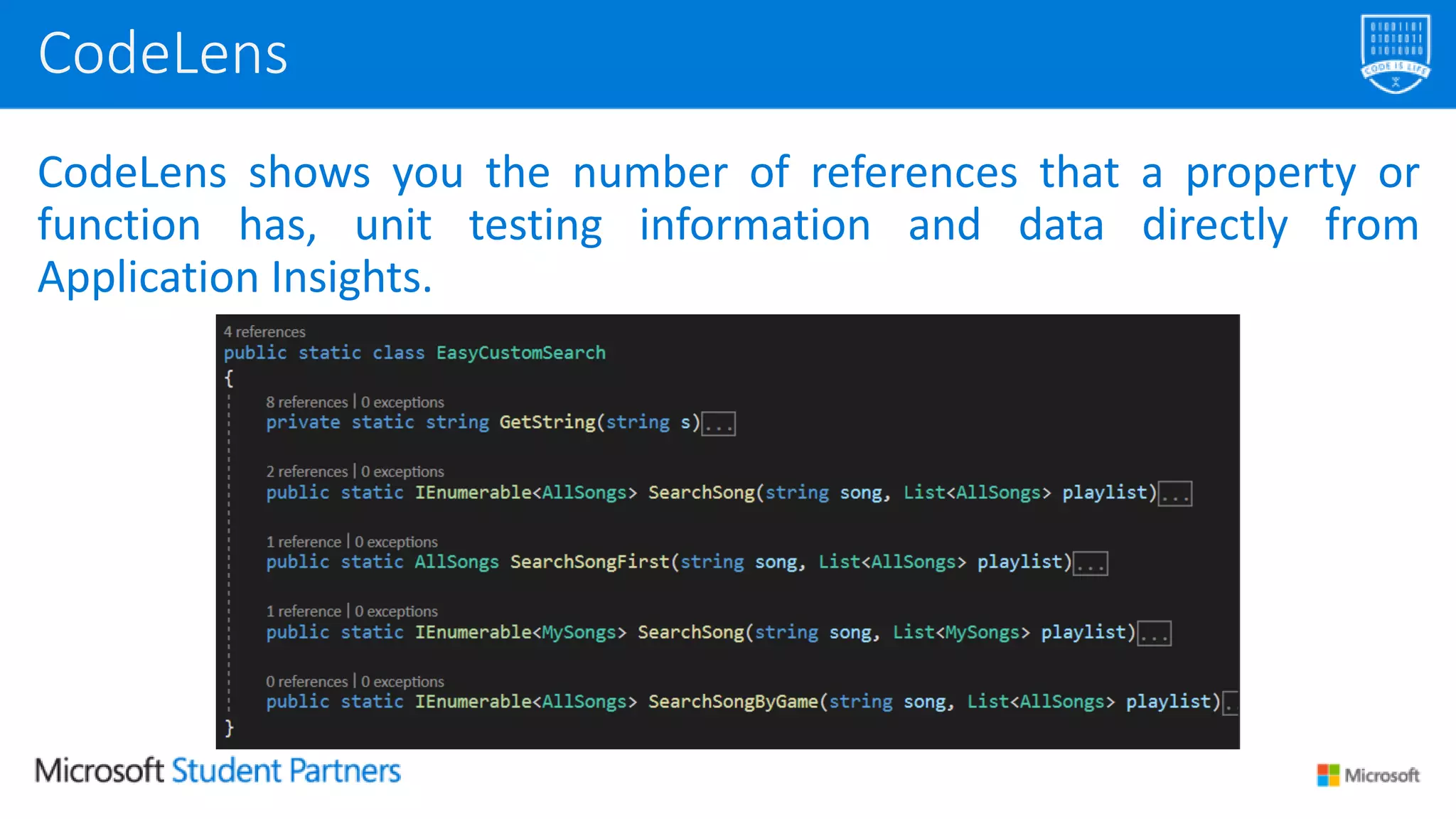
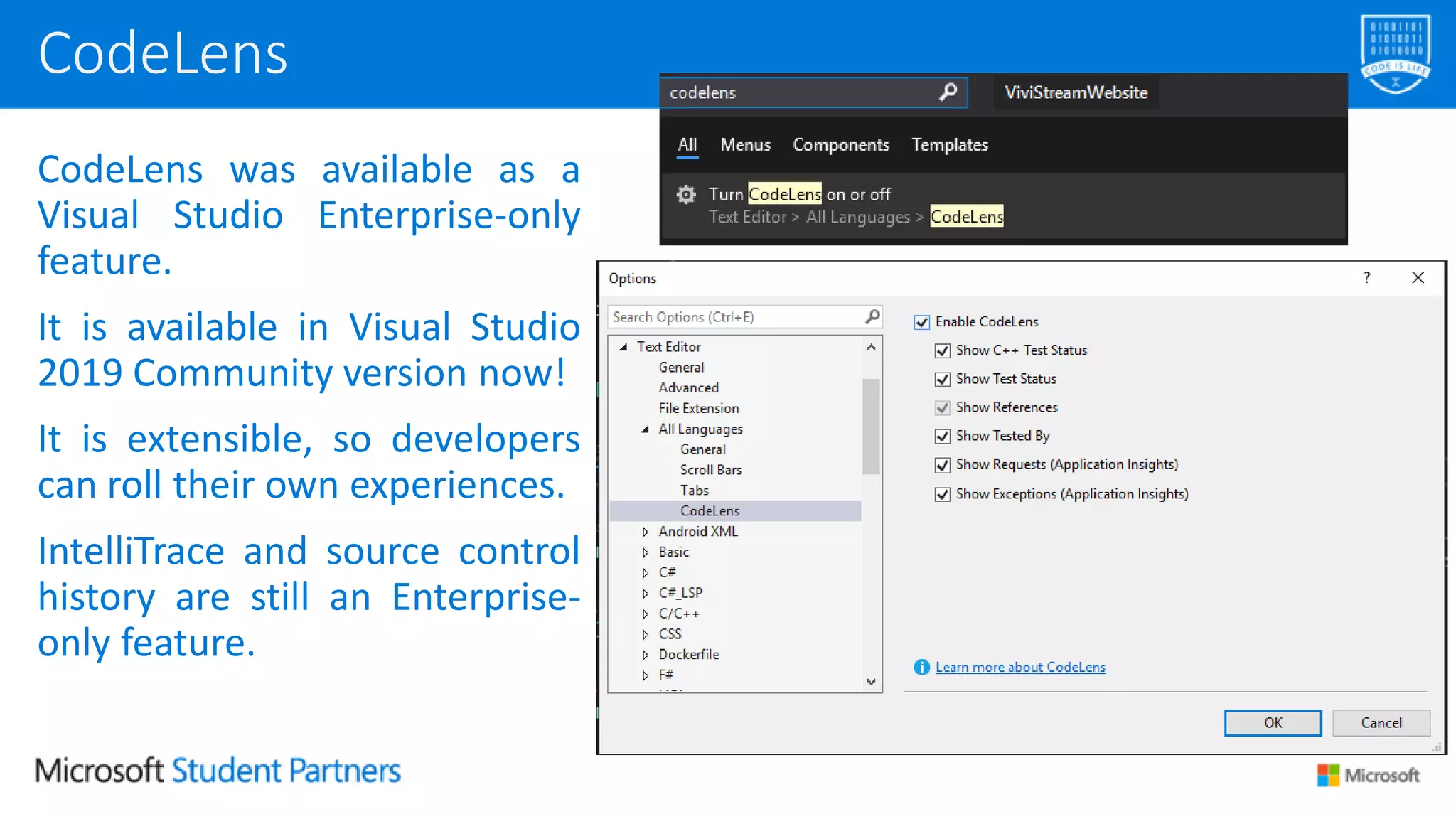
CodeLens shows you the number of references that a property or
function has, unit testing information and data directly from
Application Insights.
CodeLens
CodeLens was available as a
Visual Studio Enterprise-only
feature.
It is available in Visual Studio
2019 Community version now!
It is extensible, so developers
can roll their own experiences.
IntelliTrace and source control
history are still an Enterprise-
only feature.
CodeLens
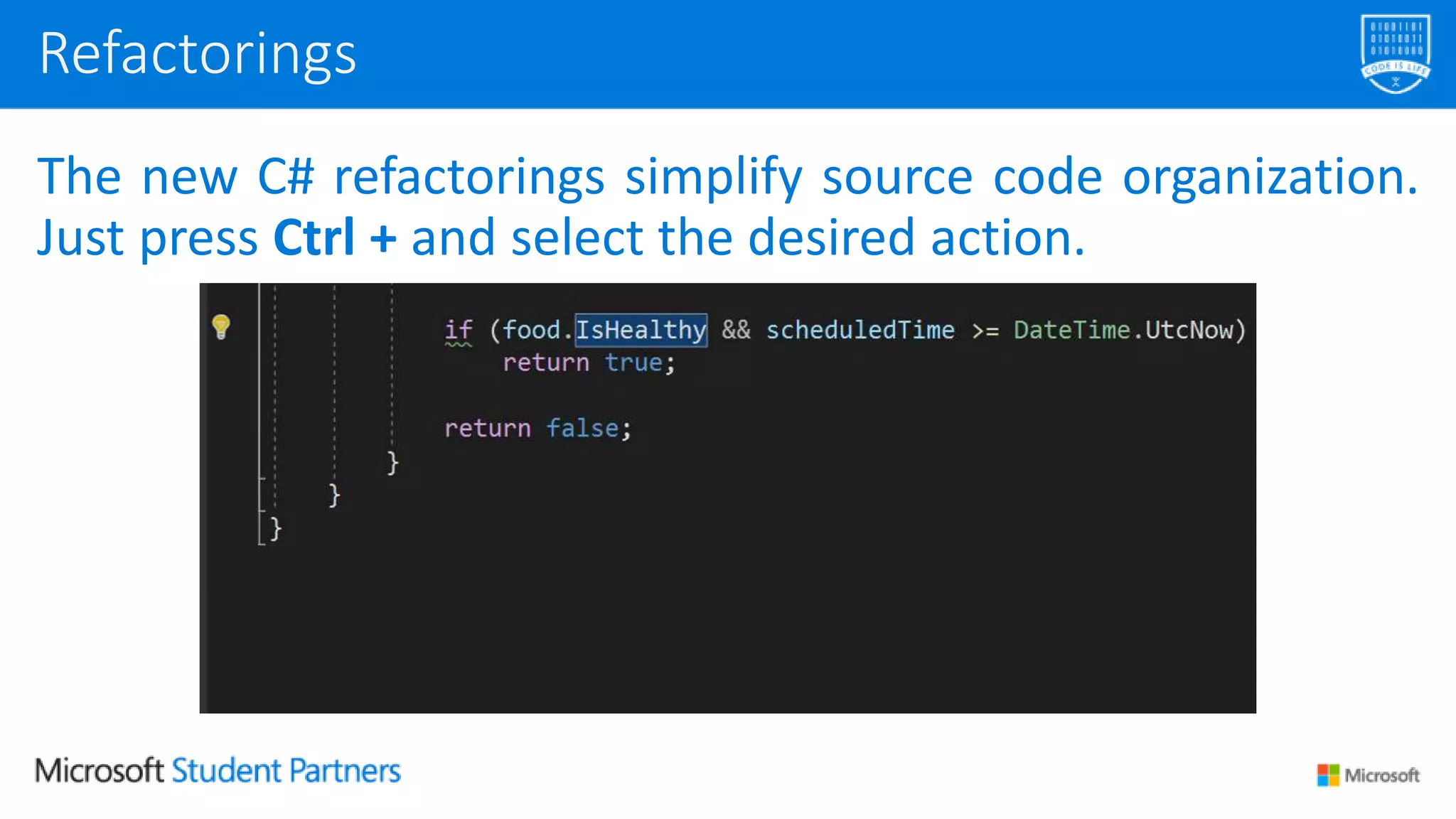
The new C# refactorings simplify source code organization.
Just press Ctrl + and select the desired action.
Refactorings
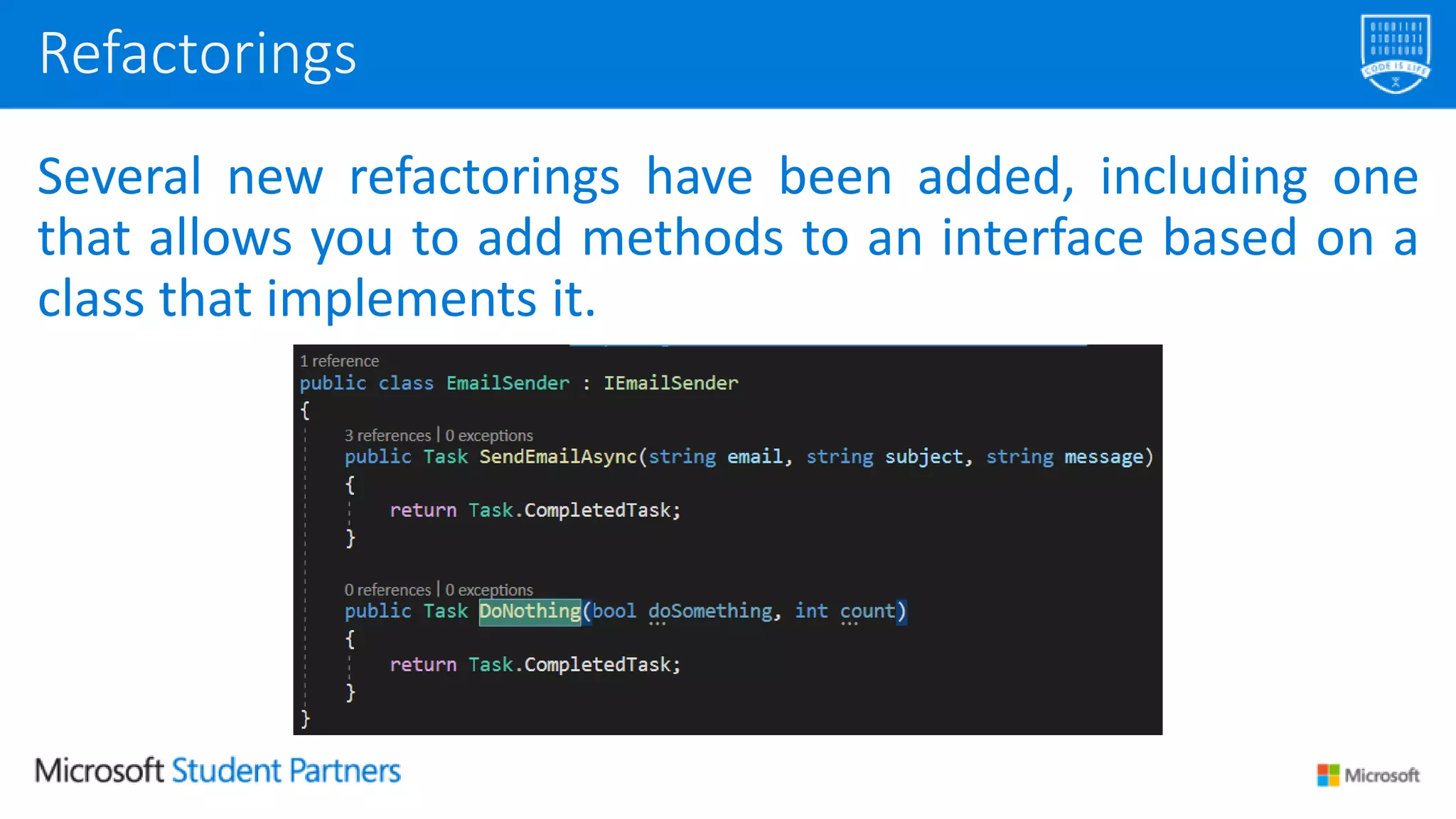
Several new refactorings have been added, including one
that allows you to add methods to an interface based on a
class that implements it.
Refactorings
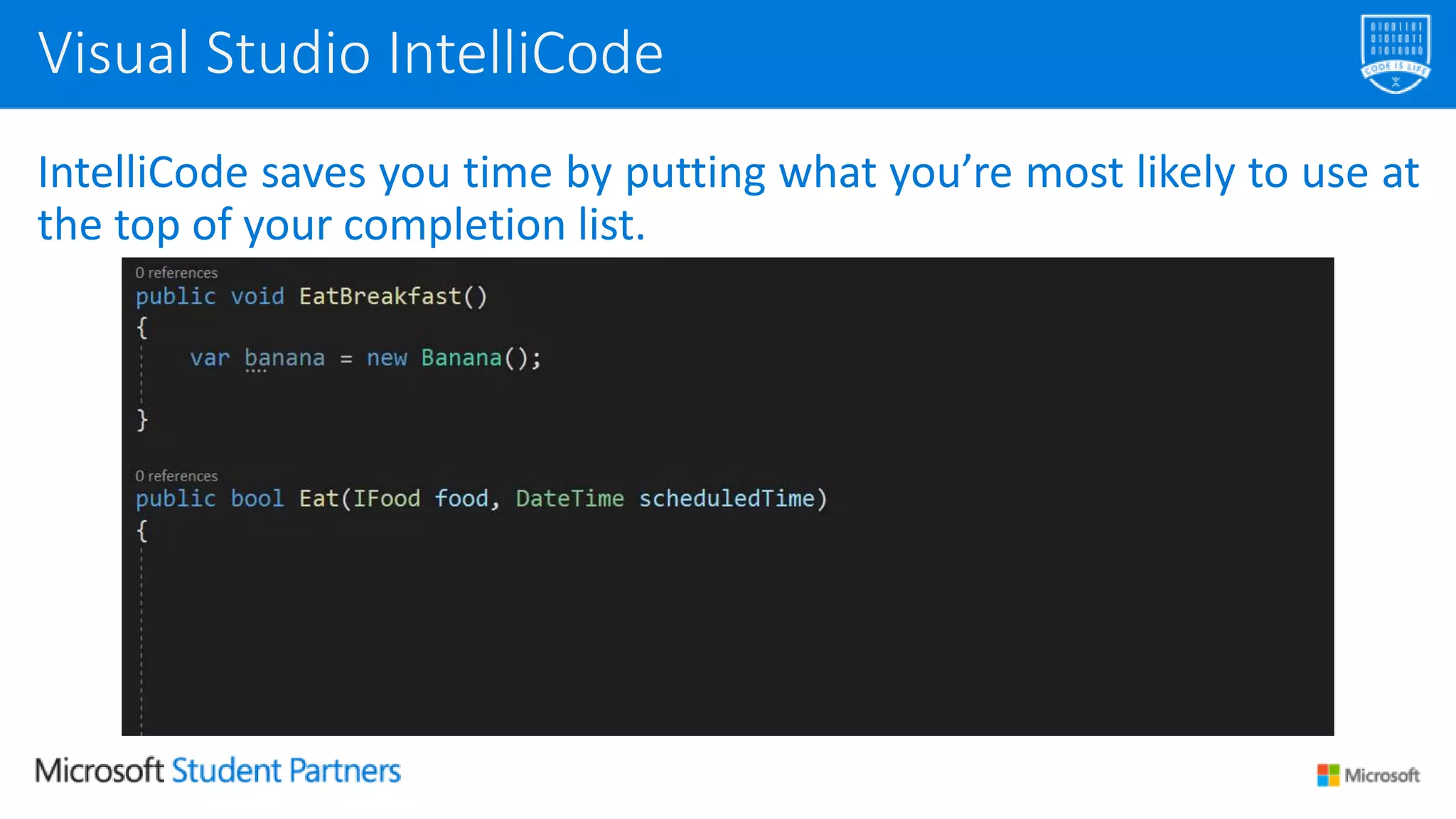
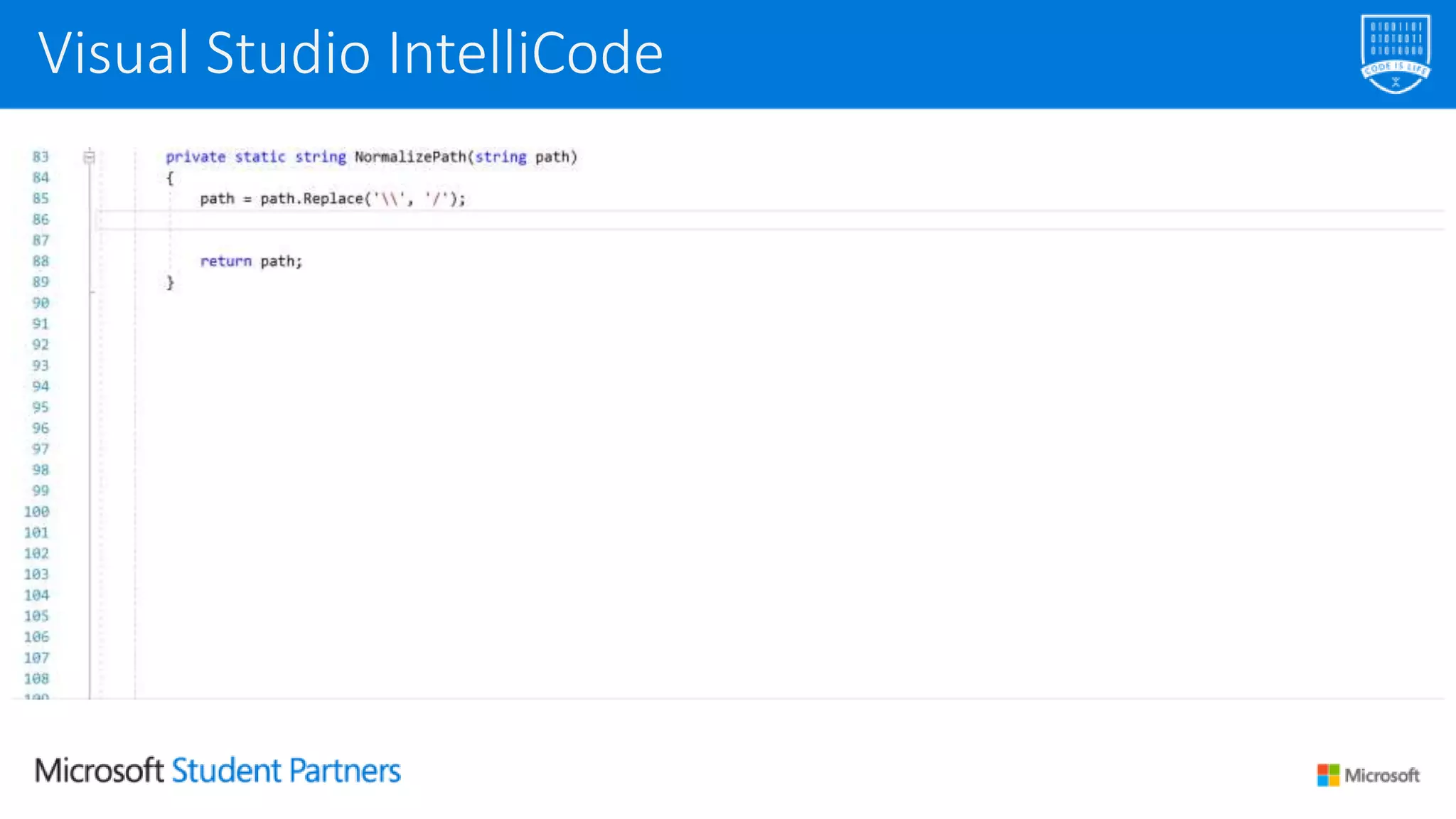
IntelliCode saves you time by putting what you’re most likely to use at
the top of your completion list.
Visual Studio IntelliCode
IntelliCode recommendations are based on thousands of open source
projects on GitHub each with over 100 stars.
When combined with the context of your code, the completion list is
tailored to promote common practices.
It is available for C#, XAML and C++ (VS 2019) and Java, TypeScript /
JavaScript, and Python (VS Code)
Visual Studio IntelliCode
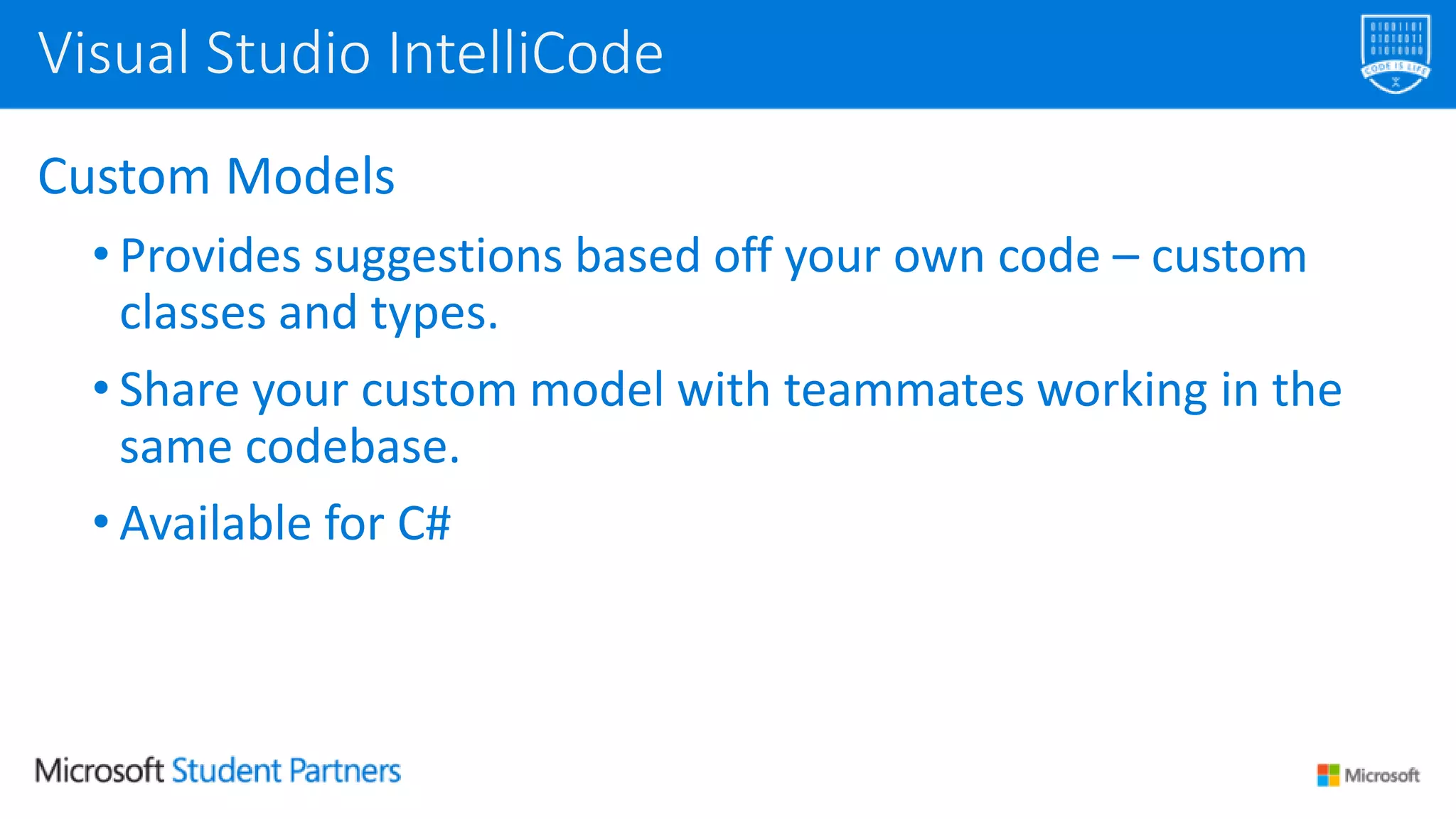
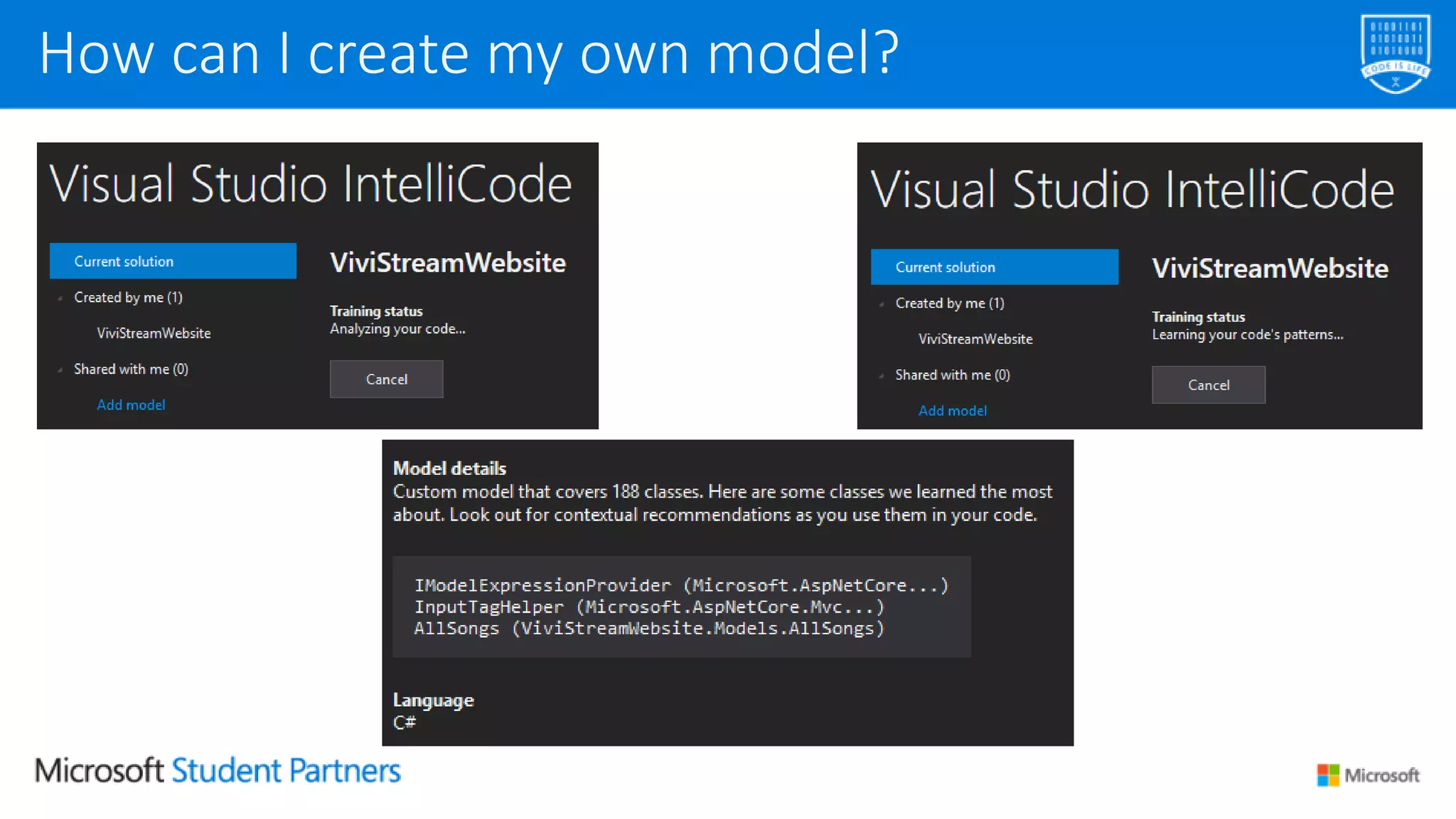
Custom Models
• Provides suggestions based off your own code – custom
classes and types.
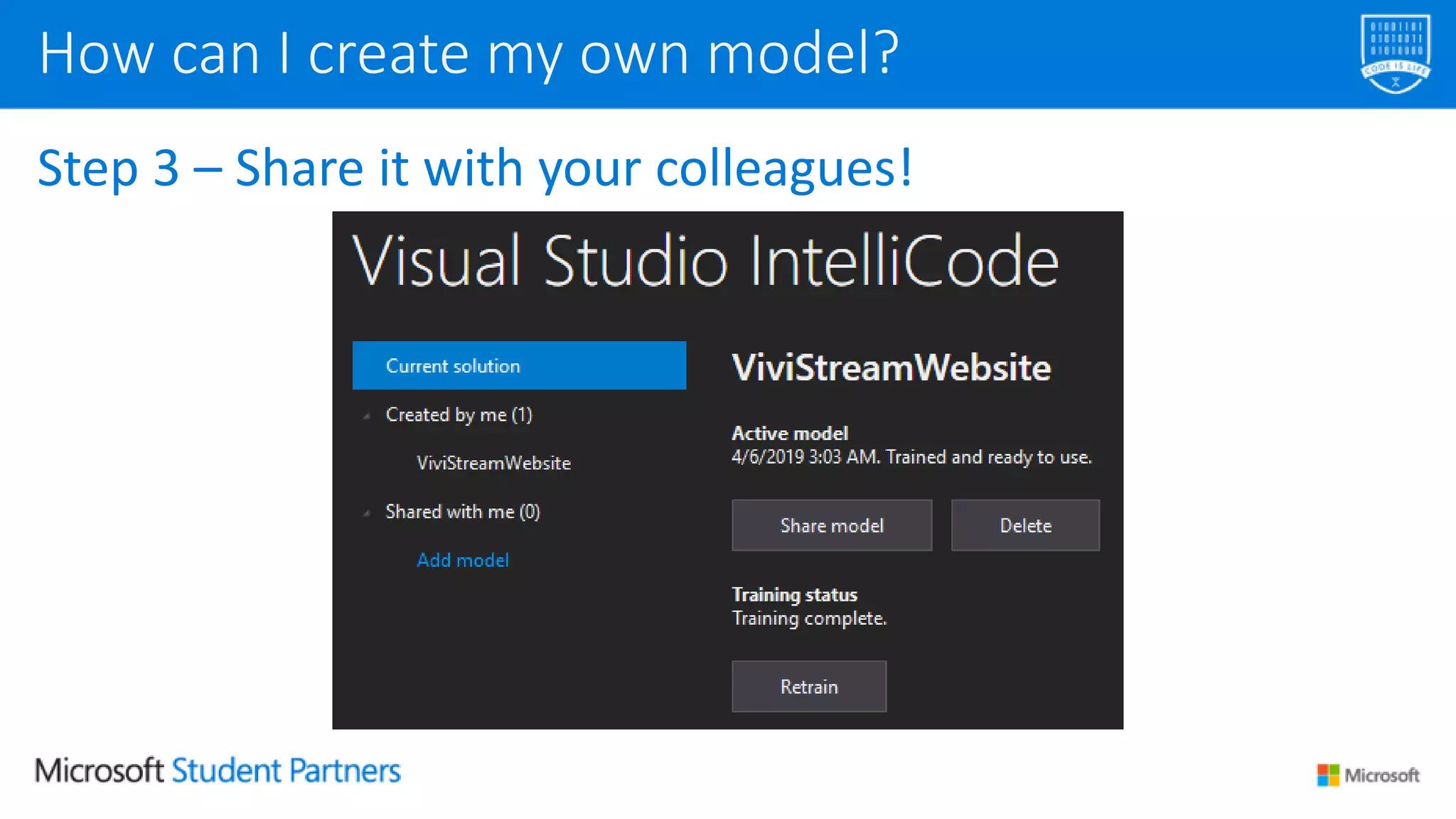
• Share your custom model with teammates working in the
same codebase.
• Available for C#
Visual Studio IntelliCode
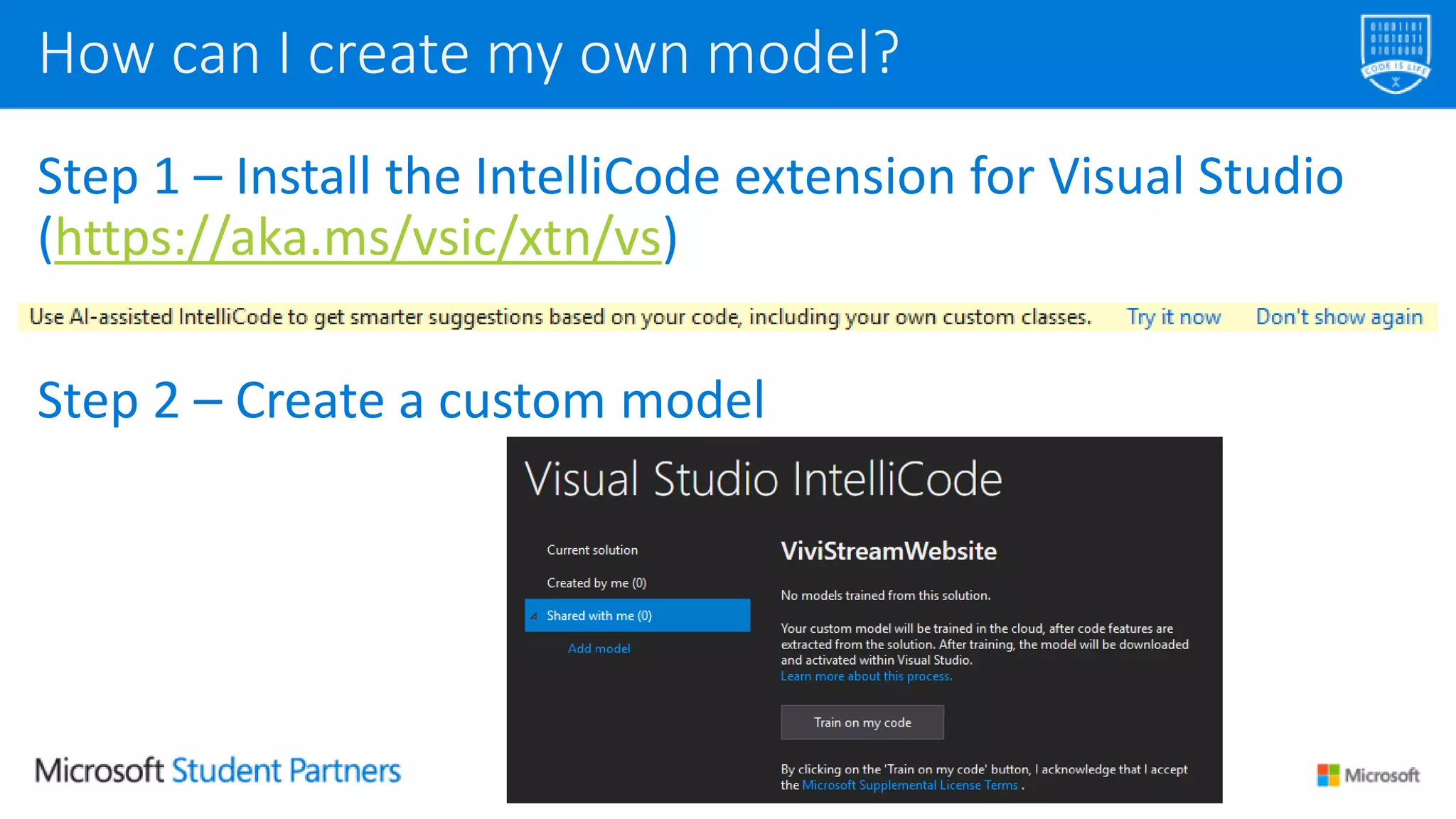
Step 1 – Install the IntelliCode extension for Visual Studio
(https://aka.ms/vsic/xtn/vs)
Step 2 – Create a custom model
How can I create my own model?
Step 3 – Share it with your colleagues!
How can I create my own model?
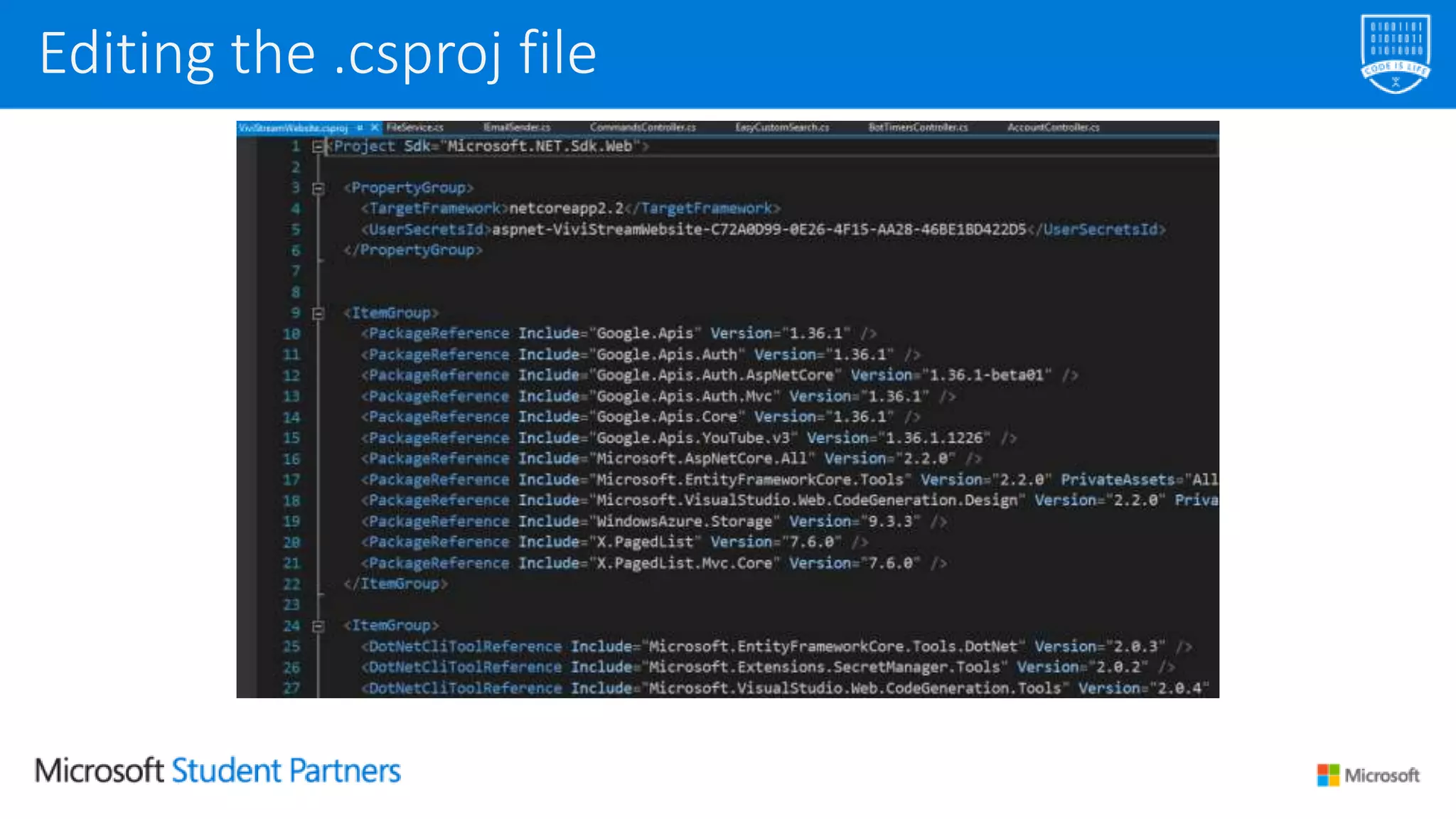
Editing the .csproj file
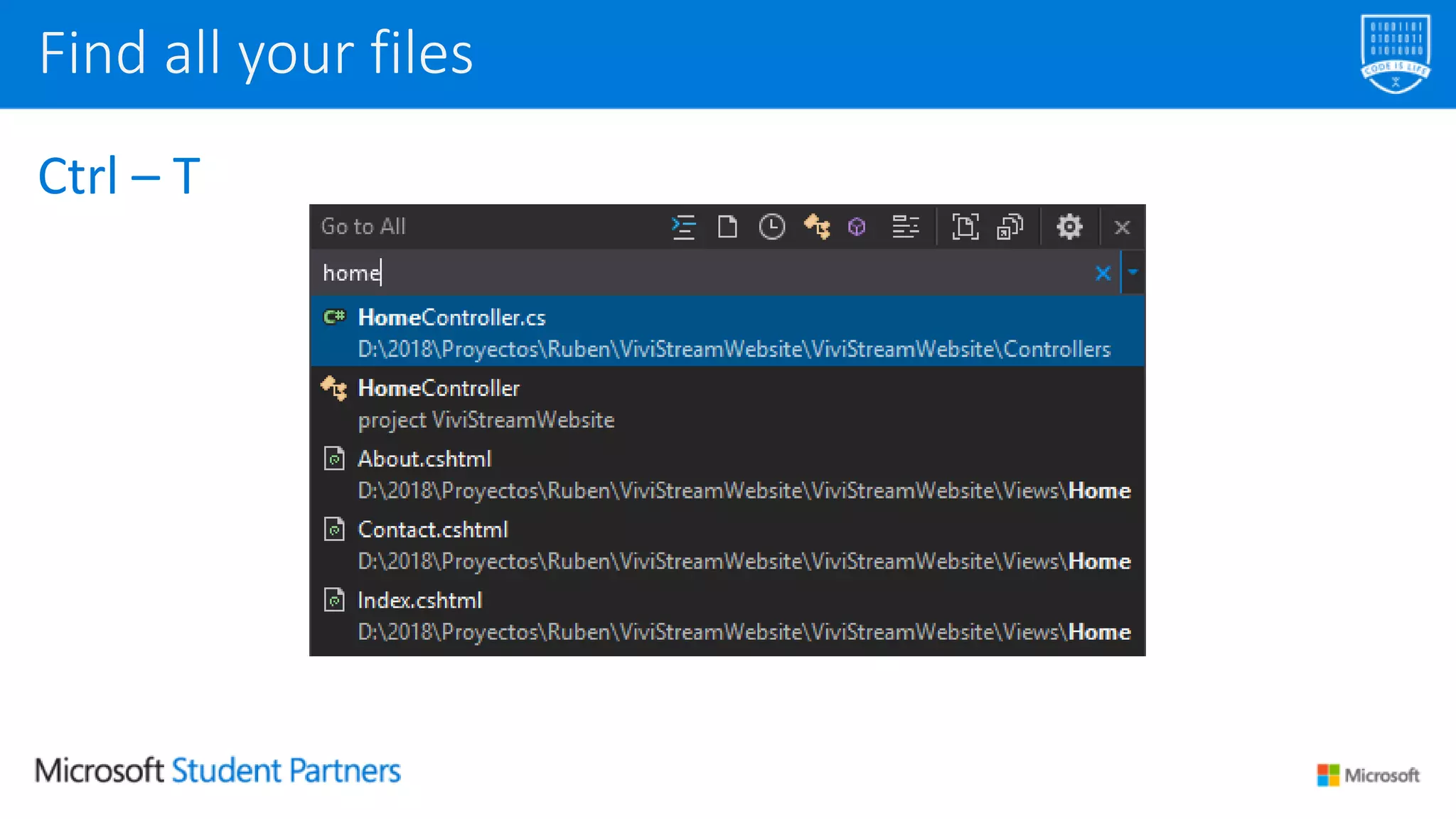
Ctrl – T
Find all your files
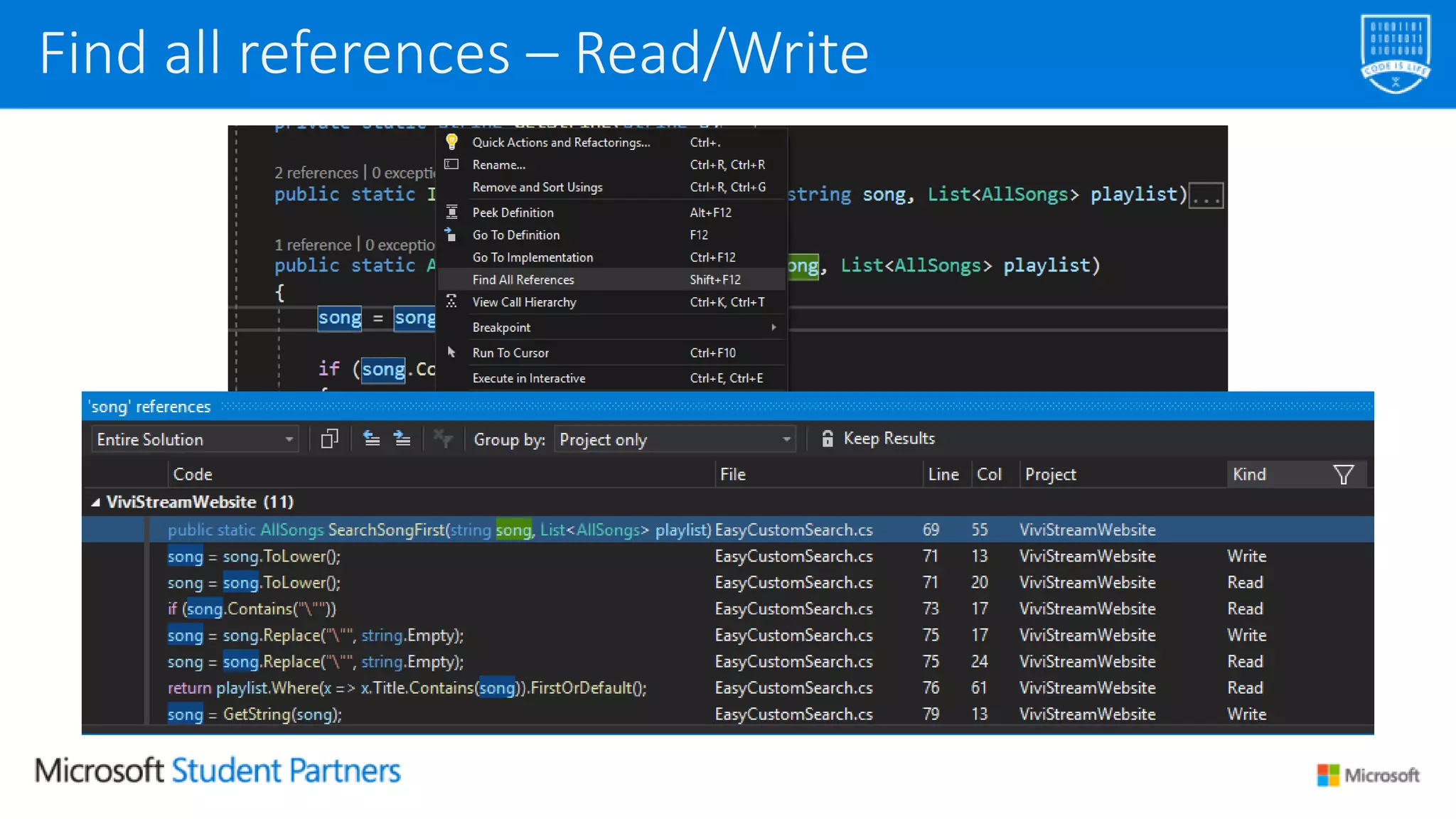
Find all references – Read/Write
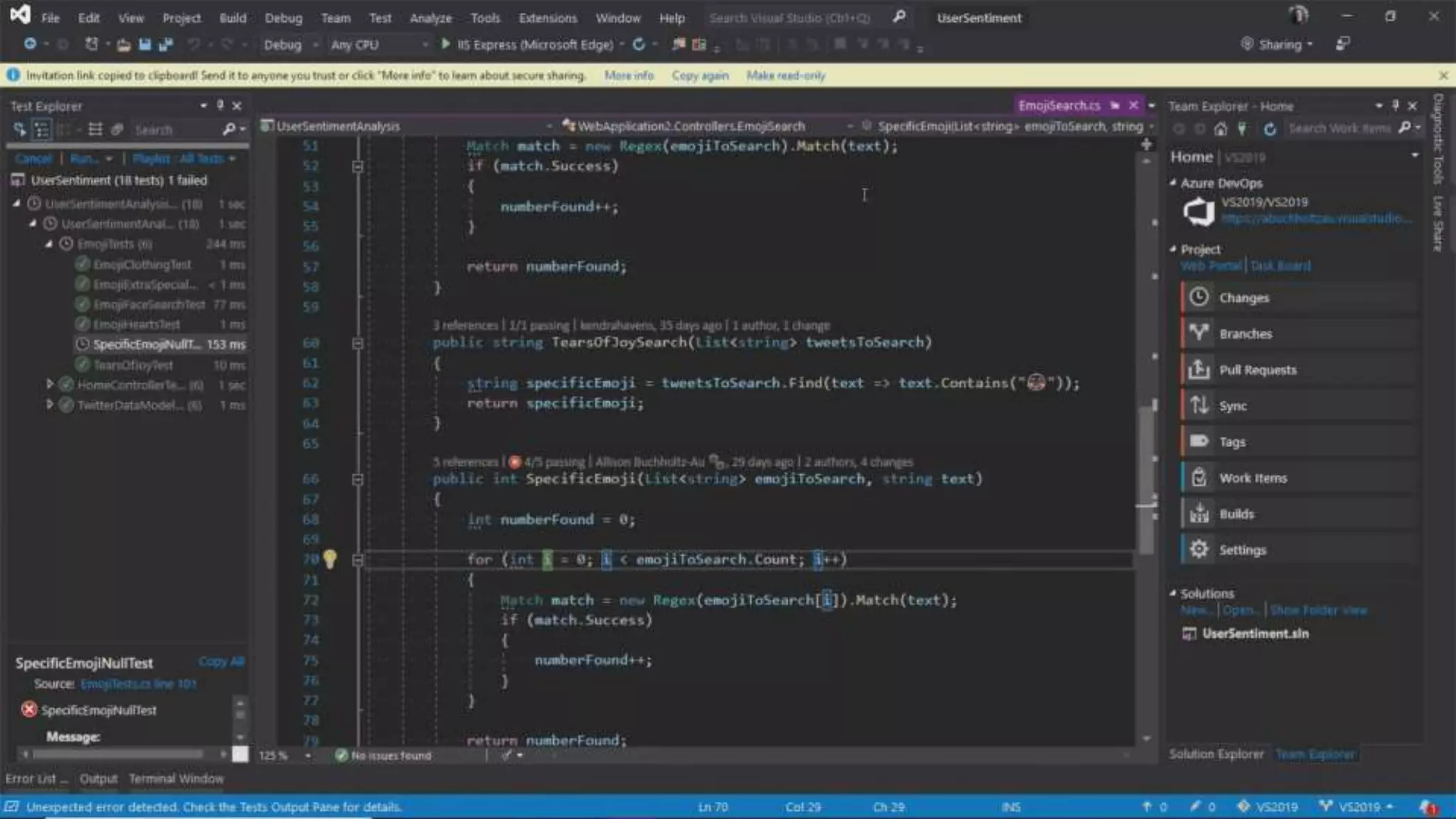
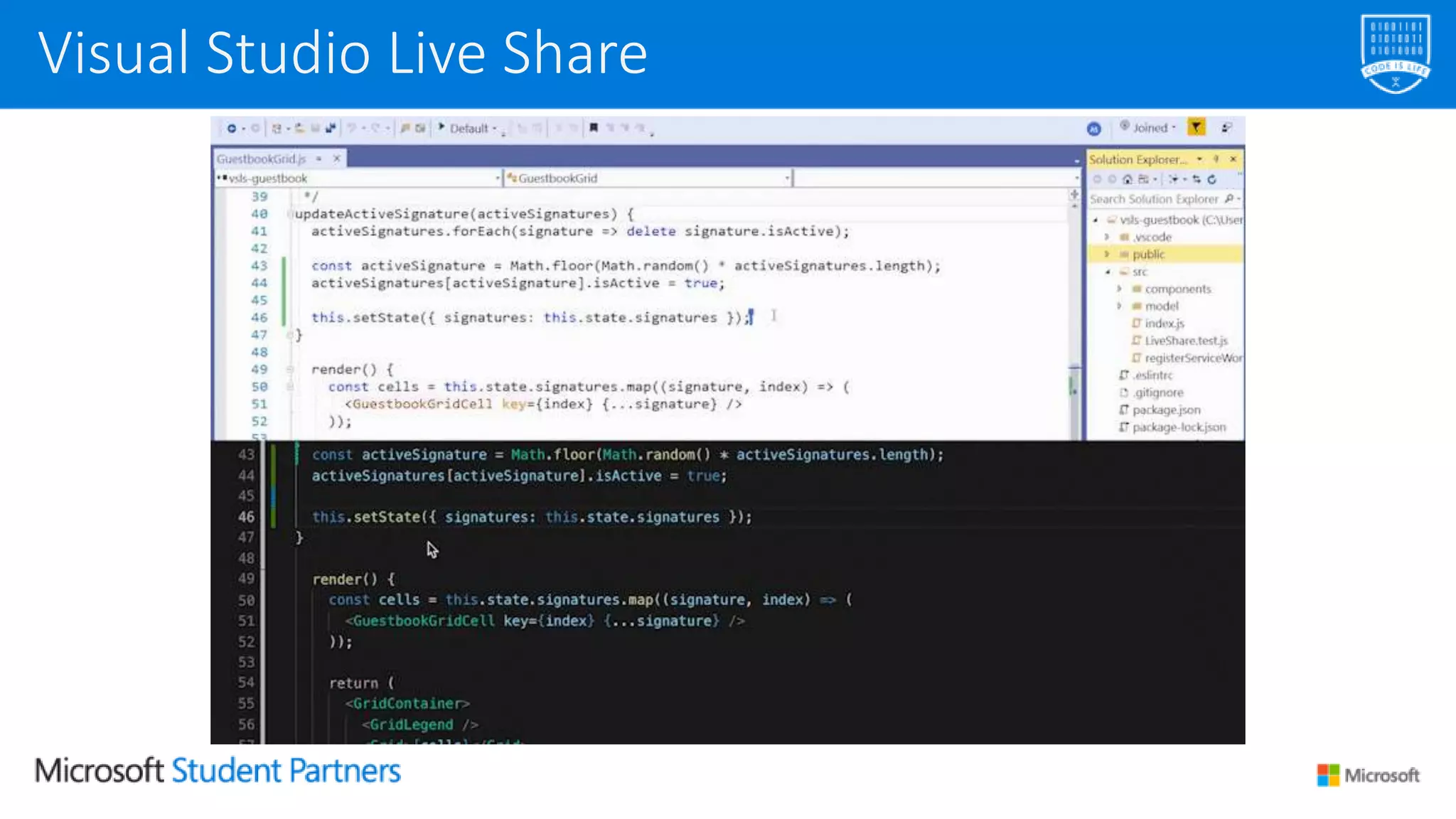
A service which allows developers to share their own codebase
and their context with a teammate in order to get instant,
bidirectional collaboration directly from Visual Studio.
With Live Share, a teammate can read, browse, edit and debug a
project that you have shared with them, in a safe and fast
environment.
It is installed by default on Visual Studio 2019.
Visual Studio Live Share
Work with your own tools:
• No need to clone repos or install any dependencies your
code relies on
• Pair software from an office, a house… or any place around
the world!
Visual Studio Live Share
Visual Studio 2019:
https://visualstudio.com
Get started with Visual Studio 2019 today!
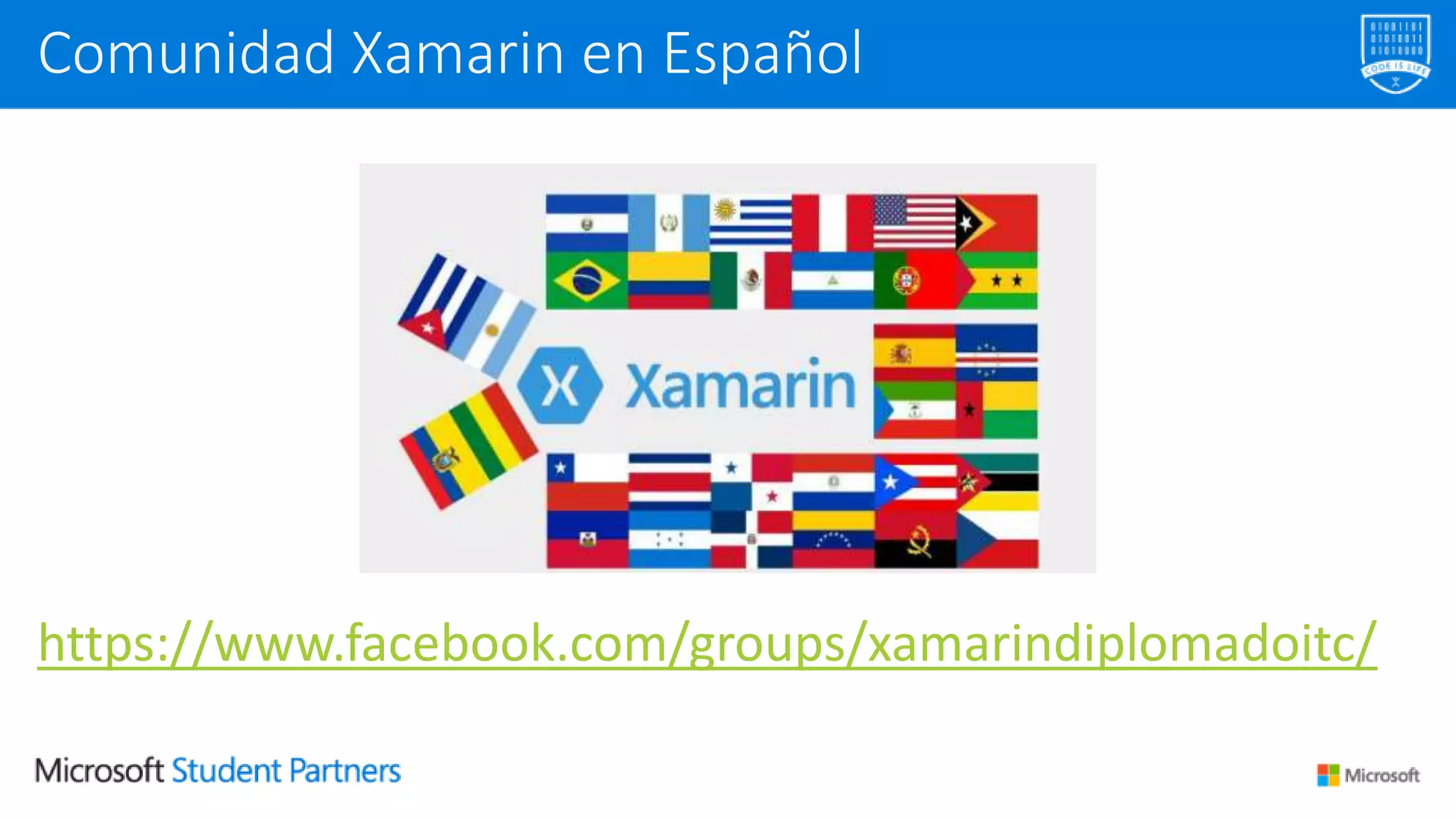
https://www.facebook.com/groups/xamarindiplomadoitc/
Comunidad Xamarin en Español
Thank you for your attention!
https://youtube.com/user/darkicebeam
https://slideshare.net/icebeam
@darkicebeam
icebeam7
luisantoniobeltran
luisbeltran.mx
Luis Beltrán
Tomás Bata University in Zlín
Tecnológico Nacional de México en Celaya
luis@luisbeltran.mx
about.me/luis-beltran
Whats New in Visual Studio 2019

Whats New in Visual Studio 2019

  • 1.
    MSP Tech Days LatinAmerica 2019 Brazil – Peru – Nicaragua – Mexico
  • 2.
    What’s new in VisualStudio 2019? Luis Beltrán June 25th, 2019
  • 3.
  • 4.
    Luis Beltrán About me @darkicebeamluis@luisbeltran.mx luisbeltran.mx
  • 5.
    Broad expertise isrequired • Front-end, middle layer, and back-end • Multiple development technologies and languages • Optimized with Machine Learning and AI Modern solution architectures • Microservices and serverless technologies • Reaching multiple experiences (IoT, AR, VR, bots, etc.) Developers are dealing with increasing complexity
  • 6.
    Visual Studio Visual Studiofor Mac Visual Studio Code Azure DevOps Services Microsoft Azure Visual Studio App Center
  • 7.
    • Side-by-side installation •Redesigned UX and Theme • Visual Studio search experience • Start window • Solution Filters • CodeLens is now in Community edition Visual Studio – UX and Shell
  • 8.
    Install the latestIDE side-by-side with your current one Pain-free upgrades
  • 9.
  • 11.
    Immediate access toyour projects Visual Studio 2019 start window
  • 12.
    The new searchexperience is quicker and more effective. Search results appear dinamically as you type. Moreover, each result includes a keyboard shortcut, so you can memorize them. The new search logic uses Fuzzy Search, so you will find everything you need, regardless of typos. Search improved!
  • 13.
    CodeLens shows youthe number of references that a property or function has, unit testing information and data directly from Application Insights. CodeLens
  • 14.
    CodeLens was availableas a Visual Studio Enterprise-only feature. It is available in Visual Studio 2019 Community version now! It is extensible, so developers can roll their own experiences. IntelliTrace and source control history are still an Enterprise- only feature. CodeLens
  • 15.
    The new C#refactorings simplify source code organization. Just press Ctrl + and select the desired action. Refactorings
  • 16.
    Several new refactoringshave been added, including one that allows you to add methods to an interface based on a class that implements it. Refactorings
  • 18.
    IntelliCode saves youtime by putting what you’re most likely to use at the top of your completion list. Visual Studio IntelliCode
  • 19.
    IntelliCode recommendations arebased on thousands of open source projects on GitHub each with over 100 stars. When combined with the context of your code, the completion list is tailored to promote common practices. It is available for C#, XAML and C++ (VS 2019) and Java, TypeScript / JavaScript, and Python (VS Code) Visual Studio IntelliCode
  • 20.
    Custom Models • Providessuggestions based off your own code – custom classes and types. • Share your custom model with teammates working in the same codebase. • Available for C# Visual Studio IntelliCode
  • 21.
  • 22.
    Step 1 –Install the IntelliCode extension for Visual Studio (https://aka.ms/vsic/xtn/vs) Step 2 – Create a custom model How can I create my own model?
  • 23.
    How can Icreate my own model?
  • 24.
    Step 3 –Share it with your colleagues! How can I create my own model?
  • 25.
  • 26.
    Ctrl – T Findall your files
  • 27.
    Find all references– Read/Write
  • 29.
    A service whichallows developers to share their own codebase and their context with a teammate in order to get instant, bidirectional collaboration directly from Visual Studio. With Live Share, a teammate can read, browse, edit and debug a project that you have shared with them, in a safe and fast environment. It is installed by default on Visual Studio 2019. Visual Studio Live Share
  • 30.
    Work with yourown tools: • No need to clone repos or install any dependencies your code relies on • Pair software from an office, a house… or any place around the world! Visual Studio Live Share
  • 32.
  • 33.
    Visual Studio 2019: https://visualstudio.com Getstarted with Visual Studio 2019 today!
  • 35.
  • 36.
    Thank you foryour attention! https://youtube.com/user/darkicebeam https://slideshare.net/icebeam @darkicebeam icebeam7 luisantoniobeltran luisbeltran.mx Luis Beltrán Tomás Bata University in Zlín Tecnológico Nacional de México en Celaya luis@luisbeltran.mx about.me/luis-beltran

Editor's Notes

  • #7 Our mission with Visual Studio is to provide the best-in-class tools that can be used by any developer. Today, the Visual Studio brand now stands for SO much more. The core of our vision is “Any Developer, Any App on Any Platform.”, Over the past few years we have really expanded the product family to match this vision. Now we have: An IDE for both Windows AND Mac Visual Studio Code, our cross-platform, lightweight code editor. And developer services like Azure DevOps and App Center to complement your IDEs & editors and complete the full application lifecycle. Whether you’re developing for Windows or Linux, Android or iOS, Cloud or Device, we have the tools to make your succesful.
  • #11 Simplified project template In-process hosting HTTP/2 API conventions