What's New at MSP360:
Discover all the latest innovations and
updates to MSP360 solutions
Kurt Abrahams
Chief Marketing Officer
Alexander Negrash
Director of Product Management
Oleg Sapon
VP of Product Management
Sergey Shinkorenko
Product Manager
Aleksey Buryakov
Lead Product Manager
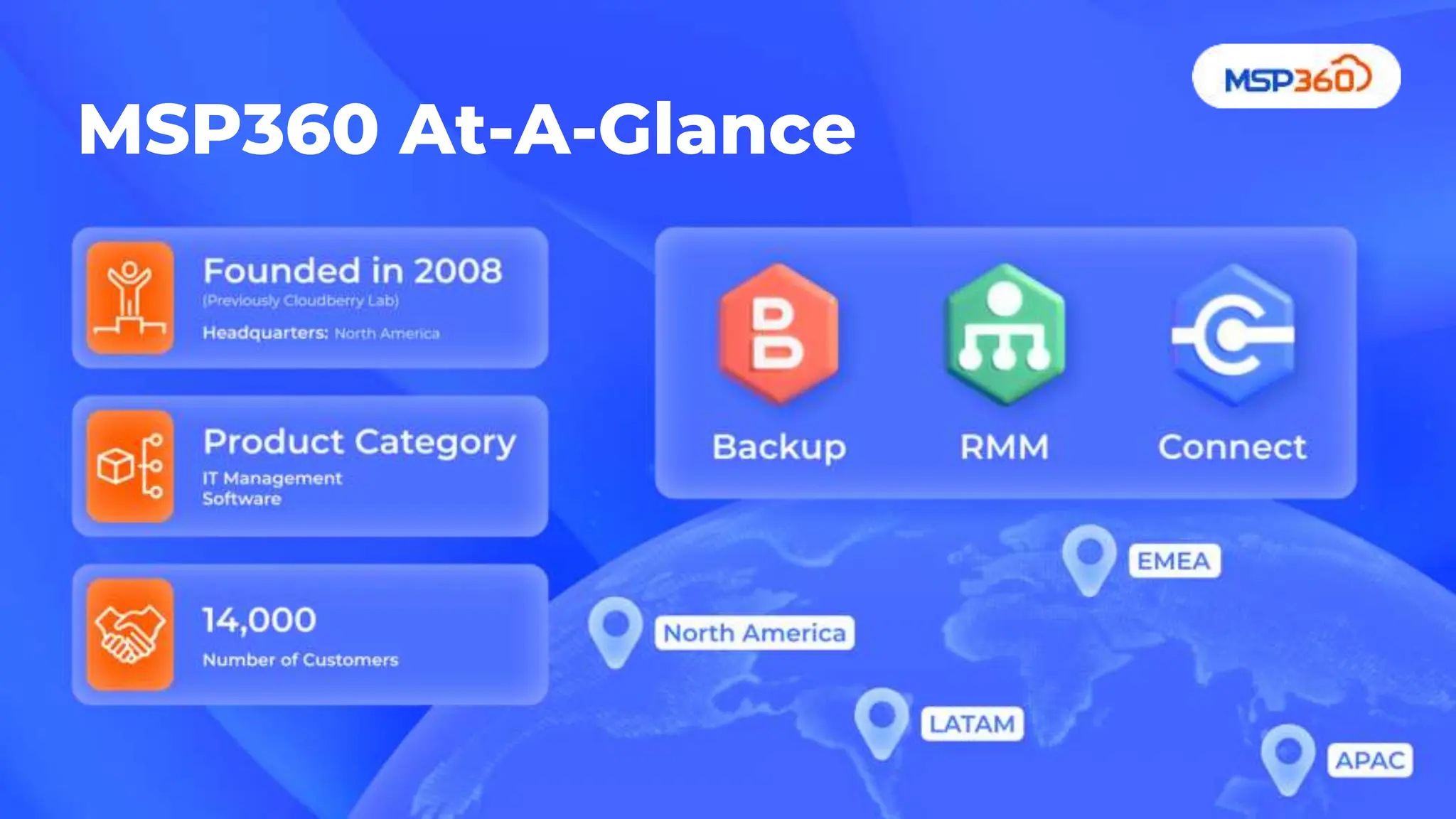
MSP360 At-A-Glance
● New Backup features
● New RMM features
● New Connect features
● New Web Console
● Q&A
Agenda
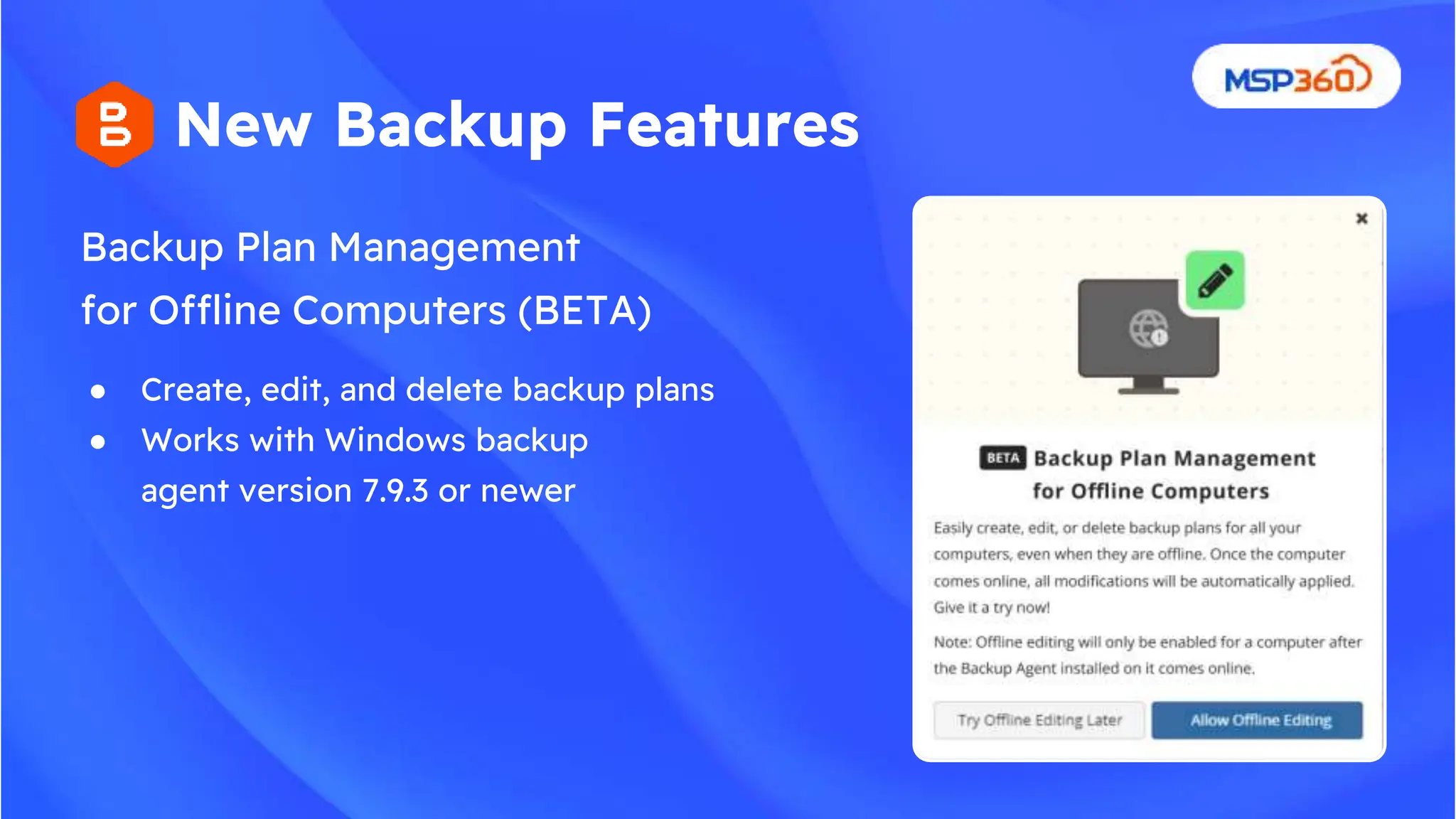
Backup Plan Management
for Offline Computers (BETA)
New Backup Features
● Create, edit, and delete backup plans
● Works with Windows backup
agent version 7.9.3 or newer
New Backup Storage Browser (BETA)
New Backup Features
● Full-screen view for enhanced data
browsing and navigation
● Granular data deletion
● Item-level data restore
● Detailed information on backup
generations and restore points
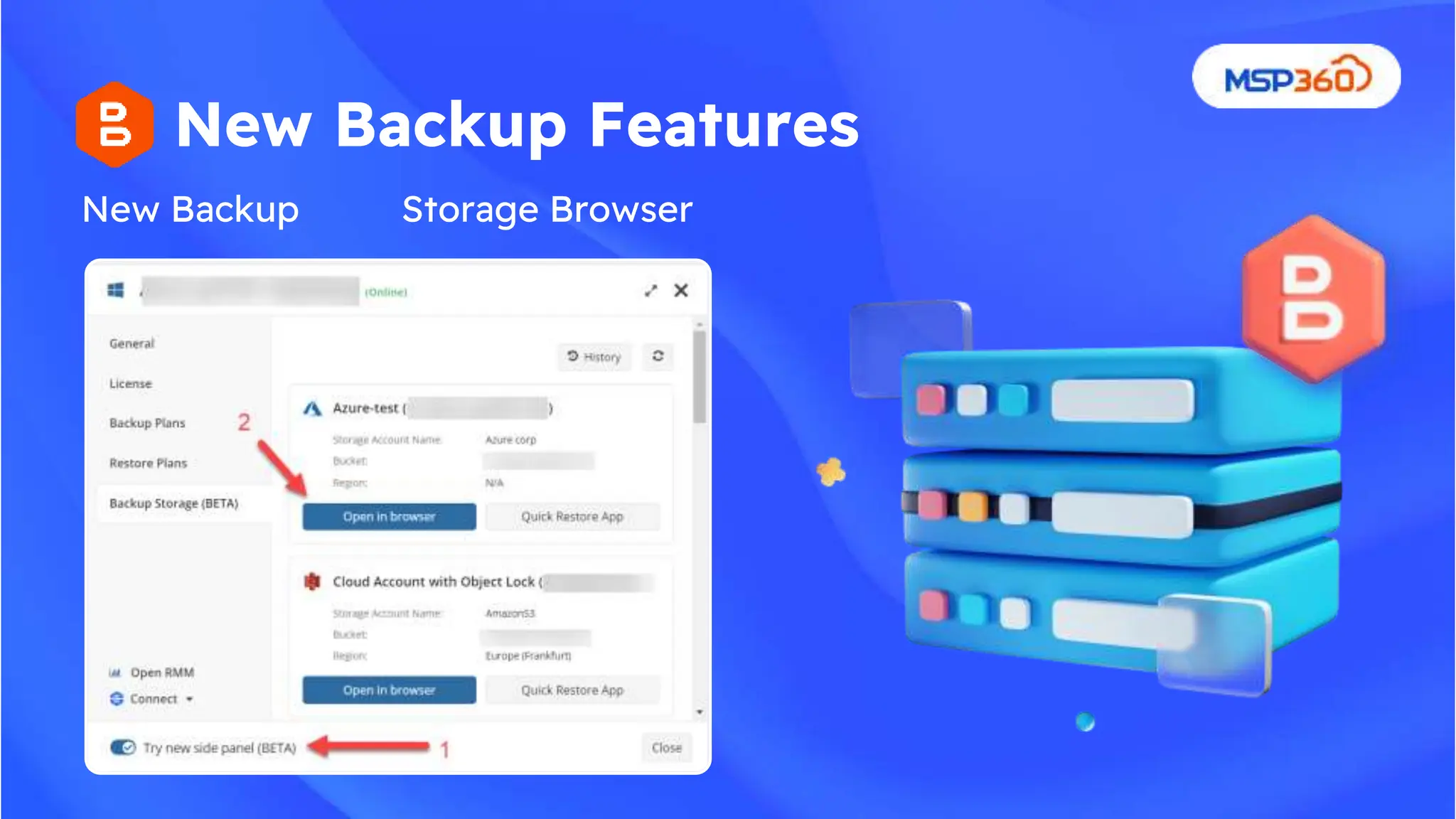
New Backup
New Backup Features
Storage Browser
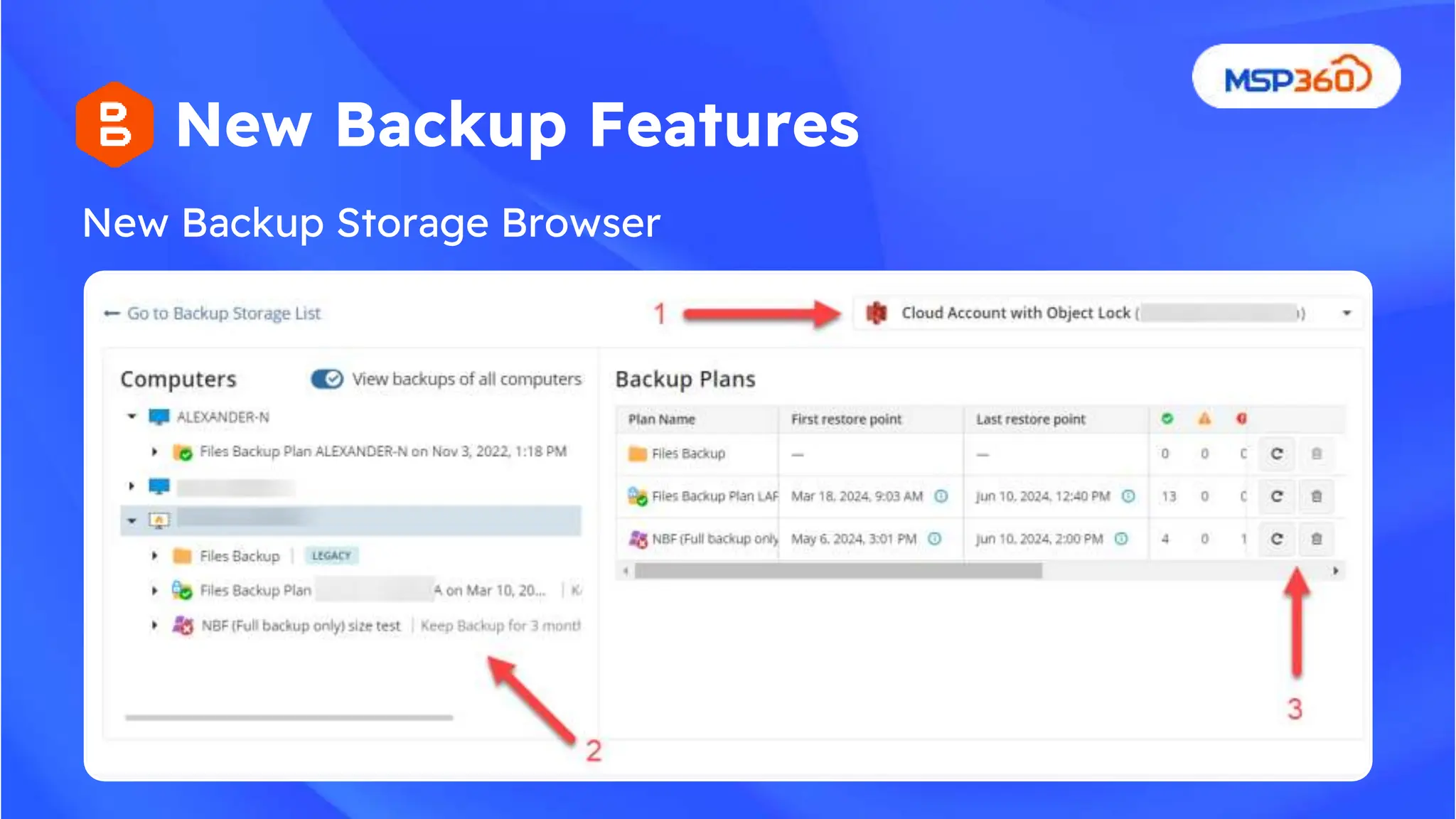
New Backup Storage Browser
New Backup Features
New Backup Features
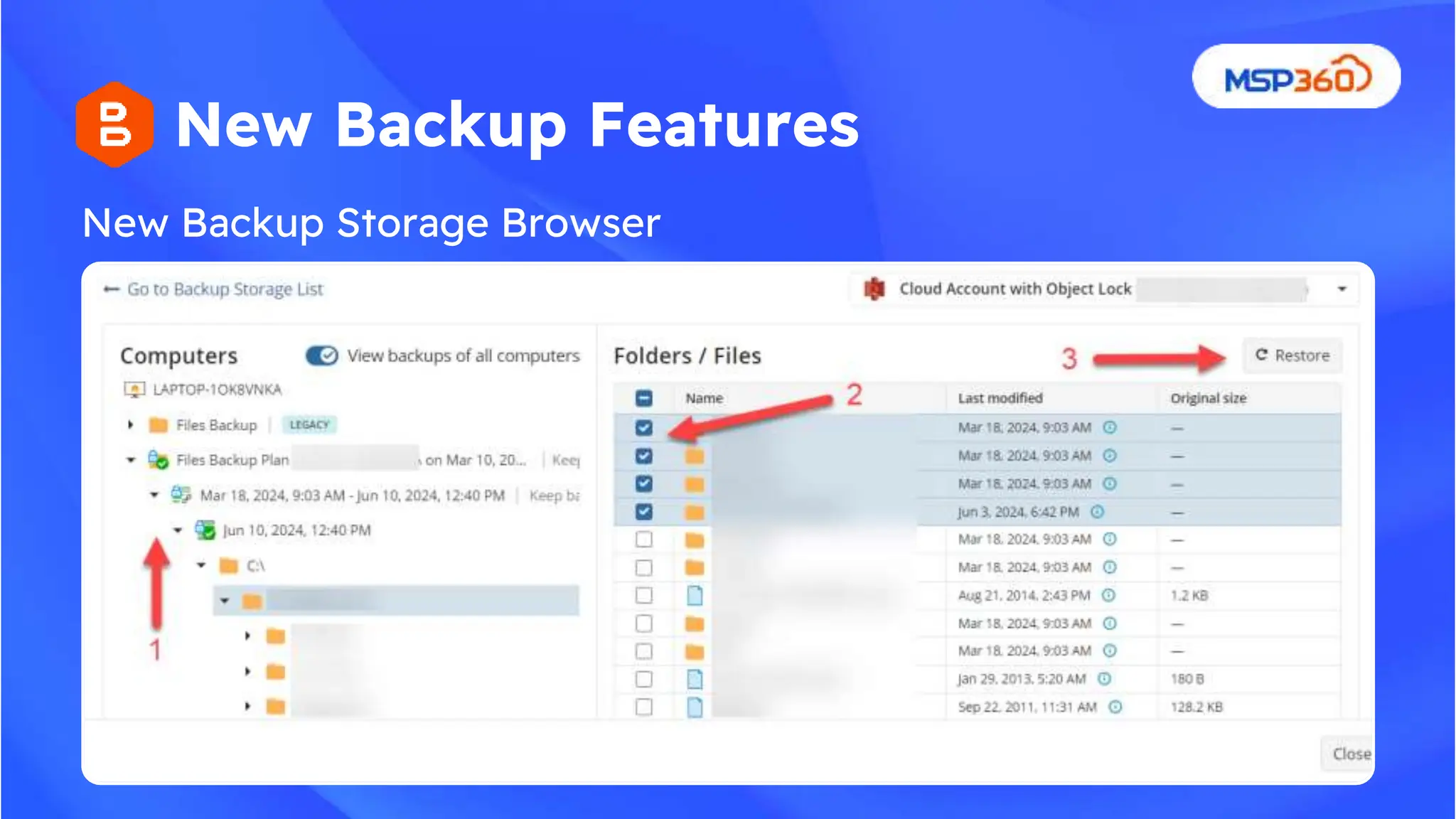
New Backup Storage Browser
Object lock for Amazon S3, Wasabi, Backblaze
● Security standard
● Secure critical data from unauthorized file
modifications
● Confidently manage data assets, knowing
your data protected against malicious
interference and hacker attacks
New M365/Google Workspace
Backup Features
SharePoint site restore improvements (restore
to a different site, restore as a new site)
● Move from item level to site level restore
● Restore entire sites
● Restore deleted sites with their original names
Google Workspace Organizational Units
support
● Enhanced support for Organizational
Units (OUs),
● Simplifying backup management and
automatic activation for users and OUs.
● Companies
● MS Teams channels restore
● OneNote restore improvement
New M365/Google Workspace
Backup Upcoming Features
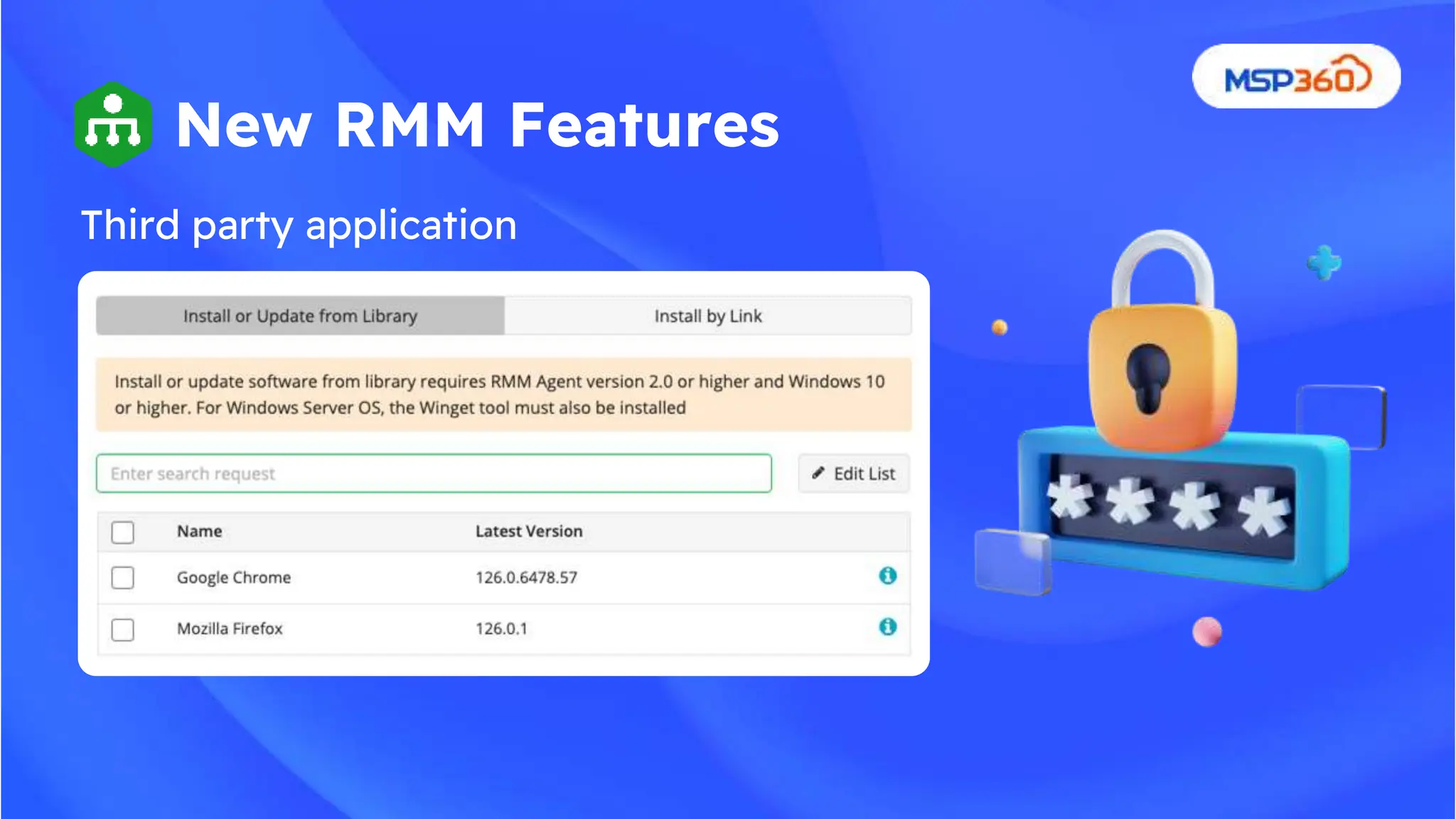
Third party application
management
New RMM Features
New RMM Features
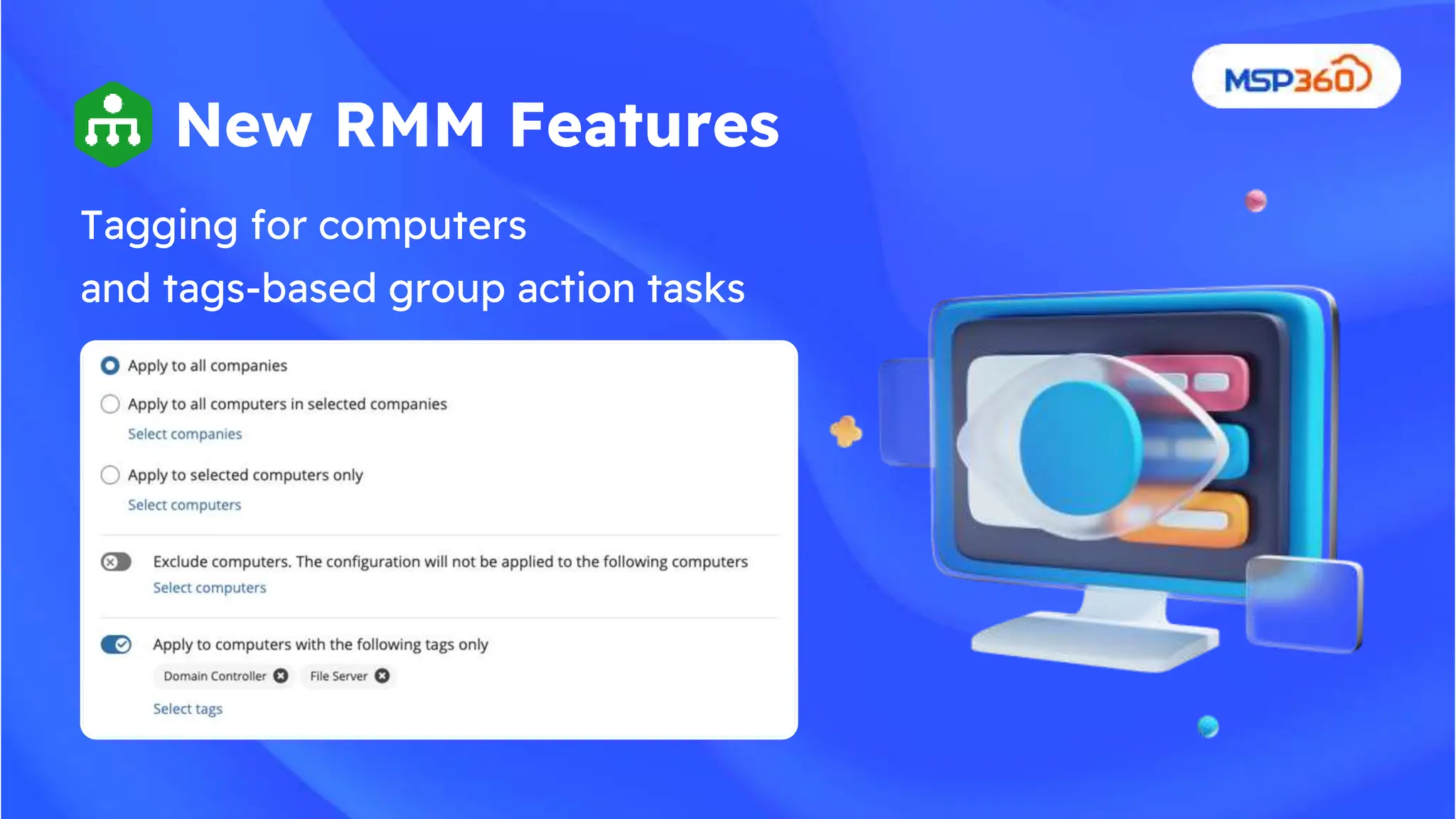
Tagging for computers
and tags-based group action tasks
New RMM Features
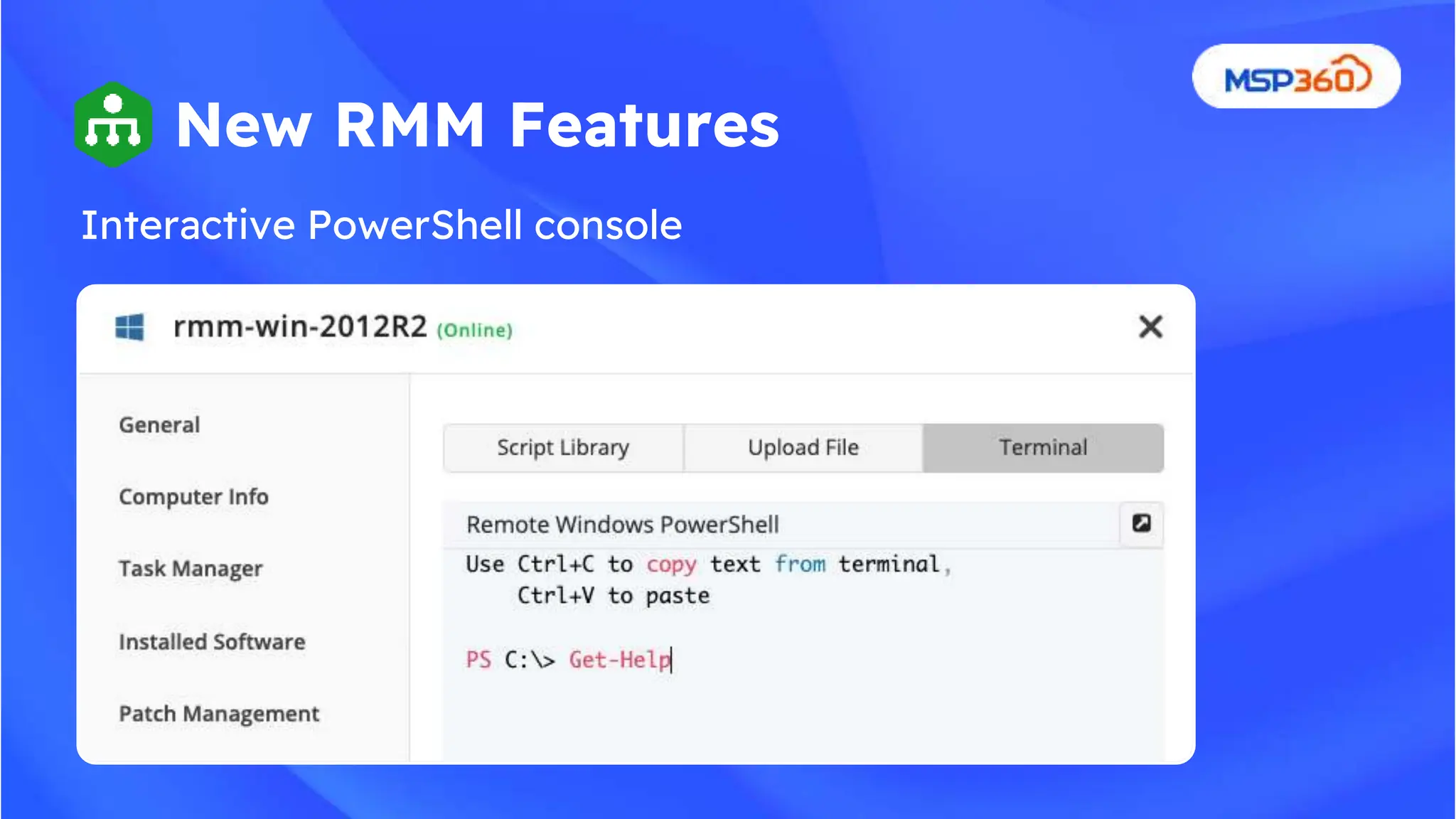
Interactive PowerShell console
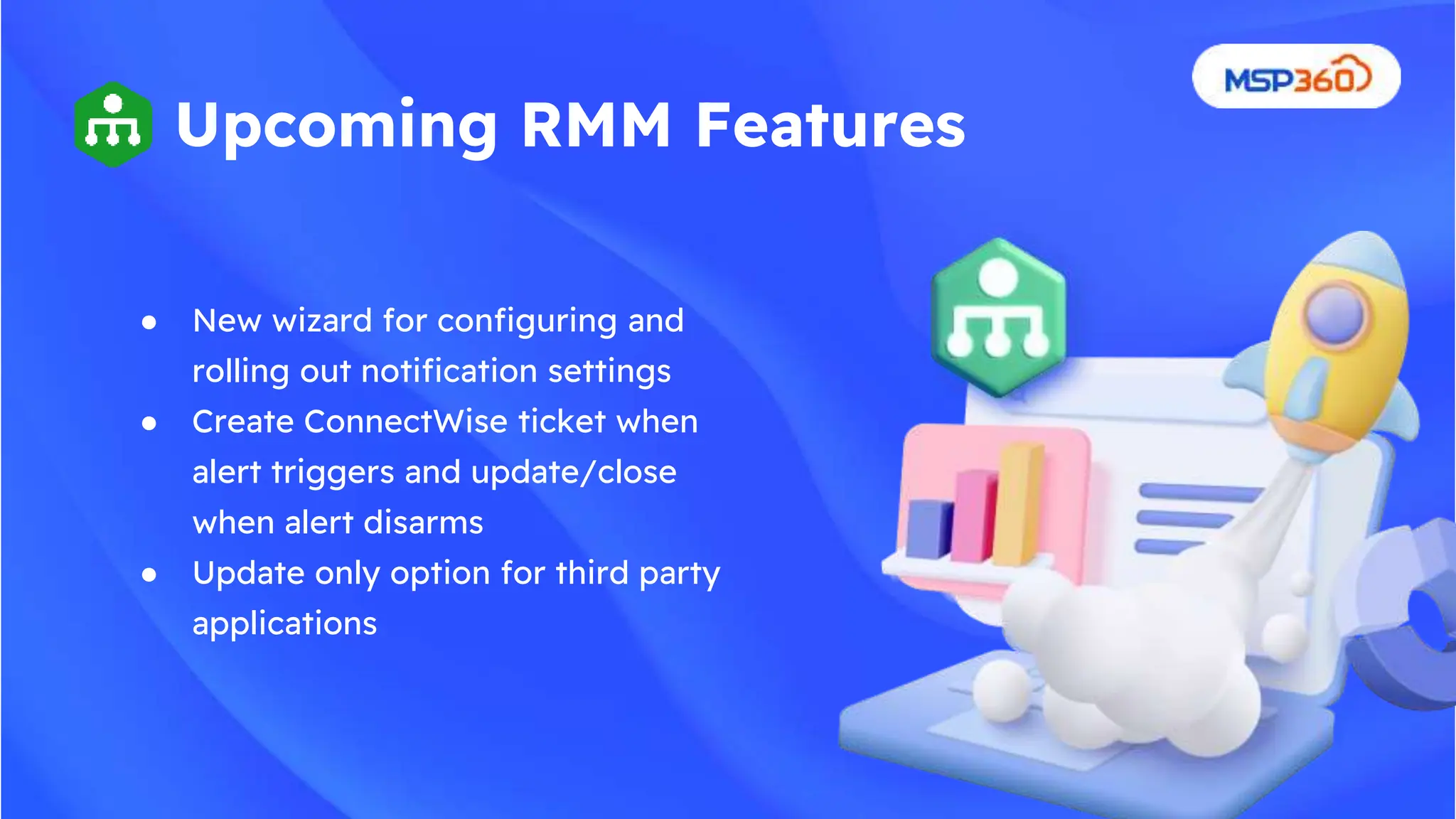
● New wizard for configuring and
rolling out notification settings
● Create ConnectWise ticket when
alert triggers and update/close
when alert disarms
● Update only option for third party
applications
Upcoming RMM Features
● Leverage all local monitors irregardless of
remote host settings
● Centralized configuration for the following
options:
○ Show black screen on remote host
○ Block input on remote host
○ Disconnect behaviour
● Computer-level configuration for agents
Upcoming Connect Features
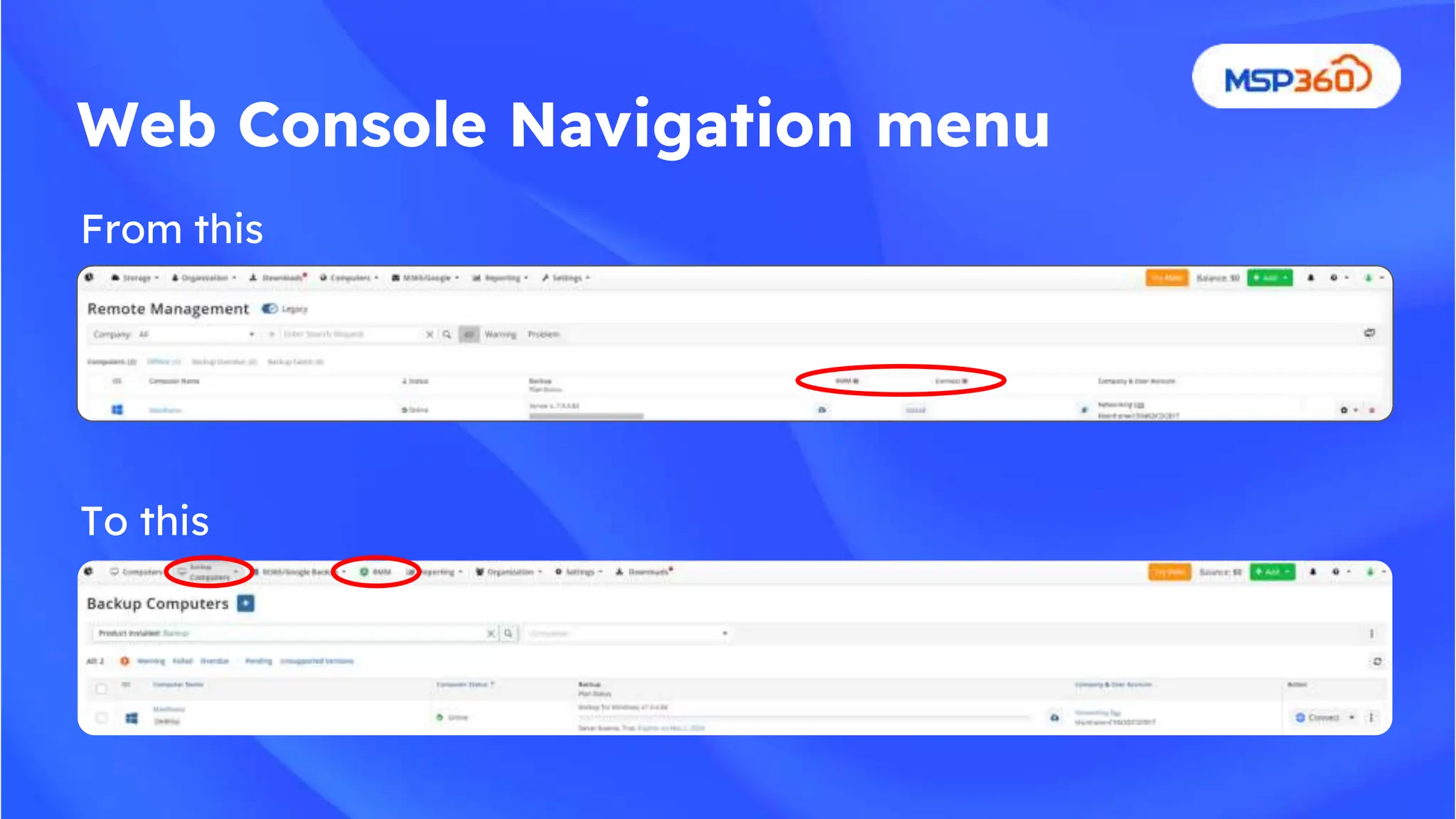
From this
To this
Web Console Navigation menu
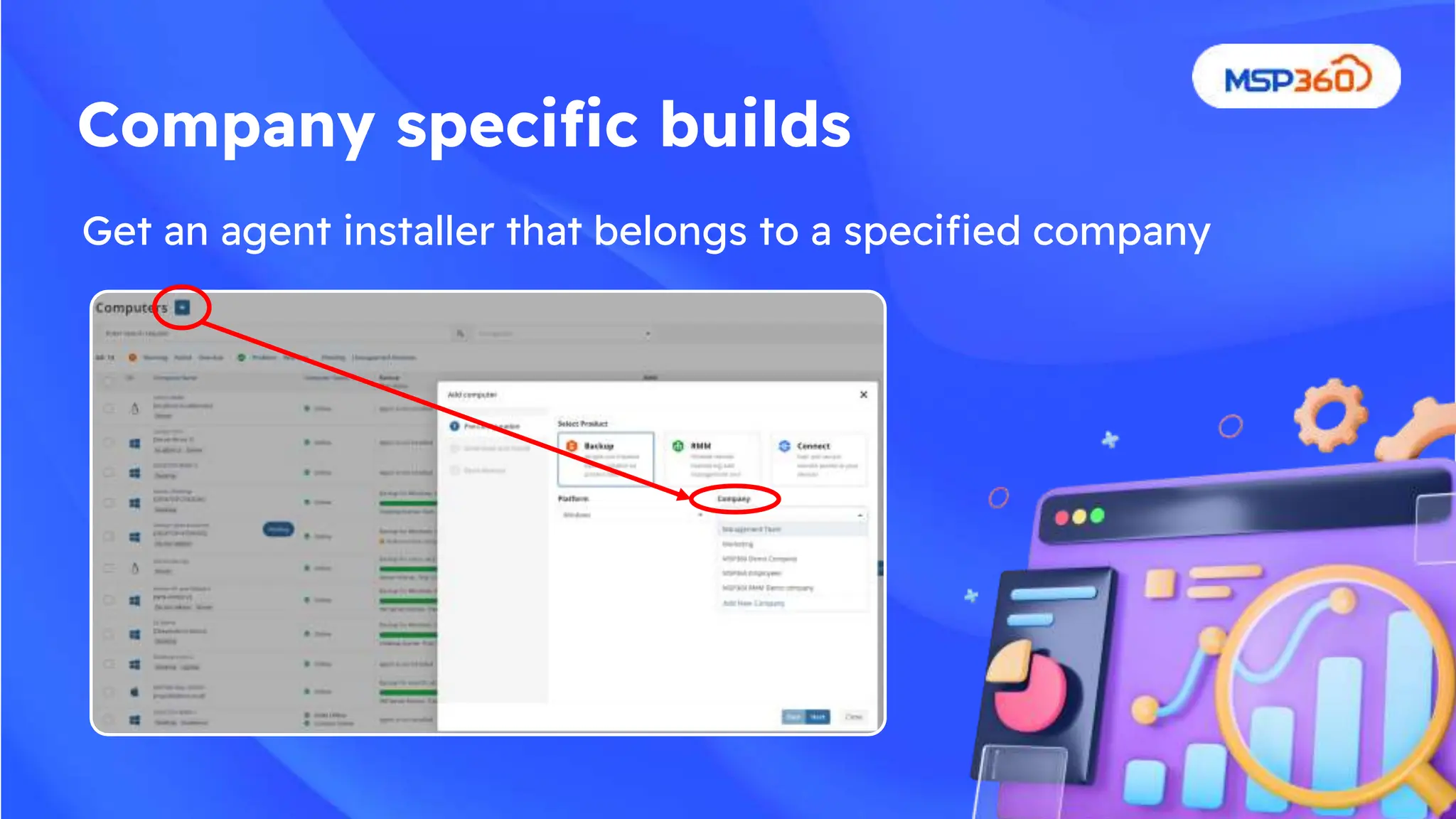
Get an agent installer that belongs to a specified company
Company specific builds
Q&A
Session
Please send us any feedback you
may have to feedback@msp360.com
Manage. Support. Protect.

Whats new at MSP360 Webinar - June 2024

  • 1.
    What's New atMSP360: Discover all the latest innovations and updates to MSP360 solutions Kurt Abrahams Chief Marketing Officer Alexander Negrash Director of Product Management Oleg Sapon VP of Product Management Sergey Shinkorenko Product Manager Aleksey Buryakov Lead Product Manager
  • 2.
  • 3.
    ● New Backupfeatures ● New RMM features ● New Connect features ● New Web Console ● Q&A Agenda
  • 4.
    Backup Plan Management forOffline Computers (BETA) New Backup Features ● Create, edit, and delete backup plans ● Works with Windows backup agent version 7.9.3 or newer
  • 5.
    New Backup StorageBrowser (BETA) New Backup Features ● Full-screen view for enhanced data browsing and navigation ● Granular data deletion ● Item-level data restore ● Detailed information on backup generations and restore points
  • 6.
    New Backup New BackupFeatures Storage Browser
  • 7.
    New Backup StorageBrowser New Backup Features
  • 8.
    New Backup Features NewBackup Storage Browser
  • 9.
    Object lock forAmazon S3, Wasabi, Backblaze ● Security standard ● Secure critical data from unauthorized file modifications ● Confidently manage data assets, knowing your data protected against malicious interference and hacker attacks New M365/Google Workspace Backup Features SharePoint site restore improvements (restore to a different site, restore as a new site) ● Move from item level to site level restore ● Restore entire sites ● Restore deleted sites with their original names Google Workspace Organizational Units support ● Enhanced support for Organizational Units (OUs), ● Simplifying backup management and automatic activation for users and OUs.
  • 10.
    ● Companies ● MSTeams channels restore ● OneNote restore improvement New M365/Google Workspace Backup Upcoming Features
  • 11.
  • 12.
    New RMM Features Taggingfor computers and tags-based group action tasks
  • 13.
    New RMM Features InteractivePowerShell console
  • 14.
    ● New wizardfor configuring and rolling out notification settings ● Create ConnectWise ticket when alert triggers and update/close when alert disarms ● Update only option for third party applications Upcoming RMM Features
  • 15.
    ● Leverage alllocal monitors irregardless of remote host settings ● Centralized configuration for the following options: ○ Show black screen on remote host ○ Block input on remote host ○ Disconnect behaviour ● Computer-level configuration for agents Upcoming Connect Features
  • 16.
    From this To this WebConsole Navigation menu
  • 17.
    Get an agentinstaller that belongs to a specified company Company specific builds
  • 18.
    Q&A Session Please send usany feedback you may have to feedback@msp360.com
  • 19.

Editor's Notes

  • #3 would like to include a globe here with dots on markets we serve . i would also like to include some of the bigger clients we work with both on the MSP side and on the Business side. basically what im thinking is combine slides 3-6 into one slide. a lot of them have similar info on it already and we can pick and choose what we like.