Getting Started With Managed Backup webinar - 2025.pptx
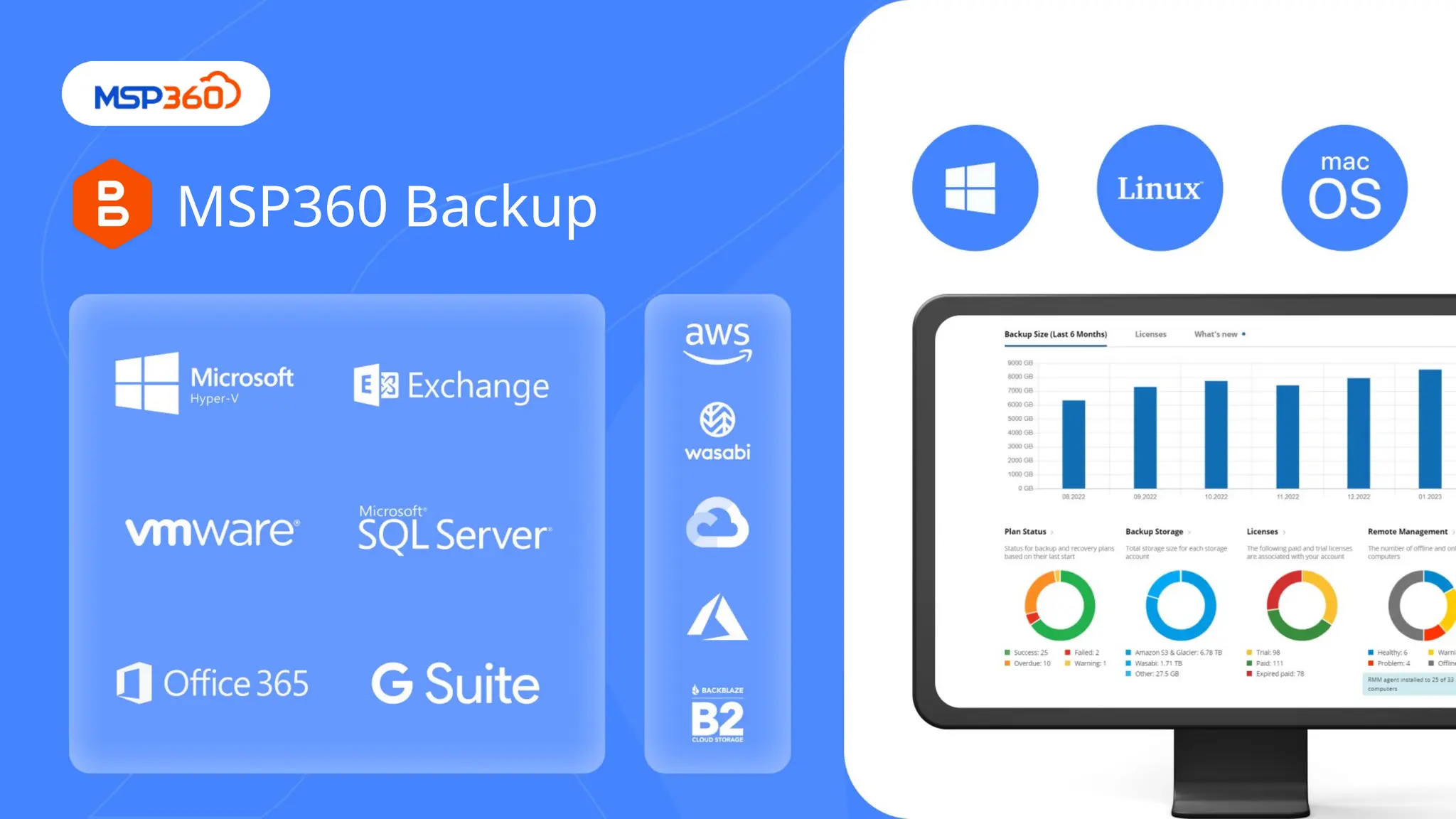
An informative webinar where we'll provide you with a step-by-step guide to getting started with MSP360, complete with essential configurations and best practices.
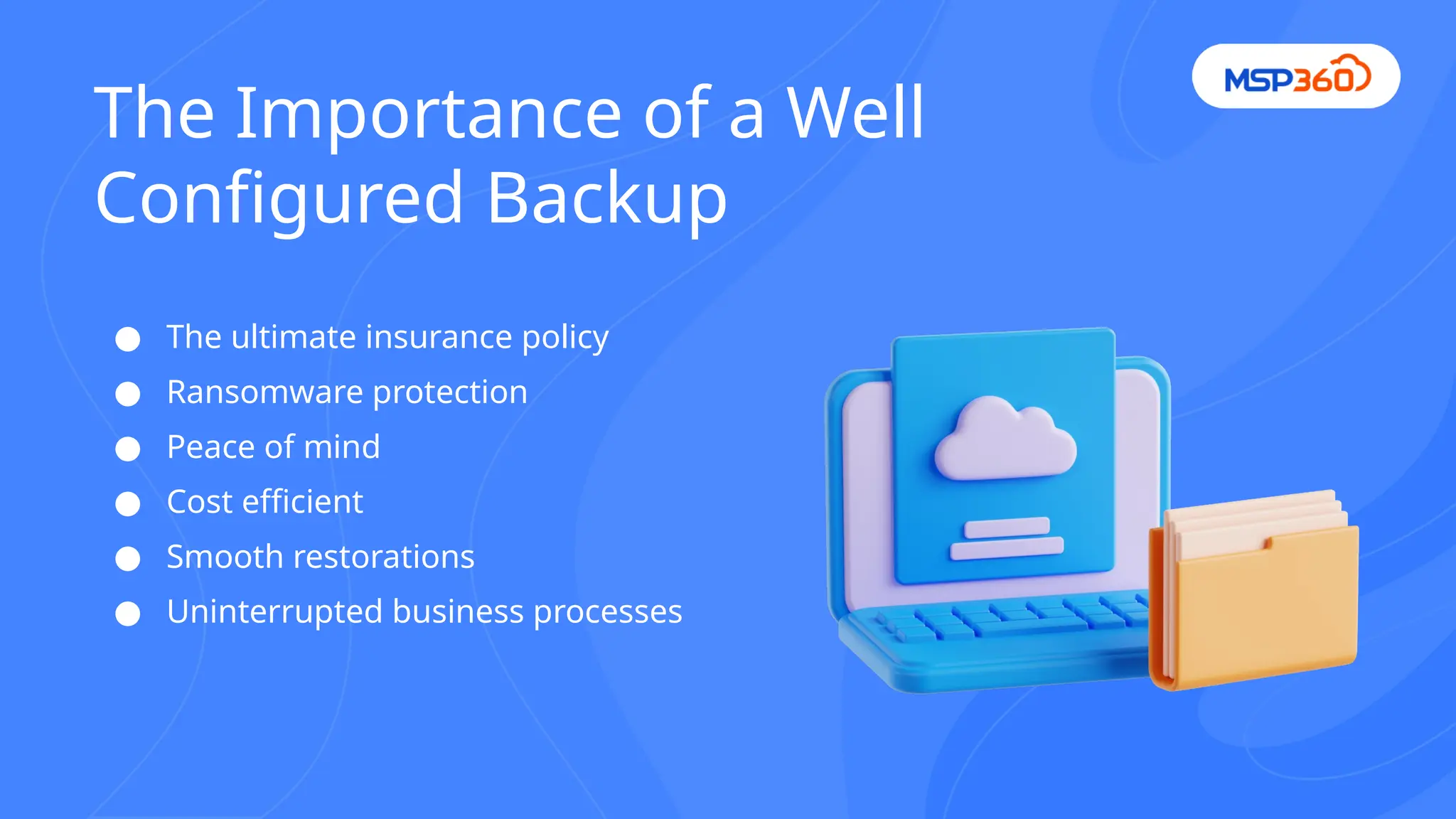
● The ultimateinsurance policy
● Ransomware protection
● Peace of mind
● Cost efficient
● Smooth restorations
● Uninterrupted business processes
The Importance of a Well
Configured Backup
6.
● Create backupplans with Managed Console - no
need to connect to the endpoints
● Backup templates - create one golden image and then
spread it across computers in a second
● Solution Architect Assistance and Onboarding service
https://www.msp360.com/download/onboarding-new-customer-checklist
.pdf
Easy start with MSP360
7.
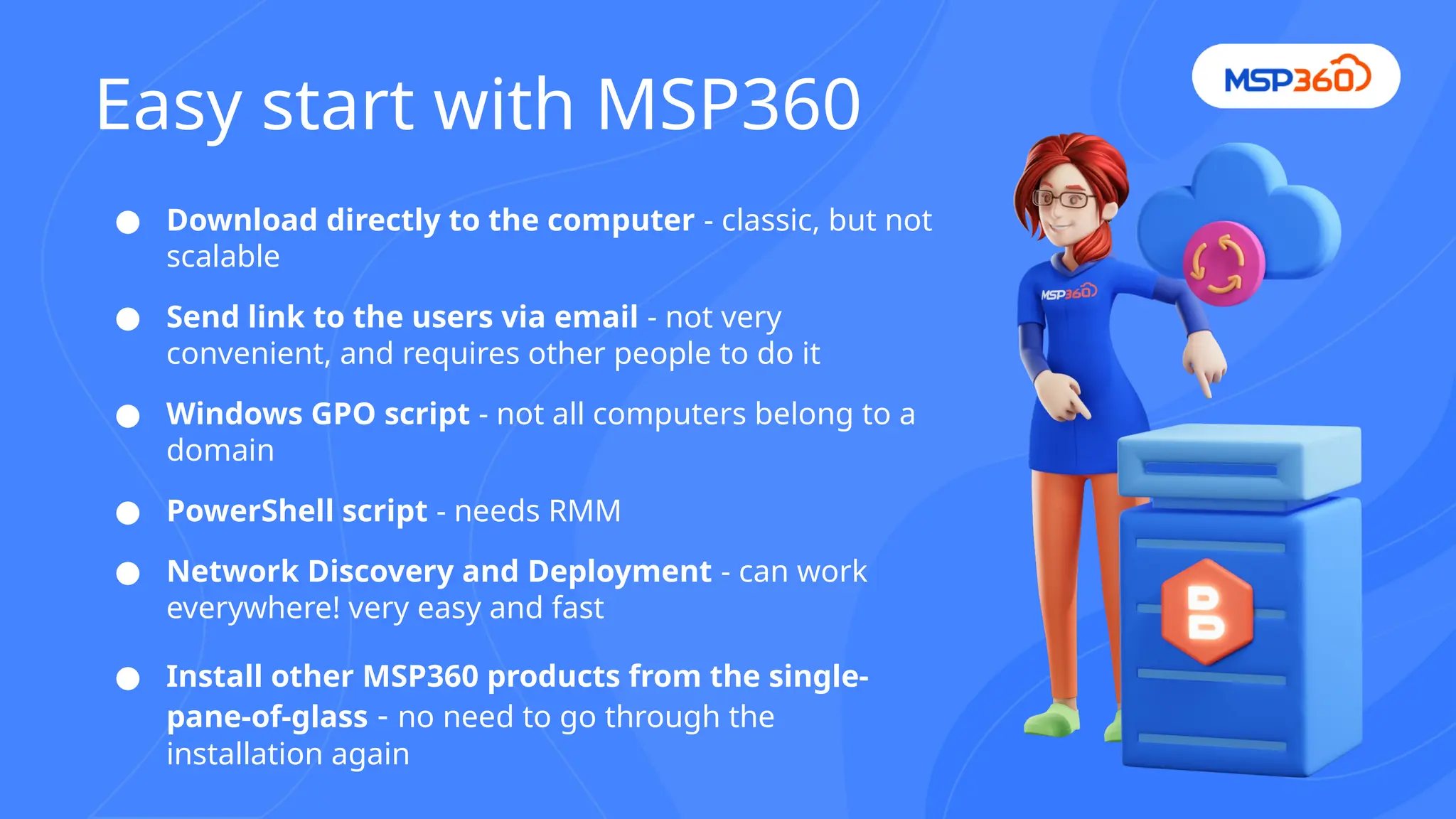
● Download directlyto the computer - classic, but not
scalable
● Send link to the users via email - not very
convenient, and requires other people to do it
● Windows GPO script - not all computers belong to a
domain
● PowerShell script - needs RMM
● Network Discovery and Deployment - can work
everywhere! very easy and fast
● Install other MSP360 products from the single-
pane-of-glass - no need to go through the
installation again
Easy start with MSP360
8.
● Key configurationparameters for Managed Backup
○ What to backup?
○ Where to backup?
○ How often to backup?
○ How long to store?
● Server and client setup
○ Use combo of File and Image-Based backups
● Considerations for different environments
○ 3-2-1 backup rule
○ Back up what you really need to restore
https://www.msp360.com/download/basic-backup-strategies.pdf
Configuration Best Practices
9.
● The importanceof backup scheduling -
defined by RPO
● How to setup automated backup
scheduling
○ Forever Forward Incremental
■ Saves up to 50% storage space
○ Recurring Incremental + Periodical
Full
■ otherwise you keep backups
forever
Backup Scheduling
10.
Backup Retention
● Storagecost depends on the backup
retention
● Different cases require different
retention
○ Accidental deletion - 2 weeks
○ Ransomware - 3 months
○ Compliancy - up to 7 years
● Use Object Lock (immutability)
https://get.msp360.com/backup-simulator
11.
● Full backupis not scheduled
● Retention policy is not configured
● Storage specifications (early deletion fee)
Common Pitfalls to Avoid
12.
● Always testyour backups
● Develop your documentation
● Enable email or push notifications
● Use lifecycle rules where applicable
● Periodically review settings of the plans
● Always use the latest version of the Agent
Tips For Successful Backup
Management



![Coded Agents – with UiPath SDK + LangGraph [Virtual Hands-on Workshop]](https://cdn.slidesharecdn.com/ss_thumbnails/codedagentsdeck-251215155422-5497c599-thumbnail.jpg?width=640&height=640&fit=bounds)


