Unlocking
Unstructured
Data
Unlocking
Unstructured
Data
Automation and
Solution Scale
Unlocking
Unstructured
Data
Automation and
Solution Scale
Ambient
Computing
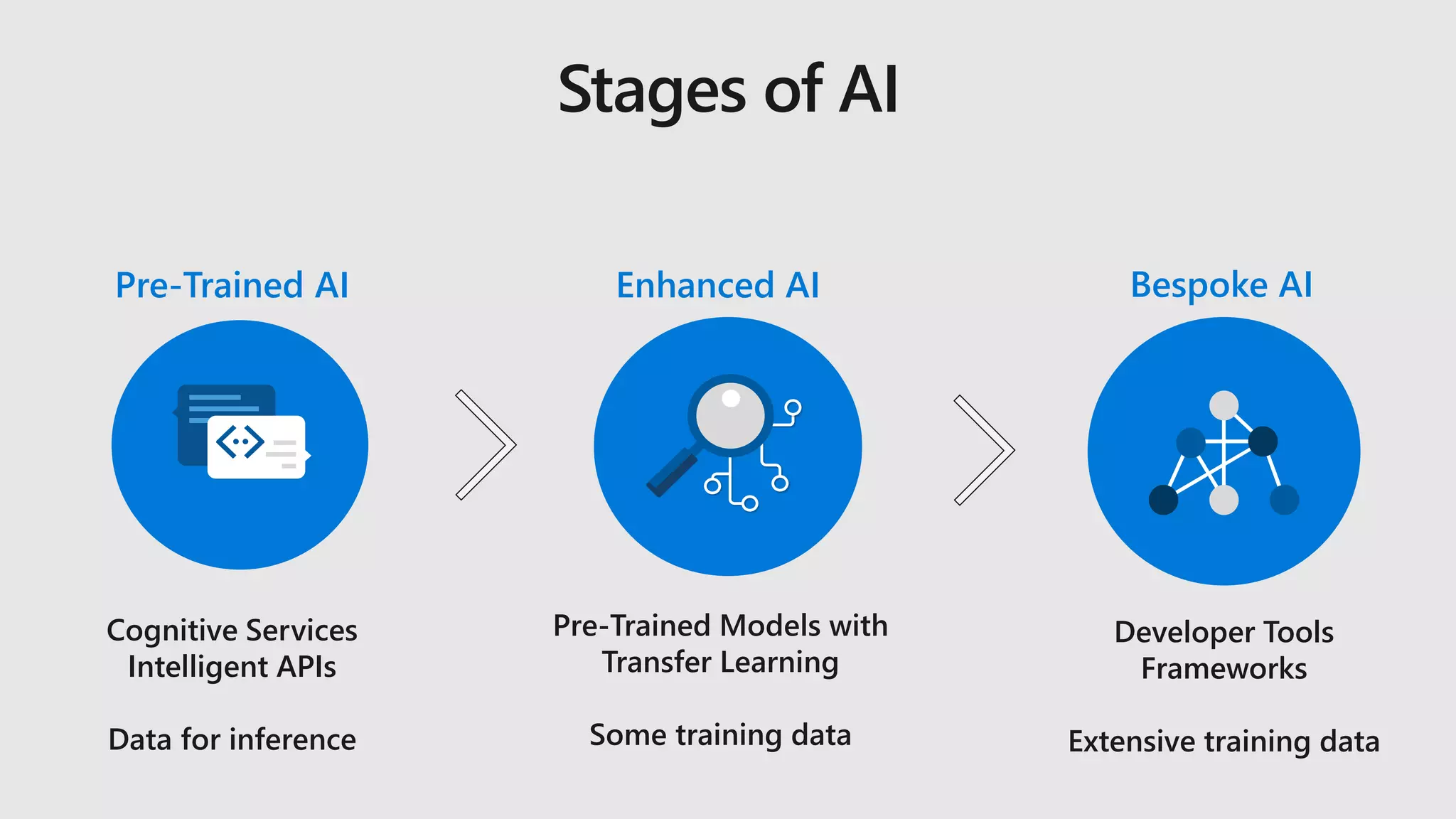
Cognitive Services
Intelligent APIs
Data for inference
Developer Tools
Frameworks
Extensive training data
Pre-Trained Models with
Transfer Learning
Some training data
Enhanced AIPre-Trained AI Bespoke AI
Stages of AI
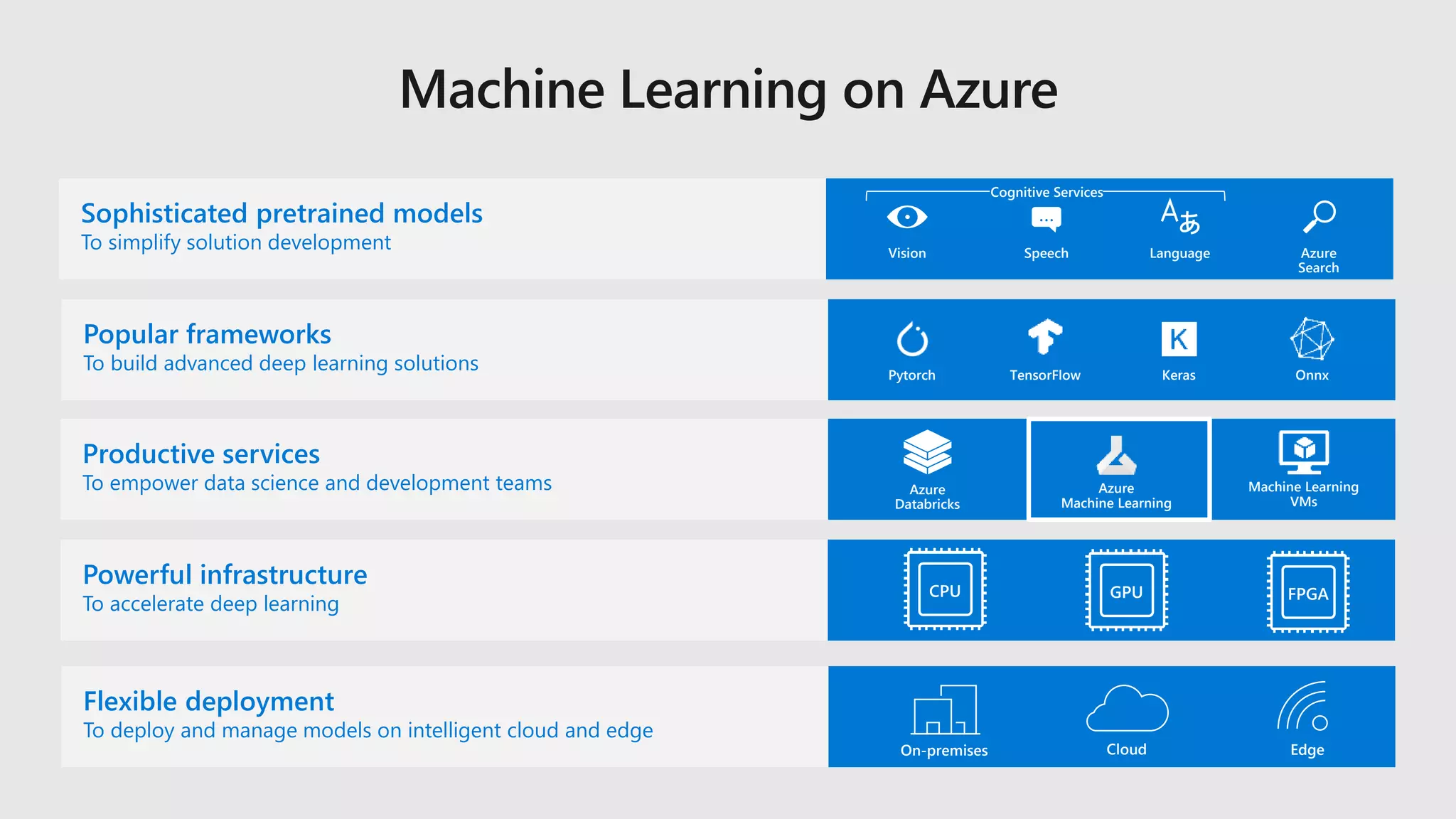
Sophisticated pretrained models
To simplify solution development
Azure
Databricks
Machine Learning
VMs
Popular frameworks
To build advanced deep learning solutions TensorFlow KerasPytorch Onnx
Azure
Machine Learning
LanguageSpeech
…
Azure
Search
Vision
On-premises Cloud Edge
Productive services
To empower data science and development teams
Powerful infrastructure
To accelerate deep learning
Flexible deployment
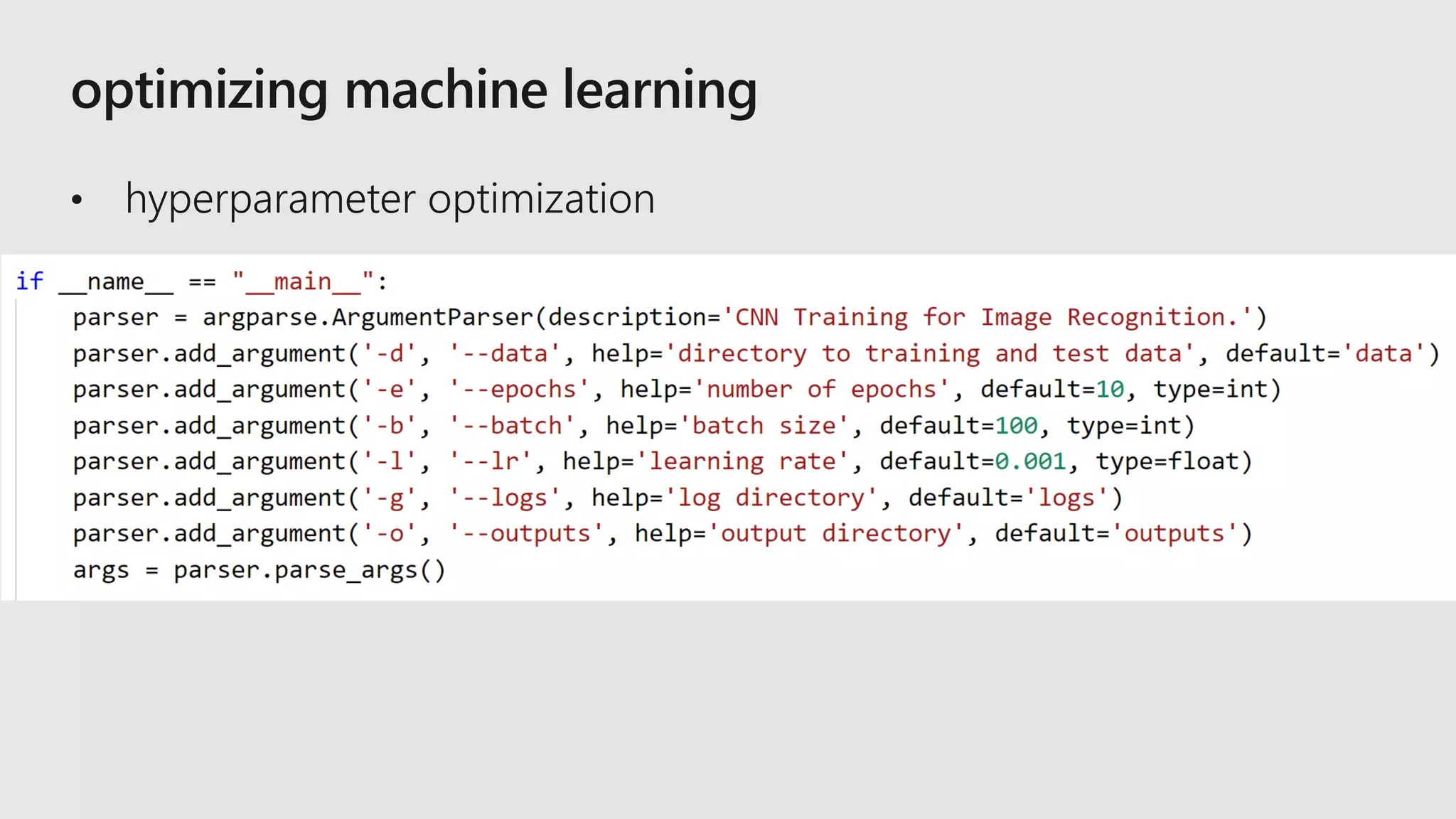
To deploy and manage models on intelligent cloud and edge
Cognitive Services
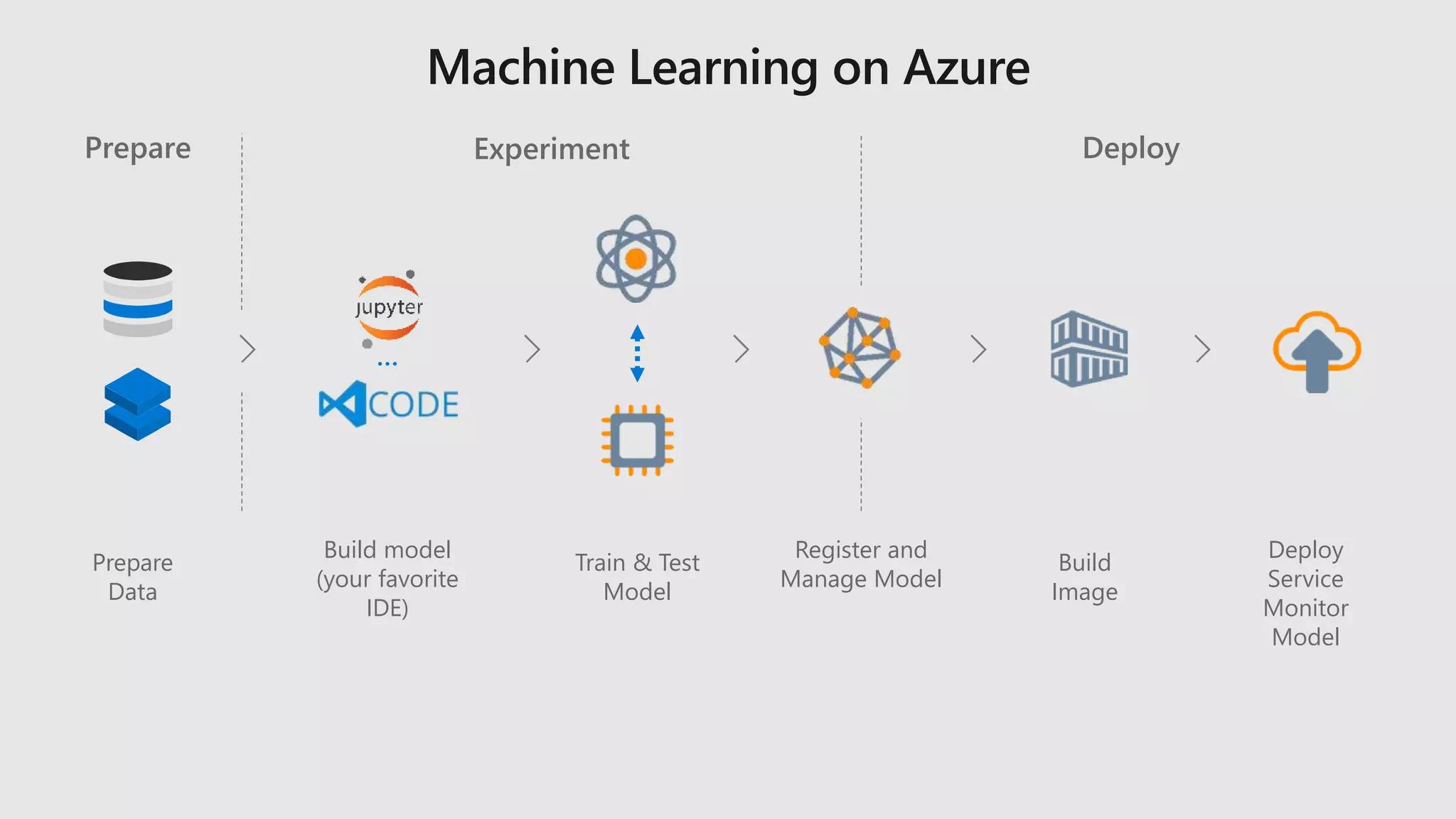
Prepare
Data
Prepare
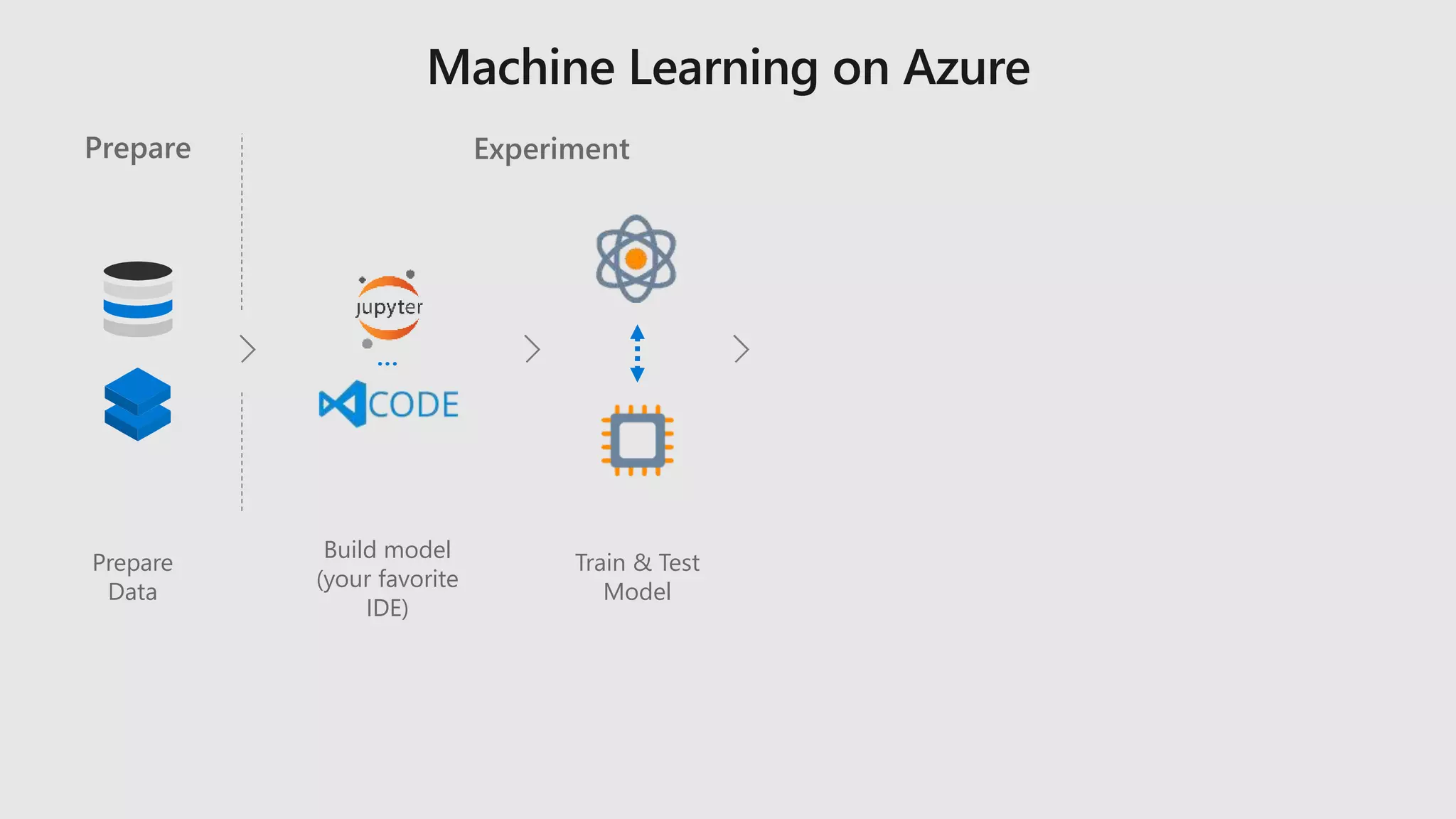
Prepare
Data
Train & Test
Model
…
Build model
(your favorite
IDE)
Prepare Experiment
Prepare
Data
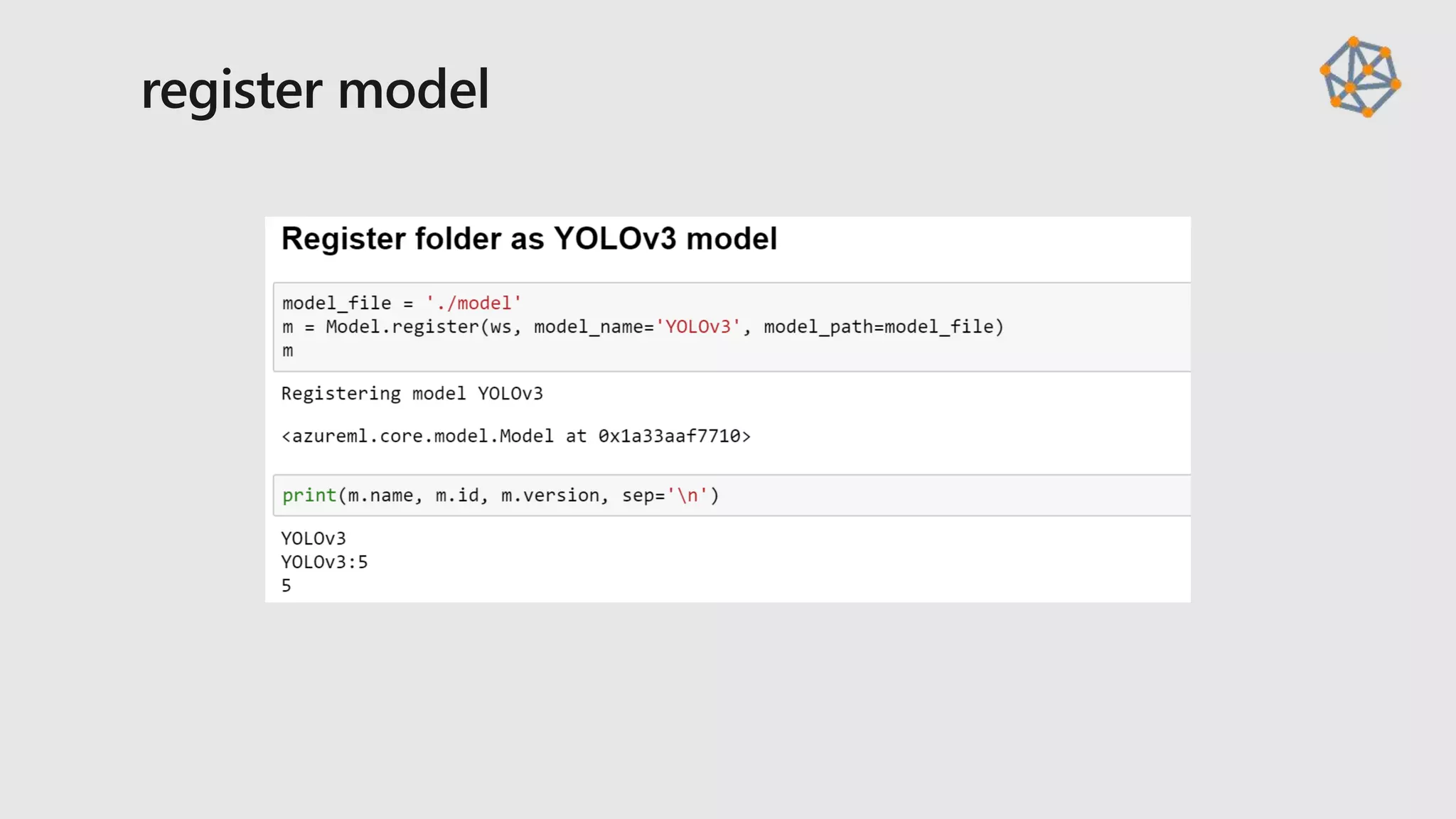
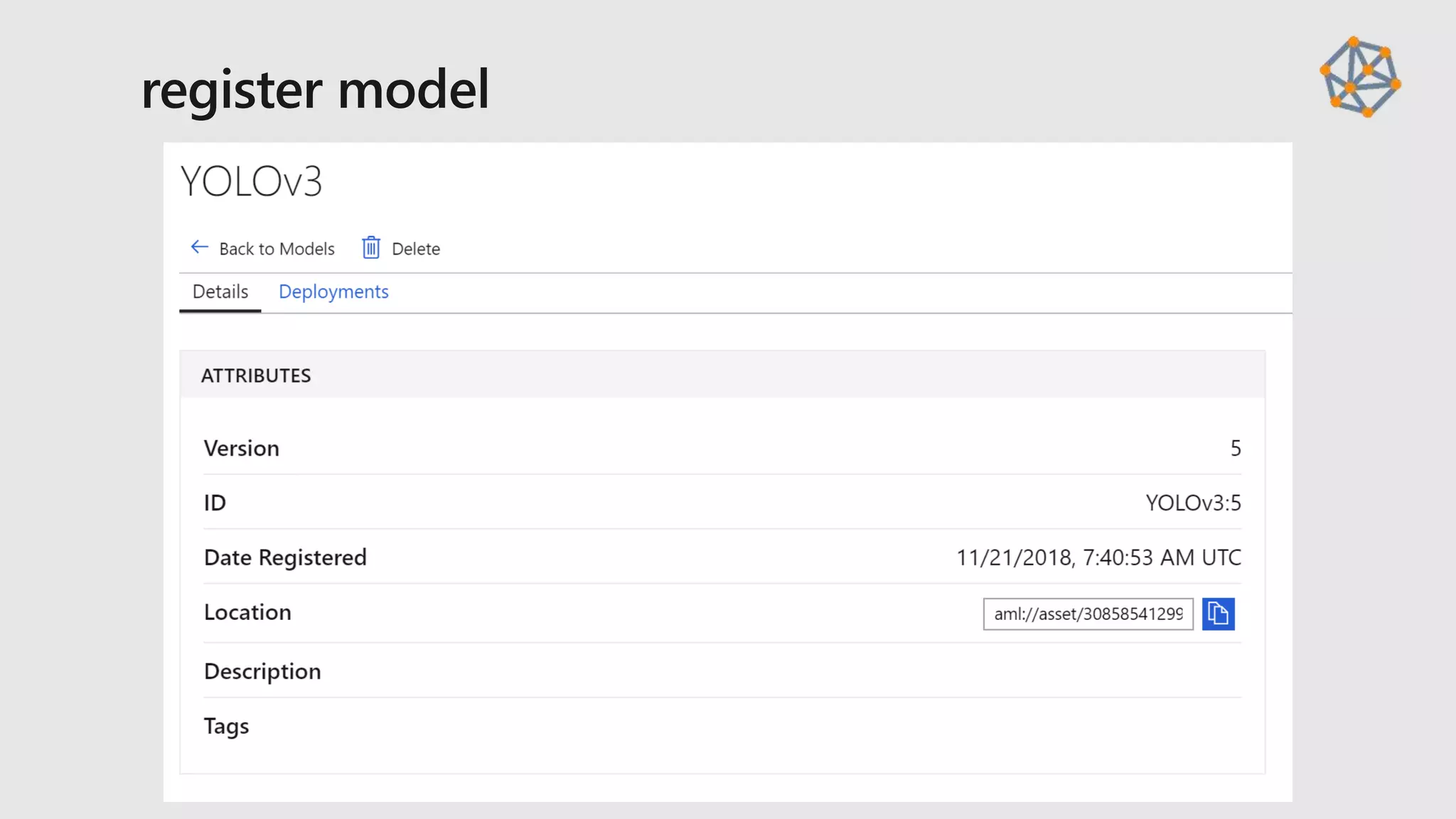
Register and
Manage Model
Train & Test
Model
Build
Image
…
Build model
(your favorite
IDE)
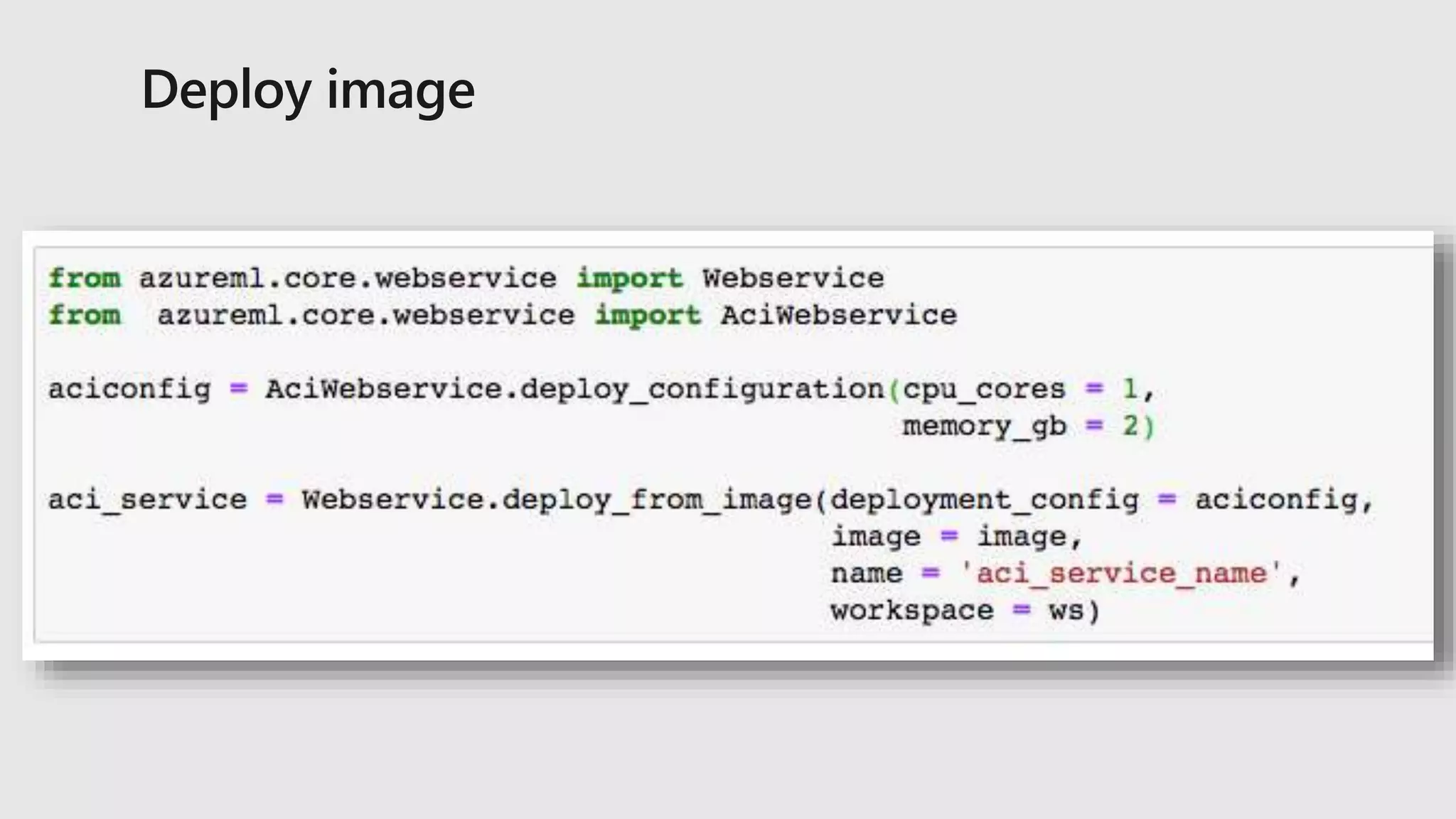
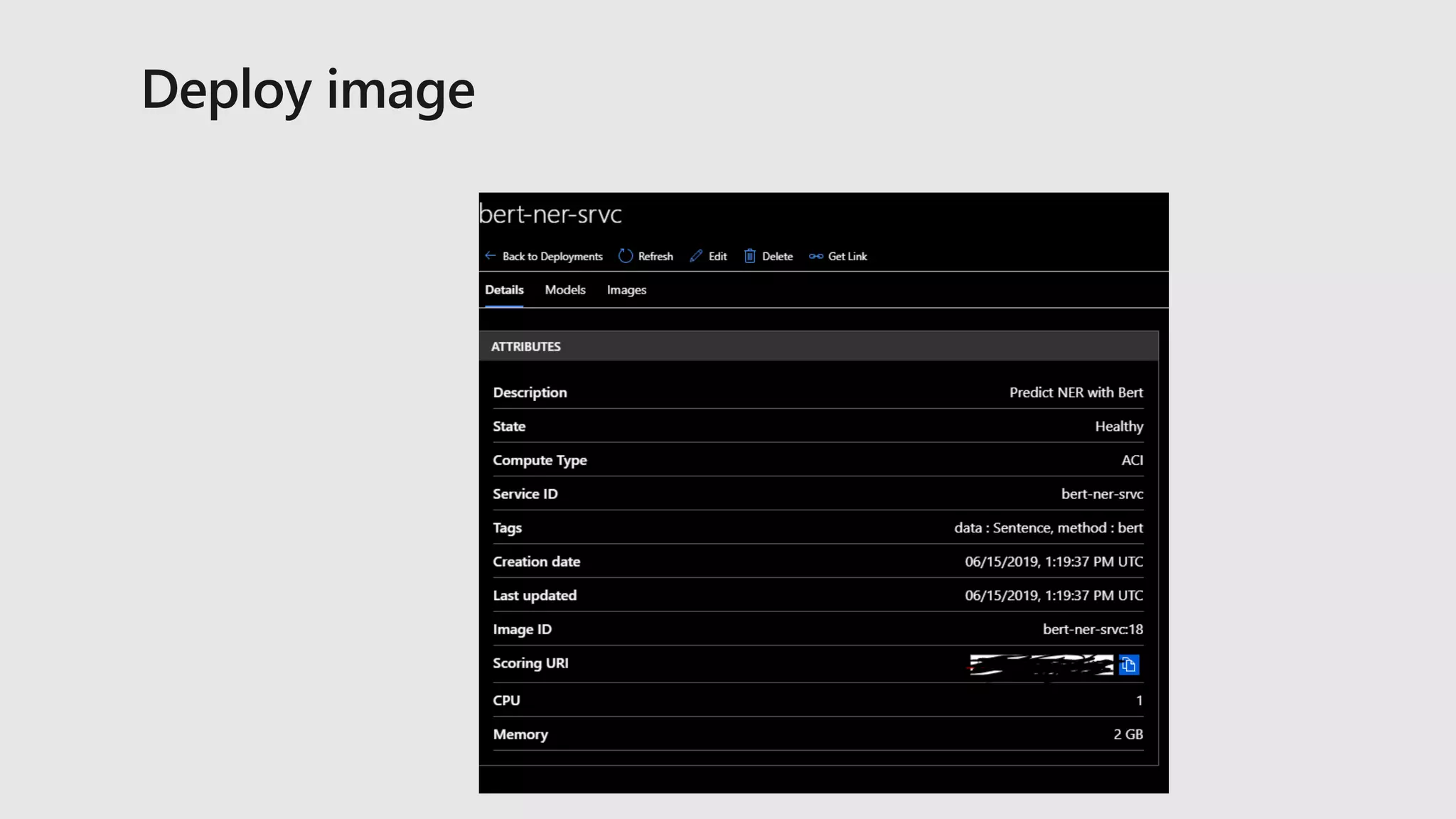
Deploy
Service
Monitor
Model
Prepare Experiment Deploy
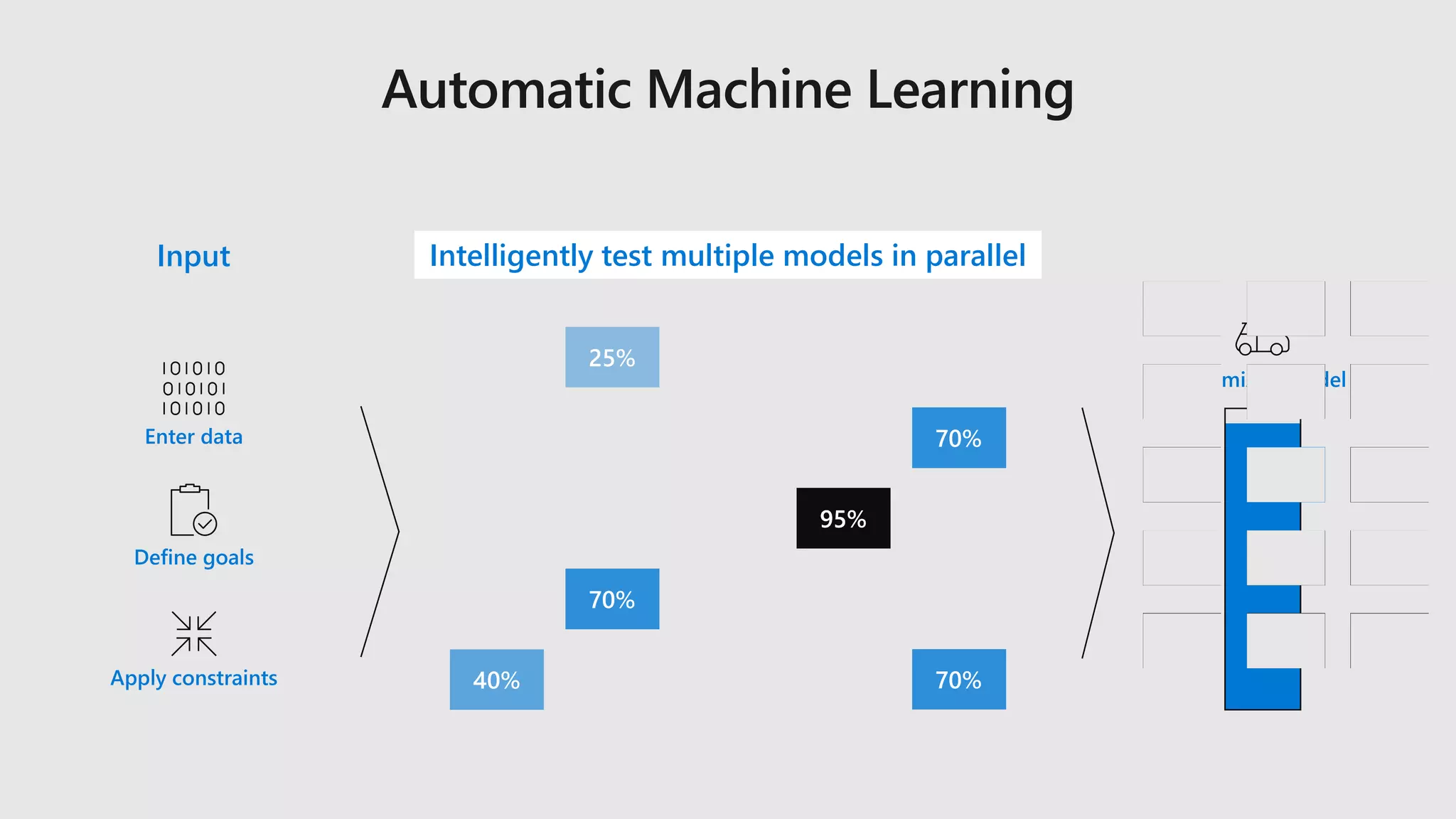
Enter data
Define goals
Apply constraints
Input Intelligently test multiple models in parallel
Optimized model
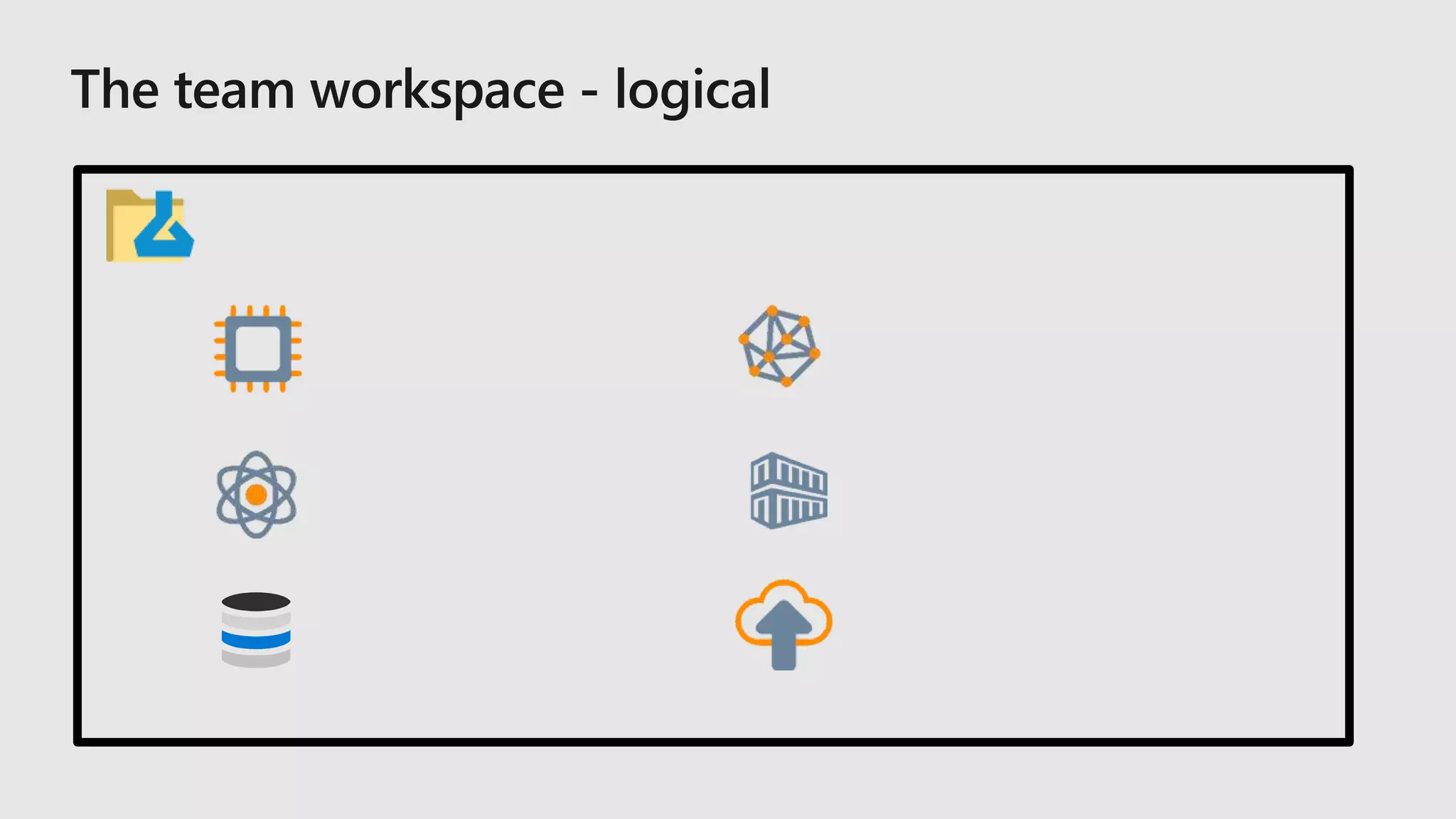
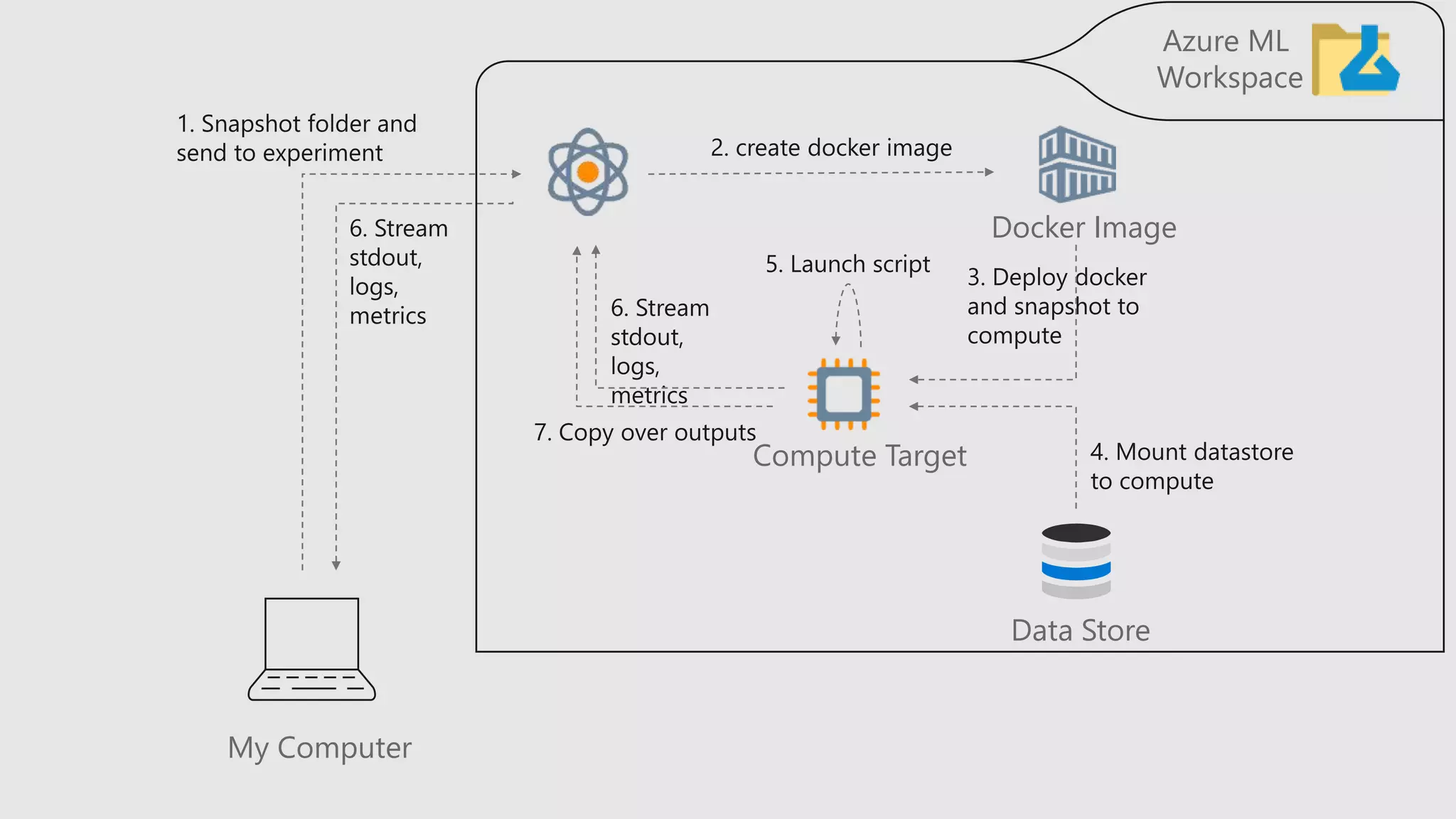
My Computer
Data Store
Azure ML
Workspace
Compute Target
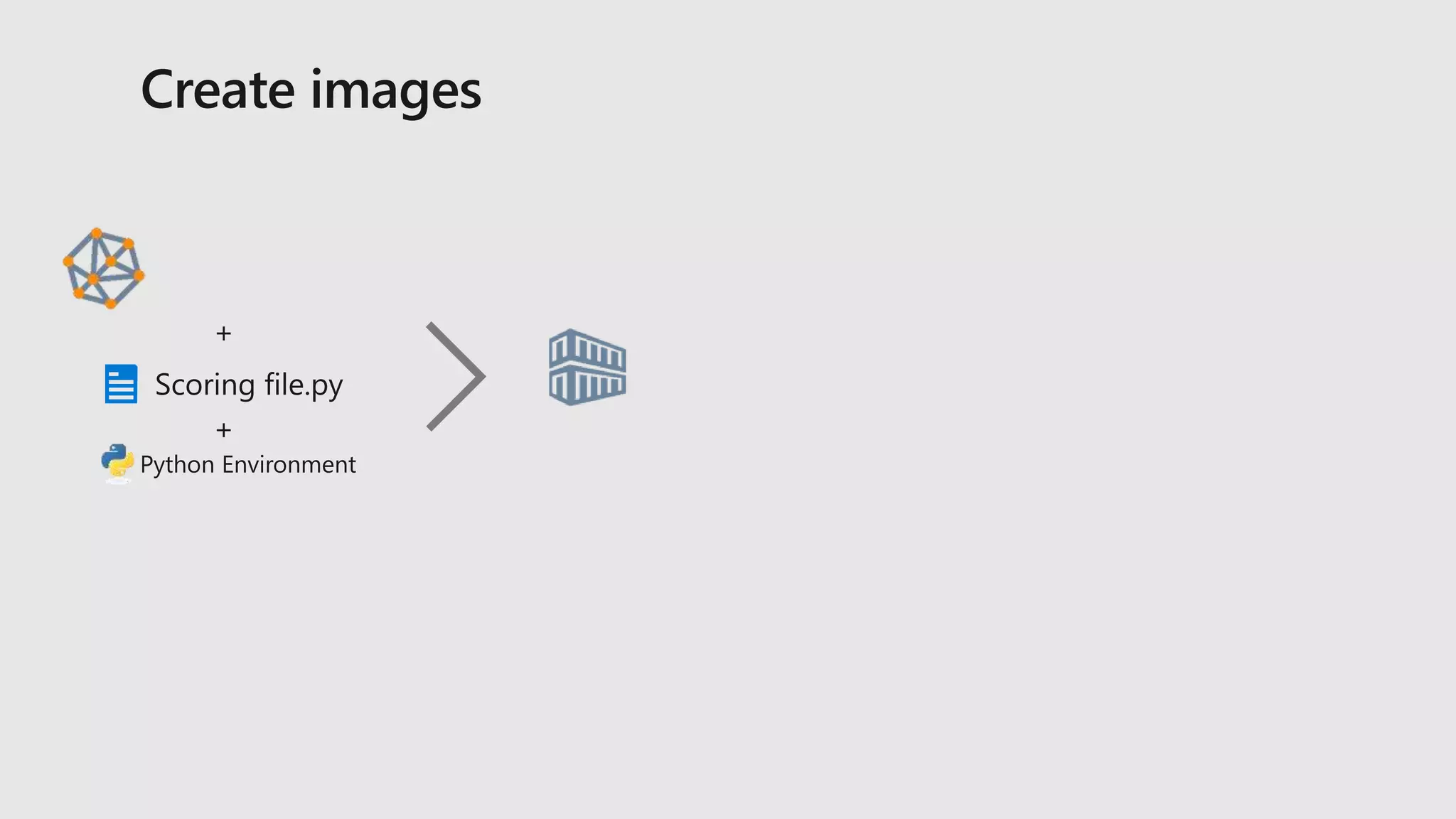
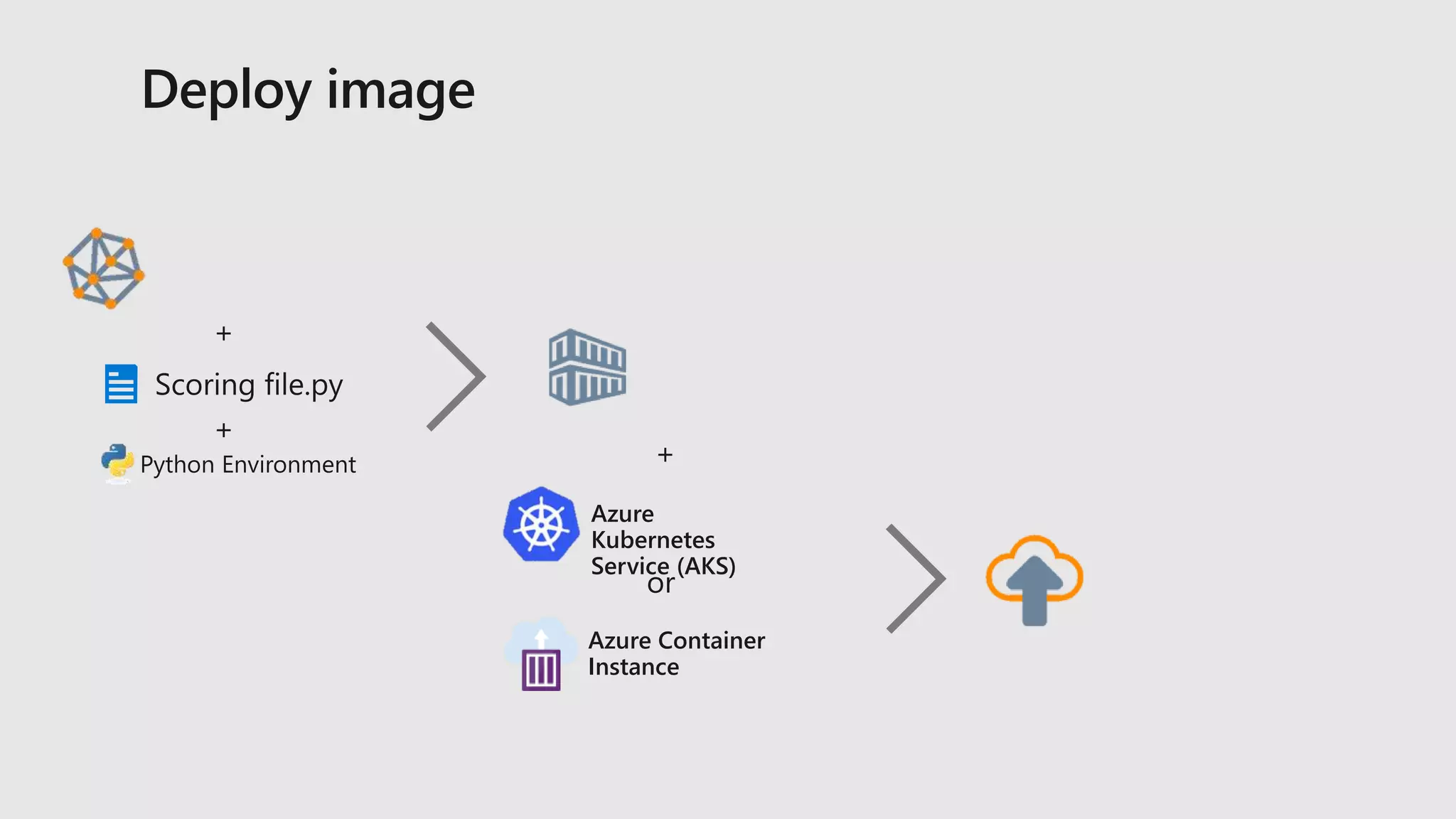
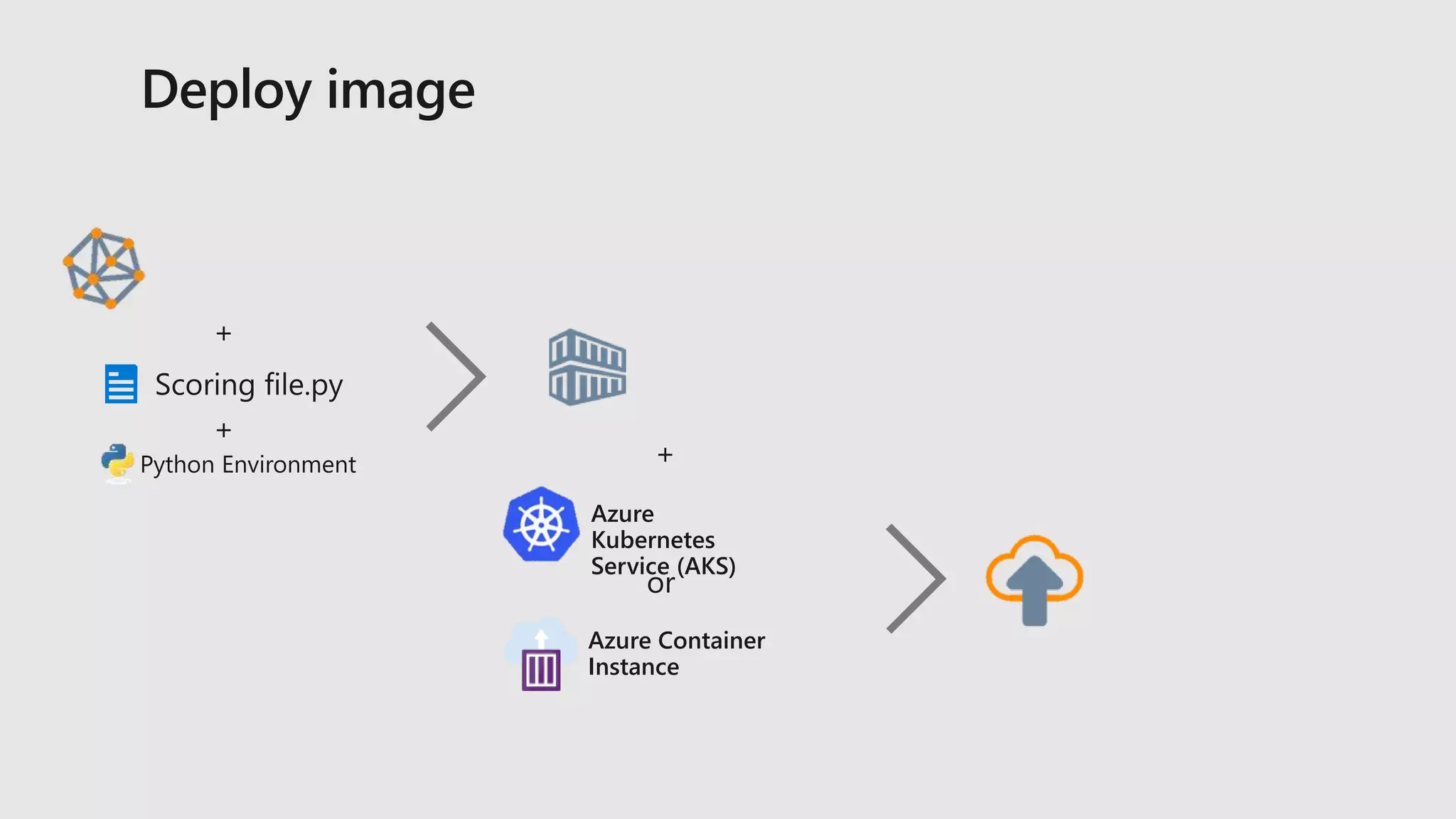
Docker Image
Azure
Kubernetes
Service (AKS)
Azure Container
Instance
Azure
Kubernetes
Service (AKS)
Azure Container
Instance
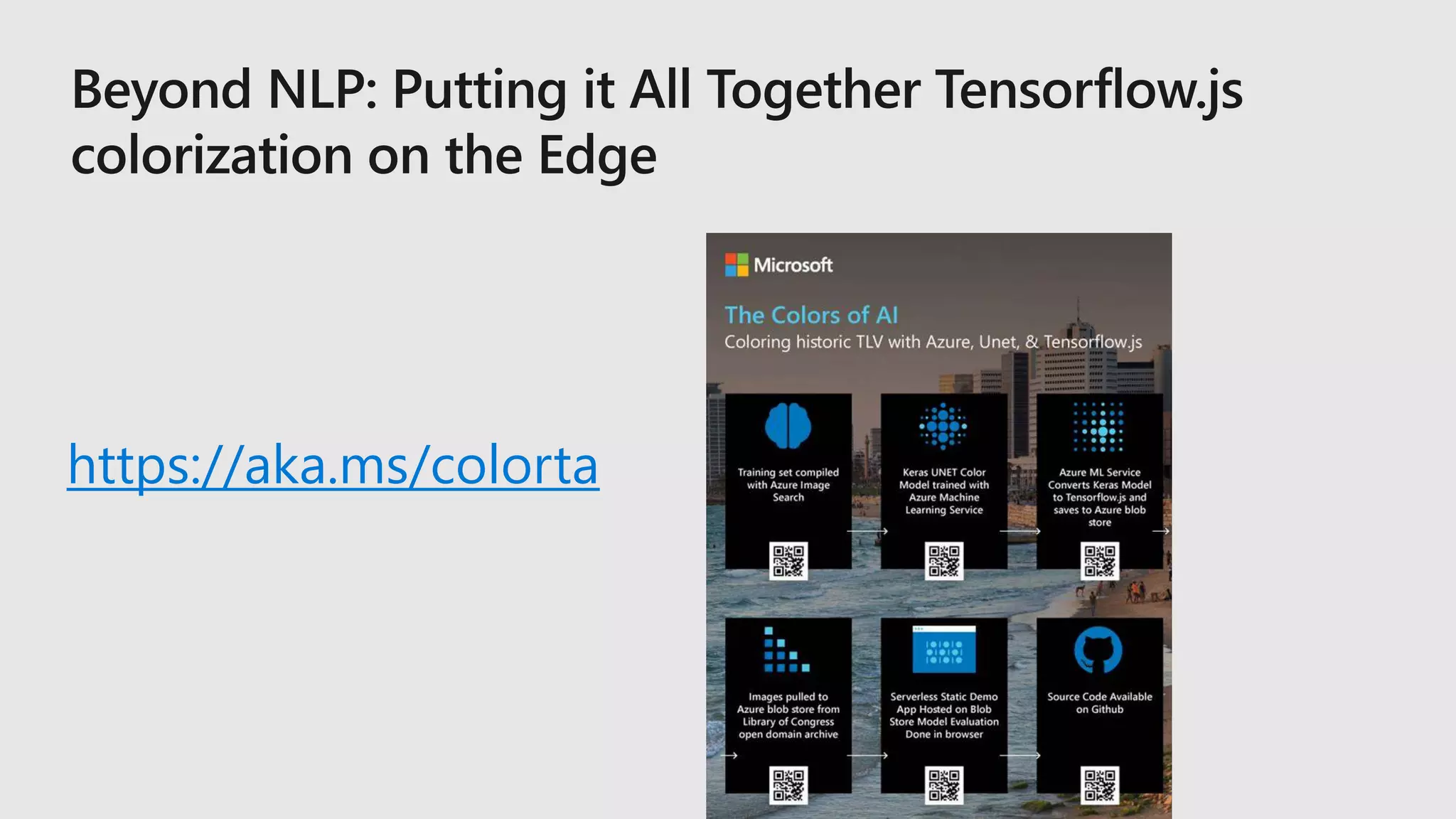
https://aka.ms/colorta
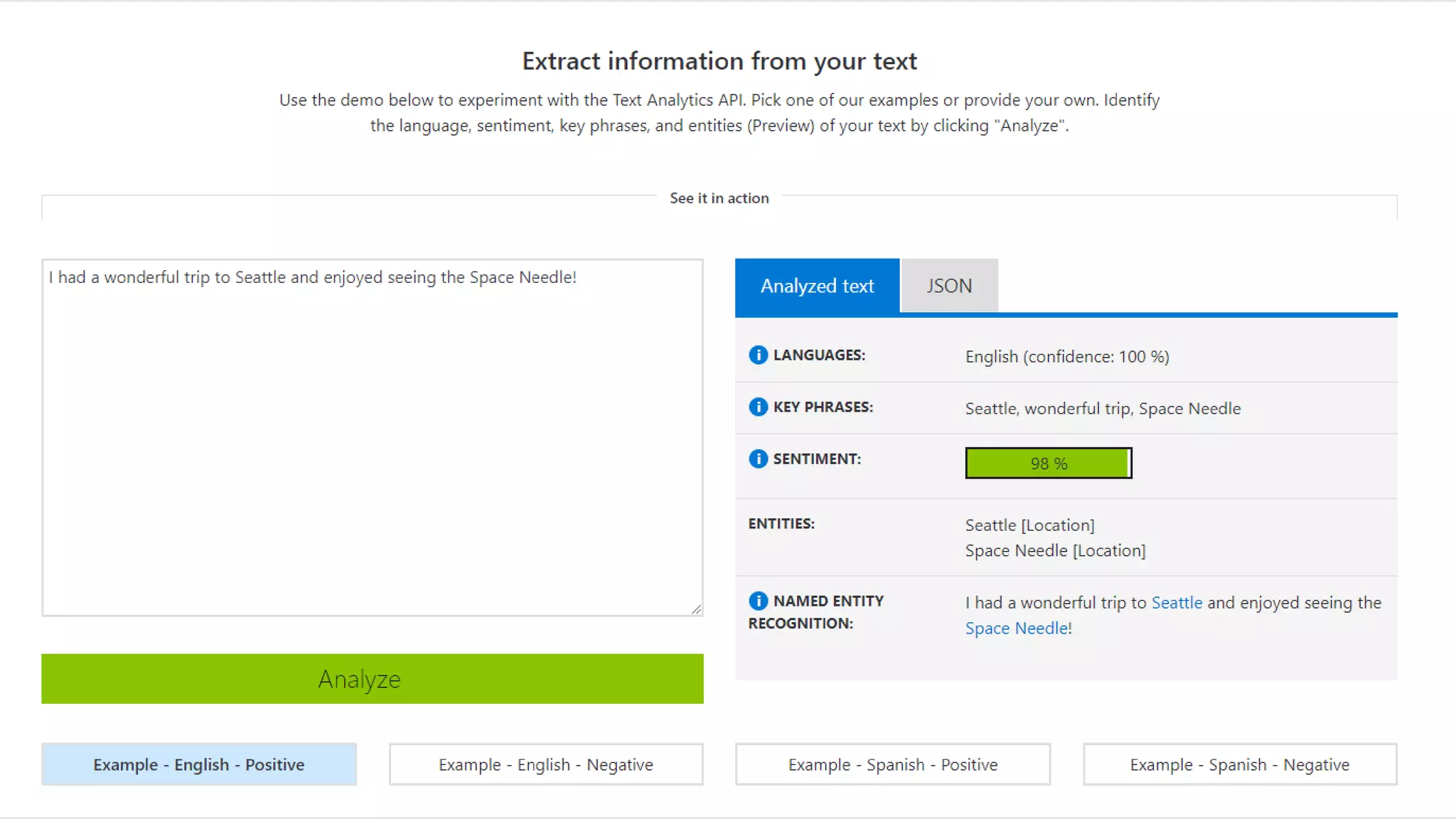
Azure Text Analytics
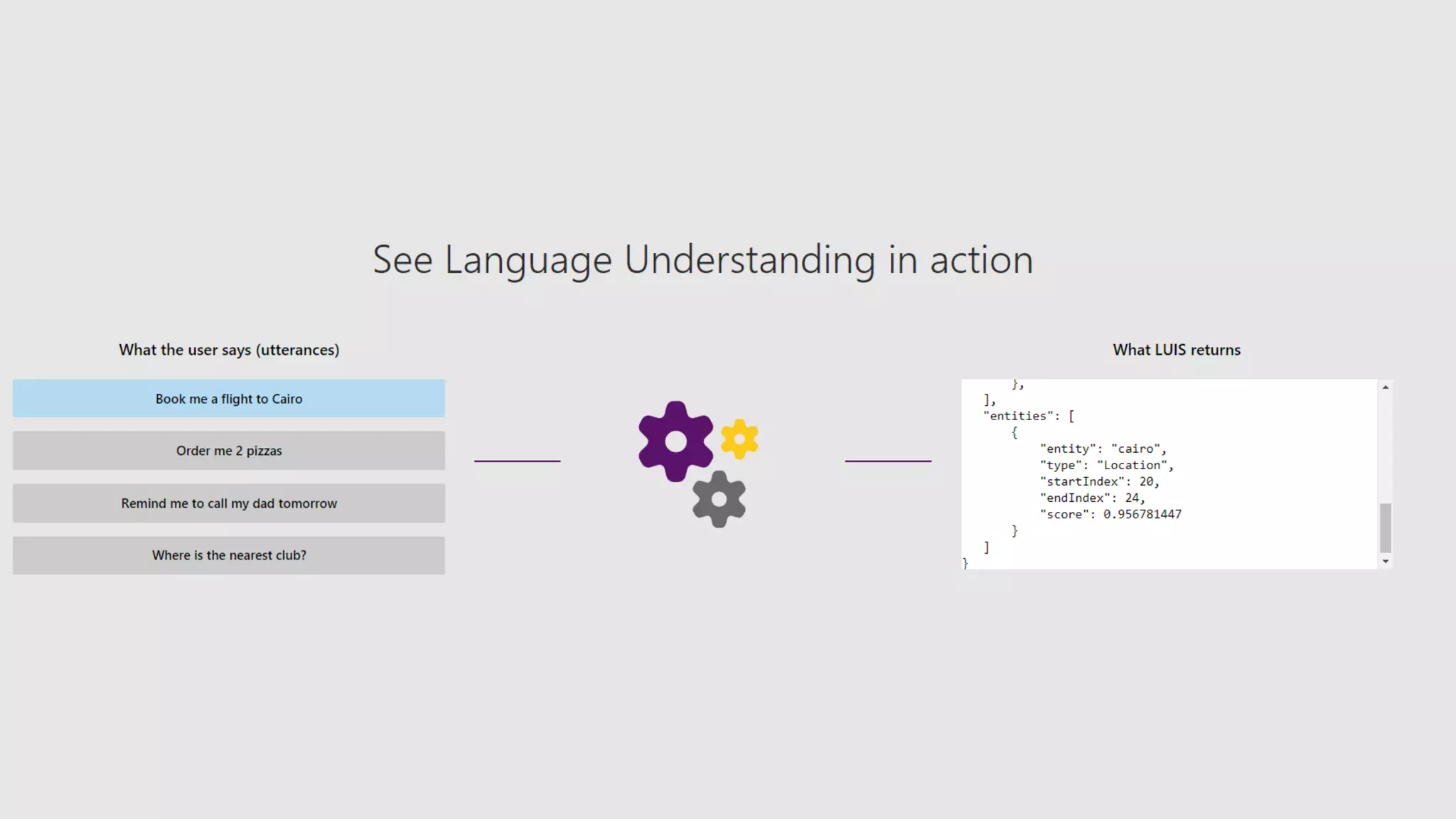
Azure Language Understanding Service
Azure Machine Learning Workspace
Azure Machine Learning Visual Interface
Azure Machine Learning AutoML
Azure Machine Learning Notebooks
Azure Machine Learning Service API
Azure Machine Learning Deployment
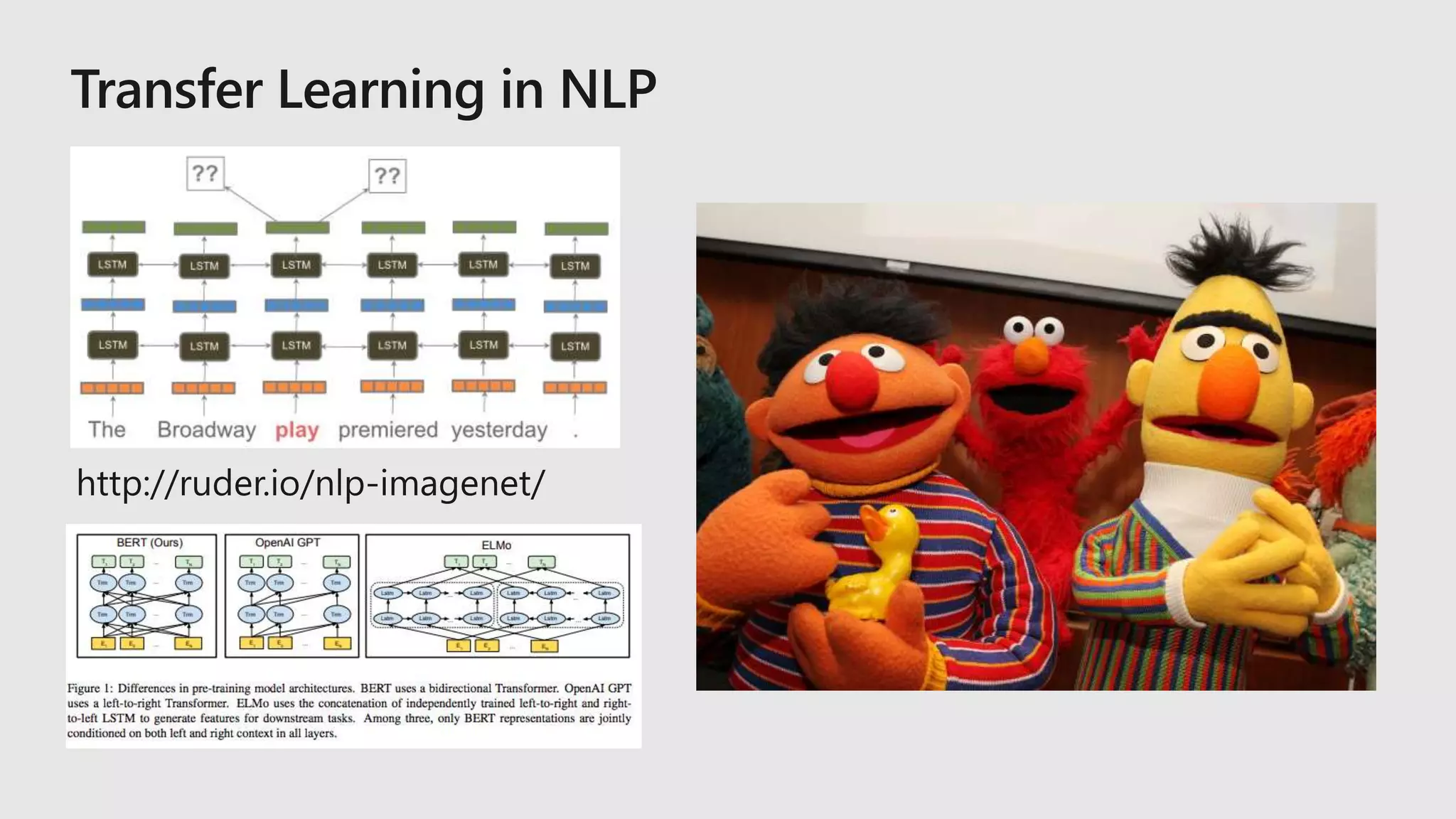
Azure Machine Learning BERT Demo
Beyond Word Embeddings NLP Tutorial
What startups need to know about NLP, AI, & ML on the cloud.

What startups need to know about NLP, AI, & ML on the cloud.

Editor's Notes

  • #7 There are three main solutions you can build with Azure AI. 1. Build apps that have the ability to interact with users naturally, with pre-trained AI models. 2. Build your own machine learning and deep learning solutions 3. Unlock insights lying latent in various types of documents.
  • #8 There are three main solutions you can build with Azure AI. 1. Build apps that have the ability to interact with users naturally, with pre-trained AI models. 2. Build your own machine learning and deep learning solutions 3. Unlock insights lying latent in various types of documents.
  • #9 There are three main solutions you can build with Azure AI. 1. Build apps that have the ability to interact with users naturally, with pre-trained AI models. 2. Build your own machine learning and deep learning solutions 3. Unlock insights lying latent in various types of documents.
  • #10 Microsoft Envision 2016
  • #15 We’ll mainly be using the Azure Machine Learning service in this talk.
  • #20 Experiments – this is where you try stuff / will have a history / track code through snapshots for every run / keep sanity (metadata) Data Stores – where does your data live – MNIST is fine until it doesn’t fit on your hard drive, you also need to share with others, and you spilt your coffee once on your machine and lost everything Compute – the metal where the experiments run (physical run on compute) Models – output (just the good ones – you specify what to keep and how to version) Images – package model with inference code and everything you need for it to run properly Deployments – actual running models with ip addresses and everything
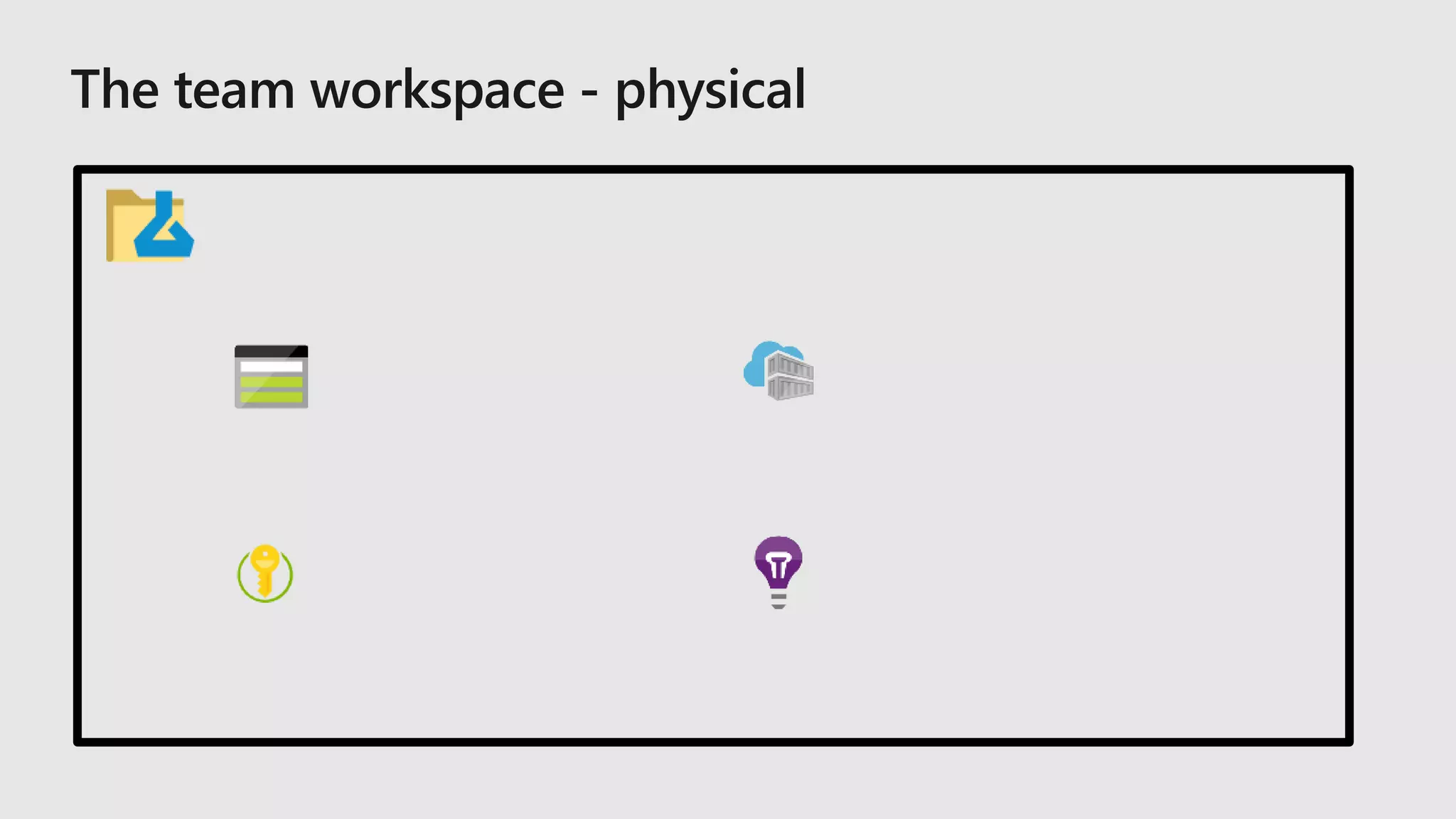
  • #21 Compute – the actual machines where these things run (I only want these things to run when I have jobs!!) Storage – literal azure storage account where we store: data use it like a scratch space or local drive (you can add more!! Using datastores from before – this is basically the default datastore) Registry – where we store the images we talked about in the last slide (but also for running all of the experiments! – you can add your own – and run your experiments from there) Key vault – storing secrets that we need to attach a compute storage, dsvm, we don’t want people to have your passwords – how would they want us to word this? App Insights – this is for deployed models and their telemetry (you can also customize what you collect – but we won’t talk about that here) TODO: Need to discuss issue of cost TODO: Discuss that this is the baseline and does not include any compute resources that might be added (or external data sources)
  • #25 Our approach to ML frameworks is simple. We give customers the flexibility to choose their deep learning framework, without getting locked one framework. To help with this we’ve created a community project in partnership with Facebook that allows customers to train in one framework and use another one for inference   Now, let me move to the ML services on Azure
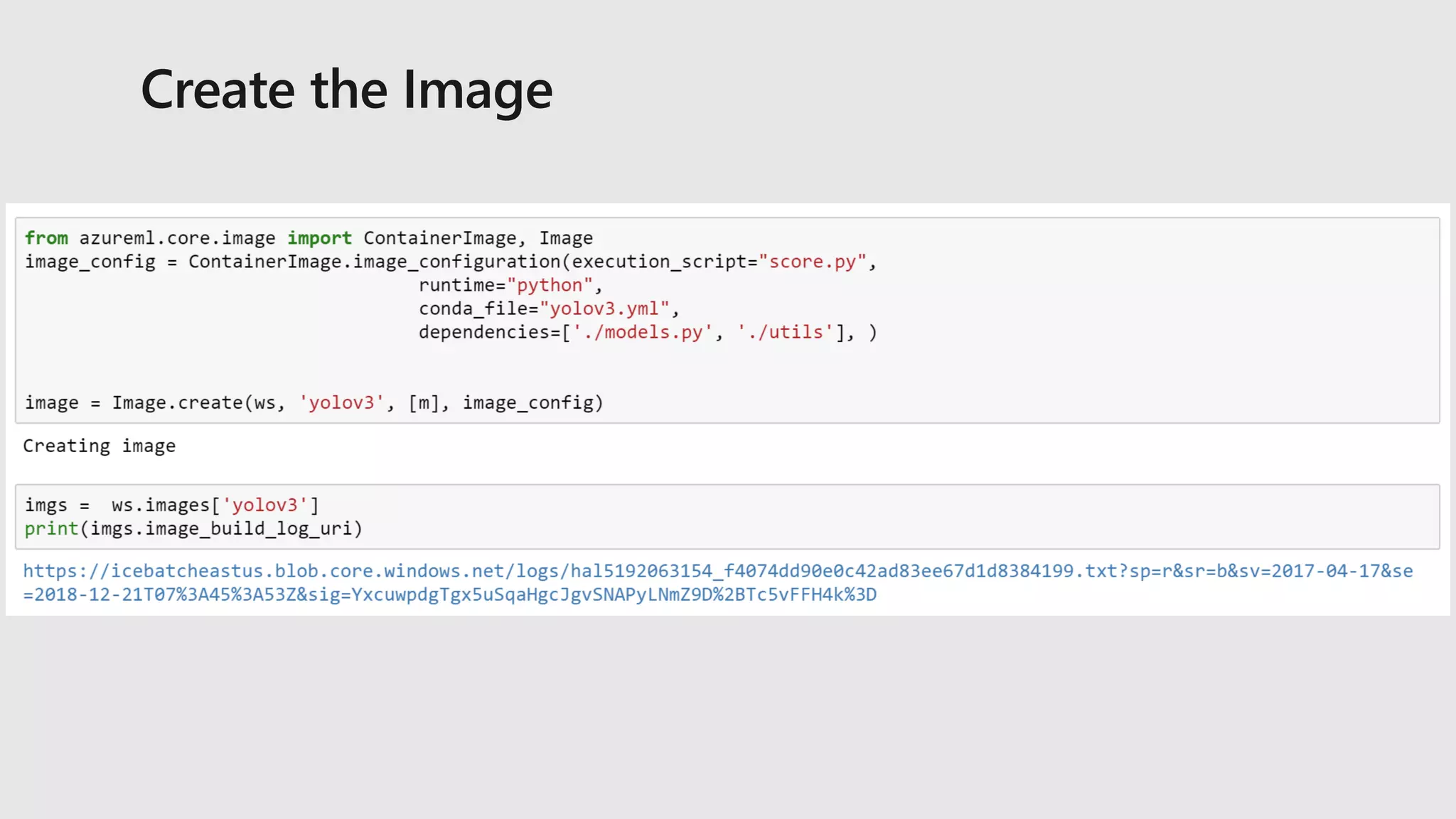
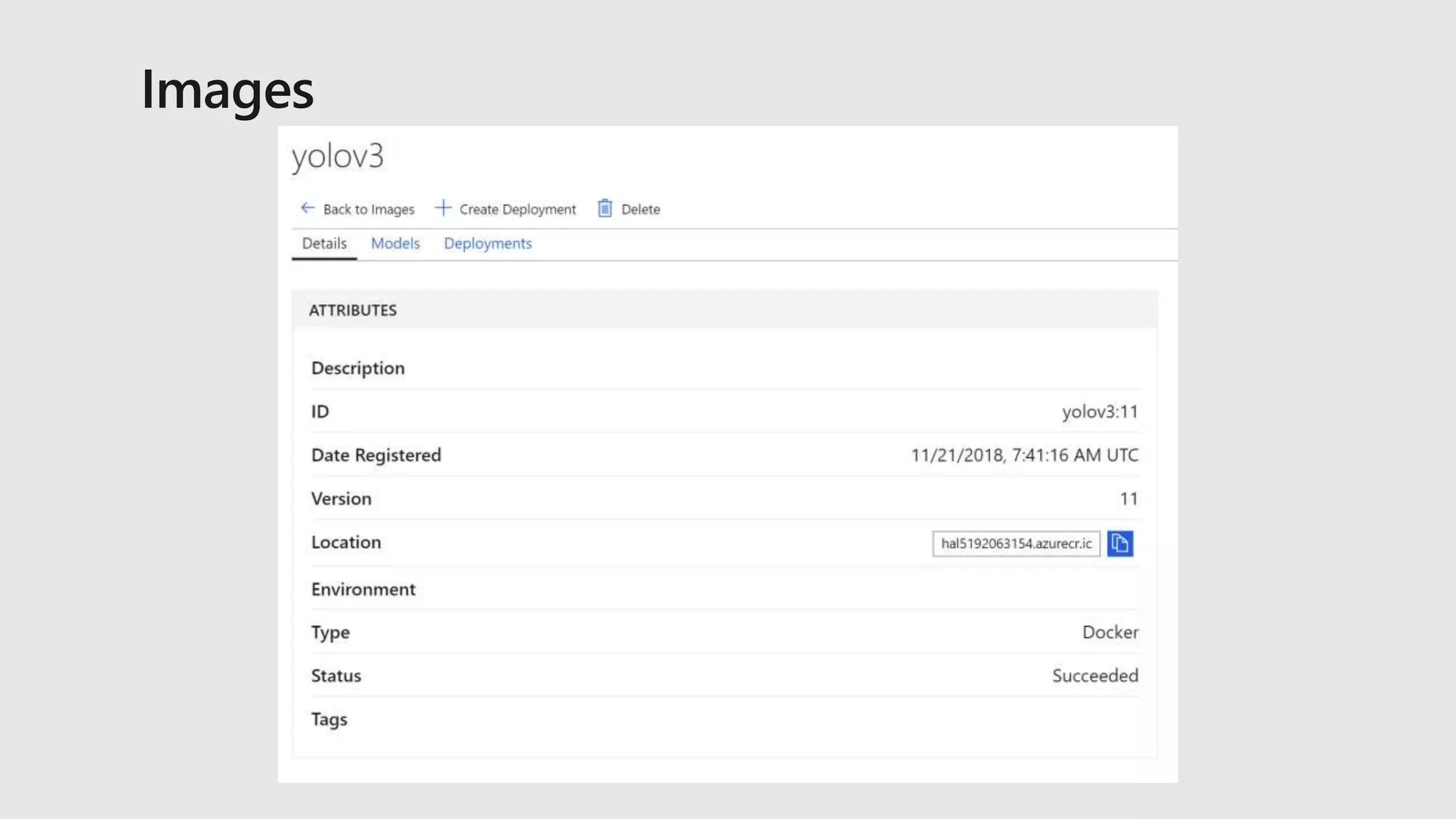
  • #28 DANIEL slide Explain the flow step by step
  • #34 Use following slides as a recap of the demo you just did.
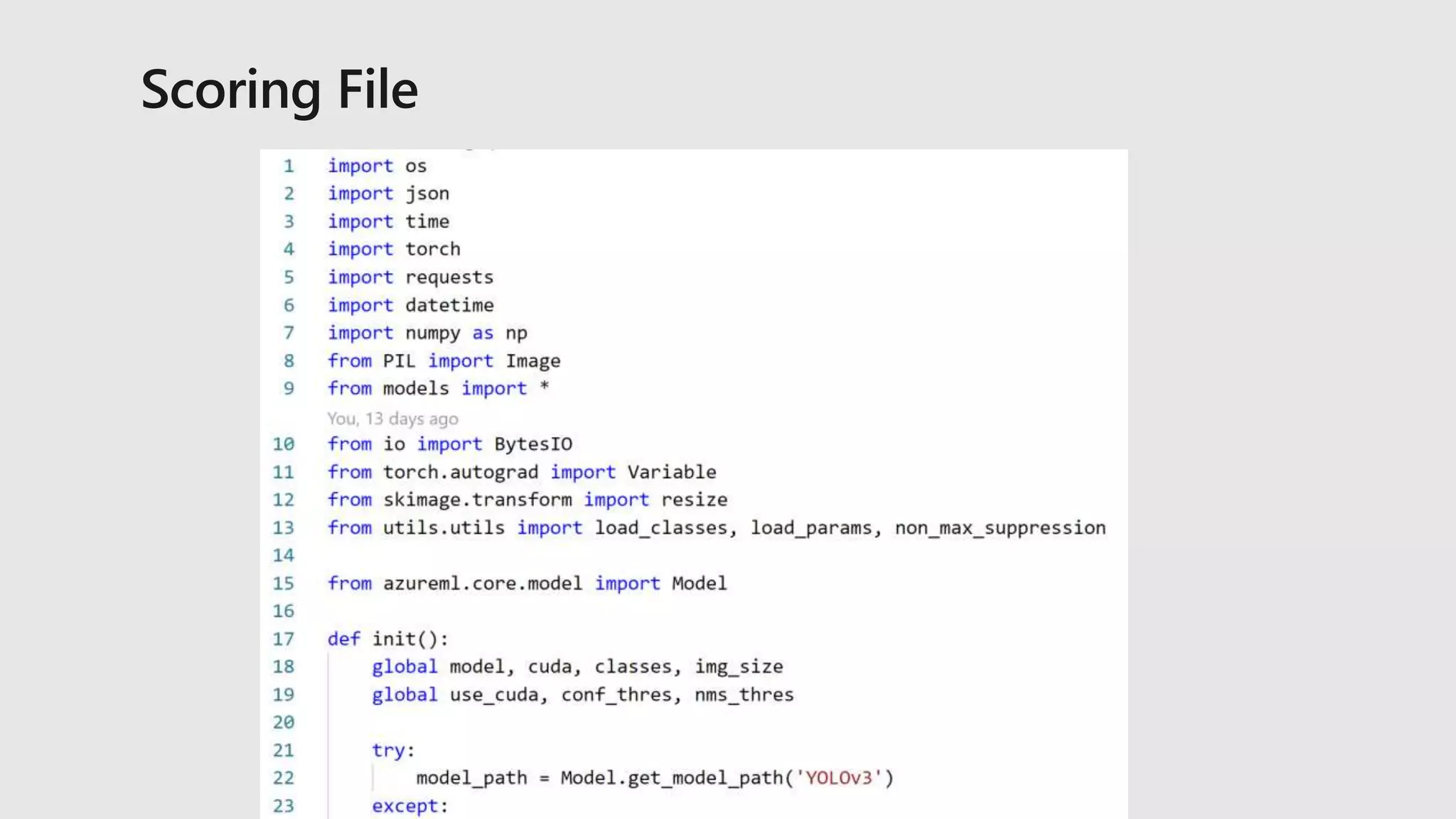
  • #37 TODO: maybe have YOLO output tensor diagram
  • #43 TODO: Use a screenshot from the YOLO deployment, not MNIST.