What is Web Content Management Anyway? Kim Williams-Czopek COO Duo Consulting
About Duo Consulting Based in Chicago Content management experts since 1999; focus on WebCM & web-based custom application development Dedicated staff in content strategy, information architecture, interaction design, development and project management Representative clients: CareerBuilder.com American Library Association Chicago Public School System United Way
Career Path Started career as technical writer (paper-based) Continuing education  and on-the-job experience allowed addition of information architecture and instructional design expertise (paper and electronic) Leveraged technical knowledge and writing and ID/IA skills (and natural tendency for bossiness) into project management Currently COO of Duo Consulting and pursing MS in Organizational Leadership & Psychology
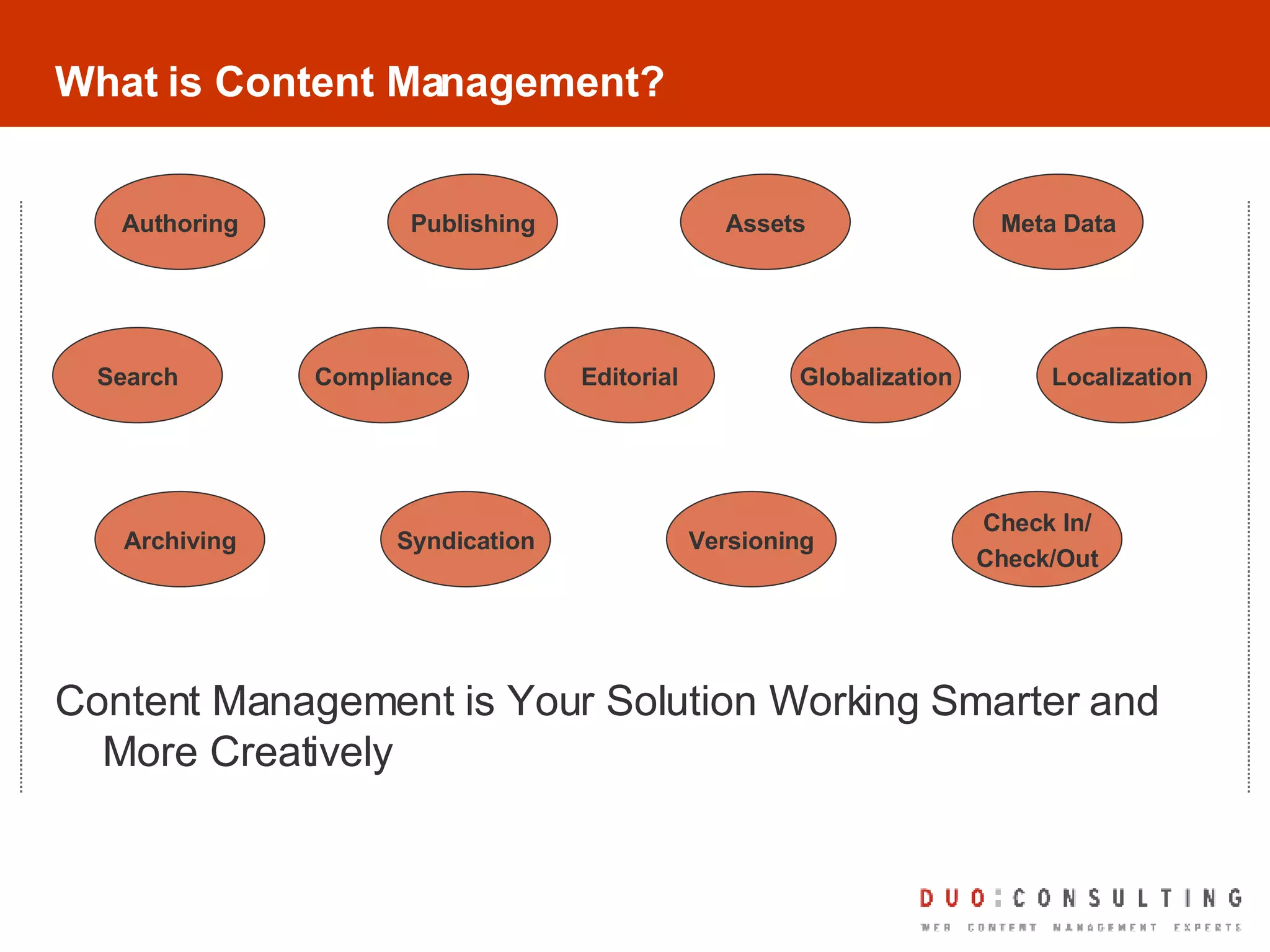
What is Content Management? Content Management is Your Solution Working Smarter and More Creatively Globalization Publishing Compliance Assets Versioning Archiving Syndication Search Check In/ Check/Out Authoring Editorial Localization Meta Data
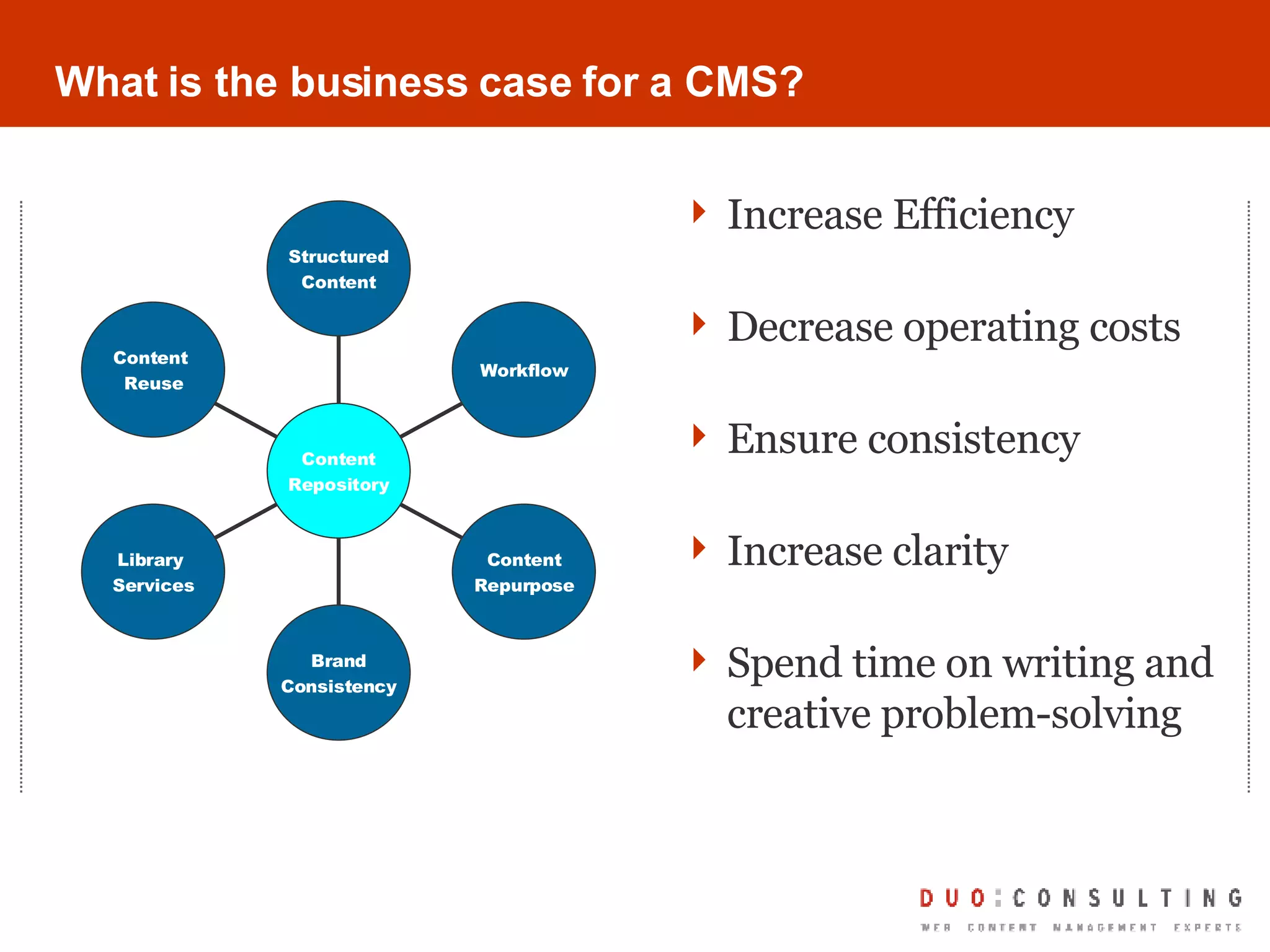
What is the business case for a CMS? Increase Efficiency Decrease operating costs Ensure consistency Increase clarity  Spend time on writing and creative problem-solving Content  Reuse Library  Services Brand Consistency Content Repurpose Workflow Structured Content Content Repository
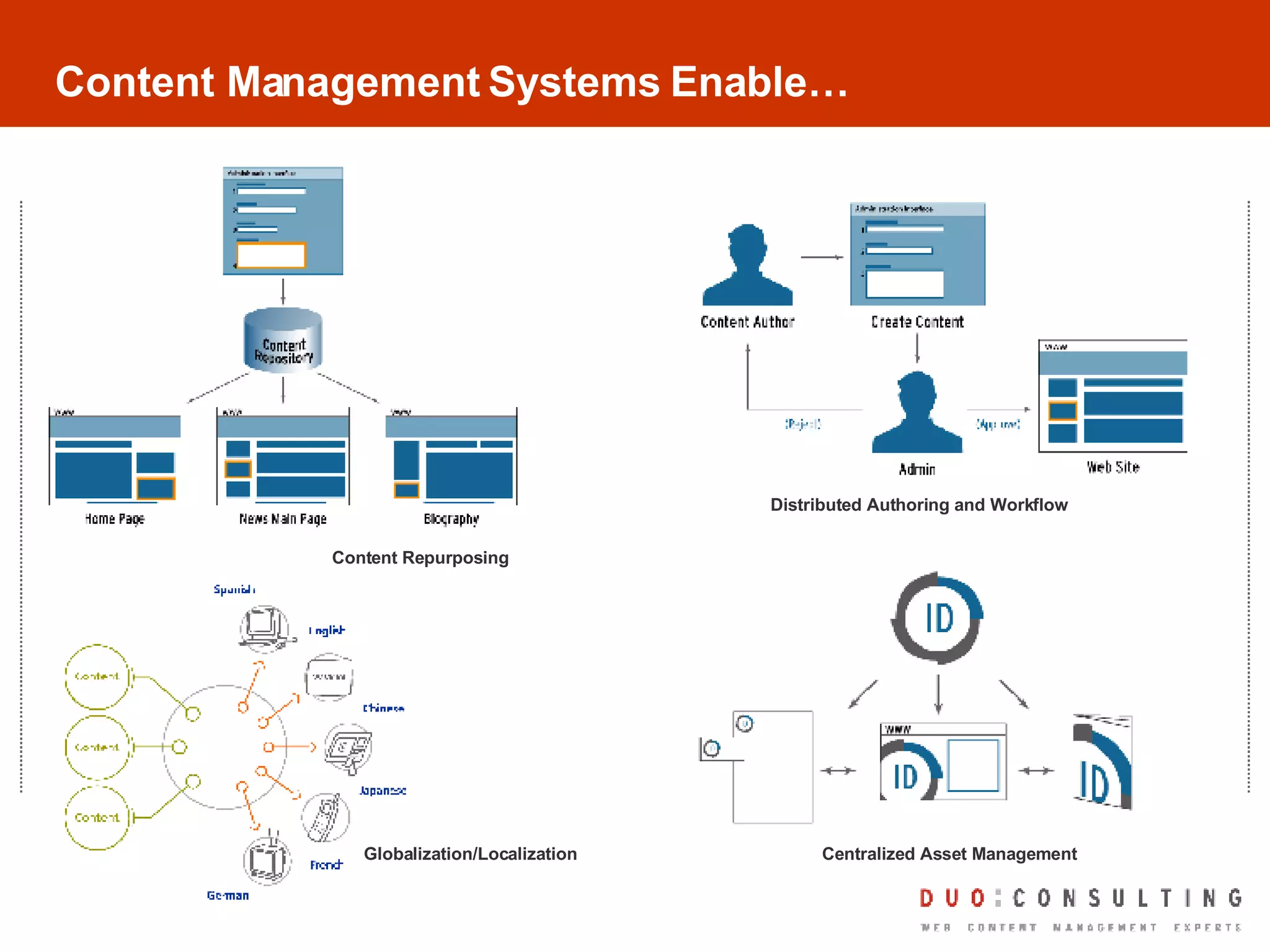
Content Management Systems Enable… Content Repurposing Distributed Authoring and Workflow Centralized Asset Management Globalization/Localization
So, What IS Content Management? Content Management System (definition) Computer or web-based program used to manage large amounts of content published to many places and in many formats. Content management systems support the creation, management, distribution, publishing of content.  Content management systems are typically either asset-based or page-based and employ a defined publishing model.   So what is WEB content management? If the tool you are using now (or will be using) to develop documentation and training material allows online publication, you are using a web content management system
Other Areas of WCM What else falls into Web Content Management? Intranet/Extranet content Blogs Wikis RSS Feeds Tagging Email (transactional) Video Podcasts Animation Community-Driven Content Contribution Systems
Your Role in WCM Projects YOU can be the hero! You are professional communicators You know your audience You know how your content works now You have the skills even if you don’t know you do
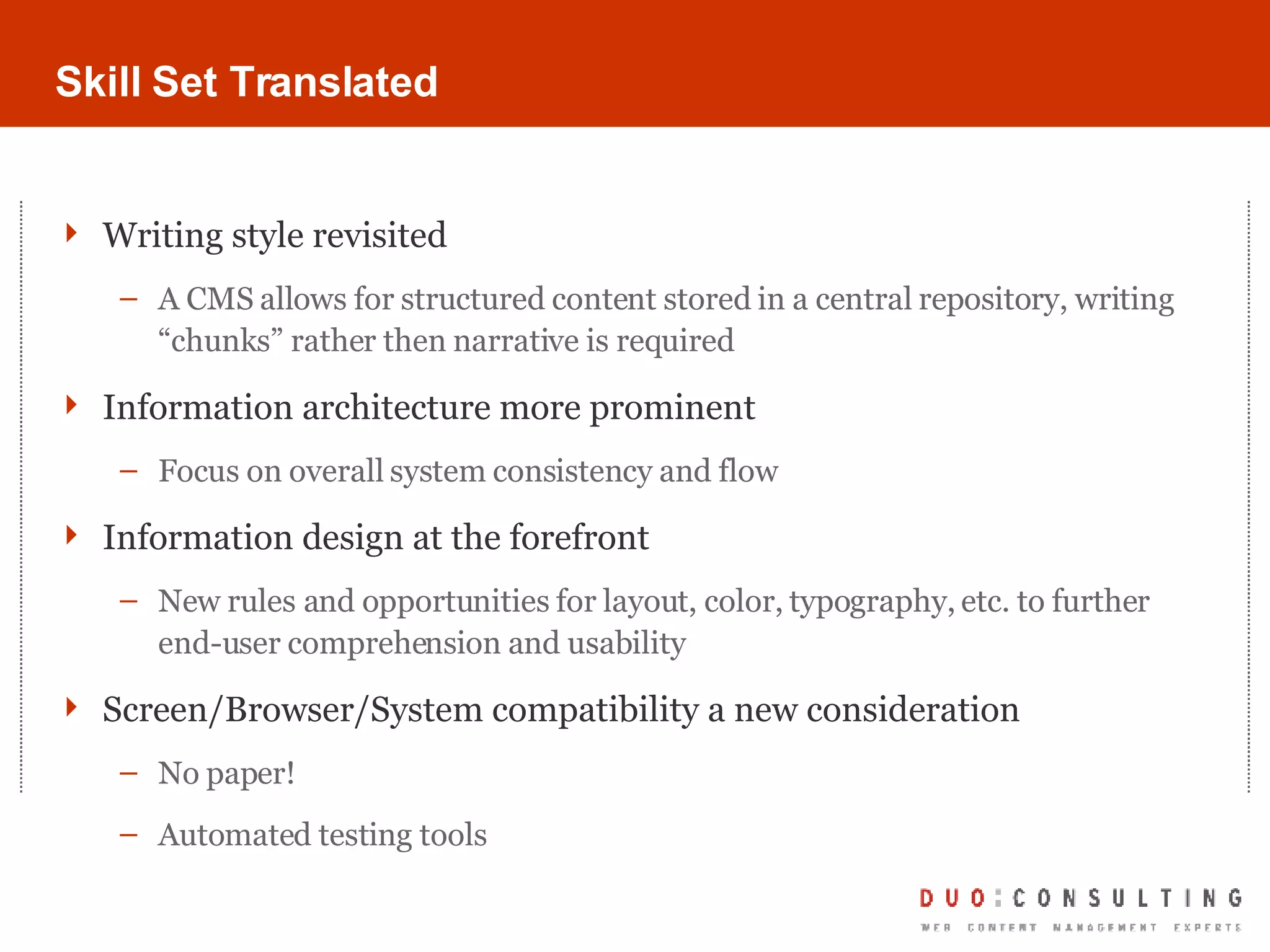
Skill Set Translated Writing style revisited A CMS allows for structured content stored in a central repository, writing “chunks” rather then narrative is required Information architecture more prominent Focus on overall system consistency and flow Information design at the forefront New rules and opportunities for layout, color, typography, etc. to further end-user comprehension and usability Screen/Browser/System compatibility a new consideration No paper! Automated testing tools
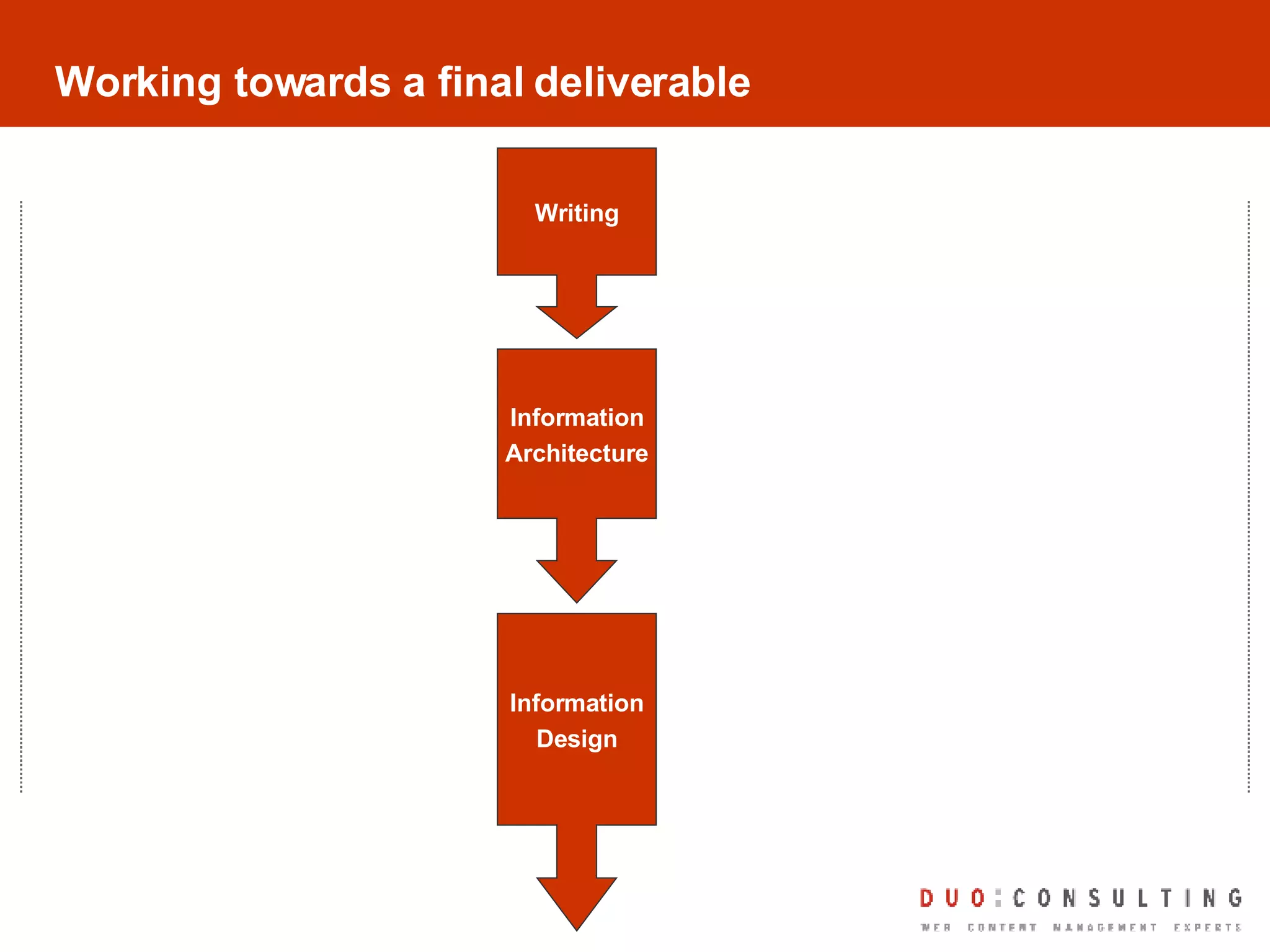
Working towards a final deliverable Writing Information Architecture Information Design
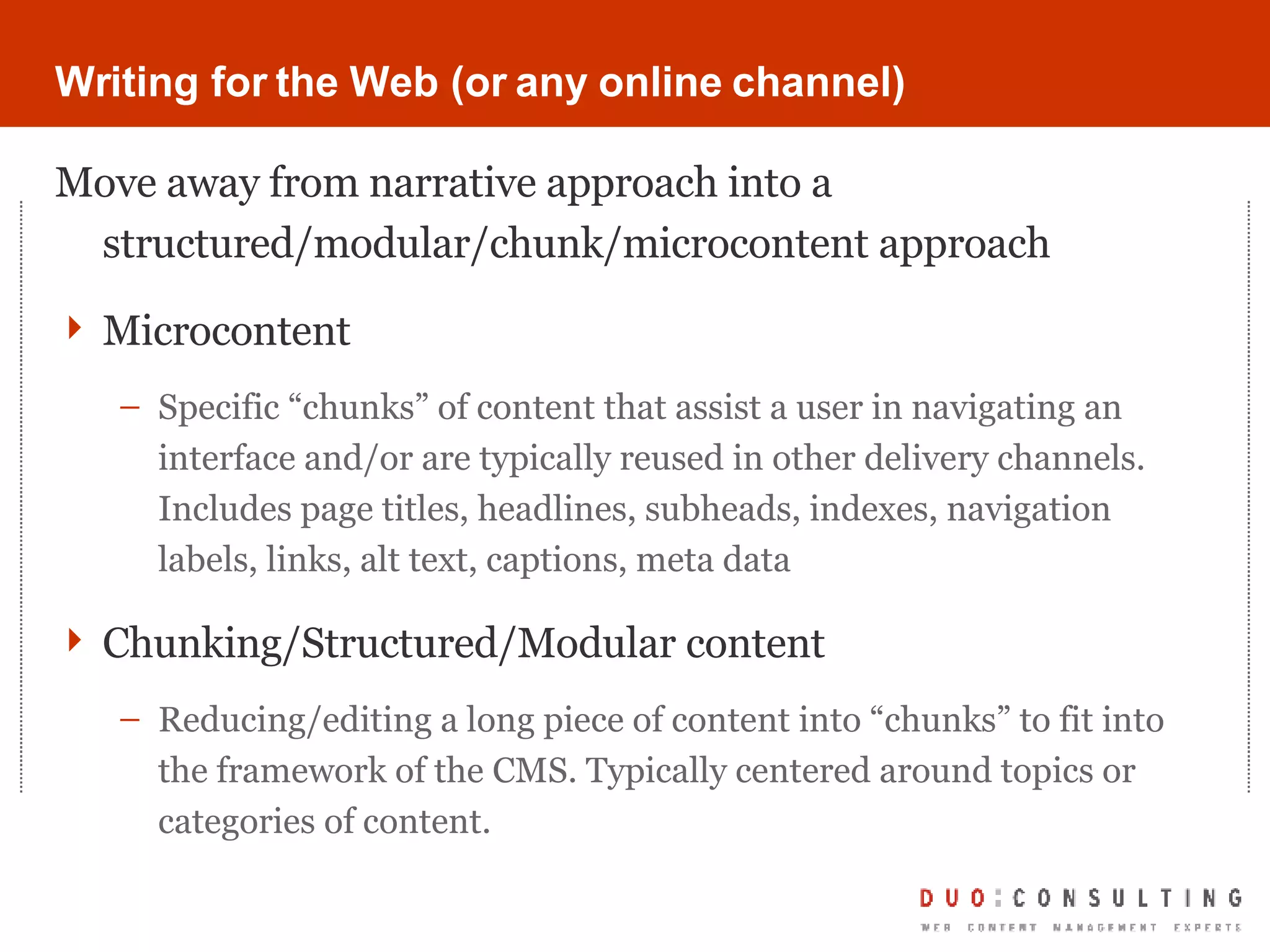
Writing for the Web (or any online channel) Move away from narrative approach into a structured/modular/chunk/microcontent approach Microcontent Specific “chunks” of content that assist a user in navigating an interface and/or are typically reused in other delivery channels. Includes page titles, headlines, subheads, indexes, navigation labels, links, alt text, captions, meta data Chunking/Structured/Modular content Reducing/editing a long piece of content into “chunks” to fit into the framework of the CMS. Typically centered around topics or categories of content.
Heuristics -  Writing for the Web Edit and cut as much as possible while keeping original meaning in place Keep links to less than 3 words Use a tone appropriate and resonating with your audience Do write content with the task and purpose in mind; including the reader’s environment and/or activity while using the content Don’t forget that users share content easily online; write with that in mind Don’t forget the point of a CMS is content reuse and repurposing. Imagine each piece of content written in different forms of delivery: on-screen, via email, RSS feed, etc.
Tools/Approaches Web Content Management System Any text editor Paper Spreadsheet application
 
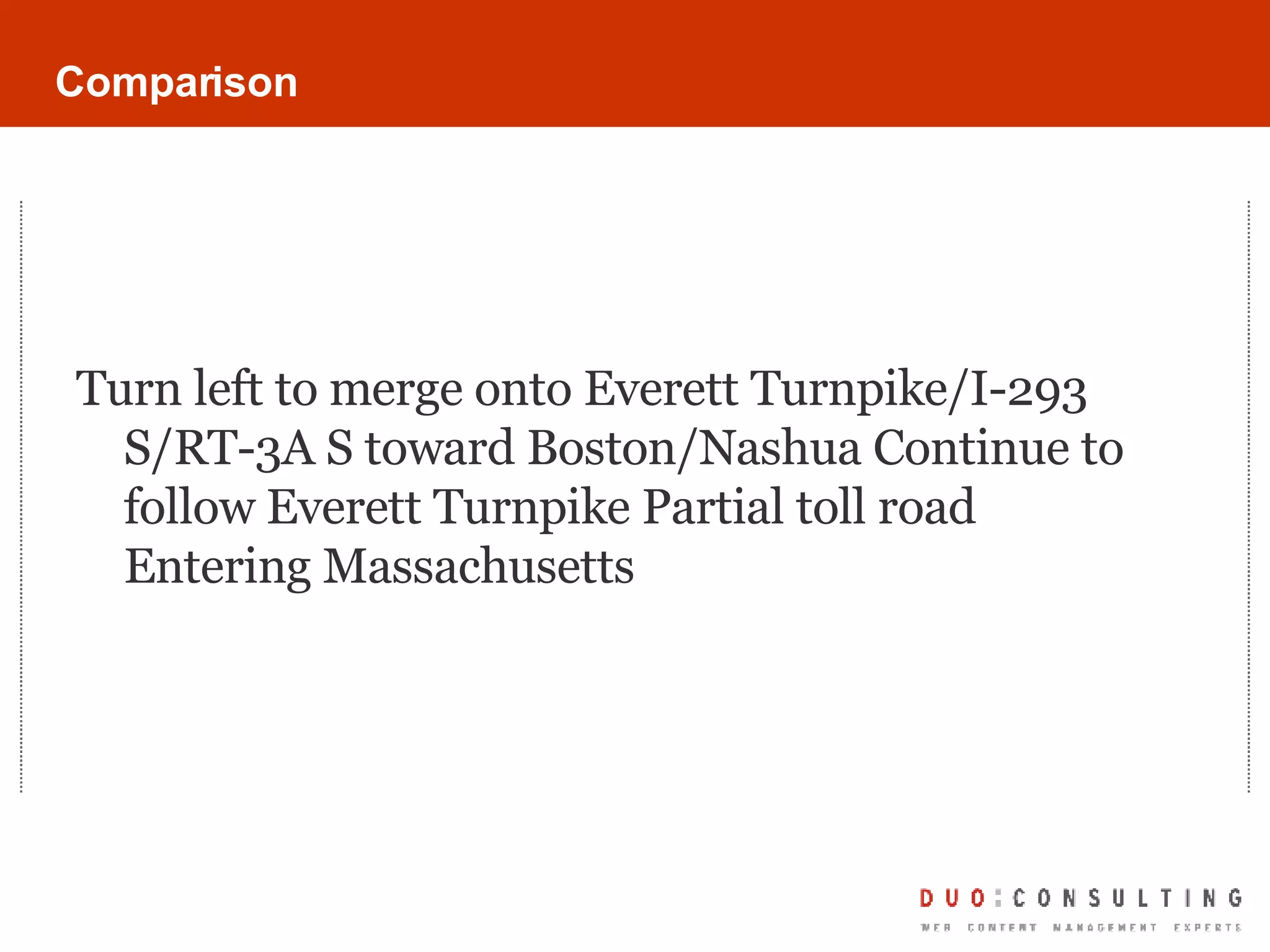
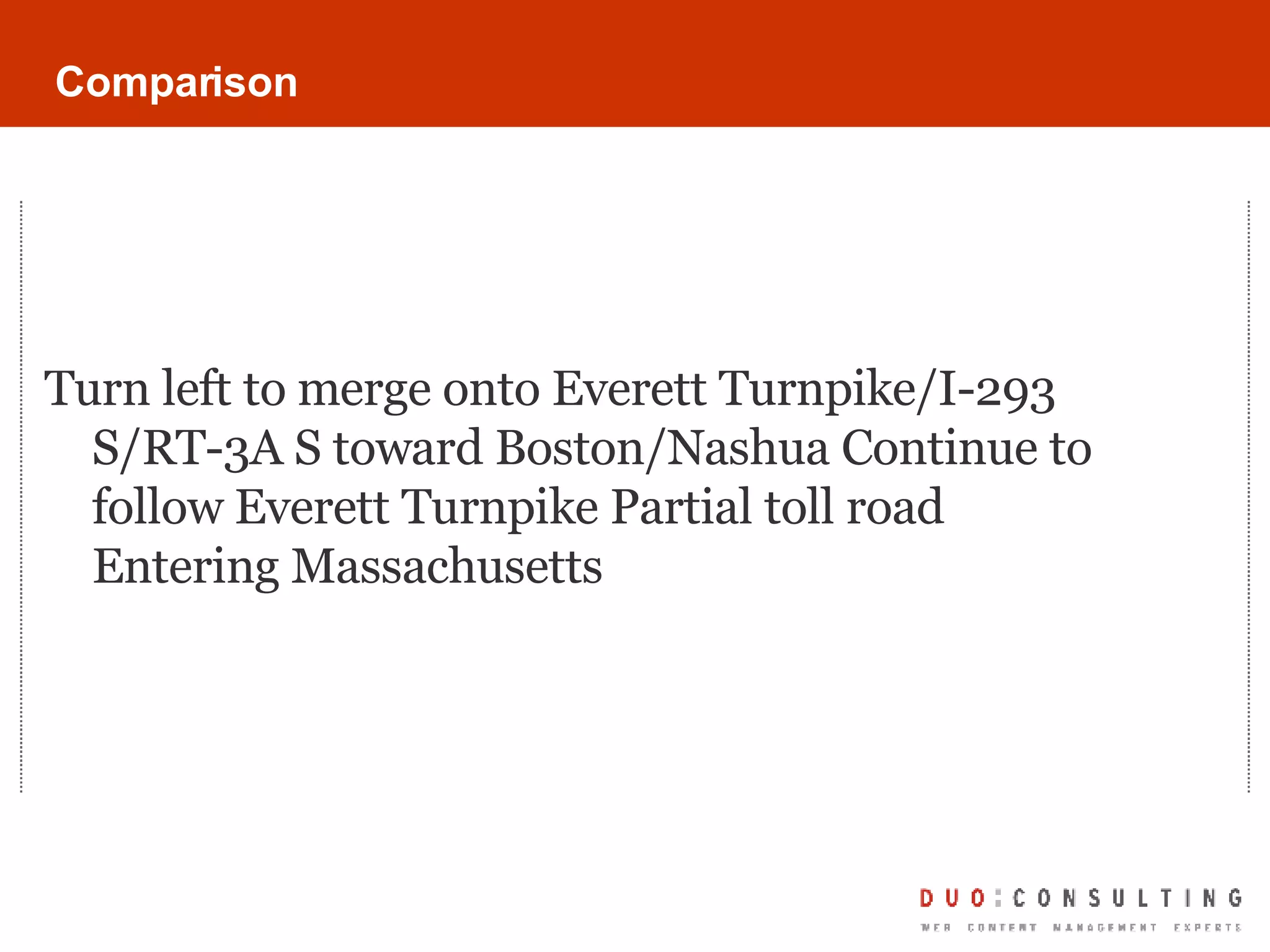
Comparison Turn left to merge onto Everett Turnpike/I-293 S/RT-3A S toward Boston/Nashua Continue to follow Everett Turnpike Partial toll road Entering Massachusetts
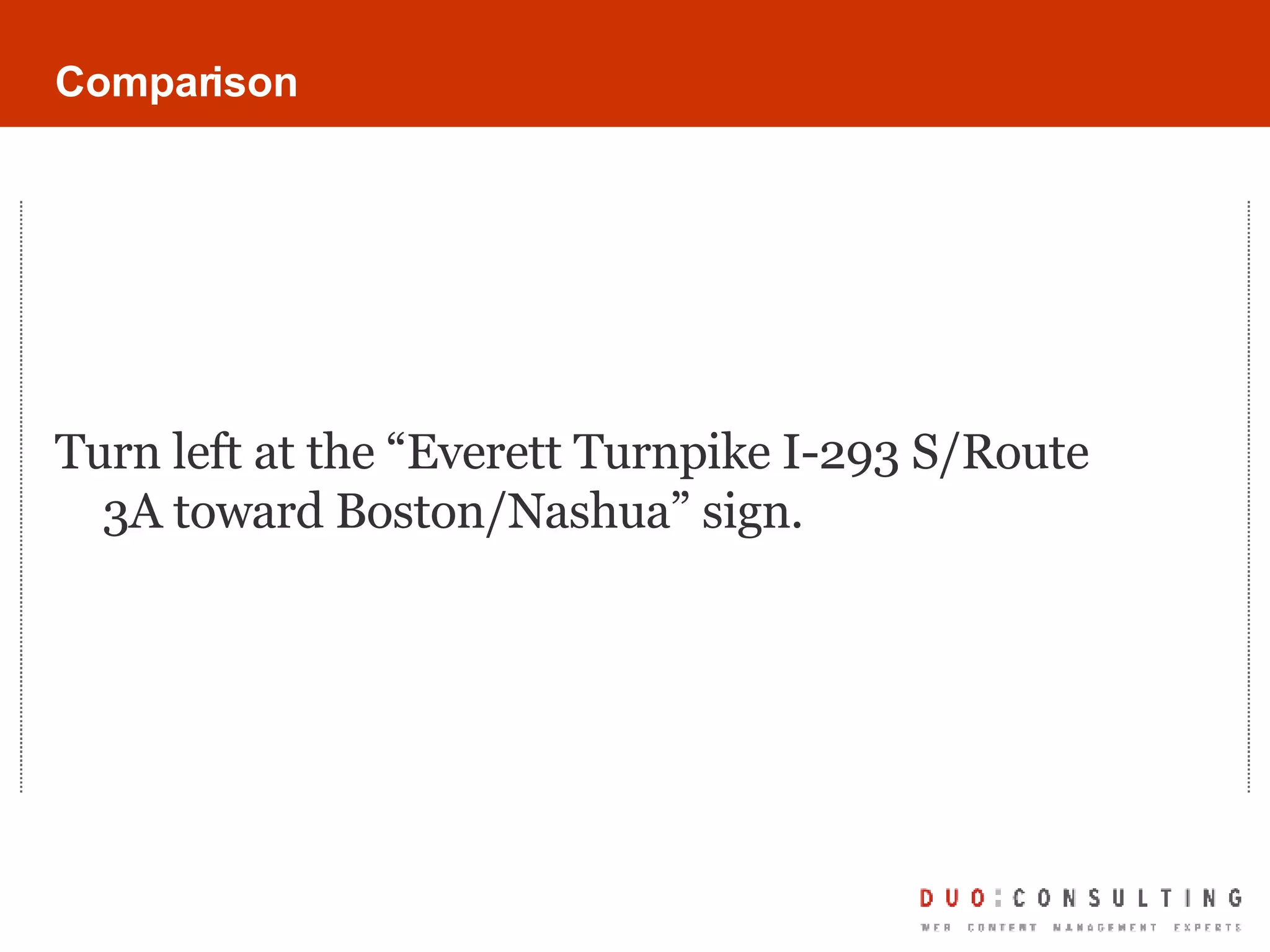
Comparison Turn left at the “Everett Turnpike I-293 S/Route 3A toward Boston/Nashua” sign.
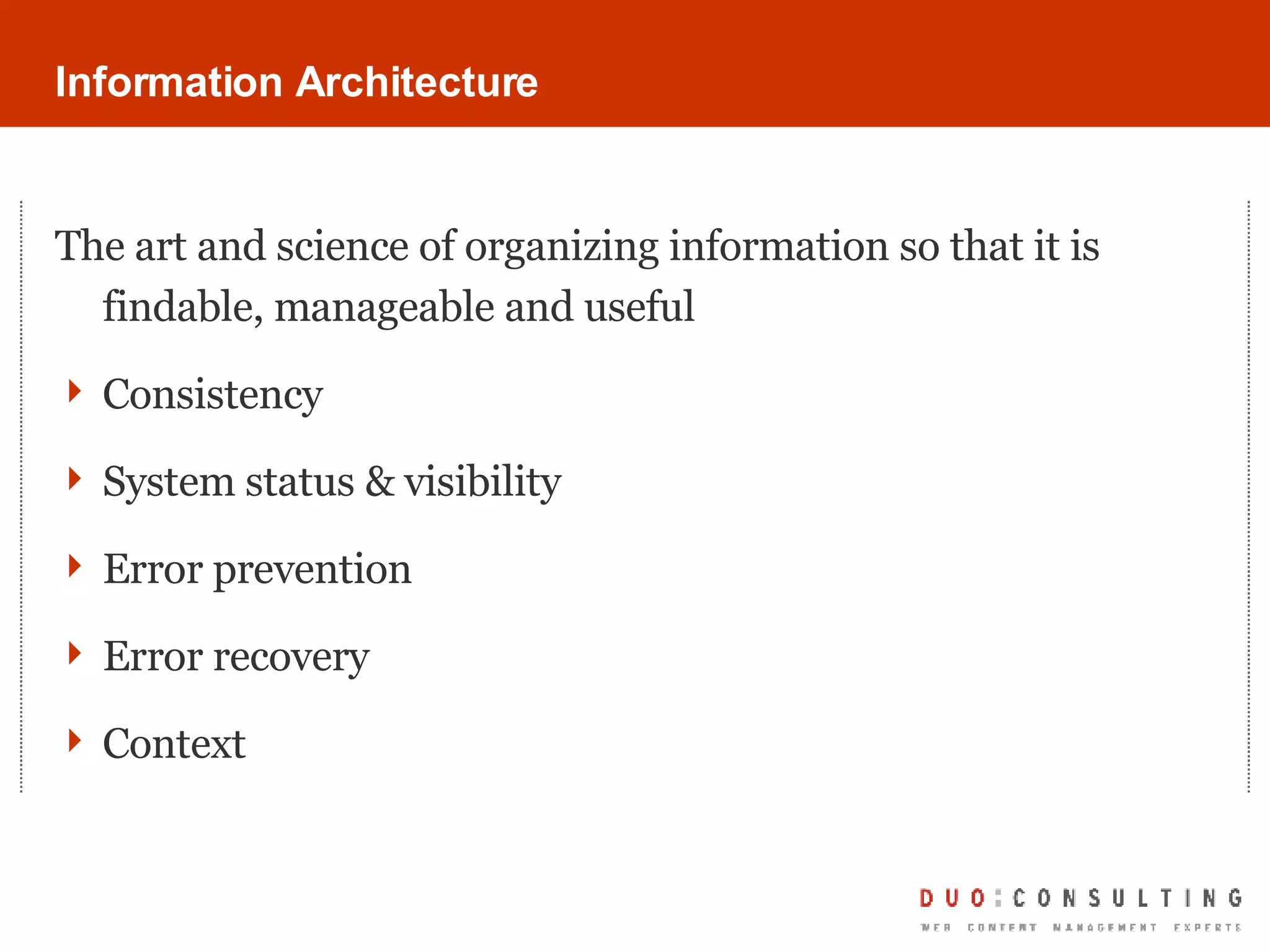
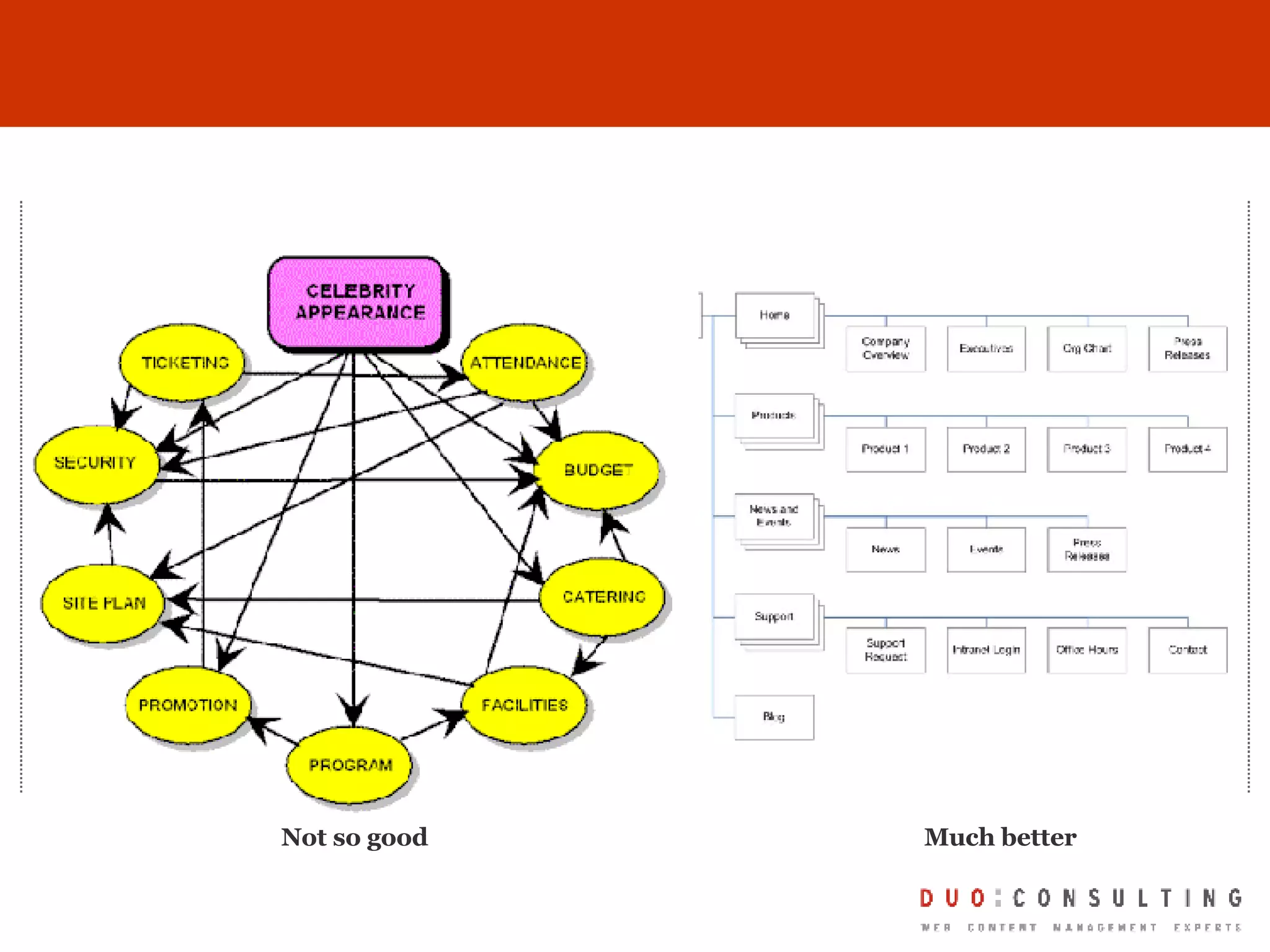
Information Architecture The art and science of organizing information so that it is findable, manageable and useful Consistency  System status & visibility Error prevention Error recovery Context
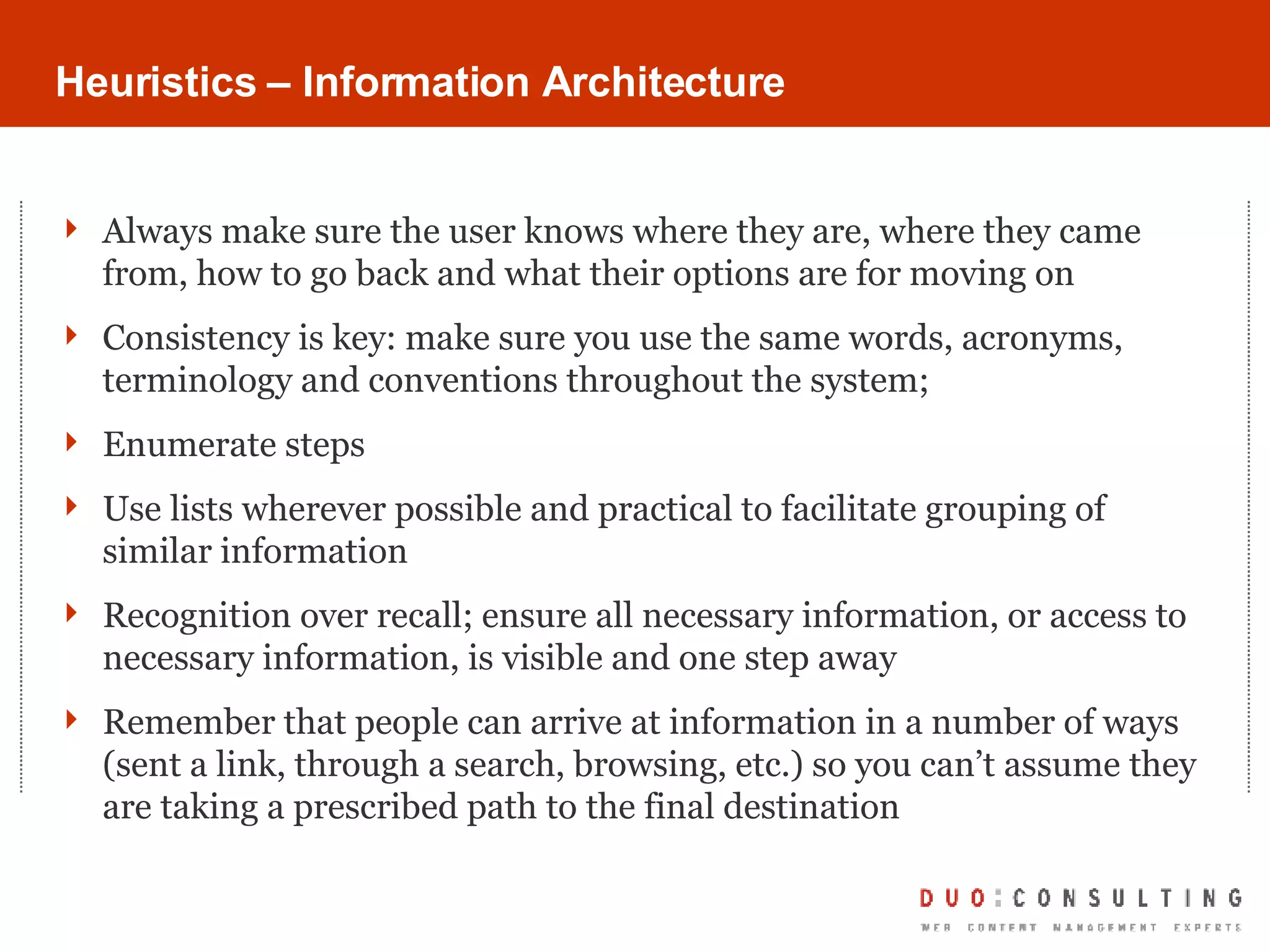
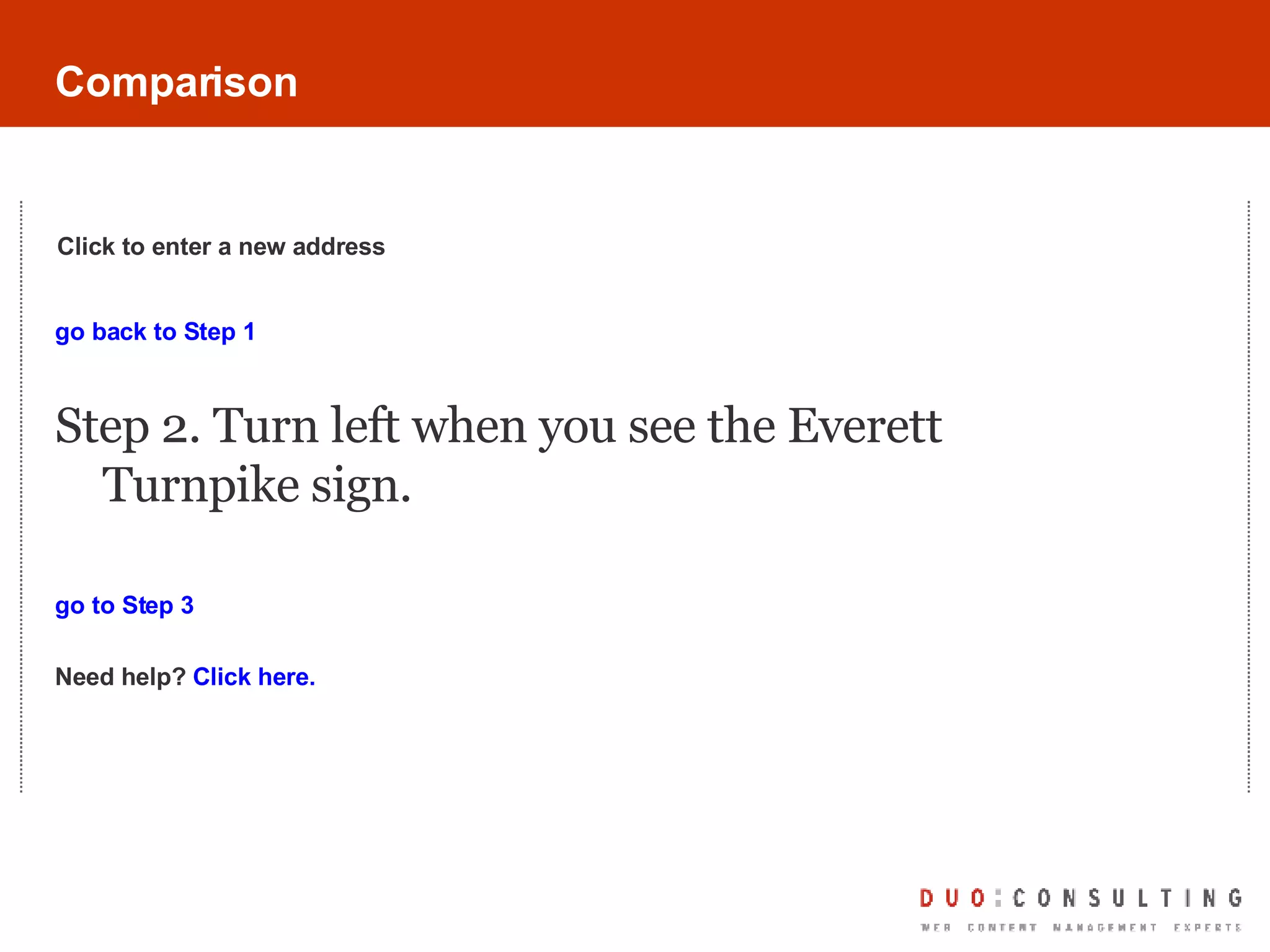
Heuristics – Information Architecture Always make sure the user knows where they are, where they came from, how to go back and what their options are for moving on Consistency is key: make sure you use the same words, acronyms, terminology and conventions throughout the system;  Enumerate steps Use lists wherever possible and practical to facilitate grouping of similar information Recognition over recall; ensure all necessary information, or access to necessary information, is visible and one step away Remember that people can arrive at information in a number of ways (sent a link, through a search, browsing, etc.) so you can’t assume they are taking a prescribed path to the final destination
Tools/Approaches Card-sorting Site mapping Mind mapping Focus groups Competitive/Analogous information research
Not so good Much better
Comparison Turn left to merge onto Everett Turnpike/I-293 S/RT-3A S toward Boston/Nashua Continue to follow Everett Turnpike Partial toll road Entering Massachusetts
Comparison go back to Step 1 Step 2. Turn left when you see the Everett Turnpike sign.  go to Step 3 Need help?  Click here. Click to enter a new address
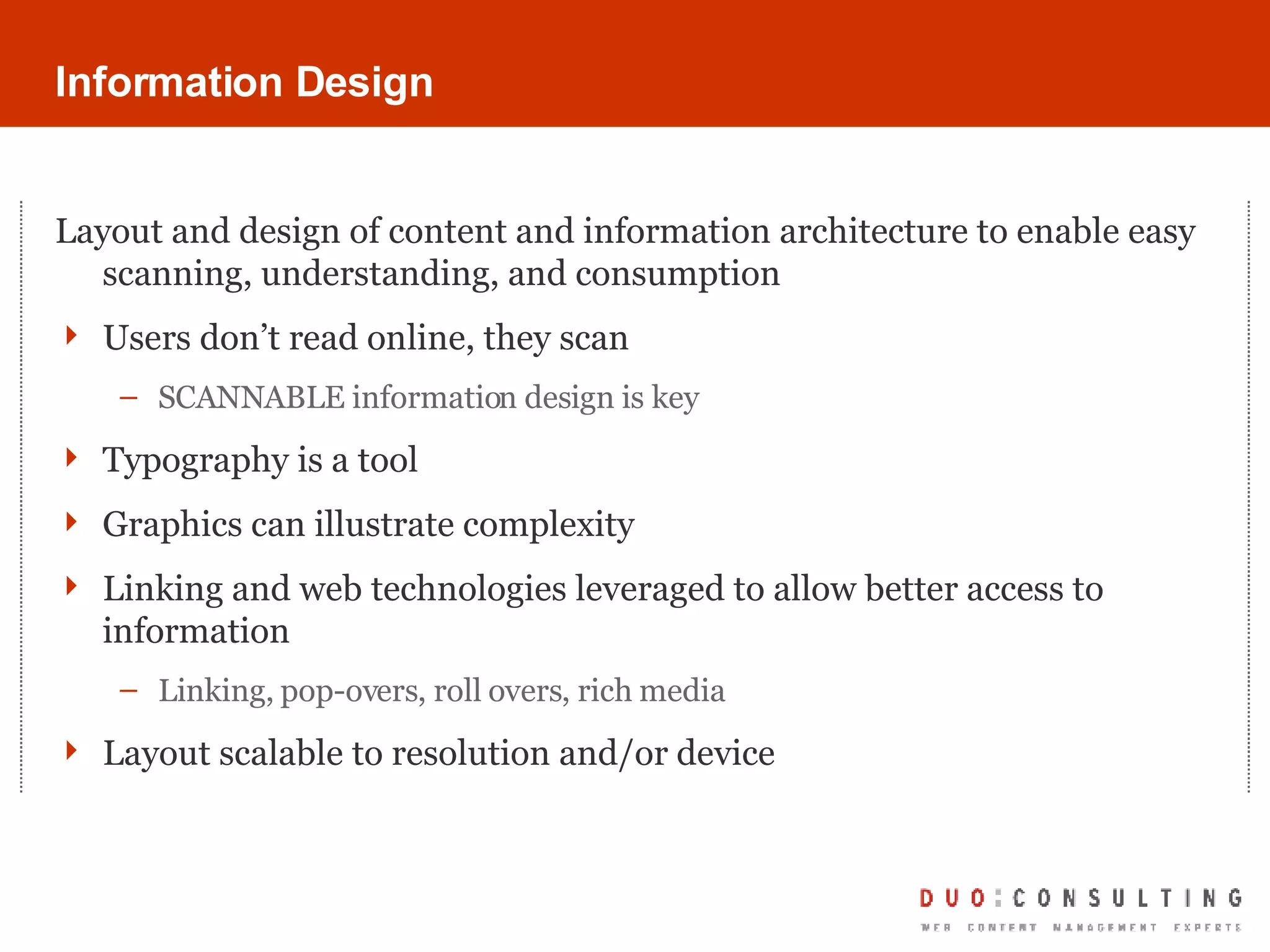
Information Design Layout and design of content and information architecture to enable easy scanning, understanding, and consumption Users don’t read online, they scan SCANNABLE information design is key Typography is a tool Graphics can illustrate complexity Linking and web technologies leveraged to allow better access to information Linking, pop-overs, roll overs, rich media Layout scalable to resolution and/or device
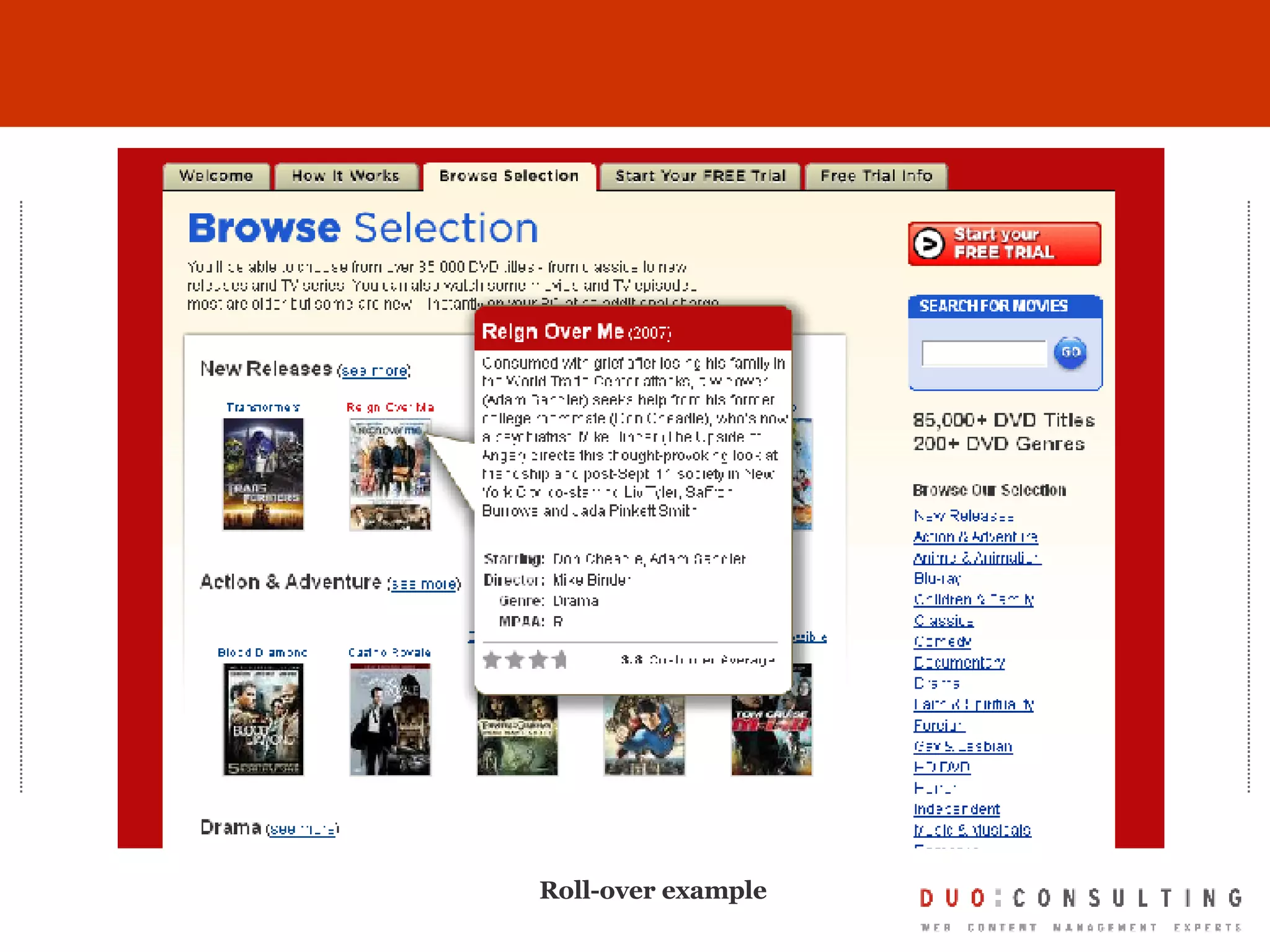
Heuristics – Information Design Use graphics and visuals to illustrate complicated steps or examples Use typography consistency, and with purpose to allow for content scanning Consider using “roll-overs” or “pop overs” for easy access to definitions, quick reference or additional information on the same screen as primary content Highlight new or updated information in “living” systems Design to specific screen resolution and browser and “degrade gracefully” XML should take care of device-specific content delivery (but test) Do not try to innovate unless you are dealing with a new and different piece of information that calls for it.  Even then, do your homework.
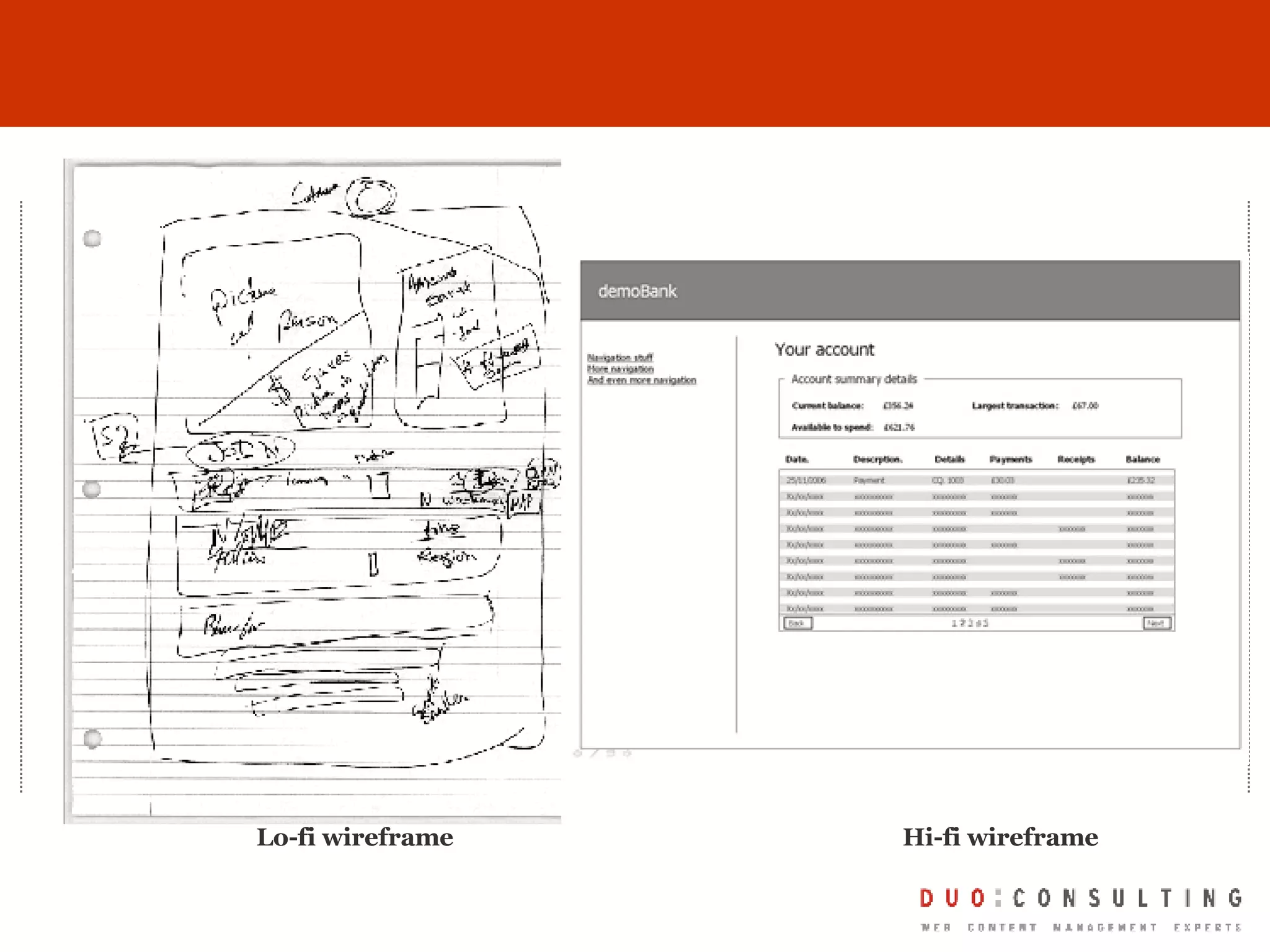
Tools/Approaches Content mapping Wireframes (lo-fi and hi-fi) Rapid prototyping Task validation testing
Lo-fi wireframe Hi-fi wireframe
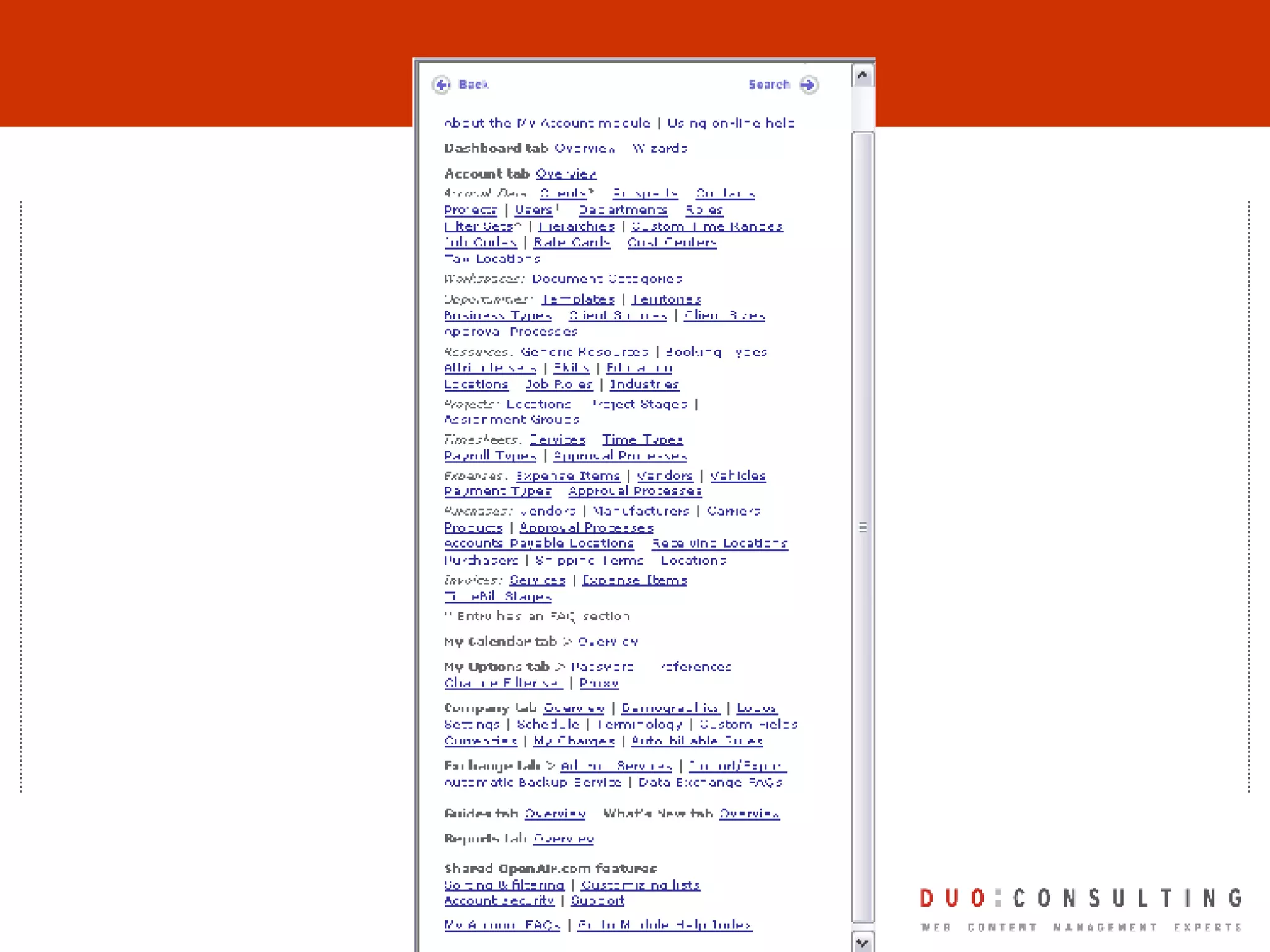
Roll-over example
Comparison Turn left to merge onto Everett Turnpike/I-293 S/RT-3A S toward Boston/Nashua Continue to follow Everett Turnpike Partial toll road Entering Massachusetts
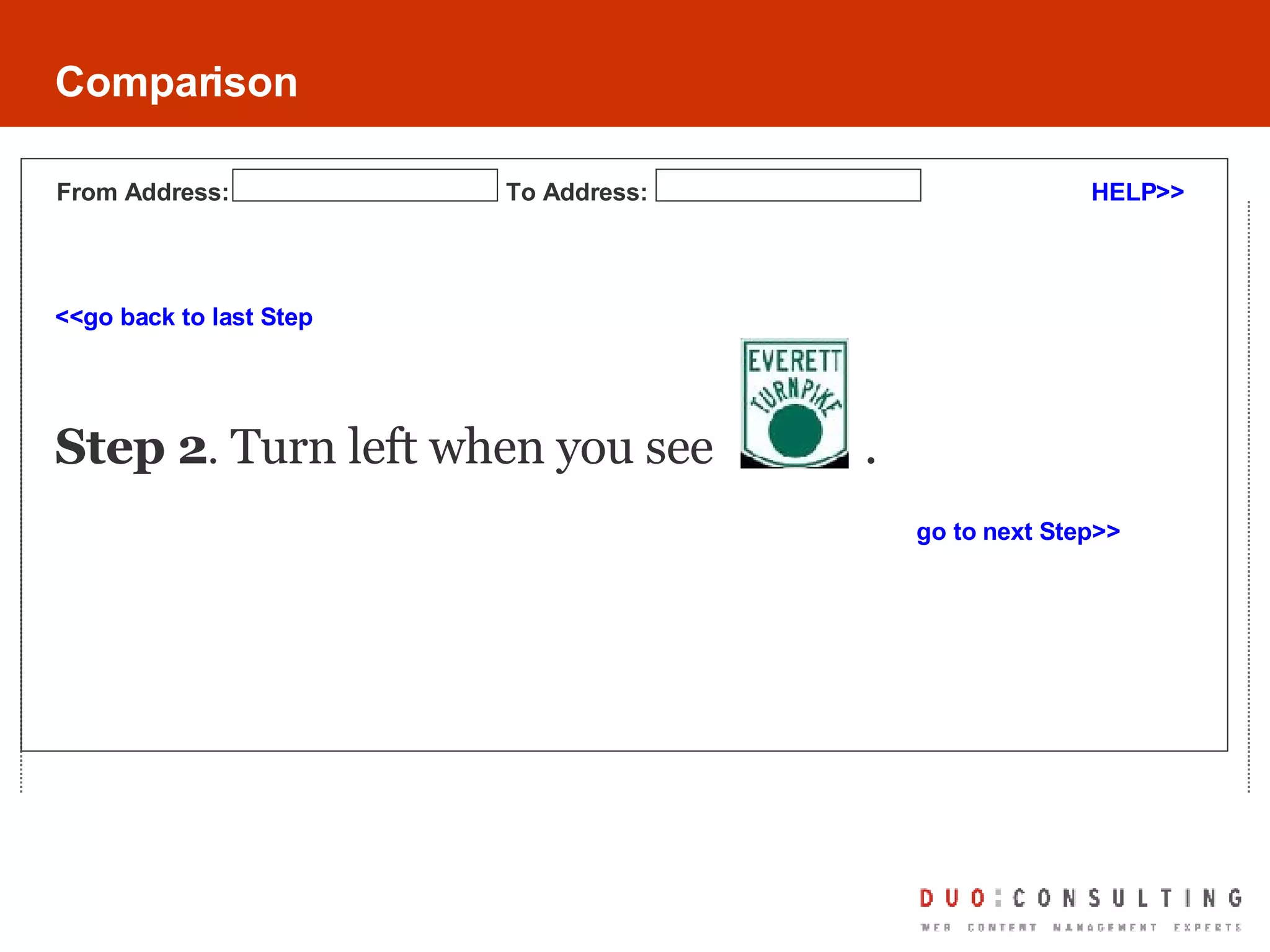
Comparison <<go back to last Step Step 2 .  Turn left when you see  . go to next Step>> HELP>> From Address: To Address:
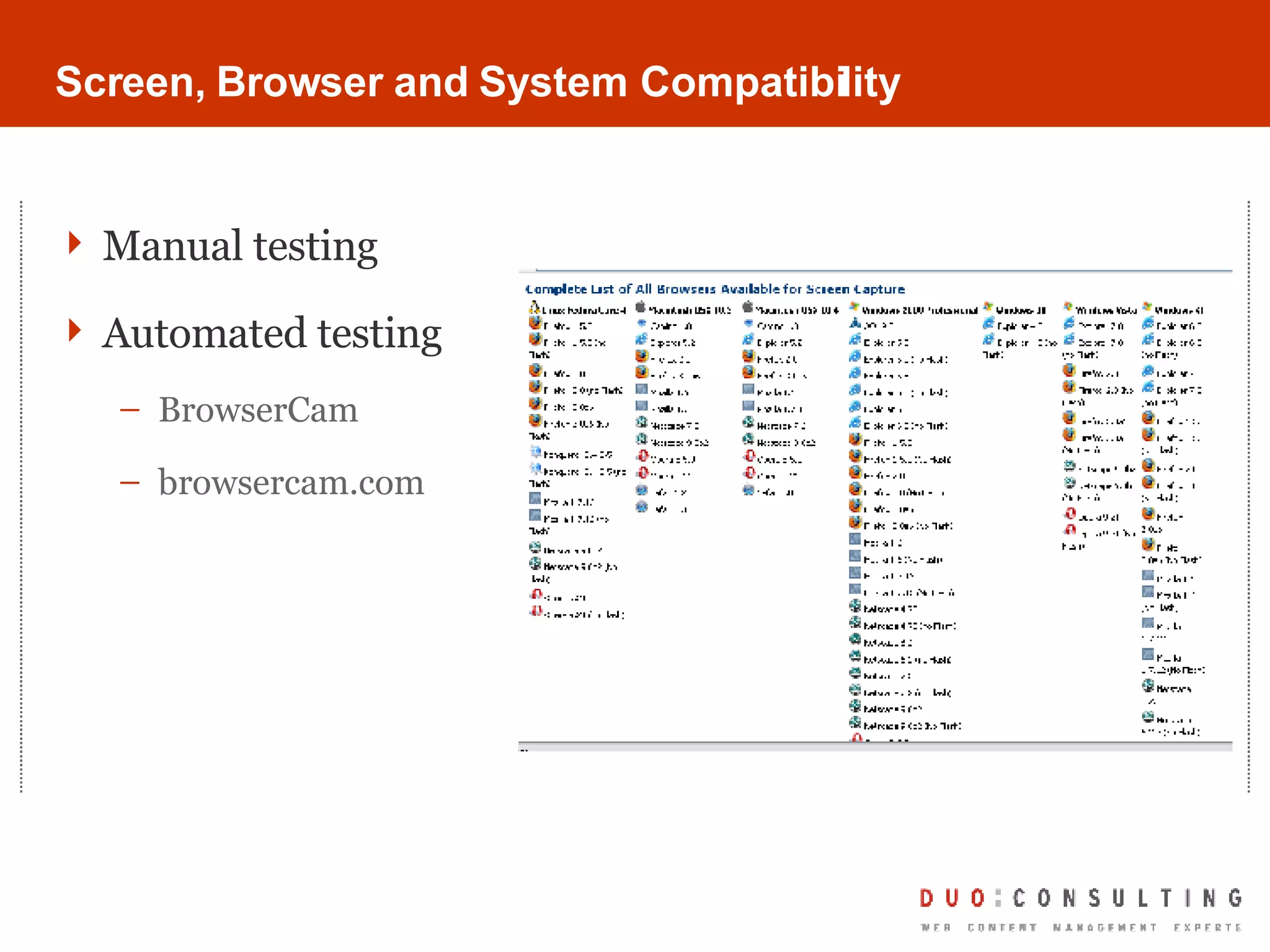
Screen, Browser and System Compatibility Manual testing Automated testing BrowserCam browsercam.com
A Few References http://www.useit.com http://www.webreference.com/content/writing/ http://www.alistapart.com/ http://www.techwr-l.com/
Questions?? Duo Consulting – Web Content Management Experts Kim Williams-Czopek COO – Duo Consulting [email_address]
 

What is Web Content Management Anyway?

  • 1.
    What is WebContent Management Anyway? Kim Williams-Czopek COO Duo Consulting
  • 2.
    About Duo ConsultingBased in Chicago Content management experts since 1999; focus on WebCM & web-based custom application development Dedicated staff in content strategy, information architecture, interaction design, development and project management Representative clients: CareerBuilder.com American Library Association Chicago Public School System United Way
  • 3.
    Career Path Startedcareer as technical writer (paper-based) Continuing education and on-the-job experience allowed addition of information architecture and instructional design expertise (paper and electronic) Leveraged technical knowledge and writing and ID/IA skills (and natural tendency for bossiness) into project management Currently COO of Duo Consulting and pursing MS in Organizational Leadership & Psychology
  • 4.
    What is ContentManagement? Content Management is Your Solution Working Smarter and More Creatively Globalization Publishing Compliance Assets Versioning Archiving Syndication Search Check In/ Check/Out Authoring Editorial Localization Meta Data
  • 5.
    What is thebusiness case for a CMS? Increase Efficiency Decrease operating costs Ensure consistency Increase clarity Spend time on writing and creative problem-solving Content Reuse Library Services Brand Consistency Content Repurpose Workflow Structured Content Content Repository
  • 6.
    Content Management SystemsEnable… Content Repurposing Distributed Authoring and Workflow Centralized Asset Management Globalization/Localization
  • 7.
    So, What ISContent Management? Content Management System (definition) Computer or web-based program used to manage large amounts of content published to many places and in many formats. Content management systems support the creation, management, distribution, publishing of content. Content management systems are typically either asset-based or page-based and employ a defined publishing model. So what is WEB content management? If the tool you are using now (or will be using) to develop documentation and training material allows online publication, you are using a web content management system
  • 8.
    Other Areas ofWCM What else falls into Web Content Management? Intranet/Extranet content Blogs Wikis RSS Feeds Tagging Email (transactional) Video Podcasts Animation Community-Driven Content Contribution Systems
  • 9.
    Your Role inWCM Projects YOU can be the hero! You are professional communicators You know your audience You know how your content works now You have the skills even if you don’t know you do
  • 10.
    Skill Set TranslatedWriting style revisited A CMS allows for structured content stored in a central repository, writing “chunks” rather then narrative is required Information architecture more prominent Focus on overall system consistency and flow Information design at the forefront New rules and opportunities for layout, color, typography, etc. to further end-user comprehension and usability Screen/Browser/System compatibility a new consideration No paper! Automated testing tools
  • 11.
    Working towards afinal deliverable Writing Information Architecture Information Design
  • 12.
    Writing for theWeb (or any online channel) Move away from narrative approach into a structured/modular/chunk/microcontent approach Microcontent Specific “chunks” of content that assist a user in navigating an interface and/or are typically reused in other delivery channels. Includes page titles, headlines, subheads, indexes, navigation labels, links, alt text, captions, meta data Chunking/Structured/Modular content Reducing/editing a long piece of content into “chunks” to fit into the framework of the CMS. Typically centered around topics or categories of content.
  • 13.
    Heuristics - Writing for the Web Edit and cut as much as possible while keeping original meaning in place Keep links to less than 3 words Use a tone appropriate and resonating with your audience Do write content with the task and purpose in mind; including the reader’s environment and/or activity while using the content Don’t forget that users share content easily online; write with that in mind Don’t forget the point of a CMS is content reuse and repurposing. Imagine each piece of content written in different forms of delivery: on-screen, via email, RSS feed, etc.
  • 14.
    Tools/Approaches Web ContentManagement System Any text editor Paper Spreadsheet application
  • 15.
  • 16.
    Comparison Turn leftto merge onto Everett Turnpike/I-293 S/RT-3A S toward Boston/Nashua Continue to follow Everett Turnpike Partial toll road Entering Massachusetts
  • 17.
    Comparison Turn leftat the “Everett Turnpike I-293 S/Route 3A toward Boston/Nashua” sign.
  • 18.
    Information Architecture Theart and science of organizing information so that it is findable, manageable and useful Consistency System status & visibility Error prevention Error recovery Context
  • 19.
    Heuristics – InformationArchitecture Always make sure the user knows where they are, where they came from, how to go back and what their options are for moving on Consistency is key: make sure you use the same words, acronyms, terminology and conventions throughout the system; Enumerate steps Use lists wherever possible and practical to facilitate grouping of similar information Recognition over recall; ensure all necessary information, or access to necessary information, is visible and one step away Remember that people can arrive at information in a number of ways (sent a link, through a search, browsing, etc.) so you can’t assume they are taking a prescribed path to the final destination
  • 20.
    Tools/Approaches Card-sorting Sitemapping Mind mapping Focus groups Competitive/Analogous information research
  • 21.
    Not so goodMuch better
  • 22.
    Comparison Turn leftto merge onto Everett Turnpike/I-293 S/RT-3A S toward Boston/Nashua Continue to follow Everett Turnpike Partial toll road Entering Massachusetts
  • 23.
    Comparison go backto Step 1 Step 2. Turn left when you see the Everett Turnpike sign. go to Step 3 Need help? Click here. Click to enter a new address
  • 24.
    Information Design Layoutand design of content and information architecture to enable easy scanning, understanding, and consumption Users don’t read online, they scan SCANNABLE information design is key Typography is a tool Graphics can illustrate complexity Linking and web technologies leveraged to allow better access to information Linking, pop-overs, roll overs, rich media Layout scalable to resolution and/or device
  • 25.
    Heuristics – InformationDesign Use graphics and visuals to illustrate complicated steps or examples Use typography consistency, and with purpose to allow for content scanning Consider using “roll-overs” or “pop overs” for easy access to definitions, quick reference or additional information on the same screen as primary content Highlight new or updated information in “living” systems Design to specific screen resolution and browser and “degrade gracefully” XML should take care of device-specific content delivery (but test) Do not try to innovate unless you are dealing with a new and different piece of information that calls for it. Even then, do your homework.
  • 26.
    Tools/Approaches Content mappingWireframes (lo-fi and hi-fi) Rapid prototyping Task validation testing
  • 27.
  • 28.
  • 29.
    Comparison Turn leftto merge onto Everett Turnpike/I-293 S/RT-3A S toward Boston/Nashua Continue to follow Everett Turnpike Partial toll road Entering Massachusetts
  • 30.
    Comparison <<go backto last Step Step 2 . Turn left when you see . go to next Step>> HELP>> From Address: To Address:
  • 31.
    Screen, Browser andSystem Compatibility Manual testing Automated testing BrowserCam browsercam.com
  • 32.
    A Few Referenceshttp://www.useit.com http://www.webreference.com/content/writing/ http://www.alistapart.com/ http://www.techwr-l.com/
  • 33.
    Questions?? Duo Consulting– Web Content Management Experts Kim Williams-Czopek COO – Duo Consulting [email_address]
  • 34.