What Is Excel
Microsoft Excel is a powerful spreadsheet application developed by Microsoft. It
is part of the Microsoft Office suite of productivity software and is available for
both Windows and macOS operating systems. Excel is widely used for various
purposes, including data analysis, financial modeling, creating charts and graphs,
performing calculations, and managing data.
Key features and capabilities of Microsoft Excel include:
1. Spreadsheets: Excel provides a grid-like interface where you can organize
data into rows and columns, creating spreadsheets. Each cell in the
spreadsheet can contain text, numbers, formulas, or functions.
2. Formulas and Functions: Excel allows you to perform calculations using
mathematical formulas and functions. Formulas can be used to perform
operations on data within cells, and Excel offers a wide range of built-in
functions for common calculations, such as SUM, AVERAGE, IF, and
VLOOKUP.
3. Data Analysis: Excel is commonly used for data analysis and manipulation.
You can sort and filter data, apply conditional formatting, and use pivot
tables to summarize and visualize data.
4. Charts and Graphs: Excel offers a variety of chart types, including bar
charts, line graphs, pie charts, and more. You can create visual
representations of your data to better understand trends and patterns.
5. Data Import and Export: Excel supports importing data from various
sources, including databases, text files, and online sources. You can also
export your Excel data to different file formats, making it easy to share with
others.
6. Macros and Automation: Excel allows you to record and run macros, which
are sequences of actions that can be automated. This is useful for
performing repetitive tasks or customizing Excel's functionality.
7. Collaboration: Excel supports collaboration features that enable multiple
users to work on the same spreadsheet simultaneously. You can also
protect and restrict access to specific parts of a workbook.
8. Data Visualization: With Excel's Power Query and Power Pivot features, you
can work with large datasets more efficiently and create advanced data
models and visualizations.
9. Conditional Formatting: You can apply conditional formatting rules to cells,
rows, or columns to highlight data based on specific criteria, making it
easier to identify trends or outliers.
Excel is used in various industries and professions, including finance, accounting,
marketing, engineering, and data analysis. Its versatility and extensive feature set
make it a valuable tool for organizing and analyzing data, making calculations, and
creating professional reports and presentations.

What Is Excel.docx

  • 1.
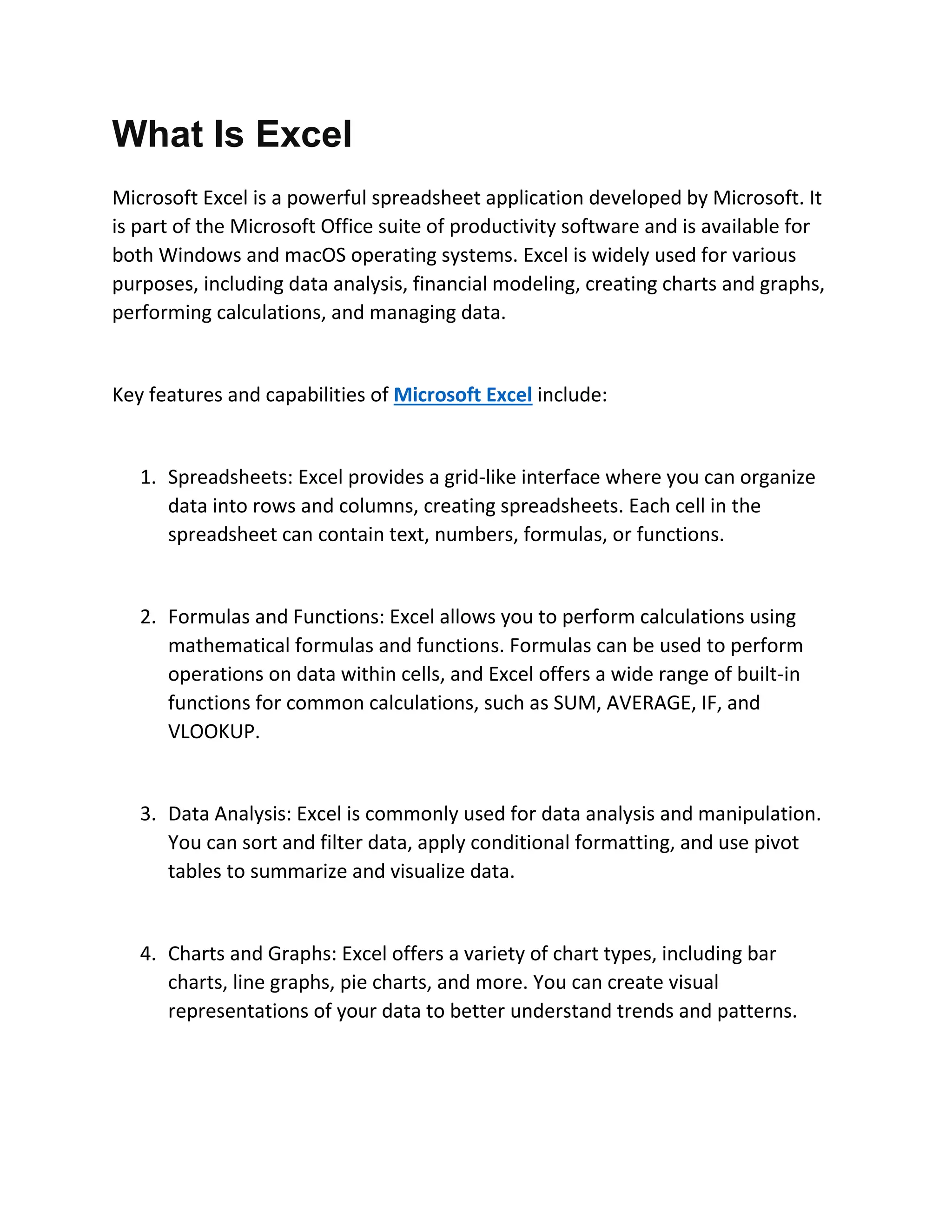
    What Is Excel MicrosoftExcel is a powerful spreadsheet application developed by Microsoft. It is part of the Microsoft Office suite of productivity software and is available for both Windows and macOS operating systems. Excel is widely used for various purposes, including data analysis, financial modeling, creating charts and graphs, performing calculations, and managing data. Key features and capabilities of Microsoft Excel include: 1. Spreadsheets: Excel provides a grid-like interface where you can organize data into rows and columns, creating spreadsheets. Each cell in the spreadsheet can contain text, numbers, formulas, or functions. 2. Formulas and Functions: Excel allows you to perform calculations using mathematical formulas and functions. Formulas can be used to perform operations on data within cells, and Excel offers a wide range of built-in functions for common calculations, such as SUM, AVERAGE, IF, and VLOOKUP. 3. Data Analysis: Excel is commonly used for data analysis and manipulation. You can sort and filter data, apply conditional formatting, and use pivot tables to summarize and visualize data. 4. Charts and Graphs: Excel offers a variety of chart types, including bar charts, line graphs, pie charts, and more. You can create visual representations of your data to better understand trends and patterns.
  • 2.
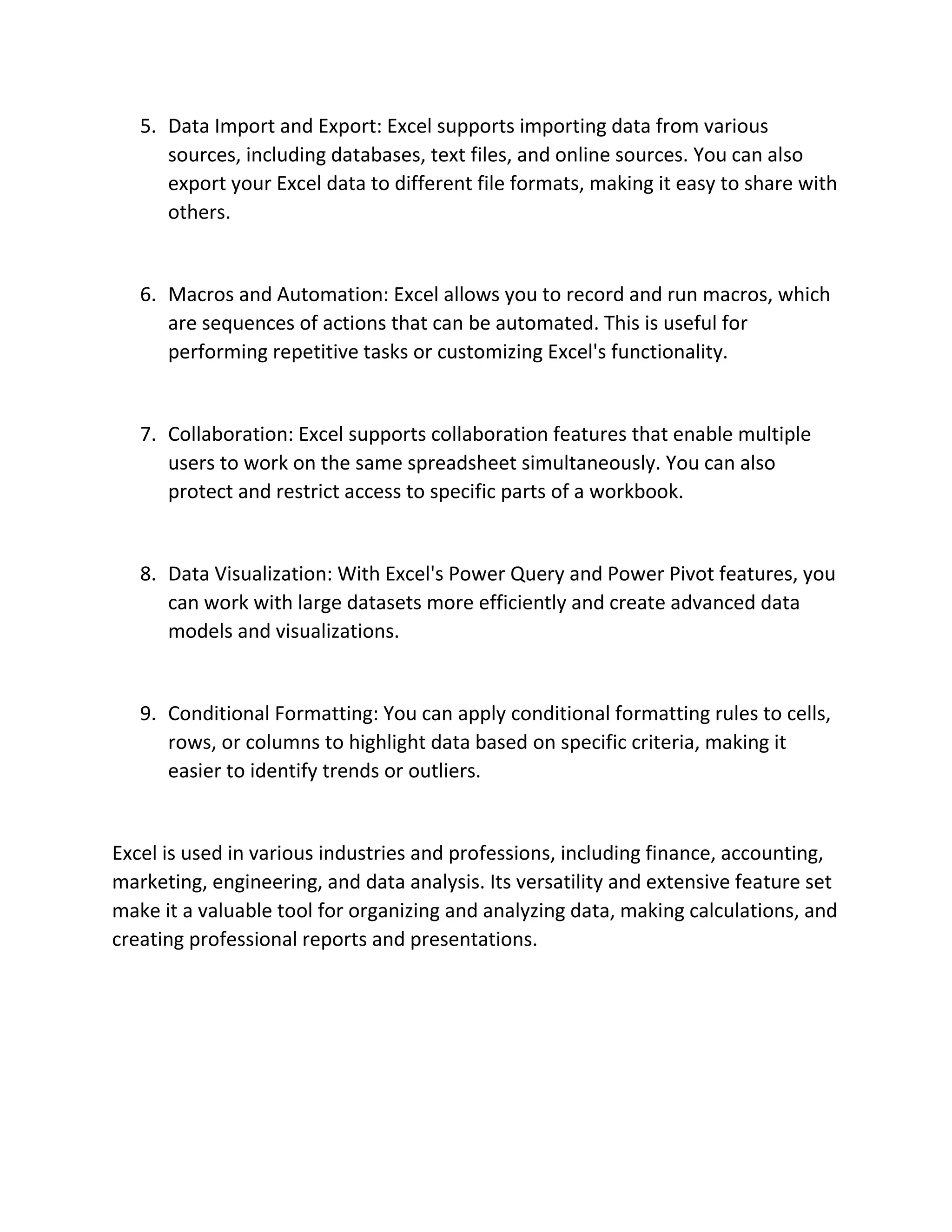
    5. Data Importand Export: Excel supports importing data from various sources, including databases, text files, and online sources. You can also export your Excel data to different file formats, making it easy to share with others. 6. Macros and Automation: Excel allows you to record and run macros, which are sequences of actions that can be automated. This is useful for performing repetitive tasks or customizing Excel's functionality. 7. Collaboration: Excel supports collaboration features that enable multiple users to work on the same spreadsheet simultaneously. You can also protect and restrict access to specific parts of a workbook. 8. Data Visualization: With Excel's Power Query and Power Pivot features, you can work with large datasets more efficiently and create advanced data models and visualizations. 9. Conditional Formatting: You can apply conditional formatting rules to cells, rows, or columns to highlight data based on specific criteria, making it easier to identify trends or outliers. Excel is used in various industries and professions, including finance, accounting, marketing, engineering, and data analysis. Its versatility and extensive feature set make it a valuable tool for organizing and analyzing data, making calculations, and creating professional reports and presentations.