docuvita
Powerful Document Management
for Small and Medium-Sized Companies
Document Management System (DMS)
is an electronic solution that helps organisations
to streamline their document management processes
 It enables capturing, retrieval, sharing, tracking,
revision, distribution and archiving of any type of
digital document and hence information and data
they contain across the company
docuvita DMS  It offers easy traceability of documents and
audit trail of document creation, access,
modification, approval and submission ensures
statutory or regulatory compliance, such as tax
declarations, conformation to various standards
(e.g. ISO, FDA, etc.) and GDPR.
Do you deal with any of these problems?
No more space to store
your business
documents?
Can’t find the
document you are
looking for?
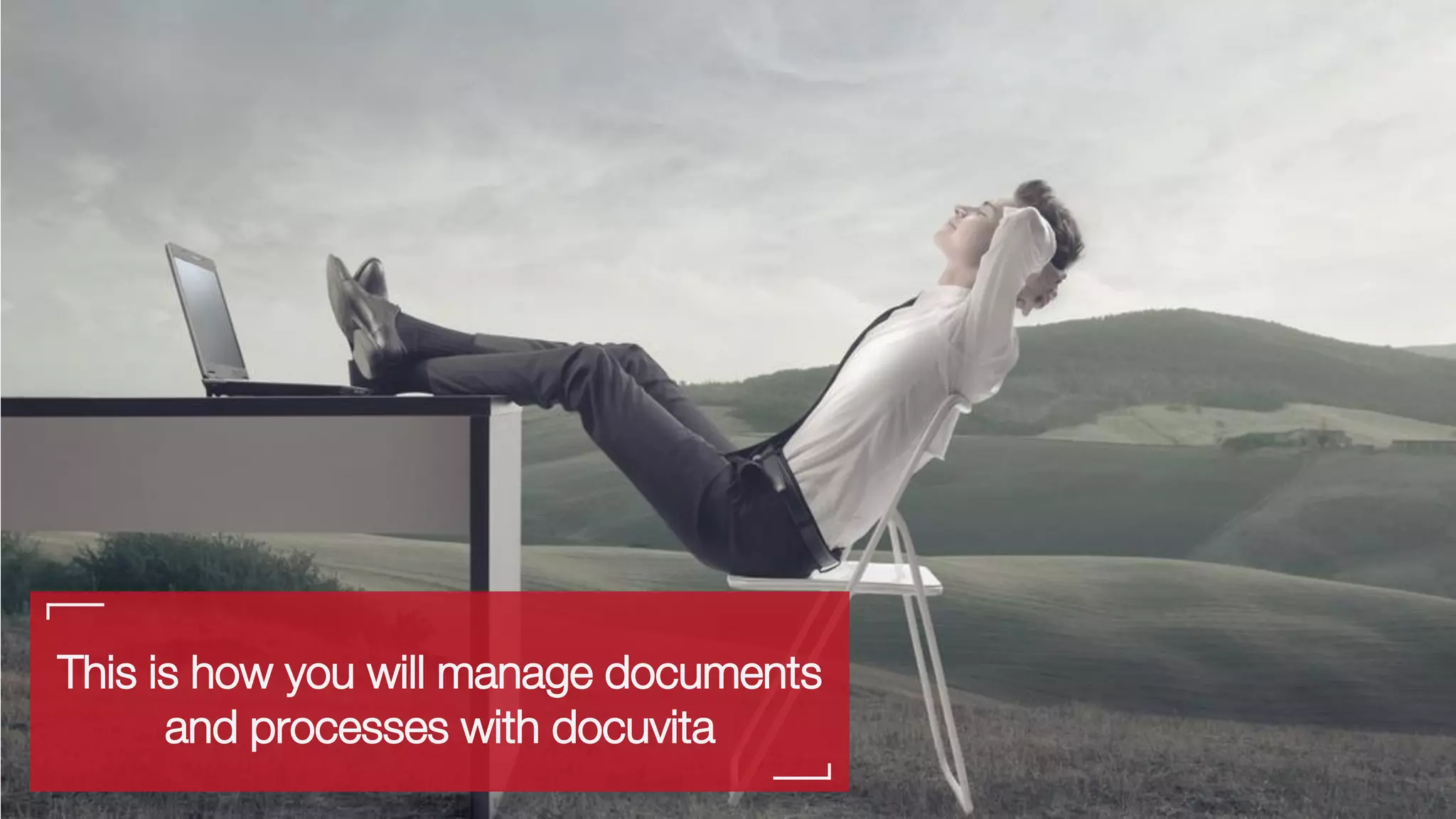
This is how you will manage documents
and processes with docuvita
docuvita DMS
The Solution
SAVE TIME & RESOURCES NOW!
docuvita DMS
Access your documents anytime and anywhere
docuvita is compatible with all devices including desktops, laptops,
smartphones and tablets
Access your documents anywhere
Ready for the Future
docuvita – Key Features
Audit-proof,
GDPR ready
Quickly find content and
keywords
Workflows to support
processes
Intuitive interface for easy
learning
Easy adaptability and
integration
Web-Service API to
connect to external
products
Works on-premise and in
the cloud
Web-based Client for
usage on any device
docuvita
Functionality
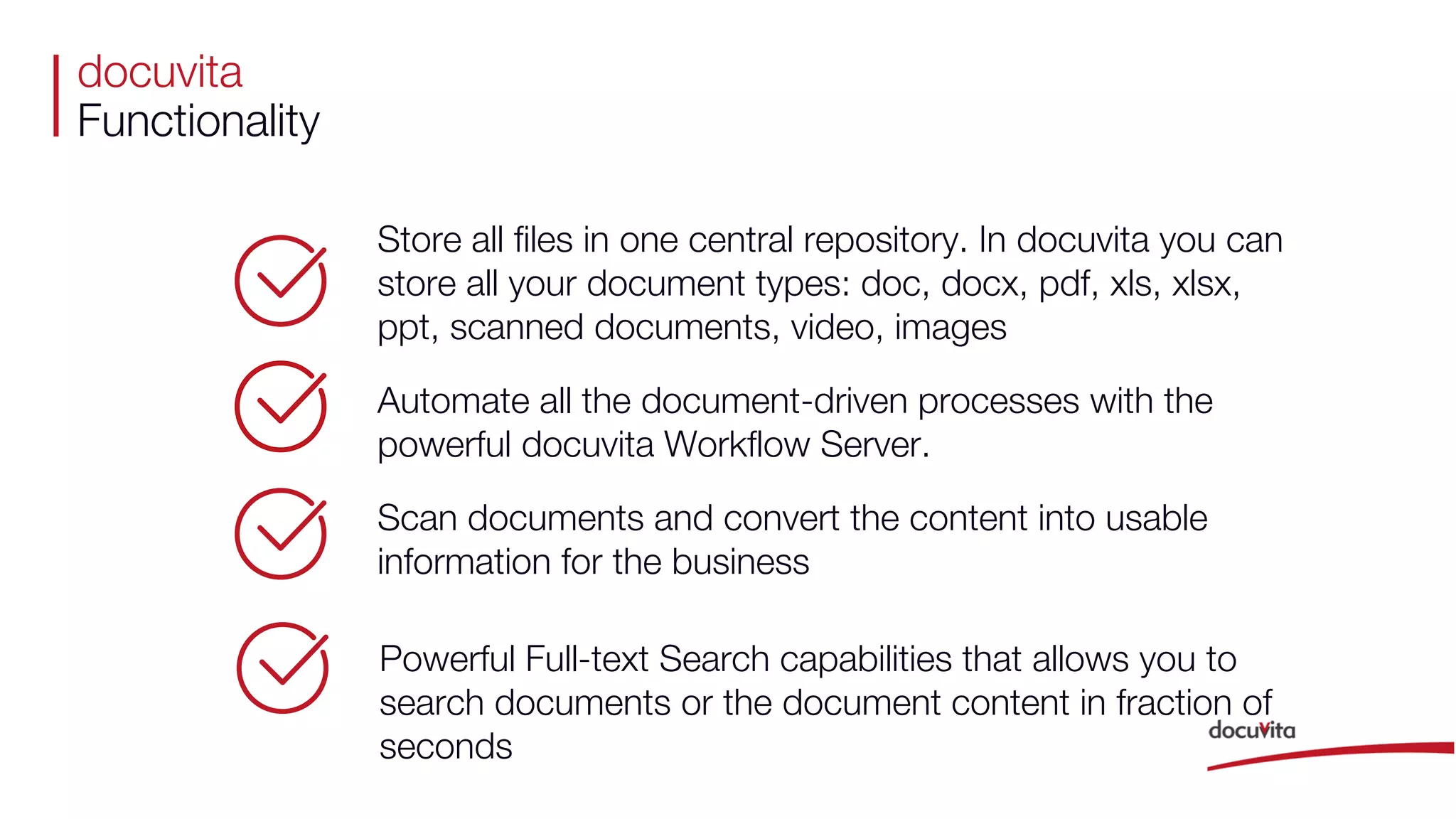
Store all files in one central repository. In docuvita you can
store all your document types: doc, docx, pdf, xls, xlsx,
ppt, scanned documents, video, images
Automate all the document-driven processes with the
powerful docuvita Workflow Server.
Scan documents and convert the content into usable
information for the business
Powerful Full-text Search capabilities that allows you to
search documents or the document content in fraction of
seconds
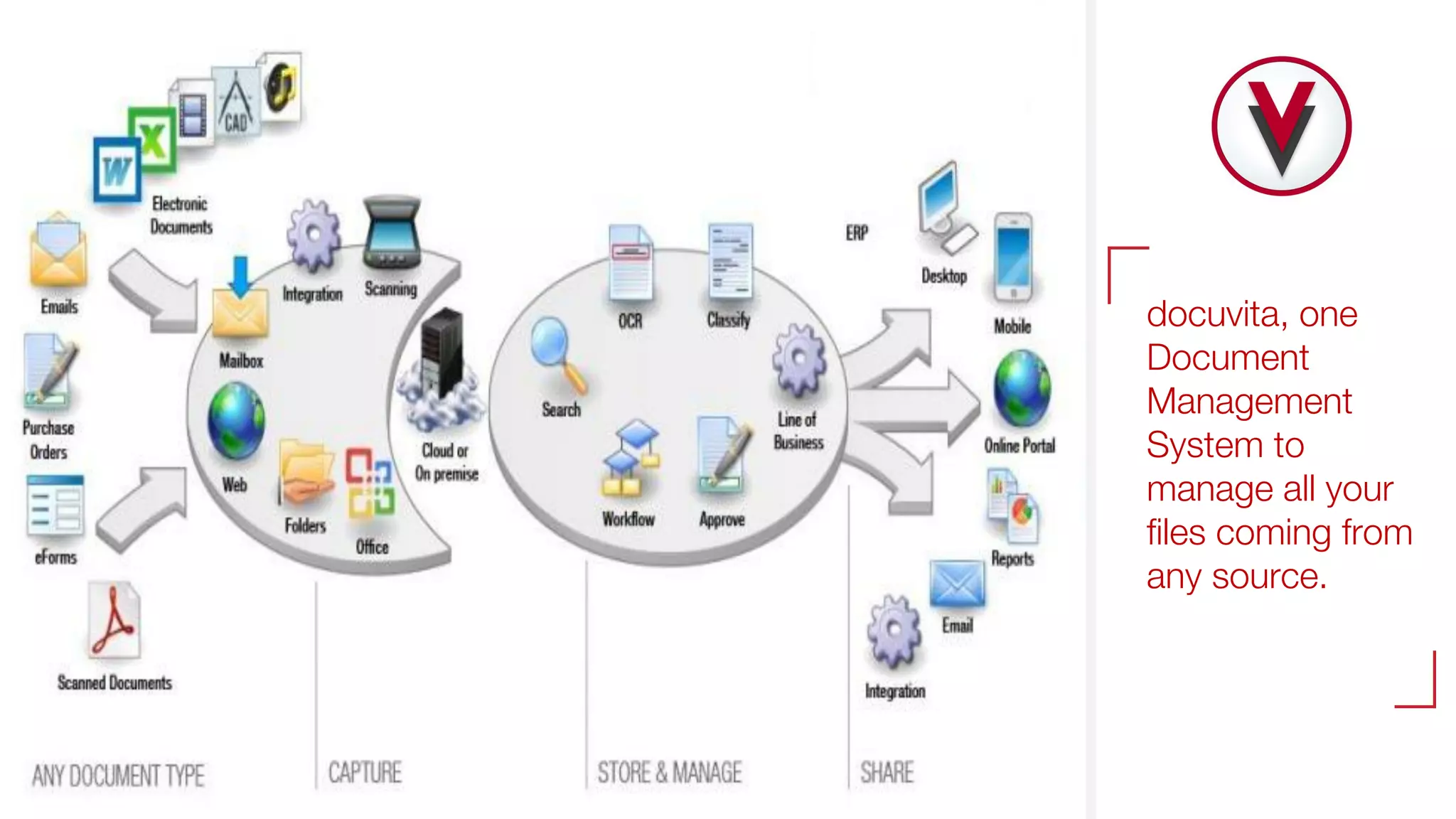
docuvita, one
Document
Management
System to
manage all your
files coming from
any source.
Effectively
Manage
Documents
Capturing with Scan,
Barcode, Mass import,
email
Search & Retrieve
Documents
Guest
User
Access
Outbound
Documents
Archiving
Workflow,
Processes,
Follow Up, …
Internet
Secure Deletion,
Retention
Management
docuvita
Document
Management
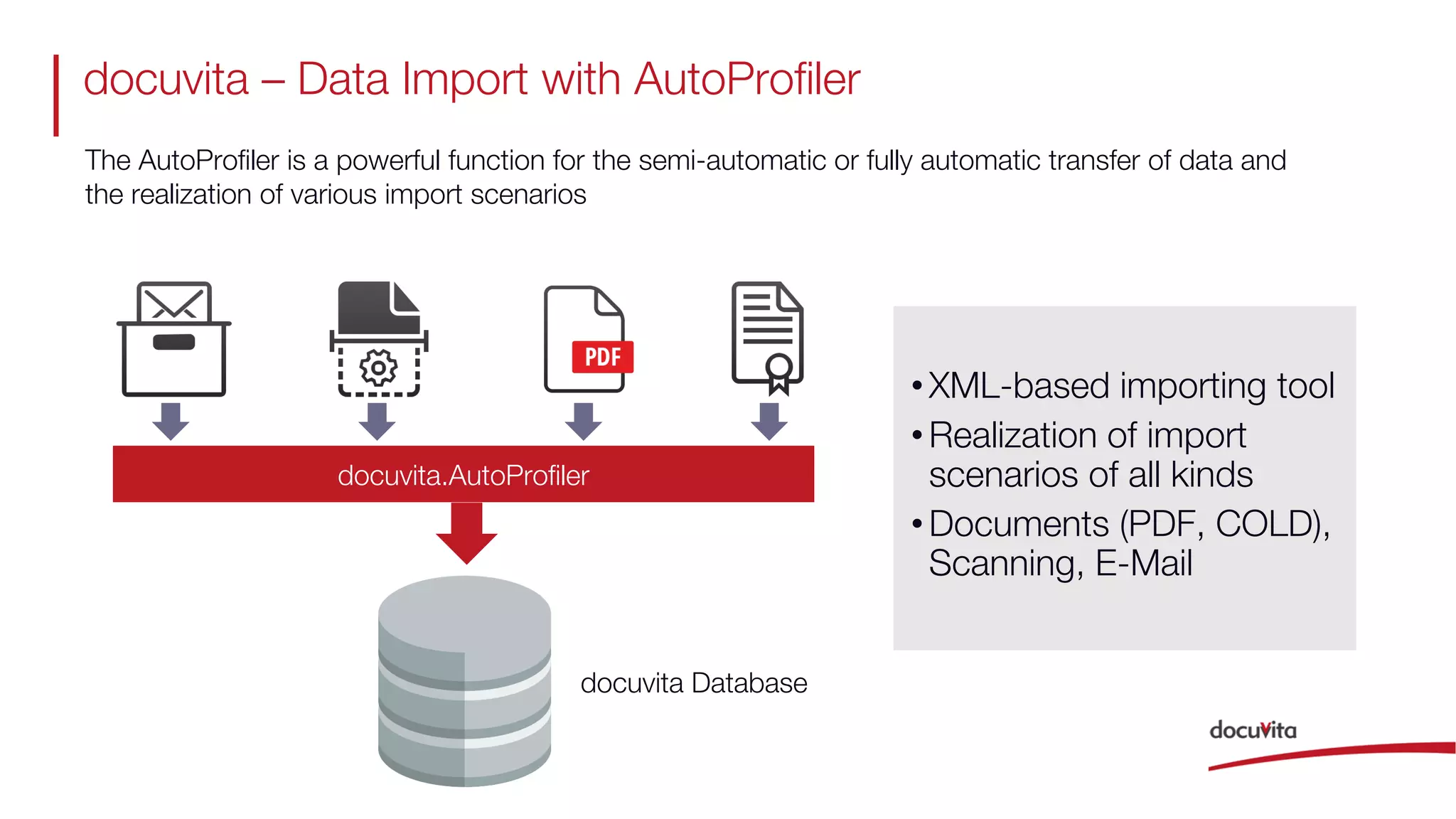
docuvita – Data Import with AutoProfiler
docuvita Database
docuvita.AutoProfiler
•XML-based importing tool
•Realization of import
scenarios of all kinds
•Documents (PDF, COLD),
Scanning, E-Mail
The AutoProfiler is a powerful function for the semi-automatic or fully automatic transfer of data and
the realization of various import scenarios
docuvita – Native Workflow Engine
Start User Task
Auto
Tasks
End
User-configurable workflows support business processes
Fully integrated
workflow engine
Realization of user
tasks
Automation of
tasks
docuvita – Native Workflow Engine
Scan
Invoice
Collect
Data
Extract
Data
Automatic
Storing
Automatic
Classification
Search &
Import
Automation of Document Import & Data Collection
Automation of Data
Entry in ERP / CRM
Validate
DataEnd
docuvita
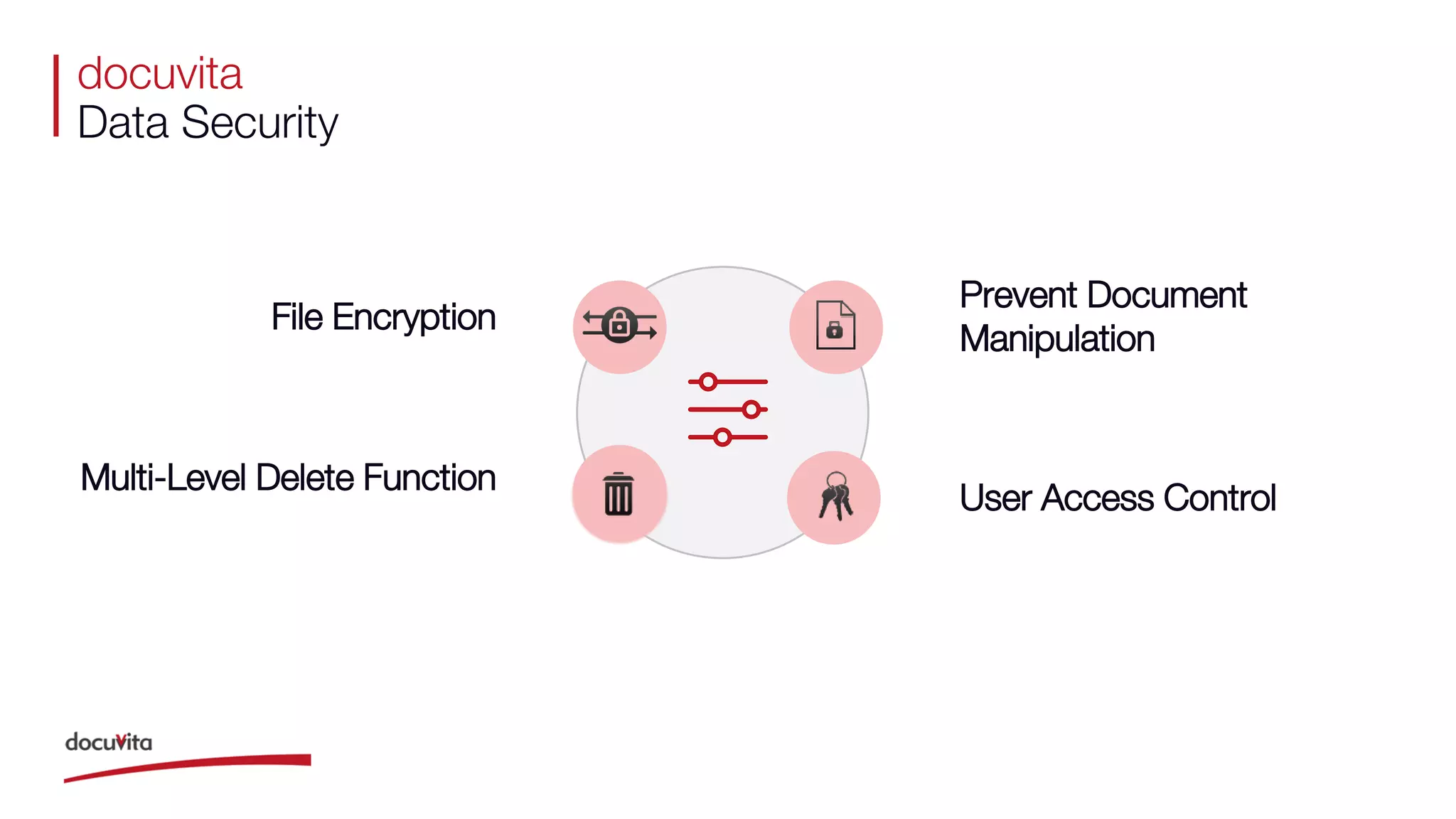
Data Security
Multi-Level Delete Function
File Encryption
Prevent Document
Manipulation
User Access Control
docuvita
Advanced Integration
With docuvita you can protect any existing IT investments while keeping your data
available centrally. docuvita enables seamless integration into existing software like
ERP, CRM, mail server, MRP and it is compatible with all known scanners, printers
and MFP-devices.
Documents Stored and Managed Centrally
docuvita document management system
Benefits
docuvita
Disseminates the information to all the Departments
AccountingCustomers
Suppliers
HRManagement
Board
docuvita
Boost Teamwork
Versioning
For authorized users, it is always
possible to access older document
versions and to see who has edited
them.
Notes Function
Personal notes on documents, folders
and files allow you to transfer
document-related information without
necessarily embed it directly into the
document.
Check-In and Check-Out
When a document is marked for editing
(Check-in), other users can see directly
who is editing the document and when
processing is complete (Check-out).
Workflows
Handle your business processes clear
and easy. Common actions include e.g.
querying decisions, monitoring deadlines,
automatically sending e-mails and many
more.
docuvita
Benefits
HR
Finance
Engineering
Cust Svc
S/R
Q/A
Sales
Marketing
IT
Production
Costs
CEO/
President
Profit
Processes
Employees
Cost of filing
Cost of Lost and Misplaced files
Equipment
Improve Customer Service
Internal collaboration
Compliance with Legislative Framework and
Quality Assurance Standards
Reduce
Document
Handling Costs
By going paperless, our customers have
decreased document-related costs by 20%-
40% with docuvita.
Boost
Productivity
On average, docuvita customers have
freed up 30 to 60 minutes a day for each
of their employee by eliminating manual
tasks like paper management, finding
documents and document sharing.
Reduce Regulatory
Compliance Costs
docuvita customers meet compliance
requirements with easiness and have
decreased the related costs by 42%.
docuvita customers are GDPR compliant
by design!
Improve Process
Efficiency &
Controlling Costs
With docuvita.WorkflowServer customers
have optimized their approval processes
for invoices, contracts or quality
management processes and reduced
their costs by 37%.
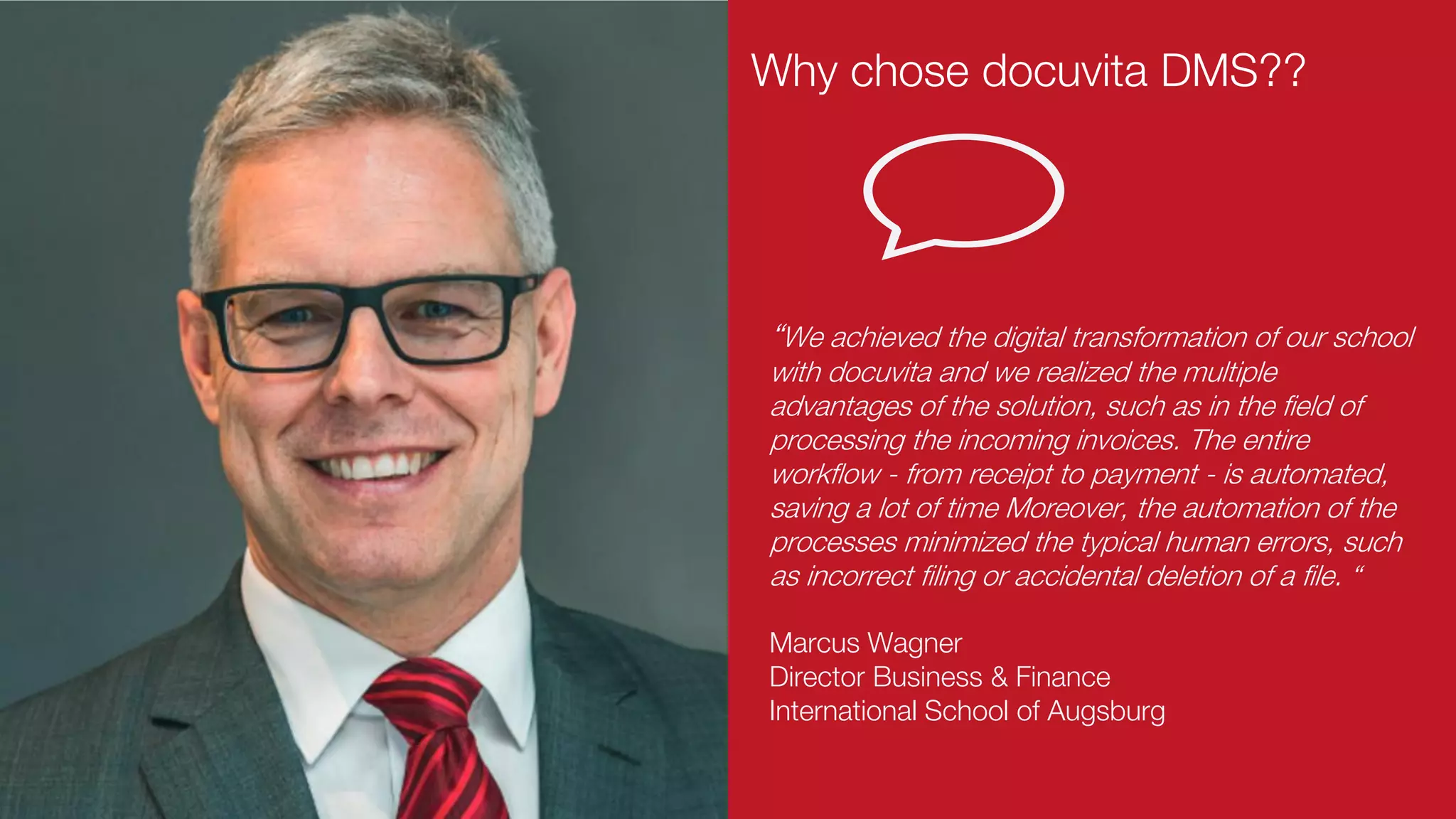
Marcus Wagner
Director Business & Finance
International School of Augsburg
“We achieved the digital transformation of our school
with docuvita and we realized the multiple
advantages of the solution, such as in the field of
processing the incoming invoices. The entire
workflow - from receipt to payment - is automated,
saving a lot of time Moreover, the automation of the
processes minimized the typical human errors, such
as incorrect filing or accidental deletion of a file. “
Why chose docuvita DMS??
Medical Document Archive in a
big University Hospital
docuvita White Label Version
Invoice Archive at the
EDI Leader Seeburger
AG
One of Europe's largest university
hospitals (Central Facility Management;
Invoice, HR prospectively)
QMS at PTA Business
Consulting
docuvita
Customers & Partners
docuvita
contacts
www.linkedin.com/company/docuvita-international https://twitter.com/docuvitaInt_DMSwww.docuvita-international.com info@docuvita-international.com
thank you.

What is docuvita document management system?

  • 1.
    docuvita Powerful Document Management forSmall and Medium-Sized Companies
  • 2.
    Document Management System(DMS) is an electronic solution that helps organisations to streamline their document management processes
  • 3.
     It enablescapturing, retrieval, sharing, tracking, revision, distribution and archiving of any type of digital document and hence information and data they contain across the company docuvita DMS  It offers easy traceability of documents and audit trail of document creation, access, modification, approval and submission ensures statutory or regulatory compliance, such as tax declarations, conformation to various standards (e.g. ISO, FDA, etc.) and GDPR.
  • 4.
    Do you dealwith any of these problems?
  • 5.
    No more spaceto store your business documents?
  • 6.
    Can’t find the documentyou are looking for?
  • 7.
    This is howyou will manage documents and processes with docuvita
  • 8.
    docuvita DMS The Solution SAVETIME & RESOURCES NOW!
  • 9.
    docuvita DMS Access yourdocuments anytime and anywhere docuvita is compatible with all devices including desktops, laptops, smartphones and tablets Access your documents anywhere
  • 10.
    Ready for theFuture docuvita – Key Features Audit-proof, GDPR ready Quickly find content and keywords Workflows to support processes Intuitive interface for easy learning Easy adaptability and integration Web-Service API to connect to external products Works on-premise and in the cloud Web-based Client for usage on any device
  • 11.
    docuvita Functionality Store all filesin one central repository. In docuvita you can store all your document types: doc, docx, pdf, xls, xlsx, ppt, scanned documents, video, images Automate all the document-driven processes with the powerful docuvita Workflow Server. Scan documents and convert the content into usable information for the business Powerful Full-text Search capabilities that allows you to search documents or the document content in fraction of seconds
  • 12.
    docuvita, one Document Management System to manageall your files coming from any source.
  • 13.
    Effectively Manage Documents Capturing with Scan, Barcode,Mass import, email Search & Retrieve Documents Guest User Access Outbound Documents Archiving Workflow, Processes, Follow Up, … Internet Secure Deletion, Retention Management docuvita Document Management
  • 14.
    docuvita – DataImport with AutoProfiler docuvita Database docuvita.AutoProfiler •XML-based importing tool •Realization of import scenarios of all kinds •Documents (PDF, COLD), Scanning, E-Mail The AutoProfiler is a powerful function for the semi-automatic or fully automatic transfer of data and the realization of various import scenarios
  • 15.
    docuvita – NativeWorkflow Engine Start User Task Auto Tasks End User-configurable workflows support business processes Fully integrated workflow engine Realization of user tasks Automation of tasks
  • 16.
    docuvita – NativeWorkflow Engine Scan Invoice Collect Data Extract Data Automatic Storing Automatic Classification Search & Import Automation of Document Import & Data Collection Automation of Data Entry in ERP / CRM Validate DataEnd
  • 17.
    docuvita Data Security Multi-Level DeleteFunction File Encryption Prevent Document Manipulation User Access Control
  • 18.
    docuvita Advanced Integration With docuvitayou can protect any existing IT investments while keeping your data available centrally. docuvita enables seamless integration into existing software like ERP, CRM, mail server, MRP and it is compatible with all known scanners, printers and MFP-devices. Documents Stored and Managed Centrally
  • 19.
  • 20.
    docuvita Disseminates the informationto all the Departments AccountingCustomers Suppliers HRManagement Board
  • 21.
    docuvita Boost Teamwork Versioning For authorizedusers, it is always possible to access older document versions and to see who has edited them. Notes Function Personal notes on documents, folders and files allow you to transfer document-related information without necessarily embed it directly into the document. Check-In and Check-Out When a document is marked for editing (Check-in), other users can see directly who is editing the document and when processing is complete (Check-out). Workflows Handle your business processes clear and easy. Common actions include e.g. querying decisions, monitoring deadlines, automatically sending e-mails and many more.
  • 22.
    docuvita Benefits HR Finance Engineering Cust Svc S/R Q/A Sales Marketing IT Production Costs CEO/ President Profit Processes Employees Cost offiling Cost of Lost and Misplaced files Equipment Improve Customer Service Internal collaboration Compliance with Legislative Framework and Quality Assurance Standards
  • 23.
    Reduce Document Handling Costs By goingpaperless, our customers have decreased document-related costs by 20%- 40% with docuvita.
  • 24.
    Boost Productivity On average, docuvitacustomers have freed up 30 to 60 minutes a day for each of their employee by eliminating manual tasks like paper management, finding documents and document sharing.
  • 25.
    Reduce Regulatory Compliance Costs docuvitacustomers meet compliance requirements with easiness and have decreased the related costs by 42%. docuvita customers are GDPR compliant by design!
  • 26.
    Improve Process Efficiency & ControllingCosts With docuvita.WorkflowServer customers have optimized their approval processes for invoices, contracts or quality management processes and reduced their costs by 37%.
  • 27.
    Marcus Wagner Director Business& Finance International School of Augsburg “We achieved the digital transformation of our school with docuvita and we realized the multiple advantages of the solution, such as in the field of processing the incoming invoices. The entire workflow - from receipt to payment - is automated, saving a lot of time Moreover, the automation of the processes minimized the typical human errors, such as incorrect filing or accidental deletion of a file. “ Why chose docuvita DMS??
  • 28.
    Medical Document Archivein a big University Hospital docuvita White Label Version Invoice Archive at the EDI Leader Seeburger AG One of Europe's largest university hospitals (Central Facility Management; Invoice, HR prospectively) QMS at PTA Business Consulting docuvita Customers & Partners
  • 29.
  • 30.