http://netwanlan.com
By Shery

What is Direct Access
By Muhammad Shahid
(Shery theTechyBoy)
http://netwanlan.com

Direct Access


Next Generation Remote Access provided by Microsoft, from Windows Server
2008 R2 now enhanced and combined with lots of other Remote Access
Features and Services in WINDOWS SERVER 2012



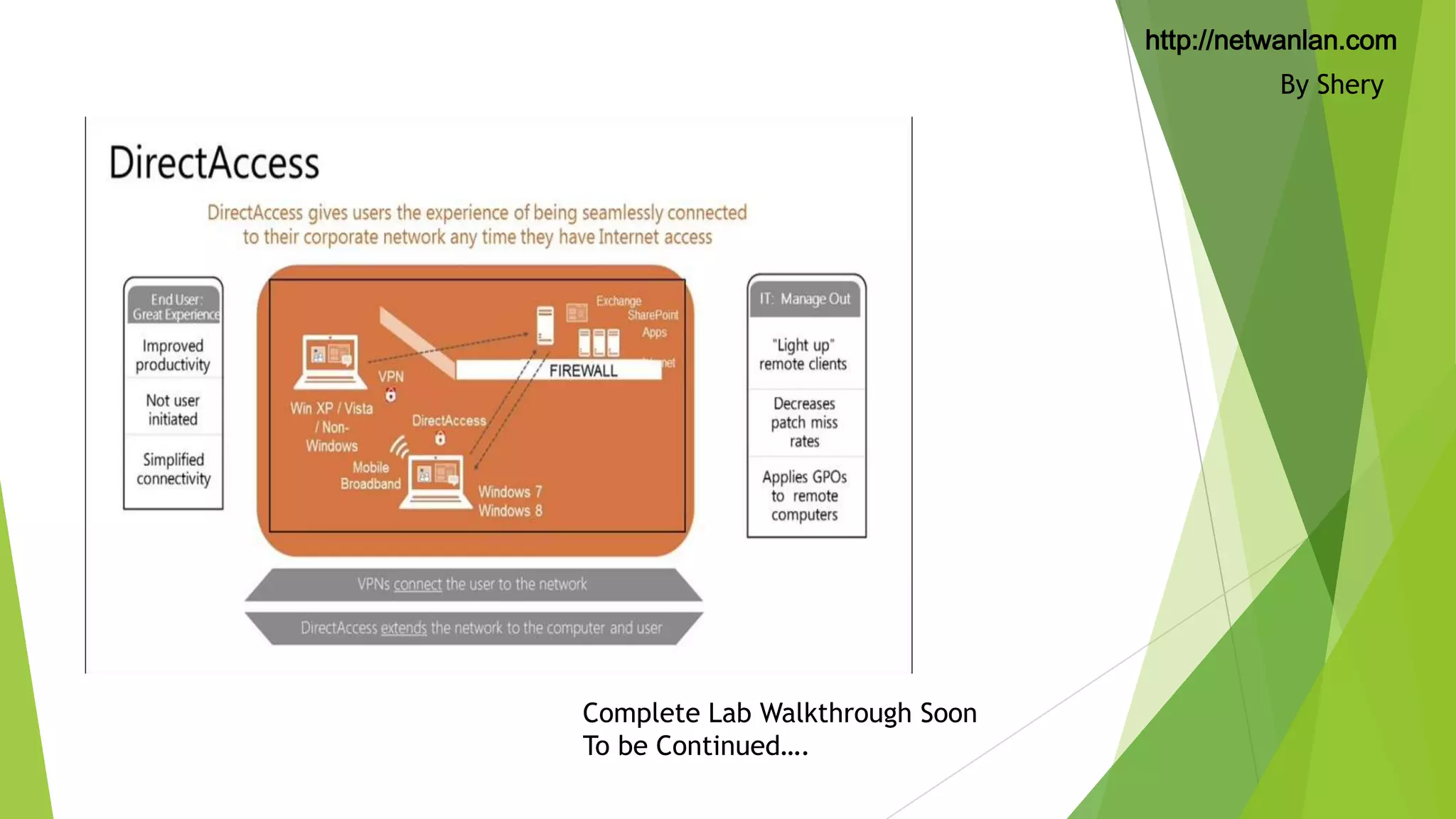
Always On, Seamless and Transparent Corporate Network connectivity for
Managed Clients. Users are not required to dial any connection to the
Corporate Network, it is always on



Bi-Directional connectivity. (whenever client will have internet connectivity it
will be automatically on the Corporate Network)

By Shery
http://netwanlan.com
By Shery
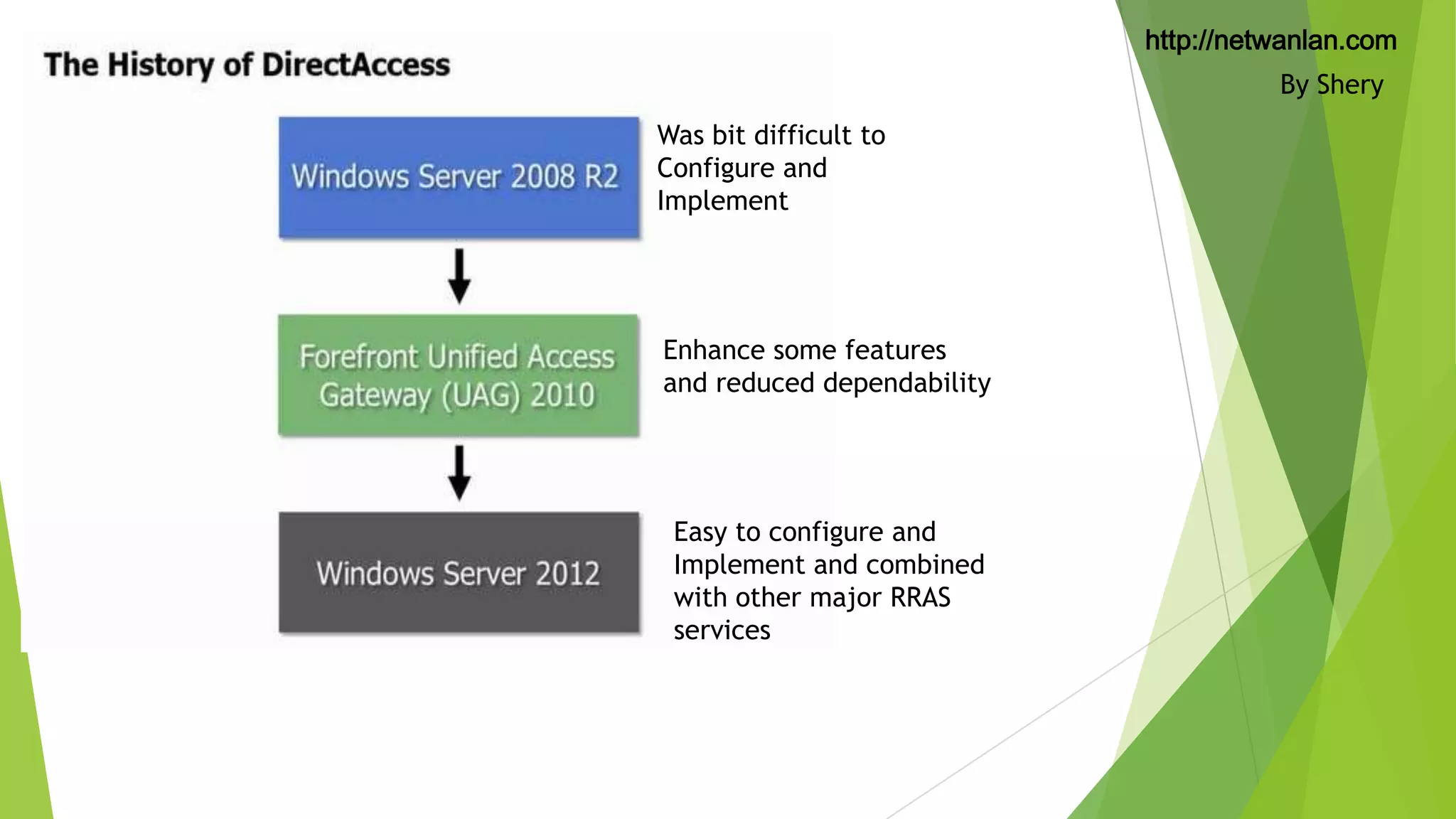
Was bit difficult to
Configure and
Implement

Enhance some features
and reduced dependability

Easy to configure and
Implement and combined
with other major RRAS
services
http://netwanlan.com

Windows Server 2012 Direct
Access


Simplified Deployment PKI and Public IPv4 Addresses (Optional Now) (in past
we need CA Server to handle the PKI infrastructure, but in new Server 2012
we can use self signed certificates but only supported to Windows 8 and
Windows 8.1 clients, Windows 7 need to be have PKI Infrastructure



Now we can have Direct Access and RRAS VPN Combined



Improved Scalability and Performance.



Support Geographic Redundancy (client may select closest Corporate Sites but
supported to windows 8/8.1 only)



Can be managed by PowerShell



Operational Status and Great Dashboard Features



Accounting and Reporting

By Shery
http://netwanlan.com

Benefits of DirectAccess


No need to train the Client/User. It will work transparently.



No User Interaction Required and Always connected.



Corporate Network connectivity When Internet Connected.



Always Managed. (Auto push policies from Corporate DCs etc.)

By Shery
http://netwanlan.com

Direct Access – Collection of
Technologies


Server 2012 / Server 2012 R2



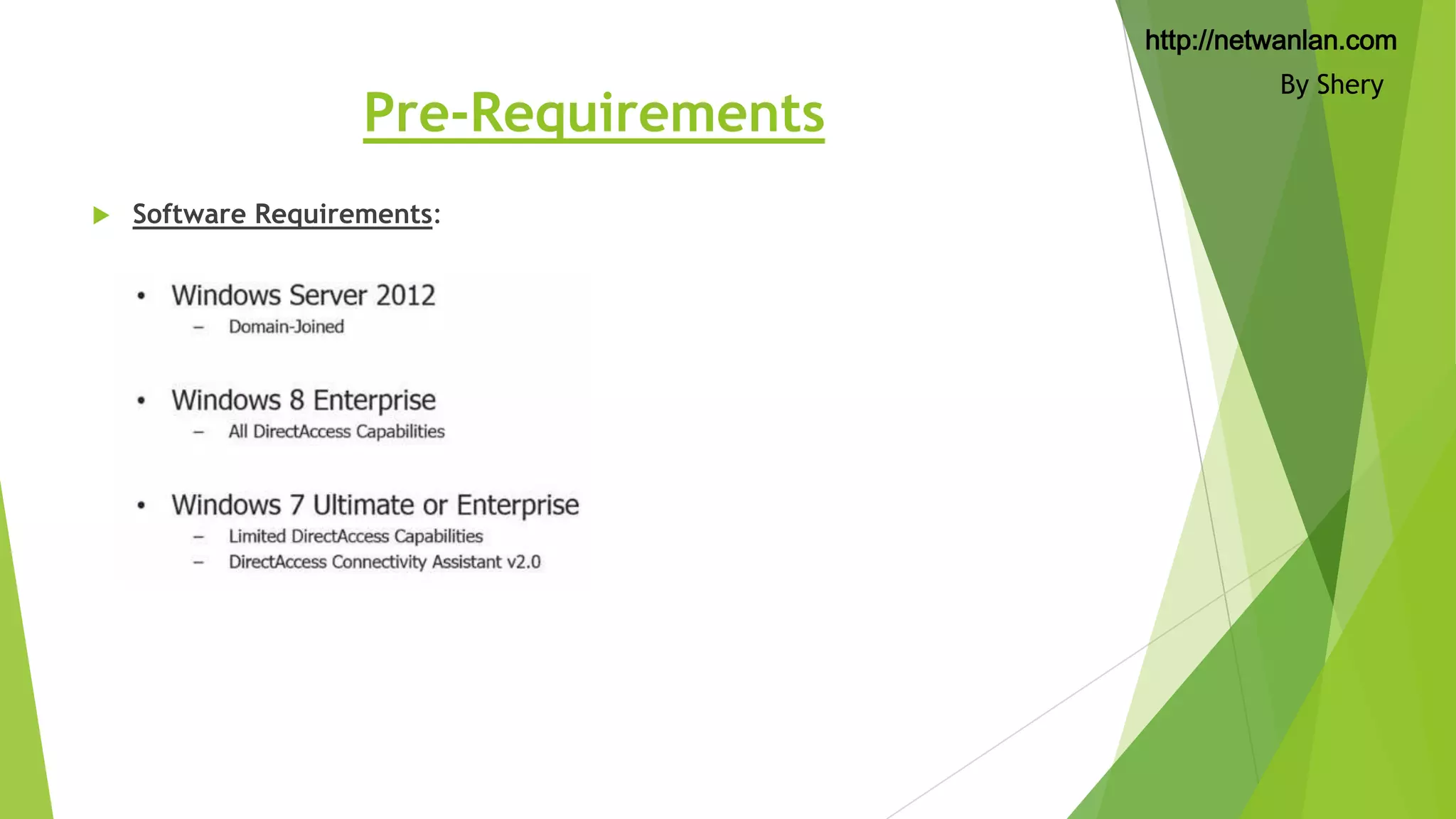
Windows 8 enterprise (Limited Support Windows 7 Ultimate/Enterprise)



IPV6 and Ipsec (Connection Security Policies will be configured on Direct Access
Servers Seamless to clients)



Active Directory and Group Policies



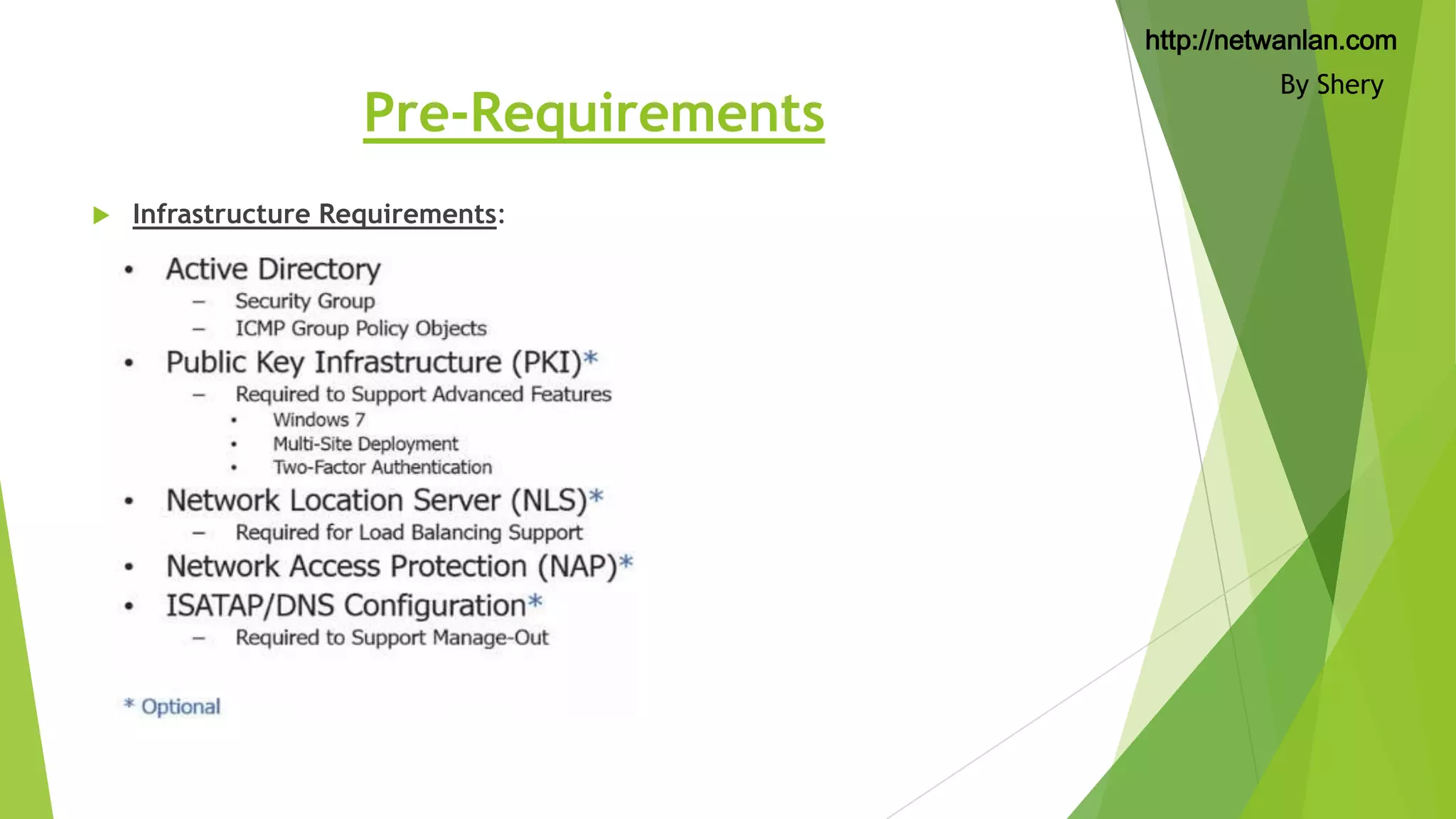
Digital Certificates (Public Key Infrastructure (PKI) is Optional



Name Resolution Policy Table (NRPT)



Network connectivity Assistant (Builtin to windows 8)



Network Location Server (NLS) (A Web Server, An essential part of Direct Access,
Can be configure along with Direct Access Gateways



Network Load Balance (High Availability)

By Shery
http://netwanlan.com

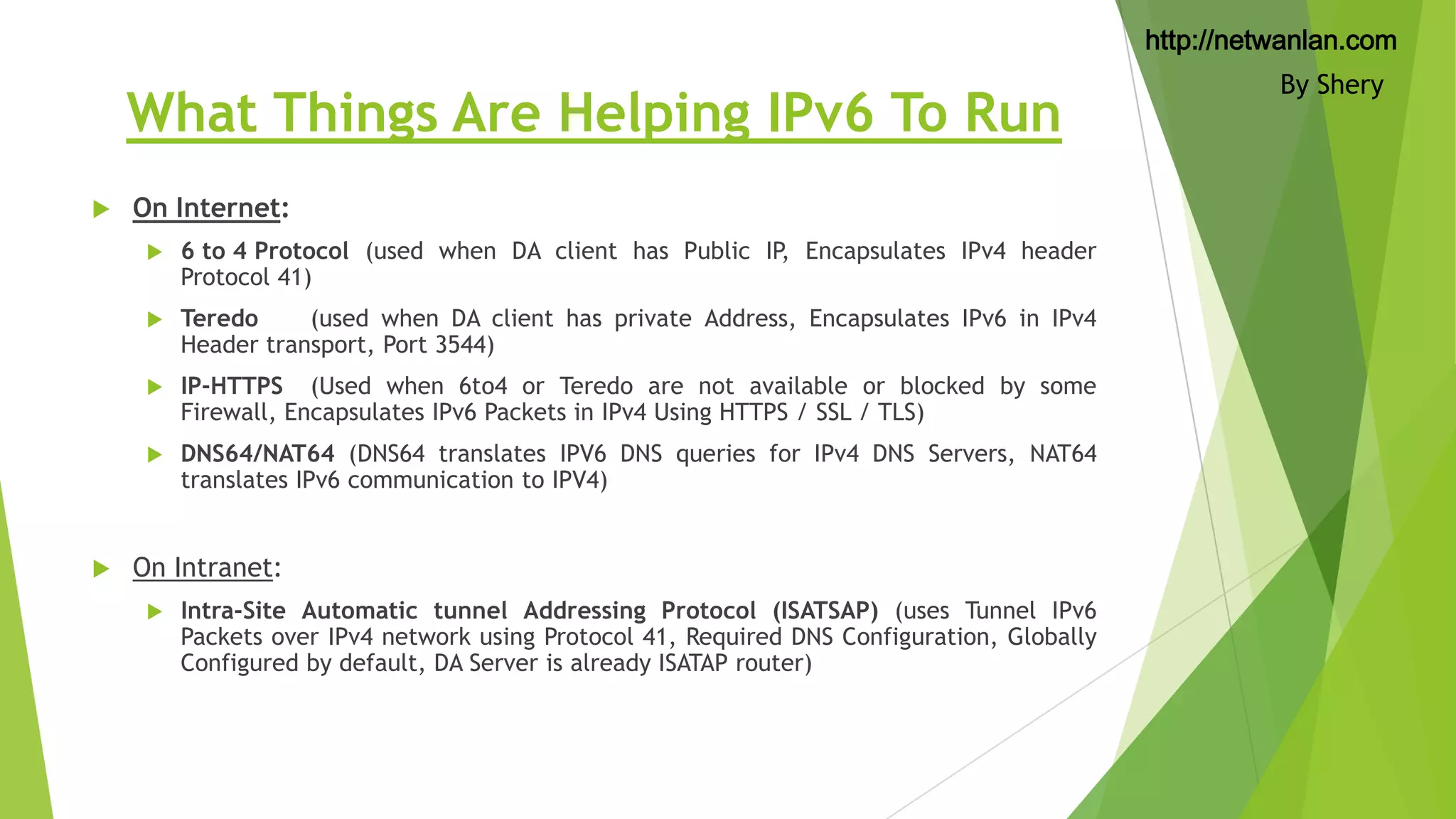
What Things Are Helping IPv6 To Run


On Internet:



Teredo
(used when DA client has private Address, Encapsulates IPv6 in IPv4
Header transport, Port 3544)



IP-HTTPS (Used when 6to4 or Teredo are not available or blocked by some
Firewall, Encapsulates IPv6 Packets in IPv4 Using HTTPS / SSL / TLS)





6 to 4 Protocol (used when DA client has Public IP, Encapsulates IPv4 header
Protocol 41)

DNS64/NAT64 (DNS64 translates IPV6 DNS queries for IPv4 DNS Servers, NAT64
translates IPv6 communication to IPV4)

On Intranet:


Intra-Site Automatic tunnel Addressing Protocol (ISATSAP) (uses Tunnel IPv6
Packets over IPv4 network using Protocol 41, Required DNS Configuration, Globally
Configured by default, DA Server is already ISATAP router)

By Shery
http://netwanlan.com

Pre-Requirements


Software Requirements:

By Shery
http://netwanlan.com

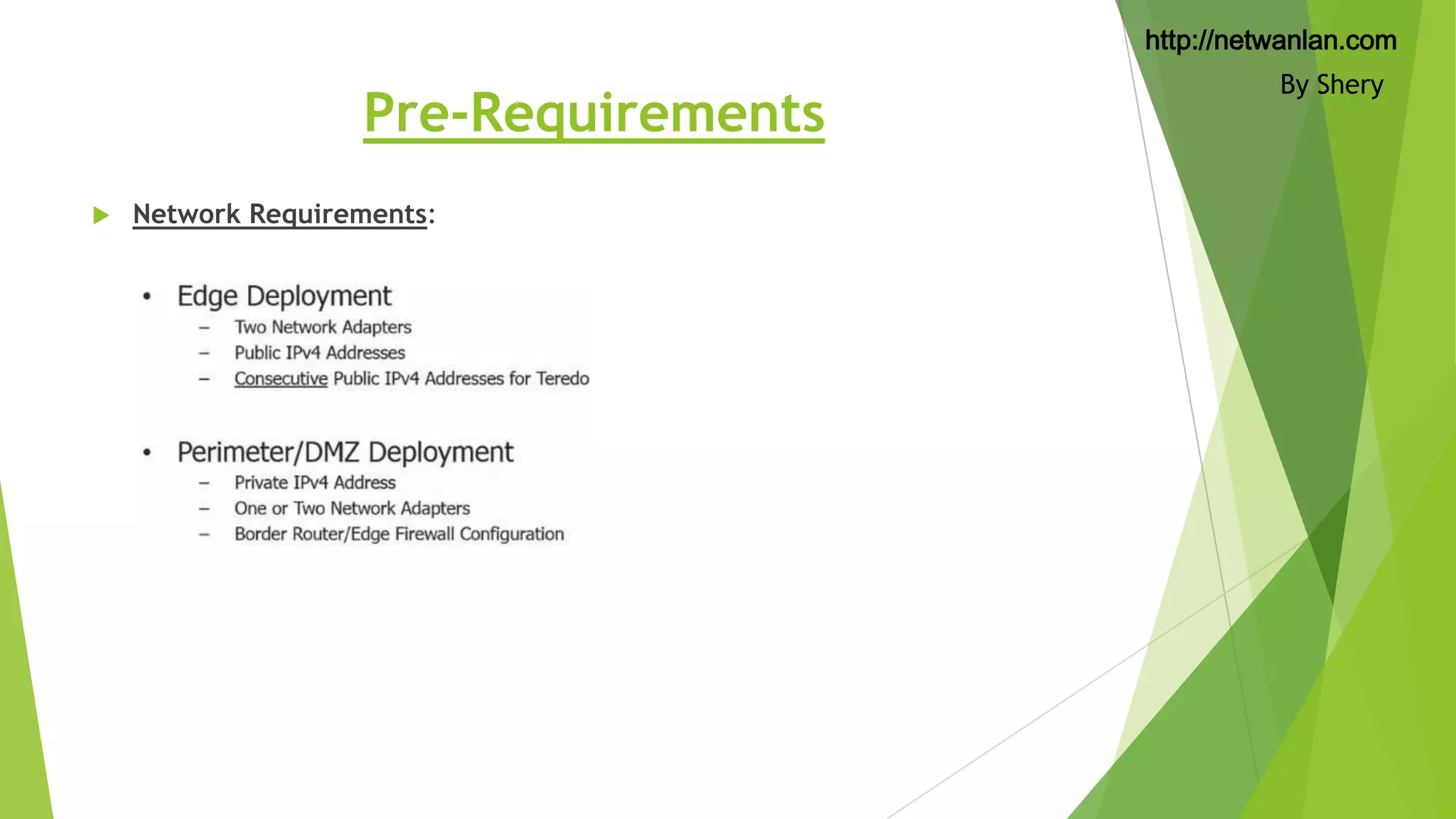
Pre-Requirements


Network Requirements:

By Shery
http://netwanlan.com

Pre-Requirements


Infrastructure Requirements:

By Shery
http://netwanlan.com
By Shery

Complete Lab Walkthrough Soon
To be Continued….

What is direct access?

  • 1.
    http://netwanlan.com By Shery What isDirect Access By Muhammad Shahid (Shery theTechyBoy)
  • 2.
    http://netwanlan.com Direct Access  Next GenerationRemote Access provided by Microsoft, from Windows Server 2008 R2 now enhanced and combined with lots of other Remote Access Features and Services in WINDOWS SERVER 2012  Always On, Seamless and Transparent Corporate Network connectivity for Managed Clients. Users are not required to dial any connection to the Corporate Network, it is always on  Bi-Directional connectivity. (whenever client will have internet connectivity it will be automatically on the Corporate Network) By Shery
  • 3.
    http://netwanlan.com By Shery Was bitdifficult to Configure and Implement Enhance some features and reduced dependability Easy to configure and Implement and combined with other major RRAS services
  • 4.
    http://netwanlan.com Windows Server 2012Direct Access  Simplified Deployment PKI and Public IPv4 Addresses (Optional Now) (in past we need CA Server to handle the PKI infrastructure, but in new Server 2012 we can use self signed certificates but only supported to Windows 8 and Windows 8.1 clients, Windows 7 need to be have PKI Infrastructure  Now we can have Direct Access and RRAS VPN Combined  Improved Scalability and Performance.  Support Geographic Redundancy (client may select closest Corporate Sites but supported to windows 8/8.1 only)  Can be managed by PowerShell  Operational Status and Great Dashboard Features  Accounting and Reporting By Shery
  • 5.
    http://netwanlan.com Benefits of DirectAccess  Noneed to train the Client/User. It will work transparently.  No User Interaction Required and Always connected.  Corporate Network connectivity When Internet Connected.  Always Managed. (Auto push policies from Corporate DCs etc.) By Shery
  • 6.
    http://netwanlan.com Direct Access –Collection of Technologies  Server 2012 / Server 2012 R2  Windows 8 enterprise (Limited Support Windows 7 Ultimate/Enterprise)  IPV6 and Ipsec (Connection Security Policies will be configured on Direct Access Servers Seamless to clients)  Active Directory and Group Policies  Digital Certificates (Public Key Infrastructure (PKI) is Optional  Name Resolution Policy Table (NRPT)  Network connectivity Assistant (Builtin to windows 8)  Network Location Server (NLS) (A Web Server, An essential part of Direct Access, Can be configure along with Direct Access Gateways  Network Load Balance (High Availability) By Shery
  • 7.
    http://netwanlan.com What Things AreHelping IPv6 To Run  On Internet:   Teredo (used when DA client has private Address, Encapsulates IPv6 in IPv4 Header transport, Port 3544)  IP-HTTPS (Used when 6to4 or Teredo are not available or blocked by some Firewall, Encapsulates IPv6 Packets in IPv4 Using HTTPS / SSL / TLS)   6 to 4 Protocol (used when DA client has Public IP, Encapsulates IPv4 header Protocol 41) DNS64/NAT64 (DNS64 translates IPV6 DNS queries for IPv4 DNS Servers, NAT64 translates IPv6 communication to IPV4) On Intranet:  Intra-Site Automatic tunnel Addressing Protocol (ISATSAP) (uses Tunnel IPv6 Packets over IPv4 network using Protocol 41, Required DNS Configuration, Globally Configured by default, DA Server is already ISATAP router) By Shery
  • 8.
  • 9.
  • 10.
  • 11.
    http://netwanlan.com By Shery Complete LabWalkthrough Soon To be Continued….