What have you learned
about technologies from
the process of
constructing this
product? By Edwin Emery
The basics
The most basic of technology that I used was
Microsoft Word to write down the different
ways in which I was going to complete tasks
and research I did but the use of the internet
and more importantly the use of google to
research into my ideas it help to further my
knowledge specifically my genre Sport-action
and but also sub-genres like drama! However
these were the most basic so I already knew
how to work both of these software's
beforehand, the use of them during the
process help me to really constructing my
product and end piece it really showed me
what was possible with the software that I was
using, giving me lots of tips and advice.
What technologies did I use to
construct my work? - Research
To create my coursework i needed a place to
construct my ideas and place all my ideas but
also record all my work, so I used blogger.
This was immediately a challenge for me,
because I had never making a blog before and
thought they were the same as creating a
website, but through the use of blogger pre-
formed ideas I had about blogs changed and
the idea of creating a blog wasn’t so daunting.
Previously I only knew off one website where
you could do blogs which was Tumblr, so this
further on extended my knowledge.
To present my ideas and research I used
slideshare and Prezi . Slide-share and Prezi
showed me that me that there is multiple
ways one way to present your work onto
make your work look professional but also
display it within a cool it was good for
explaining theories and displaying them in a
simple and easy way. The information was
also easy to access and was easy to create,
in presentable fashion. However it was
definitely, a more interesting, fun way to
present information in comparison to just
writing in continuous pros on blogger.
In order to do research in to my genre I used survey monkey I need to find out
about what attracts target audiences to theses film but most important how to
attract them to my film, this helping me make the best possible opening sequence
that appeals and addresses them. This was especially beneficial because I got
responses main from people who were interested with my genre so the information
received was extremely helpful, finding out what attracts them and allows me to
bring more joy to my audience and really captivate them with in my genre. I had
previously knowledge of Survey Monkey, however I didn’t know the how
resourceful it could be and what a major help it can be within a media film
production especially for my independent film.
Planning
As part of my planning and course I had to create a
preliminary task. This required me to get hands on
and jut straight into what this coursework would be
about applying the theories to make my products of
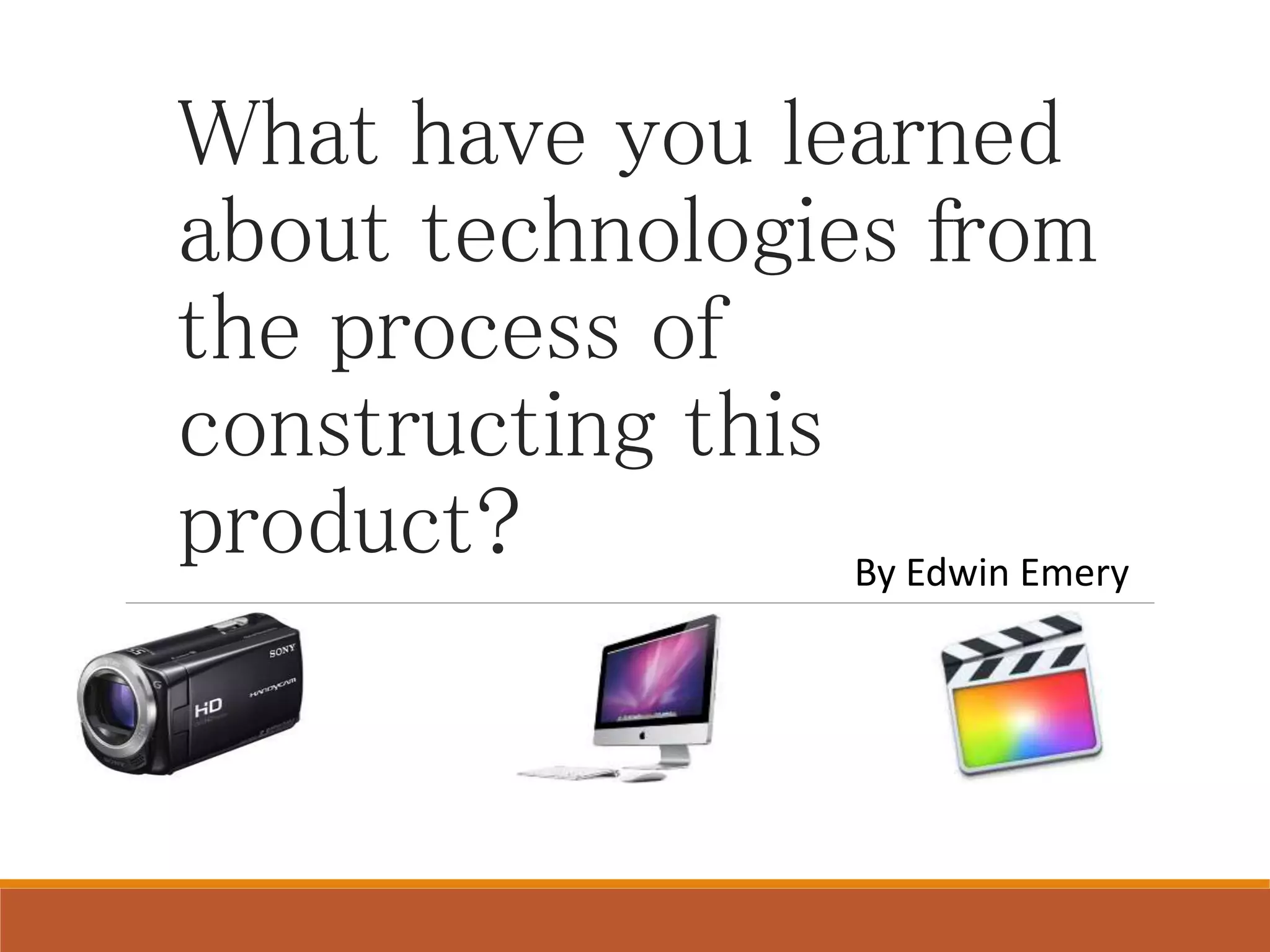
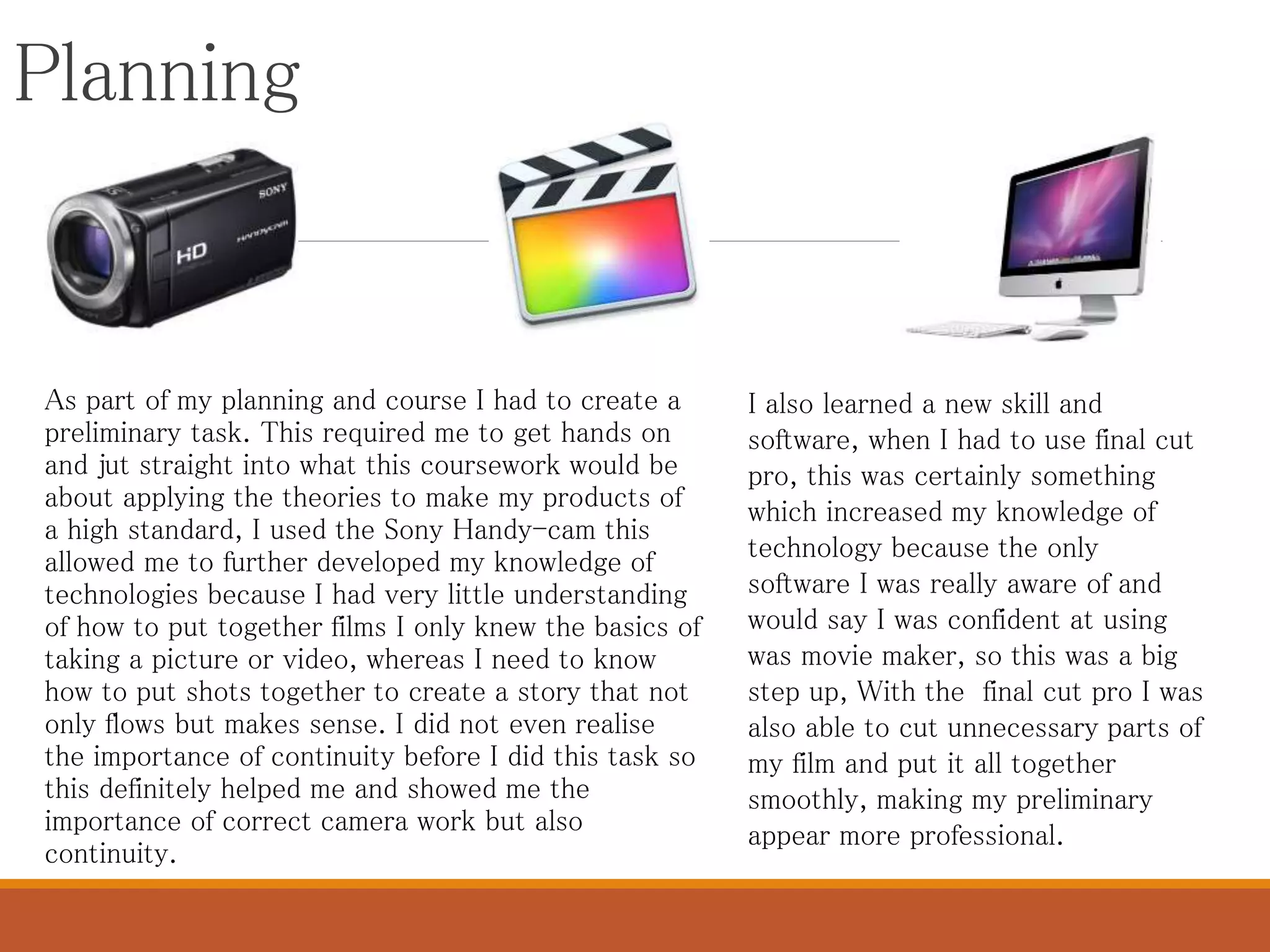
a high standard, I used the Sony Handy-cam this
allowed me to further developed my knowledge of
technologies because I had very little understanding
of how to put together films I only knew the basics of
taking a picture or video, whereas I need to know
how to put shots together to create a story that not
only flows but makes sense. I did not even realise
the importance of continuity before I did this task so
this definitely helped me and showed me the
importance of correct camera work but also
continuity.
I also learned a new skill and
software, when I had to use final cut
pro, this was certainly something
which increased my knowledge of
technology because the only
software I was really aware of and
would say I was confident at using
was movie maker, so this was a big
step up, With the final cut pro I was
also able to cut unnecessary parts of
my film and put it all together
smoothly, making my preliminary
appear more professional.
Planning
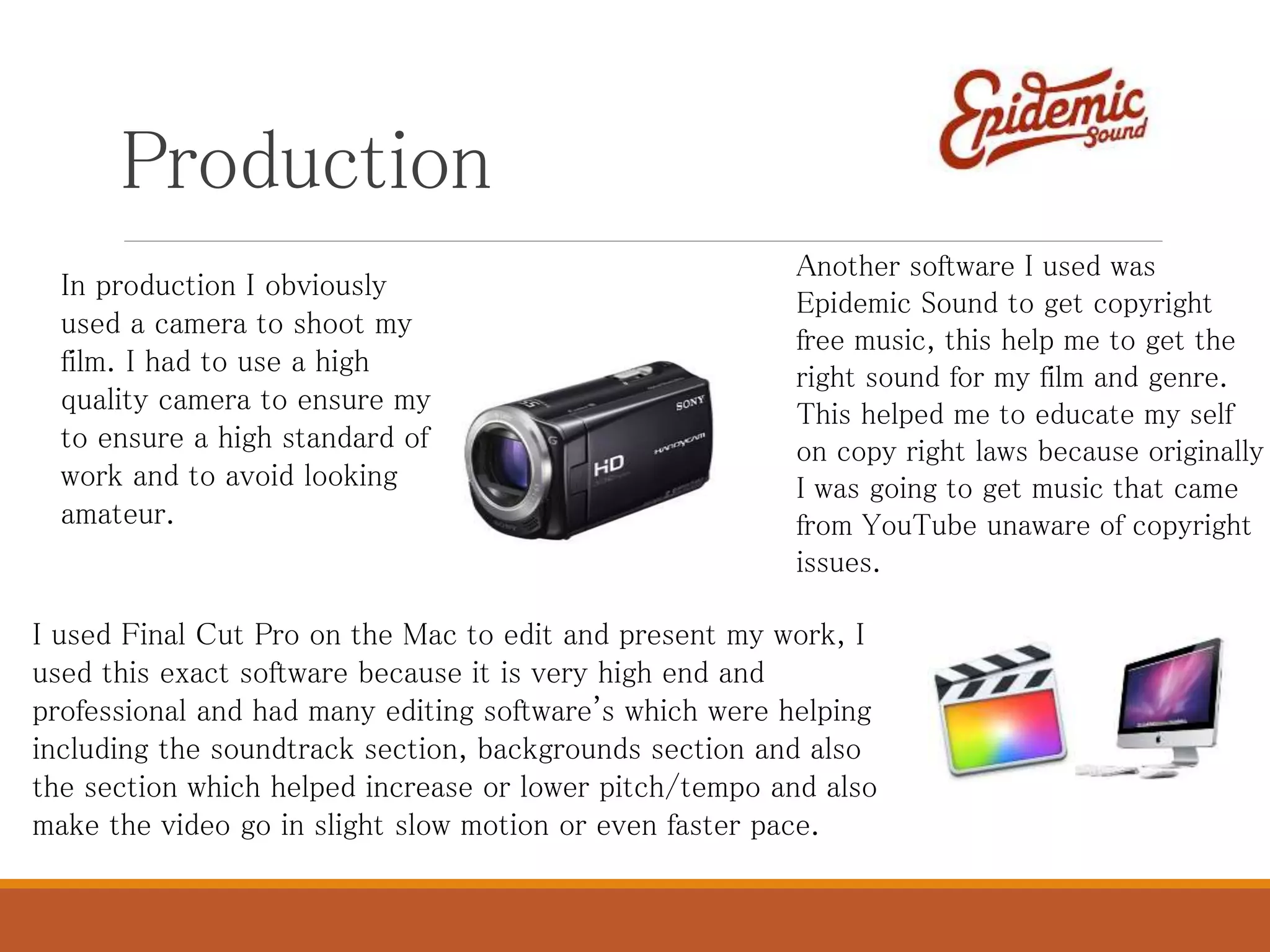
To get my storyboard on to my blogger I used the scanner, my
story board contain pictures of the events of my prelim and also
my final piece, with a description below explaining it and the
camera angles and shots. I realised this was definitely the most
effective way to do it than take a picture and upload the picture
as the picture was unclear and didn’t look as professional,
however there was a few problems with scanning so next time I
need to make sure to make sure I have everything set up
correctly.
Production
In production I obviously
used a camera to shoot my
film. I had to use a high
quality camera to ensure my
to ensure a high standard of
work and to avoid looking
amateur.
I used Final Cut Pro on the Mac to edit and present my work, I
used this exact software because it is very high end and
professional and had many editing software's which were helping
including the soundtrack section, backgrounds section and also
the section which helped increase or lower pitch/tempo and also
make the video go in slight slow motion or even faster pace.
Another software I used was
Epidemic Sound to get copyright
free music, this help me to get the
right sound for my film and genre.
This helped me to educate my self
on copy right laws because originally
I was going to get music that came
from YouTube unaware of copyright
issues.
Production
I used a memory stick to convert my media
product, this including the final opening
sequence product and the preliminary and post it
on to YouTube, and them on to my blog, I did it
this way because. This helped to further my
knowledge because I held a YouTube g-mail
account for many years but never posted
anything so this was my first post so it was a
whole new experience.
Use of Digital camera
I learned a lot through the use of
the Sony handy-cam digital. It
thought me a lot about digital
technology and its use, especially
when creating my blog. The first
task where I got to experience the
digital technology was in my
preliminary task, and I got to see
how high quality the cameras
could actually produce my work.
In my preliminary I did not use a
tripod I soon grasped that
without a tripod my media product
can look amateur as it would be
jolty and shaky and the quality of
the work is not as good.
Therefore when producing my final piece I knew how
important tripods are when it comes to reduce unsteady
footage and when combined with the HD camera, and
therefore I made sure to have high quality work. At first the
things I struggles with most was getting a clear panning
motion because often it was to fast or to slow or look as
though it was cranking across the screen, but after some
practice I manage to perfect the shot, you can see my
progress by the shot of the protagonist walking across the
living room in my end or across the antagonists face as he
says so what do you want me to do. Although there were
technical faults that occurred with the camera, these were
easily resolved the use of the tripod was definitely a big
factor in some scene vs other scenes where I didn’t use it
and it didn't look as great, but overall gave a cleaner feel to
my end product,. Overall, the camera I had managed to do all
functions I required and worked well, gaving high quality as
well as footage and gave me a good end product.
Experience of Final cut pro
To edit my film I got to use, Mac computers and use the program Final Cut Pro to work on my opening
sequence although I lacked experience how professional; and high quality this software was allowed me
to create high quality work, previously I used windows movie maker to put all my clips together to have a
rough ide, but the gap between the 2 piece of software is large. For example movie maker, didn’t allow
the clips to flow into one with clips jumped to the next scene not running smoothly at all there was also
very little you could do in terms of editing the actual clip, compared to Final Cut Pro as they have
everything movie maker has and more. So overall, I found that Final Cut Pro was much better than movie
maker in terms of what they do, movie maker is much more simplistic way of creating a media product.
Final Cut Pro opened me up to a whole new world in terms of techniques for editing, use of slide
transitions and slow motion effects, also the use of stabilization and crop allowed me to make scenes
that were at first a little shaky appear more stable and the use of crop to remove unnecessary images
within my production. Allowing me to create high quality footage and therefore end products as well do
something I have never done before while having fun. Within the production stage, I had a chance to
play with some of the typical conventions with in a sport –action film and use different transitions and
filters which conformed with my genre of this would be the video camera effect on my title but its also a
old fashion TV to show that this could be a education film as well.
I also got to cut unnecessary frames from my film, this really helped when it came to continuity and
making the film flow in to one, this linking also to my preliminary task. I struggled at first when using the
Macs because of the complexity of the new software I was learning. However I quickly resolved any
issues by online YouTube videos and help from my teacher.
Enhanced creativity or
technology?
Looking back on the task I feel I have improved massively and technology has
shown me a whole different side to media, my creativity has in proved
especially when it comes to use of technology and feel more comfortable using
different software's, and next time I would go outside of my comfort zone.
Overall this was a great task, but I would say the technological side has
improved for me.

What have you learned about technologies from the

  • 1.
    What have youlearned about technologies from the process of constructing this product? By Edwin Emery
  • 2.
    The basics The mostbasic of technology that I used was Microsoft Word to write down the different ways in which I was going to complete tasks and research I did but the use of the internet and more importantly the use of google to research into my ideas it help to further my knowledge specifically my genre Sport-action and but also sub-genres like drama! However these were the most basic so I already knew how to work both of these software's beforehand, the use of them during the process help me to really constructing my product and end piece it really showed me what was possible with the software that I was using, giving me lots of tips and advice.
  • 3.
    What technologies didI use to construct my work? - Research To create my coursework i needed a place to construct my ideas and place all my ideas but also record all my work, so I used blogger. This was immediately a challenge for me, because I had never making a blog before and thought they were the same as creating a website, but through the use of blogger pre- formed ideas I had about blogs changed and the idea of creating a blog wasn’t so daunting. Previously I only knew off one website where you could do blogs which was Tumblr, so this further on extended my knowledge. To present my ideas and research I used slideshare and Prezi . Slide-share and Prezi showed me that me that there is multiple ways one way to present your work onto make your work look professional but also display it within a cool it was good for explaining theories and displaying them in a simple and easy way. The information was also easy to access and was easy to create, in presentable fashion. However it was definitely, a more interesting, fun way to present information in comparison to just writing in continuous pros on blogger.
  • 4.
    In order todo research in to my genre I used survey monkey I need to find out about what attracts target audiences to theses film but most important how to attract them to my film, this helping me make the best possible opening sequence that appeals and addresses them. This was especially beneficial because I got responses main from people who were interested with my genre so the information received was extremely helpful, finding out what attracts them and allows me to bring more joy to my audience and really captivate them with in my genre. I had previously knowledge of Survey Monkey, however I didn’t know the how resourceful it could be and what a major help it can be within a media film production especially for my independent film.
  • 5.
    Planning As part ofmy planning and course I had to create a preliminary task. This required me to get hands on and jut straight into what this coursework would be about applying the theories to make my products of a high standard, I used the Sony Handy-cam this allowed me to further developed my knowledge of technologies because I had very little understanding of how to put together films I only knew the basics of taking a picture or video, whereas I need to know how to put shots together to create a story that not only flows but makes sense. I did not even realise the importance of continuity before I did this task so this definitely helped me and showed me the importance of correct camera work but also continuity. I also learned a new skill and software, when I had to use final cut pro, this was certainly something which increased my knowledge of technology because the only software I was really aware of and would say I was confident at using was movie maker, so this was a big step up, With the final cut pro I was also able to cut unnecessary parts of my film and put it all together smoothly, making my preliminary appear more professional.
  • 6.
    Planning To get mystoryboard on to my blogger I used the scanner, my story board contain pictures of the events of my prelim and also my final piece, with a description below explaining it and the camera angles and shots. I realised this was definitely the most effective way to do it than take a picture and upload the picture as the picture was unclear and didn’t look as professional, however there was a few problems with scanning so next time I need to make sure to make sure I have everything set up correctly.
  • 7.
    Production In production Iobviously used a camera to shoot my film. I had to use a high quality camera to ensure my to ensure a high standard of work and to avoid looking amateur. I used Final Cut Pro on the Mac to edit and present my work, I used this exact software because it is very high end and professional and had many editing software's which were helping including the soundtrack section, backgrounds section and also the section which helped increase or lower pitch/tempo and also make the video go in slight slow motion or even faster pace. Another software I used was Epidemic Sound to get copyright free music, this help me to get the right sound for my film and genre. This helped me to educate my self on copy right laws because originally I was going to get music that came from YouTube unaware of copyright issues.
  • 8.
    Production I used amemory stick to convert my media product, this including the final opening sequence product and the preliminary and post it on to YouTube, and them on to my blog, I did it this way because. This helped to further my knowledge because I held a YouTube g-mail account for many years but never posted anything so this was my first post so it was a whole new experience.
  • 9.
    Use of Digitalcamera I learned a lot through the use of the Sony handy-cam digital. It thought me a lot about digital technology and its use, especially when creating my blog. The first task where I got to experience the digital technology was in my preliminary task, and I got to see how high quality the cameras could actually produce my work. In my preliminary I did not use a tripod I soon grasped that without a tripod my media product can look amateur as it would be jolty and shaky and the quality of the work is not as good. Therefore when producing my final piece I knew how important tripods are when it comes to reduce unsteady footage and when combined with the HD camera, and therefore I made sure to have high quality work. At first the things I struggles with most was getting a clear panning motion because often it was to fast or to slow or look as though it was cranking across the screen, but after some practice I manage to perfect the shot, you can see my progress by the shot of the protagonist walking across the living room in my end or across the antagonists face as he says so what do you want me to do. Although there were technical faults that occurred with the camera, these were easily resolved the use of the tripod was definitely a big factor in some scene vs other scenes where I didn’t use it and it didn't look as great, but overall gave a cleaner feel to my end product,. Overall, the camera I had managed to do all functions I required and worked well, gaving high quality as well as footage and gave me a good end product.
  • 10.
    Experience of Finalcut pro To edit my film I got to use, Mac computers and use the program Final Cut Pro to work on my opening sequence although I lacked experience how professional; and high quality this software was allowed me to create high quality work, previously I used windows movie maker to put all my clips together to have a rough ide, but the gap between the 2 piece of software is large. For example movie maker, didn’t allow the clips to flow into one with clips jumped to the next scene not running smoothly at all there was also very little you could do in terms of editing the actual clip, compared to Final Cut Pro as they have everything movie maker has and more. So overall, I found that Final Cut Pro was much better than movie maker in terms of what they do, movie maker is much more simplistic way of creating a media product. Final Cut Pro opened me up to a whole new world in terms of techniques for editing, use of slide transitions and slow motion effects, also the use of stabilization and crop allowed me to make scenes that were at first a little shaky appear more stable and the use of crop to remove unnecessary images within my production. Allowing me to create high quality footage and therefore end products as well do something I have never done before while having fun. Within the production stage, I had a chance to play with some of the typical conventions with in a sport –action film and use different transitions and filters which conformed with my genre of this would be the video camera effect on my title but its also a old fashion TV to show that this could be a education film as well. I also got to cut unnecessary frames from my film, this really helped when it came to continuity and making the film flow in to one, this linking also to my preliminary task. I struggled at first when using the Macs because of the complexity of the new software I was learning. However I quickly resolved any issues by online YouTube videos and help from my teacher.
  • 11.
    Enhanced creativity or technology? Lookingback on the task I feel I have improved massively and technology has shown me a whole different side to media, my creativity has in proved especially when it comes to use of technology and feel more comfortable using different software's, and next time I would go outside of my comfort zone. Overall this was a great task, but I would say the technological side has improved for me.