What have you learned about
technologies from the process of
constructing this product?
The basics
Evidently, the most basic and obvious use of technology I used was Microsoft
Word to write down all my analytical work but also the internet – specifically
Google! And that technology software was used to research information and
further my knowledge for a wide range of things including my specific genre
(crime/psychological thriller) and the conventions and codes within it!
Although I evidently knew how to work both of these software's beforehand,
the use of them during the process of constructing my product helped me
open my eyes to what your capable of through technology and the opportunity
that comes along with it!
What technologies did I use to
construct my work? - Research
When first constructing my
coursework, I firstly evidently had
to use blogger as a platform and
place to put and record all my work.
This alone made me learn so much
more new knowledge about the
world of blogging because previously
I assumed that blogs are created by
forming an actual website with a url,
I didn’t know there was already a
pre-designed website which was
made just to create and design
blogs. To add on to that, I
previously only knew off one website
where you could do blogs which was
Tumblr, so this further on extended
my knowledge.
Another thing I used, this time present my research
was Slide share and Prezi. Slide-share and Prezi taught
me that me that there is more than one way to present
your work online and was also beneficial when it came
to theories and explain them or quick points. It was
also good because it is very easy to get information
across, only a click getting you to the next point, being
very easy access. To add on to that, it is also a more
interesting, fun way to present information in
comparison to just doing a written essay on my blog.
Another device I used – which was
extremely beneficial was tube chop.
Before I got introduced to Tube
Chop, I had no idea that you could
actually cut videos from YouTube to
make them into smaller, miniature
clips of your choice. This was
extremely helpful for me when doing
my analytical work as I could attach
the actual video I was talking about
in my work, therefore the references
would make sense and they people
reviewing my work could watch the
video at the same time to ensure it
all checks out. It was also good
when giving examples from my own
work.
I also used survey monkey in the research
section when trying to find out what
attracts my target audience most to
thrillers, this helping me make the best
possible opening sequence that appeals
and addresses them. This was beneficial
because I got to receive feedback from
people interested within my genre, finding
out what attracts them and what gives
them the most audience pleasures.
Although I previously already knew about
Survey Monkey, I didn’t know the
capability of it and how much it could
actually benefit me in the process of
making my final media product.
Planning
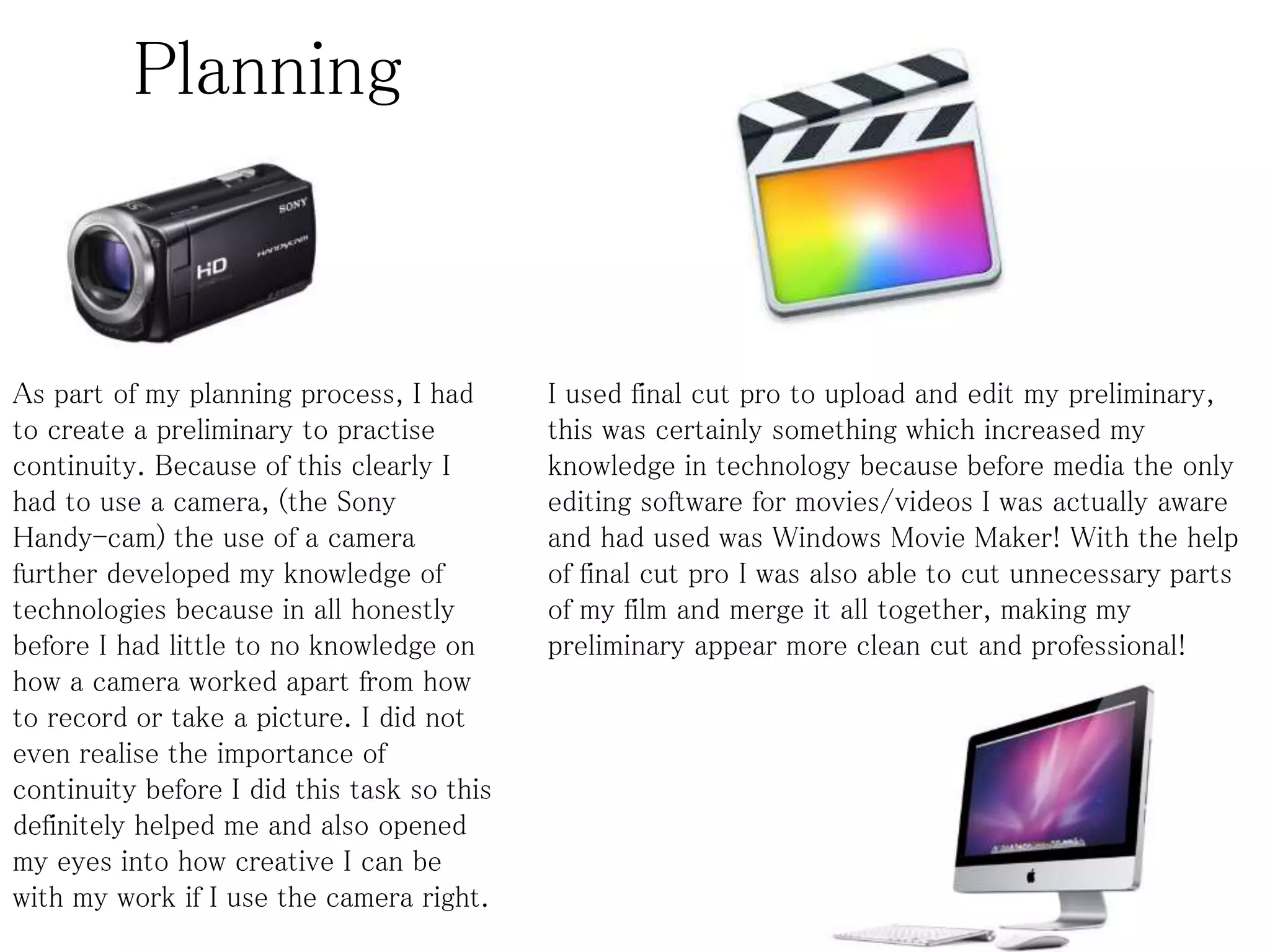
As part of my planning process, I had
to create a preliminary to practise
continuity. Because of this clearly I
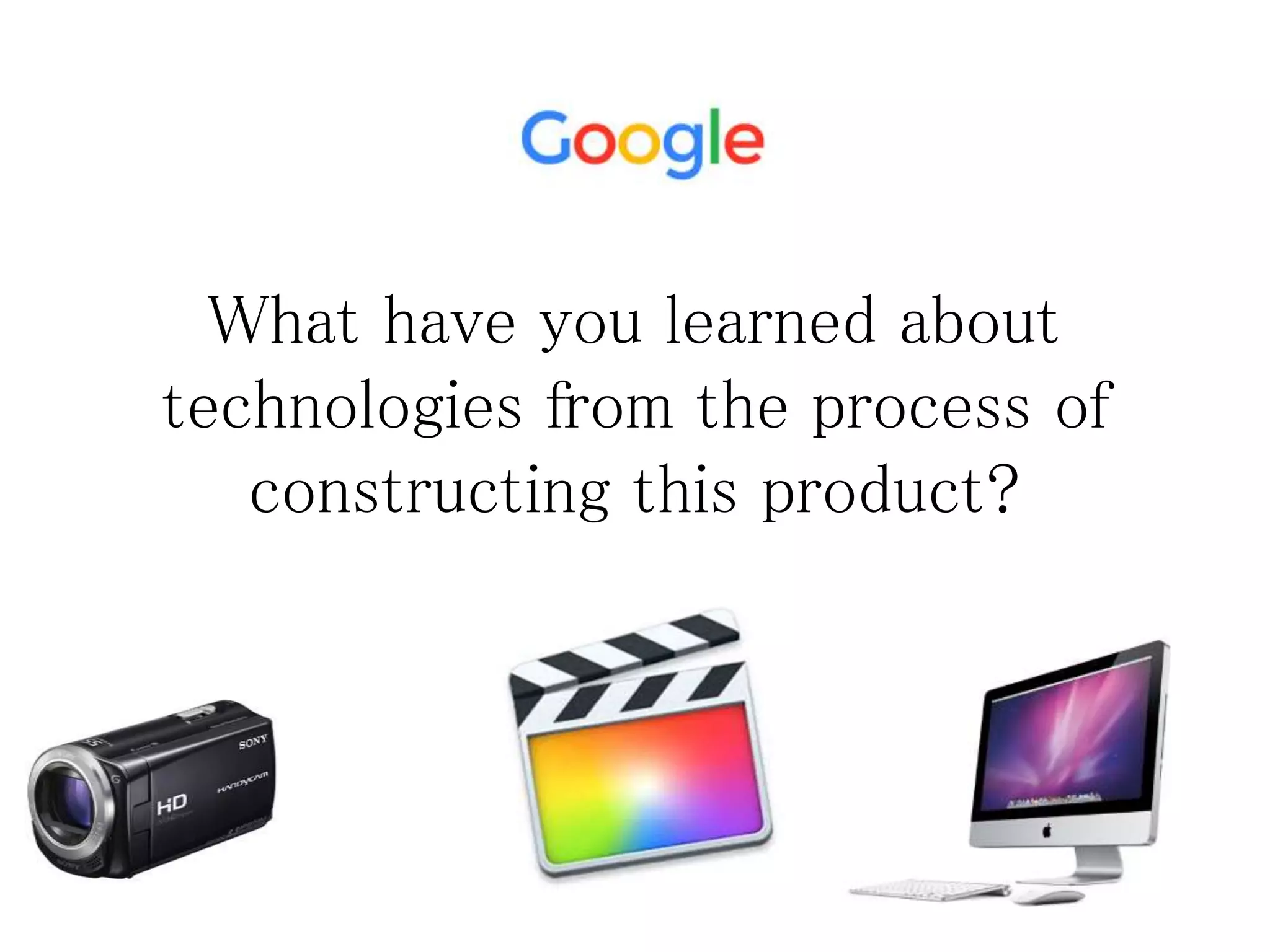
had to use a camera, (the Sony
Handy-cam) the use of a camera
further developed my knowledge of
technologies because in all honestly
before I had little to no knowledge on
how a camera worked apart from how
to record or take a picture. I did not
even realise the importance of
continuity before I did this task so this
definitely helped me and also opened
my eyes into how creative I can be
with my work if I use the camera right.
I used final cut pro to upload and edit my preliminary,
this was certainly something which increased my
knowledge in technology because before media the only
editing software for movies/videos I was actually aware
and had used was Windows Movie Maker! With the help
of final cut pro I was also able to cut unnecessary parts
of my film and merge it all together, making my
preliminary appear more clean cut and professional!
Planning
Because of small inconveniences, I was unable to use the
scanner/photo copier to scan my storyboard therefore although
this being a bit less professional, I knew I had to get my
storyboard on my blog therefore used my phone to a picture of
the storyboard before uploading it onto my blog, with a
description below explaining it and my choices. This in fact
taught me not only to be more organized and time orientated,
but technology wise I learned the difference in quality in
scanning it and just taking a picture of this, this encouraging me
and making sure that next time a task like this comes around I
use the best and most appropriate use of technology!
Production
When producing my work, I
evidently used a camera to
record and shoot the entire
thing. I had to use a
professional camera to
ensure my work was high
quality and of a good
standard, to avoid looking
amateur.
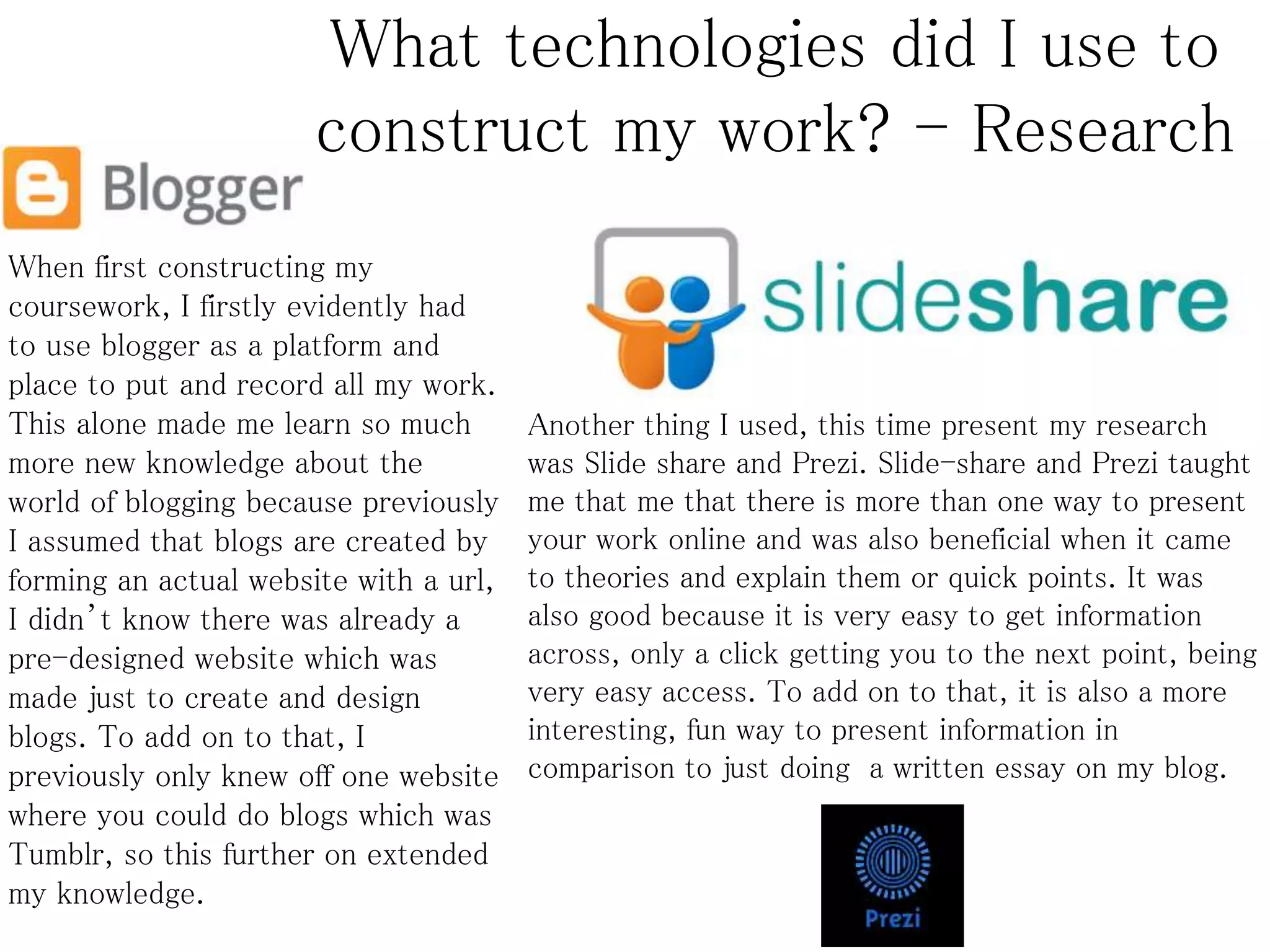
I used Final Cut Pro on the Mac to edit and present my work, I
used this exact software because it is very high end and
professional and had many editing software's which were helping
including the soundtrack section, backgrounds section and also
the section which helped increase or lower pitch/tempo and also
make the video go in slight slow motion or even faster pace.
Another software I used was
Epidemic Sound to get my copyright
free music, this was helpful because
it helped me get the right sound that
fit my genre but also my narrative.
This also developing my knowledge
in creativity because my original
plan was to get music that came
from YouTube unaware of copyright
issues.
Production
I used a memory stick to convert my media product, this including the final
opening sequence product and the preliminary up onto YouTube. And them
from YouTube I would post it on my blog, I did it this way because we firstly
had to post our work on YouTube under the Gmail account but also because I
couldn’t find any other way to post the video on my blog. To add on to that,
this helped increase my knowledge in technology because although I had
already had a YouTube account, I hadn’t ever posted anything on that account
nor had I ever used memory stick so it was a first time moment for me and also
a new experience at different ways of uploading work.
Experience of Digital camera
The use and experience of a Sony handy-cam digital camera taught me many things about technology,
particularly in the construction part of my blog. This was first evident in my preliminary task when I first
used the cameras and saw how high quality they actually were, and to see just how high quality they are I
compared it to the iPhone camera and a previous Sony camera I owned. Previously before in my
preliminary I did not use a tripod and I soon learnt that without a tripod my media product would look
amateur as it would be jolty and shaky therefore not producing a clear image.
Therefore in my final product I made sure I used a tripod to reduce unsteady footage and this paired with
the HD camera, ensured that I had great image quality, making it more professional. Another key part of
my experience using a Digital camera was the use of the zoom function, which at first I struggled to
perfect or the focus wasn’t completely clear, but after a few tests runs and attempts I finally perfected it,
this being the result of the extreme close ups you see in my opening sequence (an example being the one
of the kidnappers eyes). Although there were technical faults that occurred with the camera, these were
easily resolved and it was clear that the use of a HD digital camera and a tripod provided a significantly
better quality, more professional and sleek feel for my final product, in comparison to if I used something
such as an iPhone which does not have as many functions. Overall, I found the camera I had to be very
successful in achieving what it is made to and also being able to record my footage in high definition
alongside with good quality sound.
Experience of Final cut pro
When using the Mac software Final Cut Pro to edit my opening sequence one thing within my experience
that showed the significant difference and how professional and good quality this software is was the fact
when I first recorded all my clips for my opening sequence, just to see how it looked, I used windows
movie maker to put all my clips together to have a rough idea. The difference between Windows Movie
Maker and Final cut pro was immense. For starters, in WMM, all the clips jumped and jolted to the next
scene not running smoothly at all and also the soundtrack and editing function lacked variety, this being a
huge juxtaposition to Final Cut Pro as they provided all these things. Overall, I found that Final Cut Pro
was ten times better and evidently superior in comparison to what Windows Movie Maker provides –
which a very simplistic media product. From this I learned that in technology you need to look around
until you find what is best for what you want to make as there is multiple options out there so do not just
stick to one software because you most comfortable or familiar with it.
Final Cut Pro also enabled me to use new technology functions and techniques in editing, functions such
as the slow motion feature and also color and sound match, so if my scenes overall looked a bit
disorientated I could match it together. This helped me professionalize my footage to produce a high
quality opening sequence which looked authentic. Within the production stage, this gave me an
opportunity to edit in a way that conformed to the conventions of my chosen crime/psychological thriller
genre, I did this by including wide variety of effects, transitions and filters in which conformed to the
conventions, an example of this being the type writer effect when my title came on and also the video
camera effect of the boys body.
I also got to cut/crop the unneeded frames, this helped in allowing my sequence to flow smoothly and
show off my skills at continuity editing, this linking also to my preliminary task. Of course they were
difficulties that came, this was my first experience using a Mac, so at first it was hard adjusting and
getting used to such a complex piece of technology. However, this was quickly resolved by me asking
around for help and also by watching tutorials online.
Enhanced creativity or temperamental
tech?
Overall, my use and knowledge of technology has
increased majorly and I feel like I have better
understanding and I am more open minded to
technology and its capabilities, I have also got
enhanced creativity when it comes to Technology
and feel more comfortable using more professional
software's, going outside of my comfort zone. I
overall enjoyed the experience as it was not only a
fun but educational process!

What have you learned about technologies from the process of constructing the product?

  • 1.
    What have youlearned about technologies from the process of constructing this product?
  • 2.
    The basics Evidently, themost basic and obvious use of technology I used was Microsoft Word to write down all my analytical work but also the internet – specifically Google! And that technology software was used to research information and further my knowledge for a wide range of things including my specific genre (crime/psychological thriller) and the conventions and codes within it! Although I evidently knew how to work both of these software's beforehand, the use of them during the process of constructing my product helped me open my eyes to what your capable of through technology and the opportunity that comes along with it!
  • 3.
    What technologies didI use to construct my work? - Research When first constructing my coursework, I firstly evidently had to use blogger as a platform and place to put and record all my work. This alone made me learn so much more new knowledge about the world of blogging because previously I assumed that blogs are created by forming an actual website with a url, I didn’t know there was already a pre-designed website which was made just to create and design blogs. To add on to that, I previously only knew off one website where you could do blogs which was Tumblr, so this further on extended my knowledge. Another thing I used, this time present my research was Slide share and Prezi. Slide-share and Prezi taught me that me that there is more than one way to present your work online and was also beneficial when it came to theories and explain them or quick points. It was also good because it is very easy to get information across, only a click getting you to the next point, being very easy access. To add on to that, it is also a more interesting, fun way to present information in comparison to just doing a written essay on my blog.
  • 4.
    Another device Iused – which was extremely beneficial was tube chop. Before I got introduced to Tube Chop, I had no idea that you could actually cut videos from YouTube to make them into smaller, miniature clips of your choice. This was extremely helpful for me when doing my analytical work as I could attach the actual video I was talking about in my work, therefore the references would make sense and they people reviewing my work could watch the video at the same time to ensure it all checks out. It was also good when giving examples from my own work. I also used survey monkey in the research section when trying to find out what attracts my target audience most to thrillers, this helping me make the best possible opening sequence that appeals and addresses them. This was beneficial because I got to receive feedback from people interested within my genre, finding out what attracts them and what gives them the most audience pleasures. Although I previously already knew about Survey Monkey, I didn’t know the capability of it and how much it could actually benefit me in the process of making my final media product.
  • 5.
    Planning As part ofmy planning process, I had to create a preliminary to practise continuity. Because of this clearly I had to use a camera, (the Sony Handy-cam) the use of a camera further developed my knowledge of technologies because in all honestly before I had little to no knowledge on how a camera worked apart from how to record or take a picture. I did not even realise the importance of continuity before I did this task so this definitely helped me and also opened my eyes into how creative I can be with my work if I use the camera right. I used final cut pro to upload and edit my preliminary, this was certainly something which increased my knowledge in technology because before media the only editing software for movies/videos I was actually aware and had used was Windows Movie Maker! With the help of final cut pro I was also able to cut unnecessary parts of my film and merge it all together, making my preliminary appear more clean cut and professional!
  • 6.
    Planning Because of smallinconveniences, I was unable to use the scanner/photo copier to scan my storyboard therefore although this being a bit less professional, I knew I had to get my storyboard on my blog therefore used my phone to a picture of the storyboard before uploading it onto my blog, with a description below explaining it and my choices. This in fact taught me not only to be more organized and time orientated, but technology wise I learned the difference in quality in scanning it and just taking a picture of this, this encouraging me and making sure that next time a task like this comes around I use the best and most appropriate use of technology!
  • 7.
    Production When producing mywork, I evidently used a camera to record and shoot the entire thing. I had to use a professional camera to ensure my work was high quality and of a good standard, to avoid looking amateur. I used Final Cut Pro on the Mac to edit and present my work, I used this exact software because it is very high end and professional and had many editing software's which were helping including the soundtrack section, backgrounds section and also the section which helped increase or lower pitch/tempo and also make the video go in slight slow motion or even faster pace. Another software I used was Epidemic Sound to get my copyright free music, this was helpful because it helped me get the right sound that fit my genre but also my narrative. This also developing my knowledge in creativity because my original plan was to get music that came from YouTube unaware of copyright issues.
  • 8.
    Production I used amemory stick to convert my media product, this including the final opening sequence product and the preliminary up onto YouTube. And them from YouTube I would post it on my blog, I did it this way because we firstly had to post our work on YouTube under the Gmail account but also because I couldn’t find any other way to post the video on my blog. To add on to that, this helped increase my knowledge in technology because although I had already had a YouTube account, I hadn’t ever posted anything on that account nor had I ever used memory stick so it was a first time moment for me and also a new experience at different ways of uploading work.
  • 9.
    Experience of Digitalcamera The use and experience of a Sony handy-cam digital camera taught me many things about technology, particularly in the construction part of my blog. This was first evident in my preliminary task when I first used the cameras and saw how high quality they actually were, and to see just how high quality they are I compared it to the iPhone camera and a previous Sony camera I owned. Previously before in my preliminary I did not use a tripod and I soon learnt that without a tripod my media product would look amateur as it would be jolty and shaky therefore not producing a clear image. Therefore in my final product I made sure I used a tripod to reduce unsteady footage and this paired with the HD camera, ensured that I had great image quality, making it more professional. Another key part of my experience using a Digital camera was the use of the zoom function, which at first I struggled to perfect or the focus wasn’t completely clear, but after a few tests runs and attempts I finally perfected it, this being the result of the extreme close ups you see in my opening sequence (an example being the one of the kidnappers eyes). Although there were technical faults that occurred with the camera, these were easily resolved and it was clear that the use of a HD digital camera and a tripod provided a significantly better quality, more professional and sleek feel for my final product, in comparison to if I used something such as an iPhone which does not have as many functions. Overall, I found the camera I had to be very successful in achieving what it is made to and also being able to record my footage in high definition alongside with good quality sound.
  • 10.
    Experience of Finalcut pro When using the Mac software Final Cut Pro to edit my opening sequence one thing within my experience that showed the significant difference and how professional and good quality this software is was the fact when I first recorded all my clips for my opening sequence, just to see how it looked, I used windows movie maker to put all my clips together to have a rough idea. The difference between Windows Movie Maker and Final cut pro was immense. For starters, in WMM, all the clips jumped and jolted to the next scene not running smoothly at all and also the soundtrack and editing function lacked variety, this being a huge juxtaposition to Final Cut Pro as they provided all these things. Overall, I found that Final Cut Pro was ten times better and evidently superior in comparison to what Windows Movie Maker provides – which a very simplistic media product. From this I learned that in technology you need to look around until you find what is best for what you want to make as there is multiple options out there so do not just stick to one software because you most comfortable or familiar with it. Final Cut Pro also enabled me to use new technology functions and techniques in editing, functions such as the slow motion feature and also color and sound match, so if my scenes overall looked a bit disorientated I could match it together. This helped me professionalize my footage to produce a high quality opening sequence which looked authentic. Within the production stage, this gave me an opportunity to edit in a way that conformed to the conventions of my chosen crime/psychological thriller genre, I did this by including wide variety of effects, transitions and filters in which conformed to the conventions, an example of this being the type writer effect when my title came on and also the video camera effect of the boys body. I also got to cut/crop the unneeded frames, this helped in allowing my sequence to flow smoothly and show off my skills at continuity editing, this linking also to my preliminary task. Of course they were difficulties that came, this was my first experience using a Mac, so at first it was hard adjusting and getting used to such a complex piece of technology. However, this was quickly resolved by me asking around for help and also by watching tutorials online.
  • 11.
    Enhanced creativity ortemperamental tech? Overall, my use and knowledge of technology has increased majorly and I feel like I have better understanding and I am more open minded to technology and its capabilities, I have also got enhanced creativity when it comes to Technology and feel more comfortable using more professional software's, going outside of my comfort zone. I overall enjoyed the experience as it was not only a fun but educational process!