Name :Kirti H Mandal
Enrollment No.: 180xxxxxxx
Topic: CSS: Layout, Position,
Forms, Pseudo Class
Subject : Web Technology(3161012)
Semester : 6th B
Guided by: Asst. Prof. Khusbu Tailor
GOVERNMENT ENGINEERING COLLEGE BHARUCH
1
CONTENT
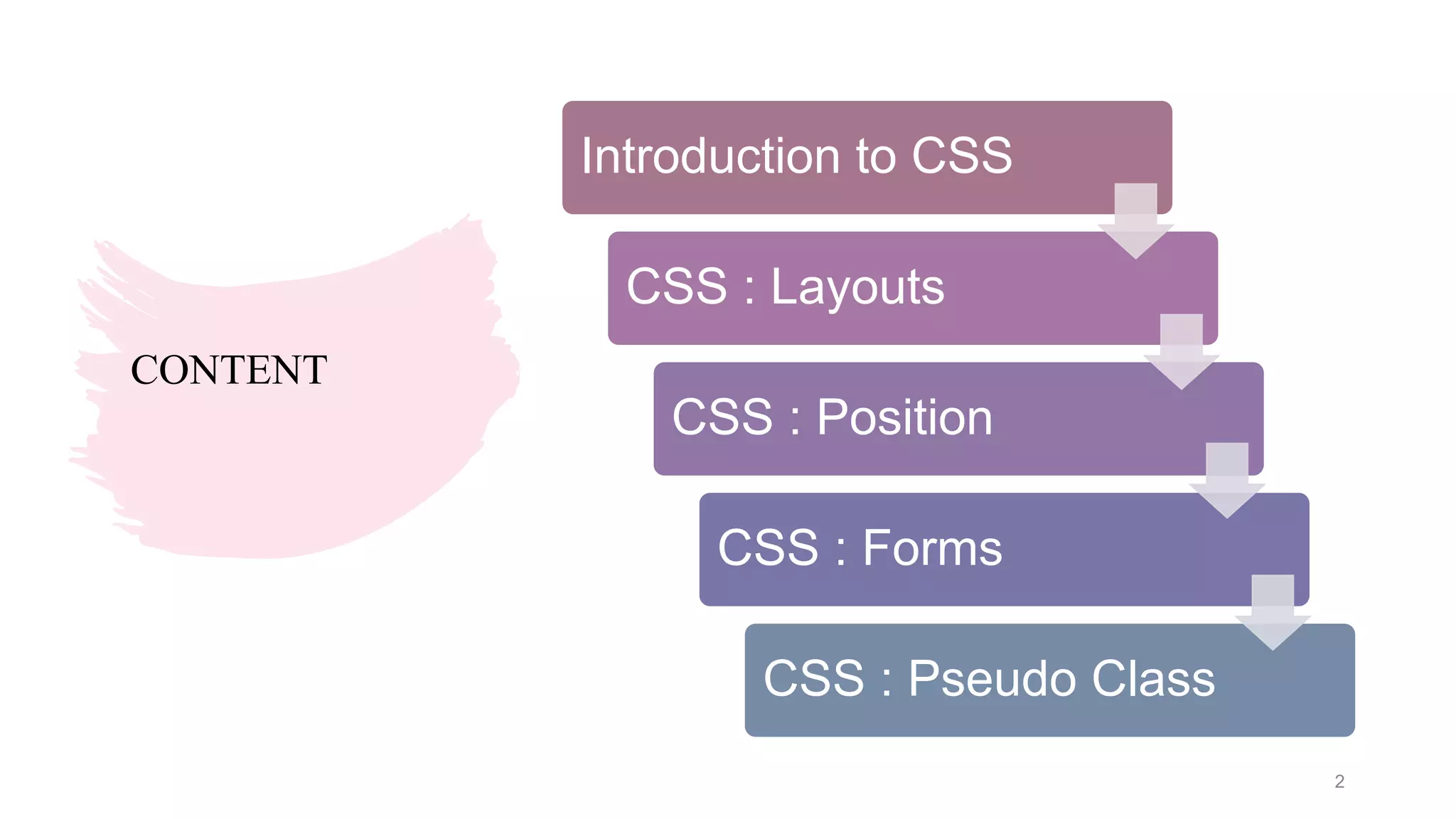
Introduction to CSS
CSS : Layouts
CSS : Position
CSS : Forms
CSS : Pseudo Class
2
INTRODUCTION TO CSS
• CSS stands for Cascading Style Sheets.
• CSS describes how HTML elements are to be displayed on screen ,paper , or in
other media
• CSS saves a lot of work. It can control the layout of multiple web pages all at
once.
• External stylesheets are stored in CSS files.
• CSS is used to define styles for your web pages, including the design ,layout and
variations in display for different devices and screen sizes.
3
CSS : LAYOUT
A website can be divided into various sections comprising of header, menus, content
and footer based on which there are many different layout design available for
developer
CSS Grid layout is a 2D layout system for the web.
It lets you lay content out in rows and columns, and has many features that make
building complex layouts straightforward.
4
CSS : LAYOUT
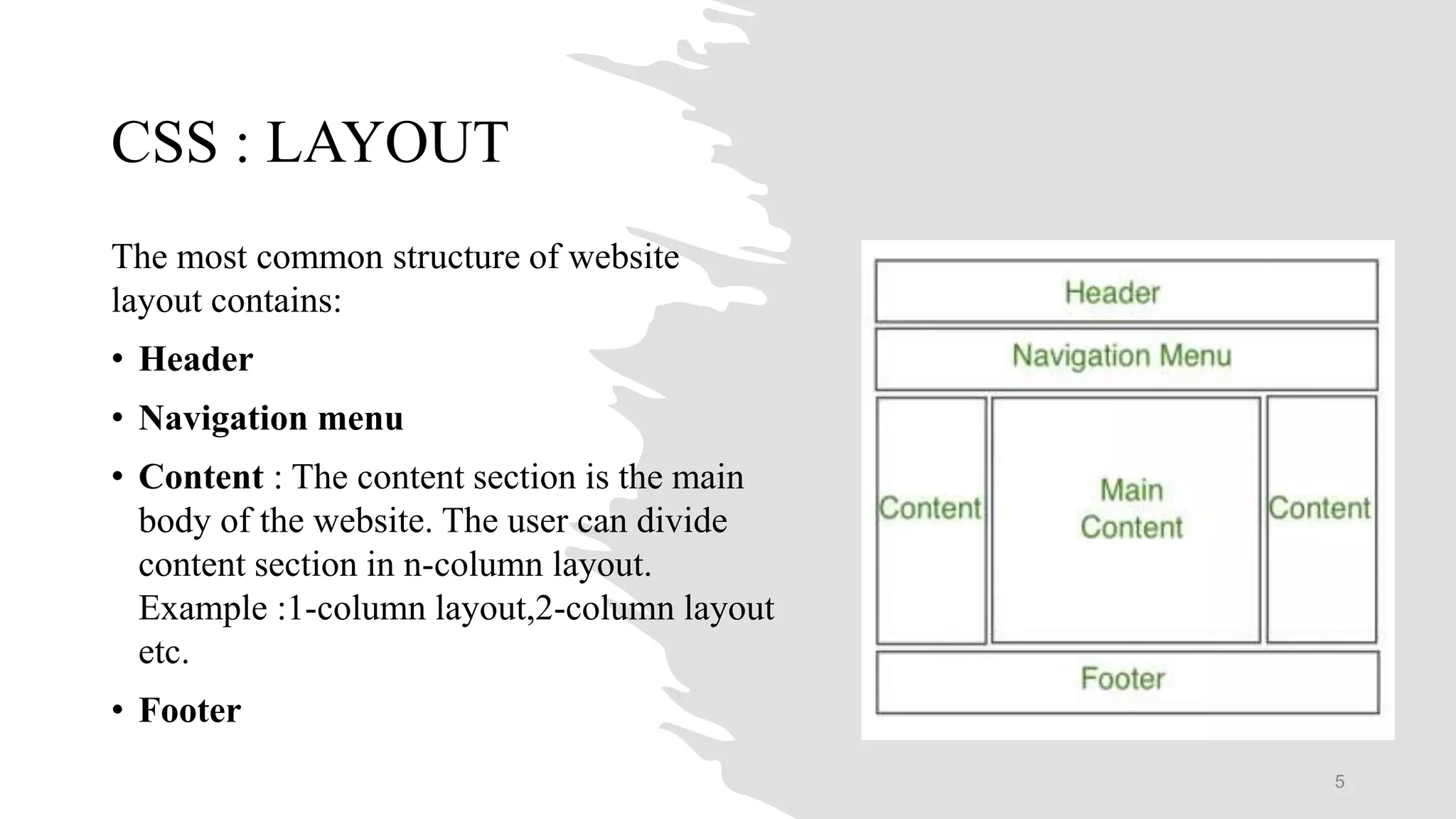
The most common structure of website
layout contains:
• Header
• Navigation menu
• Content : The content section is the main
body of the website. The user can divide
content section in n-column layout.
Example :1-column layout,2-column layout
etc.
• Footer
5
CSS : POSITION
The position property specifies the type of positioning method used for an element.
There are four different position values:
1. Static
2. Relative
3. Fixed
4. Absolute
Elements are then positioned using the top, bottom, left, and right properties. However,
these properties will not work unless the position property is set first. They also work
differently depending on the position value.
Overlapping elements: When elements are positioned ,they can overlap other elements.
The z-index property specifies the stack order of an element.
6
CSS : FORMS
There are many CSS properties available which can be used to create and style
HTML forms to make them more interactive. Some of them are as below:
• Attribute selector
• Styling the width of input
• Add padding in inputs
• Set margin for inputs
• Adding border and border radius
• Adding colour to add text
• Focus Selector
• Transition property
7
CSS : PSEUDO-CLASS
Selector: pseudo-class{ property: value }
• :link
• :visited }link (A tag) related pseudo classes
• :hover
• :active
• :after
• :before
• :first-child
• :focus
• :first-letter
• :first-line
8
REFERENCE
• https://www.geeksforgeeks.org/css-tutorials/
• https://www.w3schools.com/css/
• https://www.tutorialspoint.com/css/index.htm
9

Web Technology

  • 1.
    Name :Kirti HMandal Enrollment No.: 180xxxxxxx Topic: CSS: Layout, Position, Forms, Pseudo Class Subject : Web Technology(3161012) Semester : 6th B Guided by: Asst. Prof. Khusbu Tailor GOVERNMENT ENGINEERING COLLEGE BHARUCH 1
  • 2.
    CONTENT Introduction to CSS CSS: Layouts CSS : Position CSS : Forms CSS : Pseudo Class 2
  • 3.
    INTRODUCTION TO CSS •CSS stands for Cascading Style Sheets. • CSS describes how HTML elements are to be displayed on screen ,paper , or in other media • CSS saves a lot of work. It can control the layout of multiple web pages all at once. • External stylesheets are stored in CSS files. • CSS is used to define styles for your web pages, including the design ,layout and variations in display for different devices and screen sizes. 3
  • 4.
    CSS : LAYOUT Awebsite can be divided into various sections comprising of header, menus, content and footer based on which there are many different layout design available for developer CSS Grid layout is a 2D layout system for the web. It lets you lay content out in rows and columns, and has many features that make building complex layouts straightforward. 4
  • 5.
    CSS : LAYOUT Themost common structure of website layout contains: • Header • Navigation menu • Content : The content section is the main body of the website. The user can divide content section in n-column layout. Example :1-column layout,2-column layout etc. • Footer 5
  • 6.
    CSS : POSITION Theposition property specifies the type of positioning method used for an element. There are four different position values: 1. Static 2. Relative 3. Fixed 4. Absolute Elements are then positioned using the top, bottom, left, and right properties. However, these properties will not work unless the position property is set first. They also work differently depending on the position value. Overlapping elements: When elements are positioned ,they can overlap other elements. The z-index property specifies the stack order of an element. 6
  • 7.
    CSS : FORMS Thereare many CSS properties available which can be used to create and style HTML forms to make them more interactive. Some of them are as below: • Attribute selector • Styling the width of input • Add padding in inputs • Set margin for inputs • Adding border and border radius • Adding colour to add text • Focus Selector • Transition property 7
  • 8.
    CSS : PSEUDO-CLASS Selector:pseudo-class{ property: value } • :link • :visited }link (A tag) related pseudo classes • :hover • :active • :after • :before • :first-child • :focus • :first-letter • :first-line 8
  • 9.