Many,	many	thanks
to:
Wistia
McGraw	Hill	Education
WebRTC	
and	
Wearable	Devices
Proctor	Cam
About	Me
@giorgionatili
• Technical	Leader	and	Agile	Coach	
• Front-end	Developer	(test	first!)
• Mobile	Developer	(Hybrid	with	Cordova,	iOS,	Android)
• Technology	Enthusiast
• Mentor	@	Airpair.com
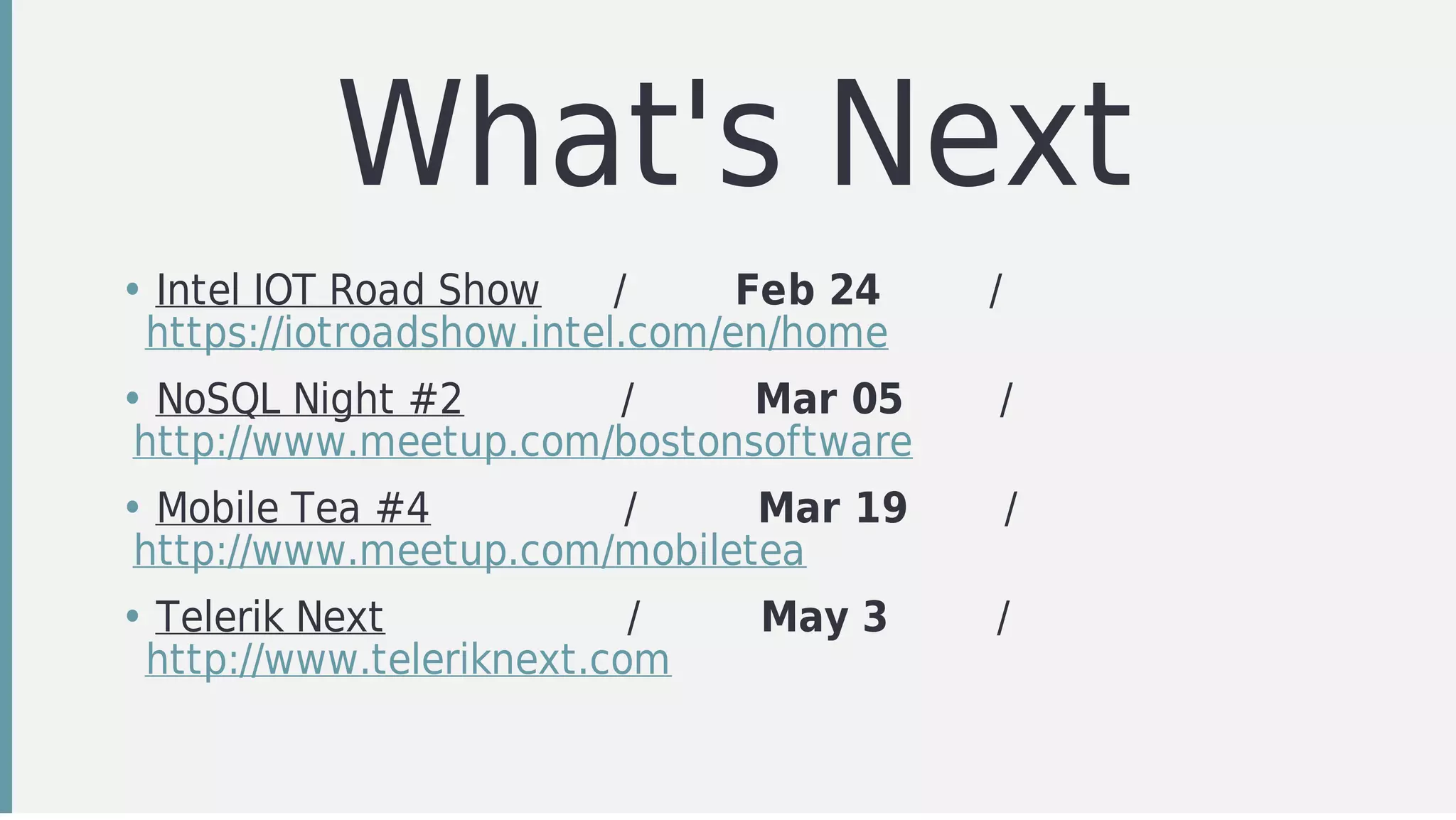
What's	Next
• Intel	IOT	Road	Show						/									Feb	24									/						
		https://iotroadshow.intel.com/en/home
• NoSQL	Night	#2													/										Mar	05								/								
	http://www.meetup.com/bostonsoftware
• Mobile	Tea	#4																/										Mar	19								/								
	http://www.meetup.com/mobiletea
• Telerik	Next																				/										May	3									/								
		http://www.teleriknext.com
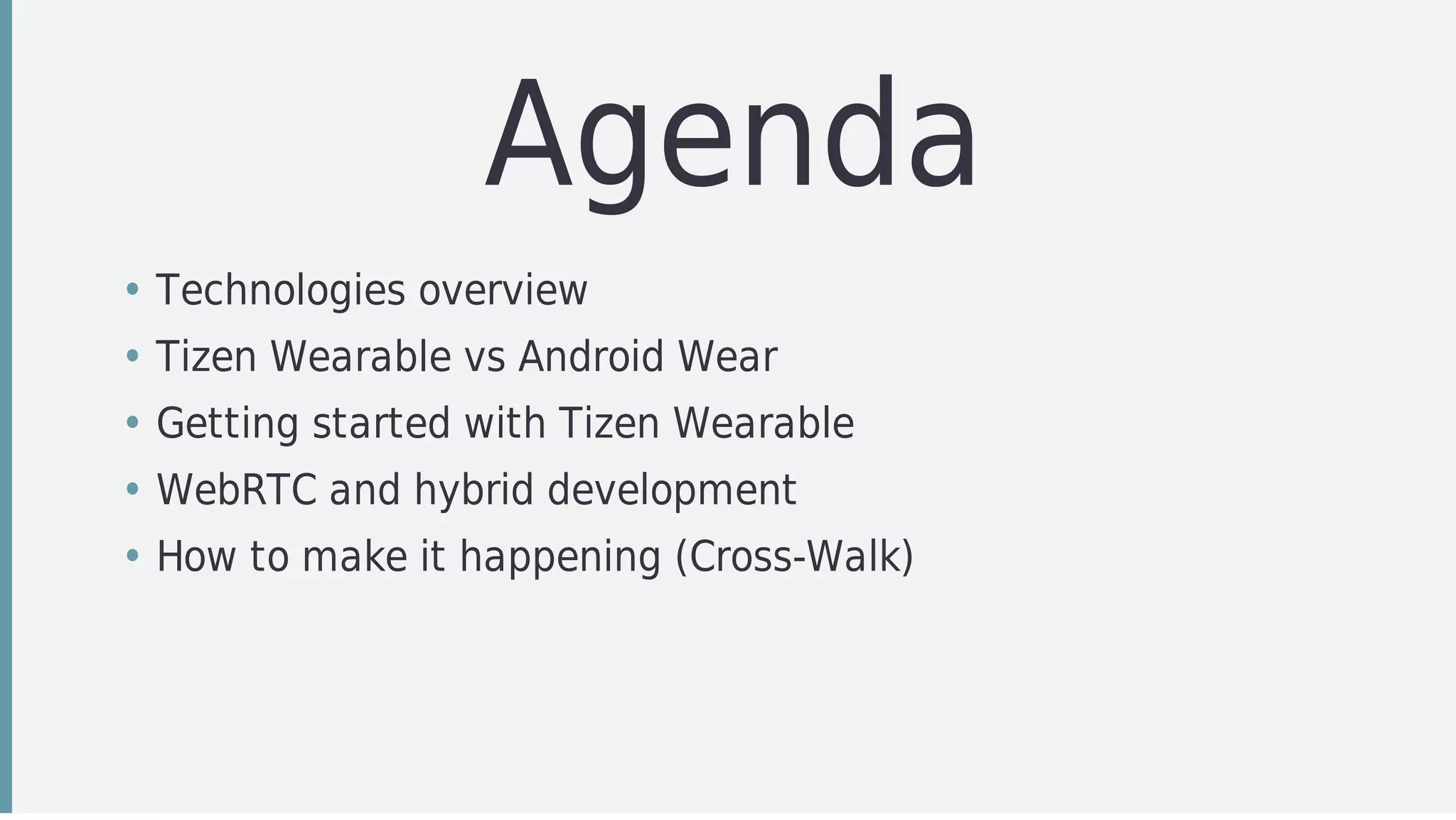
Agenda
• Technologies	overview	
• Tizen	Wearable	vs	Android	Wear
• Getting	started	with	Tizen	Wearable
• WebRTC	and	hybrid	development
• How	to	make	it	happening	(Cross-Walk)
A	Powerful	Mix
Technolgoies
Overview
• Tizen	Wearable
• Android
• Cordova
• Cross-Walk
• PhoneRTC
Tizen
• Operating	system	based	upon	the	Linux	kernel
• It	runs	on	mobile	phones	(Samsung	Z),	wearable	devices	(Gear
S2)	and	vehicles	(IA32	and	ARM)	
• Completely	Open	Source
• Maily	suported	by	Samsung,	Intel,	Orange	SA,	etc.
Android
• Operating	system	based	upon	the	Linux	kernel
• One	of	the	most	wide	target	operating	system	(mobile,
wearable,	car,	tv,	etc.)
• A	completely	Open	Source	platform
• Highly	customizable	(e.g.	Cyanogen)
Apache	Cordova
• Hybrid	mobile	development	framework
• Started	from	the	development	community	
• Extends	the	device	WebView	capabilities
• Based	upon	a	plugin	and	callbacks	architecture
• Open	Source
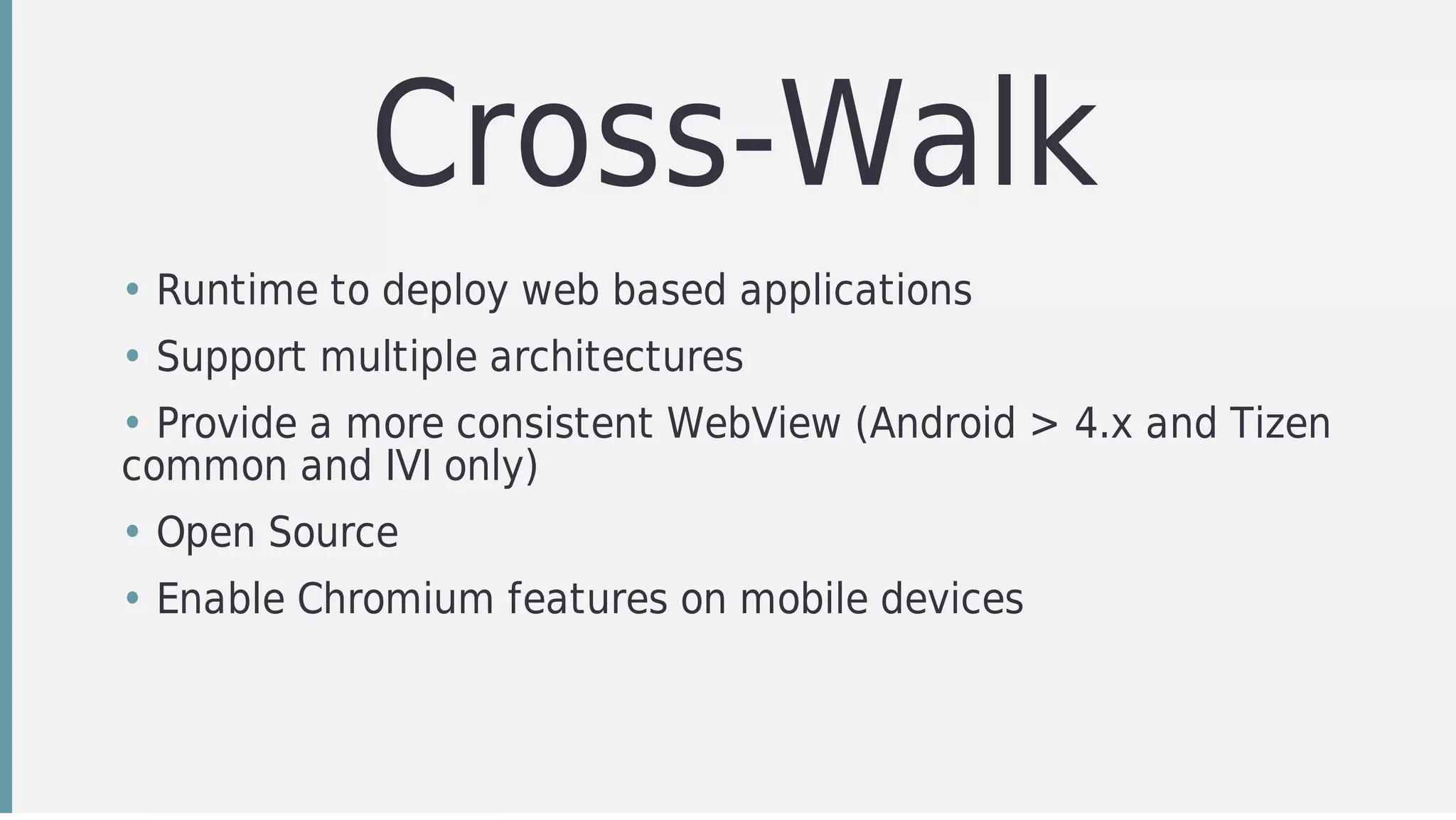
Cross-Walk
• Runtime	to	deploy	web	based	applications
• Support	multiple	architectures
• Provide	a	more	consistent	WebView	(Android	>	4.x	and	Tizen
common	and	IVI	only)
• Open	Source
• Enable	Chromium	features	on	mobile	devices
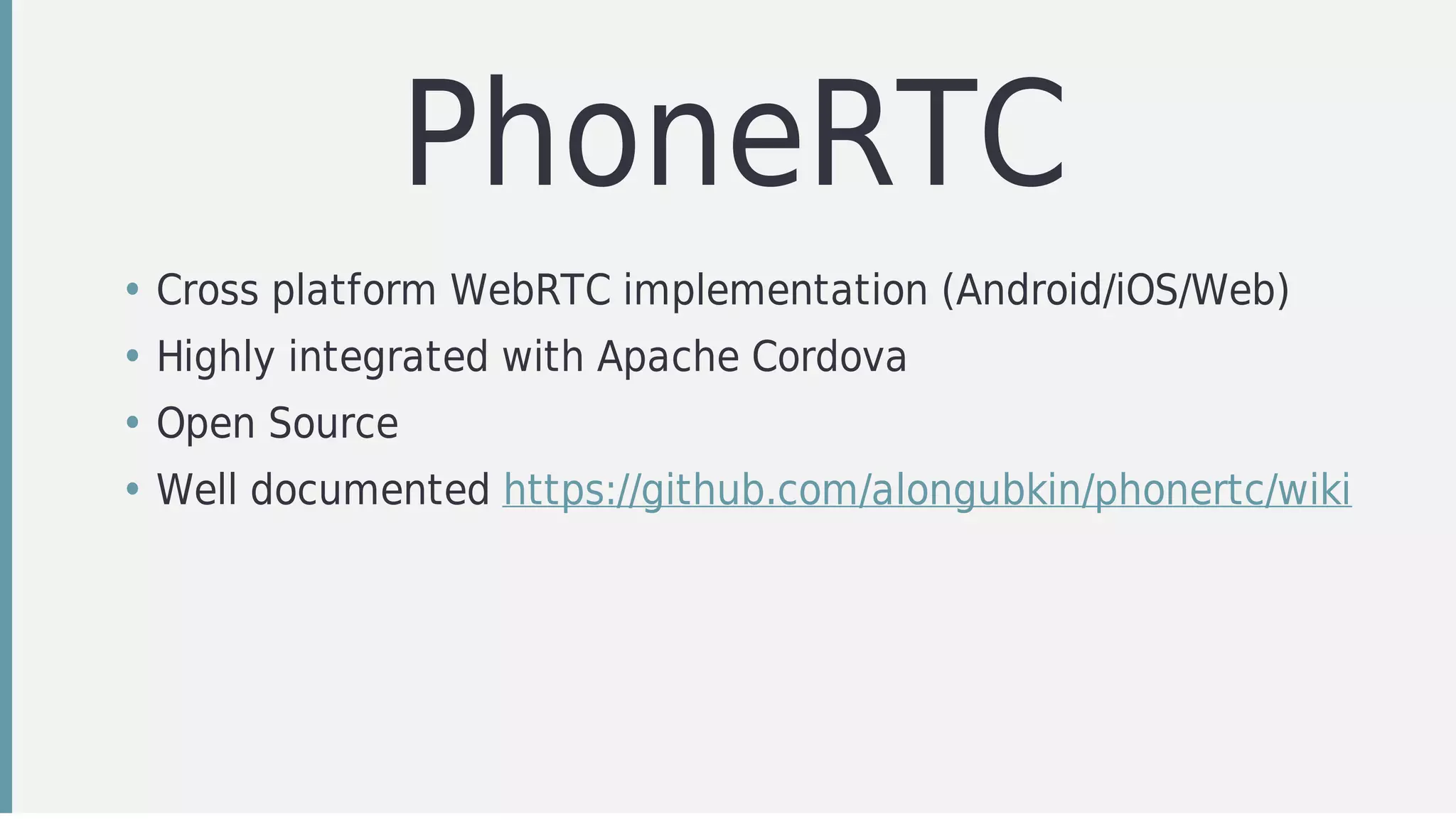
PhoneRTC
• Cross	platform	WebRTC	implementation	(Android/iOS/Web)
• Highly	integrated	with	Apache	Cordova
• Open	Source
• Well	documented	https://github.com/alongubkin/phonertc/wiki
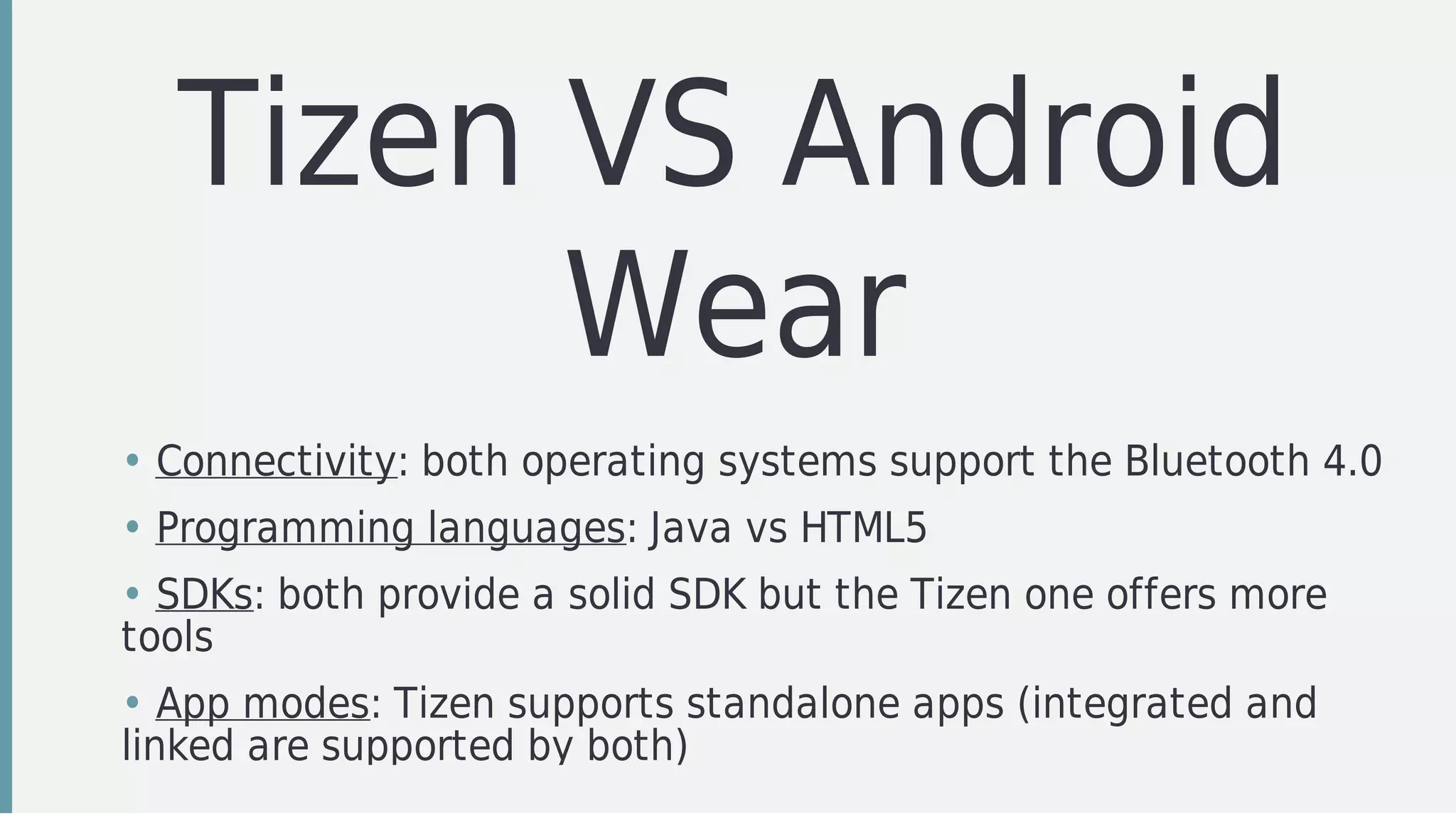
Tizen	VS	Android
Wear
• Connectivity:	both	operating	systems	support	the	Bluetooth	4.0
• Programming	languages:	Java	vs	HTML5
• SDKs:	both	provide	a	solid	SDK	but	the	Tizen	one	offers	more
tools
• App	modes:	Tizen	supports	standalone	apps	(integrated	and
linked	are	supported	by	both)
Tizen	Wearable	SDK
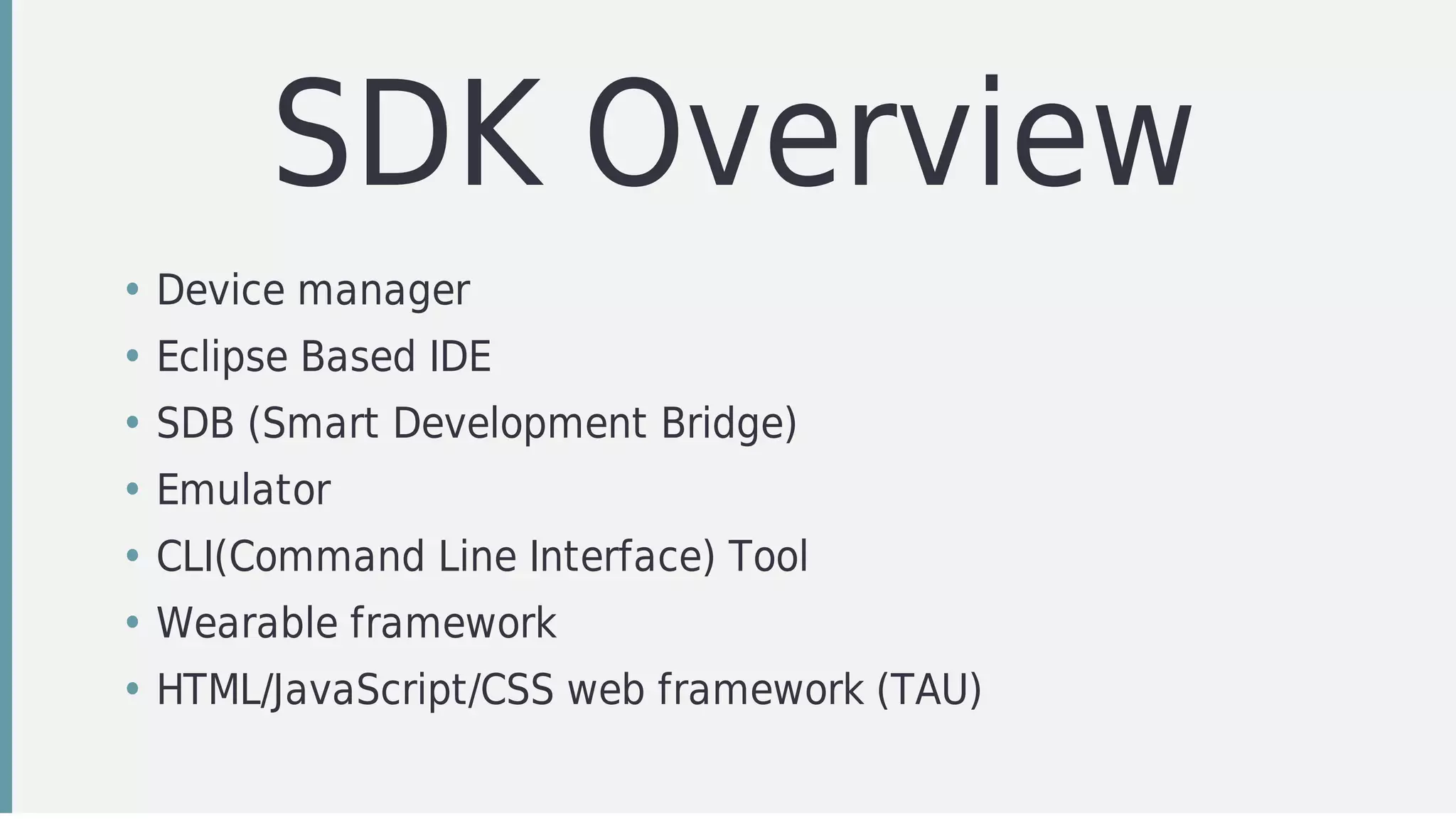
SDK	Overview
• Device	manager	
• Eclipse	Based	IDE
• SDB	(Smart	Development	Bridge)
• Emulator
• CLI(Command	Line	Interface)	Tool
• Wearable	framework
• HTML/JavaScript/CSS	web	framework	(TAU)
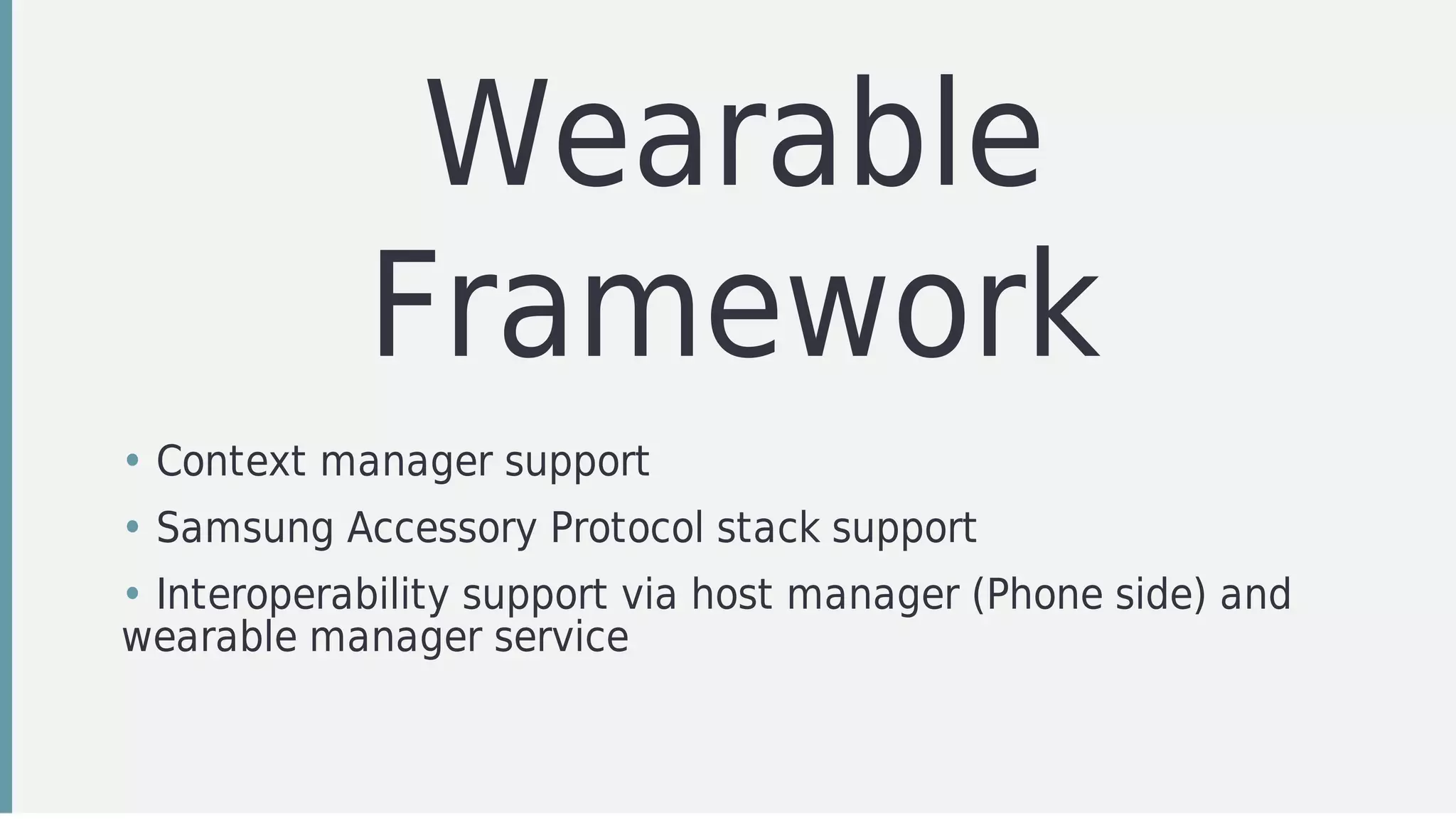
Wearable
Framework
• Context	manager	support
• Samsung	Accessory	Protocol	stack	support
• Interoperability	support	via	host	manager	(Phone	side)	and
wearable	manager	service
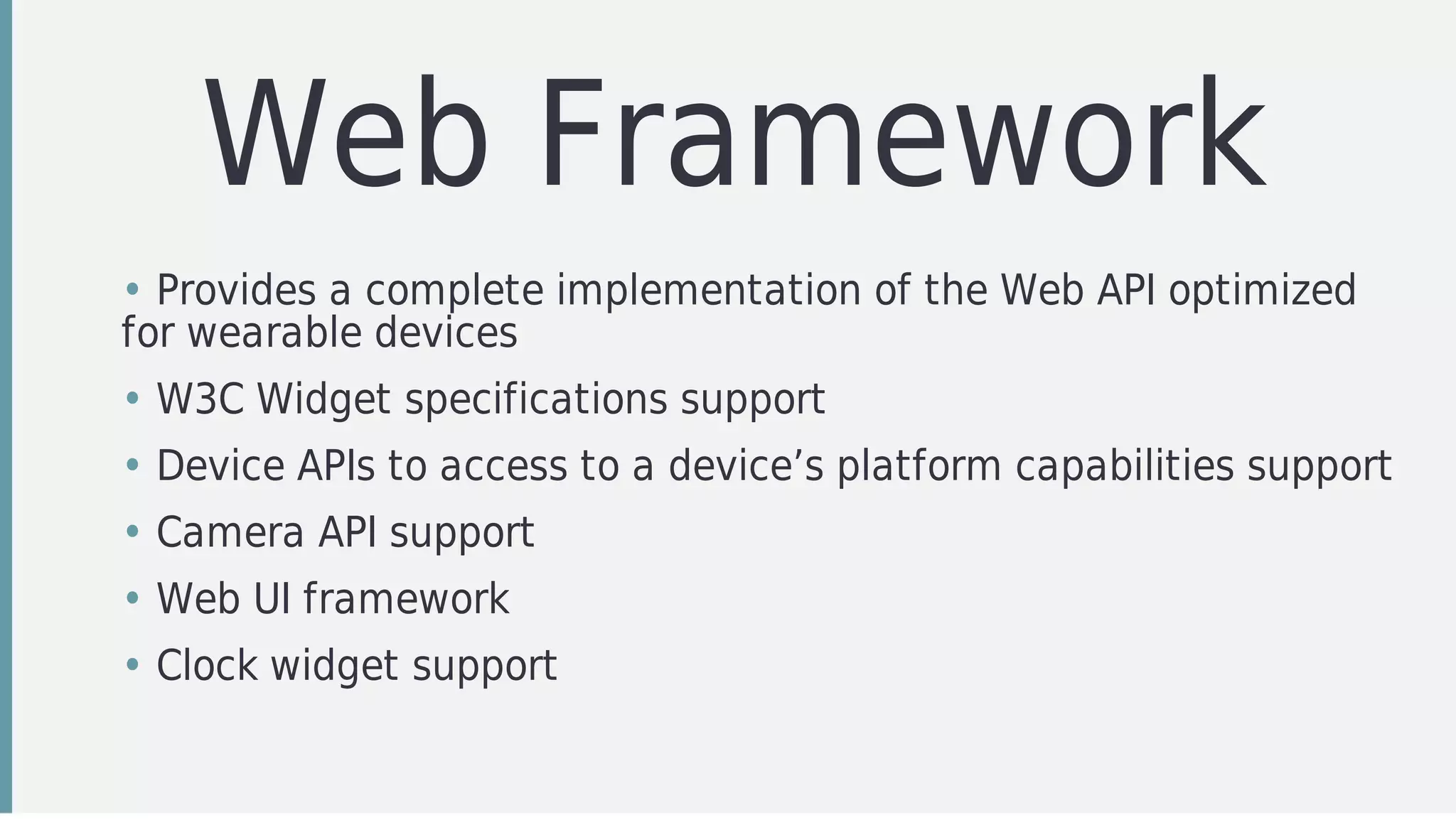
Web	Framework
• Provides	a	complete	implementation	of	the	Web	API	optimized
for	wearable	devices
• W3C	Widget	specifications	support
• Device	APIs	to	access	to	a	device’s	platform	capabilities	support
• Camera	API	support
• Web	UI	framework
• Clock	widget	support
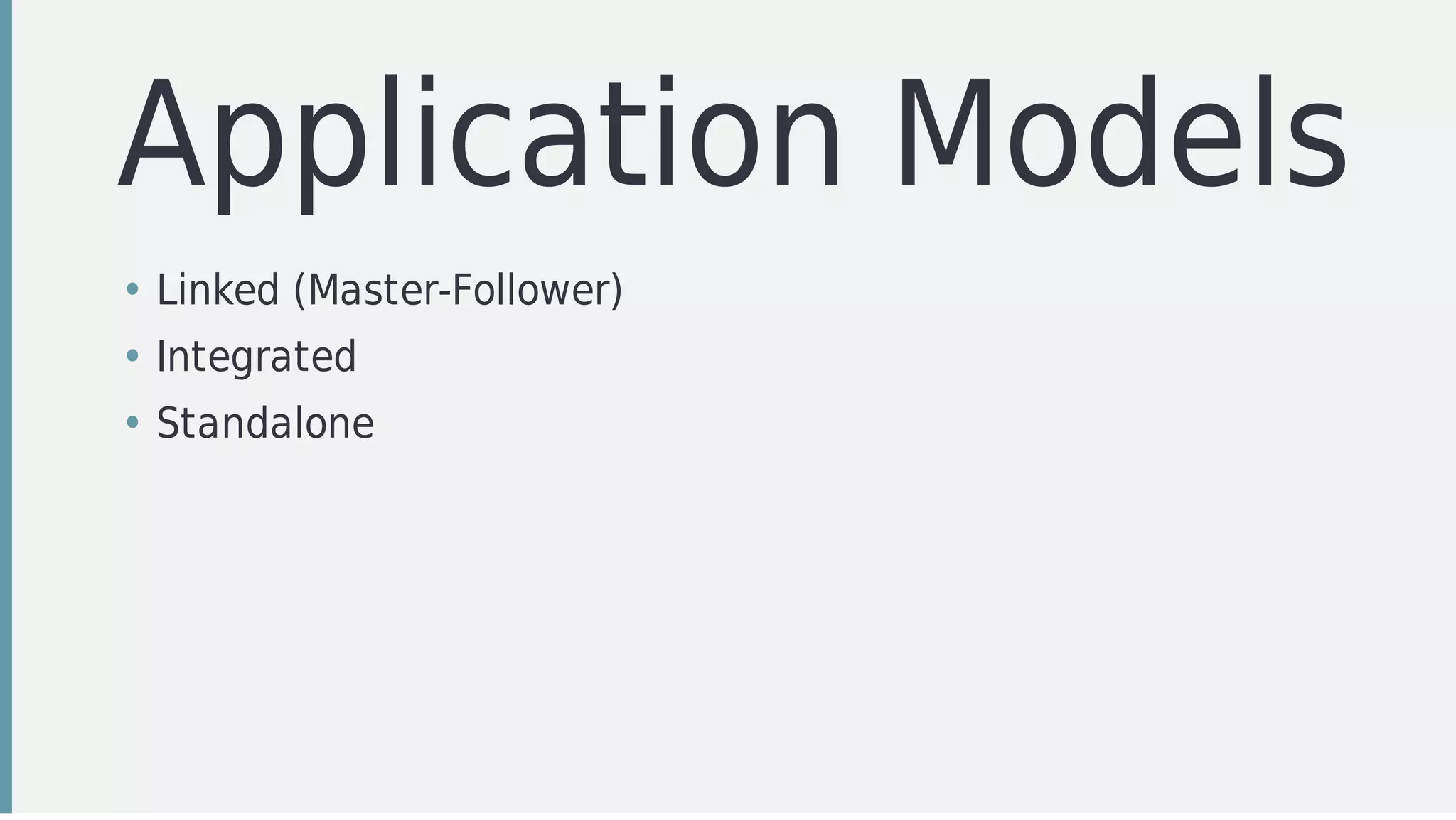
Application	Models
• Linked	(Master-Follower)
• Integrated
• Standalone
Smart	Development
Bridge
It’s	a	tool	to	manage	to	devices/emulators	that	for	instance	allow	you
to	copy	files,	install	apps,	etc.,	between	the	supported	commands	the
more	noticeable	are
$	sdb	kill-server															-	kill	the	server	if	it	is	running
$	sdb	start-server														-	ensure	that	there	is	a	server	running
$	sdb	pull	<remote>	[<local>]			-	copy	file/dir	from	device
$	sdb	push	<local>	<remote>					-	copy	file/dir	to	device
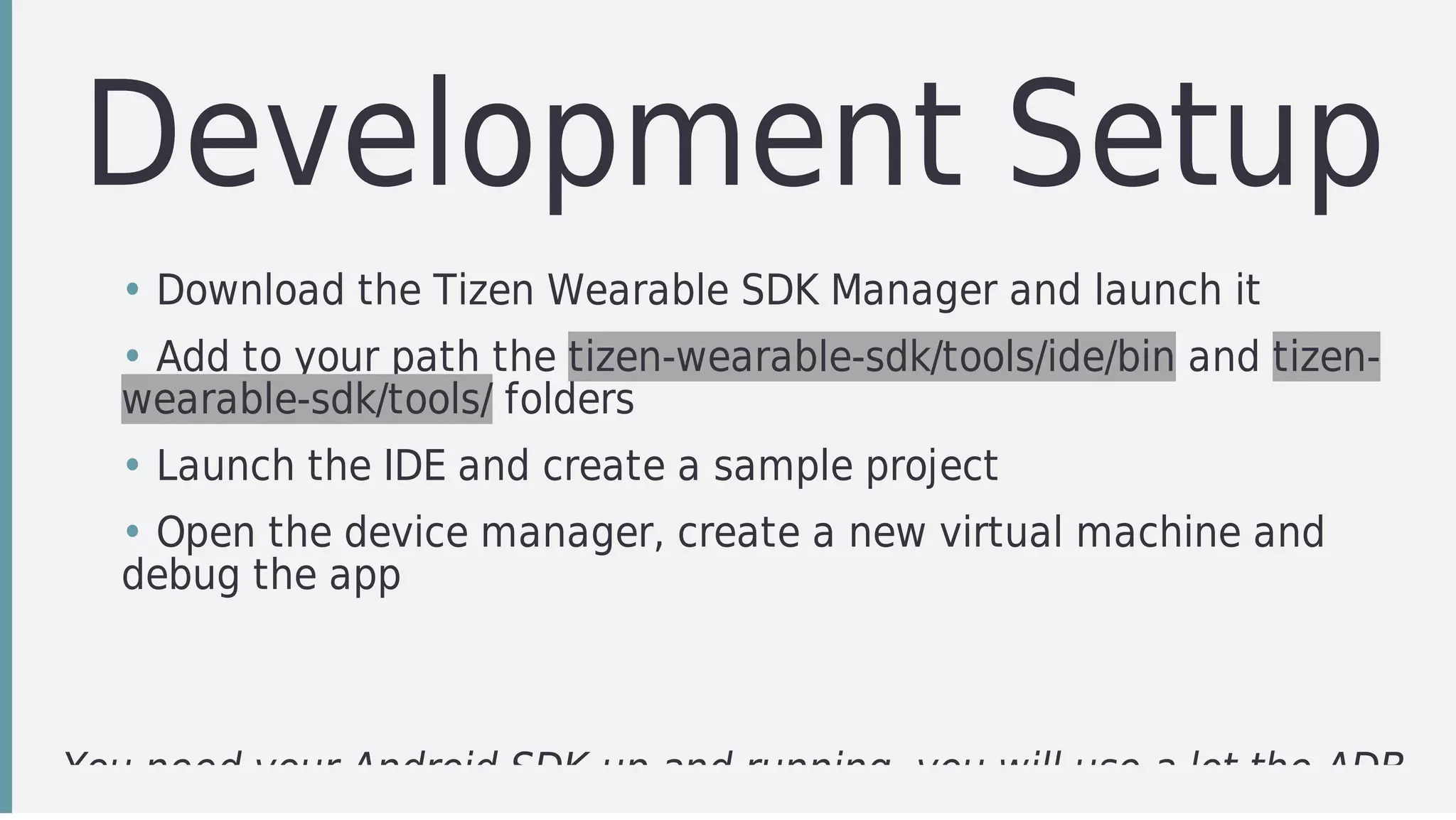
Development	Setup
You	need	your	Android	SDK	up	and	running,	you	will	use	a	lot	the	ADB
• Download	the	Tizen	Wearable	SDK	Manager	and	launch	it
• Add	to	your	path	the	tizen-wearable-sdk/tools/ide/bin	and	tizen-
wearable-sdk/tools/	folders
• Launch	the	IDE	and	create	a	sample	project
• Open	the	device	manager,	create	a	new	virtual	machine	and
debug	the	app
Quick	Demo
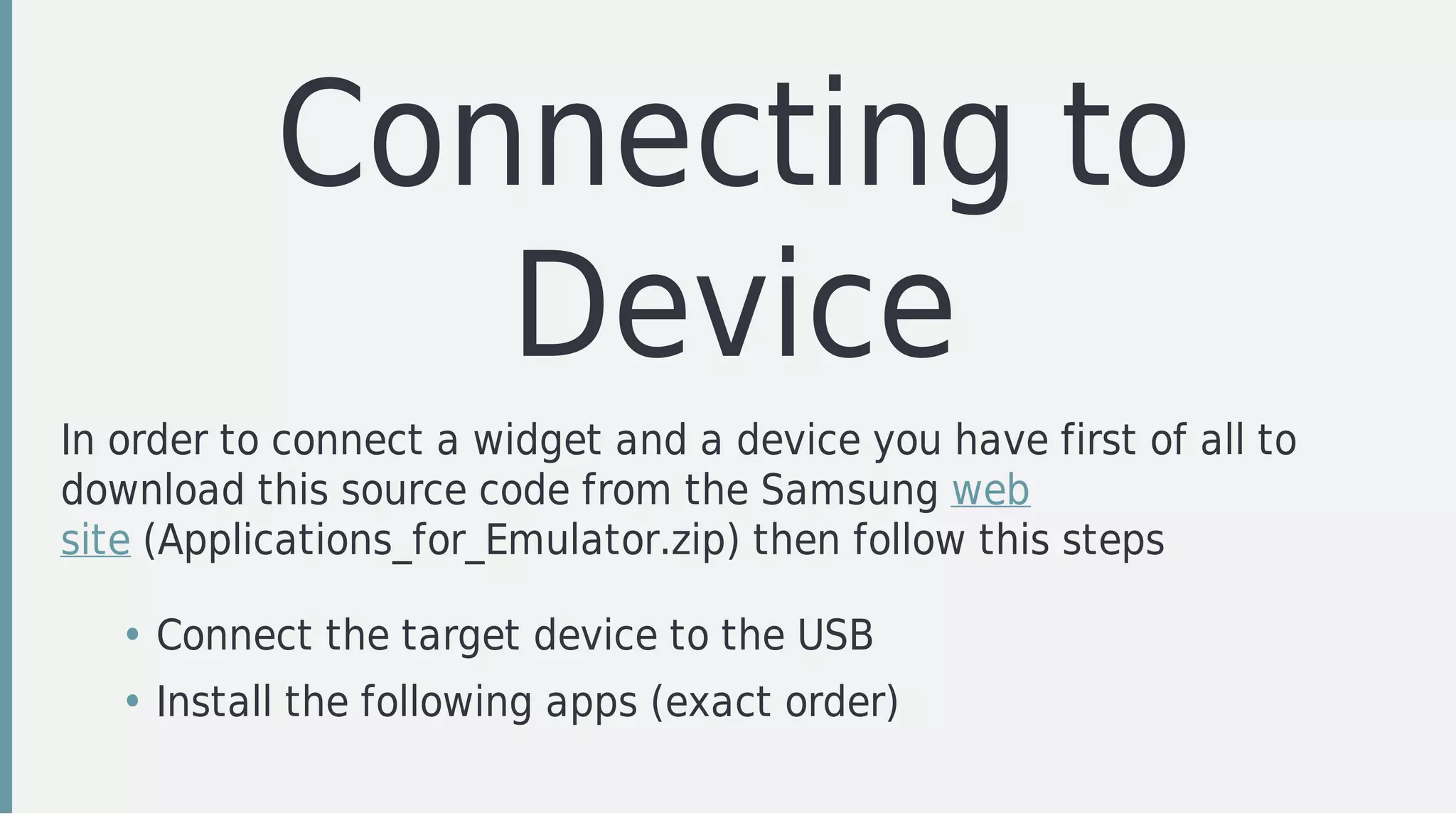
Connecting	to
Device
In	order	to	connect	a	widget	and	a	device	you	have	first	of	all	to
download	this	source	code	from	the	Samsung	web
site	(Applications_for_Emulator.zip)	then	follow	this	steps
• Connect	the	target	device	to	the	USB
• Install	the	following	apps	(exact	order)
Quick	Demo
(finger	crossed!)
Cordova
Command	Line	(cli)
It's	an	npm	module	that	acts	as	a	wrapper	around	the	different
supported	platforms,	the	most	important	commands	are:
$	cordova	<PATH>	[ID	[NAME]]																							-	create	a	new	project
$	cordova	platform	[add|remove|update][platform]			-	add/remove/update	a	platform
$	cordova	plugin	[add|remove|update][plugin]							-	add/remove/update	a	plugin
$	cordova	prepare	[platform]																							-	move	the	asssets	to	a	platform	projects
$	cordova	build	[platform]																									-	build	a	specific	platform
$	cordova	run	[platform]																											-	run	the	project	in	a	target	platform
$	cordova	serve																																				-	run	the	project	in	a	local	web	server
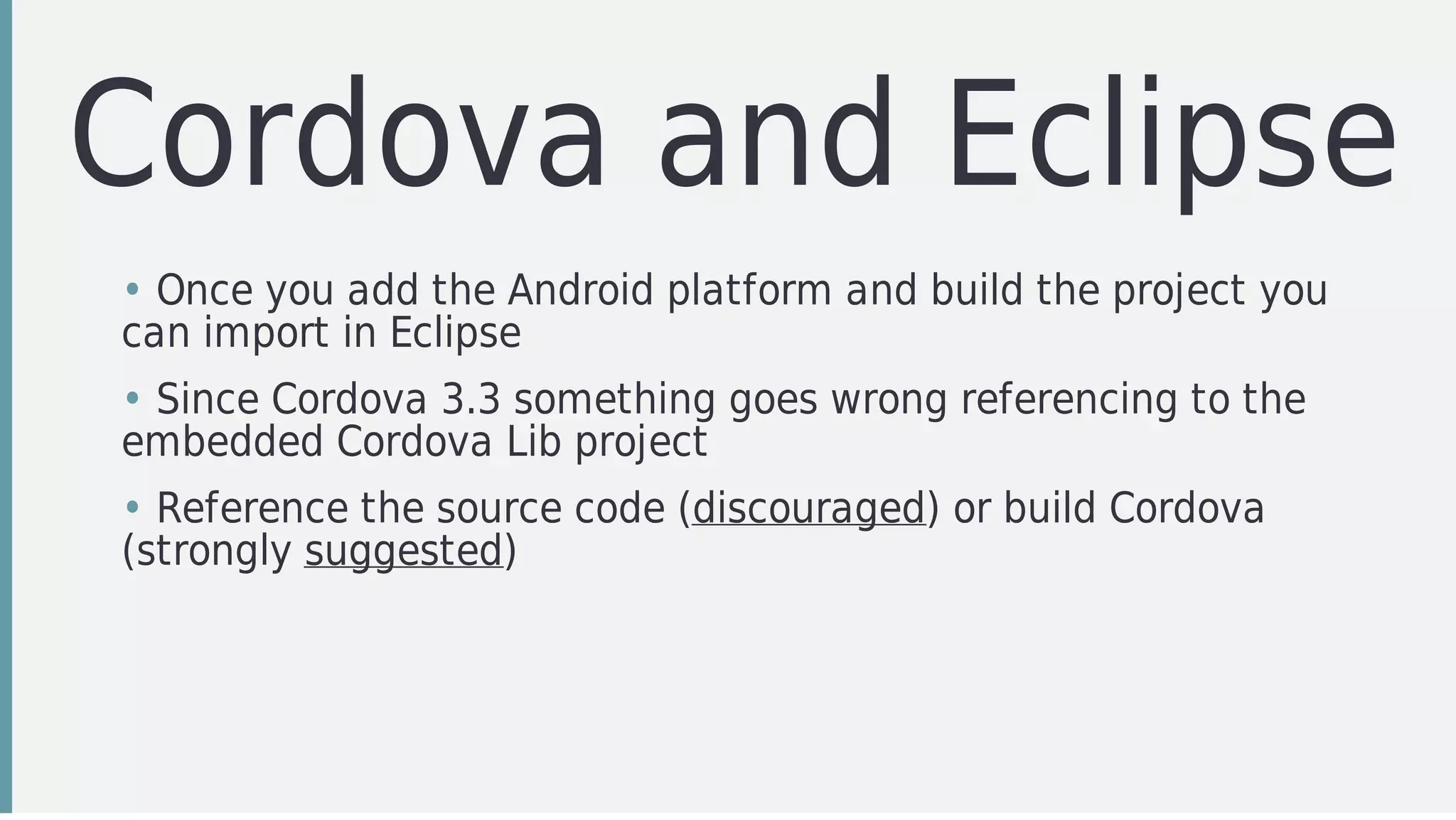
Cordova	and	Eclipse
• Once	you	add	the	Android	platform	and	build	the	project	you
can	import	in	Eclipse
• Since	Cordova	3.3	something	goes	wrong	referencing	to	the
embedded	Cordova	Lib	project
• Reference	the	source	code	(discouraged)	or	build	Cordova
(strongly	suggested)
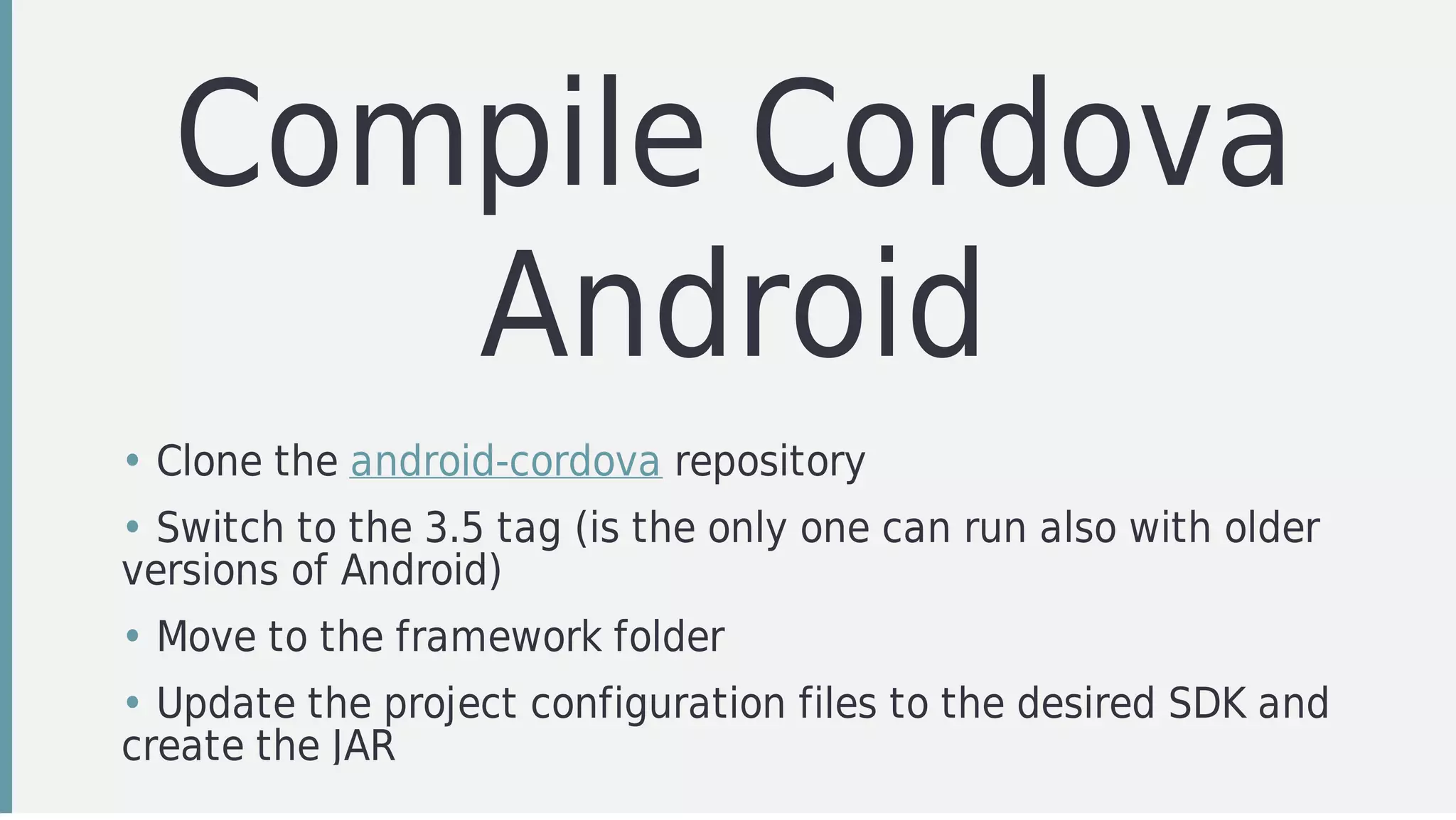
Compile	Cordova
Android
• Clone	the	android-cordova	repository
• Switch	to	the	3.5	tag	(is	the	only	one	can	run	also	with	older
versions	of	Android)
• Move	to	the	framework	folder
• Update	the	project	configuration	files	to	the	desired	SDK	and
create	the	JAR
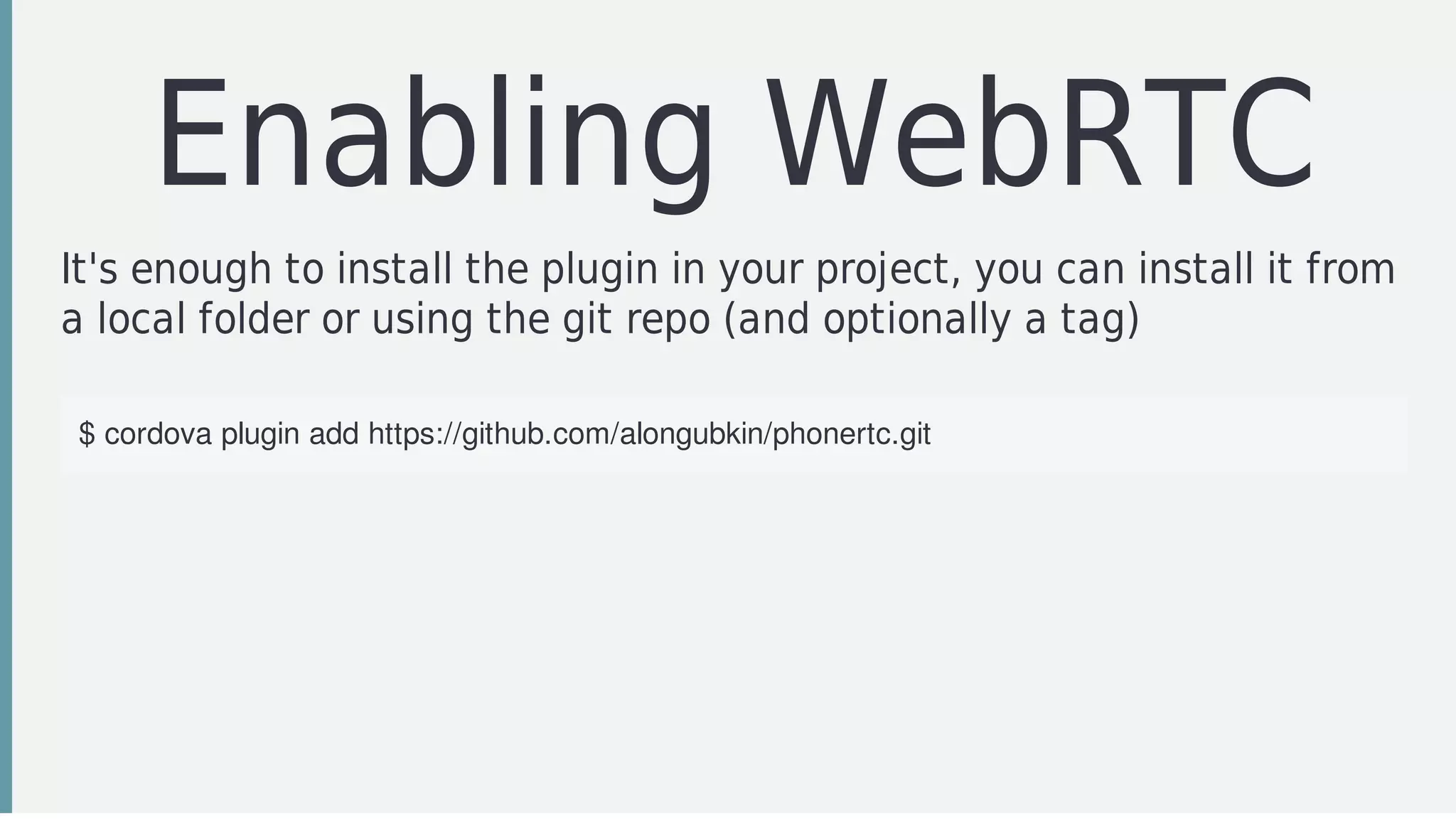
Enabling	WebRTC
It's	enough	to	install	the	plugin	in	your	project,	you	can	install	it	from
a	local	folder	or	using	the	git	repo	(and	optionally	a	tag)
$	cordova	plugin	add	https://github.com/alongubkin/phonertc.git
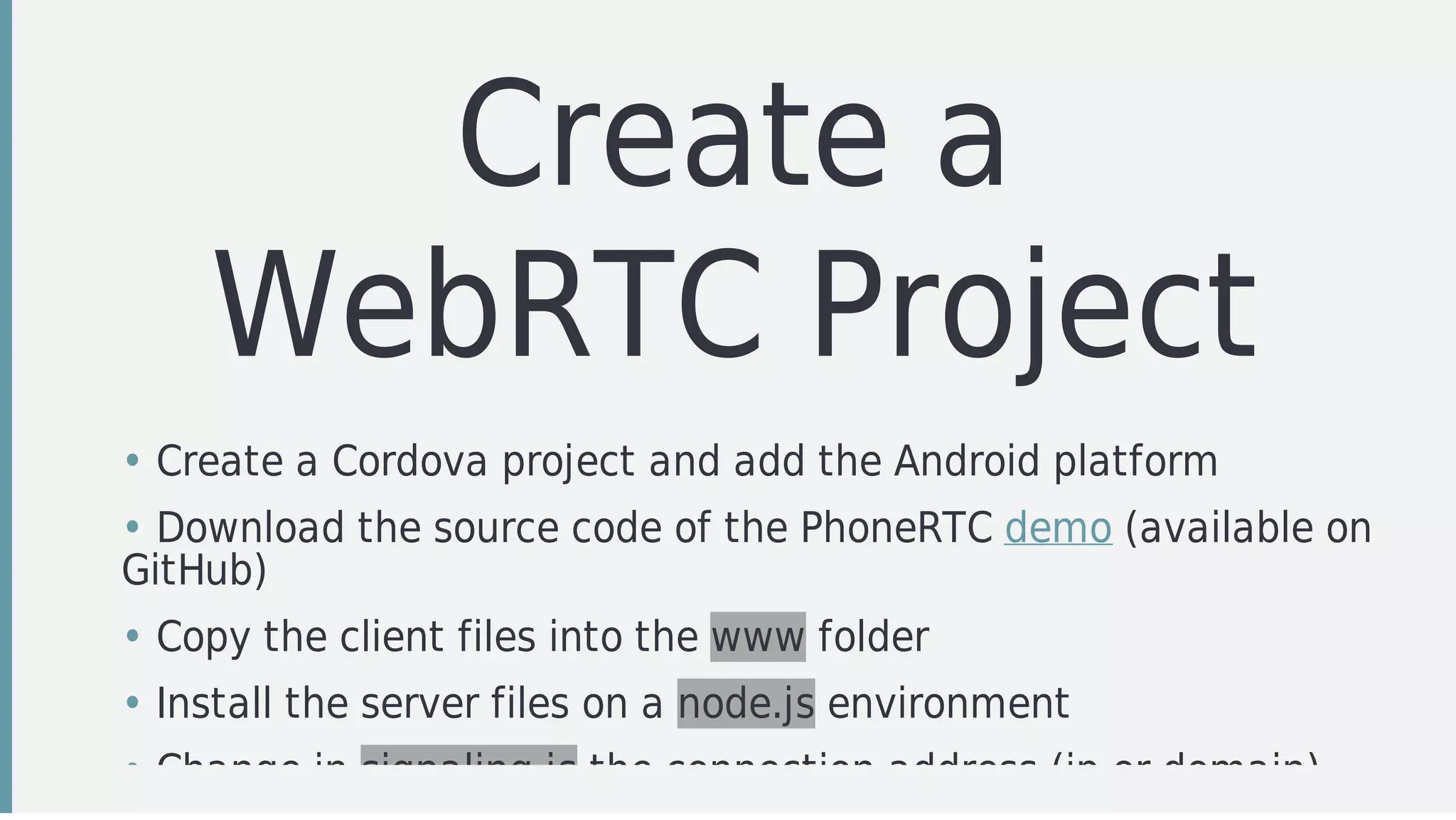
Create	a
WebRTC	Project
• Create	a	Cordova	project	and	add	the	Android	platform
• Download	the	source	code	of	the	PhoneRTC	demo	(available	on
GitHub)
• Copy	the	client	files	into	the	www	folder
• Install	the	server	files	on	a	node.js	environment
• Change	in	signaling.js	the	connection	address	(ip	or	domain)
Quick	Demo
Recap
Step	1
Install	the	Tizen	Wearable	SDK	and	define	a	vritual	device
Step	2
Configure	a	SAP	server	on	your	device	in	order	to	test	the
connectivity
Step	3
Import		the	HelloAccessoryProvider	project	in	Eclipse	and	build	it	(just
to	be	sure	your	configuration	is	OK)
Step	4
Import	your	WebRTC	Cordova	project	in	Eclipse	(don't	build	it,	it	will
fail)
Step	5
Build	and	link	Cordova	to	your	project	(don't	forget	to	match	your
target	API)
Step	6
Build	the	Cordova	project	to	verify	everything	is	correctly	configured
Step	7
Start	the	integration	of	the	HelloAccessoryProvider	project	with	the
Cordova	one
Step	8
Build	a	Tizen	Wearable	widget	and	connect	it	to	your	Cordova	app
What's	Next
Follow	this	repo	https://github.com/GiorgioNatili/tizen-werbrtc
Resources
Useful	Links
• http://denvycom.com/blog/step-by-step-guide-to-build-your-first-
samsung-gear2-app-tizen
• http://developer.samsung.com/galaxy#accessory
• https://crosswalk-
project.org/documentation/tizen_ivi_extensions.html
• https://wiki.tizen.org/wiki/Tizen_IVI_SDK#Installing_Tizen_IVI_SDK
• https://developer.tizen.org/dev-guide/2.3.0
• http://denvycom.com/blog/how-to-install-wgt-files-gear2
• http://java.dzone.com/articles/cordova-hello-world-android
@giorgionatili
#mobiletea	#javascript	#swift	#wearable	#agile	#android	#tdd
Thanks!
Grazie!	Graçias!	Danke!	Merci!	 !	
art	animated	GIF
Cross-Walk
Why
Getting	Started
Cordova	Integration
Trouble	Shooting

WebRTC communication and wearable devices