Download as PDF, PPTX



![Issues with numbers
● Matrix operations (glUtils.js, sylvester.js)
● JavaScript (Number class) => OpenGL (lot
of types)
var vertices = [
1.0, 1.0, 0.0,
-1.0, 1.0, 0.0,
1.0, -1.0, 0.0,
-1.0, -1.0, 0.0
];
var squareVerticesBuffer = gl.createBuffer();
gl.bindBuffer(gl.ARRAY_BUFFER,
squareVerticesBuffer);
gl.bufferData(gl.ARRAY_BUFFER,
new Float32Array(vertices),
gl.STATIC_DRAW);
● example2](https://image.slidesharecdn.com/webgl-140704091832-phpapp01/75/WebGL-4-2048.jpg)
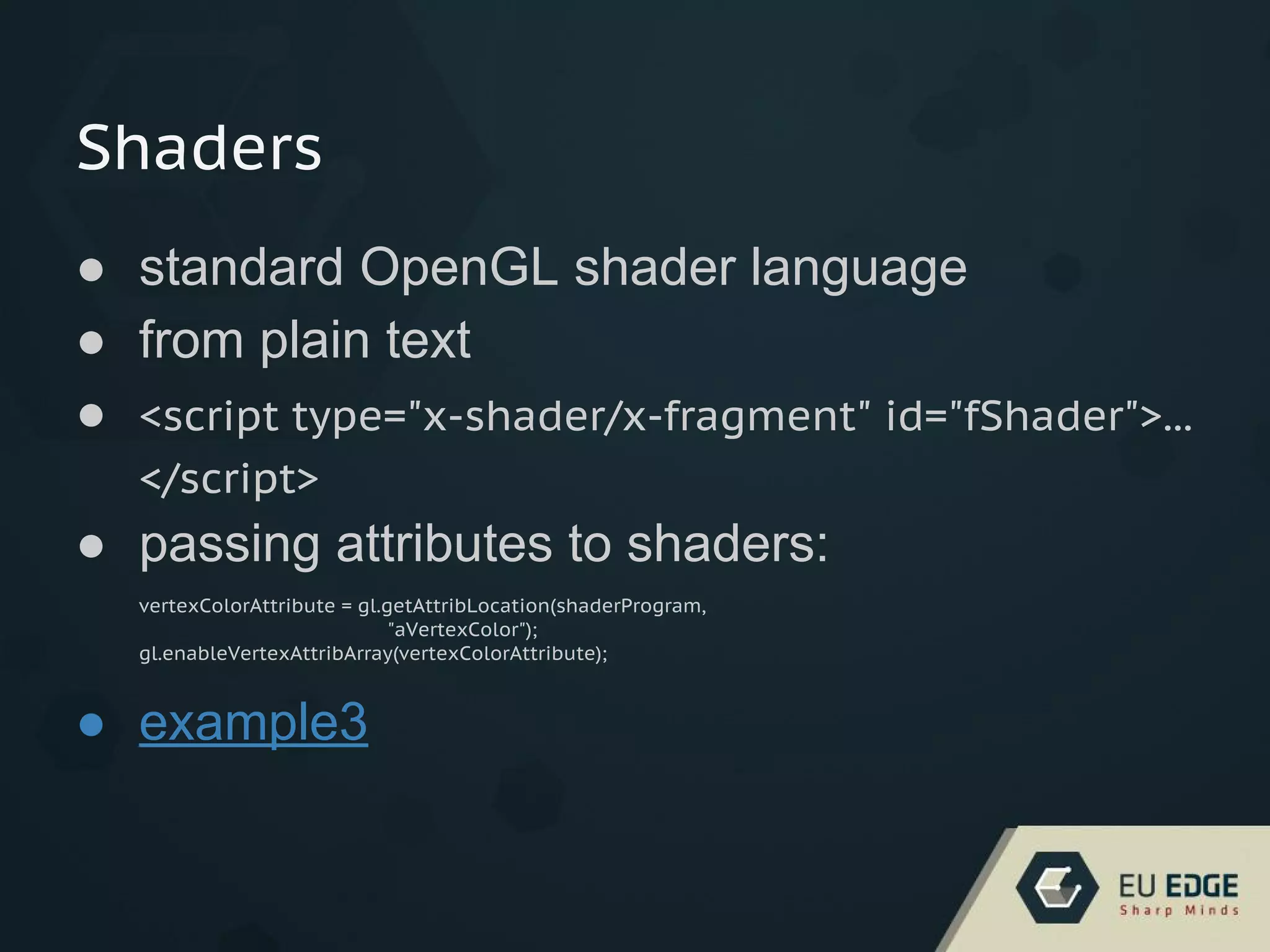
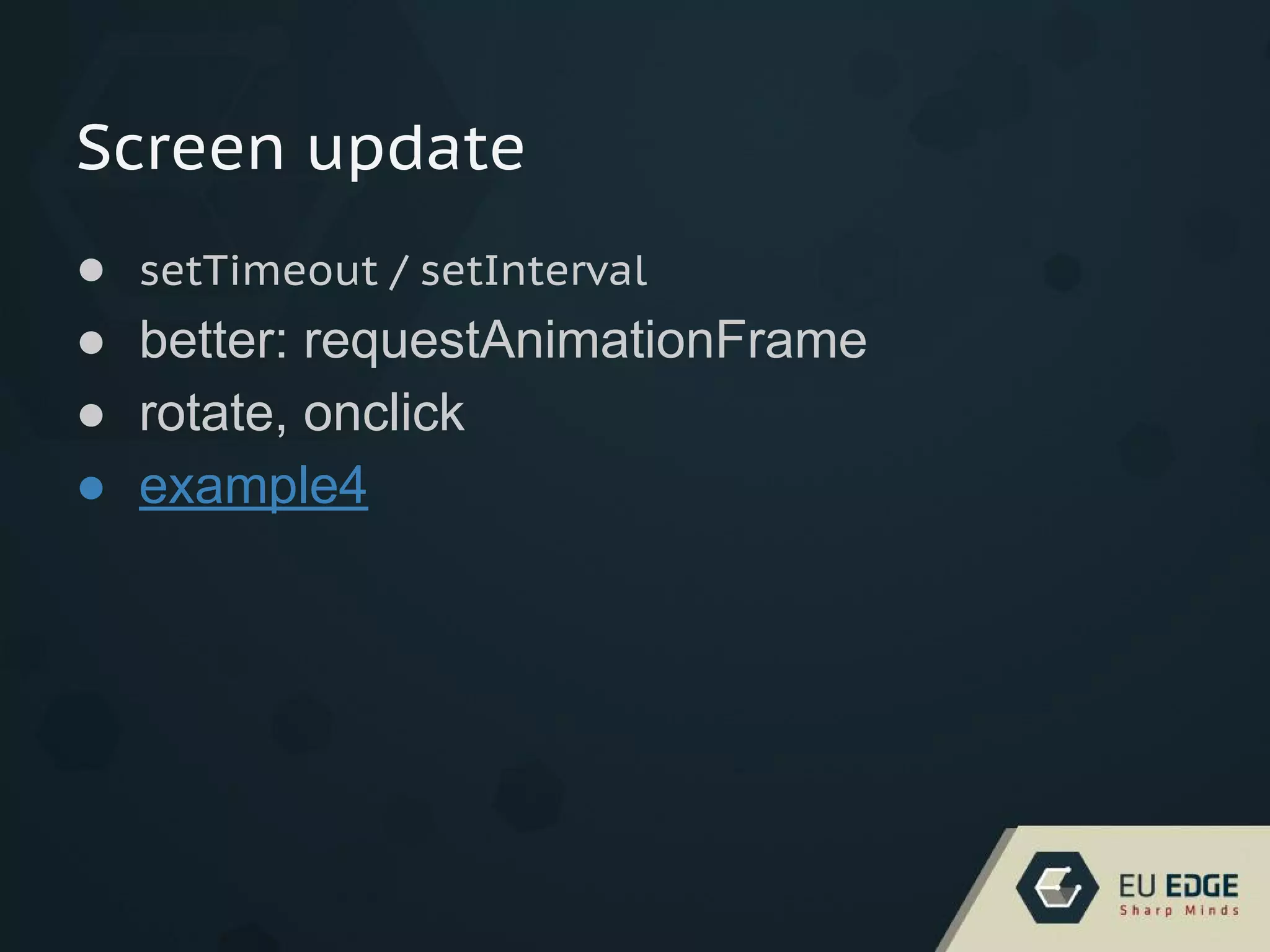
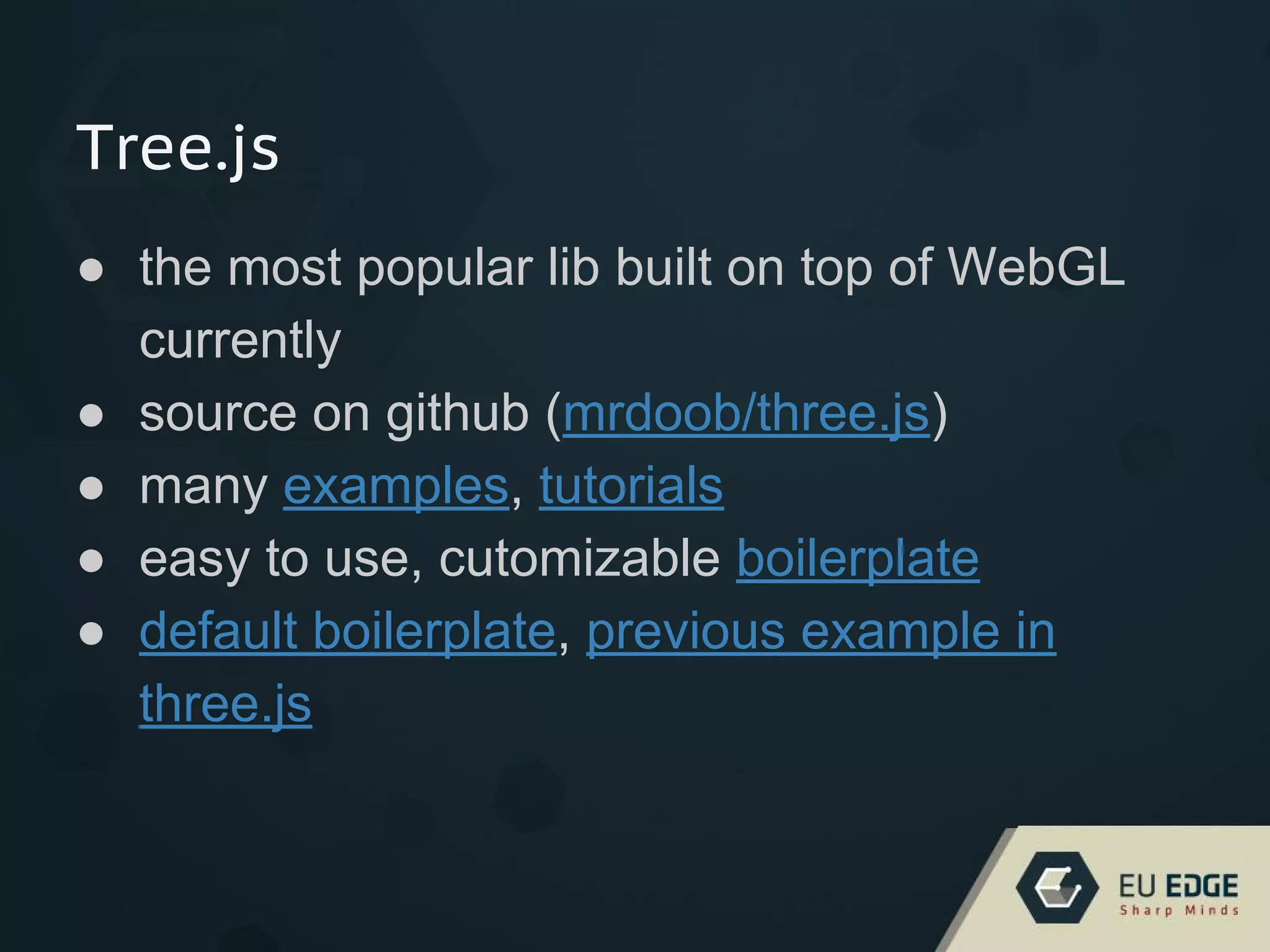

WebGL is a JavaScript API for rendering interactive 3D graphics and 2D graphics within any compatible web browser without the use of plug-ins. It uses OpenGL ES 2.0 and is accessed using JavaScript through the <canvas> element. Common libraries like Three.js provide helper methods that simplify common tasks like setting up shaders, buffers, and rendering loops to make 3D graphics programming on the web easier.


![3D Web Programming [Thanh Loc Vo , CTO Epsilon Mobile ]](https://cdn.slidesharecdn.com/ss_thumbnails/thanhlocvo-3dprogramming-131125060122-phpapp02-thumbnail.jpg?width=640&height=640&fit=bounds)


