

Web Apps
web apps
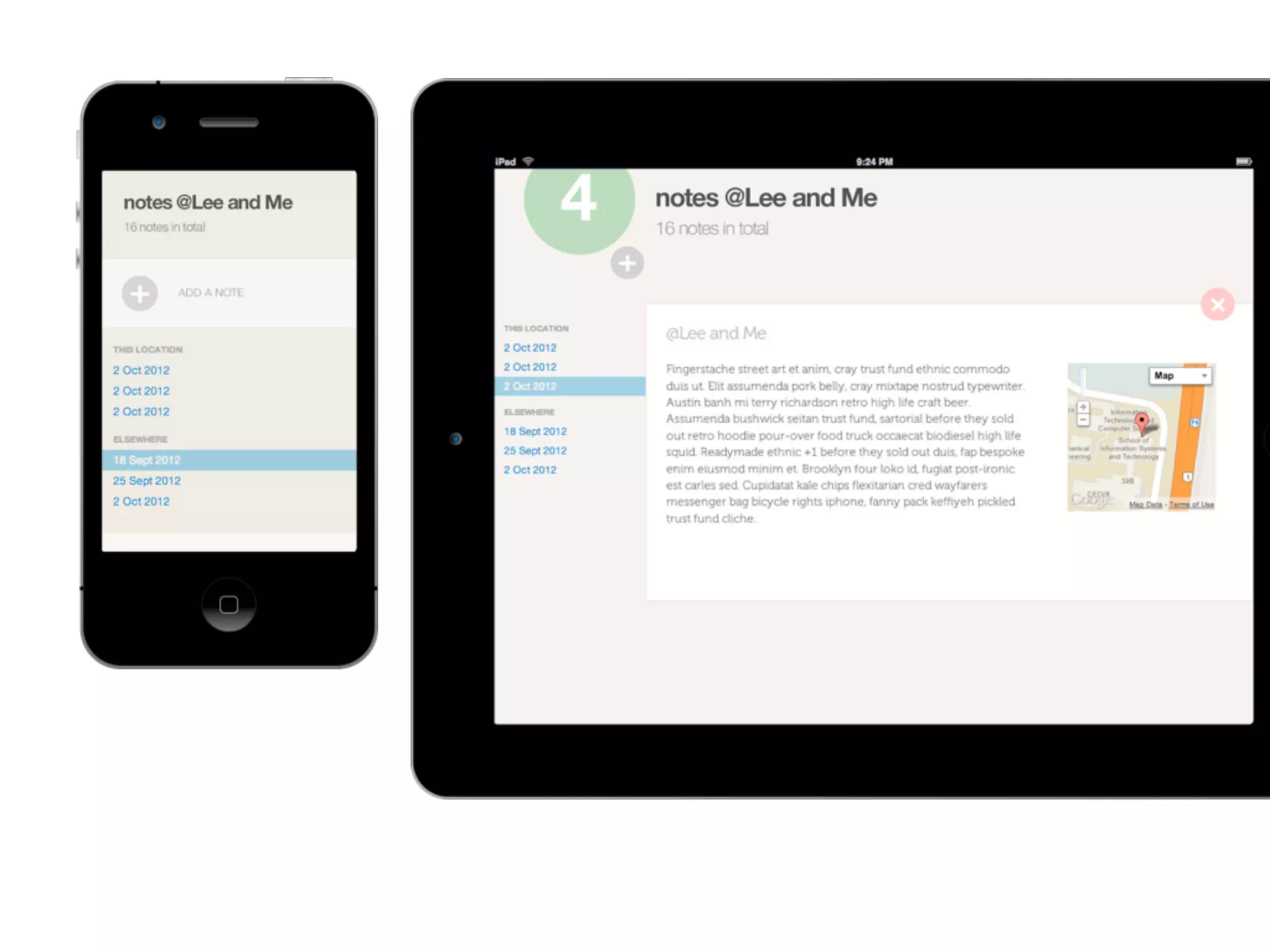
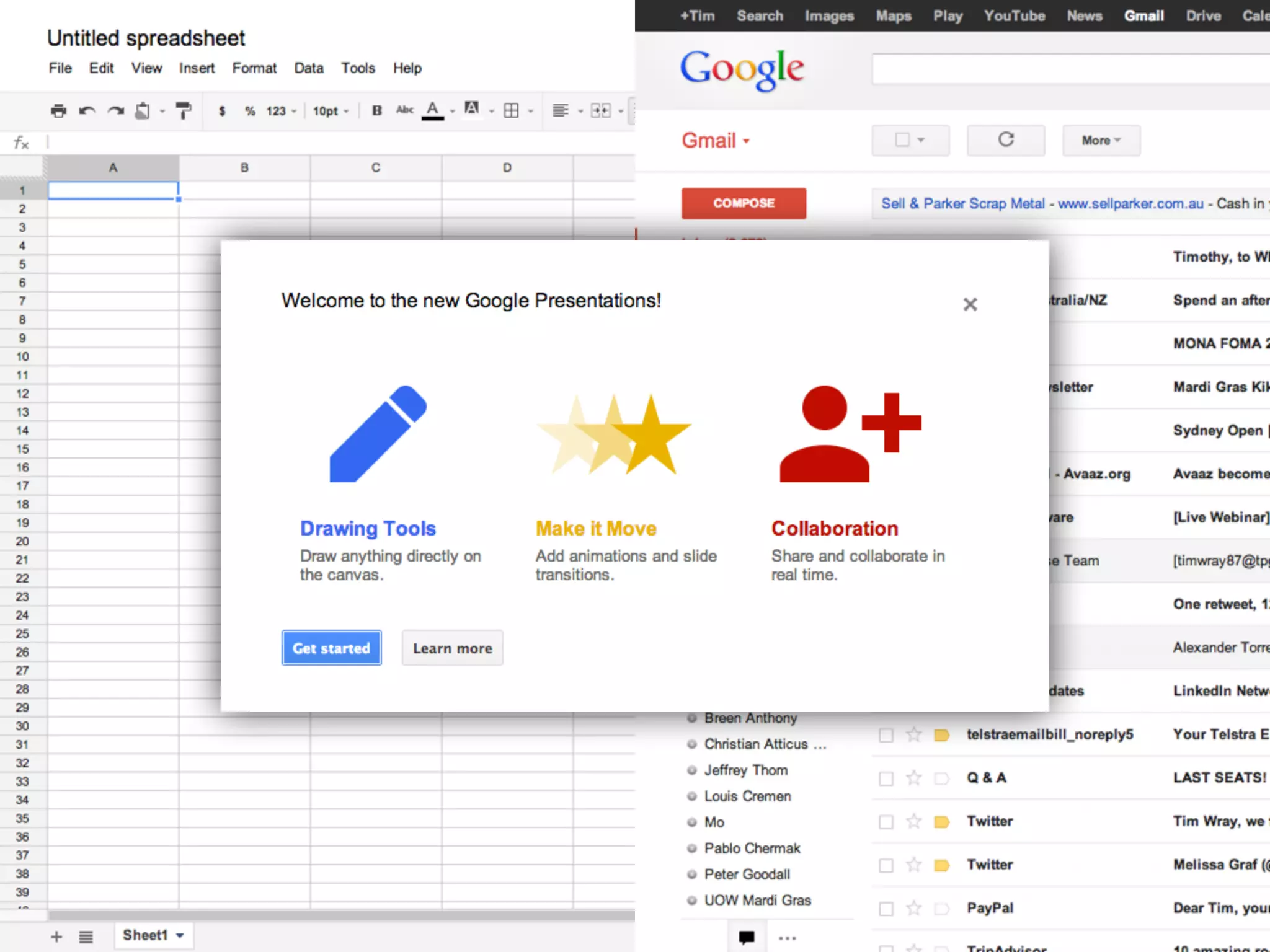
• HTML5 allows you to create immersive,
  “app-like” experiences in the browser.

• The capability (and emerging ubiquity)
  of HTML5 support allows you to deliver
  experiences that are on par to those
  delivered by traditional desktop, tablet
  and mobile apps.
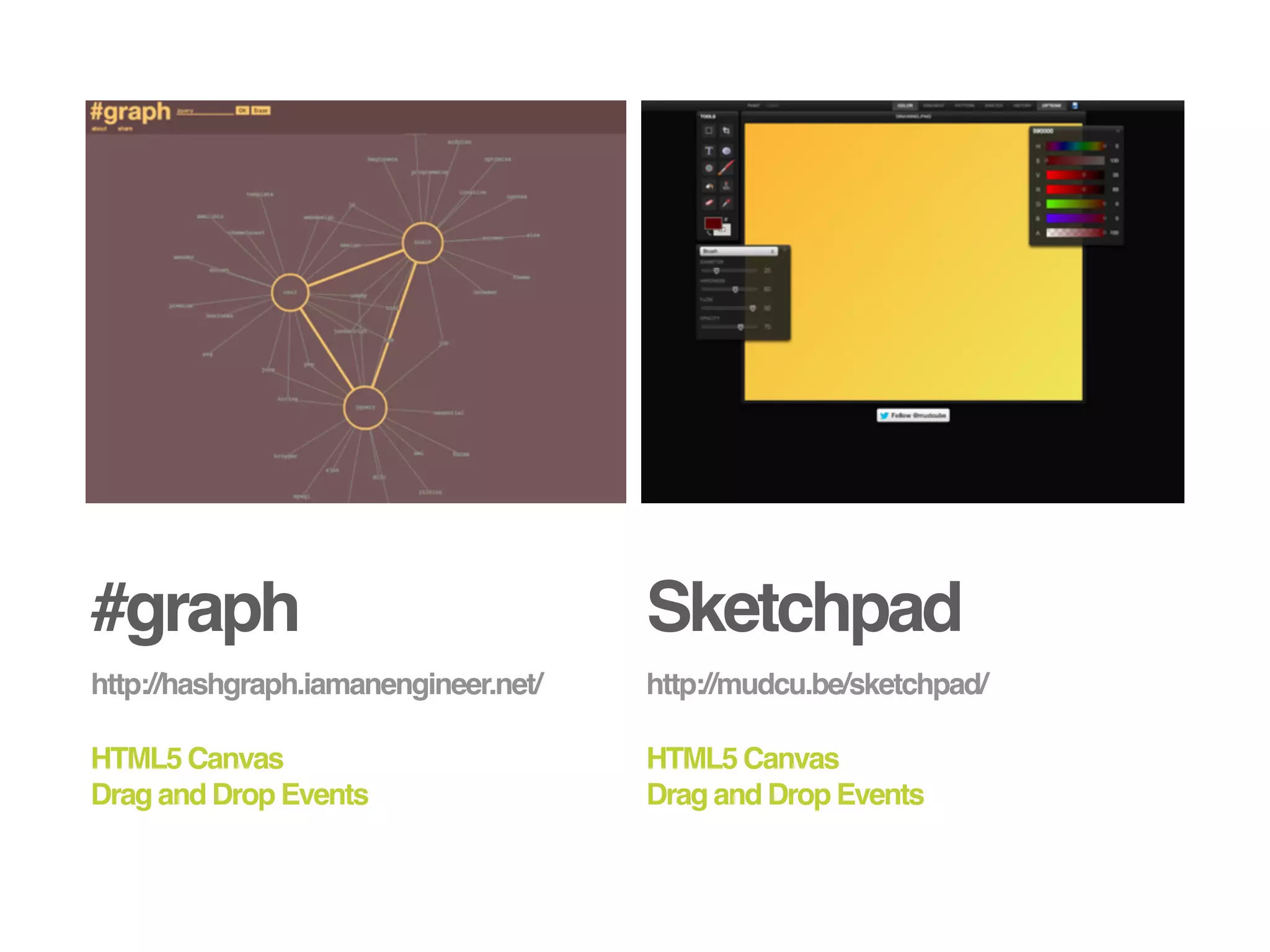
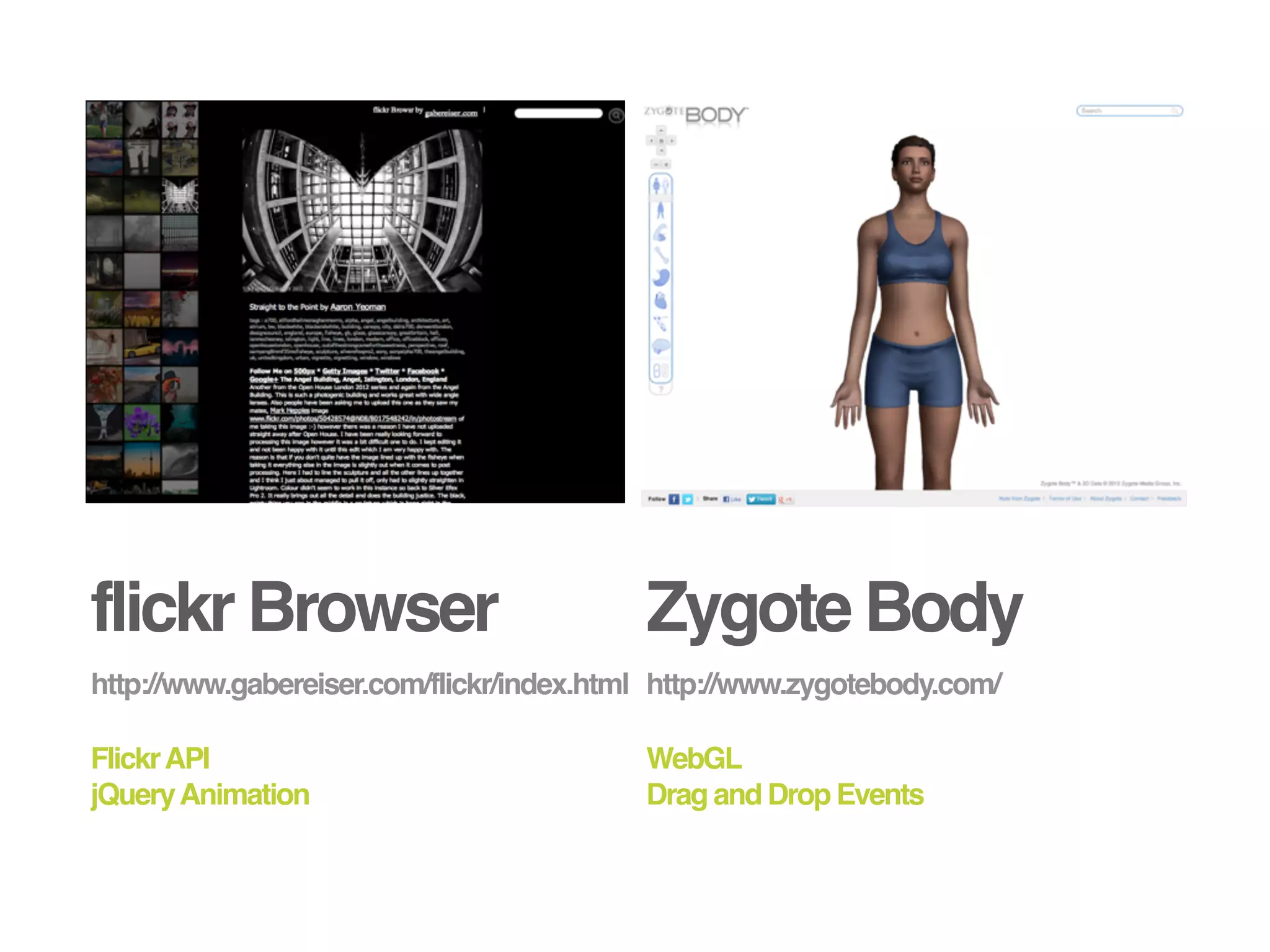
#graph                                Sketchpad
http://hashgraph.iamanengineer.net/   http://mudcu.be/sketchpad/

HTML5 Canvas                          HTML5 Canvas
Drag and Drop Events                  Drag and Drop Events
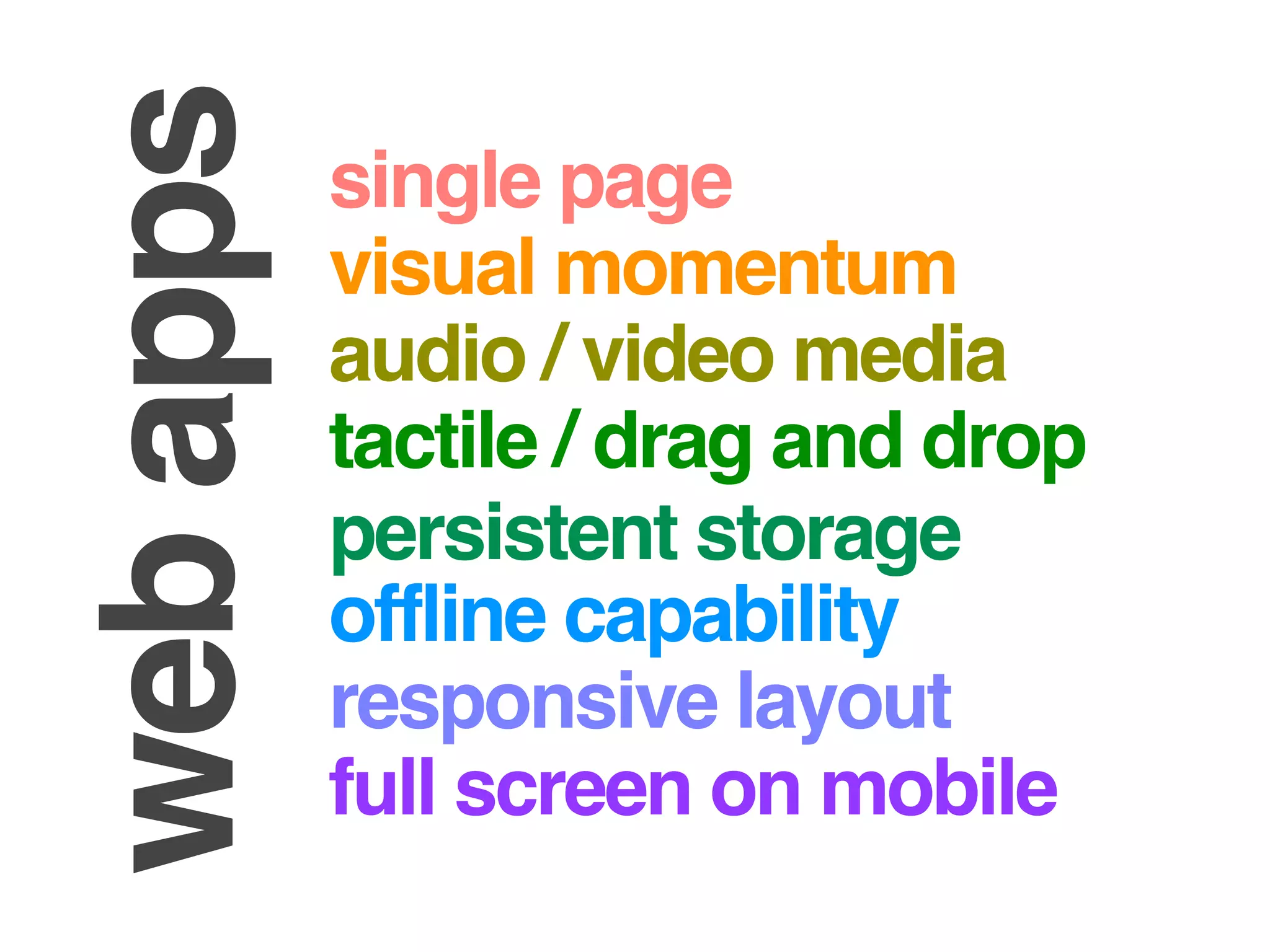
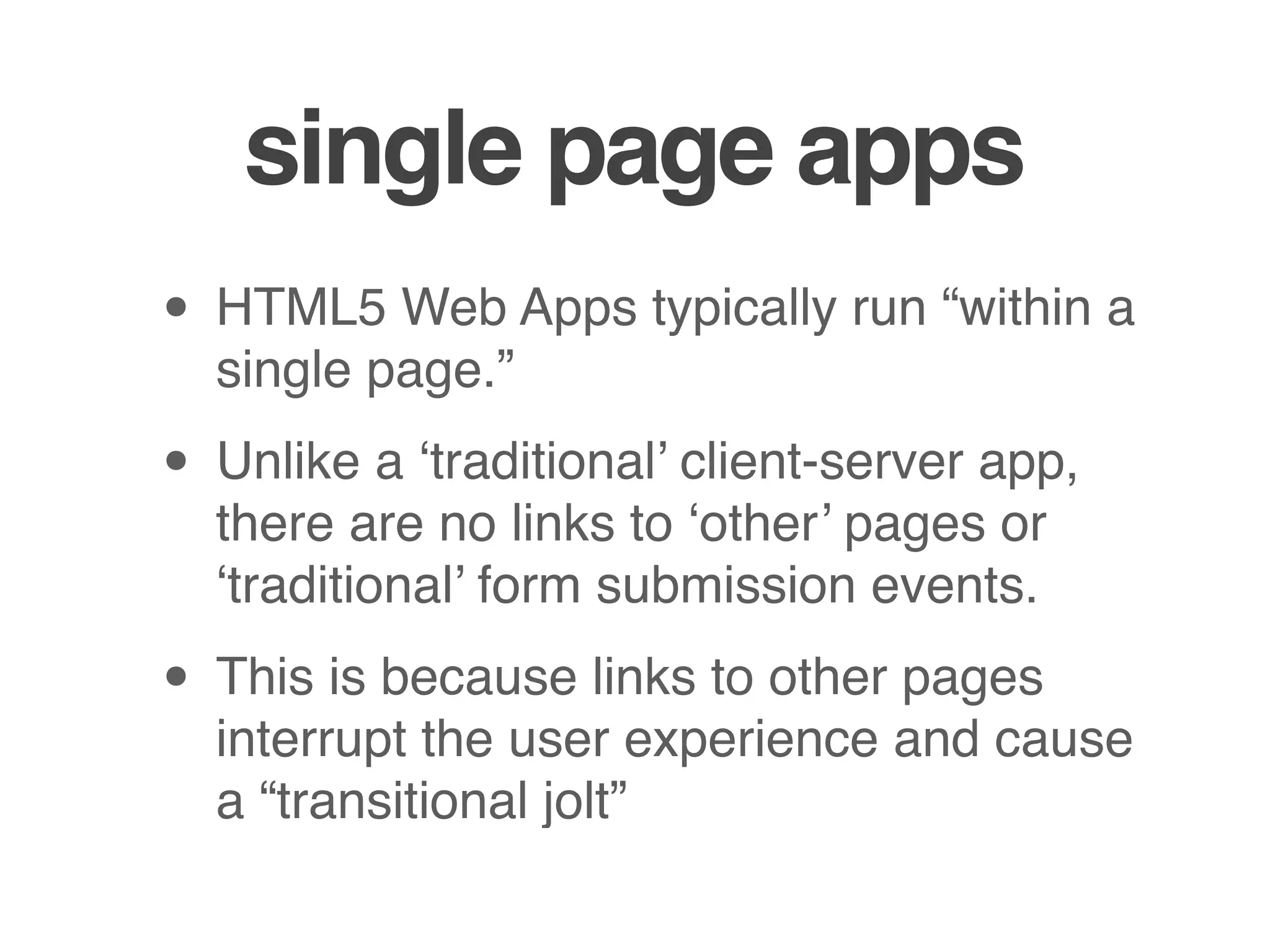
flickr Browser                            Zygote Body
http://www.gabereiser.com/flickr/index.html http://www.zygotebody.com/

Flickr API                                WebGL
jQuery Animation                          Drag and Drop Events
web apps   single page
           visual momentum
           audio / video media
           tactile / drag and drop
           persistent storage
           offline capability
           responsive layout
           full screen on mobile
single page apps
• HTML5 Web Apps typically run “within a
  single page.”

• Unlike a ‘traditional’ client-server app,
  there are no links to ‘other’ pages or
  ‘traditional’ form submission events.

• This is because links to other pages
  interrupt the user experience and cause
  a “transitional jolt”
single page apps
• However, your app may still change
  your page’s DOM, or download
  fragments of HTML (structure) or XML /
  JSON (data) from a server

• But the browser’s URL always points to
  the same document (although the URL
  after the fragment identifier (the #
  symbol) may change.
single page apps

• Single page apps generally provide a
  much more seamless user experience
  because entire Web pages don’t need
  to reload - providing faster response
  times and overall greater visual
  momentum.
Media
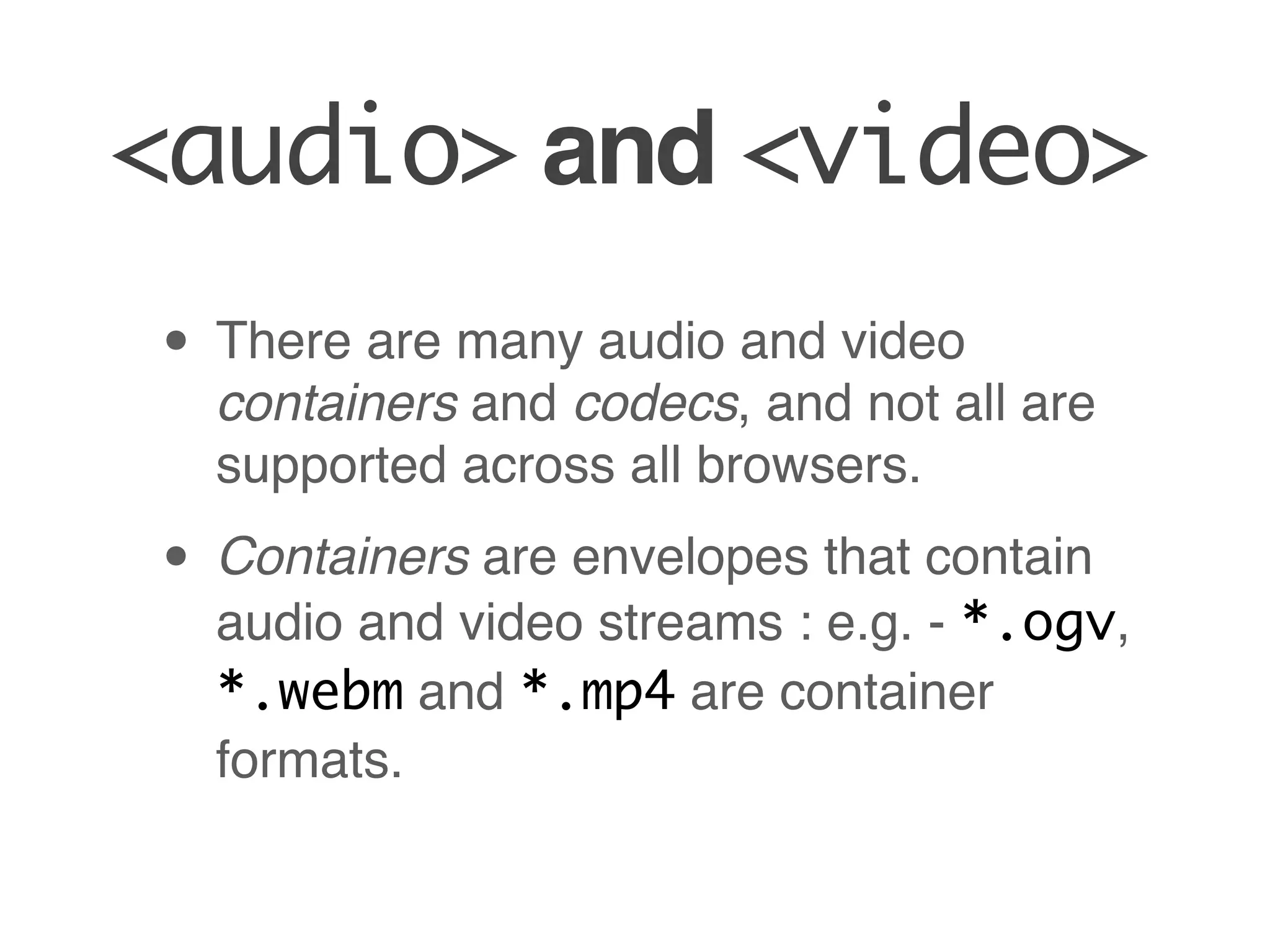
<audio> and <video>

• The HTML5 <audio> and <video>
 tags allow you to deploy media content
 on your website / web app without the
 use of a plug-in.
<audio> and <video>
• There are many audio and video
  containers and codecs, and not all are
  supported across all browsers.

• Containers are envelopes that contain
  audio and video streams : e.g. - *.ogv,
  *.webm and *.mp4 are container
  formats.
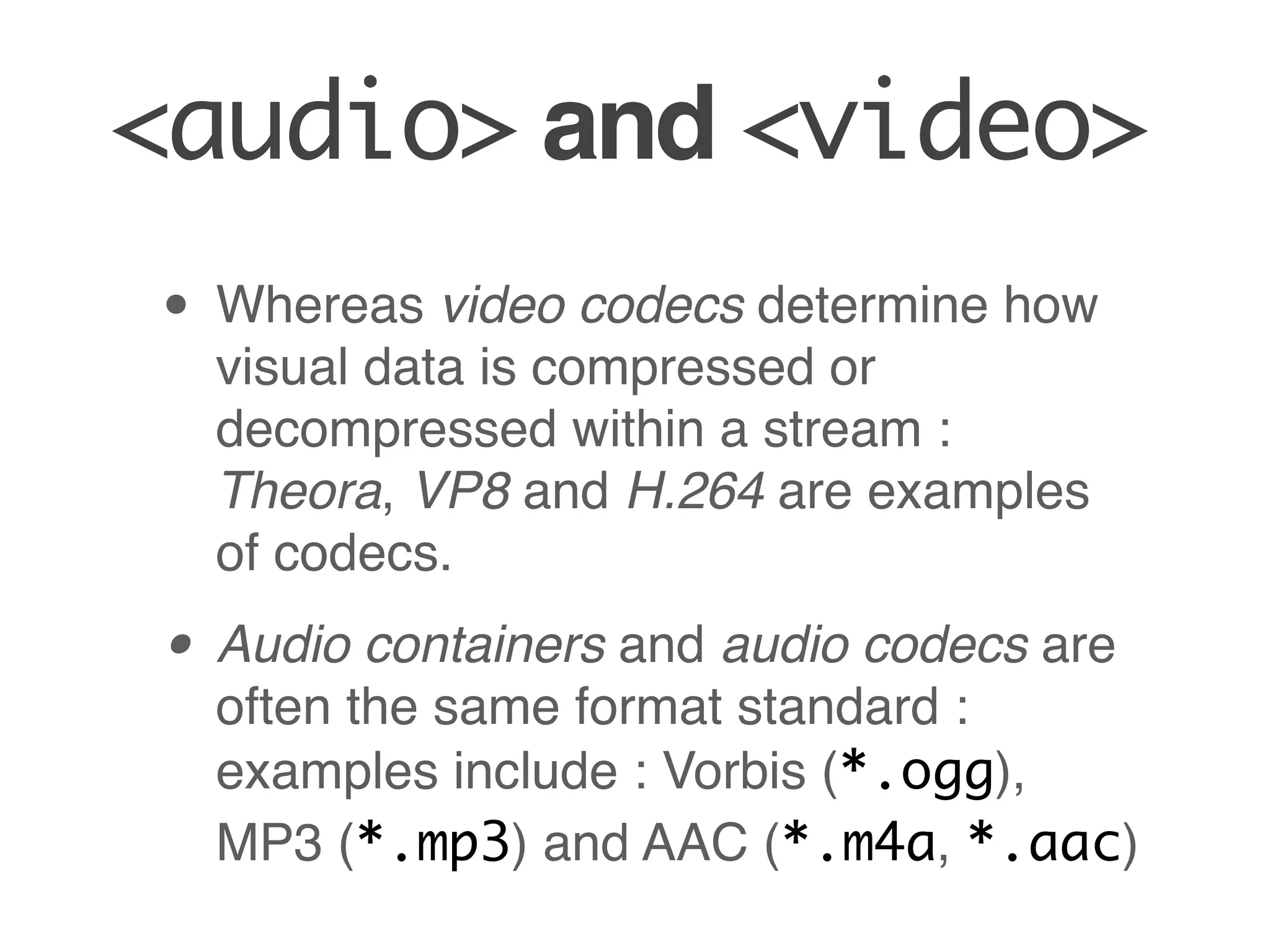
<audio> and <video>
• Whereas video codecs determine how
  visual data is compressed or
  decompressed within a stream :
  Theora, VP8 and H.264 are examples
  of codecs.

• Audio containers and audio codecs are
  often the same format standard :
  examples include : Vorbis (*.ogg),
  MP3 (*.mp3) and AAC (*.m4a, *.aac)
GOTCHA : not all browsers support all formats


It’s usually a good idea to encode video / audio in multiple
formats so that it can be played on a wide range of browsers.

Some good places to check for browser support :

http://en.wikipedia.org/wiki/HTML5_video#Browser_support

http://en.wikipedia.org/wiki/HTML5_audio#.3CAudio.
3E_element
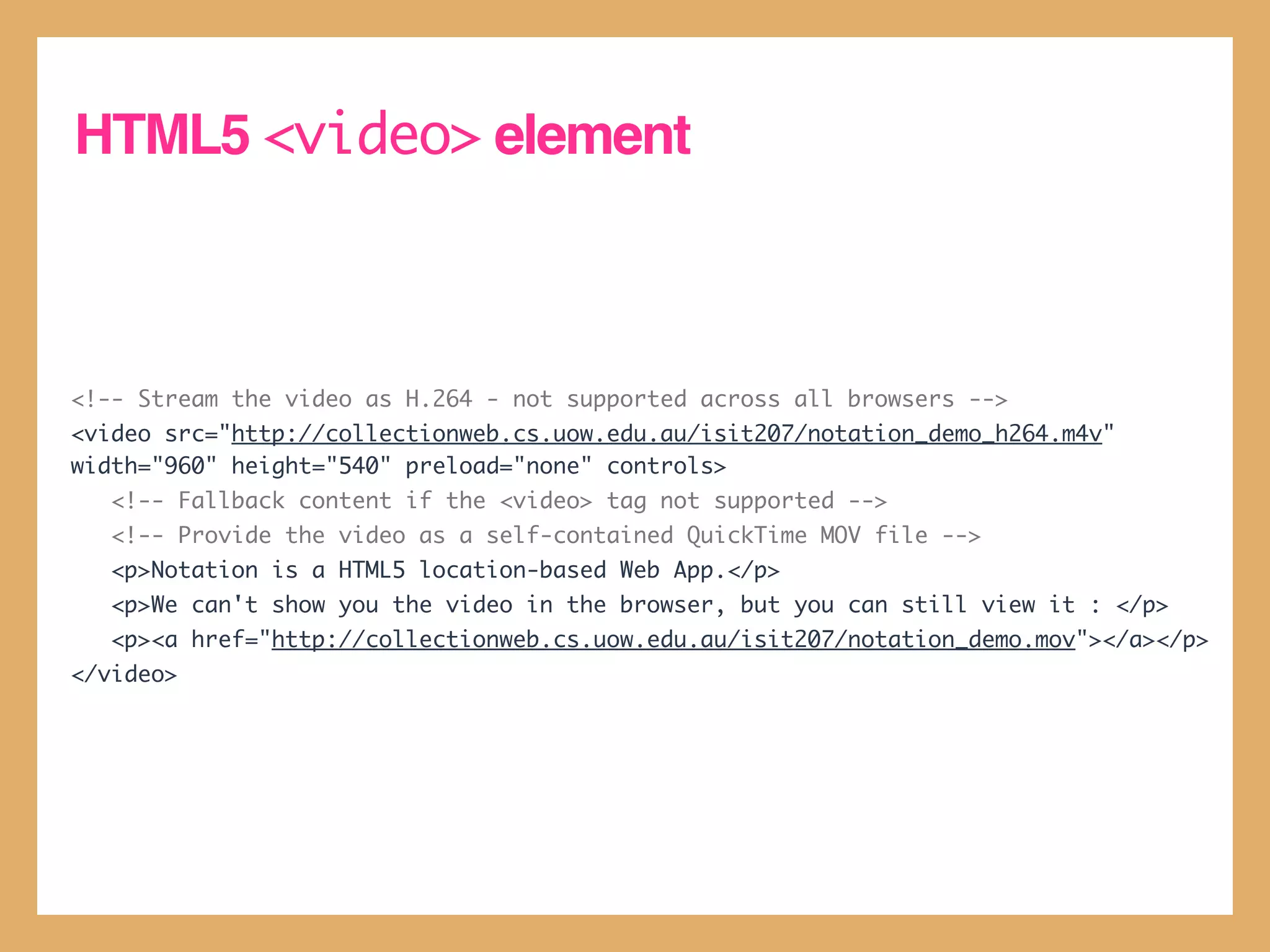
HTML5 <video> element


<!-- Stream the video as H.264 - not supported across all browsers -->
<video src="http://collectionweb.cs.uow.edu.au/isit207/notation_demo_h264.m4v"
width="960" height="540" preload="none" controls>
   <!-- Fallback content if the <video> tag not supported -->
   <!-- Provide the video as a self-contained QuickTime MOV file -->
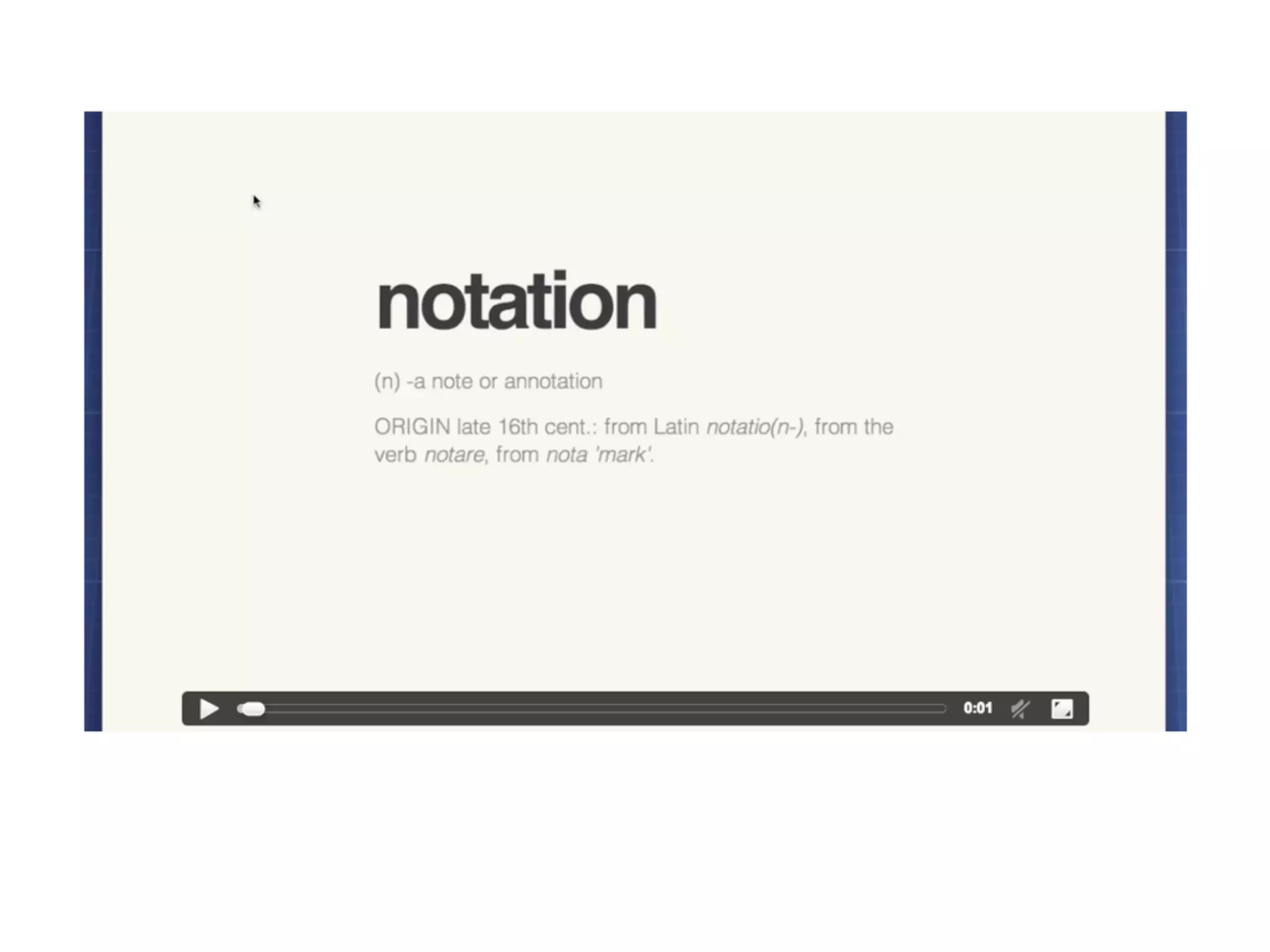
   <p>Notation is a HTML5 location-based Web App.</p>
   <p>We can't show you the video in the browser, but you can still view it : </p>
   <p><a href="http://collectionweb.cs.uow.edu.au/isit207/notation_demo.mov"></a></p>
</video>
<audio> <video>
• The src attribute indicates where the
  video file is. (Although in many ways it’s
  better to use the <source> element.

• For the <video> element, you should
  also always explicitly set the width and
  height attributes so that the element
  doesn’t adjust / change size as the
  video loads. (It looks very jarring
  otherwise).
loading / playback
• The preload attribute indicates how
  the media file should download to the
  browser when the page loads : none
  indicates that no pre-download should
  occur, and auto, which indicates that
  the movie should start downloading
  automatically.

• Set autoplay="true" if you want
  your media file to play when the page
  loads.
other attributes
• controls - if you set this attribute
  within the <video> or <audio>
  element, your browser will overlay
  playback controls for you over your
  video

• loop - if set, it will restart the video
  when it ends.

• muted - if set on <video>, it will mute
  the volume by default when playback
  starts.
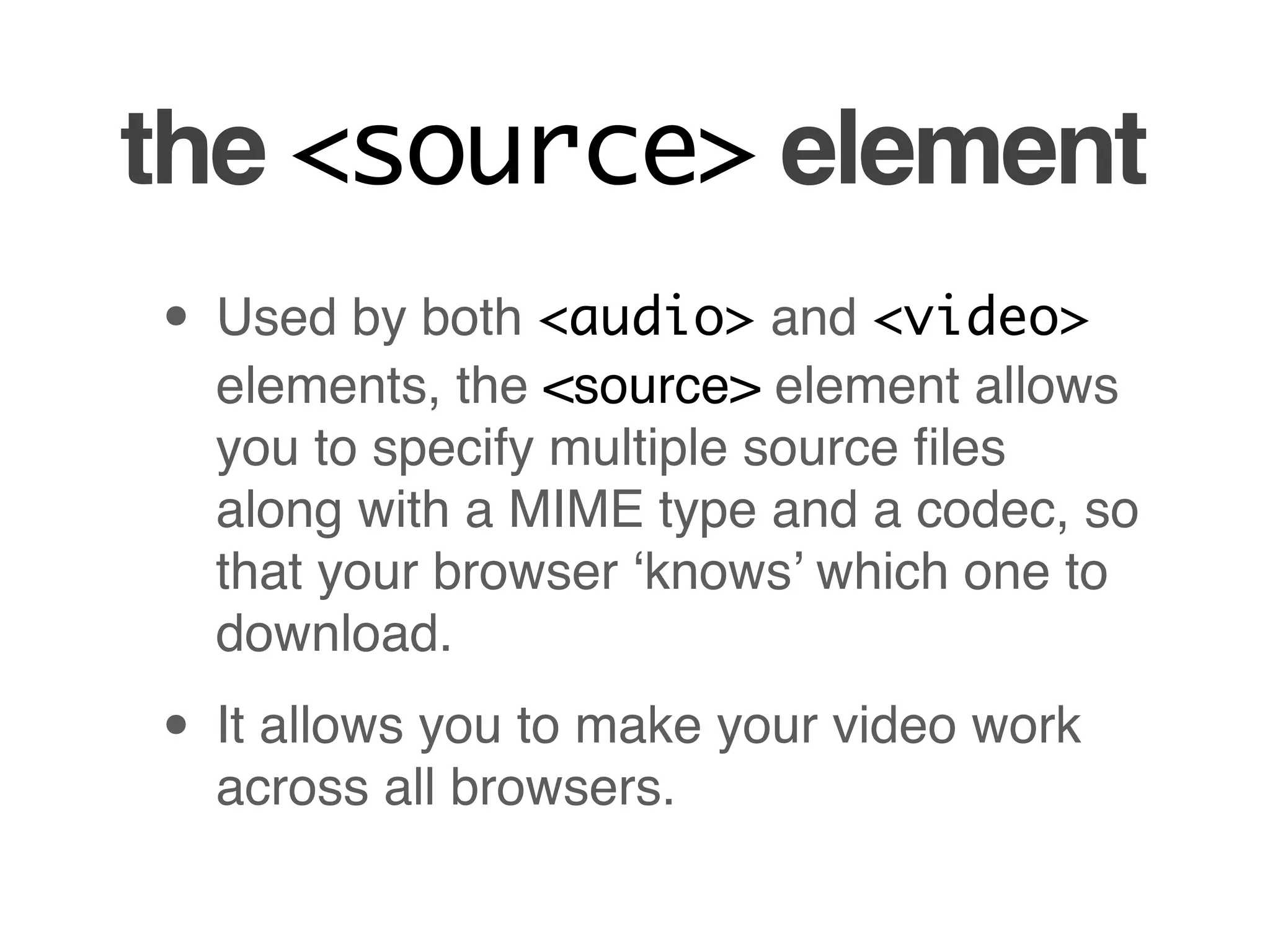
the <source> element
• Used by both <audio> and <video>
  elements, the <source> element allows
  you to specify multiple source files
  along with a MIME type and a codec, so
  that your browser ‘knows’ which one to
  download.

• It allows you to make your video work
  across all browsers.
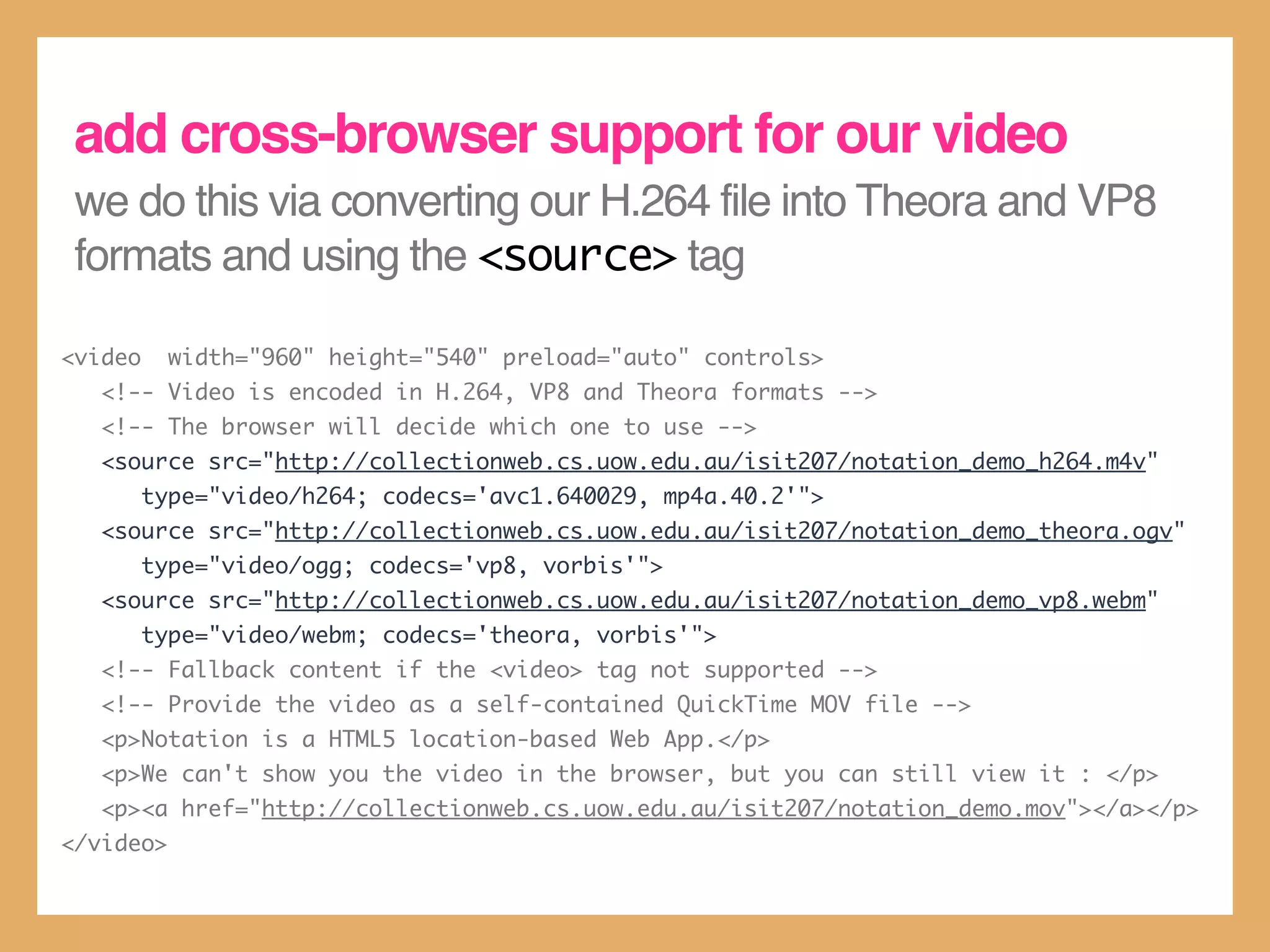
add cross-browser support for our video
 we do this via converting our H.264 file into Theora and VP8
 formats and using the <source> tag

<video     width="960" height="540" preload="auto" controls>
   <!-- Video is encoded in H.264, VP8 and Theora formats -->
   <!-- The browser will decide which one to use -->
   <source src="http://collectionweb.cs.uow.edu.au/isit207/notation_demo_h264.m4v"
         type="video/h264; codecs='avc1.640029, mp4a.40.2'">
   <source src="http://collectionweb.cs.uow.edu.au/isit207/notation_demo_theora.ogv"
         type="video/ogg; codecs='vp8, vorbis'">
   <source src="http://collectionweb.cs.uow.edu.au/isit207/notation_demo_vp8.webm"
         type="video/webm; codecs='theora, vorbis'">
   <!-- Fallback content if the <video> tag not supported -->
   <!-- Provide the video as a self-contained QuickTime MOV file -->
   <p>Notation is a HTML5 location-based Web App.</p>
   <p>We can't show you the video in the browser, but you can still view it : </p>
   <p><a href="http://collectionweb.cs.uow.edu.au/isit207/notation_demo.mov"></a></p>
</video>
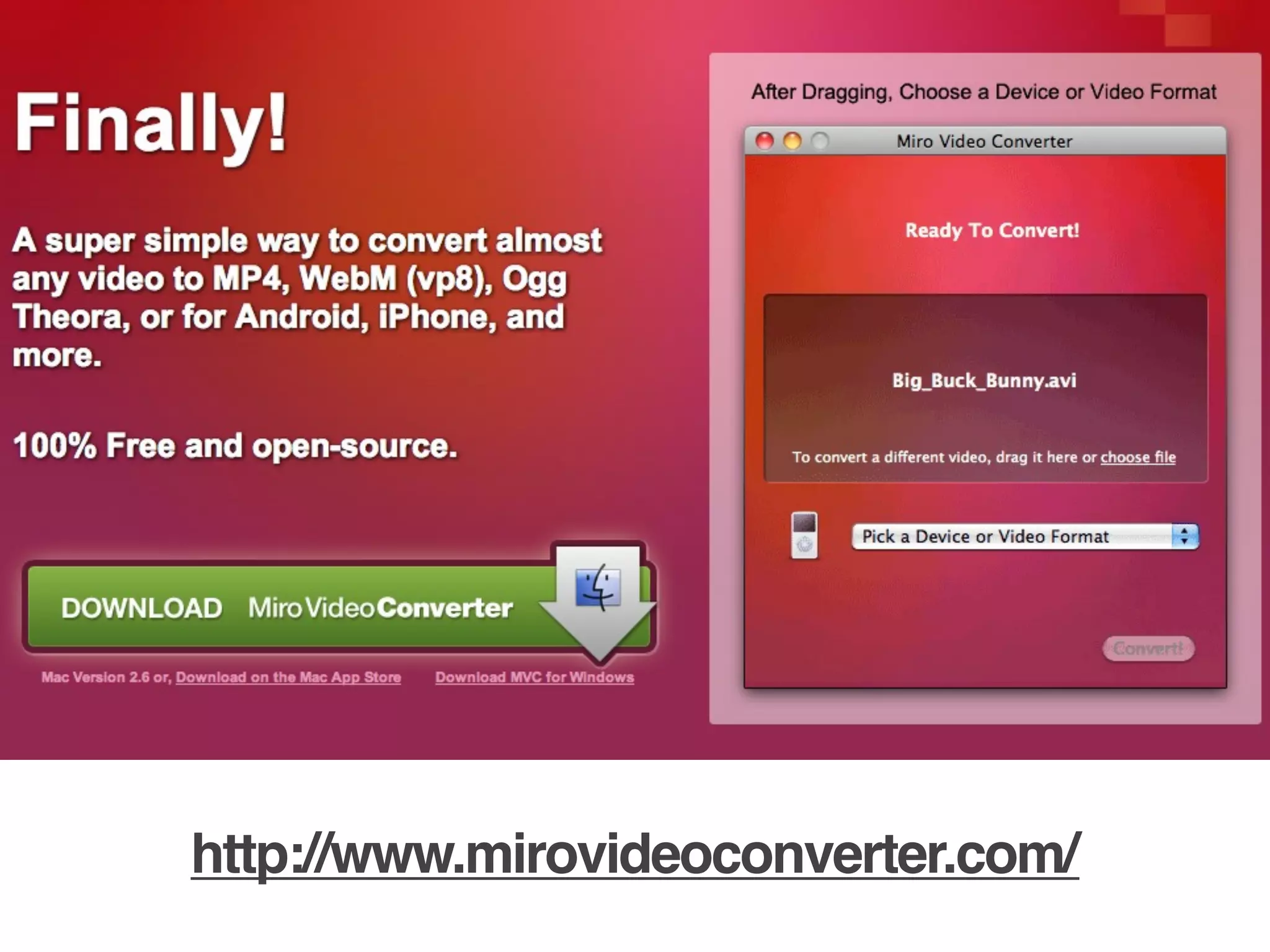
http://www.mirovideoconverter.com/
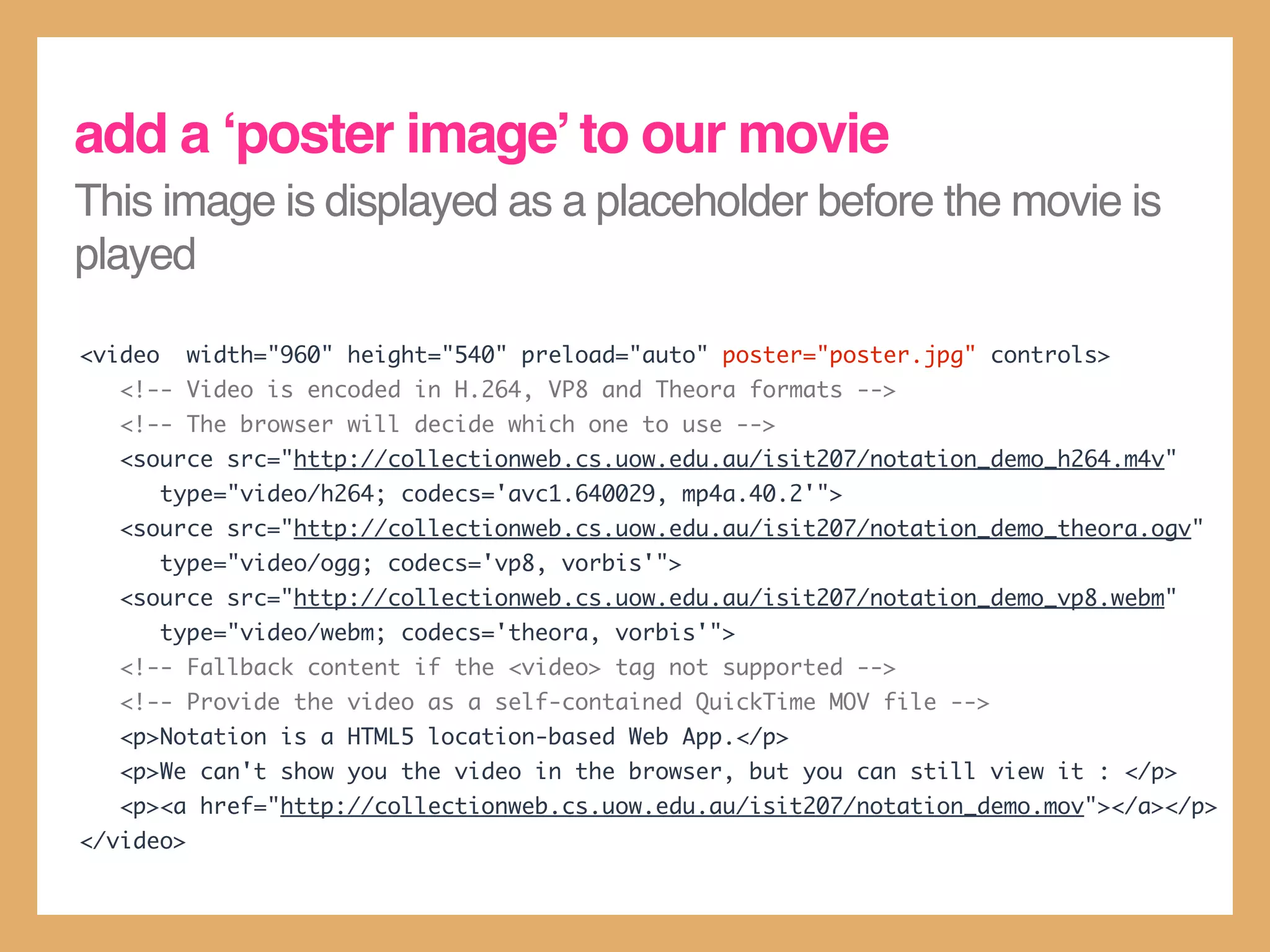
add a ‘poster image’ to our movie
This image is displayed as a placeholder before the movie is
played

<video     width="960" height="540" preload="auto" poster="poster.jpg" controls>
   <!-- Video is encoded in H.264, VP8 and Theora formats -->
   <!-- The browser will decide which one to use -->
   <source src="http://collectionweb.cs.uow.edu.au/isit207/notation_demo_h264.m4v"
         type="video/h264; codecs='avc1.640029, mp4a.40.2'">
   <source src="http://collectionweb.cs.uow.edu.au/isit207/notation_demo_theora.ogv"
         type="video/ogg; codecs='vp8, vorbis'">
   <source src="http://collectionweb.cs.uow.edu.au/isit207/notation_demo_vp8.webm"
         type="video/webm; codecs='theora, vorbis'">
   <!-- Fallback content if the <video> tag not supported -->
   <!-- Provide the video as a self-contained QuickTime MOV file -->
   <p>Notation is a HTML5 location-based Web App.</p>
   <p>We can't show you the video in the browser, but you can still view it : </p>
   <p><a href="http://collectionweb.cs.uow.edu.au/isit207/notation_demo.mov"></a></p>
</video>
Canvas
HTML5 <canvas>
• HTML5 <canvas> allows you to
  programmatically draw things.

• It grants you very fine control over the
  individual pixels within your page.

• HTML5 <canvas> was, in some ways,
  intended to replace Flash.
HTML5 <canvas>

• Canvas is not supported for Internet
  Explorer 8 or below. But you can try :

• ExplorerCanvas (http://
  excanvas.sourceforge.net/)

• Google Chrome Frame (http://
  www.google.com/chromeframe)
drawing on <canvas>

• You draw on canvas via its 2D context
• Think of a context as the “imaginary
  pen” : you tell it to create shapes, lines
  and fills on a canvas, and then it
  ‘draws’ it for you.
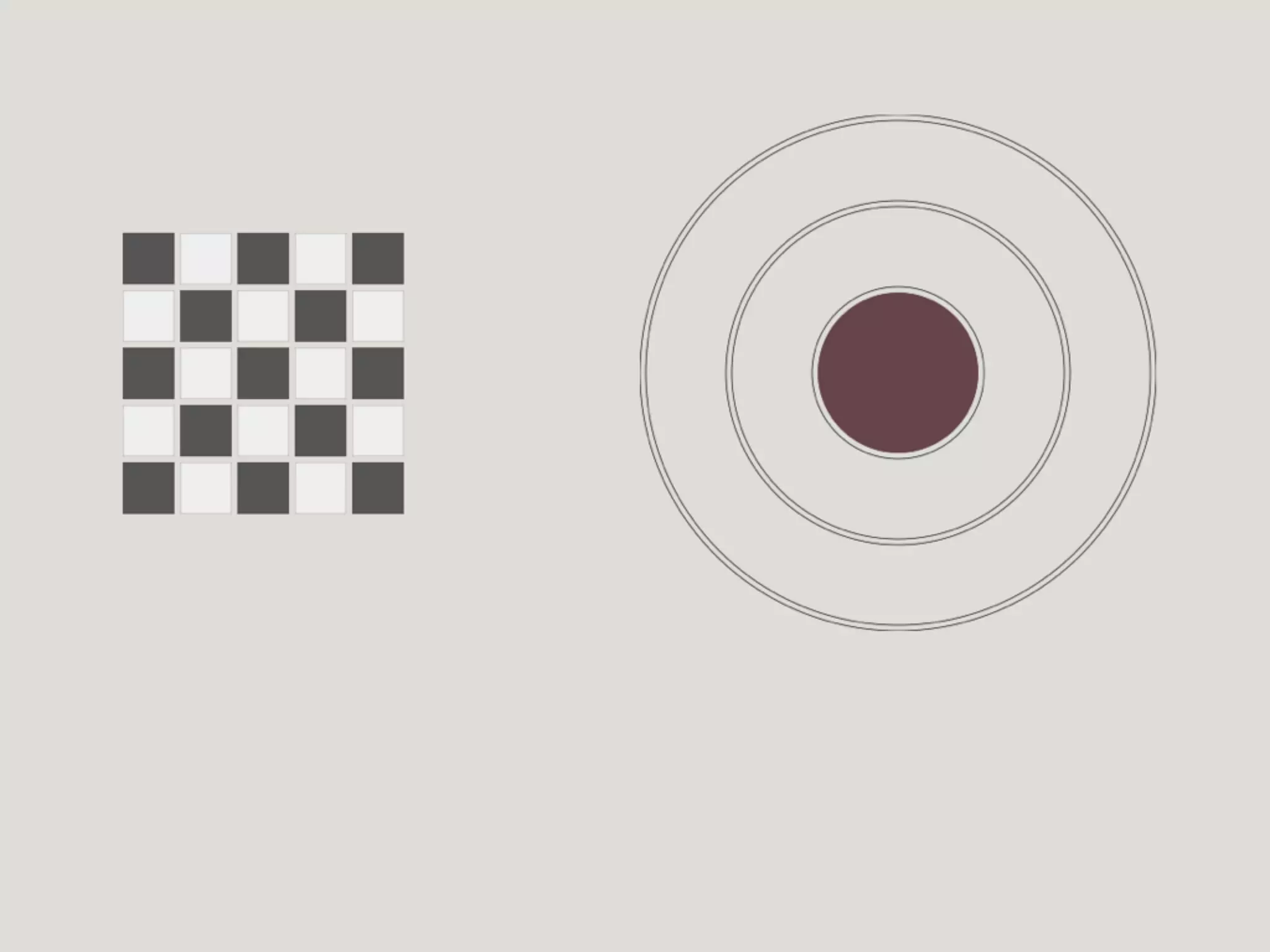
chequerboard
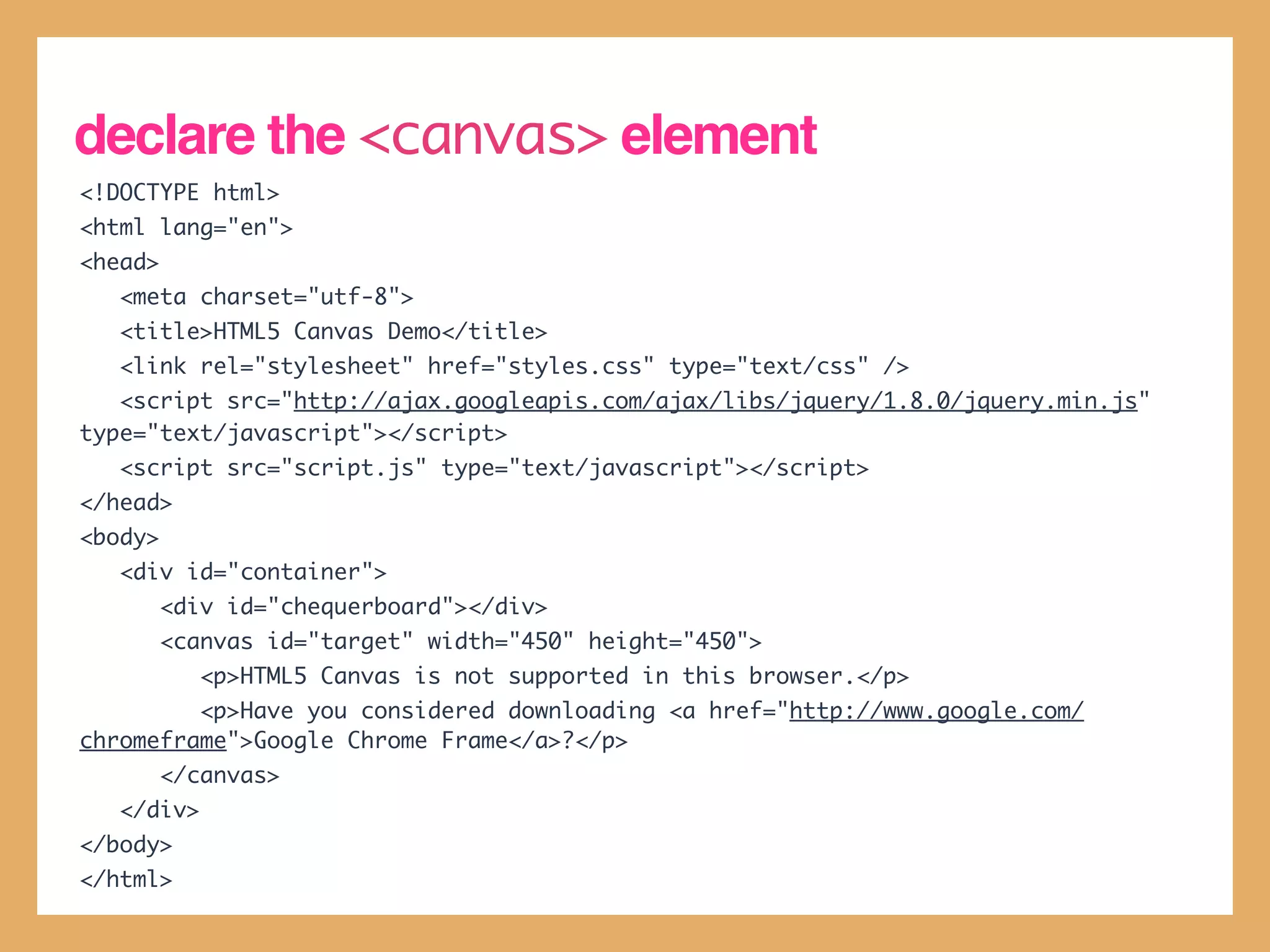
declare the <canvas> element
<!DOCTYPE html>
<html lang="en">
<head>
   <meta charset="utf-8">
   <title>HTML5 Canvas Demo</title>
   <link rel="stylesheet" href="styles.css" type="text/css" />
   <script src="http://ajax.googleapis.com/ajax/libs/jquery/1.8.0/jquery.min.js"
type="text/javascript"></script>
   <script src="script.js" type="text/javascript"></script>
</head>
<body>
   <div id="container">
         <div id="chequerboard"></div>
         <canvas id="target" width="450" height="450">
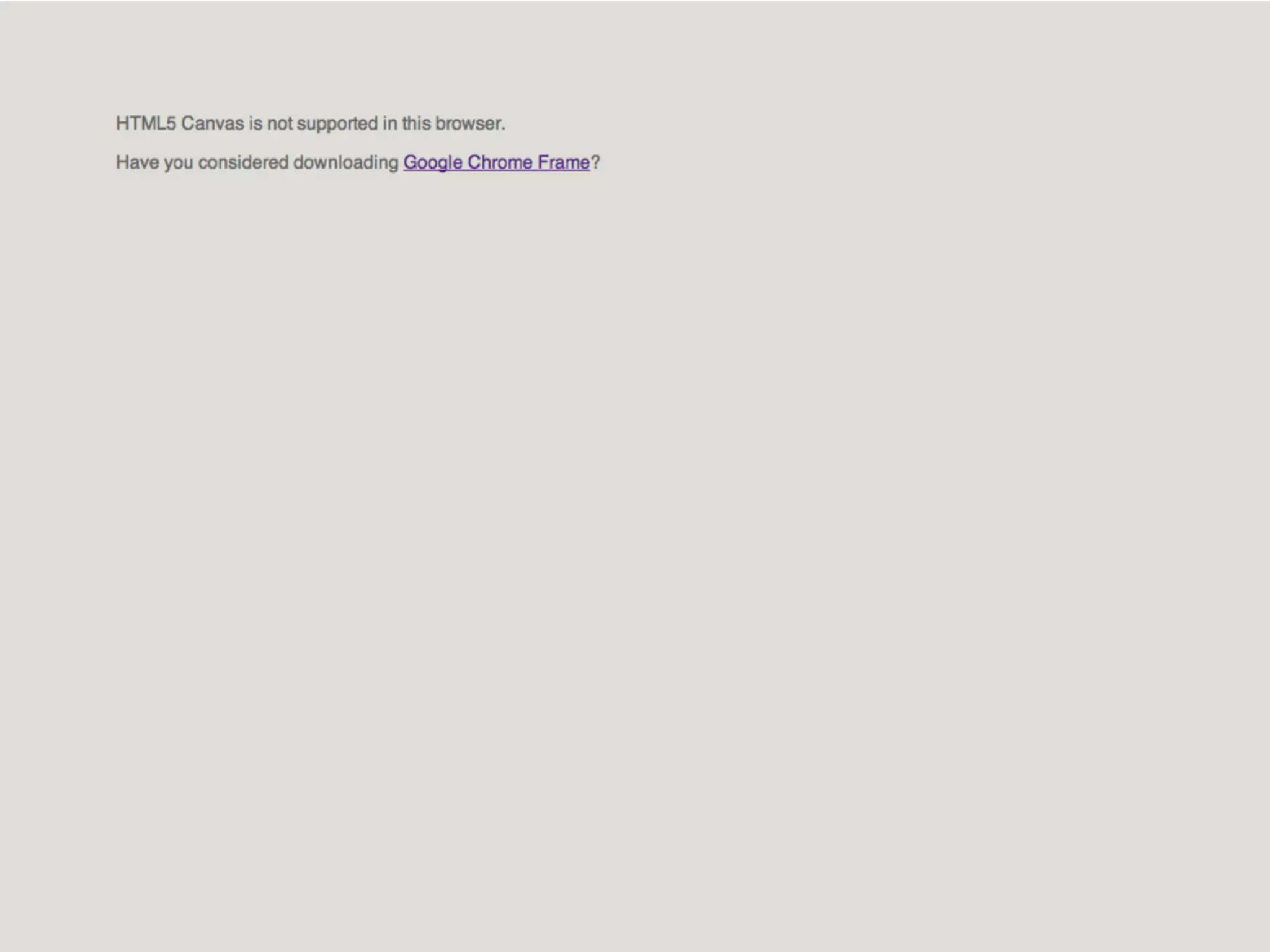
            <p>HTML5 Canvas is not supported in this browser.</p>
         <p>Have you considered downloading <a href="http://www.google.com/
chromeframe">Google Chrome Frame</a>?</p>
         </canvas>
   </div>
</body>
</html>
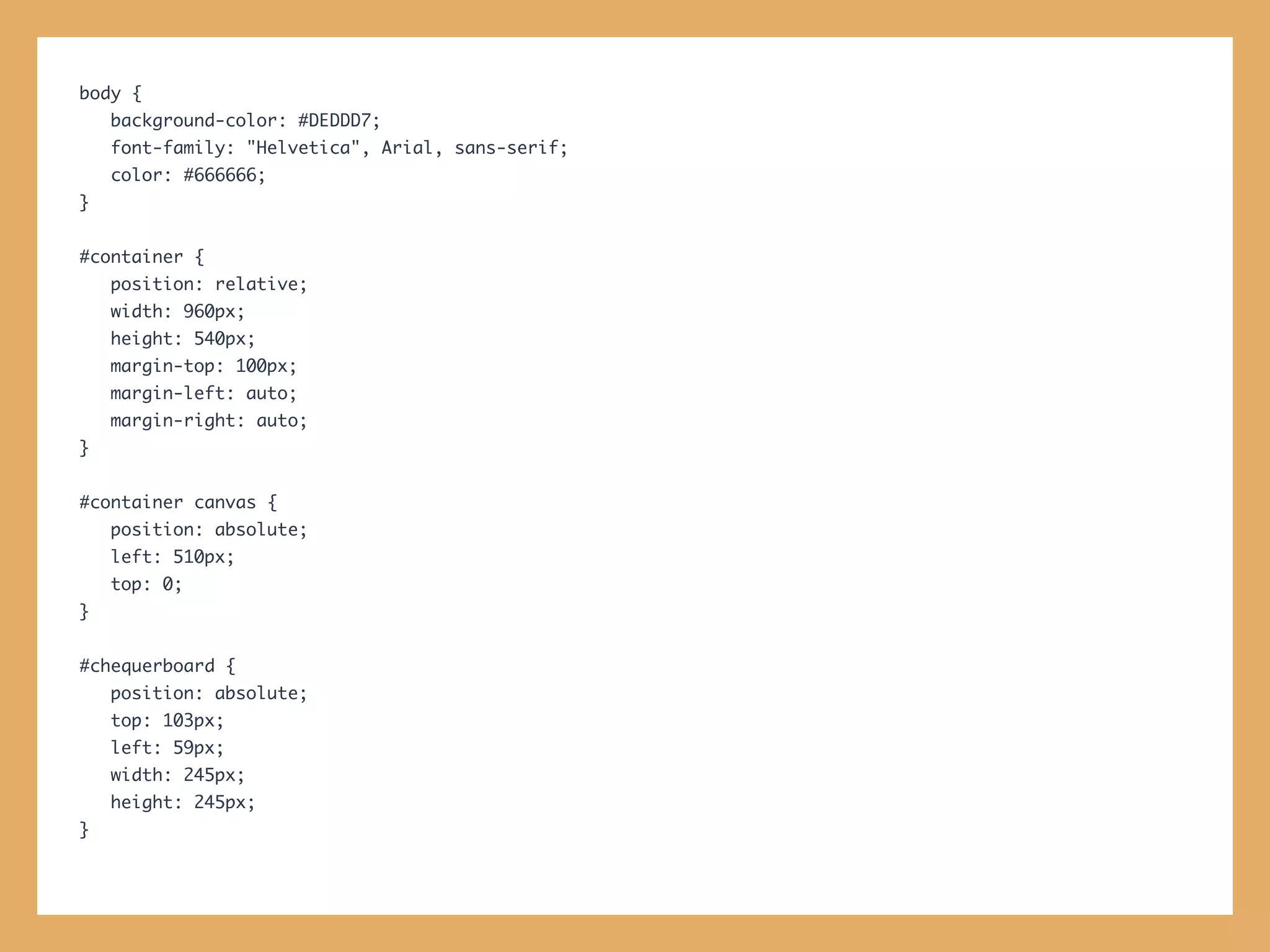
body {
    background-color: #DEDDD7;
    font-family: "Helvetica", Arial, sans-serif;
    color: #666666;
}


#container {
    position: relative;
    width: 960px;
    height: 540px;
    margin-top: 100px;
    margin-left: auto;
    margin-right: auto;
}


#container canvas {
    position: absolute;
    left: 510px;
    top: 0;
}


#chequerboard {
    position: absolute;
    top: 103px;
    left: 59px;
    width: 245px;
    height: 245px;
}
draw a simple circle
// jQuery document.ready handler
$(document).ready(function() {
      drawCircle();
});


// Converts degrees to radians
function degToRad(degrees) {
      return (Math.PI/180) * degrees;
}


// Draws a simple circle on the canvas
function drawCircle() {
      var canvas = $('#target')[0];
      if (canvas.getContext) {
          var context = canvas.getContext('2d');
          context.beginPath();
          context.strokeStyle = 'rgba(68, 68, 68, 1)';
          context.lineWidth = 1
          context.arc(225, 225, 225, degToRad(0), degToRad(360), false);
          context.stroke();
      }
}
refactor drawCircle() so you can re-use it
concentric circles == a target!
// Draws a circle for a given radius,
// fillStyle and strokeStyle
function drawCircle(radius, fillStyle, strokeStyle) {
    var canvas = $('#target')[0];
    if (canvas.getContext) {
        var context = canvas.getContext('2d');
        context.beginPath();
        context.strokeStyle = strokeStyle;
        context.fillStyle = fillStyle;
        context.lineWidth = 1
        context.arc(225, 225, radius, degToRad(0), degToRad(360), false);
        context.stroke();
        context.fill();
    }
}


// Draws the target
function drawTarget() {
    drawCircle(225, 'rgba(0, 0, 0, 0)', 'rgba(68, 68, 68, 1)');
    drawCircle(220, 'rgba(0, 0, 0, 0)', 'rgba(68, 68, 68, 1)');
    drawCircle(150, 'rgba(0, 0, 0, 0)', 'rgba(68, 68, 68, 1)');
    drawCircle(145, 'rgba(0, 0, 0, 0)', 'rgba(68, 68, 68, 1)');
    drawCircle(75, 'rgba(0, 0, 0, 0)', 'rgba(68, 68, 68, 1)');
    drawCircle(70, 'rgba(102, 68, 74, 1)', 'rgba(0, 0, 0, 0)');
}
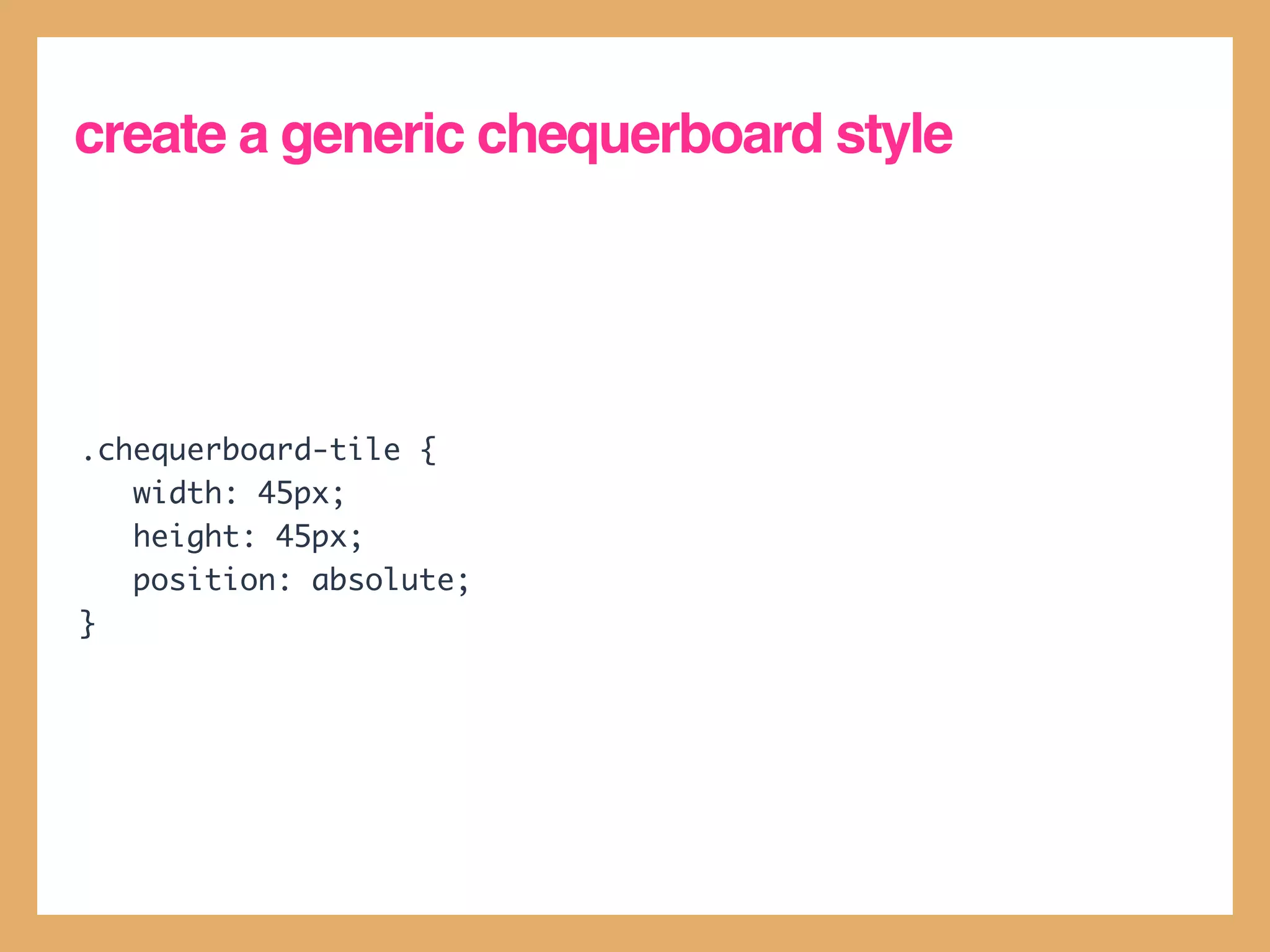
create a generic chequerboard style


.chequerboard-tile {
   width: 45px;
   height: 45px;
   position: absolute;
}
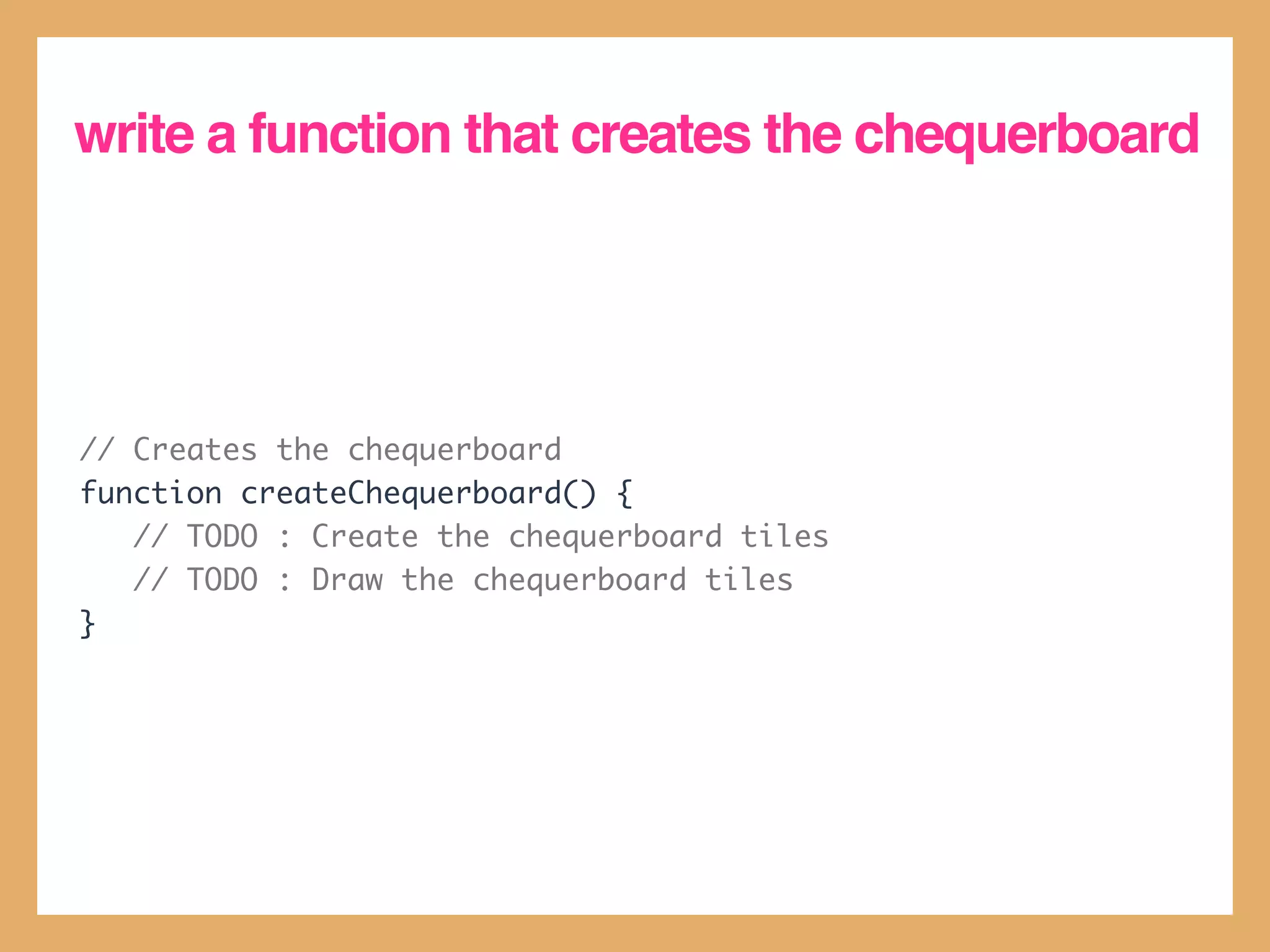
write a function that creates the chequerboard


// Creates the chequerboard
function createChequerboard() {
   // TODO : Create the chequerboard tiles
   // TODO : Draw the chequerboard tiles
}
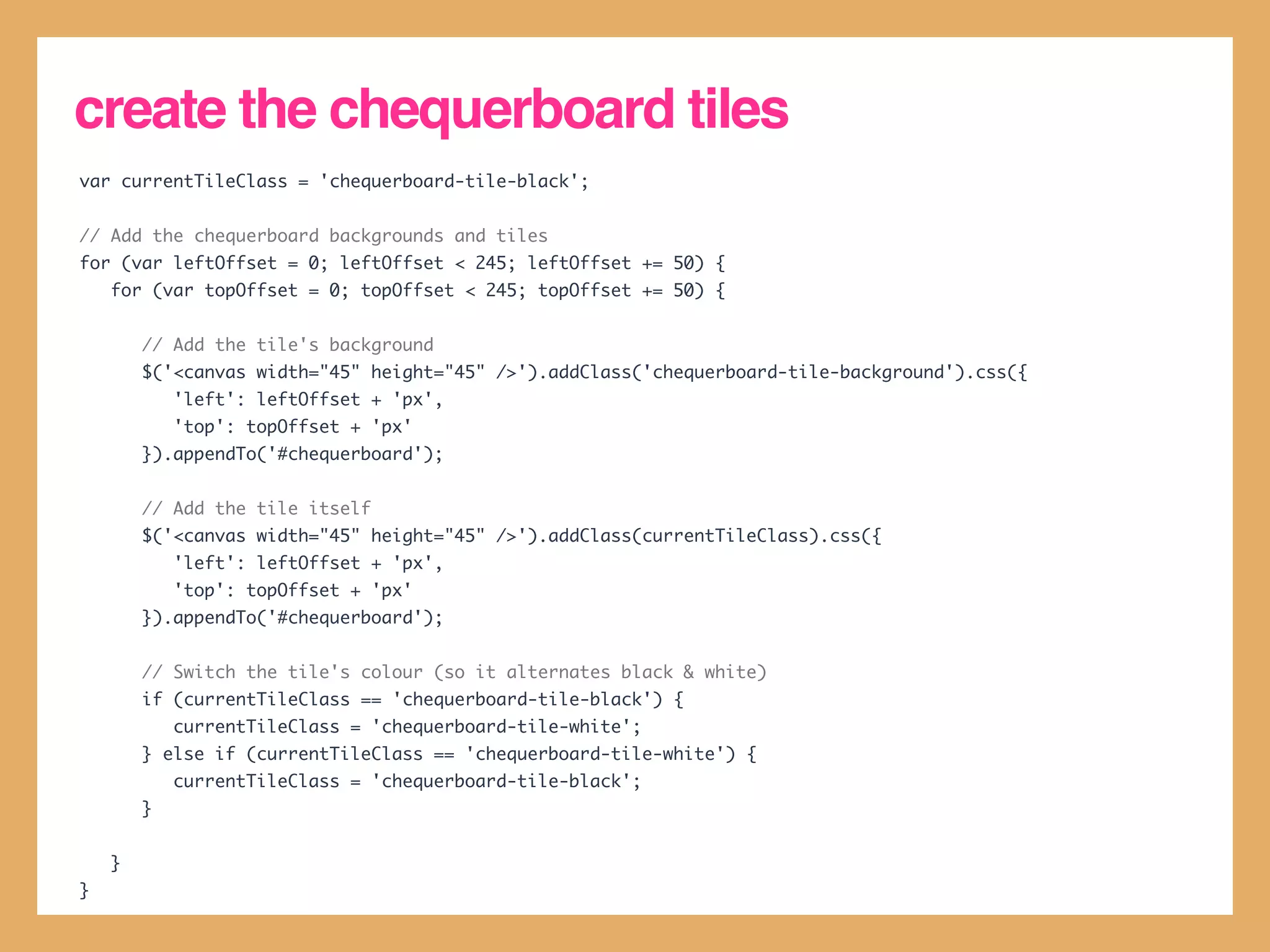
create the chequerboard tiles
var currentTileClass = 'chequerboard-tile-black';


// Add the chequerboard backgrounds and tiles
for (var leftOffset = 0; leftOffset < 245; leftOffset += 50) {
    for (var topOffset = 0; topOffset < 245; topOffset += 50) {


        // Add the tile's background
        $('<canvas width="45" height="45" />').addClass('chequerboard-tile-background').css({
            'left': leftOffset + 'px',
            'top': topOffset + 'px'
        }).appendTo('#chequerboard');


        // Add the tile itself
        $('<canvas width="45" height="45" />').addClass(currentTileClass).css({
            'left': leftOffset + 'px',
            'top': topOffset + 'px'
        }).appendTo('#chequerboard');


        // Switch the tile's colour (so it alternates black & white)
        if (currentTileClass == 'chequerboard-tile-black') {
            currentTileClass = 'chequerboard-tile-white';
        } else if (currentTileClass == 'chequerboard-tile-white') {
            currentTileClass = 'chequerboard-tile-black';
        }


    }
}
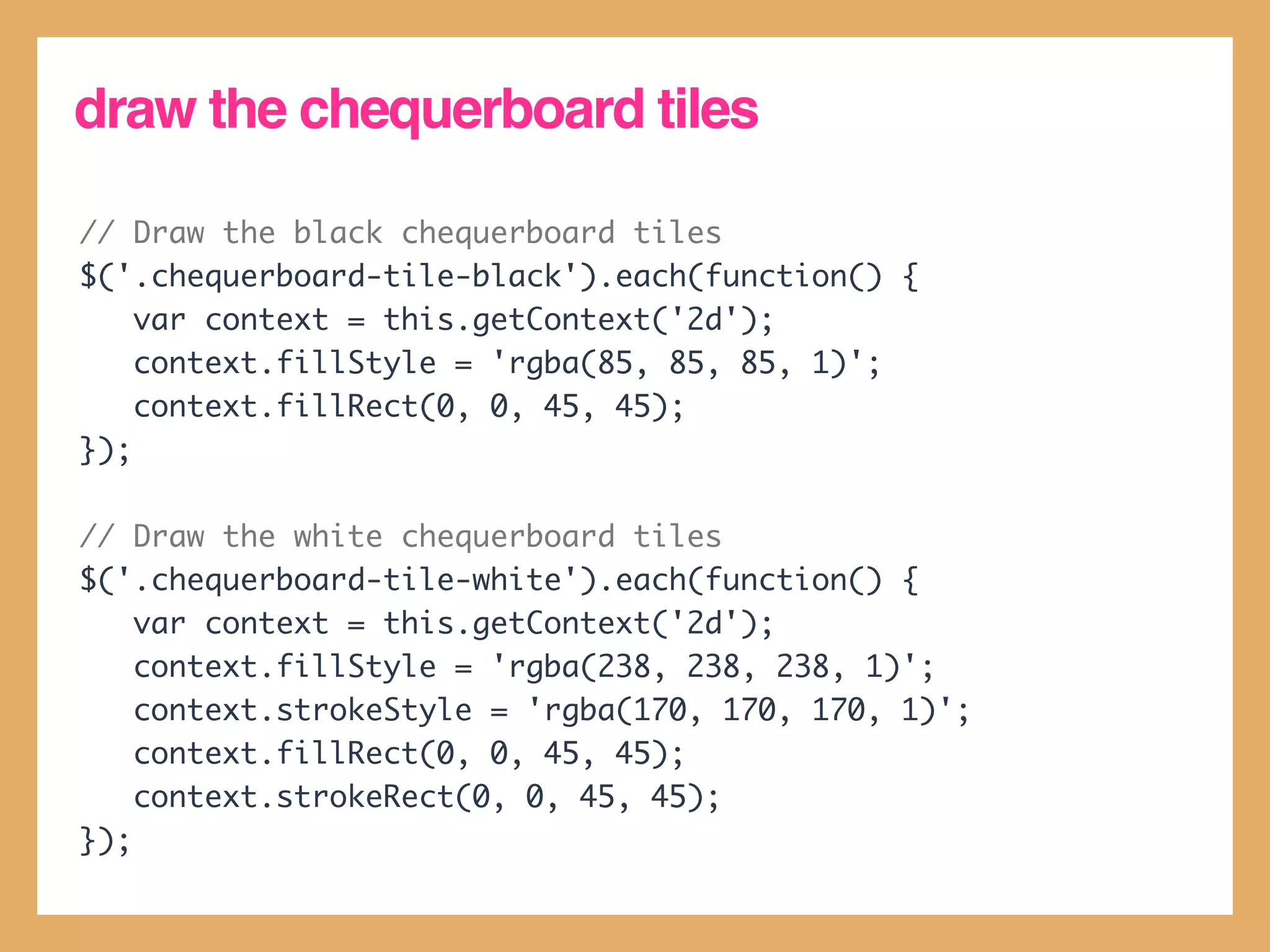
draw the chequerboard tiles

// Draw the black chequerboard tiles
$('.chequerboard-tile-black').each(function() {
    var context = this.getContext('2d');
    context.fillStyle = 'rgba(85, 85, 85, 1)';
    context.fillRect(0, 0, 45, 45);
});

// Draw the white chequerboard tiles
$('.chequerboard-tile-white').each(function() {
    var context = this.getContext('2d');
    context.fillStyle = 'rgba(238, 238, 238, 1)';
    context.strokeStyle = 'rgba(170, 170, 170, 1)';
    context.fillRect(0, 0, 45, 45);
    context.strokeRect(0, 0, 45, 45);
});
drag and drop

• HTML5 supports the ability to natively
  drag and drop elements.

• This is done by making elements
  draggable, and handling the
  dragstart, dragend, dragover and
  drop events.
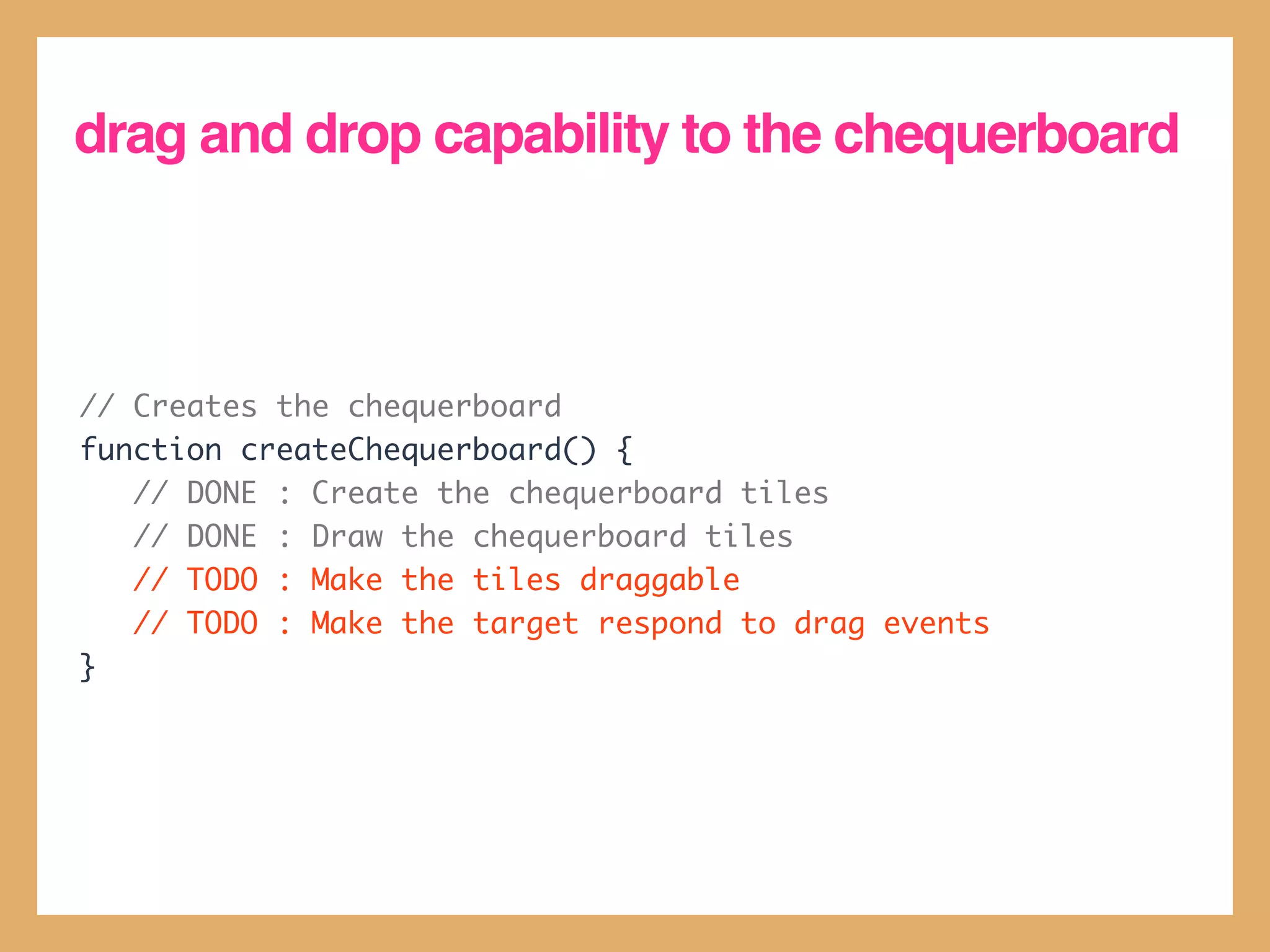
drag and drop capability to the chequerboard


// Creates the chequerboard
function createChequerboard() {
   // DONE : Create the chequerboard tiles
   // DONE : Draw the chequerboard tiles
   // TODO : Make the tiles draggable
   // TODO : Make the target respond to drag events
}
define a .draggable class


.draggable {
   cursor: move;
}
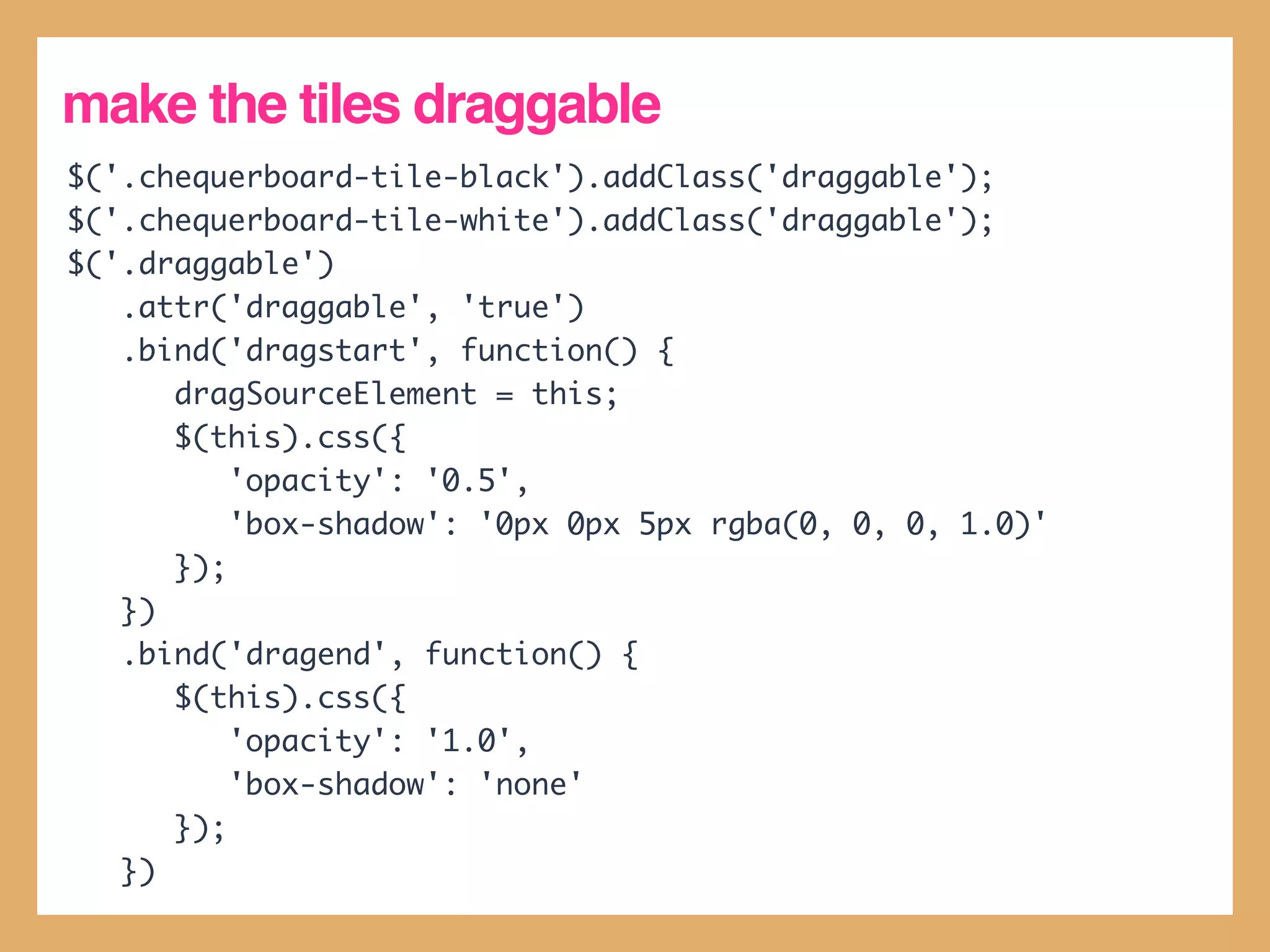
make the tiles draggable
$('.chequerboard-tile-black').addClass('draggable');
$('.chequerboard-tile-white').addClass('draggable');
$('.draggable')
   .attr('draggable', 'true')
   .bind('dragstart', function() {
      dragSourceElement = this;
      $(this).css({
          'opacity': '0.5',
          'box-shadow': '0px 0px 5px rgba(0, 0, 0, 1.0)'
      });
   })
   .bind('dragend', function() {
      $(this).css({
          'opacity': '1.0',
          'box-shadow': 'none'
      });
   })
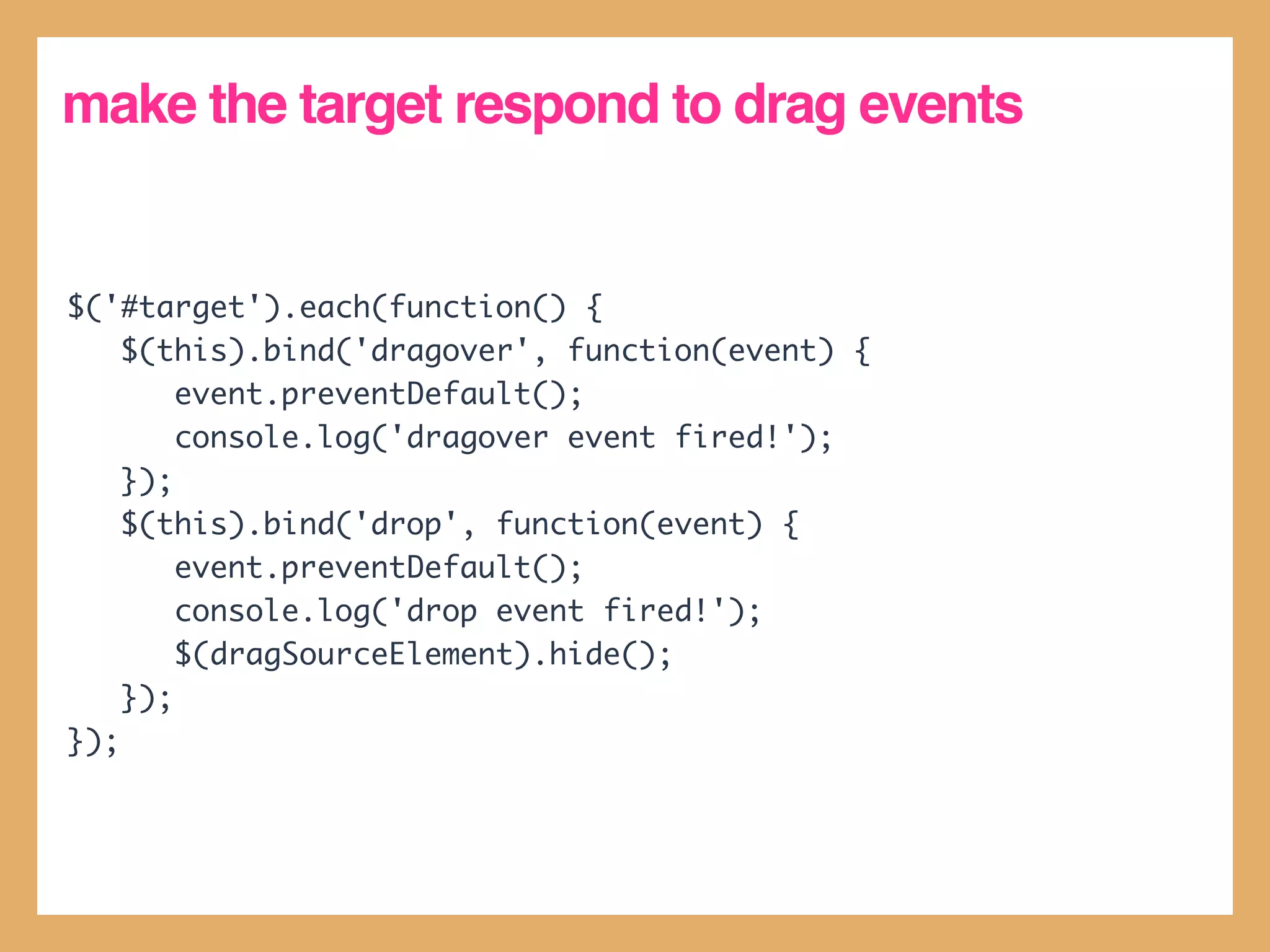
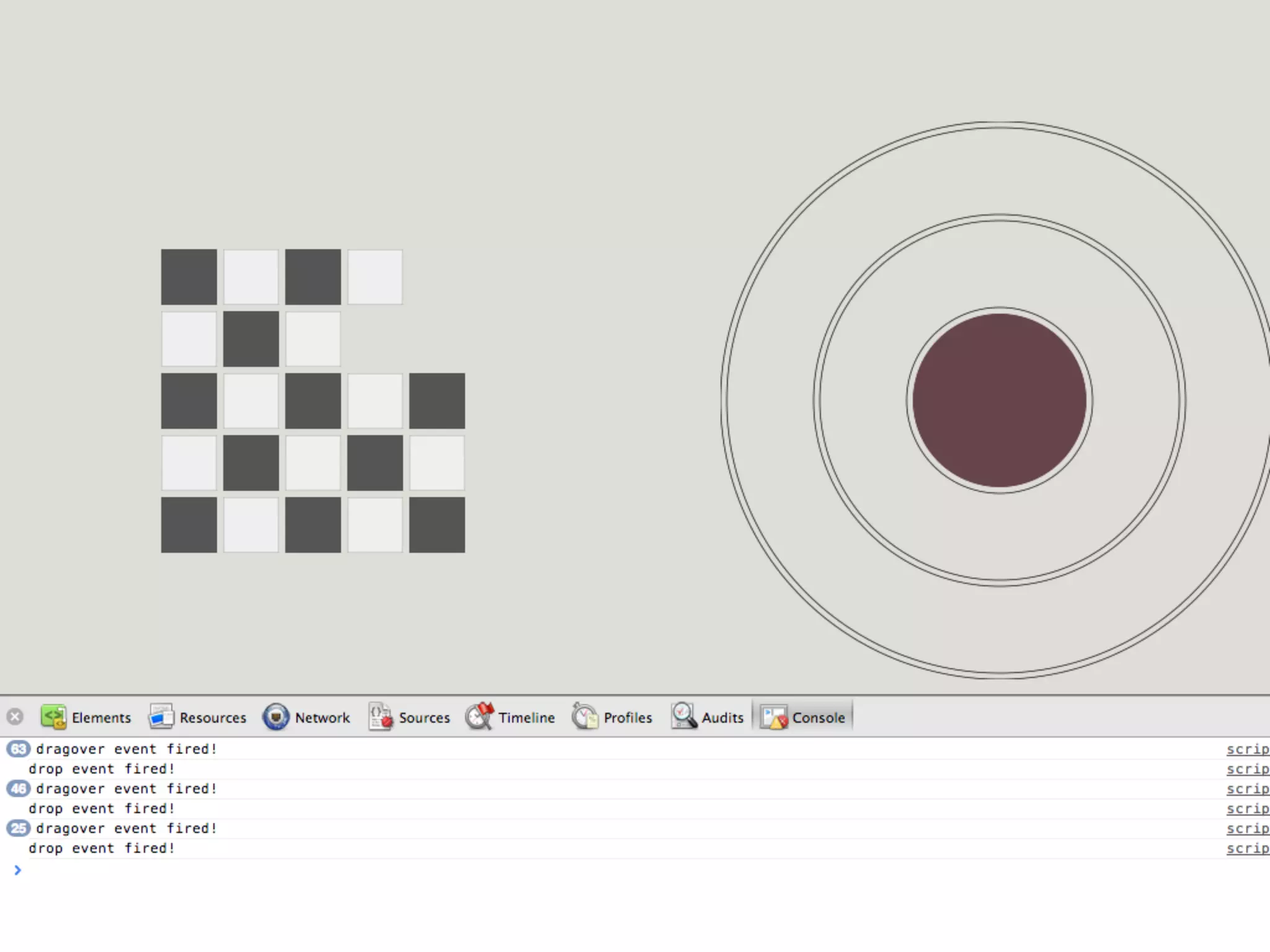
make the target respond to drag events


$('#target').each(function() {
    $(this).bind('dragover', function(event) {
        event.preventDefault();
        console.log('dragover event fired!');
    });
    $(this).bind('drop', function(event) {
        event.preventDefault();
        console.log('drop event fired!');
        $(dragSourceElement).hide();
    });
});
Data Storage
HTML5 storage
• HTML5 provides a new set of APIs to
  store data persistently.

• HTML5 Local Storage allows you to do
  this via simple key-value pairs

• There are other features, such as
  WebSQL and IndexedDB that provide
  SQL database-like access on the client.
HTML5 LocalStorage
• Uses key-value pairs
• localStorage.getItem(key) :
 retrieves an item from local storage of a
 specified key.

• localStorage.setItem(key,           val) :
 sets an item to local storage of a specified
 key and value.
colourshift
 walkthrough
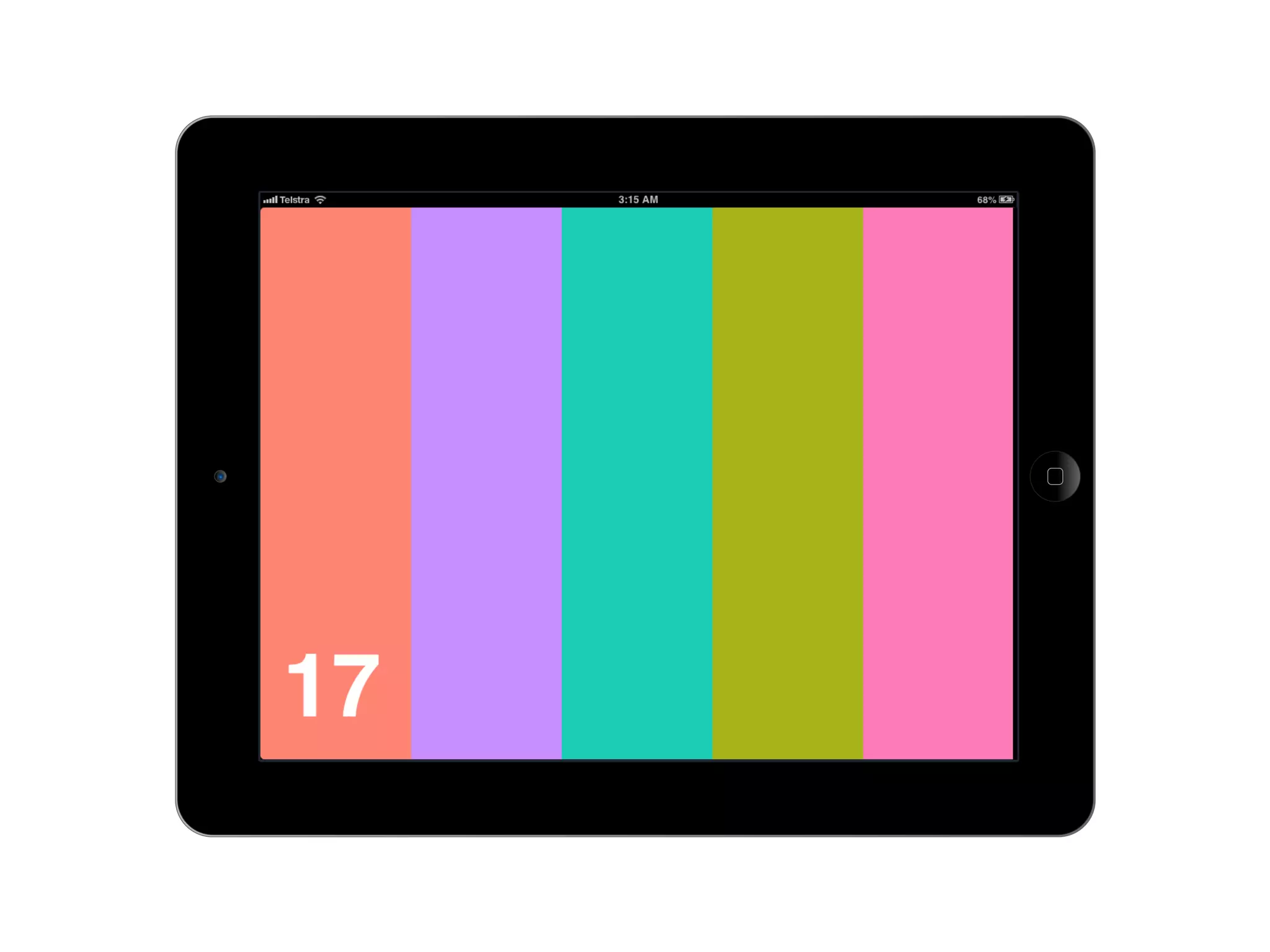
web apps on iOS

• We can make colourshift look and feel
  like an app on an iOS device.

• We only need to make a few changes in
  our code to do this.
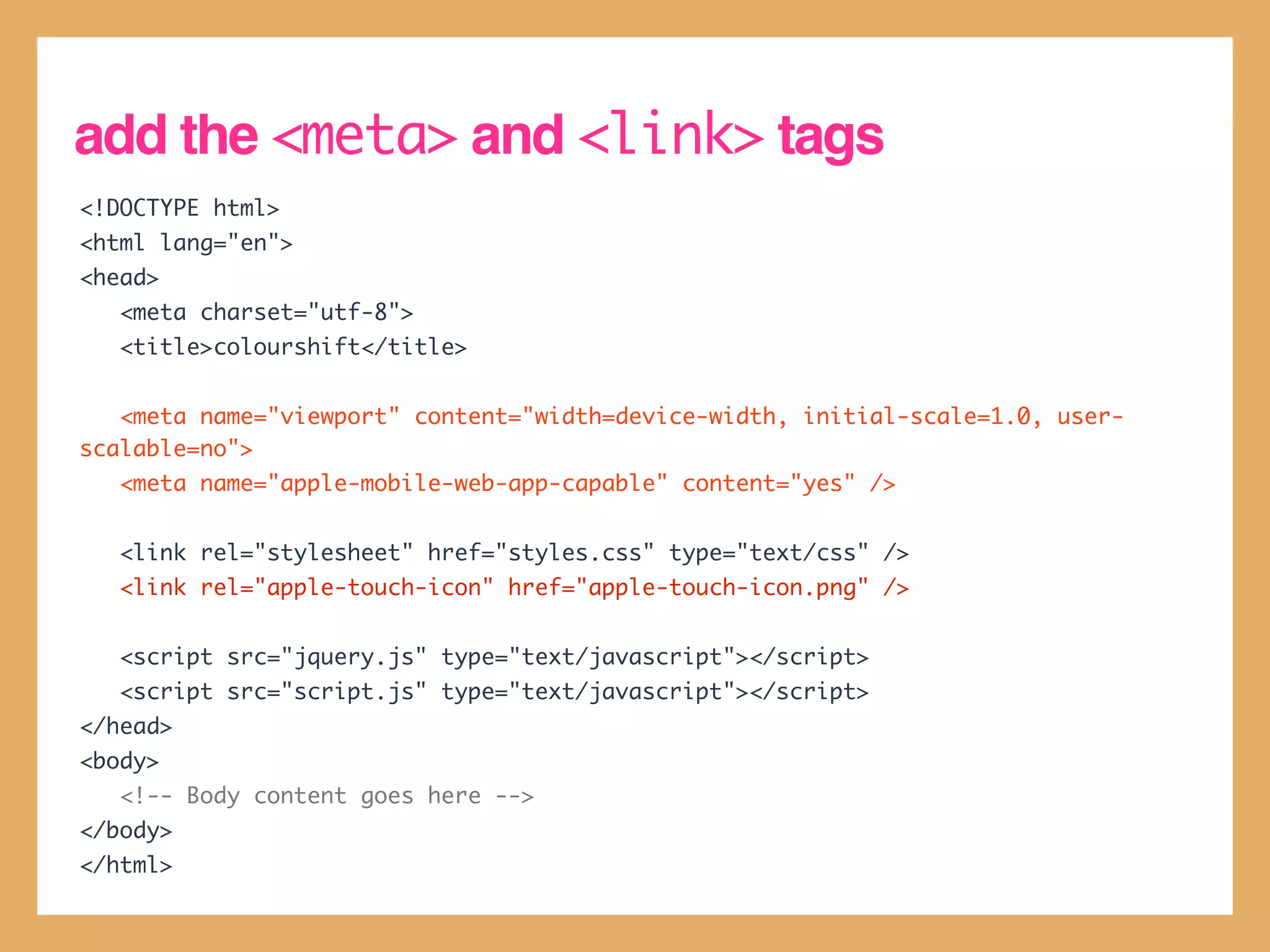
add the <meta> and <link> tags
<!DOCTYPE html>
<html lang="en">
<head>
   <meta charset="utf-8">
   <title>colourshift</title>


   <meta name="viewport" content="width=device-width, initial-scale=1.0, user-
scalable=no">
   <meta name="apple-mobile-web-app-capable" content="yes" />


   <link rel="stylesheet" href="styles.css" type="text/css" />
   <link rel="apple-touch-icon" href="apple-touch-icon.png" />


   <script src="jquery.js" type="text/javascript"></script>
   <script src="script.js" type="text/javascript"></script>
</head>
<body>
   <!-- Body content goes here -->
</body>
</html>
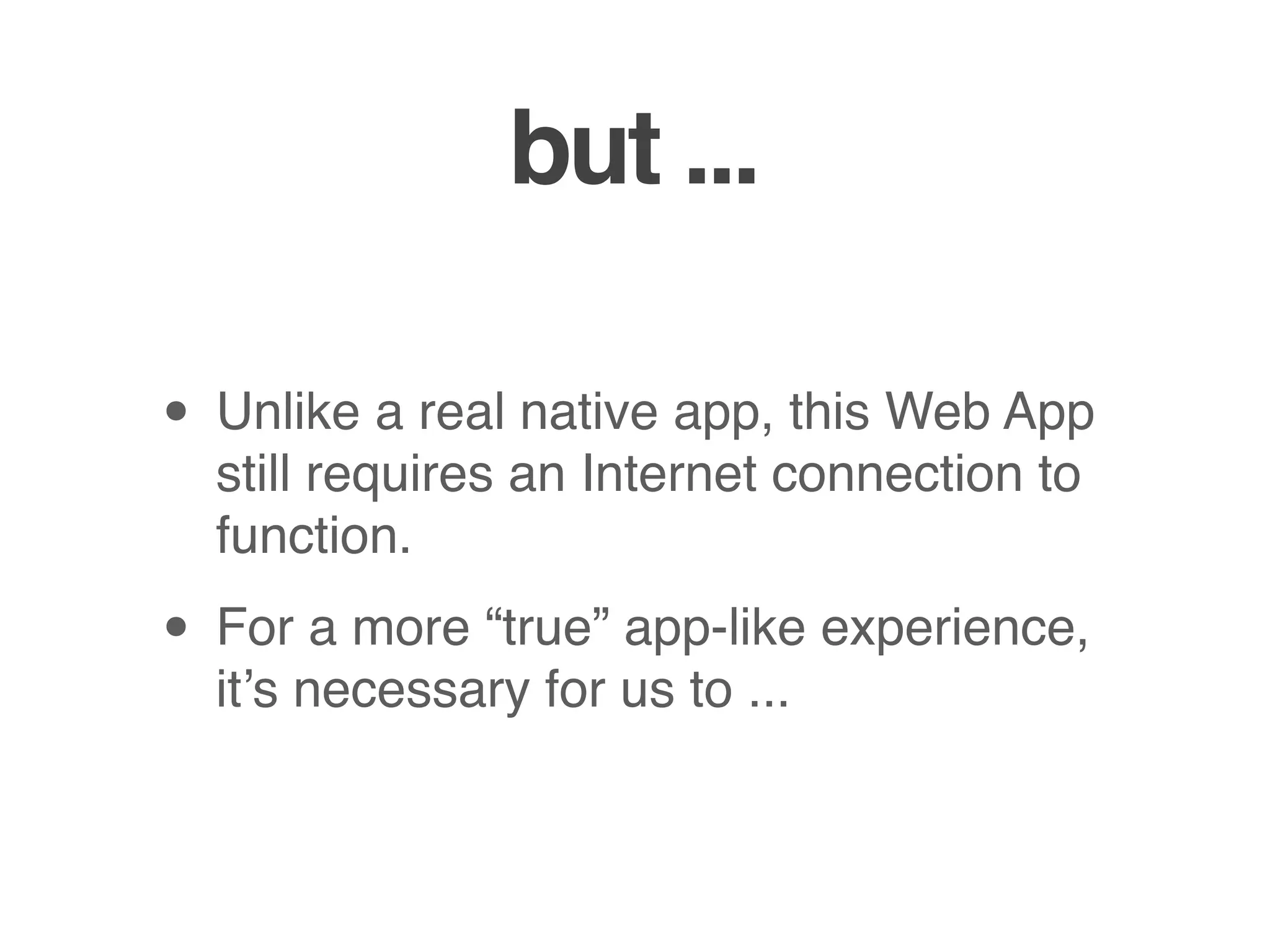
but ...

• Unlike a real native app, this Web App
  still requires an Internet connection to
  function.

• For a more “true” app-like experience,
  it’s necessary for us to ...
go offline
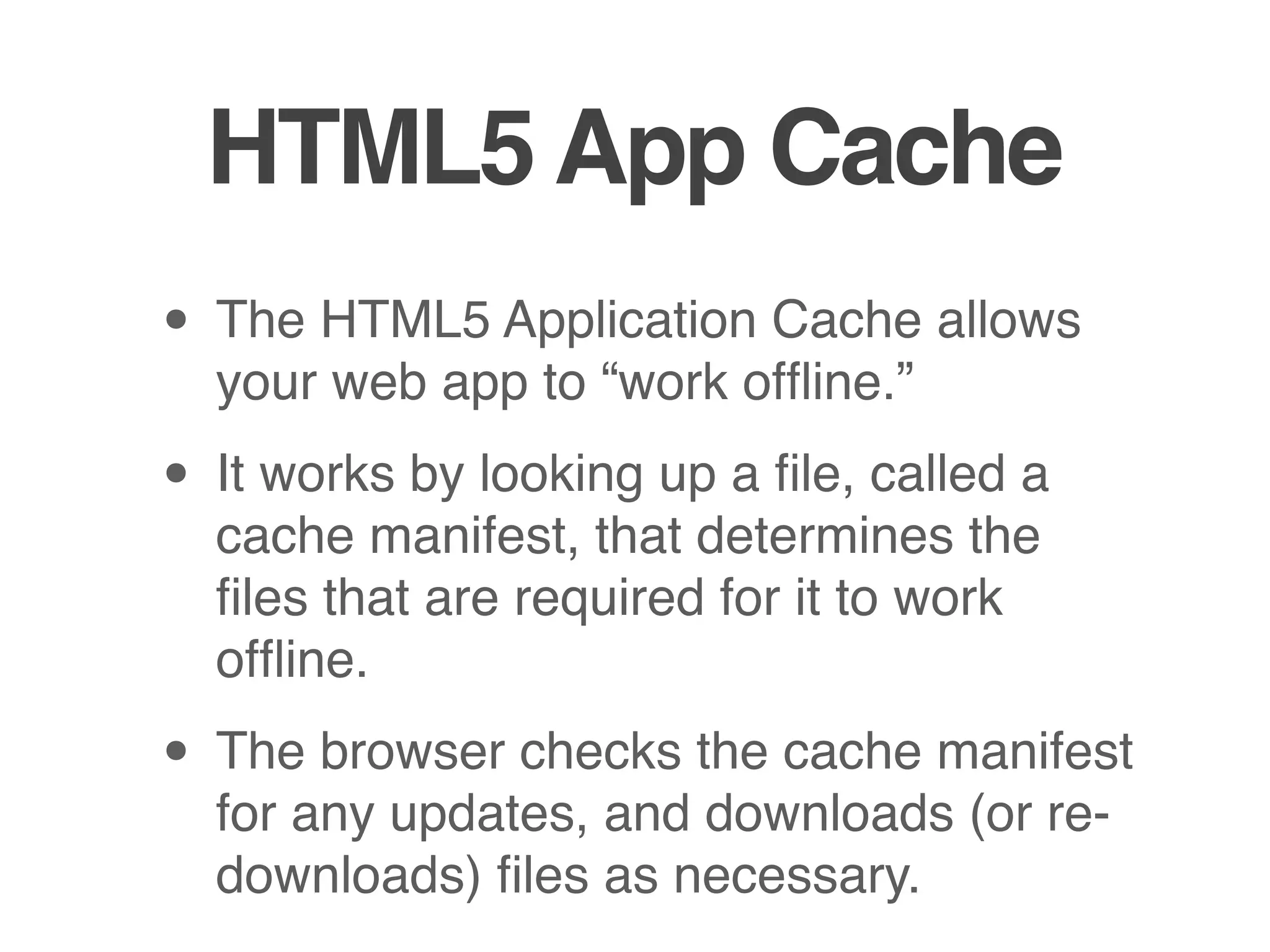
HTML5 App Cache
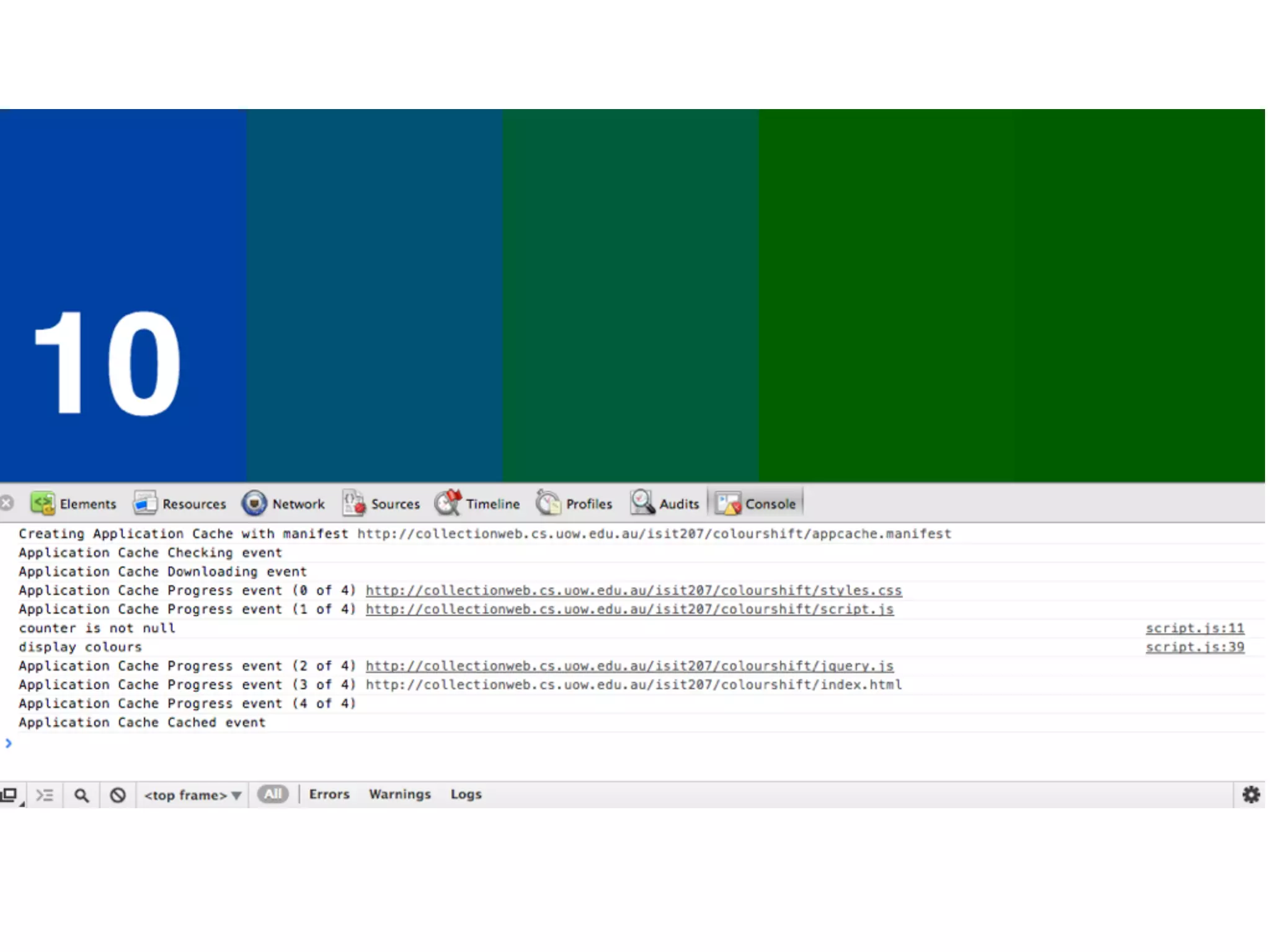
• The HTML5 Application Cache allows
  your web app to “work offline.”

• It works by looking up a file, called a
  cache manifest, that determines the
  files that are required for it to work
  offline.

• The browser checks the cache manifest
  for any updates, and downloads (or re-
  downloads) files as necessary.
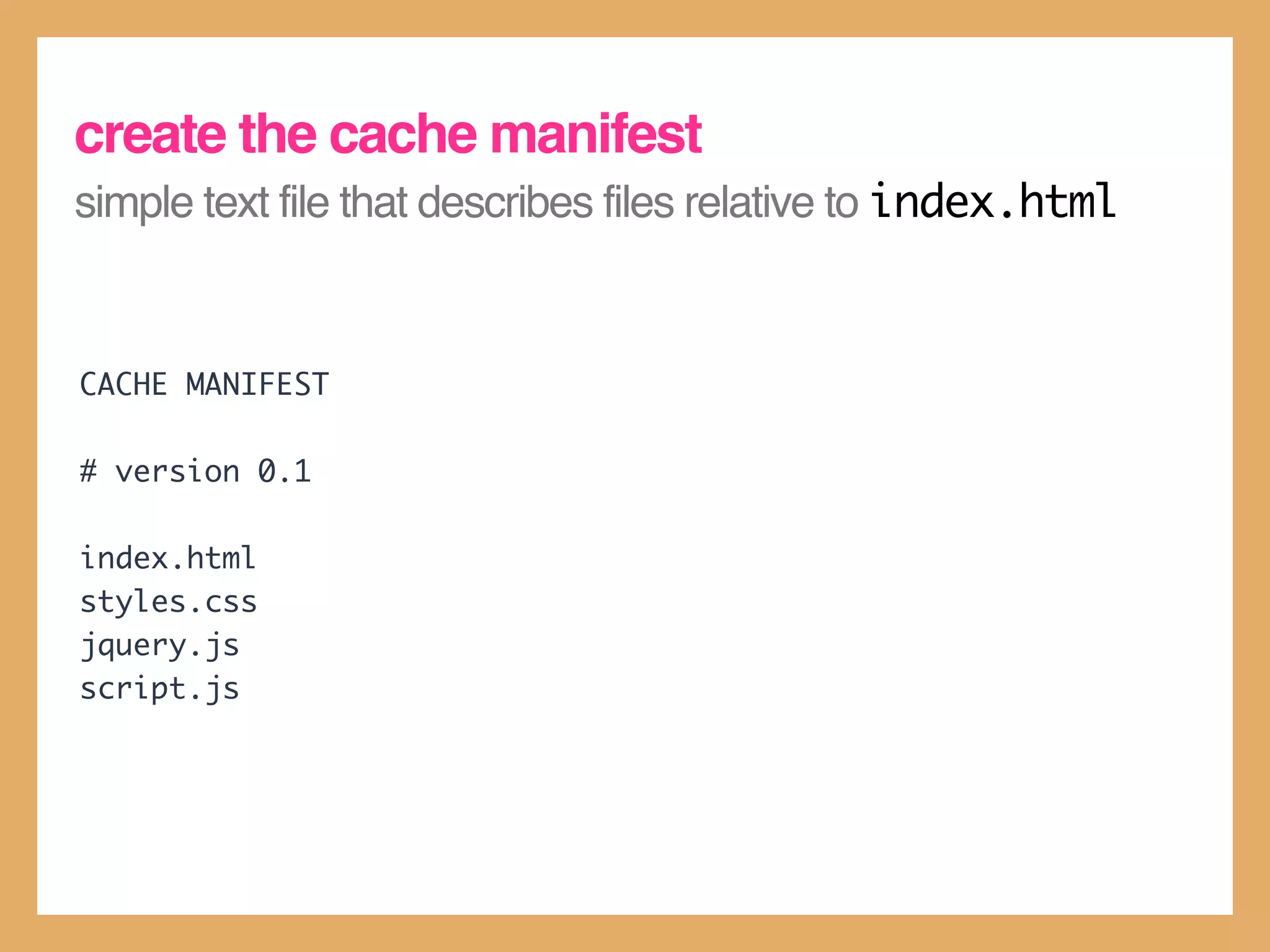
create the cache manifest
simple text file that describes files relative to index.html


CACHE MANIFEST

# version 0.1

index.html
styles.css
jquery.js
script.js
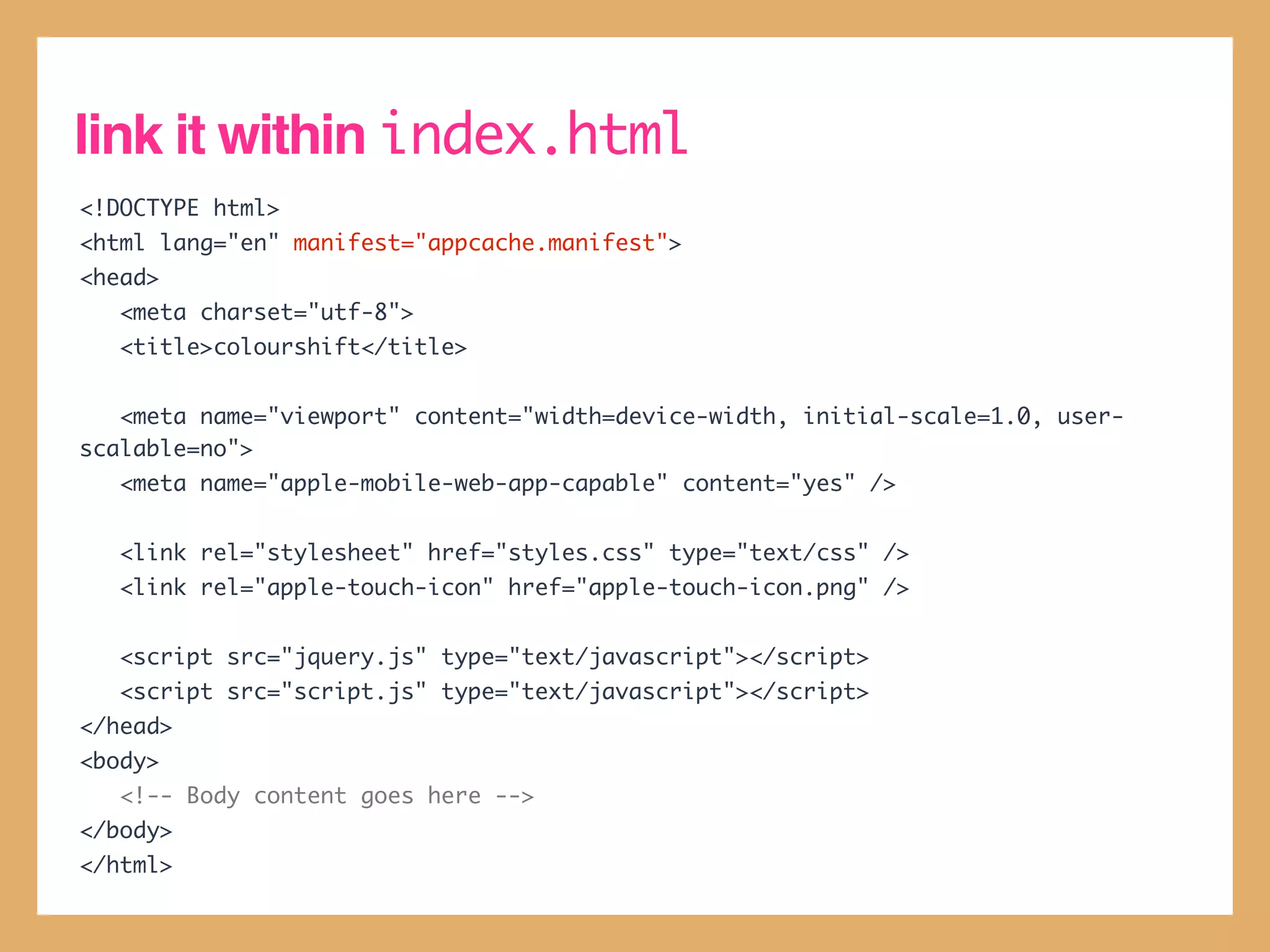
link it within index.html
<!DOCTYPE html>
<html lang="en" manifest="appcache.manifest">
<head>
   <meta charset="utf-8">
   <title>colourshift</title>


   <meta name="viewport" content="width=device-width, initial-scale=1.0, user-
scalable=no">
   <meta name="apple-mobile-web-app-capable" content="yes" />


   <link rel="stylesheet" href="styles.css" type="text/css" />
   <link rel="apple-touch-icon" href="apple-touch-icon.png" />


   <script src="jquery.js" type="text/javascript"></script>
   <script src="script.js" type="text/javascript"></script>
</head>
<body>
   <!-- Body content goes here -->
</body>
</html>
Web Apps
Web Apps

Web Apps

  • 1.
  • 2.
    web apps • HTML5allows you to create immersive, “app-like” experiences in the browser. • The capability (and emerging ubiquity) of HTML5 support allows you to deliver experiences that are on par to those delivered by traditional desktop, tablet and mobile apps.
  • 4.
    #graph Sketchpad http://hashgraph.iamanengineer.net/ http://mudcu.be/sketchpad/ HTML5 Canvas HTML5 Canvas Drag and Drop Events Drag and Drop Events
  • 5.
    flickr Browser Zygote Body http://www.gabereiser.com/flickr/index.html http://www.zygotebody.com/ Flickr API WebGL jQuery Animation Drag and Drop Events
  • 6.
    web apps single page visual momentum audio / video media tactile / drag and drop persistent storage offline capability responsive layout full screen on mobile
  • 7.
    single page apps •HTML5 Web Apps typically run “within a single page.” • Unlike a ‘traditional’ client-server app, there are no links to ‘other’ pages or ‘traditional’ form submission events. • This is because links to other pages interrupt the user experience and cause a “transitional jolt”
  • 8.
    single page apps •However, your app may still change your page’s DOM, or download fragments of HTML (structure) or XML / JSON (data) from a server • But the browser’s URL always points to the same document (although the URL after the fragment identifier (the # symbol) may change.
  • 9.
    single page apps •Single page apps generally provide a much more seamless user experience because entire Web pages don’t need to reload - providing faster response times and overall greater visual momentum.
  • 10.
  • 11.
    <audio> and <video> •The HTML5 <audio> and <video> tags allow you to deploy media content on your website / web app without the use of a plug-in.
  • 12.
    <audio> and <video> •There are many audio and video containers and codecs, and not all are supported across all browsers. • Containers are envelopes that contain audio and video streams : e.g. - *.ogv, *.webm and *.mp4 are container formats.
  • 13.
    <audio> and <video> •Whereas video codecs determine how visual data is compressed or decompressed within a stream : Theora, VP8 and H.264 are examples of codecs. • Audio containers and audio codecs are often the same format standard : examples include : Vorbis (*.ogg), MP3 (*.mp3) and AAC (*.m4a, *.aac)
  • 14.
    GOTCHA : notall browsers support all formats It’s usually a good idea to encode video / audio in multiple formats so that it can be played on a wide range of browsers. Some good places to check for browser support : http://en.wikipedia.org/wiki/HTML5_video#Browser_support http://en.wikipedia.org/wiki/HTML5_audio#.3CAudio. 3E_element
  • 15.
    HTML5 <video> element <!--Stream the video as H.264 - not supported across all browsers --> <video src="http://collectionweb.cs.uow.edu.au/isit207/notation_demo_h264.m4v" width="960" height="540" preload="none" controls> <!-- Fallback content if the <video> tag not supported --> <!-- Provide the video as a self-contained QuickTime MOV file --> <p>Notation is a HTML5 location-based Web App.</p> <p>We can't show you the video in the browser, but you can still view it : </p> <p><a href="http://collectionweb.cs.uow.edu.au/isit207/notation_demo.mov"></a></p> </video>
  • 17.
    <audio> <video> • Thesrc attribute indicates where the video file is. (Although in many ways it’s better to use the <source> element. • For the <video> element, you should also always explicitly set the width and height attributes so that the element doesn’t adjust / change size as the video loads. (It looks very jarring otherwise).
  • 18.
    loading / playback •The preload attribute indicates how the media file should download to the browser when the page loads : none indicates that no pre-download should occur, and auto, which indicates that the movie should start downloading automatically. • Set autoplay="true" if you want your media file to play when the page loads.
  • 19.
    other attributes • controls- if you set this attribute within the <video> or <audio> element, your browser will overlay playback controls for you over your video • loop - if set, it will restart the video when it ends. • muted - if set on <video>, it will mute the volume by default when playback starts.
  • 20.
    the <source> element •Used by both <audio> and <video> elements, the <source> element allows you to specify multiple source files along with a MIME type and a codec, so that your browser ‘knows’ which one to download. • It allows you to make your video work across all browsers.
  • 21.
    add cross-browser supportfor our video we do this via converting our H.264 file into Theora and VP8 formats and using the <source> tag <video width="960" height="540" preload="auto" controls> <!-- Video is encoded in H.264, VP8 and Theora formats --> <!-- The browser will decide which one to use --> <source src="http://collectionweb.cs.uow.edu.au/isit207/notation_demo_h264.m4v" type="video/h264; codecs='avc1.640029, mp4a.40.2'"> <source src="http://collectionweb.cs.uow.edu.au/isit207/notation_demo_theora.ogv" type="video/ogg; codecs='vp8, vorbis'"> <source src="http://collectionweb.cs.uow.edu.au/isit207/notation_demo_vp8.webm" type="video/webm; codecs='theora, vorbis'"> <!-- Fallback content if the <video> tag not supported --> <!-- Provide the video as a self-contained QuickTime MOV file --> <p>Notation is a HTML5 location-based Web App.</p> <p>We can't show you the video in the browser, but you can still view it : </p> <p><a href="http://collectionweb.cs.uow.edu.au/isit207/notation_demo.mov"></a></p> </video>
  • 22.
  • 23.
    add a ‘posterimage’ to our movie This image is displayed as a placeholder before the movie is played <video width="960" height="540" preload="auto" poster="poster.jpg" controls> <!-- Video is encoded in H.264, VP8 and Theora formats --> <!-- The browser will decide which one to use --> <source src="http://collectionweb.cs.uow.edu.au/isit207/notation_demo_h264.m4v" type="video/h264; codecs='avc1.640029, mp4a.40.2'"> <source src="http://collectionweb.cs.uow.edu.au/isit207/notation_demo_theora.ogv" type="video/ogg; codecs='vp8, vorbis'"> <source src="http://collectionweb.cs.uow.edu.au/isit207/notation_demo_vp8.webm" type="video/webm; codecs='theora, vorbis'"> <!-- Fallback content if the <video> tag not supported --> <!-- Provide the video as a self-contained QuickTime MOV file --> <p>Notation is a HTML5 location-based Web App.</p> <p>We can't show you the video in the browser, but you can still view it : </p> <p><a href="http://collectionweb.cs.uow.edu.au/isit207/notation_demo.mov"></a></p> </video>
  • 25.
  • 26.
    HTML5 <canvas> • HTML5<canvas> allows you to programmatically draw things. • It grants you very fine control over the individual pixels within your page. • HTML5 <canvas> was, in some ways, intended to replace Flash.
  • 27.
    HTML5 <canvas> • Canvasis not supported for Internet Explorer 8 or below. But you can try : • ExplorerCanvas (http:// excanvas.sourceforge.net/) • Google Chrome Frame (http:// www.google.com/chromeframe)
  • 28.
    drawing on <canvas> •You draw on canvas via its 2D context • Think of a context as the “imaginary pen” : you tell it to create shapes, lines and fills on a canvas, and then it ‘draws’ it for you.
  • 29.
  • 30.
    declare the <canvas>element <!DOCTYPE html> <html lang="en"> <head> <meta charset="utf-8"> <title>HTML5 Canvas Demo</title> <link rel="stylesheet" href="styles.css" type="text/css" /> <script src="http://ajax.googleapis.com/ajax/libs/jquery/1.8.0/jquery.min.js" type="text/javascript"></script> <script src="script.js" type="text/javascript"></script> </head> <body> <div id="container"> <div id="chequerboard"></div> <canvas id="target" width="450" height="450"> <p>HTML5 Canvas is not supported in this browser.</p> <p>Have you considered downloading <a href="http://www.google.com/ chromeframe">Google Chrome Frame</a>?</p> </canvas> </div> </body> </html>
  • 32.
    body { background-color: #DEDDD7; font-family: "Helvetica", Arial, sans-serif; color: #666666; } #container { position: relative; width: 960px; height: 540px; margin-top: 100px; margin-left: auto; margin-right: auto; } #container canvas { position: absolute; left: 510px; top: 0; } #chequerboard { position: absolute; top: 103px; left: 59px; width: 245px; height: 245px; }
  • 33.
    draw a simplecircle // jQuery document.ready handler $(document).ready(function() { drawCircle(); }); // Converts degrees to radians function degToRad(degrees) { return (Math.PI/180) * degrees; } // Draws a simple circle on the canvas function drawCircle() { var canvas = $('#target')[0]; if (canvas.getContext) { var context = canvas.getContext('2d'); context.beginPath(); context.strokeStyle = 'rgba(68, 68, 68, 1)'; context.lineWidth = 1 context.arc(225, 225, 225, degToRad(0), degToRad(360), false); context.stroke(); } }
  • 35.
    refactor drawCircle() soyou can re-use it concentric circles == a target! // Draws a circle for a given radius, // fillStyle and strokeStyle function drawCircle(radius, fillStyle, strokeStyle) { var canvas = $('#target')[0]; if (canvas.getContext) { var context = canvas.getContext('2d'); context.beginPath(); context.strokeStyle = strokeStyle; context.fillStyle = fillStyle; context.lineWidth = 1 context.arc(225, 225, radius, degToRad(0), degToRad(360), false); context.stroke(); context.fill(); } } // Draws the target function drawTarget() { drawCircle(225, 'rgba(0, 0, 0, 0)', 'rgba(68, 68, 68, 1)'); drawCircle(220, 'rgba(0, 0, 0, 0)', 'rgba(68, 68, 68, 1)'); drawCircle(150, 'rgba(0, 0, 0, 0)', 'rgba(68, 68, 68, 1)'); drawCircle(145, 'rgba(0, 0, 0, 0)', 'rgba(68, 68, 68, 1)'); drawCircle(75, 'rgba(0, 0, 0, 0)', 'rgba(68, 68, 68, 1)'); drawCircle(70, 'rgba(102, 68, 74, 1)', 'rgba(0, 0, 0, 0)'); }
  • 37.
    create a genericchequerboard style .chequerboard-tile { width: 45px; height: 45px; position: absolute; }
  • 38.
    write a functionthat creates the chequerboard // Creates the chequerboard function createChequerboard() { // TODO : Create the chequerboard tiles // TODO : Draw the chequerboard tiles }
  • 39.
    create the chequerboardtiles var currentTileClass = 'chequerboard-tile-black'; // Add the chequerboard backgrounds and tiles for (var leftOffset = 0; leftOffset < 245; leftOffset += 50) { for (var topOffset = 0; topOffset < 245; topOffset += 50) { // Add the tile's background $('<canvas width="45" height="45" />').addClass('chequerboard-tile-background').css({ 'left': leftOffset + 'px', 'top': topOffset + 'px' }).appendTo('#chequerboard'); // Add the tile itself $('<canvas width="45" height="45" />').addClass(currentTileClass).css({ 'left': leftOffset + 'px', 'top': topOffset + 'px' }).appendTo('#chequerboard'); // Switch the tile's colour (so it alternates black & white) if (currentTileClass == 'chequerboard-tile-black') { currentTileClass = 'chequerboard-tile-white'; } else if (currentTileClass == 'chequerboard-tile-white') { currentTileClass = 'chequerboard-tile-black'; } } }
  • 40.
    draw the chequerboardtiles // Draw the black chequerboard tiles $('.chequerboard-tile-black').each(function() { var context = this.getContext('2d'); context.fillStyle = 'rgba(85, 85, 85, 1)'; context.fillRect(0, 0, 45, 45); }); // Draw the white chequerboard tiles $('.chequerboard-tile-white').each(function() { var context = this.getContext('2d'); context.fillStyle = 'rgba(238, 238, 238, 1)'; context.strokeStyle = 'rgba(170, 170, 170, 1)'; context.fillRect(0, 0, 45, 45); context.strokeRect(0, 0, 45, 45); });
  • 42.
    drag and drop •HTML5 supports the ability to natively drag and drop elements. • This is done by making elements draggable, and handling the dragstart, dragend, dragover and drop events.
  • 43.
    drag and dropcapability to the chequerboard // Creates the chequerboard function createChequerboard() { // DONE : Create the chequerboard tiles // DONE : Draw the chequerboard tiles // TODO : Make the tiles draggable // TODO : Make the target respond to drag events }
  • 44.
    define a .draggableclass .draggable { cursor: move; }
  • 45.
    make the tilesdraggable $('.chequerboard-tile-black').addClass('draggable'); $('.chequerboard-tile-white').addClass('draggable'); $('.draggable') .attr('draggable', 'true') .bind('dragstart', function() { dragSourceElement = this; $(this).css({ 'opacity': '0.5', 'box-shadow': '0px 0px 5px rgba(0, 0, 0, 1.0)' }); }) .bind('dragend', function() { $(this).css({ 'opacity': '1.0', 'box-shadow': 'none' }); })
  • 46.
    make the targetrespond to drag events $('#target').each(function() { $(this).bind('dragover', function(event) { event.preventDefault(); console.log('dragover event fired!'); }); $(this).bind('drop', function(event) { event.preventDefault(); console.log('drop event fired!'); $(dragSourceElement).hide(); }); });
  • 49.
  • 50.
    HTML5 storage • HTML5provides a new set of APIs to store data persistently. • HTML5 Local Storage allows you to do this via simple key-value pairs • There are other features, such as WebSQL and IndexedDB that provide SQL database-like access on the client.
  • 51.
    HTML5 LocalStorage • Useskey-value pairs • localStorage.getItem(key) : retrieves an item from local storage of a specified key. • localStorage.setItem(key, val) : sets an item to local storage of a specified key and value.
  • 52.
  • 53.
    web apps oniOS • We can make colourshift look and feel like an app on an iOS device. • We only need to make a few changes in our code to do this.
  • 54.
    add the <meta>and <link> tags <!DOCTYPE html> <html lang="en"> <head> <meta charset="utf-8"> <title>colourshift</title> <meta name="viewport" content="width=device-width, initial-scale=1.0, user- scalable=no"> <meta name="apple-mobile-web-app-capable" content="yes" /> <link rel="stylesheet" href="styles.css" type="text/css" /> <link rel="apple-touch-icon" href="apple-touch-icon.png" /> <script src="jquery.js" type="text/javascript"></script> <script src="script.js" type="text/javascript"></script> </head> <body> <!-- Body content goes here --> </body> </html>
  • 56.
    but ... • Unlikea real native app, this Web App still requires an Internet connection to function. • For a more “true” app-like experience, it’s necessary for us to ...
  • 57.
  • 58.
    HTML5 App Cache •The HTML5 Application Cache allows your web app to “work offline.” • It works by looking up a file, called a cache manifest, that determines the files that are required for it to work offline. • The browser checks the cache manifest for any updates, and downloads (or re- downloads) files as necessary.
  • 59.
    create the cachemanifest simple text file that describes files relative to index.html CACHE MANIFEST # version 0.1 index.html styles.css jquery.js script.js
  • 60.
    link it withinindex.html <!DOCTYPE html> <html lang="en" manifest="appcache.manifest"> <head> <meta charset="utf-8"> <title>colourshift</title> <meta name="viewport" content="width=device-width, initial-scale=1.0, user- scalable=no"> <meta name="apple-mobile-web-app-capable" content="yes" /> <link rel="stylesheet" href="styles.css" type="text/css" /> <link rel="apple-touch-icon" href="apple-touch-icon.png" /> <script src="jquery.js" type="text/javascript"></script> <script src="script.js" type="text/javascript"></script> </head> <body> <!-- Body content goes here --> </body> </html>