WEB2.0TOOLS
Dr. M. Ramakrishna Reddy
Assistant Professor
Department of Education
Central University of Jharkhand, Ranchi
Meaning and Definition
 Web 2.0 is the second generation of World Wide Web which provides the facility of online collaboration
and information sharing among people in a much active manner. This contrasts the first generation of
Web 1.0 era websites where people were limited to viewing content in a passive manner.
The term was coined by Darci DiNucci in 1999 and later popularized by Tim O’Reilly at the first
O’Reilly Media Web 2.0 Conference in late 2004.
Web 2.0 (also known as Participative and Social Web), thus, refers to websites that emphasize user-
generated content, ease of use, participatory culture and interoperability (i.e. compatible with other products,
systems and devices) for end users.
It has taken the educational delivery to the next level of advancement where the users can meet, discuss or
share ideas.
Examples of Web 2.0 features include social networking sites (e.g. Facebook), blogs, wikis,
folksonomies (“tagging” keywords on websites and links), video sharing sites (e.g. YouTube), image
sharing sites (e.g. Flickr), Web applications (“apps”), and collaborative consumption platforms.
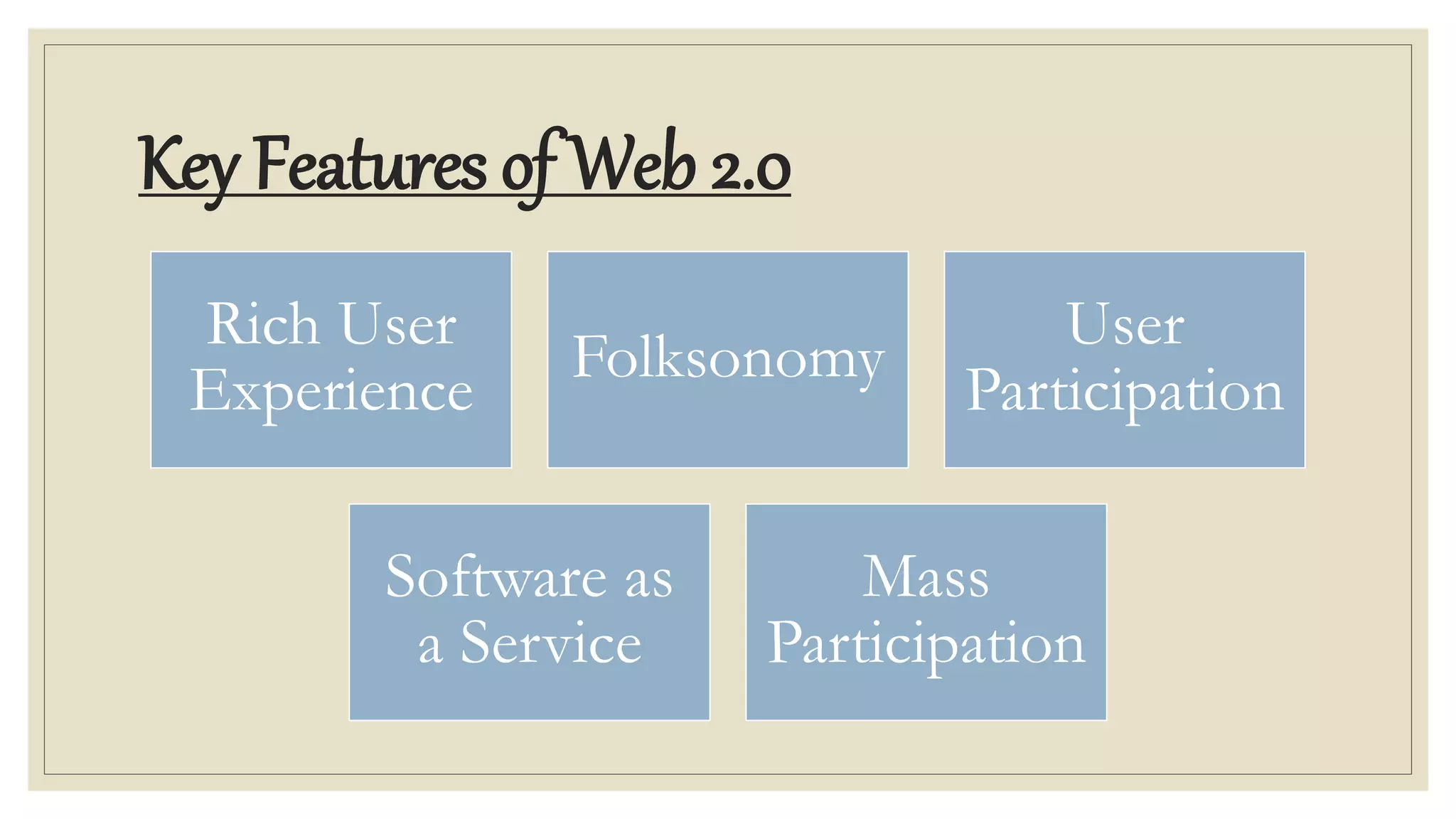
Key Features of Web 2.0
Rich User
Experience
Folksonomy
User
Participation
Software as
a Service
Mass
Participation
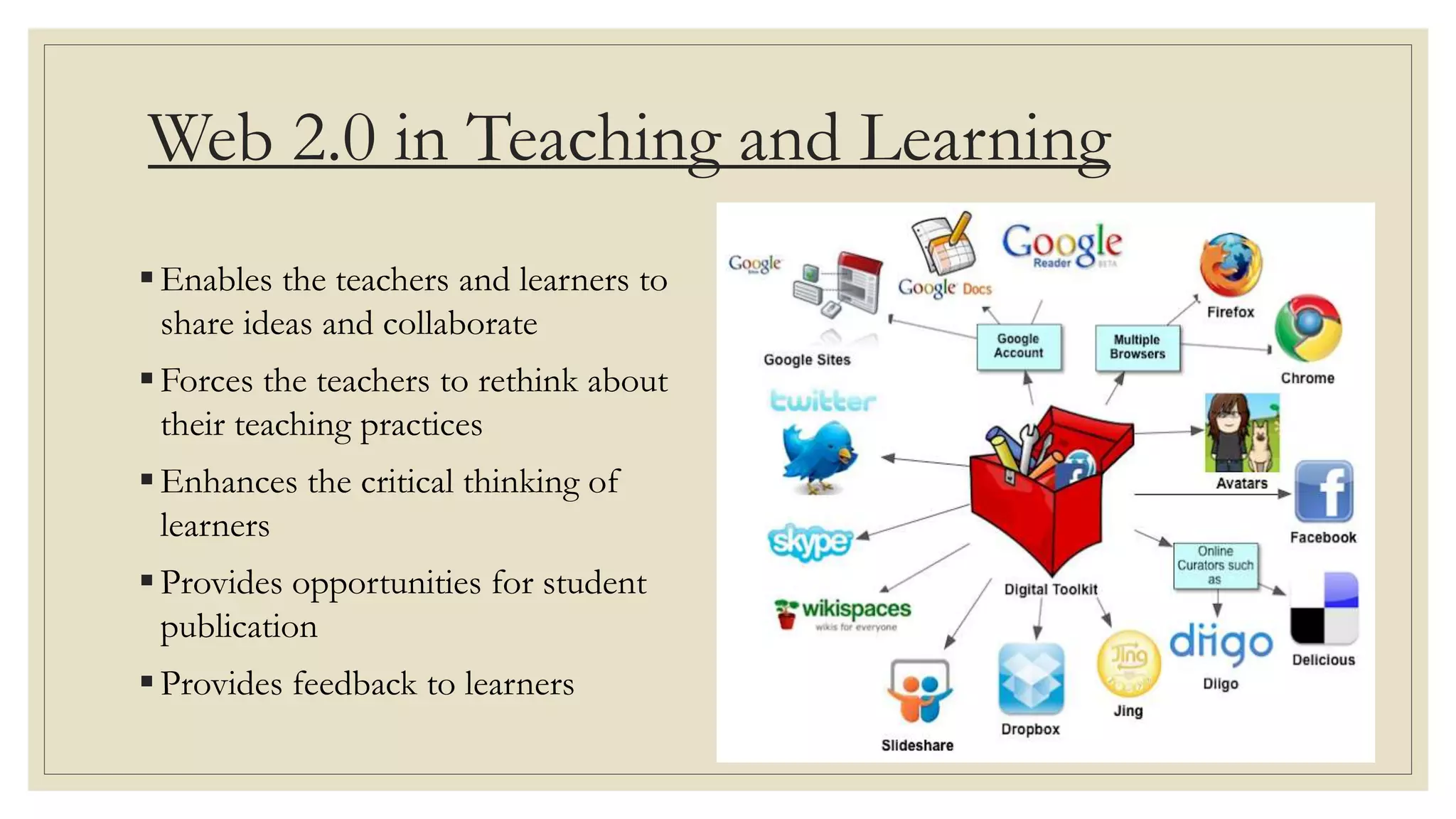
Web 2.0 in Teaching and Learning
Enables the teachers and learners to
share ideas and collaborate
Forces the teachers to rethink about
their teaching practices
Enhances the critical thinking of
learners
Provides opportunities for student
publication
Provides feedback to learners
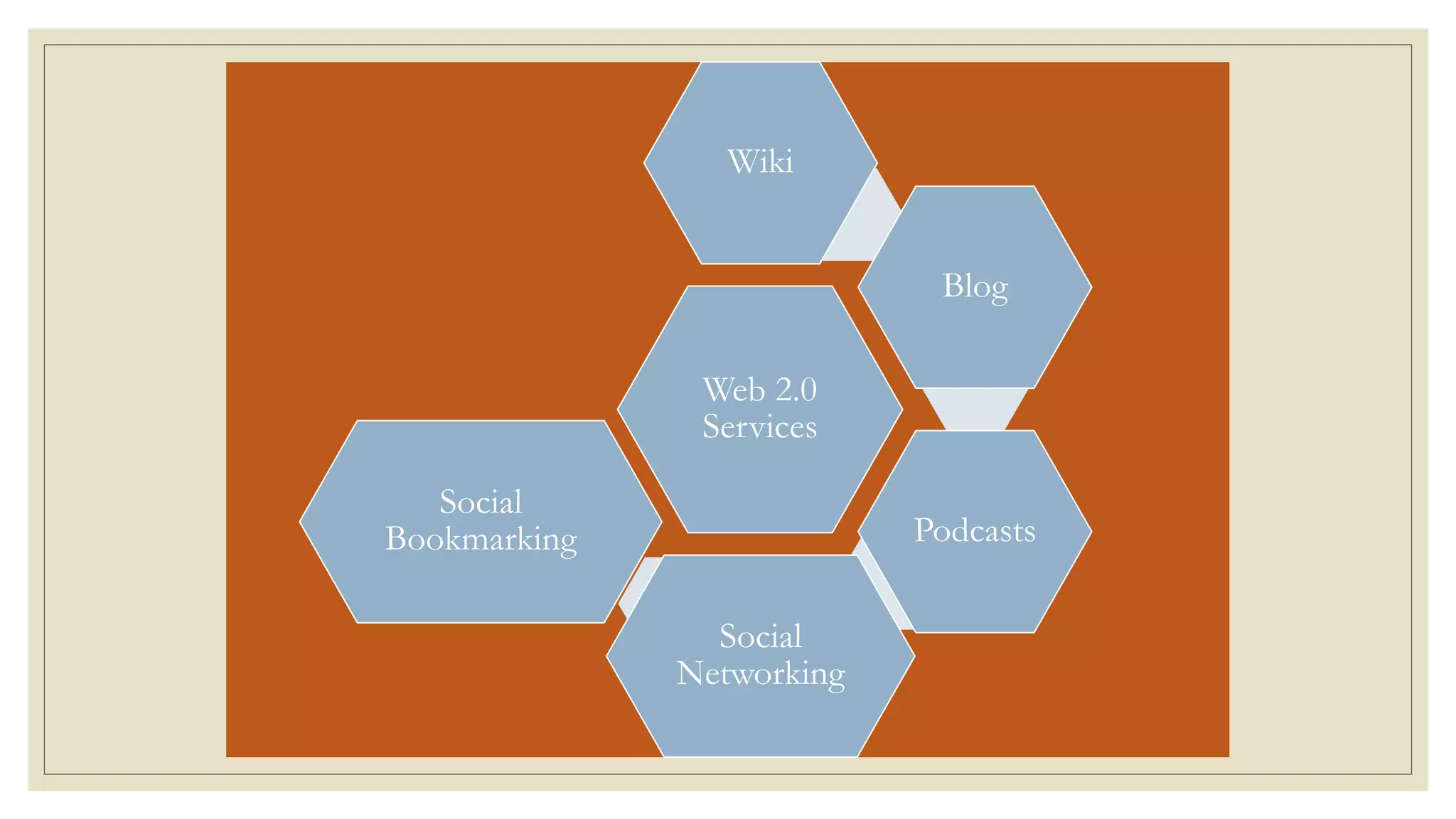
Web 2.0
Services
Wiki
Blog
Podcasts
Social
Networking
Social
Bookmarking
Wiki – collaborative authoring
◦ A WiKi is a website which can be edited by anyone having an account on the wiki platform.
◦ “WiKi” is a Hawaiian word for “fast or quick”.
◦ Allowing anyone to add, delete or edit the content has made it an effective tool for collaborative writing.
◦ Educational Implications:
Teachers can Learners can
1. Facilitate classroom
projects
1. Develop research projects
2. Use it to post
homework assignments
2. Add summaries of their
readings
3. Collaborate with parents
or other teachers
3. Publish handouts
4. Share reflections
regarding teaching
practices
4.Strengthen writing skills
BLOGS
◦ “Blog” is an abbreviated version of “weblog”, which is a kind of a personal website that contains content organized
like a journal or a diary in a reverse chronological order.
◦ The content is updated on a regular basis and readers have the possibility of leaving comments.
◦ Popular Blogging tools:
Microblogging:
It is a Web 2.0 technology and a new form of blogging that let the users publish online brief text updates.
It enables a real-time interaction between users using different devices and applications.
Even though Twitter seems to be the most popular microblogging system, recently teachers and students tend to
use a special platform designed for education called Edomo to send “notes, links, files, alerts, assignments, and even
events to each other.”
Podcasts
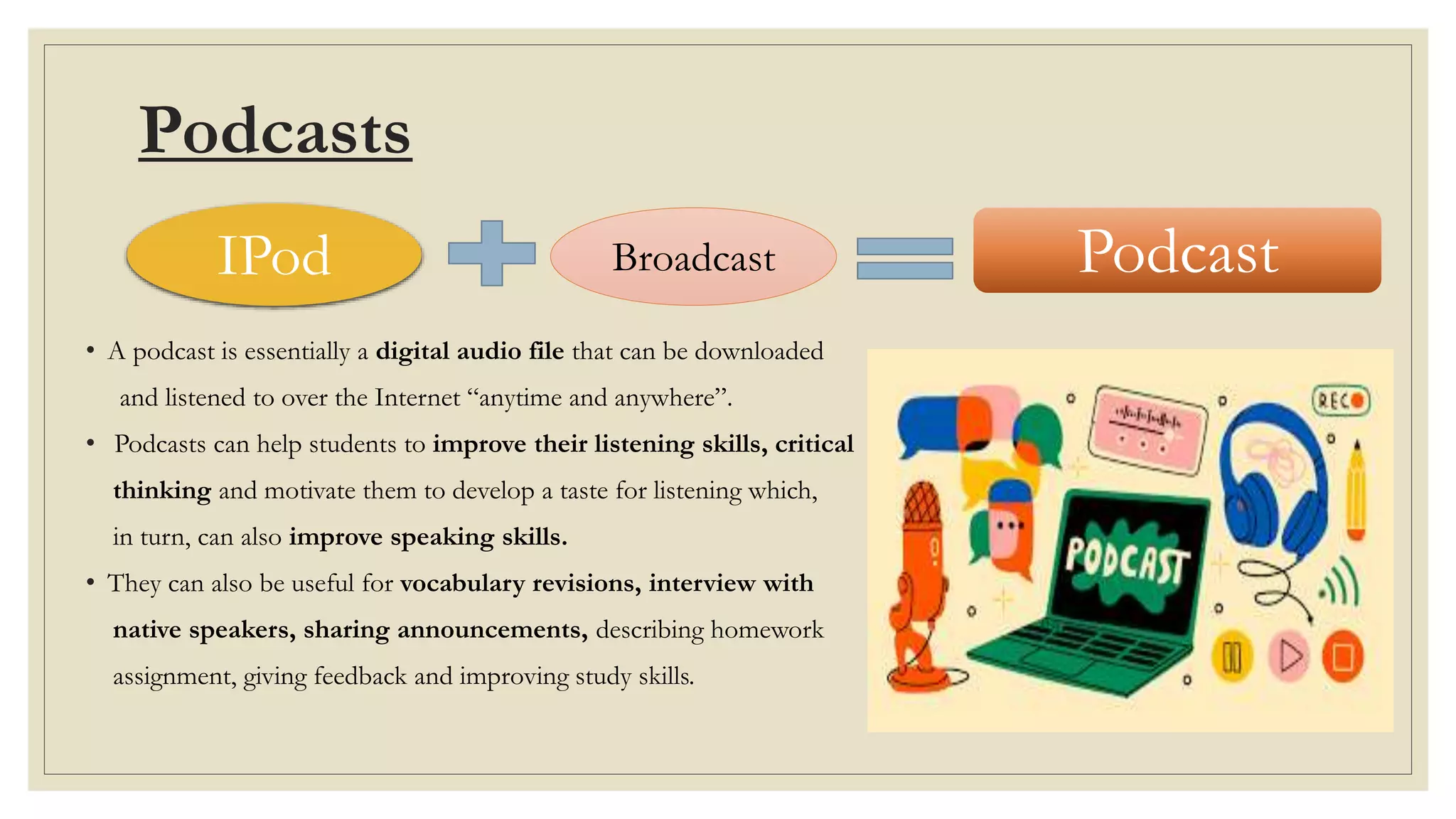
• A podcast is essentially a digital audio file that can be downloaded
and listened to over the Internet “anytime and anywhere”.
• Podcasts can help students to improve their listening skills, critical
thinking and motivate them to develop a taste for listening which,
in turn, can also improve speaking skills.
• They can also be useful for vocabulary revisions, interview with
native speakers, sharing announcements, describing homework
assignment, giving feedback and improving study skills.
IPod Broadcast Podcast
Social Networking
◦ A social networking service or SNS is an online platform which people use to build social networks with other
people who share similar personal or career content, interests, activities, backgrounds or real-life connections.
◦ Social networking sites are of four types:
i. Socialization network services (e.g. facebook, Instagram)
ii. Online social networks (e.g. Skype, Flickr)
iii. Networking social network services (e.g. LinkedIn)
iv. Social navigation social services (e.g. Goodreads, Reddit)
 Educational Implications:
a) Technological literacy
b) Brings teachers and students together
c) Seamless knowledge
Social Bookmarking
 Social bookmarking sites are information management tools that allow the users to:
i. save a site’s location
ii. categorize the site using “tags”
iii. enable easy searching and grouping of related content
iv. Easily access saved bookmarks
 Educational Implications:
a. Collaboration and sharing with other educators
b. Creation of social bookmark accounts for the school’s academic depts.
c. Contact other people for professional networking
d. Allows teachers & students to share bookmarks on research topics
e. Collaborate on projects with other schools, sharing bookmarks with
all participative communities
Advantages
◦ Available at any time, any place
◦ Variety of media
◦ Ease of usage
◦ Learners can be actively involved in
knowledge in knowledge building
◦ Can create dynamic learning
communities
◦ User- friendly
◦ Provides real- time discussion
LIMITATIONS
◦ Users are highly dependent on
internet.
◦ Time consuming
◦ High number of frauds and hackers
◦ No immediate feedback
◦ Information much be organized
◦ Not always efficient
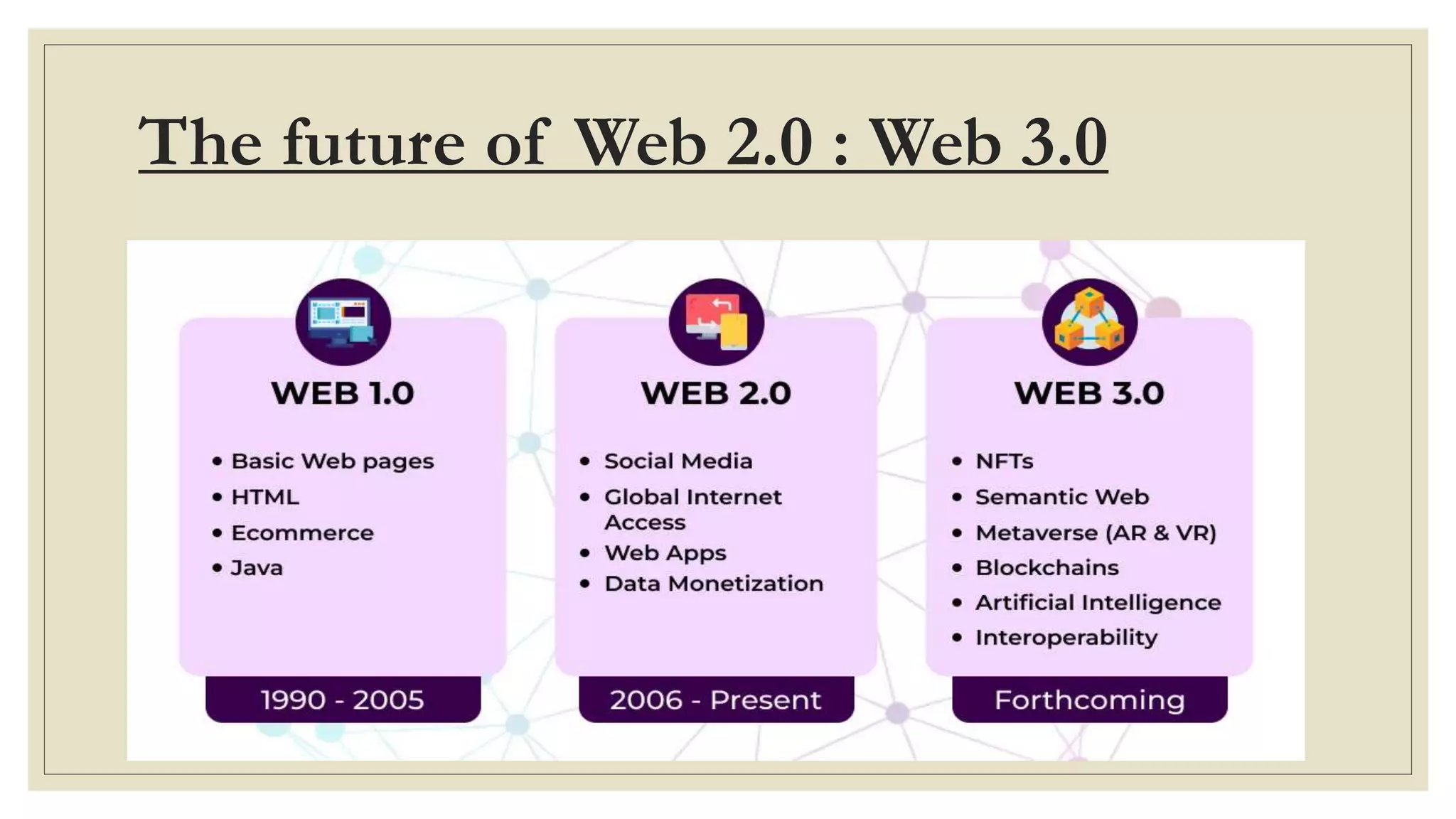
The future of Web 2.0 : Web 3.0
Web 2.0 Apps Web 3.0 Apps
Browser ? Brave
Social
Networks
Facebook,
Instagram
?
Messaging ? Status
Web 2.0.pptx

Web 2.0.pptx

  • 1.
    WEB2.0TOOLS Dr. M. RamakrishnaReddy Assistant Professor Department of Education Central University of Jharkhand, Ranchi
  • 2.
    Meaning and Definition Web 2.0 is the second generation of World Wide Web which provides the facility of online collaboration and information sharing among people in a much active manner. This contrasts the first generation of Web 1.0 era websites where people were limited to viewing content in a passive manner. The term was coined by Darci DiNucci in 1999 and later popularized by Tim O’Reilly at the first O’Reilly Media Web 2.0 Conference in late 2004. Web 2.0 (also known as Participative and Social Web), thus, refers to websites that emphasize user- generated content, ease of use, participatory culture and interoperability (i.e. compatible with other products, systems and devices) for end users. It has taken the educational delivery to the next level of advancement where the users can meet, discuss or share ideas. Examples of Web 2.0 features include social networking sites (e.g. Facebook), blogs, wikis, folksonomies (“tagging” keywords on websites and links), video sharing sites (e.g. YouTube), image sharing sites (e.g. Flickr), Web applications (“apps”), and collaborative consumption platforms.
  • 3.
    Key Features ofWeb 2.0 Rich User Experience Folksonomy User Participation Software as a Service Mass Participation
  • 4.
    Web 2.0 inTeaching and Learning Enables the teachers and learners to share ideas and collaborate Forces the teachers to rethink about their teaching practices Enhances the critical thinking of learners Provides opportunities for student publication Provides feedback to learners
  • 5.
  • 6.
    Wiki – collaborativeauthoring ◦ A WiKi is a website which can be edited by anyone having an account on the wiki platform. ◦ “WiKi” is a Hawaiian word for “fast or quick”. ◦ Allowing anyone to add, delete or edit the content has made it an effective tool for collaborative writing. ◦ Educational Implications: Teachers can Learners can 1. Facilitate classroom projects 1. Develop research projects 2. Use it to post homework assignments 2. Add summaries of their readings 3. Collaborate with parents or other teachers 3. Publish handouts 4. Share reflections regarding teaching practices 4.Strengthen writing skills
  • 7.
    BLOGS ◦ “Blog” isan abbreviated version of “weblog”, which is a kind of a personal website that contains content organized like a journal or a diary in a reverse chronological order. ◦ The content is updated on a regular basis and readers have the possibility of leaving comments. ◦ Popular Blogging tools: Microblogging: It is a Web 2.0 technology and a new form of blogging that let the users publish online brief text updates. It enables a real-time interaction between users using different devices and applications. Even though Twitter seems to be the most popular microblogging system, recently teachers and students tend to use a special platform designed for education called Edomo to send “notes, links, files, alerts, assignments, and even events to each other.”
  • 9.
    Podcasts • A podcastis essentially a digital audio file that can be downloaded and listened to over the Internet “anytime and anywhere”. • Podcasts can help students to improve their listening skills, critical thinking and motivate them to develop a taste for listening which, in turn, can also improve speaking skills. • They can also be useful for vocabulary revisions, interview with native speakers, sharing announcements, describing homework assignment, giving feedback and improving study skills. IPod Broadcast Podcast
  • 10.
    Social Networking ◦ Asocial networking service or SNS is an online platform which people use to build social networks with other people who share similar personal or career content, interests, activities, backgrounds or real-life connections. ◦ Social networking sites are of four types: i. Socialization network services (e.g. facebook, Instagram) ii. Online social networks (e.g. Skype, Flickr) iii. Networking social network services (e.g. LinkedIn) iv. Social navigation social services (e.g. Goodreads, Reddit)  Educational Implications: a) Technological literacy b) Brings teachers and students together c) Seamless knowledge
  • 11.
    Social Bookmarking  Socialbookmarking sites are information management tools that allow the users to: i. save a site’s location ii. categorize the site using “tags” iii. enable easy searching and grouping of related content iv. Easily access saved bookmarks  Educational Implications: a. Collaboration and sharing with other educators b. Creation of social bookmark accounts for the school’s academic depts. c. Contact other people for professional networking d. Allows teachers & students to share bookmarks on research topics e. Collaborate on projects with other schools, sharing bookmarks with all participative communities
  • 12.
    Advantages ◦ Available atany time, any place ◦ Variety of media ◦ Ease of usage ◦ Learners can be actively involved in knowledge in knowledge building ◦ Can create dynamic learning communities ◦ User- friendly ◦ Provides real- time discussion LIMITATIONS ◦ Users are highly dependent on internet. ◦ Time consuming ◦ High number of frauds and hackers ◦ No immediate feedback ◦ Information much be organized ◦ Not always efficient
  • 13.
    The future ofWeb 2.0 : Web 3.0
  • 14.
    Web 2.0 AppsWeb 3.0 Apps Browser ? Brave Social Networks Facebook, Instagram ? Messaging ? Status