Learning Goal:
To introduce and become
familiar with a number of Web
2.0 Tools to personalize learning
for students.
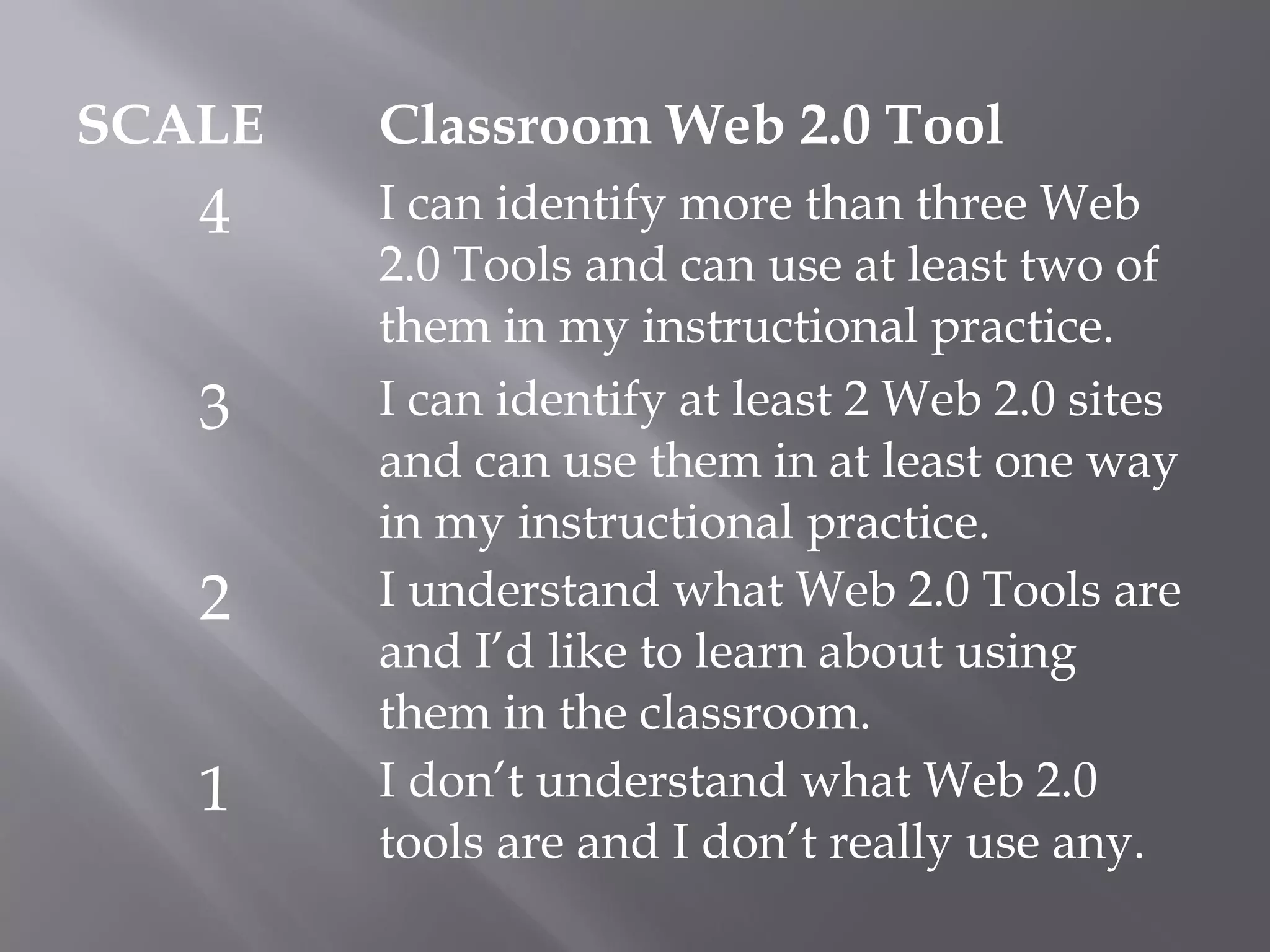
SCALE Classroom Web 2.0 Tool
4 I can identify more than three Web
2.0 Tools and can use at least two of
them in my instructional practice.
3 I can identify at least 2 Web 2.0 sites
and can use them in at least one way
in my instructional practice.
2 I understand what Web 2.0 Tools are
and I’d like to learn about using
them in the classroom.
1 I don’t understand what Web 2.0
tools are and I don’t really use any.
Web sites that use technology
beyond the static pages of earlier
web sites. 
Ways to create, collaborate, edit, and
share user-generated content online
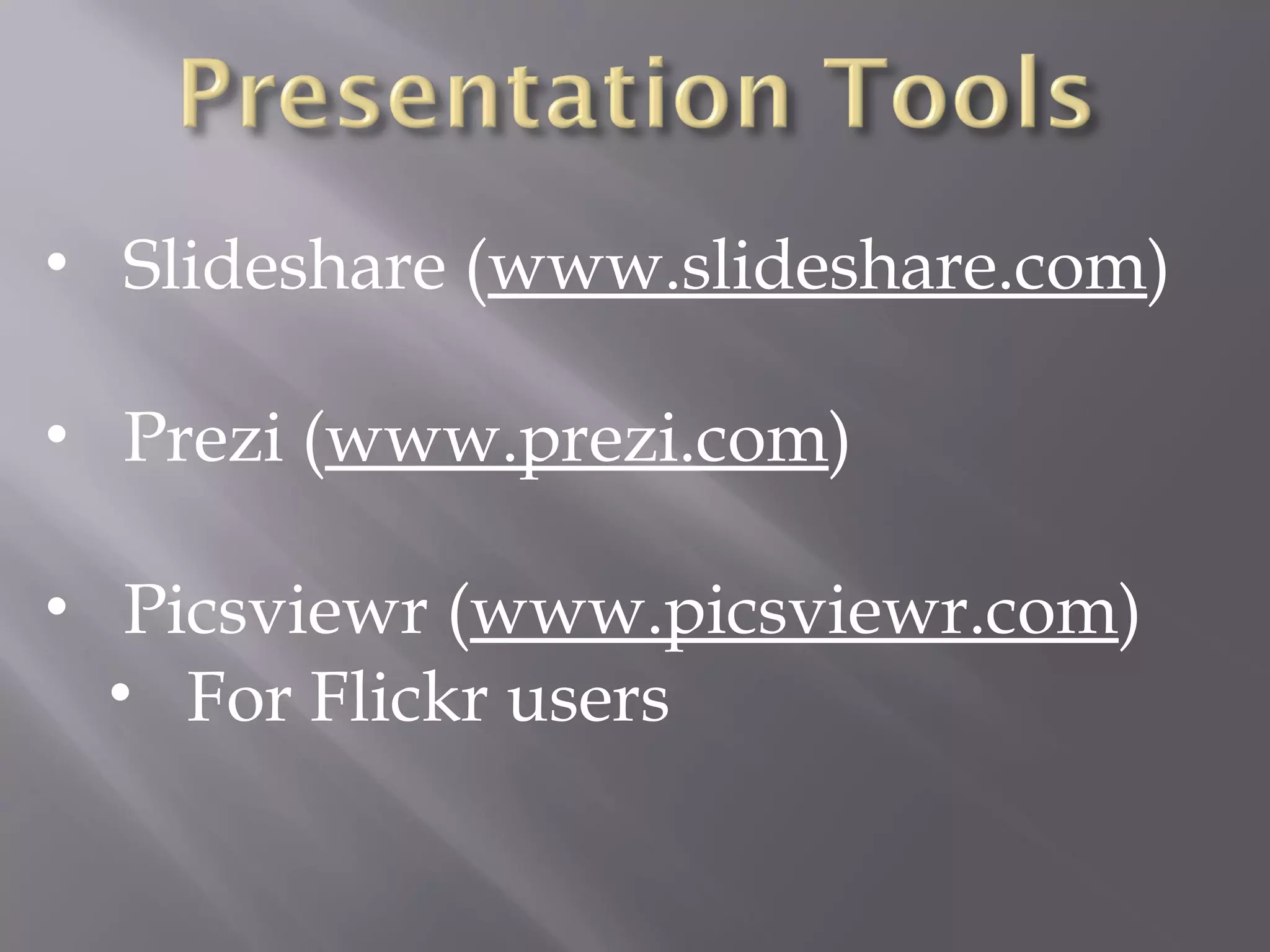
• Slideshare (www.slideshare.com)
• Prezi (www.prezi.com)
• Picsviewr (www.picsviewr.com)
• For Flickr users
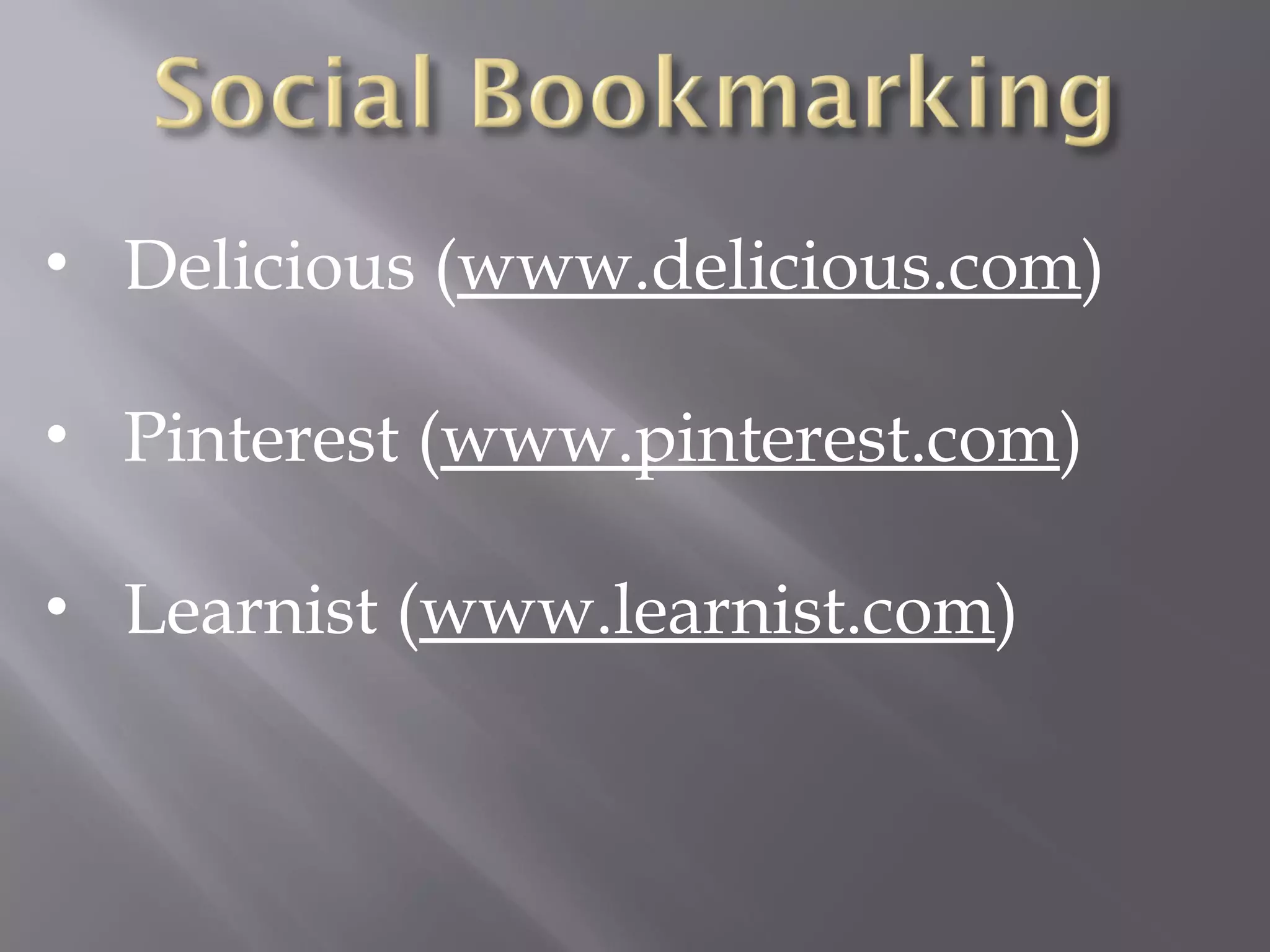
• Delicious (www.delicious.com)
• Pinterest (www.pinterest.com)
• Learnist (www.learnist.com)
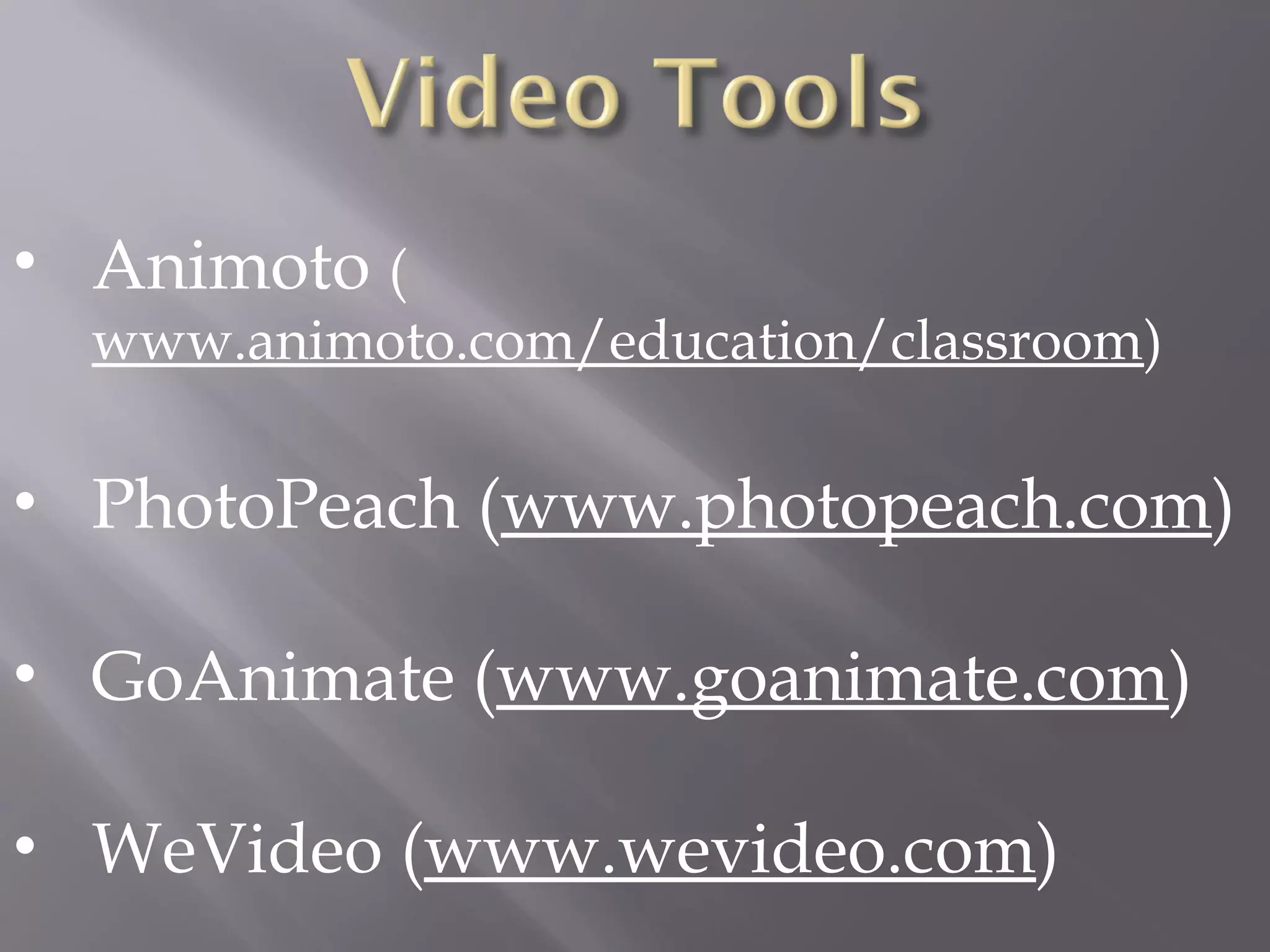
• Animoto (
www.animoto.com/education/classroom)
• PhotoPeach (www.photopeach.com)
• GoAnimate (www.goanimate.com)
• WeVideo (www.wevideo.com)
• ThingLink (
http://www.thinglink.com/)
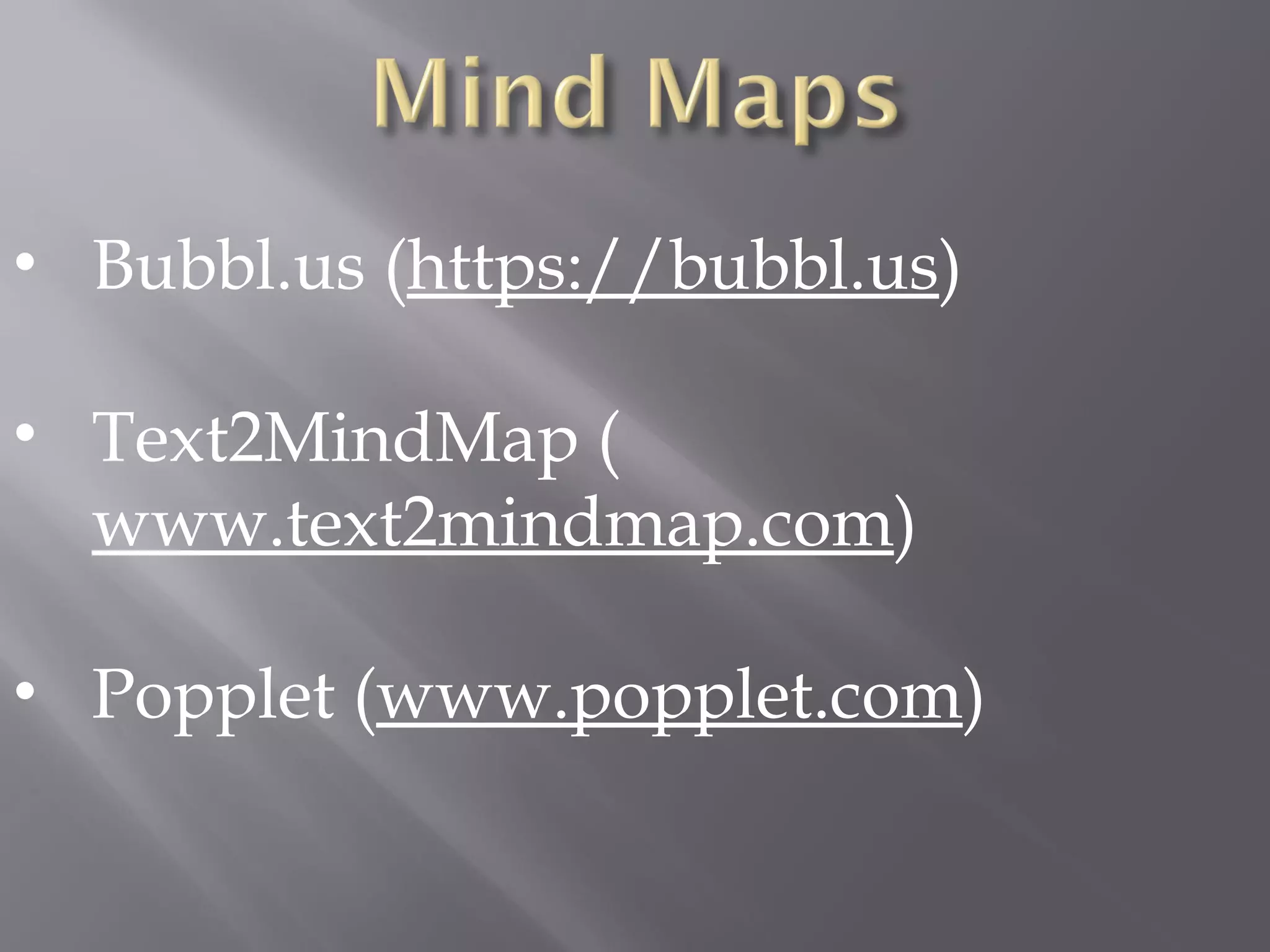
• Bubbl.us (https://bubbl.us)
• Text2MindMap (
www.text2mindmap.com)
• Popplet (www.popplet.com)
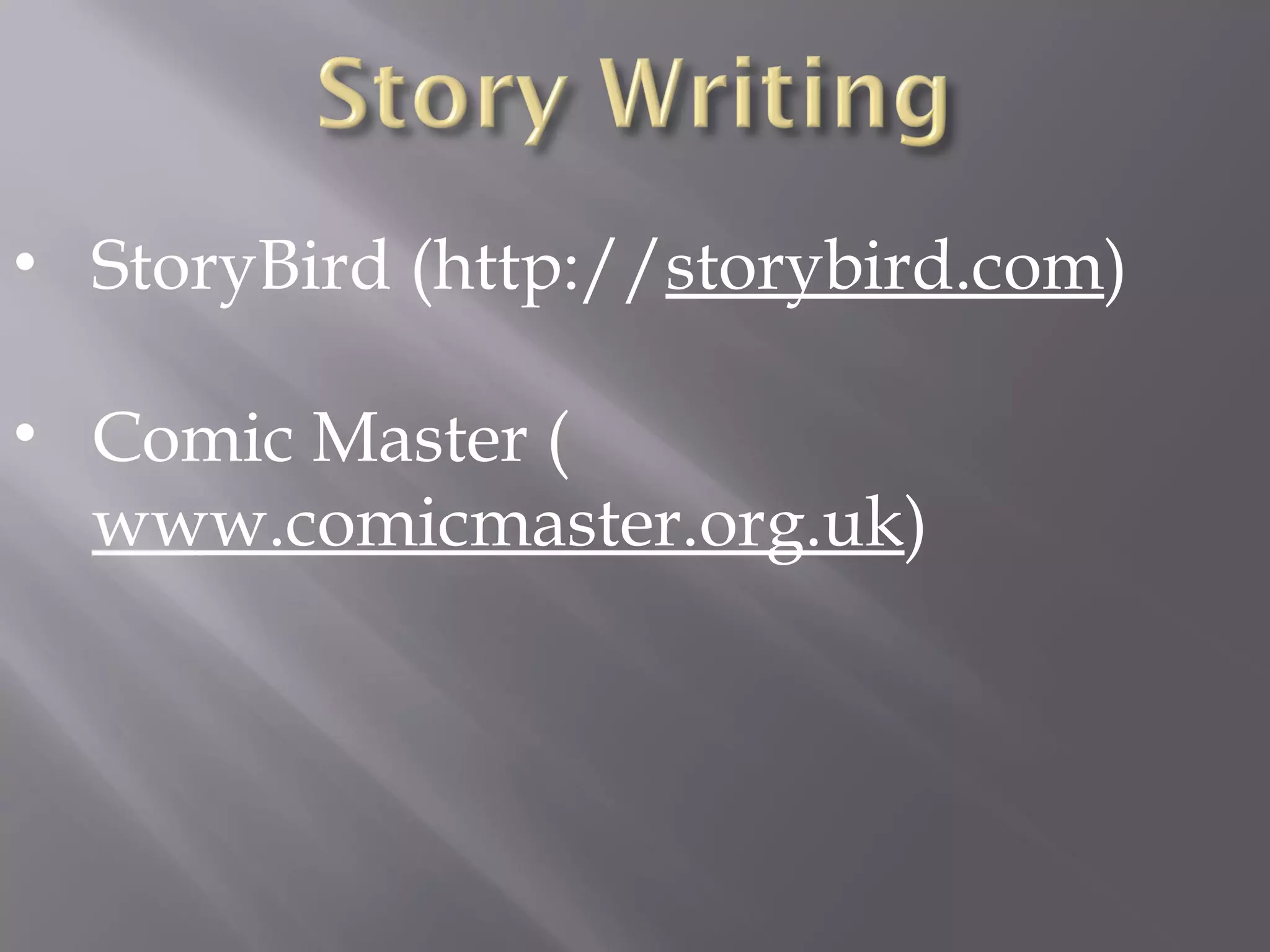
• StoryBird (http://storybird.com)
• Comic Master (
www.comicmaster.org.uk)
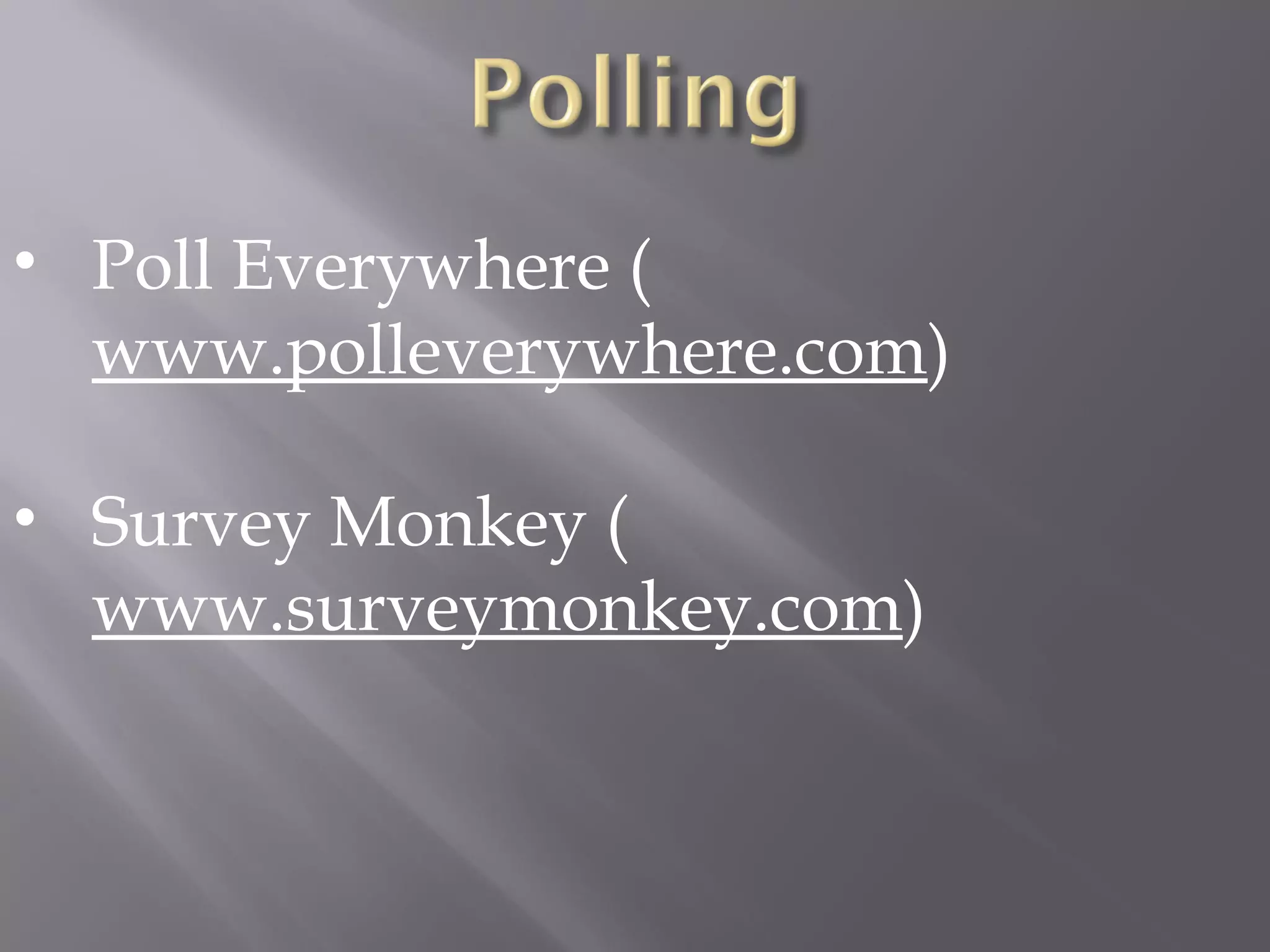
• Poll Everywhere (
www.polleverywhere.com)
• Survey Monkey (
www.surveymonkey.com)
• Voki (www.voki.com)
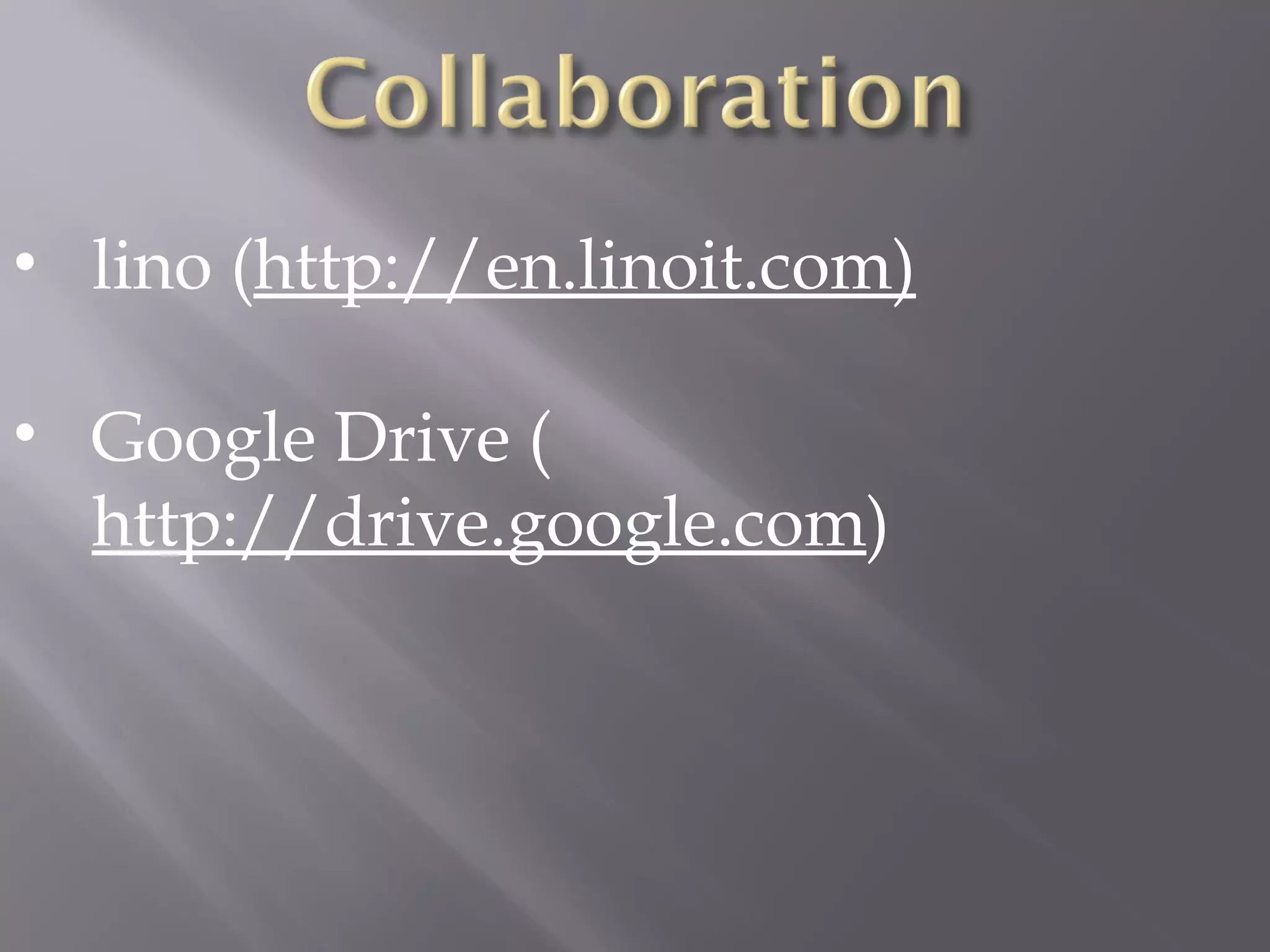
• lino (http://en.linoit.com)
• Google Drive (
http://drive.google.com)
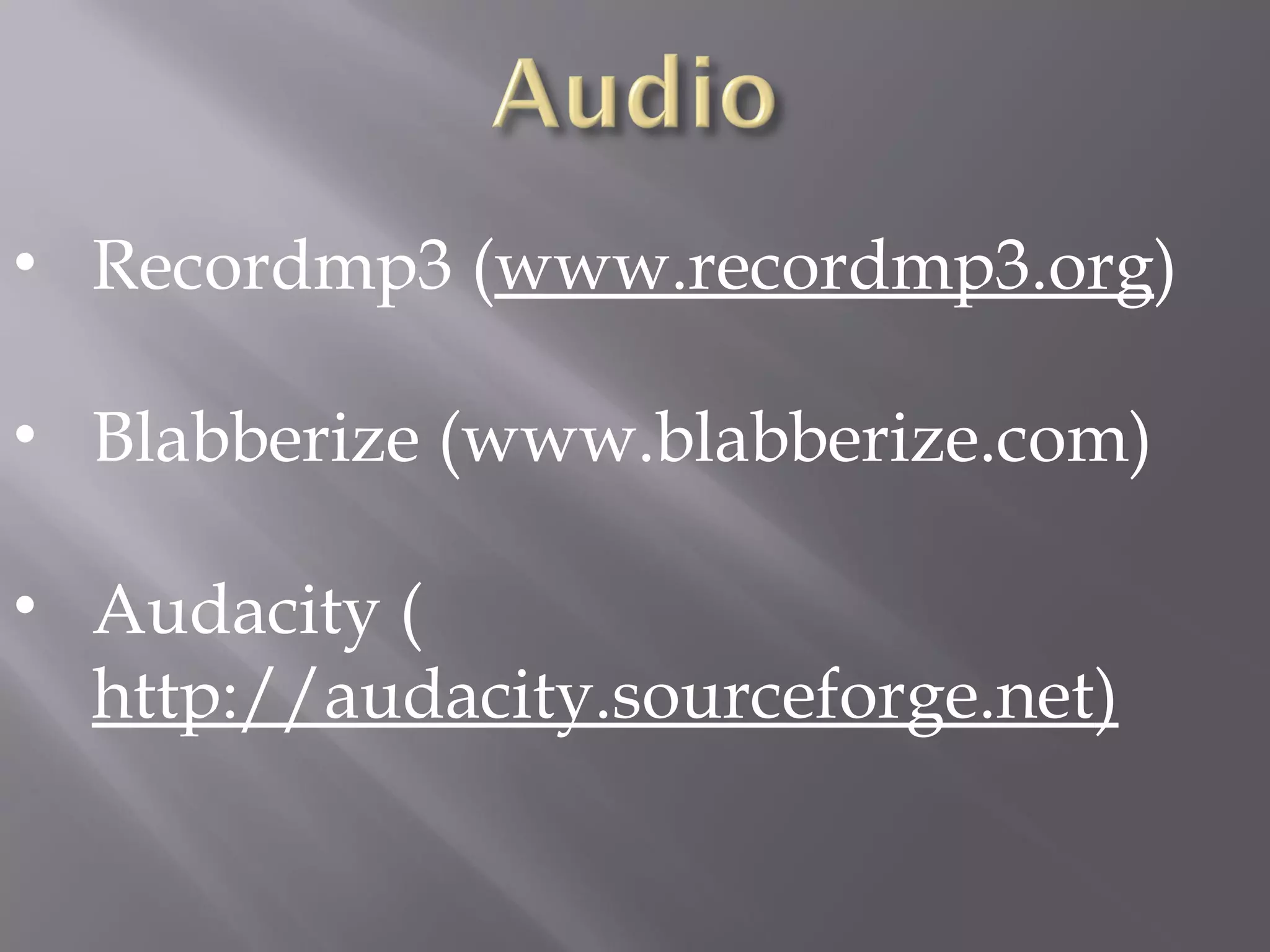
• Recordmp3 (www.recordmp3.org)
• Blabberize (www.blabberize.com)
• Audacity (
http://audacity.sourceforge.net)
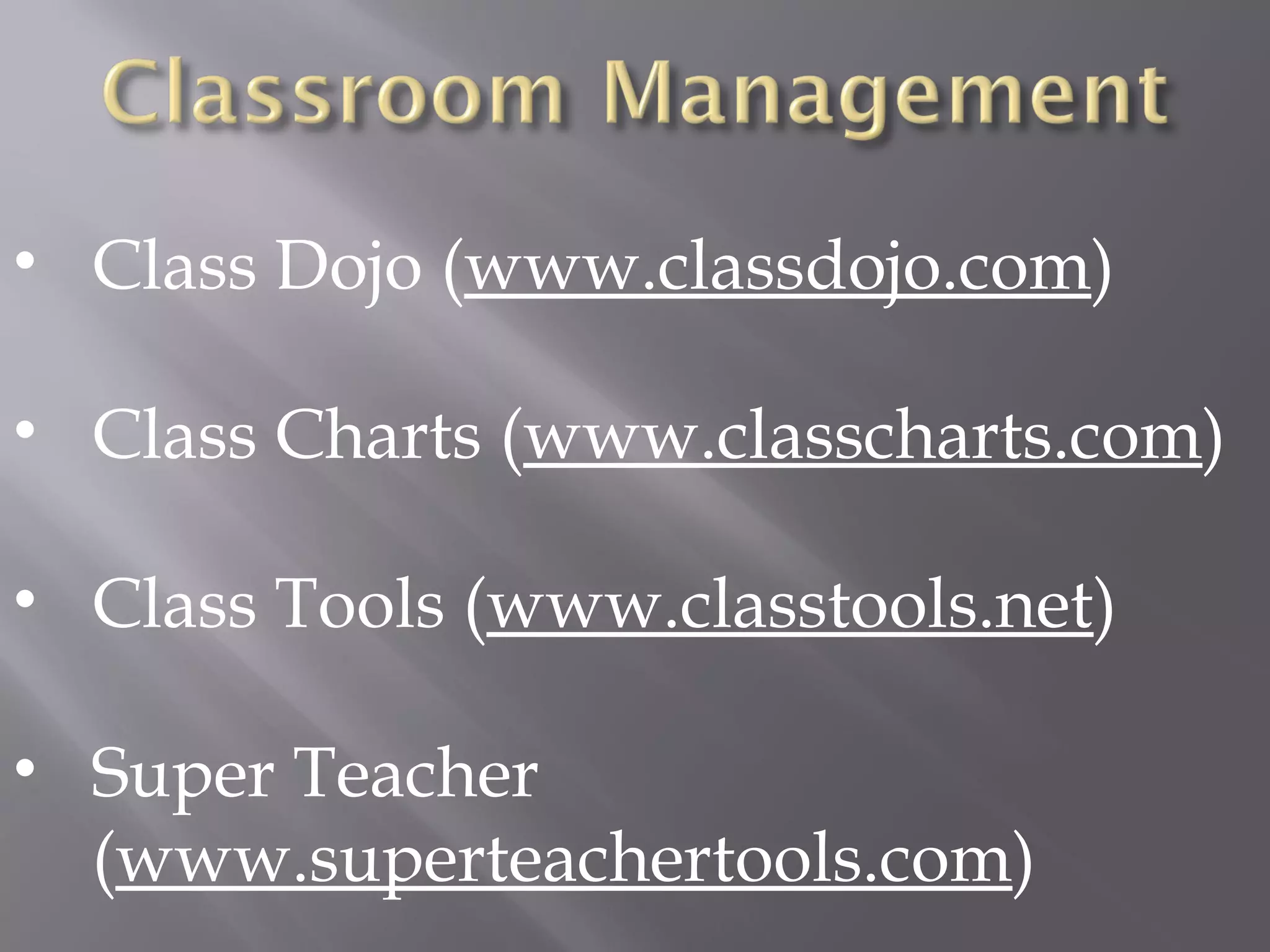
• Class Dojo (www.classdojo.com)
• Class Charts (www.classcharts.com)
• Class Tools (www.classtools.net)
• Super Teacher
(www.superteachertools.com)
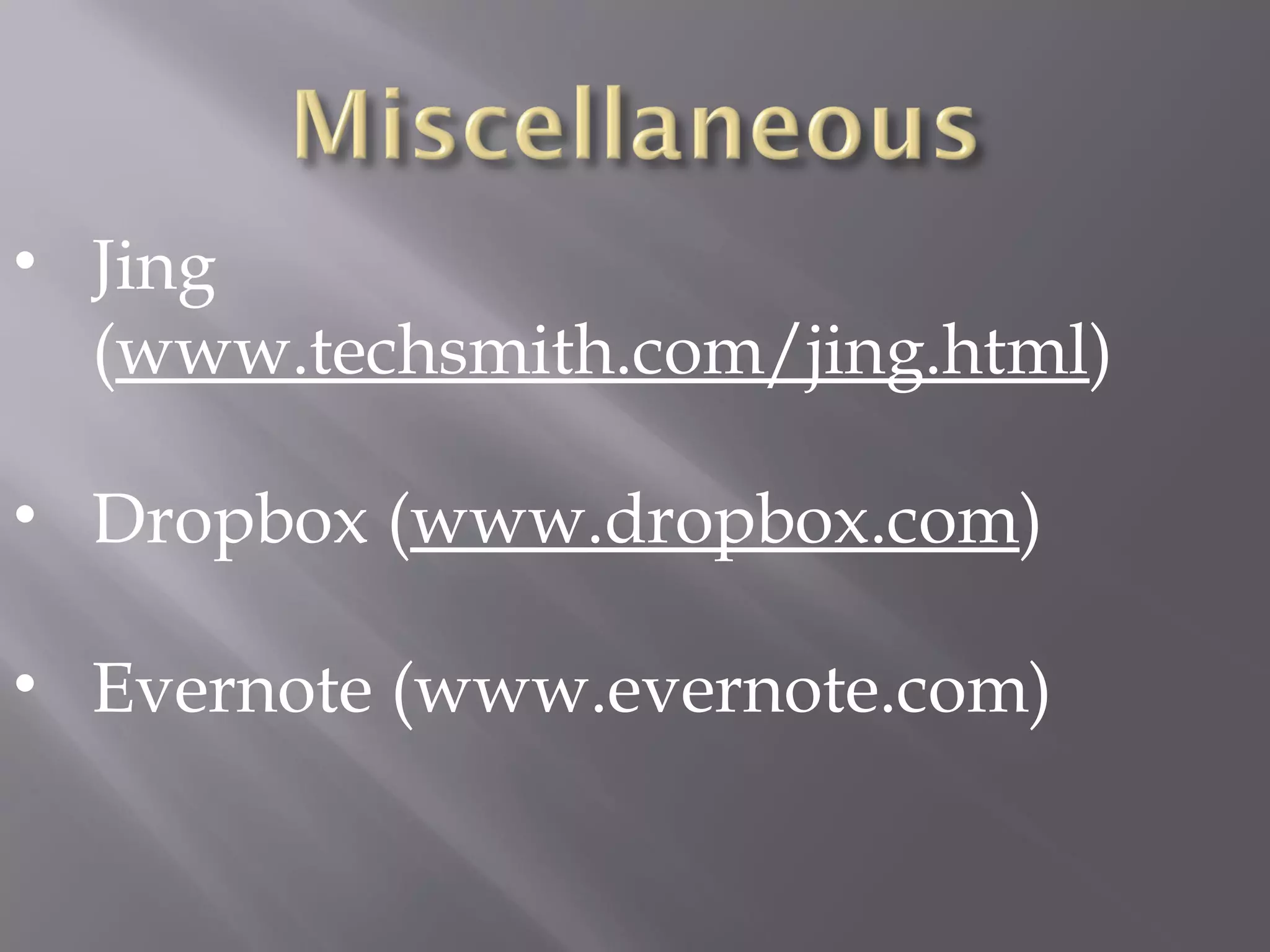
• Jing
(www.techsmith.com/jing.html)
• Dropbox (www.dropbox.com)
• Evernote (www.evernote.com)
• http://edjudo.com/web-2-0-
teaching-tools-links
•

Web 2.0 tools ppt 2