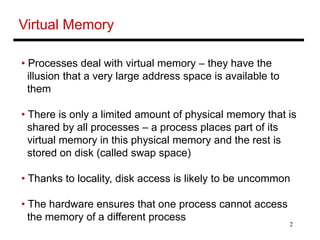
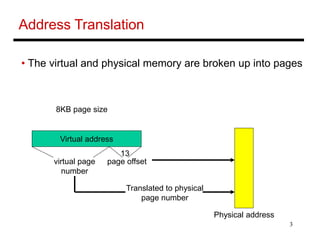
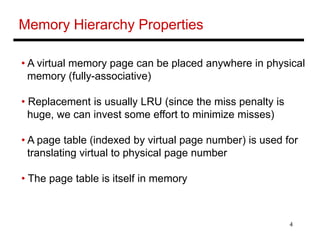
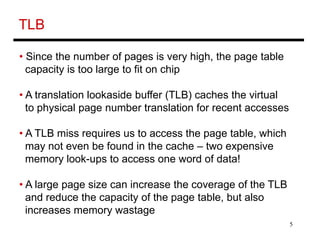
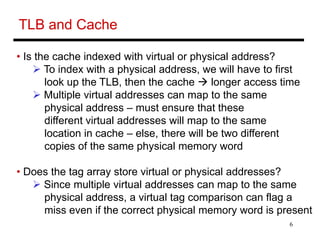
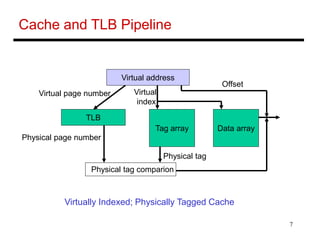
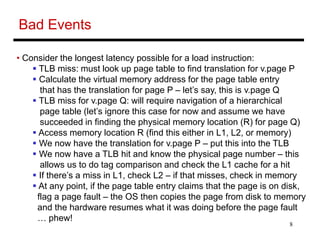
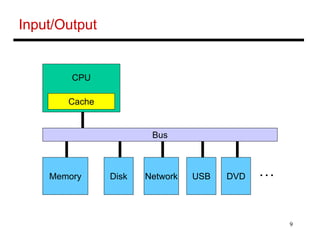
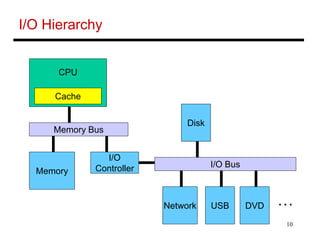
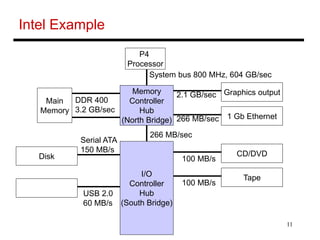
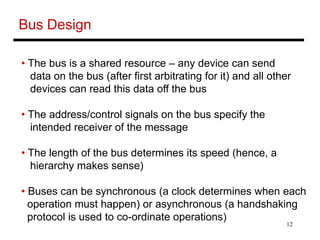
Virtual memory allows processes to access a large virtual address space that exceeds physical memory. The CPU translates virtual addresses to physical addresses using a page table cached in the TLB. A TLB miss requires accessing the page table in memory, leading to multiple expensive memory lookups. Caches are virtually indexed but physically tagged to handle multiple virtual addresses mapping to the same physical address. I/O devices communicate with CPU and memory via buses in a memory-mapped or interrupt-driven manner, with DMA offloading data transfers to improve efficiency.

![13
Memory-Mapped I/O
• Each I/O device has its own special address range
The CPU issues commands such as these:
sw [some-data] [some-address]
Usually, memory services these requests… if the
address is in the I/O range, memory ignores it
The data is written into some register in the
appropriate I/O device – this serves as the command
to the device](https://image.slidesharecdn.com/virtulamemory-221109044823-88fe1d15/85/virtula-memory-ppt-13-320.jpg)
![15
Direct Memory Access (DMA)
• Consider a disk read example: a block in disk is being
read into memory
• For each word, the CPU does a
lw [destination register] [I/O device address] and a
sw [data in above register] [memory-address]
• This would take up too much of the CPU’s time – hence,
the task is off-loaded to the DMA controller – the CPU
informs the DMA of the range of addresses to be copied
and the DMA lets the CPU know when it is done](https://image.slidesharecdn.com/virtulamemory-221109044823-88fe1d15/85/virtula-memory-ppt-15-320.jpg)


