Jim Jones
Senior Product Infrastructure Architect
11:11 Systems
@k00laidIT
https://koolaid.info
Architecting Veeam Backup
for Microsoft 365 at Scale
Falko Banaszak
Solution Architect
@Falko_Banaszak
https://virtualhome.blog
Agend
a
https://github.com/k00laidIT/VeeamON2023/MIA03
10
15
15
5
Planning and preparation
Proxy, repository and job design
Monitoring & troubleshooting
Questions
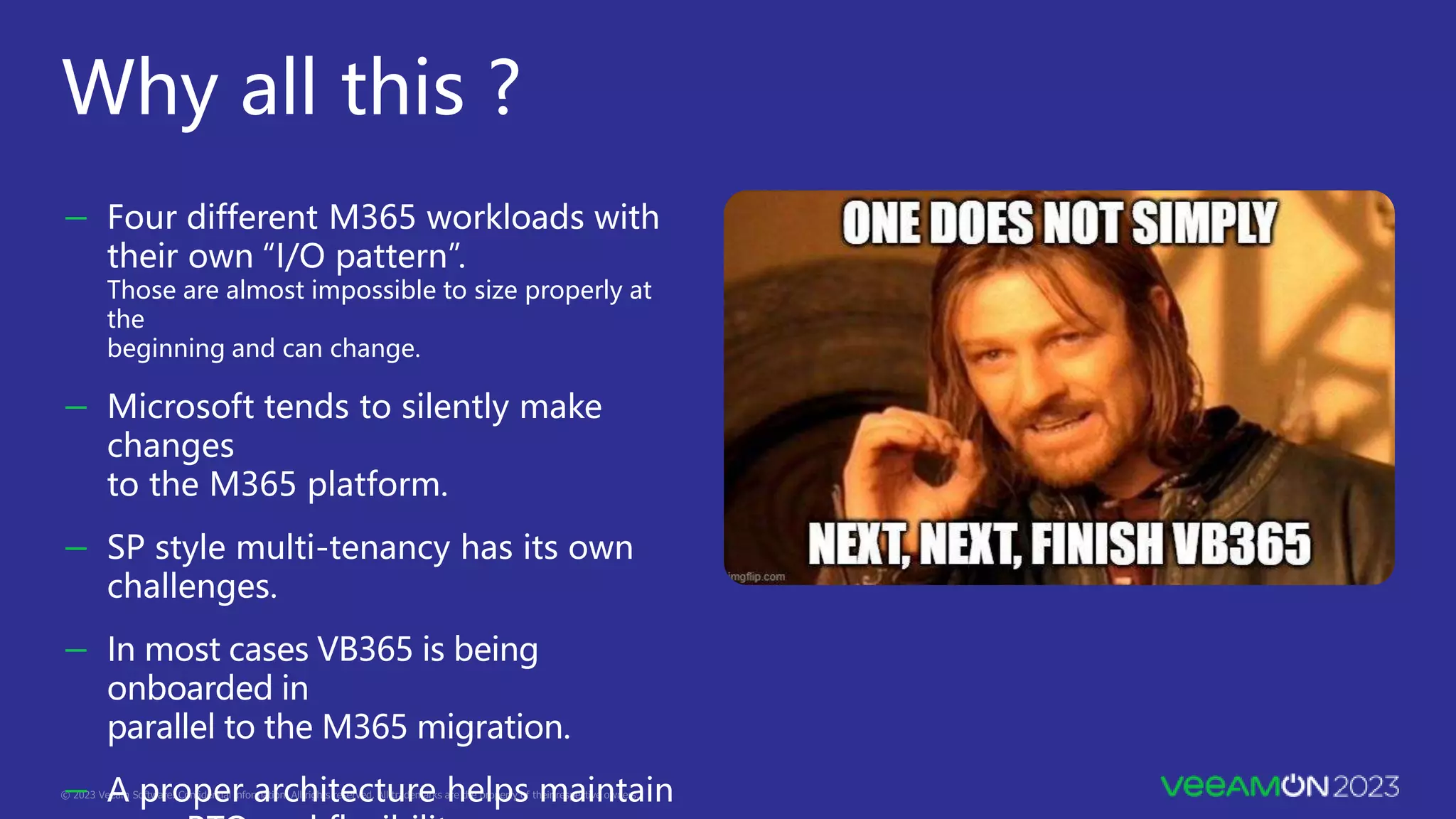
Why all this ?
- Four different M365 workloads with
their own “I/O pattern”.
Those are almost impossible to size properly at
the
beginning and can change.
- Microsoft tends to silently make
changes
to the M365 platform.
- SP style multi-tenancy has its own
challenges.
- In most cases VB365 is being
onboarded in
parallel to the M365 migration.
- A proper architecture helps maintain
Planning and
preparation
https://bp.veeam.com/vb365
Organization size discovery
Multi- geo organization – consider licensing, regulation.
Customer/admin managed groups are good.
- At this point only using for sizing/ to discover
size of a particular group.
- Delimit users.
- Delimit geographical boundaries.
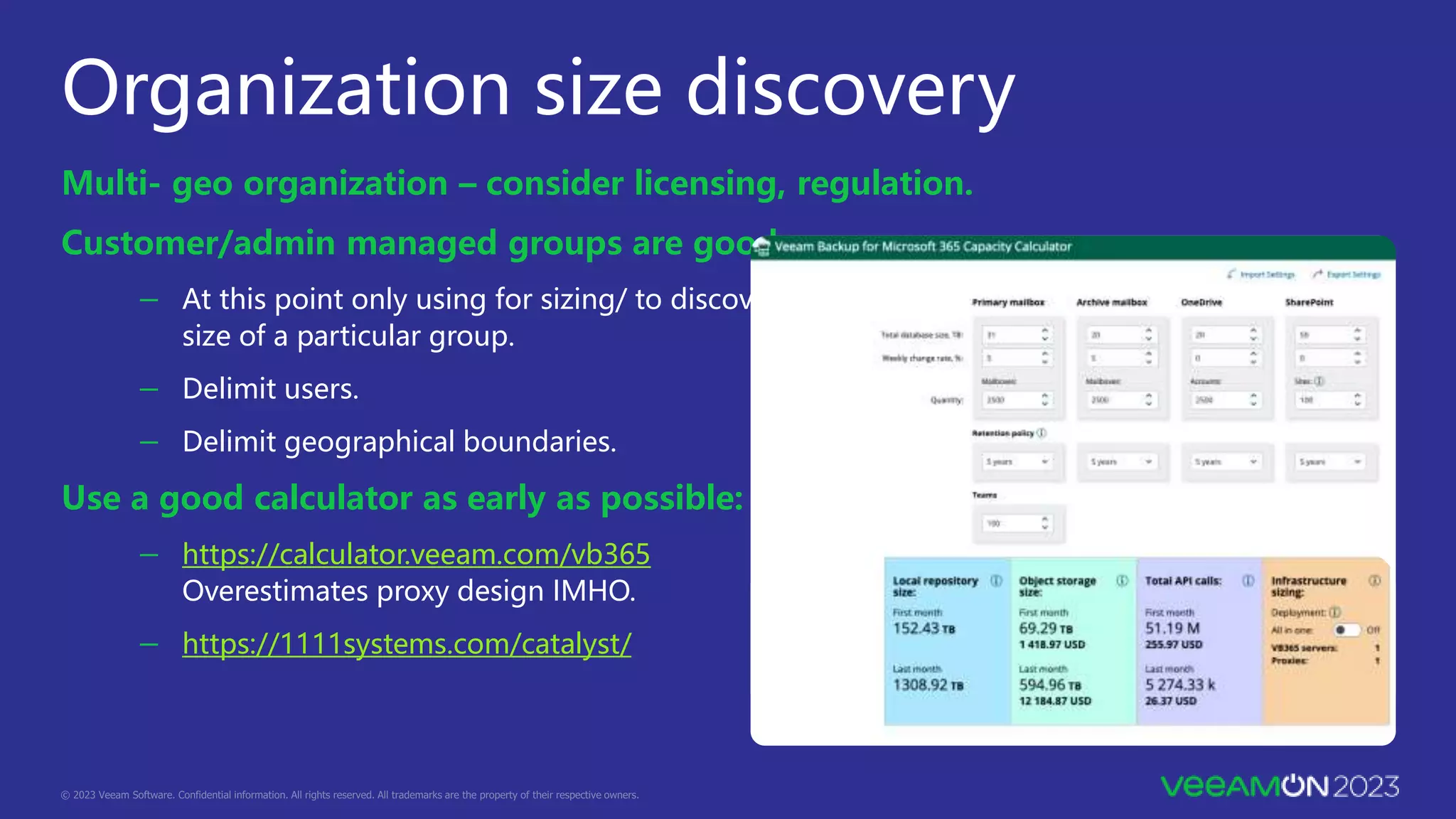
Use a good calculator as early as possible:
- https://calculator.veeam.com/vb365
Overestimates proxy design IMHO.
- https://1111systems.com/catalyst/
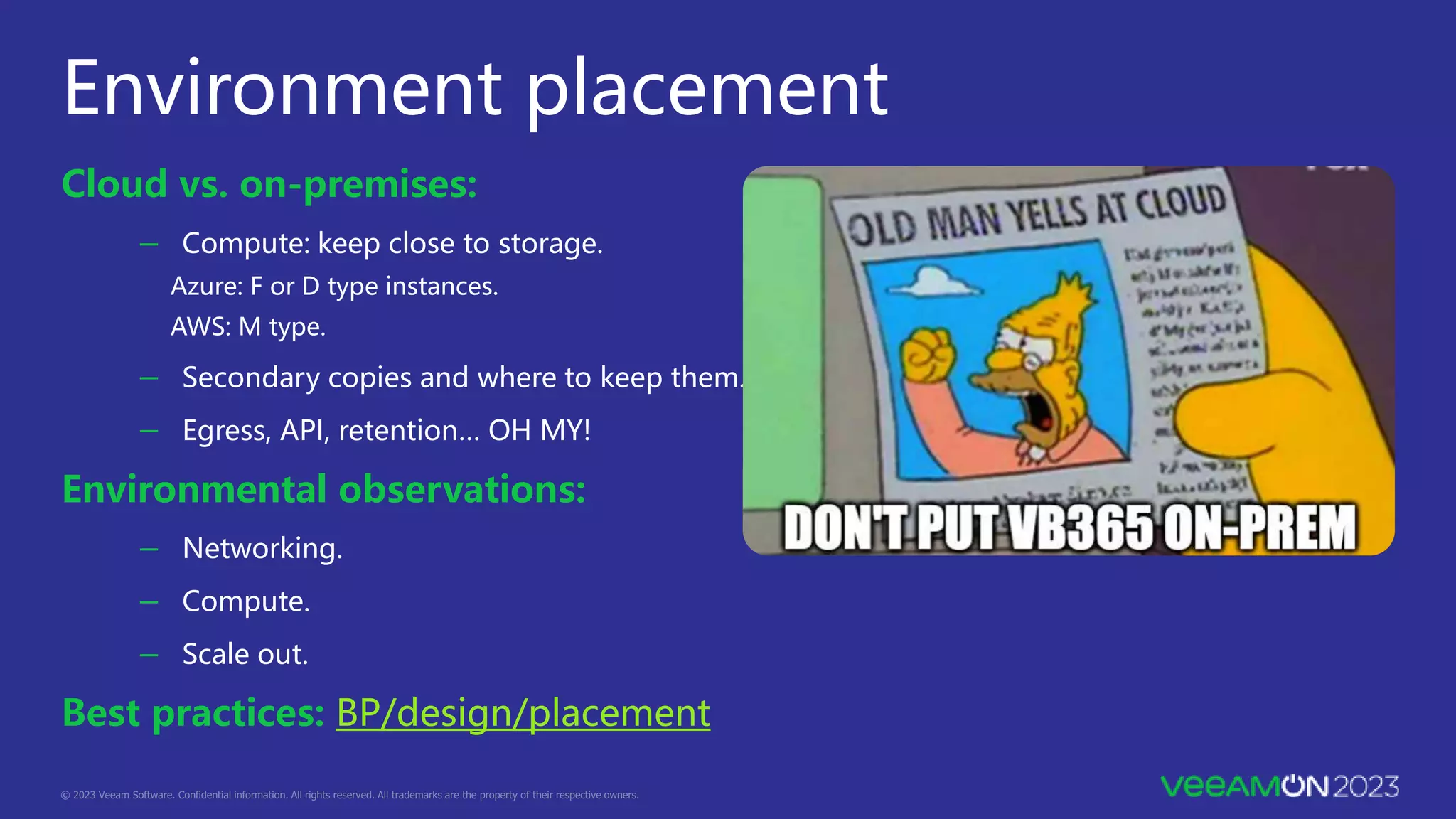
Environment placement
Cloud vs. on-premises:
- Compute: keep close to storage.
Azure: F or D type instances.
AWS: M type.
- Secondary copies and where to keep them.
- Egress, API, retention… OH MY!
Environmental observations:
- Networking.
- Compute.
- Scale out.
Best practices: BP/design/placement
Proxy, repository
and job design
- Compute: 8 vCPU, 32 GB RAM.
- Local secondary SSD for cache.
- Be conservative against BP guidance, needs will grow.
BP/design/sizing proxy server.
BP/design/configuration maximums.
- Start at 2,000-2,500 objects per proxy.
- Least taken advice ever.
Proxy design
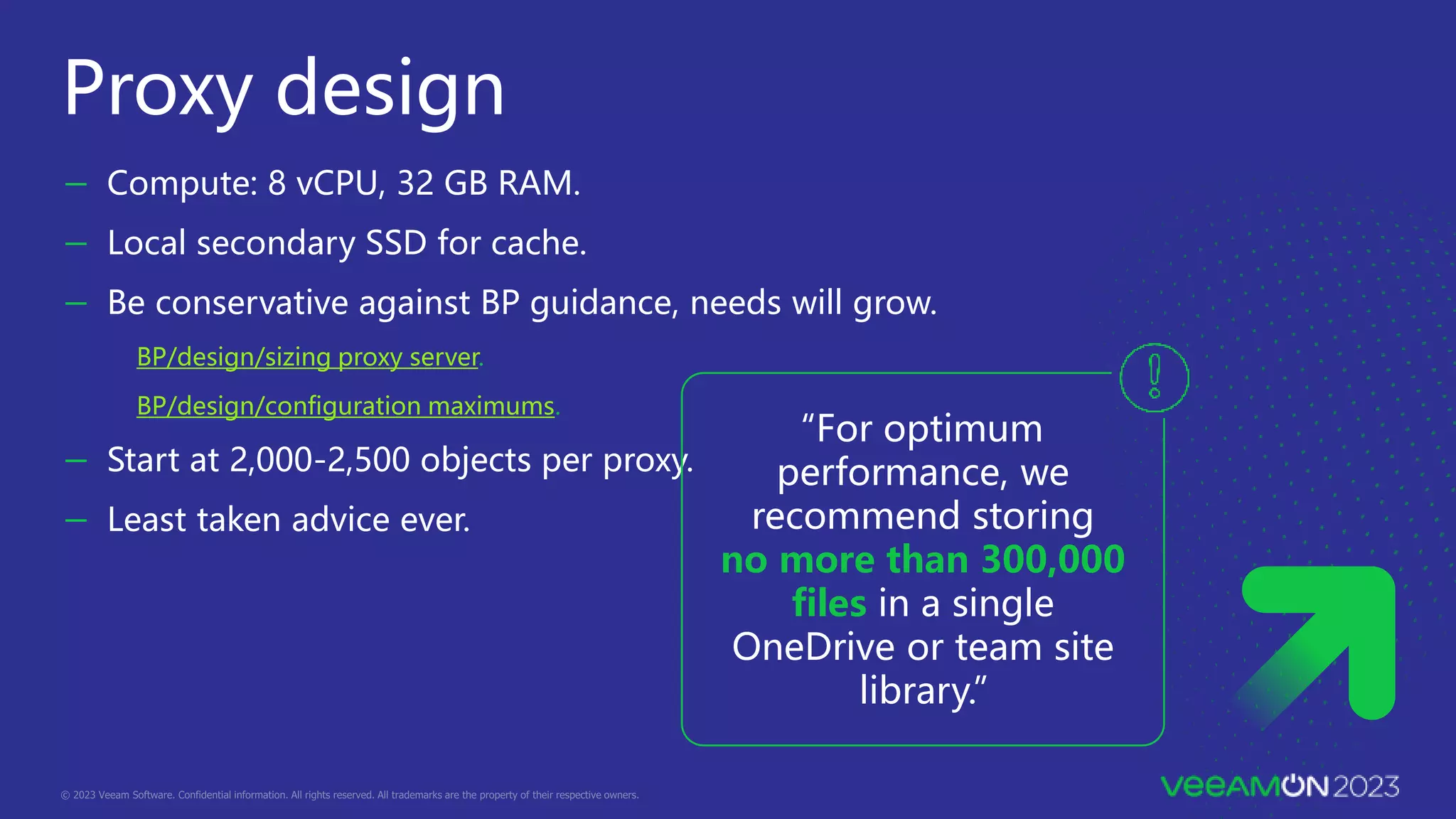
“For optimum
performance, we
recommend storing
no more than 300,000
files in a single
OneDrive or team site
library.”
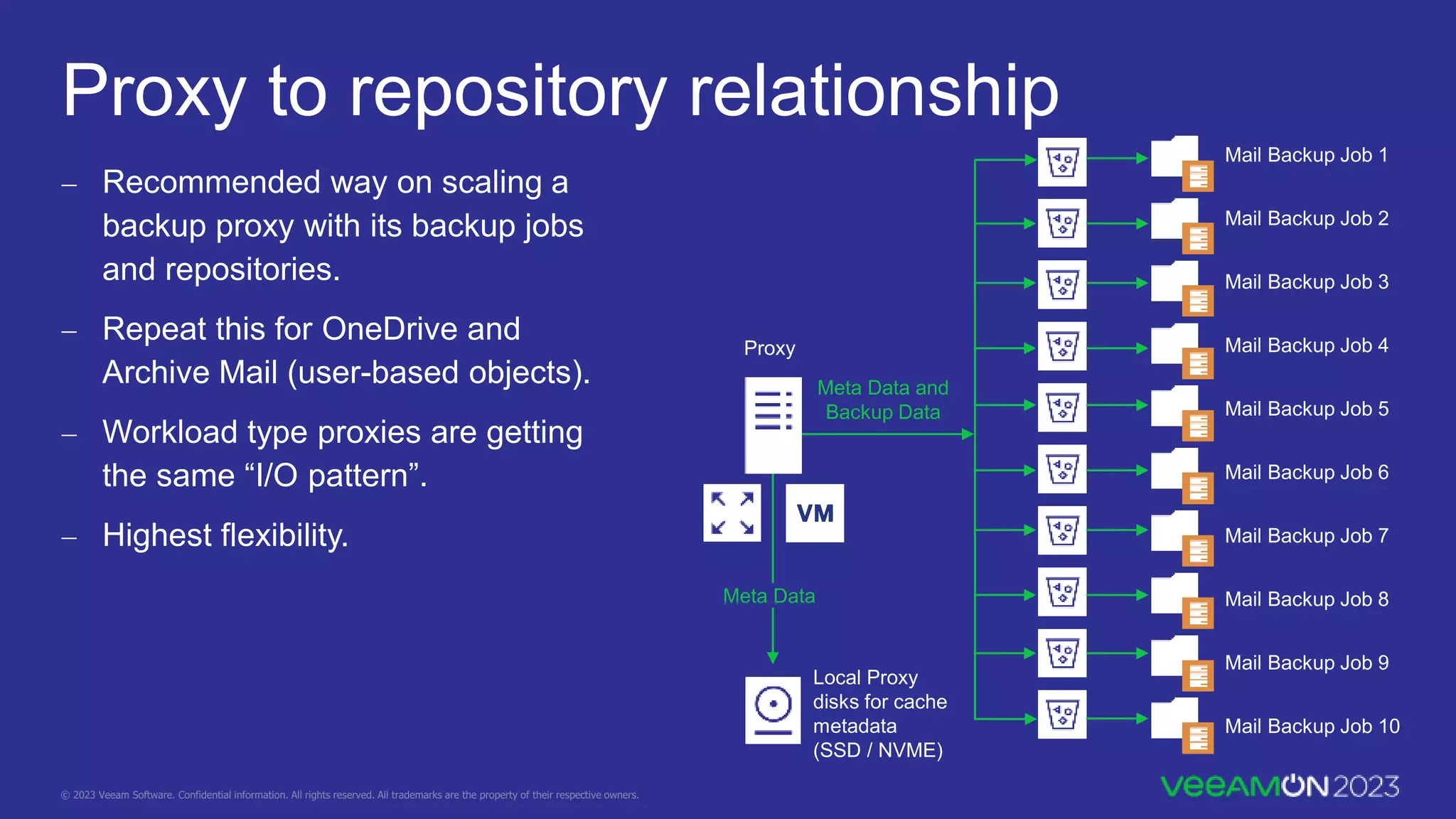
Proxy to repository relationship
 Recommended way on scaling a
backup proxy with its backup jobs
and repositories.
 Repeat this for OneDrive and
Archive Mail (user-based objects).
 Workload type proxies are getting
the same “I/O pattern”.
 Highest flexibility.
Meta Data
Proxy
Meta Data and
Backup Data
Mail Backup Job 1
Mail Backup Job 2
Mail Backup Job 3
Mail Backup Job 4
Mail Backup Job 5
Mail Backup Job 6
Mail Backup Job 7
Mail Backup Job 8
Mail Backup Job 9
Mail Backup Job 10
Local Proxy
disks for cache
metadata
(SSD / NVME)
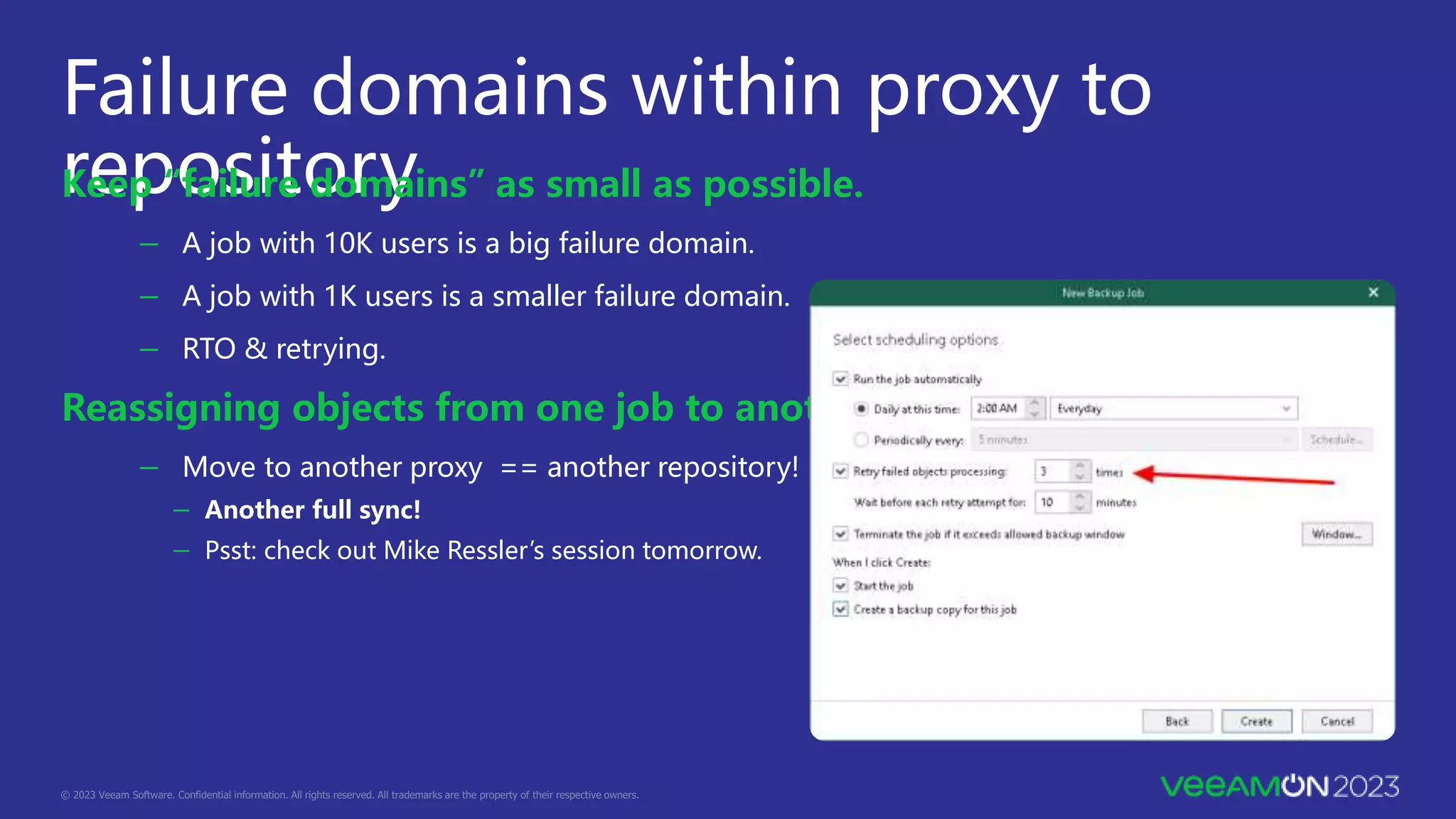
Failure domains within proxy to
repository
Keep “failure domains” as small as possible.
- A job with 10K users is a big failure domain.
- A job with 1K users is a smaller failure domain.
- RTO & retrying.
Reassigning objects from one job to another.
- Move to another proxy == another repository!
- Another full sync!
- Psst: check out Mike Ressler’s session tomorrow.
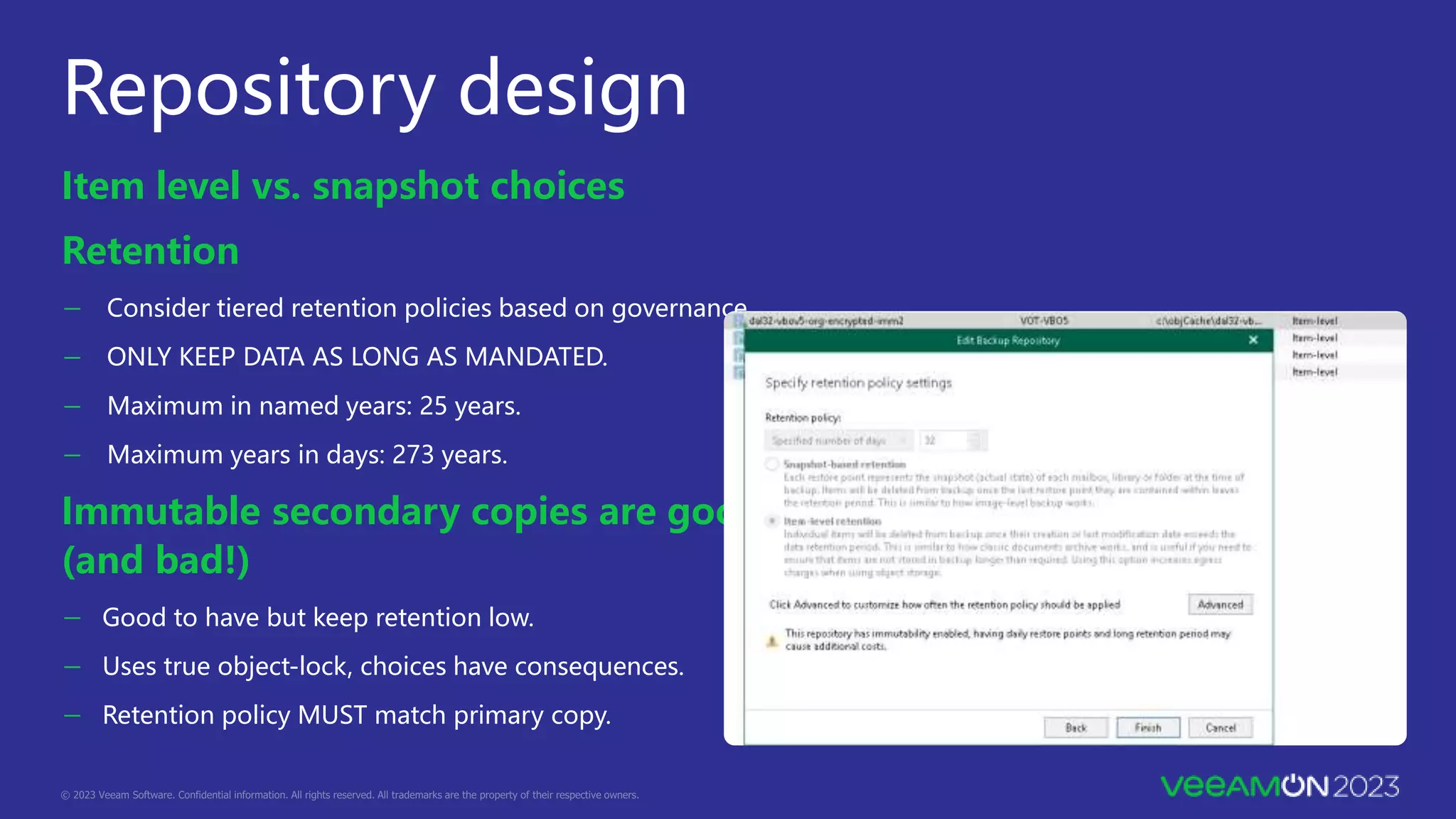
Repository design
Item level vs. snapshot choices
Retention
- Consider tiered retention policies based on governance.
- ONLY KEEP DATA AS LONG AS MANDATED.
- Maximum in named years: 25 years.
- Maximum years in days: 273 years.
Immutable secondary copies are good!
(and bad!)
- Good to have but keep retention low.
- Uses true object-lock, choices have consequences.
- Retention policy MUST match primary copy.
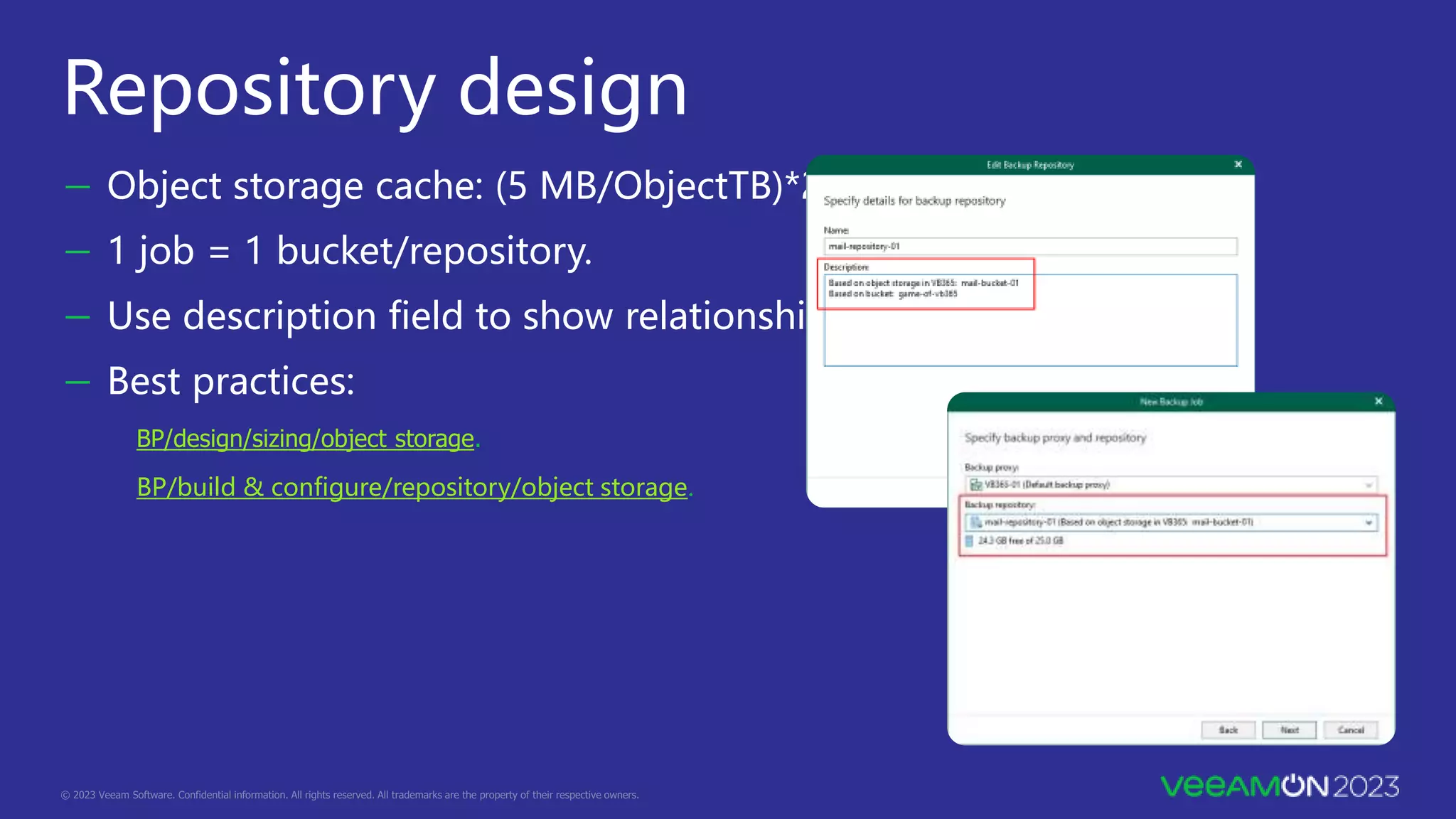
Repository design
- Object storage cache: (5 MB/ObjectTB)*2.
- 1 job = 1 bucket/repository.
- Use description field to show relationships.
- Best practices:
BP/design/sizing/object storage.
BP/build & configure/repository/object storage.
Job design
- Design with best practices(ish):
BP/design/job design.
- Consider staff turnover/growth in design:
If high design for new user growth
Catch all jobs aren’t great at scale
- Always split by workload type as a minimum.
- Dynamic groups are great but $$$$ for pure M365 orgs
- Alphabetical jobs not bad but hard to manage
- Teams: do you really need Teams channels?
- Stagger first runs with no schedule
Monitoring &
troubleshooting
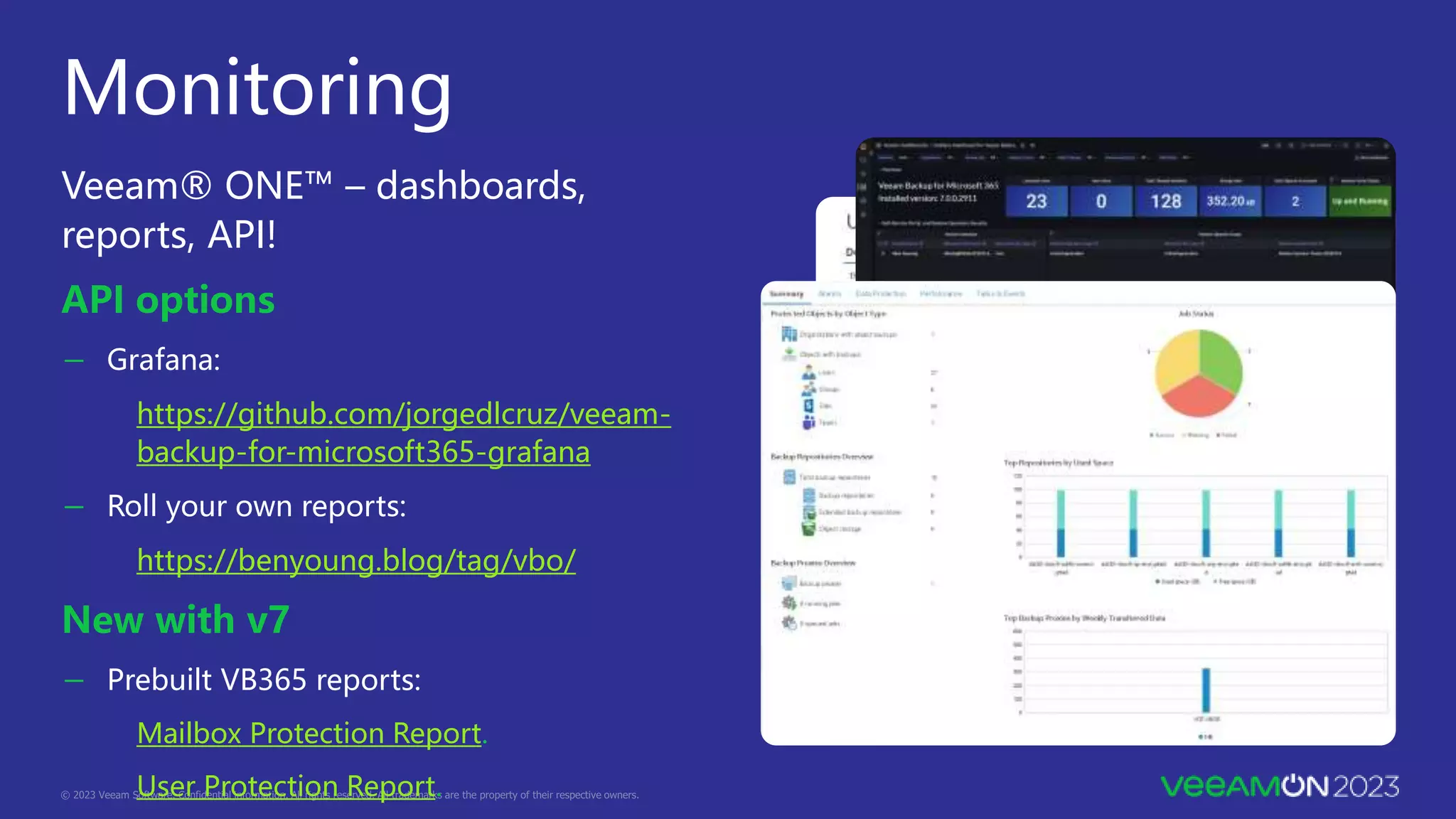
Monitoring
Veeam® ONE™ – dashboards,
reports, API!
API options
- Grafana:
https://github.com/jorgedlcruz/veeam-
backup-for-microsoft365-grafana
- Roll your own reports:
https://benyoung.blog/tag/vbo/
New with v7
- Prebuilt VB365 reports:
Mailbox Protection Report.
User Protection Report.
Plan well: avoid pains later
Job/data movement
- No supported method for object > object:
Veeam KB 3067.
But… forums / “Migrate to a another object storage repo”.
- Block > Object = SLOW and jobs must be disabled:
k00laidIT / Veeam / kb3067.ps1 – modified and improved.
k00laidIT / Veeam / kb3067-validation.ps1 – stats and verification.
Graph API for Teams export
- Only way to get Teams Channel data, paid API:
- https://1111systems.com/tag/microsoft-365-backup/
- Veeam KB 4322 – request access.
- Veeam KB 4340 – enable on server.
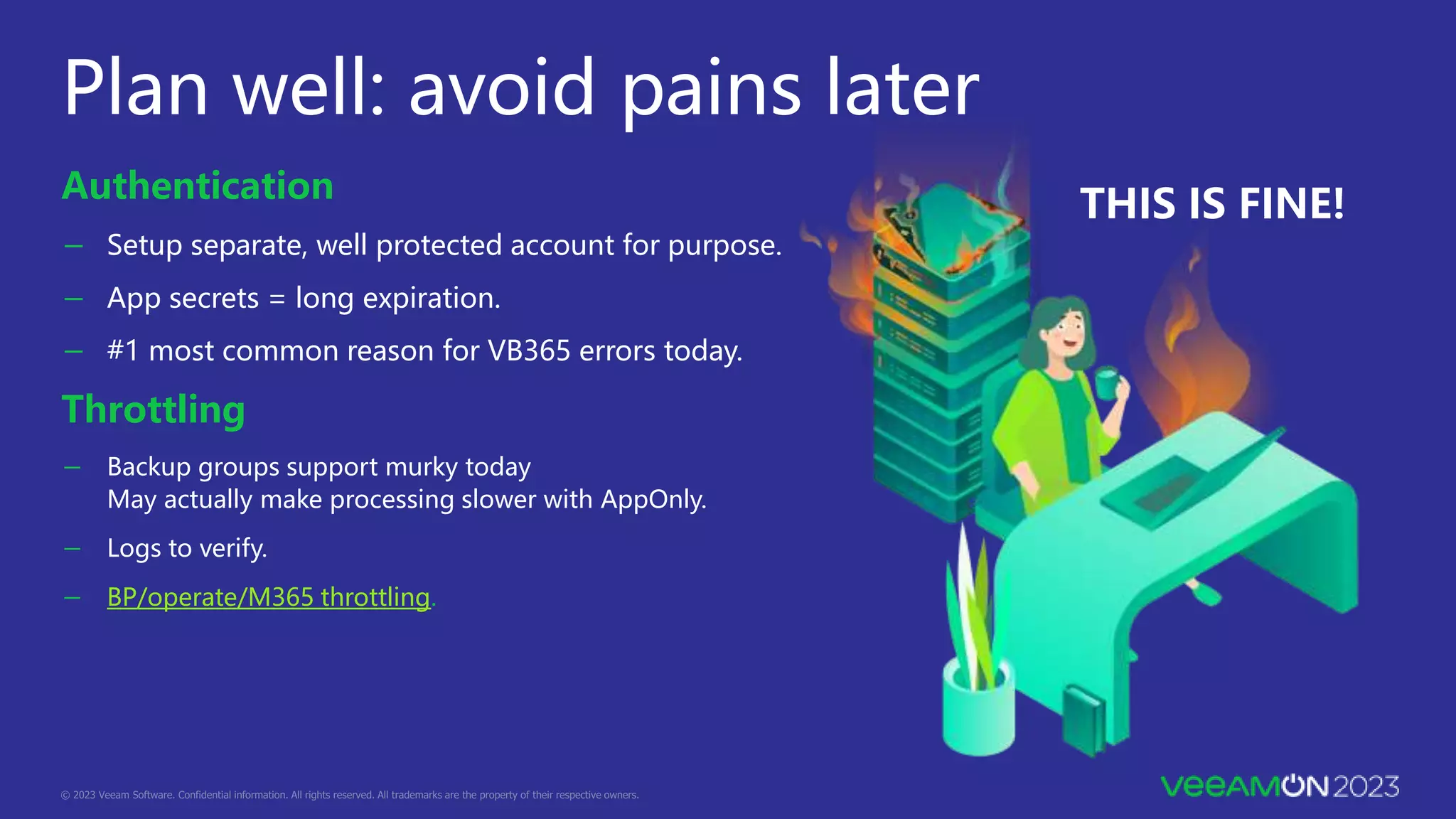
Plan well: avoid pains later
Authentication
- Setup separate, well protected account for purpose.
- App secrets = long expiration.
- #1 most common reason for VB365 errors today.
Throttling
- Backup groups support murky today
May actually make processing slower with AppOnly.
- Logs to verify.
- BP/operate/M365 throttling.
THIS IS FINE!
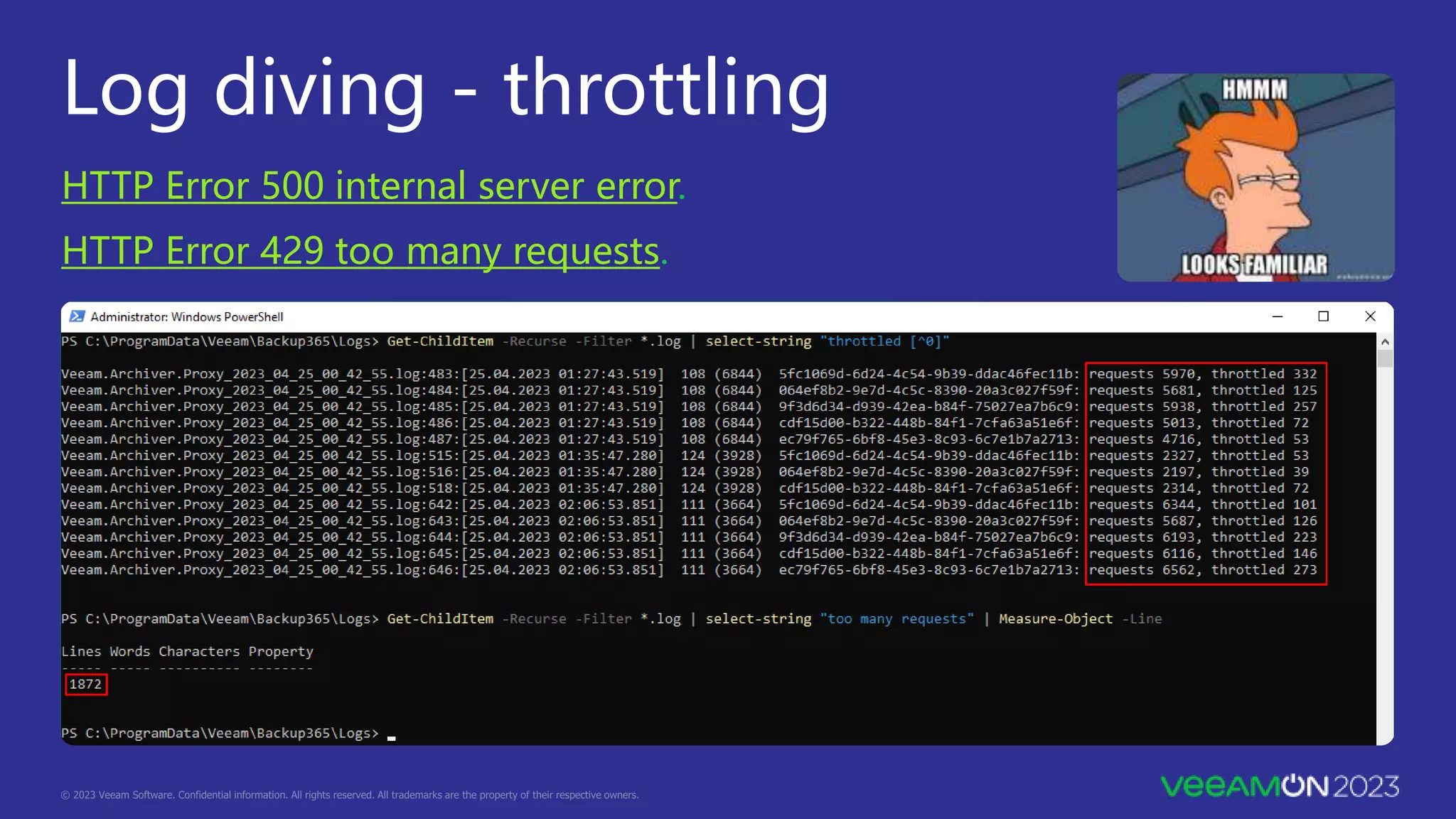
Log diving - throttling
HTTP Error 500 internal server error.
HTTP Error 429 too many requests.
- Use a direct internet connection whenever possible.
- Try to avoid traffic shaping, next-generation firewalling and all sorts of "logic" on the internet
connection uplink .
- "Normal sync times" for a direct connection are expected to be in the range of 50 to 150
milliseconds.
select-string "Sync time: [^0]" *
<JOB NAME>_2022_04_14_08_59_59.log:2732:[14.04.2022 09:00:08] 59 (8132) Sync time:
143.7938527
<JOB NAME>_2022_04_14_08_59_59.log:2737:[14.04.2022 09:00:08] 49 (4600) Sync time:
324.8092703
Yes, those are seconds not milliseconds - and guess what the next log line say:
14.04.2022 09:00:08 75 (4600) No changes
Log diving - high sync times
BP/operate/common issues.
Questions
https://github.com/k00laidIT/VeeamON2023/MIA03
Jim Jones
@k00laidIT
https://koolaid.inf
o
Falko
Banaszak
@Falko_Banaszak
https://virtualhome.bl
og
Thank you
https://github.com/k00laidIT/VeeamON2023/MIA03

VeeamON 2023 Architecting Veeam Backup for Microsoft 365 at Scale

  • 1.
    Jim Jones Senior ProductInfrastructure Architect 11:11 Systems @k00laidIT https://koolaid.info Architecting Veeam Backup for Microsoft 365 at Scale Falko Banaszak Solution Architect @Falko_Banaszak https://virtualhome.blog
  • 2.
    Agend a https://github.com/k00laidIT/VeeamON2023/MIA03 10 15 15 5 Planning and preparation Proxy,repository and job design Monitoring & troubleshooting Questions
  • 3.
    Why all this? - Four different M365 workloads with their own “I/O pattern”. Those are almost impossible to size properly at the beginning and can change. - Microsoft tends to silently make changes to the M365 platform. - SP style multi-tenancy has its own challenges. - In most cases VB365 is being onboarded in parallel to the M365 migration. - A proper architecture helps maintain
  • 4.
  • 5.
  • 6.
    Organization size discovery Multi-geo organization – consider licensing, regulation. Customer/admin managed groups are good. - At this point only using for sizing/ to discover size of a particular group. - Delimit users. - Delimit geographical boundaries. Use a good calculator as early as possible: - https://calculator.veeam.com/vb365 Overestimates proxy design IMHO. - https://1111systems.com/catalyst/
  • 7.
    Environment placement Cloud vs.on-premises: - Compute: keep close to storage. Azure: F or D type instances. AWS: M type. - Secondary copies and where to keep them. - Egress, API, retention… OH MY! Environmental observations: - Networking. - Compute. - Scale out. Best practices: BP/design/placement
  • 8.
  • 9.
    - Compute: 8vCPU, 32 GB RAM. - Local secondary SSD for cache. - Be conservative against BP guidance, needs will grow. BP/design/sizing proxy server. BP/design/configuration maximums. - Start at 2,000-2,500 objects per proxy. - Least taken advice ever. Proxy design “For optimum performance, we recommend storing no more than 300,000 files in a single OneDrive or team site library.”
  • 10.
    Proxy to repositoryrelationship  Recommended way on scaling a backup proxy with its backup jobs and repositories.  Repeat this for OneDrive and Archive Mail (user-based objects).  Workload type proxies are getting the same “I/O pattern”.  Highest flexibility. Meta Data Proxy Meta Data and Backup Data Mail Backup Job 1 Mail Backup Job 2 Mail Backup Job 3 Mail Backup Job 4 Mail Backup Job 5 Mail Backup Job 6 Mail Backup Job 7 Mail Backup Job 8 Mail Backup Job 9 Mail Backup Job 10 Local Proxy disks for cache metadata (SSD / NVME)
  • 11.
    Failure domains withinproxy to repository Keep “failure domains” as small as possible. - A job with 10K users is a big failure domain. - A job with 1K users is a smaller failure domain. - RTO & retrying. Reassigning objects from one job to another. - Move to another proxy == another repository! - Another full sync! - Psst: check out Mike Ressler’s session tomorrow.
  • 12.
    Repository design Item levelvs. snapshot choices Retention - Consider tiered retention policies based on governance. - ONLY KEEP DATA AS LONG AS MANDATED. - Maximum in named years: 25 years. - Maximum years in days: 273 years. Immutable secondary copies are good! (and bad!) - Good to have but keep retention low. - Uses true object-lock, choices have consequences. - Retention policy MUST match primary copy.
  • 13.
    Repository design - Objectstorage cache: (5 MB/ObjectTB)*2. - 1 job = 1 bucket/repository. - Use description field to show relationships. - Best practices: BP/design/sizing/object storage. BP/build & configure/repository/object storage.
  • 14.
    Job design - Designwith best practices(ish): BP/design/job design. - Consider staff turnover/growth in design: If high design for new user growth Catch all jobs aren’t great at scale - Always split by workload type as a minimum. - Dynamic groups are great but $$$$ for pure M365 orgs - Alphabetical jobs not bad but hard to manage - Teams: do you really need Teams channels? - Stagger first runs with no schedule
  • 15.
  • 16.
    Monitoring Veeam® ONE™ –dashboards, reports, API! API options - Grafana: https://github.com/jorgedlcruz/veeam- backup-for-microsoft365-grafana - Roll your own reports: https://benyoung.blog/tag/vbo/ New with v7 - Prebuilt VB365 reports: Mailbox Protection Report. User Protection Report.
  • 17.
    Plan well: avoidpains later Job/data movement - No supported method for object > object: Veeam KB 3067. But… forums / “Migrate to a another object storage repo”. - Block > Object = SLOW and jobs must be disabled: k00laidIT / Veeam / kb3067.ps1 – modified and improved. k00laidIT / Veeam / kb3067-validation.ps1 – stats and verification. Graph API for Teams export - Only way to get Teams Channel data, paid API: - https://1111systems.com/tag/microsoft-365-backup/ - Veeam KB 4322 – request access. - Veeam KB 4340 – enable on server.
  • 18.
    Plan well: avoidpains later Authentication - Setup separate, well protected account for purpose. - App secrets = long expiration. - #1 most common reason for VB365 errors today. Throttling - Backup groups support murky today May actually make processing slower with AppOnly. - Logs to verify. - BP/operate/M365 throttling. THIS IS FINE!
  • 19.
    Log diving -throttling HTTP Error 500 internal server error. HTTP Error 429 too many requests.
  • 20.
    - Use adirect internet connection whenever possible. - Try to avoid traffic shaping, next-generation firewalling and all sorts of "logic" on the internet connection uplink . - "Normal sync times" for a direct connection are expected to be in the range of 50 to 150 milliseconds. select-string "Sync time: [^0]" * <JOB NAME>_2022_04_14_08_59_59.log:2732:[14.04.2022 09:00:08] 59 (8132) Sync time: 143.7938527 <JOB NAME>_2022_04_14_08_59_59.log:2737:[14.04.2022 09:00:08] 49 (4600) Sync time: 324.8092703 Yes, those are seconds not milliseconds - and guess what the next log line say: 14.04.2022 09:00:08 75 (4600) No changes Log diving - high sync times BP/operate/common issues.
  • 21.
  • 22.

Editor's Notes

  • #2 Introduction of the session (Falko) Introducinf Falko (Falko) Introducing (Jim)
  • #3 Falko Planning and Preparation 10 Proxy, Repo and Job Design 15 Monitoring & Troubleshooting 15 Questions 5 Don’t worry about screenshotting, photographing we got your back with the QR Codes and links
  • #4 Jim and Falko Why are we doing this session ?
  • #5 Jim and Falko JIM HAND TO FALKO AFTER MULTI-TENANCY "Speaking of planning..." (Falko)
  • #6 Falko transition
  • #7 Falko hand off to Jim Just like any backup, replication or other disaster recovery project the planning and preparation stage is by far the most important and time consuming portion of the job and that will be reflected here in this presentation. We will often be referring to the Veeam Best Practices Guide for vb365 so it’s an important thing to take note of and when you have a chance to give a quick read through before you consider doing even a small scale deployment because there is so much room for confusion with this product. GIVE FEEDBACK – its valuable and Veeam listens ! Observations from the field are getting into the BP guide !
  • #8 - Falko talk about bp guide and how stuff gets into there - Jim chime in with make sure to give feedback to help center, Veeam teams, community, forums
  • #9 Jim Multi-geo challenges around licensing and regulation (GDPR) Talk about managed groups for “interesting users” Delimit on users and geographic boundaries Use calculators Veeam has somewhat made theirs more lightweight by making it generic numbers https://success.1111systems.com/catalyst/vbo JIM HAND TO FALKO FOR ENVIRONMENT PLACEMENT
  • #10 Falko and Jim Cloud vs On Prem Falko talk about Azure instance types Jim talk about AWS instance types Secondary copy to S3 Compatible VCSP possible but… Falko addl fees Falko Environmental observations, hand to Jim after Compute Falko talks about if it makes sense to have data from a SaaS solution on premises, even though regulations or some sort of security frameworks tell you to do so...
  • #11 Falko and Jim Cloud vs On Prem Falko talk about Azure instance types Jim talk about AWS instance types Jim talk about Secondary copy to S3 Compatible VCSP possible but… Falko addl fees Falko and Jim talks about if it makes sense to have data from a SaaS solution on premises, even though regulations or some sort of security frameworks tell you to do so... Falko Environmental observations FALKO HAND TO JIM AFTER COMPUTE Jim talk about designing for scale out early
  • #12 Jim intro Falko for Proxy Design
  • #13 Falko Falko and Jim back and forth on horror stories of poorly designed M365 FALKO TO JIM AFTER BE CONSERVATIVE Jim prefer 2000 at onboarding per proxy Falko CRM systems in a single sharepoint site example Jim talk about OneDrive/SP limitation
  • #14 Falko Single Job > Repository Many Repository to Proxy Keep workloads types grouped by proxy This gives you the greatest amount of flexibility CLICK TRIGGER ON FLEXIBILITY
  • #15 Falko Can you hold your RTO if you have a job with 10K users that needs to be retried several times ? A job with 1K users can easily be retried and will not take as long as a job with 10 k users so if something breaks you are quicker with “smaller jobs” / “portions” Jim mention Ressler session Falko Now that we finished Proxies, we need to talk about repositories as well JIm, right ? :D FALKO HAND TO JIM CLICK TRIGGER ON REPOSITORY DESIGN
  • #16 Jim talk about retention policy types Item level is based on retaining individual items- if retention is set to 7 days then only emails in backups from the last week Snapshot is VBR like, point in time
  • #17 Back and forth Jim and Falko ? Jim – Object storage cache JIm – 1 Job = 1 bucket / repository Falko Description Falko Best Practices again – no logic at all, no tiering, let the bucket be a bucket FALKO HANDS TO JIM FOR JOB DESIGN
  • #18 Jim with Falko chips to be determined
  • #19 Jim talk about best practices, they are mostly great but you’ll notice differences based on what we say here Jim talk about  staff turnover in design, ask this question Falko chip in about splitting by workload always, even for super small organizations Jim talk about dynamic groups vs splitting by alphabetical, RegEx would sure be awesome here Jim and Falko talk about M vs J for alphabetical Jim talk about Teams, do you really want/need public channel backups, Falko chip in about General channel where everybody just says good morning, is it worth the costs we’ll talk about in a minute Falko talk about Stagger first runs FALKO CONTINUE, CLICK TRIGGER ON SPEAKING OF MONITORING
  • #20 Jim heading into our last section talk about monitoring and troubleshooting
  • #21 Jim talk about all the options CLICK TRIGGER ON VEEAMONE Jim talk about VeeamONE capabilities CLICK TRIGGER ON JORGE Falko talk about API CLICK TRIGGER ON v7 Jim talk about v7 prebuilt reports Mailbox and User protection CLICK TRIGGER ON Wrapping up with pain points
  • #22 Jim talk about data movement Object to object not CURRENTLY supported Block to object is possible but super slow Jim rant about Graph API for Team export CLICK TRIGGER ON AUTHENTICATION
  • #23 Jim talk about authentication Jim hand to Falko about Throttling Falko talk about Throttling Falko talk about High Sync wait trimes CLICK TRIGGER ON LET’S LOOK AT THROTTLING
  • #24 Falko talk about throttling Mitigating it:  It is possible to disable the EXO throttling via M365 self-service for up to 90 days. The detailed procedure how to do this is described in Veeam KB4198. Do not use “endless” backup accounts or application ID’s as it is exhausting the tenants ressources You wont have the chance to overcome it, it’s a SaaS application and thousands of customers are using it in parallel, there is no exclusivity
  • #25 Falko talk about throttling Mitigating it:  It is possible to disable the EXO throttling via M365 self-service for up to 90 days. The detailed procedure how to do this is described in Veeam KB4198. Do not use “endless” backup accounts or application ID’s as it is exhausting the tenants ressources CLICK TRIGGER ON HIGH SYNC TIMES
  • #26 Falko CLICK TRIGGER AT GUESS WHAT THE NEXT LOG LINE SAYS CLICK THROUGH TO QUESTION AFTER
  • #27 Jim that’s our session, any question either for the room or you can link up with us after Jim rehash all content available at github repo Falko with that we are done CLICK TRIGGER to thank you
  • #28 Jim/Falko