VCS
Three letters that can change your life
WHY DO I TALK ABOUT THIS?
MEET MAIN CHARACTERS
This is a story with a few characters. Let meet
them!
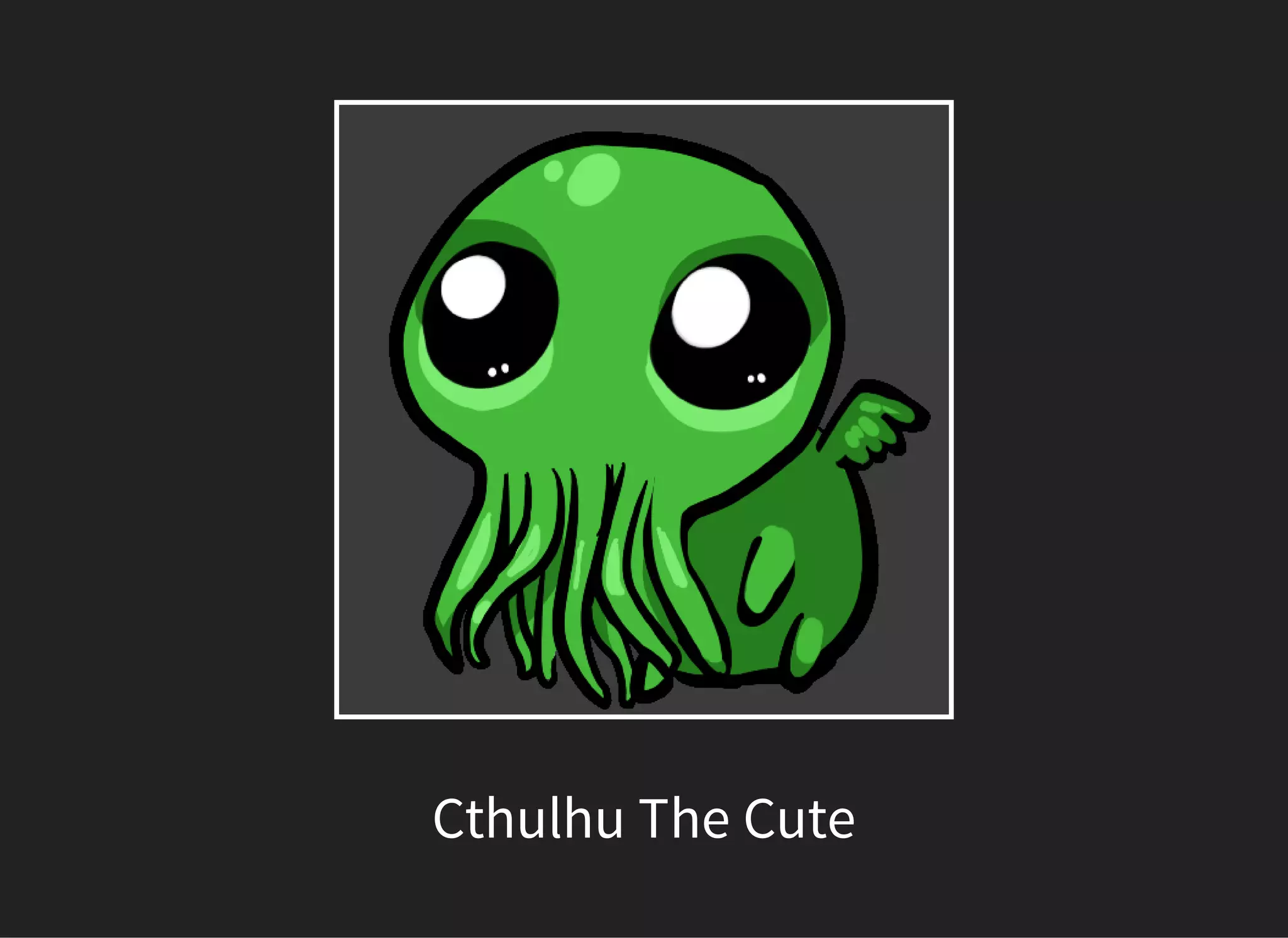
Cthulhu The Cute
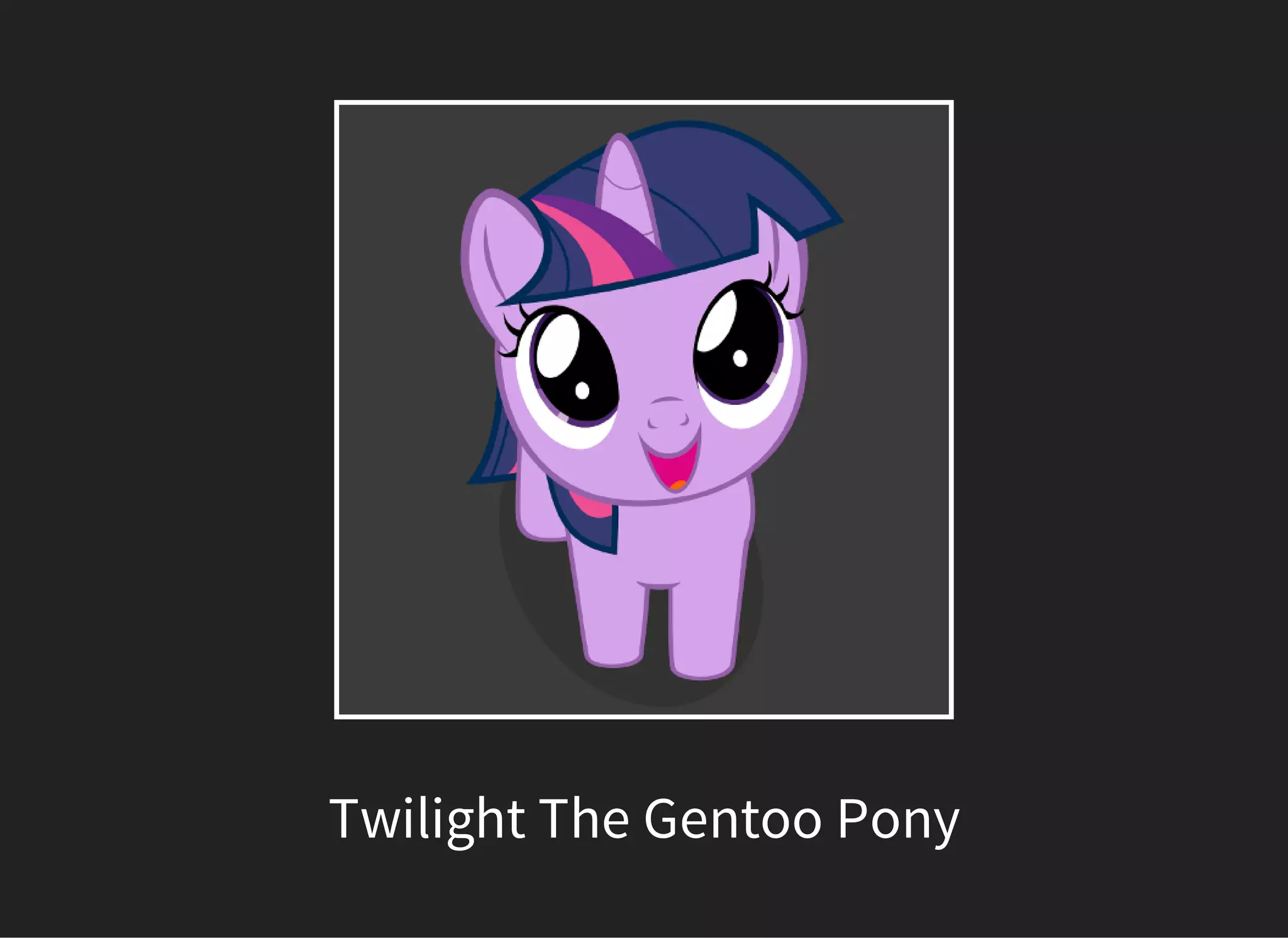
Twilight The Gentoo Pony
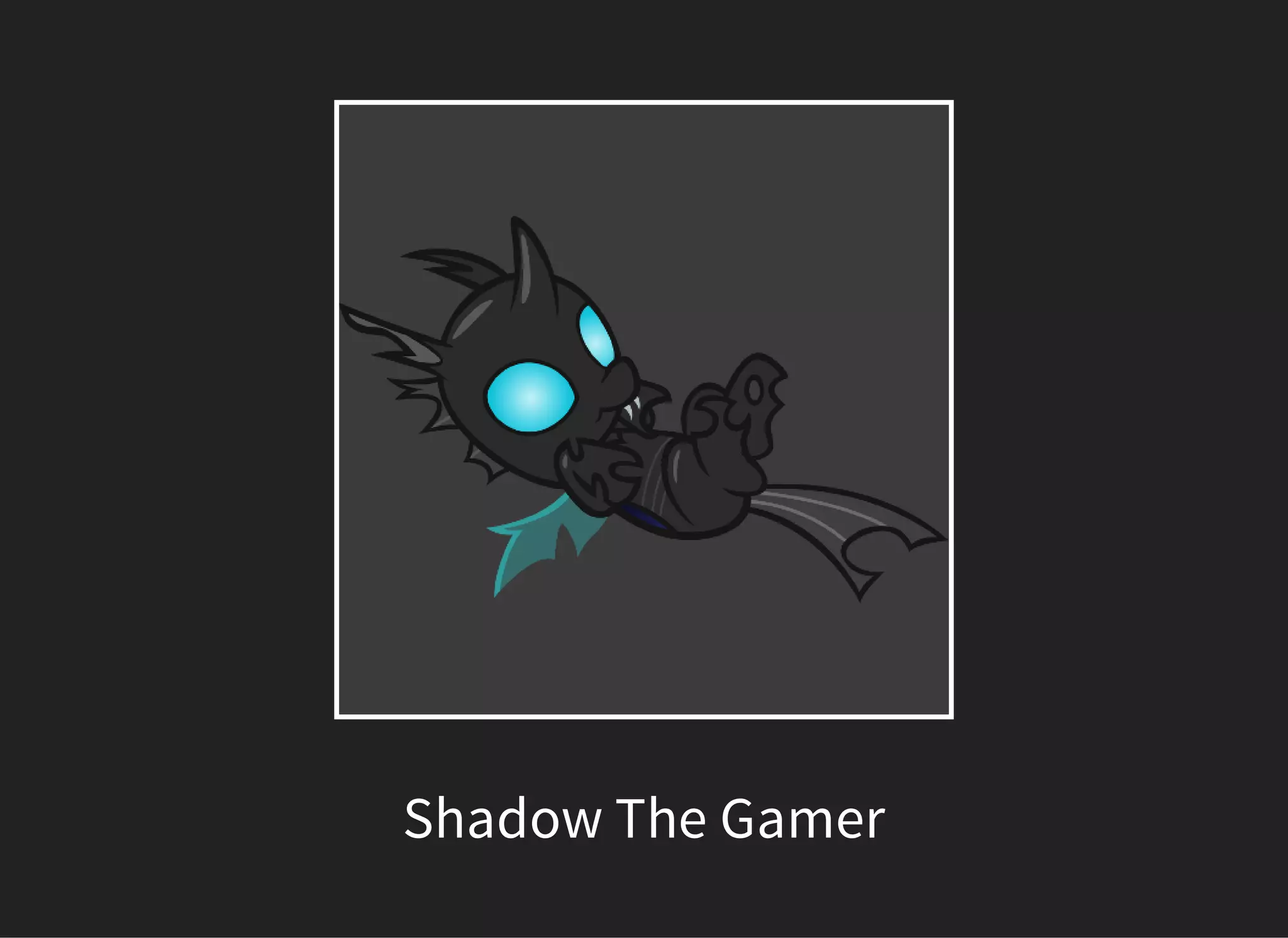
Shadow The Gamer
ONCE UPON A TIME IN R'LYEH
PROGRAMMING UNIVERSITY...
Shadow played games the whole semester. At
the end of the semester he had to do a lot of
tasks but he did not know how.
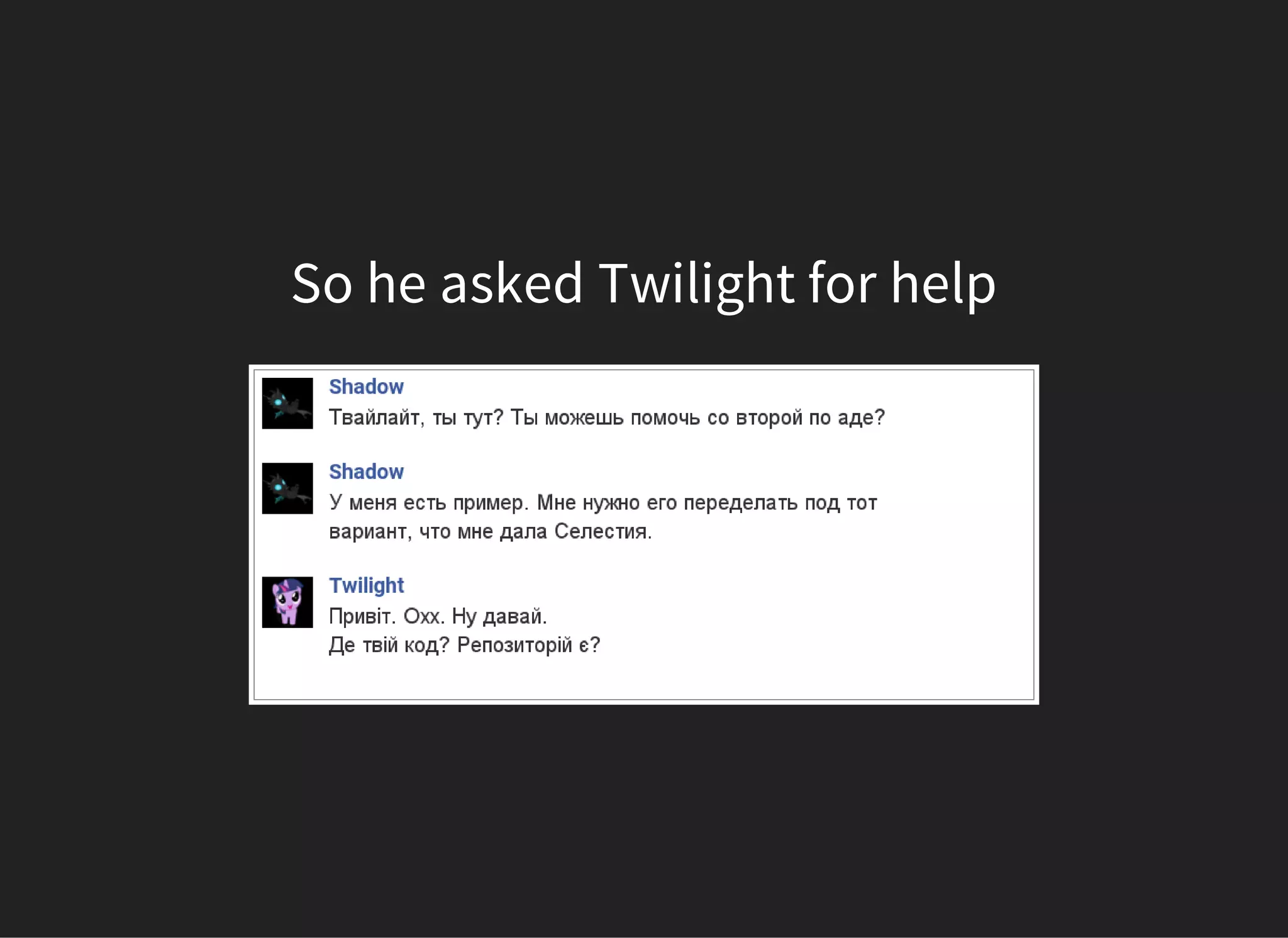
So he asked Twilight for help
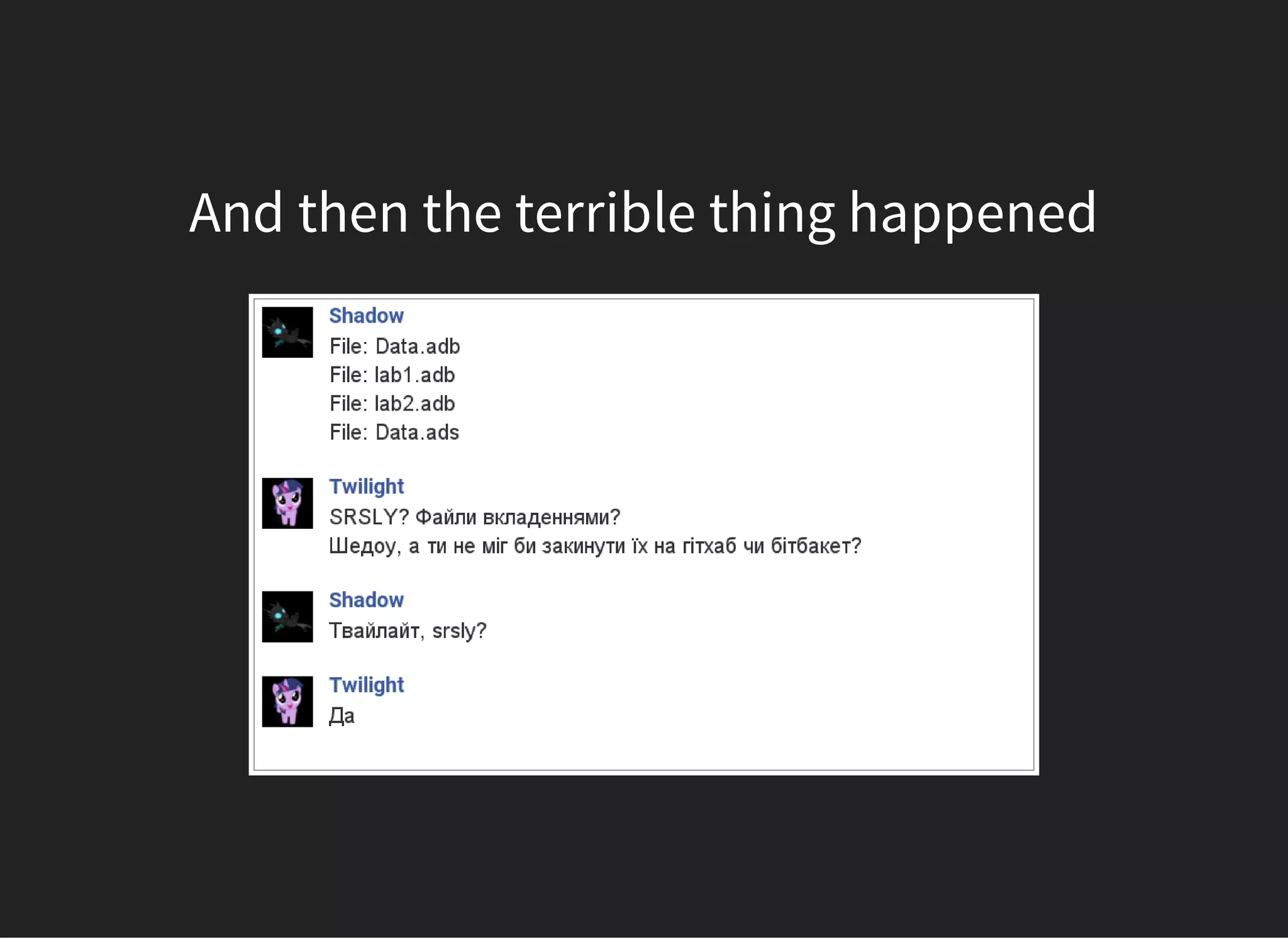
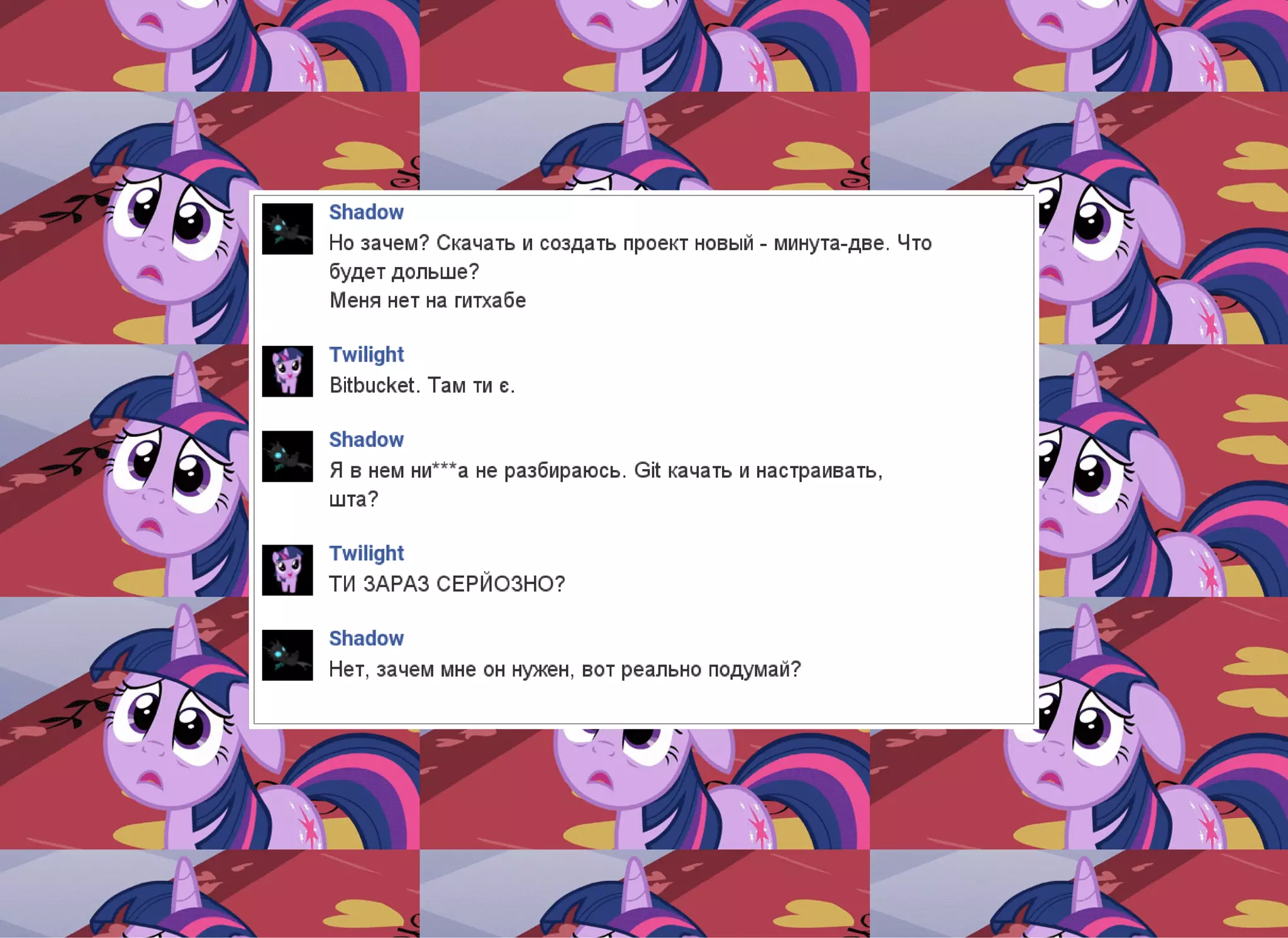
And then the terrible thing happened
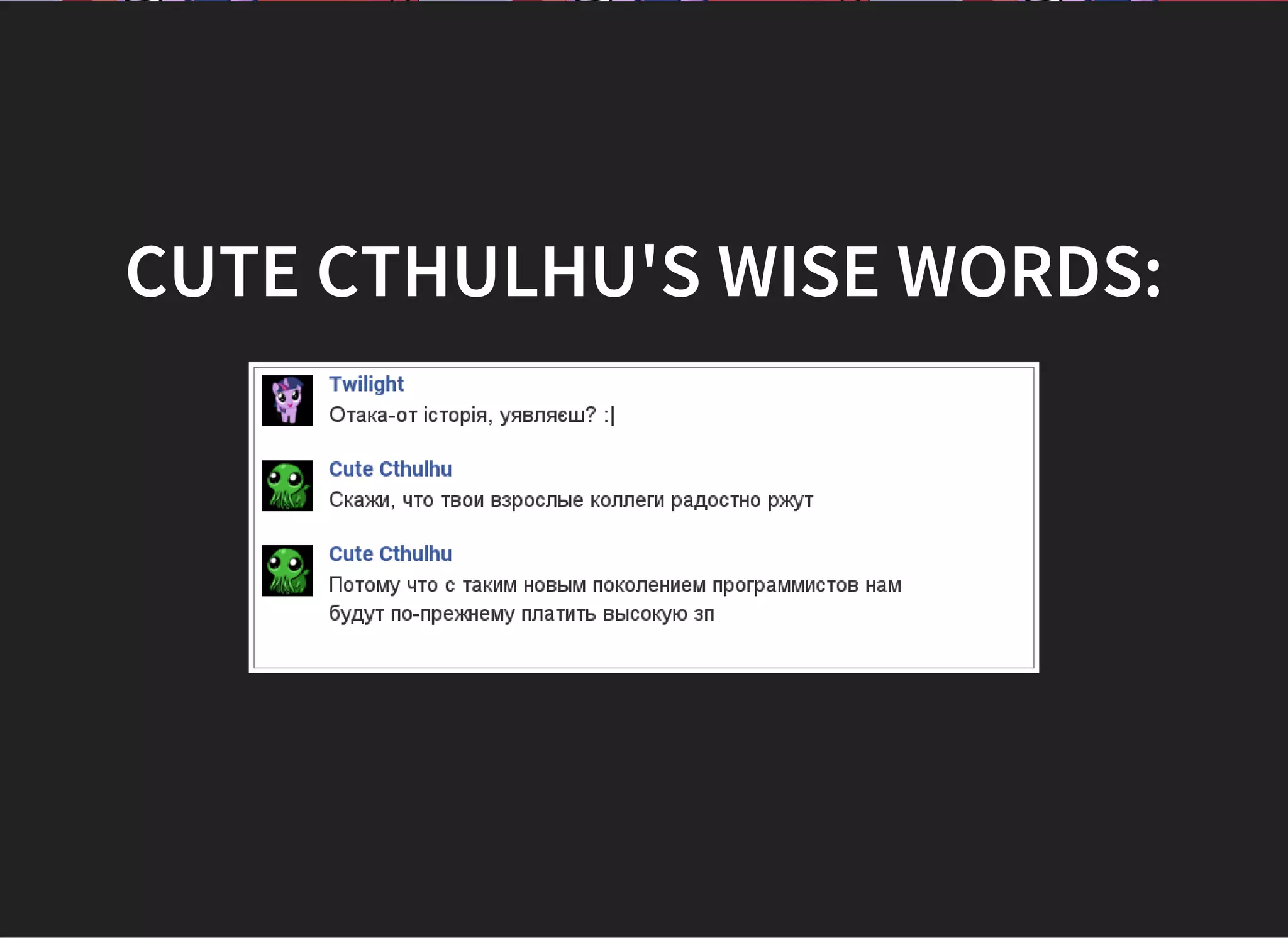
CUTE CTHULHU'S WISE WORDS:
SO WHY DO I TALK ABOUT
THIS?
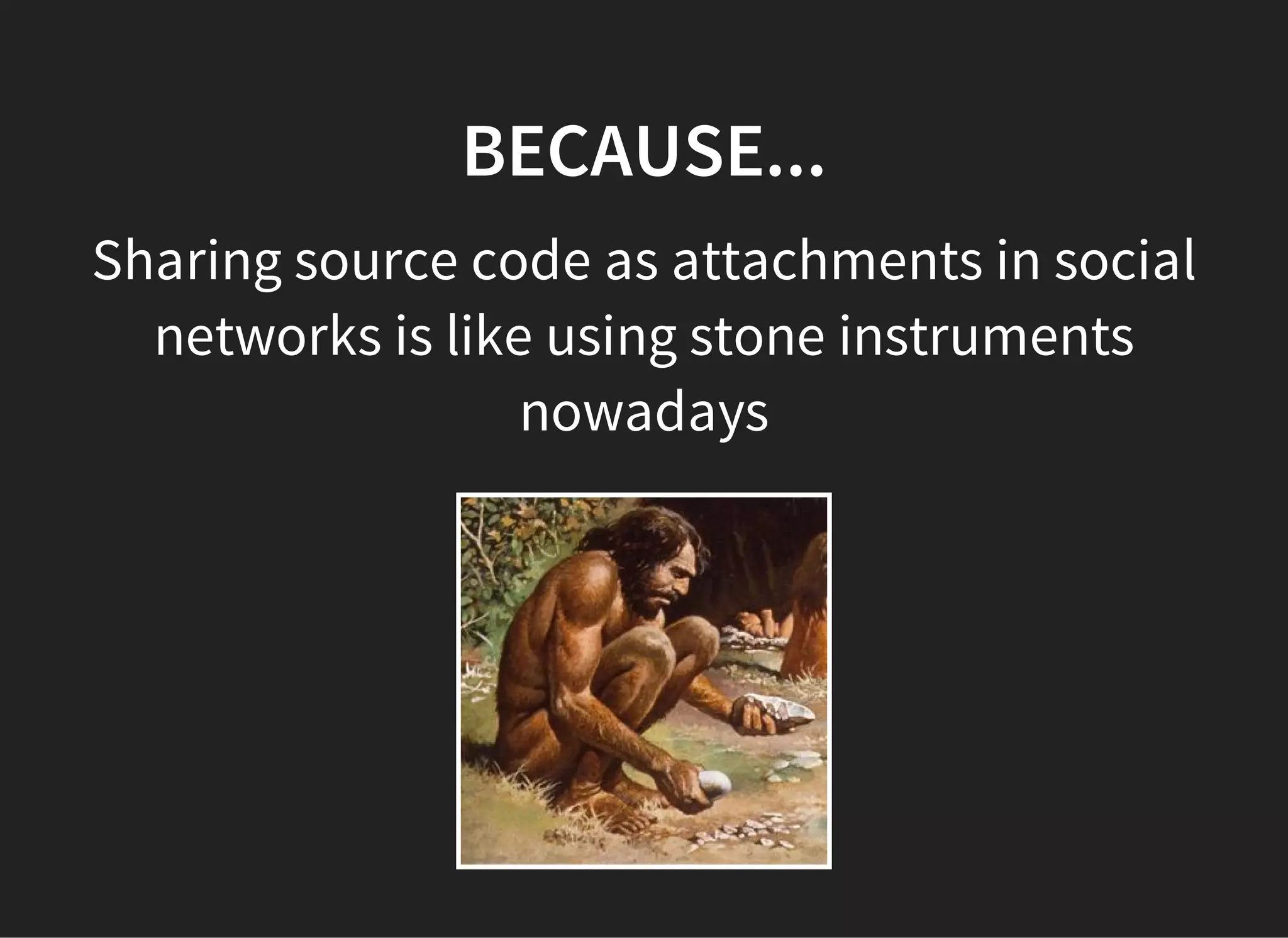
BECAUSE...
Sharing source code as attachments in social
networks is like using stone instruments
nowadays
BECAUSE...
Version control systems simplify software
development
Especially when several people work on the
same code together
BECAUSE...
It is vital to programmer to know how to use
version control systems
BORING PART
WHAT IS VERSION CONTROL
SYSTEM?
“ Version control is a system that
records changes to a file or set of
files over time so that you can
recall specific versions later.”
GOALS OF VCS
Allow developers to work simultaneously.
Do not overwrite each other’s changes.
Maintain history of every version of
everything.
VCS CLASSIFICATION
Centralized version control systems (CVCS)
Distributed version control systems (DVCS)
CENTRALIZED VCS
There is a single “central” copy of your project
somewhere, and programmers commit their
changes to this central copy.
CVCS WORKFLOW
1. Pull down any changes other people have
made from the central server.
2. Make your changes, and make sure they
work properly.
3. Commit your changes to the central server,
so other programmers can see them.
DISTRIBUTED VCS
Do not necessarily rely on a central server to
store all the versions of a project’s files.
Every developer clones a copy of a repository
and has the full history of the project on their
own hard drive
ADVANTAGES OVER CVCS
Faster
Nobody sees unfinished work
Less dependent on Internet
VERSION CONTROL SYSTEMS
About 46 VCS exist now ( )https://goo.gl/imTGhs
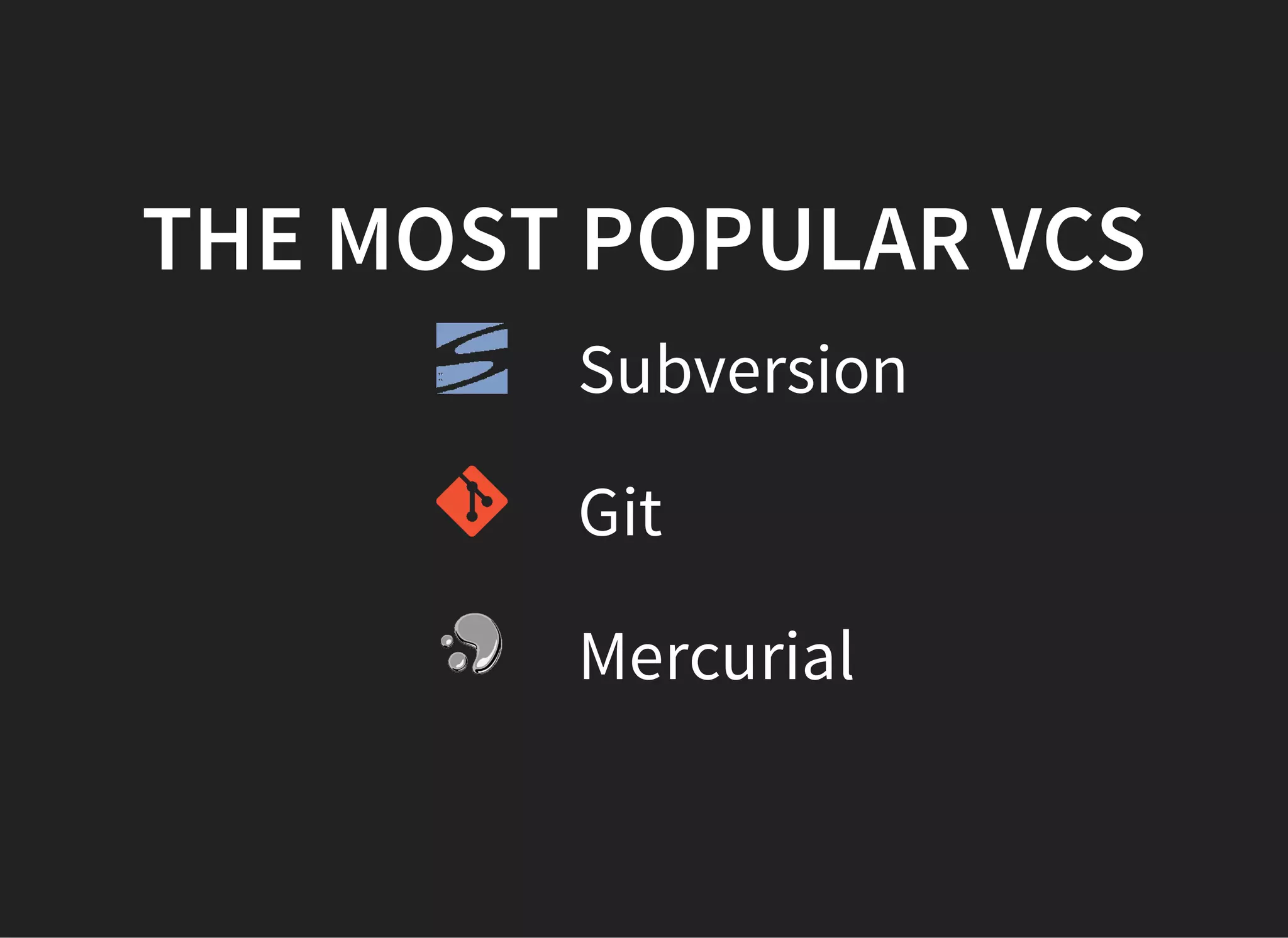
THE MOST POPULAR VCS
Subversion
Git
Mercurial
INTERESTING PART
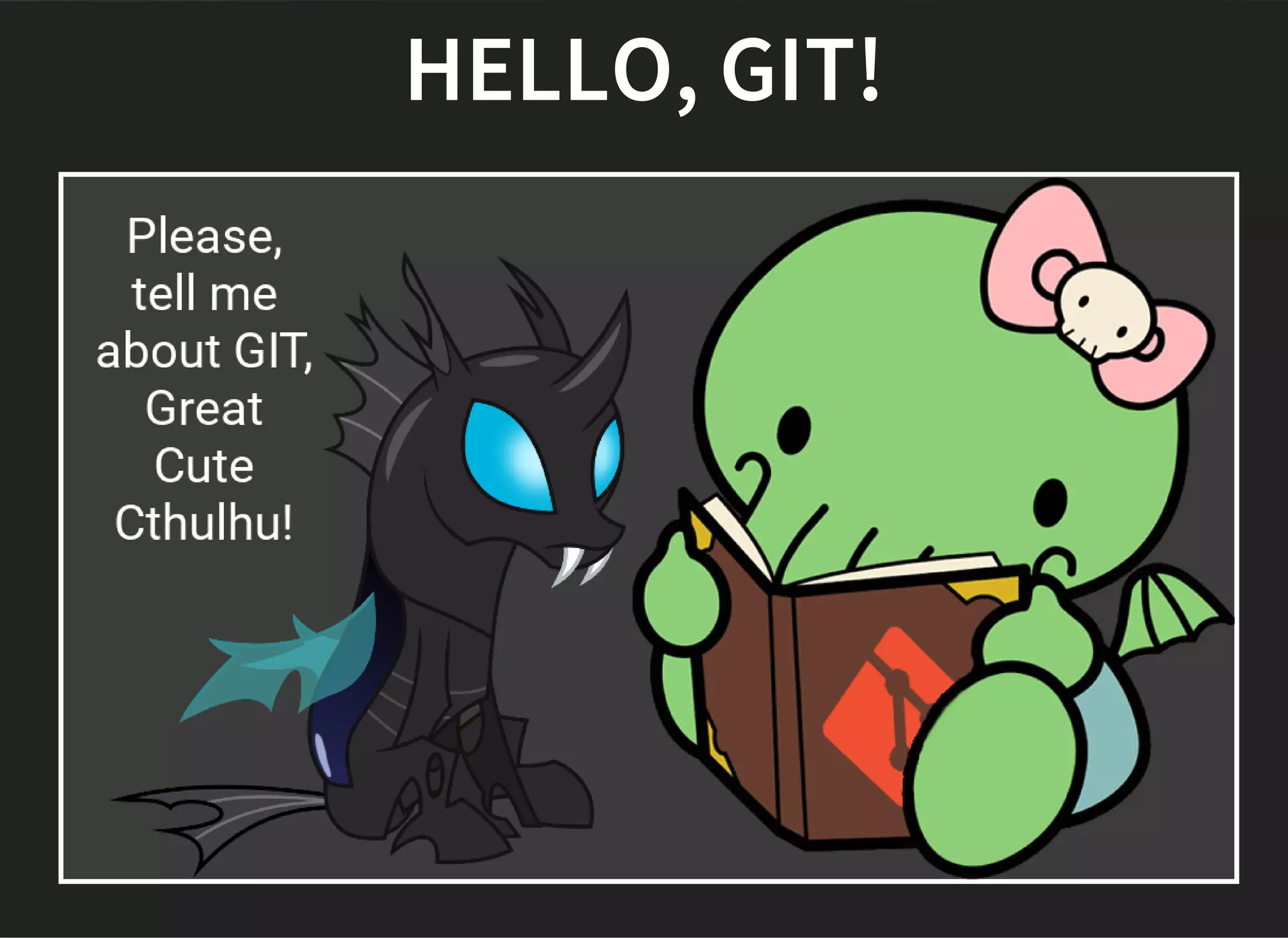
HELLO, GIT!
INITIALIZE AN EMPTY
REPOSITORY
git init
ADD FILES
git add
COMMIT CHANGES
git commit
WHAT IS YOUR STATUS?
git status
LOCAL HISTORY
git log
 
BRANCHES
git branch
SWITCH WORKING TREE
git checkout
GET IT TOGETHER
git merge
PUT ONE ONTO ANOTHER
git rebase
WORKING IN TEAM
REMOTES
git remote add <name> <address>
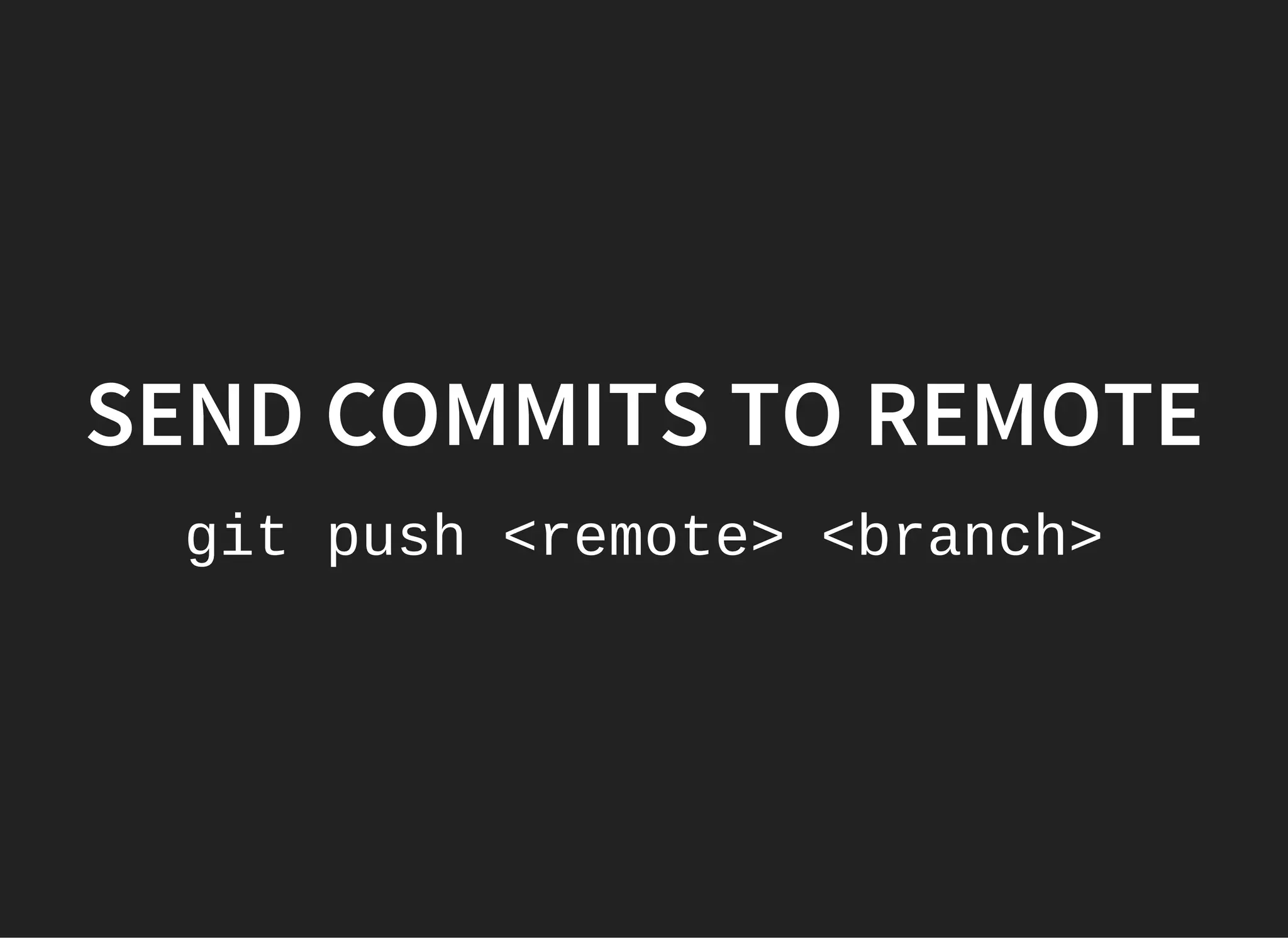
SEND COMMITS TO REMOTE
git push <remote> <branch>
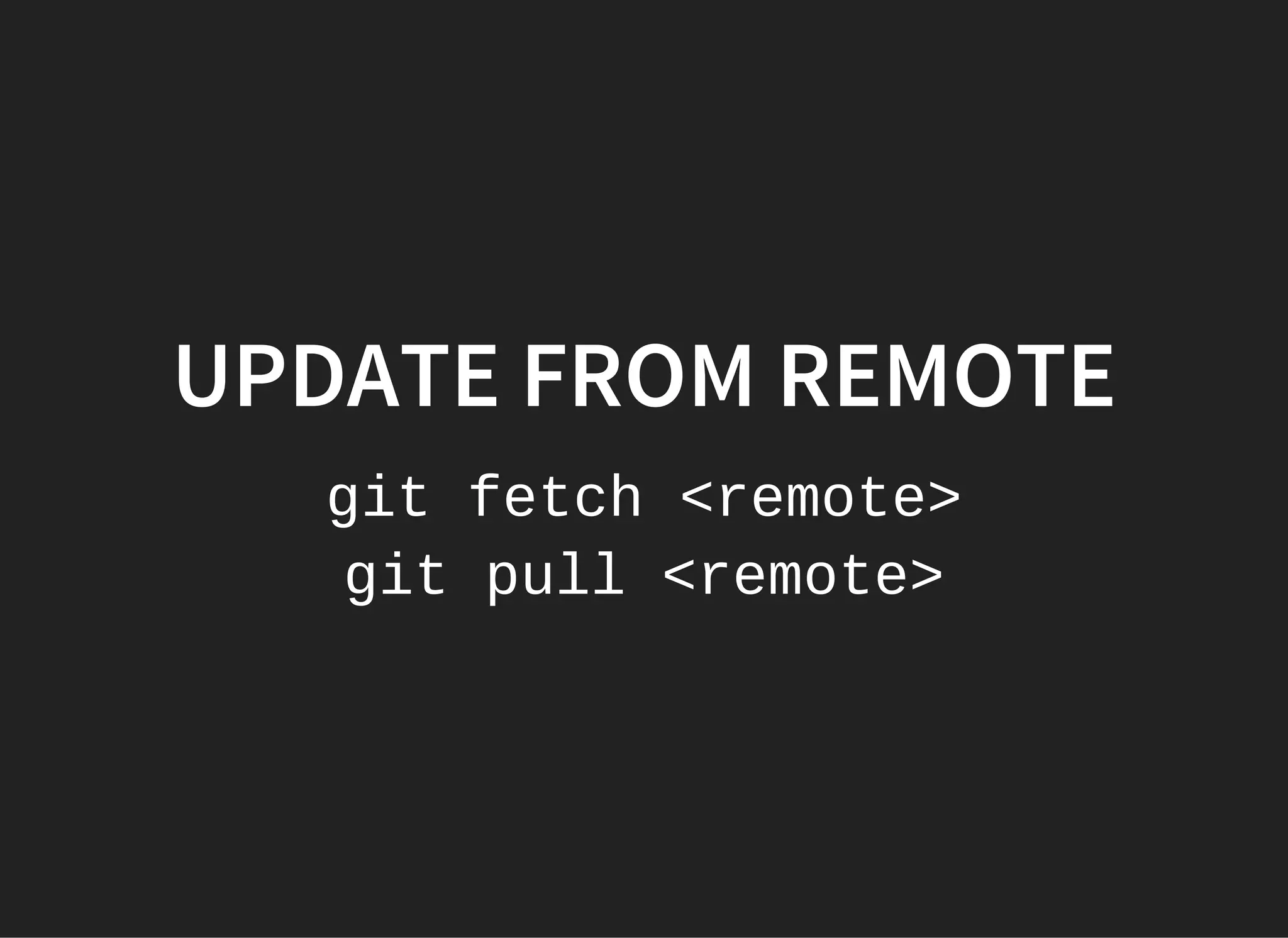
UPDATE FROM REMOTE
git fetch <remote>
git pull <remote>
WHAT TO READ NEXT?
GIT
Git documentation
Atlassian tutorials about git
Git in 15 minutes
Git tree planting
What to do if you messed your Git repository
MERCURIAL
Mercurial official website
Great Mercurial tutorial
Comparison of Git and Mercurial
Working qwith bookmarks
Presentation by Oleksandr Kovalchuk
THE END
ANY QUESTIONS?

VCS. Three letters that can change your life