Using Wikis in the ClassroomWelcome!Please remember to sign the attendance register
Wiki ?????"Wiki wiki" means “very quickly" in the Hawaiian language. Hawaiians typically double words for emphasis.Actually pronounced “wee-kee” (rhyming with leaky) according to Ward Cunningham, the original programmer and namer of the technology.
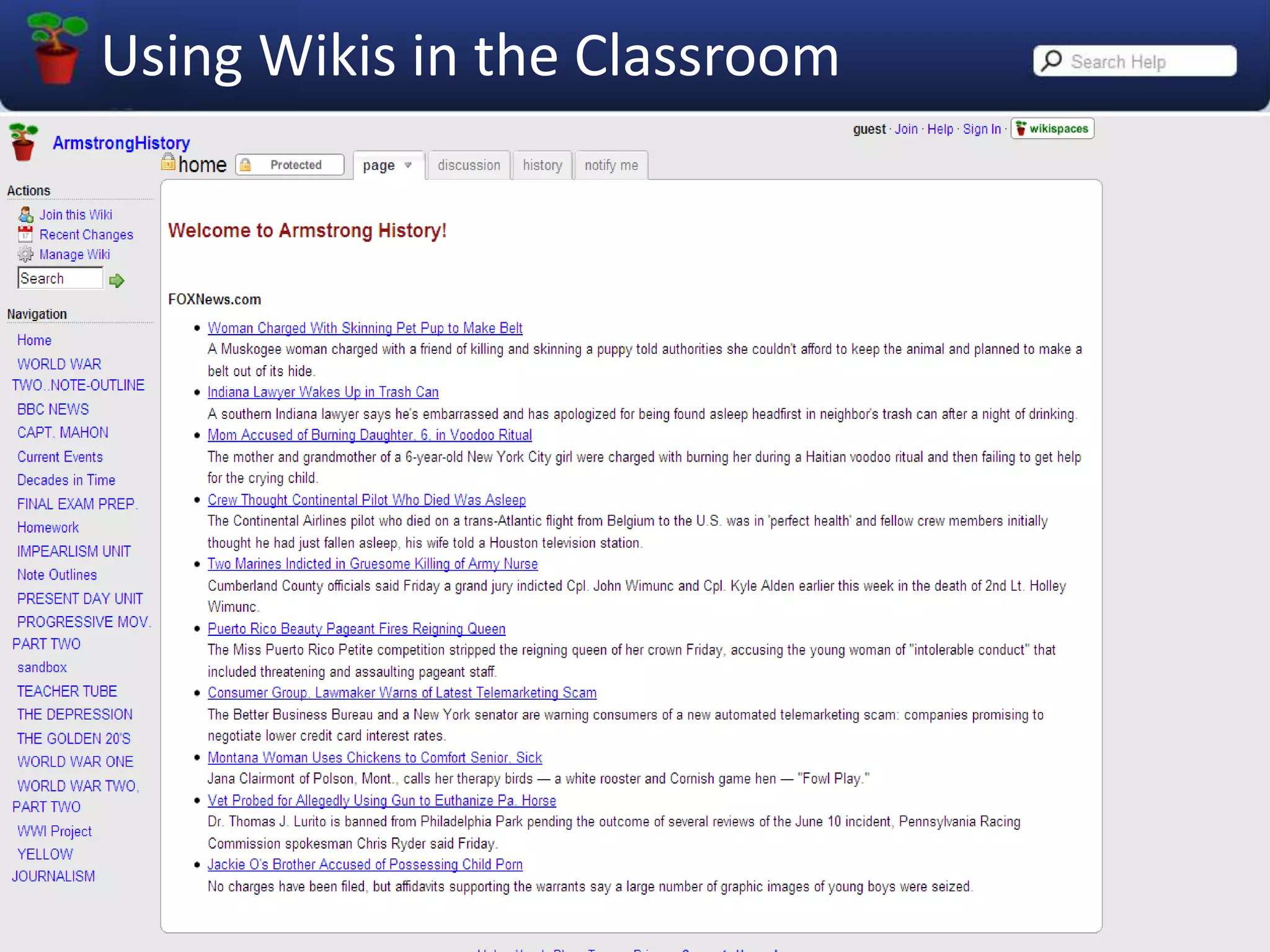
What is a Wiki?A wiki is a website that uses special software which allows for the easy creation and editing of any number of interlinked web pages using a simple, commonly-agreed-upon markup language or code.
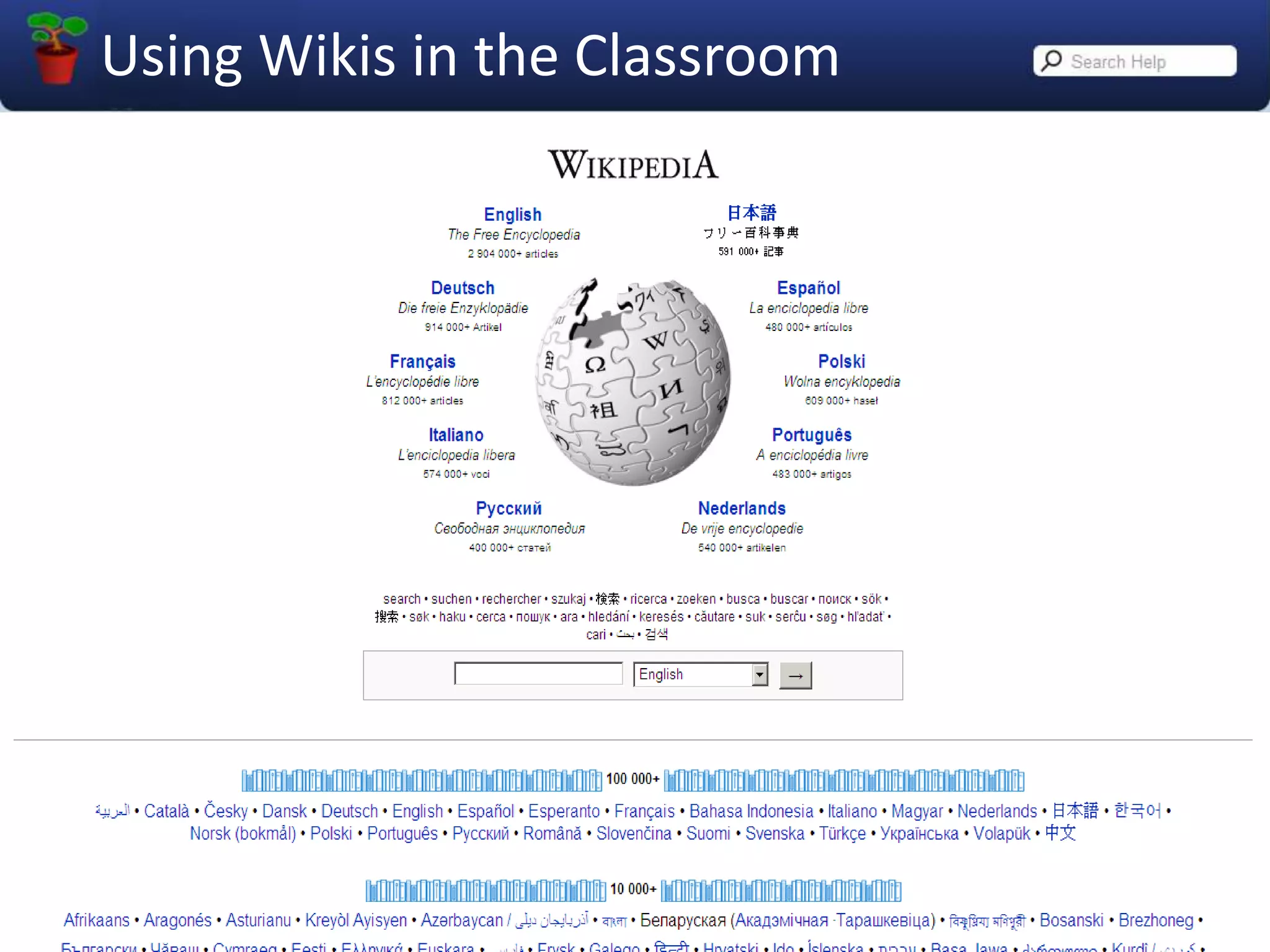
What can you do with a wiki?Wikis are often used to create collaborative websites and to power community websites. The collaborative encyclopedia Wikipedia is one of the best-known examples of a wiki.Wikis are used in business to provide intranet and knowledge management systems.
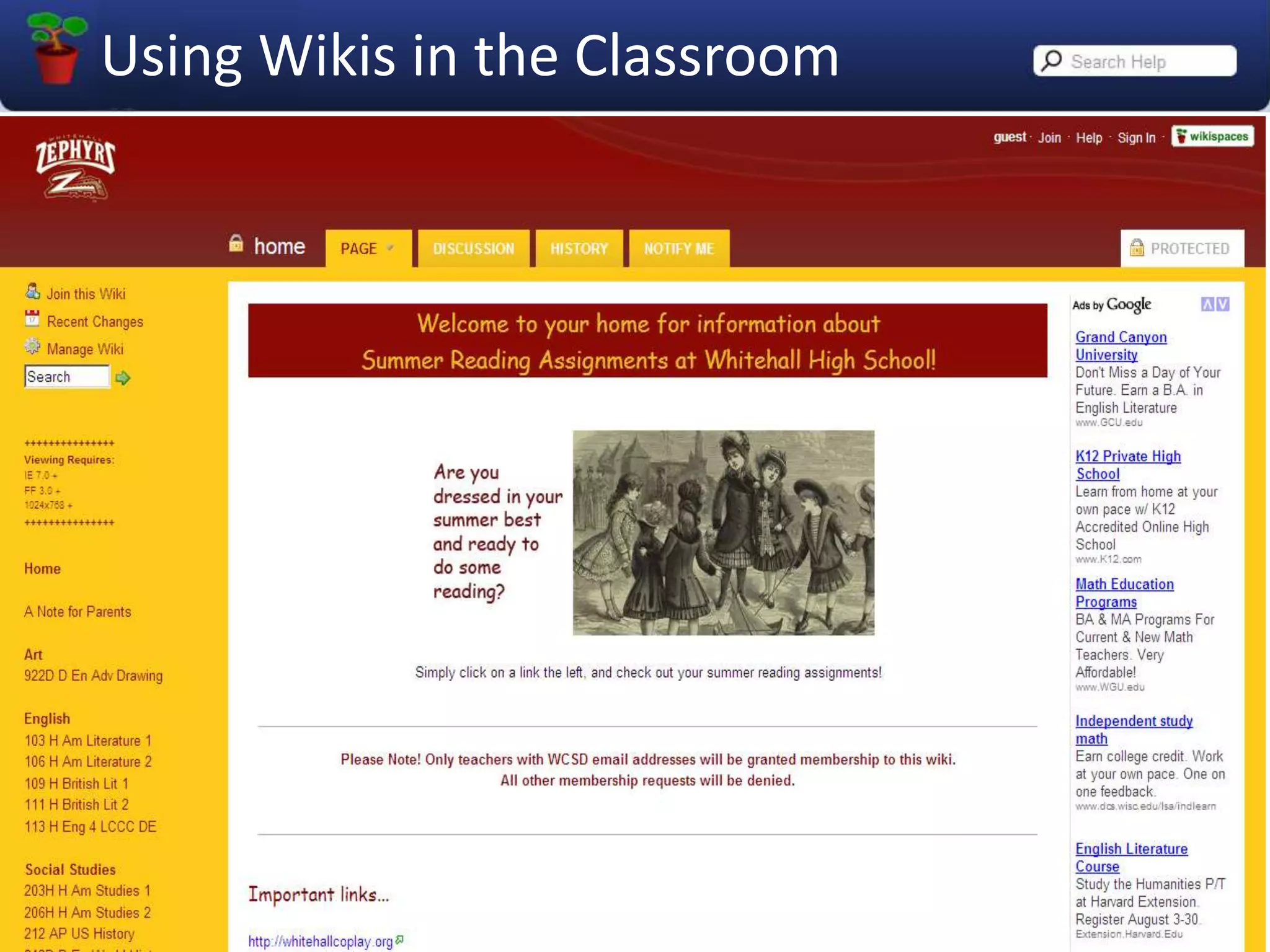
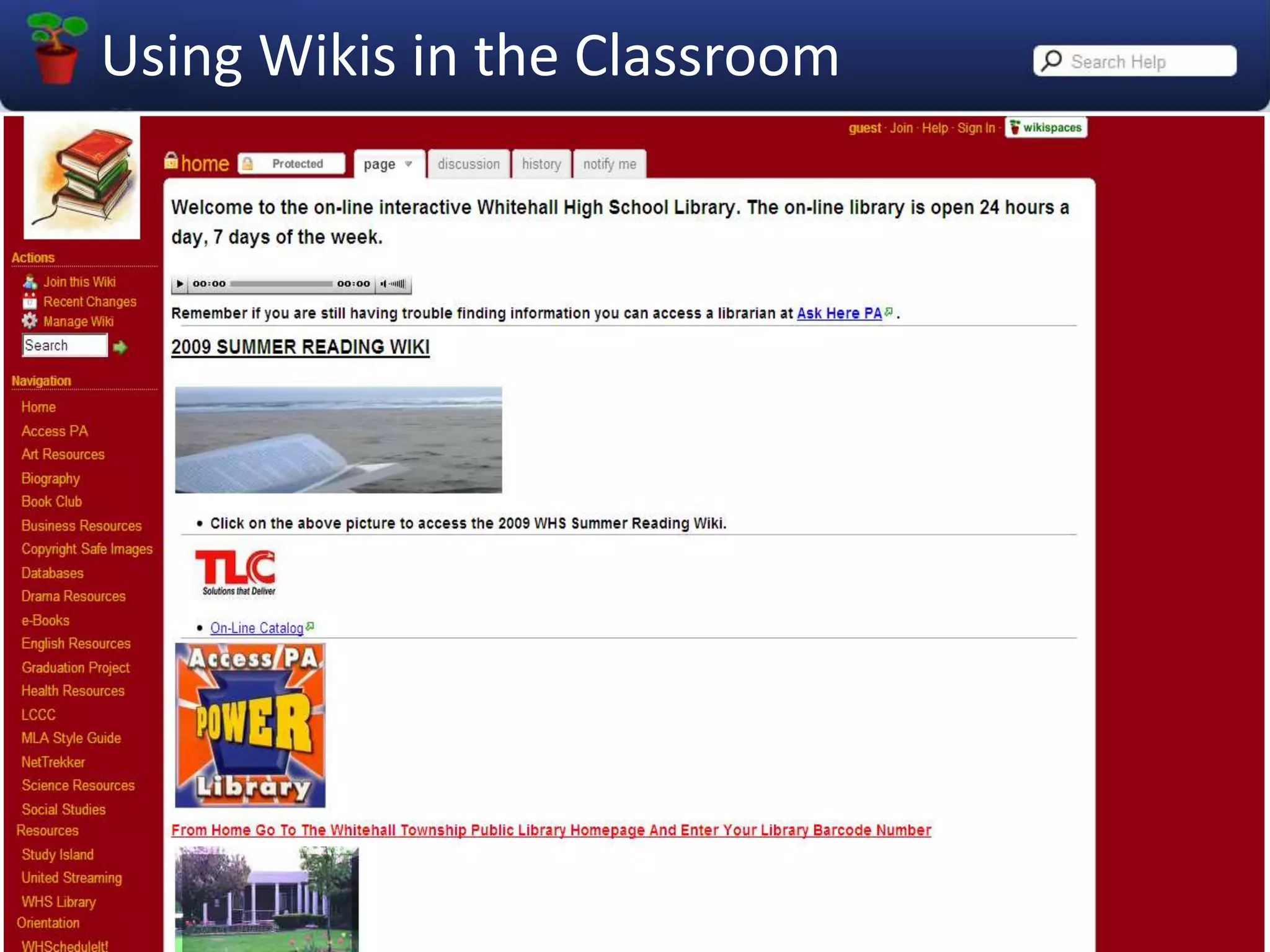
Local Link to “Wikis in Plain English” VideoWatch on You Tubehttp://www.youtube.com/watch?v=-dnL00TdmLYSome examples
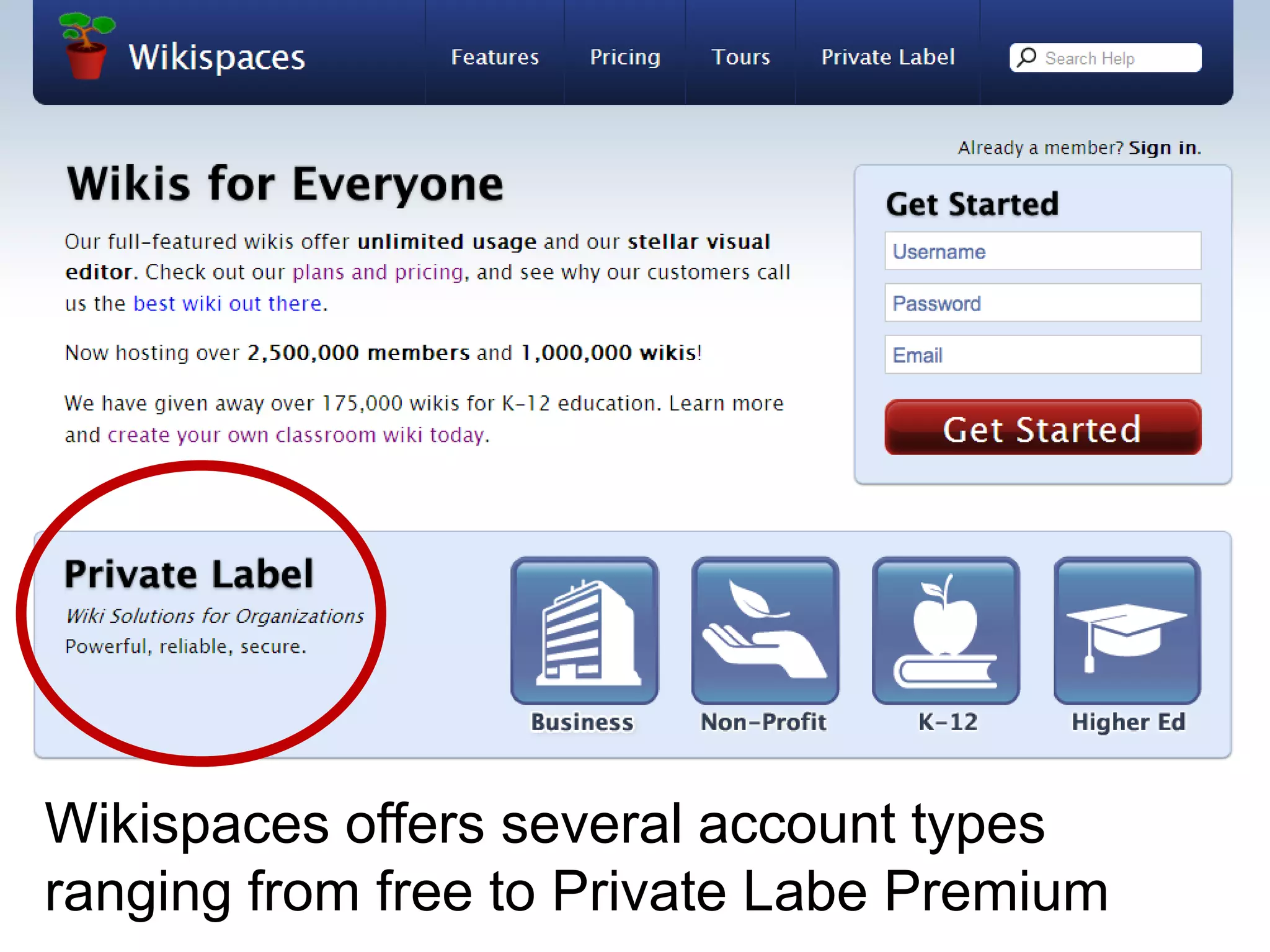
Wikispaces offers several account types ranging from free to Private Labe Premium
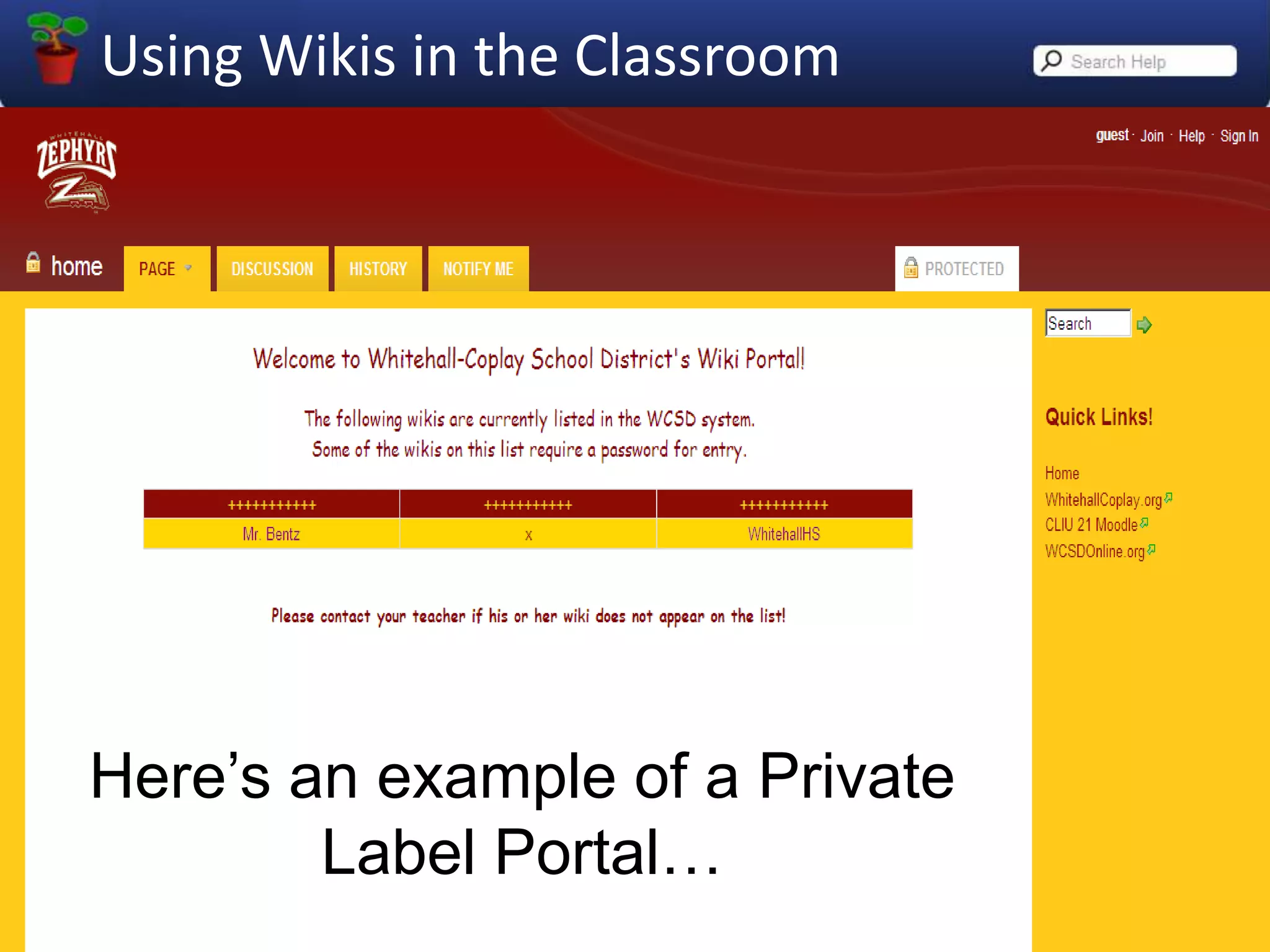
Here’s an example of a Private Label Portal…
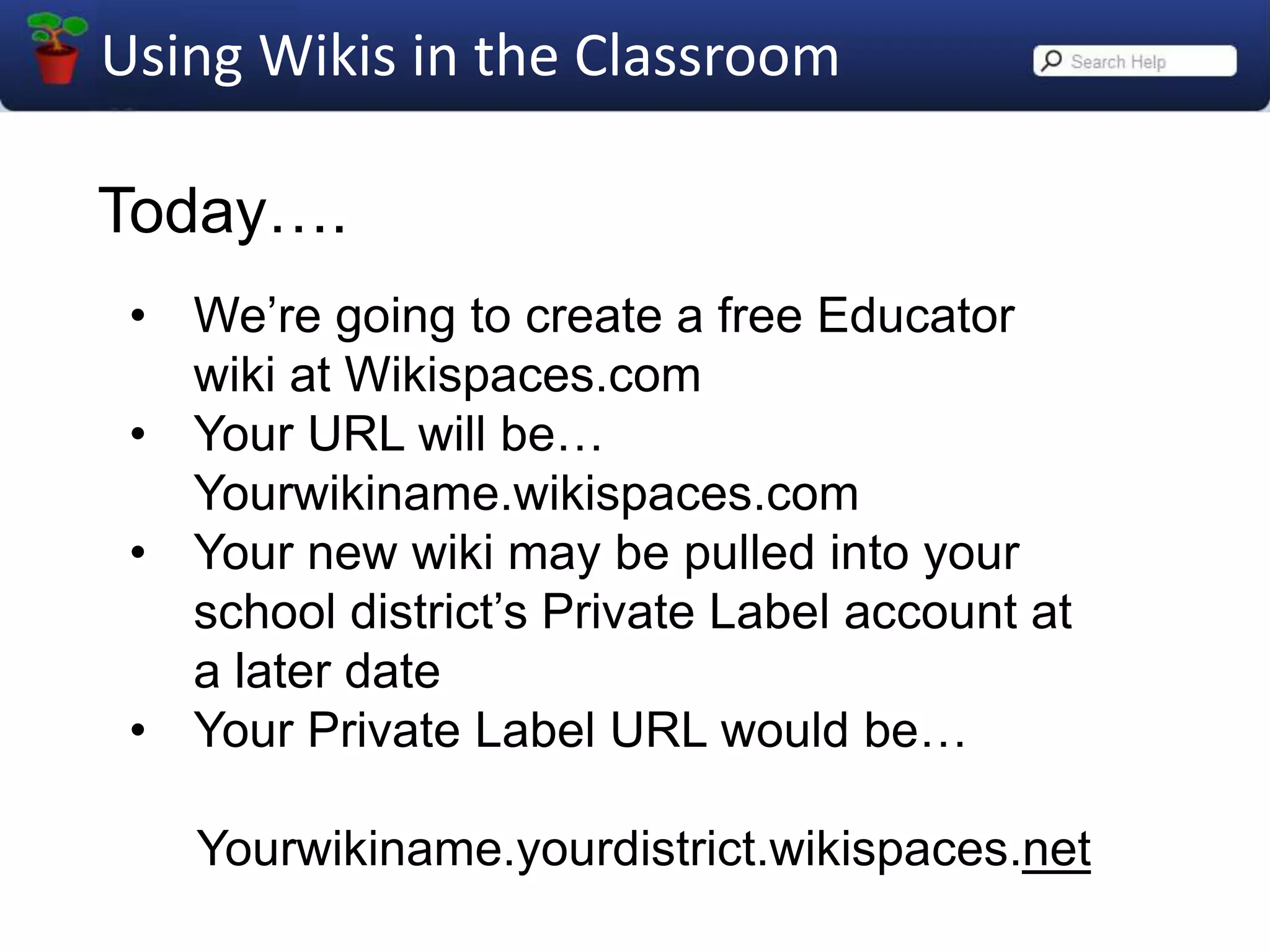
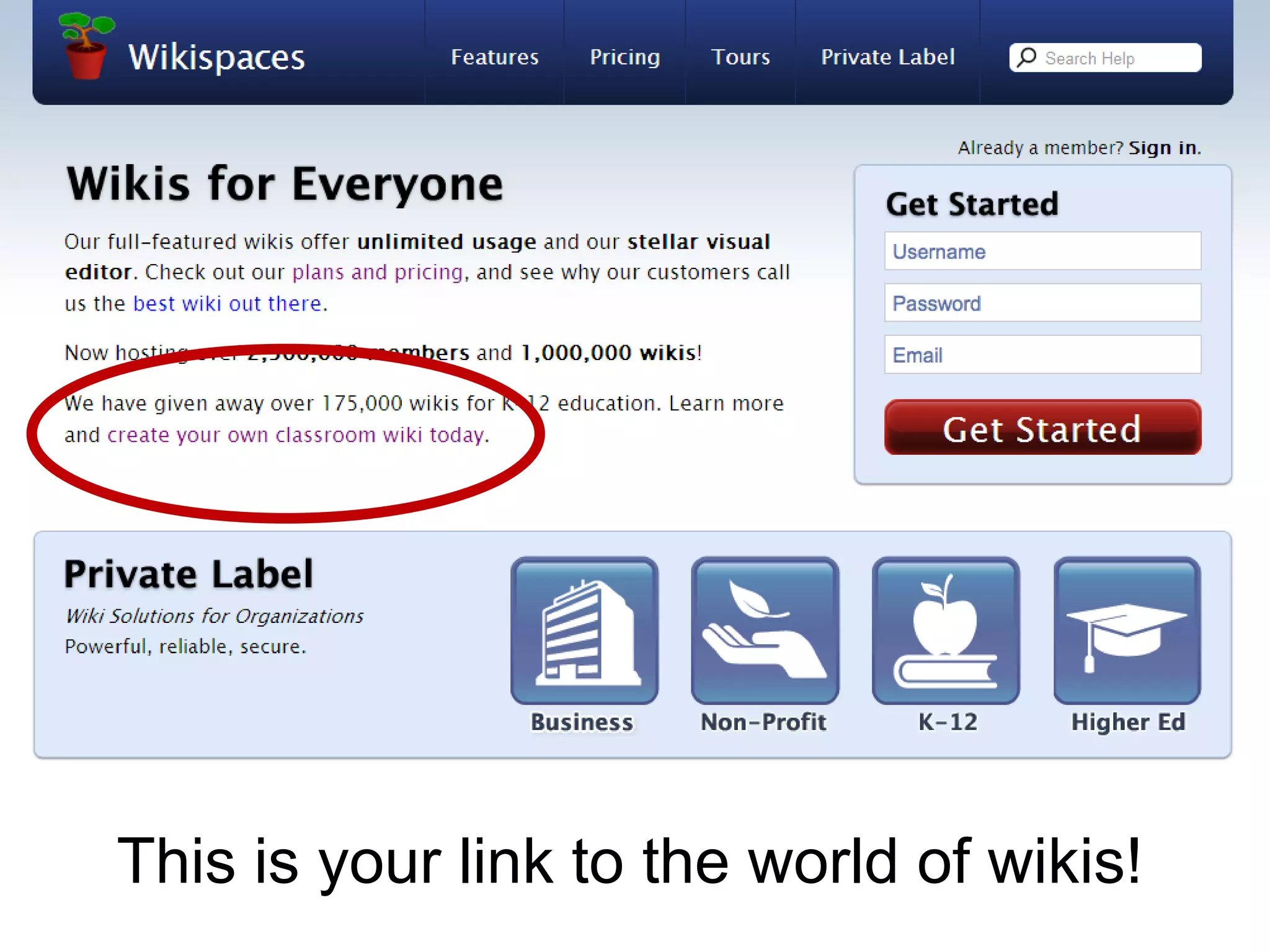
Today….We’re going to create a free Educator wiki at Wikispaces.com
Your URL will be…Yourwikiname.wikispaces.com
Your new wiki may be pulled into your school district’s Private Label account at a later date
Your Private Label URL would be…     Yourwikiname.yourdistrict.wikispaces.net
This is your link to the world of wikis!
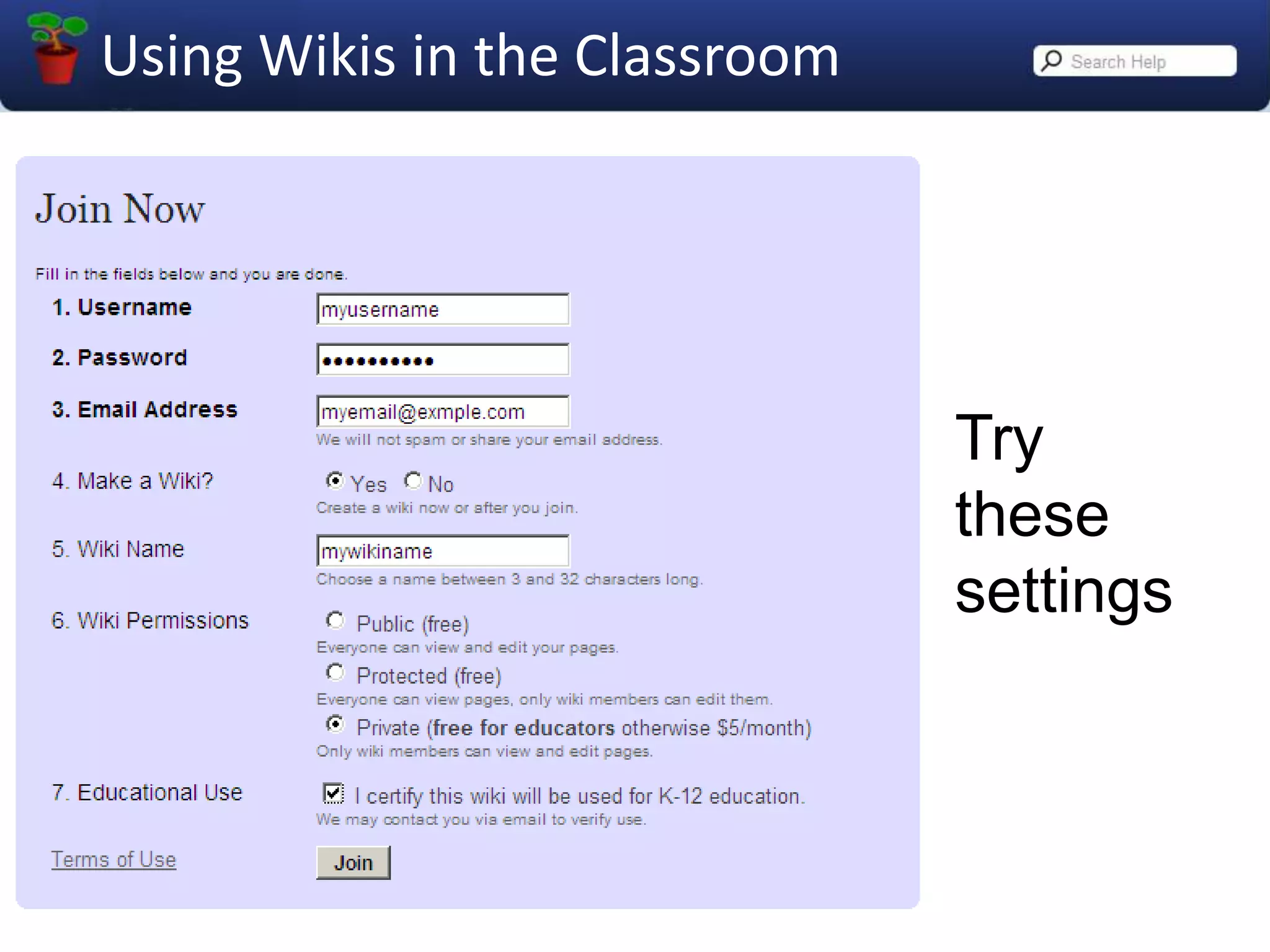
Trythesesettings
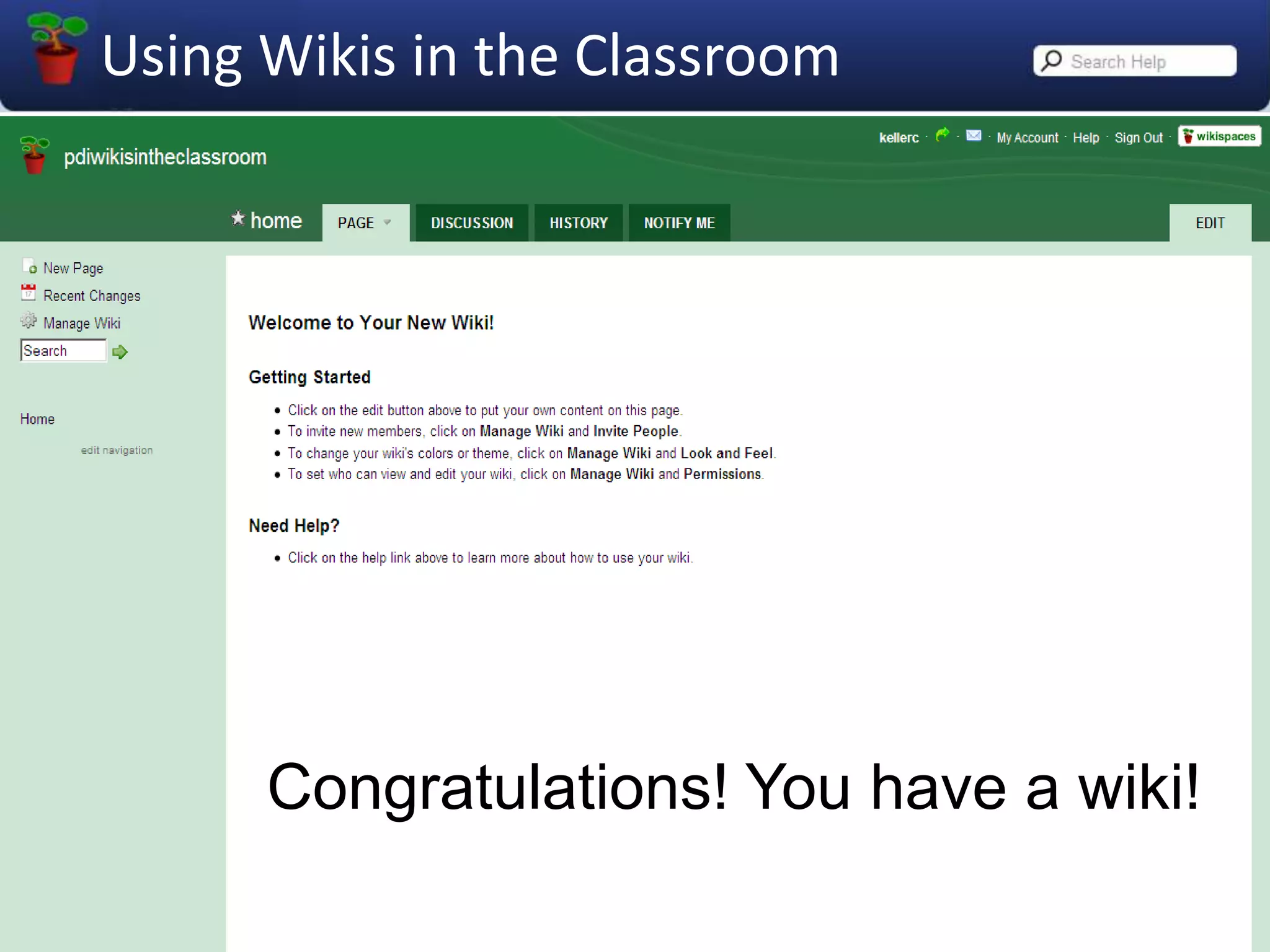
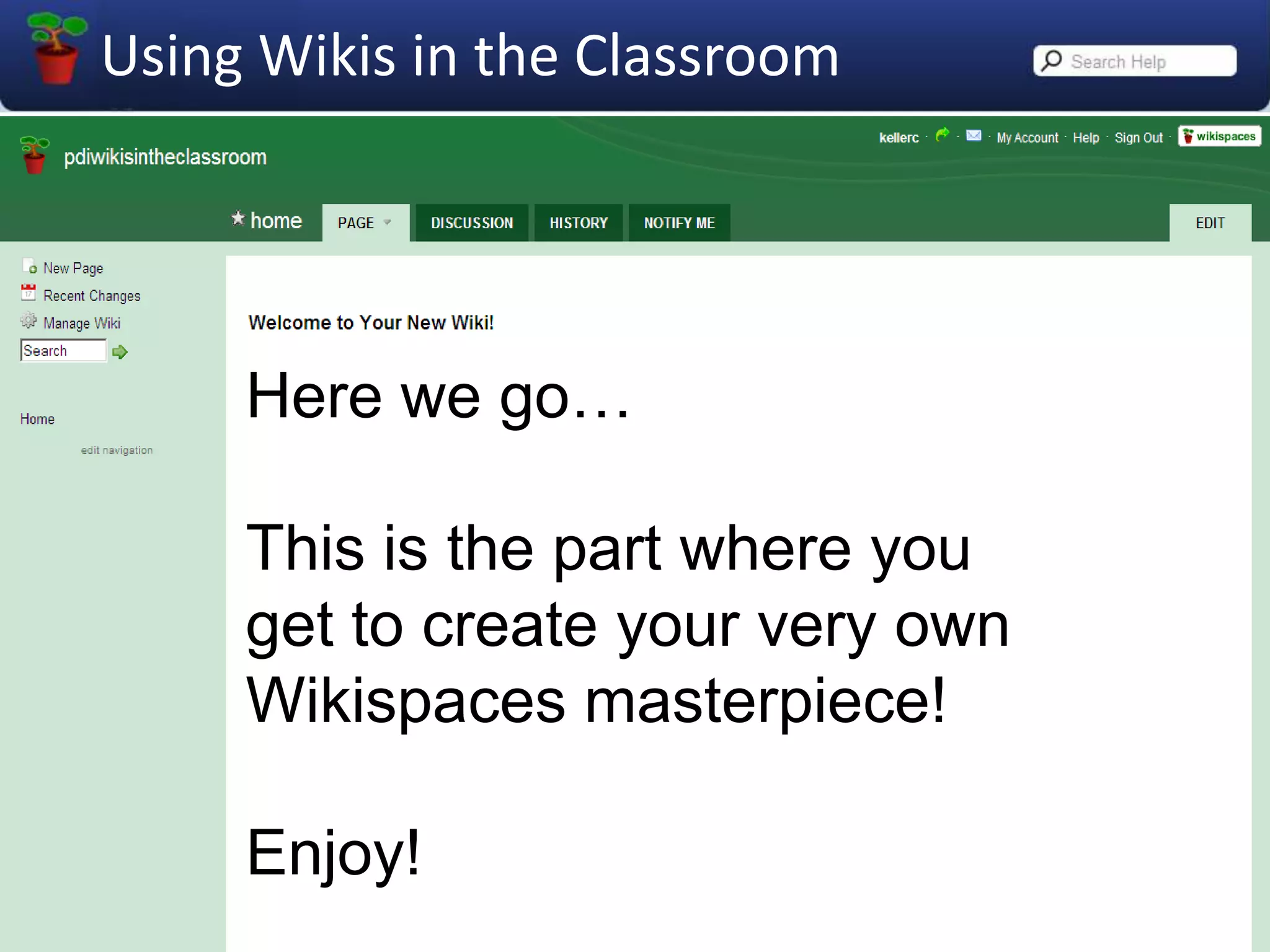
Congratulations! You have a wiki!
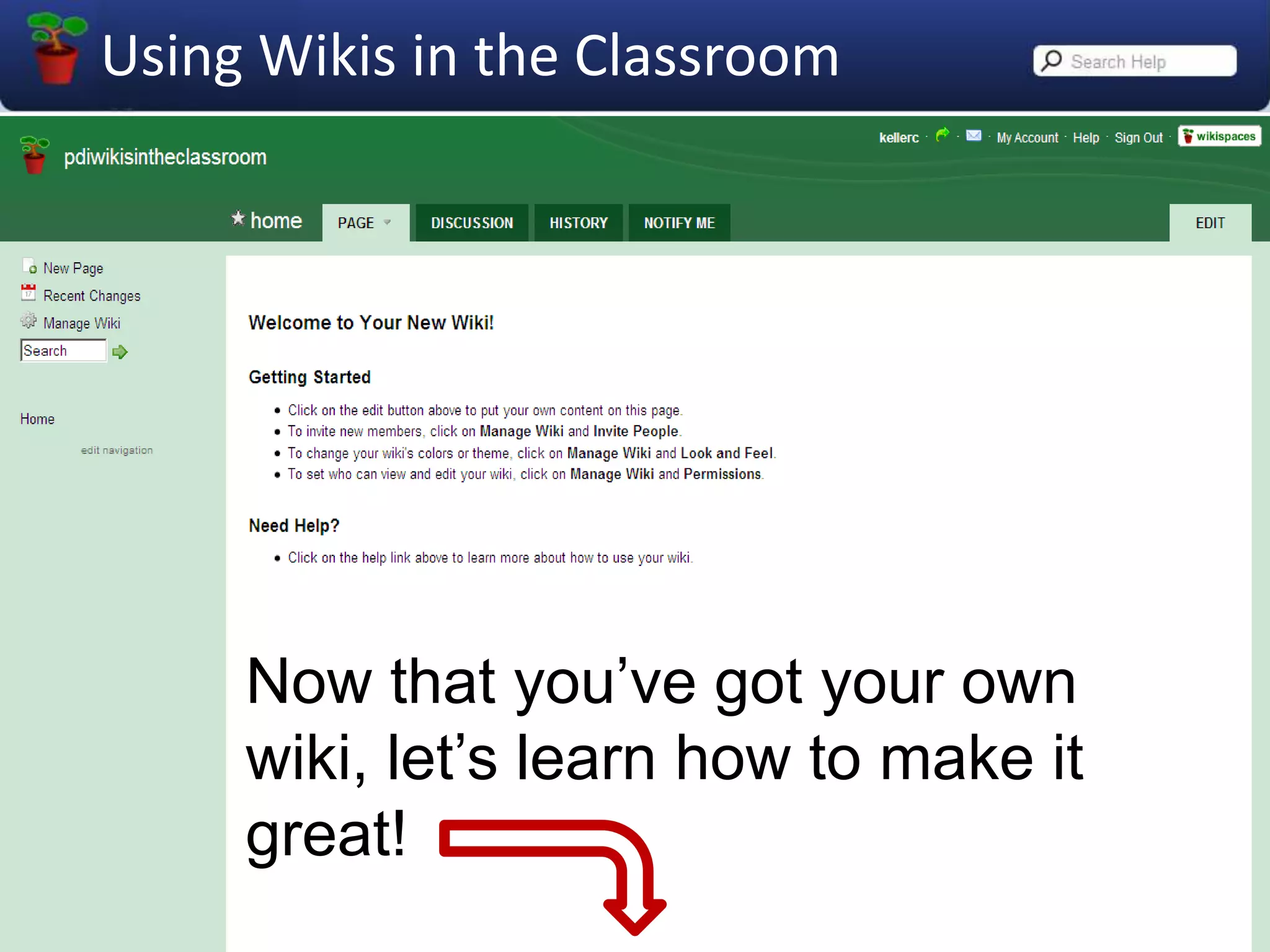
Now that you’ve got your own wiki, let’s learn how to make it great!
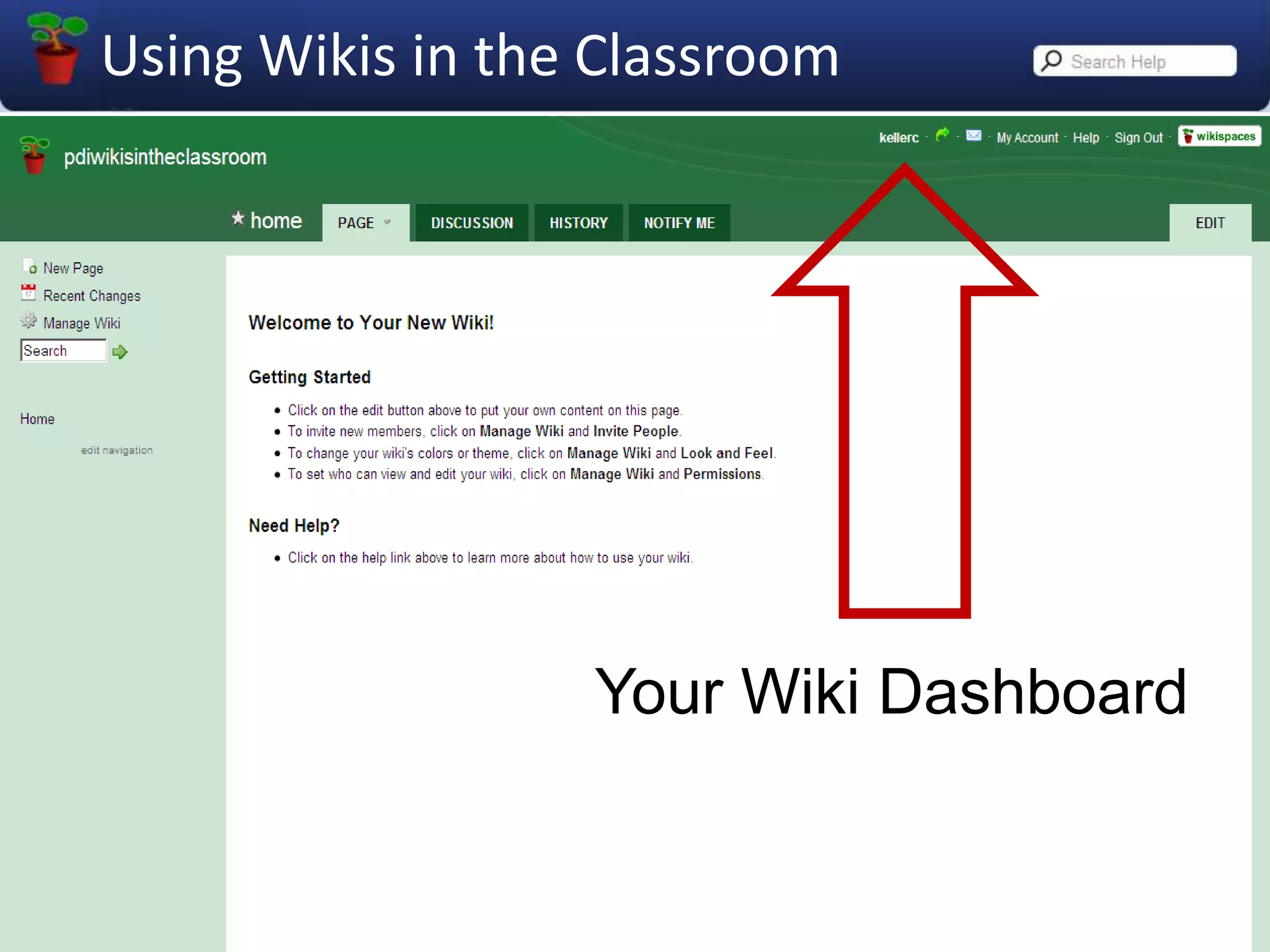
Your Wiki Dashboard
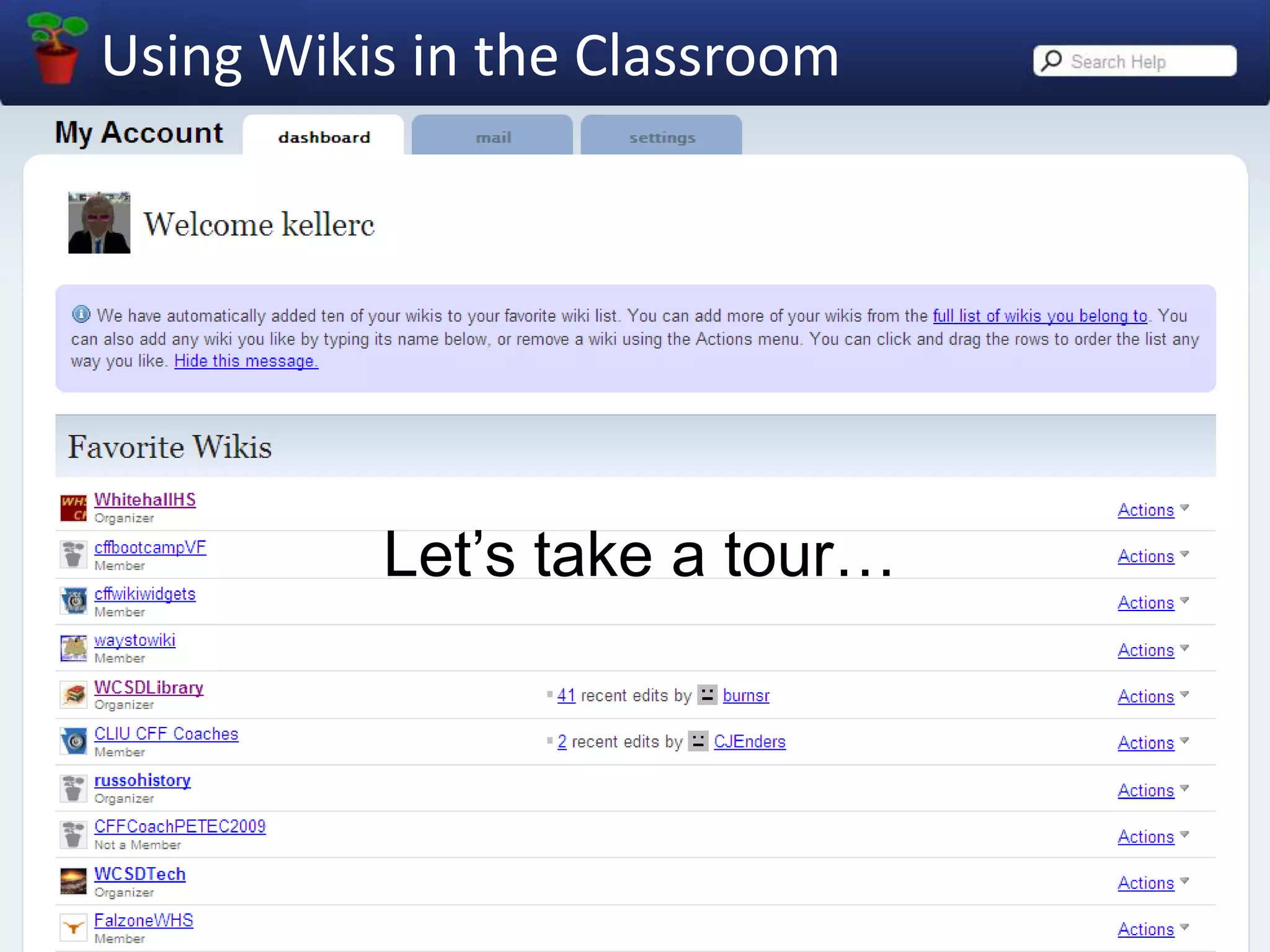
Let’s take a tour…
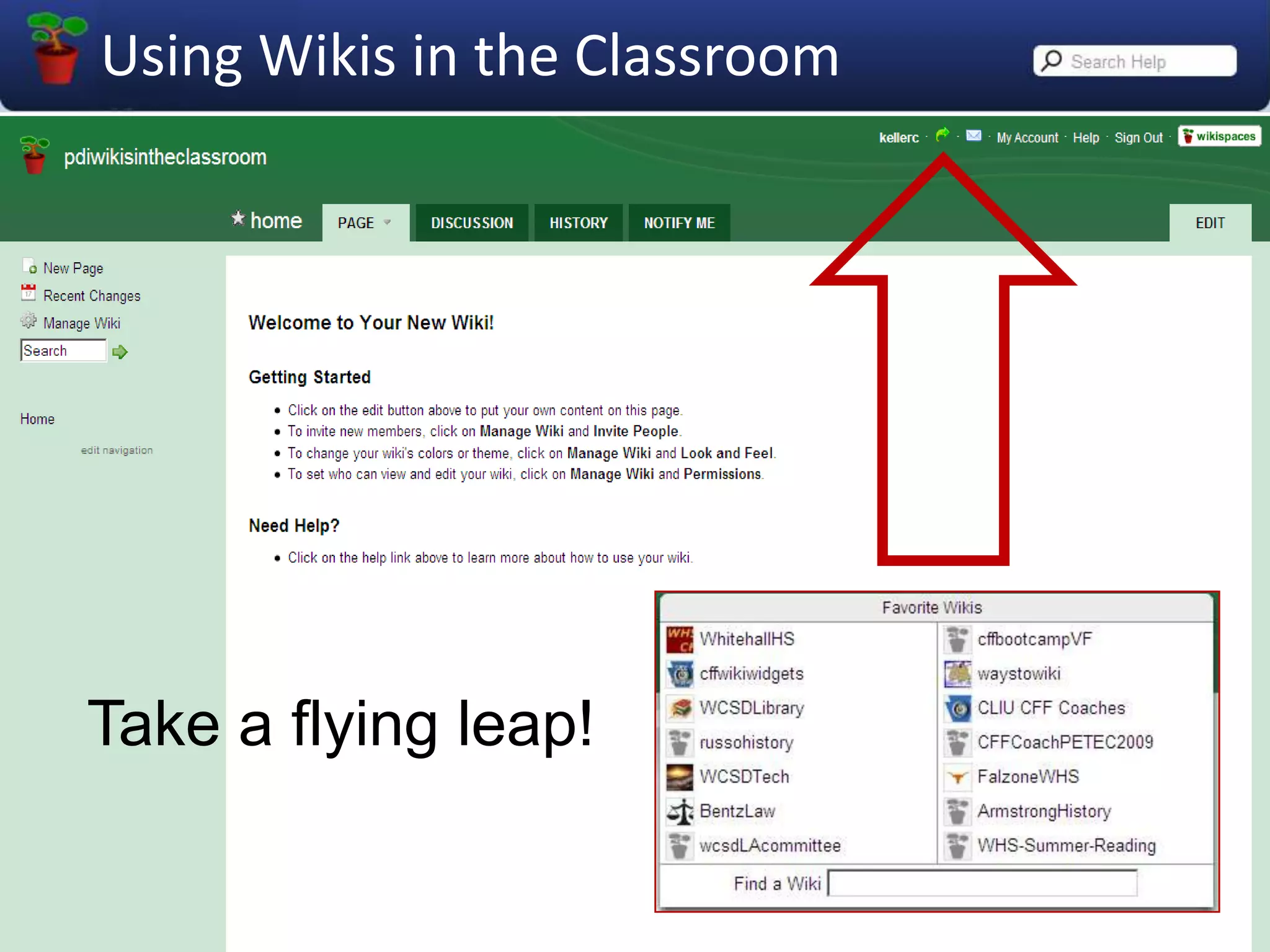
Take a flying leap!
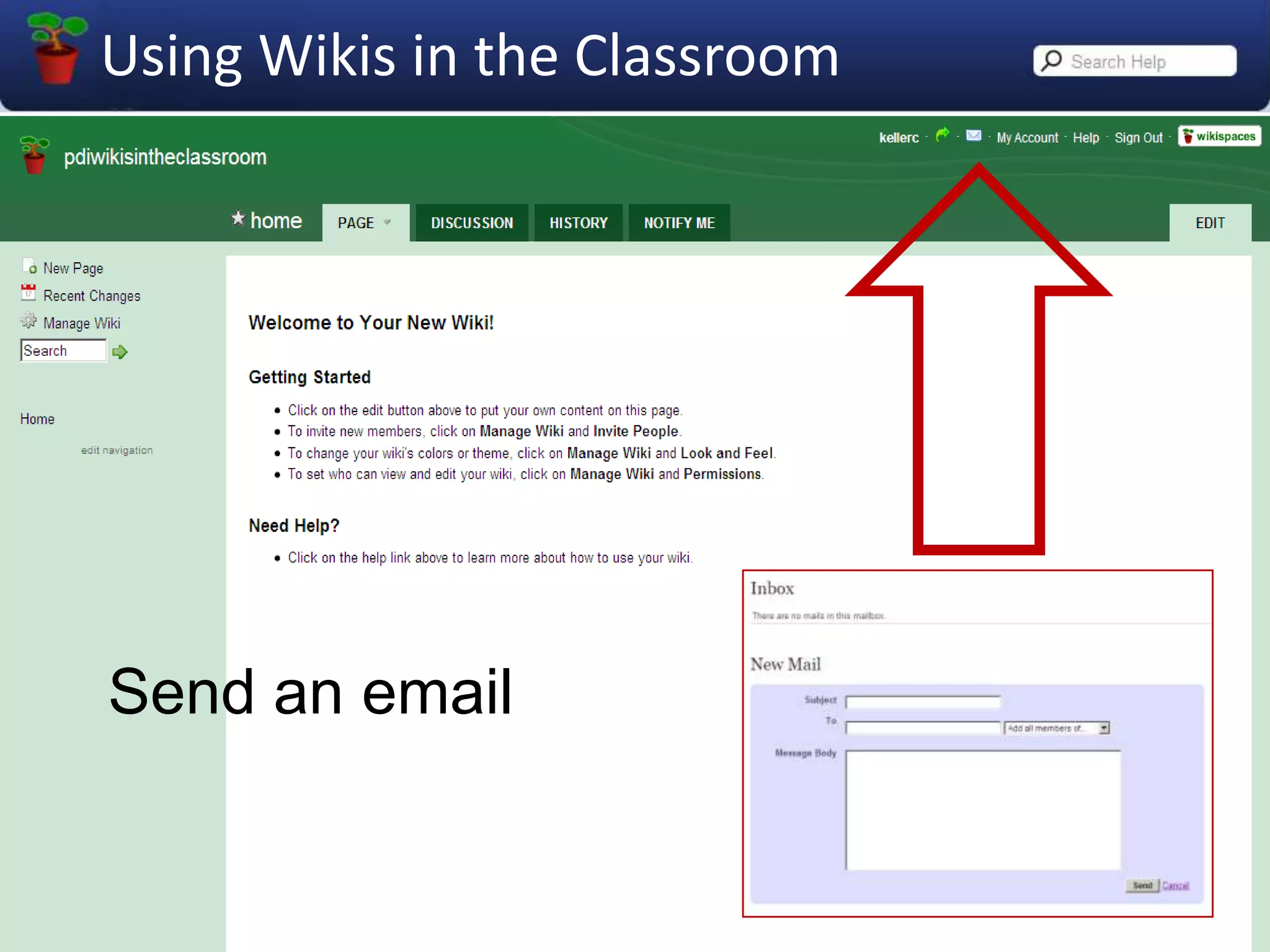
Send an email
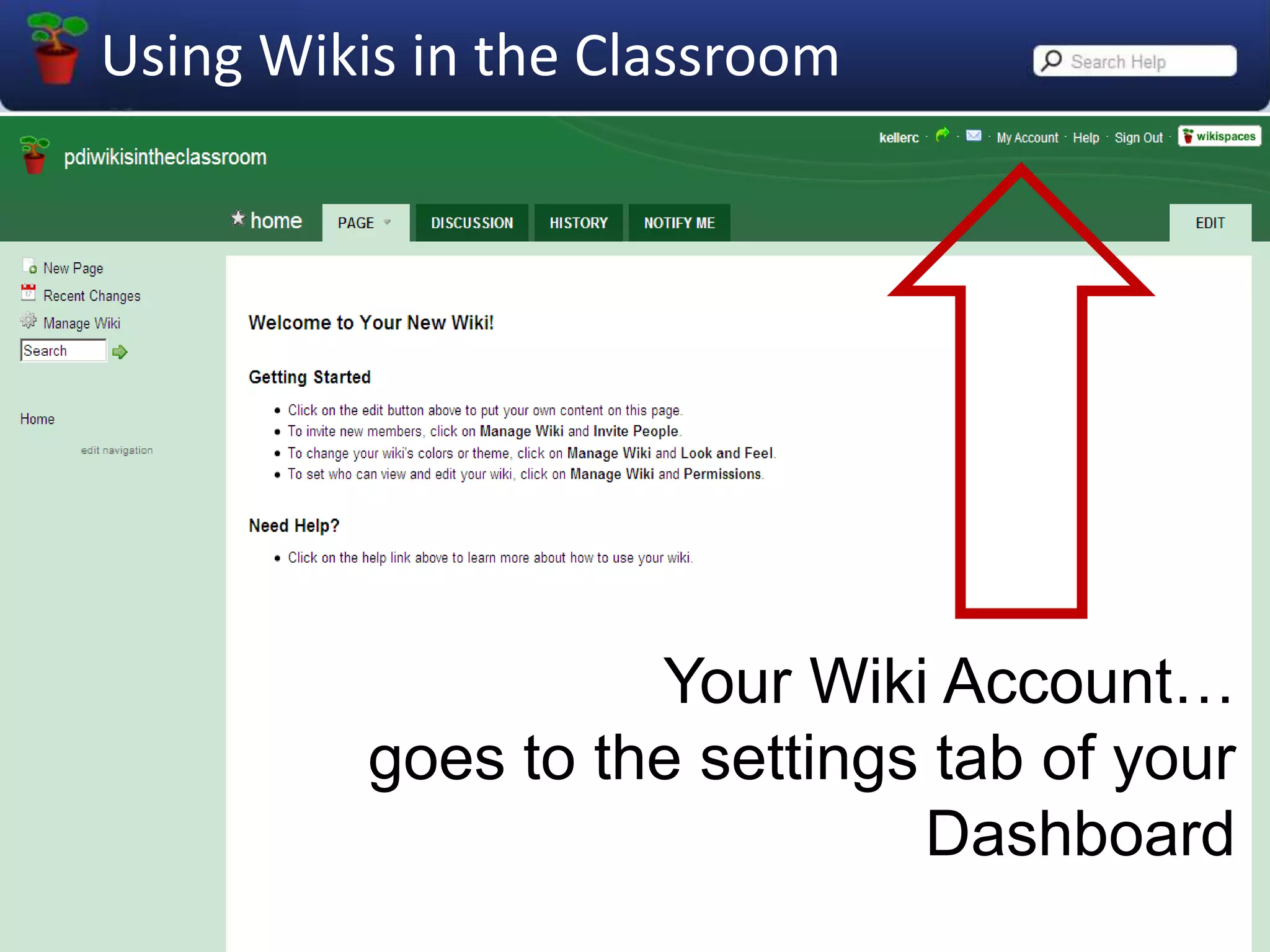
Your Wiki Account…goes to the settings tab of your Dashboard
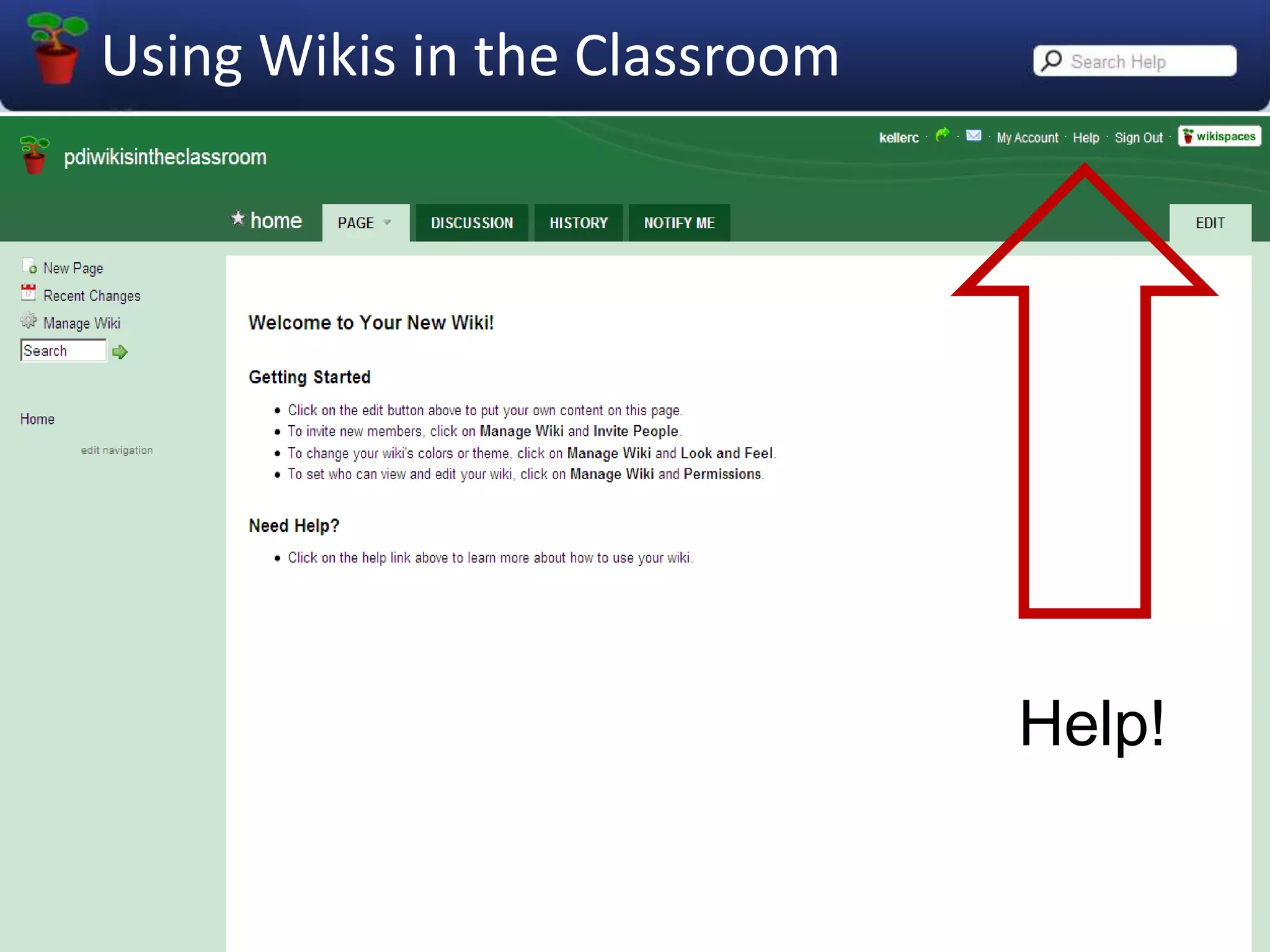
Help!
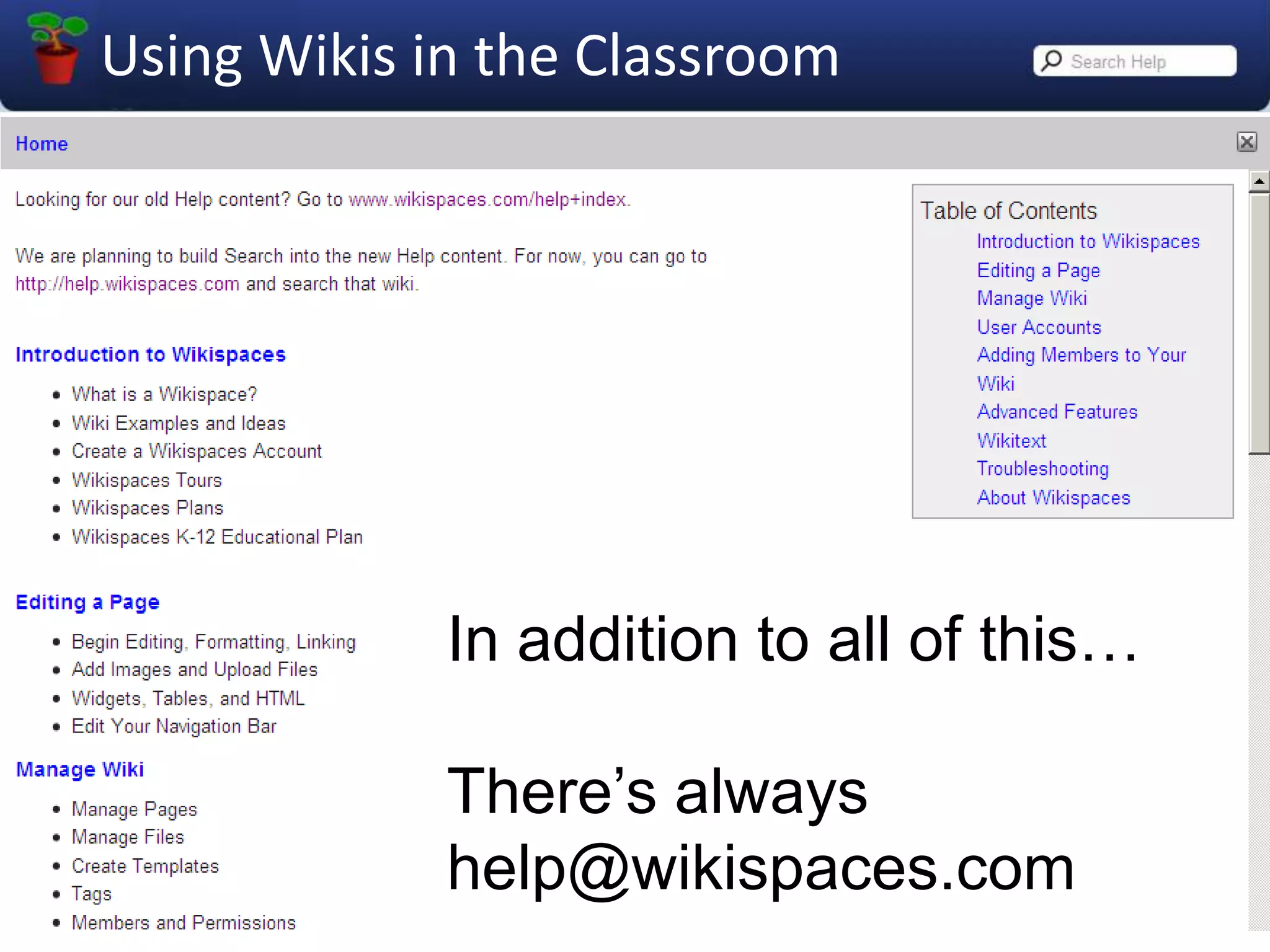
In addition to all of this…There’s alwayshelp@wikispaces.com
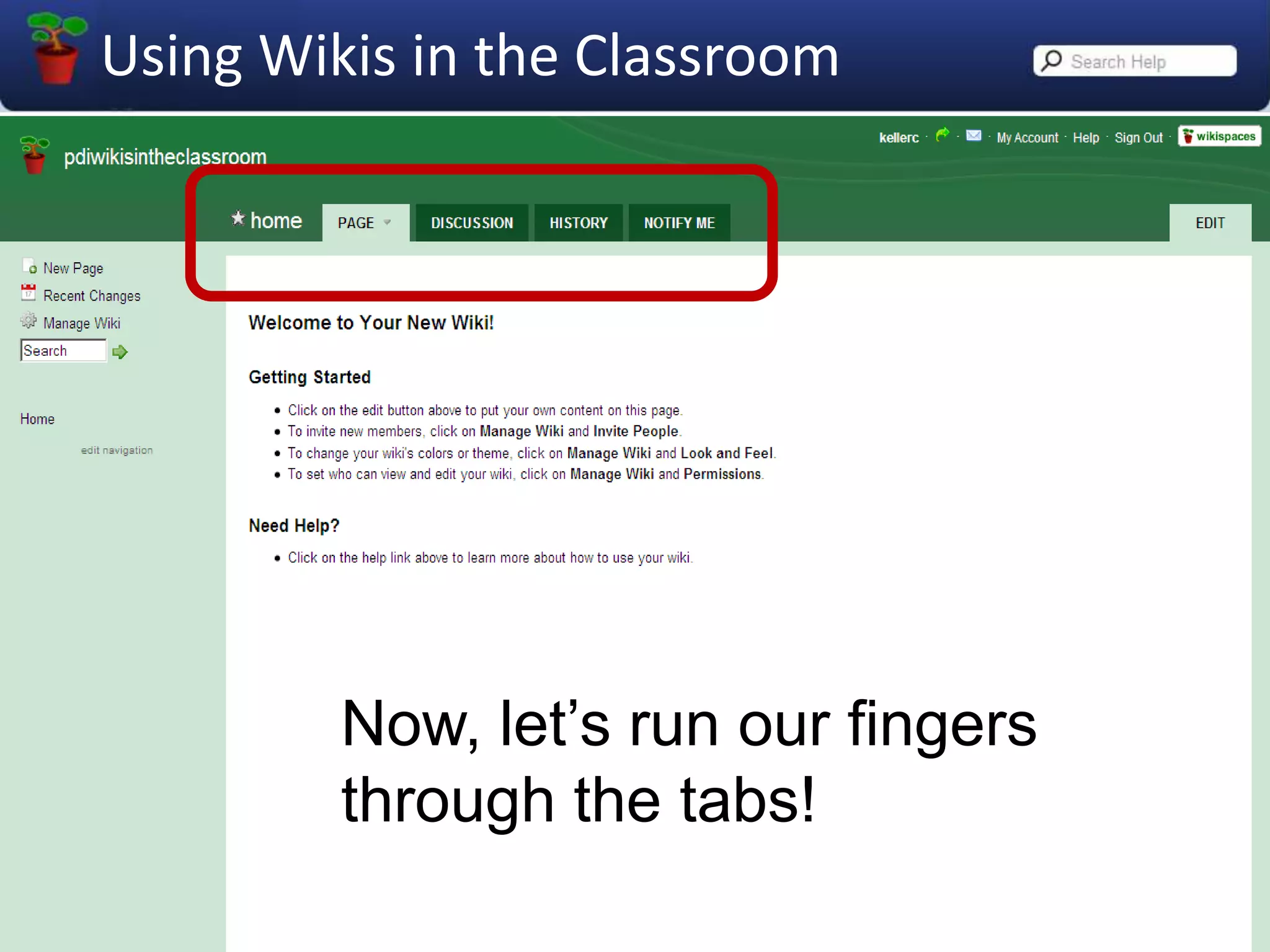
Now, let’s run our fingers through the tabs!
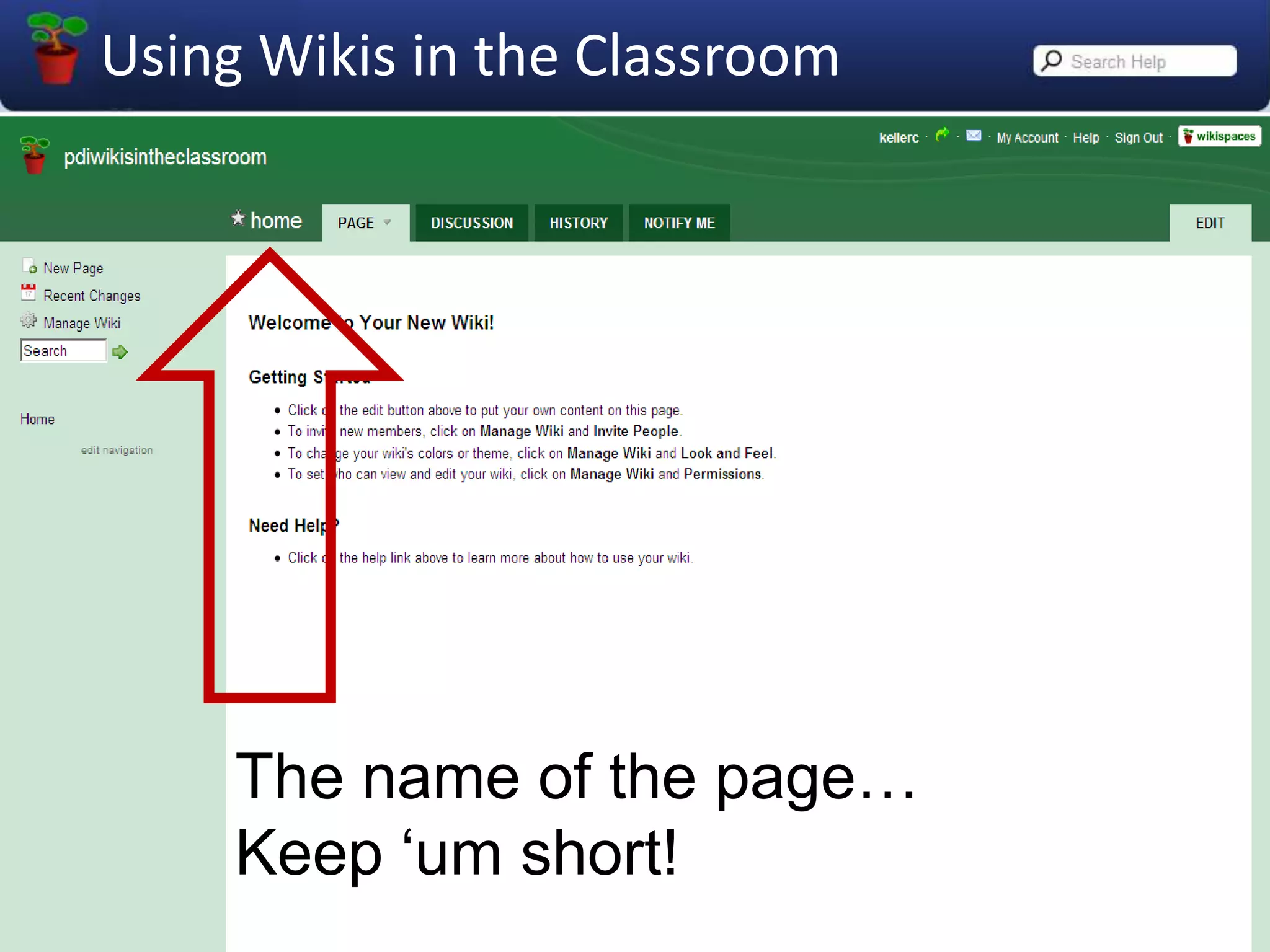
The name of the page…Keep ‘um short!
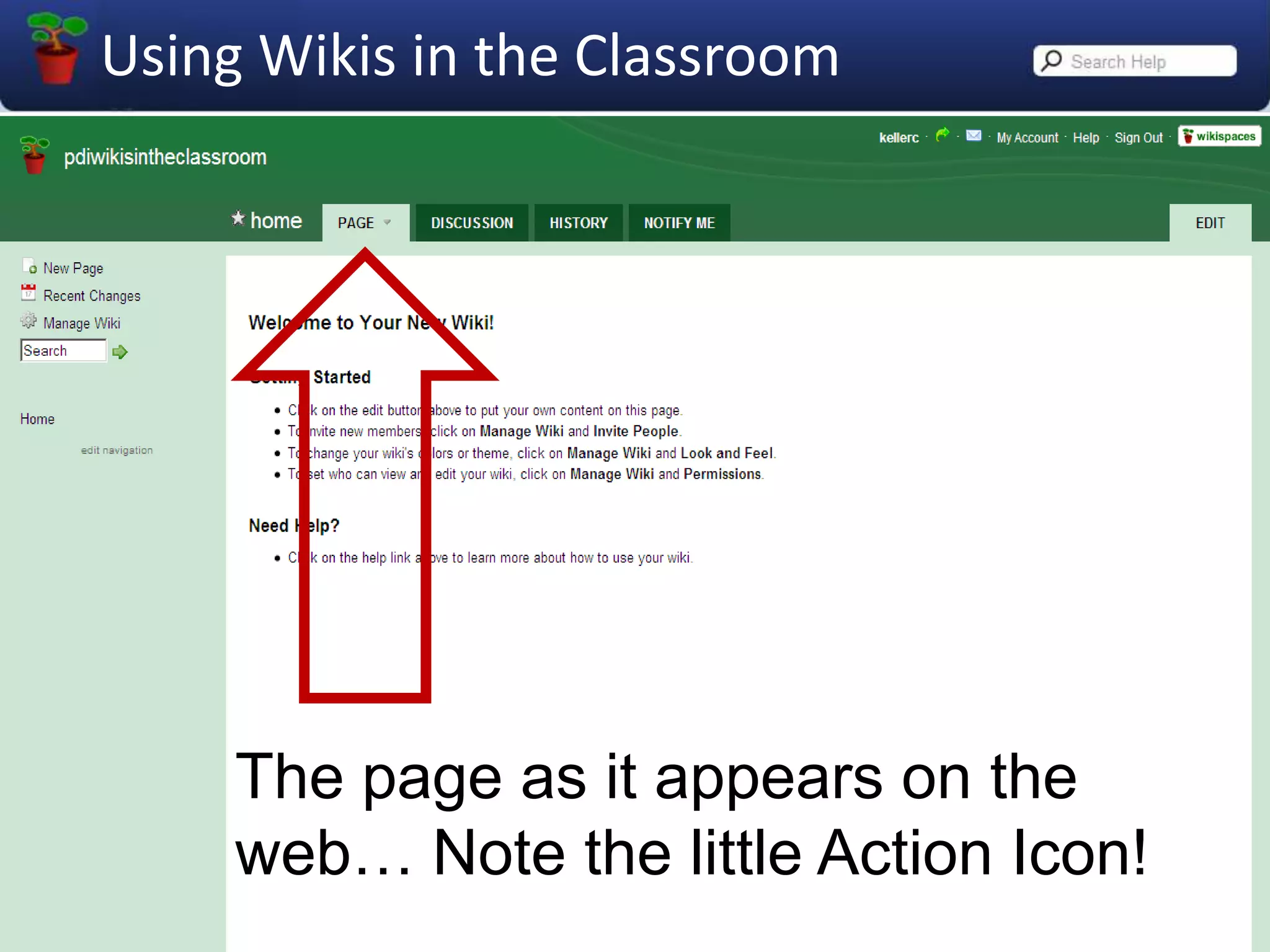
The page as it appears on the web… Note the little Action Icon!
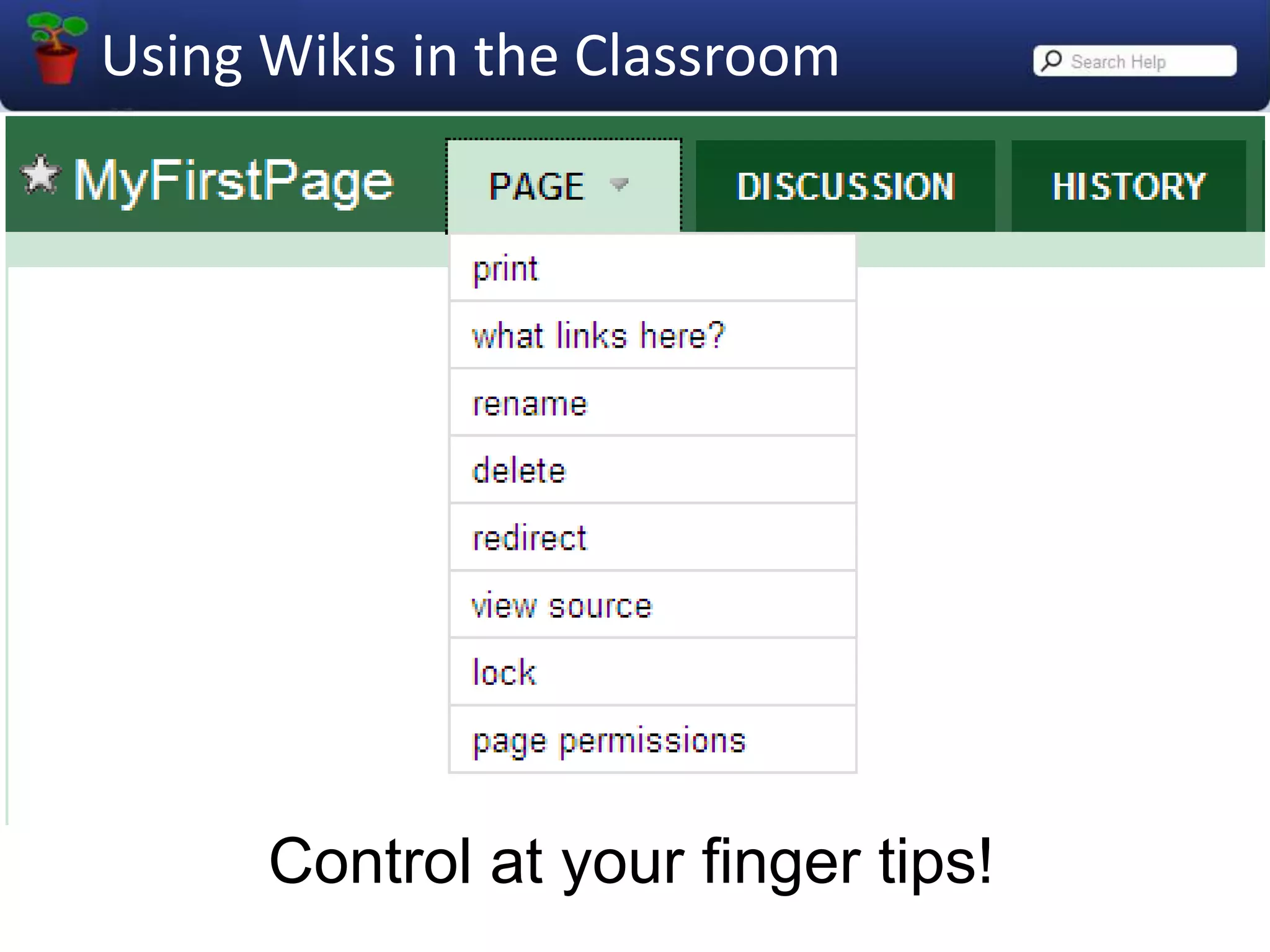
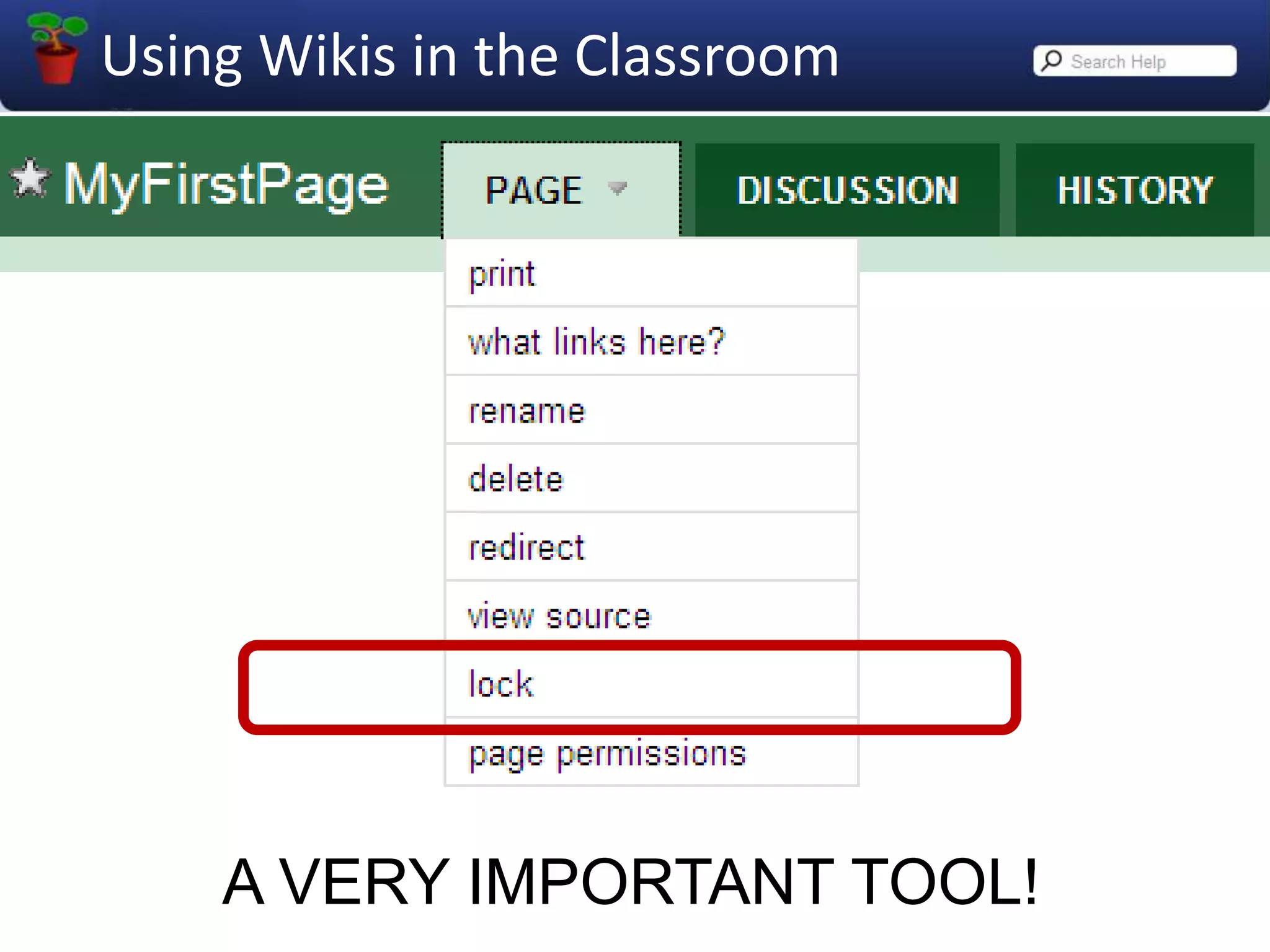
Control at your finger tips!
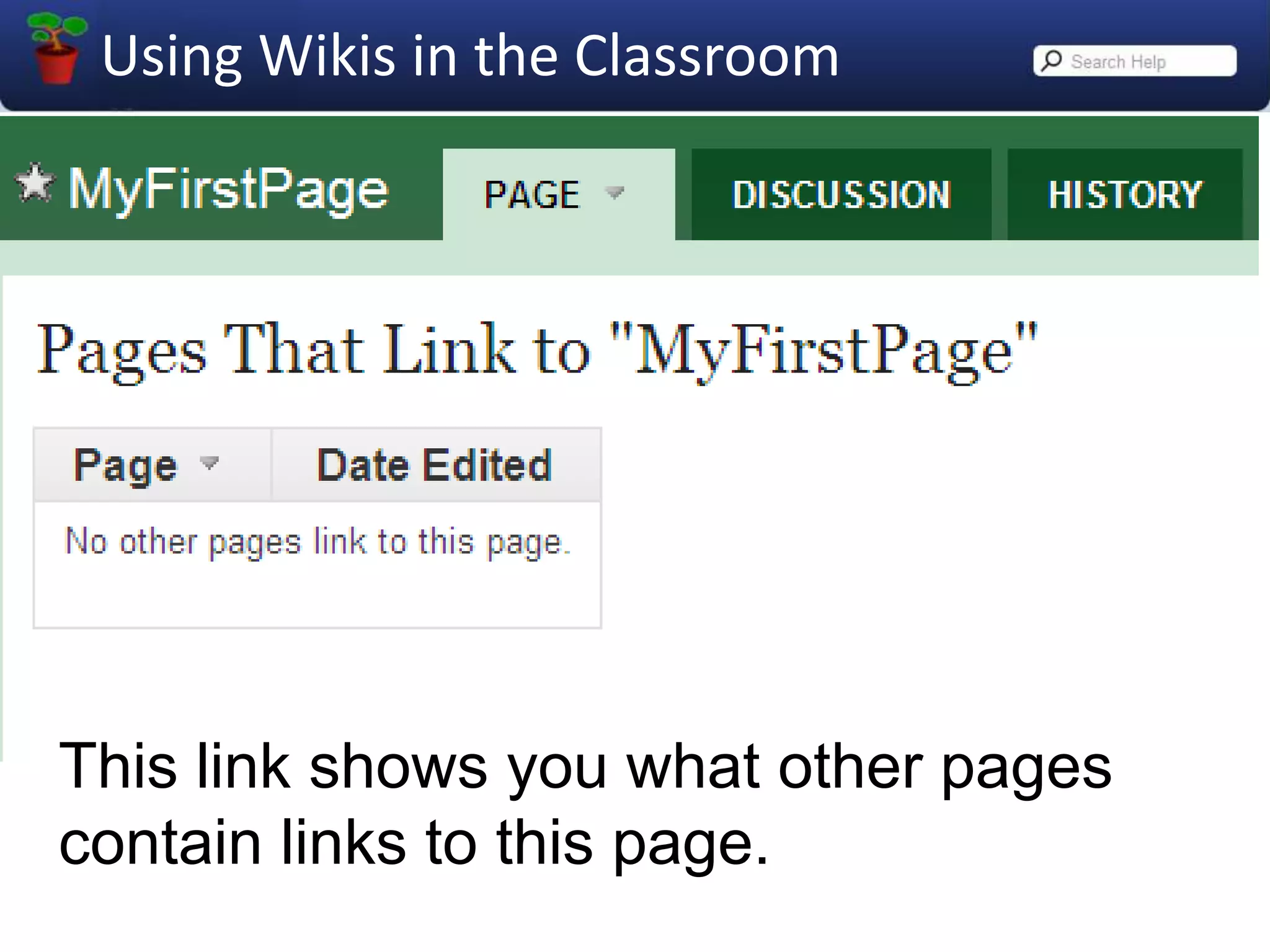
This link shows you what other pages contain links to this page.
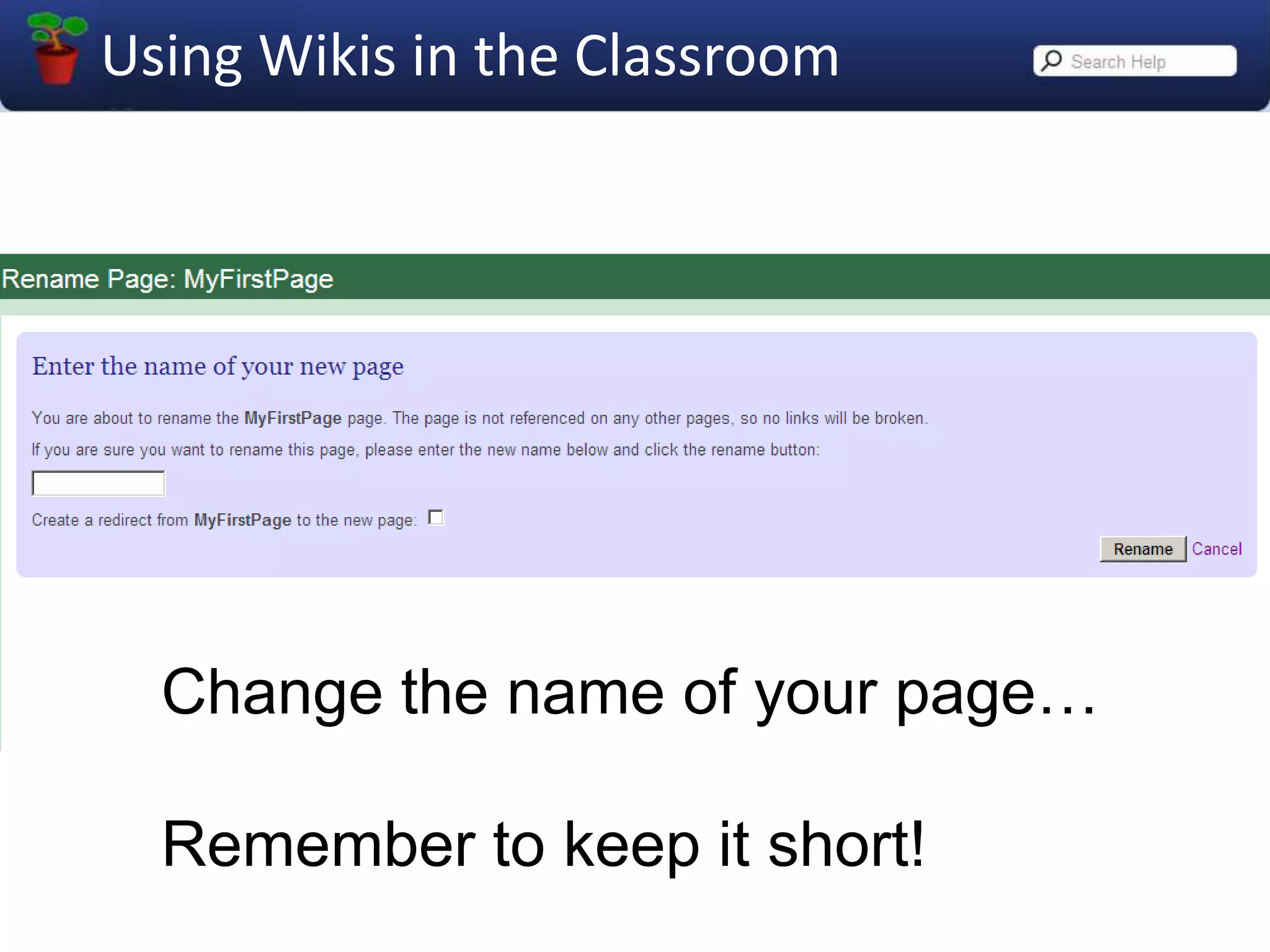
Change the name of your page…Remember to keep it short!
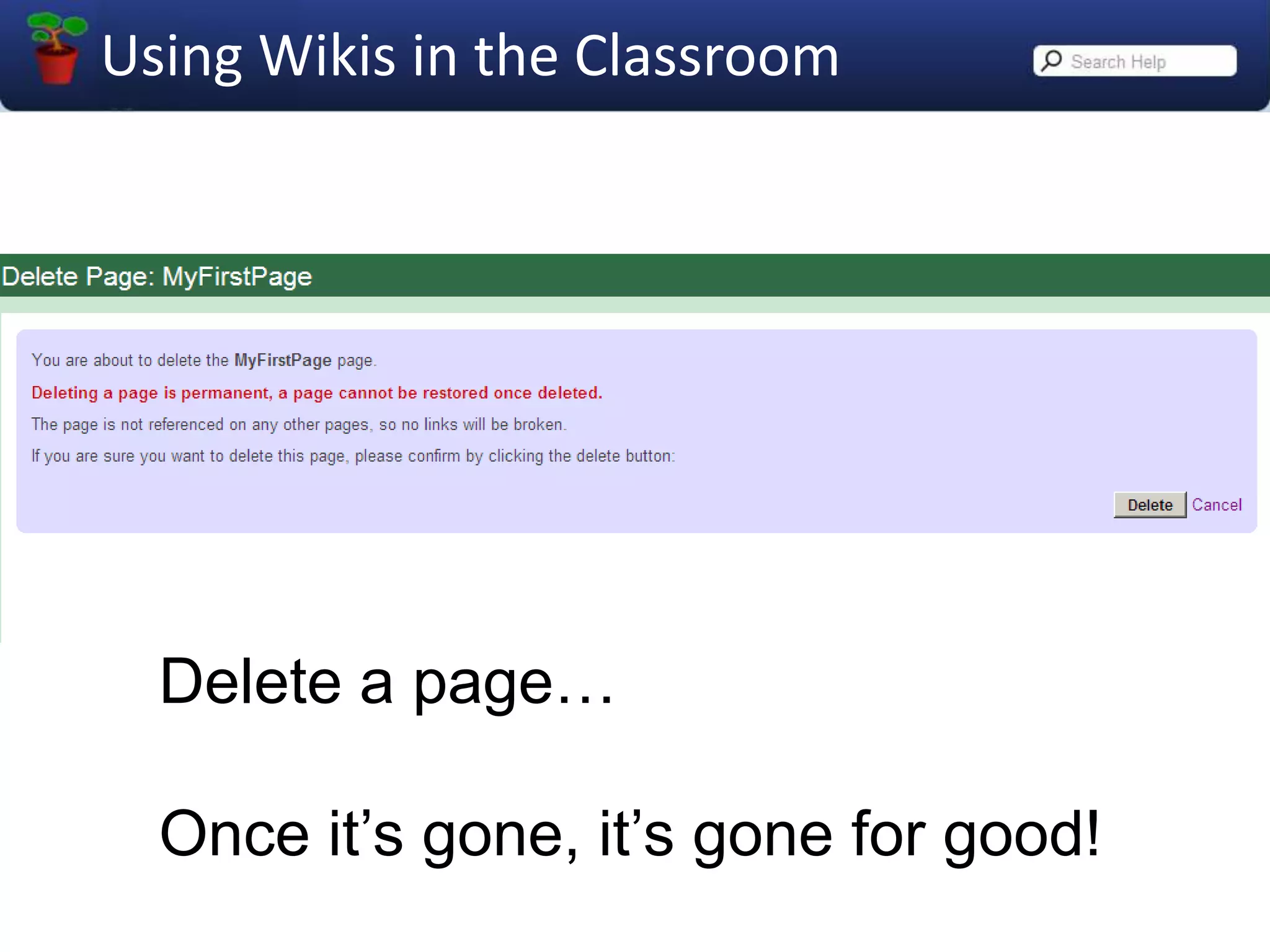
Delete a page…Once it’s gone, it’s gone for good!
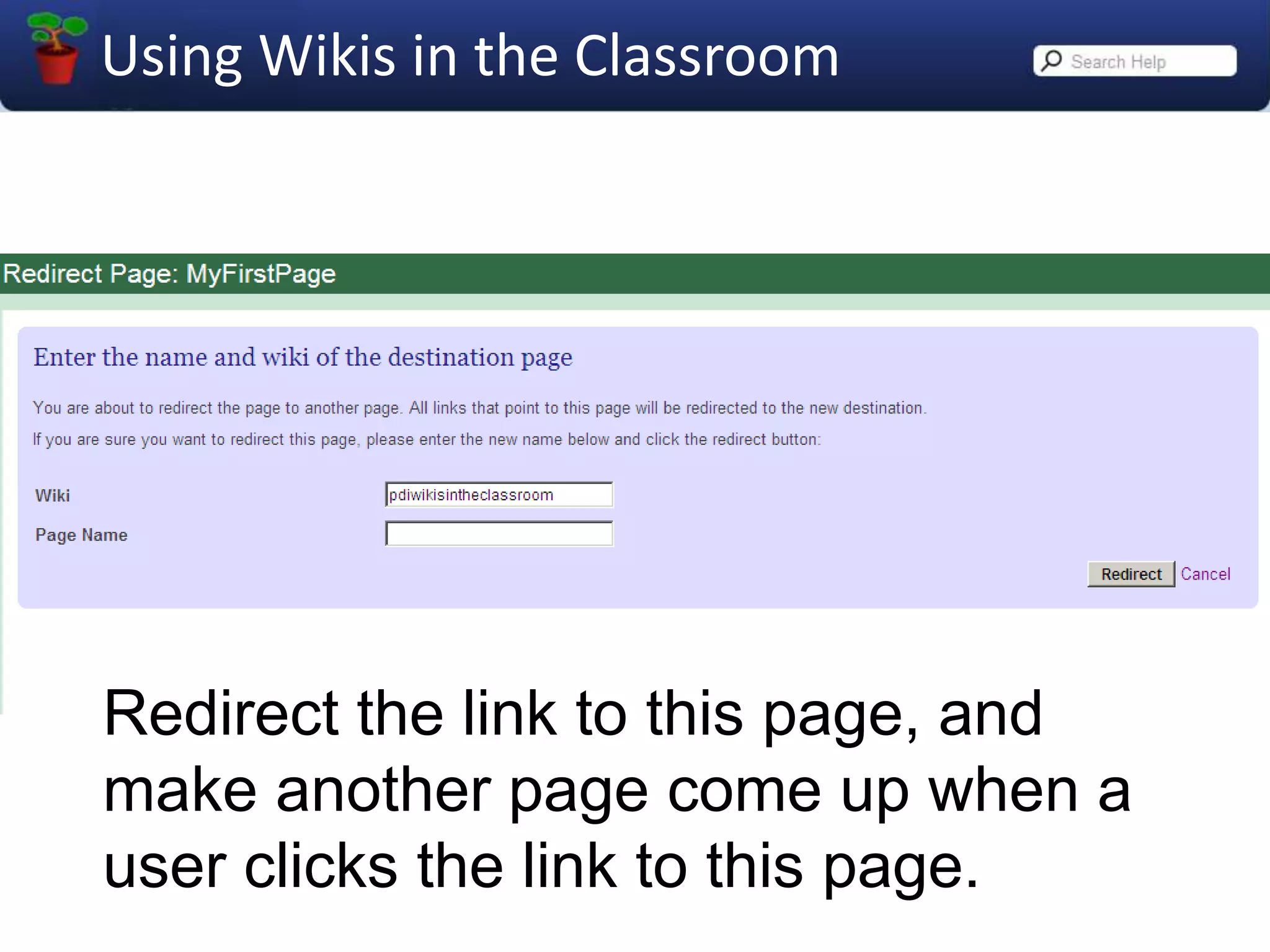
Redirect the link to this page, and make another page come up when a user clicks the link to this page.
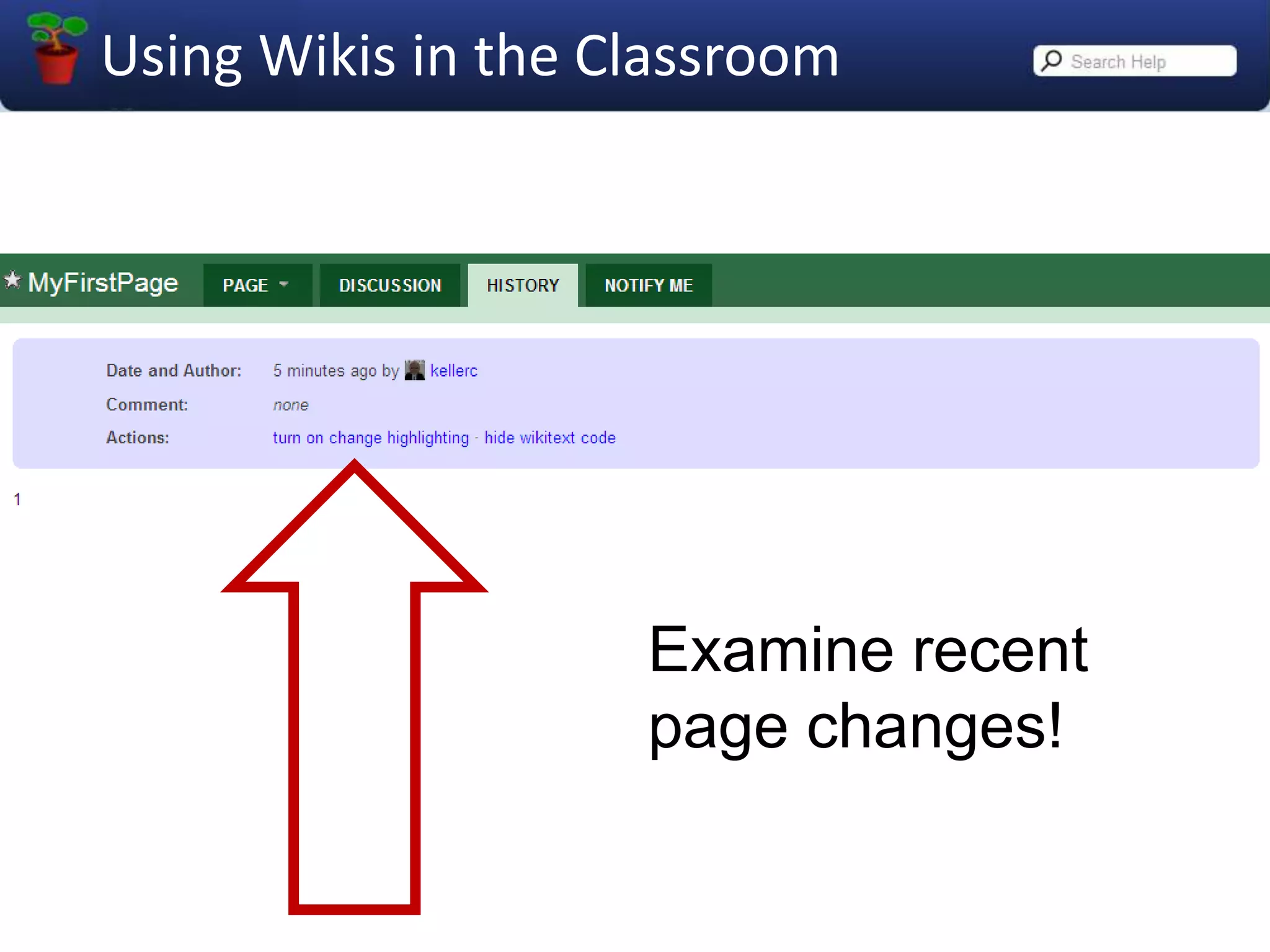
Examine recent page changes!
A VERY IMPORTANT TOOL!
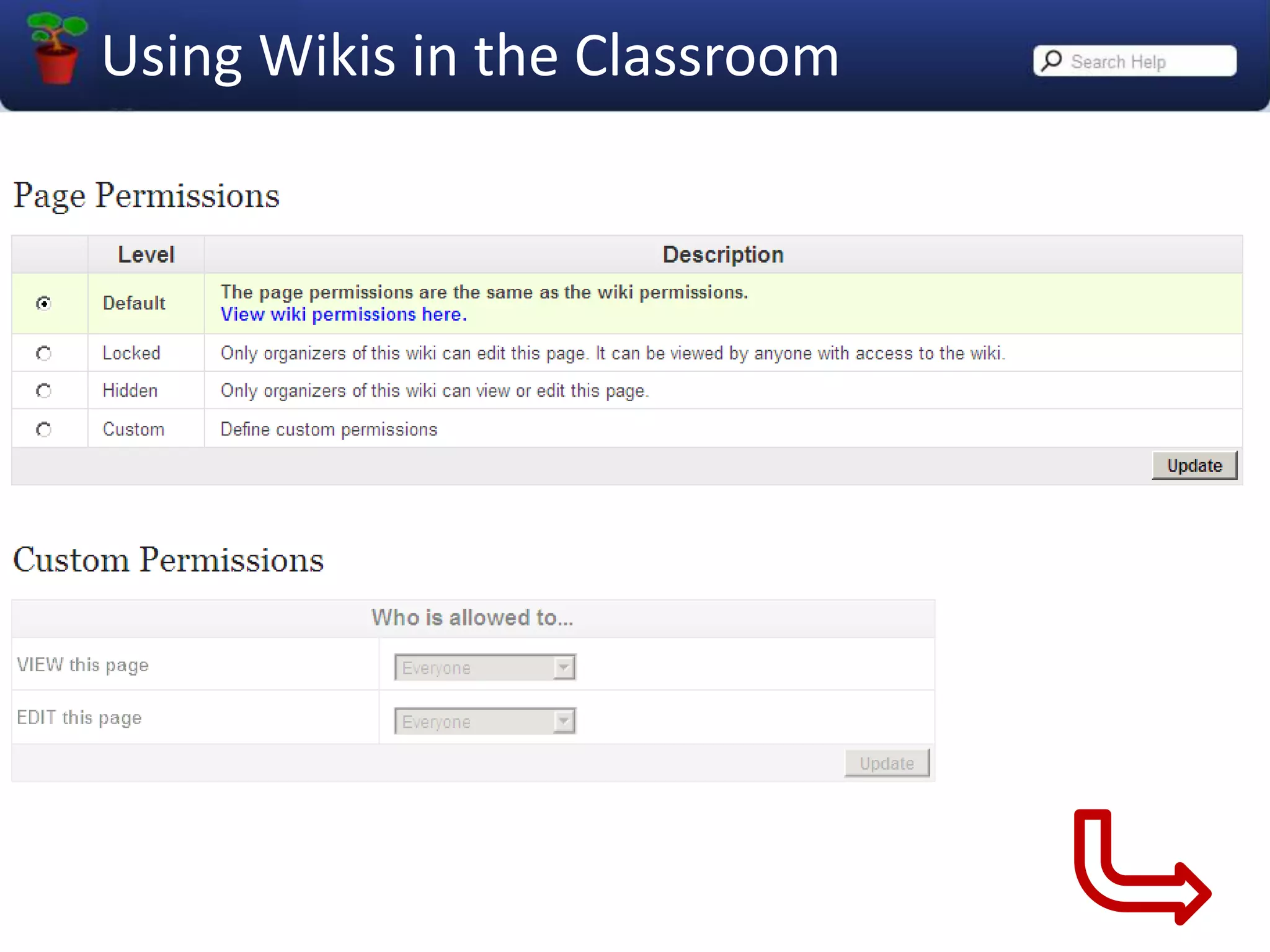
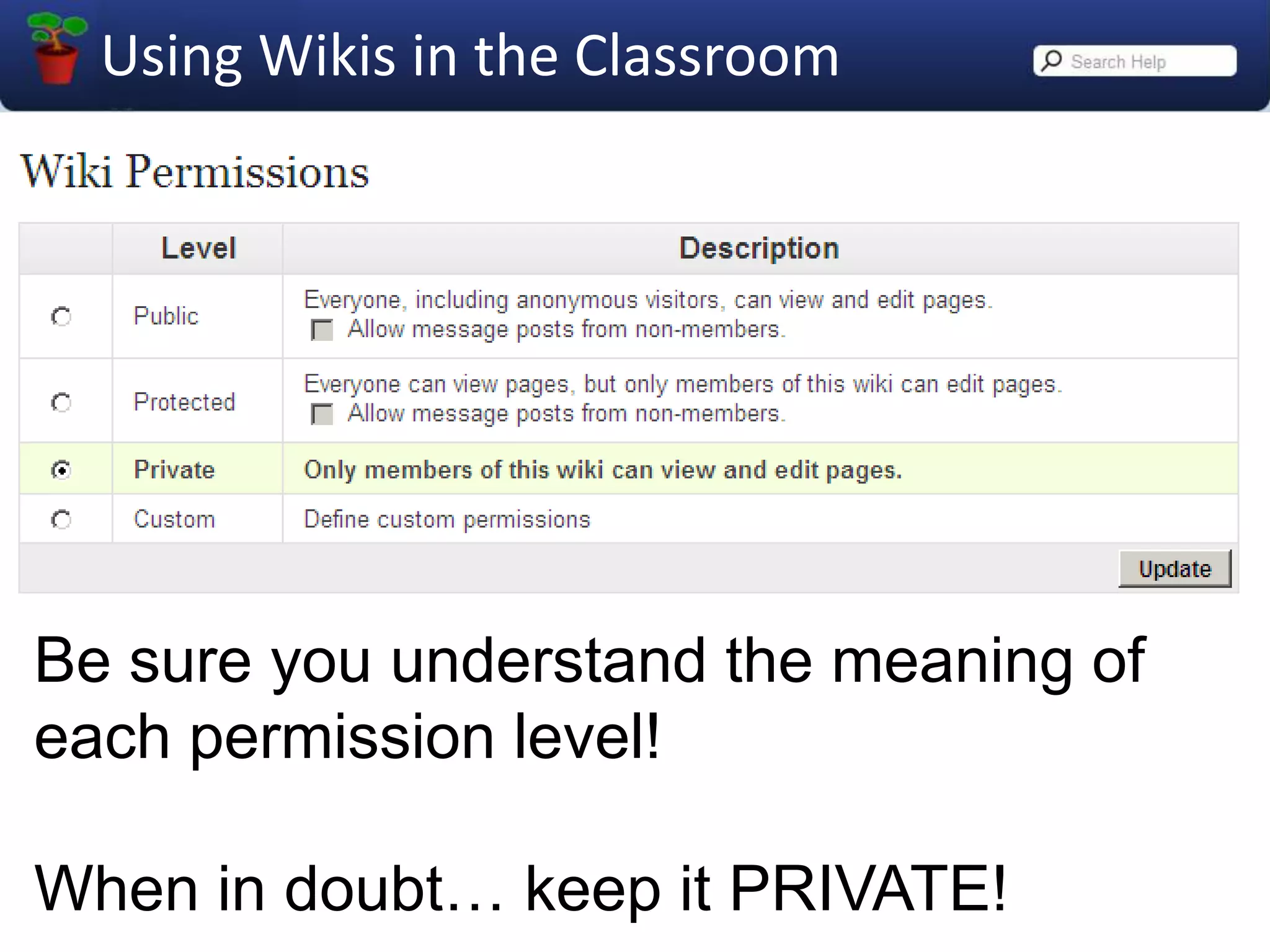
Be sure you understand the meaning of each permission level!When in doubt… keep it PRIVATE!
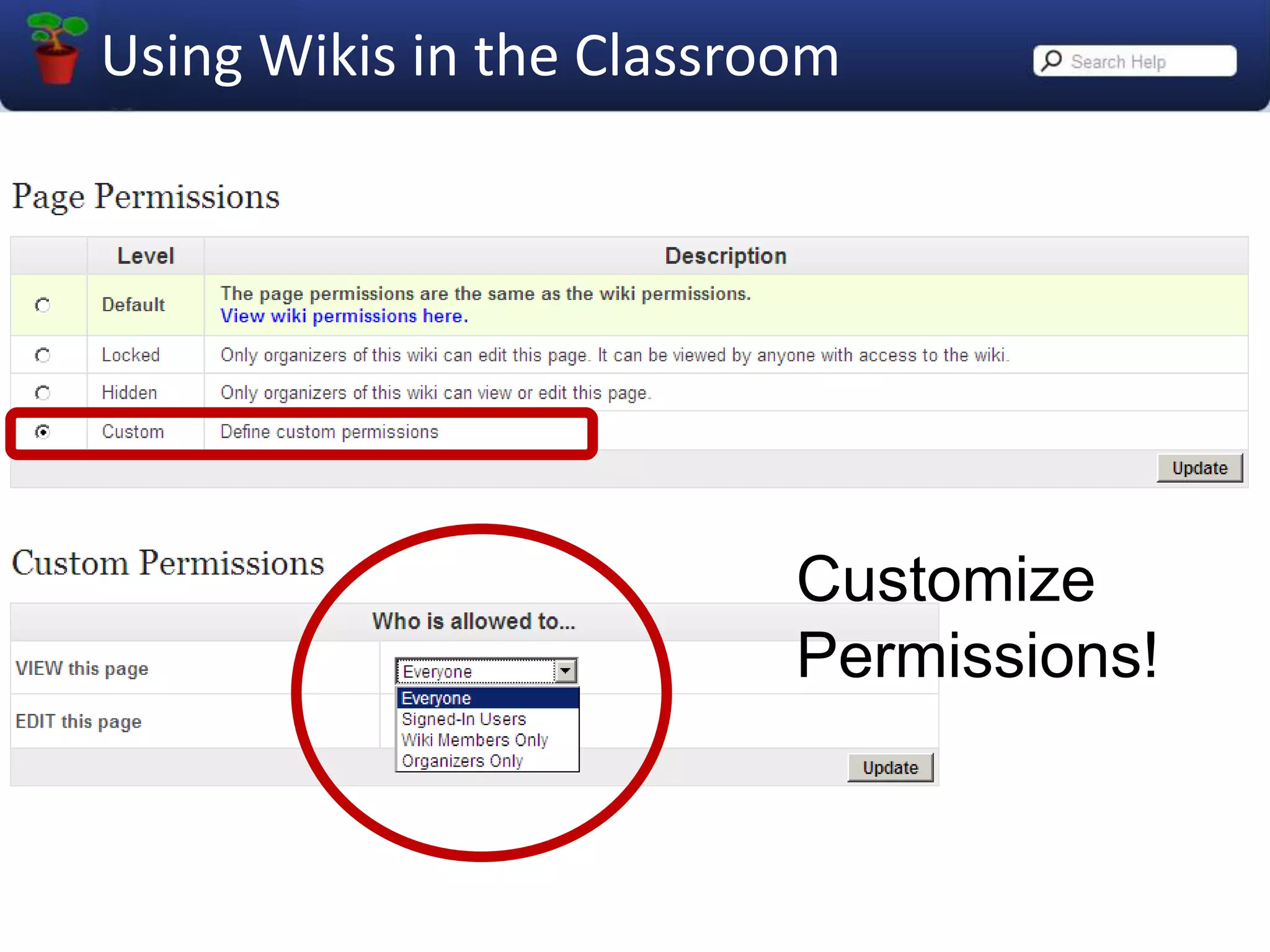
CustomizePermissions!
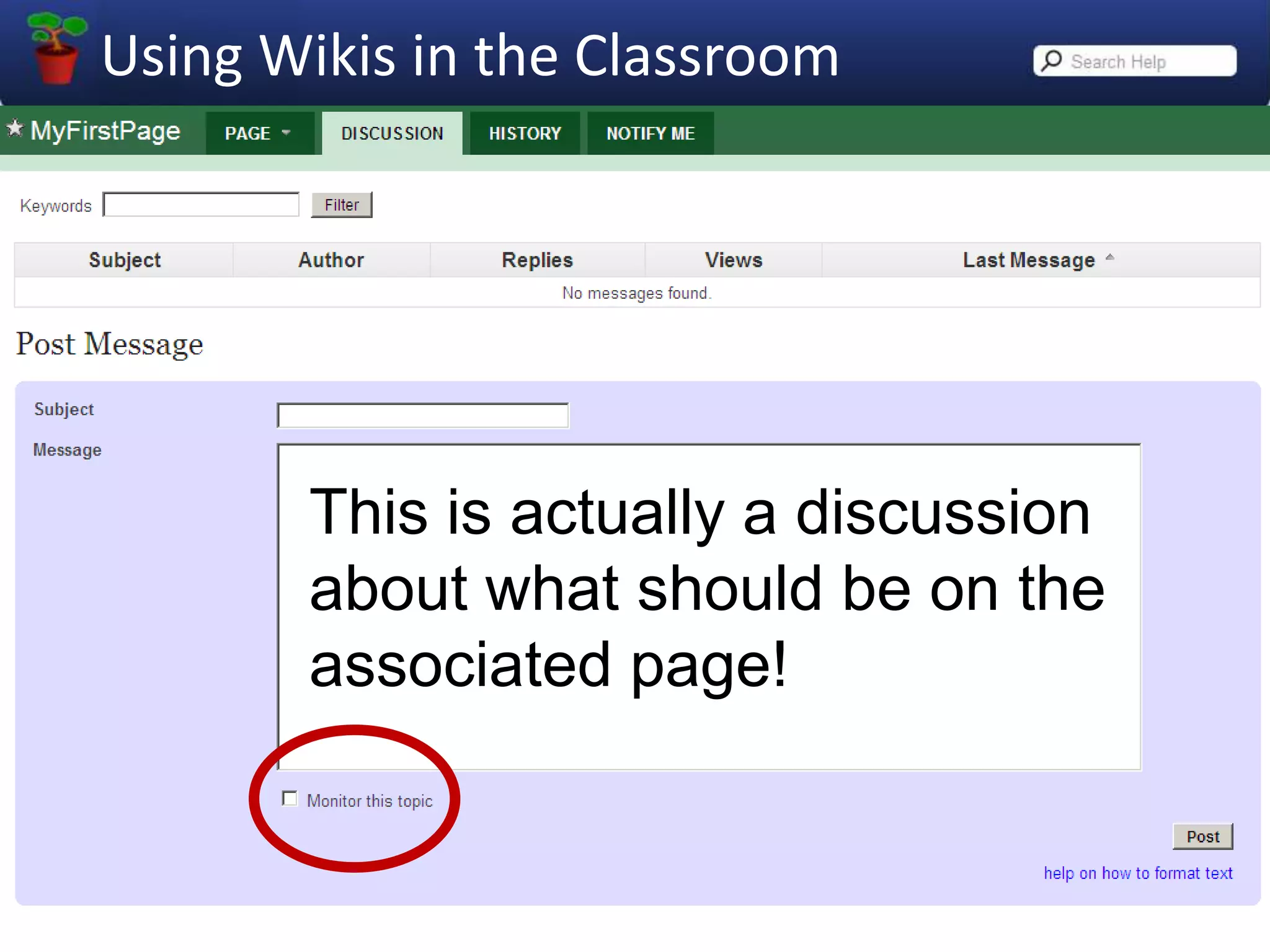
This is actually a discussion about what should be on the associated page!
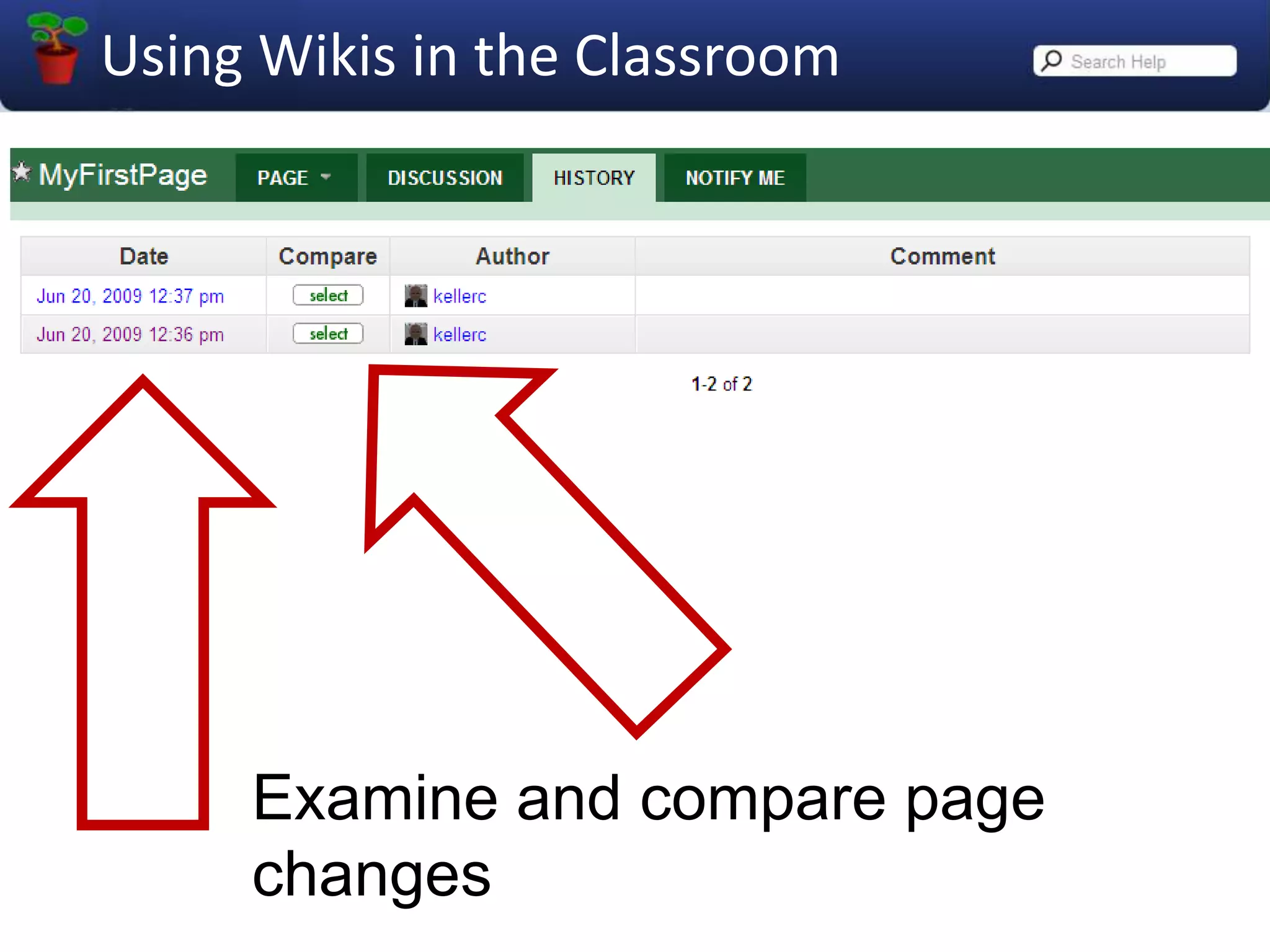
Examine and compare page changes
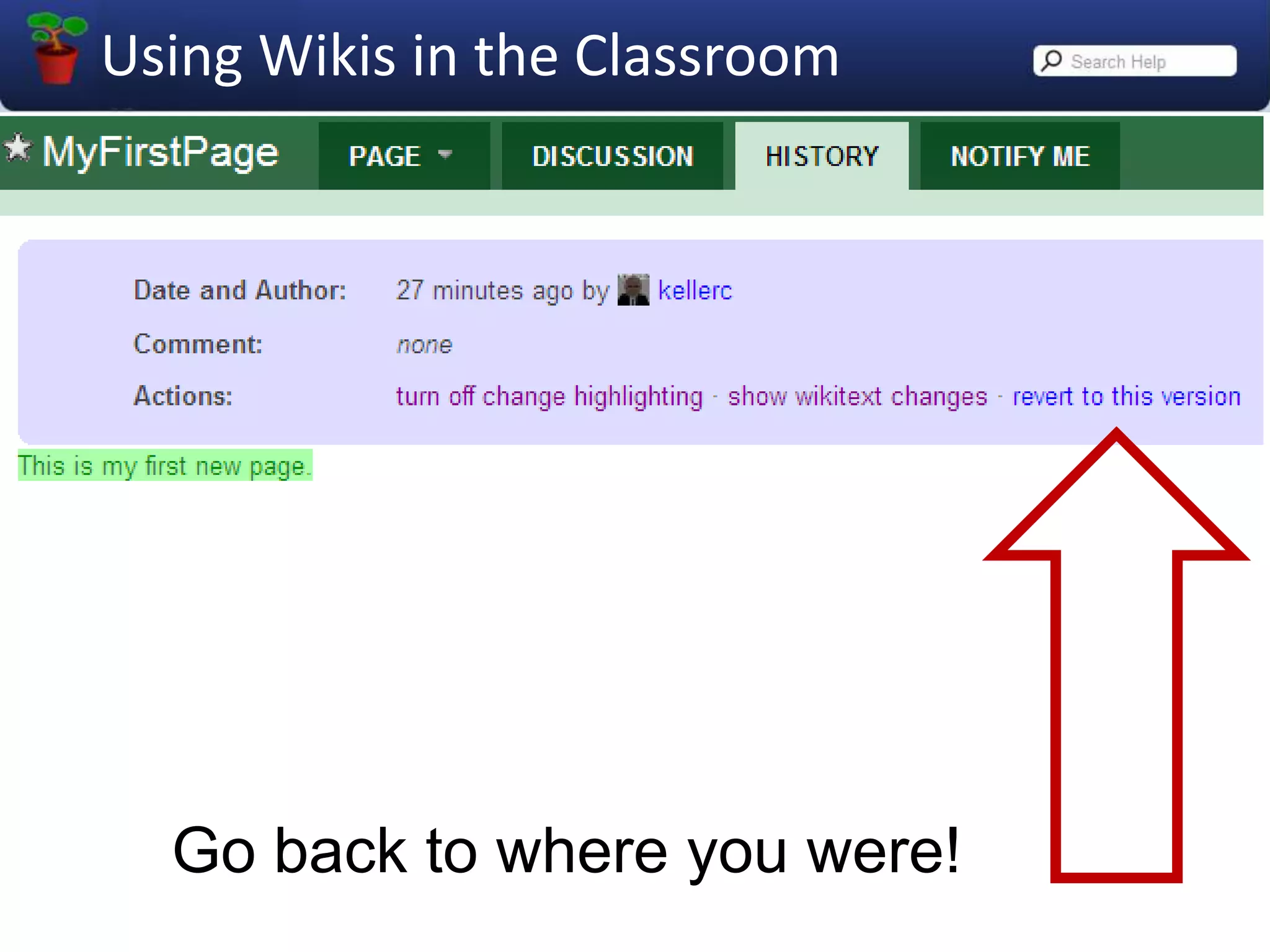
Go back to where you were!
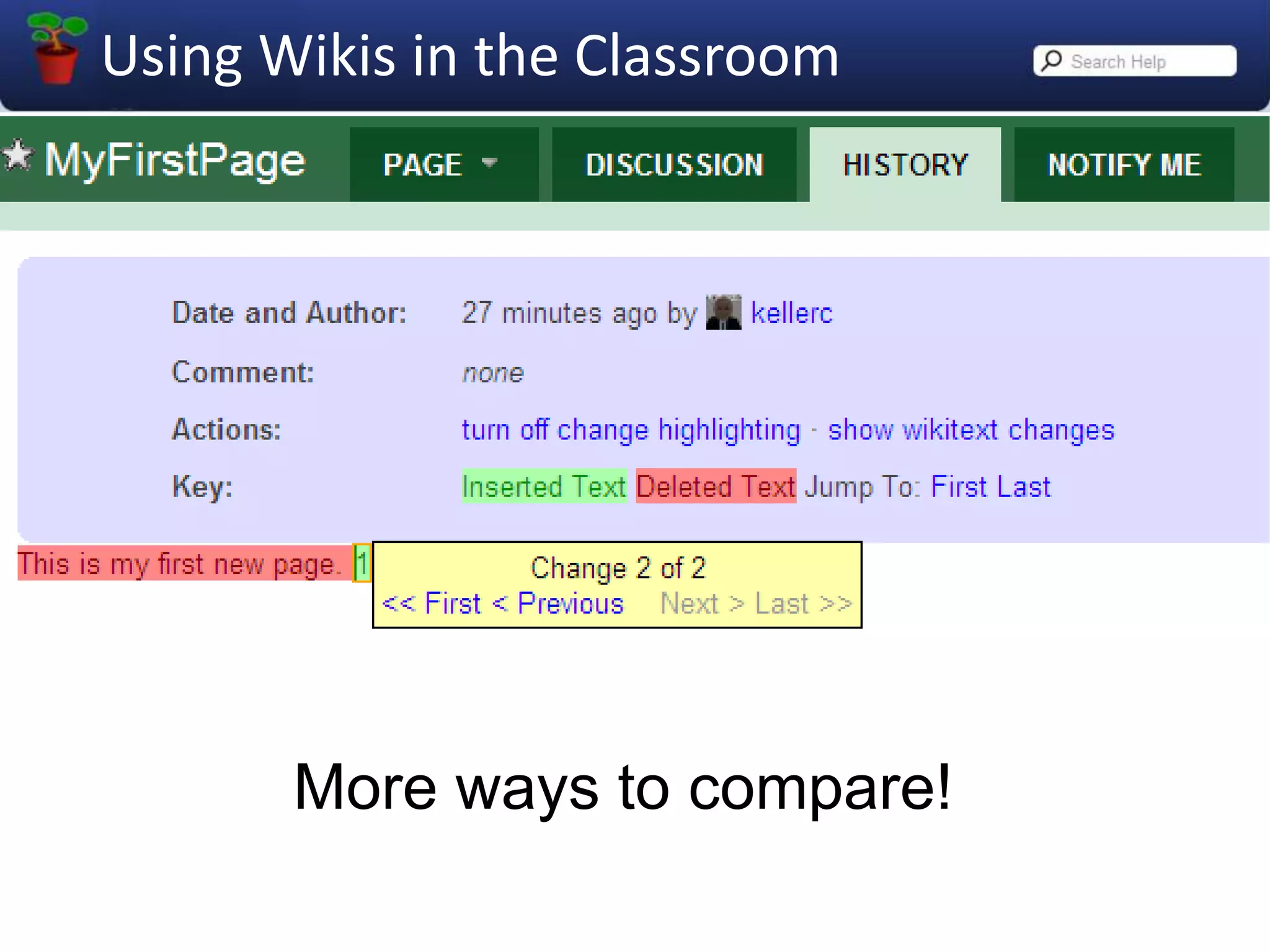
More ways to compare!
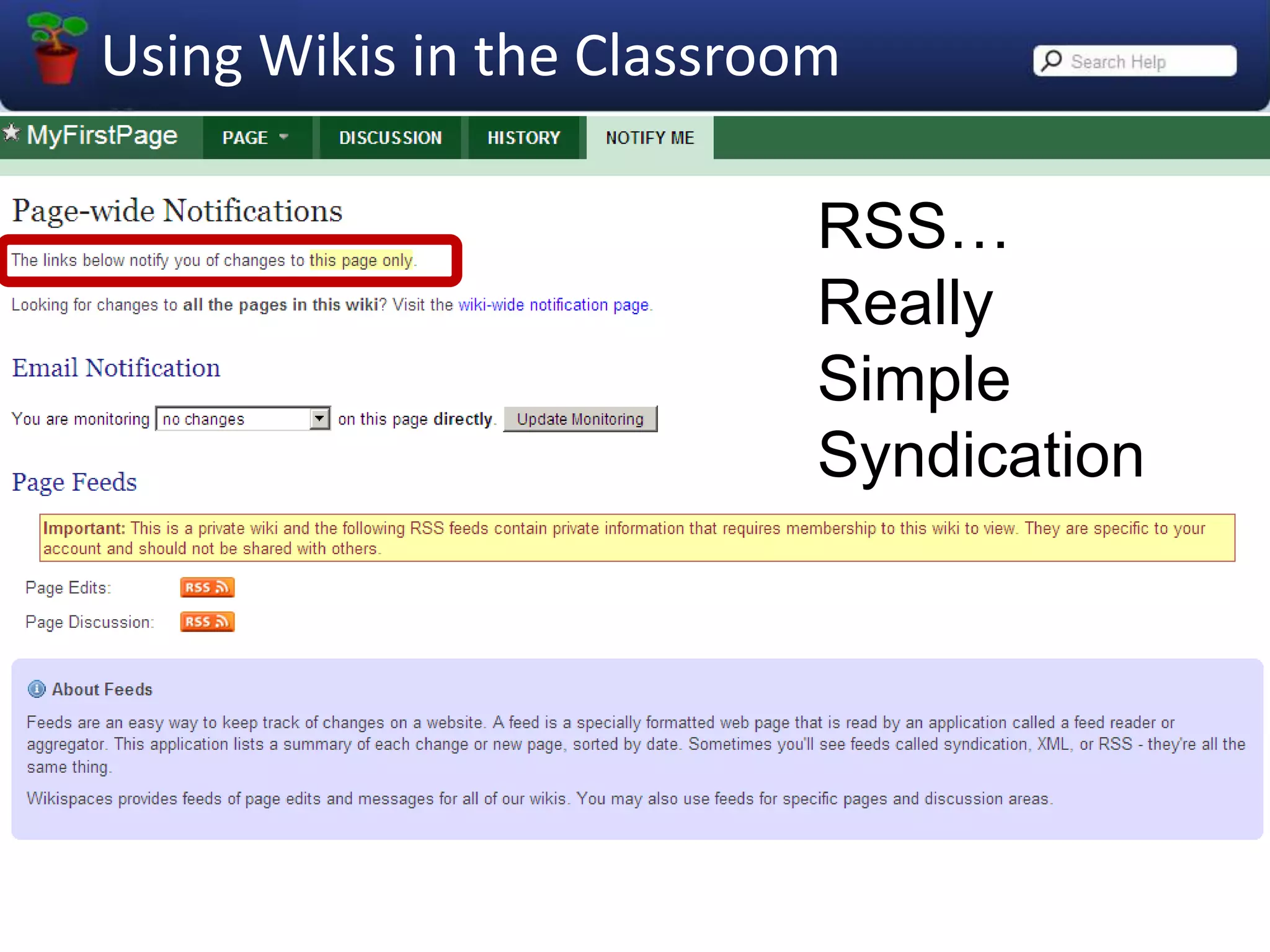
RSS…ReallySimpleSyndication
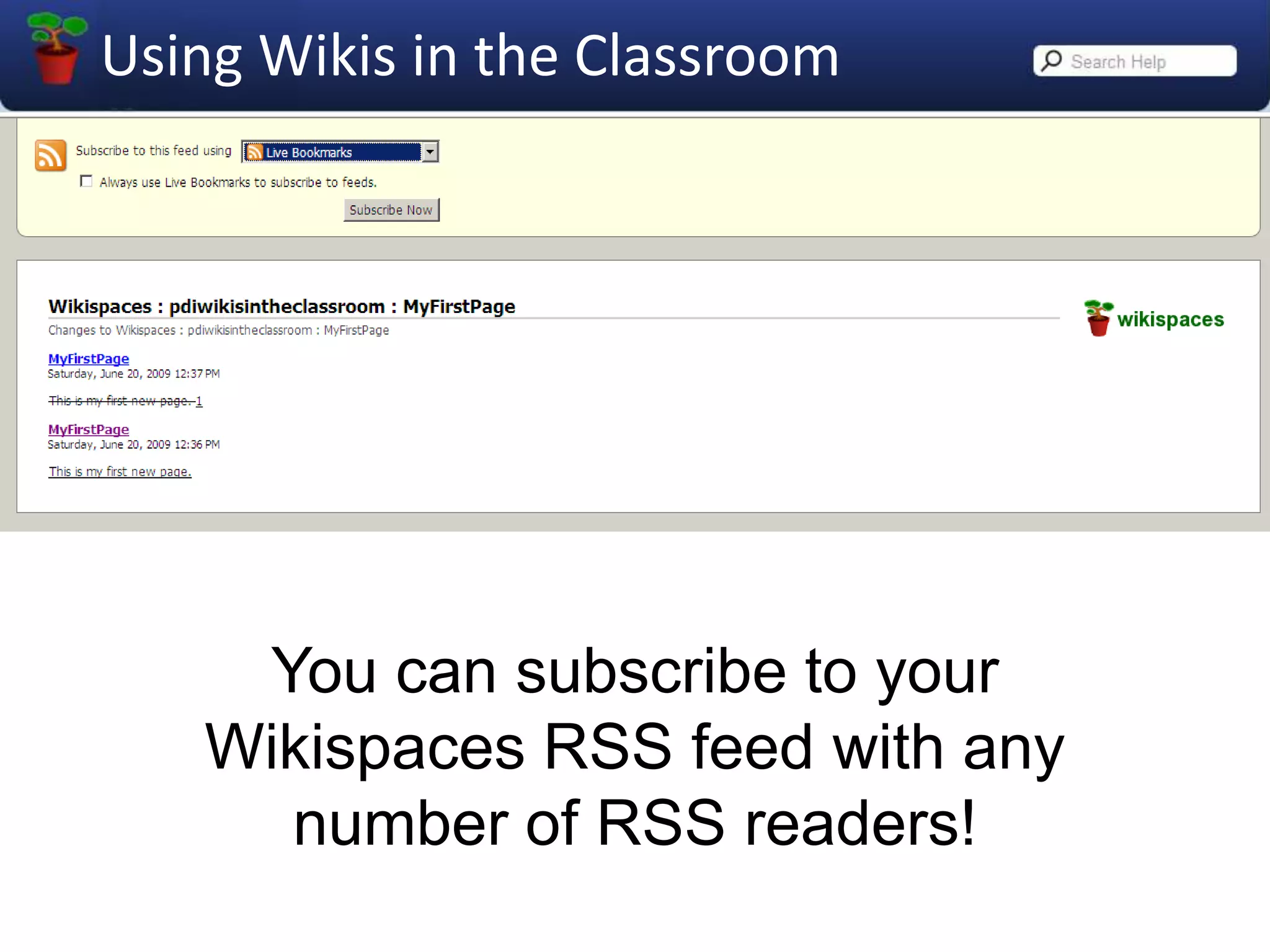
You can subscribe to your Wikispaces RSS feed with any number of RSS readers!
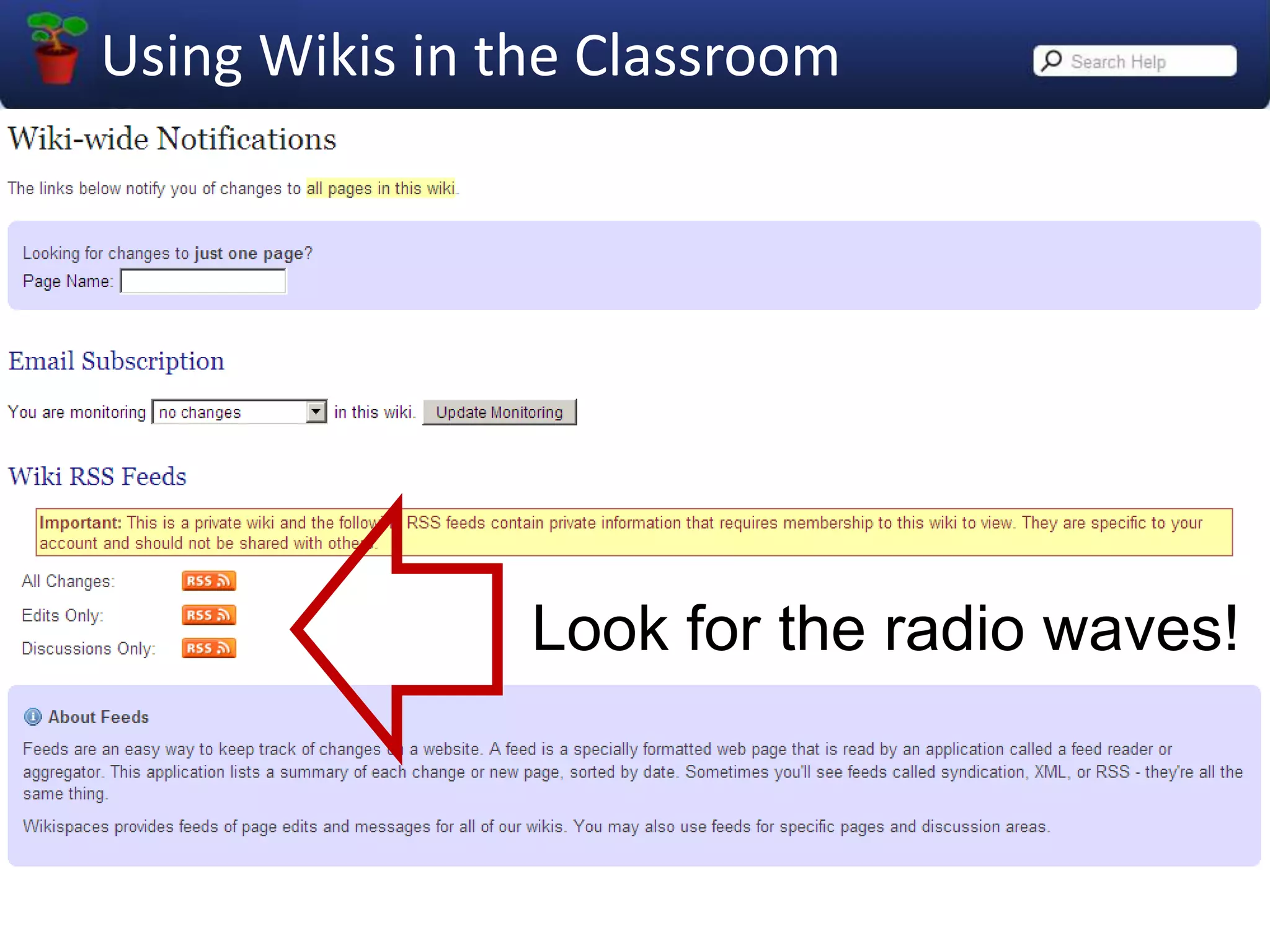
Look for the radio waves!
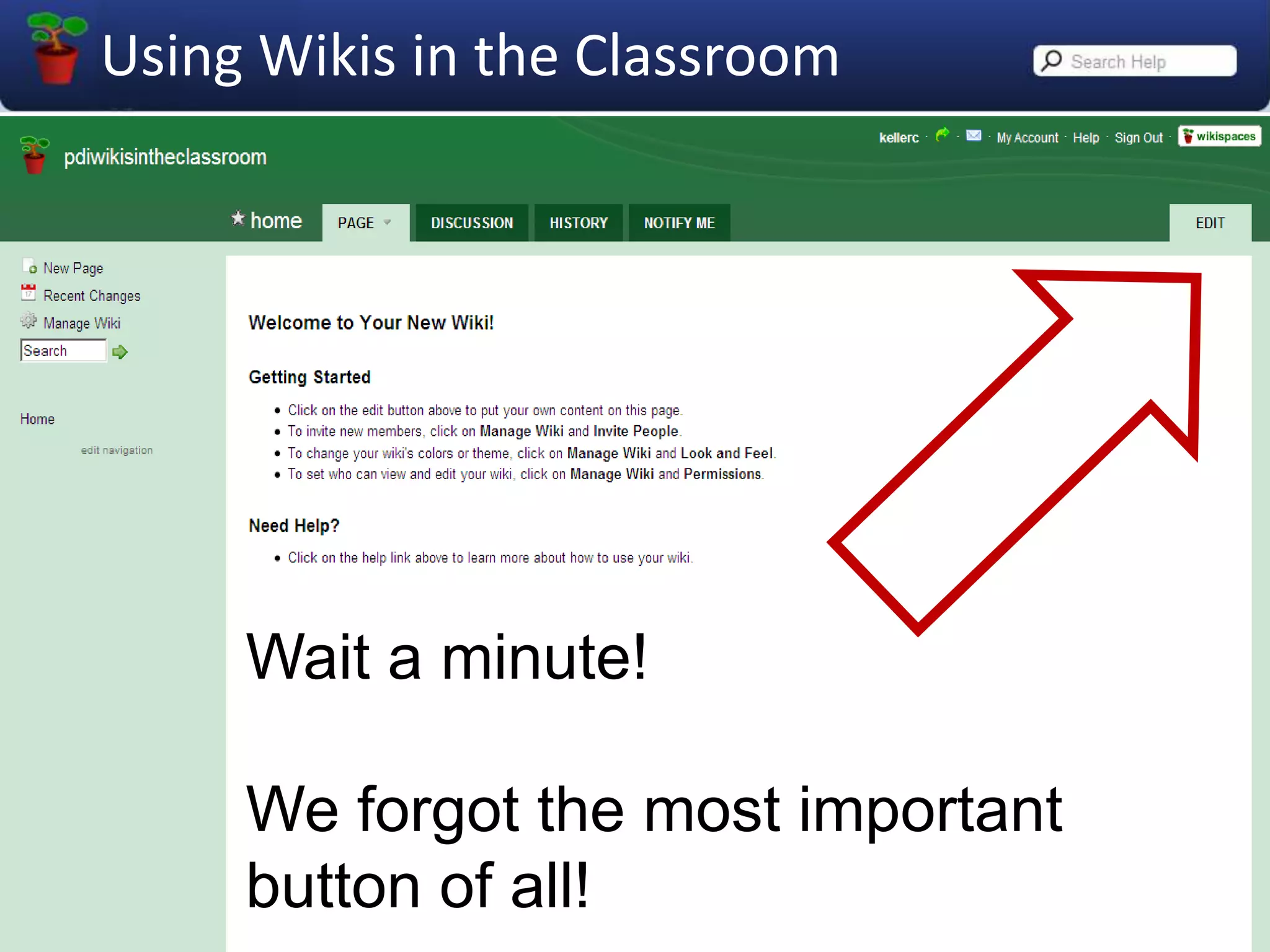
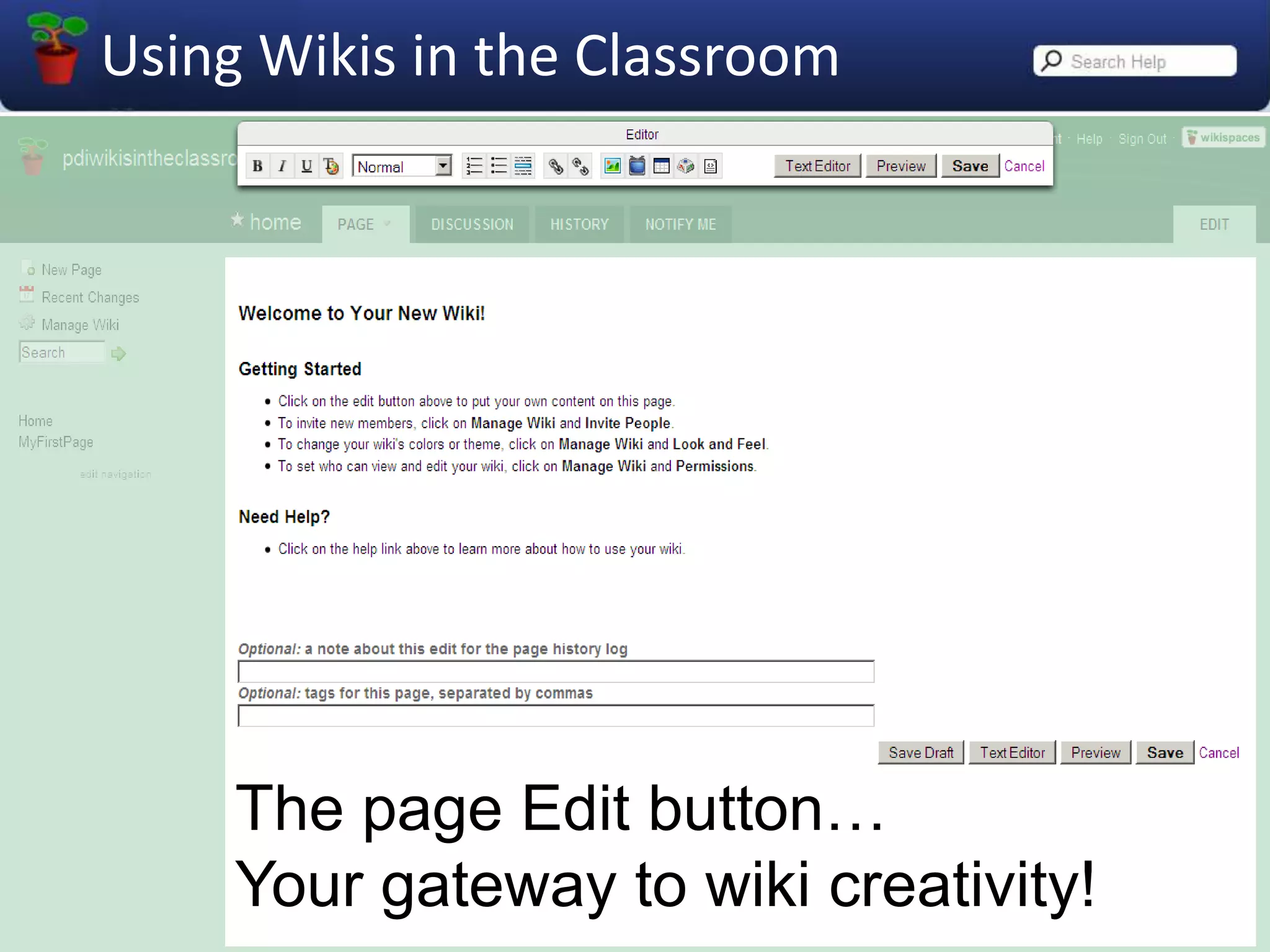
Wait a minute!We forgot the most important button of all!
The pageEdit button…Your gateway to wiki creativity!
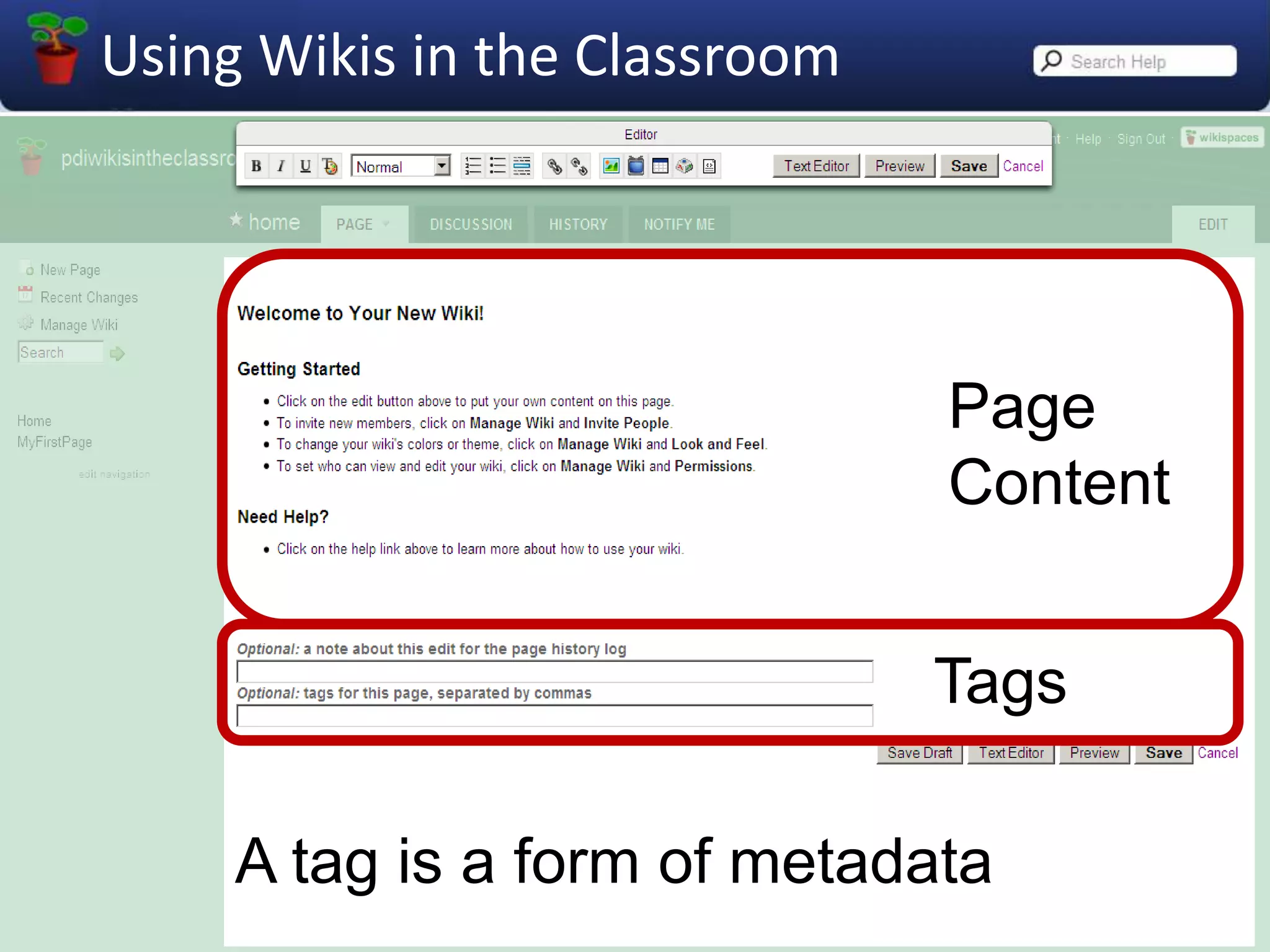
PageContentTagsA tag is a form of metadata
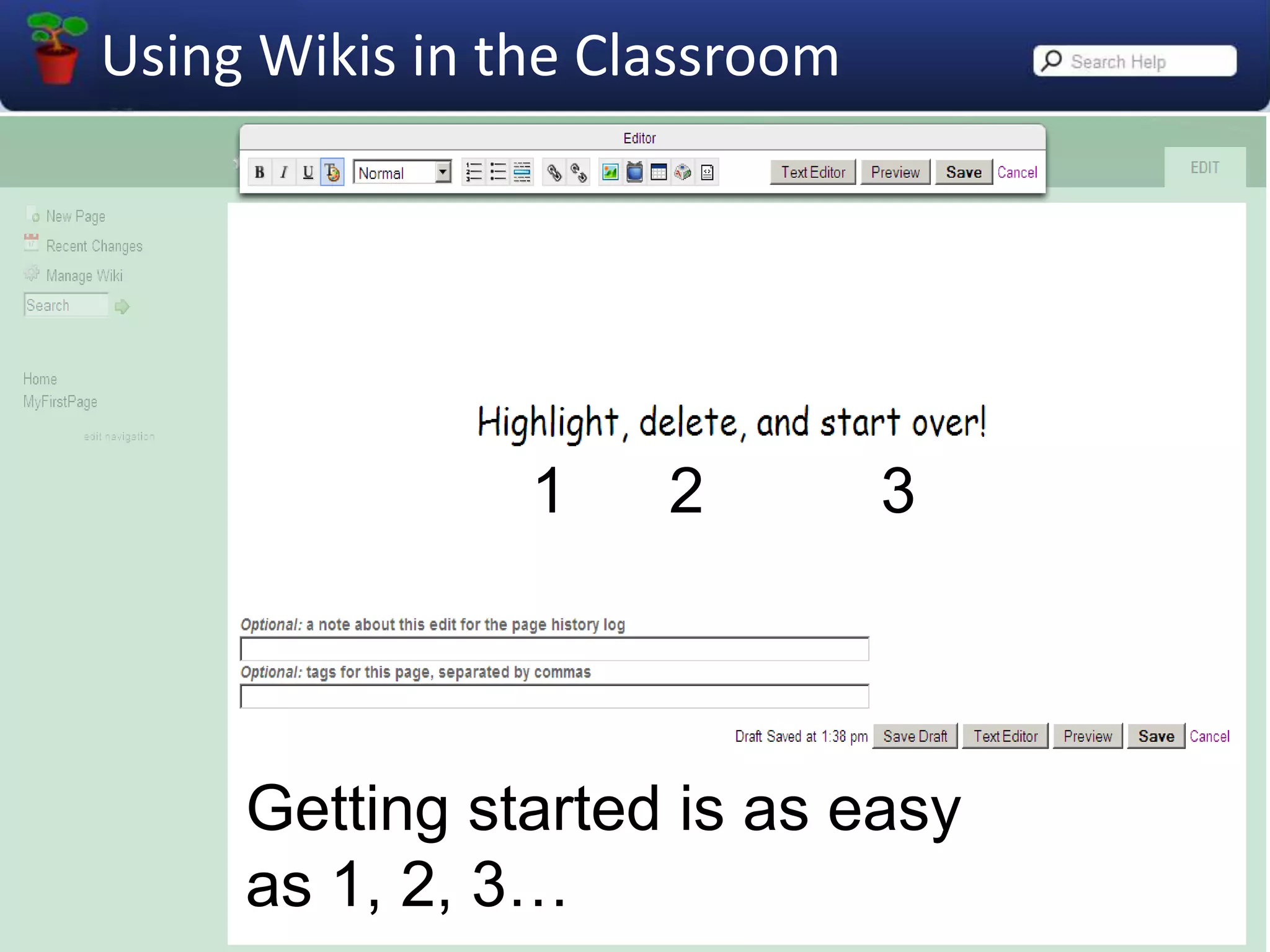
123Getting started is as easy as 1, 2, 3…
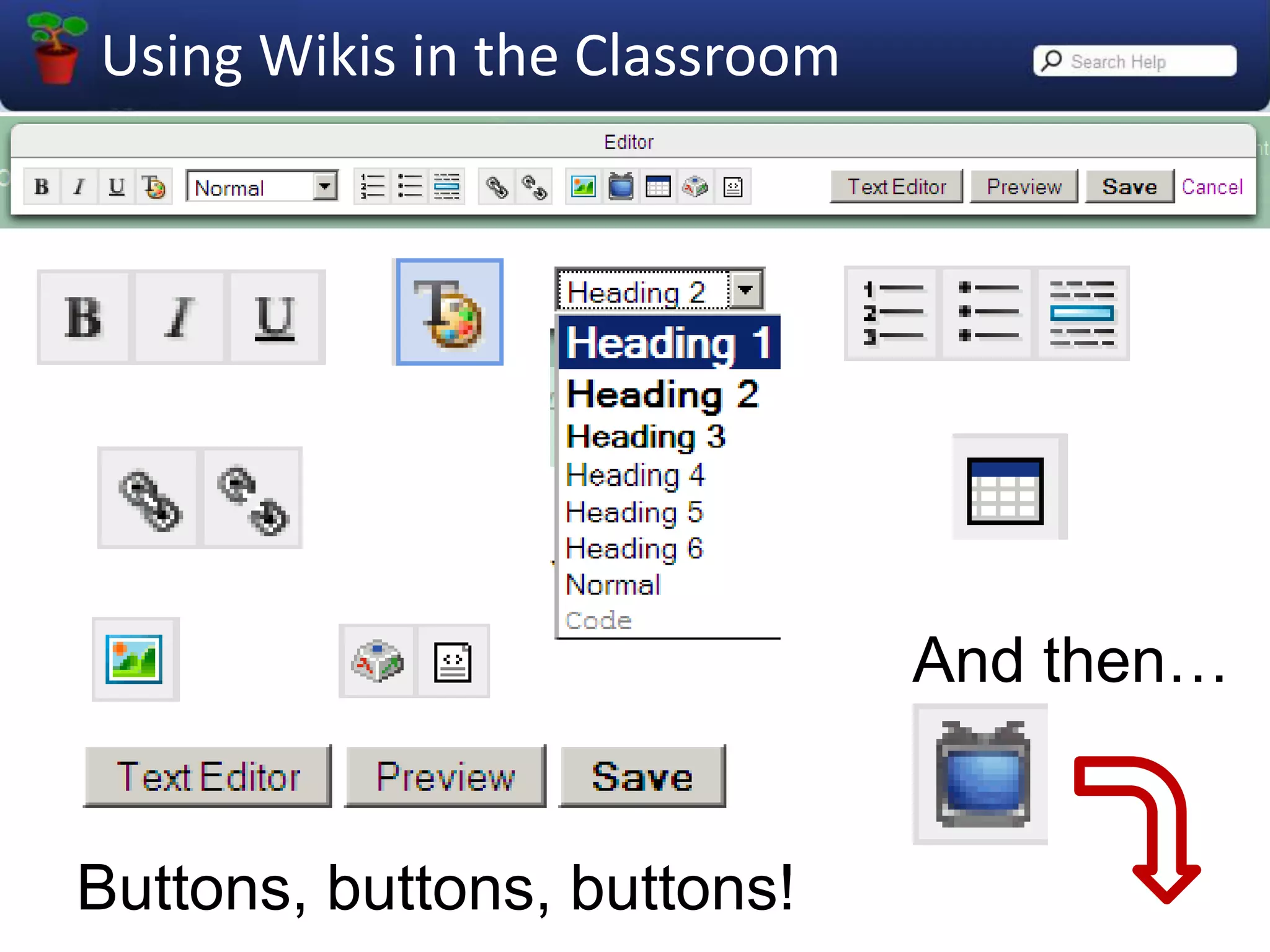
And then…Buttons, buttons, buttons!
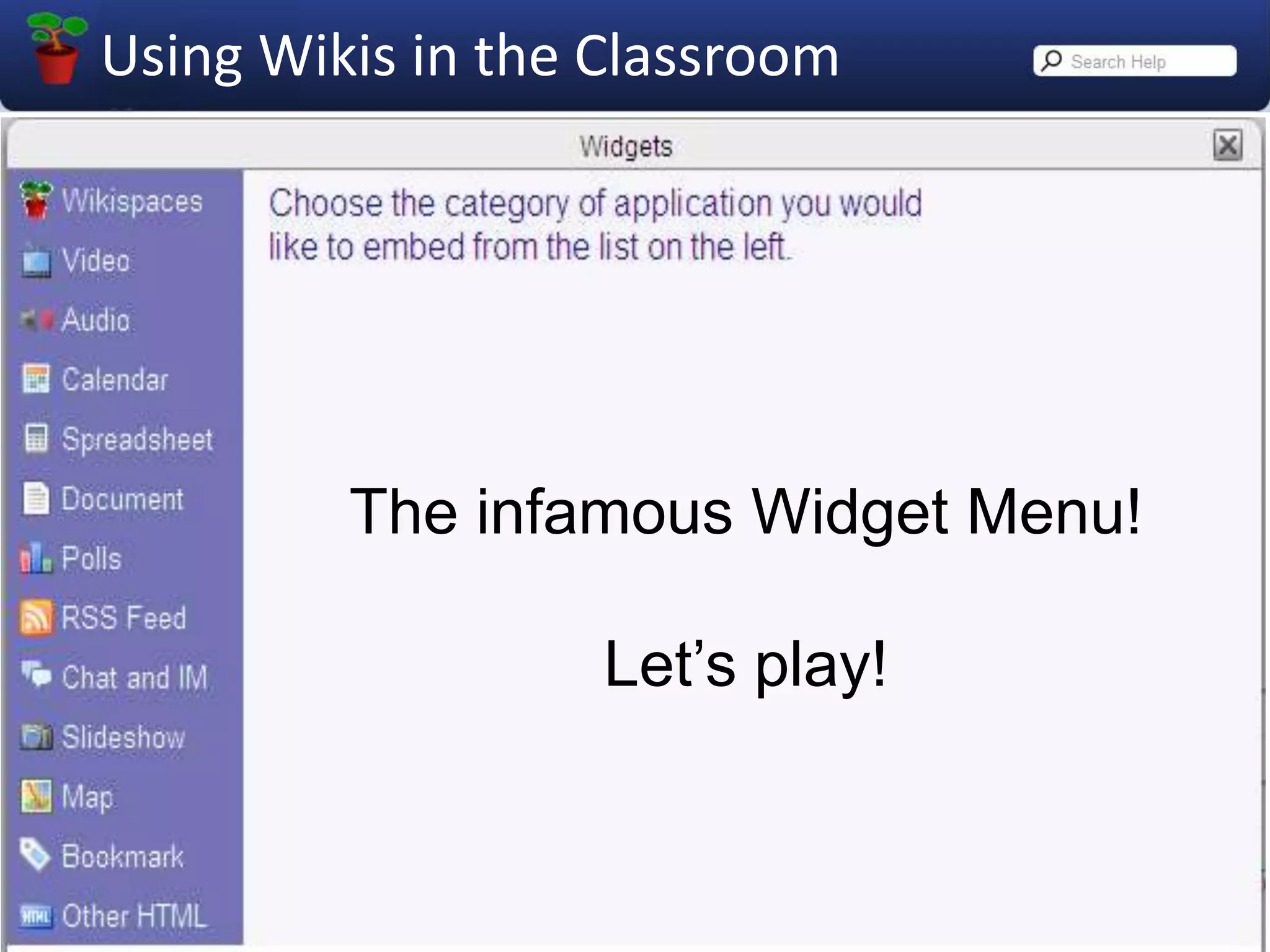
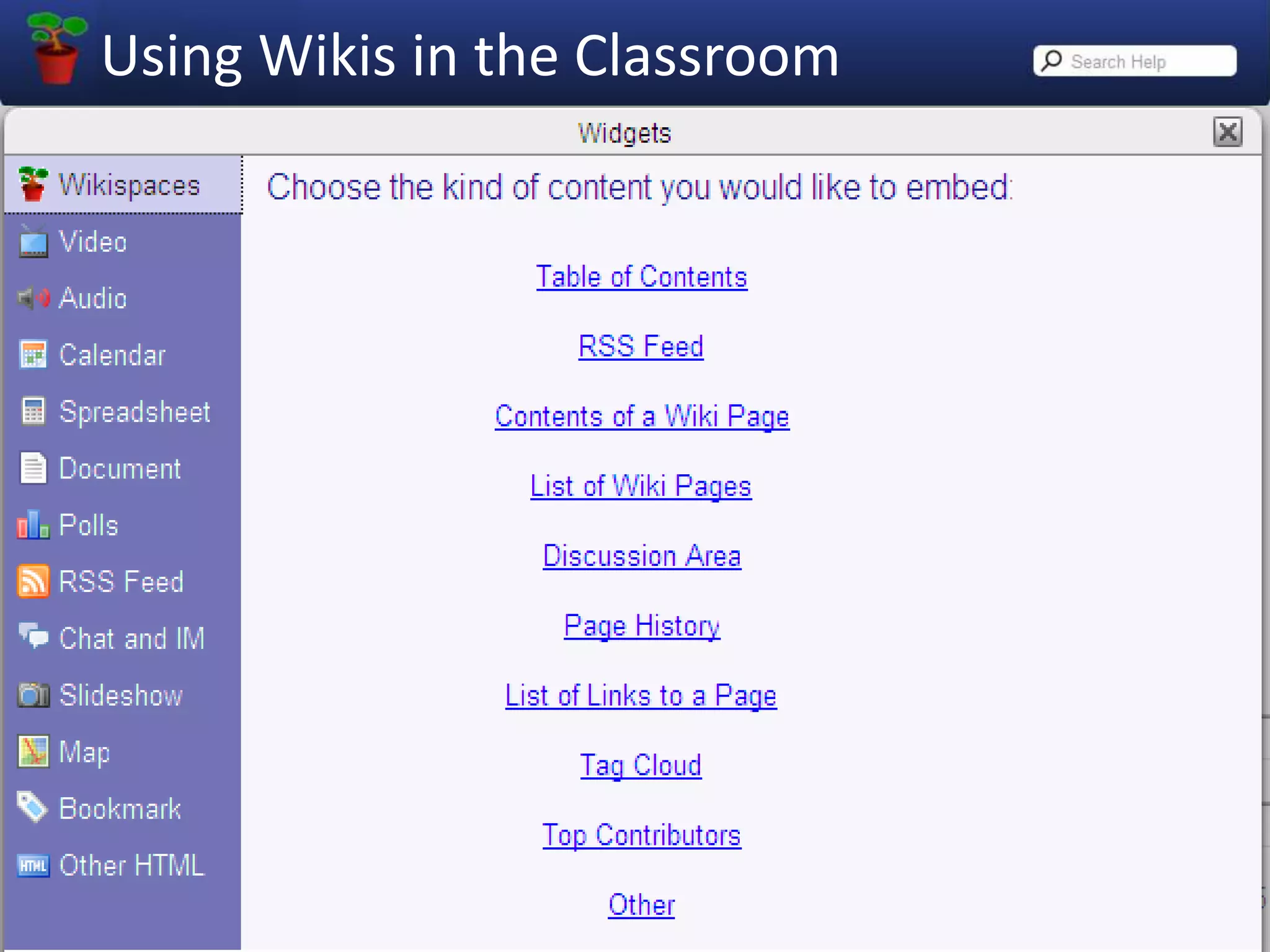
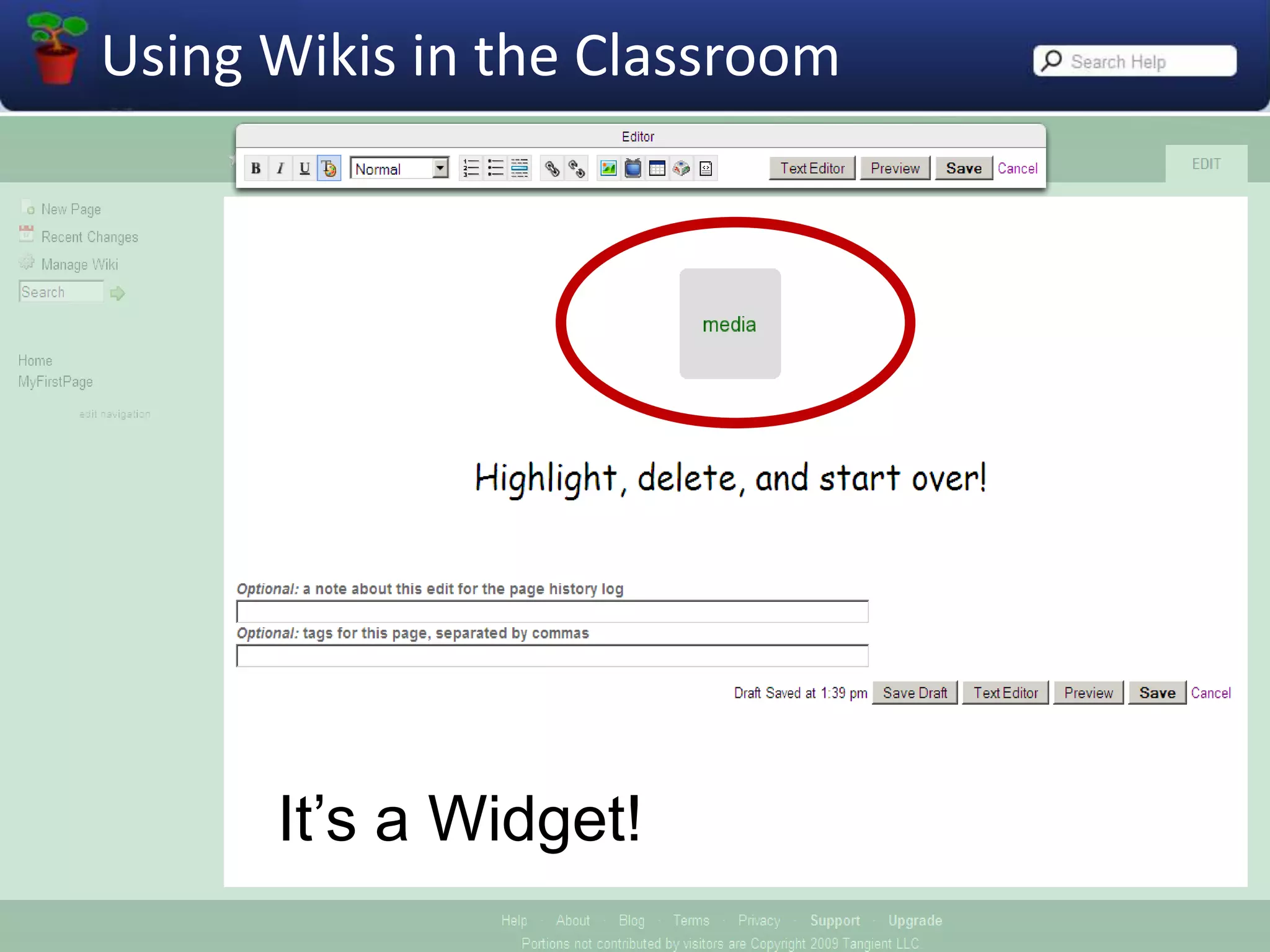
The infamous Widget Menu!Let’s play!
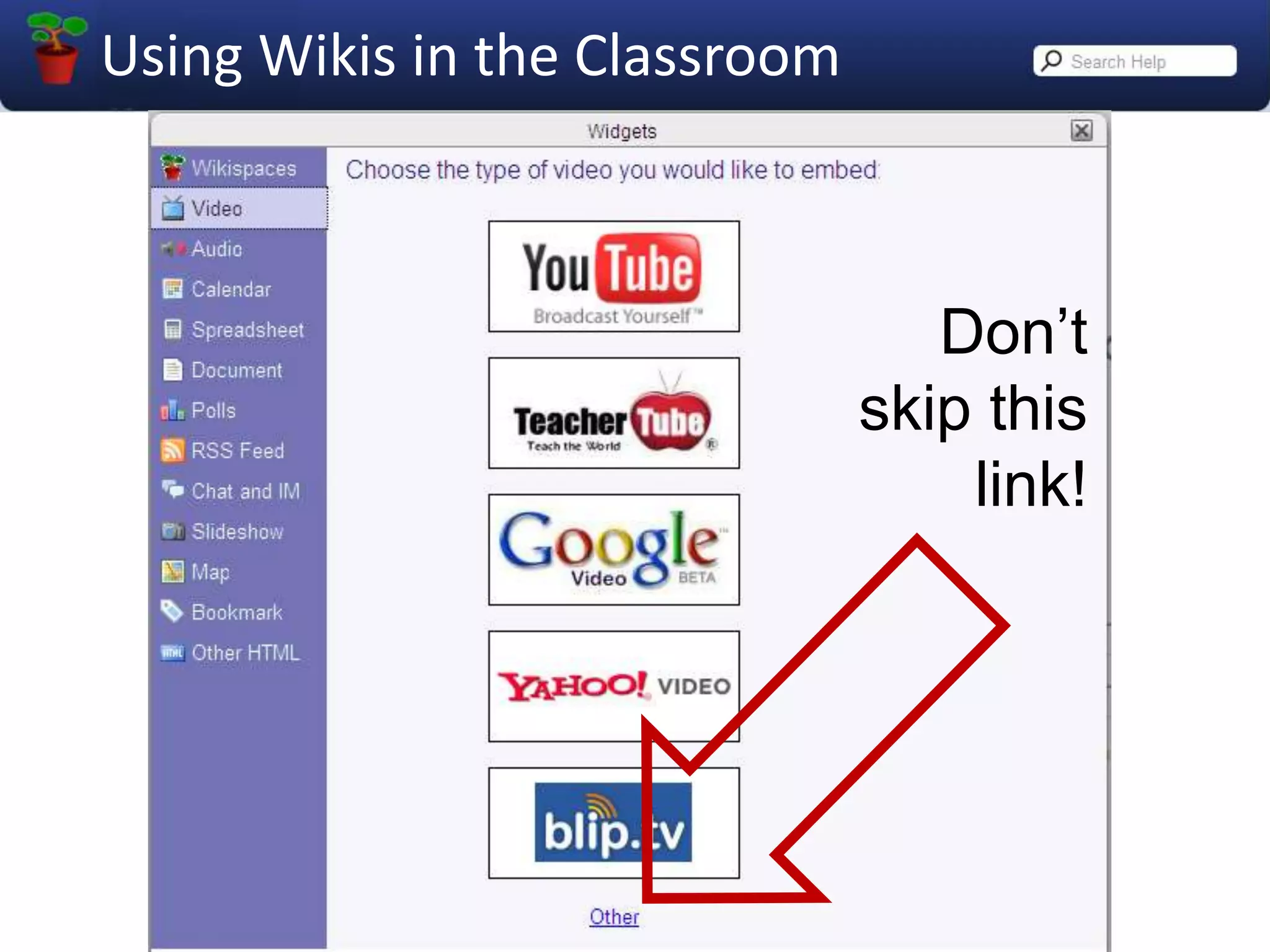
Don’tskip this link!
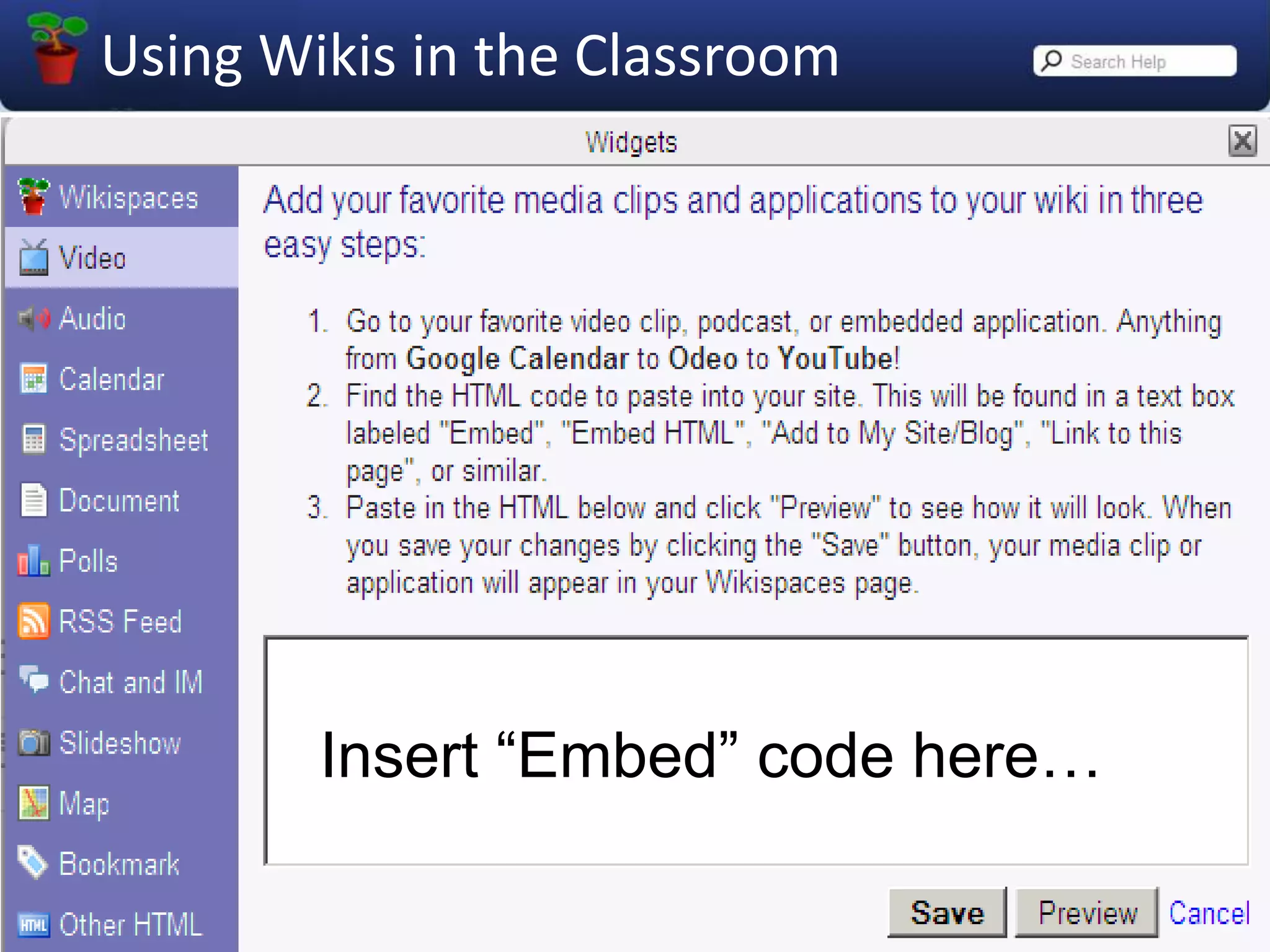
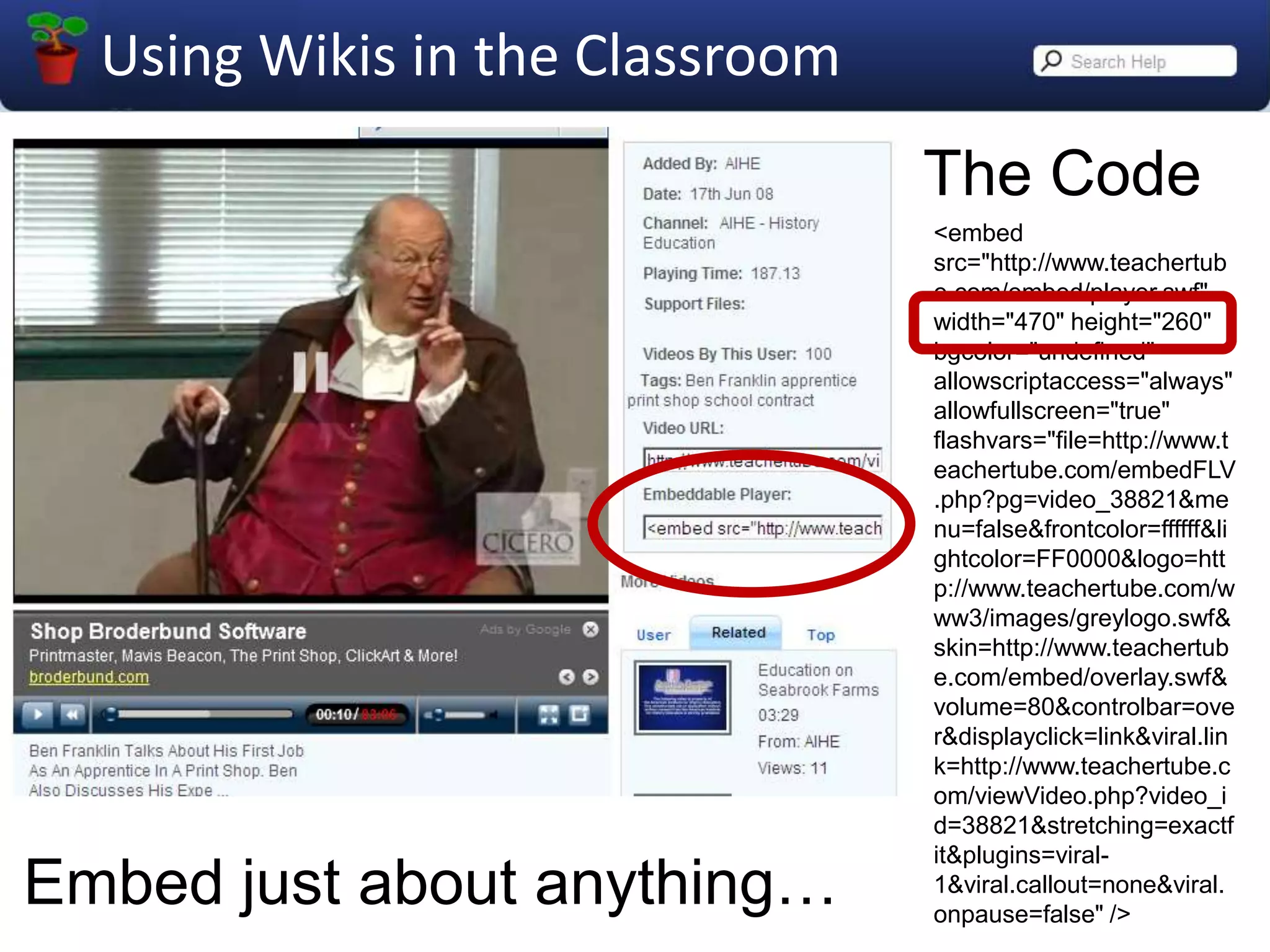
Insert “Embed” code here…
The Code<embed src="http://www.teachertube.com/embed/player.swf" width="470" height="260" bgcolor="undefined" allowscriptaccess="always" allowfullscreen="true" flashvars="file=http://www.teachertube.com/embedFLV.php?pg=video_38821&menu=false&frontcolor=ffffff&lightcolor=FF0000&logo=http://www.teachertube.com/www3/images/greylogo.swf&skin=http://www.teachertube.com/embed/overlay.swf&volume=80&controlbar=over&displayclick=link&viral.link=http://www.teachertube.com/viewVideo.php?video_id=38821&stretching=exactfit&plugins=viral-1&viral.callout=none&viral.onpause=false" />Embed just about anything…
It’s a Widget!
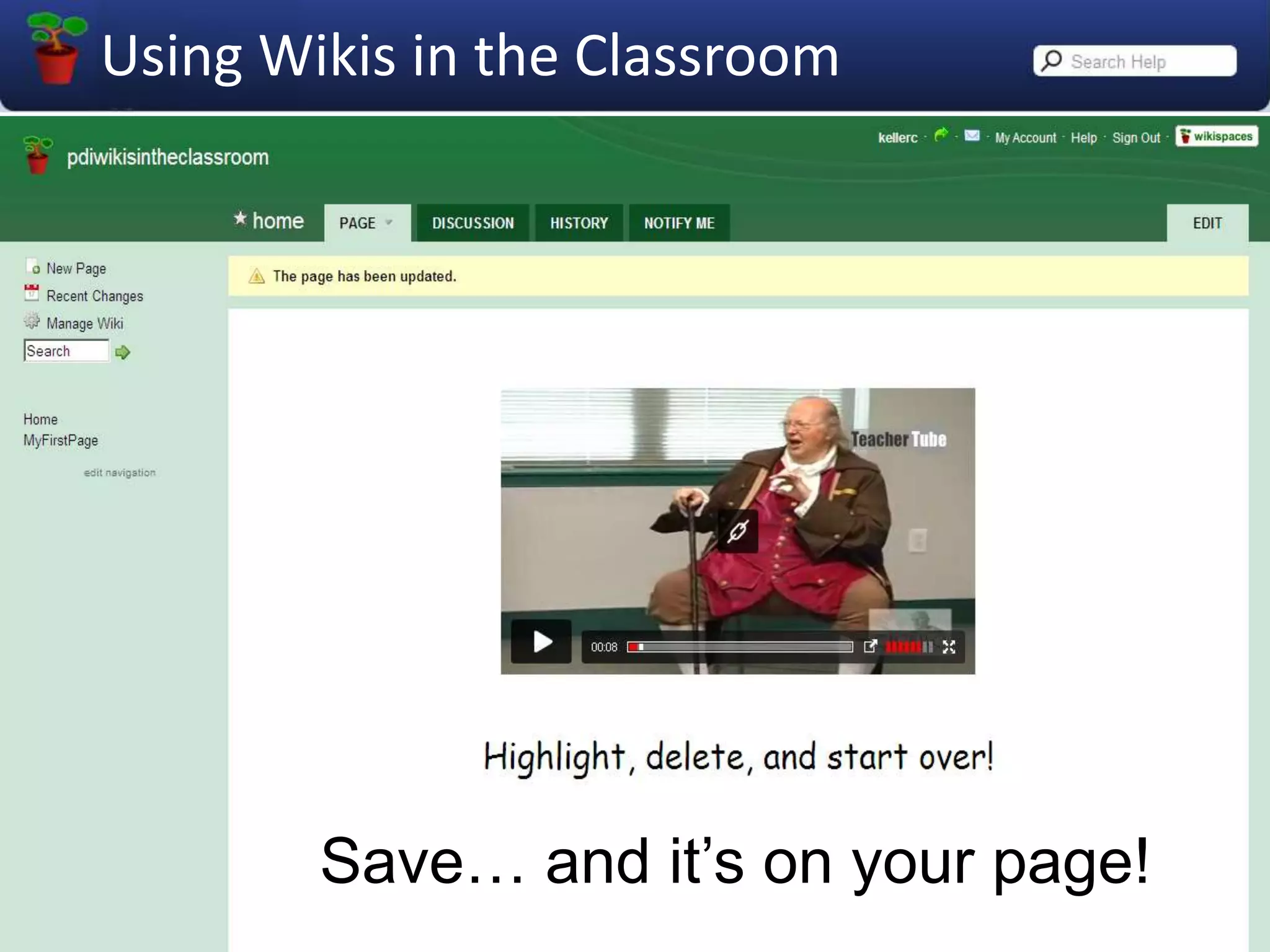
Save… and it’s on your page!
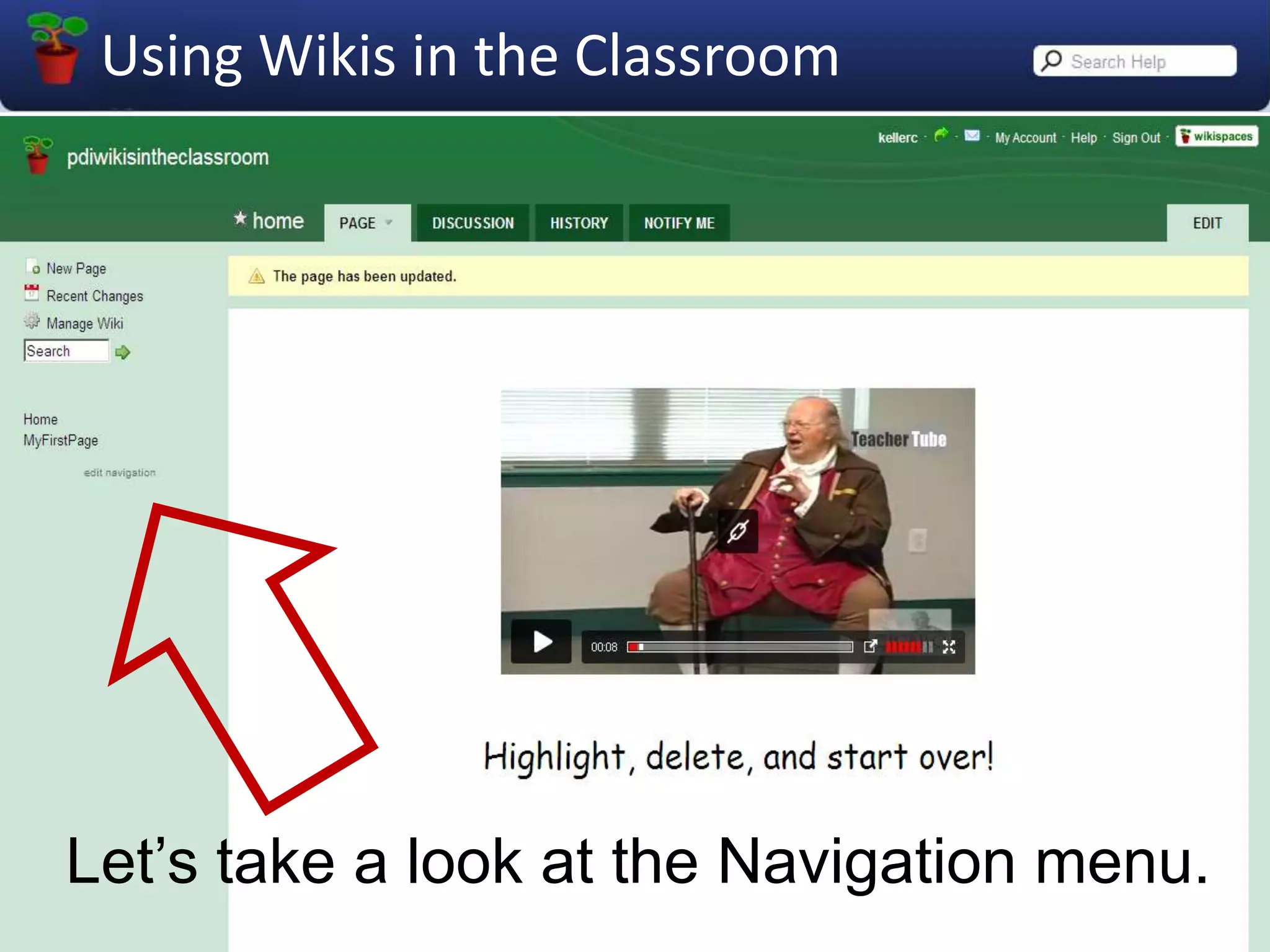
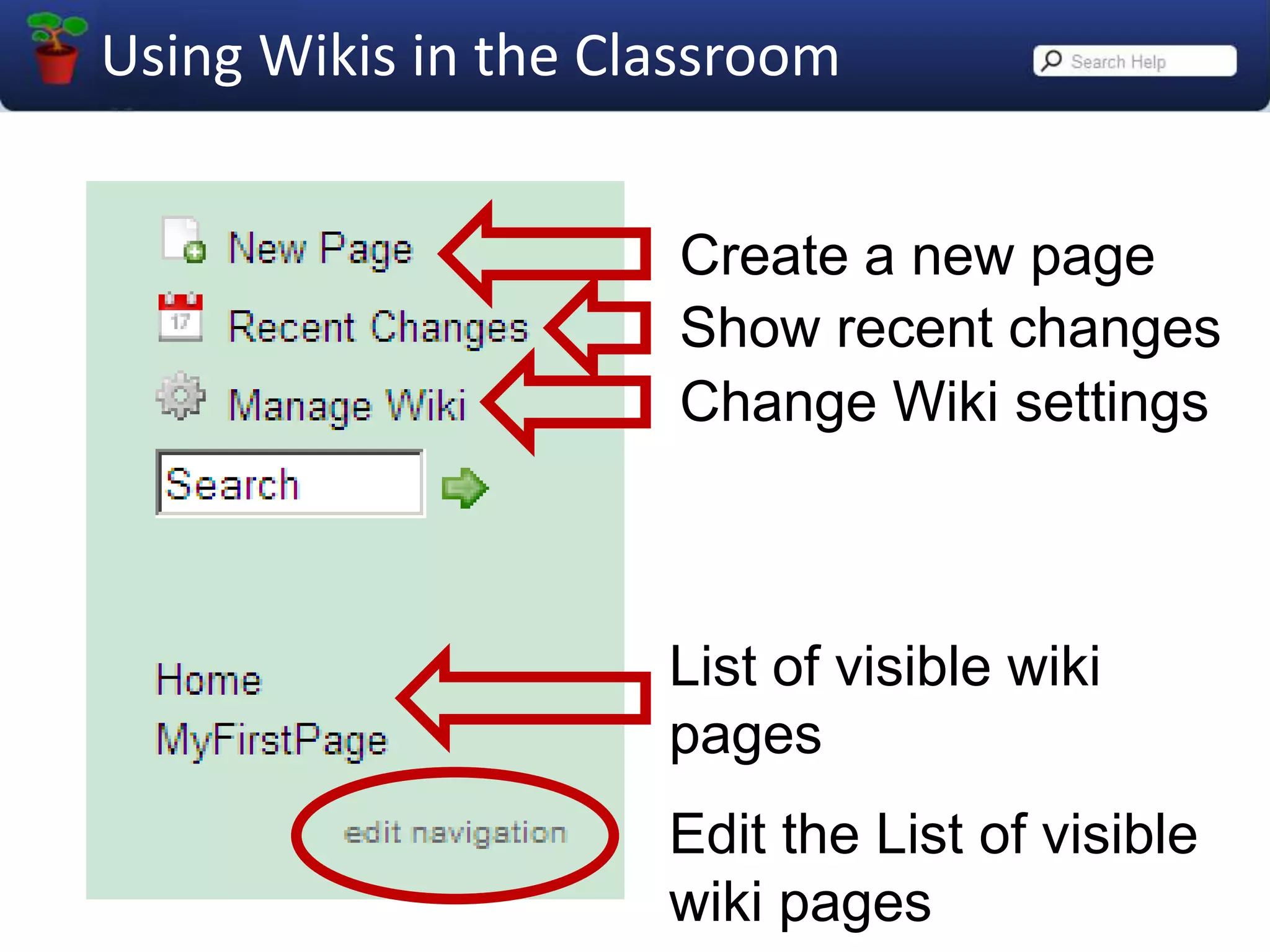
Let’s take a look at the Navigation menu.
Create a new pageShow recent changesChange Wiki settingsList of visible wiki pagesEdit the List of visible wiki pages
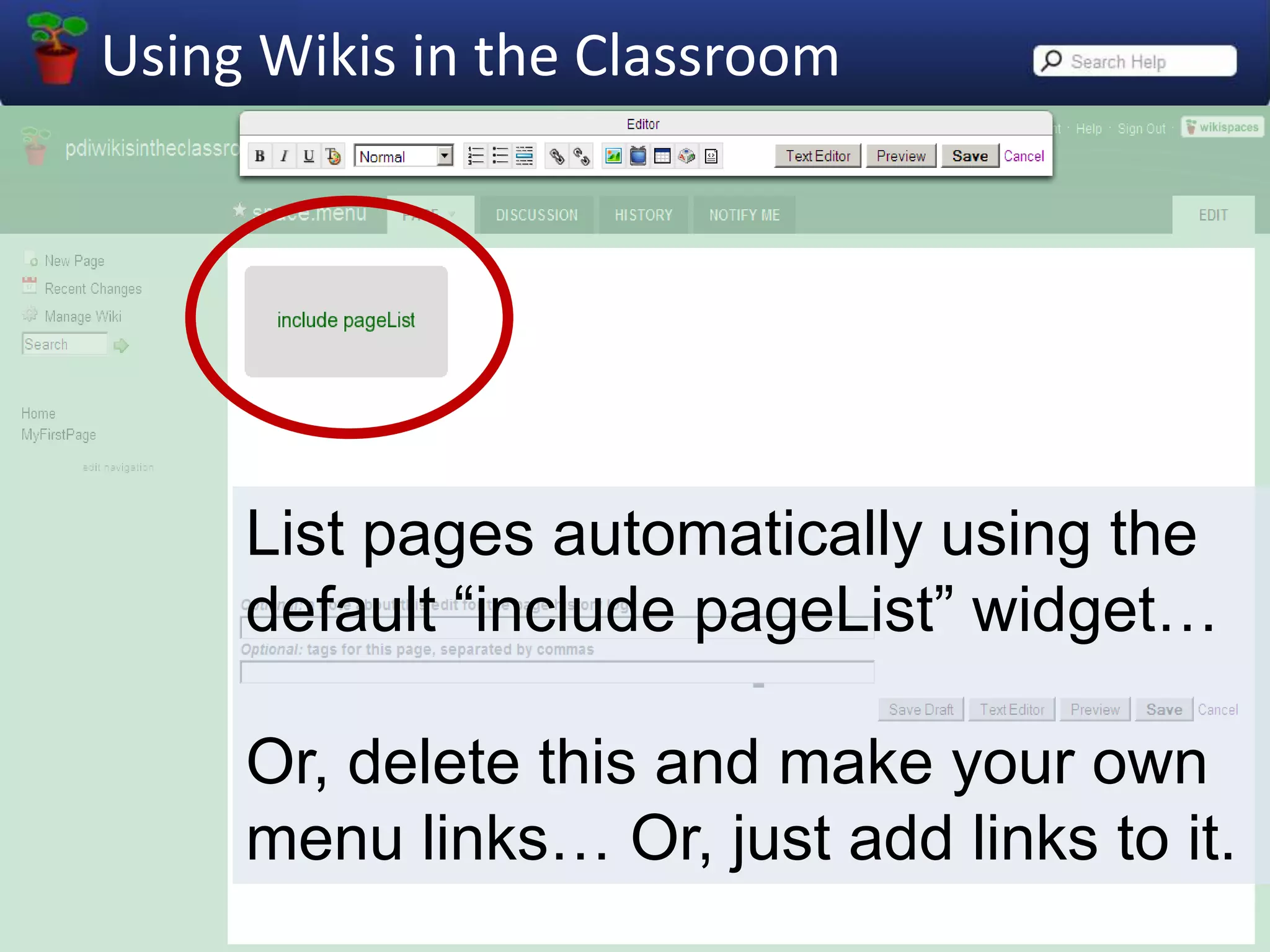
List pages automatically using the default “include pageList” widget…Or, delete this and make your own menu links… Or, just add links to it.
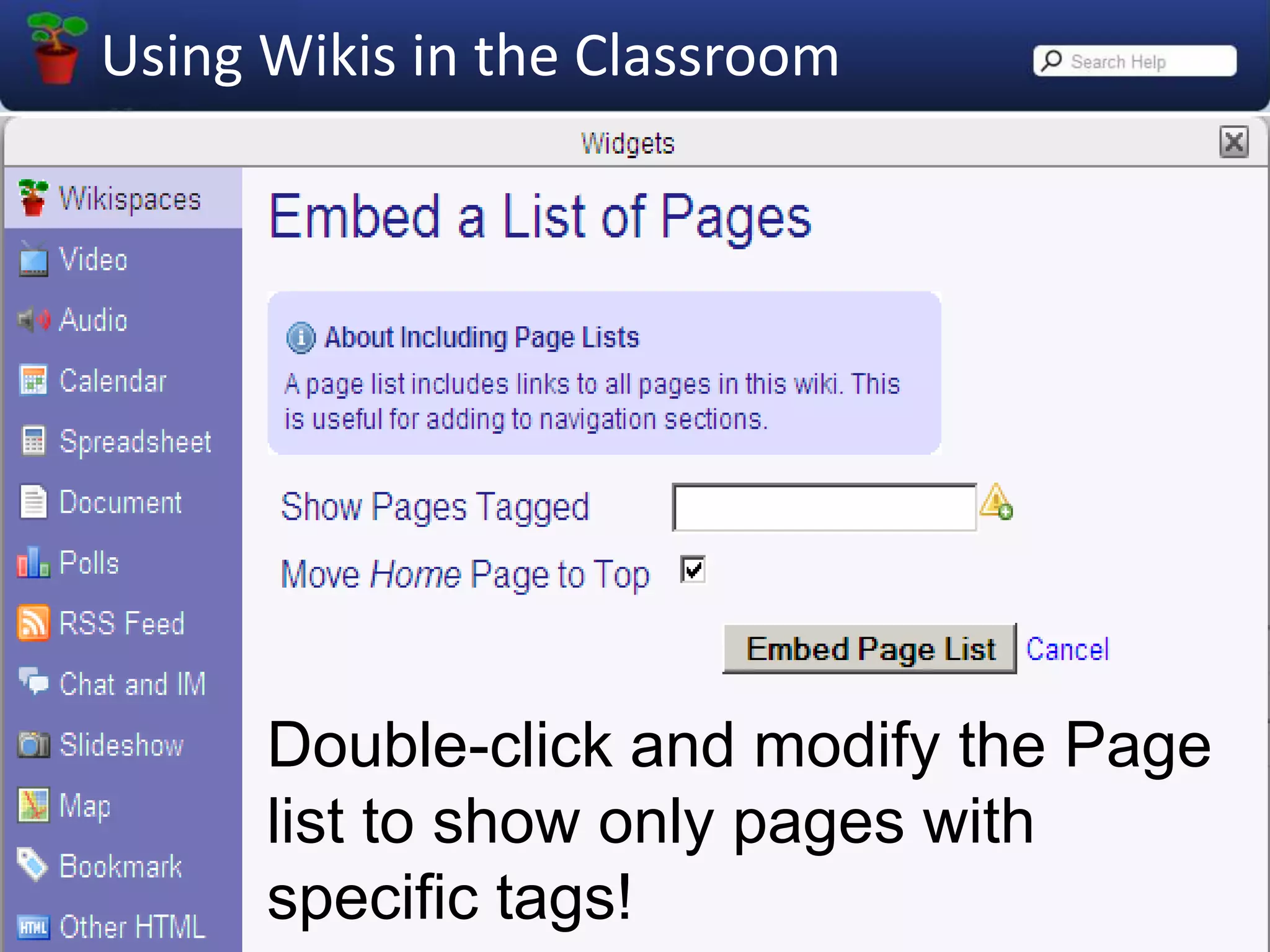
Double-click and modify the Page list to show only pages with specific tags!
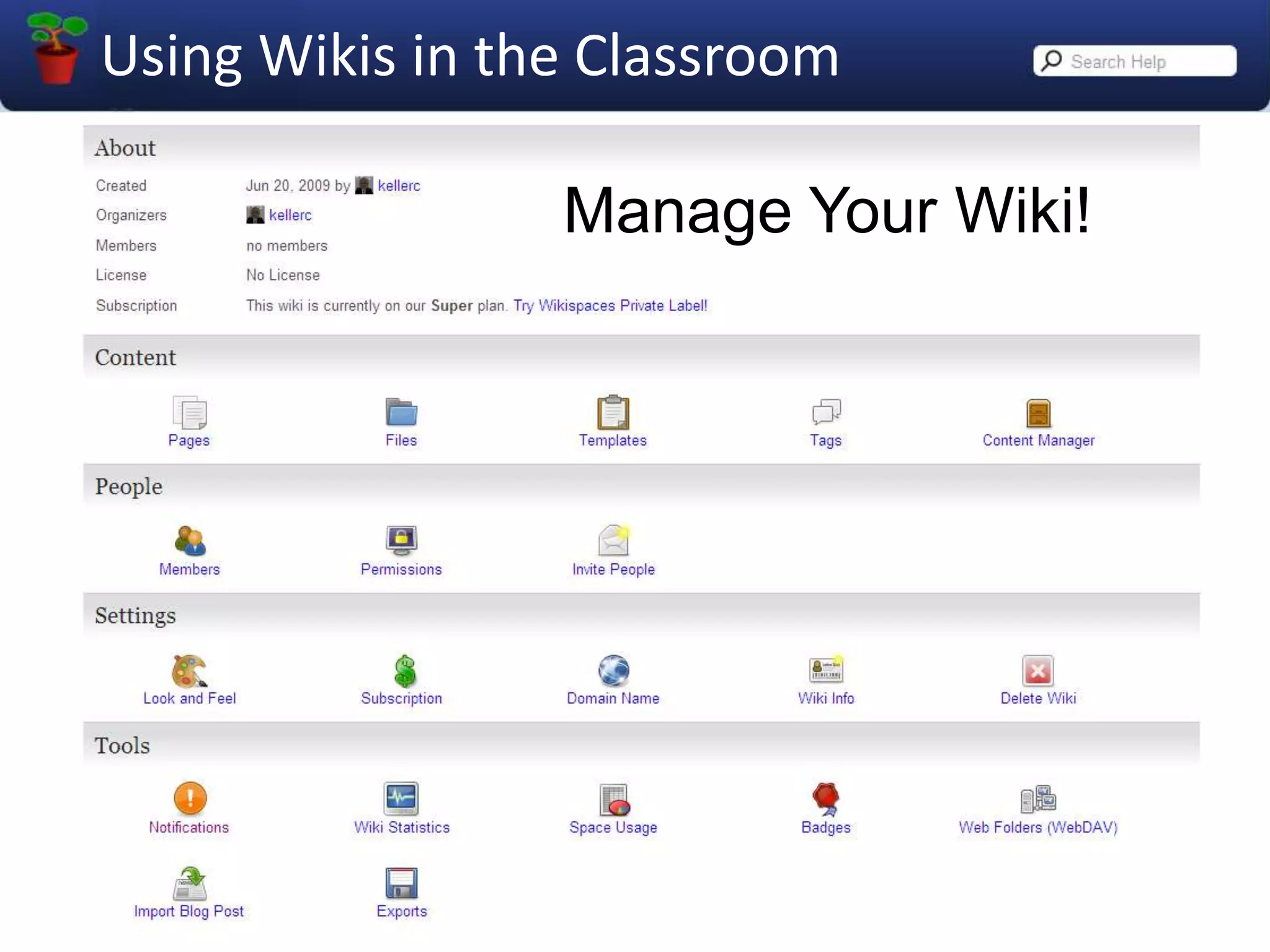
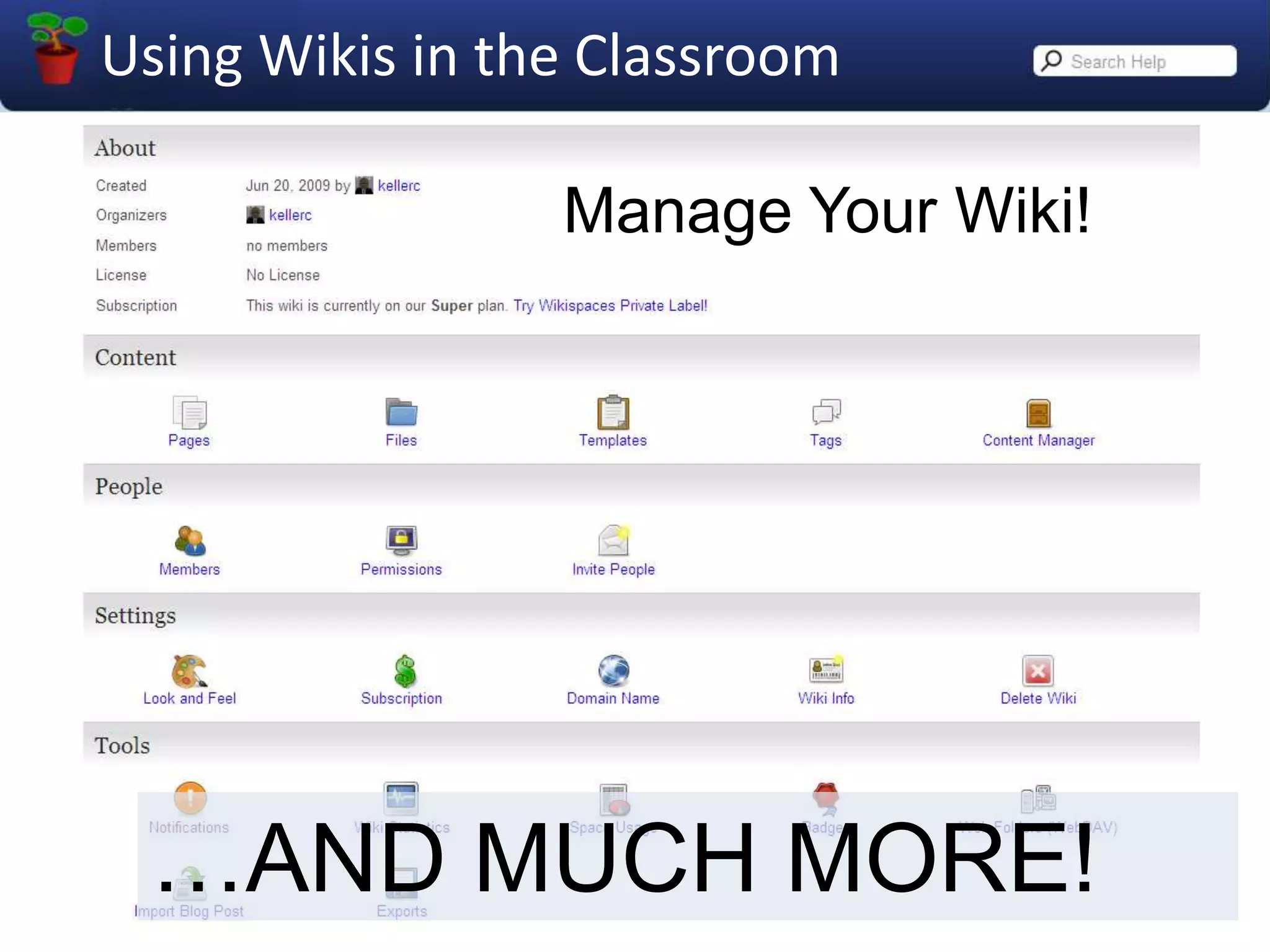
Manage Your Wiki!
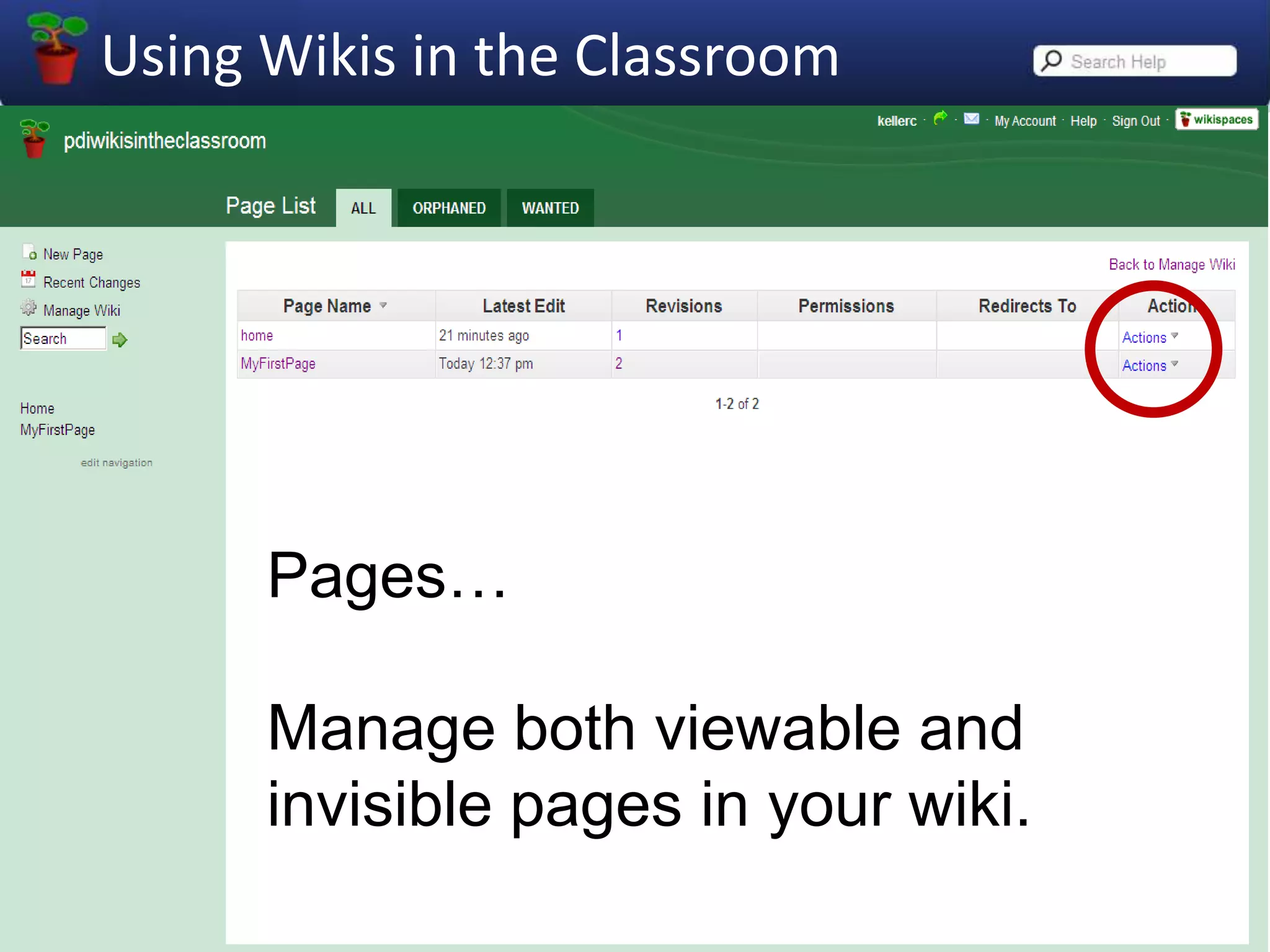
Pages…Manage both viewable and invisible pages in your wiki.
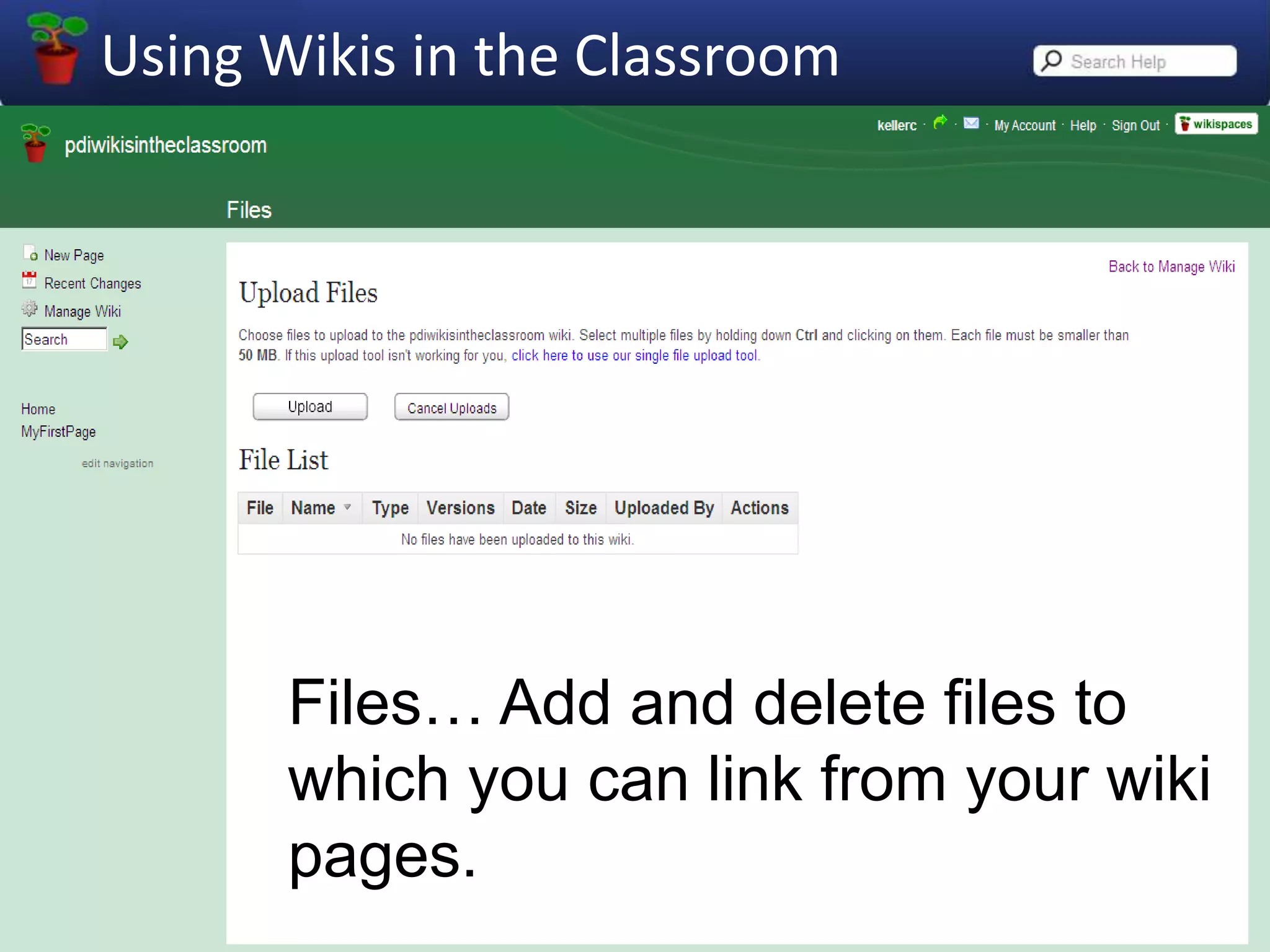
Files… Add and delete files to which you can link from your wiki pages.
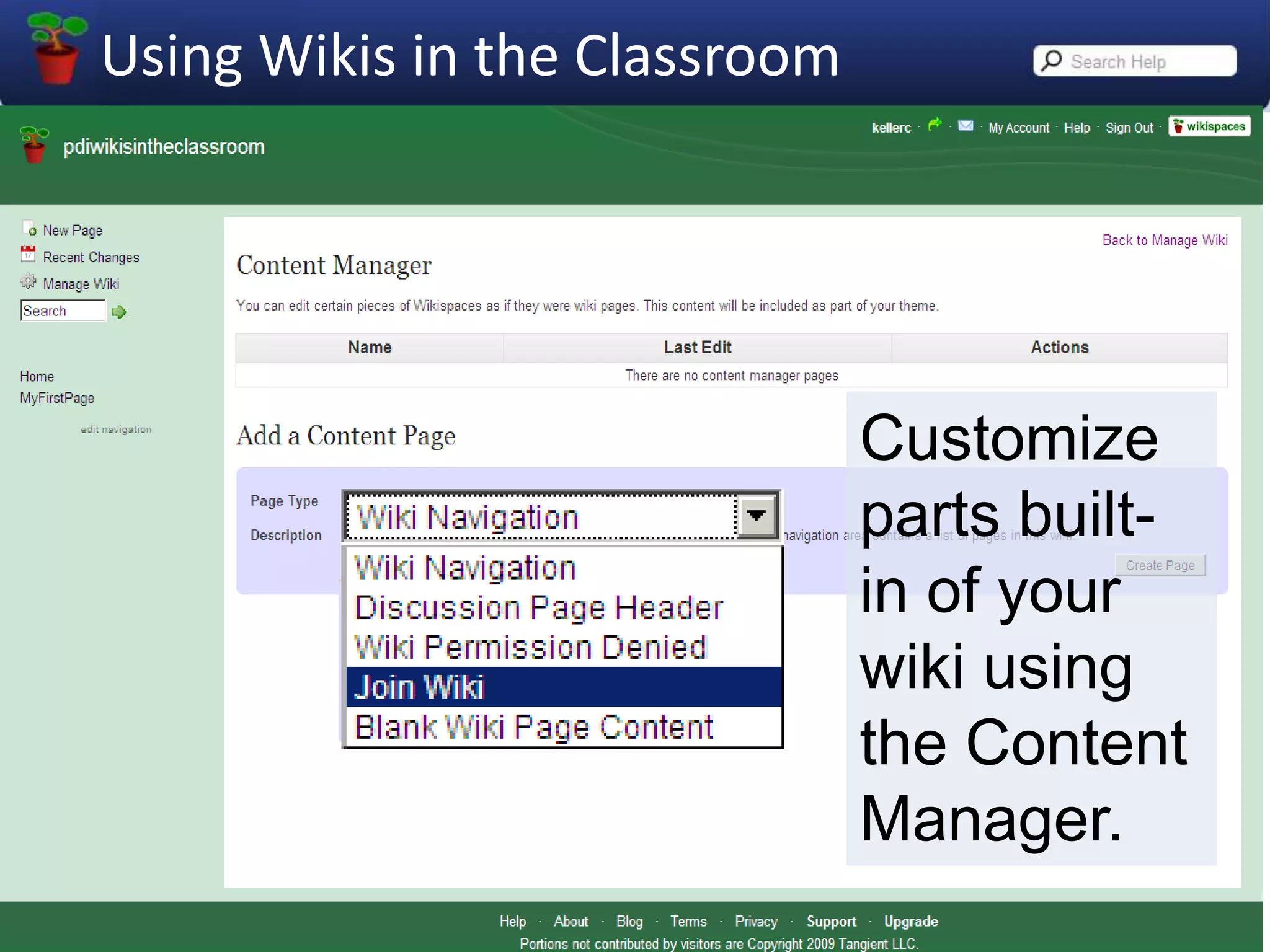
Customize parts built-in of your wiki using the Content Manager.
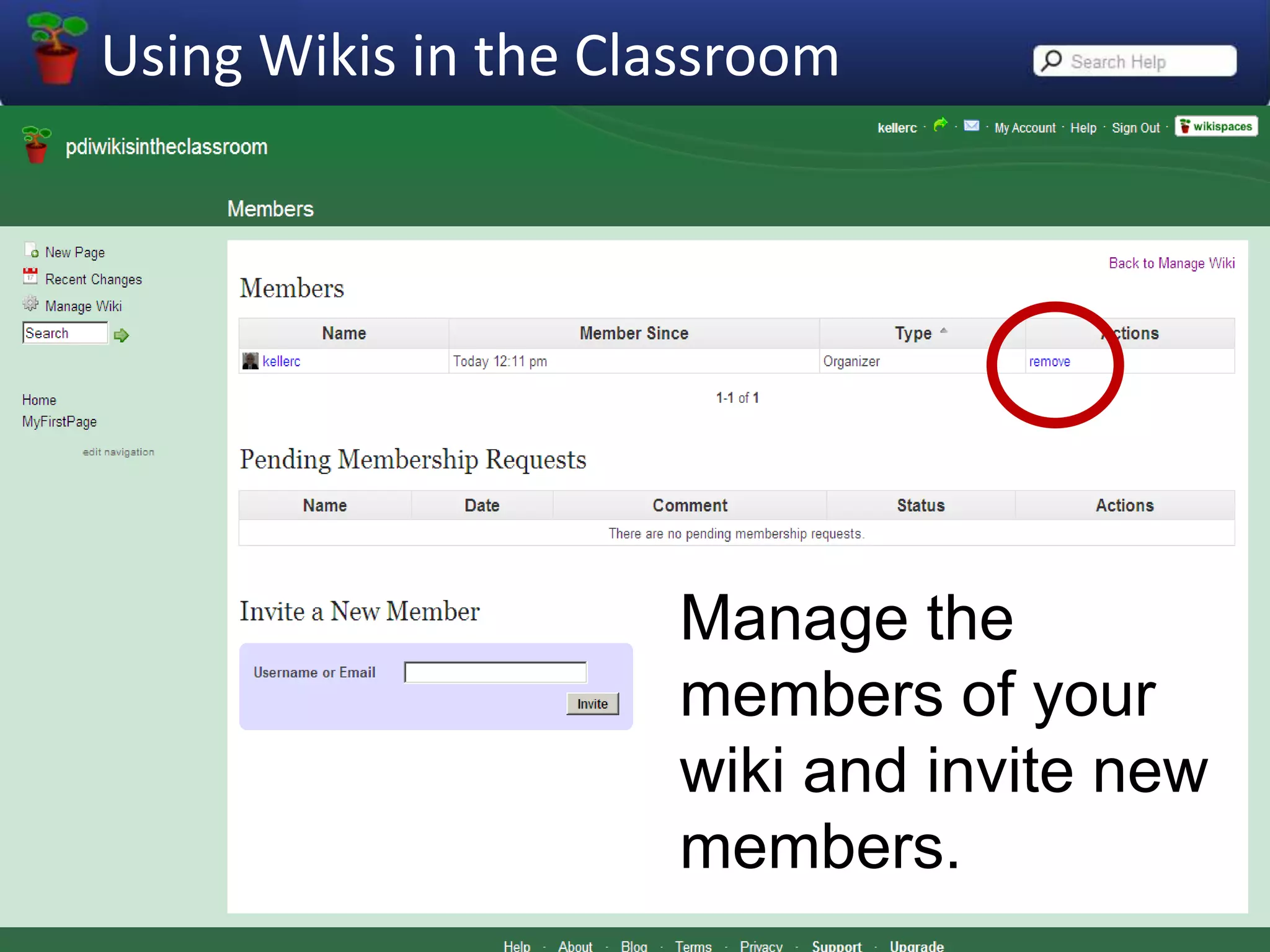
Manage the members of your wiki and invite new members.
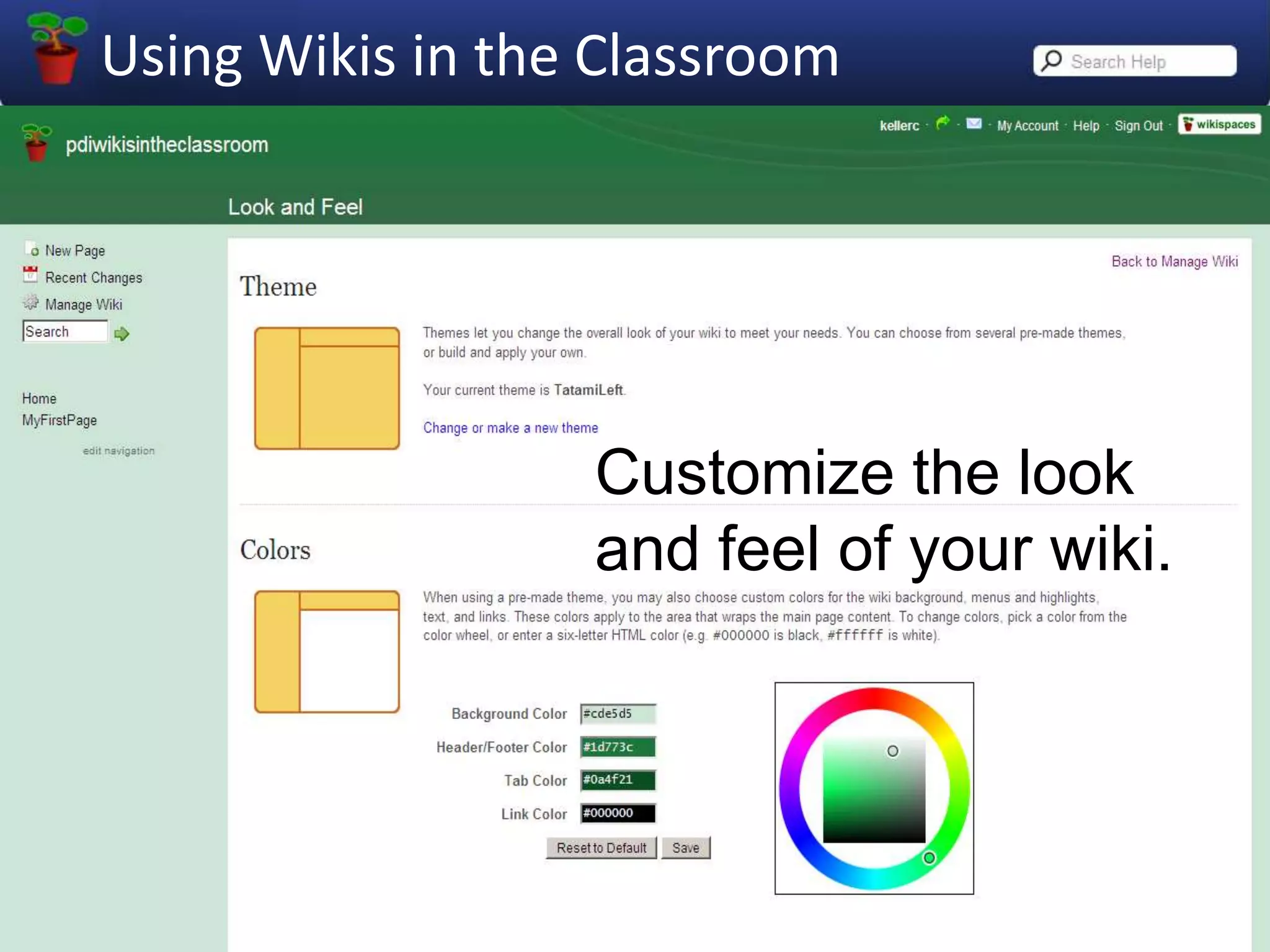
Customize the look and feel of your wiki.

Using Wikis In The Classroom 2009