Scatter-Gather Router
(Basic Tutorial)
- By Rahul Kumar
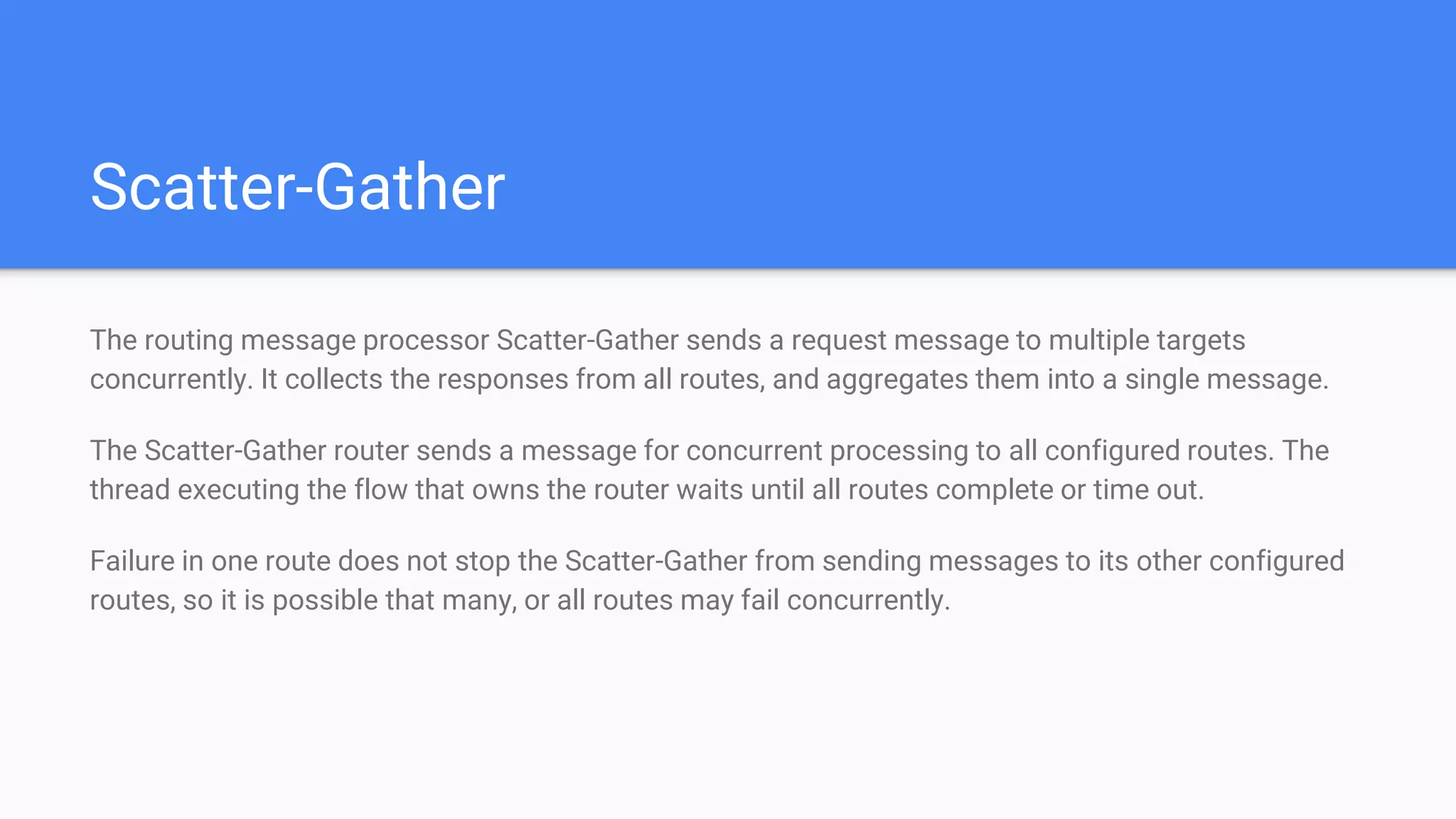
Scatter-Gather
The routing message processor Scatter-Gather sends a request message to multiple targets
concurrently. It collects the responses from all routes, and aggregates them into a single message.
The Scatter-Gather router sends a message for concurrent processing to all configured routes. The
thread executing the flow that owns the router waits until all routes complete or time out.
Failure in one route does not stop the Scatter-Gather from sending messages to its other configured
routes, so it is possible that many, or all routes may fail concurrently.
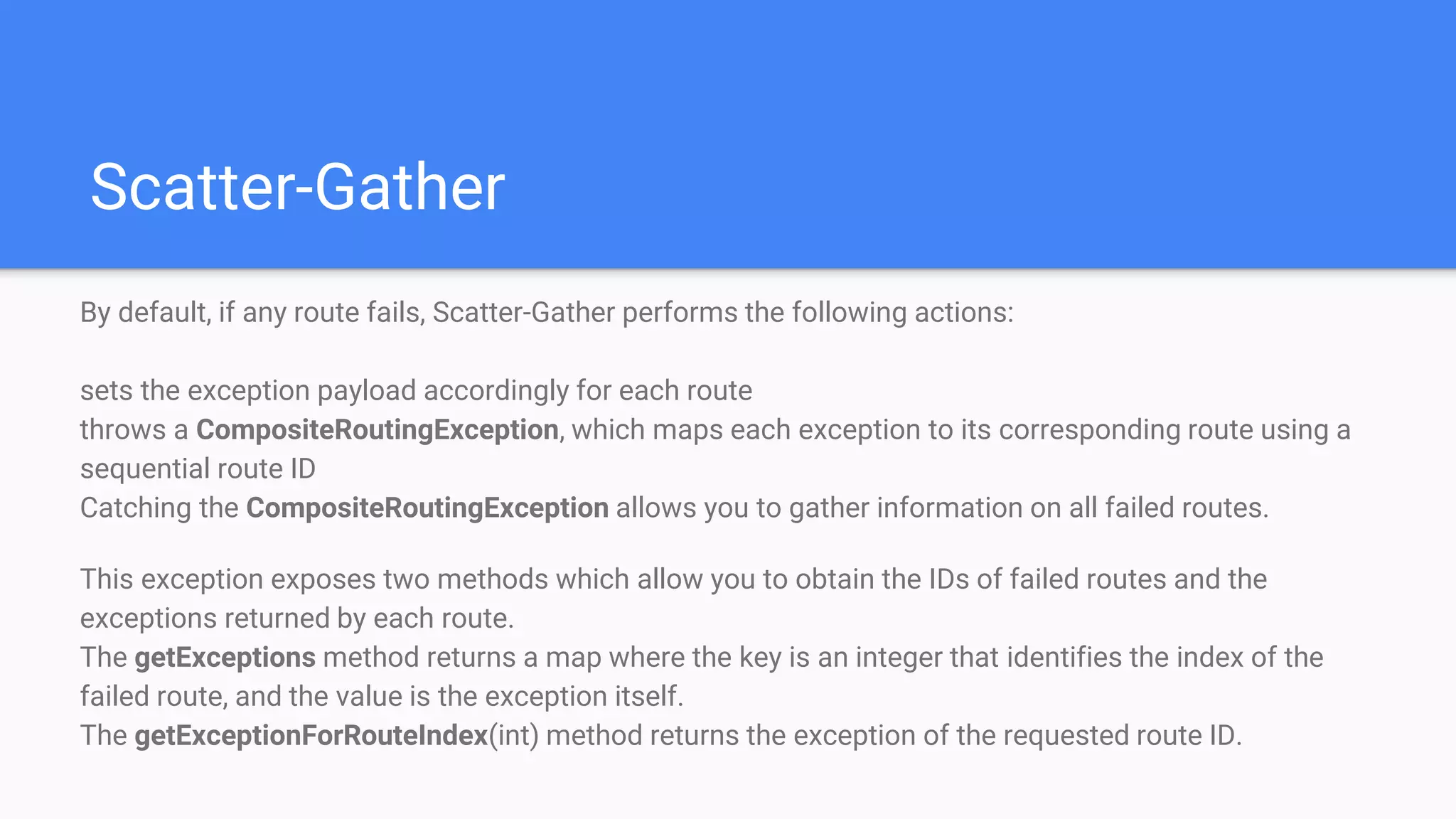
Scatter-Gather
By default, if any route fails, Scatter-Gather performs the following actions:
sets the exception payload accordingly for each route
throws a CompositeRoutingException, which maps each exception to its corresponding route using a
sequential route ID
Catching the CompositeRoutingException allows you to gather information on all failed routes.
This exception exposes two methods which allow you to obtain the IDs of failed routes and the
exceptions returned by each route.
The getExceptions method returns a map where the key is an integer that identifies the index of the
failed route, and the value is the exception itself.
The getExceptionForRouteIndex(int) method returns the exception of the requested route ID.
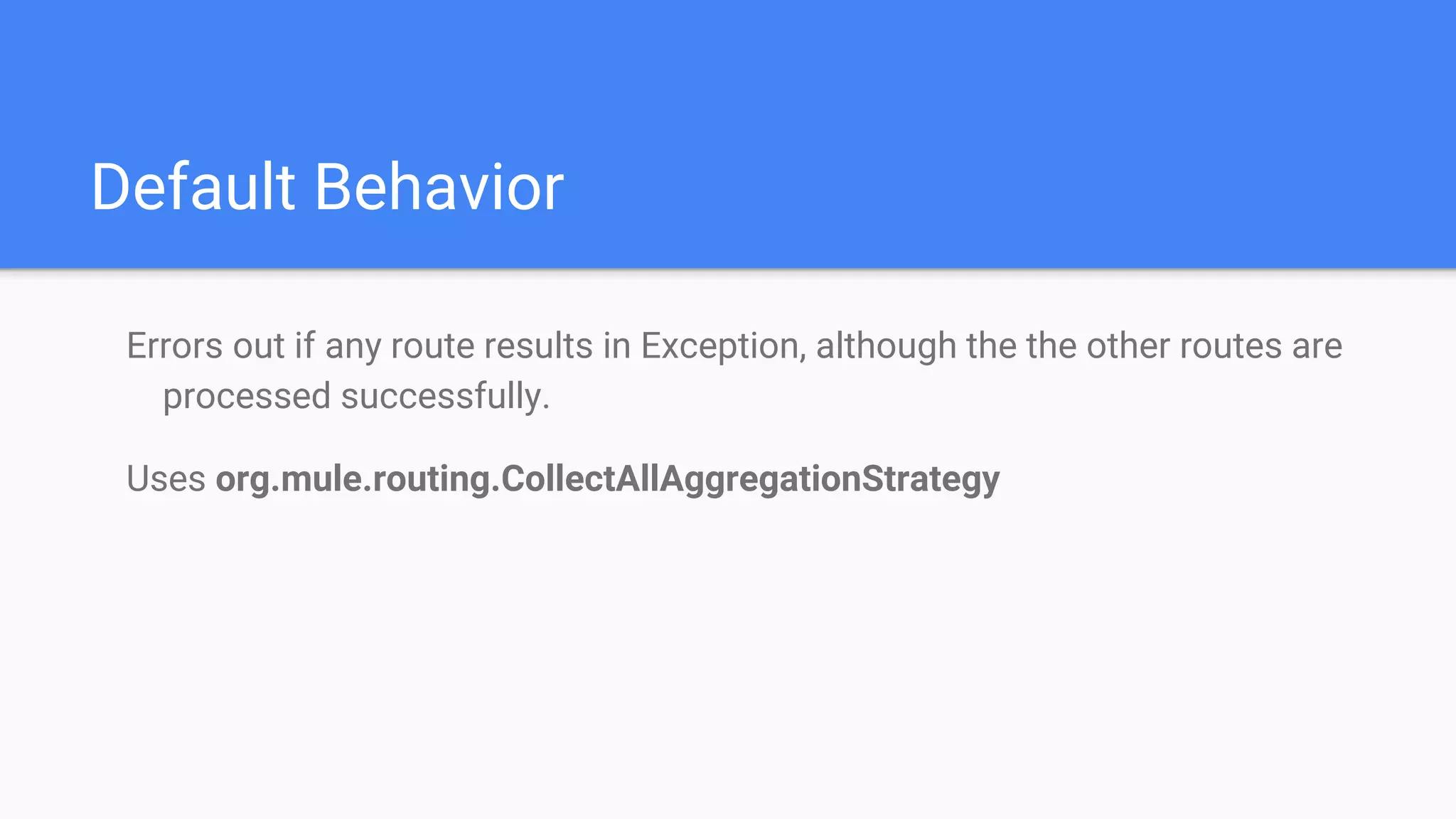
Default Behavior
Errors out if any route results in Exception, although the the other routes are
processed successfully.
Uses org.mule.routing.CollectAllAggregationStrategy
Overriding Default behavior
Scatter-Gather allows you to define a custom aggregation strategy which overrides its default aggregation strategy.
Among other things, custom gathering strategies allow you to:
discard message responses
merge message properties that originated in different routes
discard failed messages without throwing an exception
select only one from multiple responses
Implement AggregationStrategy interface to customize
Scatter Gather for Parallel processing
Set maxThreadsActive for Scatter-Gather = number of routes in Scatter-
Gather maxThreadsActive for flow
Scatter Gather for Sequential processing
Set maxThreadsActive for Scatter-Gather = 1
Thank You !

Using scatter gather

  • 1.
  • 2.
    Scatter-Gather The routing messageprocessor Scatter-Gather sends a request message to multiple targets concurrently. It collects the responses from all routes, and aggregates them into a single message. The Scatter-Gather router sends a message for concurrent processing to all configured routes. The thread executing the flow that owns the router waits until all routes complete or time out. Failure in one route does not stop the Scatter-Gather from sending messages to its other configured routes, so it is possible that many, or all routes may fail concurrently.
  • 3.
    Scatter-Gather By default, ifany route fails, Scatter-Gather performs the following actions: sets the exception payload accordingly for each route throws a CompositeRoutingException, which maps each exception to its corresponding route using a sequential route ID Catching the CompositeRoutingException allows you to gather information on all failed routes. This exception exposes two methods which allow you to obtain the IDs of failed routes and the exceptions returned by each route. The getExceptions method returns a map where the key is an integer that identifies the index of the failed route, and the value is the exception itself. The getExceptionForRouteIndex(int) method returns the exception of the requested route ID.
  • 4.
    Default Behavior Errors outif any route results in Exception, although the the other routes are processed successfully. Uses org.mule.routing.CollectAllAggregationStrategy
  • 5.
    Overriding Default behavior Scatter-Gatherallows you to define a custom aggregation strategy which overrides its default aggregation strategy. Among other things, custom gathering strategies allow you to: discard message responses merge message properties that originated in different routes discard failed messages without throwing an exception select only one from multiple responses Implement AggregationStrategy interface to customize
  • 6.
    Scatter Gather forParallel processing Set maxThreadsActive for Scatter-Gather = number of routes in Scatter- Gather maxThreadsActive for flow
  • 7.
    Scatter Gather forSequential processing Set maxThreadsActive for Scatter-Gather = 1
  • 8.