TeamCity - JetBrains
http://www.jetbrains.com/tea
mcity/index.html

www.vishalbiyani.com
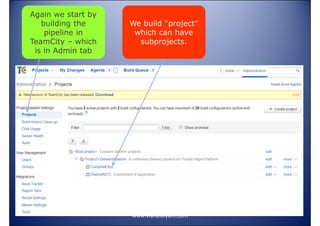
Again we start by
building the
pipeline in
TeamCity – which
is in Admin tab

We build “project”
which can have
subprojects.

www.vishalbiyani.com
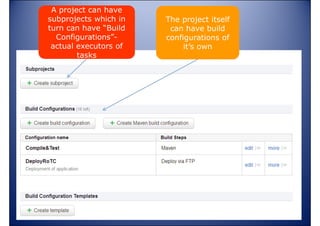
A project can have
subprojects which in
turn can have “Build
Configurations”actual executors of
tasks

The project itself
can have build
configurations of
it’s own

www.vishalbiyani.com
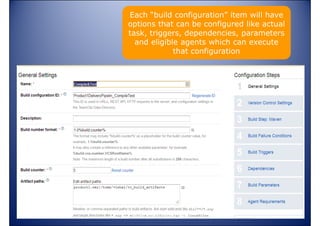
Each “build configuration” item will have
options that can be configured like actual
task, triggers, dependencies, parameters
and eligible agents which can execute
that configuration

www.vishalbiyani.com
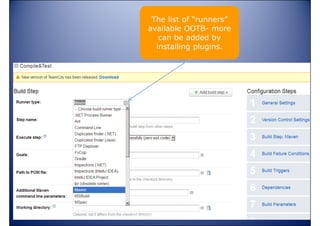
The list of “runners”
available OOTB- more
can be added by
installing plugins.

www.vishalbiyani.com
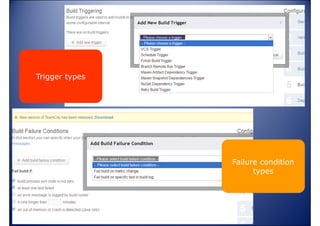
Trigger types

Failure condition
types

www.vishalbiyani.com
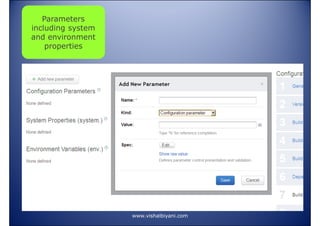
Parameters
including system
and environment
properties

www.vishalbiyani.com
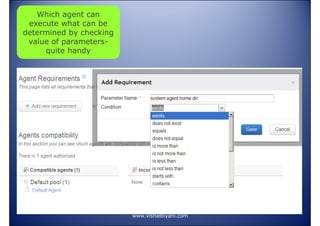
Which agent can
execute what can be
determined by checking
value of parametersquite handy

www.vishalbiyani.com
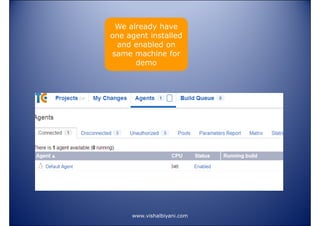
We already have
one agent installed
and enabled on
same machine for
demo

www.vishalbiyani.com
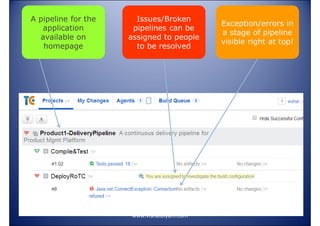
A pipeline for the
application
available on
homepage

Issues/Broken
pipelines can be
assigned to people
to be resolved

www.vishalbiyani.com

Exception/errors in
a stage of pipeline
visible right at top!
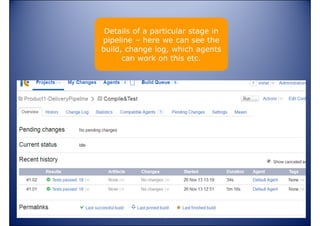
Details of a particular stage in
pipeline – here we can see the
build, change log, which agents
can work on this etc.

www.vishalbiyani.com
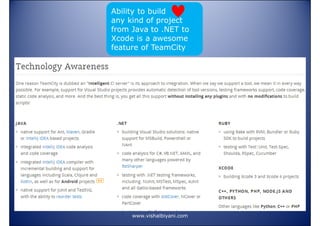
Ability to build
any kind of project
from Java to .NET to
Xcode is a awesome
feature of TeamCity

www.vishalbiyani.com
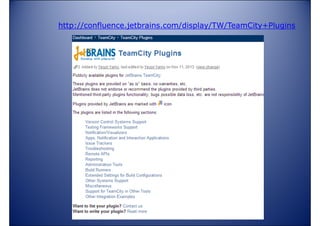
http://confluence.jetbrains.com/display/TW/TeamCity+Plugins

www.vishalbiyani.com
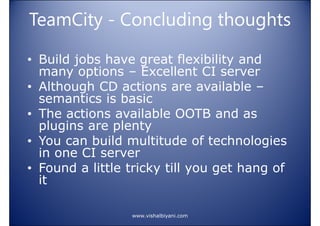
TeamCity - Concluding thoughts
• Build jobs have great flexibility and
many options – Excellent CI server
• Although CD actions are available –
semantics is basic
• The actions available OOTB and as
plugins are plenty
• You can build multitude of technologies
in one CI server
• Found a little tricky till you get hang of
it
www.vishalbiyani.com

Using CI for continuous delivery Part 2