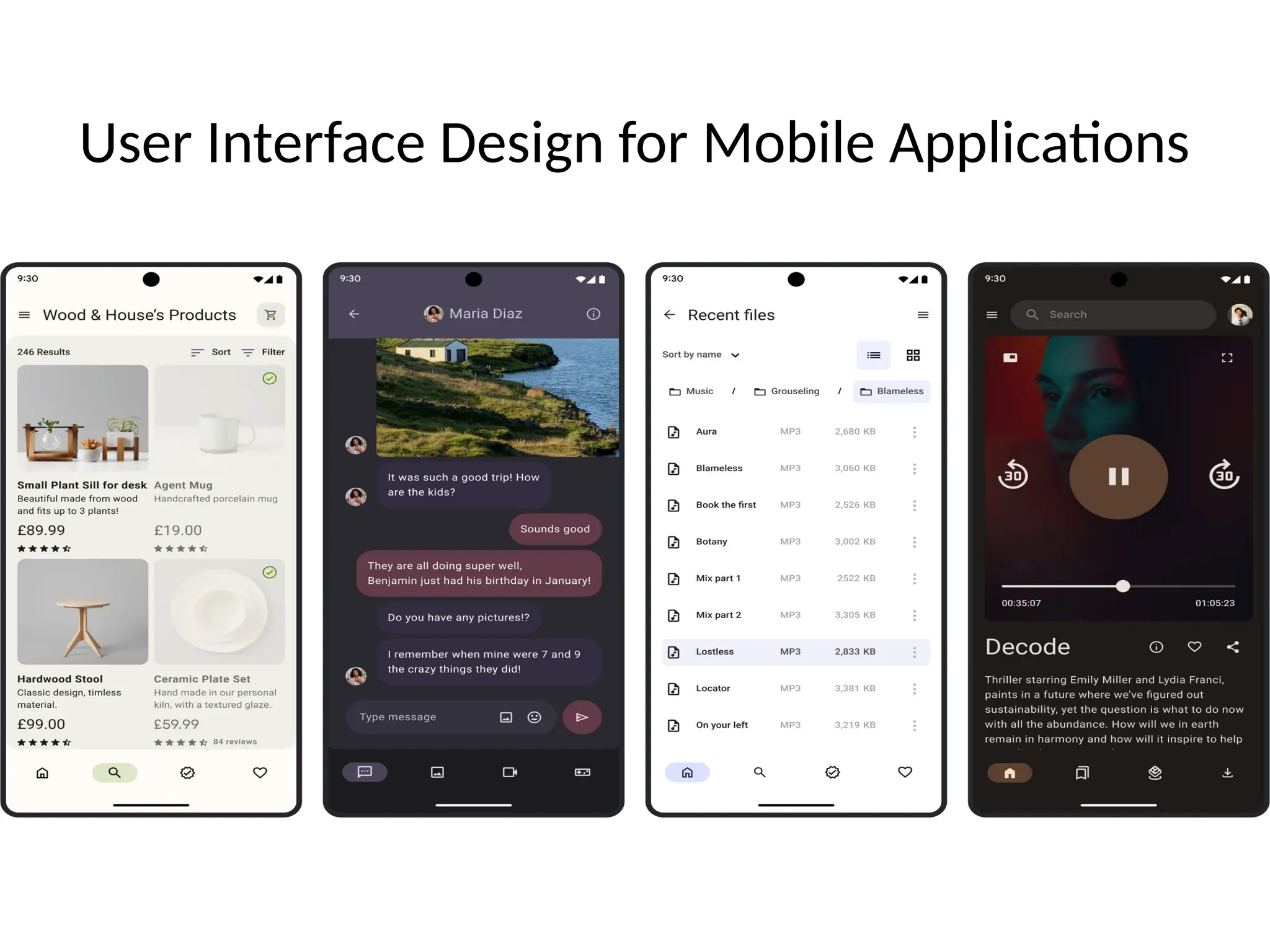
User Interface Design for Mobile Applications
Introduction to User Interface (UI)
User Interface is the
medium through
which users interact
with mobile
applications.
It includes screens,
buttons, icons, text,
and navigation.
Importance
of UI Design
in Mobile
Apps
Small screen size
Touch-based interaction
User expectations for
simplicity
Direct impact on app
success
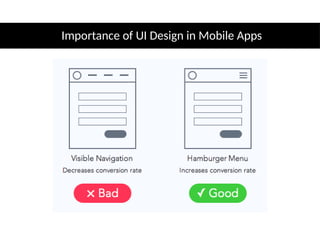
Importance of UI Design in Mobile Apps
Goals of
Good UI
Design
Ease of use
Efficiency
User satisfaction
Error reduction
Difference Between UI and UX
• UI: Visual design and interaction elements
• UX: Overall user experience and satisfaction
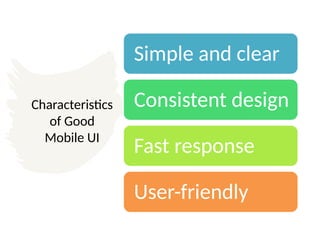
Characteristics
of Good
Mobile UI
Simple and clear
Consistent design
Fast response
User-friendly
Principle 1: Simplicity
• Avoid clutter
• Minimal text and buttons
• Focus on essential features
Principle 2: Consistency
• Same layout style
• Uniform colors and fonts
• Predictable navigation
Principle 3: Visibility
• Important actions easily visible
• Readable text
• Proper spacing
Principle 4: Feedback
• Visual or message response
• Loading indicators
• Confirmation messages
Principle 5: Responsiveness
• Works on different screen sizes
• Supports portrait and landscape modes
Principle 6: Accessibility
• Readable font sizes
• Good color contrast
• Easy touch targets
UI Components in Mobile Apps
• TextView
• EditText
• Button
• ImageView
• CheckBox
• RadioButton
Layouts in Mobile Applications
• LinearLayout
• RelativeLayout
• ConstraintLayout
• FrameLayout
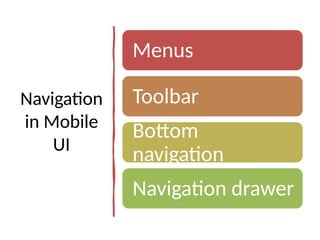
Navigation
in Mobile
UI
Menus
Toolbar
Bottom
navigation
Navigation drawer
Touch and Gesture Design
• Tap
• Swipe
• Scroll
• Long press
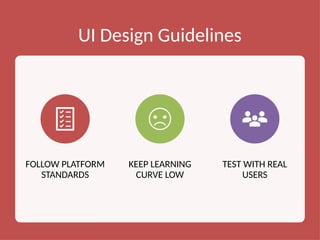
UI Design Guidelines
FOLLOW PLATFORM
STANDARDS
KEEP LEARNING
CURVE LOW
TEST WITH REAL
USERS
Common UI Design Mistakes
• Overcrowded screens
• Small buttons
• Poor color contrast
• Complex navigation
Advantages
of Good UI
Design
Higher user
engagement
Better app ratings
Reduced user
errors
Conclusion
User Interface design
plays a key role in
mobile application
success.
A simple and well-
designed UI improves
usability and user
satisfaction.

User_Interface_Design_Mobile_Applications.pptx