Systems Analysis
and Design
By : Ajeng Savitri P, M.Kom
Pertemuan 14
Prepared by Kevin C. Dittman for
Systems Analysis & Design Methods 4ed
by J. L. Whitten & L. D. Bentley
• Learning Unified Modeling Language (UML)
Use Case Diagram
3
System Analysis and Design with UML
1. System Analysis
1. Business Process Identification
• Use Case Diagram
2. Business Process Modeling
• Activity Diagram or Business Process Modeling Notation
(BPMN)
3. Business Process Realization
• Sequence Diagram (Buat untuk setiap use case dengan menggunakan
pola Boundary-Control-Entity)
4
Use Case Diagrams
• Summarized into a single picture
• All of the use cases for the part of the system being modeled
• Use case represents the discrete activities performed by the
user
• Use Case Diagram tells what the system will do
• Good for communicating with users
5
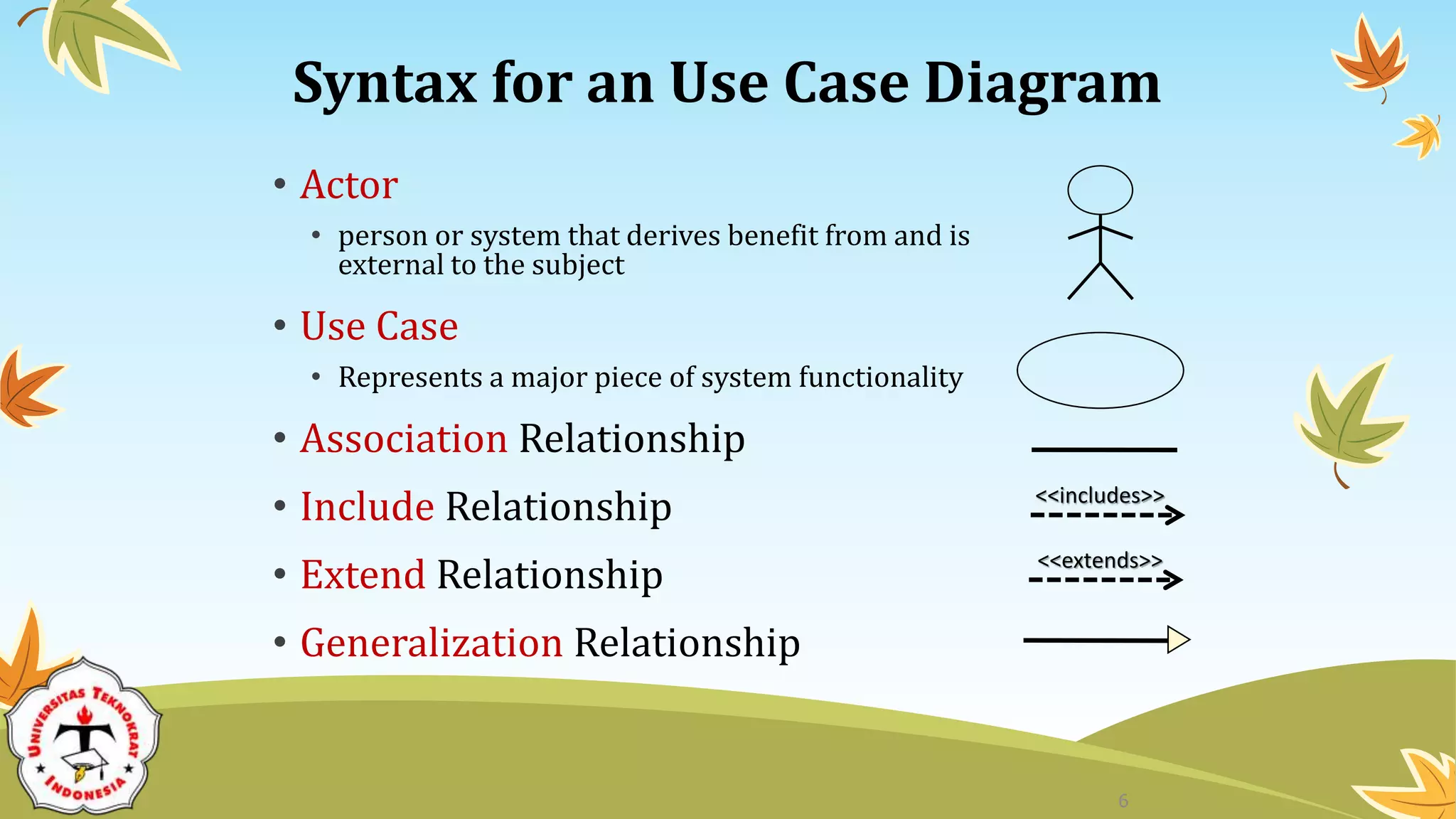
Syntax for an Use Case Diagram
• Actor
• person or system that derives benefit from and is
external to the subject
• Use Case
• Represents a major piece of system functionality
• Association Relationship
• Include Relationship
• Extend Relationship
• Generalization Relationship
<<extends>>
<<includes>>
6
Use Case
• A major piece of system functionality
• Can extend other Use Cases
• Placed inside system boundary
• Labeled with descriptive verb - noun phrase
Use Case
7
System Boundary
• Includes the name of the system inside or on top
• Represents the scope of the system
• Actors are outside the scope of the system
Boundary
8
Actor
• A person or another system that interacts with the
current system
• A role, not a specific user
• Provides input, receives output, or both
actor
Actor/Role
9
Association Relationship
• Links actor and the Use Case
• Shows two-way communication
• If one-way, arrows are used
• * is for "multiplicity of the Association"
* *
10
Extends Relationship
• Extends Use Case to include Optional behavior
• Arrow points from the extension Use Case to the
base Use Case
extend
extend Make
Appointment
Make Payment
Arrangement
11
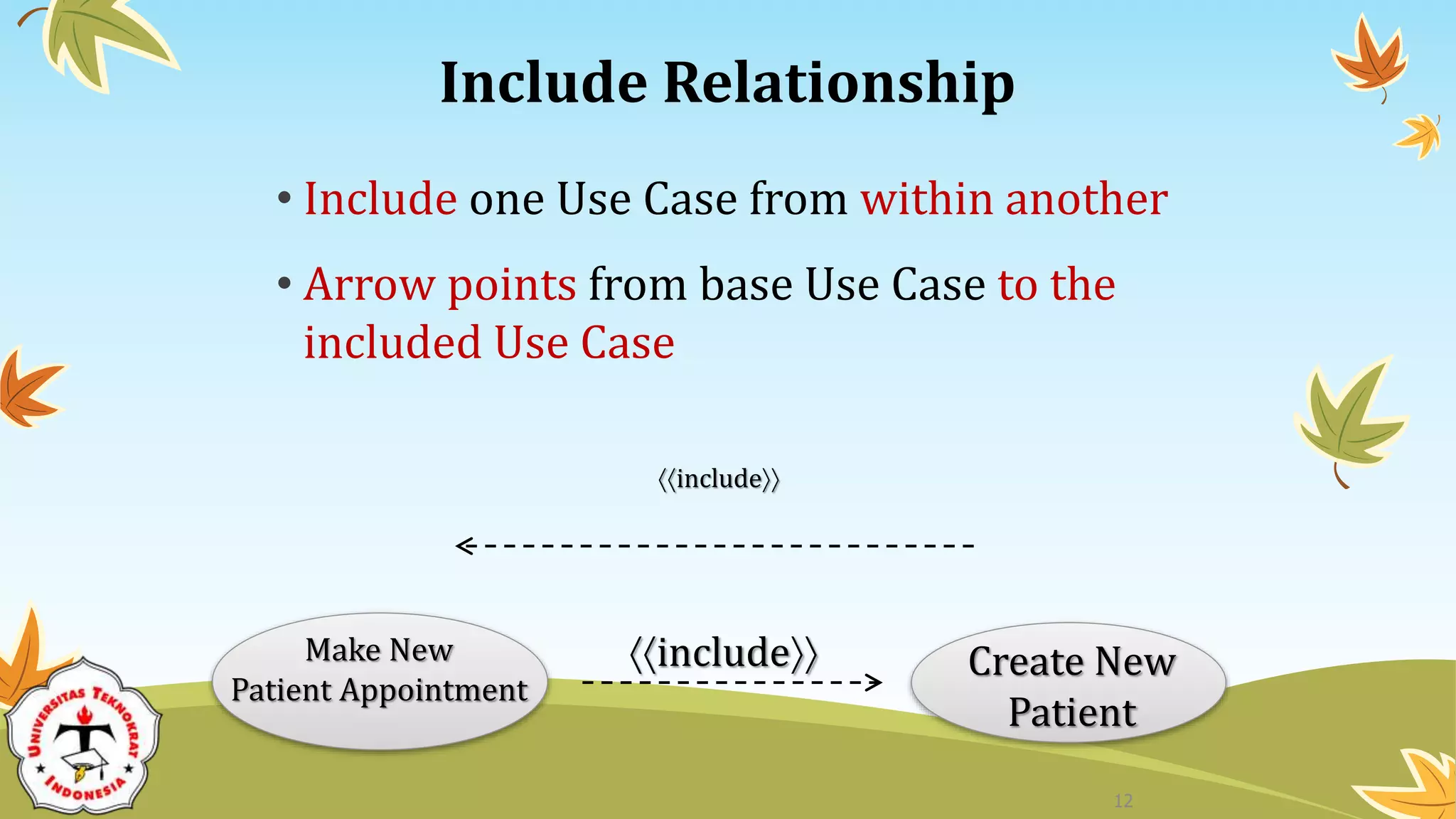
Include Relationship
• Include one Use Case from within another
• Arrow points from base Use Case to the
included Use Case
include
include Create New
Patient
Make New
Patient Appointment
12
Generalization Relationship
• A specialized Use Case to a more generalized Use
Case
• Arrow points from specialized to general Use Case
Make
Appointment
Make Old
Appointment
13
Use Case Diagram for Appointment System
14
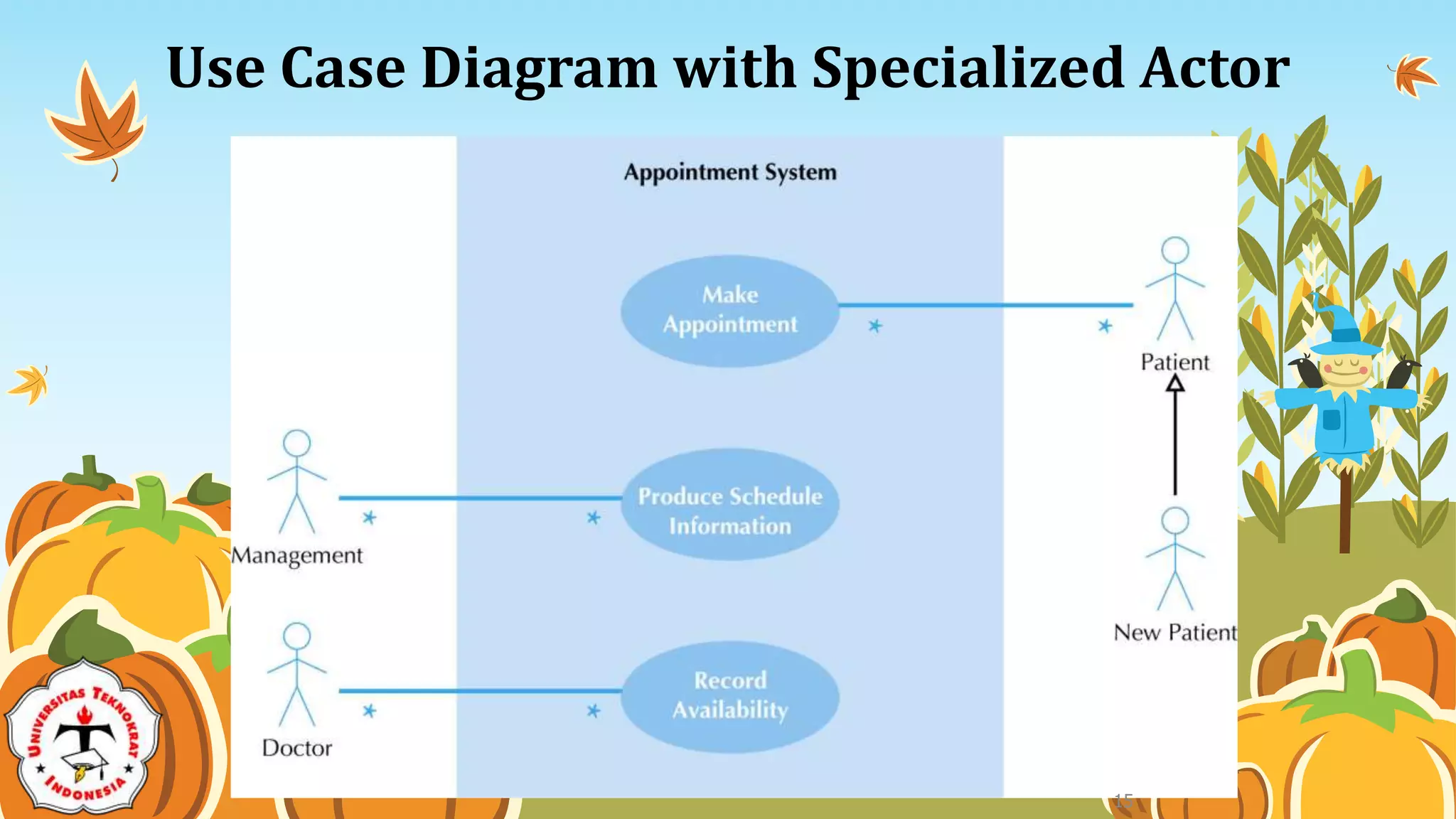
Use Case Diagram with Specialized Actor
15
Extend and Include Relationships
16
Case Study: ATM System
17
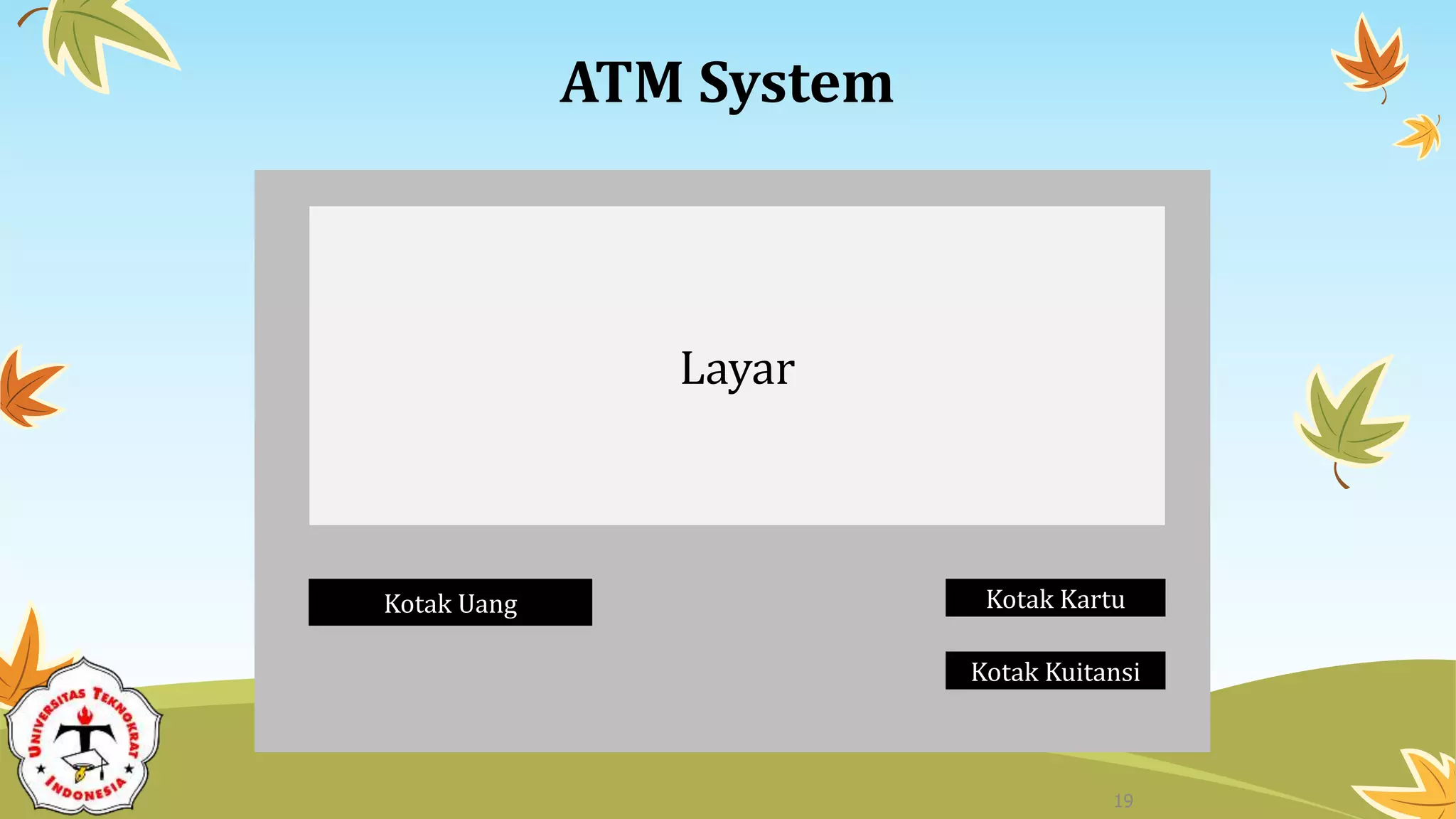
ATM System
18
ATM System
Layar
Kotak Uang Kotak Kartu
Kotak Kuitansi
19
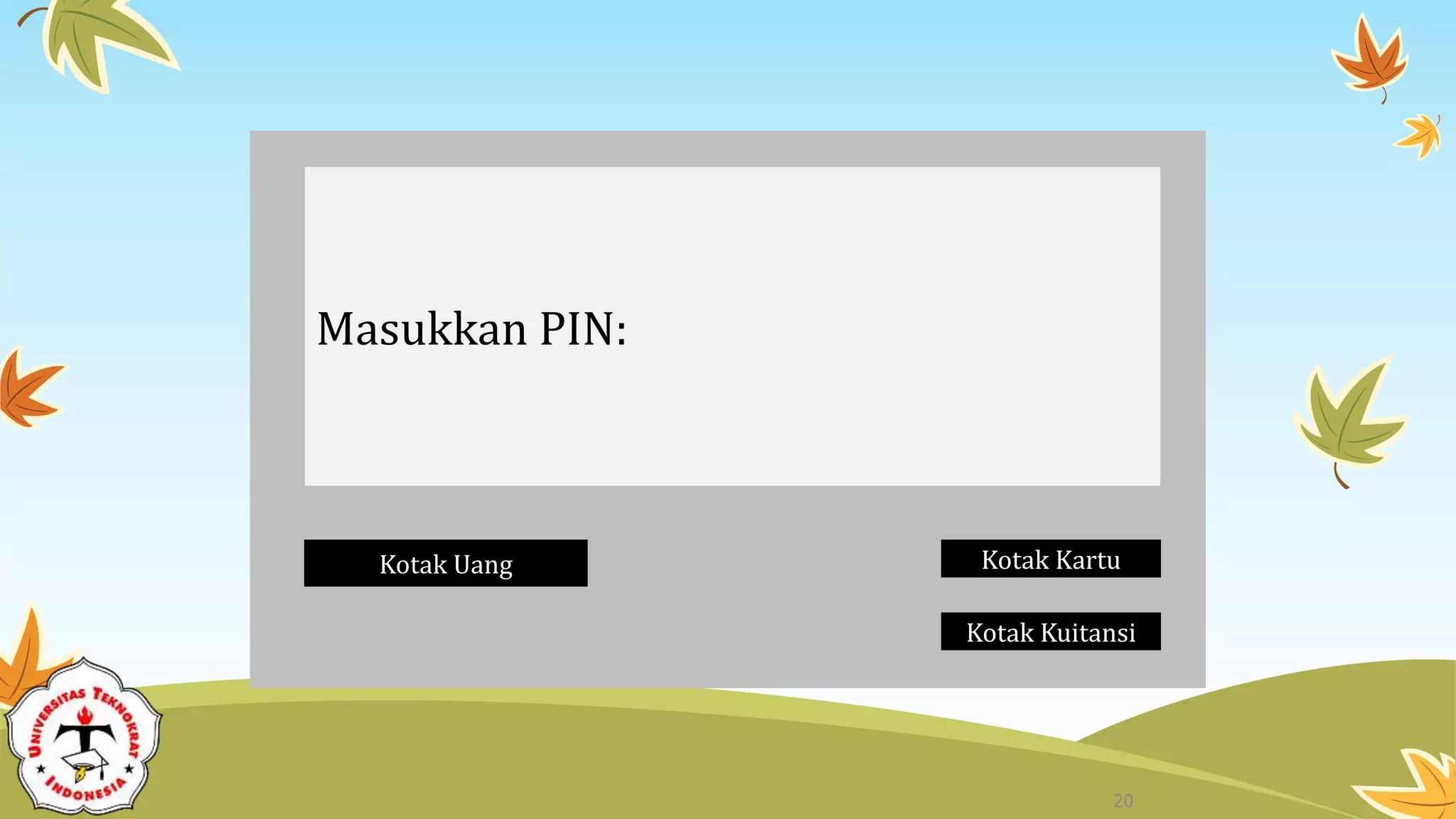
Masukkan PIN:
Kotak Uang Kotak Kartu
Kotak Kuitansi
20
Menu Utama
1. Melihat Saldo
2. Mentransfer Uang
3. Mengambil Uang
4. Logout
Kotak Uang Kotak Kartu
Kotak Kuitansi
21
Menu Melihat Saldo
1. Saldo anda adalah ….
Kotak Uang Kotak Kartu
Kotak Kuitansi
22
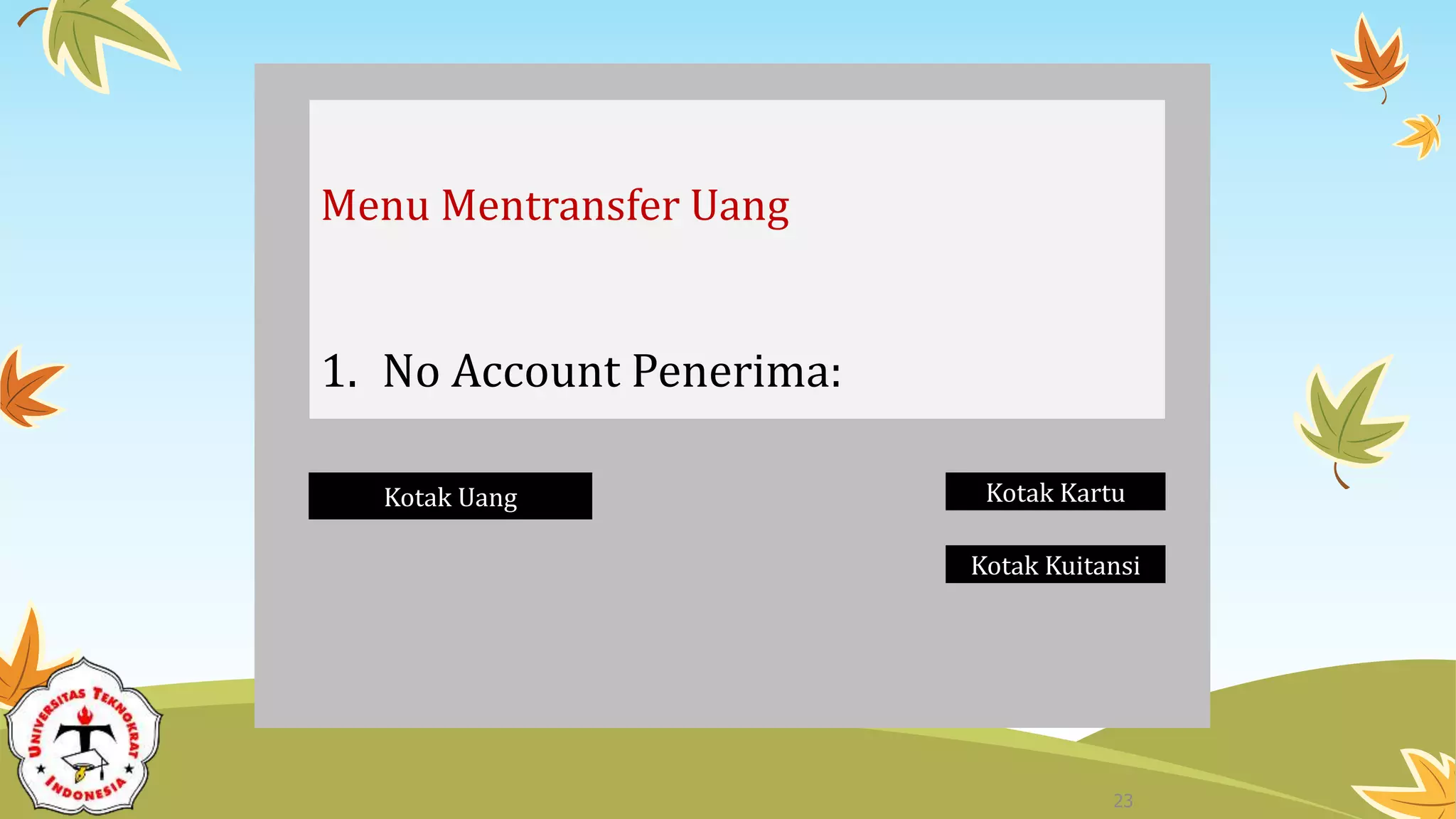
Menu Mentransfer Uang
1. No Account Penerima:
Kotak Uang Kotak Kartu
Kotak Kuitansi
23
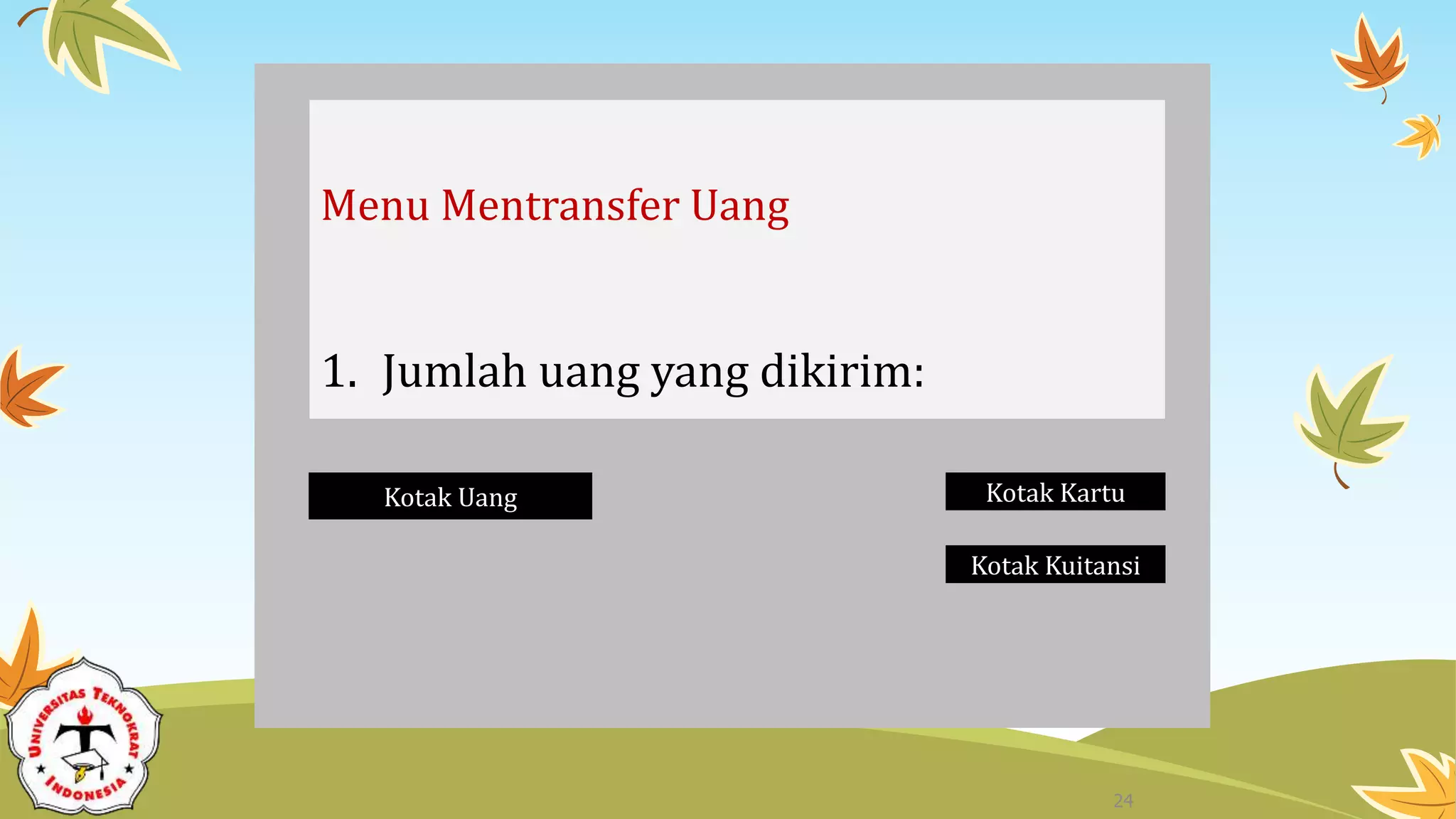
Menu Mentransfer Uang
1. Jumlah uang yang dikirim:
Kotak Uang Kotak Kartu
Kotak Kuitansi
24
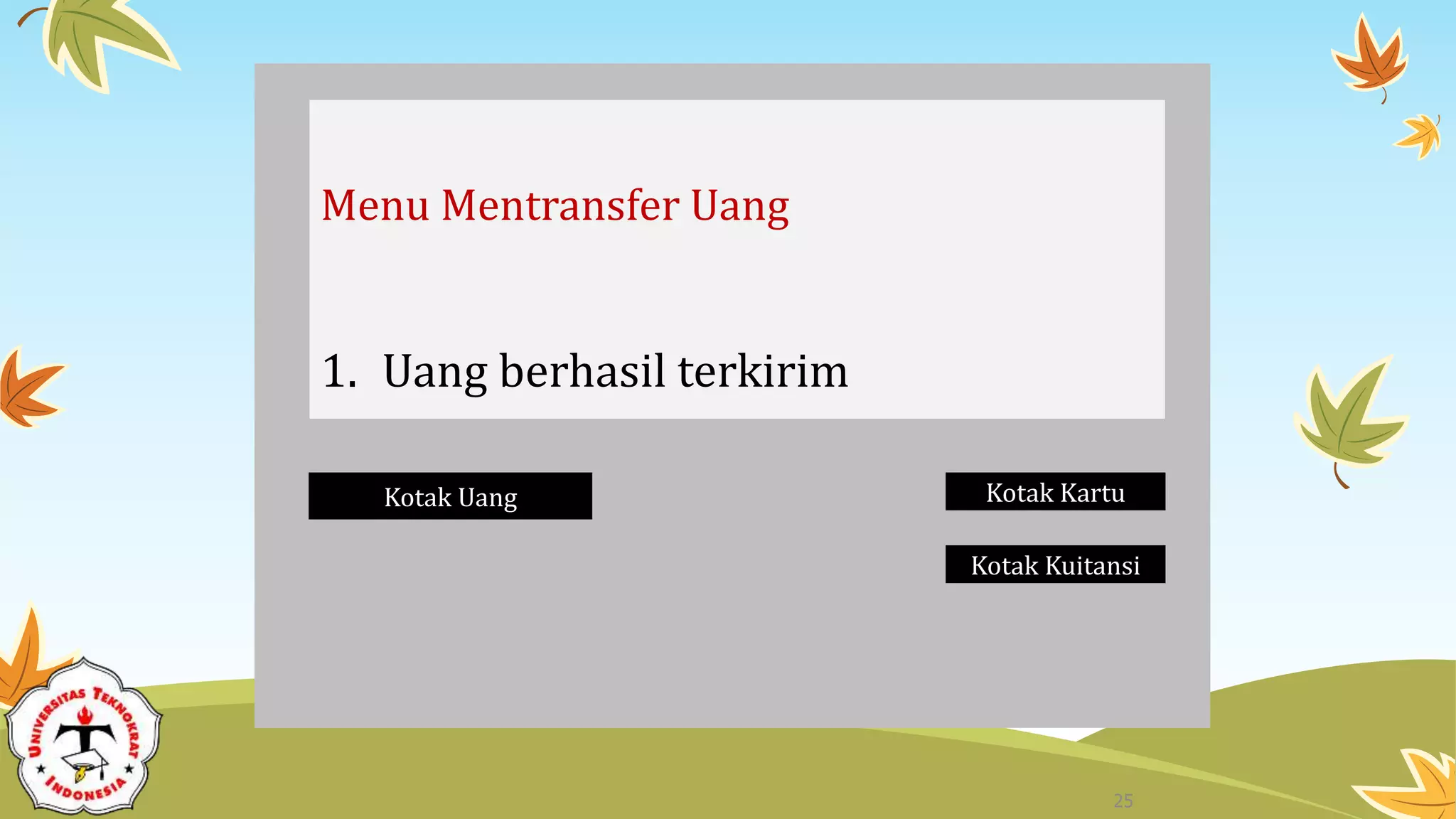
Menu Mentransfer Uang
1. Uang berhasil terkirim
Kotak Uang Kotak Kartu
Kotak Kuitansi
25
Menu Mengambil Uang
1. Jumlah uang yang diambil:
Kotak Uang Kotak Kartu
Kotak Kuitansi
26
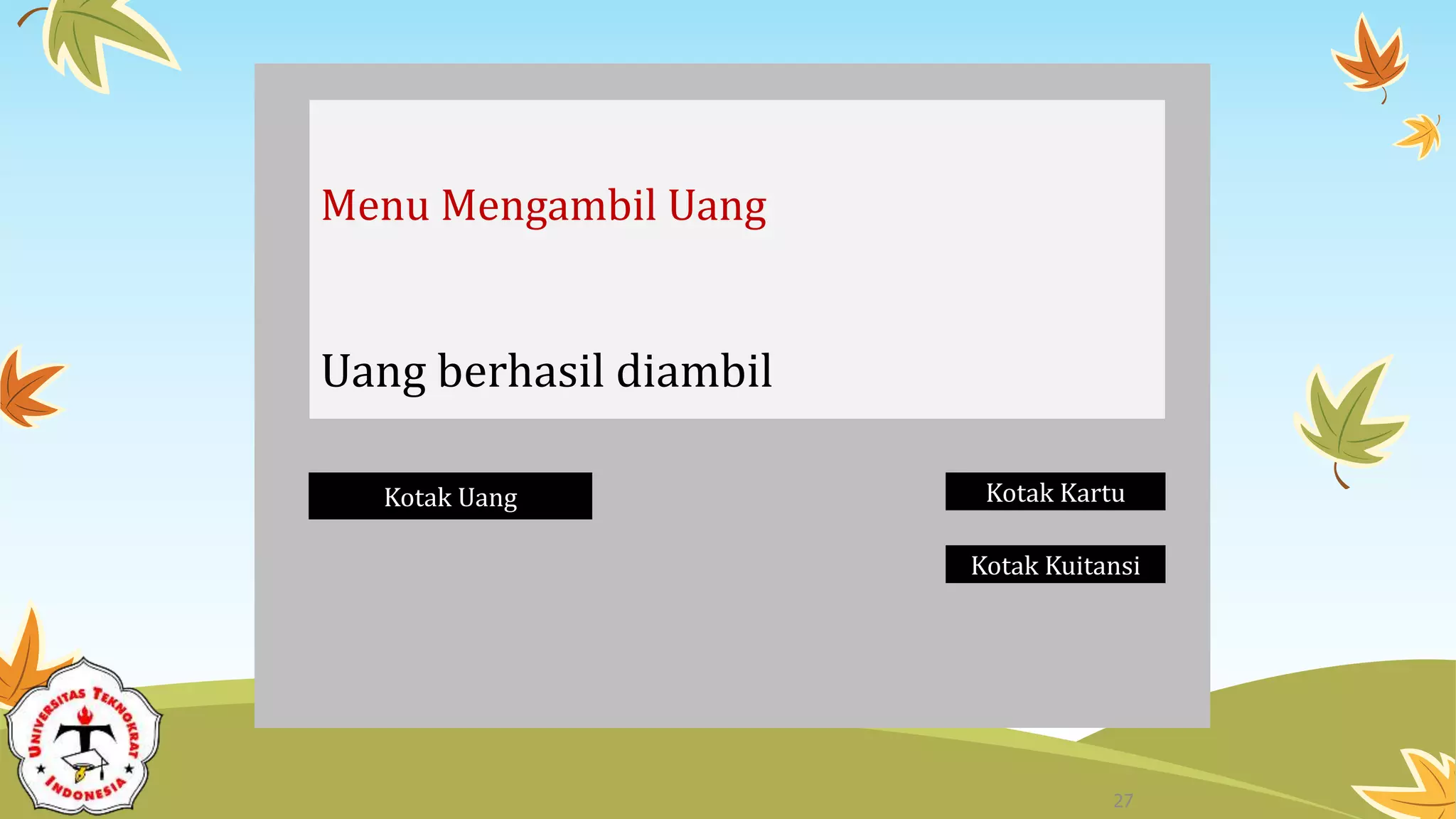
Menu Mengambil Uang
Uang berhasil diambil
Kotak Uang Kotak Kartu
Kotak Kuitansi
27
Use Case Diagram
uc UCD - Sistem ATM
Pengguna
Sistem ATM
Memasukkan Kartu Memasukkan PIN
Mengecek Saldo
Mentransfer Uang
Mengambil Uang
Melakukan Logout
«include»
28
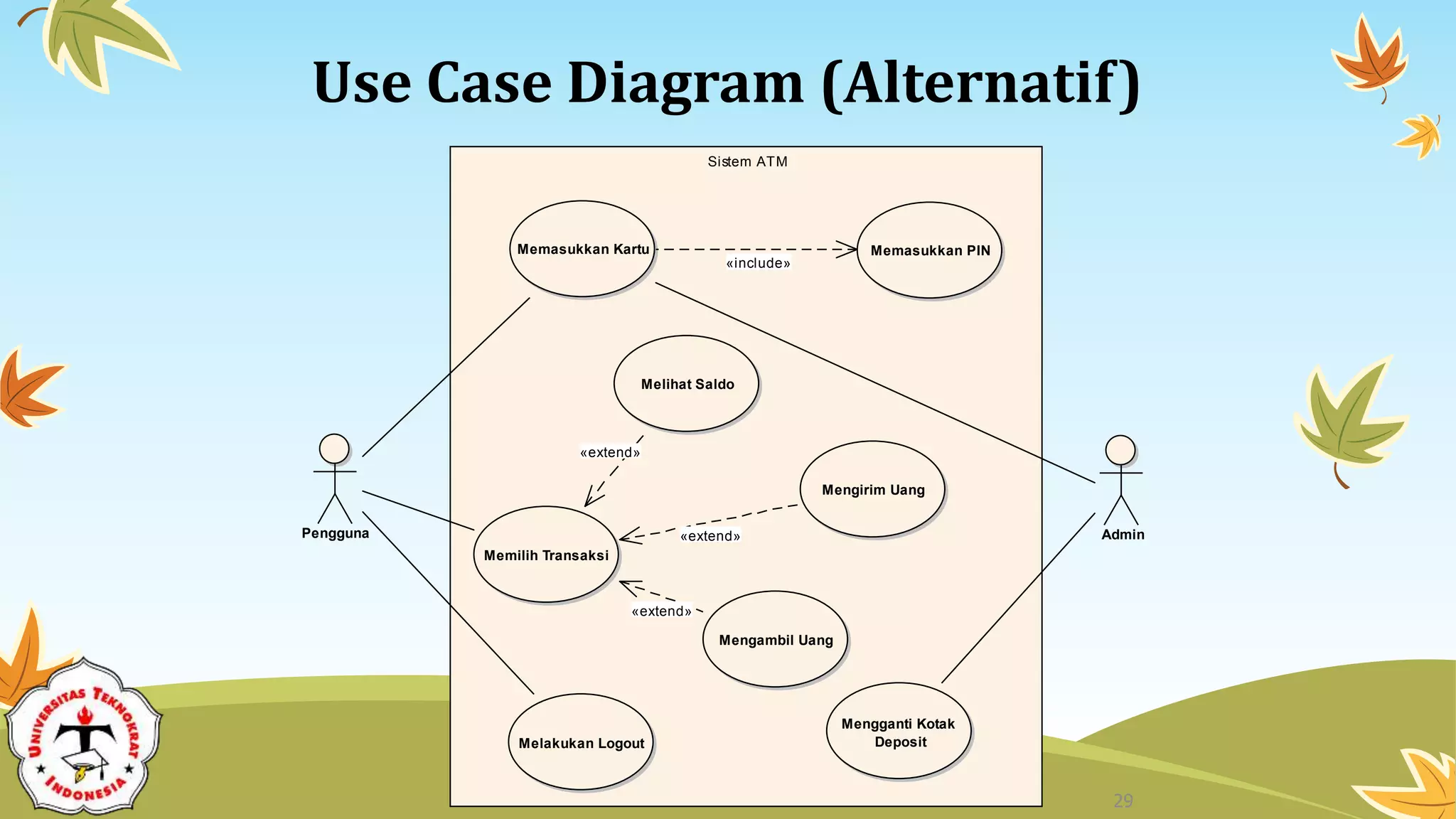
Use Case Diagram (Alternatif)
uc Sistem ATM
Sistem ATM
Pengguna
Memasukkan Kartu Memasukkan PIN
Memilih Transaksi
Melihat Saldo
Mengirim Uang
Mengambil Uang
Melakukan Logout
Admin
Mengganti Kotak
Deposit
«include»
«extend»
«extend»
«extend»
29
Terima Kasih
ajeng.savitri@tekokrat.ac.id
https://teknokrat.ac.id/en/

Use Case Diagram

  • 1.
    Systems Analysis and Design By: Ajeng Savitri P, M.Kom Pertemuan 14 Prepared by Kevin C. Dittman for Systems Analysis & Design Methods 4ed by J. L. Whitten & L. D. Bentley
  • 2.
    • Learning UnifiedModeling Language (UML)
  • 3.
  • 4.
    System Analysis andDesign with UML 1. System Analysis 1. Business Process Identification • Use Case Diagram 2. Business Process Modeling • Activity Diagram or Business Process Modeling Notation (BPMN) 3. Business Process Realization • Sequence Diagram (Buat untuk setiap use case dengan menggunakan pola Boundary-Control-Entity) 4
  • 5.
    Use Case Diagrams •Summarized into a single picture • All of the use cases for the part of the system being modeled • Use case represents the discrete activities performed by the user • Use Case Diagram tells what the system will do • Good for communicating with users 5
  • 6.
    Syntax for anUse Case Diagram • Actor • person or system that derives benefit from and is external to the subject • Use Case • Represents a major piece of system functionality • Association Relationship • Include Relationship • Extend Relationship • Generalization Relationship <<extends>> <<includes>> 6
  • 7.
    Use Case • Amajor piece of system functionality • Can extend other Use Cases • Placed inside system boundary • Labeled with descriptive verb - noun phrase Use Case 7
  • 8.
    System Boundary • Includesthe name of the system inside or on top • Represents the scope of the system • Actors are outside the scope of the system Boundary 8
  • 9.
    Actor • A personor another system that interacts with the current system • A role, not a specific user • Provides input, receives output, or both actor Actor/Role 9
  • 10.
    Association Relationship • Linksactor and the Use Case • Shows two-way communication • If one-way, arrows are used • * is for "multiplicity of the Association" * * 10
  • 11.
    Extends Relationship • ExtendsUse Case to include Optional behavior • Arrow points from the extension Use Case to the base Use Case extend extend Make Appointment Make Payment Arrangement 11
  • 12.
    Include Relationship • Includeone Use Case from within another • Arrow points from base Use Case to the included Use Case include include Create New Patient Make New Patient Appointment 12
  • 13.
    Generalization Relationship • Aspecialized Use Case to a more generalized Use Case • Arrow points from specialized to general Use Case Make Appointment Make Old Appointment 13
  • 14.
    Use Case Diagramfor Appointment System 14
  • 15.
    Use Case Diagramwith Specialized Actor 15
  • 16.
    Extend and IncludeRelationships 16
  • 17.
    Case Study: ATMSystem 17
  • 18.
  • 19.
    ATM System Layar Kotak UangKotak Kartu Kotak Kuitansi 19
  • 20.
    Masukkan PIN: Kotak UangKotak Kartu Kotak Kuitansi 20
  • 21.
    Menu Utama 1. MelihatSaldo 2. Mentransfer Uang 3. Mengambil Uang 4. Logout Kotak Uang Kotak Kartu Kotak Kuitansi 21
  • 22.
    Menu Melihat Saldo 1.Saldo anda adalah …. Kotak Uang Kotak Kartu Kotak Kuitansi 22
  • 23.
    Menu Mentransfer Uang 1.No Account Penerima: Kotak Uang Kotak Kartu Kotak Kuitansi 23
  • 24.
    Menu Mentransfer Uang 1.Jumlah uang yang dikirim: Kotak Uang Kotak Kartu Kotak Kuitansi 24
  • 25.
    Menu Mentransfer Uang 1.Uang berhasil terkirim Kotak Uang Kotak Kartu Kotak Kuitansi 25
  • 26.
    Menu Mengambil Uang 1.Jumlah uang yang diambil: Kotak Uang Kotak Kartu Kotak Kuitansi 26
  • 27.
    Menu Mengambil Uang Uangberhasil diambil Kotak Uang Kotak Kartu Kotak Kuitansi 27
  • 28.
    Use Case Diagram ucUCD - Sistem ATM Pengguna Sistem ATM Memasukkan Kartu Memasukkan PIN Mengecek Saldo Mentransfer Uang Mengambil Uang Melakukan Logout «include» 28
  • 29.
    Use Case Diagram(Alternatif) uc Sistem ATM Sistem ATM Pengguna Memasukkan Kartu Memasukkan PIN Memilih Transaksi Melihat Saldo Mengirim Uang Mengambil Uang Melakukan Logout Admin Mengganti Kotak Deposit «include» «extend» «extend» «extend» 29
  • 30.