Usability Testing for Older Adults
Becca Kennedy
Human Performance Assessment
4/19/12
Older adults are a special population
• Loss of vision
▫ Slower visual search and visual processing
 e.g., locating and reading traffic signs
▫ Poor light sensitivity
 e.g., seeing objects at night
• Loss of hearing
▫ Because of:
 Atrophy of hair cells in cochlea; stiffening of malleus,
incus, and stapes vibrating bone structures
▫ Ability to hear high frequencies (pitches) lost first
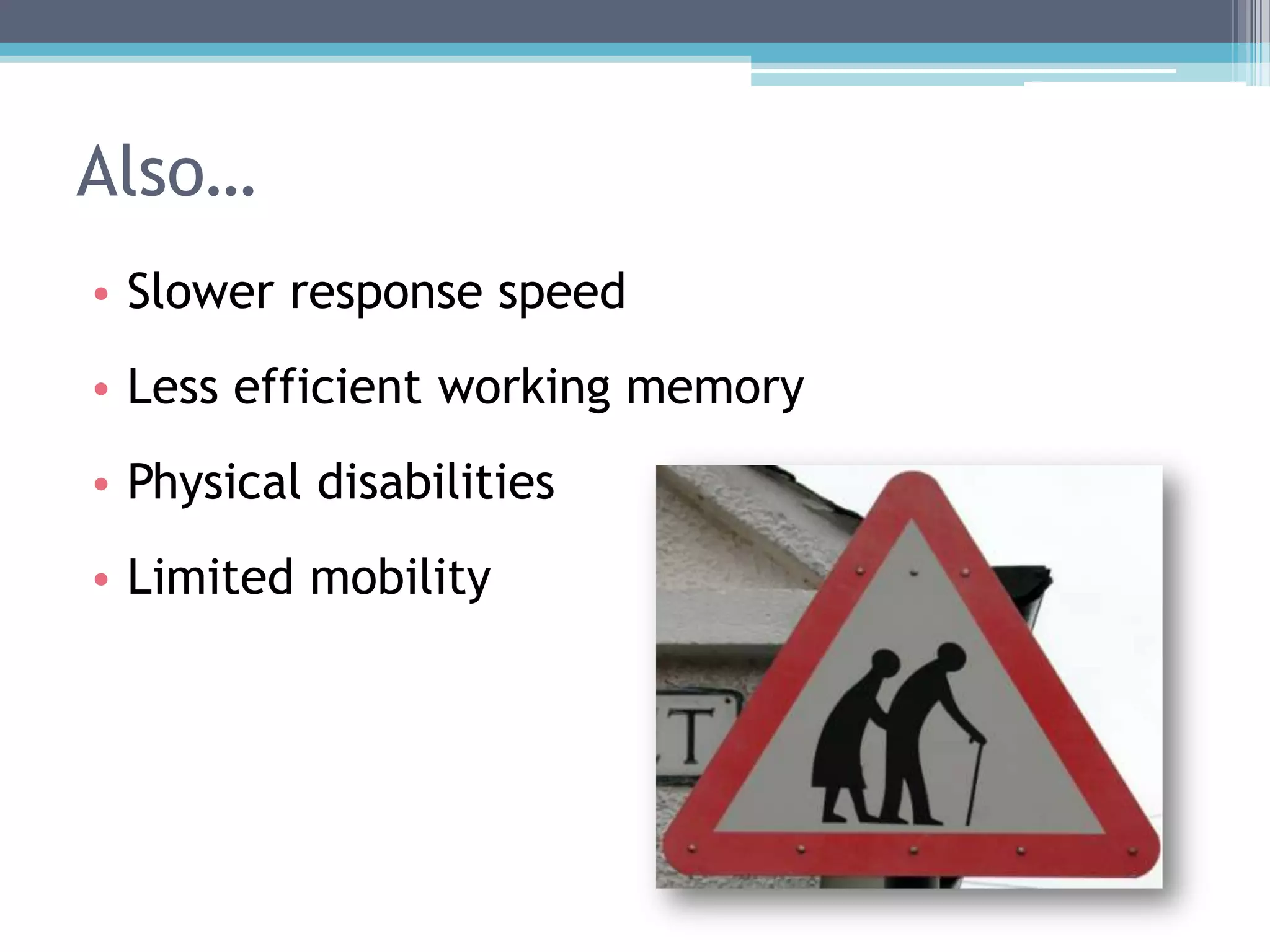
• Slower response speed
• Less efficient working memory
• Physical disabilities
• Limited mobility
Also…
Older adults and technology
• Adults age 50 and older are the fastest-growing
segment of the computer-using population in
the U.S. (Russell, 1998)
• However, many older adults still have not
adapted to the “technology age”
▫ Fear of technology (Dyck & Smither, 1995)
▫ Little or no exposure (Echt et al., 1995)
▫ Little awareness of potential benefits (Melenhorst et al.,
2001)
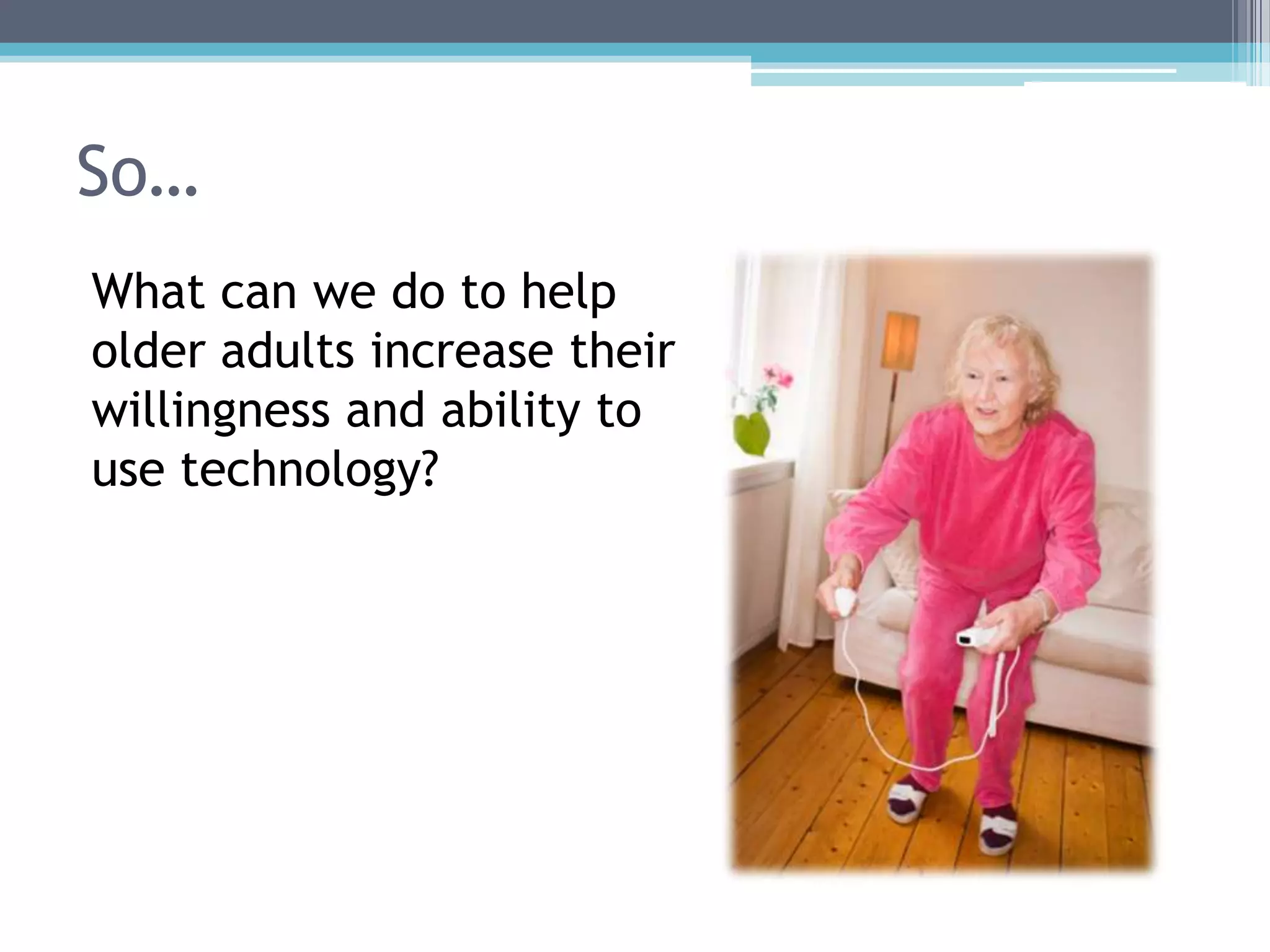
So…
What can we do to help
older adults increase their
willingness and ability to
use technology?
Older adults and the internet
• Web Content Accessibility Guidelines (WCAG)
initiative exists to improve website accessibility
• The National Institute on Aging (NIA) and the
National Library of Medicine (NLM) developed
“senior-friendly” website guidelines
▫ In 2001, last revised in 2009
▫ http://www.nia.nih.gov/health/publication/making-your-website-senior-friendly
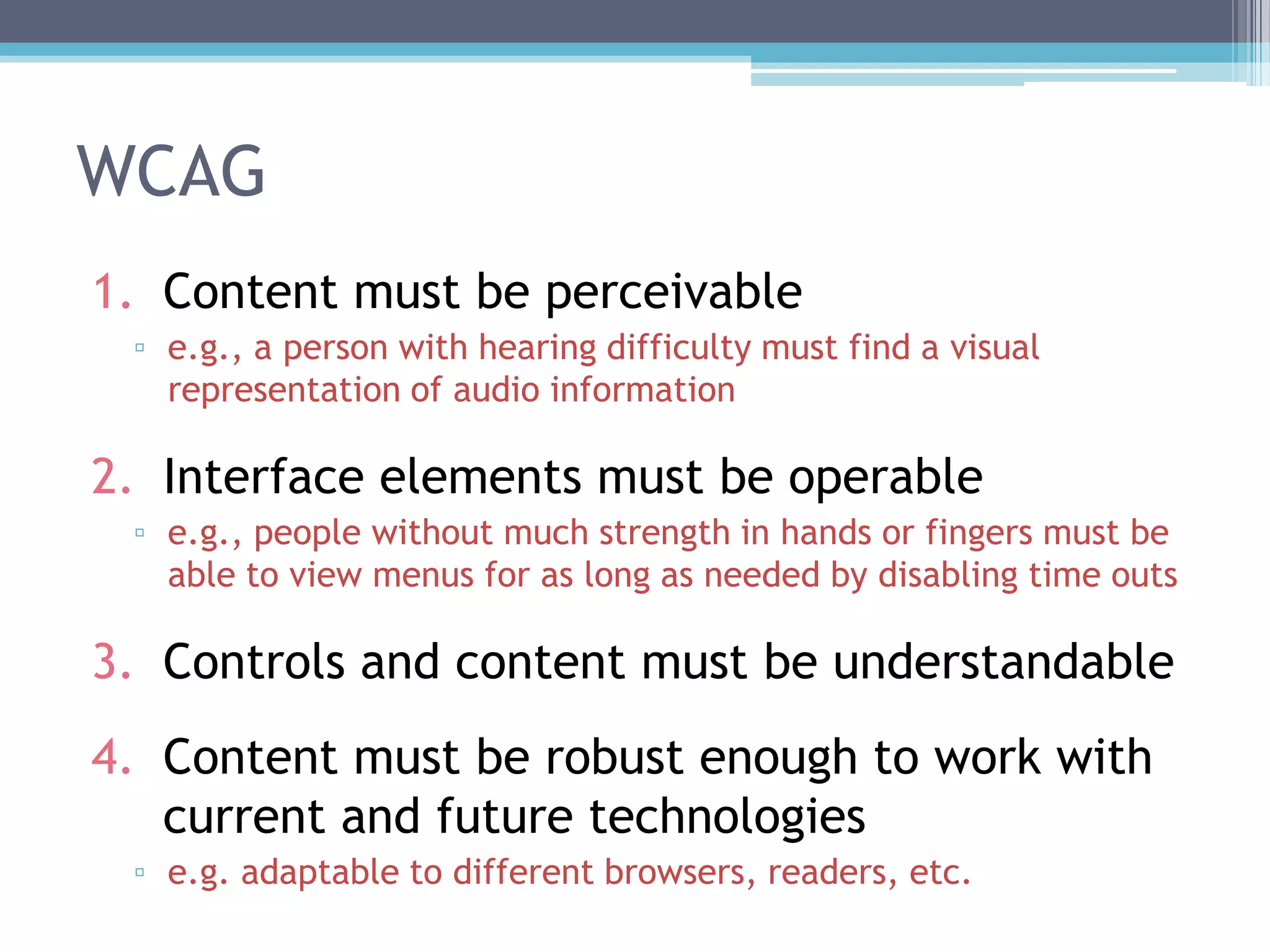
WCAG
1. Content must be perceivable
▫ e.g., a person with hearing difficulty must find a visual
representation of audio information
2. Interface elements must be operable
▫ e.g., people without much strength in hands or fingers must be
able to view menus for as long as needed by disabling time outs
3. Controls and content must be understandable
4. Content must be robust enough to work with
current and future technologies
▫ e.g. adaptable to different browsers, readers, etc.
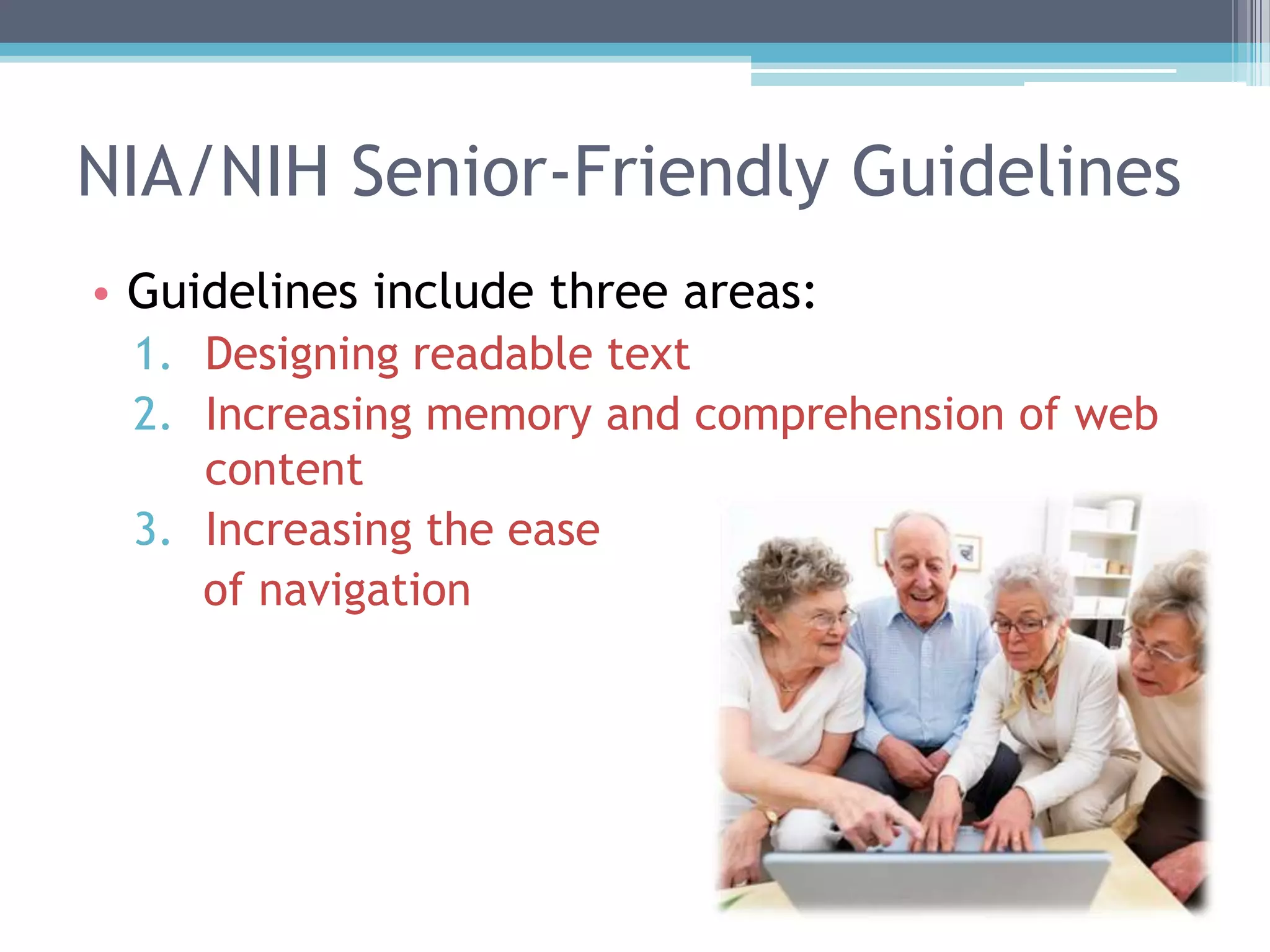
NIA/NIH Senior-Friendly Guidelines
• Guidelines include three areas:
1. Designing readable text
2. Increasing memory and comprehension of web
content
3. Increasing the ease
of navigation
NIA/NIH Senior-Friendly Guidelines
• Some examples:
▫ Break information into short sections
▫ Give instructions clearly and number each step
▫ Use single mouse clicks
▫ Make it easy for users to enlarge text
▫ Provide a speech function to hear text read aloud
▫ Minimize scrolling
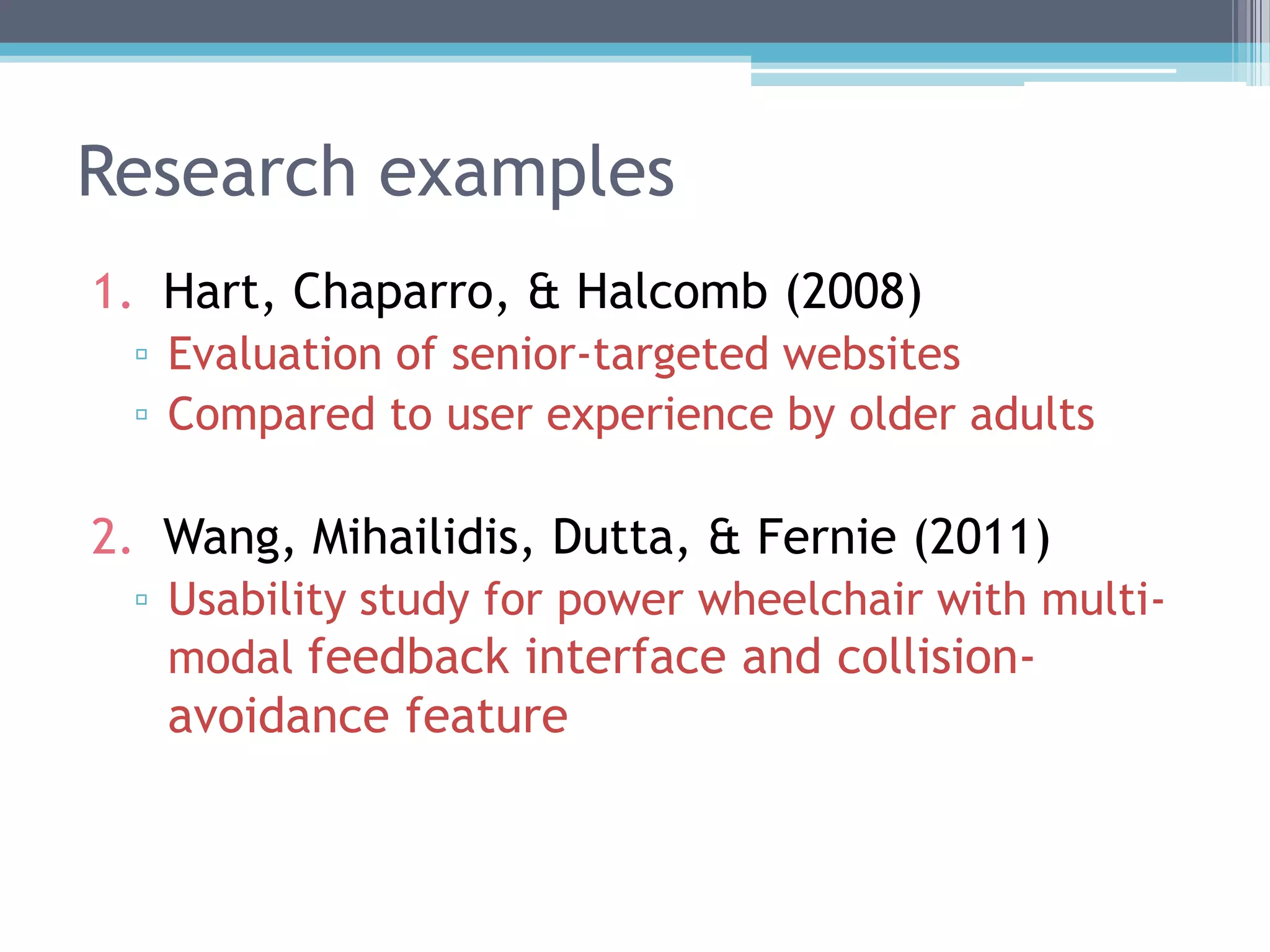
Usability tests with older users
• Even when sites comply with guidelines, they
are not necessarily usable for older users
▫ If they are expected to use the site, the site should be
tested with them
▫ Usability tests should use think-aloud method and
observation
Research examples
1. Hart, Chaparro, & Halcomb (2008)
▫ Evaluation of senior-targeted websites
▫ Compared to user experience by older adults
2. Wang, Mihailidis, Dutta, & Fernie (2011)
▫ Usability study for power wheelchair with multi-
modal feedback interface and collision-
avoidance feature
Hart, Chaparro, & Halcomb (2008)
• Hart, T.A., Chaparro, B.S., & Halcomb, C.G.
(2008). Evaluating websites for older adults:
Adherence to „senior-friendly‟ guidelines and end-
user performance. Behavior & Information
Technology, 27, 191 – 199.
• Aim of research was to evaluate three websites
designed for older adults in terms of:
▫ How well they adhere to “senior friendly”
guidelines
▫ Overall ease of use and satisfaction
Hart, Chaparro, & Halcomb (2008)
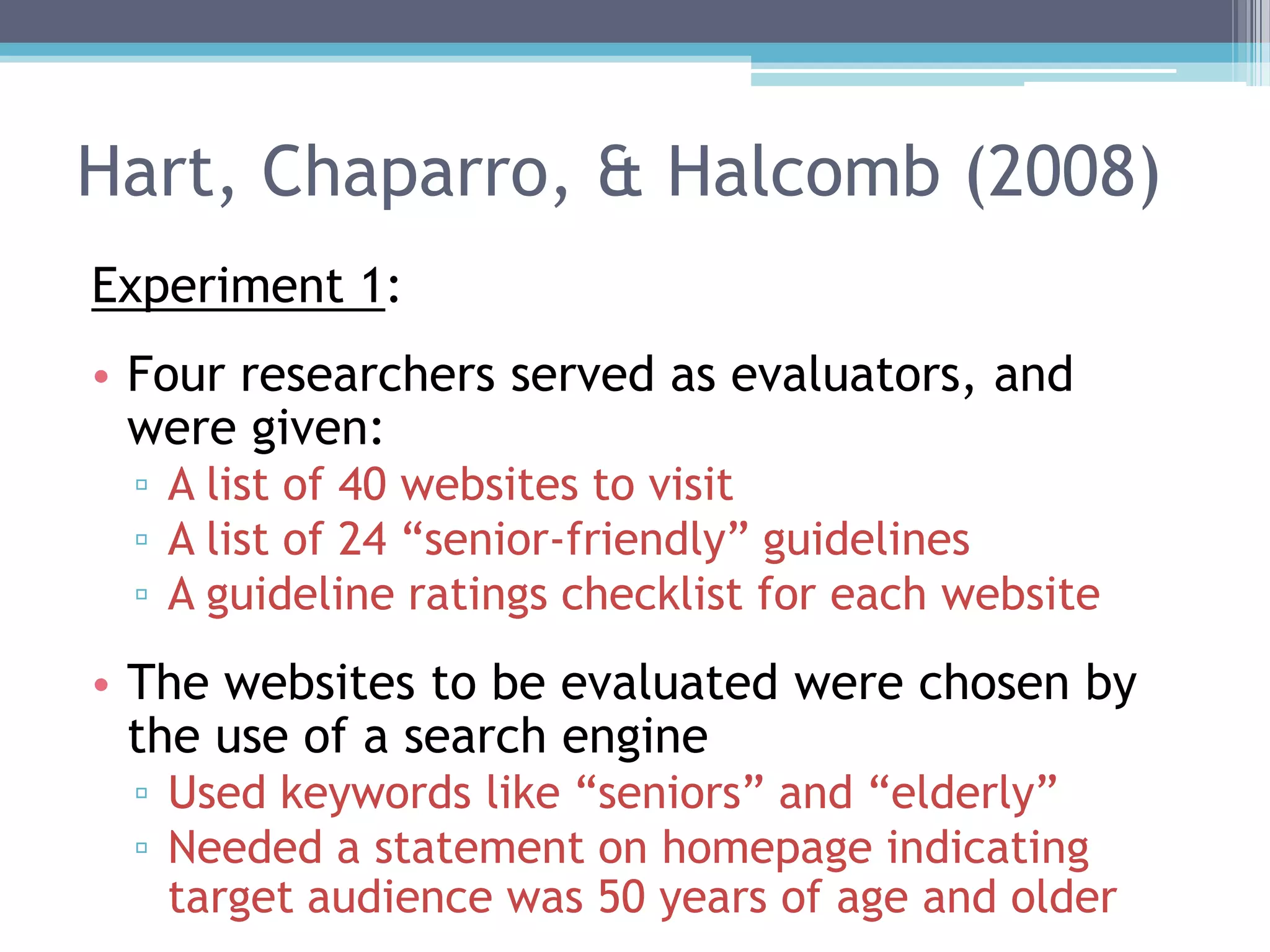
Experiment 1:
• Four researchers served as evaluators, and
were given:
▫ A list of 40 websites to visit
▫ A list of 24 “senior-friendly” guidelines
▫ A guideline ratings checklist for each website
• The websites to be evaluated were chosen by
the use of a search engine
▫ Used keywords like “seniors” and “elderly”
▫ Needed a statement on homepage indicating
target audience was 50 years of age and older
Hart, Chaparro, & Halcomb (2008)
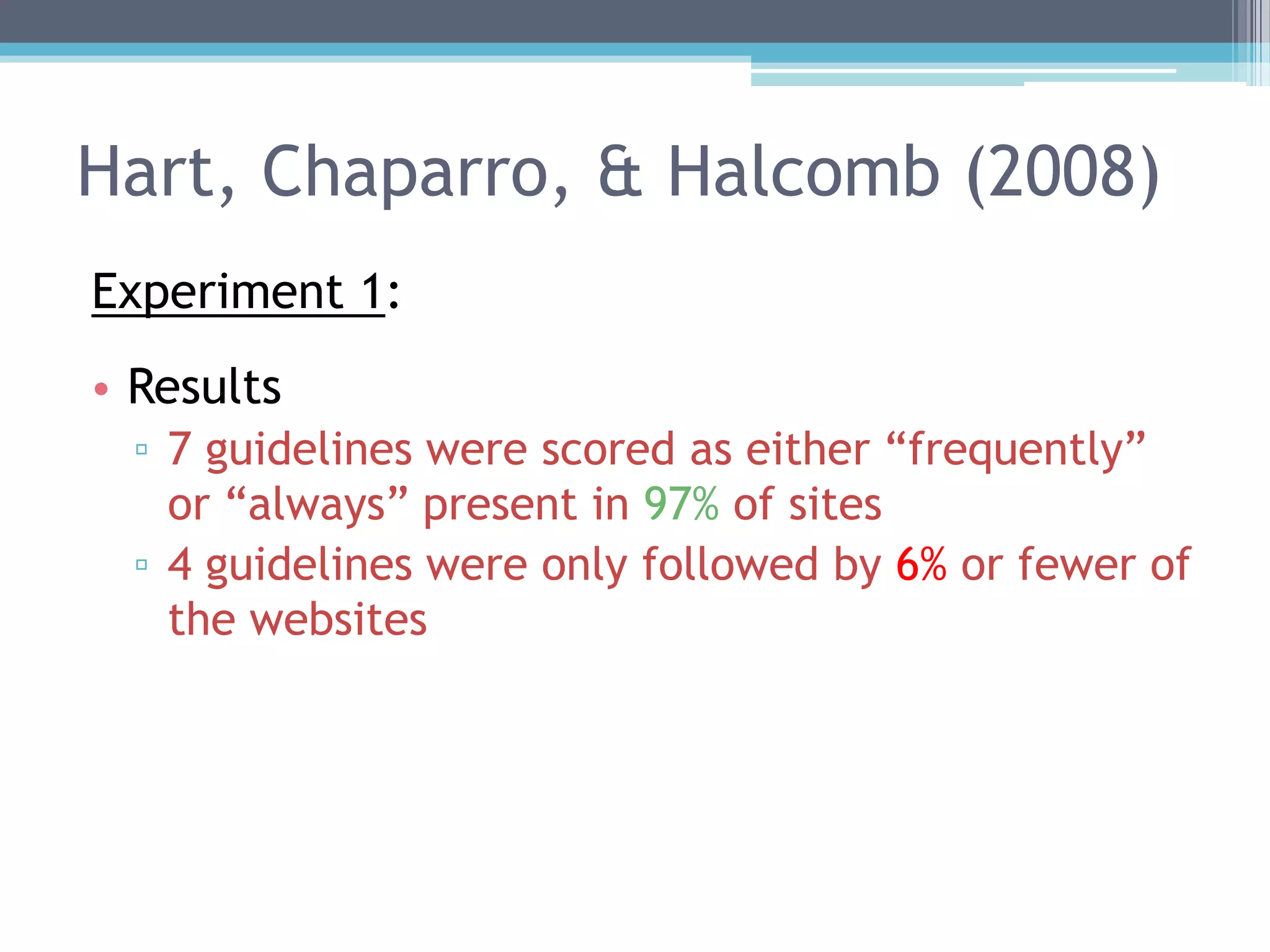
Experiment 1:
• Results
▫ 7 guidelines were scored as either “frequently”
or “always” present in 97% of sites
▫ 4 guidelines were only followed by 6% or fewer of
the websites
Hart, Chaparro, & Halcomb (2008)
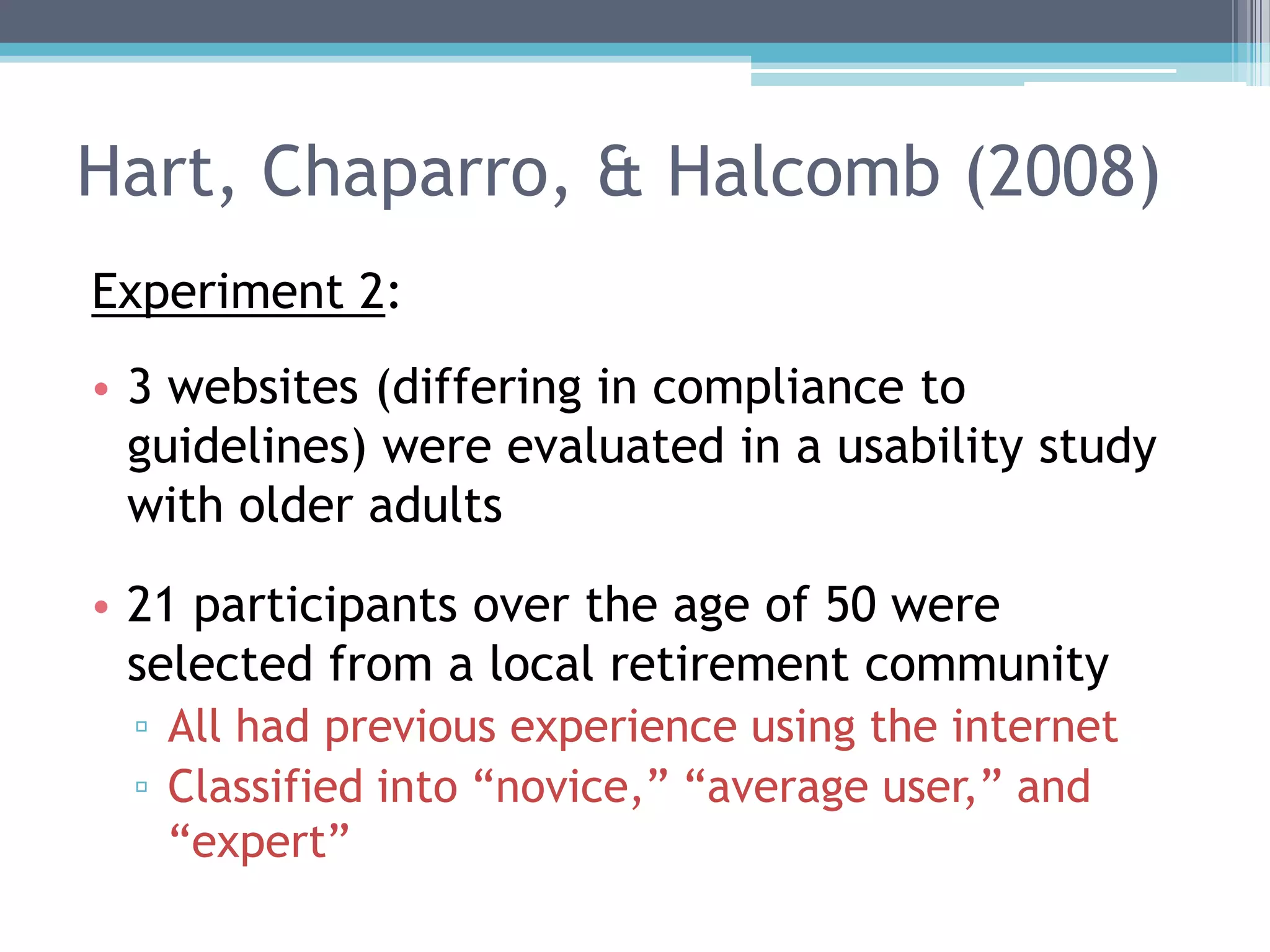
Experiment 2:
• 3 websites (differing in compliance to
guidelines) were evaluated in a usability study
with older adults
• 21 participants over the age of 50 were
selected from a local retirement community
▫ All had previous experience using the internet
▫ Classified into “novice,” “average user,” and
“expert”
Hart, Chaparro, & Halcomb (2008)
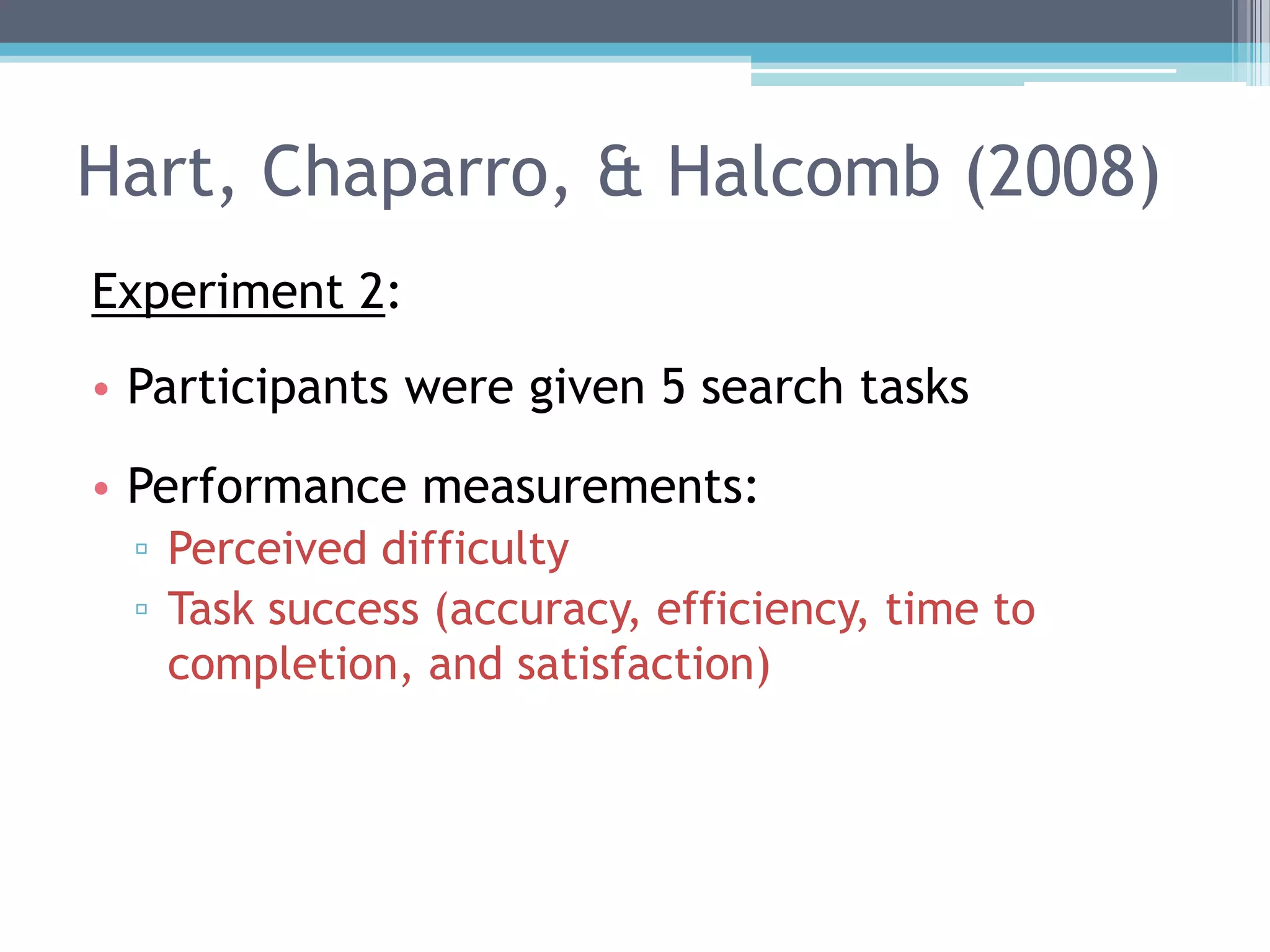
Experiment 2:
• Participants were given 5 search tasks
• Performance measurements:
▫ Perceived difficulty
▫ Task success (accuracy, efficiency, time to
completion, and satisfaction)
Hart, Chaparro, & Halcomb (2008)
Experiment 2:
• Results
▫ Success
 Participants had more success with the most
compliant website
▫ Efficiency
 Measured as number of pages traversed at each
site, minus number of pages necessary to complete
the task
 No significant effects
▫ Time
 No significant effects
Hart, Chaparro, & Halcomb (2008)
Experiment 2:
• Results
▫ Preference
 Overall preference evenly distributed across 3 sites
▫ Satisfaction
 Participants rated the medium compliant website
higher than the other two
▫ Effects of user experience level?
 No significant effects
 Trend for Expert group to prefer most compliant
website
Hart, Chaparro, & Halcomb (2008)
Experiment 2:
• Discussion
▫ The website most compliant with “senior
friendly” guidelines resulted in higher task
success
 But not better efficiency, satisfaction, or
preference
▫ The most compliant website was also complex,
and may have been problematic to novice users
• Demonstrates importance of usability studies
Wang, Mihailidis, Dutta, & Fernie (2011)
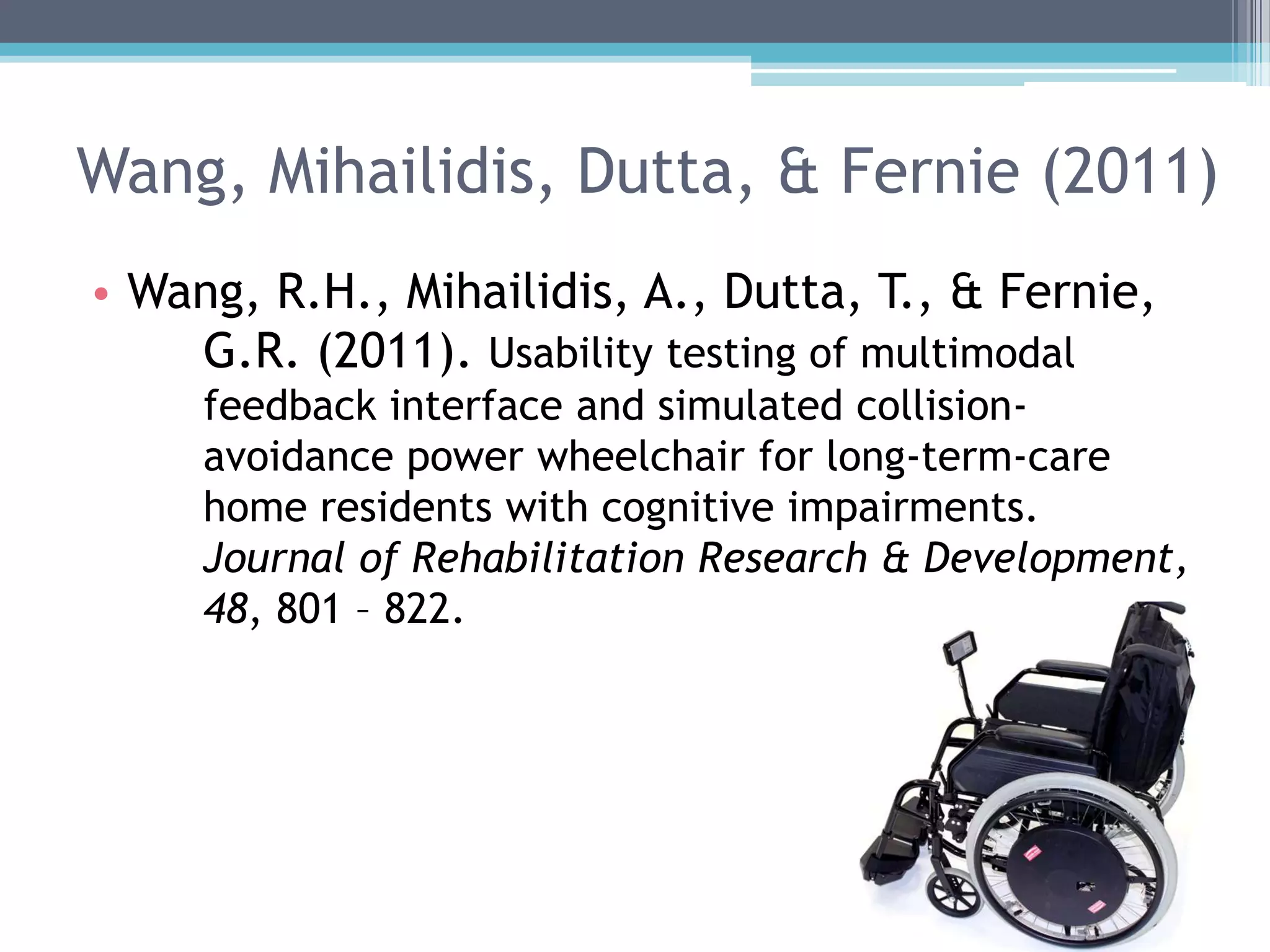
• Wang, R.H., Mihailidis, A., Dutta, T., & Fernie,
G.R. (2011). Usability testing of multimodal
feedback interface and simulated collision-
avoidance power wheelchair for long-term-care
home residents with cognitive impairments.
Journal of Rehabilitation Research & Development,
48, 801 – 822.
Wang, Mihailidis, Dutta, & Fernie (2011)
• Background:
▫ Interface features for power wheelchairs are
being developed to help navigate away from
obstacles
▫ Multisensory approach may be useful for older
adults by compensating for sensory impairment
Wang, Mihailidis, Dutta, & Fernie (2011)
• In this study, 5 long-term-care home residents
evaluated device usability
▫ All residents had mild or moderate cognitive
impairments
▫ The device was used for six one-hour sessions
• Observations, feedback interviews, and outcome
questionnaires were completed during and after
the sessions
Wang, Mihailidis, Dutta, & Fernie (2011)
• Results
▫ Time to learn operation
 Residents performed a majority of basic skills
needed to drive the device
 Those with less experience driving vehicles needed
more practice
▫ Workload
 Residents reported low levels of workload (assessed
by NASA-TLX)
Wang, Mihailidis, Dutta, & Fernie (2011)
• User Satisfaction Results
▫ Based on comments, interviews, and questionnaires
▫ Overall device:
 Residents considered it useful and interesting
 Recognized that the device helped them be more
mobile and independent by preventing accidents
▫ Multimodal Feedback Interface:
 Simple, one-step auditory prompts did not
communicate number and proximity of all obstacles
 Most residents understood that visual arrows
indicated suggested directions
 Positive reactions to haptic feedback indicating
obstacles
Wang, Mihailidis, Dutta, & Fernie (2011)
• Ease of Use Results
▫ All residents indicated at the end of the sessions
that they easily understood how to drive the
wheelchair and use the feedback
 Intuitive
• Speed Results
▫ Some residents recommended a higher max speed
 Cited the speed of elevator doors compared to the
speed of the chair to be a problem
Wang, Mihailidis, Dutta, & Fernie (2011)
• Measure of User Satisfaction
▫ All were “satisfied” to “very satisfied”
• Measure of Psychosocial Impact on Wellbeing
▫ All residents indicated that the device either had
little impact on well-being, or contributed to
positive well-being
Wang, Mihailidis, Dutta, & Fernie (2011)
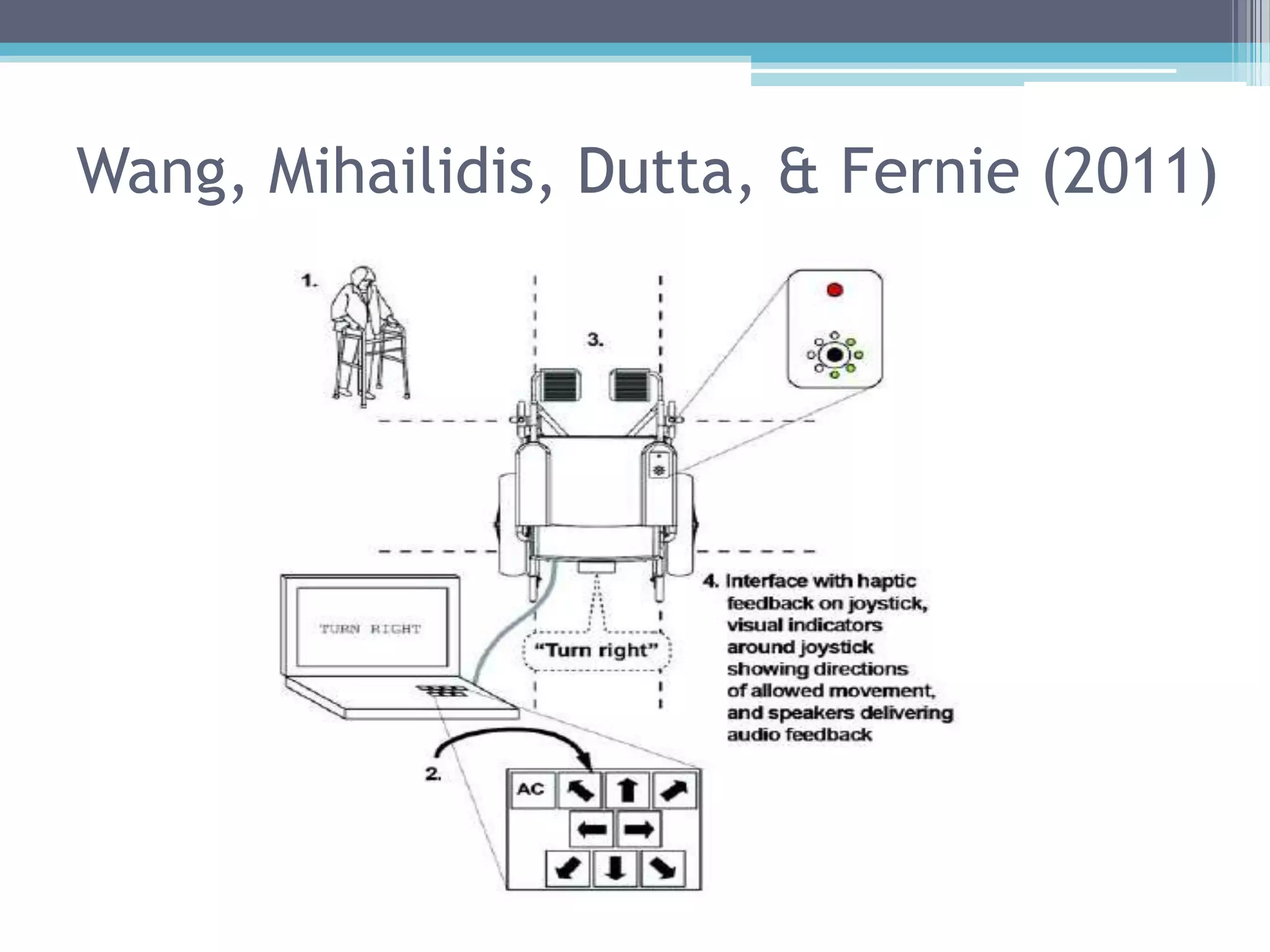
• Based on feedback, authors suggest that future
collision-avoidance power wheelchairs include:
▫ Auditory feedback
▫ Visual indicators around the joystick controller to
display directions of movement
▫ Blocks to joystick movement in the directions of
obstacles
▫ Increased driving speed
Summary
• Technology can better benefit older adults if
usability studies are performed
• Hart, Chaparro, and Halcomb (2008)
▫ Assessed websites for compliance with senior-
friendly guidelines; compared compliance with user
satisfaction among older-adult users
▫ Found that task success was not necessarily related
to user satisfaction
• Wang, Mihailidis, Dutta, and Fernie (2011)
▫ Performed usability testing for a power wheelchair
▫ Found that device was effective and users were
satisfied
▫ Users also provided useful feedback
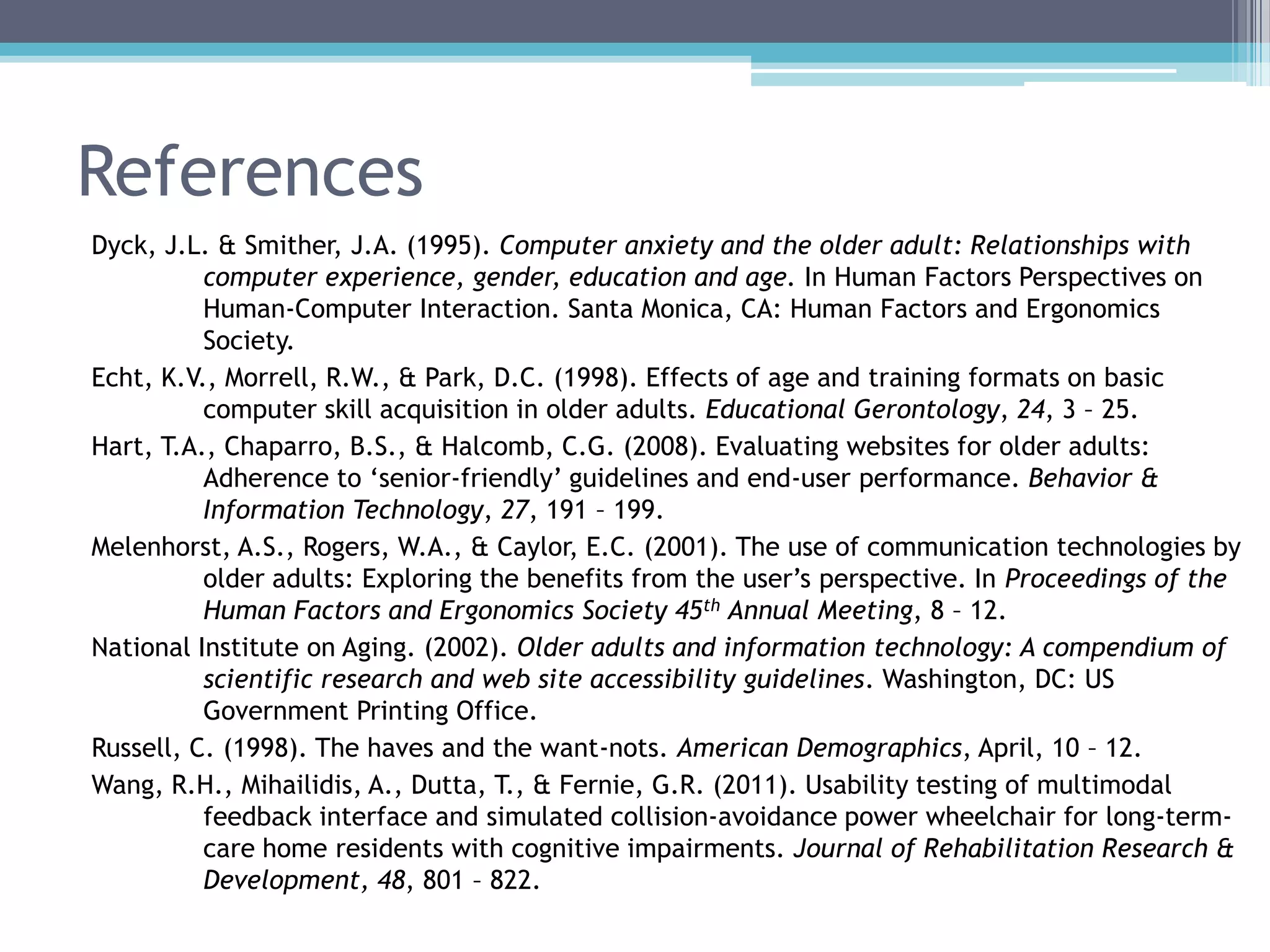
References
Dyck, J.L. & Smither, J.A. (1995). Computer anxiety and the older adult: Relationships with
computer experience, gender, education and age. In Human Factors Perspectives on
Human-Computer Interaction. Santa Monica, CA: Human Factors and Ergonomics
Society.
Echt, K.V., Morrell, R.W., & Park, D.C. (1998). Effects of age and training formats on basic
computer skill acquisition in older adults. Educational Gerontology, 24, 3 – 25.
Hart, T.A., Chaparro, B.S., & Halcomb, C.G. (2008). Evaluating websites for older adults:
Adherence to „senior-friendly‟ guidelines and end-user performance. Behavior &
Information Technology, 27, 191 – 199.
Melenhorst, A.S., Rogers, W.A., & Caylor, E.C. (2001). The use of communication technologies by
older adults: Exploring the benefits from the user‟s perspective. In Proceedings of the
Human Factors and Ergonomics Society 45th Annual Meeting, 8 – 12.
National Institute on Aging. (2002). Older adults and information technology: A compendium of
scientific research and web site accessibility guidelines. Washington, DC: US
Government Printing Office.
Russell, C. (1998). The haves and the want-nots. American Demographics, April, 10 – 12.
Wang, R.H., Mihailidis, A., Dutta, T., & Fernie, G.R. (2011). Usability testing of multimodal
feedback interface and simulated collision-avoidance power wheelchair for long-term-
care home residents with cognitive impairments. Journal of Rehabilitation Research &
Development, 48, 801 – 822.

Usability testing for older adults

  • 1.
    Usability Testing forOlder Adults Becca Kennedy Human Performance Assessment 4/19/12
  • 2.
    Older adults area special population • Loss of vision ▫ Slower visual search and visual processing  e.g., locating and reading traffic signs ▫ Poor light sensitivity  e.g., seeing objects at night • Loss of hearing ▫ Because of:  Atrophy of hair cells in cochlea; stiffening of malleus, incus, and stapes vibrating bone structures ▫ Ability to hear high frequencies (pitches) lost first
  • 3.
    • Slower responsespeed • Less efficient working memory • Physical disabilities • Limited mobility Also…
  • 4.
    Older adults andtechnology • Adults age 50 and older are the fastest-growing segment of the computer-using population in the U.S. (Russell, 1998) • However, many older adults still have not adapted to the “technology age” ▫ Fear of technology (Dyck & Smither, 1995) ▫ Little or no exposure (Echt et al., 1995) ▫ Little awareness of potential benefits (Melenhorst et al., 2001)
  • 5.
    So… What can wedo to help older adults increase their willingness and ability to use technology?
  • 6.
    Older adults andthe internet • Web Content Accessibility Guidelines (WCAG) initiative exists to improve website accessibility • The National Institute on Aging (NIA) and the National Library of Medicine (NLM) developed “senior-friendly” website guidelines ▫ In 2001, last revised in 2009 ▫ http://www.nia.nih.gov/health/publication/making-your-website-senior-friendly
  • 7.
    WCAG 1. Content mustbe perceivable ▫ e.g., a person with hearing difficulty must find a visual representation of audio information 2. Interface elements must be operable ▫ e.g., people without much strength in hands or fingers must be able to view menus for as long as needed by disabling time outs 3. Controls and content must be understandable 4. Content must be robust enough to work with current and future technologies ▫ e.g. adaptable to different browsers, readers, etc.
  • 8.
    NIA/NIH Senior-Friendly Guidelines •Guidelines include three areas: 1. Designing readable text 2. Increasing memory and comprehension of web content 3. Increasing the ease of navigation
  • 9.
    NIA/NIH Senior-Friendly Guidelines •Some examples: ▫ Break information into short sections ▫ Give instructions clearly and number each step ▫ Use single mouse clicks ▫ Make it easy for users to enlarge text ▫ Provide a speech function to hear text read aloud ▫ Minimize scrolling
  • 10.
    Usability tests witholder users • Even when sites comply with guidelines, they are not necessarily usable for older users ▫ If they are expected to use the site, the site should be tested with them ▫ Usability tests should use think-aloud method and observation
  • 11.
    Research examples 1. Hart,Chaparro, & Halcomb (2008) ▫ Evaluation of senior-targeted websites ▫ Compared to user experience by older adults 2. Wang, Mihailidis, Dutta, & Fernie (2011) ▫ Usability study for power wheelchair with multi- modal feedback interface and collision- avoidance feature
  • 12.
    Hart, Chaparro, &Halcomb (2008) • Hart, T.A., Chaparro, B.S., & Halcomb, C.G. (2008). Evaluating websites for older adults: Adherence to „senior-friendly‟ guidelines and end- user performance. Behavior & Information Technology, 27, 191 – 199. • Aim of research was to evaluate three websites designed for older adults in terms of: ▫ How well they adhere to “senior friendly” guidelines ▫ Overall ease of use and satisfaction
  • 13.
    Hart, Chaparro, &Halcomb (2008) Experiment 1: • Four researchers served as evaluators, and were given: ▫ A list of 40 websites to visit ▫ A list of 24 “senior-friendly” guidelines ▫ A guideline ratings checklist for each website • The websites to be evaluated were chosen by the use of a search engine ▫ Used keywords like “seniors” and “elderly” ▫ Needed a statement on homepage indicating target audience was 50 years of age and older
  • 14.
    Hart, Chaparro, &Halcomb (2008) Experiment 1: • Results ▫ 7 guidelines were scored as either “frequently” or “always” present in 97% of sites ▫ 4 guidelines were only followed by 6% or fewer of the websites
  • 15.
    Hart, Chaparro, &Halcomb (2008) Experiment 2: • 3 websites (differing in compliance to guidelines) were evaluated in a usability study with older adults • 21 participants over the age of 50 were selected from a local retirement community ▫ All had previous experience using the internet ▫ Classified into “novice,” “average user,” and “expert”
  • 16.
    Hart, Chaparro, &Halcomb (2008) Experiment 2: • Participants were given 5 search tasks • Performance measurements: ▫ Perceived difficulty ▫ Task success (accuracy, efficiency, time to completion, and satisfaction)
  • 17.
    Hart, Chaparro, &Halcomb (2008) Experiment 2: • Results ▫ Success  Participants had more success with the most compliant website ▫ Efficiency  Measured as number of pages traversed at each site, minus number of pages necessary to complete the task  No significant effects ▫ Time  No significant effects
  • 18.
    Hart, Chaparro, &Halcomb (2008) Experiment 2: • Results ▫ Preference  Overall preference evenly distributed across 3 sites ▫ Satisfaction  Participants rated the medium compliant website higher than the other two ▫ Effects of user experience level?  No significant effects  Trend for Expert group to prefer most compliant website
  • 19.
    Hart, Chaparro, &Halcomb (2008) Experiment 2: • Discussion ▫ The website most compliant with “senior friendly” guidelines resulted in higher task success  But not better efficiency, satisfaction, or preference ▫ The most compliant website was also complex, and may have been problematic to novice users • Demonstrates importance of usability studies
  • 20.
    Wang, Mihailidis, Dutta,& Fernie (2011) • Wang, R.H., Mihailidis, A., Dutta, T., & Fernie, G.R. (2011). Usability testing of multimodal feedback interface and simulated collision- avoidance power wheelchair for long-term-care home residents with cognitive impairments. Journal of Rehabilitation Research & Development, 48, 801 – 822.
  • 21.
    Wang, Mihailidis, Dutta,& Fernie (2011) • Background: ▫ Interface features for power wheelchairs are being developed to help navigate away from obstacles ▫ Multisensory approach may be useful for older adults by compensating for sensory impairment
  • 22.
    Wang, Mihailidis, Dutta,& Fernie (2011) • In this study, 5 long-term-care home residents evaluated device usability ▫ All residents had mild or moderate cognitive impairments ▫ The device was used for six one-hour sessions • Observations, feedback interviews, and outcome questionnaires were completed during and after the sessions
  • 23.
    Wang, Mihailidis, Dutta,& Fernie (2011)
  • 24.
    • Results ▫ Timeto learn operation  Residents performed a majority of basic skills needed to drive the device  Those with less experience driving vehicles needed more practice ▫ Workload  Residents reported low levels of workload (assessed by NASA-TLX) Wang, Mihailidis, Dutta, & Fernie (2011)
  • 25.
    Wang, Mihailidis, Dutta,& Fernie (2011) • User Satisfaction Results ▫ Based on comments, interviews, and questionnaires ▫ Overall device:  Residents considered it useful and interesting  Recognized that the device helped them be more mobile and independent by preventing accidents ▫ Multimodal Feedback Interface:  Simple, one-step auditory prompts did not communicate number and proximity of all obstacles  Most residents understood that visual arrows indicated suggested directions  Positive reactions to haptic feedback indicating obstacles
  • 26.
    Wang, Mihailidis, Dutta,& Fernie (2011) • Ease of Use Results ▫ All residents indicated at the end of the sessions that they easily understood how to drive the wheelchair and use the feedback  Intuitive • Speed Results ▫ Some residents recommended a higher max speed  Cited the speed of elevator doors compared to the speed of the chair to be a problem
  • 27.
    Wang, Mihailidis, Dutta,& Fernie (2011) • Measure of User Satisfaction ▫ All were “satisfied” to “very satisfied” • Measure of Psychosocial Impact on Wellbeing ▫ All residents indicated that the device either had little impact on well-being, or contributed to positive well-being
  • 28.
    Wang, Mihailidis, Dutta,& Fernie (2011) • Based on feedback, authors suggest that future collision-avoidance power wheelchairs include: ▫ Auditory feedback ▫ Visual indicators around the joystick controller to display directions of movement ▫ Blocks to joystick movement in the directions of obstacles ▫ Increased driving speed
  • 29.
    Summary • Technology canbetter benefit older adults if usability studies are performed • Hart, Chaparro, and Halcomb (2008) ▫ Assessed websites for compliance with senior- friendly guidelines; compared compliance with user satisfaction among older-adult users ▫ Found that task success was not necessarily related to user satisfaction • Wang, Mihailidis, Dutta, and Fernie (2011) ▫ Performed usability testing for a power wheelchair ▫ Found that device was effective and users were satisfied ▫ Users also provided useful feedback
  • 30.
    References Dyck, J.L. &Smither, J.A. (1995). Computer anxiety and the older adult: Relationships with computer experience, gender, education and age. In Human Factors Perspectives on Human-Computer Interaction. Santa Monica, CA: Human Factors and Ergonomics Society. Echt, K.V., Morrell, R.W., & Park, D.C. (1998). Effects of age and training formats on basic computer skill acquisition in older adults. Educational Gerontology, 24, 3 – 25. Hart, T.A., Chaparro, B.S., & Halcomb, C.G. (2008). Evaluating websites for older adults: Adherence to „senior-friendly‟ guidelines and end-user performance. Behavior & Information Technology, 27, 191 – 199. Melenhorst, A.S., Rogers, W.A., & Caylor, E.C. (2001). The use of communication technologies by older adults: Exploring the benefits from the user‟s perspective. In Proceedings of the Human Factors and Ergonomics Society 45th Annual Meeting, 8 – 12. National Institute on Aging. (2002). Older adults and information technology: A compendium of scientific research and web site accessibility guidelines. Washington, DC: US Government Printing Office. Russell, C. (1998). The haves and the want-nots. American Demographics, April, 10 – 12. Wang, R.H., Mihailidis, A., Dutta, T., & Fernie, G.R. (2011). Usability testing of multimodal feedback interface and simulated collision-avoidance power wheelchair for long-term- care home residents with cognitive impairments. Journal of Rehabilitation Research & Development, 48, 801 – 822.