UI5 ControlsHow they work, how to create your own
Andreas Kunz, SAP SE
03/2016
Want your UI5 app to look like this? Demo
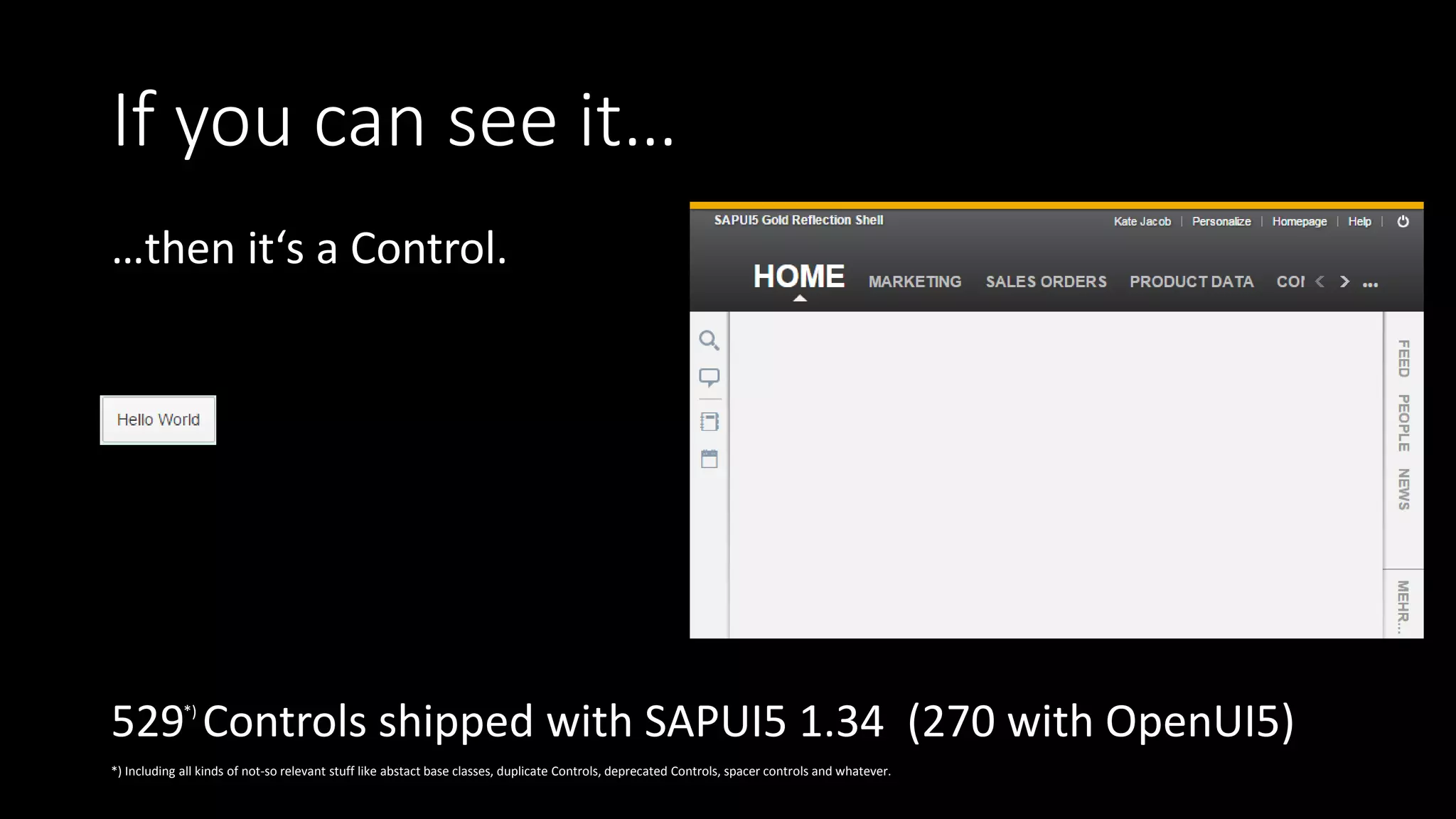
If you can see it…
…then it‘s a Control.
529 Controls shipped with SAPUI5 1.34 (270 with OpenUI5)
*) Including all kinds of not-so relevant stuff like abstact base classes, duplicate Controls, deprecated Controls, spacer controls and whatever.
*)
Like MVC, just smaller
API
Setting/binding
data, …
Behavior:
Event handling,
logic
Renderer:
HTML structure
(+CSS)
Object
EventProvider
ManagedObject
Element
Control
sap.ui.basesap.ui.core
Huh? Show me code!
• A simple „Square“ control:
http://jsbin.com/openui5-control/2/edit
Nah, that was too simple!
• Ok, a Google Map control:
http://jsbin.com/xavuhi/1/edit
• Data binding, support tools, ...
working out of the box.
Wait… how does this work?
1. Touch Event on Slider
• Slider sets its value according to position
2. ManagedObject
• Generic setters/getters: connection to data binding
3. Model update
=> Waaait!
4. Invalidation
=> Waaait!
5. Call the renderers
6. Put HTML into DOM
Smooooooooooooooooooooooother
• Complete re-rendering is frigging fast!
• Mostly.
• Prevent by overriding property setters etc. (see http://jsbin.com/fosiya/edit)
setLatitude: function(lat) {
this.setProperty("latitude", lat, true); // suppress rerendering
if (this._map) {
this._map.panTo(new google.maps.LatLng(lat, this.getLongitude()));
}
return this;
}
And the Support Tool?
var crazyThing = sap.ui.getCore().byId("__map0");
crazyThing.getMetadata().getName();
metaData.getProperties()["latitude"];
Special Methods
• onInit, onExit
• onBeforeRendering, onAfterRendering
• on…. (Events)
• Only for most-used events, otherwise jQuery.on(…)
• UI5 event dispatching
• UI5 mouse-touch emulation
• Browser vs Control events
• my.Square with event: http://jsbin.com/zuhiri/1/edit
Rendering Details
• Create the DOM for current state
• One root node, writeControlData(…)
• Conventions
• Renderer functions
• Escaping (XSS!)
• Container Controls render their children
• my.Square as container: http://jsbin.com/zuhiri/2/edit?html,output
And the CSS?
• Umm….. just put it somewhere…
• Or do it right: Libraries! (Grunt build)
• LESS
https://github.com/SAP/openui5/blob/master/docs/controllibraries.md
Advanced Stuff
• Accessibility Support:
• Keyboard interaction (ItemNavigation!)
• ARIA
• High Contrast Black theme
• ResizeListener
• Popups
• my.Square as popup: http://jsbin.com/zuhiri/3/edit
• Unit Tests
Resources
• UI5 SDK:
• Developing Content:
• Developing Controls
• Control Development Guidelines
• …
• Walkthrough Step 34
• GitHub:
• How to build Control Libraries (grunt required, hence not documented in SDK)
• UI5 Slack with #customcontrol and #controlplatform channels
• Get your invite here
• Proposed repository for community controls: https://github.com/slackUI5Controls
• These slides  (links at http://jsbin.com/desequ or
http://tinyurl.com/ui5con-controls )
The
END

UI5 Controls (UI5con 2016)

  • 1.
    UI5 ControlsHow theywork, how to create your own Andreas Kunz, SAP SE 03/2016
  • 2.
    Want your UI5app to look like this? Demo
  • 3.
    If you cansee it… …then it‘s a Control. 529 Controls shipped with SAPUI5 1.34 (270 with OpenUI5) *) Including all kinds of not-so relevant stuff like abstact base classes, duplicate Controls, deprecated Controls, spacer controls and whatever. *)
  • 4.
    Like MVC, justsmaller API Setting/binding data, … Behavior: Event handling, logic Renderer: HTML structure (+CSS)
  • 5.
  • 6.
    Huh? Show mecode! • A simple „Square“ control: http://jsbin.com/openui5-control/2/edit
  • 7.
    Nah, that wastoo simple! • Ok, a Google Map control: http://jsbin.com/xavuhi/1/edit • Data binding, support tools, ... working out of the box.
  • 8.
    Wait… how doesthis work? 1. Touch Event on Slider • Slider sets its value according to position 2. ManagedObject • Generic setters/getters: connection to data binding 3. Model update => Waaait! 4. Invalidation => Waaait! 5. Call the renderers 6. Put HTML into DOM
  • 9.
    Smooooooooooooooooooooooother • Complete re-renderingis frigging fast! • Mostly. • Prevent by overriding property setters etc. (see http://jsbin.com/fosiya/edit) setLatitude: function(lat) { this.setProperty("latitude", lat, true); // suppress rerendering if (this._map) { this._map.panTo(new google.maps.LatLng(lat, this.getLongitude())); } return this; }
  • 10.
    And the SupportTool? var crazyThing = sap.ui.getCore().byId("__map0"); crazyThing.getMetadata().getName(); metaData.getProperties()["latitude"];
  • 11.
    Special Methods • onInit,onExit • onBeforeRendering, onAfterRendering • on…. (Events) • Only for most-used events, otherwise jQuery.on(…) • UI5 event dispatching • UI5 mouse-touch emulation • Browser vs Control events • my.Square with event: http://jsbin.com/zuhiri/1/edit
  • 12.
    Rendering Details • Createthe DOM for current state • One root node, writeControlData(…) • Conventions • Renderer functions • Escaping (XSS!) • Container Controls render their children • my.Square as container: http://jsbin.com/zuhiri/2/edit?html,output
  • 13.
    And the CSS? •Umm….. just put it somewhere… • Or do it right: Libraries! (Grunt build) • LESS https://github.com/SAP/openui5/blob/master/docs/controllibraries.md
  • 14.
    Advanced Stuff • AccessibilitySupport: • Keyboard interaction (ItemNavigation!) • ARIA • High Contrast Black theme • ResizeListener • Popups • my.Square as popup: http://jsbin.com/zuhiri/3/edit • Unit Tests
  • 15.
    Resources • UI5 SDK: •Developing Content: • Developing Controls • Control Development Guidelines • … • Walkthrough Step 34 • GitHub: • How to build Control Libraries (grunt required, hence not documented in SDK) • UI5 Slack with #customcontrol and #controlplatform channels • Get your invite here • Proposed repository for community controls: https://github.com/slackUI5Controls • These slides  (links at http://jsbin.com/desequ or http://tinyurl.com/ui5con-controls )
  • 16.