???
?
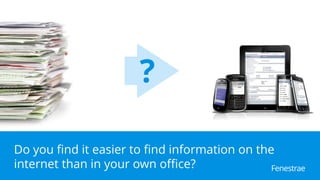
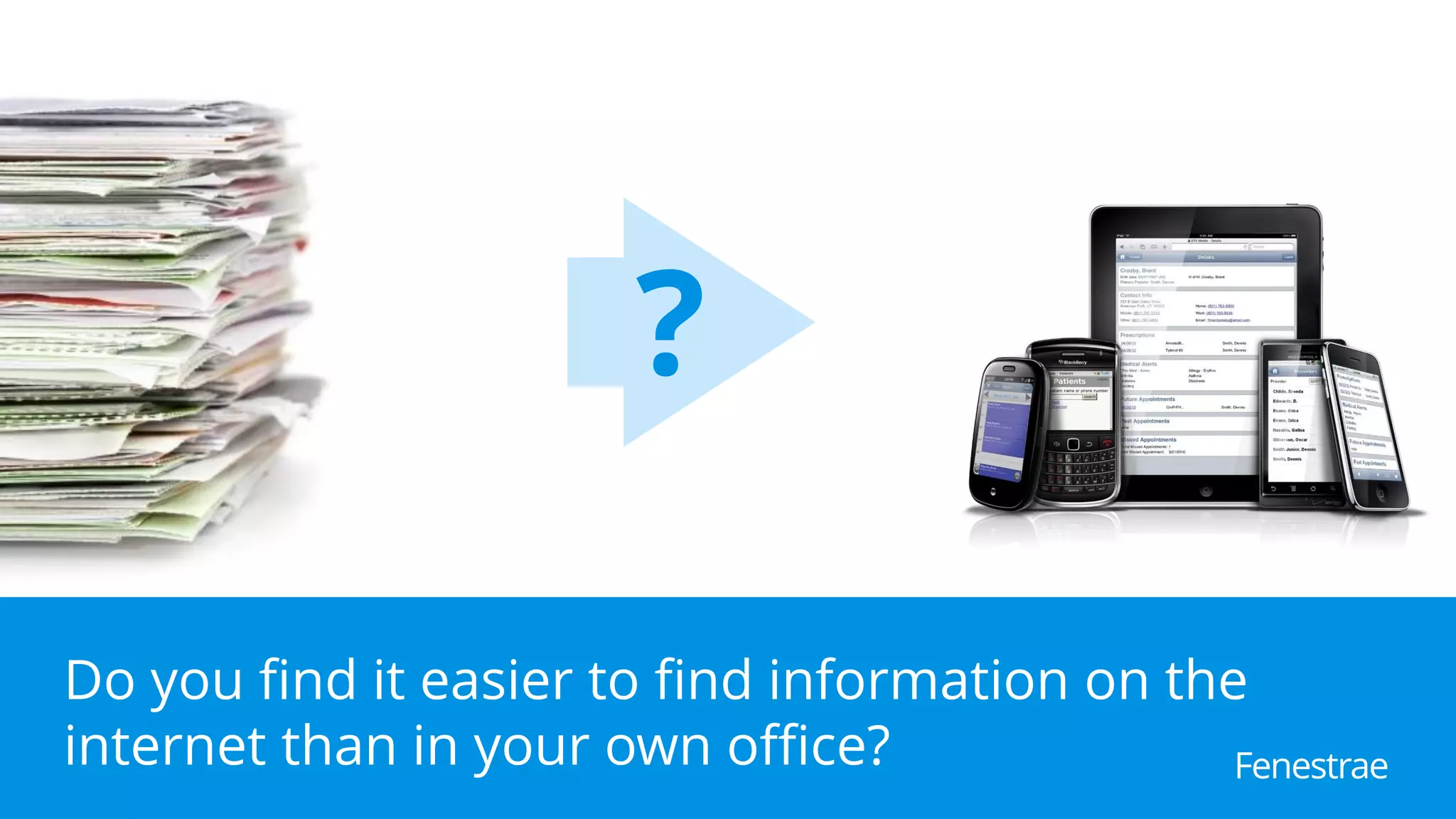
Do you find it easier to find information on the
internet than in your own office? Fenestrae
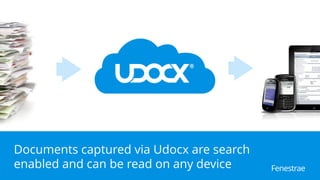
Documents captured via Udocx are search
enabled and can be read on any device Fenestrae
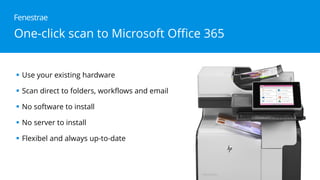
One-click scan to Microsoft Office 365
 Use your existing hardware
 Scan direct to folders, workflows and email
 No software to install
 No server to install
 Flexibel and always up-to-date
Fenestrae
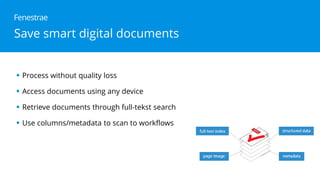
 Process without quality loss
 Access documents using any device
 Retrieve documents through full-tekst search
 Use columns/metadata to scan to workflows
Fenestrae
Save smart digital documents
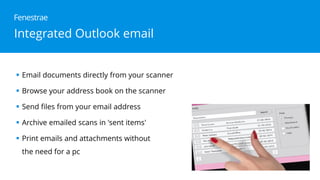
Integrated Outlook email
 Email documents directly from your scanner
 Browse your address book on the scanner
 Send files from your email address
 Archive emailed scans in 'sent items'
 Print emails and attachments without
the need for a pc
Fenestrae
Fenestrae
For more information
info@fenestrae.com
www.udocx.com/office365
Thank you!

Scan documents to Office 365 and SharePoint

  • 1.
    ??? ? Do you findit easier to find information on the internet than in your own office? Fenestrae
  • 2.
    Documents captured viaUdocx are search enabled and can be read on any device Fenestrae
  • 3.
    One-click scan toMicrosoft Office 365  Use your existing hardware  Scan direct to folders, workflows and email  No software to install  No server to install  Flexibel and always up-to-date Fenestrae
  • 4.
     Process withoutquality loss  Access documents using any device  Retrieve documents through full-tekst search  Use columns/metadata to scan to workflows Fenestrae Save smart digital documents
  • 5.
    Integrated Outlook email Email documents directly from your scanner  Browse your address book on the scanner  Send files from your email address  Archive emailed scans in 'sent items'  Print emails and attachments without the need for a pc Fenestrae
  • 6.