There are fourtypes of computer. They are as follow,
1. Microcomputer
4. Supercomputer
5. Mini Computer
4. Mainframe Computers
A brief description of these computers are given below.
4.
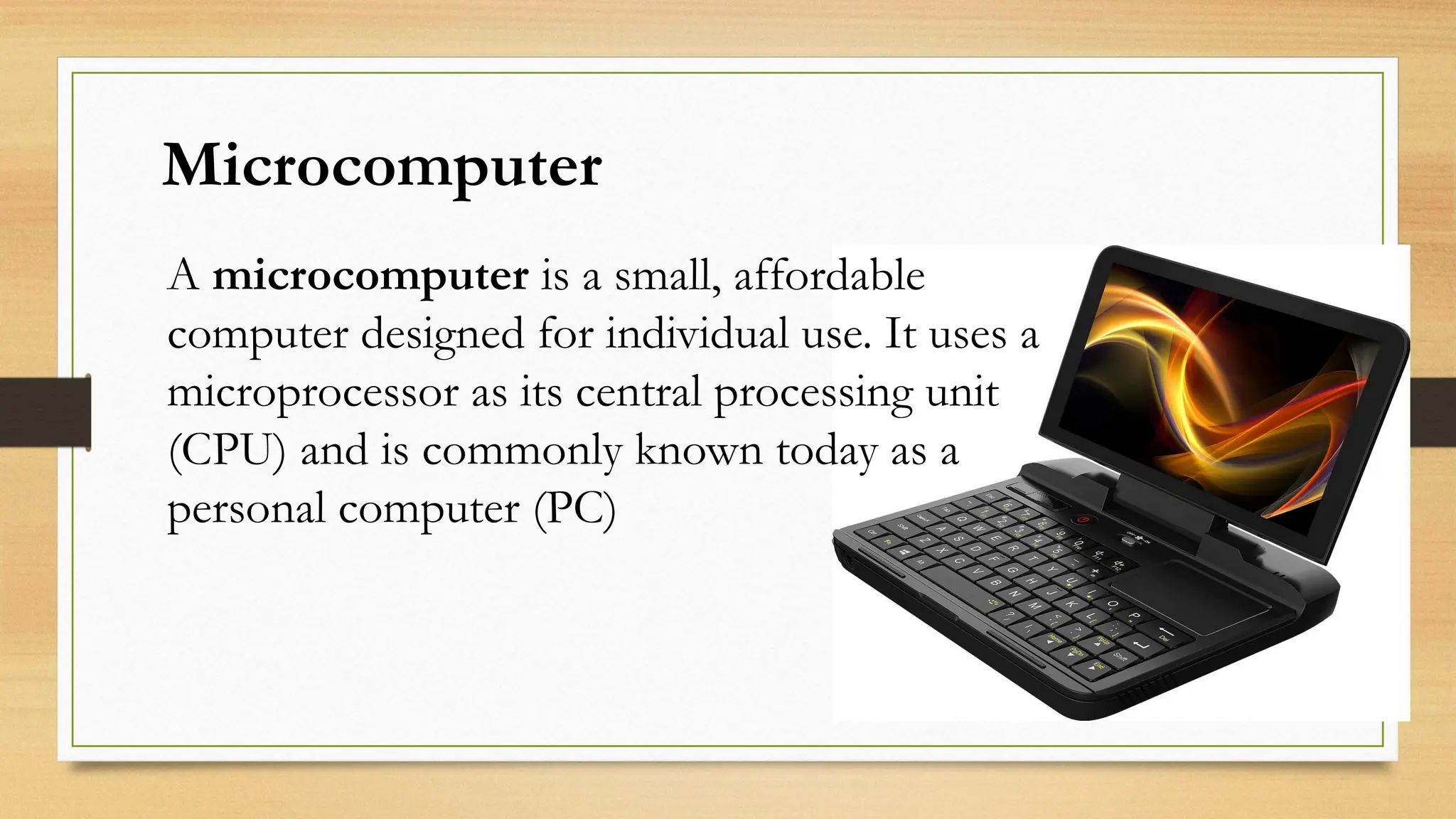
Microcomputer
A microcomputer isa small, affordable
computer designed for individual use. It uses a
microprocessor as its central processing unit
(CPU) and is commonly known today as a
personal computer (PC)
5.
• Compact Size– Small and portable.
• Low Cost – Affordable for individuals and small business.
• Microprocessor-based – Uses a single-chip CPU.
• User-friendly – Easy to operate with a graphical interface.
• Single-user – Typically supports one user at a time.
• Storage & Memory – Has internal RAM, ROM, and storage
devices.
Characteristic of Microcomputer,
6.
Advantages of Microcomputer
1.Affordable– Low cost compared to larger systems.
2.Compact – Small size, easy to fit in any space.
3.Easy to use – User-friendly and widely supported.
4.Versatile – Can perform many tasks (work, study, entertainment).
5.Energy-efficient – Low power consumption.
6.Well-connected – Easy internet and device connectivity.
7.Customizable – Hardware and software can be upgraded.
7.
Disadvantages of Microcomputer
•Limitedprocessing power – Not suitable for heavy tasks.
•Less storage – Can't handle large data efficiently.
•Lower security – More vulnerable to threats.
•Not ideal for big organizations – Lacks enterprise-level
performance.
•Fewer upgrade options – Limited expandability.
•Shorter lifespan – Components wear out faster.
•Software limitations – May not run advanced programs.
8.
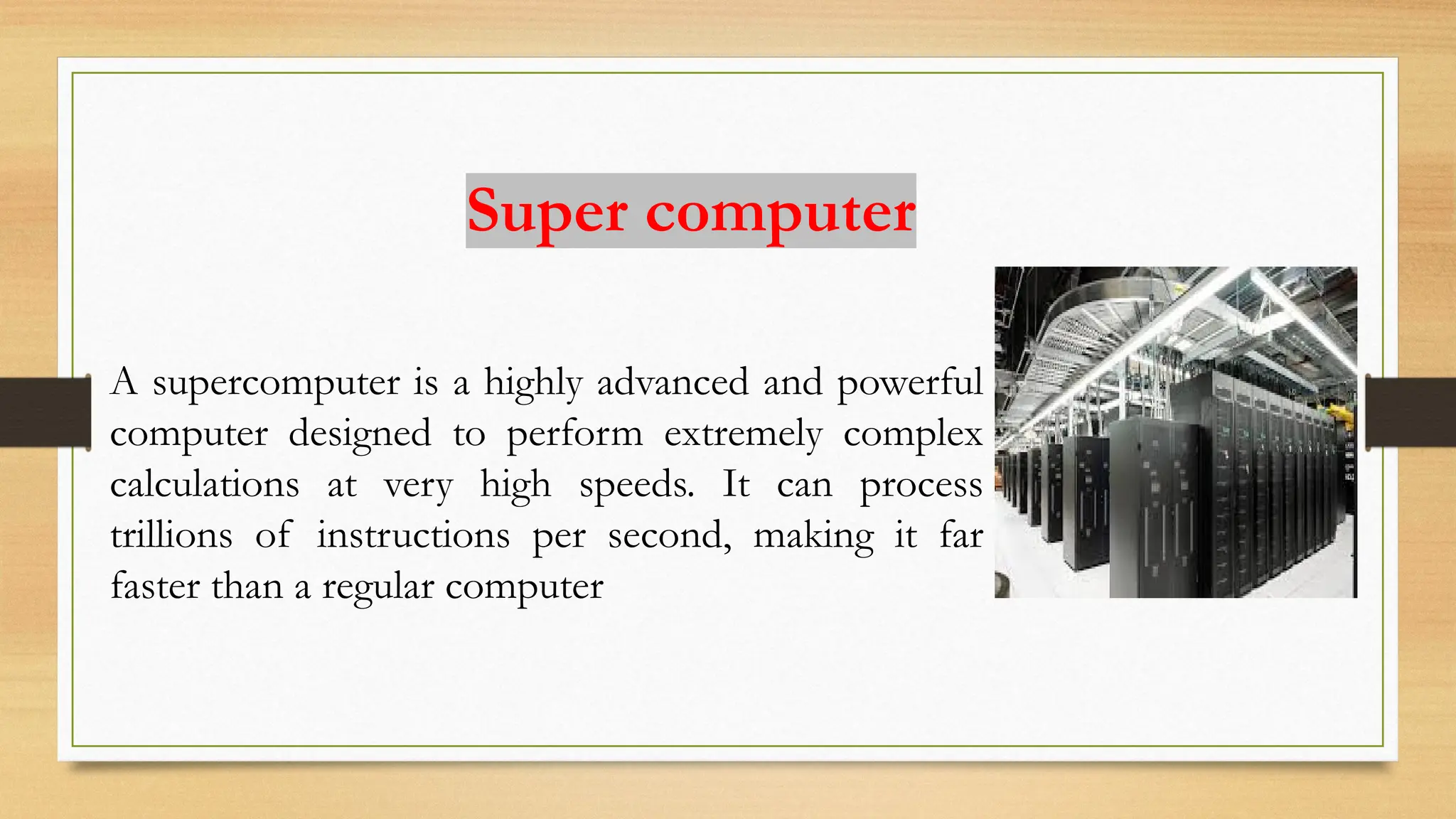
Super computer
A supercomputeris a highly advanced and powerful
computer designed to perform extremely complex
calculations at very high speeds. It can process
trillions of instructions per second, making it far
faster than a regular computer
9.
characteristics of asupercomputer:
•High Processing Speed – Can perform trillions of calculations per
second.
•Massive Storage Capacity – Stores and handles huge amounts of
data efficiently.
•High Cost – Very expensive to build and maintain.
•Specialized Applications – Used for scientific research, weather forecasting.
•Large Size – Requires a lot of physical space and special cooling systems.
•High Power Consumption – Needs significant electrical power to operate.
10.
•Very high processingspeed
•Can handle and analyze big data
•Useful in scientific research
•Solves highly complex problems
•Supports innovation and technology
development
•Provides real-time processing
Advantage of supercomputer
11.
•Very expensive tobuild and maintain
•Requires a lot of electricity and cooling
•Needs large physical space
•Requires highly skilled operators and programmers
•Limited availability (only a few organizations can afford
them)
•Not suitable for general-purpose tasks
Disadvantage of supercomputer
12.
Introduction
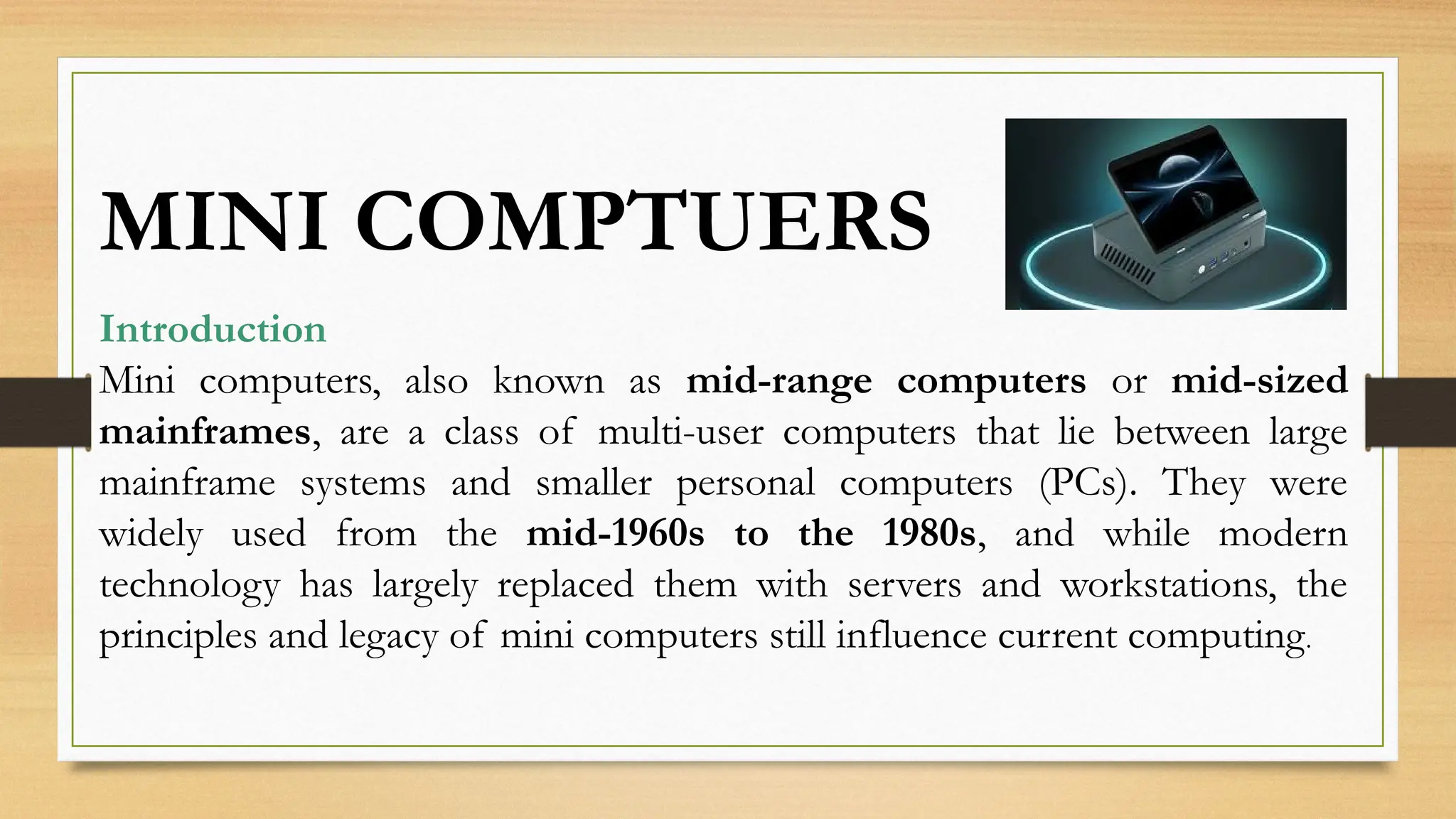
Mini computers, alsoknown as mid-range computers or mid-sized
mainframes, are a class of multi-user computers that lie between large
mainframe systems and smaller personal computers (PCs). They were
widely used from the mid-1960s to the 1980s, and while modern
technology has largely replaced them with servers and workstations, the
principles and legacy of mini computers still influence current computing.
MINI COMPTUERS
13.
Advantages
1.Cost-Effective – Cheaperthan mainframe computers,
making them affordable for medium businesses.
2.Multi-User Capability – Can support 10–200 users at
the same time.
3.Compact Size – Smaller and less bulky than
mainframes, easier to install.
4.Efficient for Mid-Sized Tasks – More powerful than
microcomputers of their time.
5.Versatile – Suitable for business, scientific, and
industrial use.
6.Reliable – Built for continuous operations, especially in
industrial environments.
7.Energy Saving – Consumed less power compared to
large mainframes.
14.
Disadvantages
1.Less Powerful thanMainframes – Couldn’t
handle very large-scale processing.
2.Higher Cost than Microcomputers –
Expensive for small businesses or individuals.
3.Limited Graphical Capabilities – Mostly
text-based terminals, weak in multimedia.
4.Obsolete Technology – Replaced by PCs,
servers, and workstations in the 1990s.
5.Maintenance Required – Needed regular
technical support and environment control.
15.
Uses (Applications)
1.Business –Payroll, inventory management, customer databases.
2.Scientific Research – Data analysis, simulations, lab automation.
3.Industrial Control – Monitoring and controlling machines in
factories.
4.Education – Used in universities for teaching and research labs.
5.Healthcare – Patient records, hospital management systems.
6.Communication Systems – Used as early servers for networks and
emails.
16.
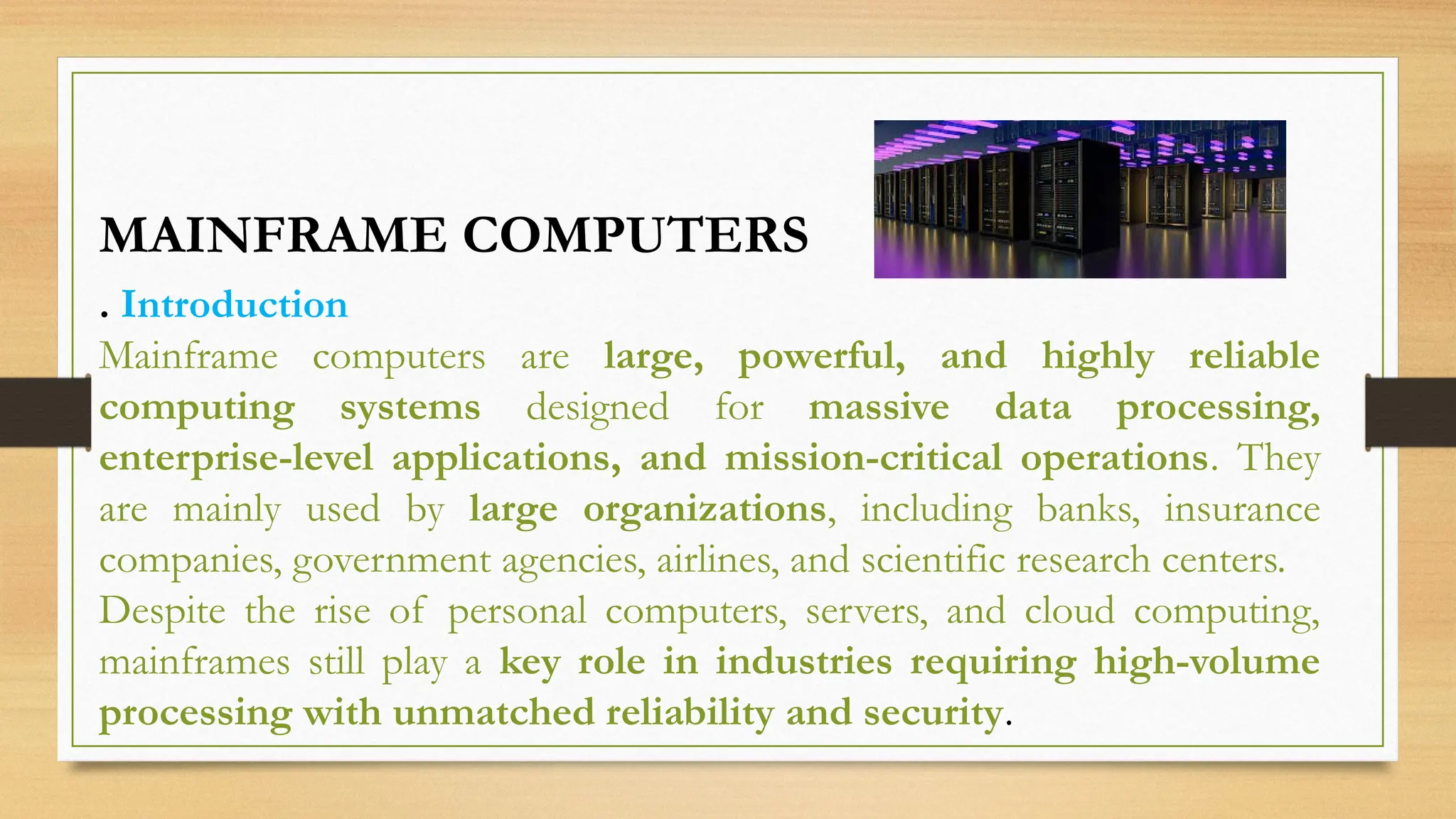
. Introduction
Mainframe computersare large, powerful, and highly reliable
computing systems designed for massive data processing,
enterprise-level applications, and mission-critical operations. They
are mainly used by large organizations, including banks, insurance
companies, government agencies, airlines, and scientific research centers.
Despite the rise of personal computers, servers, and cloud computing,
mainframes still play a key role in industries requiring high-volume
processing with unmatched reliability and security.
MAINFRAME COMPUTERS
17.
. Advantages ofMainframe Computers
✅ High Processing Power – Capable of billions of
instructions per second.
✅ Multi-User Support – Thousands of users can work
simultaneously.
✅Scalability – Can be upgraded to handle growing
workloads.
✅ Reliability – 24/7 uptime, minimal downtime.
✅ Security – Strong data protection and encryption.
✅ Large Storage Capacity – Handles massive databases.
✅ Durability – Designed for decades of service.
18.
Disadvantages of MainframeComputers
❌ Very Expensive – High cost of purchase, operation,
and maintenance.
❌ Large Size – Requires special infrastructure (cooling,
space, power).
❌ Specialized Staff Required – Needs skilled
professionals to manage.
❌ Not for Small Businesses – Too powerful and
costly for small-scale needs.
❌ Less Flexible – Not ideal for personal or casual
computing.
19.
Uses of MainframeComputers
•Banking and finance: online banking, ATM transactions, credit card processing, fraud
detection
•Government: census data management, tax processing, social security, national ID
systems
•Airlines and transportation: ticket reservations, flight scheduling, railway bookings,
cargo tracking
•Healthcare: patient record management, hospital systems, insurance claims, medical
research
•Retail and e-commerce: customer orders, inventory control, supply chain management,
loyalty programs
•Scientific research: weather forecasting, climate modeling, space exploration, big data
analysis
•Education: student records management, research databases, enterprise academic
systems

![Presentation 2 (Remaked) [ B,S,R].pptx](https://cdn.slidesharecdn.com/ss_thumbnails/presentation2remakedbsr-250907144924-937242be-thumbnail.jpg?width=640&height=640&fit=bounds)
![Presentation On Mainframe and Mini Computer !! [Recovered].pptx](https://cdn.slidesharecdn.com/ss_thumbnails/presentationonmainframeandminicomputerrecovered-250907144738-e8daef62-thumbnail.jpg?width=640&height=640&fit=bounds)

![Types of computers[6999]](https://cdn.slidesharecdn.com/ss_thumbnails/typesofcomputers6999-201007141446-thumbnail.jpg?width=640&height=640&fit=bounds)


![Vibe Coding vs. Spec-Driven Development [Free Meetup]](https://cdn.slidesharecdn.com/ss_thumbnails/vibecodingvsspecdrivendevelopment-251209105622-43f455e7-thumbnail.jpg?width=640&height=640&fit=bounds)


