TYPES OF COMPUTER
GRADE VI
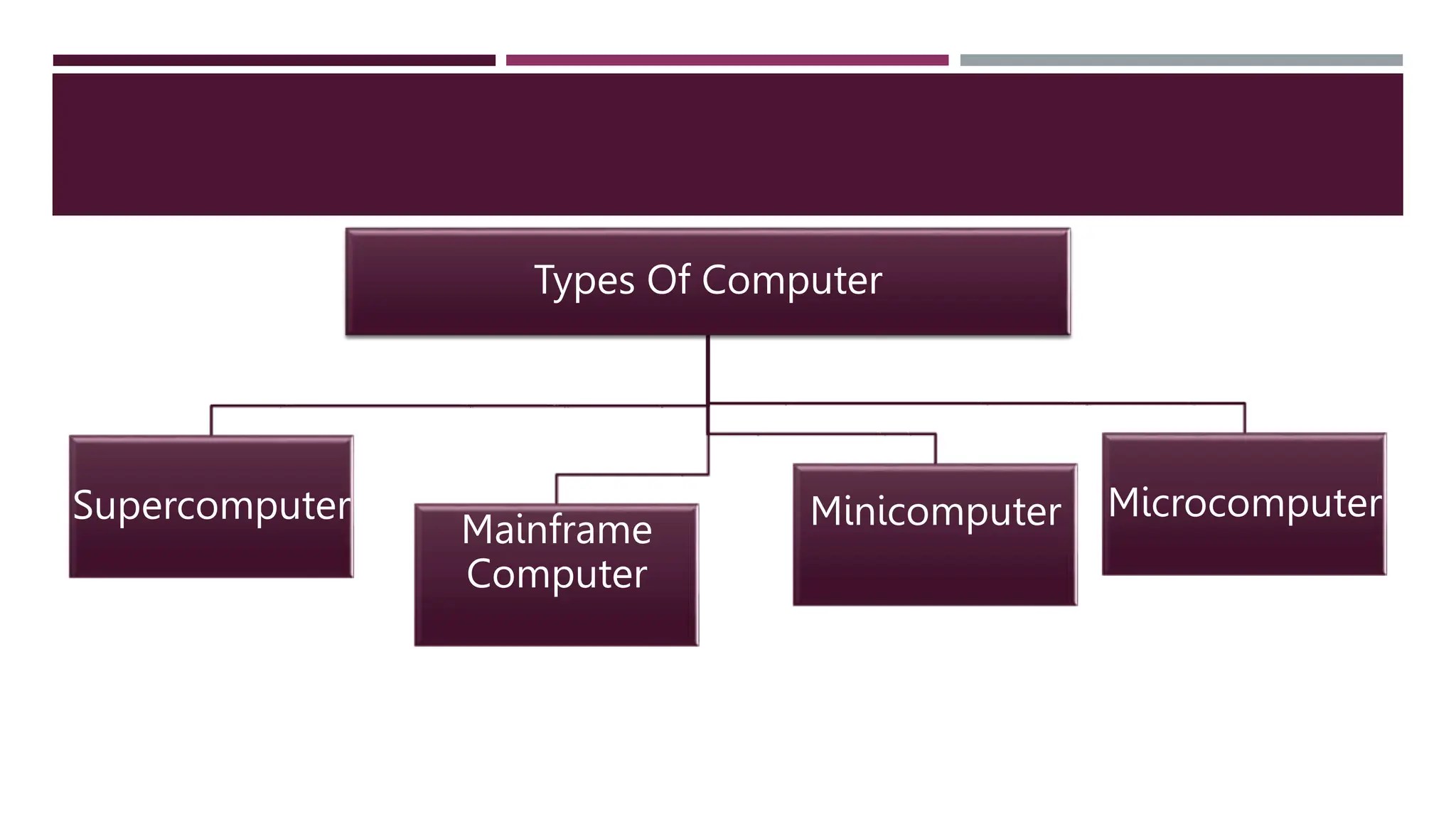
Types Of Computer
Supercomputer
Mainframe
Computer
Minicomputer Microcomputer
MICRO COMPUTER
 Digital Computer that works on the
microprocessor.
 Used in homes and offices
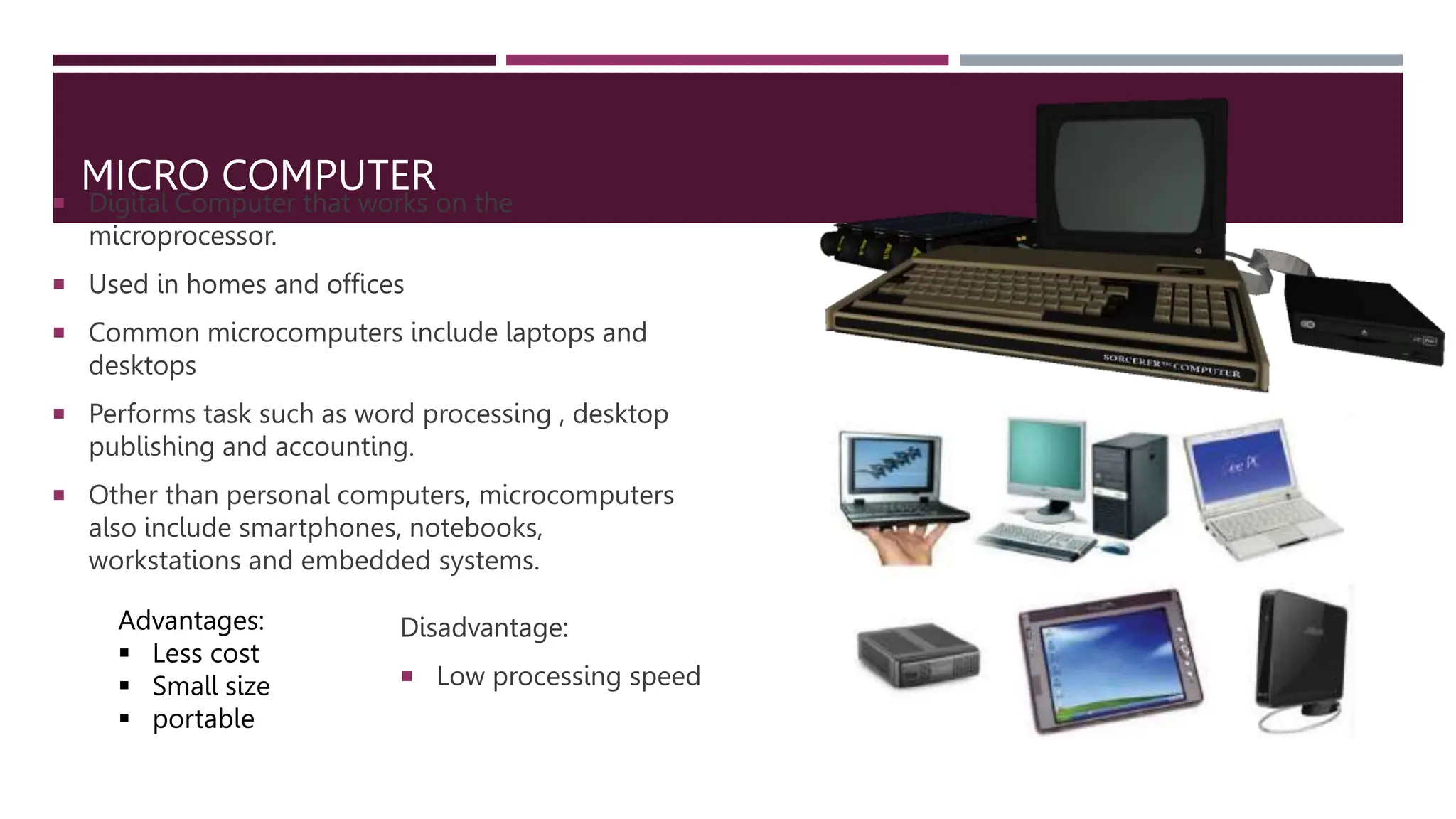
 Common microcomputers include laptops and
desktops
 Performs task such as word processing , desktop
publishing and accounting.
 Other than personal computers, microcomputers
also include smartphones, notebooks,
workstations and embedded systems.
Advantages:
 Less cost
 Small size
 portable
Disadvantage:
 Low processing speed
MINI COMPUTER
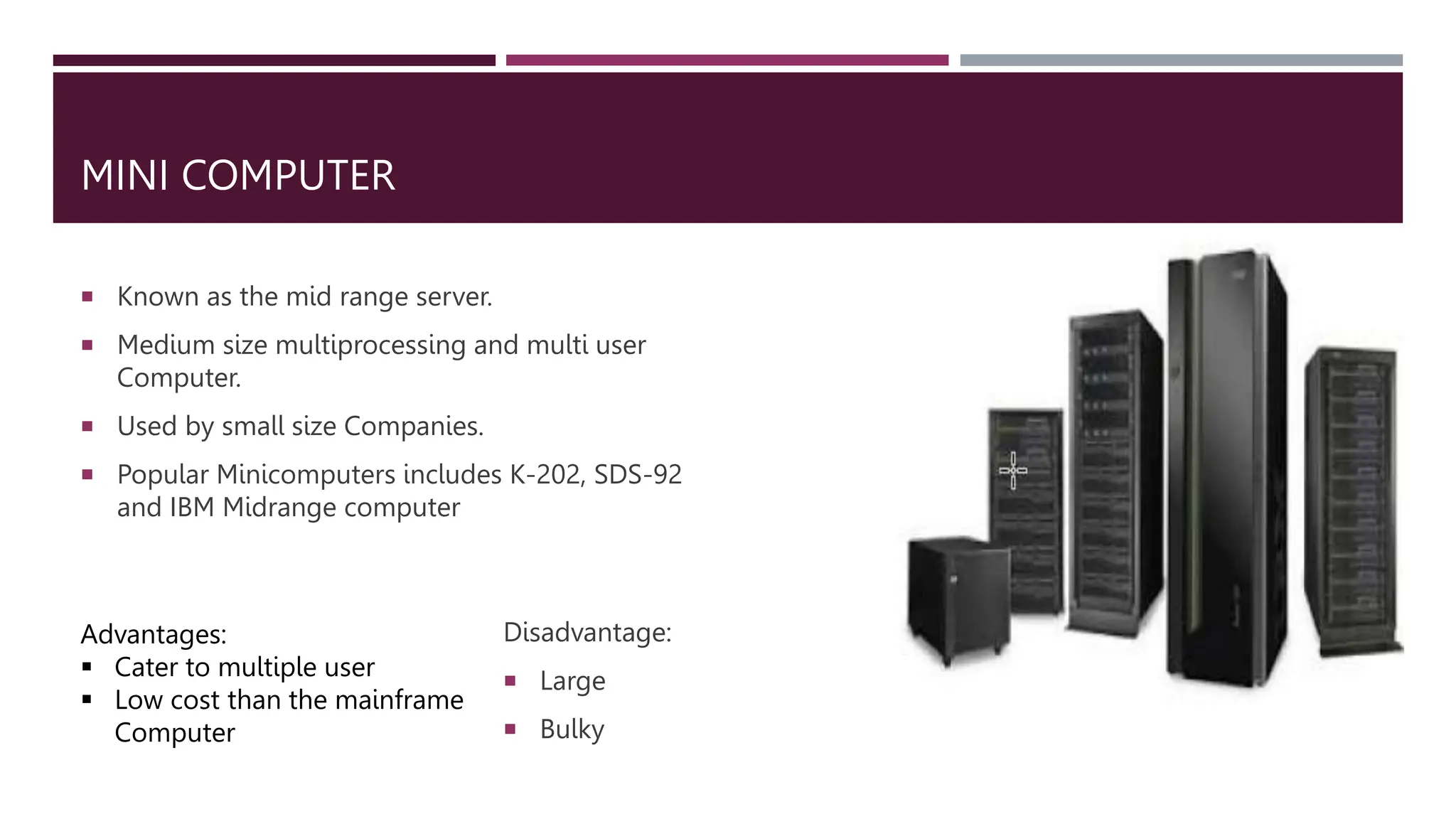
 Known as the mid range server.
 Medium size multiprocessing and multi user
Computer.
 Used by small size Companies.
 Popular Minicomputers includes K-202, SDS-92
and IBM Midrange computer
Advantages:
 Cater to multiple user
 Low cost than the mainframe
Computer
Disadvantage:
 Large
 Bulky
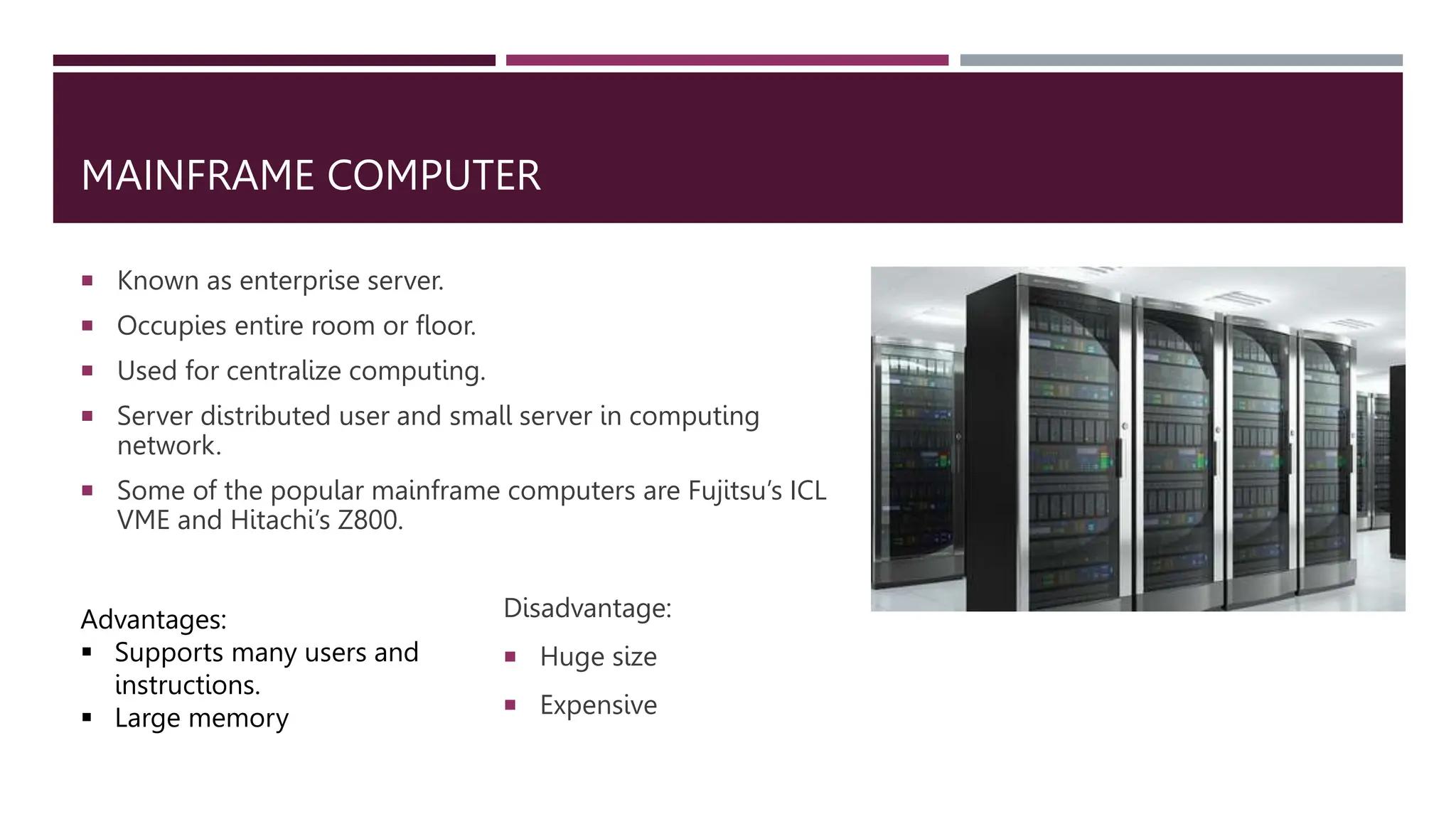
MAINFRAME COMPUTER
 Known as enterprise server.
 Occupies entire room or floor.
 Used for centralize computing.
 Server distributed user and small server in computing
network.
 Some of the popular mainframe computers are Fujitsu’s ICL
VME and Hitachi’s Z800.
Advantages:
 Supports many users and
instructions.
 Large memory
Disadvantage:
 Huge size
 Expensive
SUPER COMPUTER
 Faster and expensive.
 Consist of several Computer that works on the parallel as a single
system
 They are used to perform specialized tasks such as scientific
simulations, weather forecasting, nuclear energy research, and
earthquake studies.
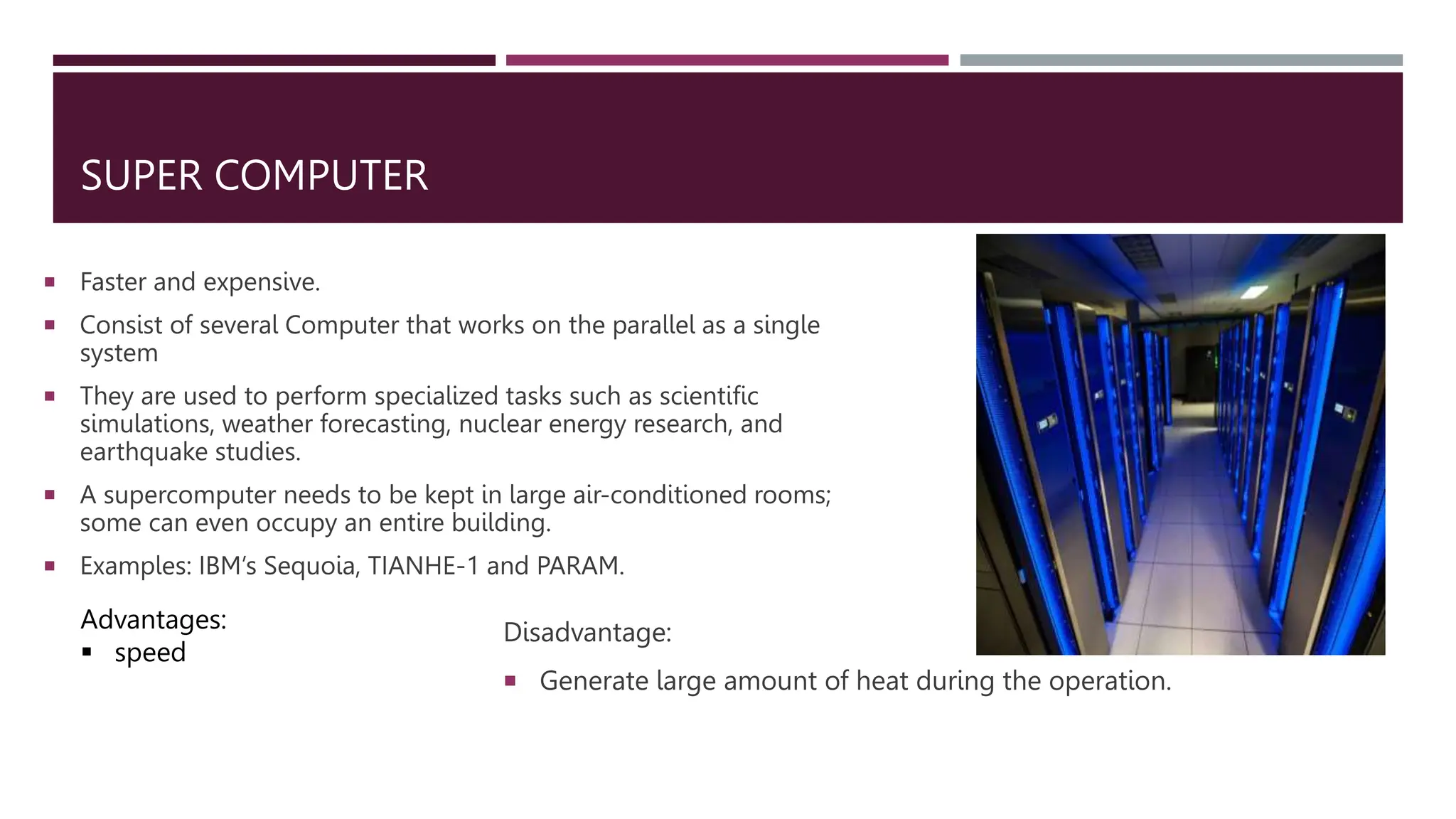
 A supercomputer needs to be kept in large air-conditioned rooms;
some can even occupy an entire building.
 Examples: IBM’s Sequoia, TIANHE-1 and PARAM.
Advantages:
 speed
Disadvantage:
 Generate large amount of heat during the operation.

Types of Computer.pptx

  • 1.
  • 2.
  • 3.
    MICRO COMPUTER  DigitalComputer that works on the microprocessor.  Used in homes and offices  Common microcomputers include laptops and desktops  Performs task such as word processing , desktop publishing and accounting.  Other than personal computers, microcomputers also include smartphones, notebooks, workstations and embedded systems. Advantages:  Less cost  Small size  portable Disadvantage:  Low processing speed
  • 4.
    MINI COMPUTER  Knownas the mid range server.  Medium size multiprocessing and multi user Computer.  Used by small size Companies.  Popular Minicomputers includes K-202, SDS-92 and IBM Midrange computer Advantages:  Cater to multiple user  Low cost than the mainframe Computer Disadvantage:  Large  Bulky
  • 5.
    MAINFRAME COMPUTER  Knownas enterprise server.  Occupies entire room or floor.  Used for centralize computing.  Server distributed user and small server in computing network.  Some of the popular mainframe computers are Fujitsu’s ICL VME and Hitachi’s Z800. Advantages:  Supports many users and instructions.  Large memory Disadvantage:  Huge size  Expensive
  • 6.
    SUPER COMPUTER  Fasterand expensive.  Consist of several Computer that works on the parallel as a single system  They are used to perform specialized tasks such as scientific simulations, weather forecasting, nuclear energy research, and earthquake studies.  A supercomputer needs to be kept in large air-conditioned rooms; some can even occupy an entire building.  Examples: IBM’s Sequoia, TIANHE-1 and PARAM. Advantages:  speed Disadvantage:  Generate large amount of heat during the operation.