Downloaded 20 times

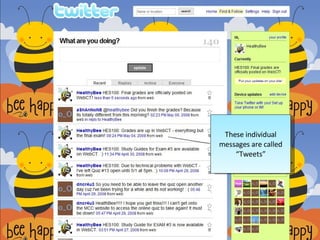
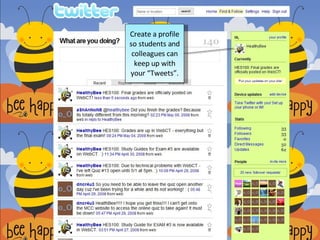
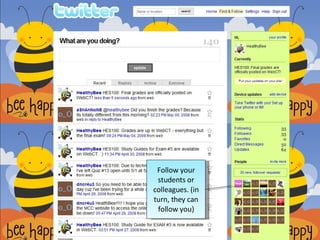
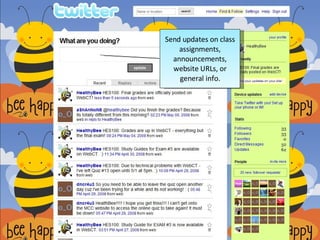

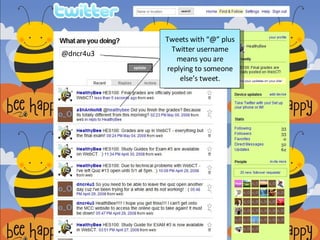
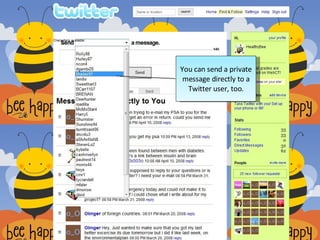
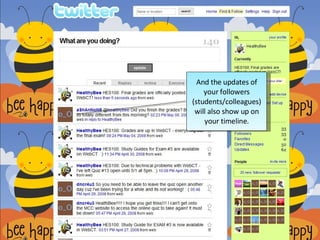
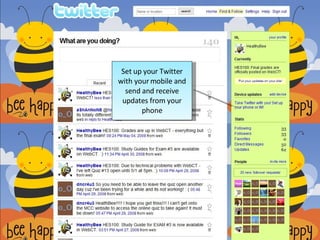
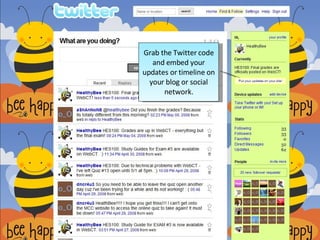


The document explains how Twitter can be utilized for teaching and learning, emphasizing the importance of creating a profile for sharing updates with students and colleagues. It details the functionality of tweets, including replying to others and sending private messages. Additionally, the document notes the possibility of accessing Twitter via mobile and embedding updates on other platforms.


