Using JOTT in Teaching & Learning
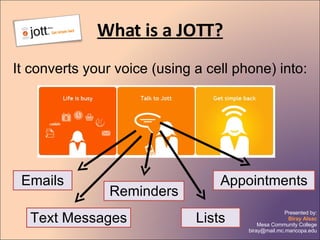
What is a JOTT? It converts your voice (using a cell phone) into: Emails Text Messages Reminders Lists Appointments
How does it do that? Pick up your cell phone Dial the # for JOTT Select who you want to JOTT Leave them a message
Look how easy! “ Remember to meet in the library instead of the classroom on Friday.”
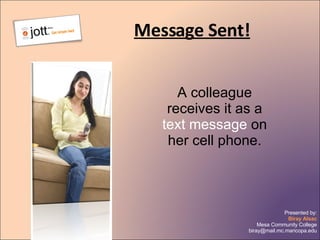
Message Sent! A colleague receives it as a  text message  on her cell phone.
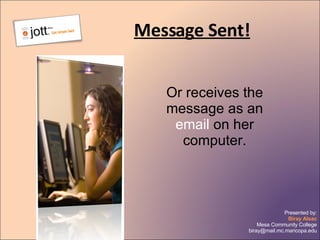
Message Sent! Or receives the message as an  email  on her computer.
Message Sent! Receiver can also listen to your JOTT message like a  voice mail .
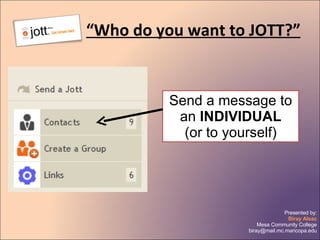
“ Who do you want to JOTT?” Send a message to an  INDIVIDUAL (or to yourself)
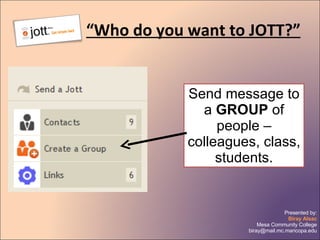
“ Who do you want to JOTT?” Send message to a  GROUP  of people – colleagues, class, students.
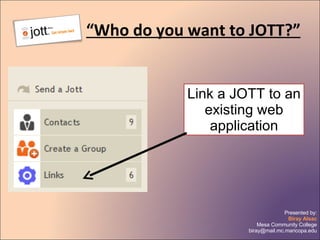
“ Who do you want to JOTT?” Link a JOTT to an existing web application
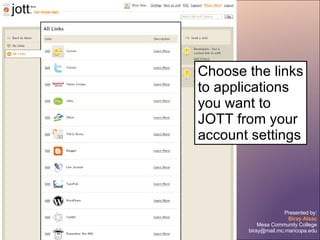
Choose the links to applications you want to JOTT from your account settings
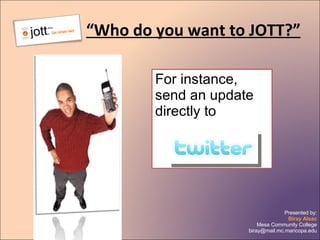
“ Who do you want to JOTT?” For instance, send an update directly to
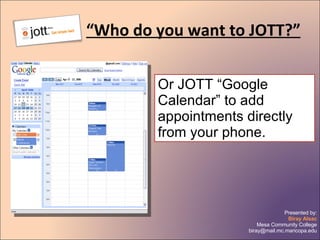
“ Who do you want to JOTT?” Or JOTT “Google Calendar” to add appointments directly from your phone.
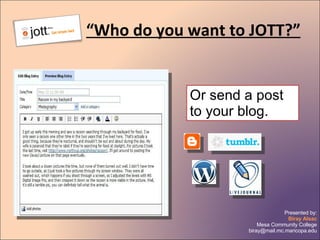
“ Who do you want to JOTT?” Or send a post to your blog.
So… WHO DO  YOU  WANT TO JOTT?

Jott Pod

  • 1.
    Using JOTT inTeaching & Learning
  • 2.
    What is aJOTT? It converts your voice (using a cell phone) into: Emails Text Messages Reminders Lists Appointments
  • 3.
    How does itdo that? Pick up your cell phone Dial the # for JOTT Select who you want to JOTT Leave them a message
  • 4.
    Look how easy!“ Remember to meet in the library instead of the classroom on Friday.”
  • 5.
    Message Sent! Acolleague receives it as a text message on her cell phone.
  • 6.
    Message Sent! Orreceives the message as an email on her computer.
  • 7.
    Message Sent! Receivercan also listen to your JOTT message like a voice mail .
  • 8.
    “ Who doyou want to JOTT?” Send a message to an INDIVIDUAL (or to yourself)
  • 9.
    “ Who doyou want to JOTT?” Send message to a GROUP of people – colleagues, class, students.
  • 10.
    “ Who doyou want to JOTT?” Link a JOTT to an existing web application
  • 11.
    Choose the linksto applications you want to JOTT from your account settings
  • 12.
    “ Who doyou want to JOTT?” For instance, send an update directly to
  • 13.
    “ Who doyou want to JOTT?” Or JOTT “Google Calendar” to add appointments directly from your phone.
  • 14.
    “ Who doyou want to JOTT?” Or send a post to your blog.
  • 15.
    So… WHO DO YOU WANT TO JOTT?