Troubleshooting 
WordPress 
by Joe Manna 
#WPAZ @joemanna
WordPress is natively technical. 
People … are not. 
#WPAZ @joemanna
You [might not] care about 
Javascript, minification, CSS, 
caching database queries, file 
sizes, hooks, actions, filters, 
permissions, DNS, security, 
metadata, plugin updates, 
core updates, CDNs or 
shared vs. managed hosting 
… 
#WPAZ @joemanna
You just want it to work. 
(It’s not always this easy.) 
#WPAZ @joemanna
Problems happen. 
(If they didn’t, we wouldn’t have QA, coders, 
systems engineers, plugin developers, technical 
support, support forums, WordCamps or Meetups.) 
#WPAZ @joemanna
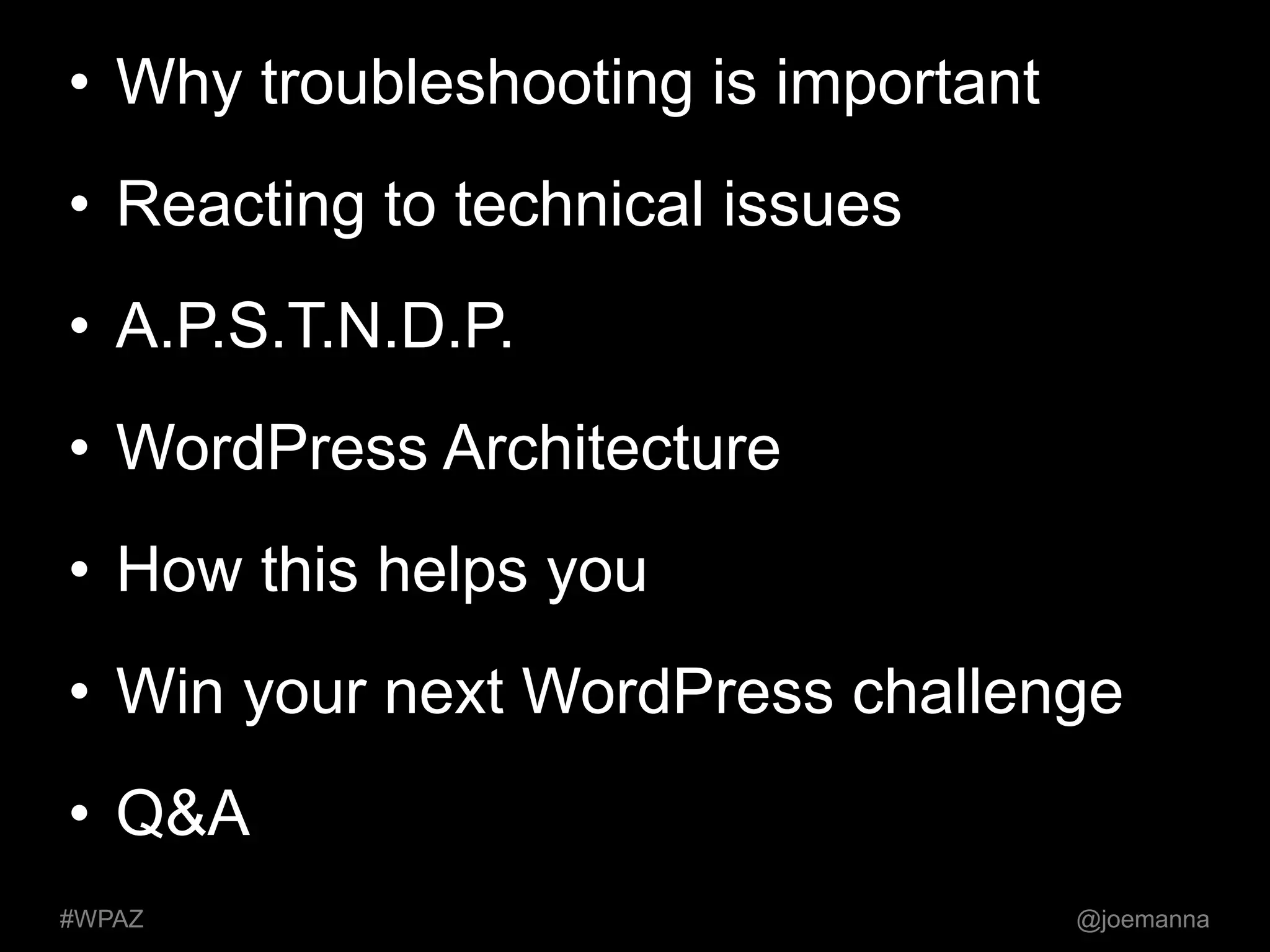
• Why troubleshooting is important 
• Reacting to technical issues 
• A.P.S.T.N.D.P. 
• WordPress Architecture 
• How this helps you 
• Win your next WordPress challenge 
• Q&A 
#WPAZ @joemanna
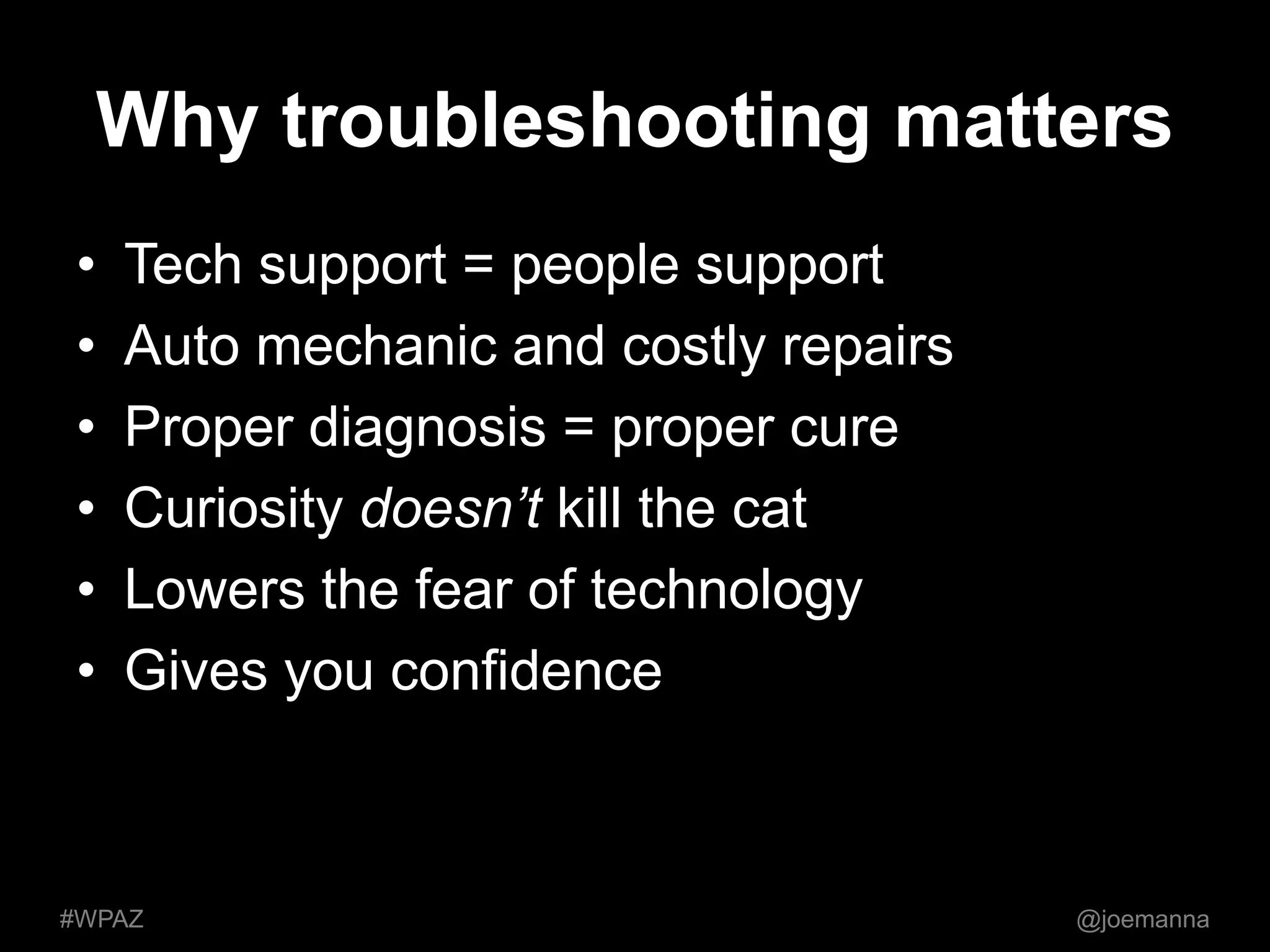
Why troubleshooting matters 
• Tech support = people support 
• Auto mechanic and costly repairs 
• Proper diagnosis = proper cure 
• Curiosity doesn’t kill the cat 
• Lowers the fear of technology 
• Gives you confidence 
#WPAZ @joemanna
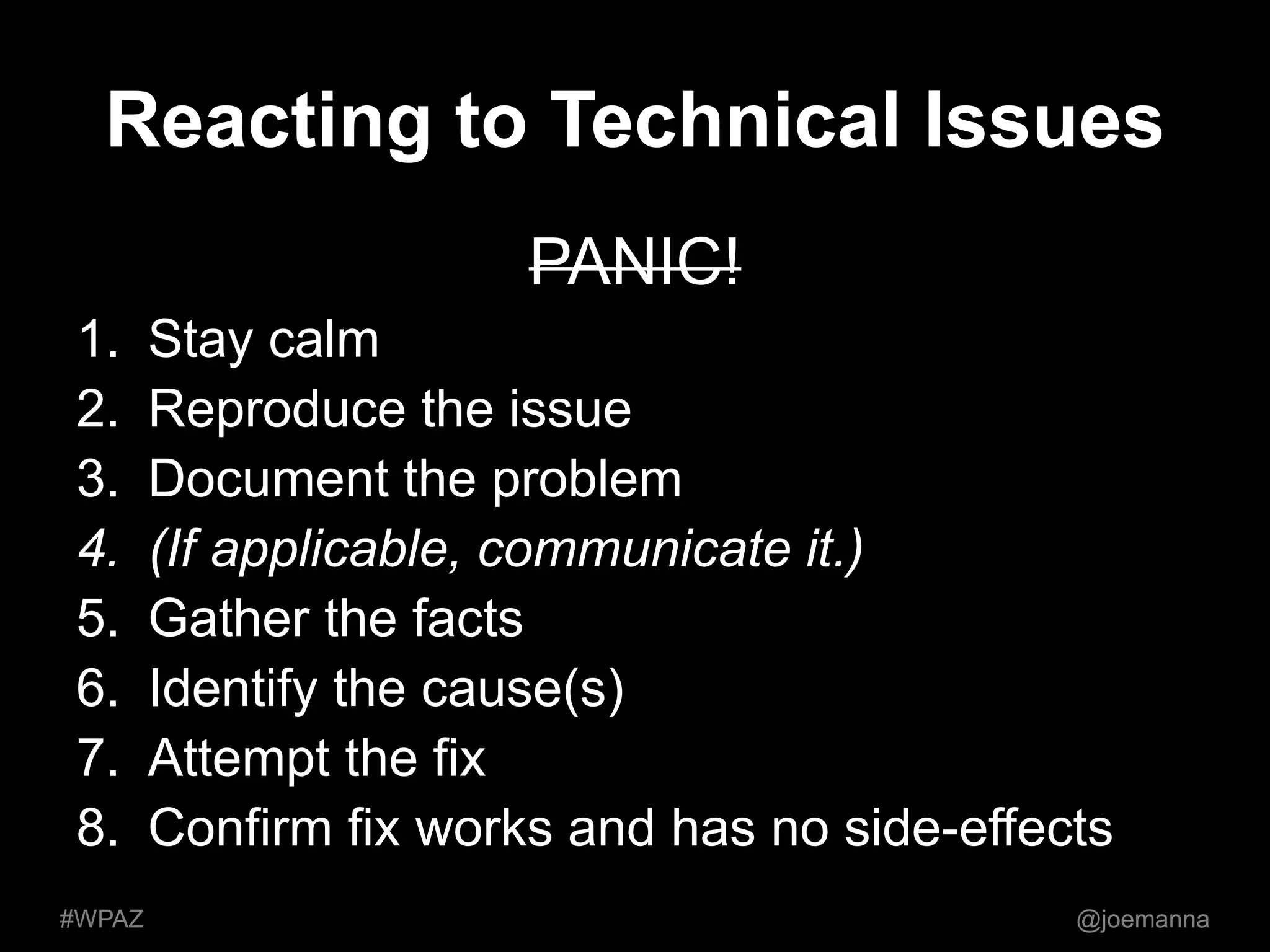
Reacting to Technical Issues 
PANIC! 
1. Stay calm 
2. Reproduce the issue 
3. Document the problem 
4. (If applicable, communicate it.) 
5. Gather the facts 
6. Identify the cause(s) 
7. Attempt the fix 
8. Confirm fix works and has no side-effects 
#WPAZ @joemanna
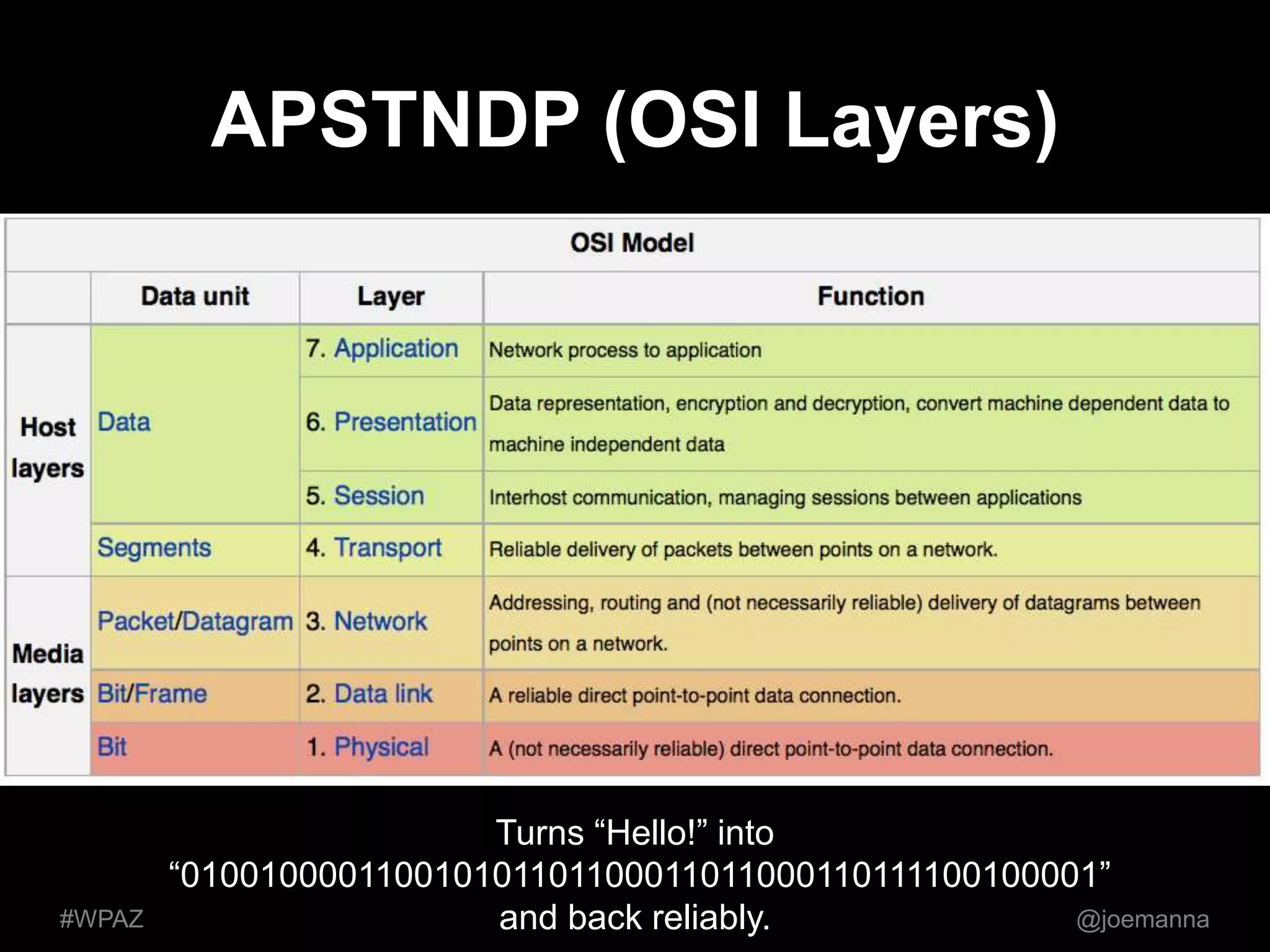
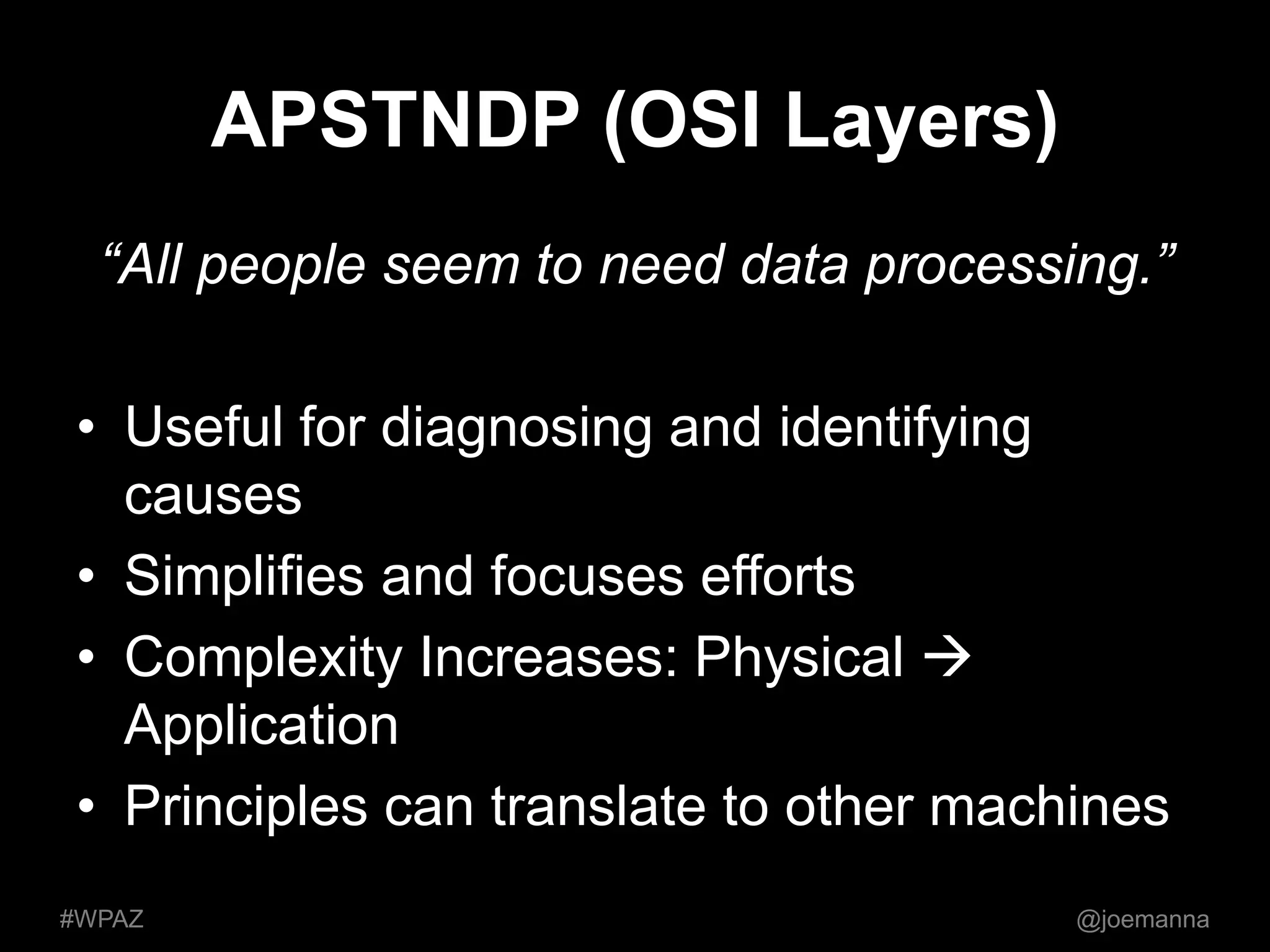
APSTNDP (OSI Layers) 
Turns “Hello!” into 
“010010000110010101101100011011000110111100100001” 
#WPAZ and back reliably. @joemanna
APSTNDP (OSI Layers) 
“All people seem to need data processing.” 
• Useful for diagnosing and identifying 
causes 
• Simplifies and focuses efforts 
• Complexity Increases: Physical  
Application 
• Principles can translate to other machines 
#WPAZ @joemanna
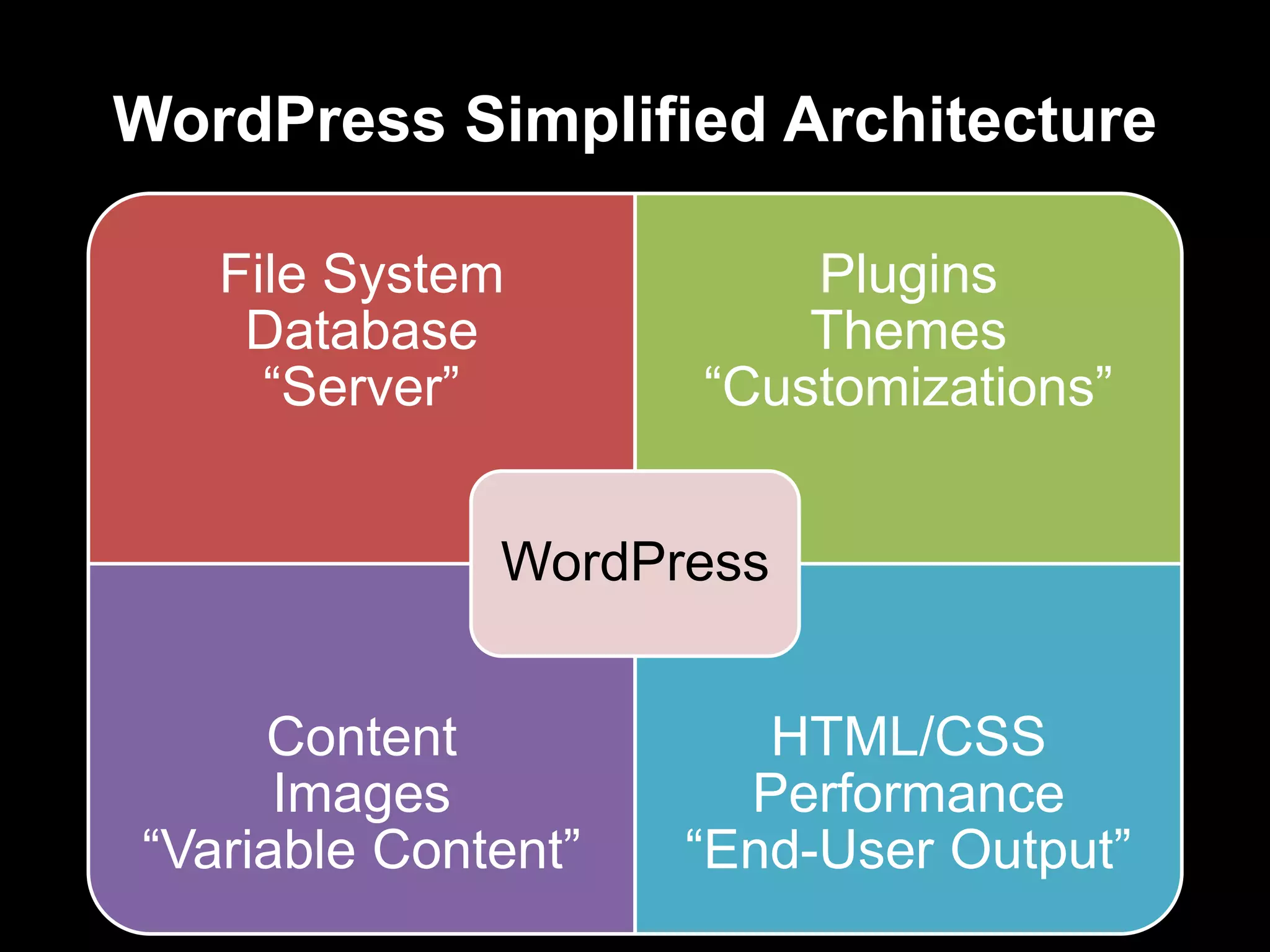
WordPress Simplified Architecture 
File System 
Database 
“Server” 
Plugins 
Themes 
“Customizations” 
Content 
Images 
WordPress 
“Variable Content” 
HTML/CSS 
Performance 
“End-User Output”
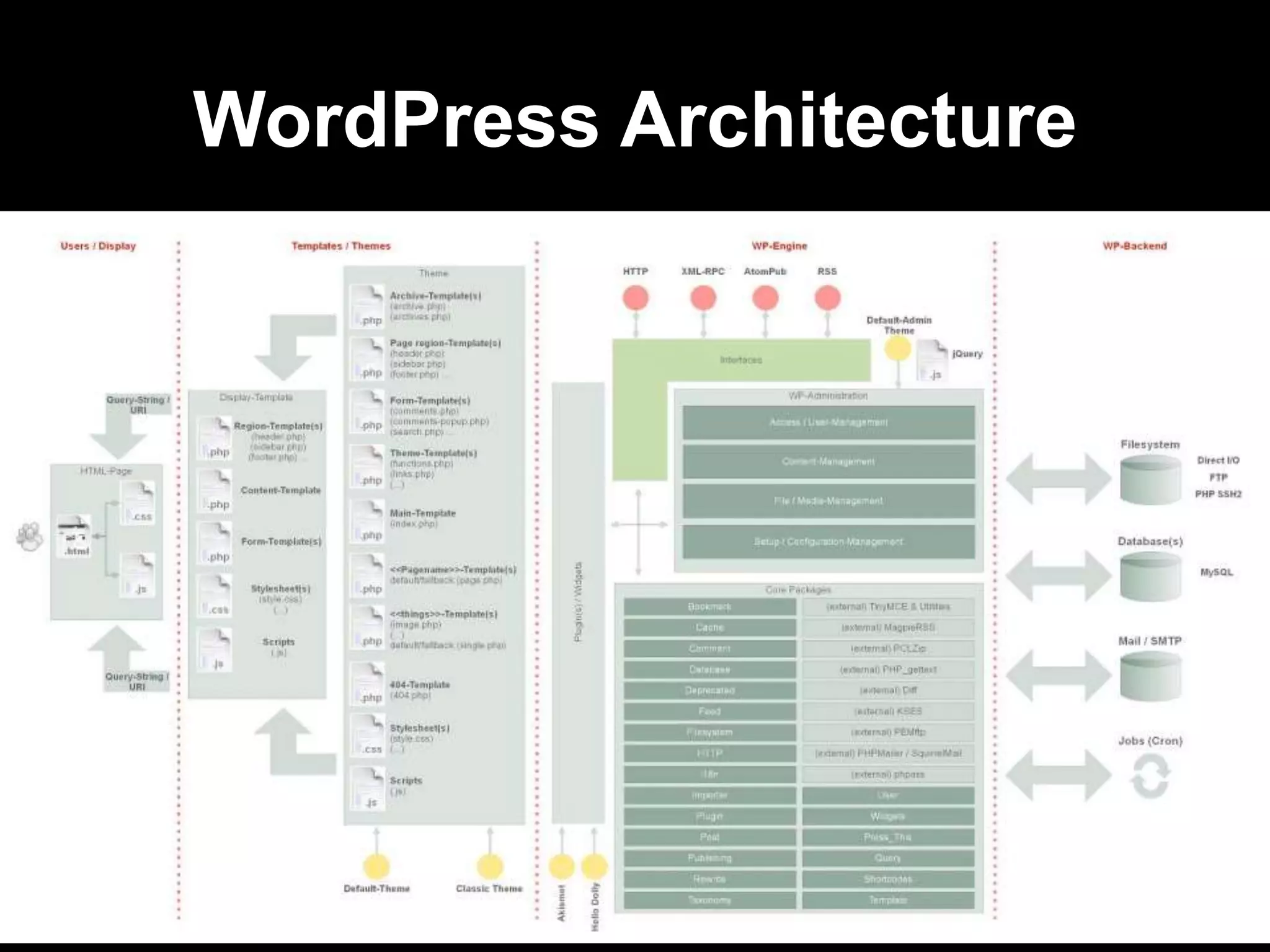
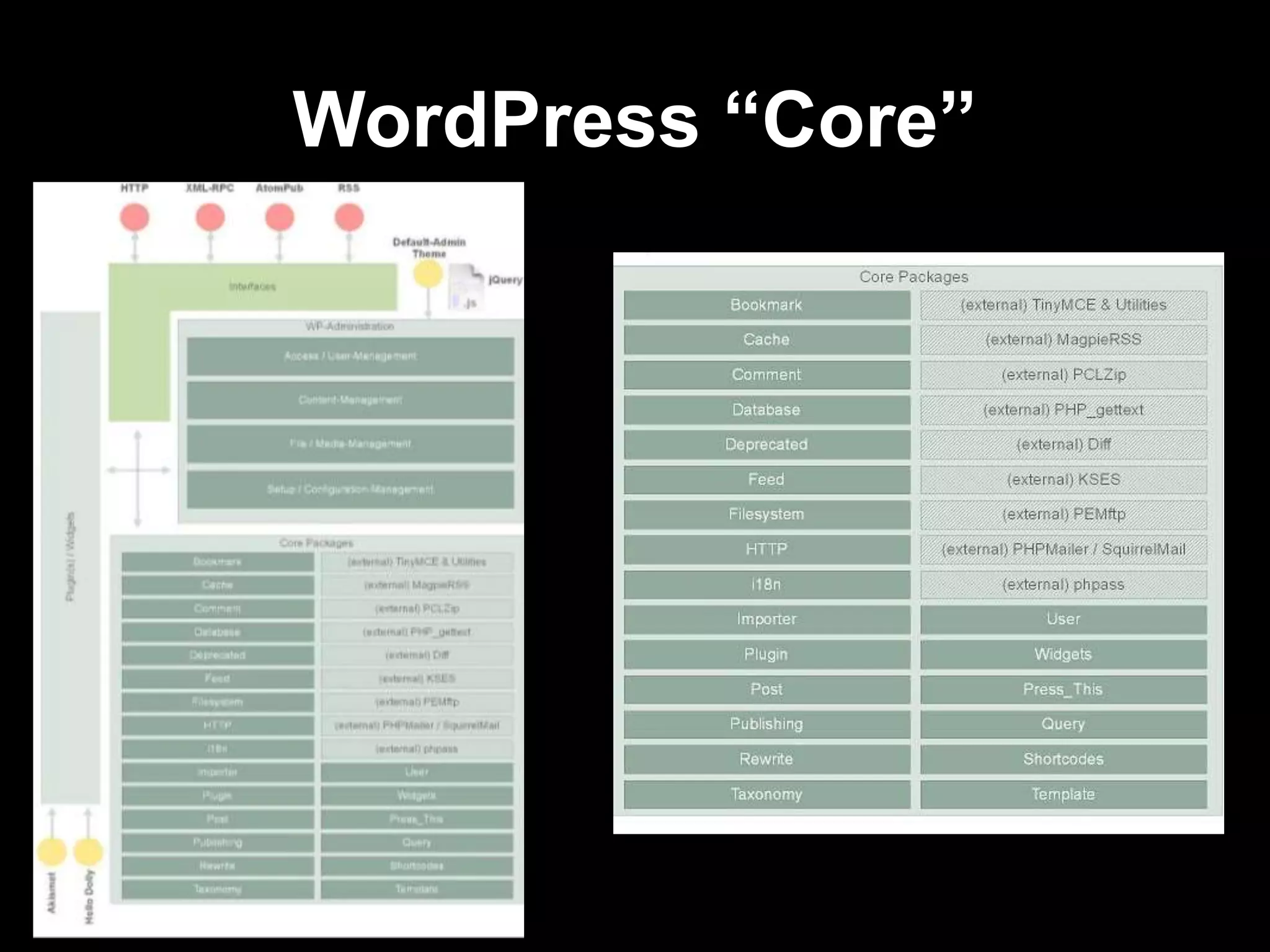
WordPress Architecture
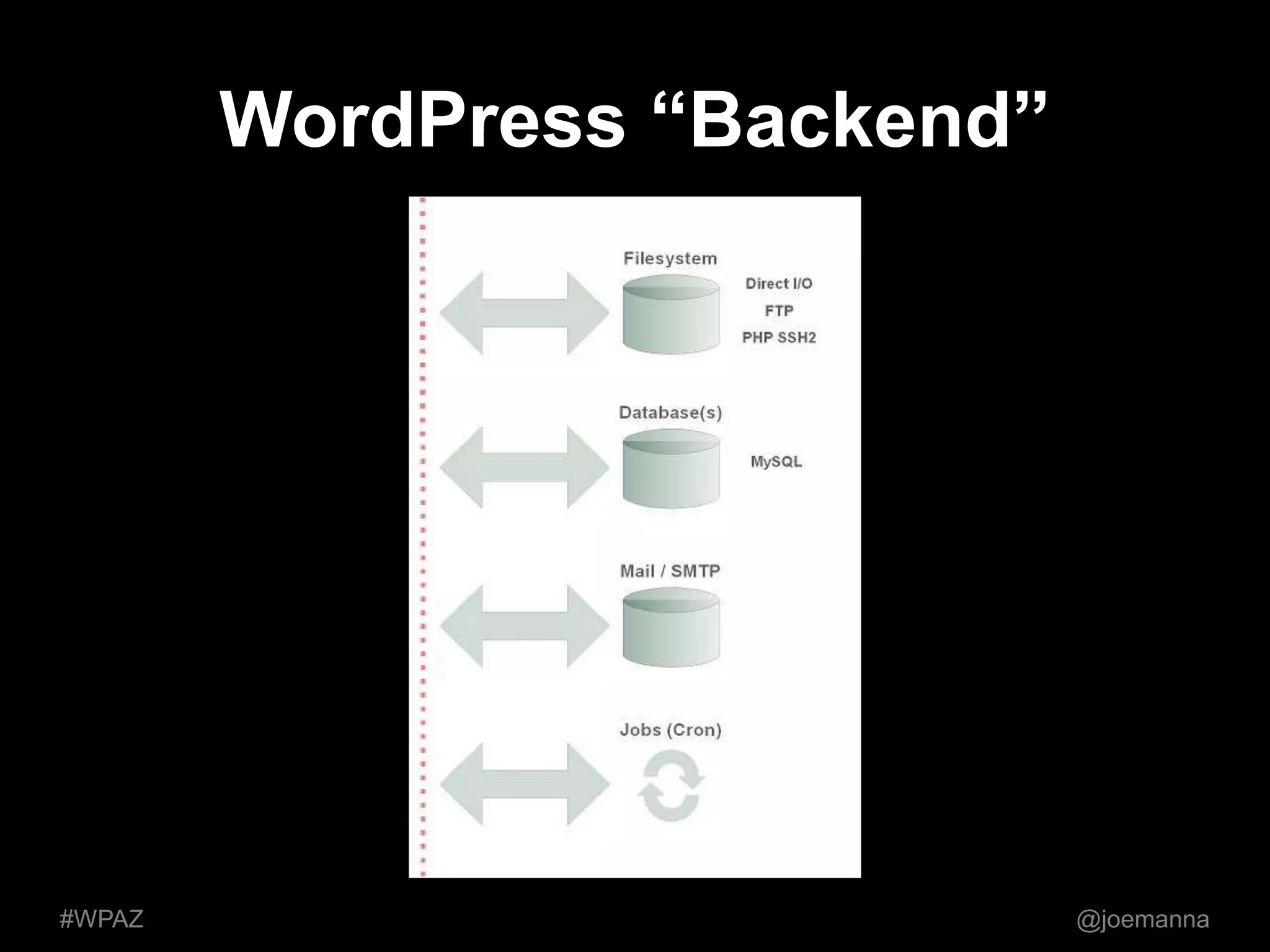
WordPress “Backend” 
#WPAZ @joemanna
WordPress “Core”
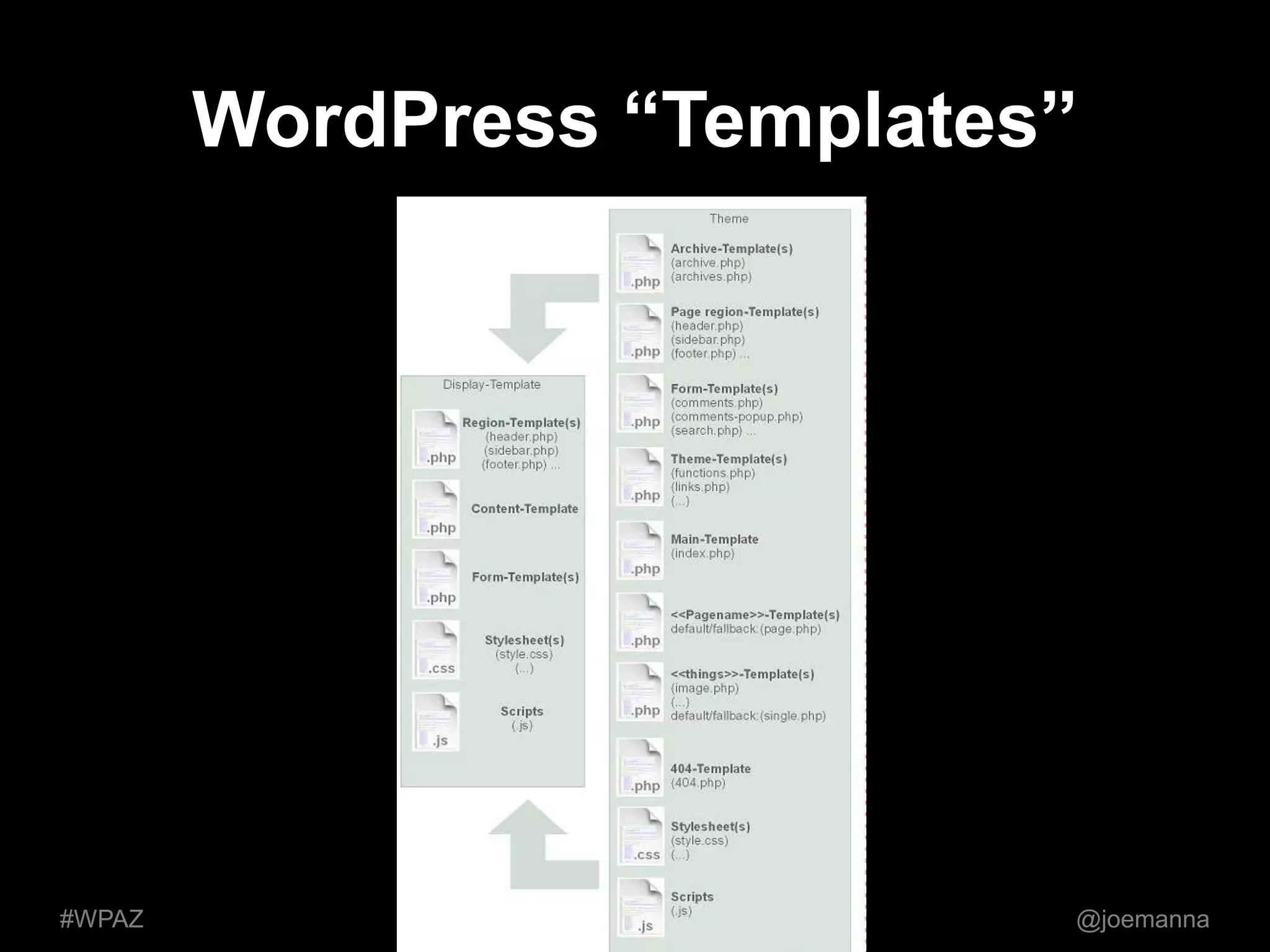
WordPress “Templates” 
#WPAZ @joemanna
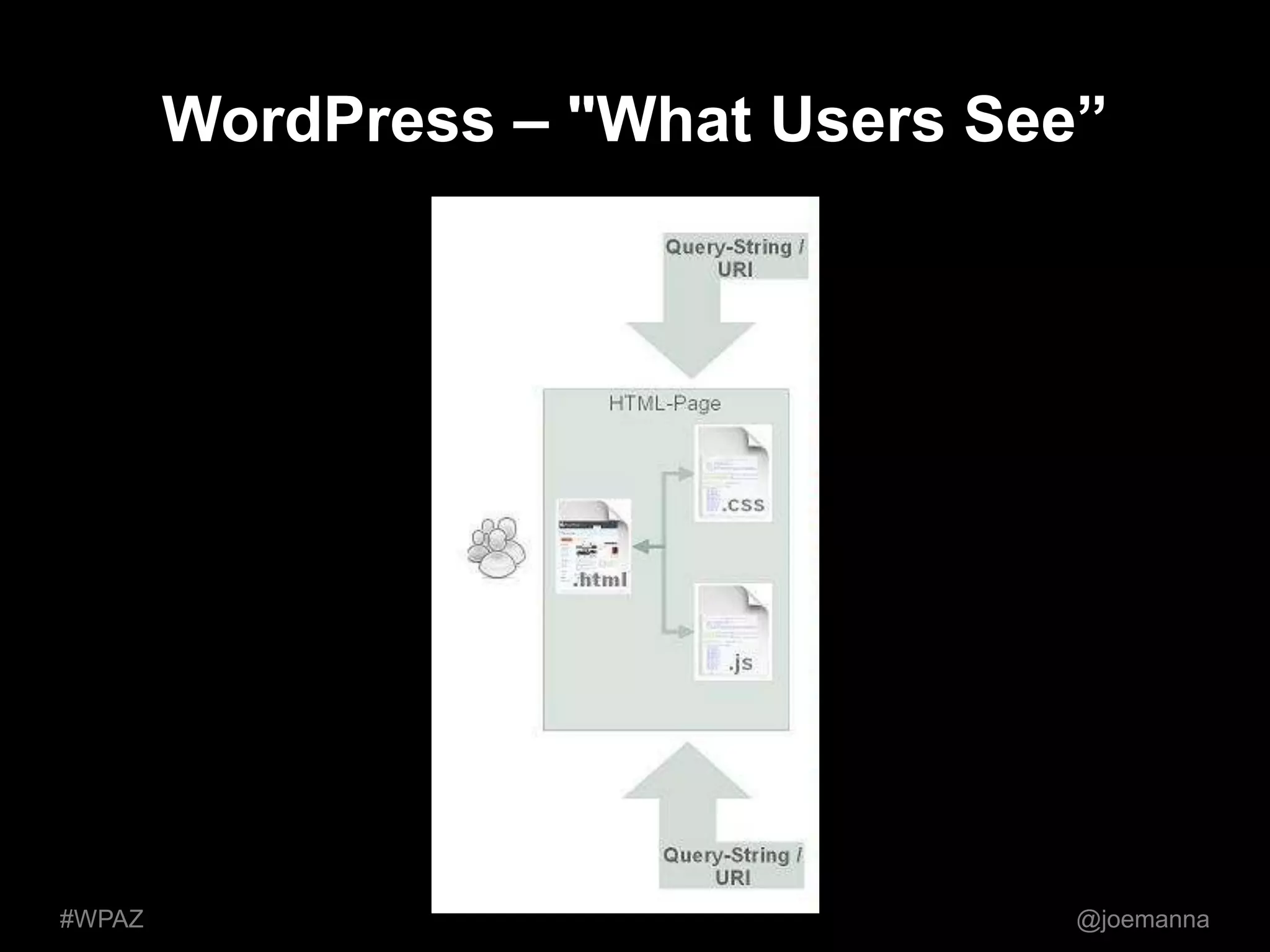
WordPress – "What Users See” 
#WPAZ @joemanna
So, how can this help you in the 
WordPress community? 
• Interpret and understand technical issues 
• Communicate issues clearly to plugin 
devs, hosting provider and IT staff 
• Better support WP users at WordPress 
events 
• Empowered to investigate and lead 
#WPAZ @joemanna
Win your Next WordPress 
Technical Challenge! 
• Get familiar with: 
– Ping, Traceroute, DNS (local and website) 
– UNIX File Permissions (640 vs. 777) 
– How caching works, detecting quirks (db, dns, 
web...) 
– How to perform backups AND restores 
– WordPress Debugging (hint: wp-config.php) 
• Break stuff – really, it’s okay! 
• Document issues in greater detail 
• Search WordPress Support Forums 
• Share lessons with others 
#WPAZ @joemanna
Thanks! 
@joemanna #AZWP 
joemanna@gmail.com 
blog.joemanna.com

Troubleshooting WordPress - Tips & Advice

  • 1.
    Troubleshooting WordPress byJoe Manna #WPAZ @joemanna
  • 2.
    WordPress is nativelytechnical. People … are not. #WPAZ @joemanna
  • 3.
    You [might not]care about Javascript, minification, CSS, caching database queries, file sizes, hooks, actions, filters, permissions, DNS, security, metadata, plugin updates, core updates, CDNs or shared vs. managed hosting … #WPAZ @joemanna
  • 4.
    You just wantit to work. (It’s not always this easy.) #WPAZ @joemanna
  • 5.
    Problems happen. (Ifthey didn’t, we wouldn’t have QA, coders, systems engineers, plugin developers, technical support, support forums, WordCamps or Meetups.) #WPAZ @joemanna
  • 6.
    • Why troubleshootingis important • Reacting to technical issues • A.P.S.T.N.D.P. • WordPress Architecture • How this helps you • Win your next WordPress challenge • Q&A #WPAZ @joemanna
  • 7.
    Why troubleshooting matters • Tech support = people support • Auto mechanic and costly repairs • Proper diagnosis = proper cure • Curiosity doesn’t kill the cat • Lowers the fear of technology • Gives you confidence #WPAZ @joemanna
  • 8.
    Reacting to TechnicalIssues PANIC! 1. Stay calm 2. Reproduce the issue 3. Document the problem 4. (If applicable, communicate it.) 5. Gather the facts 6. Identify the cause(s) 7. Attempt the fix 8. Confirm fix works and has no side-effects #WPAZ @joemanna
  • 9.
    APSTNDP (OSI Layers) Turns “Hello!” into “010010000110010101101100011011000110111100100001” #WPAZ and back reliably. @joemanna
  • 10.
    APSTNDP (OSI Layers) “All people seem to need data processing.” • Useful for diagnosing and identifying causes • Simplifies and focuses efforts • Complexity Increases: Physical  Application • Principles can translate to other machines #WPAZ @joemanna
  • 11.
    WordPress Simplified Architecture File System Database “Server” Plugins Themes “Customizations” Content Images WordPress “Variable Content” HTML/CSS Performance “End-User Output”
  • 12.
  • 13.
  • 14.
  • 15.
  • 16.
    WordPress – "WhatUsers See” #WPAZ @joemanna
  • 17.
    So, how canthis help you in the WordPress community? • Interpret and understand technical issues • Communicate issues clearly to plugin devs, hosting provider and IT staff • Better support WP users at WordPress events • Empowered to investigate and lead #WPAZ @joemanna
  • 18.
    Win your NextWordPress Technical Challenge! • Get familiar with: – Ping, Traceroute, DNS (local and website) – UNIX File Permissions (640 vs. 777) – How caching works, detecting quirks (db, dns, web...) – How to perform backups AND restores – WordPress Debugging (hint: wp-config.php) • Break stuff – really, it’s okay! • Document issues in greater detail • Search WordPress Support Forums • Share lessons with others #WPAZ @joemanna
  • 19.
    Thanks! @joemanna #AZWP joemanna@gmail.com blog.joemanna.com

Editor's Notes