THE TOOLS OF THE TRADE WEB 2.0 IN MUSIC EDUCATION DIANNE GIDDENS COPR 1123  
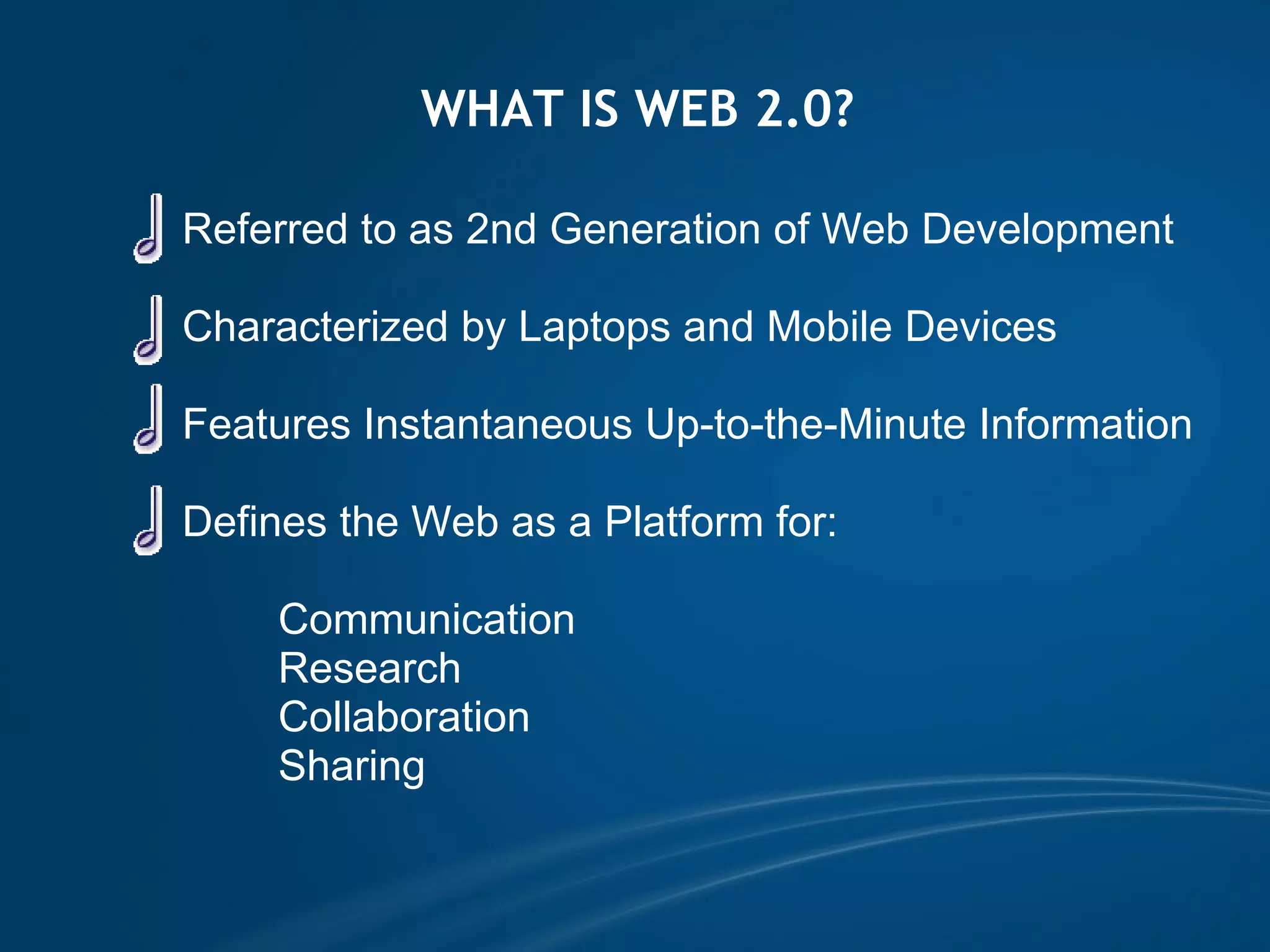
WHAT IS WEB 2.0?              Referred to as 2nd Generation of Web Development                Characterized by Laptops and Mobile Devices                Features Instantaneous Up-to-the-Minute Information                              Defines the   Web as a Platform for:                        Communication                      Research                      Collaboration                      Sharing                                          
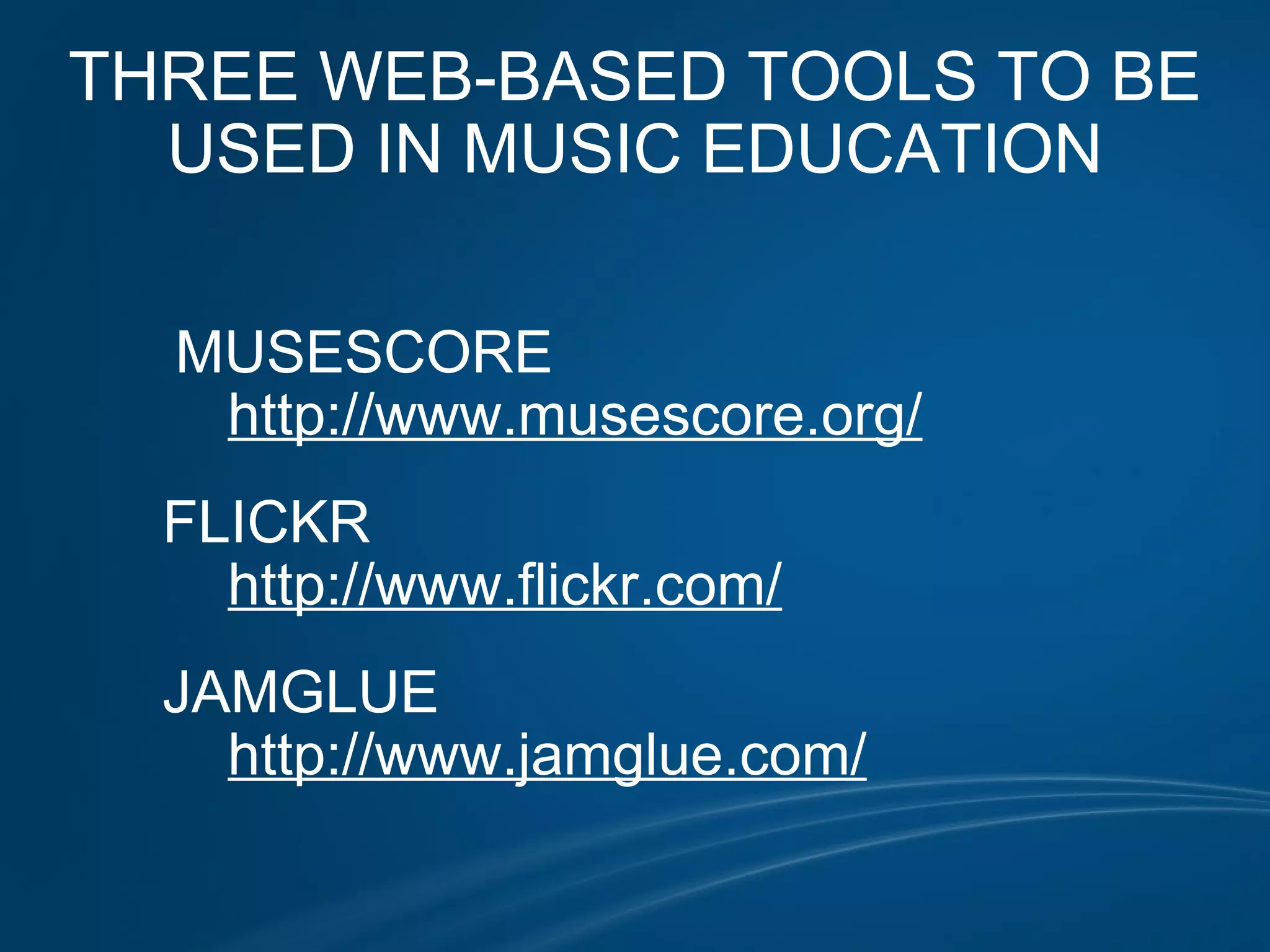
THREE WEB-BASED TOOLS TO BE USED IN MUSIC EDUCATION                  MUSESCORE              http://www.musescore.org/            FLICKR              http://www.flickr.com/            JAMGLUE              http://www.jamglue.com/      
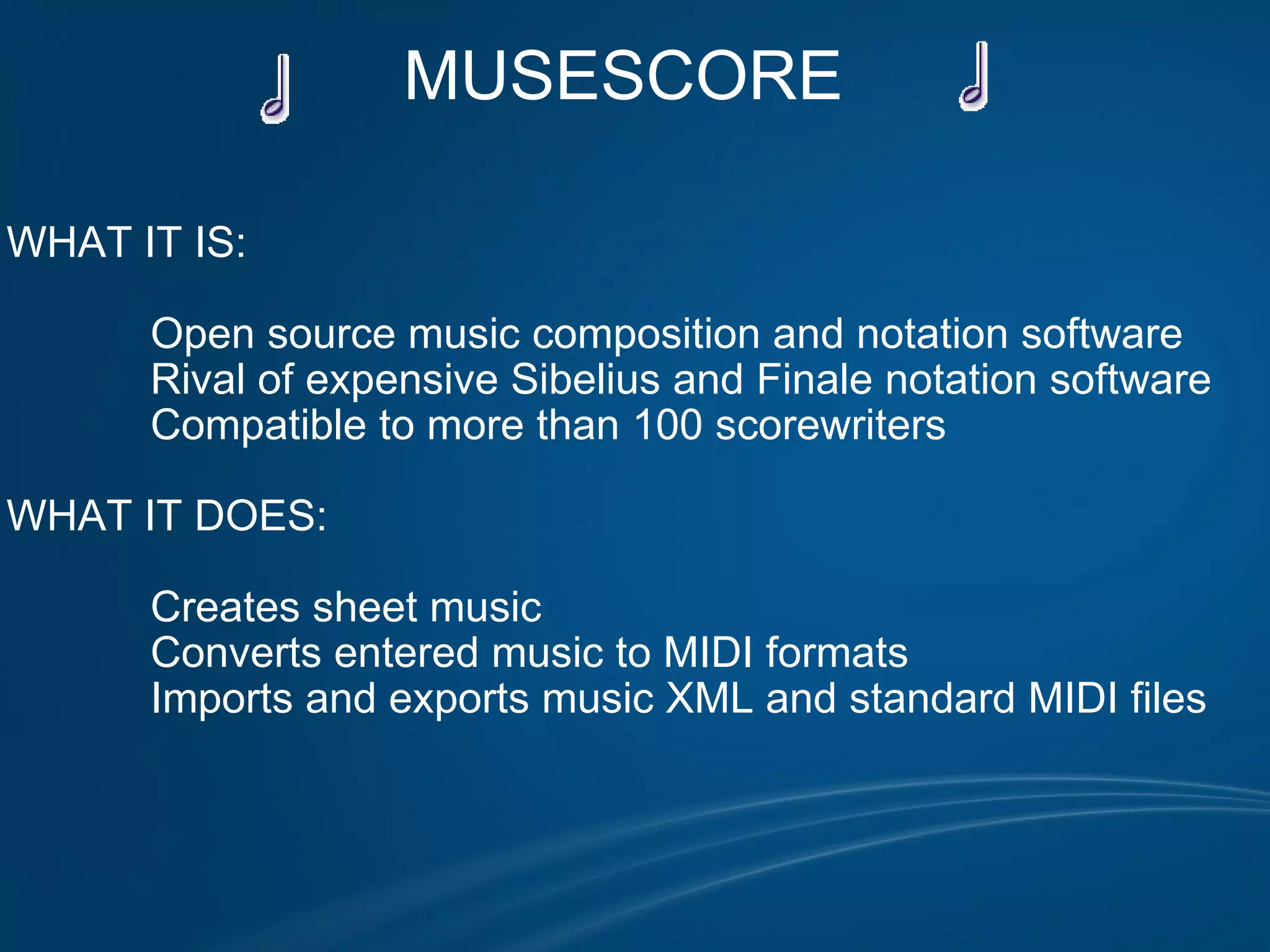
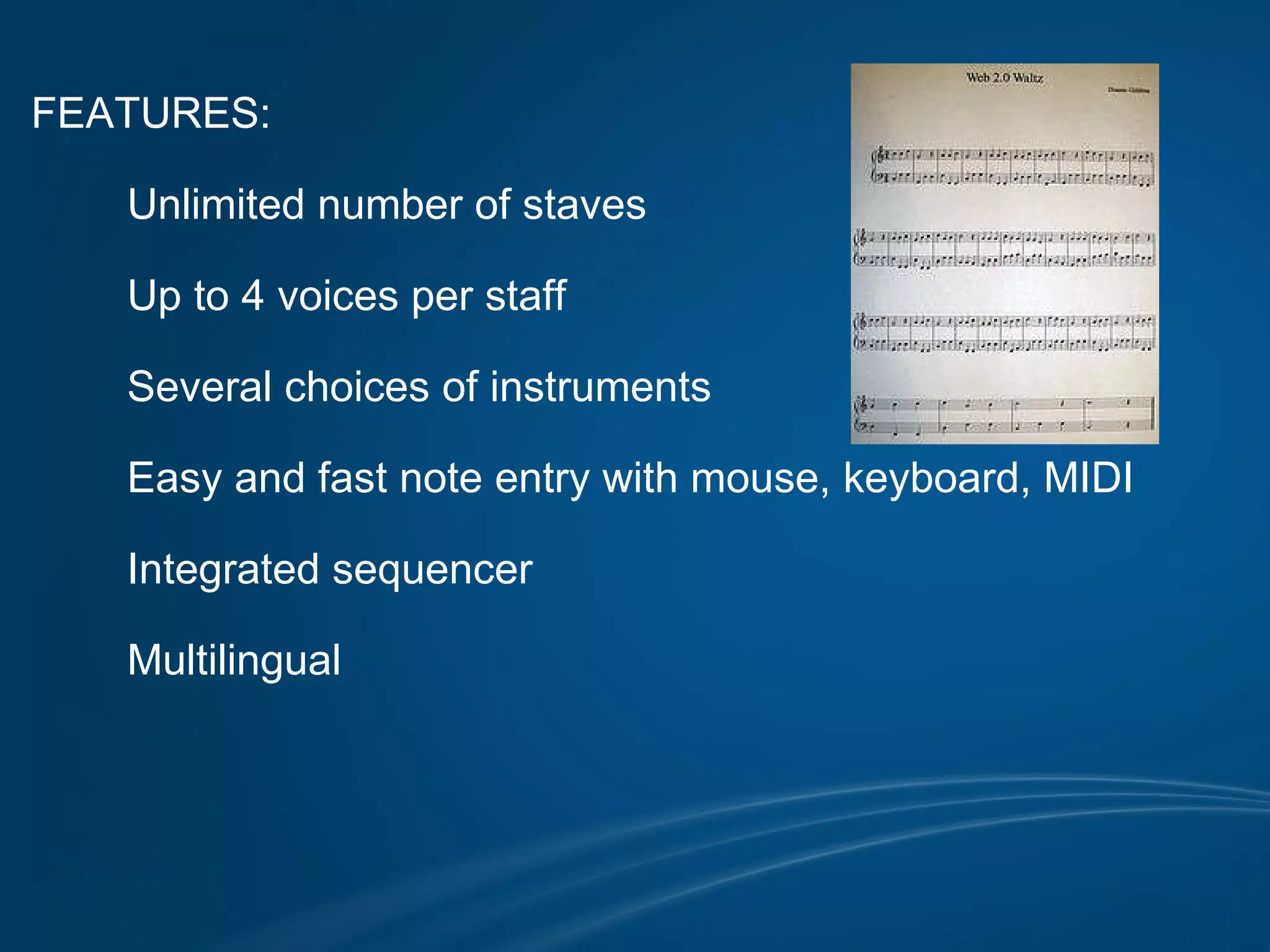
MUSESCORE       WHAT IT IS:                Open source music composition and notation software              Rival of expensive Sibelius and Finale notation software              Compatible to more than 100 scorewriters              WHAT IT DOES:                Creates sheet music               Converts entered music to MIDI formats              Imports and exports music XML and standard MIDI files
FEATURES:            Unlimited number of staves            Up to 4 voices per staff            Several choices of instruments            Easy and fast note entry with mouse, keyboard, MIDI            Integrated sequencer            Multilingual                           
POSITIVES            Free alternative to          expensive software            Easy to use            MIDI playback/          import            Point-and-click note           input   NEGATIVES            Crashes often                     Fewer features           than competitors                     Slightly difficult to          find tools
INTEGRATION IN EDUCATION                                            Student projects and presentations                Student and teacher created              accompaniments                 Music modifications                Music arrangements 
FLICKR  WHAT IT IS:            Photo management and sharing application               WHAT IT DOES:            Provides a place and method of sharing digital images          Enables users to experience new ways of organizing               photos and videos
FEATURES:                Convenient uploading            Editing capabilities in partnership with              http://www.picnik.com            Organization using collections, sets and tags            Sharing opportunities using groups and privacy controls            Mapping                       
POSITIVES            Easy to use            Convenient for           sharing            Photos may be           tagged for search            Storage prevents          loss from computer          crash          NEGATIVES            If Internet or site           down - No access            If site shuts down -           lost photos and           videos                     Occasionally tags          do not work                             
INTEGRATION IN EDUCATION                                            Students post digital photos and videos              and invite fellow students to view                            Students search tags for photos to               illustrate, document, display, and               enhance                 Students use as a collaborative tool                Students use editing capabilities for               creative possibilities                              
JAMGLUE WHAT IT IS:                 Online media sharing site used to create and edit music.   WHAT IT DOES:            Works like a social networking site to create what Jamglue             calls "Remixing for the Masses"          Provides a venue for creating mixes, mashups, music             creations for sharing.
FEATURES:                Tools for convenient uploading            Tools for mixing and remixing music and audio            Library of music and audio to listen to or mix            Networking to discover others with similar music tastes                                                           
POSITIVES            Easy to use            Convenient for           sharing            License           compatibility            Collaborative in          nature          NEGATIVES            If Internet or site           down - No access            Upload time          consuming            Only .mp3, .wav,           and .wma           compatible at          present                                    
INTEGRATION IN EDUCATION                                            Students experience limitless possibilities              with creativity                            Students enhance presentations and               projects with mashups and mixes                Students collaborate effectively                Students establish connections with other              students who share musical tastes                              
This presentation was created using the following free Web 2.0 tools:     Google Docs      http://docs.google.com/present/ Slide Share      http://www.slideshare.net MuseScore      http://www.musescore.org/ Flickr      http://www.flickr.com/ JamGlue      http://www.jamglue.com/ Clip Art      http://www.webweaver.nu VLC Media Player      http://www.videolan.org/vlc/ Sound Effects      http://www.a1soundeffects.com       

Tools of the Trade

  • 1.
    THE TOOLS OFTHE TRADE WEB 2.0 IN MUSIC EDUCATION DIANNE GIDDENS COPR 1123  
  • 2.
    WHAT IS WEB2.0?              Referred to as 2nd Generation of Web Development                Characterized by Laptops and Mobile Devices                Features Instantaneous Up-to-the-Minute Information                              Defines the   Web as a Platform for:                        Communication                      Research                      Collaboration                      Sharing                                        
  • 3.
    THREE WEB-BASED TOOLSTO BE USED IN MUSIC EDUCATION                  MUSESCORE              http://www.musescore.org/            FLICKR              http://www.flickr.com/            JAMGLUE              http://www.jamglue.com/      
  • 4.
    MUSESCORE      WHAT IT IS:                Open source music composition and notation software              Rival of expensive Sibelius and Finale notation software              Compatible to more than 100 scorewriters              WHAT IT DOES:                Creates sheet music              Converts entered music to MIDI formats              Imports and exports music XML and standard MIDI files
  • 5.
    FEATURES:           Unlimited number of staves            Up to 4 voices per staff            Several choices of instruments            Easy and fast note entry with mouse, keyboard, MIDI            Integrated sequencer            Multilingual                           
  • 6.
    POSITIVES           Free alternative to          expensive software            Easy to use            MIDI playback/          import            Point-and-click note          input   NEGATIVES            Crashes often                     Fewer features          than competitors                     Slightly difficult to          find tools
  • 7.
    INTEGRATION IN EDUCATION                                        Student projects and presentations               Student and teacher created              accompaniments                Music modifications               Music arrangements 
  • 8.
    FLICKR  WHAT ITIS:            Photo management and sharing application               WHAT IT DOES:           Provides a place and method of sharing digital images         Enables users to experience new ways of organizing              photos and videos
  • 9.
    FEATURES:               Convenient uploading            Editing capabilities in partnership with              http://www.picnik.com           Organization using collections, sets and tags           Sharing opportunities using groups and privacy controls           Mapping                      
  • 10.
    POSITIVES           Easy to use            Convenient for          sharing            Photos may be          tagged for search            Storage prevents          loss from computer          crash          NEGATIVES            If Internet or site          down - No access            If site shuts down -          lost photos and          videos                     Occasionally tags          do not work                             
  • 11.
    INTEGRATION IN EDUCATION                                         Students post digital photos and videos              and invite fellow students to view                            Students search tags for photos to              illustrate, document, display, and              enhance                 Students use as a collaborative tool                Students use editing capabilities for              creative possibilities                             
  • 12.
    JAMGLUE WHAT ITIS:                 Online media sharing site used to create and edit music.   WHAT IT DOES:            Works like a social networking site to create what Jamglue            calls "Remixing for the Masses"          Provides a venue for creating mixes, mashups, music            creations for sharing.
  • 13.
    FEATURES:               Tools for convenient uploading            Tools for mixing and remixing music and audio            Library of music and audio to listen to or mix            Networking to discover others with similar music tastes                                                          
  • 14.
    POSITIVES           Easy to use            Convenient for          sharing            License          compatibility            Collaborative in          nature          NEGATIVES            If Internet or site          down - No access            Upload time          consuming            Only .mp3, .wav,          and .wma          compatible at          present                                    
  • 15.
    INTEGRATION IN EDUCATION                                         Students experience limitless possibilities              with creativity                            Students enhance presentations and              projects with mashups and mixes                Students collaborate effectively                Students establish connections with other              students who share musical tastes                             
  • 16.
    This presentation wascreated using the following free Web 2.0 tools:     Google Docs      http://docs.google.com/present/ Slide Share      http://www.slideshare.net MuseScore      http://www.musescore.org/ Flickr      http://www.flickr.com/ JamGlue      http://www.jamglue.com/ Clip Art      http://www.webweaver.nu VLC Media Player      http://www.videolan.org/vlc/ Sound Effects      http://www.a1soundeffects.com